Upgrade to Pro — share decks privately, control downloads, hide ads and more …

Reviving the platform every day

Avatar for Josh Hill Josh Hill
October 11, 2018

Reviving the platform every day

Natural disaster hit your data centre? Don't worry. Cloud Foundry is prepared for disaster from day one thanks to built-in support for BOSH backup and restore (BBR). Nice. But how do we know the platform is ready for catastrophe? What if our worst fears come true?

The BBR framework laid the technical foundation for implementing disaster recovery. However, Cloud Foundry is a complex distributed system and contributors are spread across multiple teams and timezones. The challenge was to find a way to drive out this cross-cutting feature across all Cloud Foundry components.

Thus the Disaster Recovery Acceptance Tests (DRATs) were born. Josh and Emmanouil will show you the test framework that continuously tests a critical feature of the platform. DRATs ensures that all the Cloud Foundry components continue to work together, so we can all be confident that the platform can recover when mishaps occur.

After this talk attendees will:
* take away patterns for developing features with cross-cutting concerns.
* understand DRATs and how Cloud Foundry teams test their components.
* understand how to deliver CI tasks that can be shared by many teams in their own CI pipelines.

Avatar for Josh Hill

Josh Hill

October 11, 2018
Tweet

Other Decks in Technology

Transcript

  1. Reviving the platform every day Emmanouil Kiagias & Josh Hill

    Platform Recovery, Pivotal #bbr on Cloud Foundry Slack
  2. Agenda • Disaster Recovery • First steps • Ownership and

    Integration • DRATs • Shared CI Tasks • Ongoing development • What’s next?
  3. Disaster Recovery A plan describing how to recover my system

    in case of a catastrophe! (Assuming I have taken backups!)
  4. Disaster Recovery A plan describing how to recover my system

    in case of a catastrophe! (Assuming I have taken backups!) Can Cloud Foundry recover from a disaster?
  5. Disaster Recovery A plan describing how to recover my system

    in case of a catastrophe! (Assuming I have taken backups!) Can Cloud Foundry recover from a disaster? - Sure! BBR (Bosh Backup and Restore) can backup CF and help you restore it when a calamity hits your system
  6. Disaster Recovery Good, BBR has laid the technical foundation for

    implementing disaster recovery Can I feel safe then? How do I know that my platform can actually recover? How do I that my disaster recovery solution works?
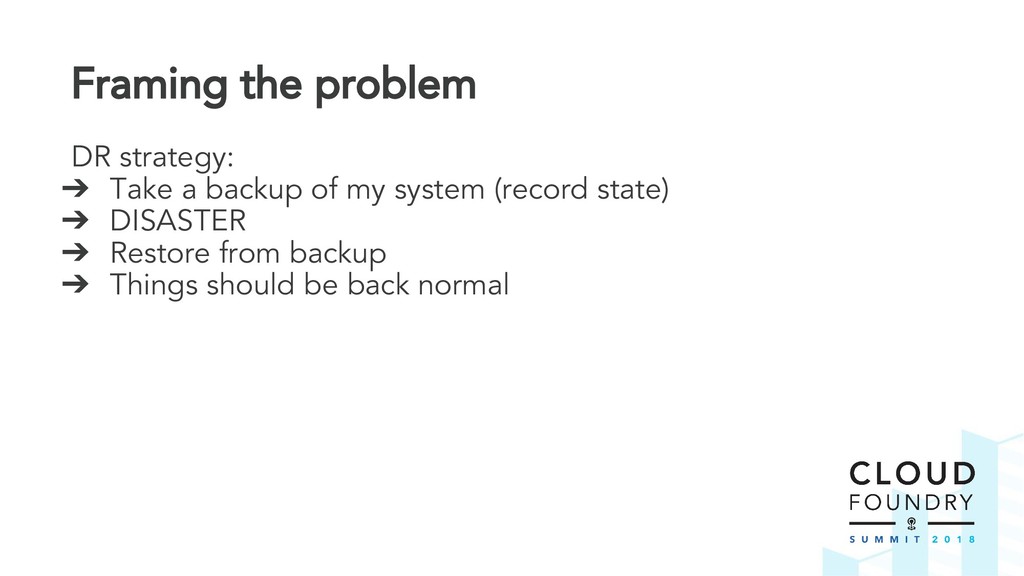
  7. Framing the problem DR strategy: ➔ Take a backup of

    my system (record state) ➔ DISASTER ➔ Restore from backup ➔ Things should be back normal
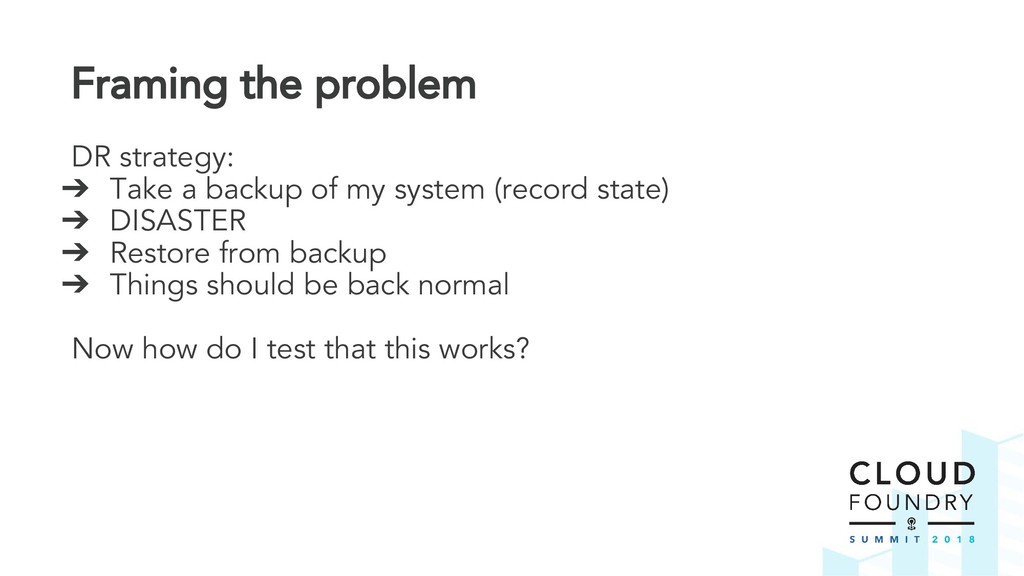
  8. Framing the problem DR strategy: ➔ Take a backup of

    my system (record state) ➔ DISASTER ➔ Restore from backup ➔ Things should be back normal Now how do I test that this works?
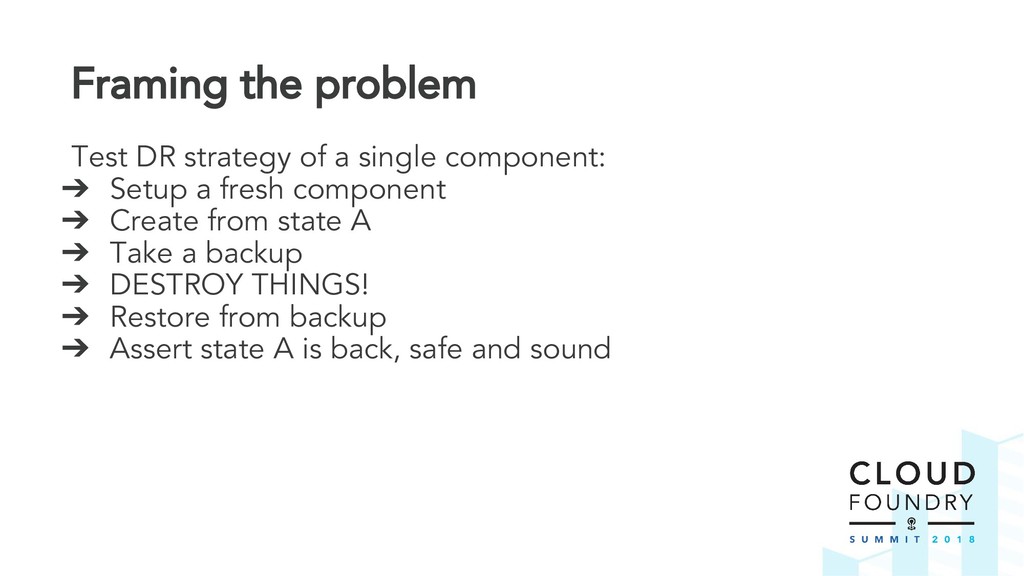
  9. Framing the problem Test DR strategy of a single component:

    ➔ Setup a fresh component ➔ Create from state A ➔ Take a backup ➔ DESTROY THINGS! ➔ Restore from backup ➔ Assert state A is back, safe and sound
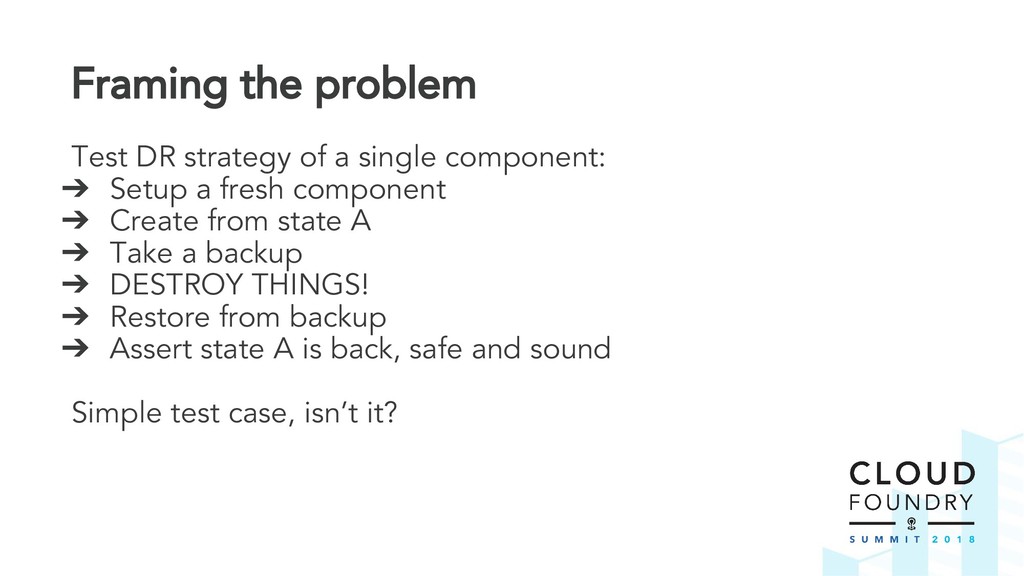
  10. Framing the problem Test DR strategy of a single component:

    ➔ Setup a fresh component ➔ Create from state A ➔ Take a backup ➔ DESTROY THINGS! ➔ Restore from backup ➔ Assert state A is back, safe and sound Simple test case, isn’t it?
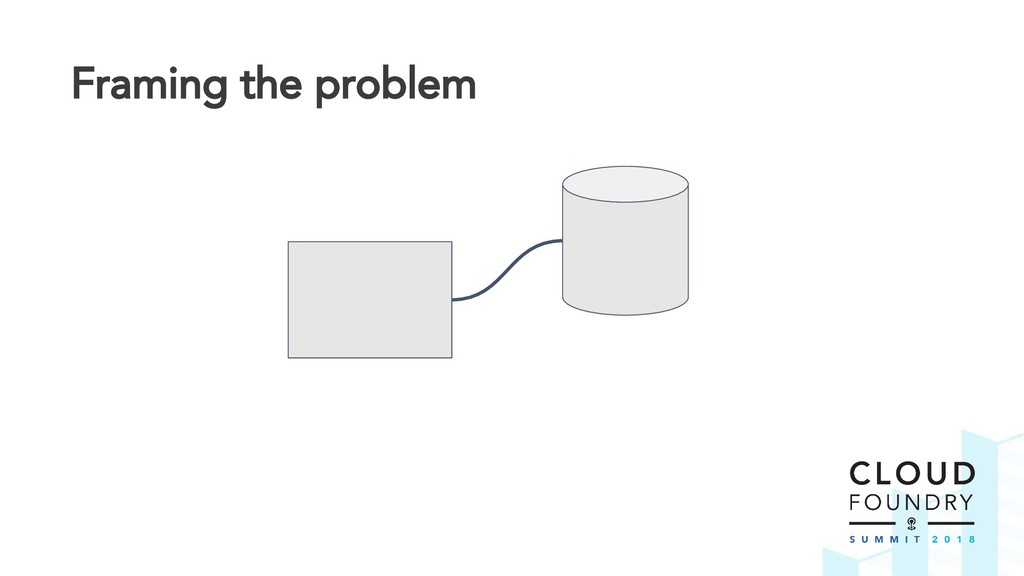
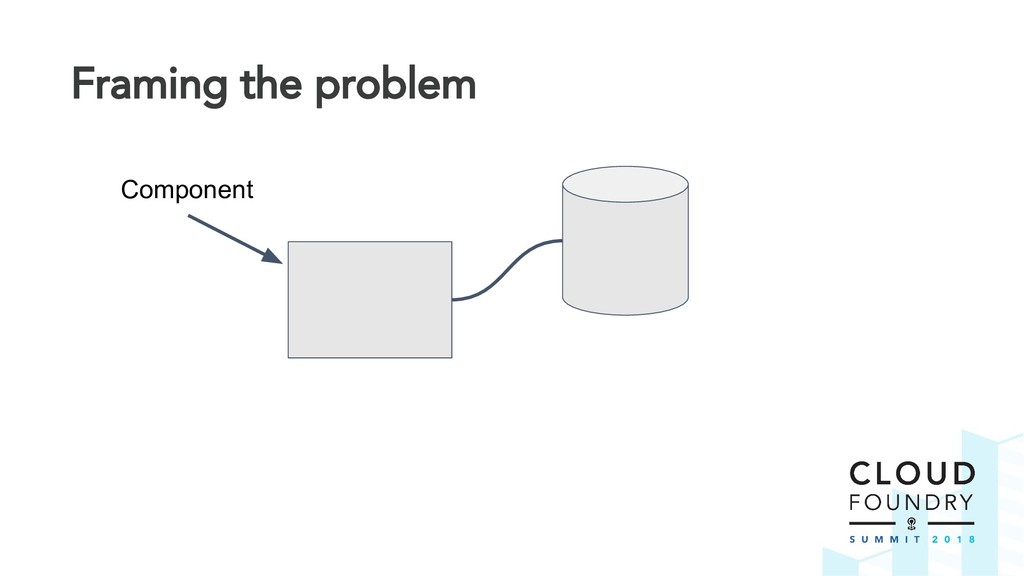
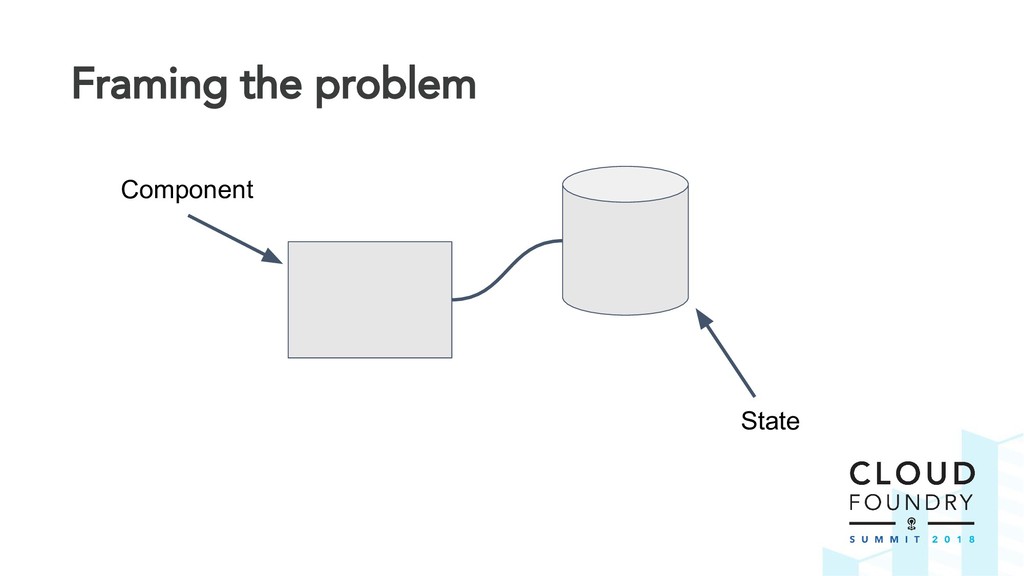
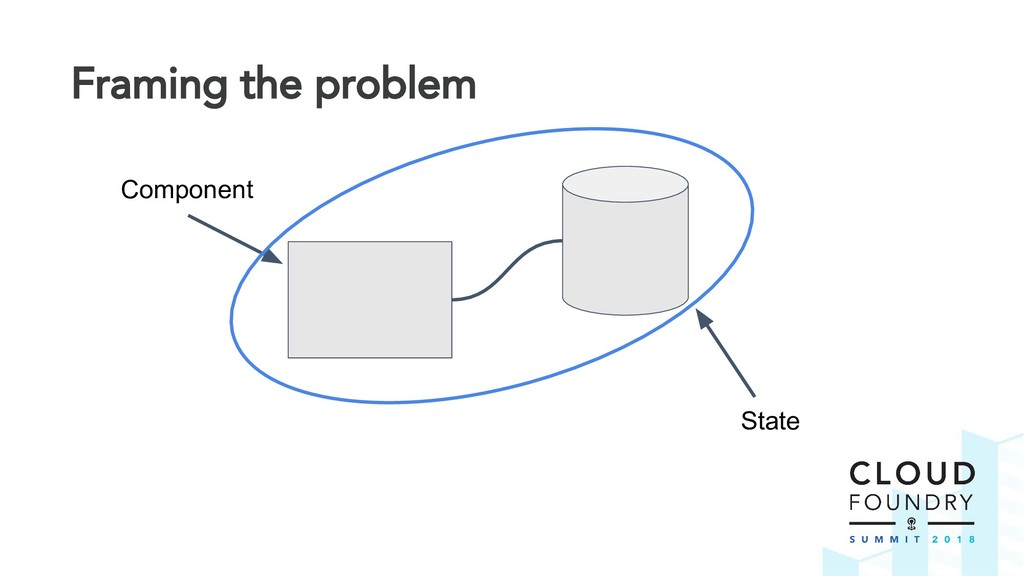
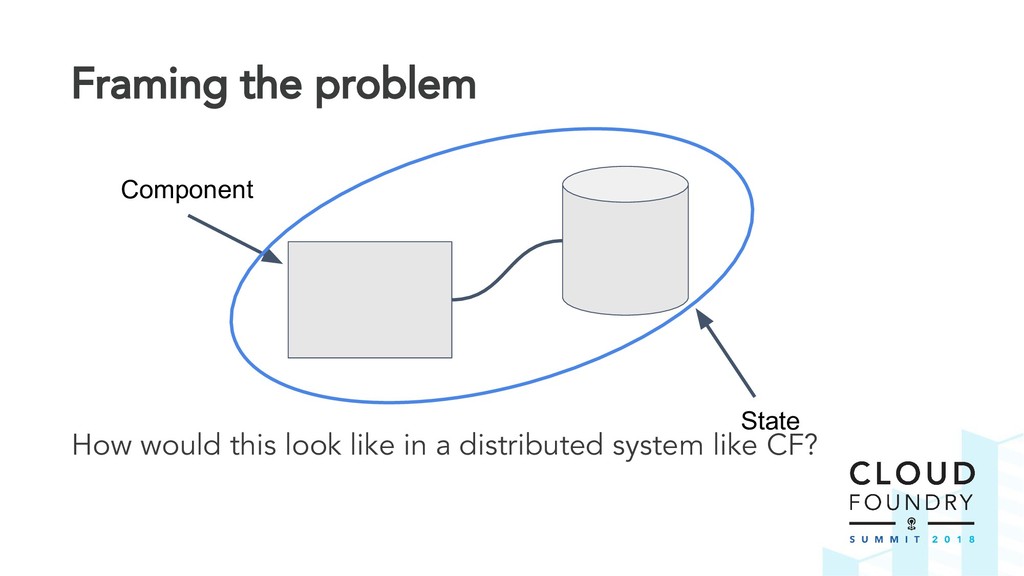
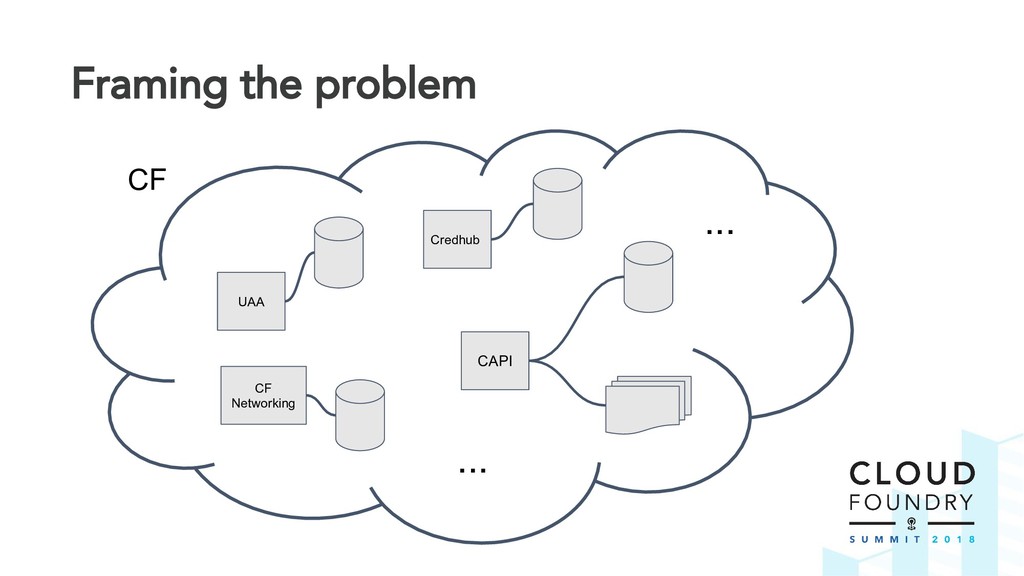
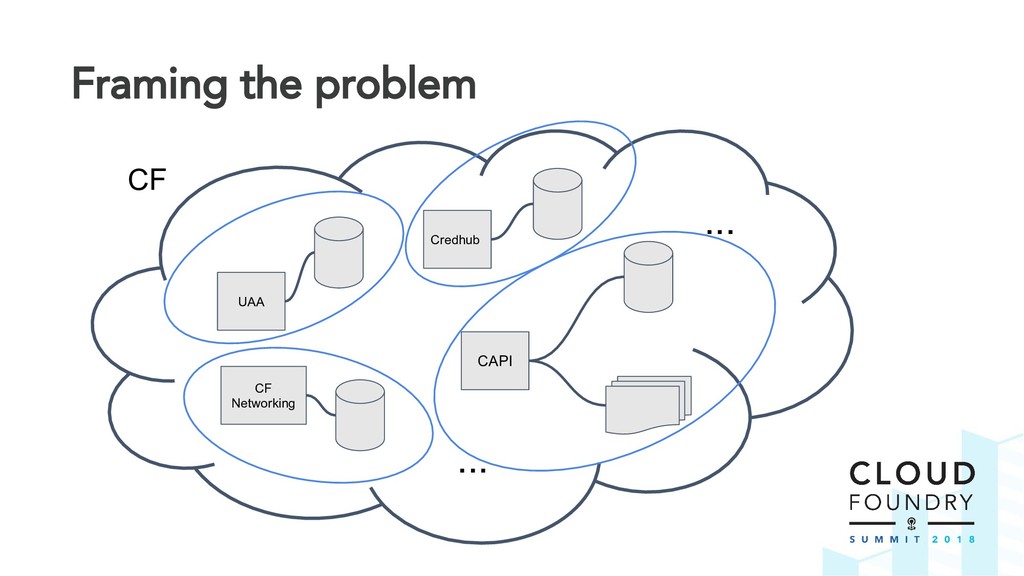
  11. Framing the problem How would this look like in a

    distributed system like CF? Component State
  12. Challenge Platform Recovery was given the challenge to deliver this

    feature across all the teams. - How to test DR on each system component? - How to test all the components as a single system? How do can we coordinate this across the teams?
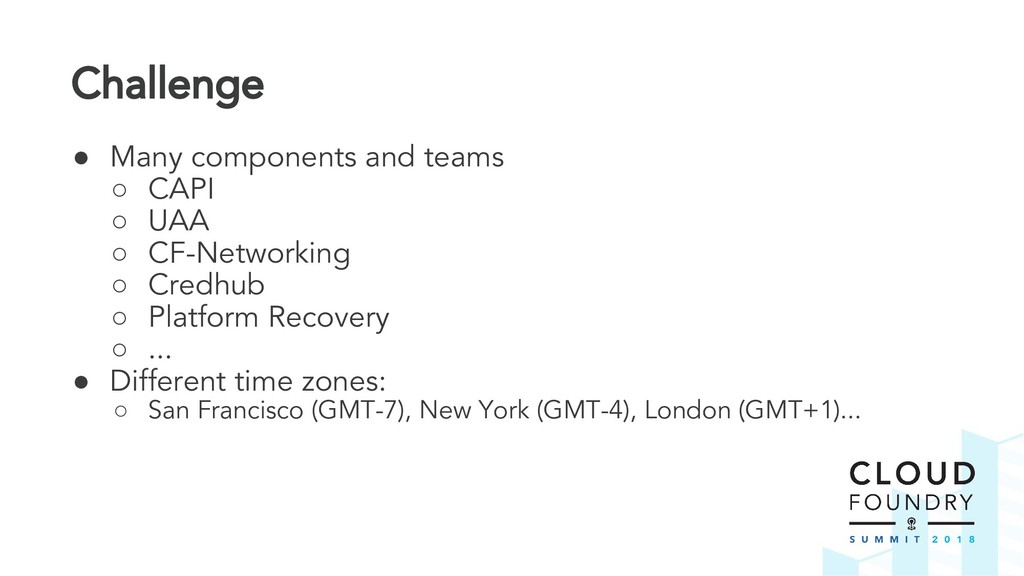
  13. Challenge • Many components and teams ◦ CAPI ◦ UAA

    ◦ CF-Networking ◦ Credhub ◦ Platform Recovery ◦ ... • Different time zones: ◦ San Francisco (GMT-7), New York (GMT-4), London (GMT+1)...
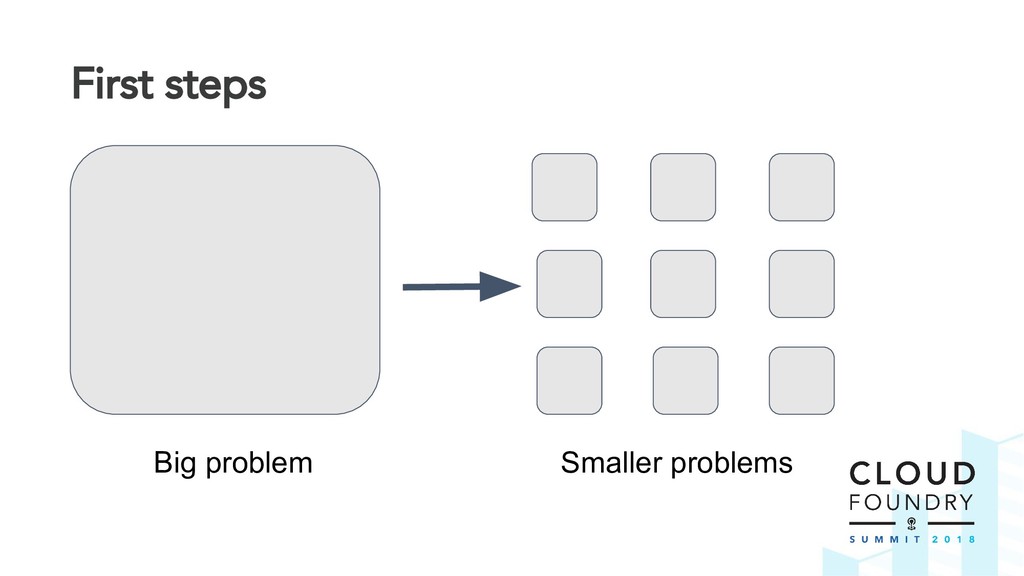
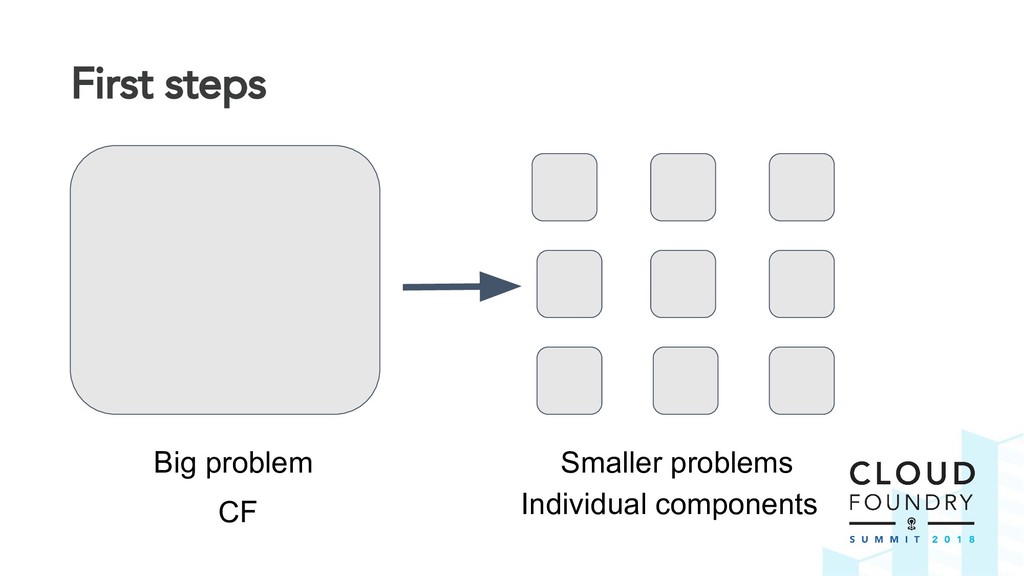
  14. First steps Break down the problem into smaller pieces -

    Each component will have its own testcase(s) Write first sample test cases
  15. First steps Test DR strategy of a single component: ➔

    Setup a fresh component ➔ Create from state A ➔ Take a backup ➔ DESTROY THINGS! ➔ Restore from backup ➔ Assert state A is back, safe and sound
  16. First steps What do we do with these test cases

    now? Implement a test suite which can run the test cases - A framework which orchestrates the lifecycle of DR tests (This is how DRATs came in life)
  17. Ownership We now have: - Test suite - Sample test

    cases It is time to: Divide and Conquer - Distributed system? Distribute ownership Each CF team: - Owns and develops the test cases for their component - Works independently
  18. Integration Things are now in motion DR test pieces are

    being developed CF teams are test driving their component’s DR strategy
  19. Integration Things are now in motion DR test pieces are

    being developed CF teams are test driving their component’s DR strategy But DR is not useful unless it works for the whole system!
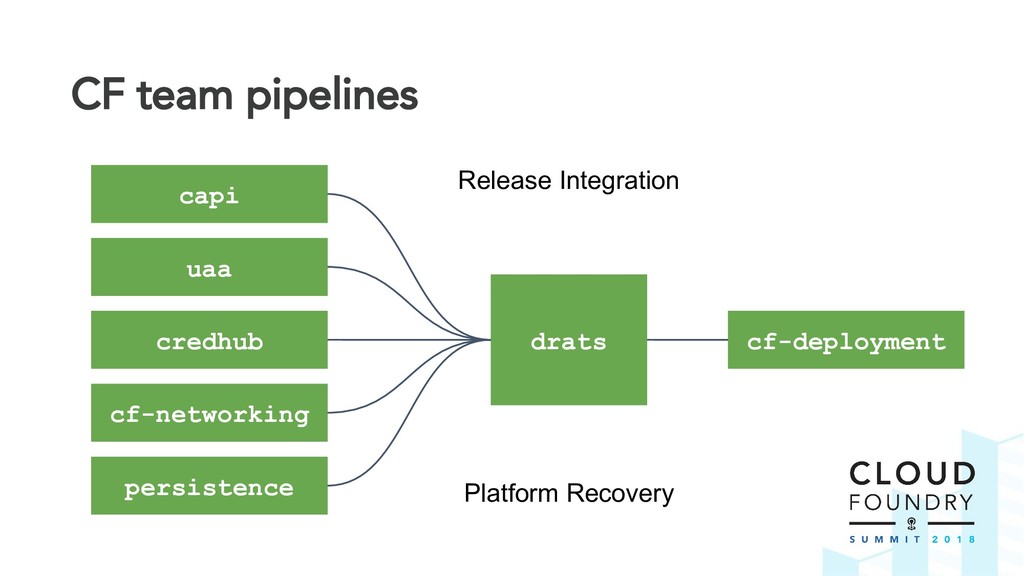
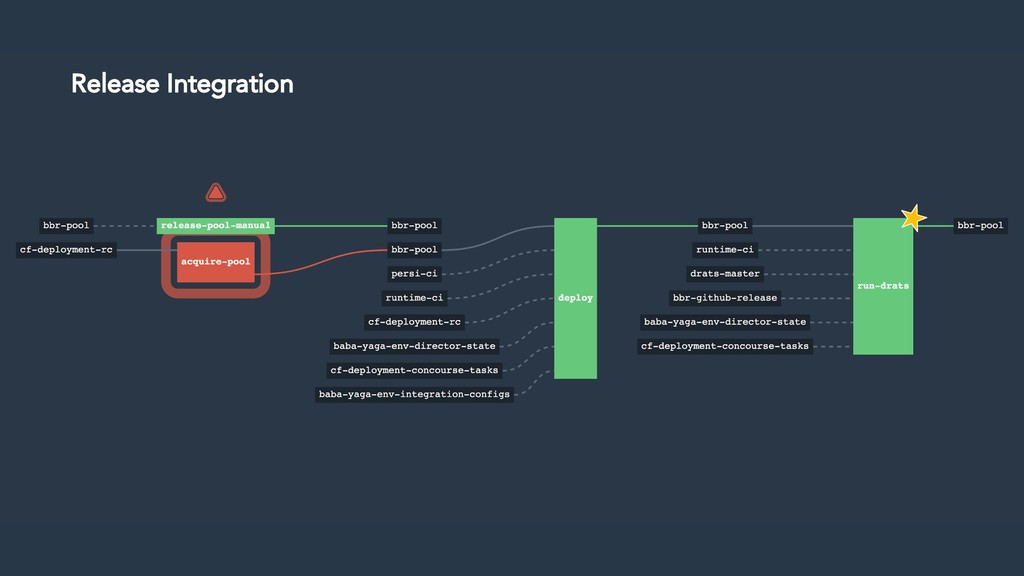
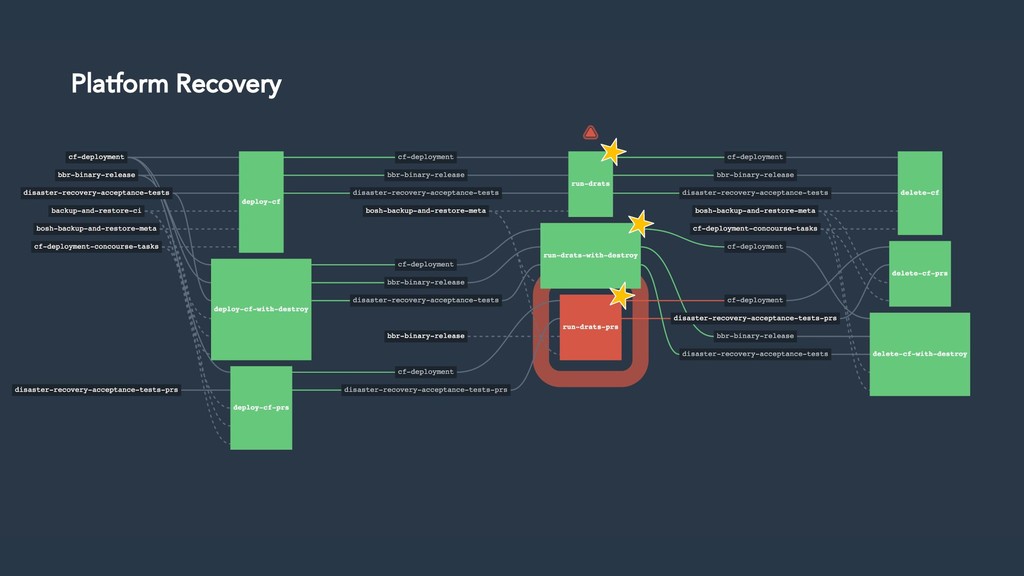
  20. Integration Integrate all the things together! - Gather all test

    cases from the teams in a common place - Run them all against a CF deployment using our test suite
  21. Integration Now we have a bunch of tests running as

    one Who should run these? - Platform Recovery team runs them all - We own and coordinate DR of the platform - Each CF team should run them to test their components’ DR - Release Integration team runs them before cutting a new cf-deployment
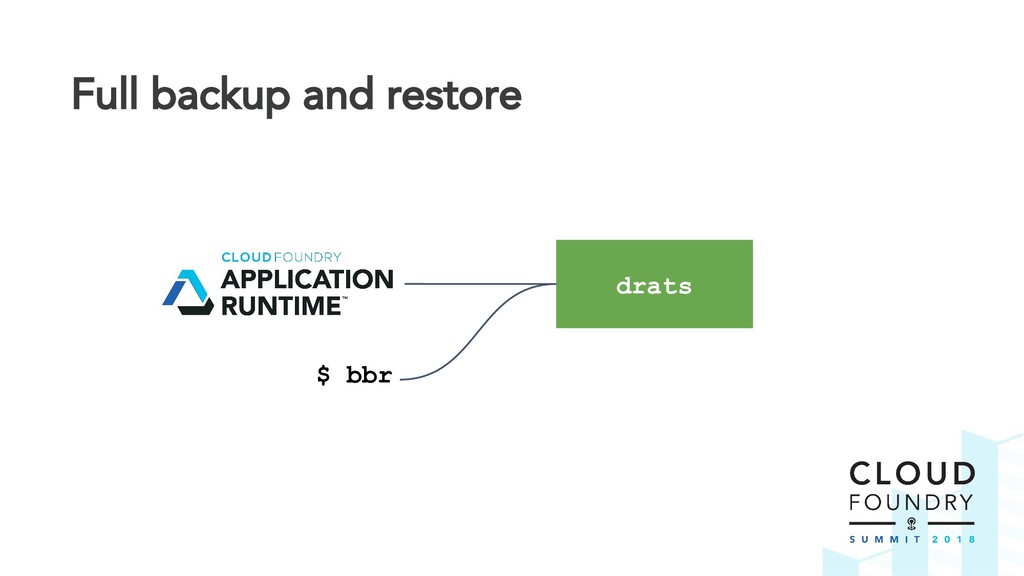
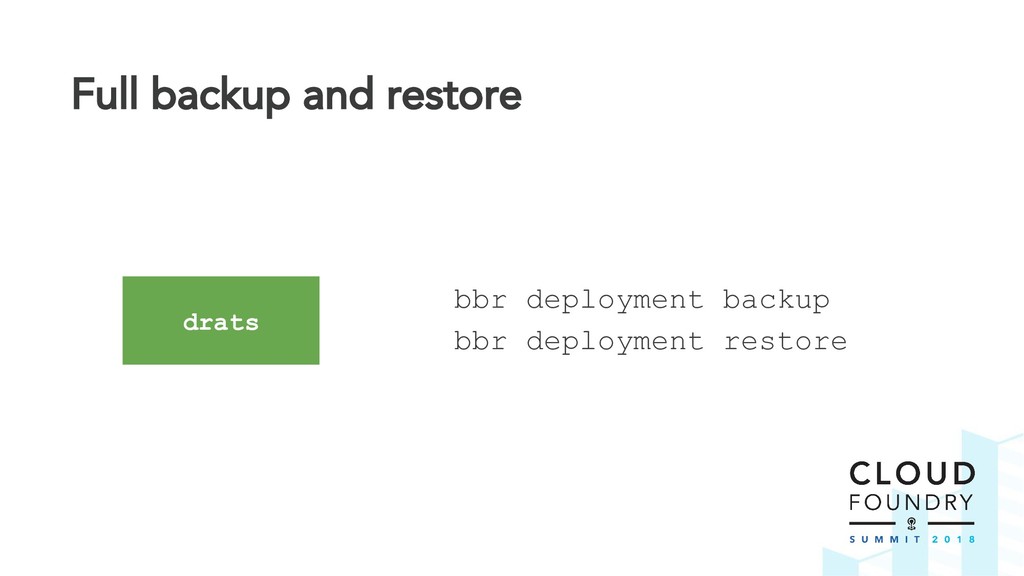
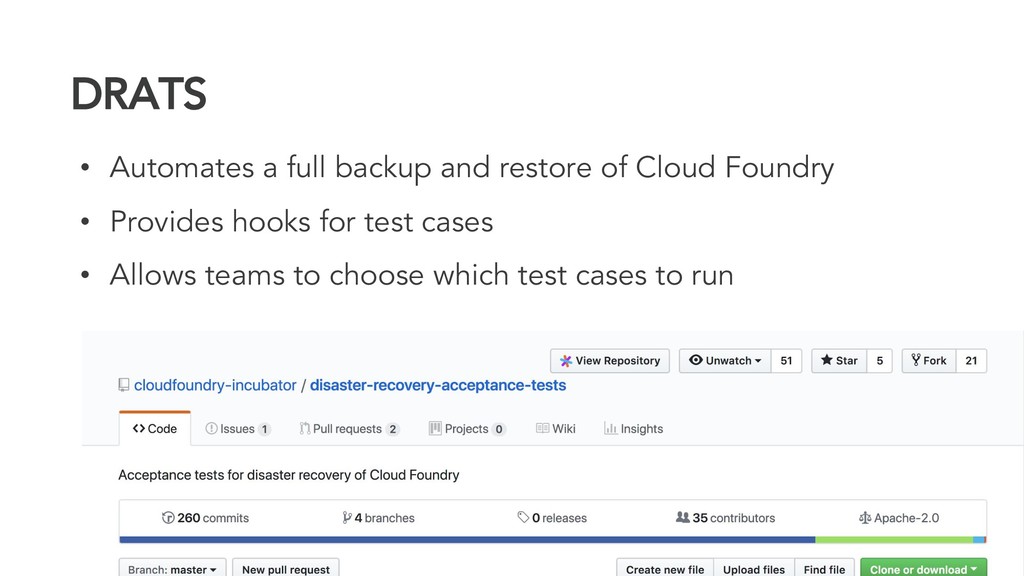
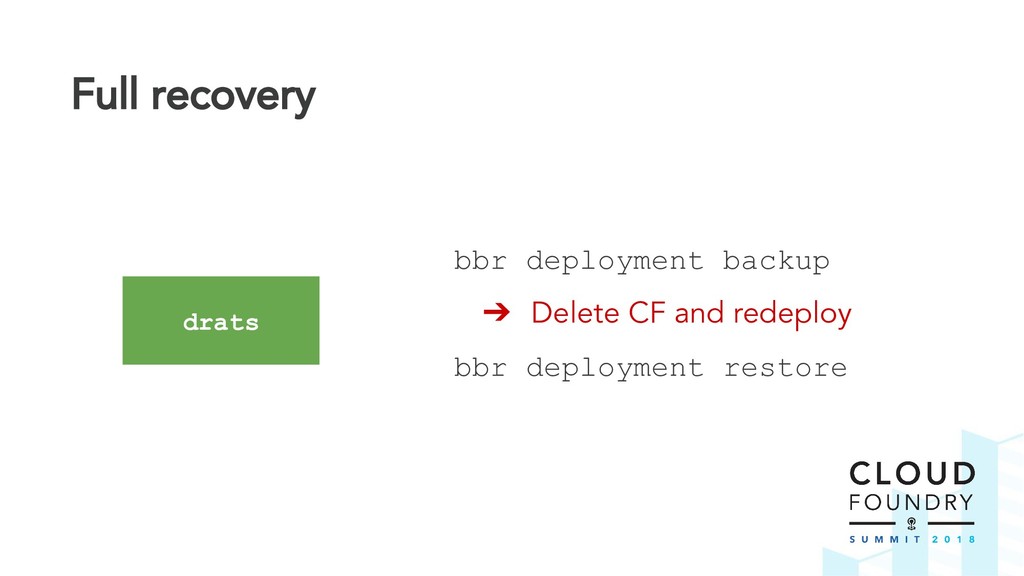
  22. DRATS • Automates a full backup and restore of Cloud

    Foundry • Provides hooks for test cases • Allows teams to choose which test cases to run
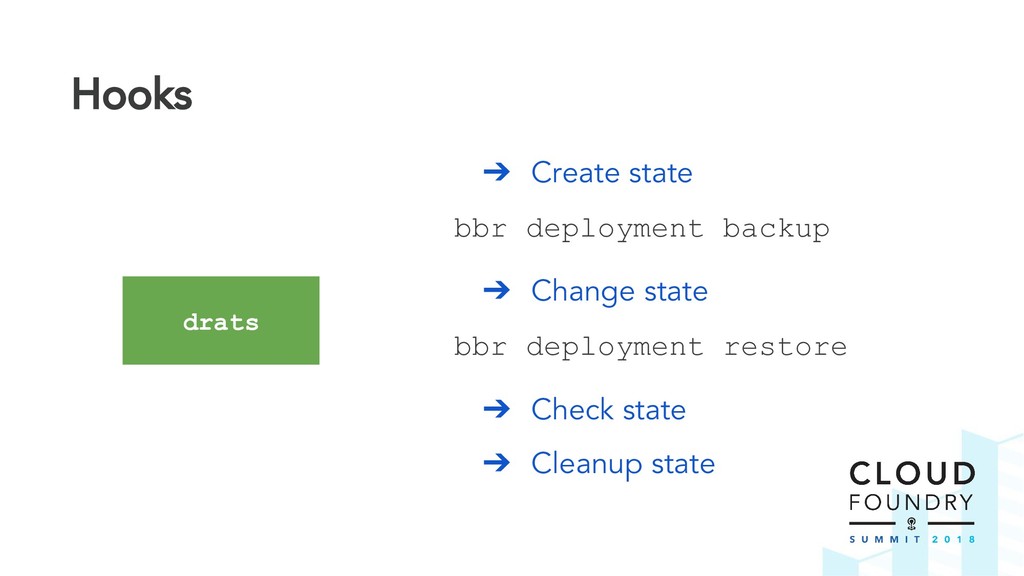
  23. Hooks ➔ Create state bbr deployment backup ➔ Change state

    bbr deployment restore ➔ Check state ➔ Cleanup state drats
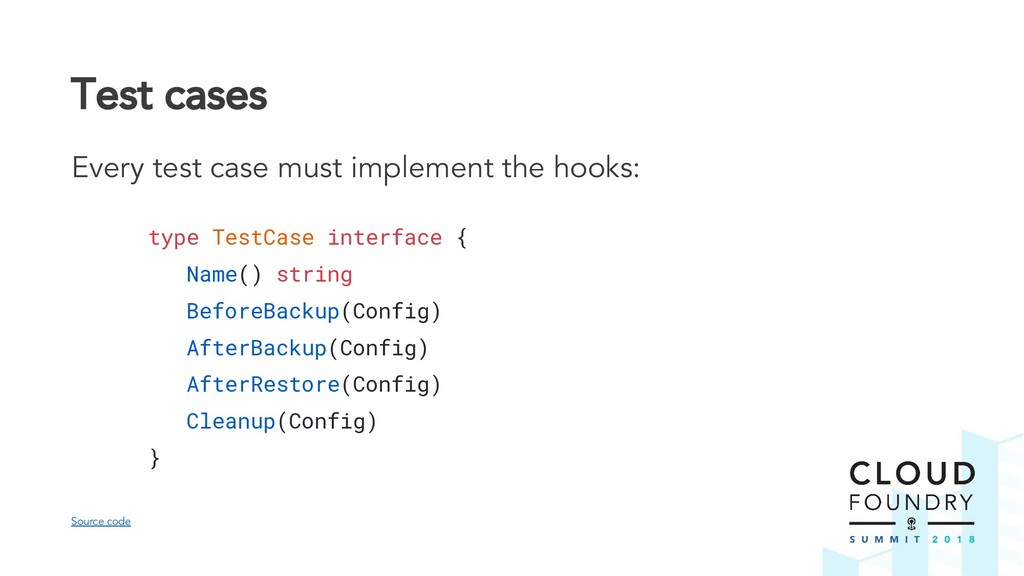
  24. Test cases Every test case must implement the hooks: type

    TestCase interface { Name() string BeforeBackup(Config) AfterBackup(Config) AfterRestore(Config) Cleanup(Config) } Source code
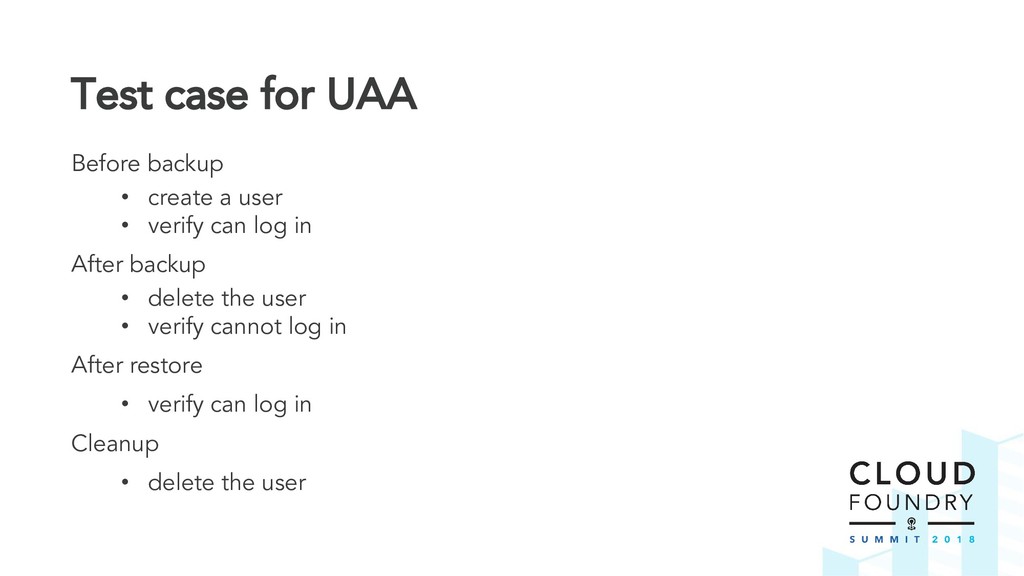
  25. Test case for UAA Before backup • create a user

    • verify can log in After backup • delete the user • verify cannot log in After restore • verify can log in Cleanup • delete the user
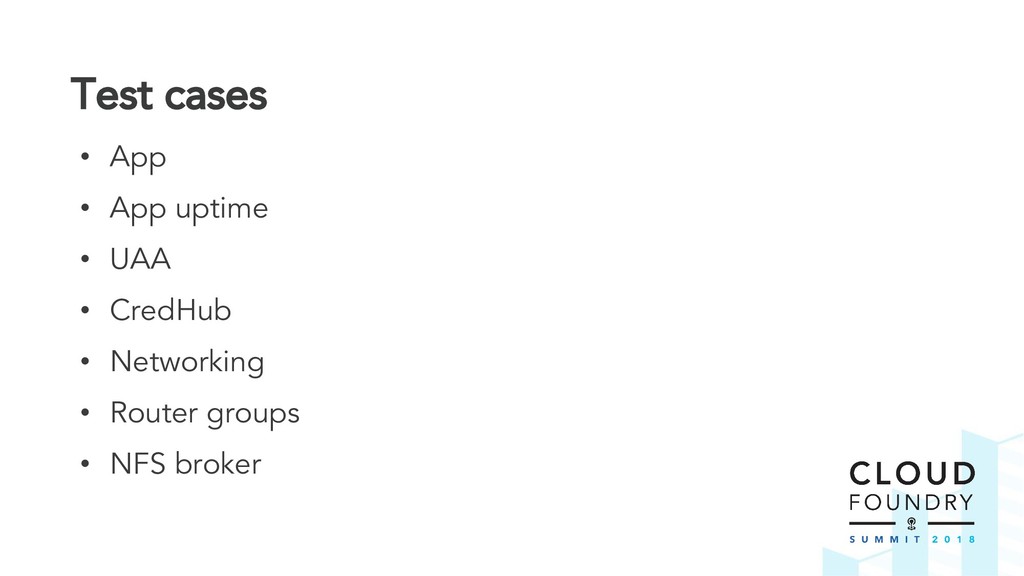
  26. Test cases • App • App uptime • UAA •

    CredHub • Networking • Router groups • NFS broker
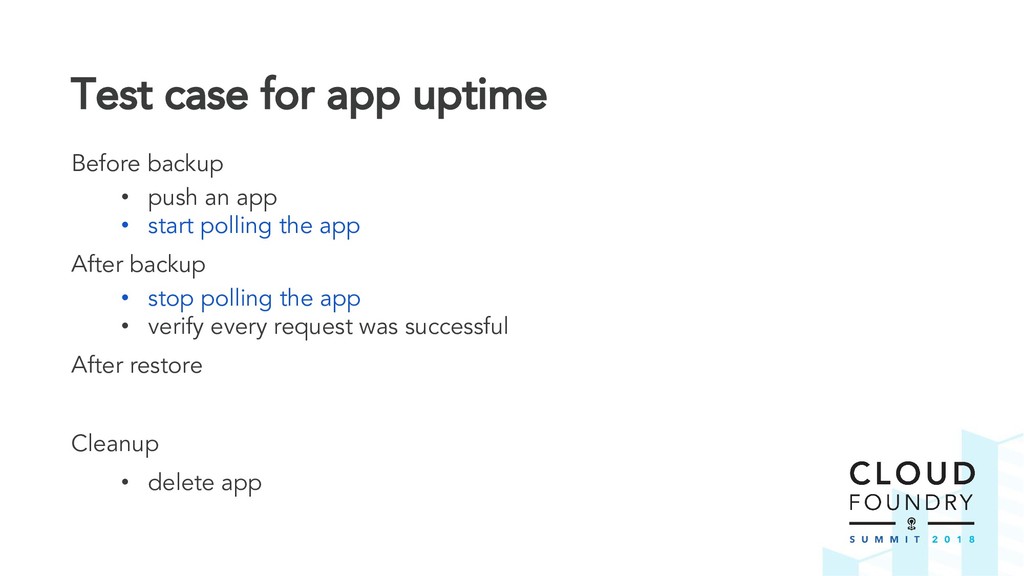
  27. Test case for app uptime Before backup • push an

    app • start polling the app After backup • stop polling the app • verify every request was successful After restore Cleanup • delete app
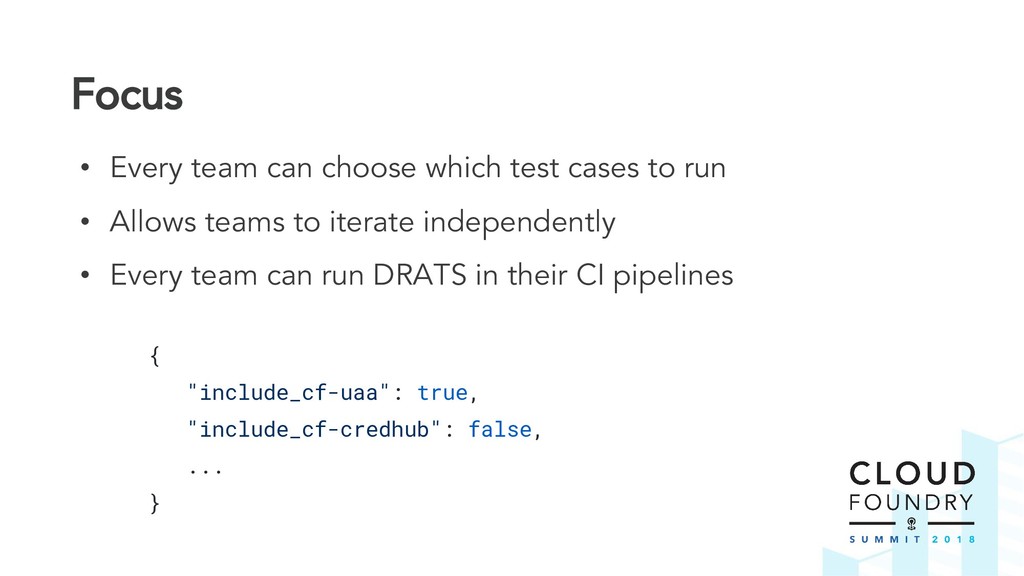
  28. Focus • Every team can choose which test cases to

    run • Allows teams to iterate independently • Every team can run DRATS in their CI pipelines { "include_cf-uaa": true, "include_cf-credhub": false, ... }
  29. Shared CI Tasks • All CF teams use Concourse CI

    (thankfully!) • Pipelines change often • Tasks are more stable
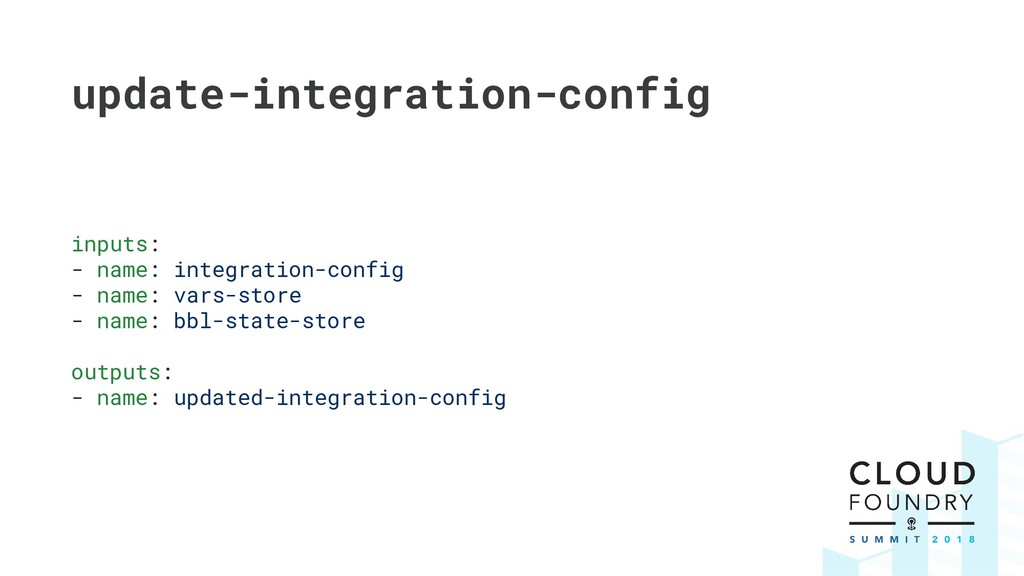
  30. update-integration-config inputs: - name: integration-config - name: vars-store - name:

    bbl-state-store outputs: - name: updated-integration-config
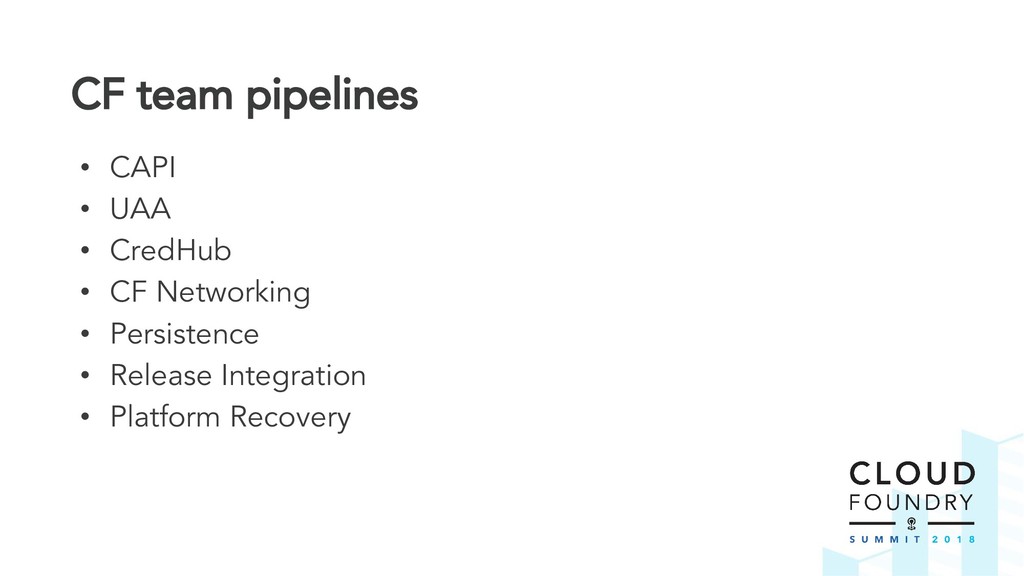
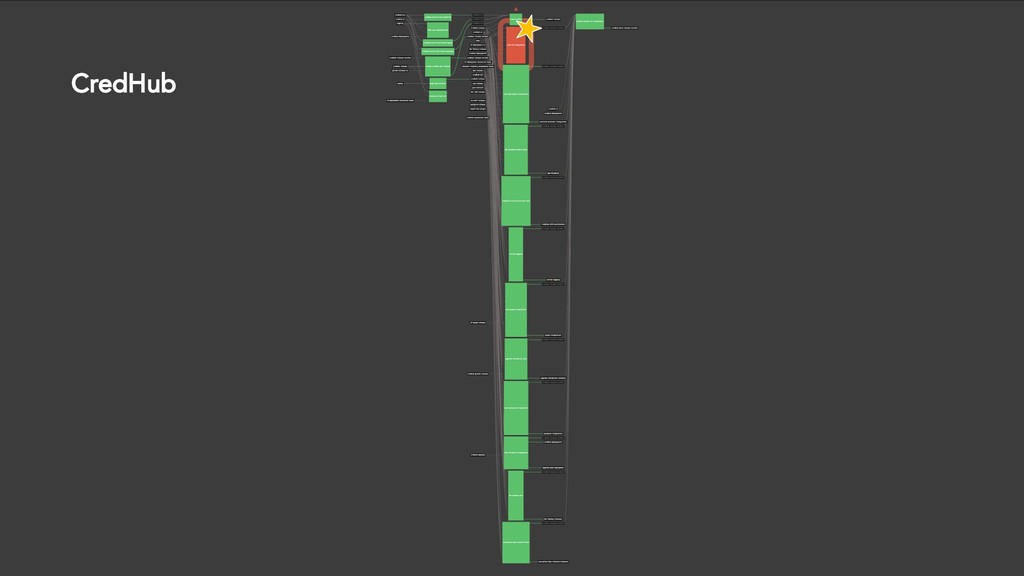
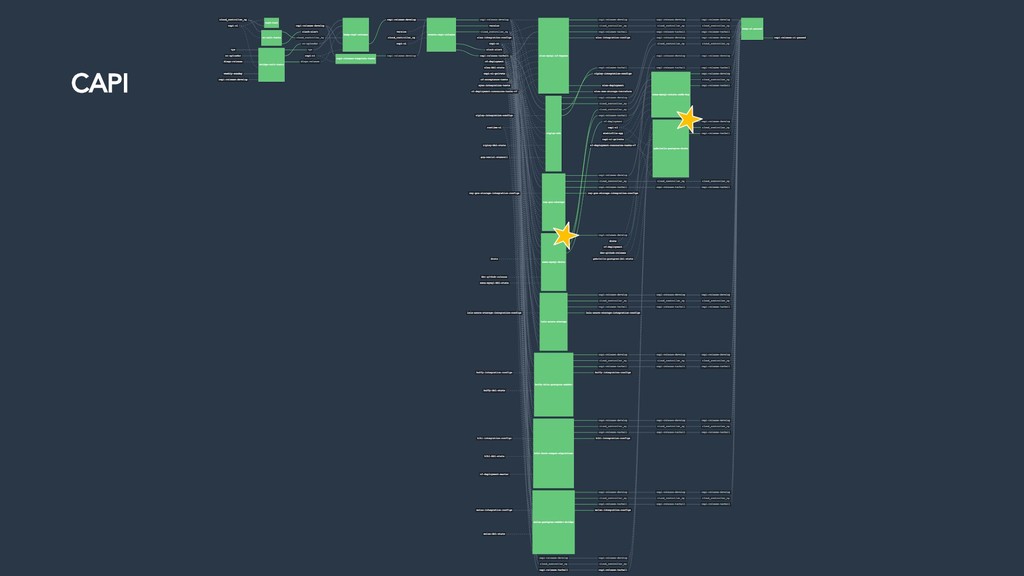
  31. CF team pipelines • CAPI • UAA • CredHub •

    CF Networking • Persistence • Release Integration • Platform Recovery
  32. Core components • DRATS maintained by Platform Recovery team •

    Core CF teams submit pull requests • Support multiple versions e.g. Credhub v1 & v2
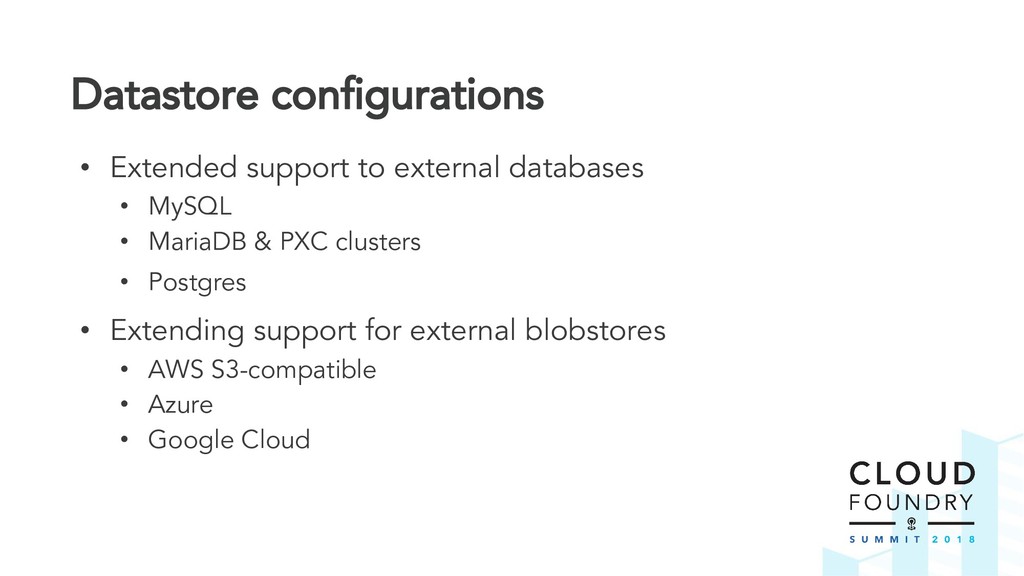
  33. Datastore configurations • Extended support to external databases • MySQL

    • MariaDB & PXC clusters • Postgres • Extending support for external blobstores • AWS S3-compatible • Azure • Google Cloud
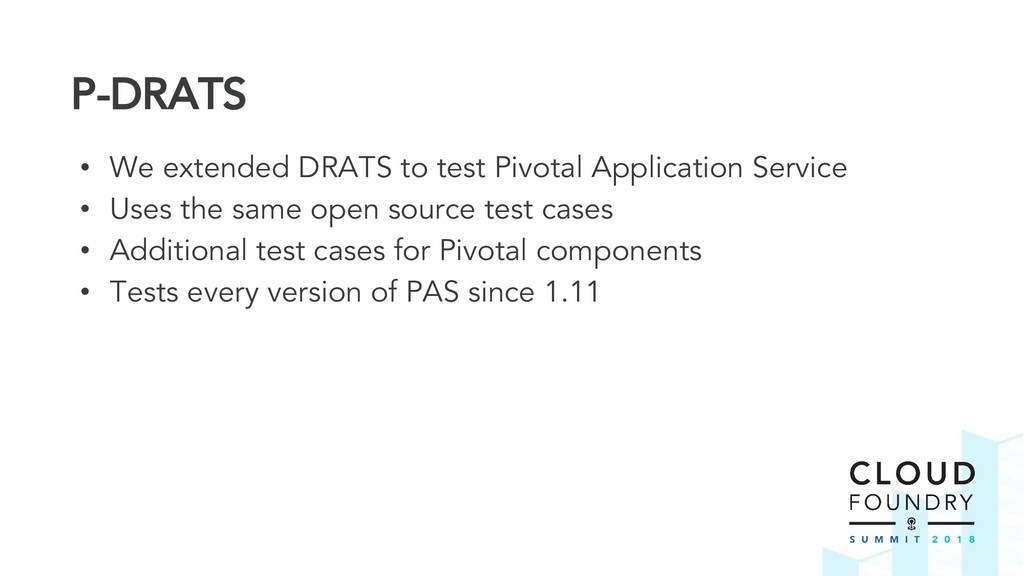
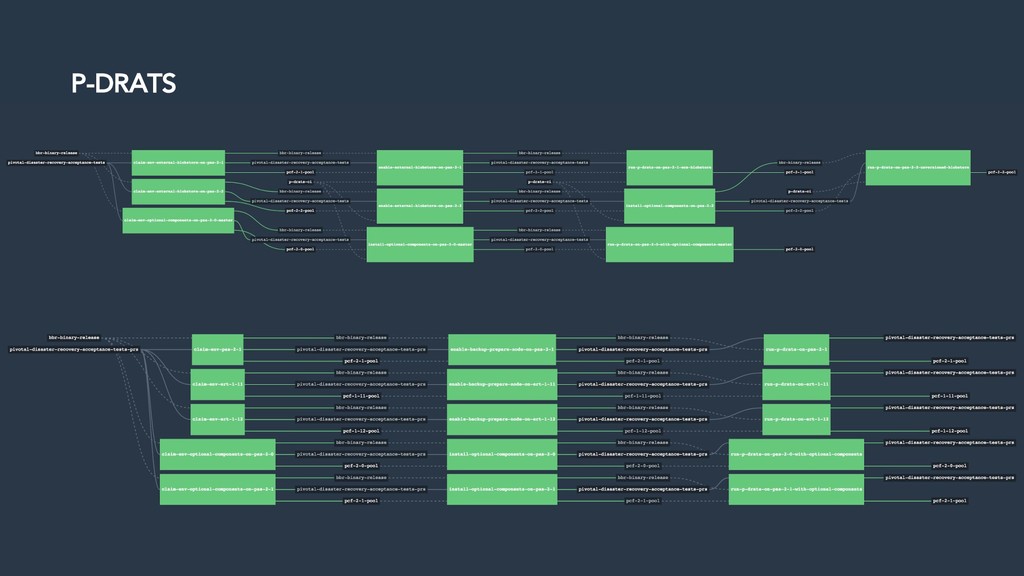
  34. P-DRATS • We extended DRATS to test Pivotal Application Service

    • Uses the same open source test cases • Additional test cases for Pivotal components • Tests every version of PAS since 1.11
  35. Agenda • Disaster Recovery • First steps • Ownership and

    Integration • DRATs • Shared CI Tasks • Ongoing development • What’s next?
  36. Thank you for listening! Emmanouil Kiagias & Josh Hill Platform

    Recovery, Pivotal #bbr on Cloud Foundry Slack