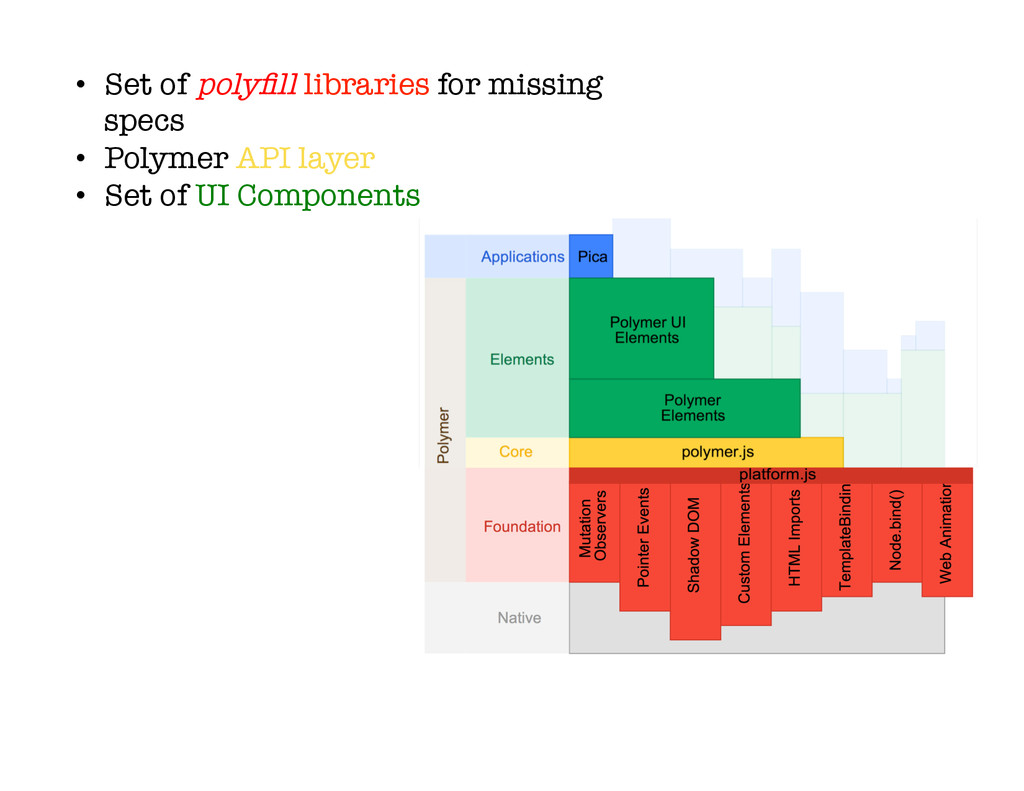
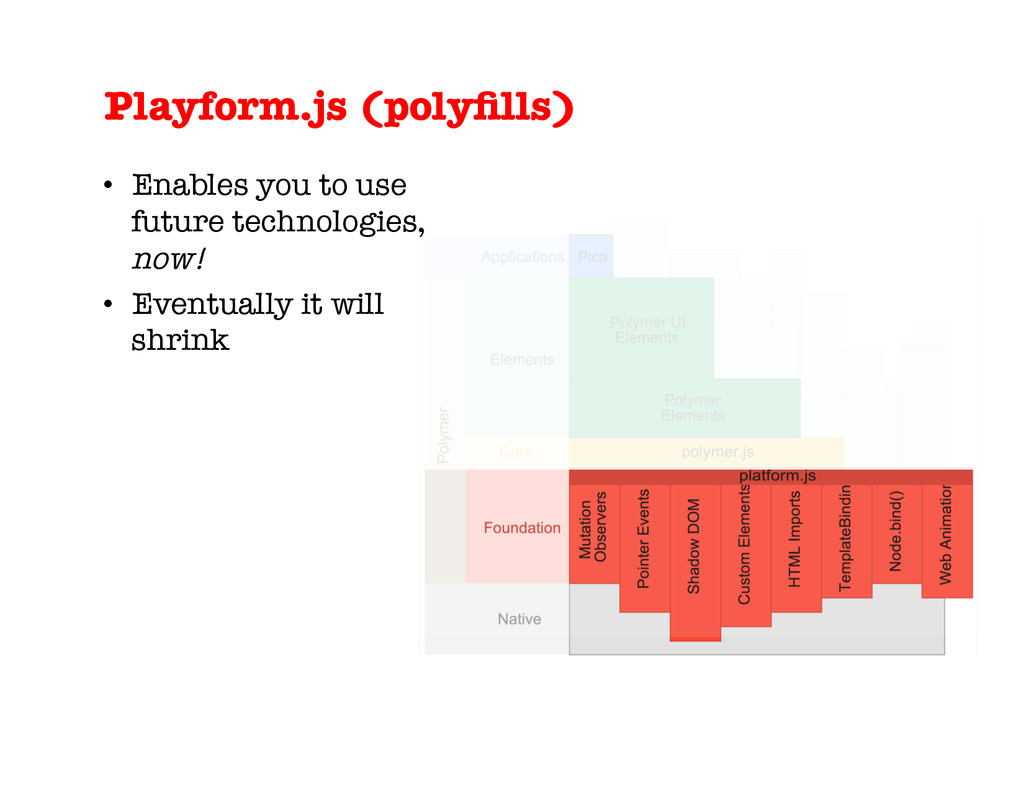
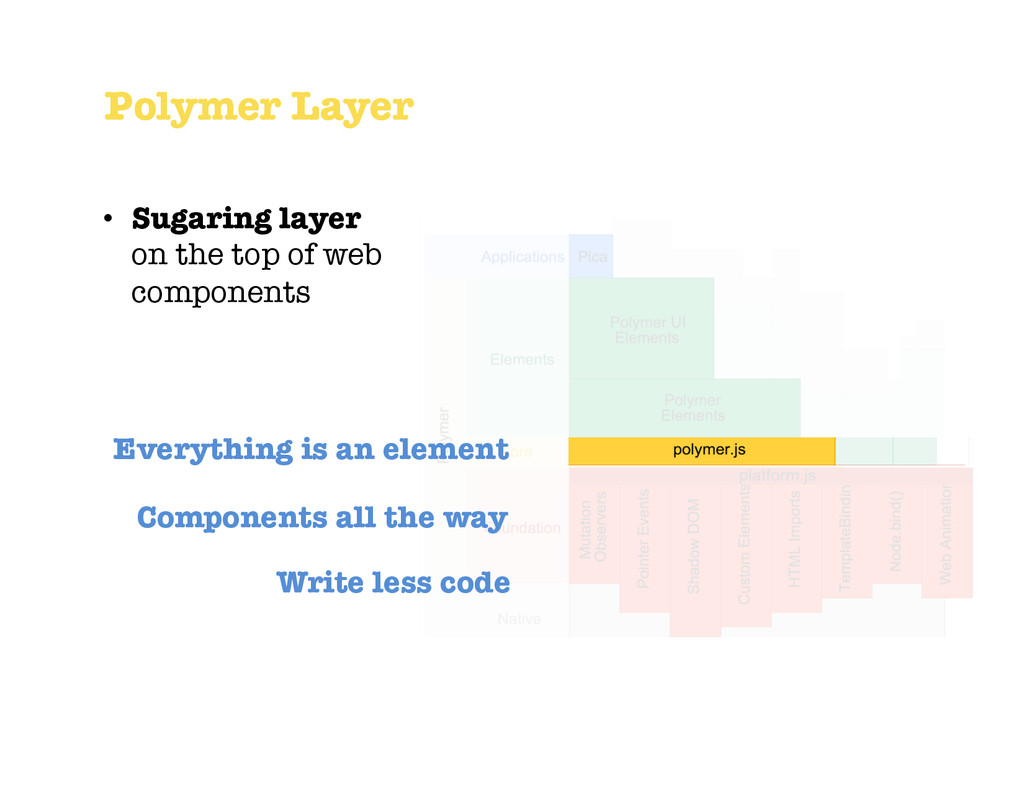
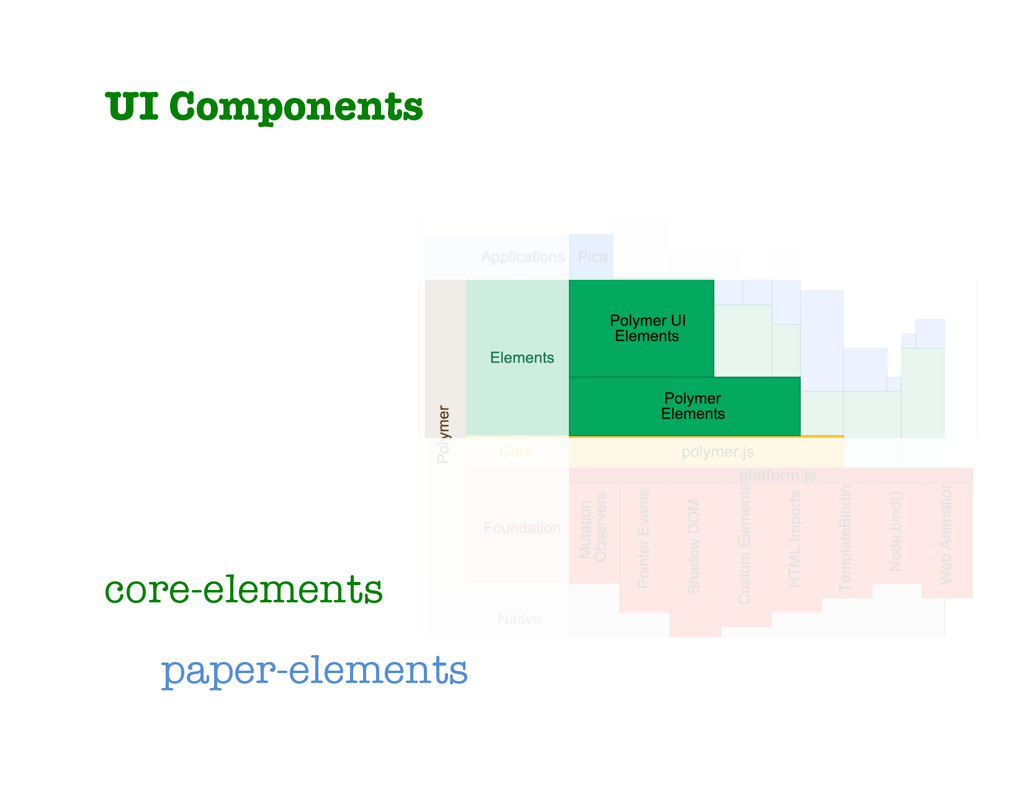
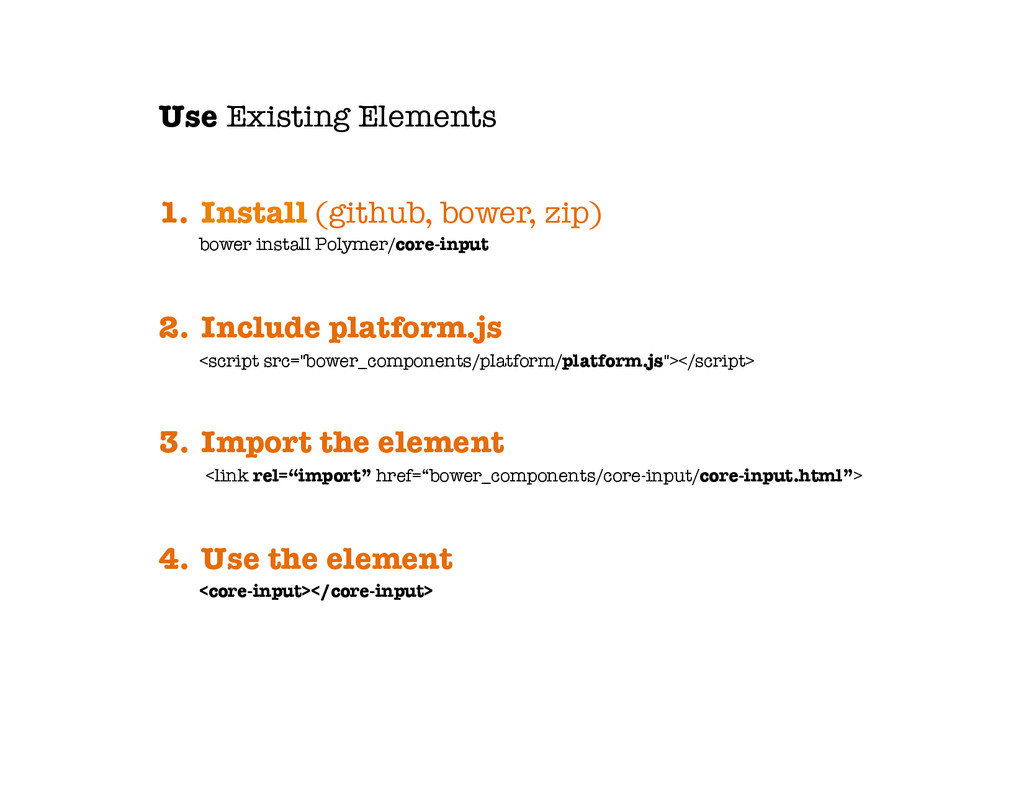
platform.js <script src="bower_components/platform/platform.js"></script> 3. Import the element <link rel=“import” href=“bower_components/core-input/core-input.html”> 4. Use the element <core-input></core-input> Use Existing Elements
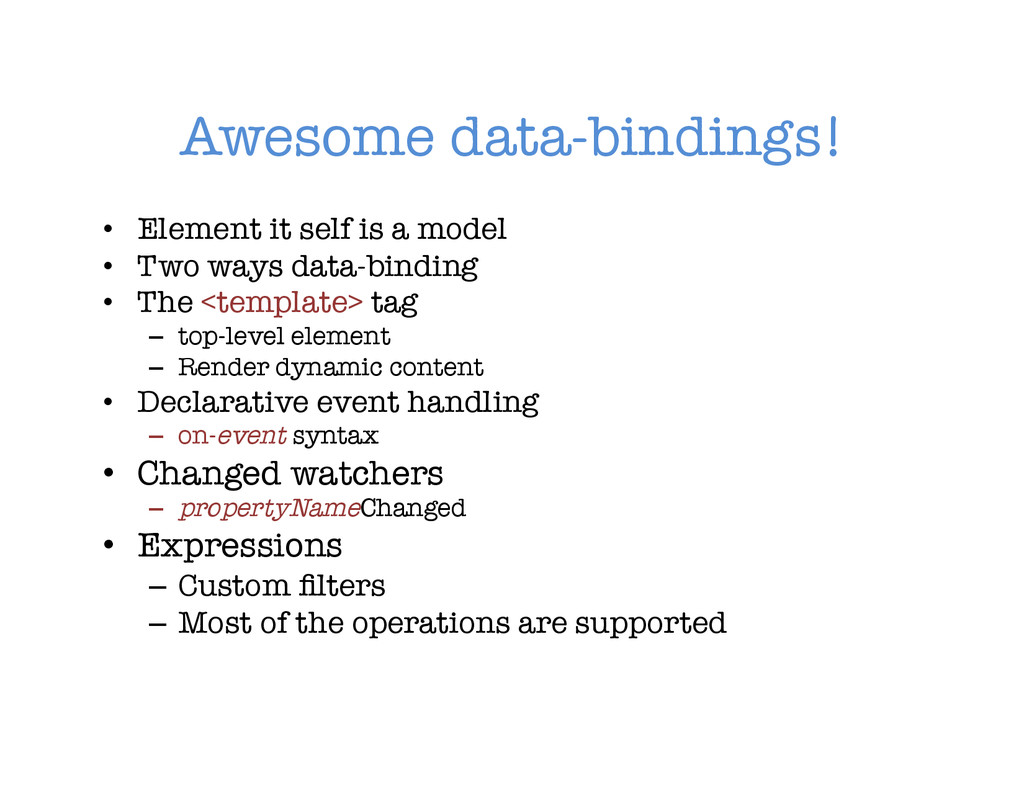
• Two ways data-binding • The <template> tag – top-level element – Render dynamic content • Declarative event handling – on-event syntax • Changed watchers – propertyNameChanged • Expressions – Custom filters – Most of the operations are supported
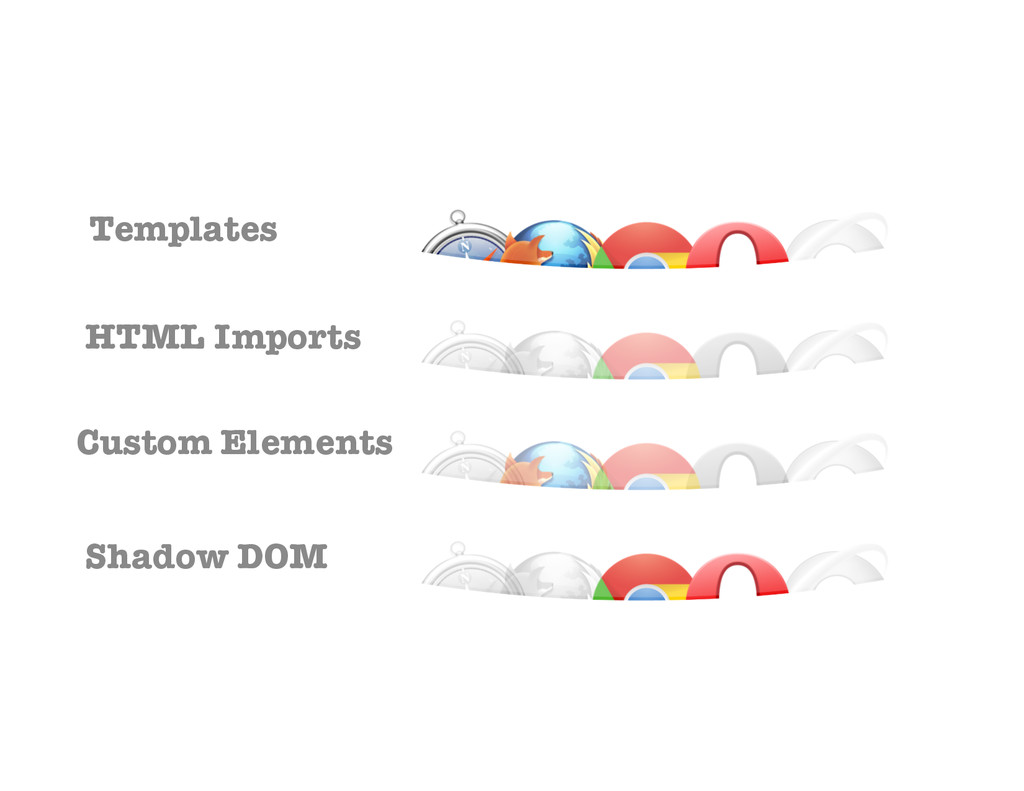
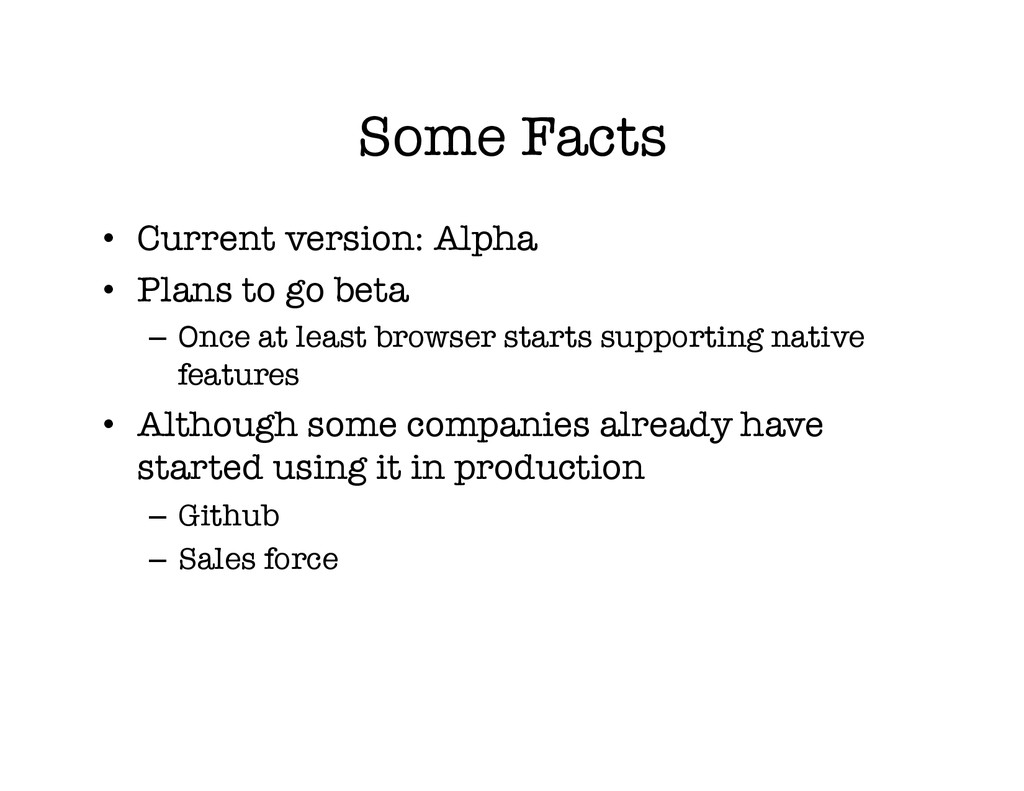
beta – Once at least browser starts supporting native features • Although some companies already have started using it in production – Github – Sales force


 akihisaikeda
 kmars0605
 taiseiue
 jame2408
 eed3si9n
 colorful12
 timakin
 kaityo256
 hschwentner
 syumai
 clockmaker
 kishida
 quramy
 aleyda
 takai
takai
 vanstee
 reverentgeek
 lara
lara
 tomoyanonymous
 hatefulcrawdad
 denniskardys
 marktimemedia
 techseoconnect
 3n
3n