Upgrade to Pro — share decks privately, control downloads, hide ads and more …

DIY Accessibility

DIY Accessibility

Presentation at the 2018 Esri Developer Summit

Avatar for Tao Zhang

Tao Zhang

April 06, 2018

More Decks by Tao Zhang

Other Decks in Technology

Transcript

  1. What is accessibility? • Make content usable by as many

    people as possible • About 15% of world population lives with some form of disability: 1 billion people • In the US, 1 in 5 adults has a disability • Disabilities could be temporary or situational
  2. Why is accessibility important? • People with disabilities deserve equal

    rights • The ADA and Section 508 • Accessible interface is about good design and coding practice • Good accessibility is good user experience
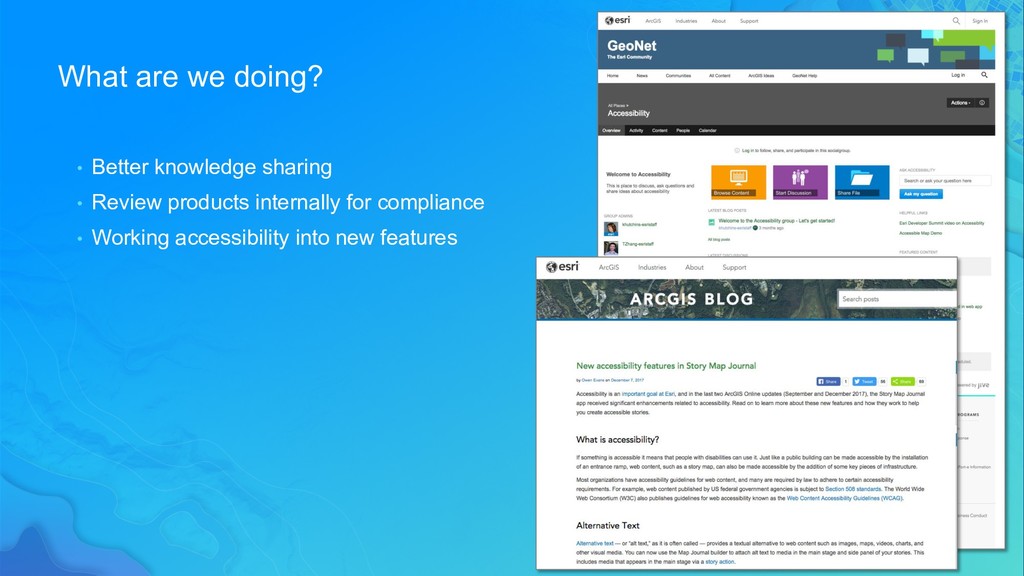
  3. What are we doing? • Better knowledge sharing • Review

    products internally for compliance • Working accessibility into new features
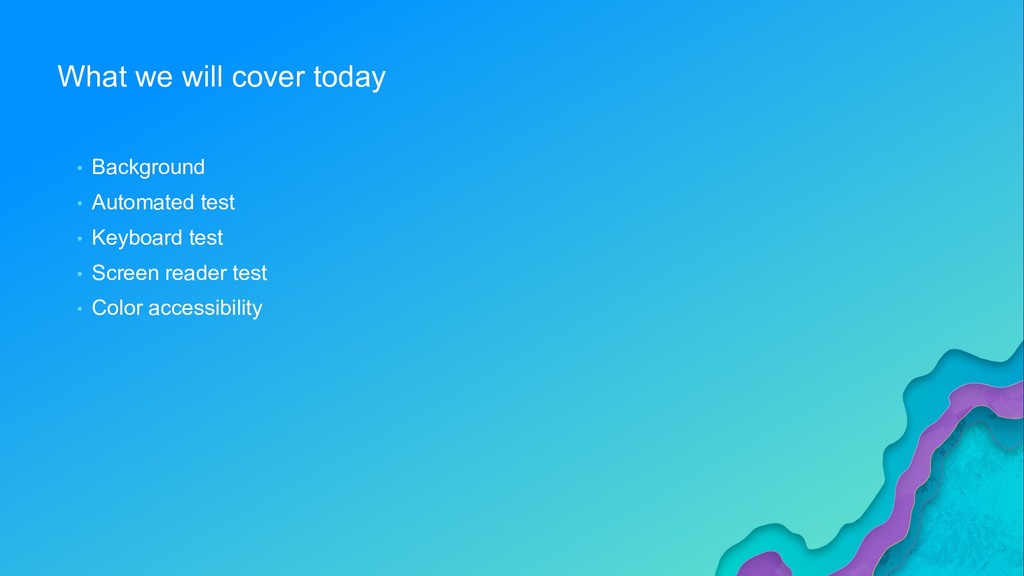
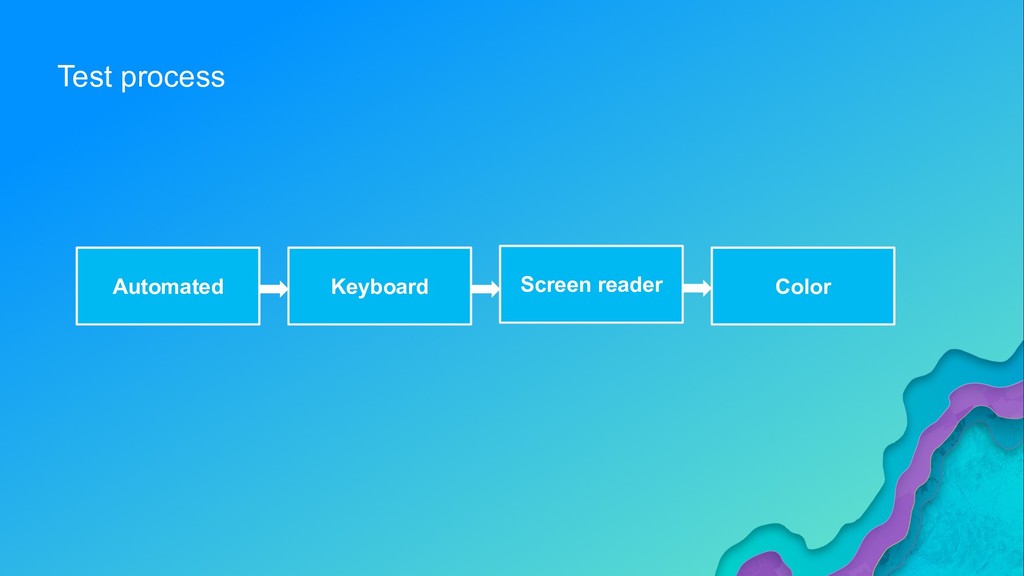
  4. What we will cover today • Background • Automated test

    • Keyboard test • Screen reader test • Color accessibility
  5. Why accessibility testing? • Accessibility is about the experience of

    all users. • Testing is the only way to ensure the experience is accessible.
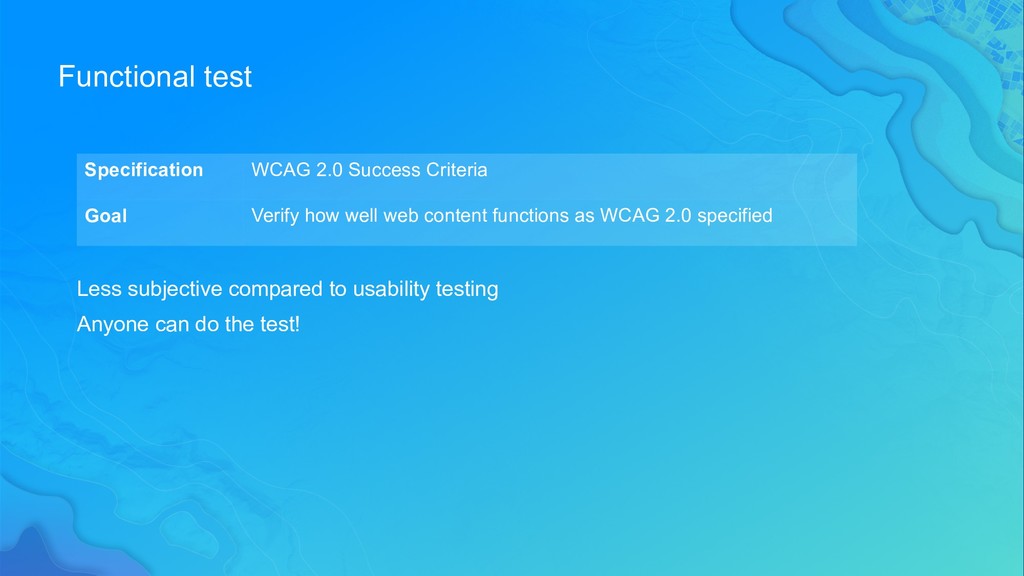
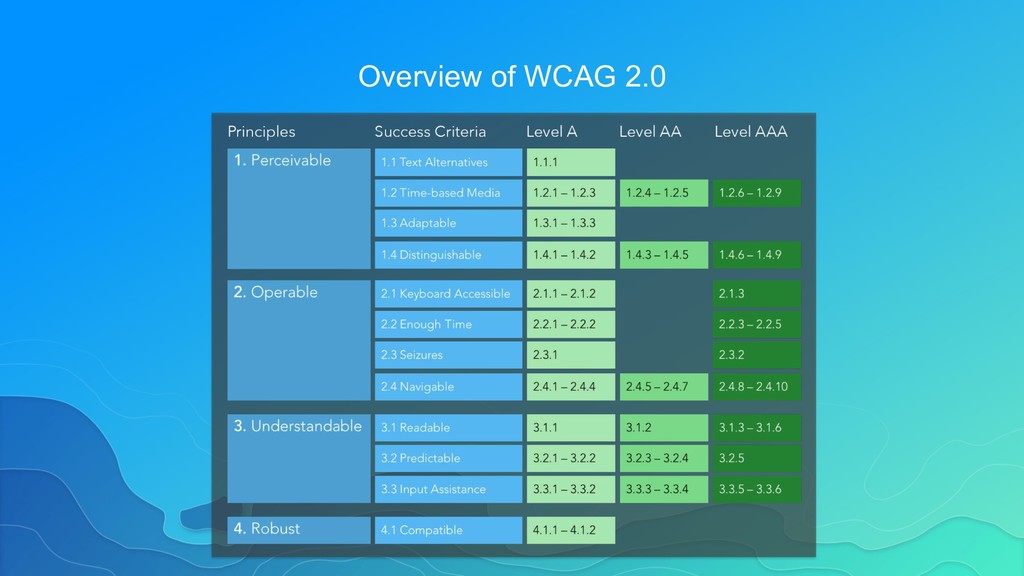
  6. Functional test Less subjective compared to usability testing Anyone can

    do the test! Specification WCAG 2.0 Success Criteria Goal Verify how well web content functions as WCAG 2.0 specified
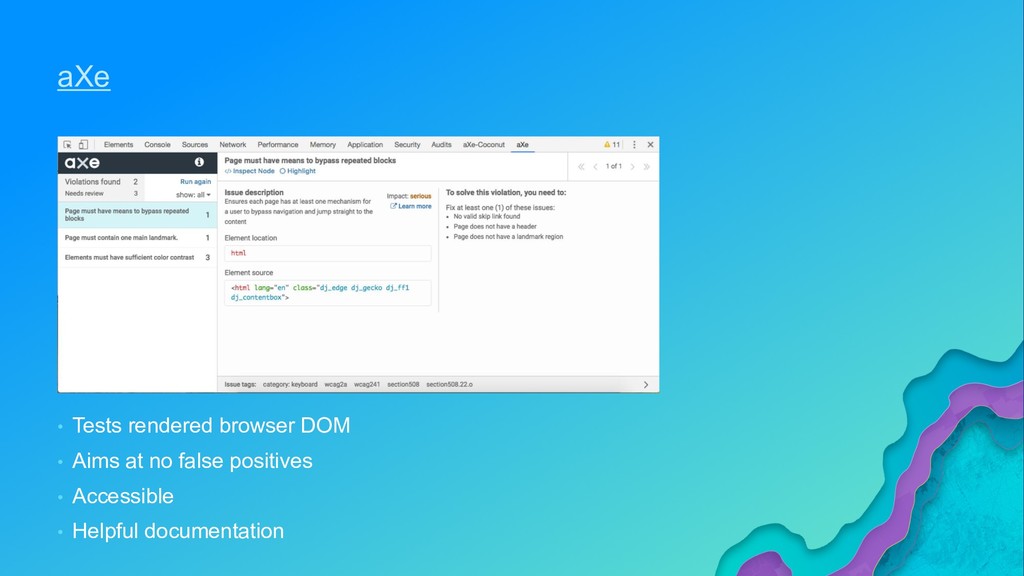
  7. aXe • Tests rendered browser DOM • Aims at no

    false positives • Accessible • Helpful documentation
  8. Automated test • No automated test tools can definitely prove

    conformance with any given WCAG Success Criterion. • Automated test is good starting point but cannot detect all accessibility issues. • Run automated test of each page state.
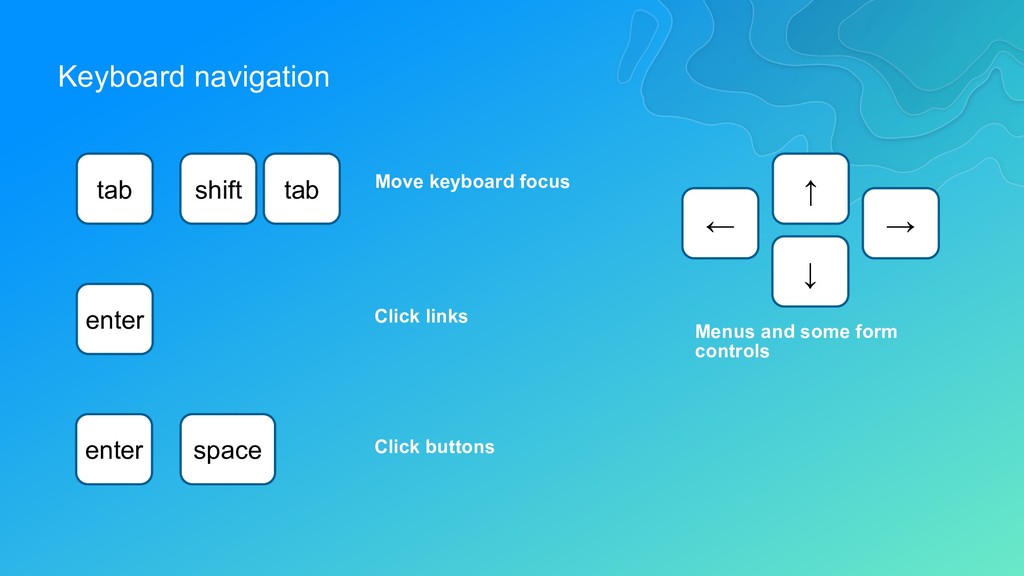
  9. Keyboard navigation ← ↑ → ↓ tab shift tab Move

    keyboard focus enter Click links enter space Click buttons Menus and some form controls
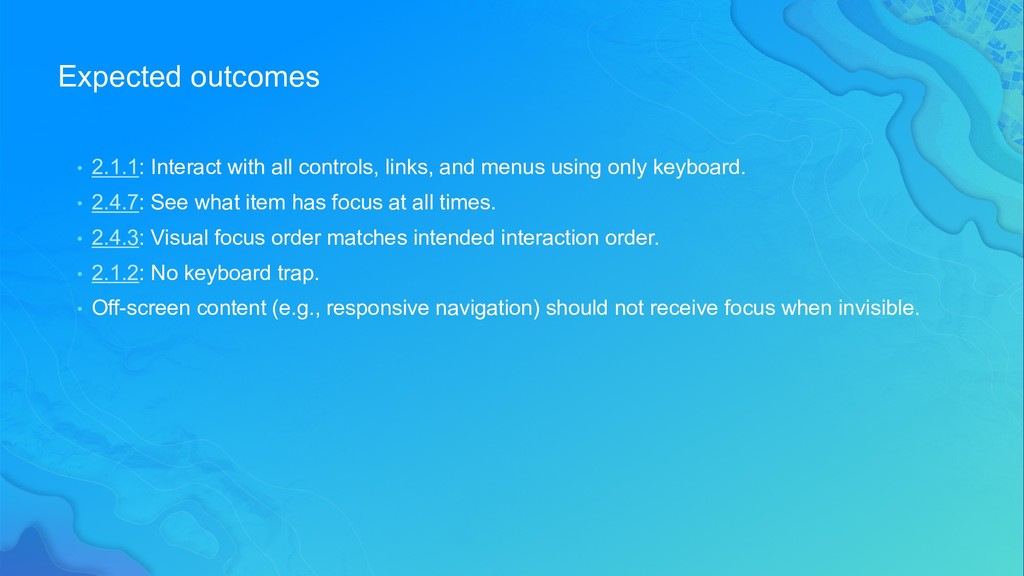
  10. Expected outcomes • 2.1.1: Interact with all controls, links, and

    menus using only keyboard. • 2.4.7: See what item has focus at all times. • 2.4.3: Visual focus order matches intended interaction order. • 2.1.2: No keyboard trap. • Off-screen content (e.g., responsive navigation) should not receive focus when invisible.
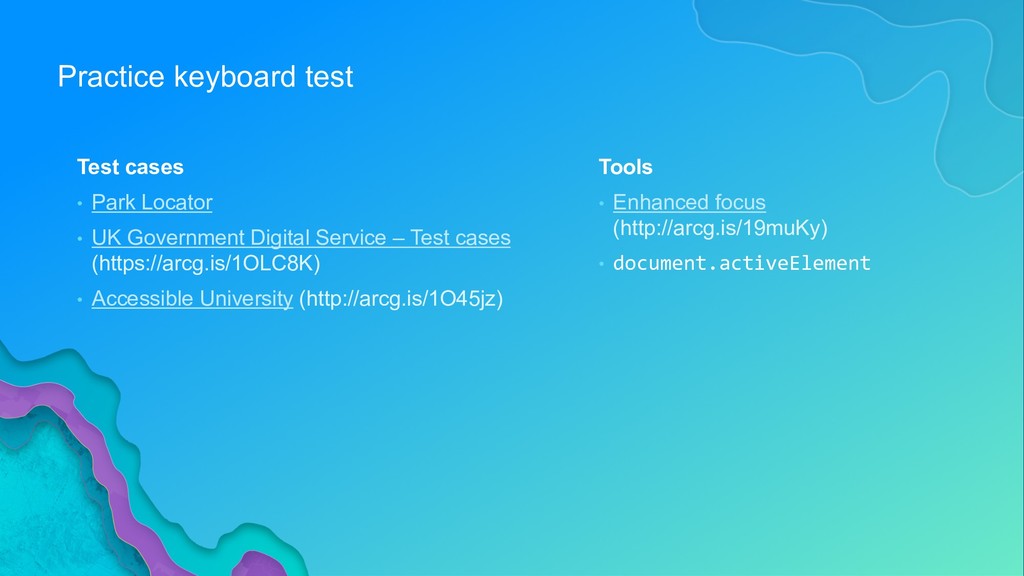
  11. Practice keyboard test Test cases • Park Locator • UK

    Government Digital Service – Test cases (https://arcg.is/1OLC8K) • Accessible University (http://arcg.is/1O45jz) Tools • Enhanced focus (http://arcg.is/19muKy) • document.activeElement
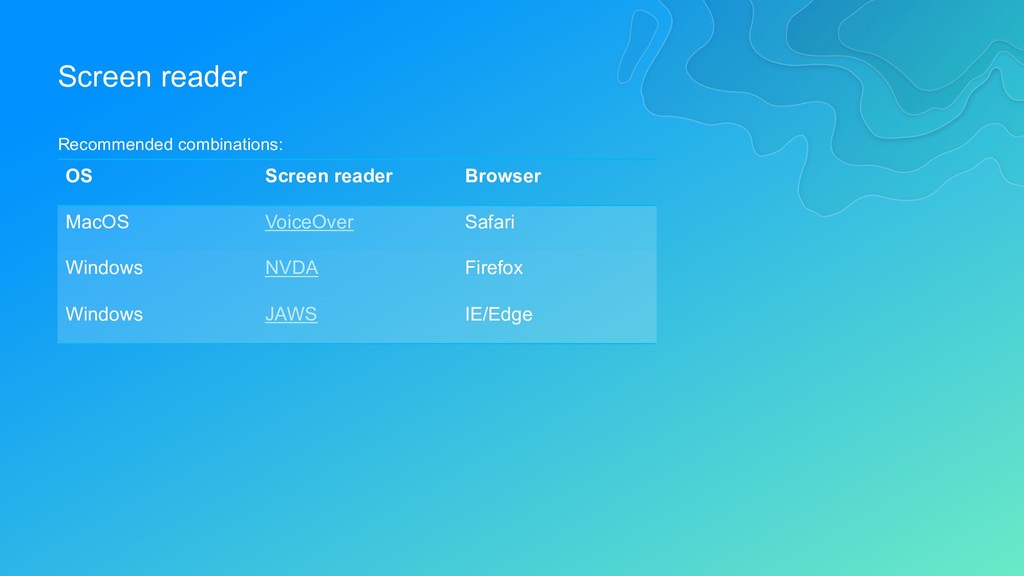
  12. Screen reader OS Screen reader Browser MacOS VoiceOver Safari Windows

    NVDA Firefox Windows JAWS IE/Edge Recommended combinations:
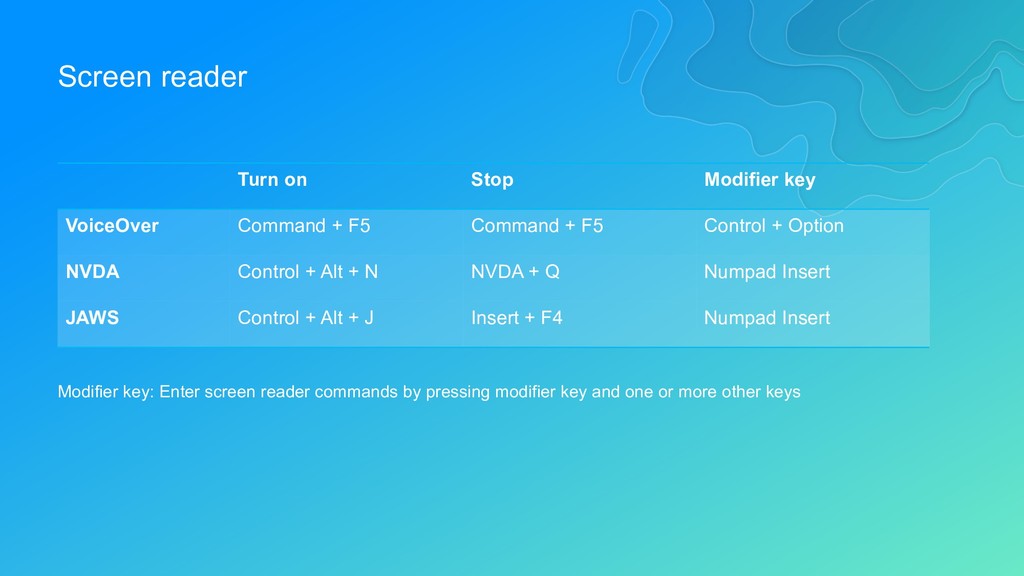
  13. Screen reader Turn on Stop Modifier key VoiceOver Command +

    F5 Command + F5 Control + Option NVDA Control + Alt + N NVDA + Q Numpad Insert JAWS Control + Alt + J Insert + F4 Numpad Insert Modifier key: Enter screen reader commands by pressing modifier key and one or more other keys
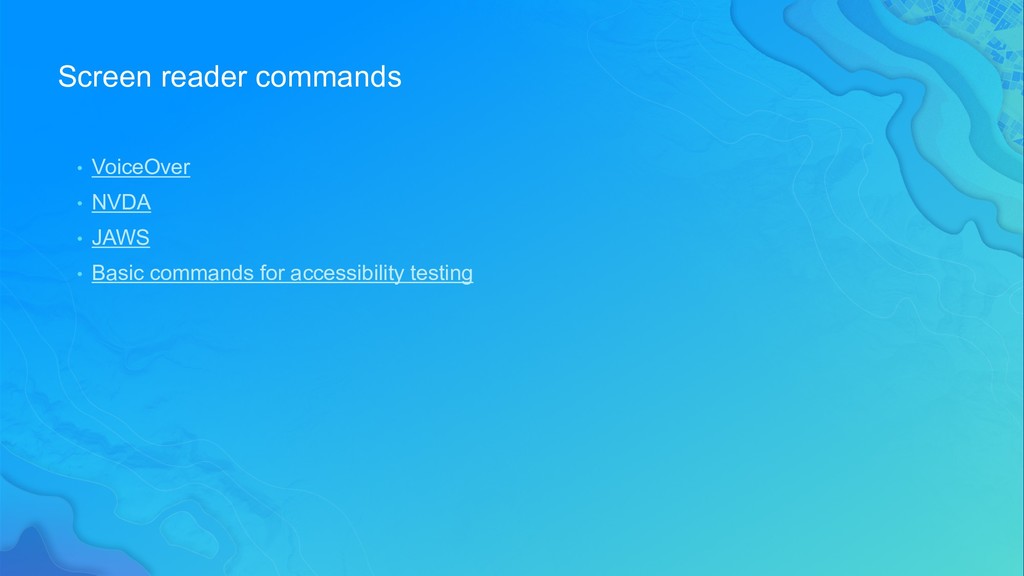
  14. Screen reader commands • VoiceOver • NVDA • JAWS •

    Basic commands for accessibility testing
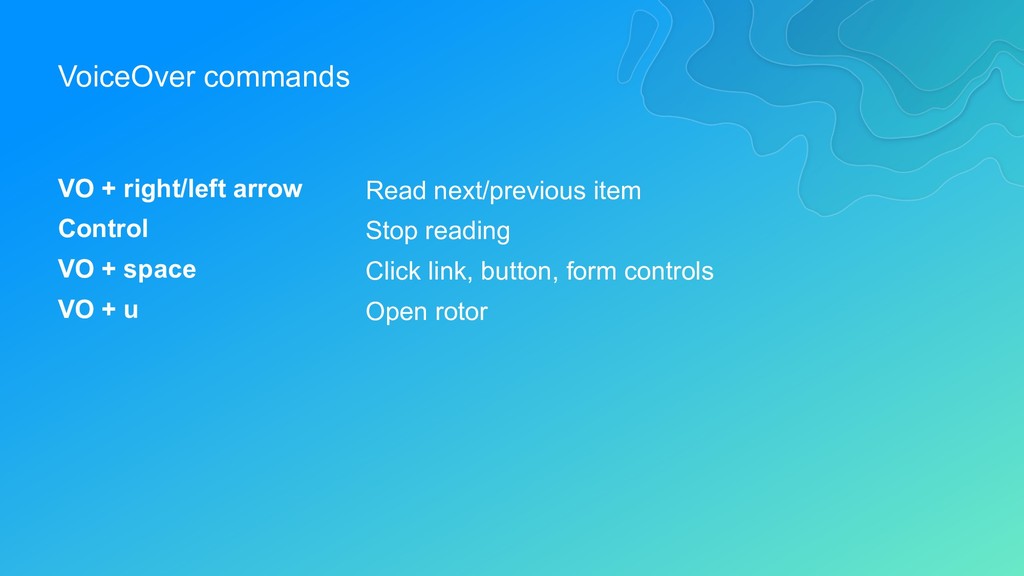
  15. VoiceOver commands VO + right/left arrow Control VO + space

    VO + u Read next/previous item Stop reading Click link, button, form controls Open rotor
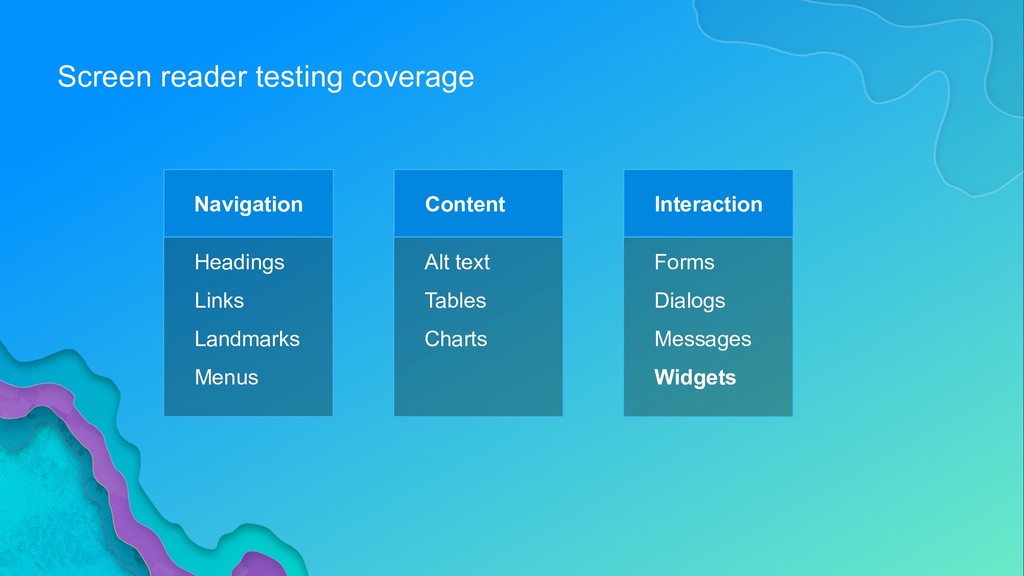
  16. Screen reader testing coverage Navigation Headings Links Landmarks Menus Content

    Alt text Tables Charts Interaction Forms Dialogs Messages Widgets
  17. Expected outcomes • 1.4.1: Not use presentation that relies solely

    on color. • 1.4.3: Color contrast ratio is at least 4.5:1.
  18. Practice color test Test cases • Park Locator Tools •

    Contrast ratio calculator (http://arcg.is/1m44TW)
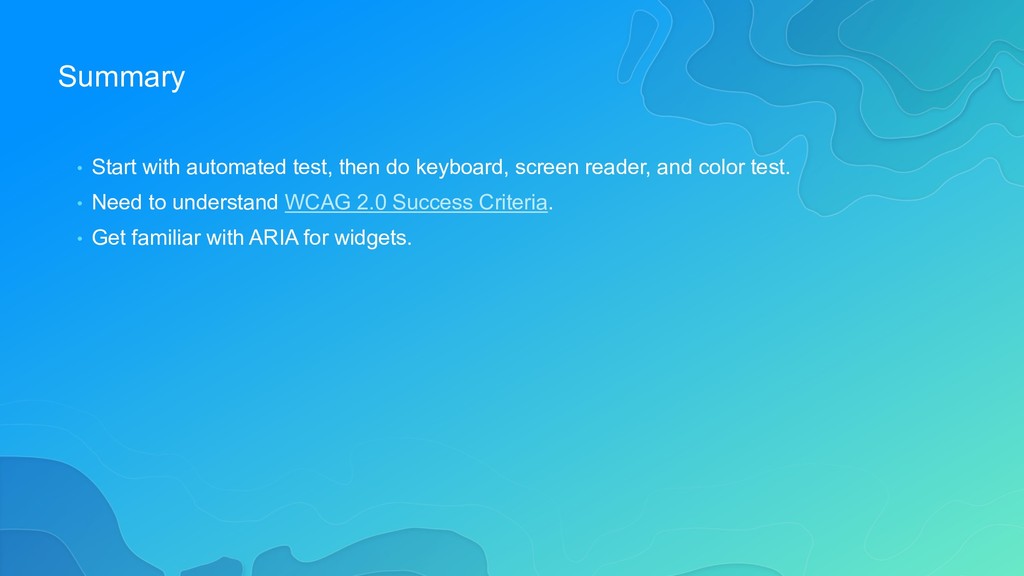
  19. Summary • Start with automated test, then do keyboard, screen

    reader, and color test. • Need to understand WCAG 2.0 Success Criteria. • Get familiar with ARIA for widgets.
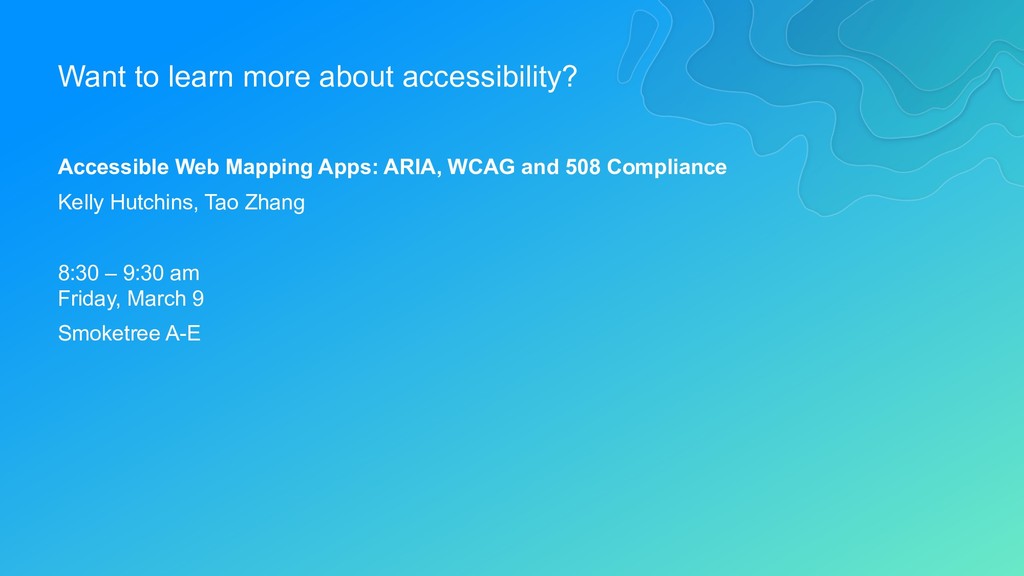
  20. Want to learn more about accessibility? Accessible Web Mapping Apps:

    ARIA, WCAG and 508 Compliance Kelly Hutchins, Tao Zhang 8:30 – 9:30 am Friday, March 9 Smoketree A-E
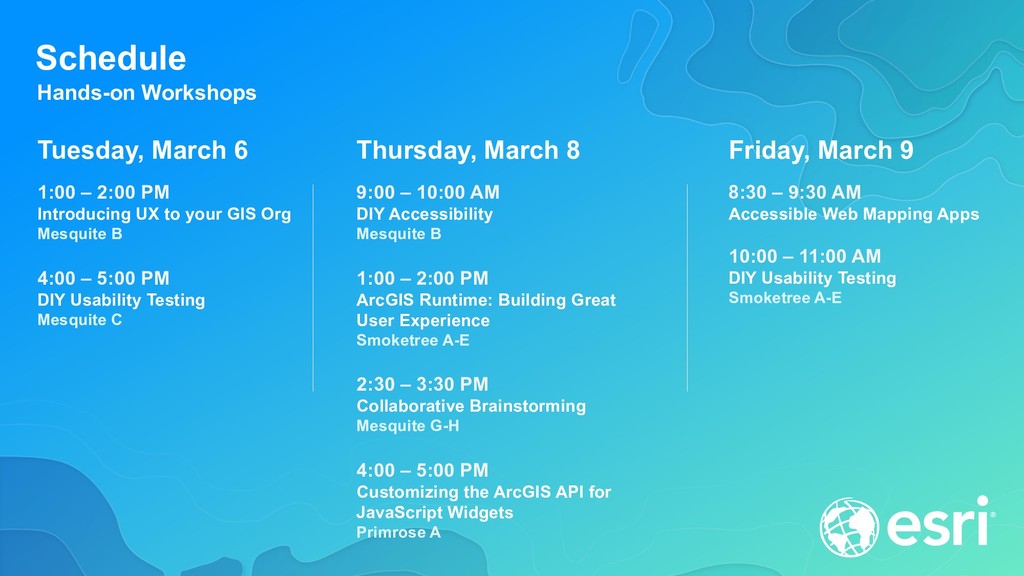
  21. Schedule Hands-on Workshops Thursday, March 8 9:00 – 10:00 AM

    DIY Accessibility Mesquite B 1:00 – 2:00 PM ArcGIS Runtime: Building Great User Experience Smoketree A-E 2:30 – 3:30 PM Collaborative Brainstorming Mesquite G-H 4:00 – 5:00 PM Customizing the ArcGIS API for JavaScript Widgets Primrose A Tuesday, March 6 1:00 – 2:00 PM Introducing UX to your GIS Org Mesquite B 4:00 – 5:00 PM DIY Usability Testing Mesquite C Friday, March 9 8:30 – 9:30 AM Accessible Web Mapping Apps 10:00 – 11:00 AM DIY Usability Testing Smoketree A-E
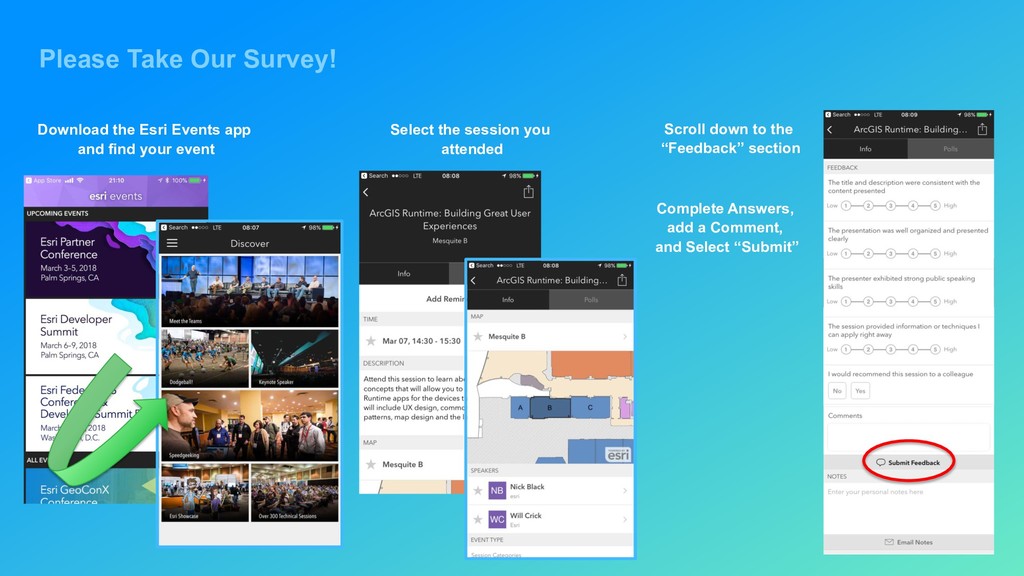
  22. Please Take Our Survey! Download the Esri Events app and

    find your event Select the session you attended Scroll down to the “Feedback” section Complete Answers, add a Comment, and Select “Submit”