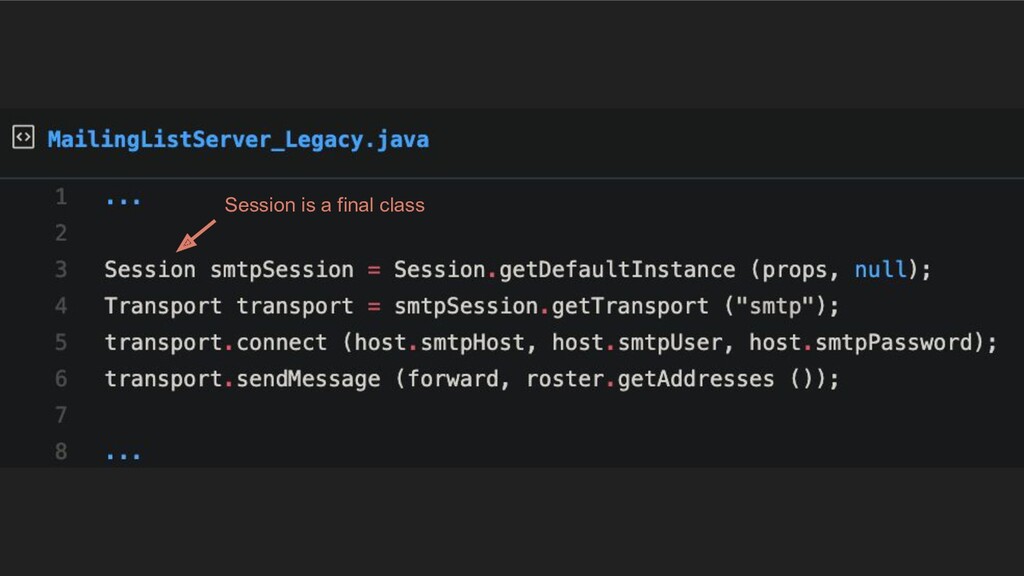
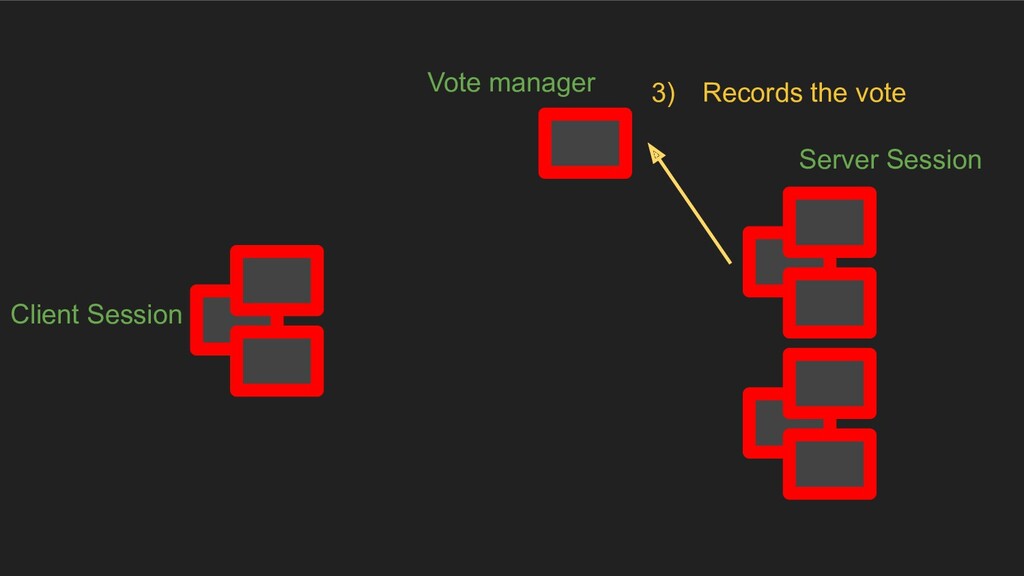
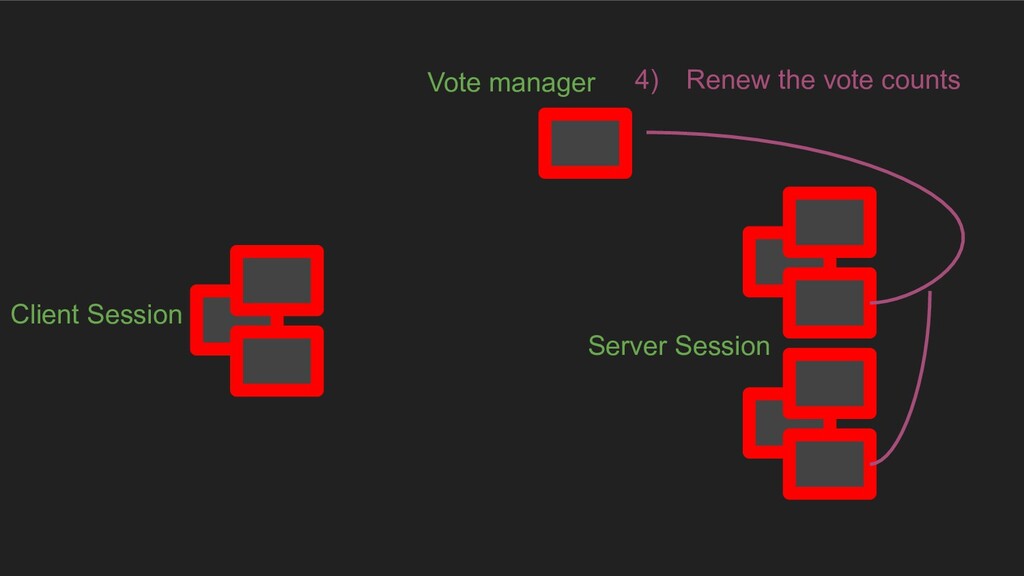
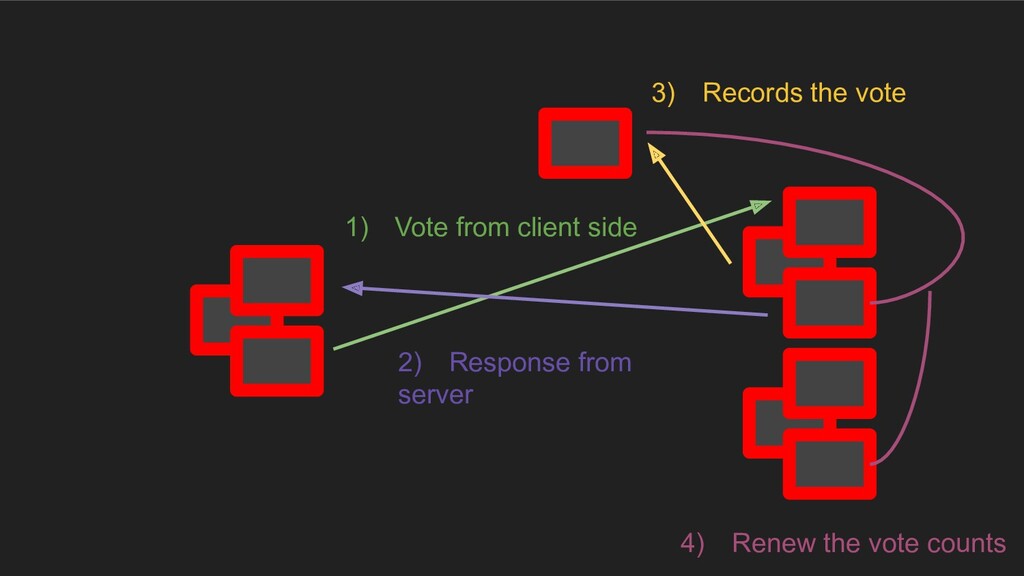
live on their own, they usually need to talk to other bits of software • Over time, we might still be able to see areas of code that don’t touch an API, but they are embedded in a patchwork of untestable code.
to deal ? • All you can see are the API calls. Anything that would’ve been a hint at a design just isn’t there. • We don’t own the API, we can’t rename interfaces, classes, and methods to make things clearer for us, or add methods to classes to make them available to different parts of the code.
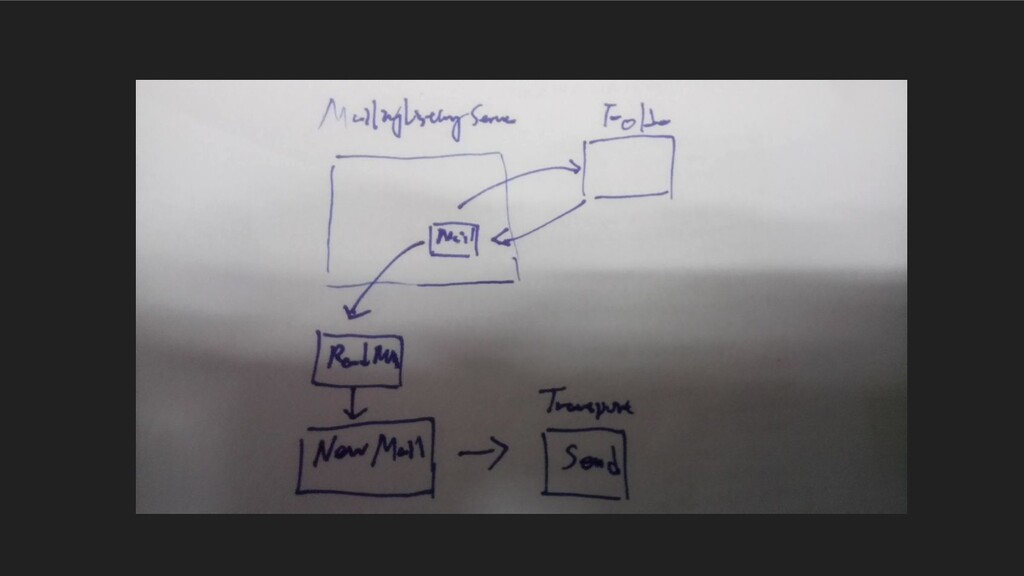
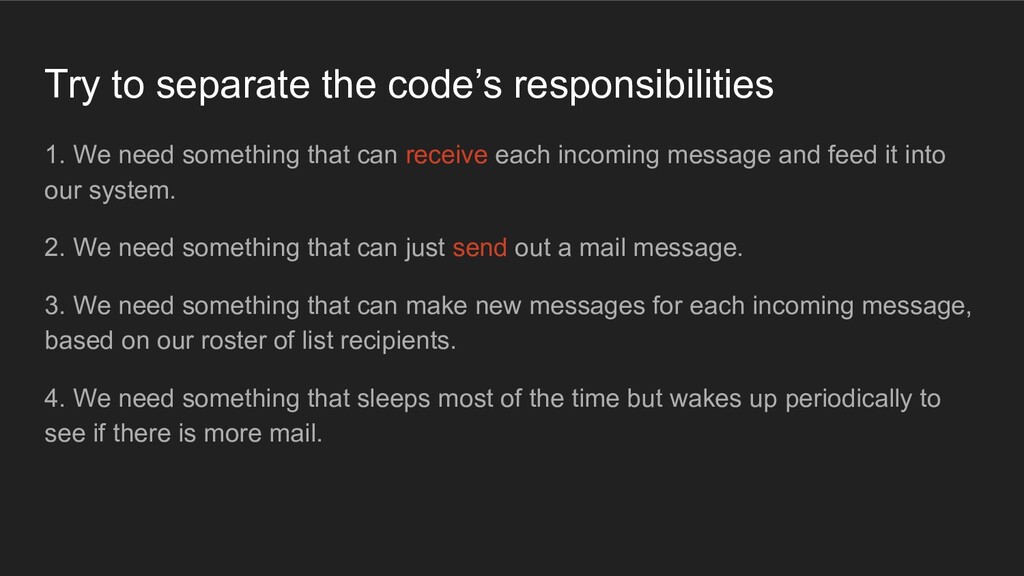
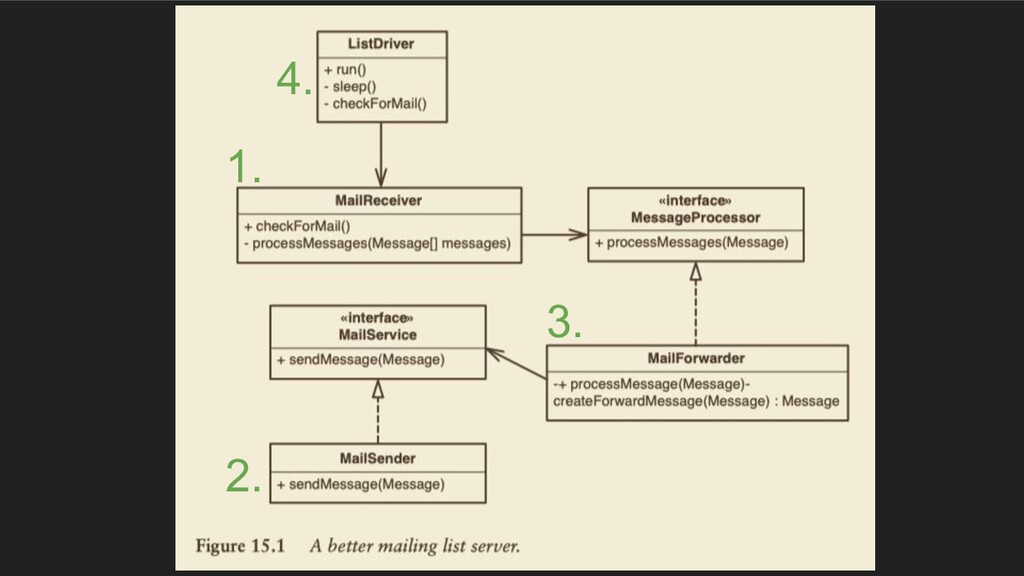
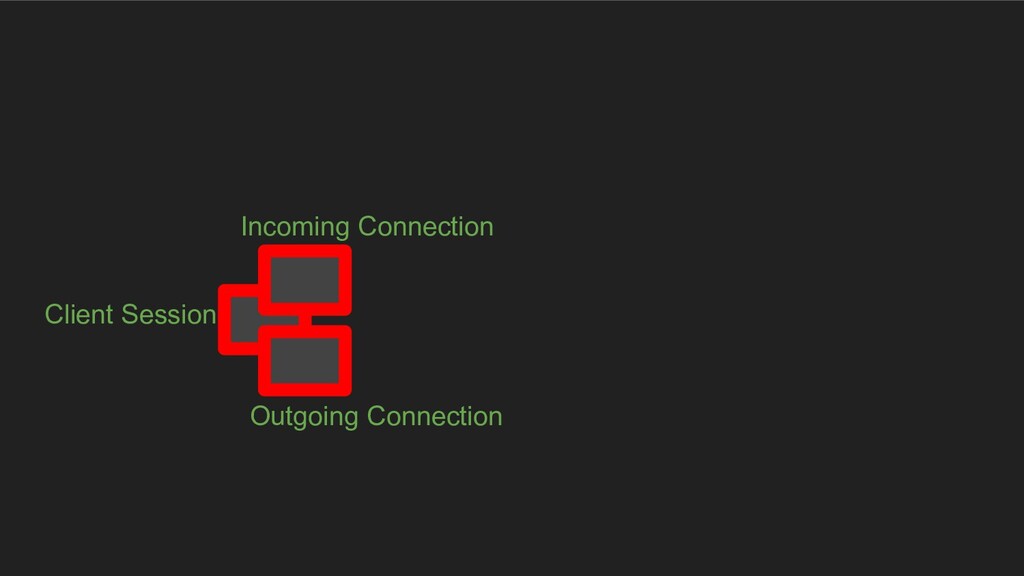
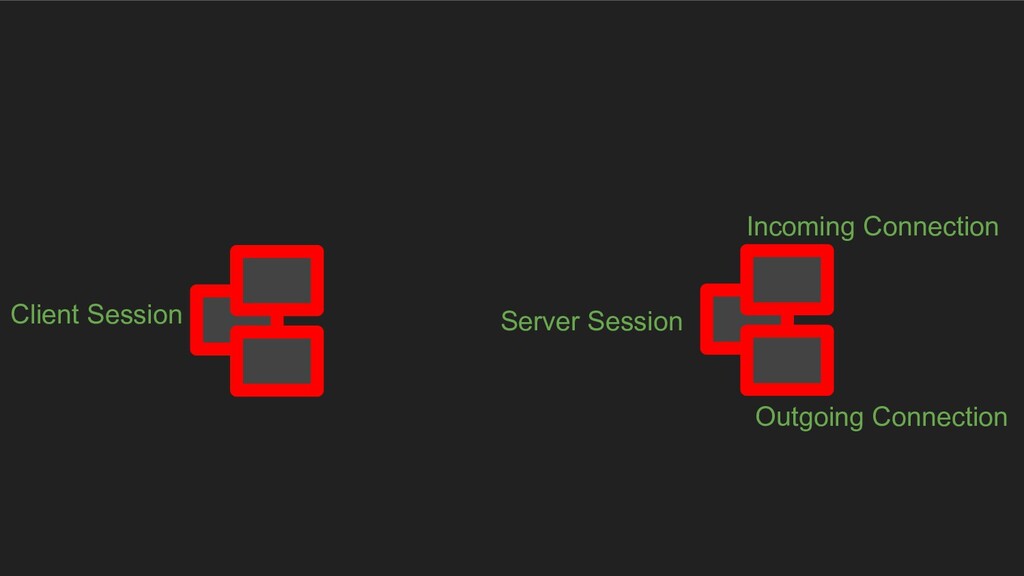
that can receive each incoming message and feed it into our system. 2. We need something that can just send out a mail message. 3. We need something that can make new messages for each incoming message, based on our roster of list recipients. 4. We need something that sleeps most of the time but wakes up periodically to see if there is more mail.
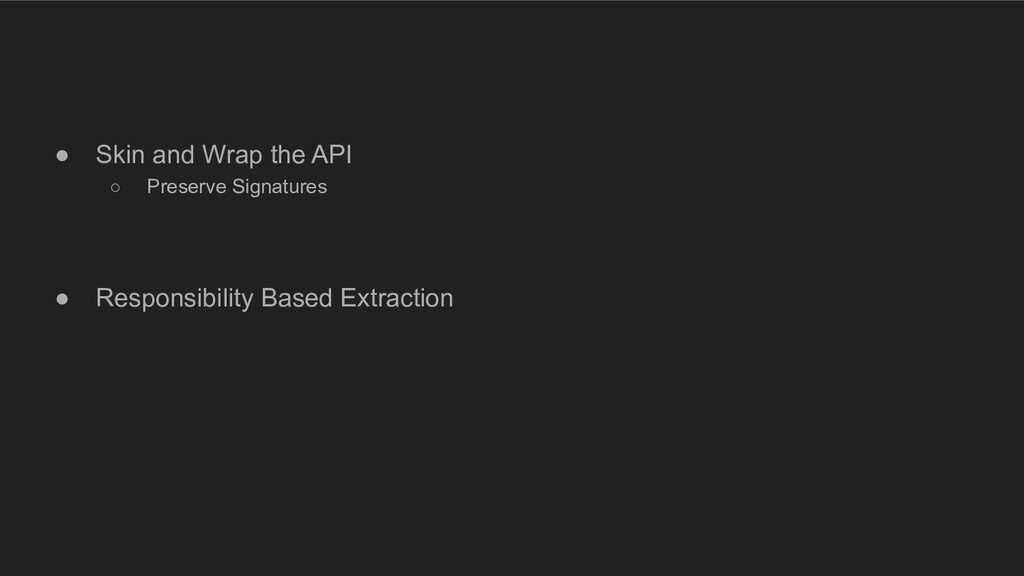
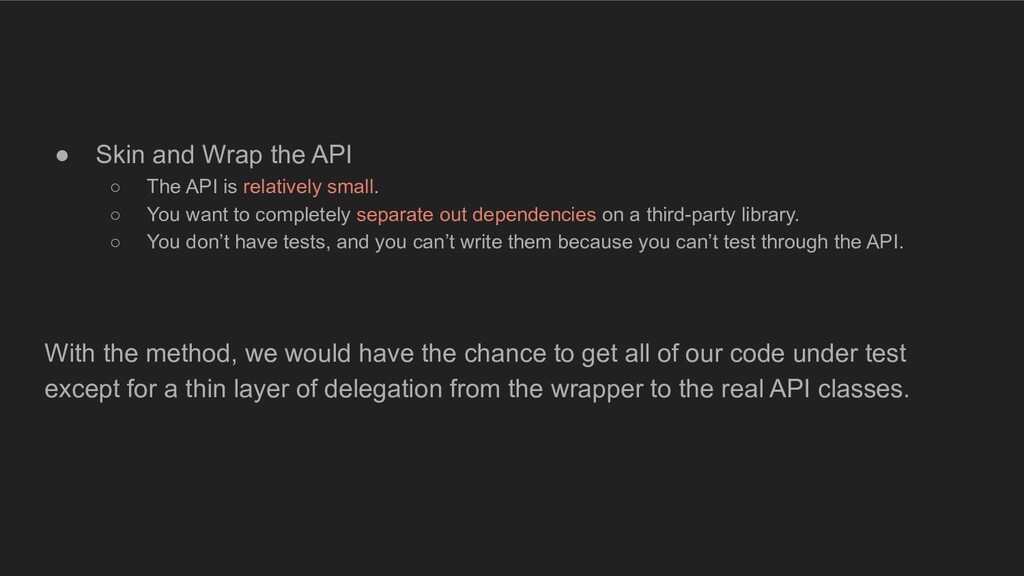
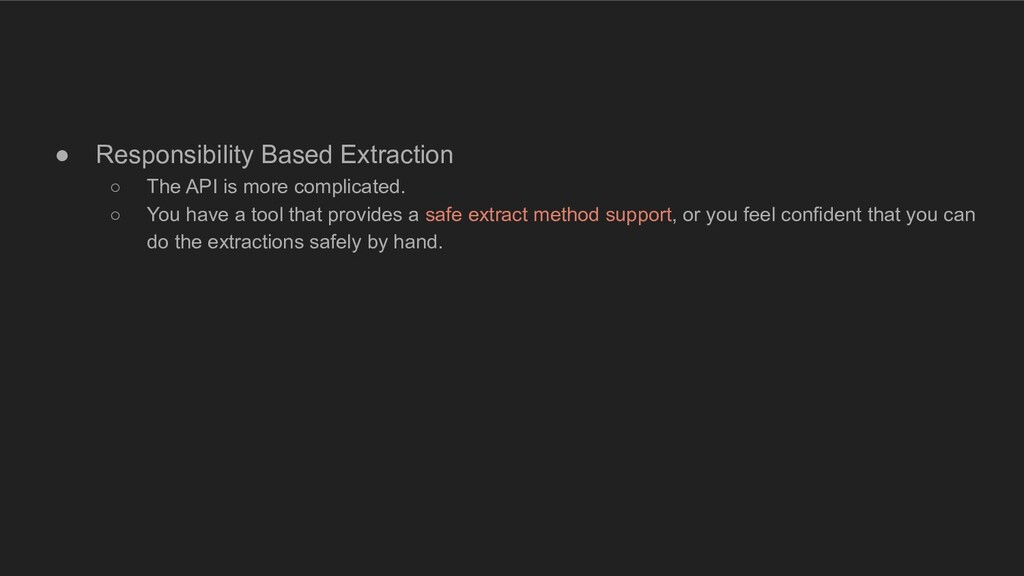
relatively small. ◦ You want to completely separate out dependencies on a third-party library. ◦ You don’t have tests, and you can’t write them because you can’t test through the API. With the method, we would have the chance to get all of our code under test except for a thin layer of delegation from the wrapper to the real API classes.
or function call graphs using some special notation—although, if things get more confusing, you might want to get more formal or neater to organize your thoughts. The paper is just a tool to make conversation go easier and help us remember the concepts we’re discussing and learning. Checkout Ch17.
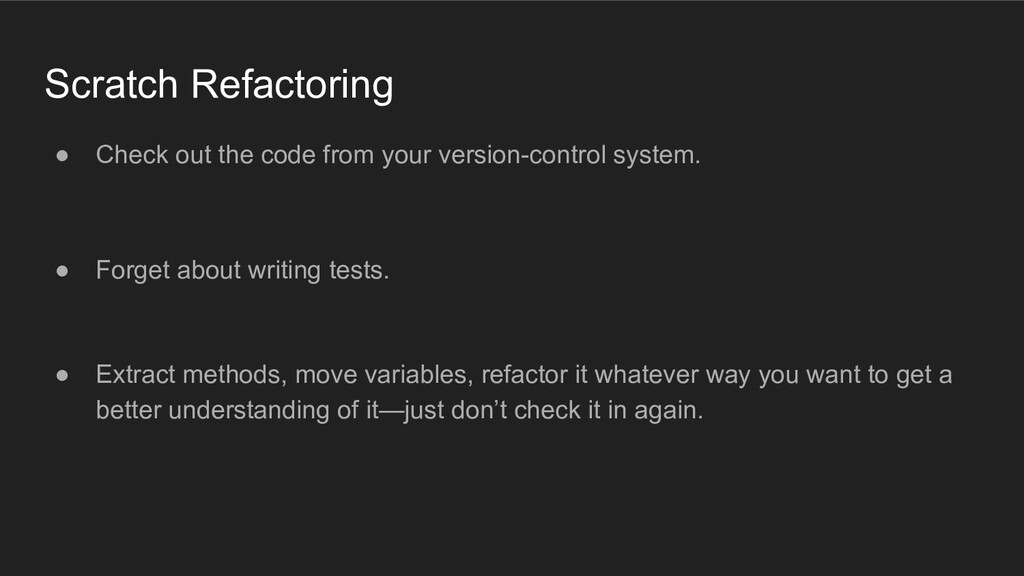
• Print the code that you want to work with. • Separating Responsibilities If several things belong together, put a special symbol next to each of them so that you can identify them.
system. • Forget about writing tests. • Extract methods, move variables, refactor it whatever way you want to get a better understanding of it—just don’t check it in again.
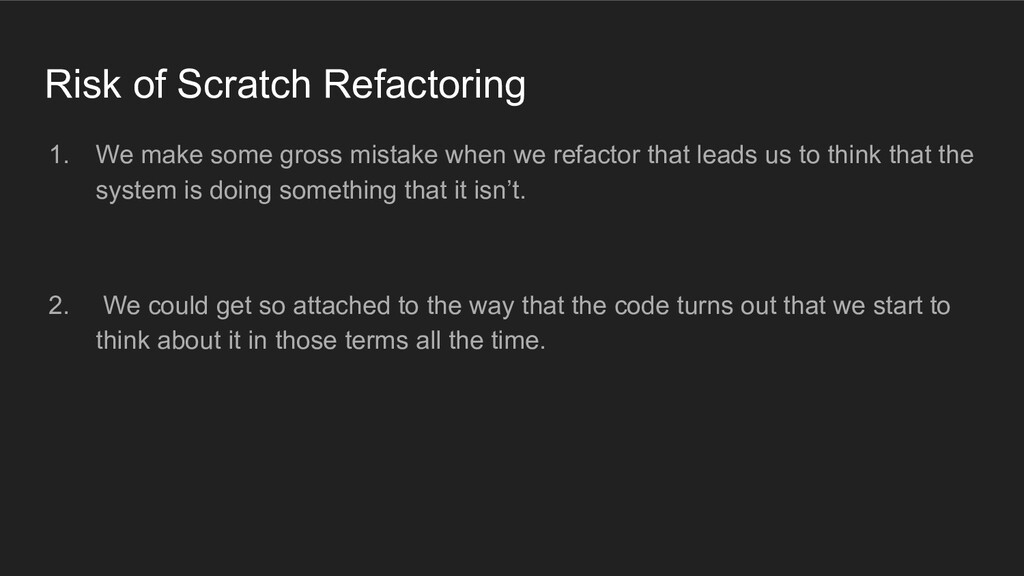
when we refactor that leads us to think that the system is doing something that it isn’t. 2. We could get so attached to the way that the code turns out that we start to think about it in those terms all the time.
with a well-thought-out architecture, but over the years, under schedule pressure, they can get to the point at which nobody really understands the complete structure. People can work for years on a project and not have any idea where new features are intended to go; they just know the hacks that have been placed in the system recently.
degrade. • The system can be so complex that it takes a long time to get the big picture. • The system can be so complex that there is no big picture. • The team is in a very reactive mode, dealing with emergency after emergency so much that they lose sight of the big picture.
the task of working out the big picture and making decisions that preserve the big picture for the team. • An architect has to be out in the team, working with the members day to day, or else the code diverges from the big picture. • Every person who is touching the code should know the architecture, and everyone else who touches the code should be able to benefit from what that person has learned.
pieces of the design are and how they interact in few sentence. • Next, pick the next most important things to say about the system. • Keep going until you’ve said just about everything important about the core design of the system.
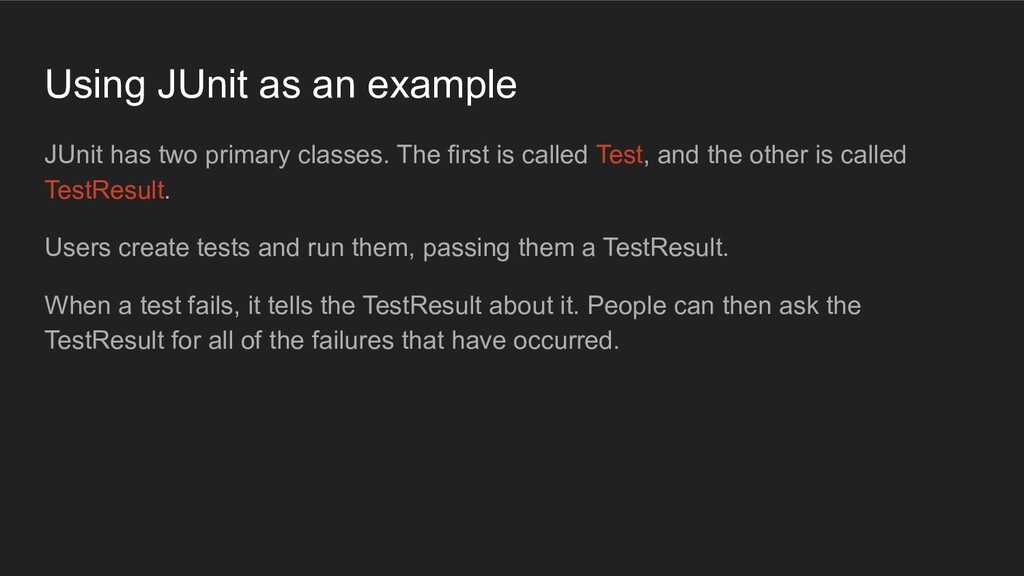
The first is called Test, and the other is called TestResult. Users create tests and run them, passing them a TestResult. When a test fails, it tells the TestResult about it. People can then ask the TestResult for all of the failures that have occurred.
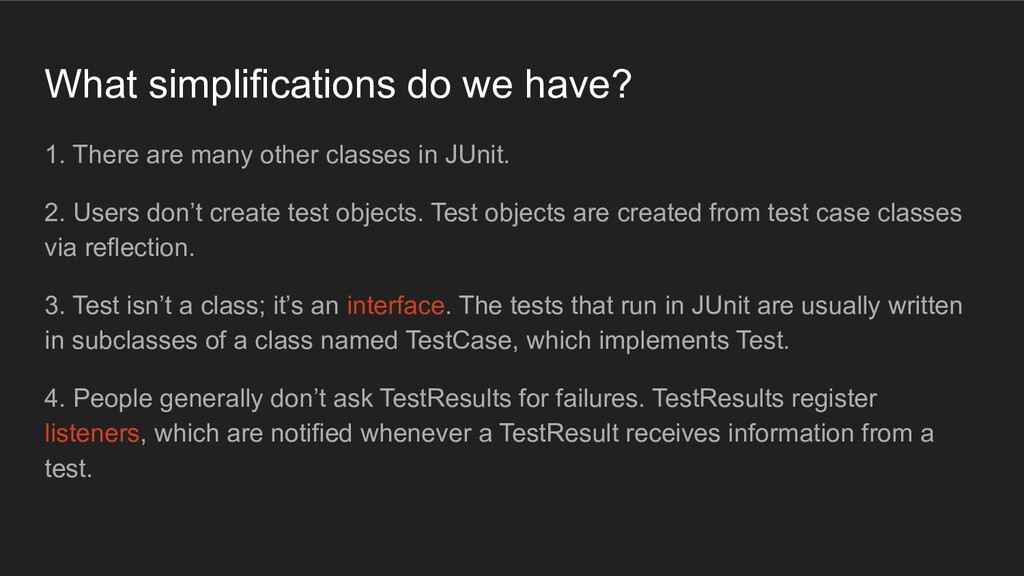
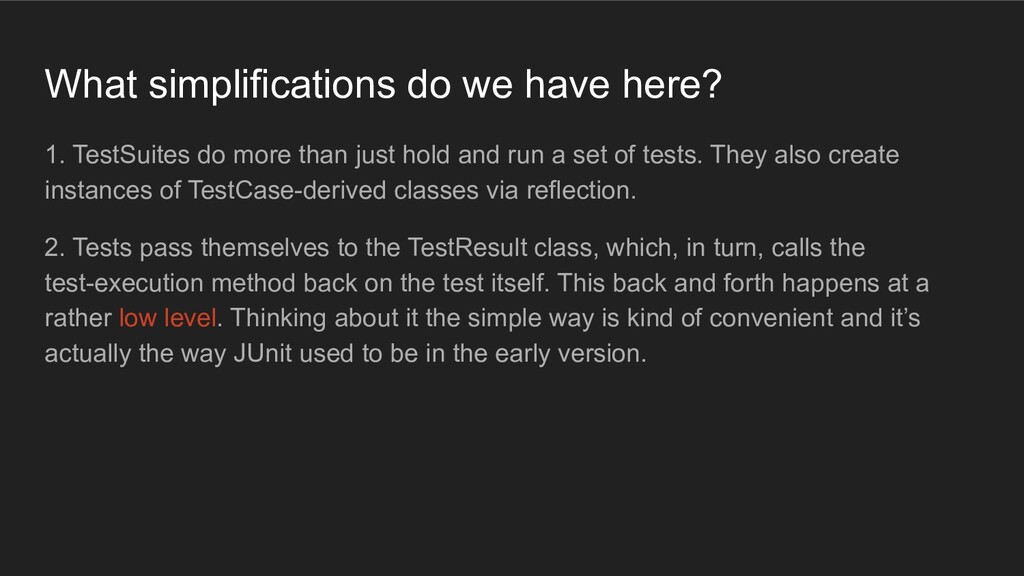
classes in JUnit. 2. Users don’t create test objects. Test objects are created from test case classes via reflection. 3. Test isn’t a class; it’s an interface. The tests that run in JUnit are usually written in subclasses of a class named TestCase, which implements Test. 4. People generally don’t ask TestResults for failures. TestResults register listeners, which are notified whenever a TestResult receives information from a test.
than just hold and run a set of tests. They also create instances of TestCase-derived classes via reflection. 2. Tests pass themselves to the TestResult class, which, in turn, calls the test-execution method back on the test itself. This back and forth happens at a rather low level. Thinking about it the simple way is kind of convenient and it’s actually the way JUnit used to be in the early version.
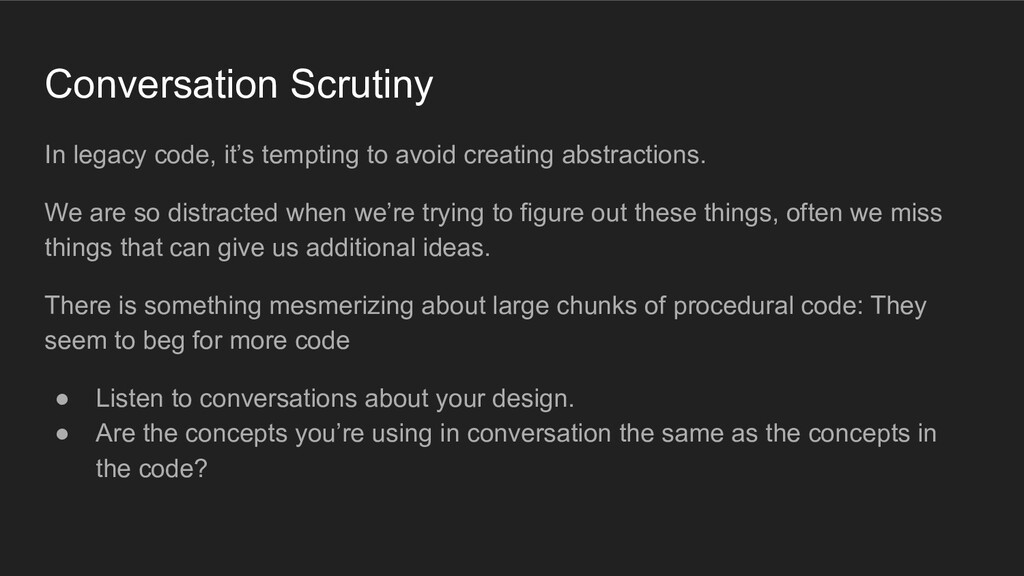
abstractions. We are so distracted when we’re trying to figure out these things, often we miss things that can give us additional ideas. There is something mesmerizing about large chunks of procedural code: They seem to beg for more code • Listen to conversations about your design. • Are the concepts you’re using in conversation the same as the concepts in the code?
the development cycle. One of the worst mistakes a team can make is it to feel that design is over at some point in development. If design is “over” and people are still making changes, chances are good that new code will appear in poor places, and classes will bloat because no one feels comfortable introducing new abstraction.

 Your Podcast. Everywhere. Effortlessly.


 aleyda
 lara
lara
 tammyeverts
 sonatard
 minecr
 inesmontani
 cassininazir
 nwiizo
 addyosmani
 samtorres