Upgrade to Pro
— share decks privately, control downloads, hide ads and more …
Speaker Deck
Sign up for free
Menu
Search
Features
All features
Private URLs
Password Protection
Custom URLS
Scheduled publishing
Remove Branding
Restrict embedding
Deck Collections
Notes
Features
All features
Private URLs
Password Protection
Custom URLS
Scheduled publishing
Remove Branding
Restrict embedding
Deck Collections
Notes
Explore
Featured decks
Featured speakers
Programming
Technology
Storyboards
Explore
Featured decks
Featured speakers
Programming
Technology
Storyboards
Pricing
Search
Sign in
Sign up for free
Teaching Tuesday: Markdown
Search
Katherine White
March 13, 2018
110
1
Share
Embed
Copy iframe code
Copy JS code
Copy link
Start on current slide
Teaching Tuesday: Markdown
Katherine White
March 13, 2018
More Decks by Katherine White
See All by Katherine White
WCUS 2019 - Responsible Tracking
katherinemwhite
0
710
NTC 2019: Finding the Needle
katherinemwhite
0
110
NTC 2019: Responsible Tracking
katherinemwhite
1
120
BADCamp 2018: Unobtrusive User Insights
katherinemwhite
0
47
WPCampus: Documentation for Developers
katherinemwhite
1
250
NTC 2018: Securing Your Website with HTTPS
katherinemwhite
0
160
NTC WordPress Day - Gutenberg: Are you ready?
katherinemwhite
1
140
PNWDS: The SEO Magic of Structured Data
katherinemwhite
0
150
Creating SEO Magic Using Structured Data
katherinemwhite
0
79
Featured
See All Featured
Groundhog Day: Seeking Process in Gaming for Health
codingconduct
0
390
How to build an LLM SEO readiness audit: a practical framework
nmsamuel
2
930
Ethics towards AI in product and experience design
skipperchong
2
420
The Success of Rails: Ensuring Growth for the Next 100 Years
eileencodes
47
8.4k
How GitHub (no longer) Works
holman
316
150k
I Don’t Have Time: Getting Over the Fear to Launch Your Podcast
jcasabona
35
2.9k
The Mindset for Success: Future Career Progression
greggifford
PRO
0
530
Six Lessons from altMBA
skipperchong
29
4.5k
Organizational Design Perspectives: An Ontology of Organizational Design Elements
kimpetersen
PRO
1
840
Let's Do A Bunch of Simple Stuff to Make Websites Faster
chriscoyier
508
140k
Impact Scores and Hybrid Strategies: The future of link building
tamaranovitovic
0
450
The Hidden Cost of Media on the Web [PixelPalooza 2025]
tammyeverts
2
510
Transcript
Markdown Teaching Tuesday, 13.03.2018
What is it?
Plain-text format
Uses keyboard characters to indicate meaning
Whitespace matters
There are different “flavors” (We mostly use GitHub-flavored markdown at
Kanopi)
The Basics
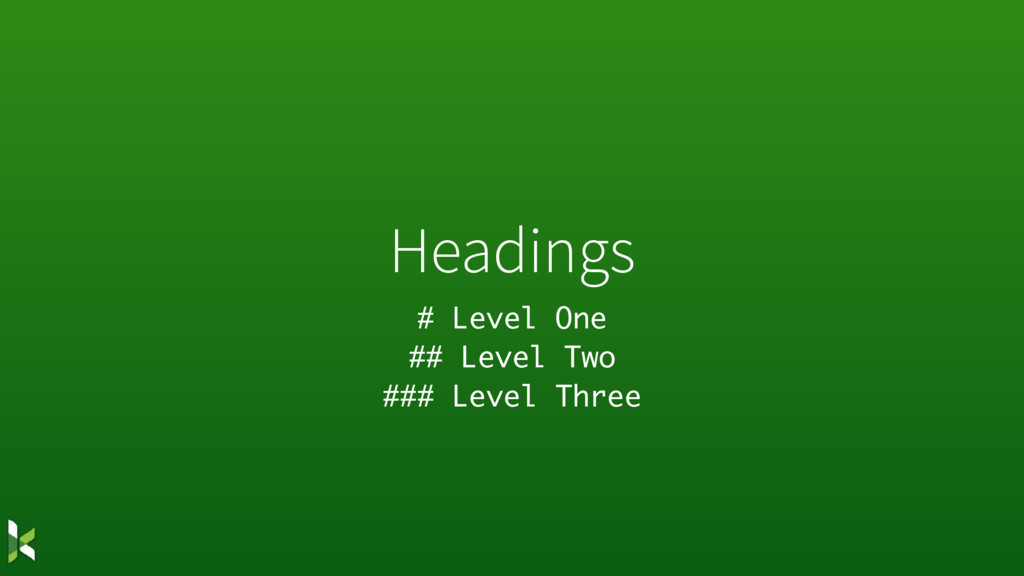
Headings # Level One ## Level Two ### Level Three
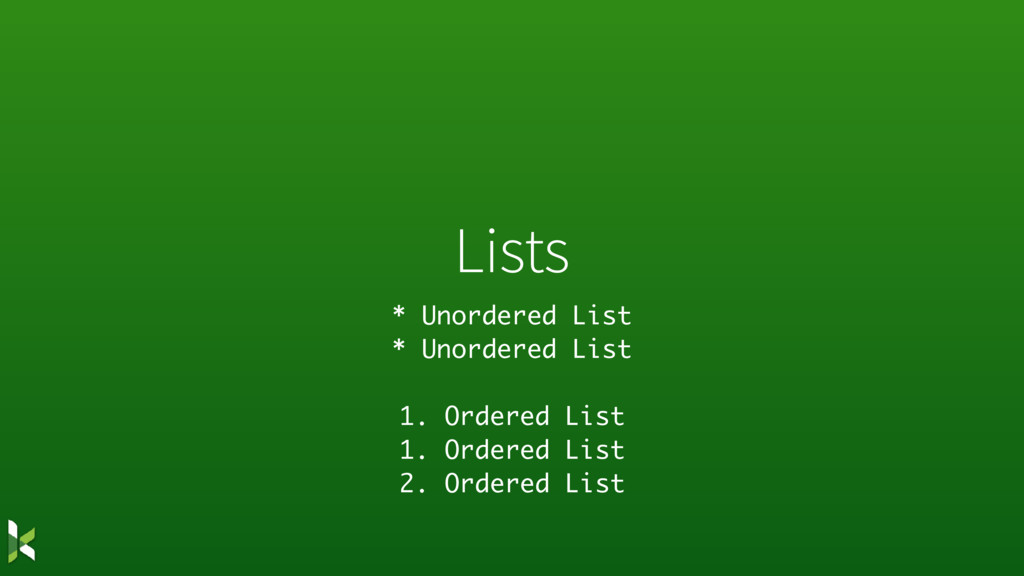
Lists * Unordered List * Unordered List 1. Ordered List
1. Ordered List 2. Ordered List
Links [Text to link](https://where-to-go.com)
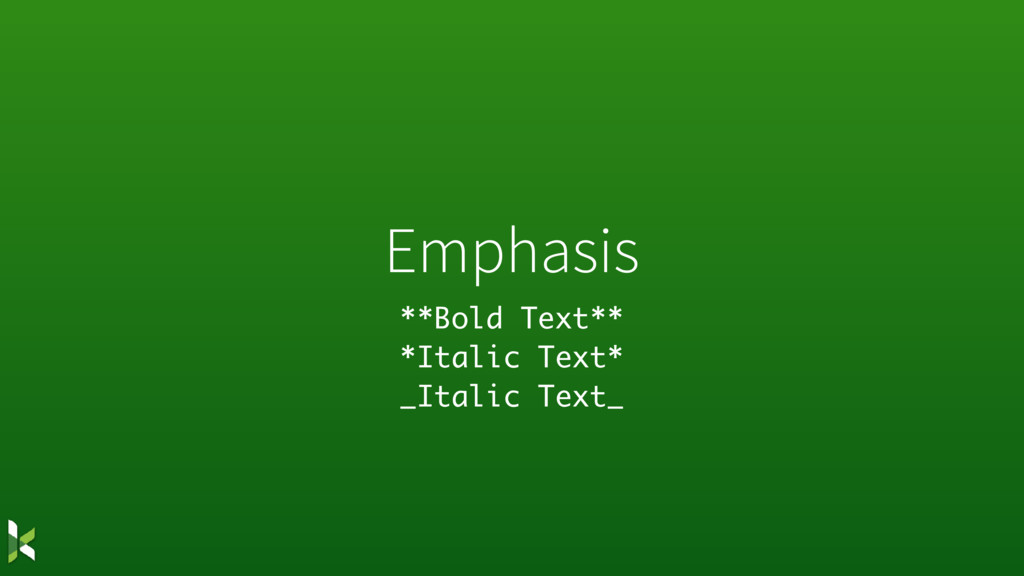
Emphasis **Bold Text** *Italic Text* _Italic Text_
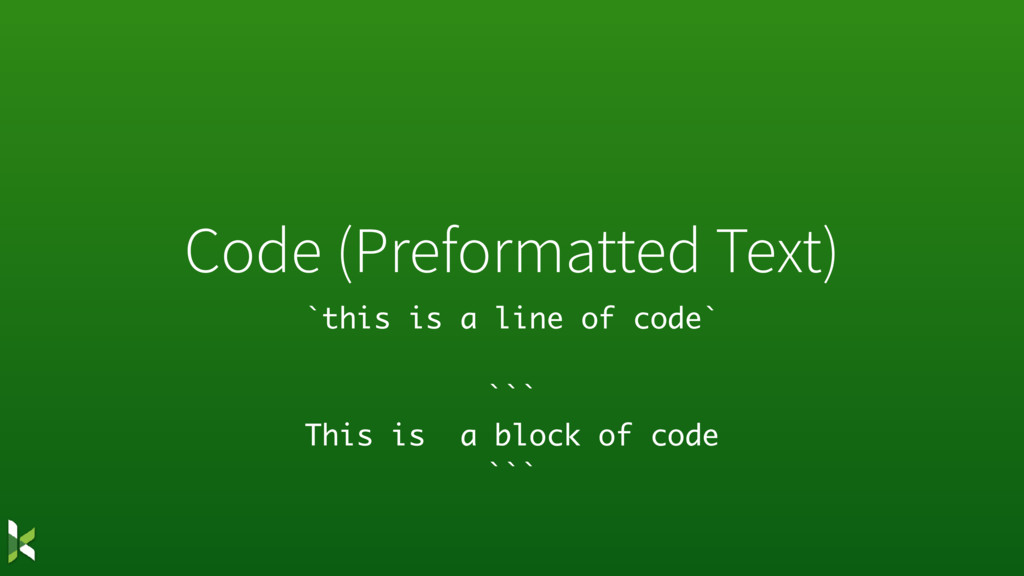
Code (Preformatted Text) `this is a line of code` ```
This is a block of code ```
Images 
Not so Basics
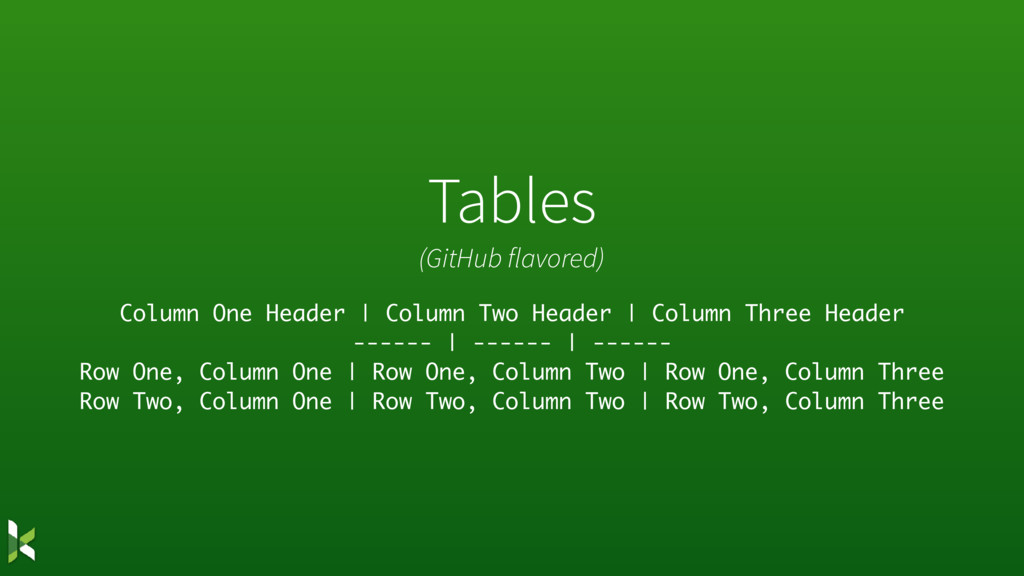
Tables (GitHub flavored) Column One Header | Column Two Header
| Column Three Header ------ | ------ | ------ Row One, Column One | Row One, Column Two | Row One, Column Three Row Two, Column One | Row Two, Column Two | Row Two, Column Three
Where can I use this?
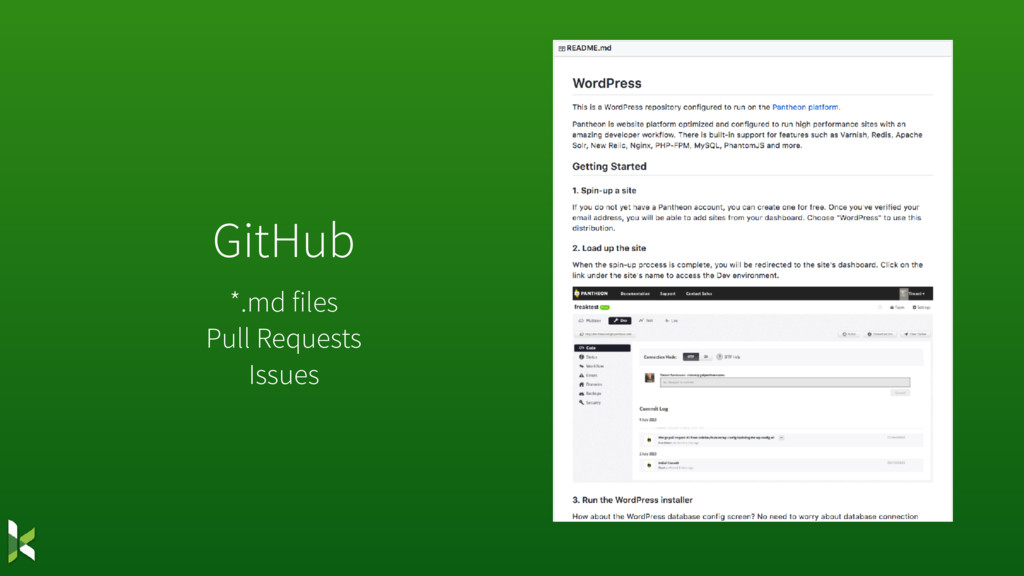
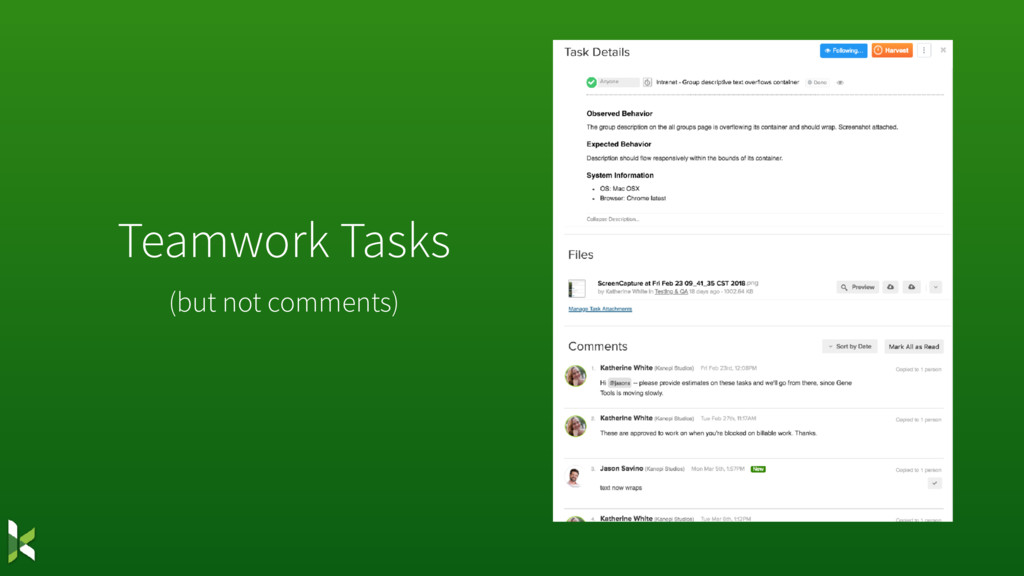
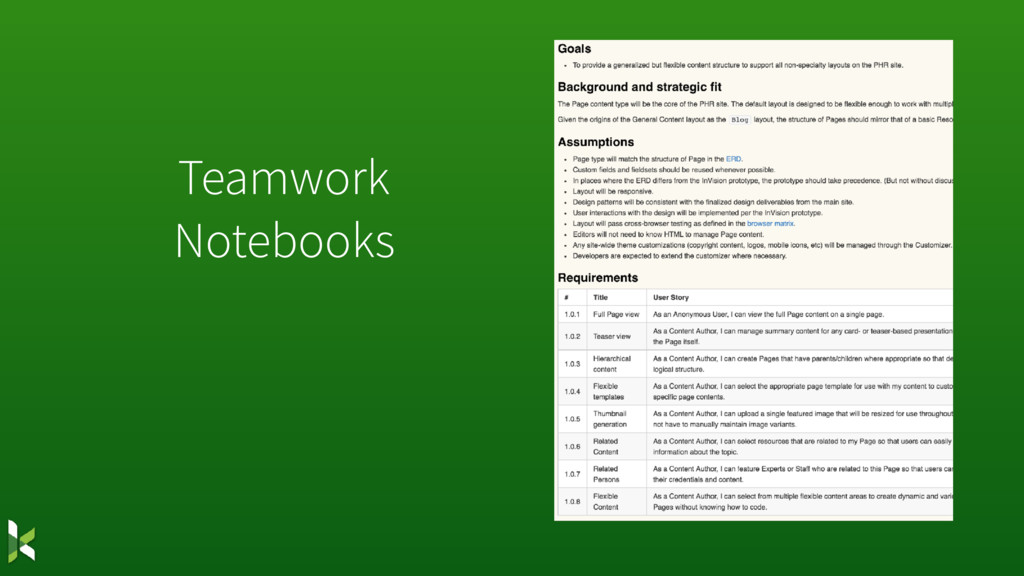
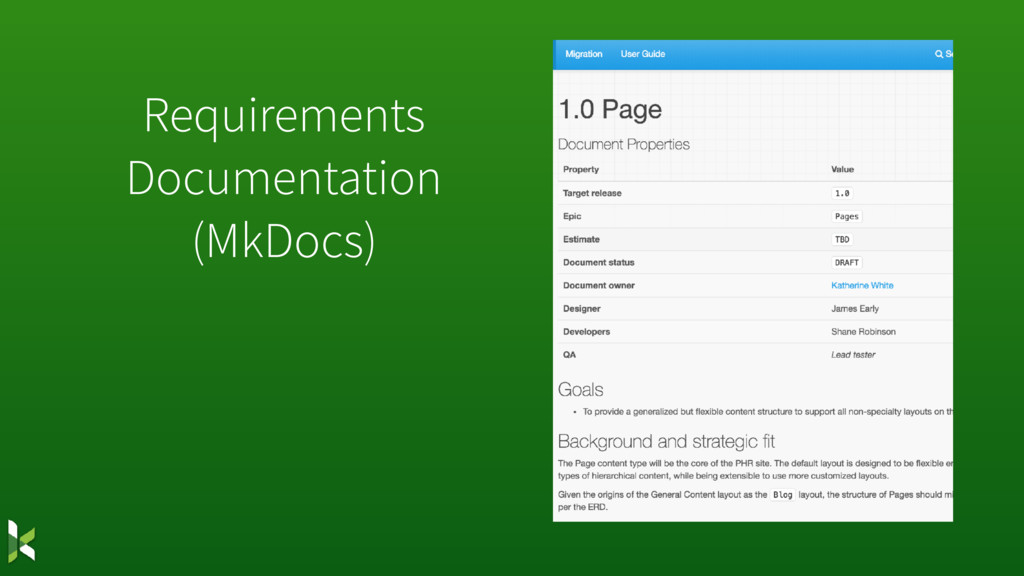
GitHub *.md files Pull Requests Issues
Teamwork Tasks (but not comments)
Teamwork Notebooks
Requirements Documentation (MkDocs)
Slack (Kinda)
Resources • Markdown Basics: https://daringfireball.net/projects/markdown/basics • Cheatsheet (GitHub-flavored): https://github.com/adam-p/markdown- here/wiki/Markdown-Cheatsheet
• Stack Edit (in-browser editor): https://stackedit.io/ • Bear: http://www.bear-writer.com/ • MacDown: https://macdown.uranusjr.com/ • Your code editor of choice likely has a markdown preview plugin as well.


 katherinemwhite
 codingconduct
 nmsamuel
 skipperchong
 eileencodes
 holman
 jcasabona
 greggifford
 kimpetersen
 chriscoyier
 tamaranovitovic
 tammyeverts

](https://files.speakerdeck.com/presentations/c859f5056365423298692b7c7378b84d/slide_9.jpg)
](https://files.speakerdeck.com/presentations/c859f5056365423298692b7c7378b84d/slide_12.jpg)