Upgrade to Pro — share decks privately, control downloads, hide ads and more …

From Policy to Protection: Implementing Google ...

From Policy to Protection: Implementing Google Workspace DLP with Chrome Enterprise Premium

AI tools are quickly becoming popular in companies, but traditional ways of preventing data leaks cannot keep up. In this session, we will look at how to update Google Workspace DLP to handle these new risks. We will discuss what happens when employees use unapproved AI tools or copy work data to personal accounts. Finally, how Chrome helps control what data leaves the company so you can keep your information safe without slowing down your team.

Avatar for Khine Zar Thwe

Khine Zar Thwe

July 26, 2026

More Decks by Khine Zar Thwe

Other Decks in Technology

Transcript

  1. GOOGLE I/O EXTENDED 2026 From Policy to Protection From Policy
    to Protection: Implementing Google Workspace DLP with Chrome Enterprise Premium Khine Zar Thwe Security Engineer , Mercari Inc Khine Zar Thwe Security Engineer
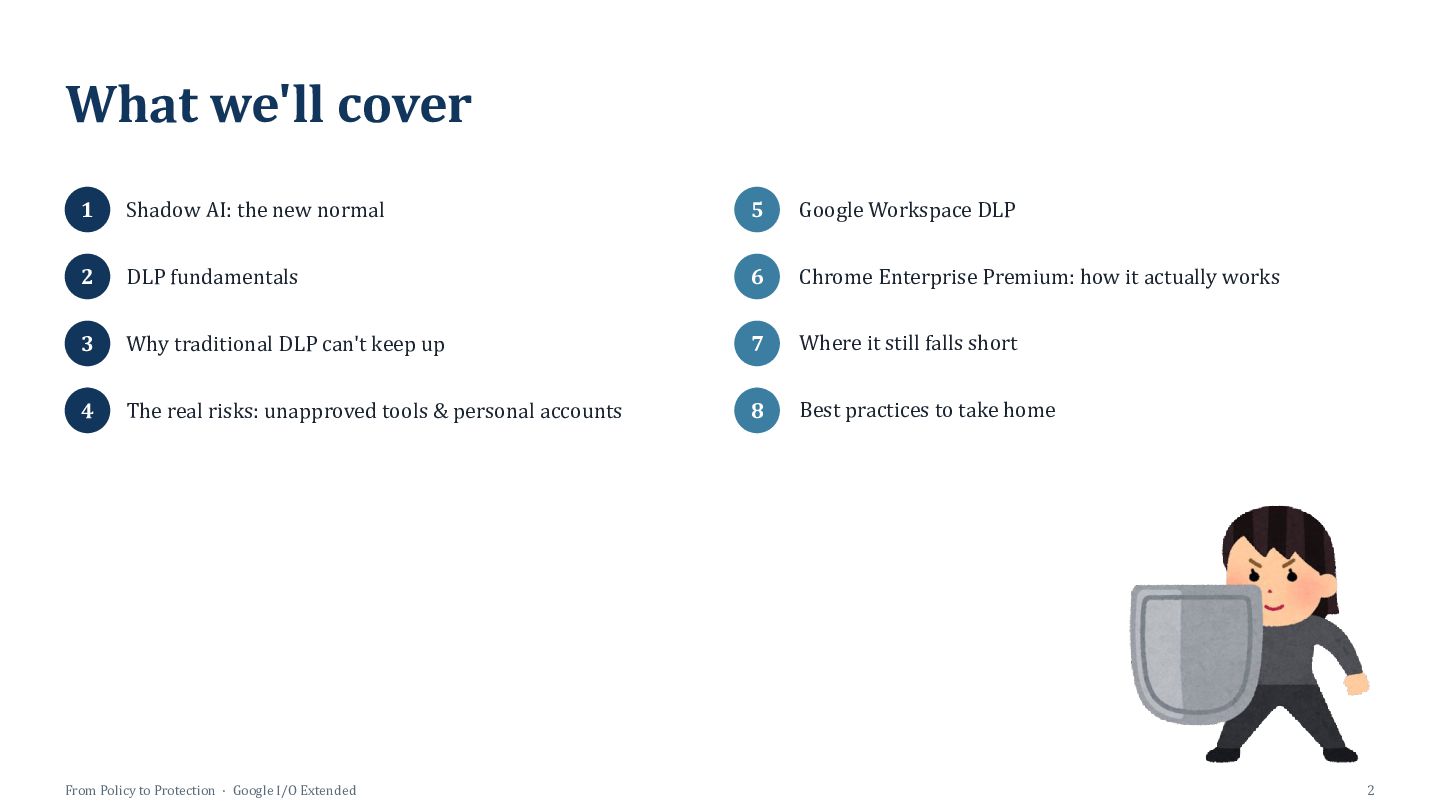
  2. What we'll cover 1 Shadow AI: the new normal 5

    Google Workspace DLP 2 DLP fundamentals 6 Chrome Enterprise Premium: how it actually works 3 Why traditional DLP can't keep up 7 Where it still falls short 4 The real risks: unapproved tools & personal accounts 8 Best practices to take home From Policy to Protection · Google I/O Extended 2
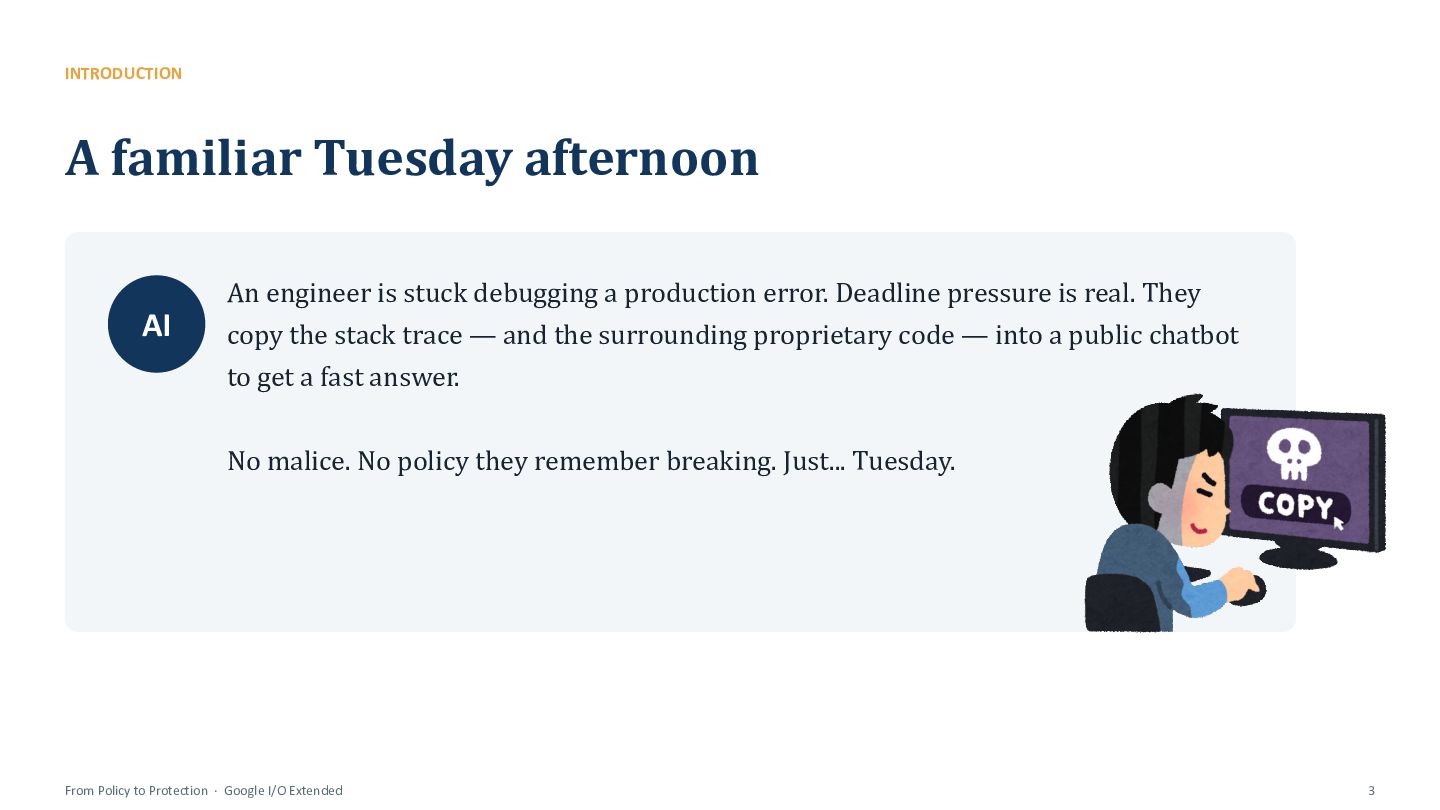
  3. INTRODUCTION A familiar Tuesday afternoon AI An engineer is stuck

    debugging a production error. Deadline pressure is real. They copy the stack trace — and the surrounding proprietary code — into a public chatbot to get a fast answer. No malice. No policy they remember breaking. Just... Tuesday. From Policy to Protection · Google I/O Extended 3
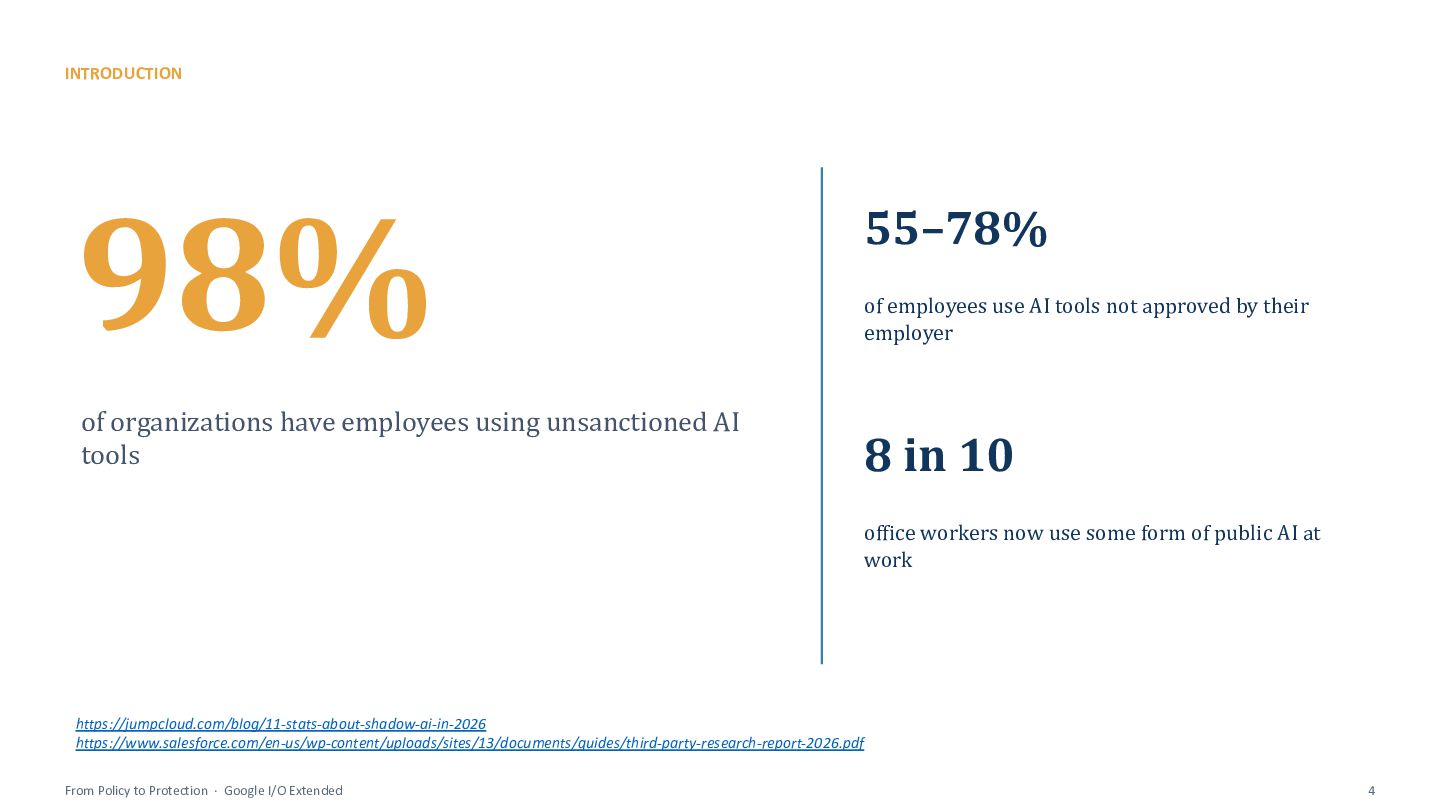
  4. INTRODUCTION 98% of organizations have employees using unsanctioned AI tools

    55–78% of employees use AI tools not approved by their employer 8 in 10 office workers now use some form of public AI at work https://jumpcloud.com/blog/11-stats-about-shadow-ai-in-2026 https://www.salesforce.com/en-us/wp-content/uploads/sites/13/documents/guides/third-party-research-report-2026.pdf From Policy to Protection · Google I/O Extended 4
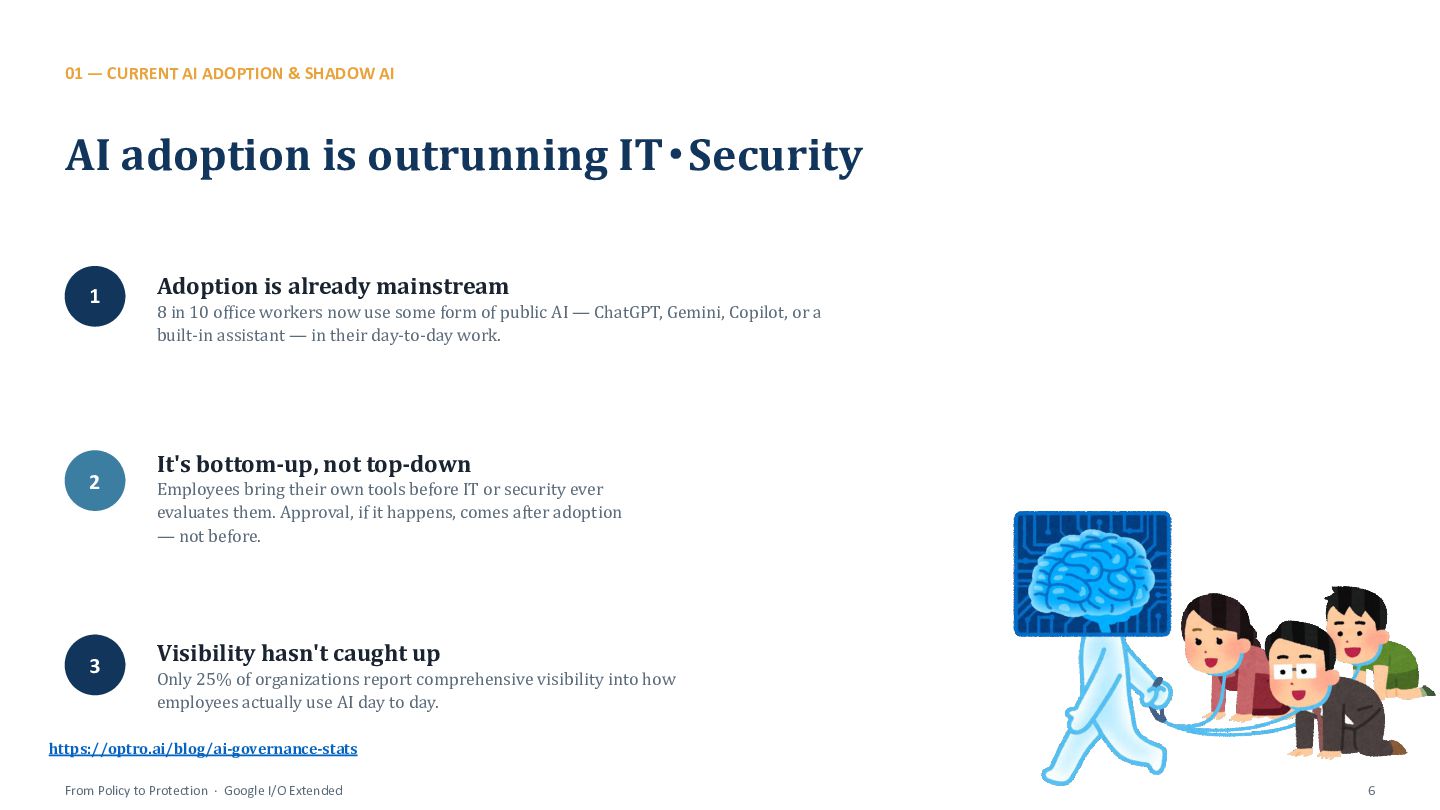
  5. 01 — CURRENT AI ADOPTION & SHADOW AI AI adoption

    is outrunning IT・Security 1 2 3 Adoption is already mainstream 8 in 10 office workers now use some form of public AI — ChatGPT, Gemini, Copilot, or a built-in assistant — in their day-to-day work. It's bottom-up, not top-down Employees bring their own tools before IT or security ever evaluates them. Approval, if it happens, comes after adoption — not before. Visibility hasn't caught up Only 25% of organizations report comprehensive visibility into how employees actually use AI day to day. https://optro.ai/blog/ai-governance-stats From Policy to Protection · Google I/O Extended 6
  6. 01 — CURRENT AI ADOPTION & SHADOW AI What is

    “Shadow AI”? Definition Any AI tool, model, or feature used for work without IT or security's knowledge, review, or approval. Public chatbots ChatGPT, Claude, Gemini and similar tools accessed through personal or unmanaged accounts. Browser extensions & embedded features AI add-ons that read page content, and AI features quietly enabled inside everyday SaaS apps. Personal AI accounts Free-tier or personal-plan AI accounts used for work tasks, with no enterprise data controls attached. From Policy to Protection · Google I/O Extended 7
  7. 01 — CURRENT AI ADOPTION & SHADOW AI The scale

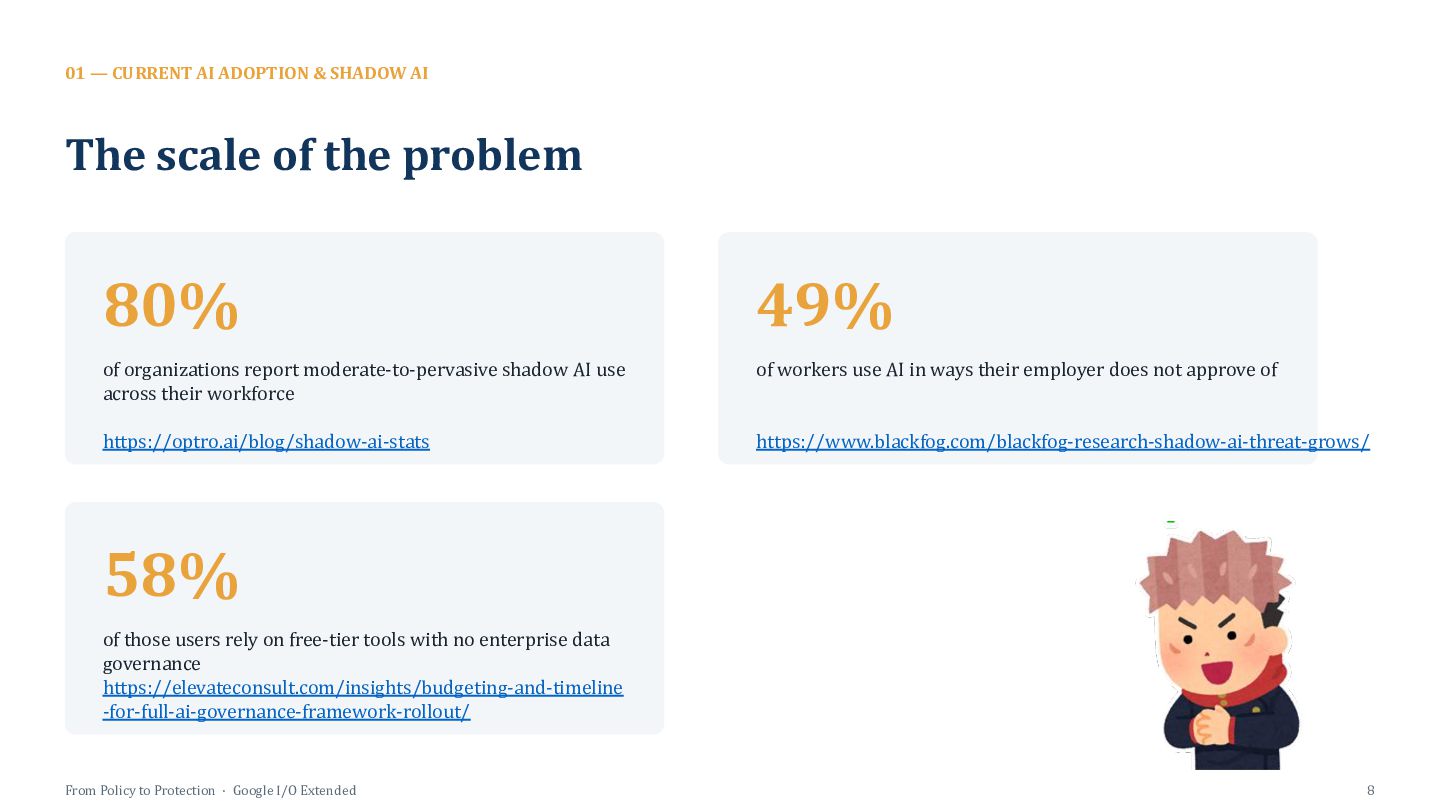
    of the problem 80% 49% of organizations report moderate-to-pervasive shadow AI use across their workforce of workers use AI in ways their employer does not approve of https://optro.ai/blog/shadow-ai-stats https://www.blackfog.com/blackfog-research-shadow-ai-threat-grows/ 58% of those users rely on free-tier tools with no enterprise data governance https://elevateconsult.com/insights/budgeting-and-timeline -for-full-ai-governance-framework-rollout/ From Policy to Protection · Google I/O Extended 8
  8. 01 — CURRENT AI ADOPTION & SHADOW AI This already

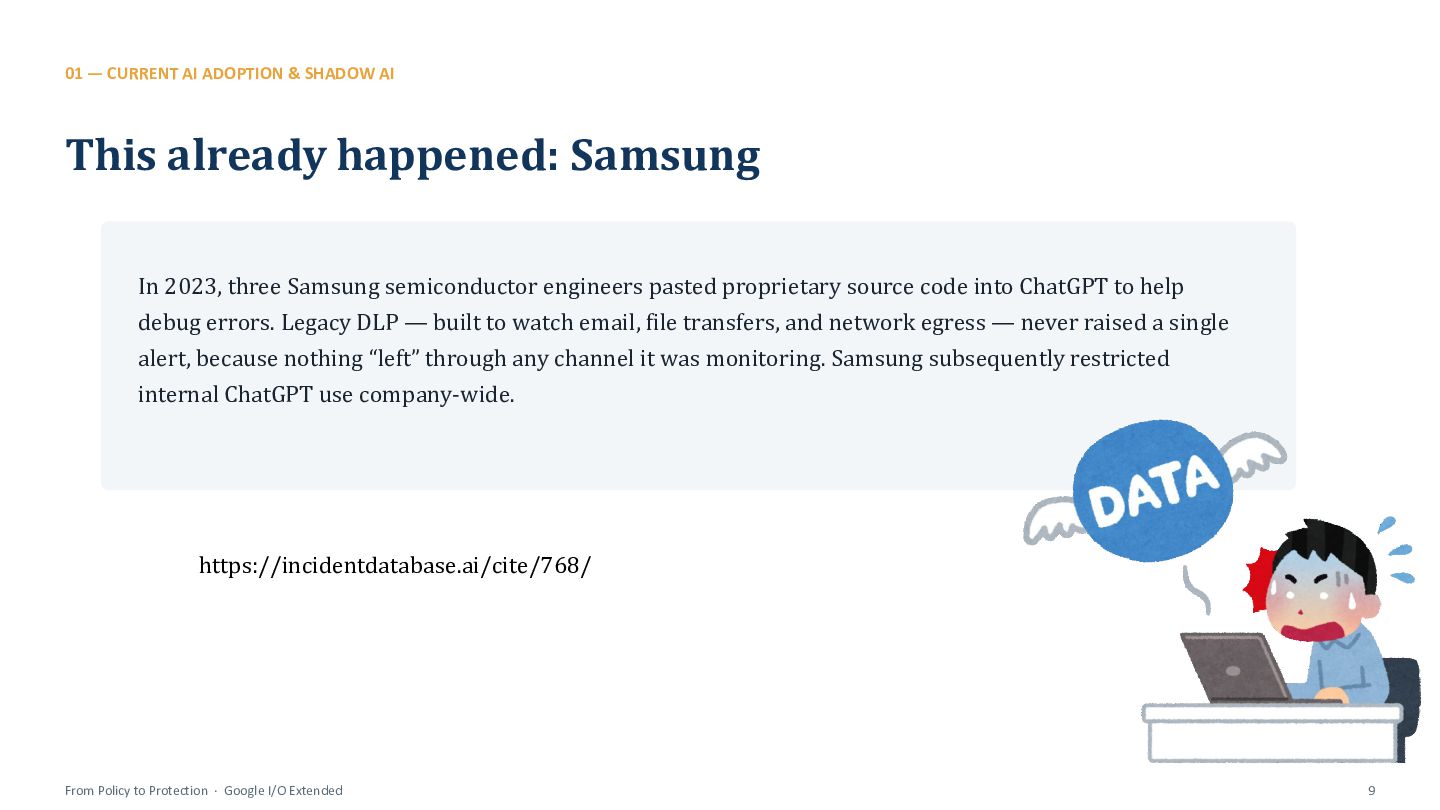
    happened: Samsung In 2023, three Samsung semiconductor engineers pasted proprietary source code into ChatGPT to help debug errors. Legacy DLP — built to watch email, file transfers, and network egress — never raised a single alert, because nothing “left” through any channel it was monitoring. Samsung subsequently restricted internal ChatGPT use company-wide. https://incidentdatabase.ai/cite/768/ From Policy to Protection · Google I/O Extended 9
  9. 03 — WHAT IS DLP? DLP, plainly DLP Data Loss

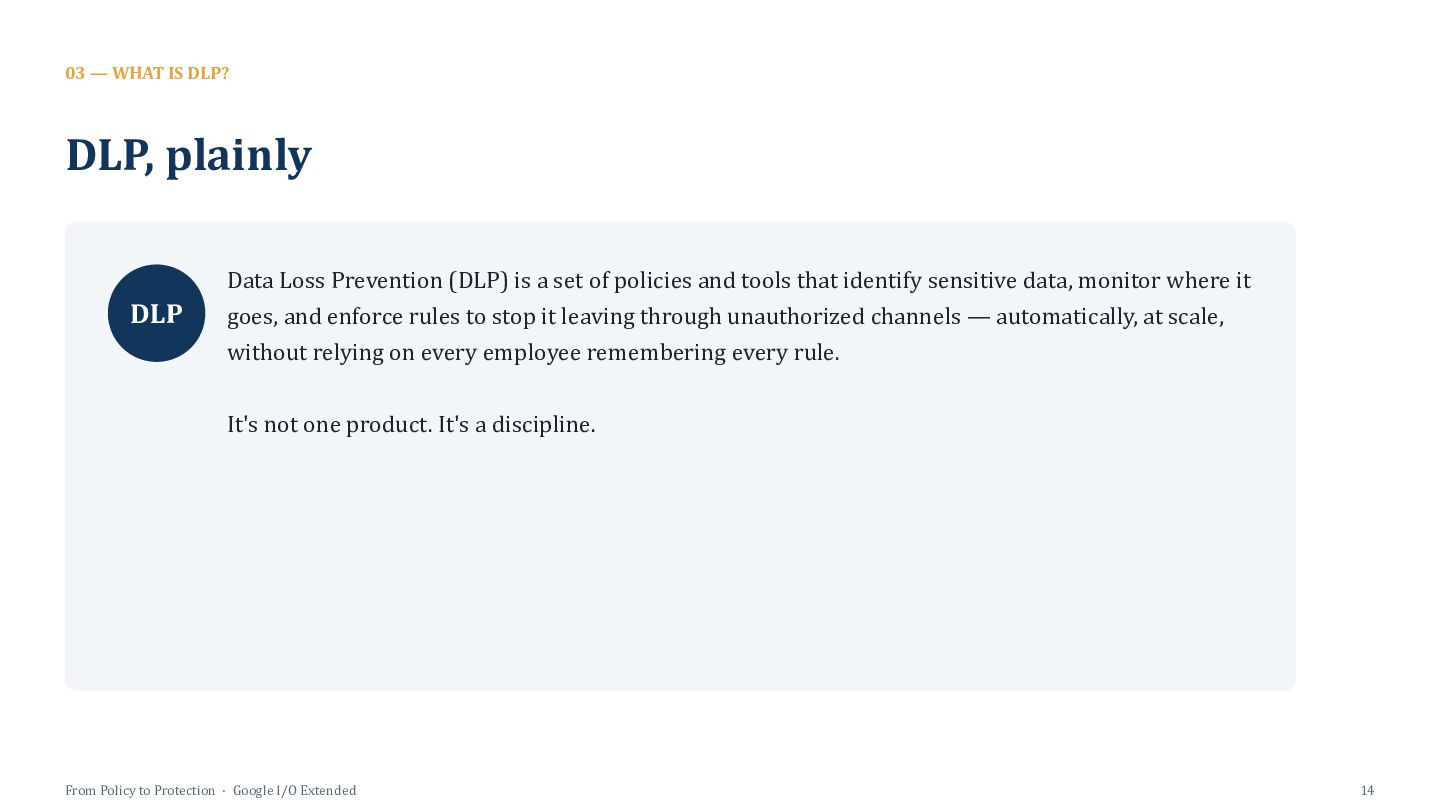
    Prevention (DLP) is a set of policies and tools that identify sensitive data, monitor where it goes, and enforce rules to stop it leaving through unauthorized channels — automatically, at scale, without relying on every employee remembering every rule. It's not one product. It's a discipline. From Policy to Protection · Google I/O Extended 14
  10. 03 — WHAT IS DLP? Four moving parts 1 Classify

    2 Detect 3 Enforce 4 Report From Policy to Protection · Google I/O Extended 15
  11. 03 Why Traditional DLP Falls Short The detection model built

    for files and email doesn't cover a browser tab
  12. 02 — WHY TRADITIONAL DLP FALLS SHORT DLP was built

    for a different world Email content & attachments 1 Scanning outbound messages and attachments for sensitive patterns before they leave the mail server. File uploads & downloads 2 Watching transfers to known cloud storage endpoints and flagging matches against classification rules. Network egress patterns 3 Inspecting traffic at the network perimeter for signatures associated with bulk data movement. Removable media & printing 4 Controlling USB drives, external storage, and print jobs as physical exfiltration channels. From Policy to Protection · Google I/O Extended 11
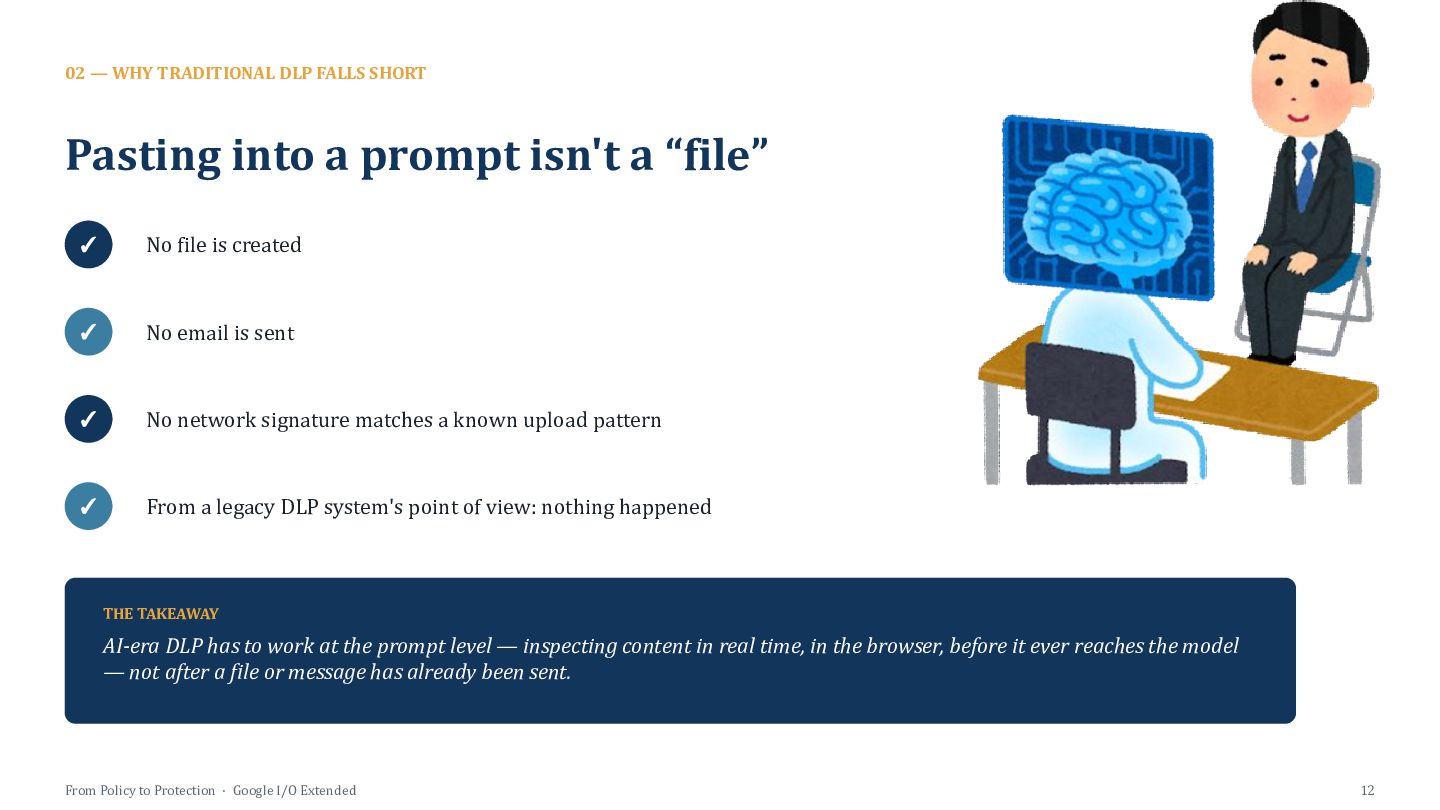
  13. 02 — WHY TRADITIONAL DLP FALLS SHORT Pasting into a

    prompt isn't a “file” ✓ No file is created ✓ No email is sent ✓ No network signature matches a known upload pattern ✓ From a legacy DLP system's point of view: nothing happened THE TAKEAWAY AI-era DLP has to work at the prompt level — inspecting content in real time, in the browser, before it ever reaches the model — not after a file or message has already been sent. From Policy to Protection · Google I/O Extended 12
  14. 04 — THE REAL RISKS Risk 1 — Unapproved AI

    tools “Quick help” pastes ⚠ Pasting source code, credentials, or customer data into a public chatbot to get a fast answer under deadline pressure. AI browser extensions ⚠ Extensions that silently read page content — including internal admin tools, tickets, and docs — not just what a user types. AI baked into SaaS apps ⚠ AI features auto-enabled inside everyday SaaS tools, sending data to third-party model providers by default. From Policy to Protection · Google I/O Extended 17
  15. 04 — THE REAL RISKS Risk 2 — Personal accounts

    & BYOD “I'll finish this at home” Copying work documents or spreadsheets into a personal Gmail or personal Drive to keep working later. Personal AI logins on work devices Signing into ChatGPT or Gemini with a personal account on a managed device — no enterprise data controls apply. Unmanaged personal devices BYOD laptops and phones accessing Workspace data entirely outside Chrome policy or MDM enrollment. From Policy to Protection · Google I/O Extended 18
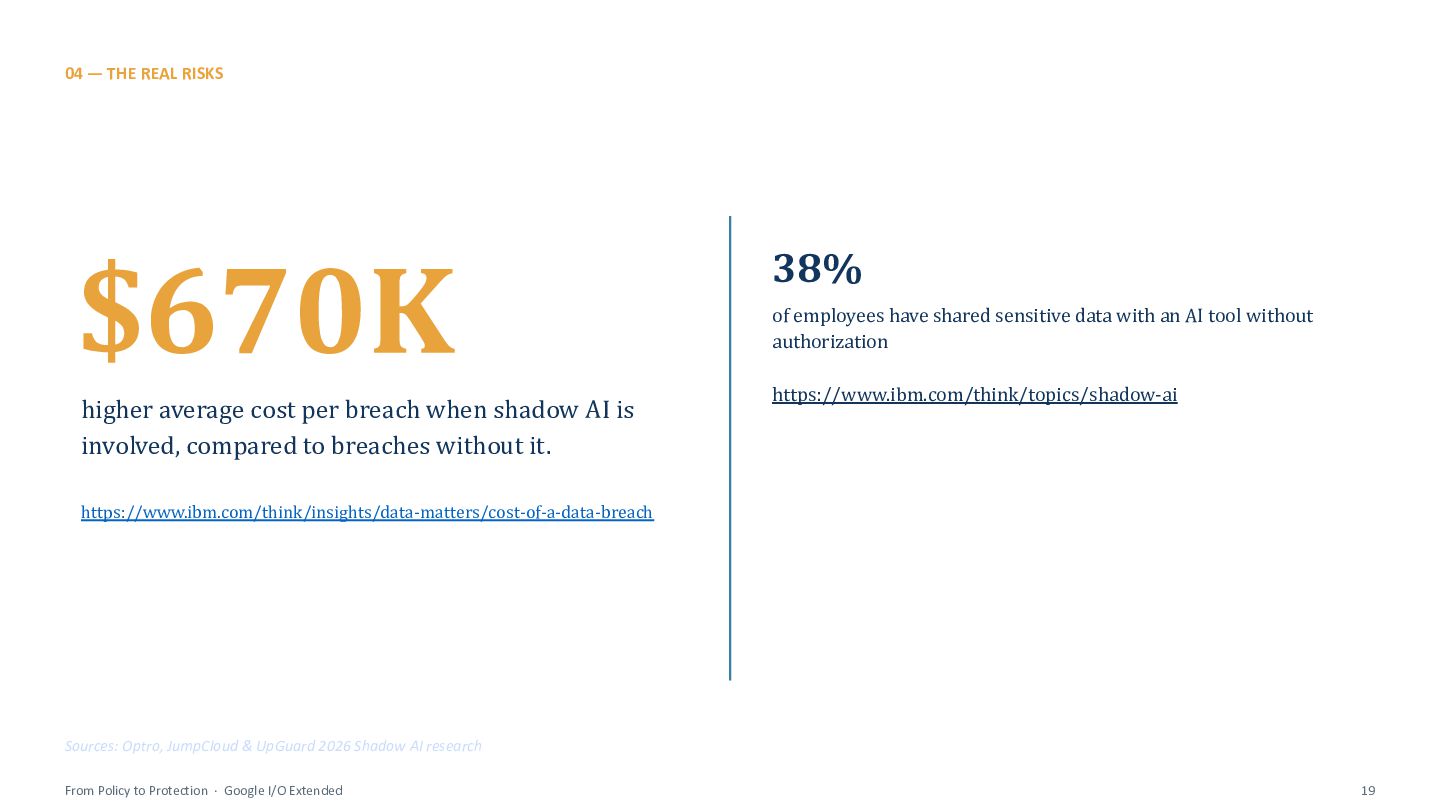
  16. 04 — THE REAL RISKS $670K higher average cost per

    breach when shadow AI is involved, compared to breaches without it. 38% of employees have shared sensitive data with an AI tool without authorization https://www.ibm.com/think/topics/shadow-ai https://www.ibm.com/think/insights/data-matters/cost-of-a-data-breach Sources: Optro, JumpCloud & UpGuard 2026 Shadow AI research From Policy to Protection · Google I/O Extended 19
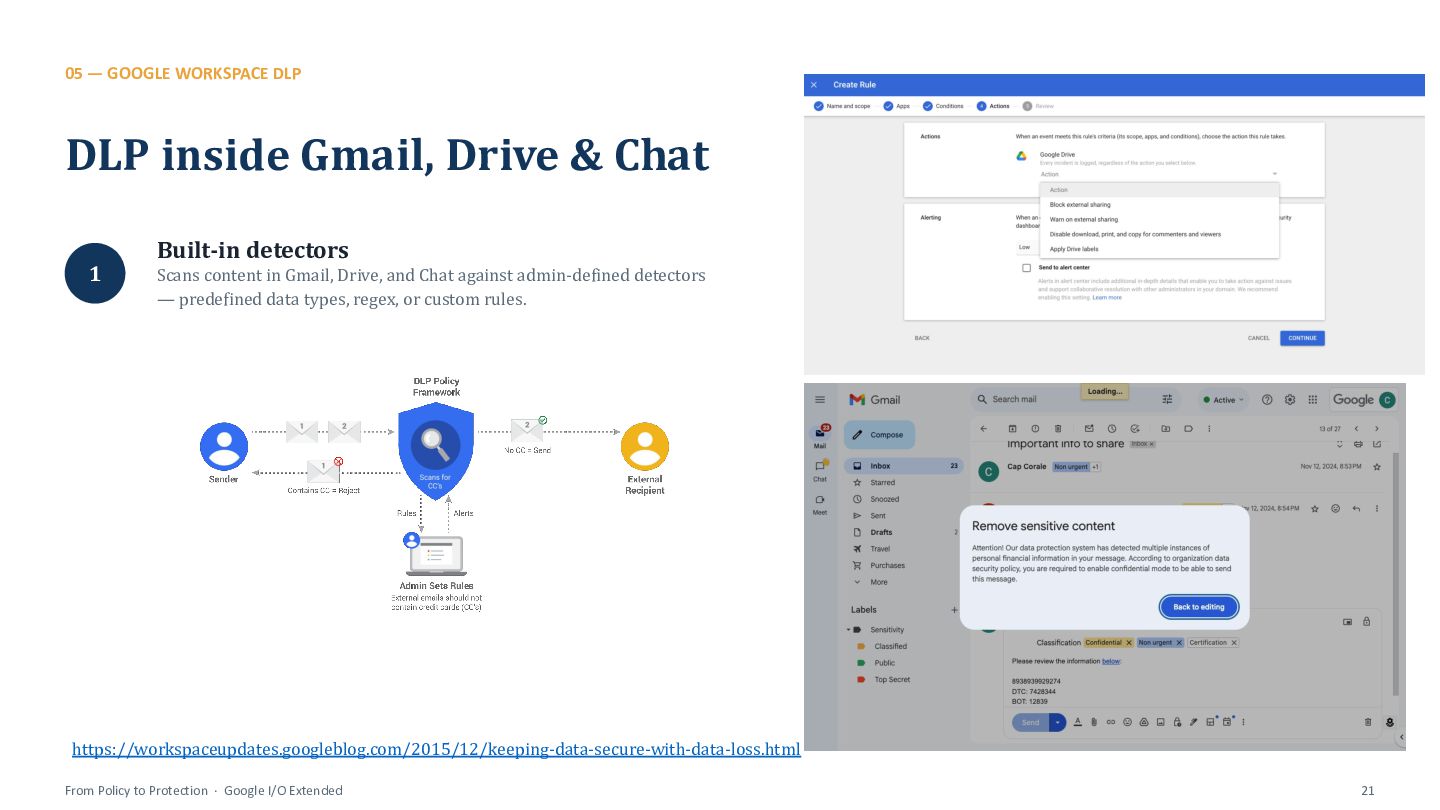
  17. 05 — GOOGLE WORKSPACE DLP DLP inside Gmail, Drive &

    Chat Built-in detectors 1 Scans content in Gmail, Drive, and Chat against admin-defined detectors — predefined data types, regex, or custom rules. https://workspaceupdates.googleblog.com/2015/12/keeping-data-secure-with-data-loss.html From Policy to Protection · Google I/O Extended 21
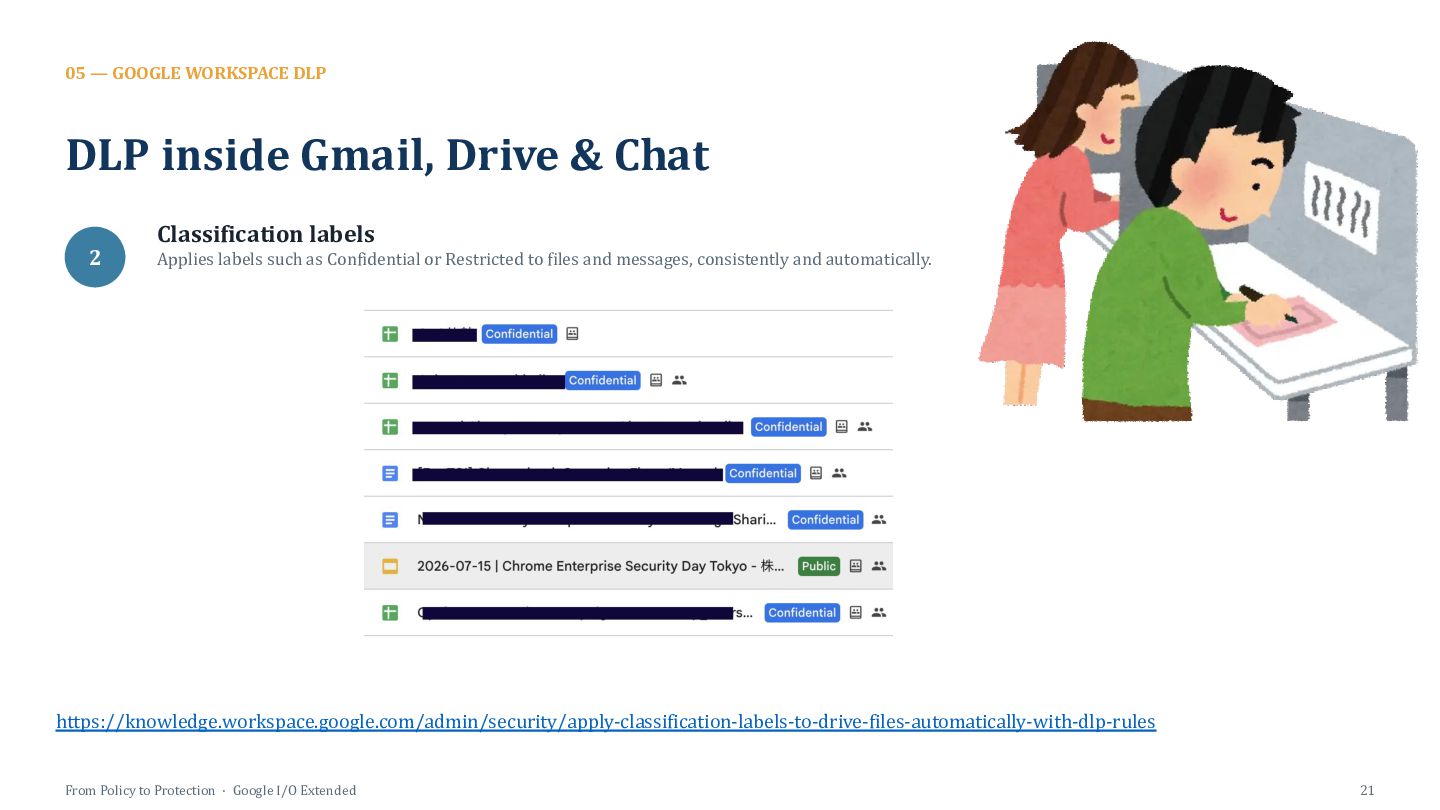
  18. 05 — GOOGLE WORKSPACE DLP DLP inside Gmail, Drive &

    Chat Classification labels 2 Applies labels such as Confidential or Restricted to files and messages, consistently and automatically. https://knowledge.workspace.google.com/admin/security/apply-classification-labels-to-drive-files-automatically-with-dlp-rules From Policy to Protection · Google I/O Extended 21
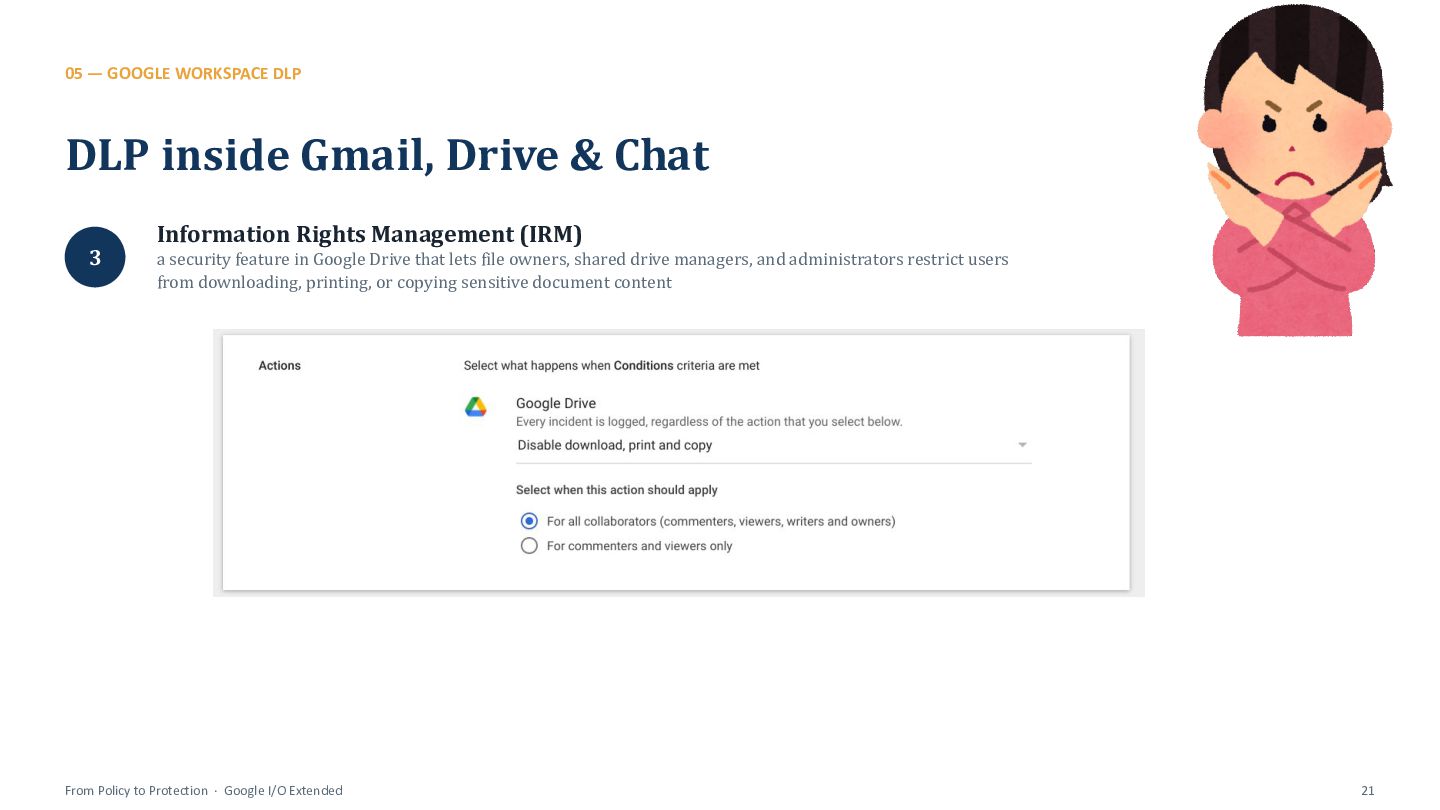
  19. 05 — GOOGLE WORKSPACE DLP DLP inside Gmail, Drive &

    Chat Information Rights Management (IRM) 3 a security feature in Google Drive that lets file owners, shared drive managers, and administrators restrict users from downloading, printing, or copying sensitive document content From Policy to Protection · Google I/O Extended 21
  20. 05 — GOOGLE WORKSPACE DLP DLP inside Gmail, Drive &

    Chat Runs without user action 4 Rules execute automatically in the background — protection doesn't depend on an employee remembering to apply it. From Policy to Protection · Google I/O Extended 21
  21. 05 — GOOGLE WORKSPACE DLP How it plugs into Gemini

    Same policies apply to AI output 1 Gemini-generated content inserted into Gmail or Docs is evaluated against the same in-scope DLP policies as human-authored content. 2 Files with download, copy, or print disabled are simply not retrieved by Gemini to generate a response — the restriction holds for AI, not just people. 3 Admins choose which users or organizational units get Gemini access at all, then layer DLP rules on top of that access. IRM restricts what Gemini can use Admin-scoped access From Policy to Protection · Google I/O Extended 22
  22. 05 — GOOGLE WORKSPACE DLP What Workspace DLP doesn't see

    Outside Workspace entirely ! No visibility into the standalone app, or third-party GenAI tools used outside Workspace apps. ! Data leaving via a browser tab, copy-paste, or screenshot is entirely outside Workspace DLP's reach. ! AI agents using the Model Context Protocol (MCP) can reach into Workspace data — a new inbound path that needs its own governance. The browser layer ! New in 2026: the agent path From Policy to Protection · Google I/O Extended 23
  23. 06 — CHROME ENTERPRISE PREMIUM A zero-trust browser layer Chrome

    as an enforcement point 1 Chrome becomes a policy enforcement point, not just a viewer — it can act on what it sees, not just render it. Context-aware access 2 Permissions are tied to identity, device posture, and location, not to which network the laptop happens to be on. Follows the user, not the network 3 Applies identically on corporate Wi-Fi, home Wi-Fi, or a coffee shop — there's no trusted perimeter to step outside of. Sits in front of every site 4 Applies to sanctioned and unsanctioned destinations alike — including whichever AI tool an employee opens next. From Policy to Protection · Google I/O Extended 25
  24. 06 — CHROME ENTERPRISE PREMIUM What Chrome can see and

    stop Real-time content inspection 1 Scans up to 10 MB of text content across paste, upload, download, and print actions inside the browser. Copy/paste protection 2 Blocks or warns when sensitive text is pasted into an unapproved site — including the exact ChatGPT-paste scenario from earlier. Screenshot protection 3 Prevents capture of sensitive content rendered in the browser, closing a channel most DLP tools never consider. ~50 built-in DLP detectors 4 Credit card numbers, SSNs, source-code patterns, and custom regex — configurable per organization. From Policy to Protection · Google I/O Extended 26
  25. 06 — CHROME ENTERPRISE PREMIUM Different rules for different contexts

    URL filtering by category 1 Allow, warn, or block specific AI sites or entire categories of sites, without maintaining a manual list one by one. Rules vary by device posture 2 Stricter DLP on unmanaged or BYOD devices than on fully managed corporate laptops — same policy engine, different thresholds. Enforcement actions: Block / Warn / Audit 3 Start soft with Audit or Warn, tighten to Block once you understand real-world usage patterns. Identity and device trust, not a static list 4 Rules integrate with your identity provider and device trust signals, not just a fixed allow/block list. From Policy to Protection · Google I/O Extended 27
  26. 06 — CHROME ENTERPRISE PREMIUM Seeing what almost happened Chrome

    Security Insights dashboard 1 Surfaces security posture, risky domains, and sensitive-data transfer attempts in one place. Per-user, per-domain reporting 2 Spot repeat patterns — the same person, the same site, the same behavior — not just isolated one-off incidents. Feeds your existing SIEM/SOC 3 Event logs integrate into workflows security teams already use, rather than requiring a new console to babysit. From Policy to Protection · Google I/O Extended 28
  27. 07 — WHERE IT STILL FALLS SHORT Be honest about

    the gaps Chrome-only coverage ! Other browsers, native apps, and mobile experiences need separate controls — this doesn't blanket every surface. Pattern detection has limits ! Can miss paraphrased or obfuscated sensitive data, and can false-positive on entirely benign text. The agent/MCP path is new ! AI agents integrating via MCP create inbound data paths that most existing DLP rules weren't written for yet. Tuning is ongoing work ! Too strict breaks legitimate workflows and drives workarounds; too loose misses real leaks. There's no “set and forget.” From Policy to Protection · Google I/O Extended 30
  28. 08 — BEST PRACTICES Start with data and trust, not

    blocking Classify your sensitive data first 1 DLP rules are only as good as the labels behind them — classification is the prerequisite, not an afterthought. Roll out in stages: Audit → Warn → Block 2 Jumping straight to Block guarantees workaround behavior and erodes trust before the policy has proven its value. Offer an approved alternative first 3 Give people a sanctioned AI tool before taking the unapproved one away — removal without a substitute just pushes usage further underground. From Policy to Protection · Google I/O Extended 32
  29. 08 — BEST PRACTICES Layer the controls, don't pick one

    Combine data-layer and browser-layer controls 4 Workspace DLP (the data) + Chrome Enterprise Premium (the browser) + each covers a gap the others miss. Extend governance to the agent path 5 Bring the same rigor to AI-agent/MCP access that you already apply to human browsing — don't leave it as the one ungoverned door. Review policies 6 New AI tools and new leak patterns appear constantly; a policy tuned for today's tools will be stale within a couple of quarters. Train and communicate 7 Employees who understand why a policy exists comply more than employees who are simply blocked without explanation. From Policy to Protection · Google I/O Extended 33
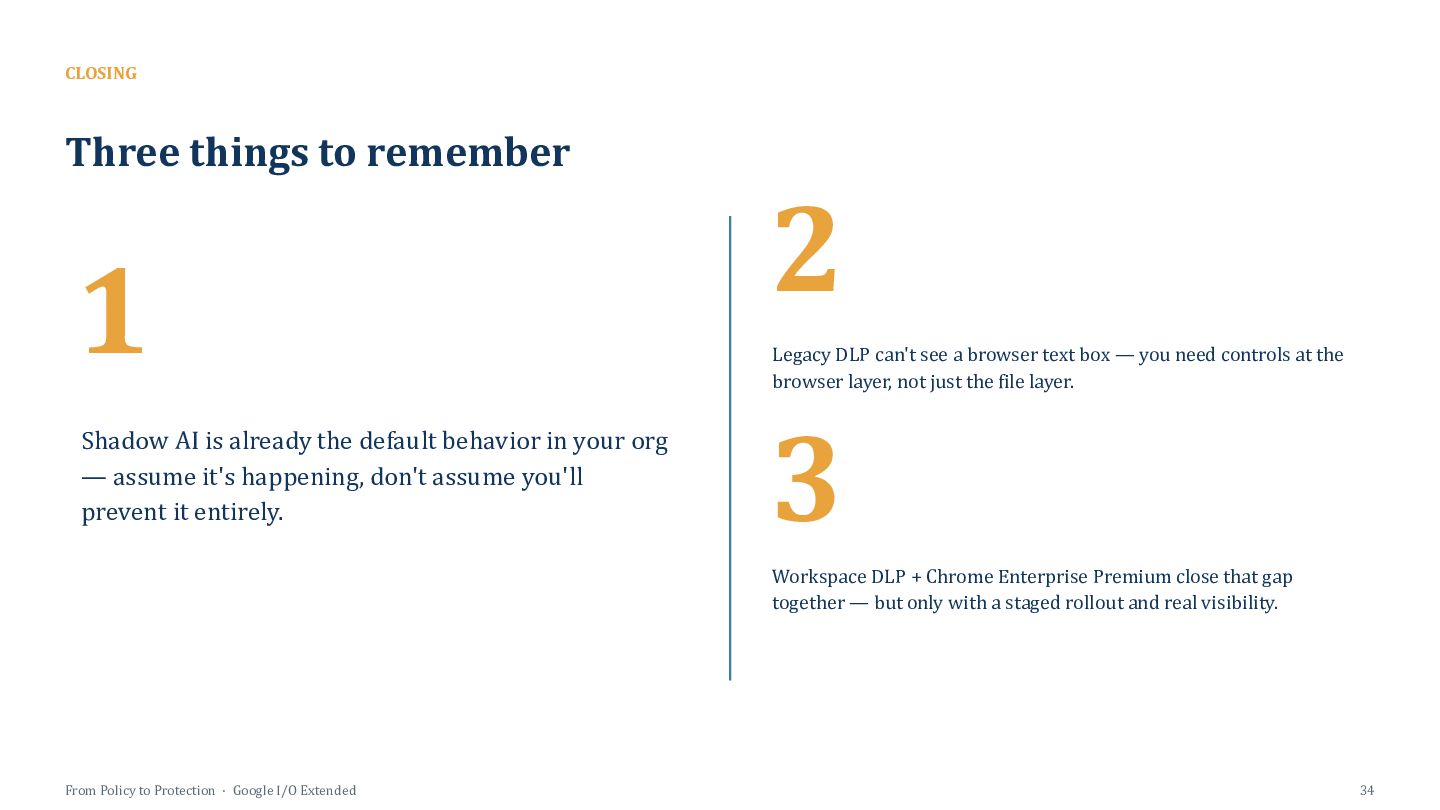
  30. CLOSING Three things to remember 1 Shadow AI is already

    the default behavior in your org — assume it's happening, don't assume you'll prevent it entirely. 2 2 Legacy DLP can't see a browser text box — you need controls at the browser layer, not just the file layer. 3 3 Workspace DLP + Chrome Enterprise Premium close that gap together — but only with a staged rollout and real visibility. From Policy to Protection · Google I/O Extended 34