Upgrade to Pro — share decks privately, control downloads, hide ads and more …

Beyond the Prompt: A Hands-On Skills Workshop f...

Sponsored · SiteGround - Reliable hosting with speed, security, and support you can count on. →

Beyond the Prompt: A Hands-On Skills Workshop for MMDT Members

This session is designed for non-engineering members. 🗂️Requirements: Claude app installed ( web or desktop) paid subscription recommended for full access to custom skills; free plan attendees can still follow along)

Avatar for Khine Zar Thwe

Khine Zar Thwe

July 20, 2026

More Decks by Khine Zar Thwe

Other Decks in Technology

Transcript

  1. MMDT · HANDS-ON WORKSHOP · Beyond the Prompt Build your

    first AI Agent Skill — from task inventory to working SKILL.md Khine Zar Thwe · July 2026
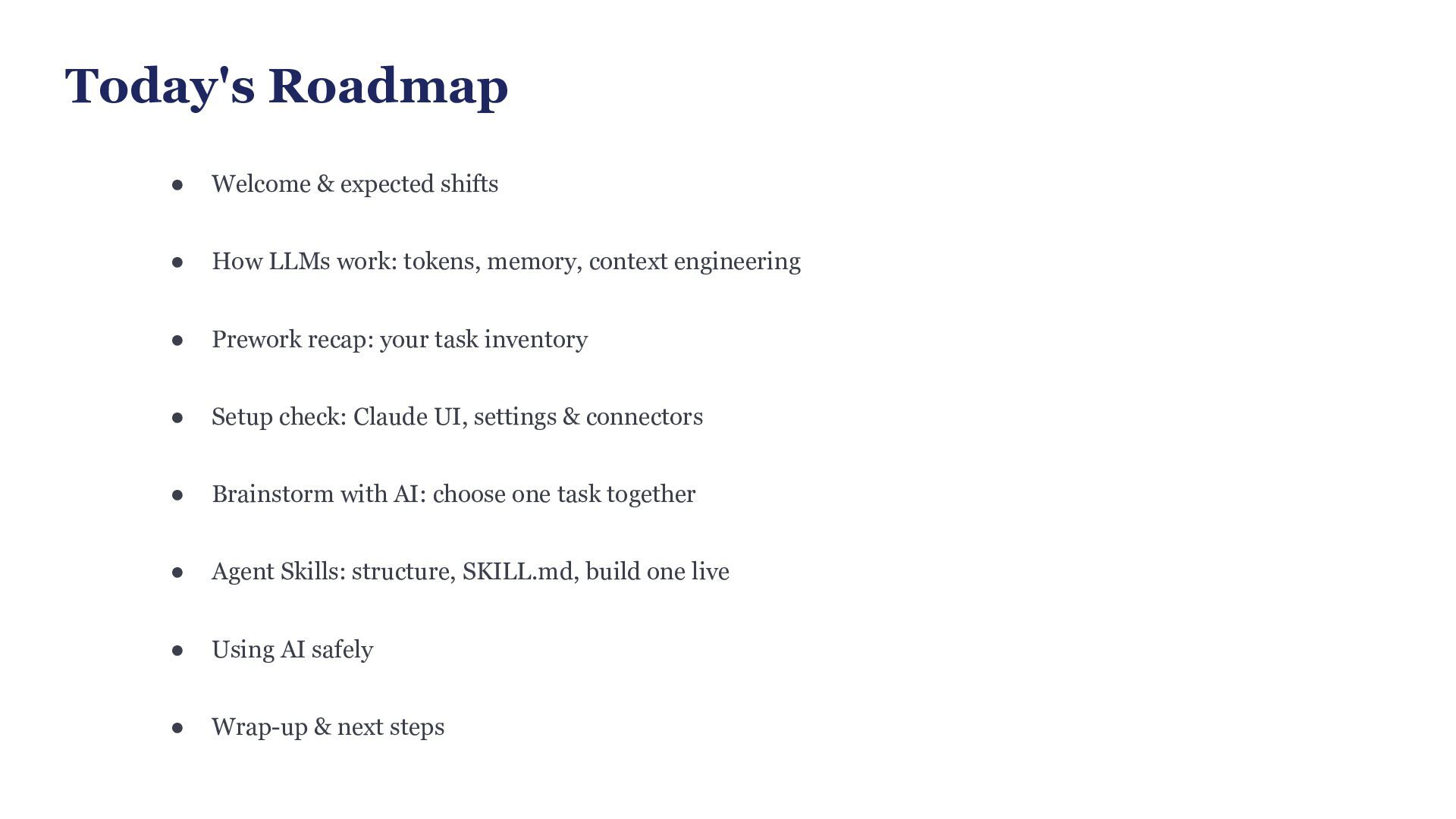
  2. Today's Roadmap • Welcome & expected shifts • How LLMs

    work: tokens, memory, context engineering • Prework recap: your task inventory • Setup check: Claude UI, settings & connectors • Brainstorm with AI: choose one task together • Agent Skills: structure, SKILL.md, build one live • Using AI safely • Wrap-up & next steps
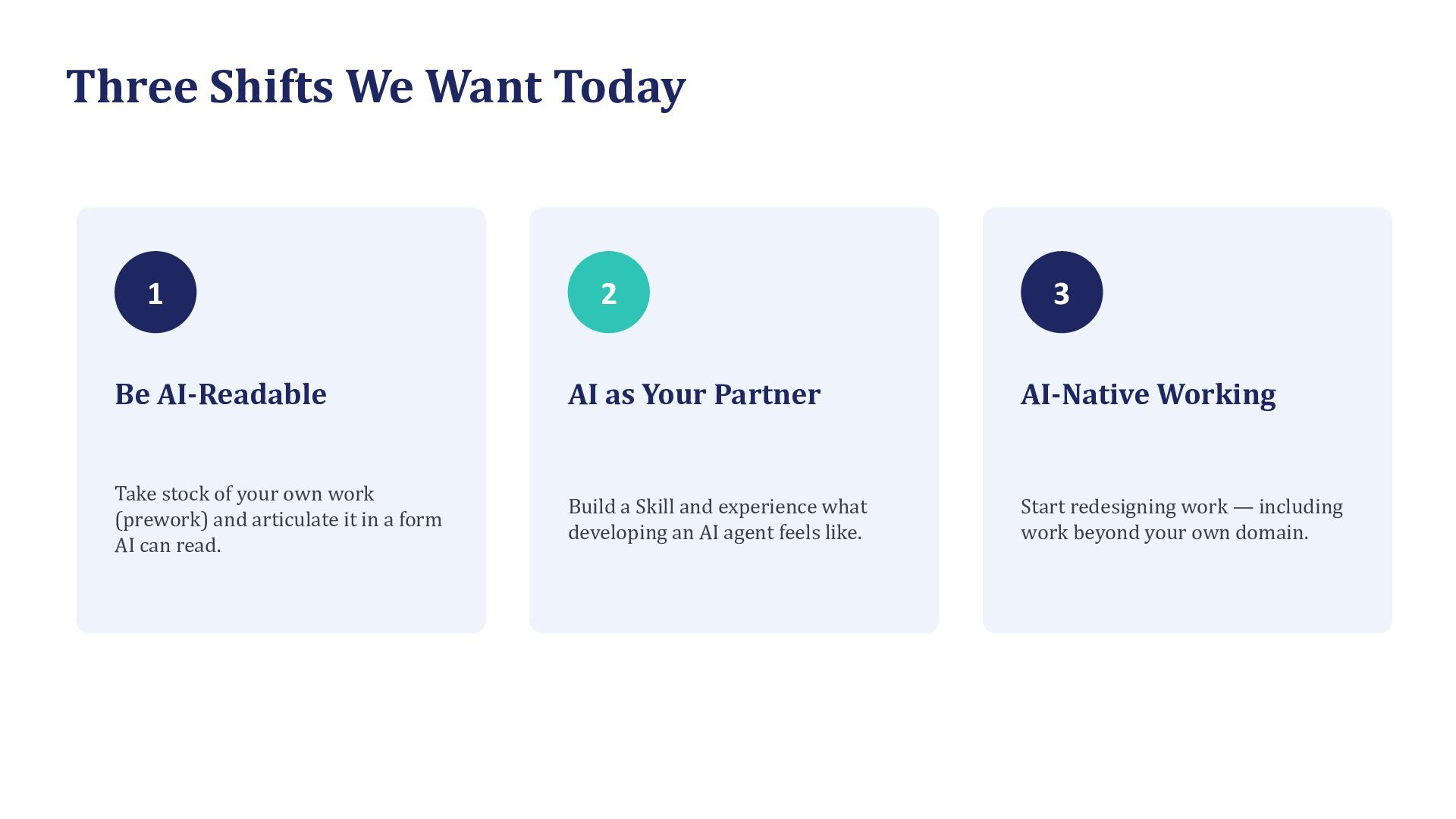
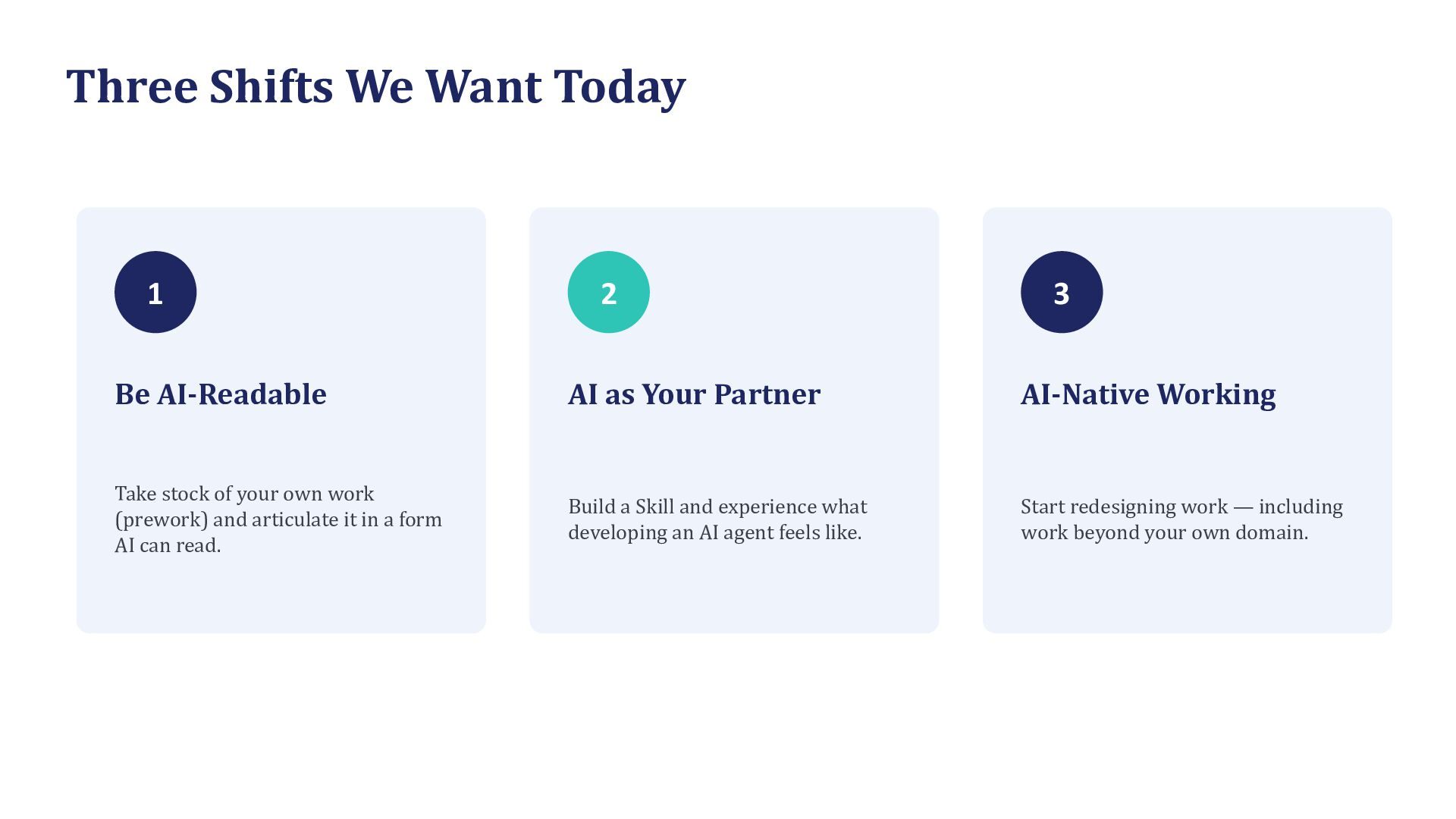
  3. Three Shifts We Want Today 1 2 3 Be AI-Readable

    AI as Your Partner AI-Native Working Take stock of your own work (prework) and articulate it in a form AI can read. Build a Skill and experience what developing an AI agent feels like. Start redesigning work — including work beyond your own domain.
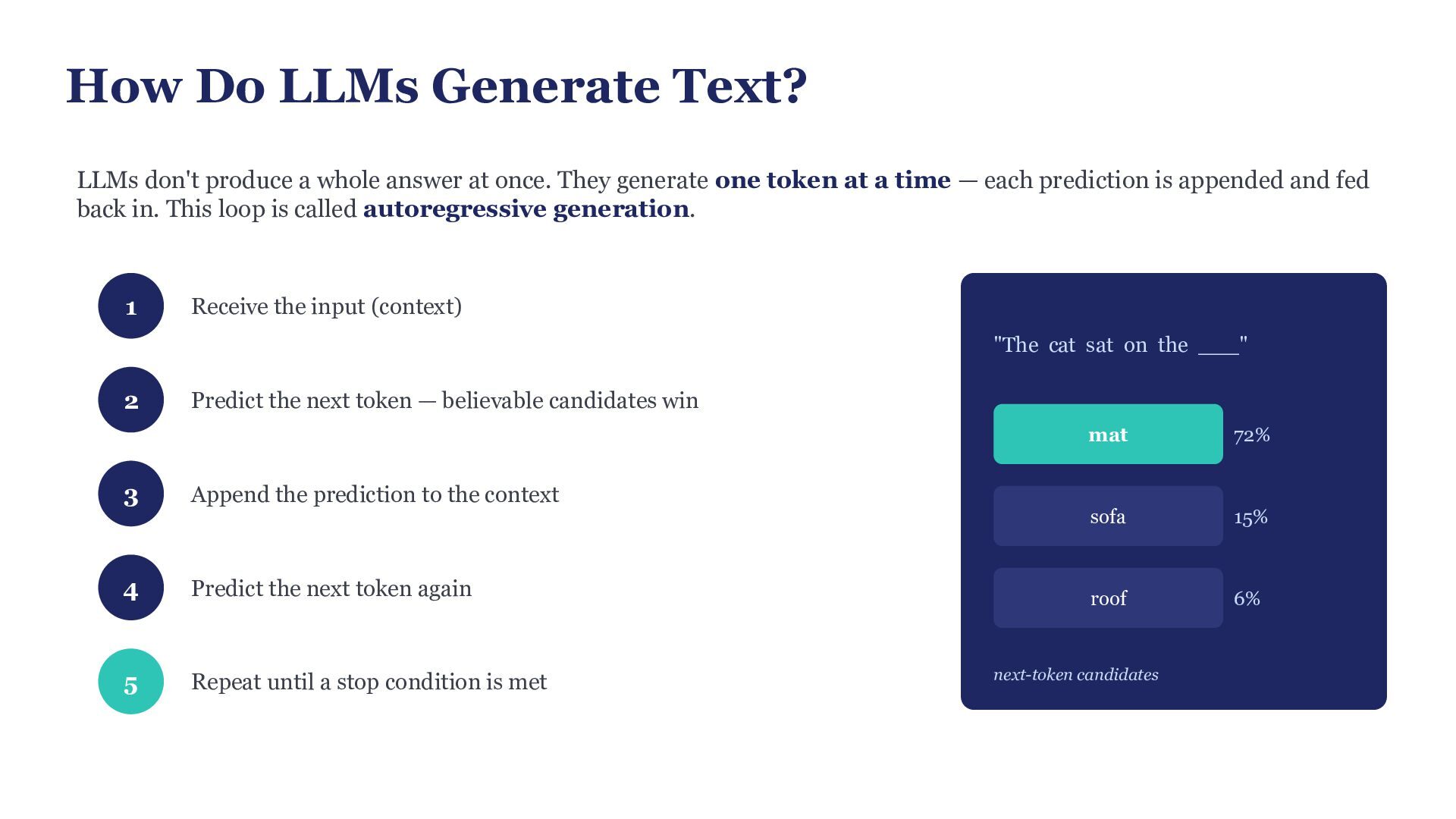
  4. How Do LLMs Generate Text? LLMs don't produce a whole

    answer at once. They generate one token at a time — each prediction is appended and fed back in. This loop is called autoregressive generation. 1 Receive the input (context) "The cat sat on the ___" 2 3 Predict the next token — believable candidates win mat 72% sofa 15% roof 6% Append the prediction to the context 4 Predict the next token again 5 Repeat until a stop condition is met next-token candidates
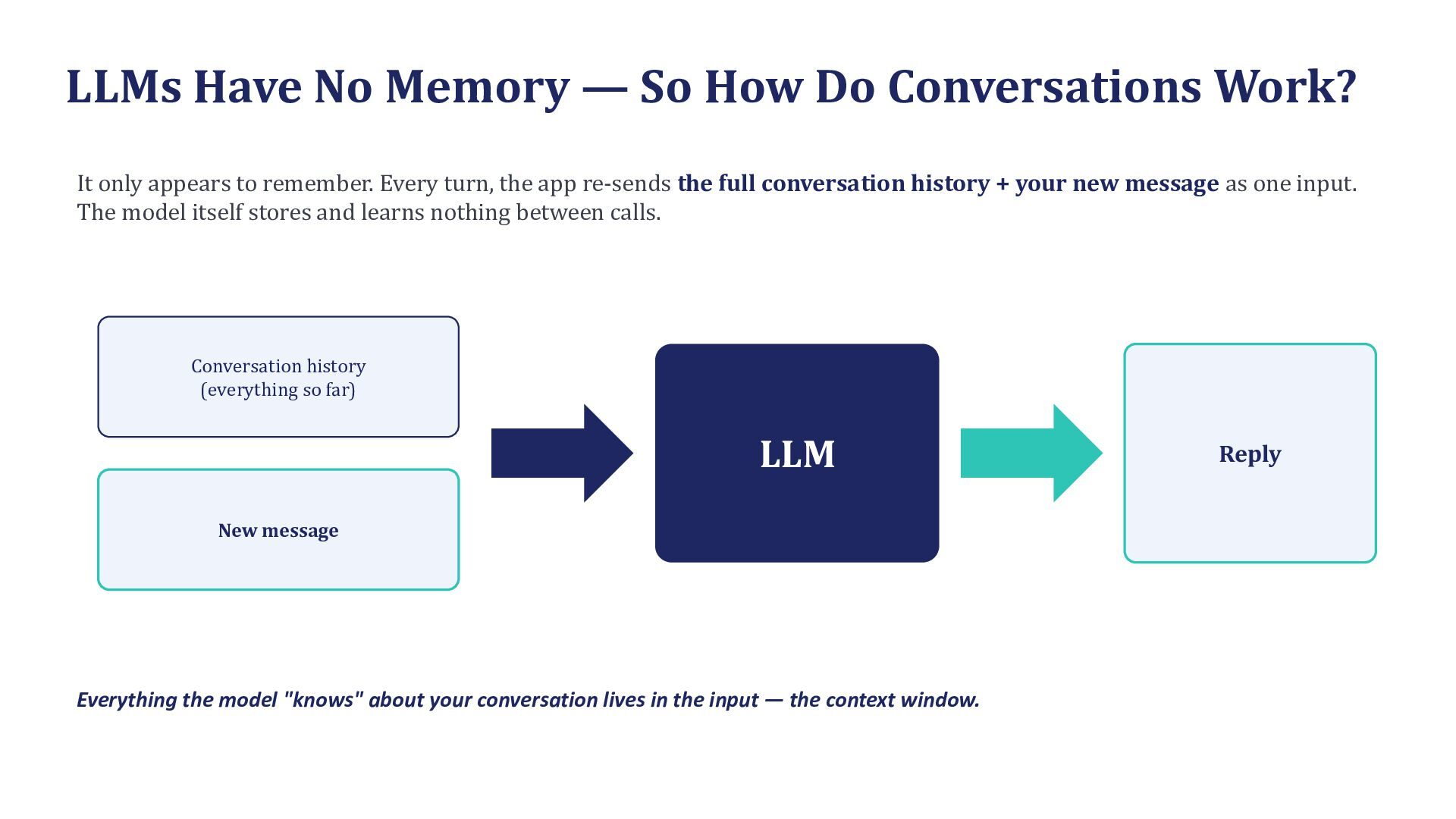
  5. LLMs Have No Memory — So How Do Conversations Work?

    It only appears to remember. Every turn, the app re-sends the full conversation history + your new message as one input. The model itself stores and learns nothing between calls. Conversation history (everything so far) LLM New message Everything the model "knows" about your conversation lives in the input — the context window. Reply
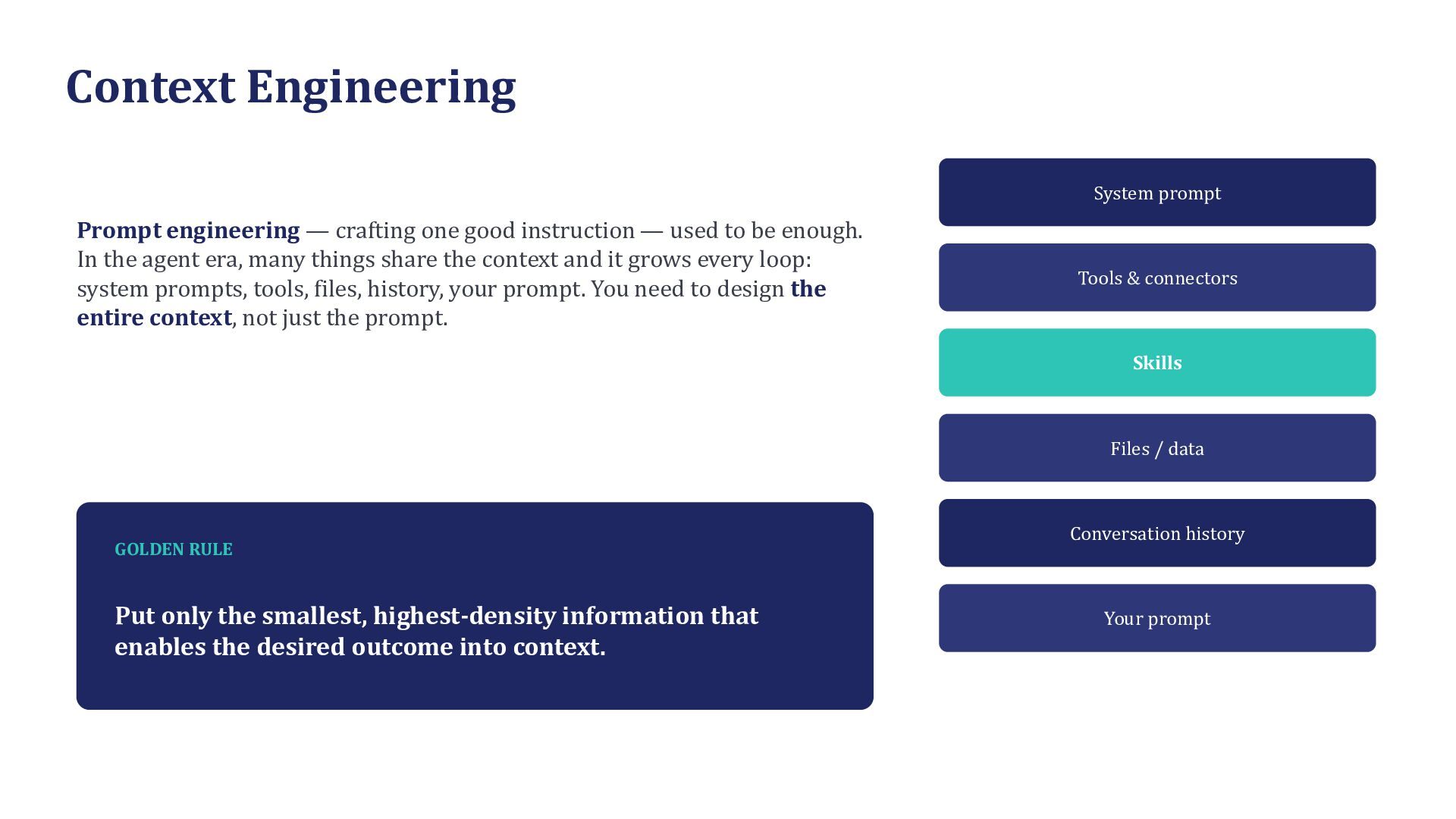
  6. Context Engineering System prompt Prompt engineering — crafting one good

    instruction — used to be enough. In the agent era, many things share the context and it grows every loop: system prompts, tools, files, history, your prompt. You need to design the entire context, not just the prompt. Tools & connectors Skills Files / data GOLDEN RULE Put only the smallest, highest-density information that enables the desired outcome into context. Conversation history Your prompt
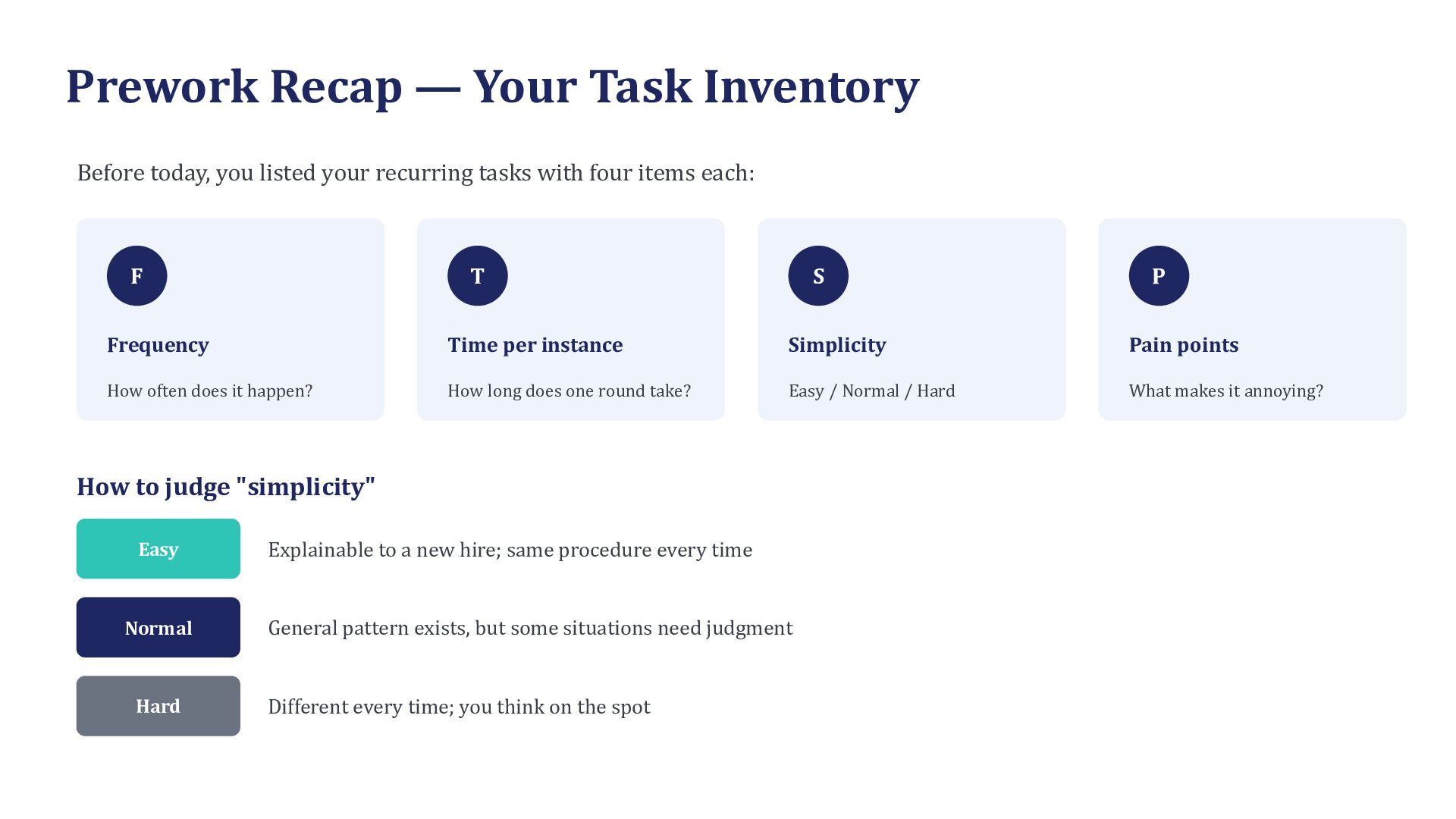
  7. Prework Recap — Your Task Inventory Before today, you listed

    your recurring tasks with four items each: F T S P Frequency Time per instance Simplicity Pain points How often does it happen? How long does one round take? Easy / Normal / Hard What makes it annoying? How to judge "simplicity" Easy Explainable to a new hire; same procedure every time Normal General pattern exists, but some situations need judgment Hard Different every time; you think on the spot
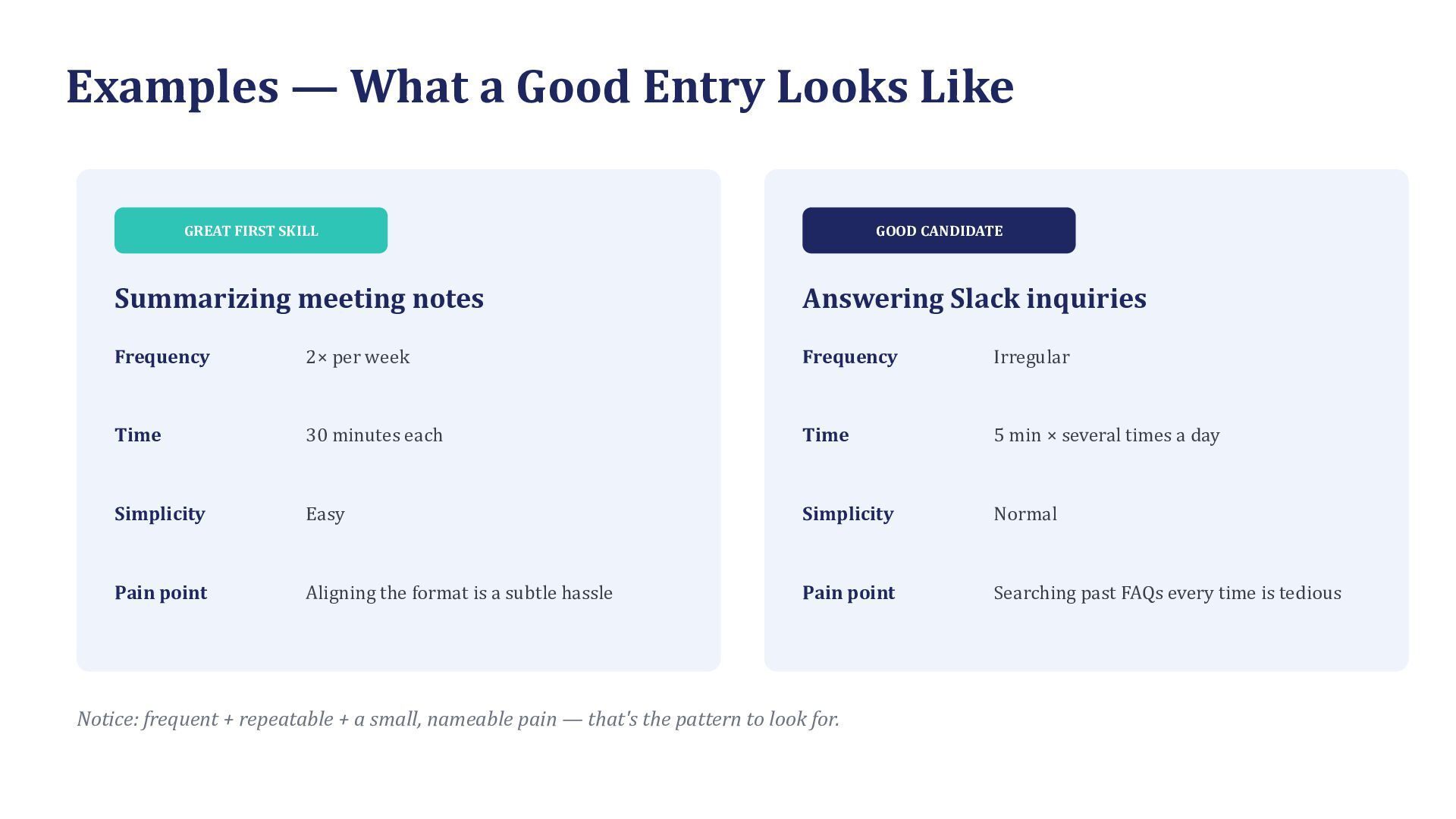
  8. Examples — What a Good Entry Looks Like GREAT FIRST

    SKILL GOOD CANDIDATE Summarizing meeting notes Answering Slack inquiries Frequency 2× per week Frequency Irregular Time 30 minutes each Time 5 min × several times a day Simplicity Easy Simplicity Normal Pain point Aligning the format is a subtle hassle Pain point Searching past FAQs every time is tedious Notice: frequent + repeatable + a small, nameable pain — that's the pattern to look for.
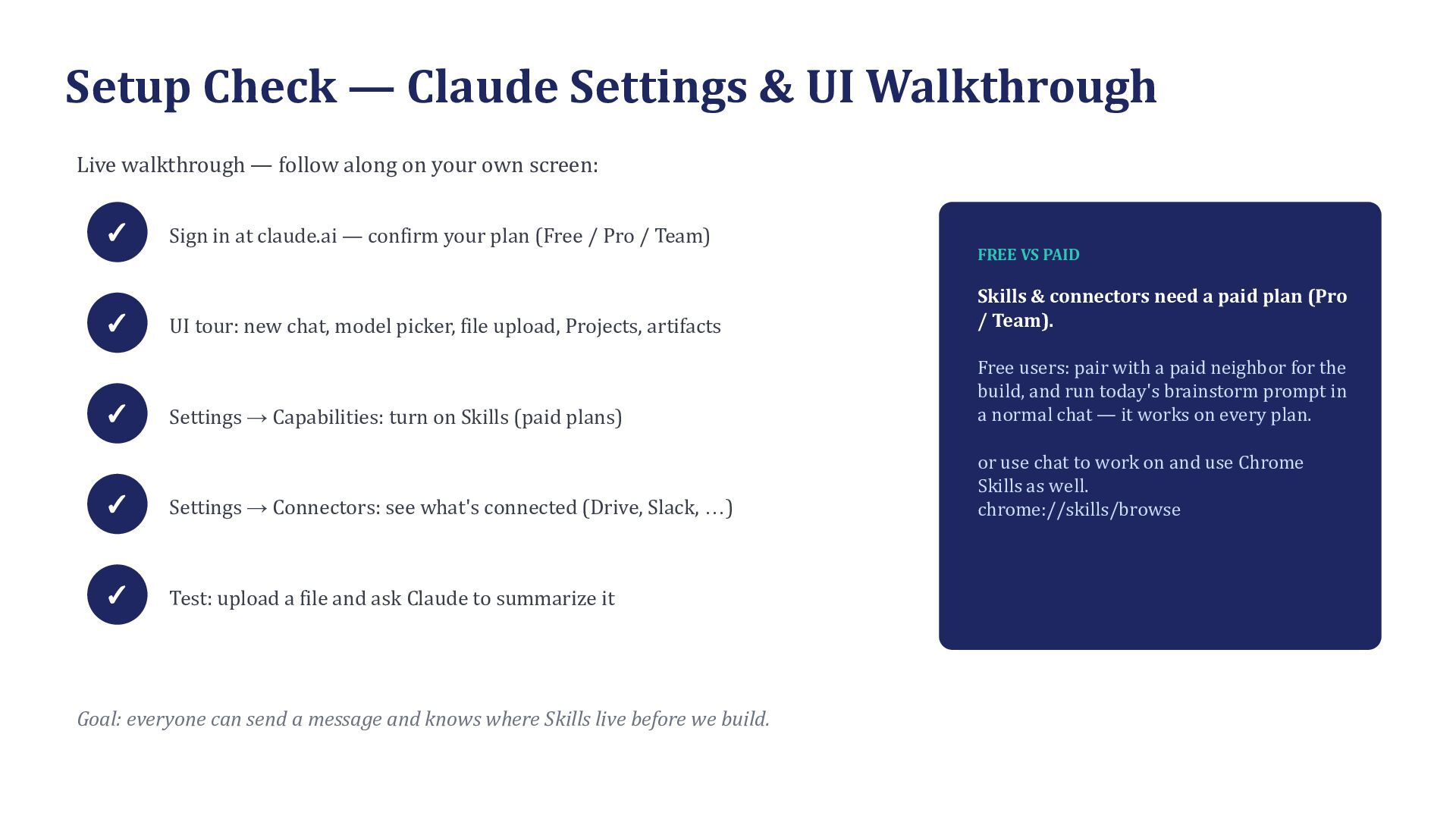
  9. Setup Check — Claude Settings & UI Walkthrough Live walkthrough

    — follow along on your own screen: ✓ Sign in at claude.ai — confirm your plan (Free / Pro / Team) FREE VS PAID UI tour: new chat, model picker, file upload, Projects, artifacts Skills & connectors need a paid plan (Pro / Team). Settings → Capabilities: turn on Skills (paid plans) Free users: pair with a paid neighbor for the build, and run today's brainstorm prompt in a normal chat — it works on every plan. ✓ Settings → Connectors: see what's connected (Drive, Slack, …) or use chat to work on and use Chrome Skills as well. chrome://skills/browse ✓ Test: upload a file and ask Claude to summarize it ✓ ✓ Goal: everyone can send a message and knows where Skills live before we build.
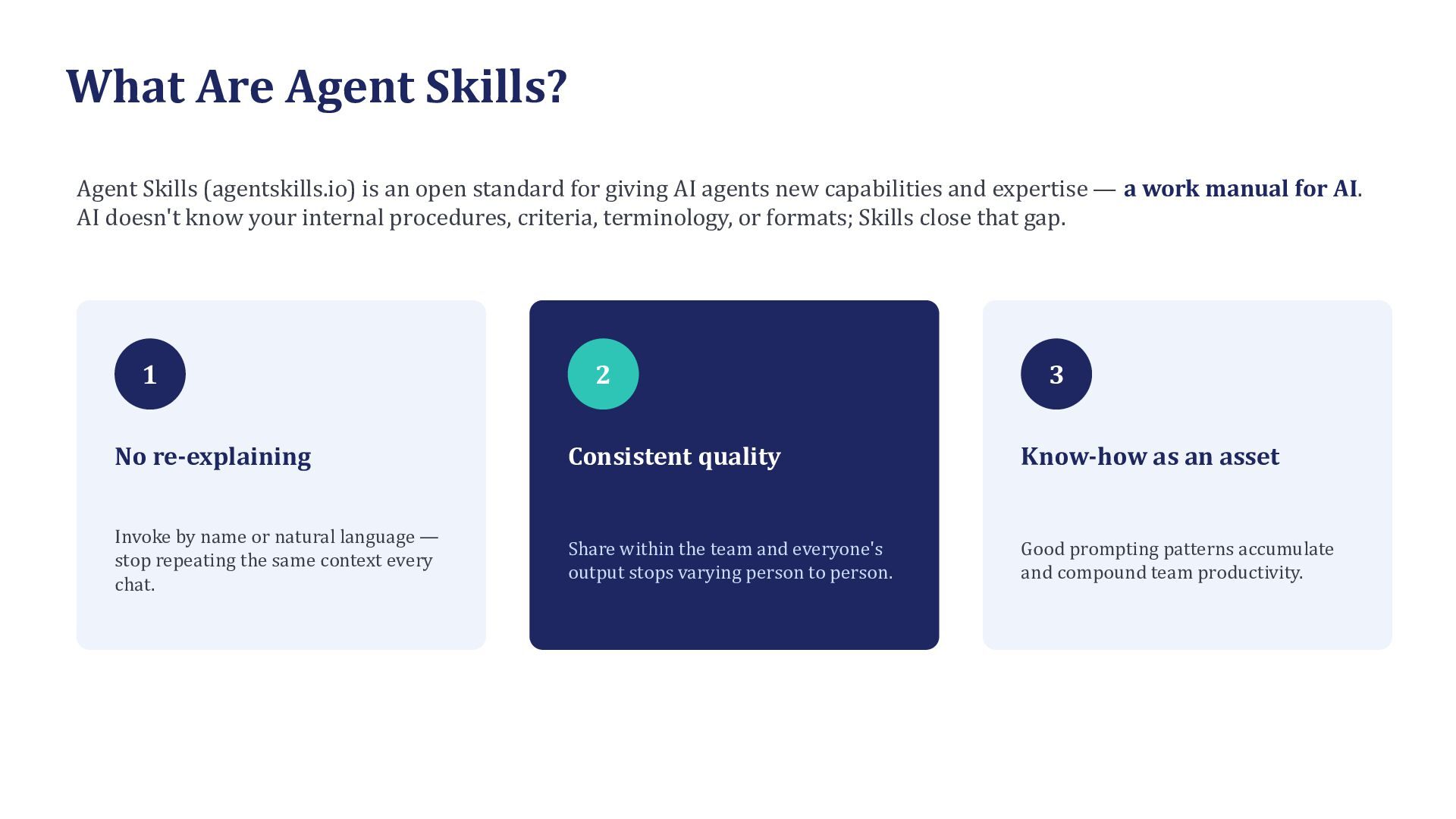
  10. What Are Agent Skills? Agent Skills (agentskills.io) is an open

    standard for giving AI agents new capabilities and expertise — a work manual for AI. AI doesn't know your internal procedures, criteria, terminology, or formats; Skills close that gap. 1 2 3 No re-explaining Consistent quality Know-how as an asset Invoke by name or natural language — stop repeating the same context every chat. Share within the team and everyone's output stops varying person to person. Good prompting patterns accumulate and compound team productivity.
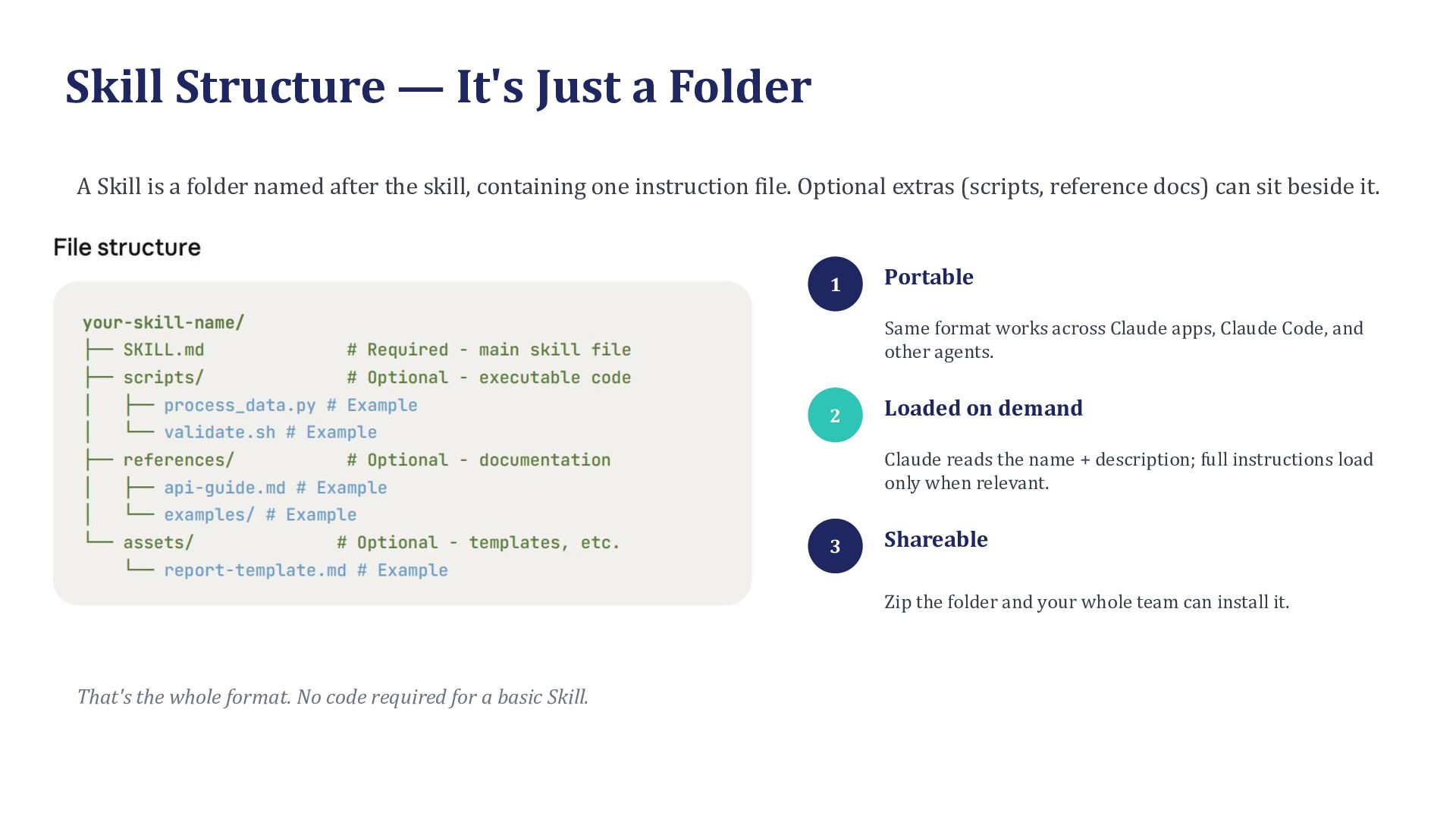
  11. Skill Structure — It's Just a Folder A Skill is

    a folder named after the skill, containing one instruction file. Optional extras (scripts, reference docs) can sit beside it. 1 Portable Same format works across Claude apps, Claude Code, and other agents. 2 Loaded on demand Claude reads the name + description; full instructions load only when relevant. 3 Shareable Zip the folder and your whole team can install it. That's the whole format. No code required for a basic Skill.
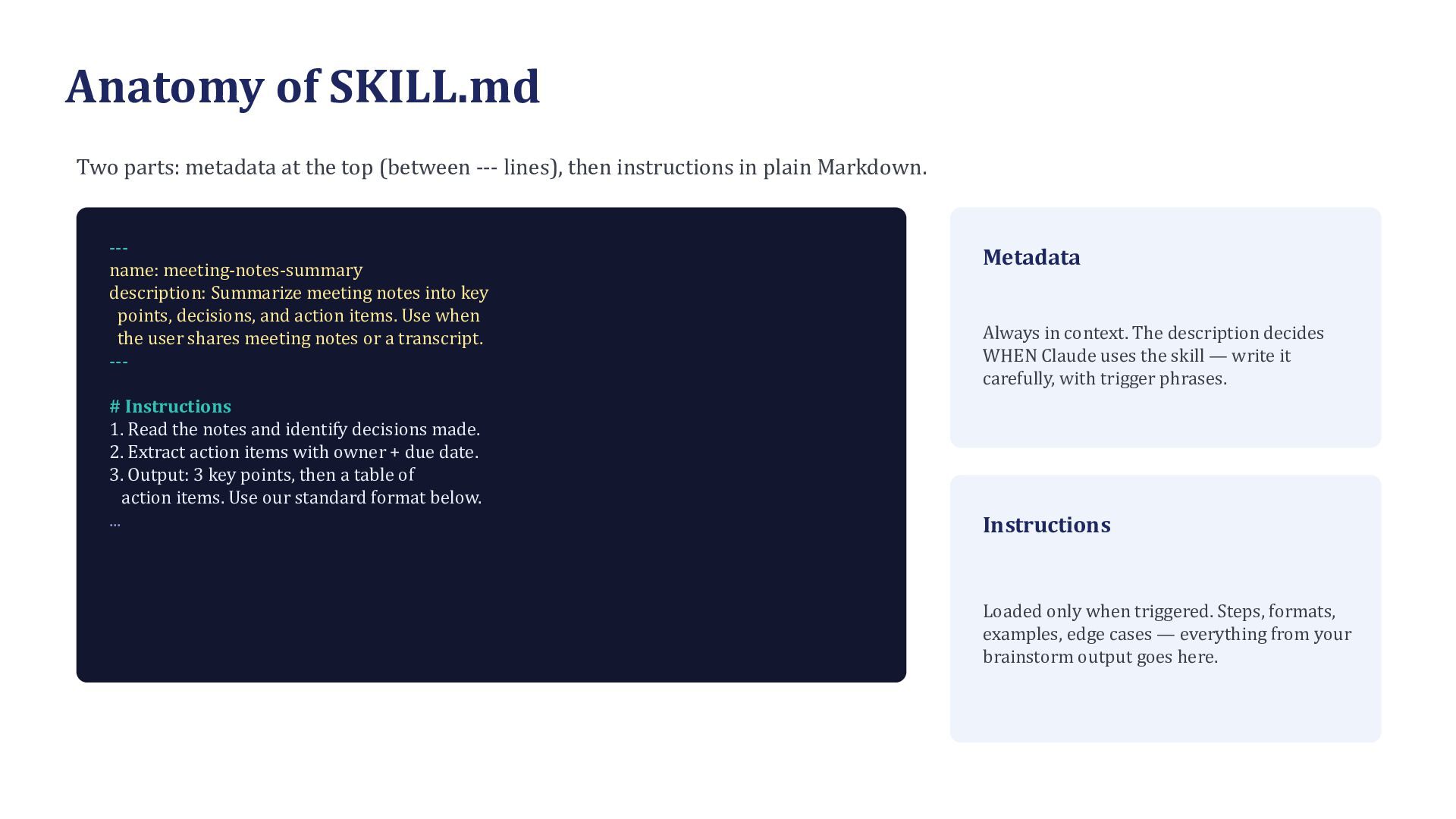
  12. Anatomy of SKILL.md Two parts: metadata at the top (between

    --- lines), then instructions in plain Markdown. --name: meeting-notes-summary description: Summarize meeting notes into key points, decisions, and action items. Use when the user shares meeting notes or a transcript. --# Instructions 1. Read the notes and identify decisions made. 2. Extract action items with owner + due date. 3. Output: 3 key points, then a table of action items. Use our standard format below. ... Metadata Always in context. The description decides WHEN Claude uses the skill — write it carefully, with trigger phrases. Instructions Loaded only when triggered. Steps, formats, examples, edge cases — everything from your brainstorm output goes here.
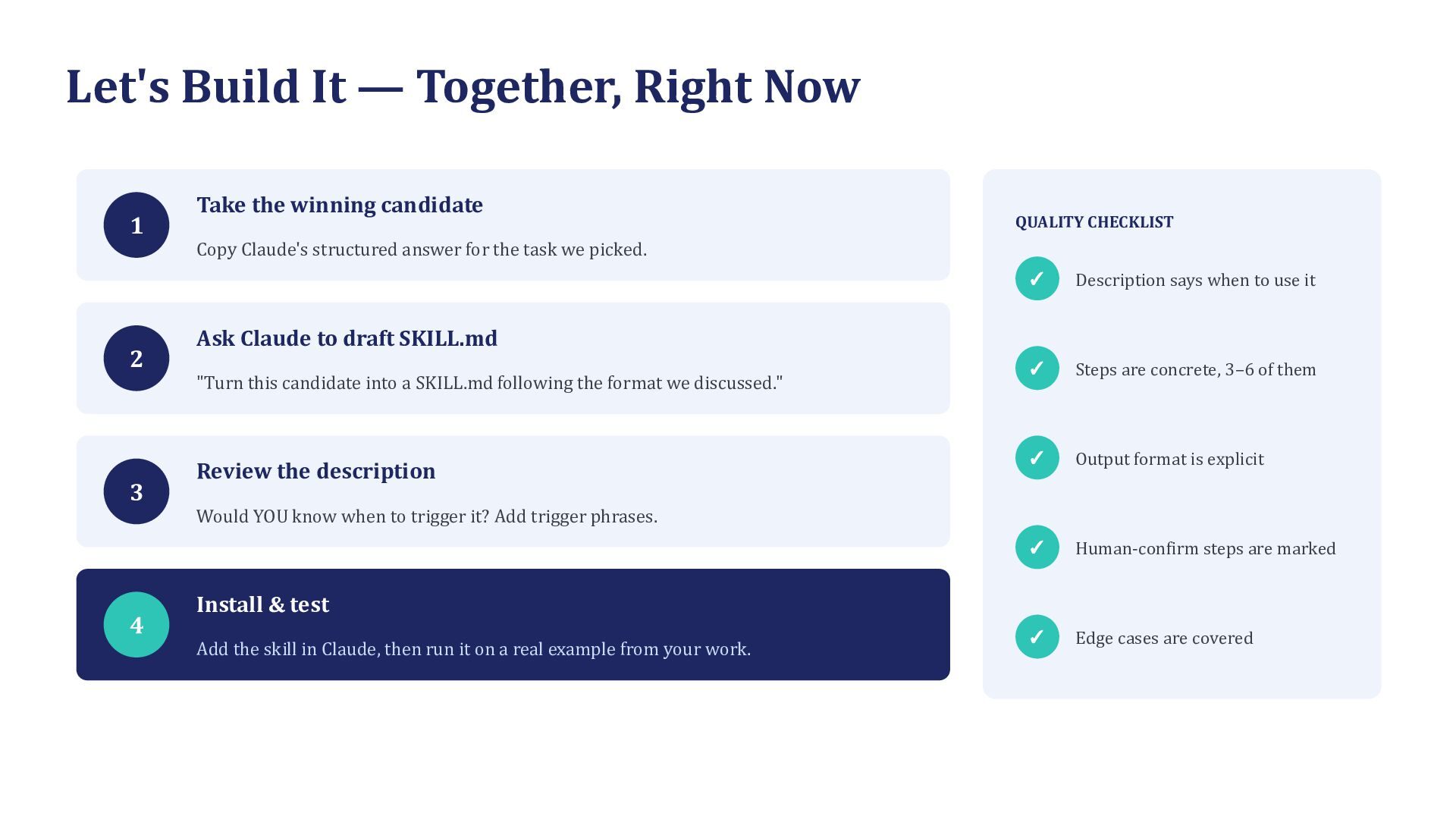
  13. Let's Build It — Together, Right Now 1 Take the

    winning candidate QUALITY CHECKLIST Copy Claude's structured answer for the task we picked. 2 Description says when to use it ✓ Steps are concrete, 3–6 of them ✓ Output format is explicit ✓ Human-confirm steps are marked ✓ Edge cases are covered Ask Claude to draft SKILL.md "Turn this candidate into a SKILL.md following the format we discussed." 3 ✓ Review the description Would YOU know when to trigger it? Add trigger phrases. 4 Install & test Add the skill in Claude, then run it on a real example from your work.
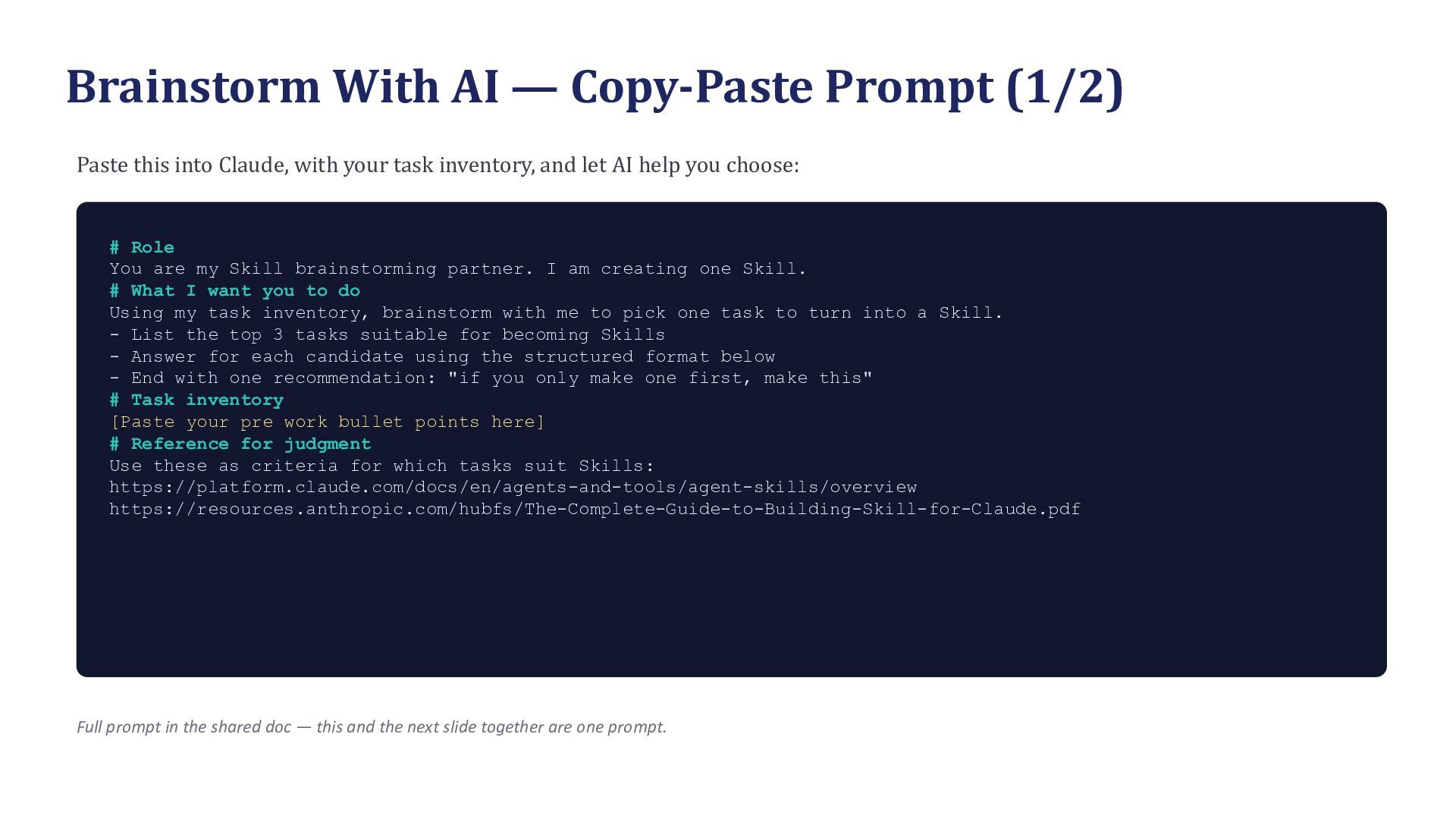
  14. Brainstorm With AI — Copy-Paste Prompt (1/2) Paste this into

    Claude, with your task inventory, and let AI help you choose: # Role You are my Skill brainstorming partner. I am creating one Skill. # What I want you to do Using my task inventory, brainstorm with me to pick one task to turn into a Skill. - List the top 3 tasks suitable for becoming Skills - Answer for each candidate using the structured format below - End with one recommendation: "if you only make one first, make this" # Task inventory [Paste your pre work bullet points here] # Reference for judgment Use these as criteria for which tasks suit Skills: https://platform.claude.com/docs/en/agents-and-tools/agent-skills/overview https://resources.anthropic.com/hubfs/The-Complete-Guide-to-Building-Skill-for-Claude.pdf Full prompt in the shared doc — this and the next slide together are one prompt.
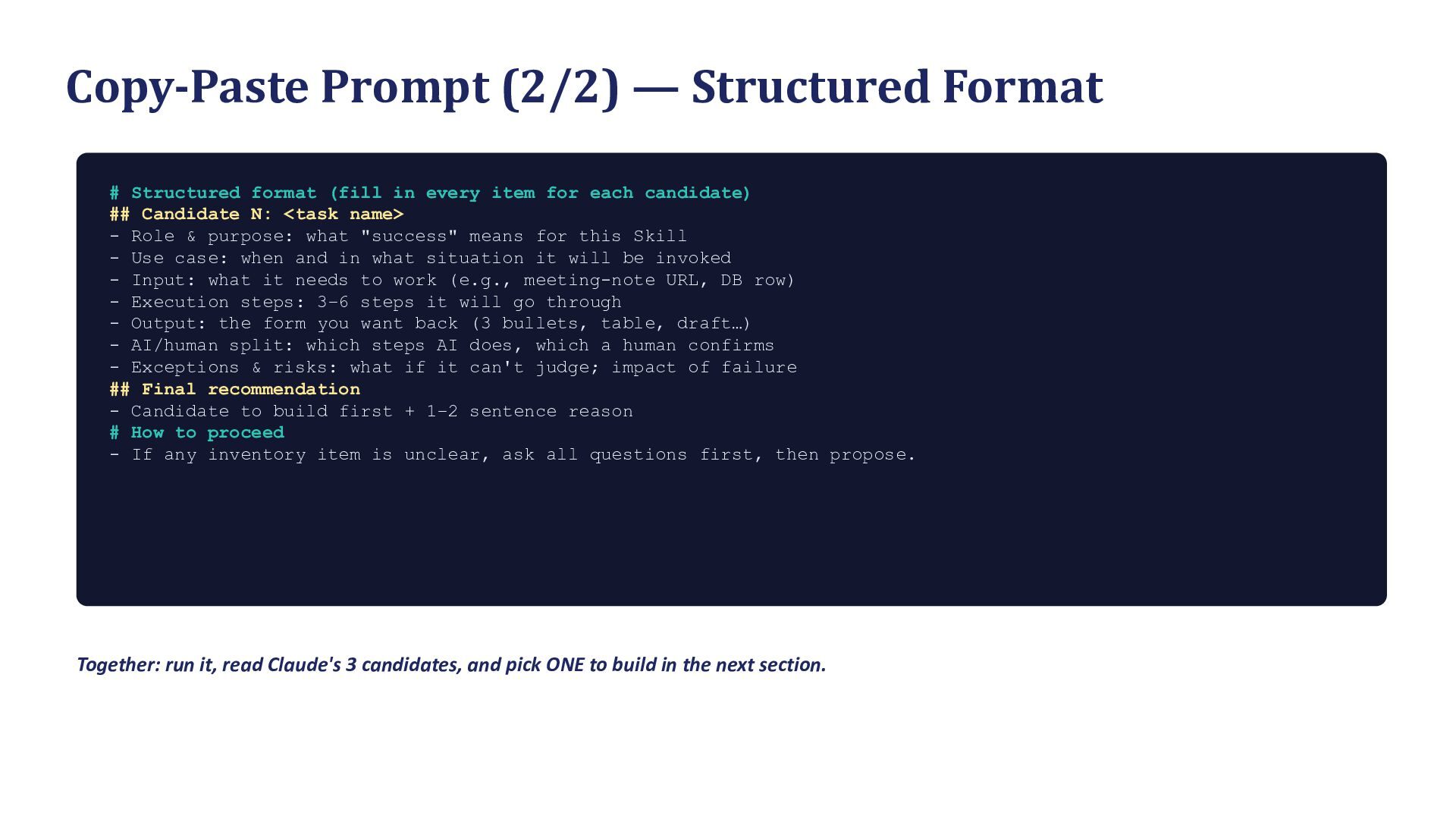
  15. Copy-Paste Prompt (2/2) — Structured Format # Structured format (fill

    in every item for each candidate) ## Candidate N: <task name> - Role & purpose: what "success" means for this Skill - Use case: when and in what situation it will be invoked - Input: what it needs to work (e.g., meeting-note URL, DB row) - Execution steps: 3–6 steps it will go through - Output: the form you want back (3 bullets, table, draft…) - AI/human split: which steps AI does, which a human confirms - Exceptions & risks: what if it can't judge; impact of failure ## Final recommendation - Candidate to build first + 1–2 sentence reason # How to proceed - If any inventory item is unclear, ask all questions first, then propose. Together: run it, read Claude's 3 candidates, and pick ONE to build in the next section.
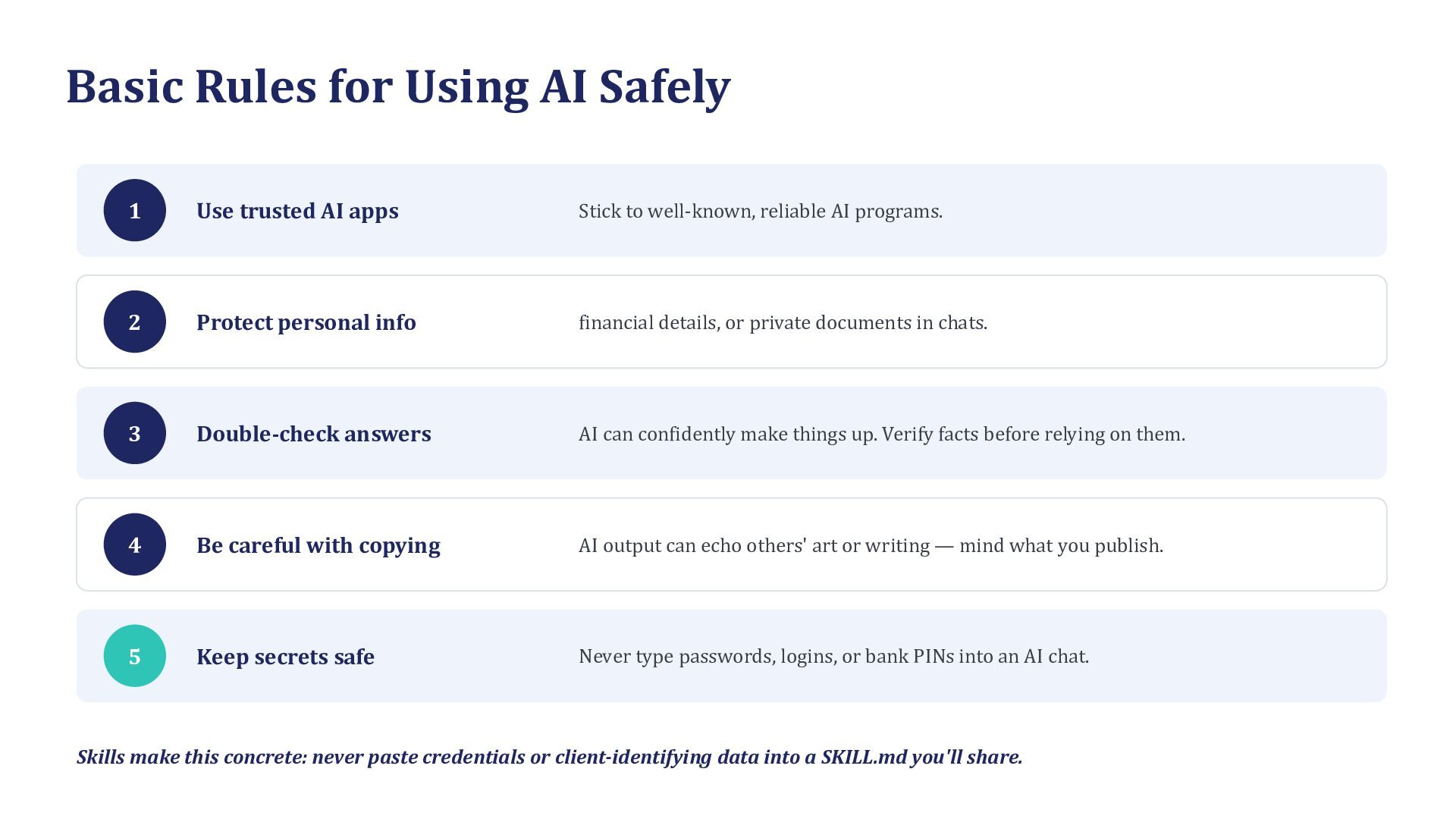
  16. Basic Rules for Using AI Safely 1 Use trusted AI

    apps Stick to well-known, reliable AI programs. 2 Protect personal info financial details, or private documents in chats. 3 Double-check answers AI can confidently make things up. Verify facts before relying on them. 4 Be careful with copying AI output can echo others' art or writing — mind what you publish. 5 Keep secrets safe Never type passwords, logins, or bank PINs into an AI chat. Skills make this concrete: never paste credentials or client-identifying data into a SKILL.md you'll share.
  17. Three Shifts We Want Today 1 2 3 Be AI-Readable

    AI as Your Partner AI-Native Working Take stock of your own work (prework) and articulate it in a form AI can read. Build a Skill and experience what developing an AI agent feels like. Start redesigning work — including work beyond your own domain.
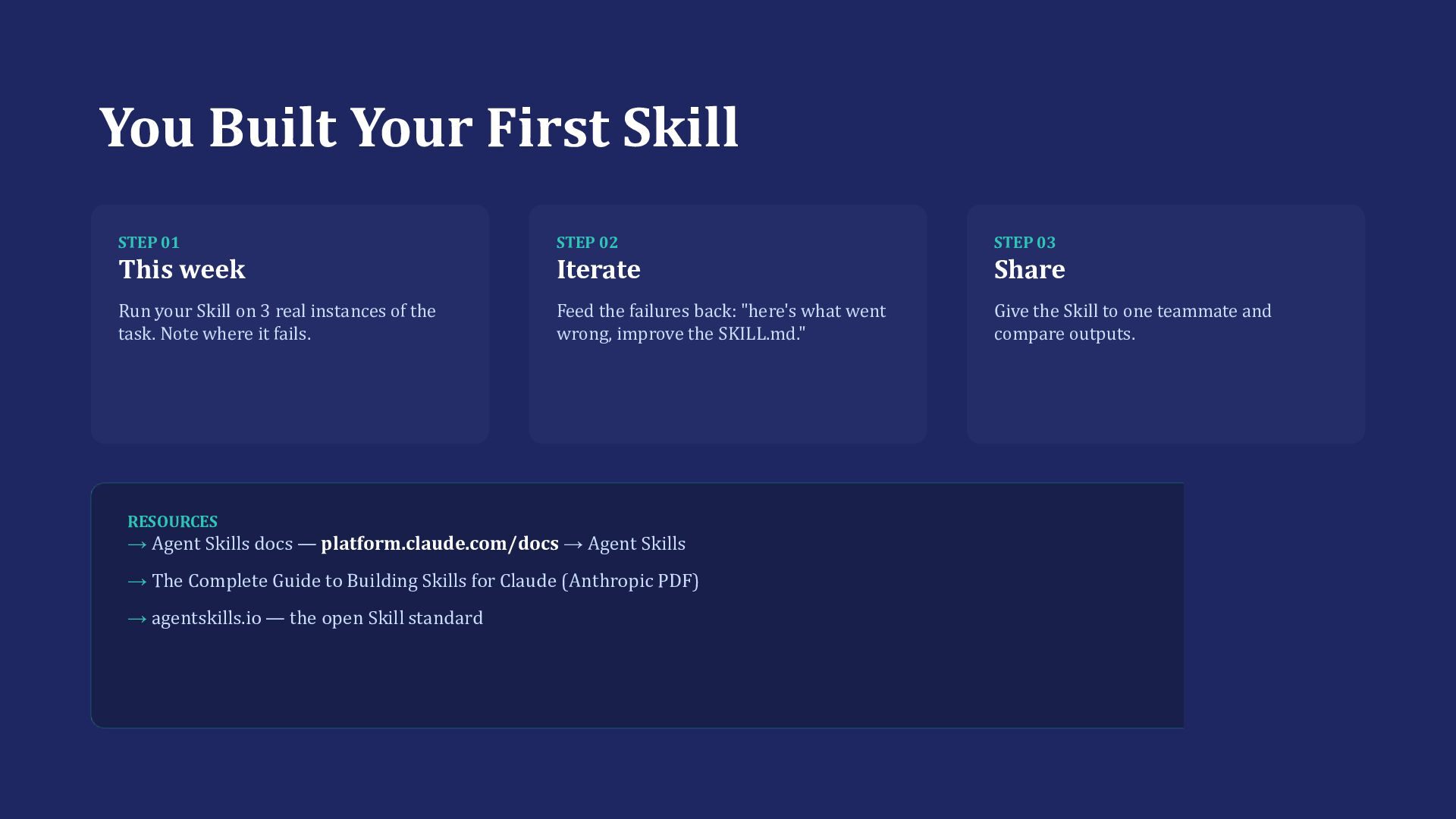
  18. You Built Your First Skill STEP 01 STEP 02 STEP

    03 This week Iterate Share Run your Skill on 3 real instances of the task. Note where it fails. Feed the failures back: "here's what went wrong, improve the SKILL.md." Give the Skill to one teammate and compare outputs. RESOURCES → Agent Skills docs — platform.claude.com/docs → Agent Skills → The Complete Guide to Building Skills for Claude (Anthropic PDF) → agentskills.io — the open Skill standard