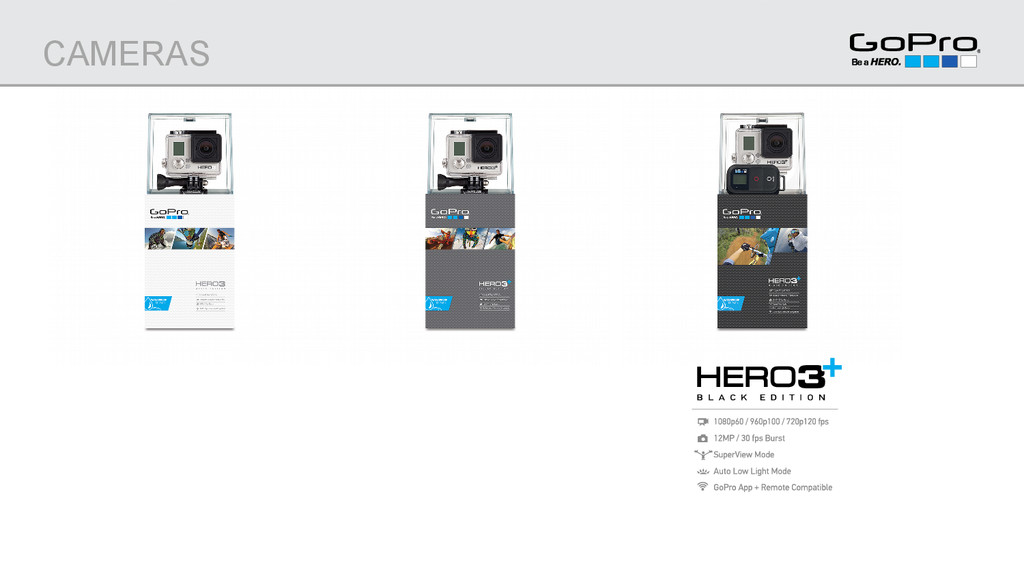
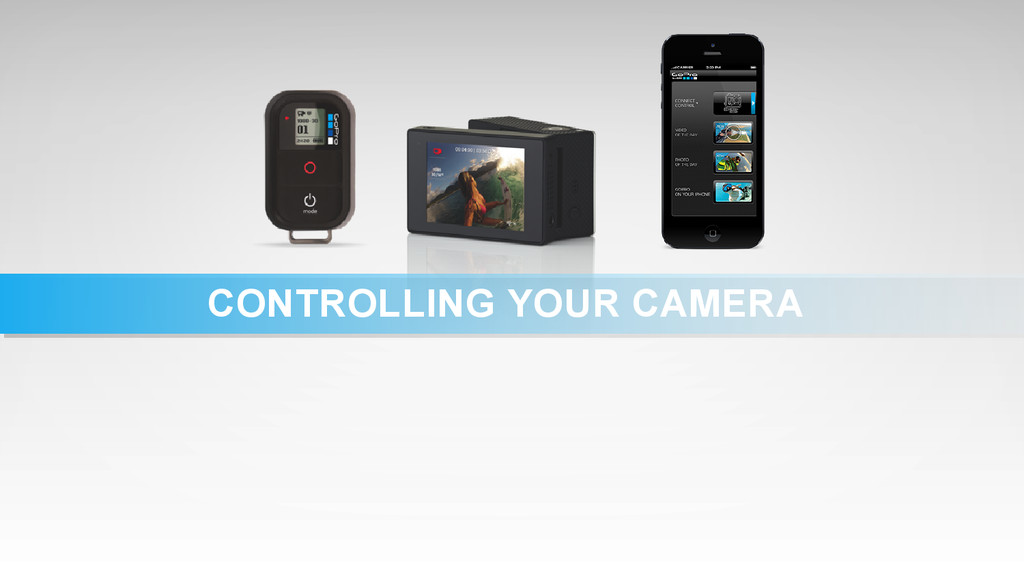
easiest way to capture great video + photos in any situation How to control your camera Which mounts to use for various sports and perspectives How to playback, share, edit and enjoy your content Say hello to the world’s most versatile camera. Note: We recommend using a fully charged GoPro HERO3+ camera for this class. What you’ll learn today:
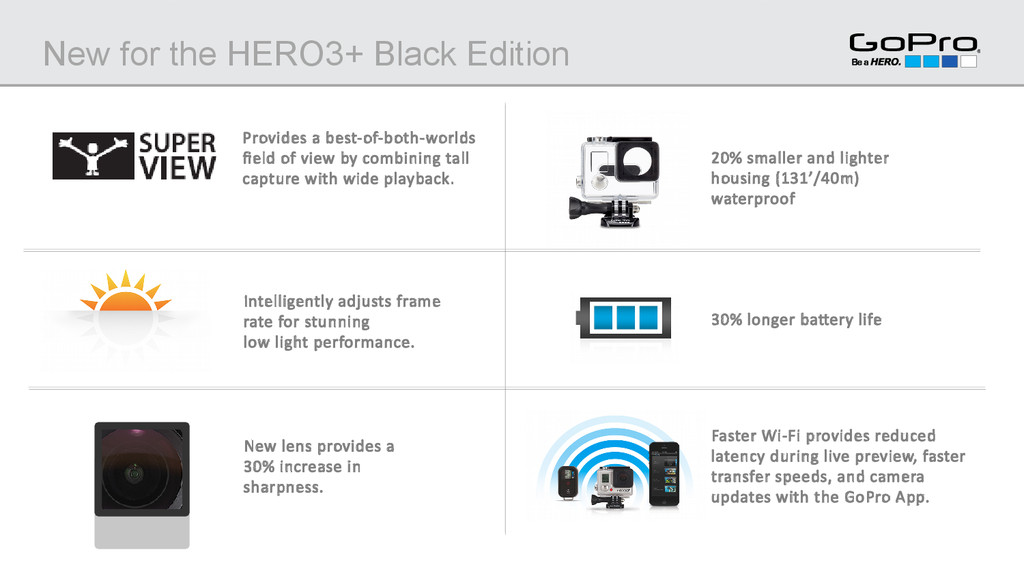
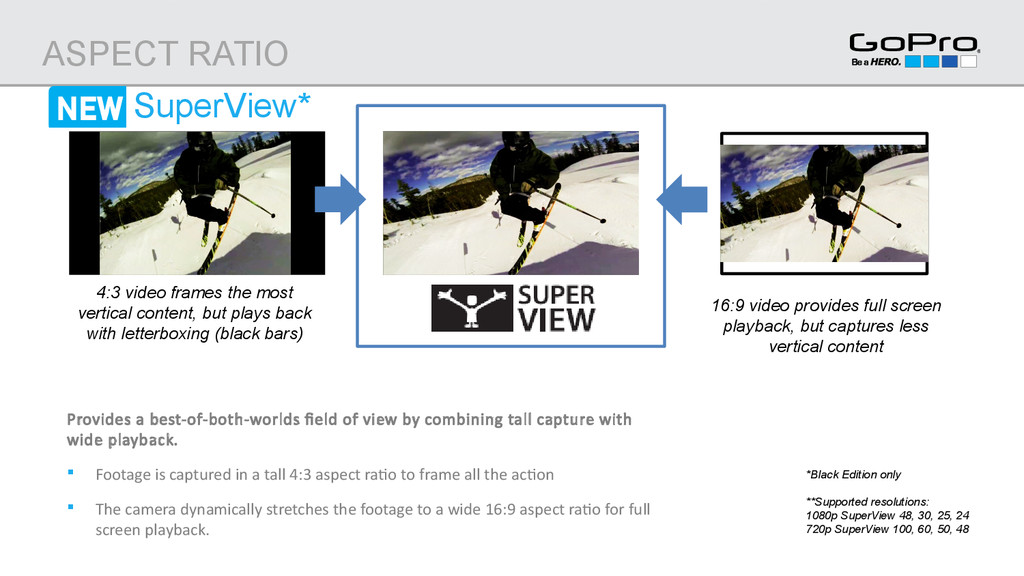
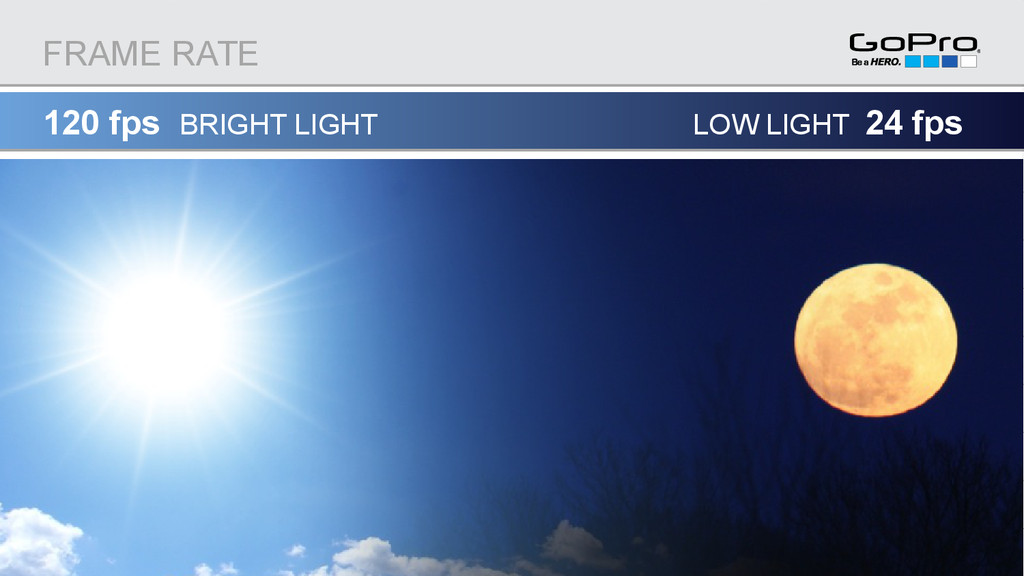
of view by combining tall capture with wide playback. New lens provides a 30% increase in sharpness. 20% smaller and lighter housing (131’/40m) waterproof 30% longer battery life Faster Wi-Fi provides reduced latency during live preview, faster transfer speeds, and camera updates with the GoPro App. Intelligently adjusts frame rate for stunning low light performance.
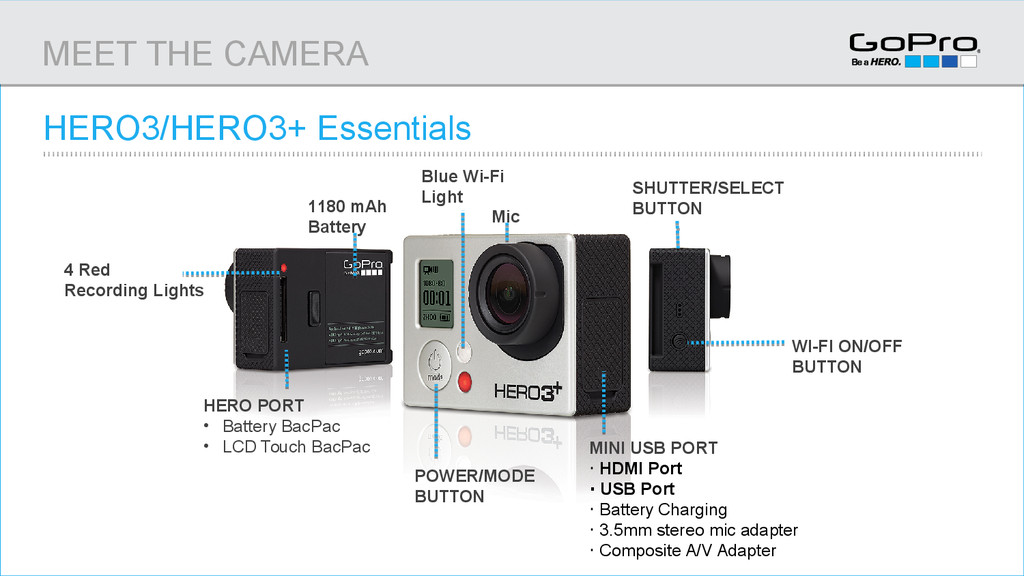
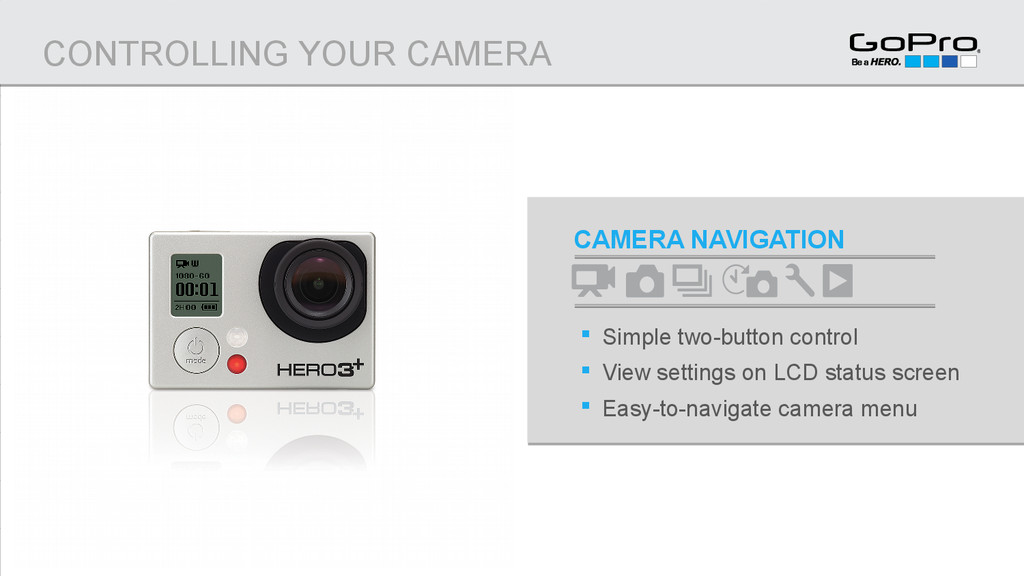
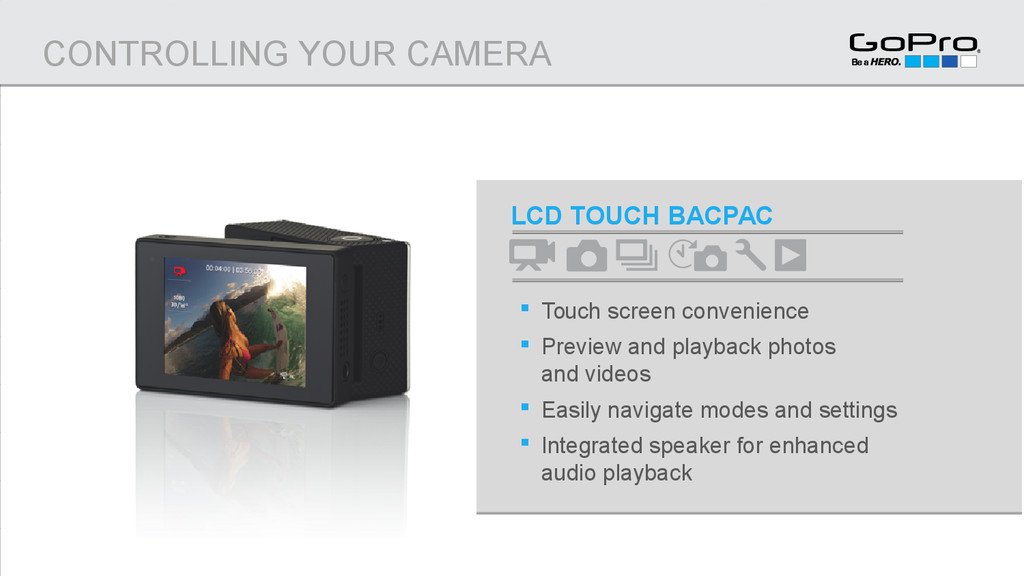
USB PORT ‧ HDMI Port ‧ USB Port ‧ Battery Charging ‧ 3.5mm stereo mic adapter ‧ Composite A/V Adapter HERO PORT • Battery BacPac • LCD Touch BacPac 1180 mAh Battery MEET THE CAMERA 4 Red Recording Lights Blue Wi-Fi Light Mic
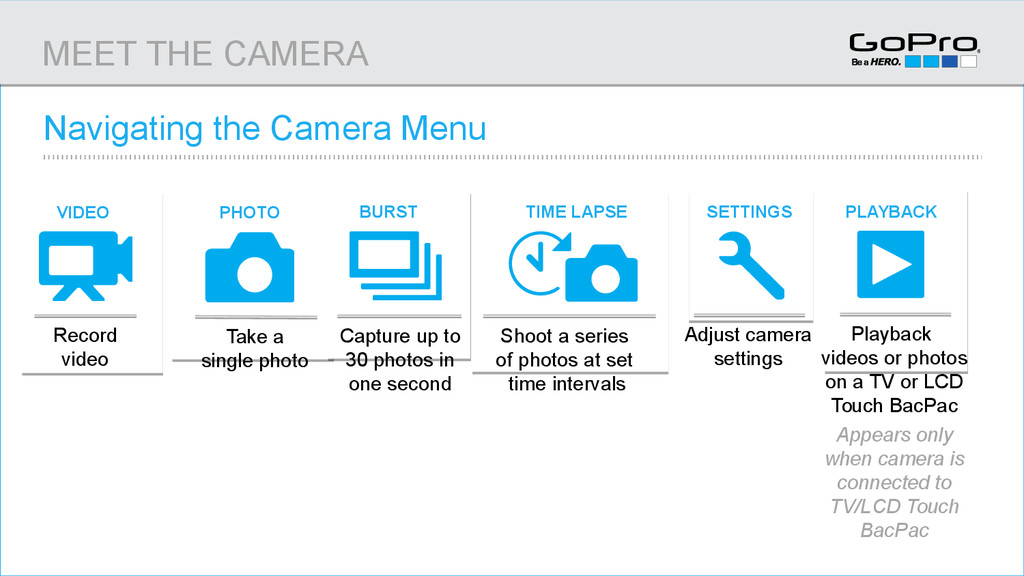
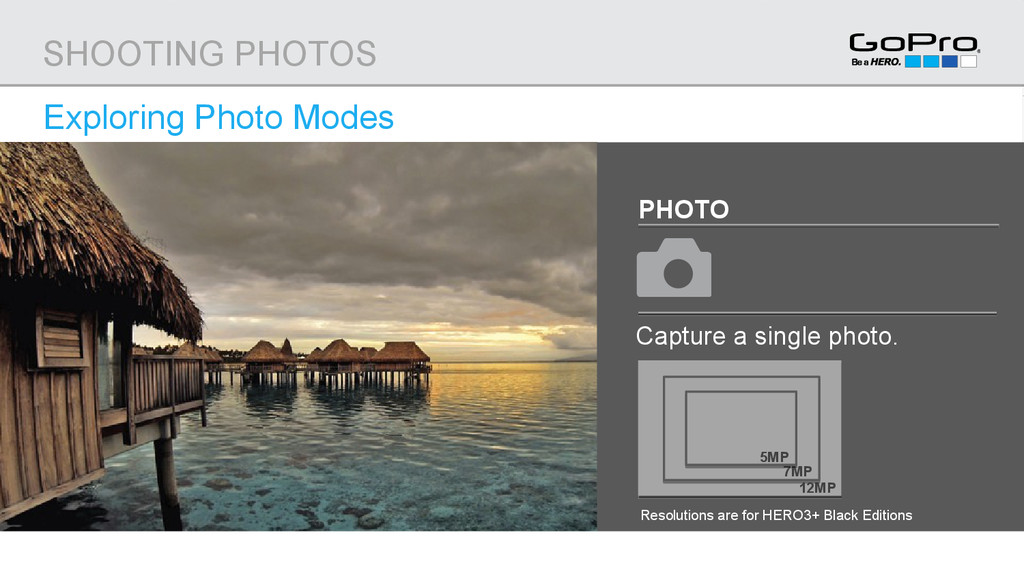
VIDEO TIME LAPSE BURST PLAYBACK Navigating the Camera Menu z z Take a single photo PHOTO z z VIDEO Record video z z TIME LAPSE Shoot a series of photos at set time intervals z z BURST Capture up to 30 photos in one second z z PLAYBACK Playback videos or photos on a TV or LCD Touch BacPac Appears only when camera is connected to TV/LCD Touch BacPac MEET THE CAMERA
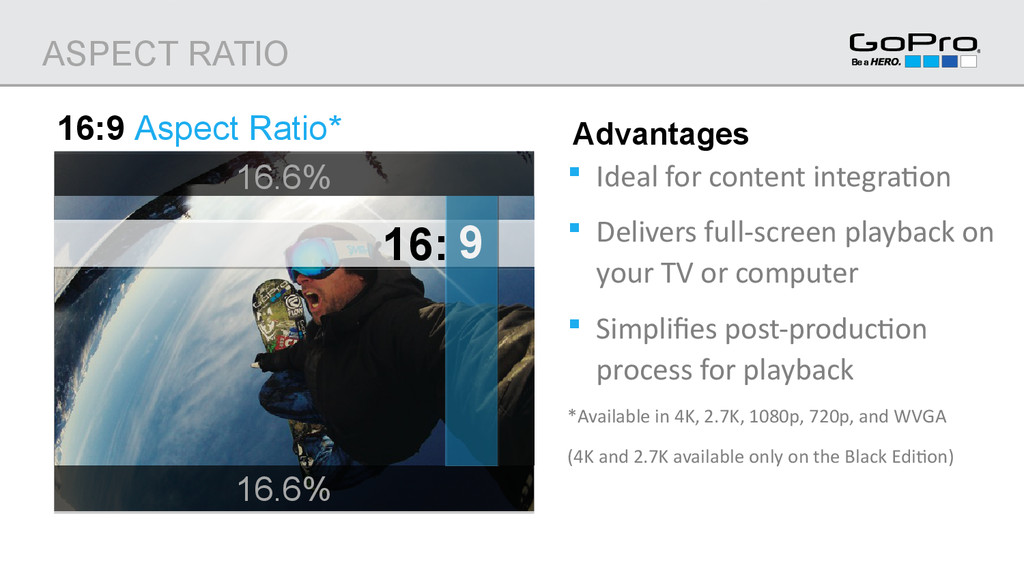
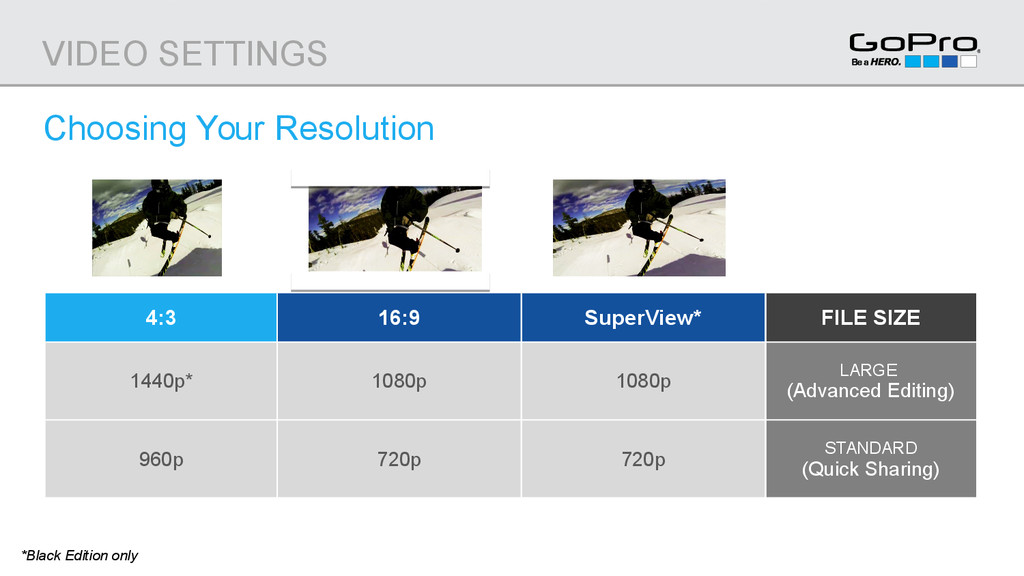
full-screen playback on your TV or computer Simplifies post-production process for playback *Available in 4K, 2.7K, 1080p, 720p, and WVGA (4K and 2.7K available only on the Black Edition) Advantages 16: 9 16.6% ASPECT RATIO 16.6%
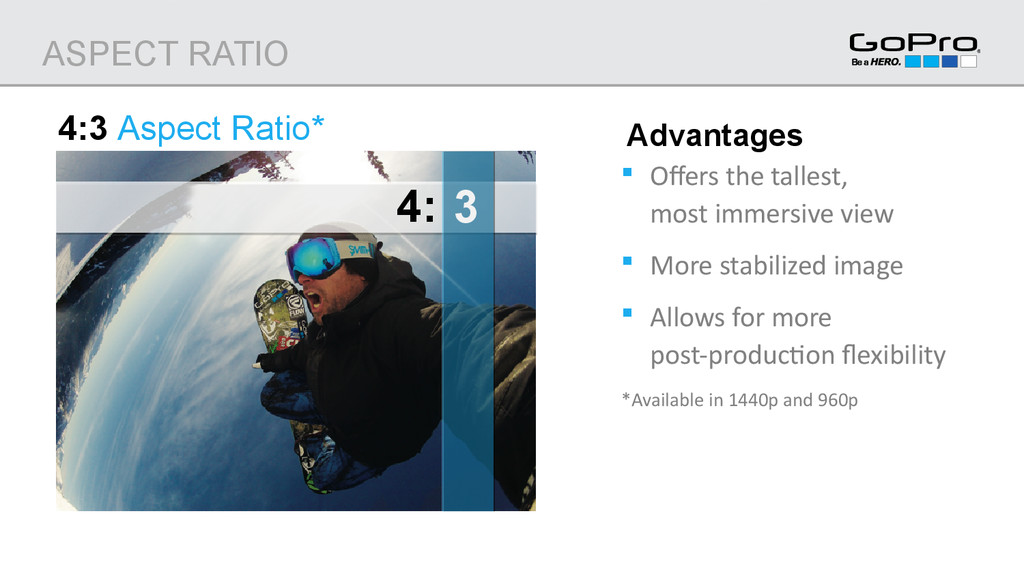
combining tall capture with wide playback. Footage is captured in a tall 4:3 aspect ratio to frame all the action The camera dynamically stretches the footage to a wide 16:9 aspect ratio for full screen playback. ASPECT RATIO 4:3 video frames the most vertical content, but plays back with letterboxing (black bars) 16:9 video provides full screen playback, but captures less vertical content *Black Edition only **Supported resolutions: 1080p SuperView 48, 30, 25, 24 720p SuperView 100, 60, 50, 48
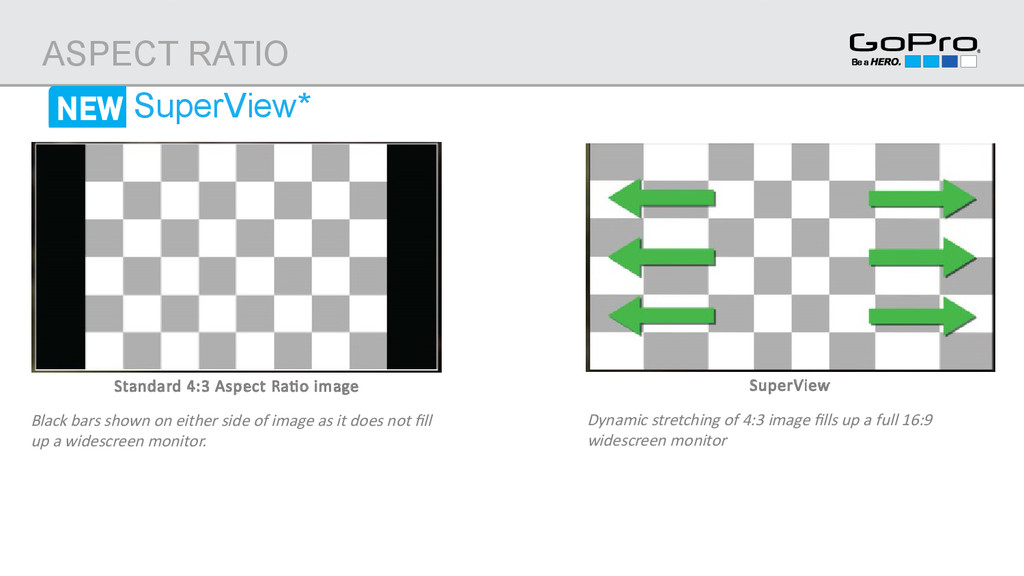
side of image as it does not fill up a widescreen monitor. ASPECT RATIO SuperView Dynamic stretching of 4:3 image fills up a full 16:9 widescreen monitor SuperView*
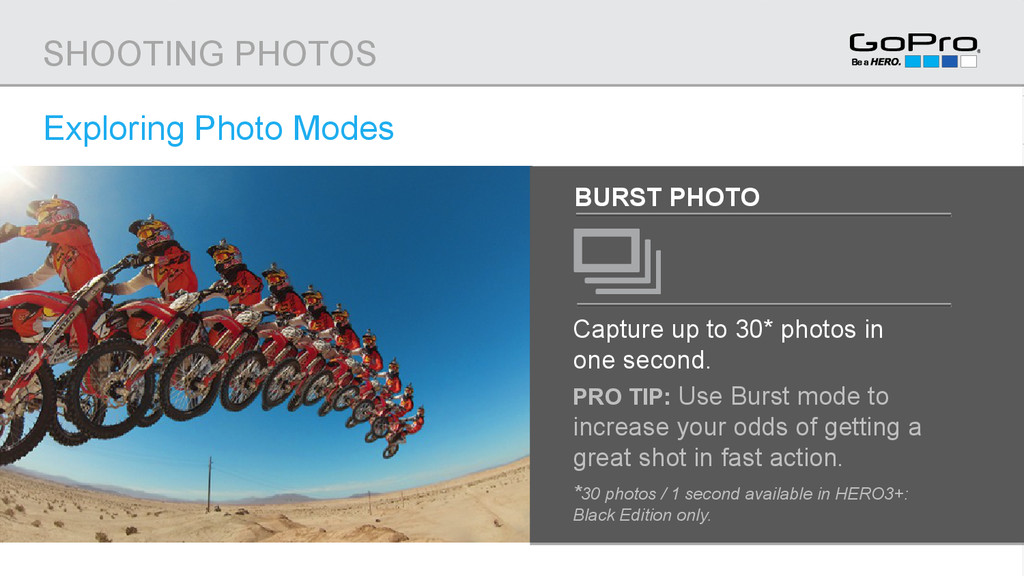
in one second. PRO TIP: Use Burst mode to increase your odds of getting a great shot in fast action. *30 photos / 1 second available in HERO3+: Black Edition only. SHOOTING PHOTOS
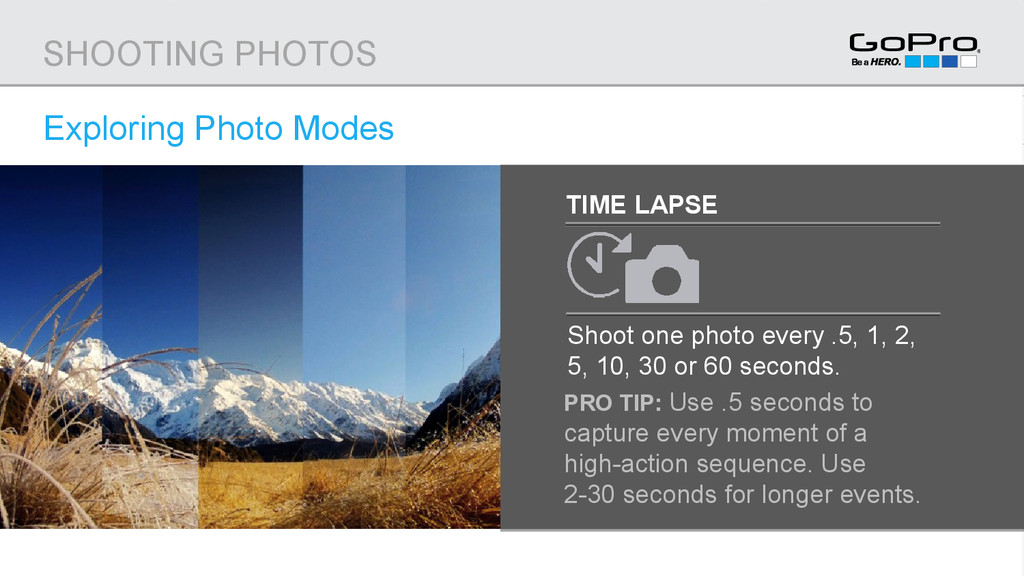
1, 2, 5, 10, 30 or 60 seconds. PRO TIP: Use .5 seconds to capture every moment of a high-action sequence. Use 2-30 seconds for longer events. SHOOTING PHOTOS
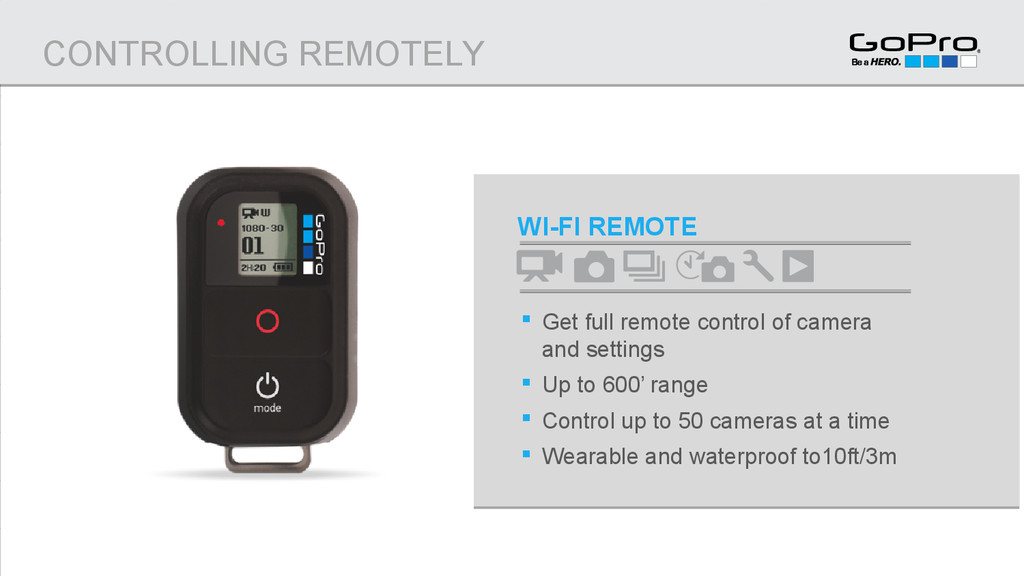
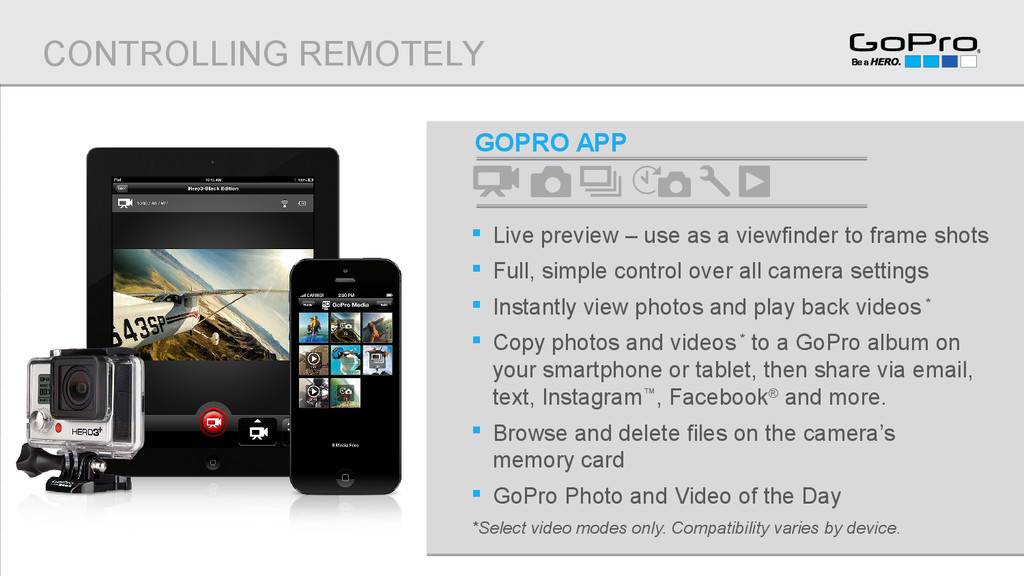
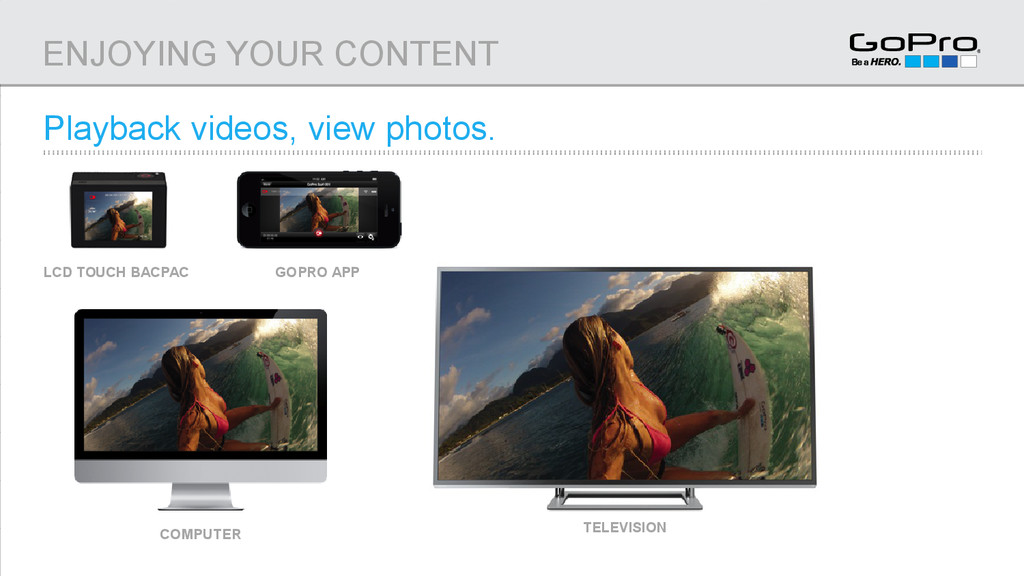
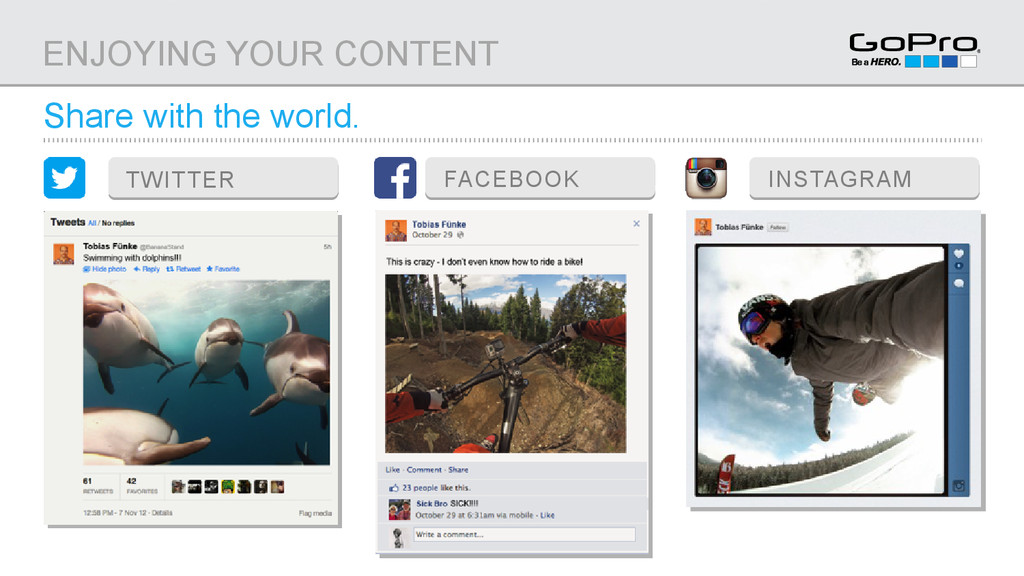
to frame shots Full, simple control over all camera settings Instantly view photos and play back videos * Copy photos and videos * to a GoPro album on your smartphone or tablet, then share via email, text, Instagram™, Facebook® and more. Browse and delete files on the camera’s memory card GoPro Photo and Video of the Day *Select video modes only. Compatibility varies by device. CONTROLLING REMOTELY
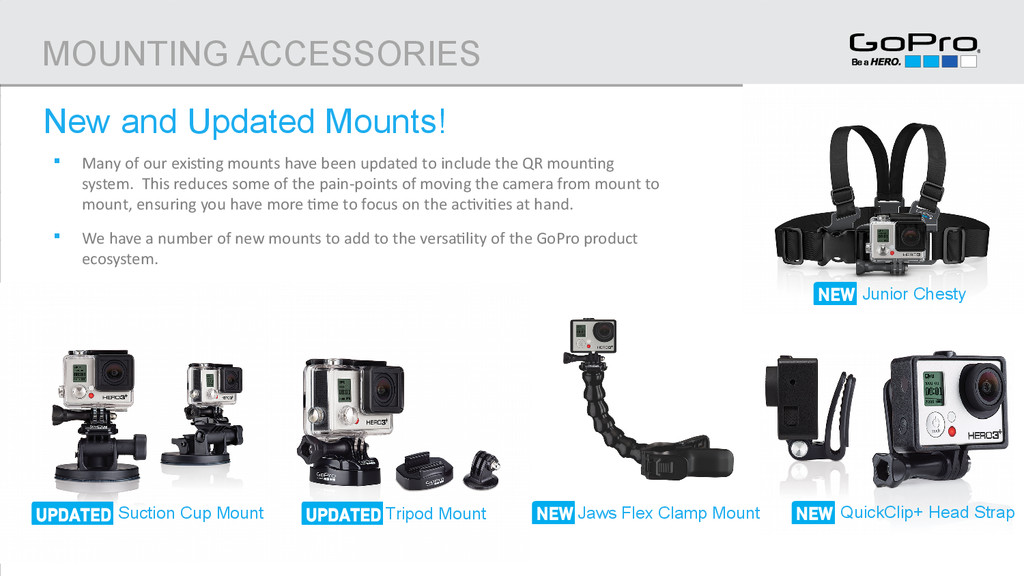
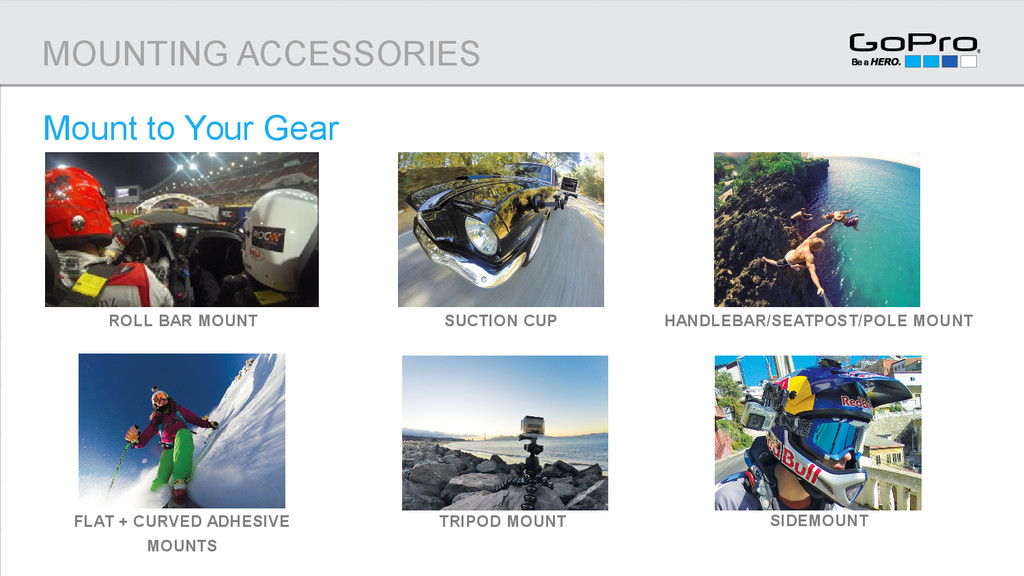
Tripod Mount Suction Cup Mount Many of our existing mounts have been updated to include the QR mounting system. This reduces some of the pain-points of moving the camera from mount to mount, ensuring you have more time to focus on the activities at hand. We have a number of new mounts to add to the versatility of the GoPro product ecosystem. QuickClip+ Head Strap Junior Chesty
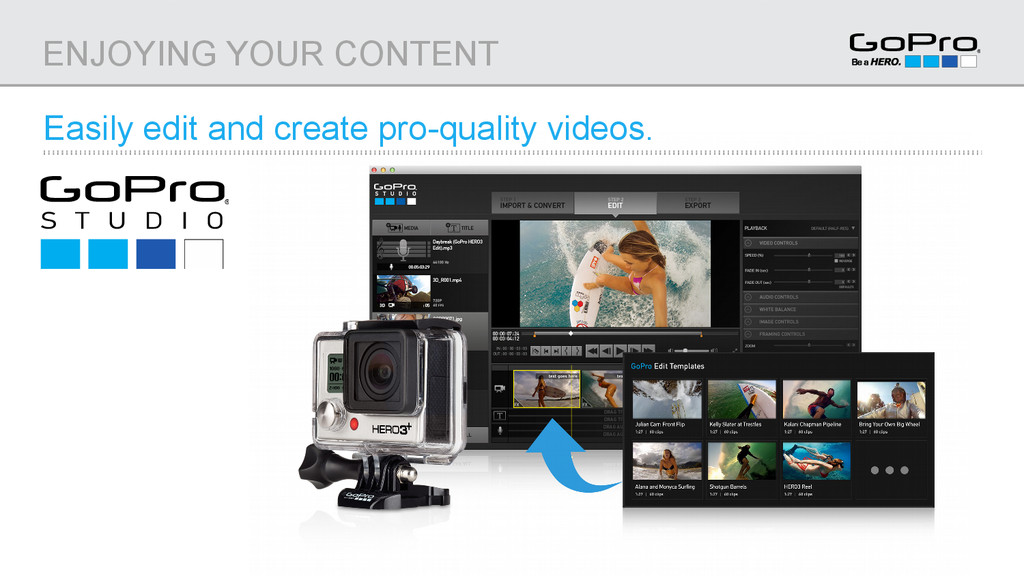
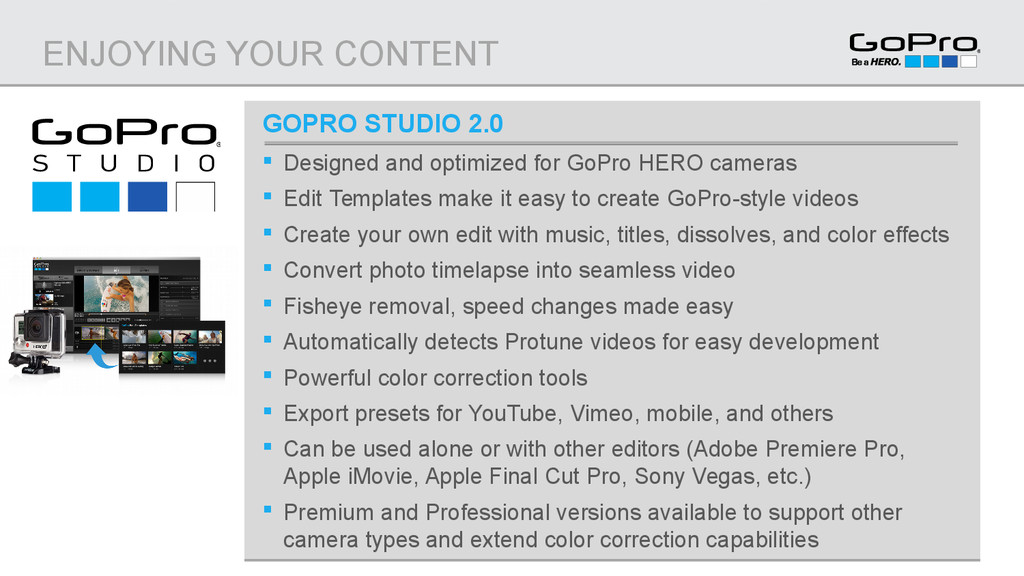
for GoPro HERO cameras Edit Templates make it easy to create GoPro-style videos Create your own edit with music, titles, dissolves, and color effects Convert photo timelapse into seamless video Fisheye removal, speed changes made easy Automatically detects Protune videos for easy development Powerful color correction tools Export presets for YouTube, Vimeo, mobile, and others Can be used alone or with other editors (Adobe Premiere Pro, Apple iMovie, Apple Final Cut Pro, Sony Vegas, etc.) Premium and Professional versions available to support other camera types and extend color correction capabilities
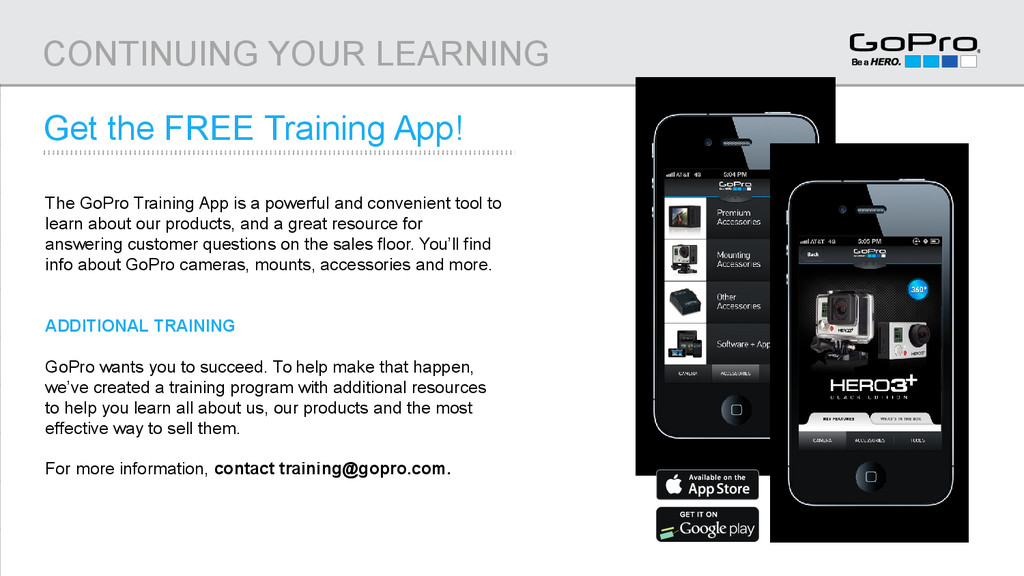
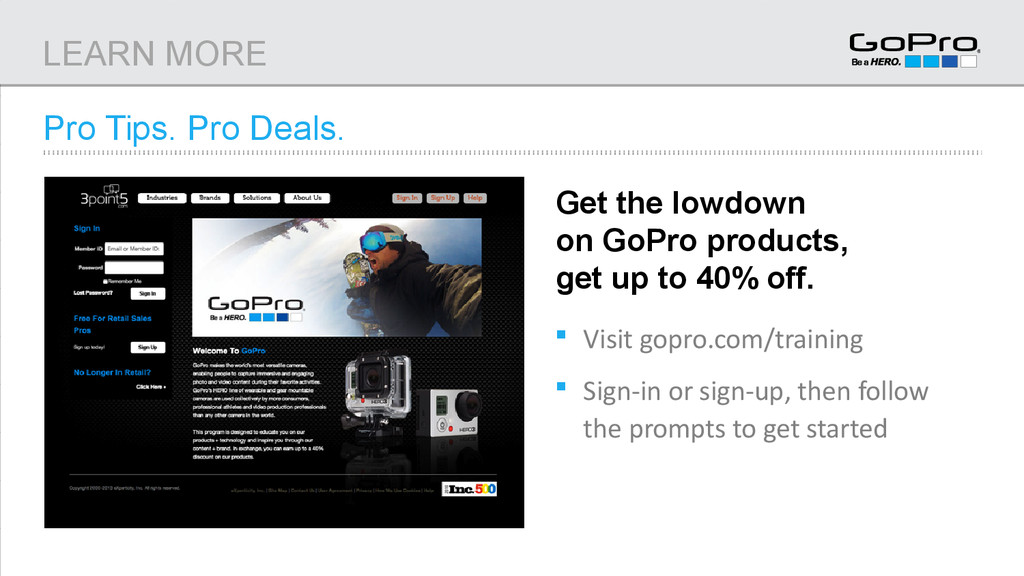
Training App is a powerful and convenient tool to learn about our products, and a great resource for answering customer questions on the sales floor. You’ll find info about GoPro cameras, mounts, accessories and more. ADDITIONAL TRAINING GoPro wants you to succeed. To help make that happen, we’ve created a training program with additional resources to help you learn all about us, our products and the most effective way to sell them. For more information, contact [email protected].
to capture great video + photos in any situation How to control your camera Which mounts to use for various sports and perspectives How to playback, share, edit and enjoy your content Time to go out and capture life’s most incredible moments with your HERO3+. Things we learned today: WHAT WE LEARNED


 teamlab
 maimyyym
 kenichiodo
 shugo
shugo
 odashi
 willnet
 kizawa2020
 pfn
pfn
 occhi
occhi
 tomokusaba
 mfonobong
 frankvandijk
 tammyeverts
 skipperchong
 cassininazir
 akashhashmi
 techseoconnect
 akademiya2063
 denniskardys
 axbom
axbom
 tamaranovitovic