Share
Embed
Permit A38 - building accessible forms
Alex T
September 05, 2025
Transcript
32 slides
-
Permit A38 - or how to build accessible forms in
Angular by Maria Korneeva & Alexander Thalhammer -
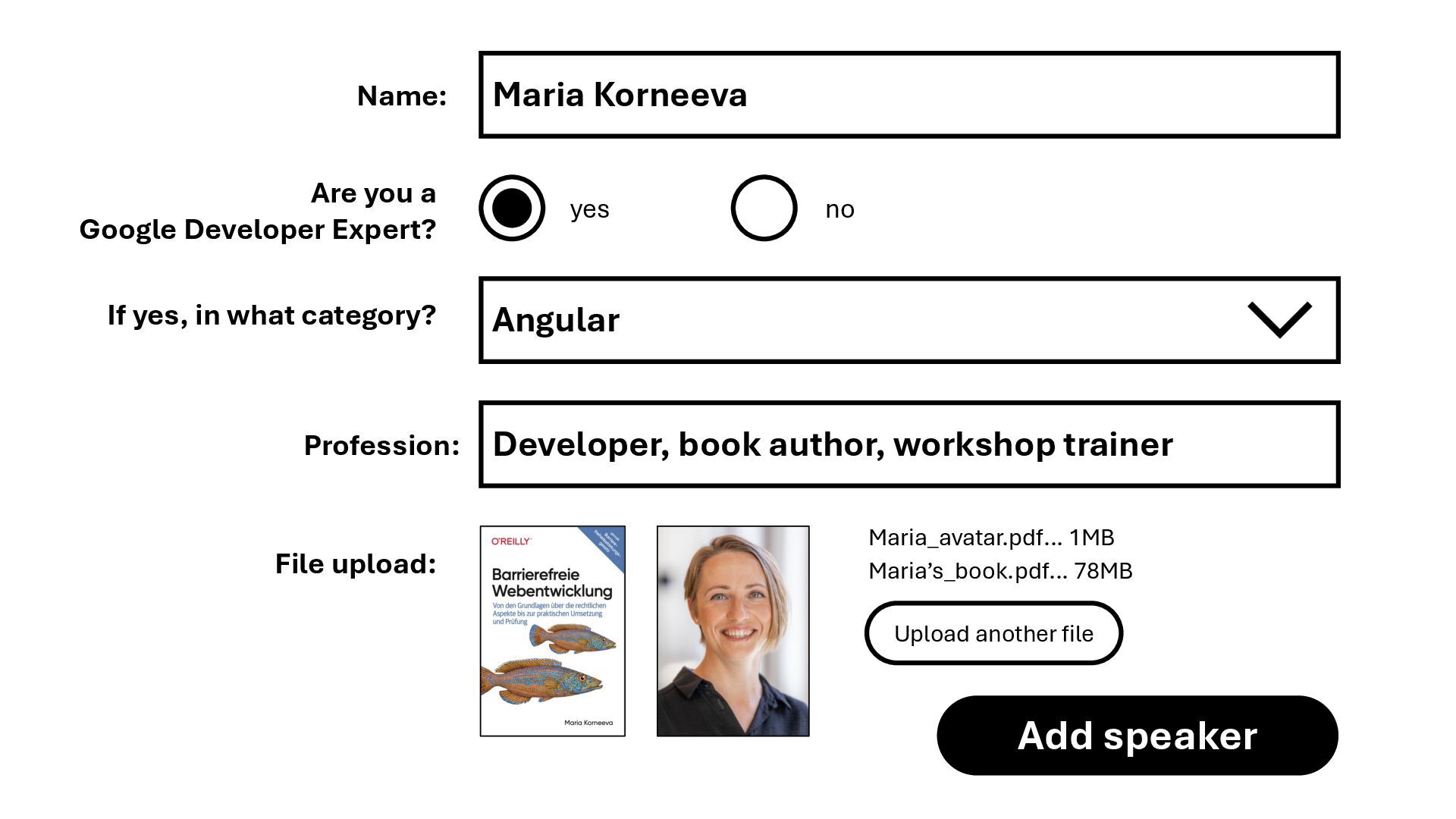
Maria Korneeva yes no Name: Are you a Google Developer
Expert? If yes, in what category? Angular File upload: Add speaker Upload another file Maria_avatar.pdf… 1MB Developer, book author, workshop trainer Profession: Maria’s_book.pdf… 78MB -
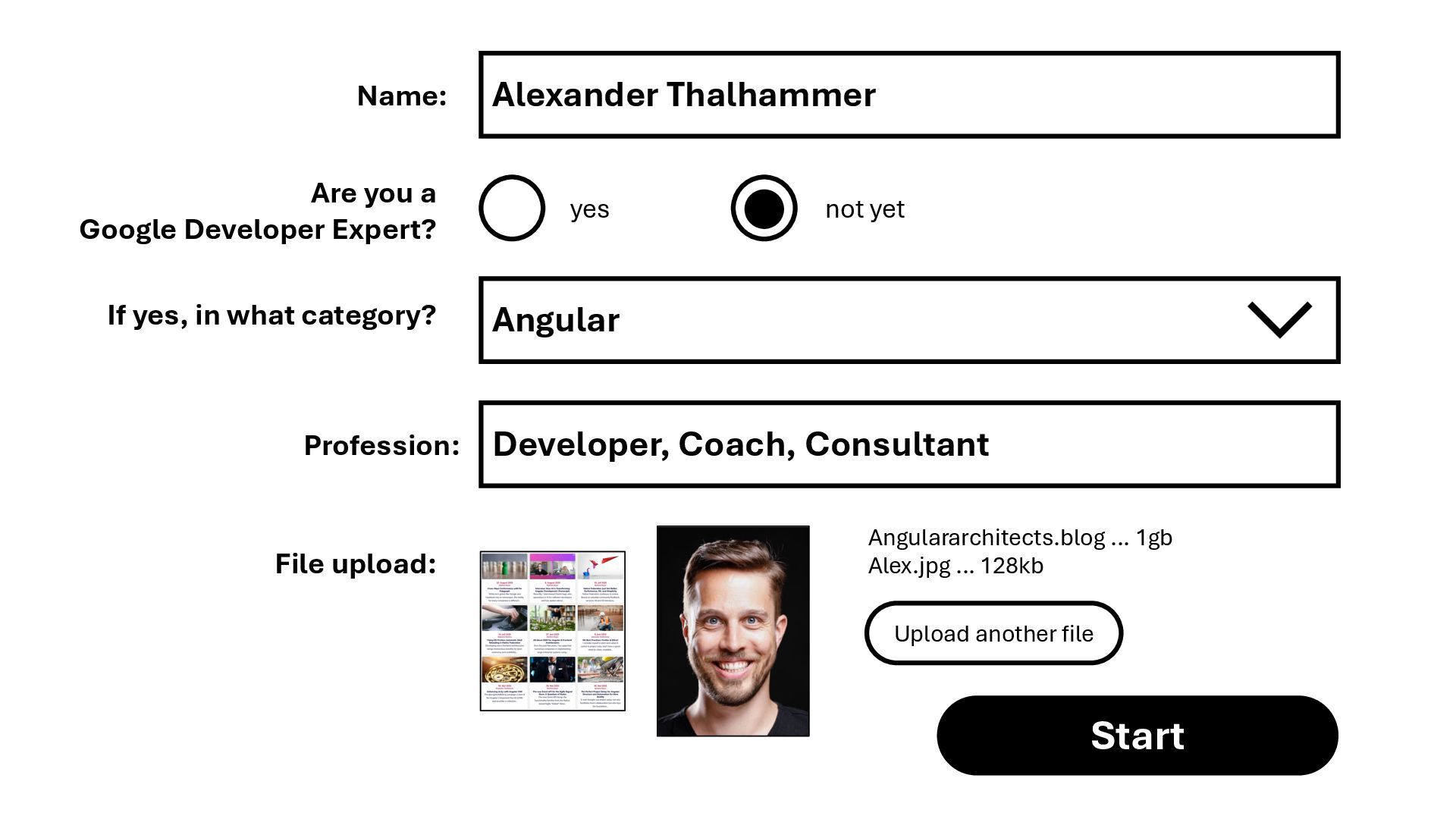
Alexander Thalhammer yes not yet Name: Are you a Google
Developer Expert? If yes, in what category? Angular File upload: Start Upload another file Angulararchitects.blog … 1gb Alex.jpg … 128kb Developer, Coach, Consultant Profession: -
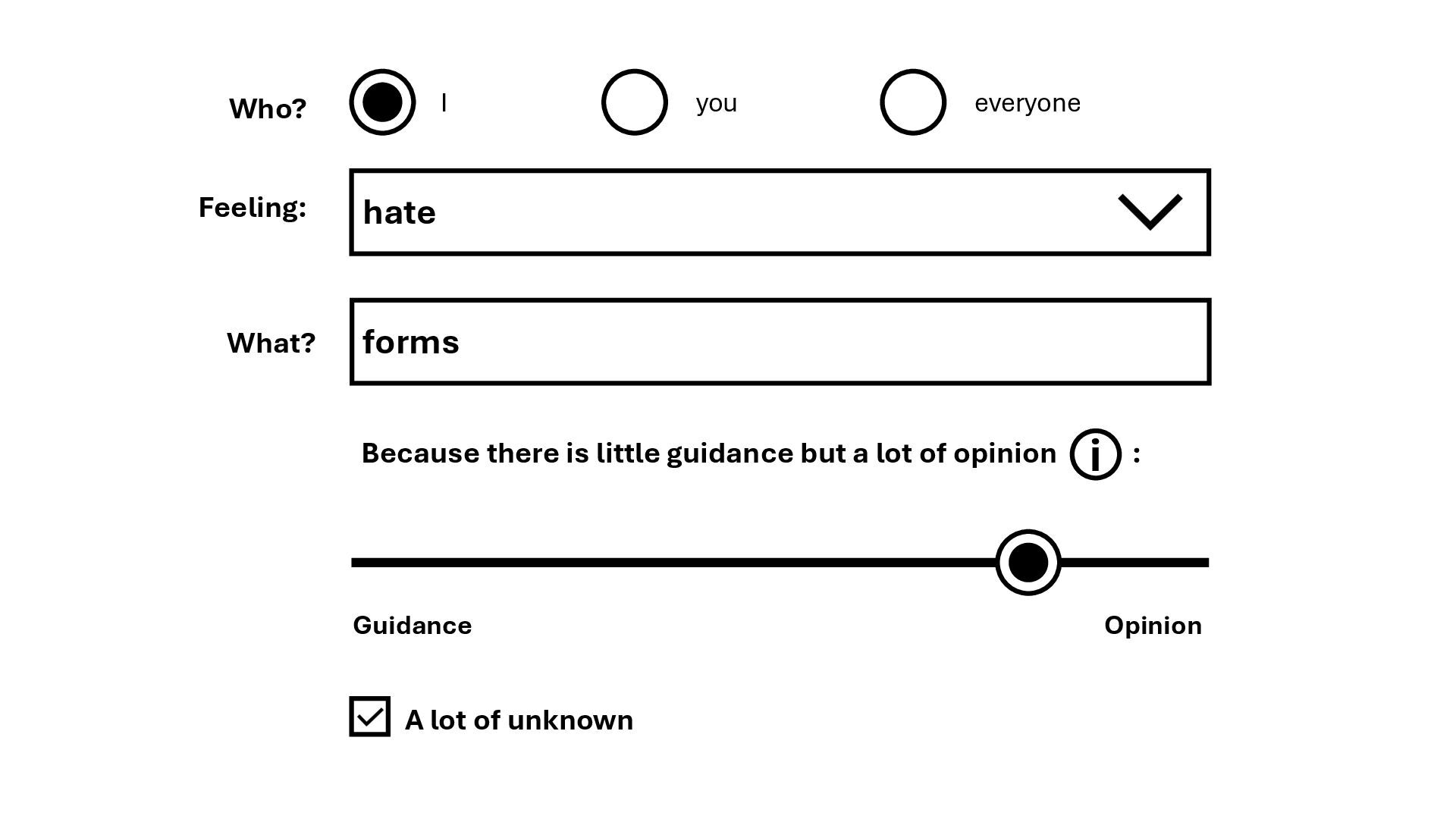
I you everyone Feeling: hate Who? forms What? Because there
is little guidance but a lot of opinion : Guidance Opinion i A lot of unknown -
WCAG 2.2 and forms • Web Content Accessibility Guidelines are
internationally recognized standards developed by the World Wide Web Consortium (W3C) to make web content accessible to people with various disabilities. • It is the foundation of the European Accessibility Act (version 2.1, the reference is yet to be updated to 2.2). • WCAG provide principles, guidelines, and success criteria with conformance levels (A, AA, AAA) indicating different degrees of adherence. AA is the required minimum. -
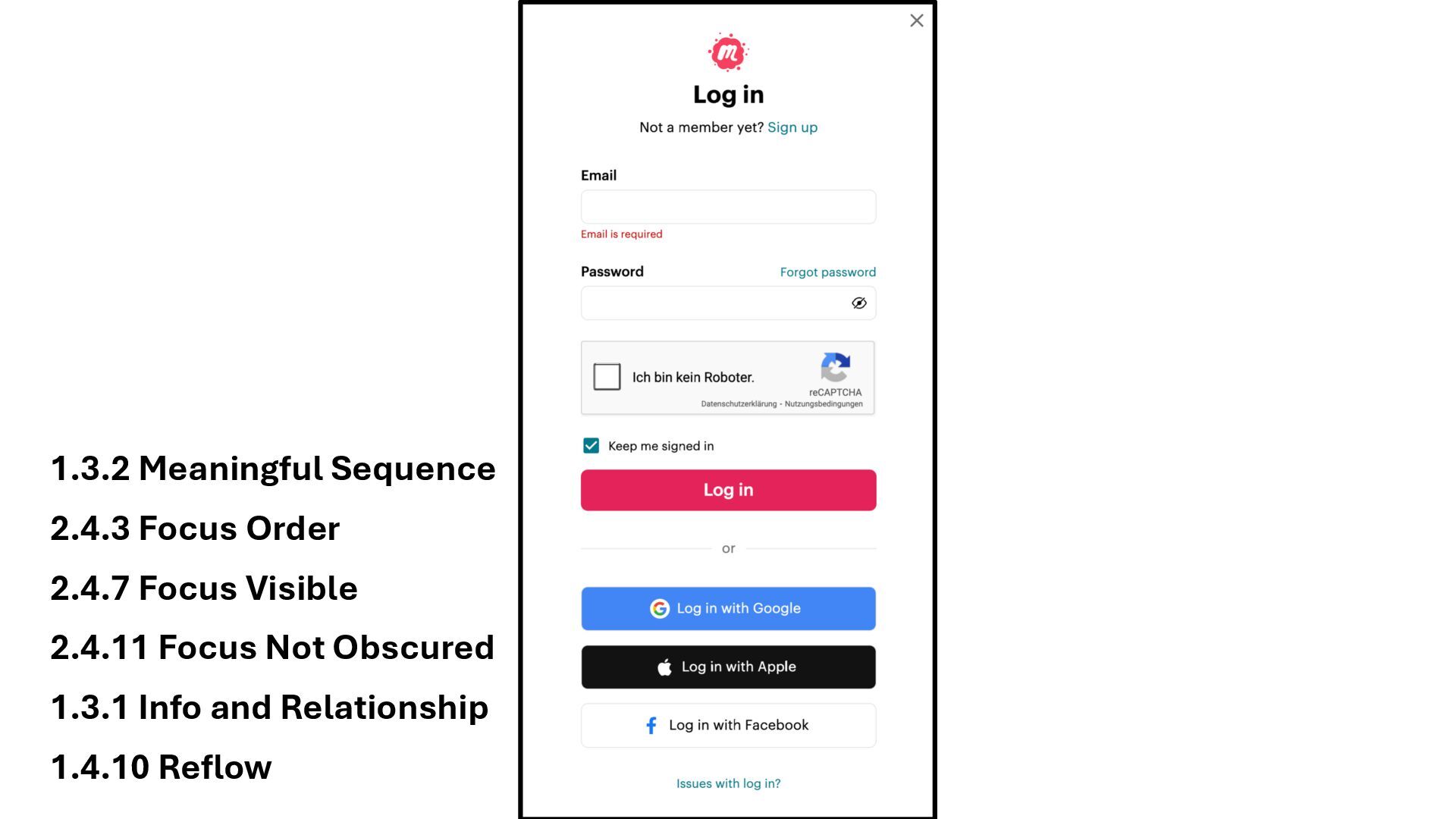
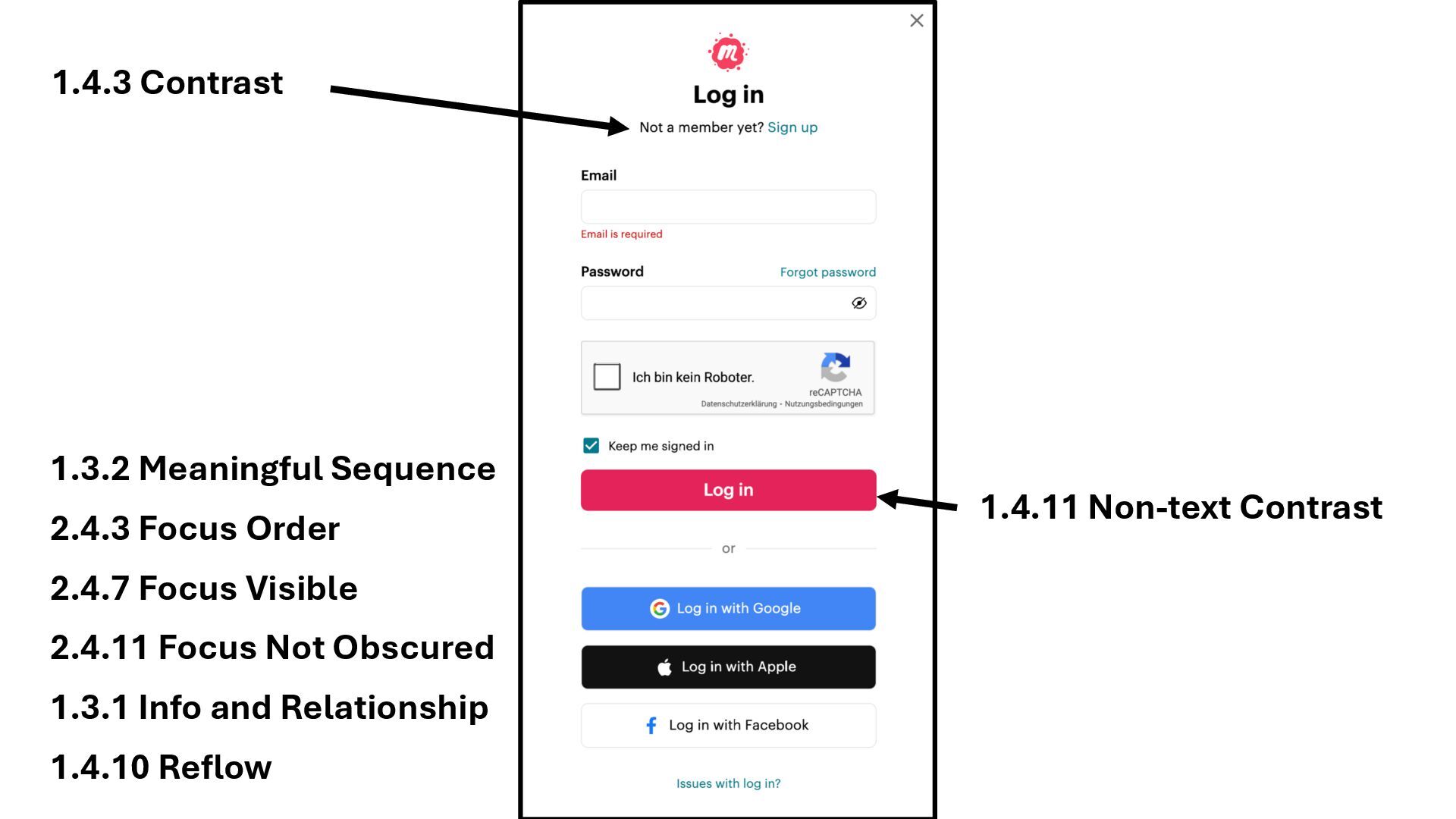
1.3.1 Info and Relationship 1.3.2 Meaningful Sequence 1.4.10 Reflow 2.4.7
Focus Visible 2.4.11 Focus Not Obscured 2.4.3 Focus Order -
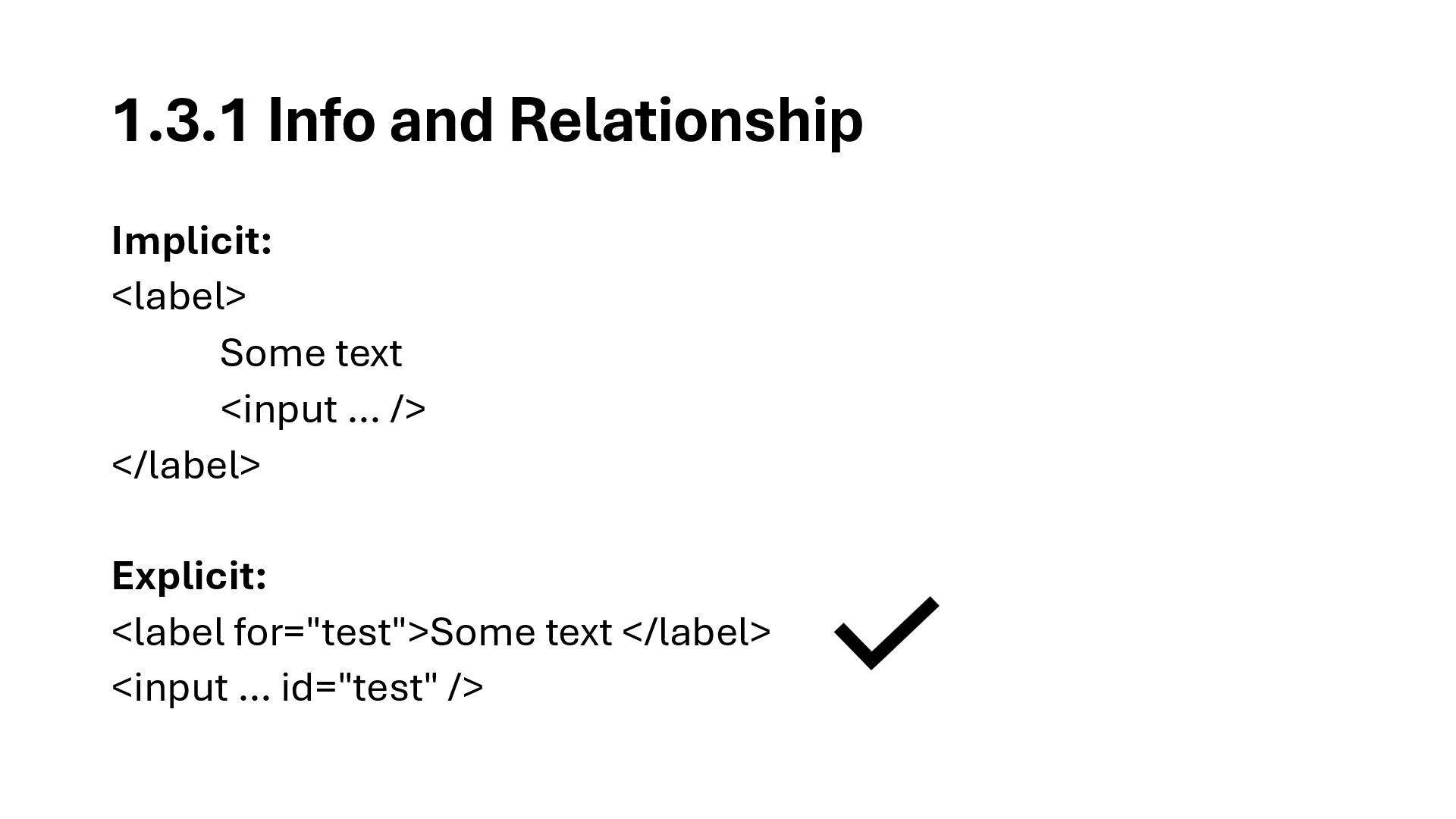
1.3.1 Info and Relationship Implicit: <label> Some text <input …
/> </label> Explicit: <label for="test">Some text </label> <input … id="test" /> -
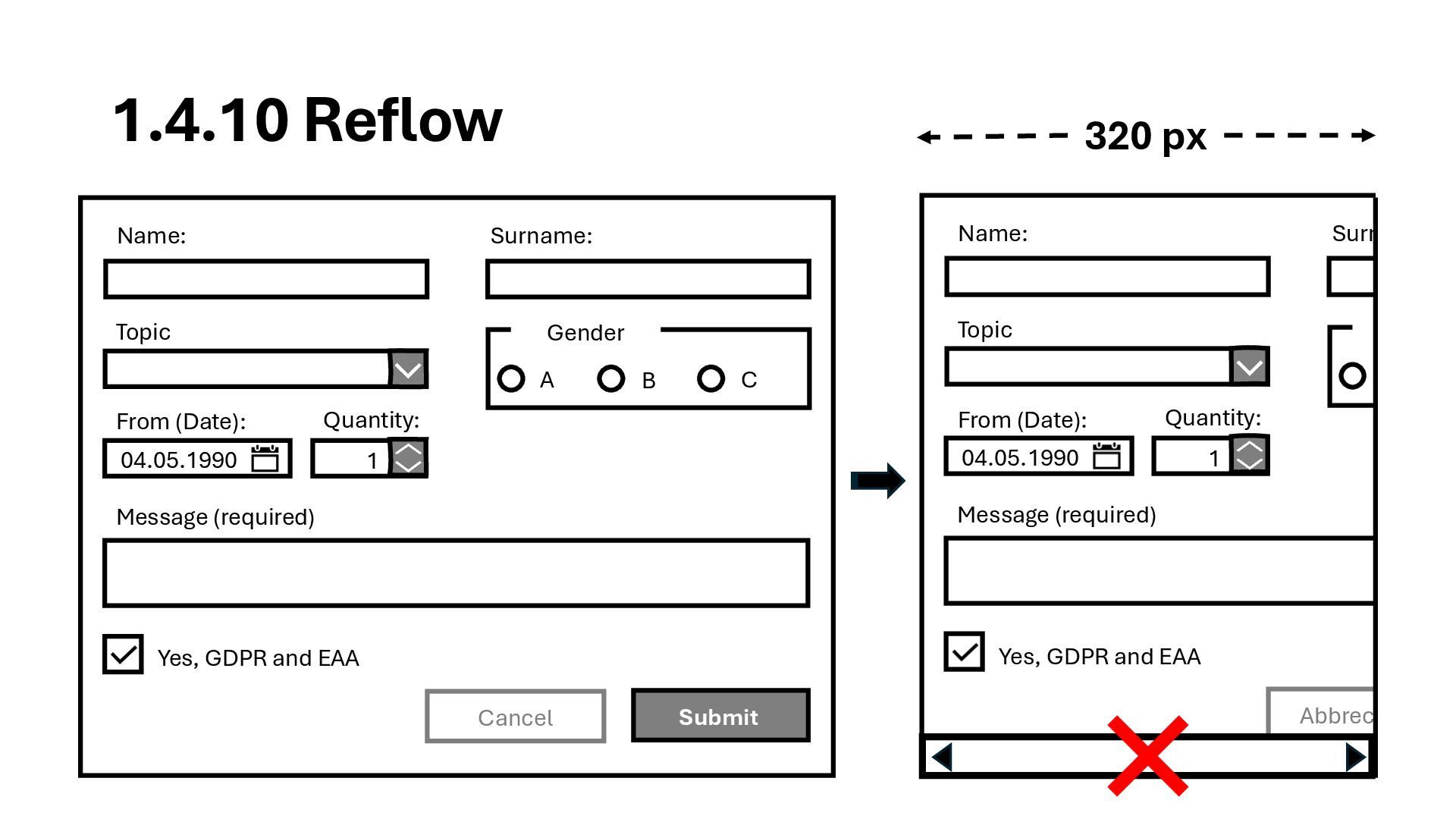
Yes, GDPR and EAA Gende A Name: Surname: 04.05.1990 1
Message (required) Topic From (Date): Quantity: Abbrechen 1.4.10 Reflow Yes, GDPR and EAA Gender A B C Name: Surname: 04.05.1990 1 Message (required) Topic From (Date): Quantity: Submit Cancel 320 px -
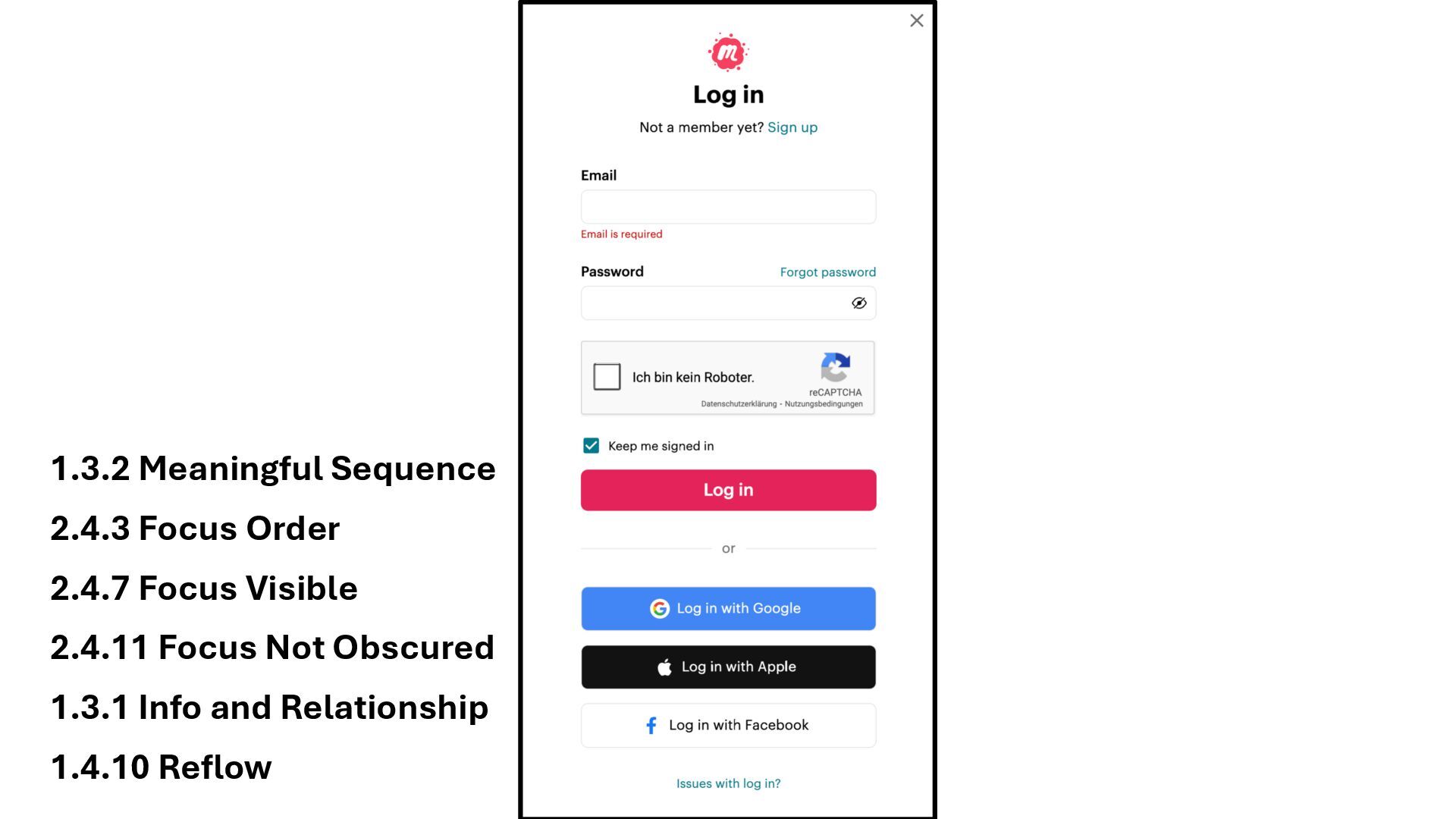
1.3.1 Info and Relationship 1.3.2 Meaningful Sequence 1.4.10 Reflow 2.4.7
Focus Visible 2.4.11 Focus Not Obscured 2.4.3 Focus Order -
1.4.3 Contrast 1.4.11 Non-text Contrast 1.3.1 Info and Relationship 1.3.2
Meaningful Sequence 1.4.10 Reflow 2.4.7 Focus Visible 2.4.11 Focus Not Obscured 2.4.3 Focus Order -
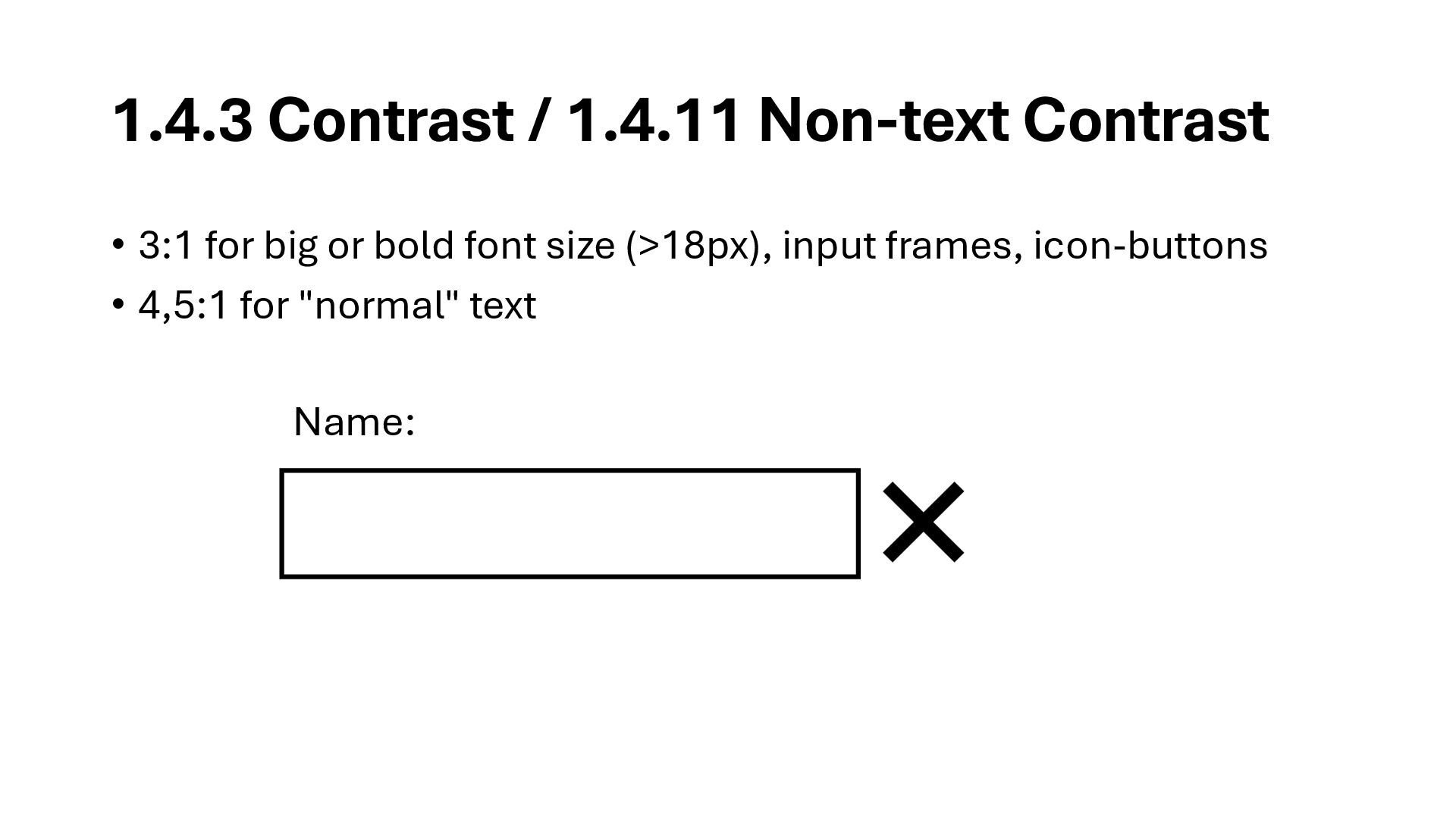
1.4.3 Contrast / 1.4.11 Non-text Contrast • 3:1 for big
or bold font size (>18px), input frames, icon-buttons • 4,5:1 for "normal" text Name: -
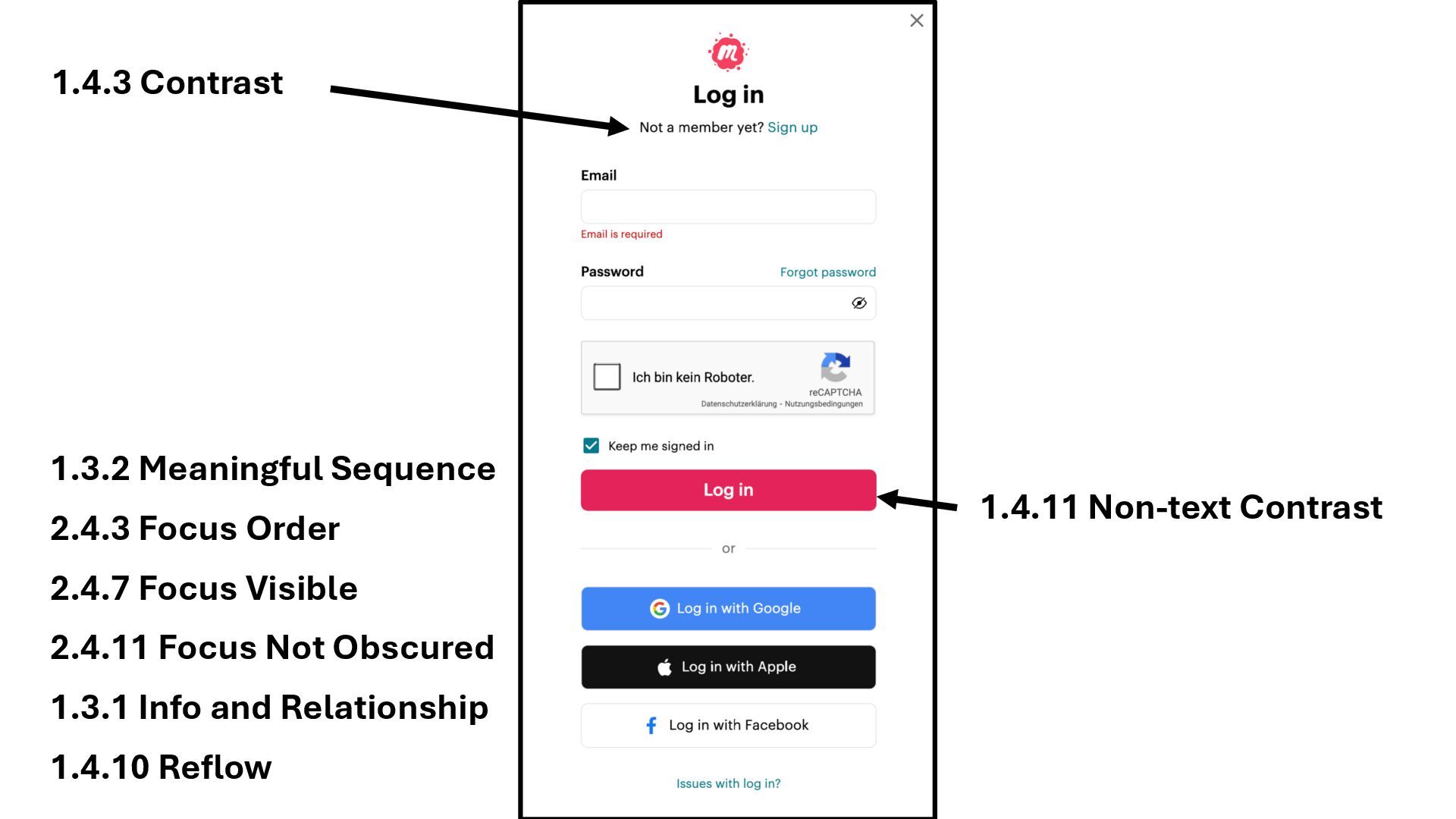
1.4.3 Contrast 1.4.11 Non-text Contrast 1.3.1 Info and Relationship 1.3.2
Meaningful Sequence 1.4.10 Reflow 2.4.7 Focus Visible 2.4.11 Focus Not Obscured 2.4.3 Focus Order -
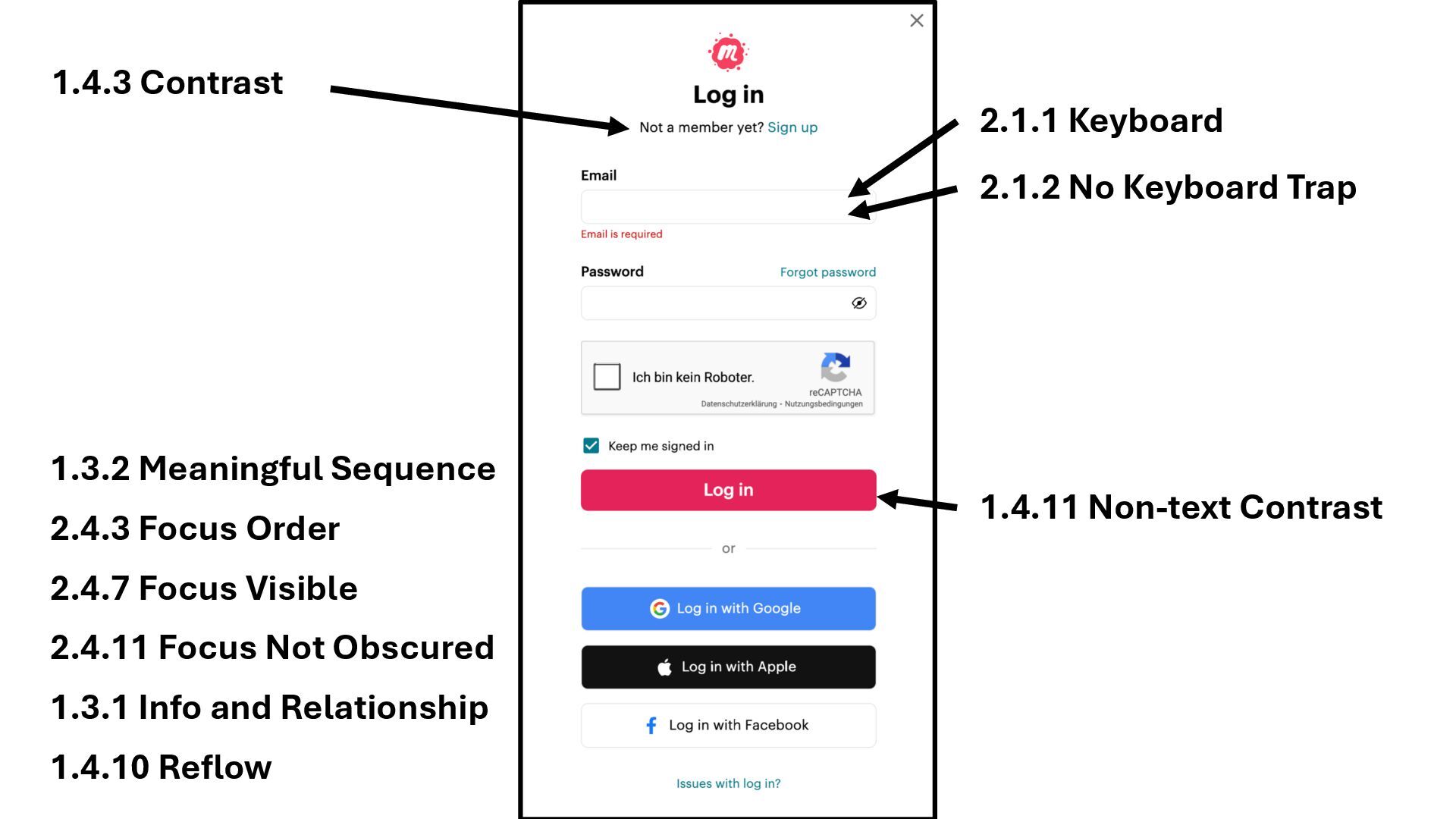
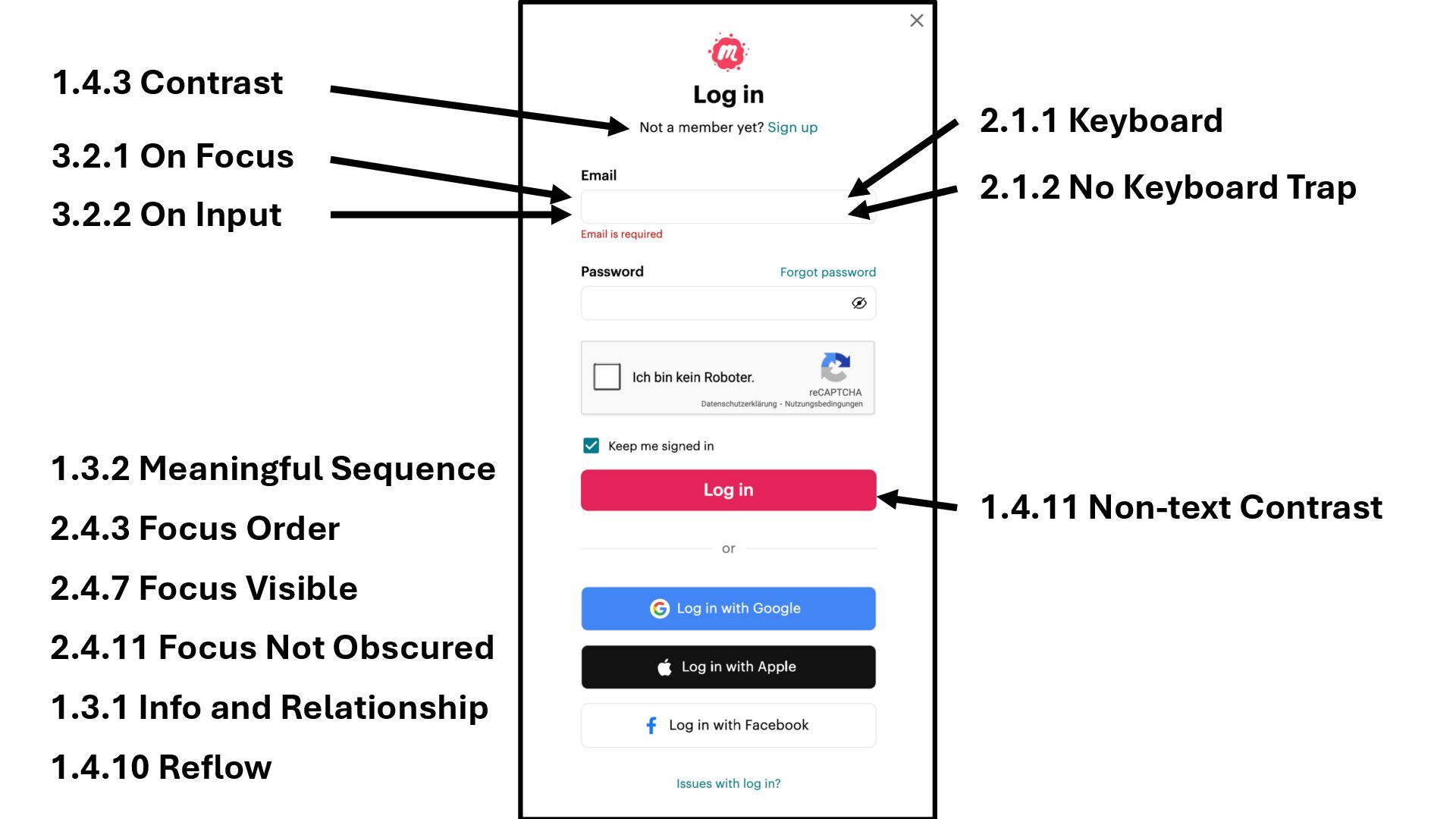
1.4.3 Contrast 2.1.1 Keyboard 2.1.2 No Keyboard Trap 1.4.11 Non-text
Contrast 1.3.1 Info and Relationship 1.3.2 Meaningful Sequence 1.4.10 Reflow 2.4.7 Focus Visible 2.4.11 Focus Not Obscured 2.4.3 Focus Order -
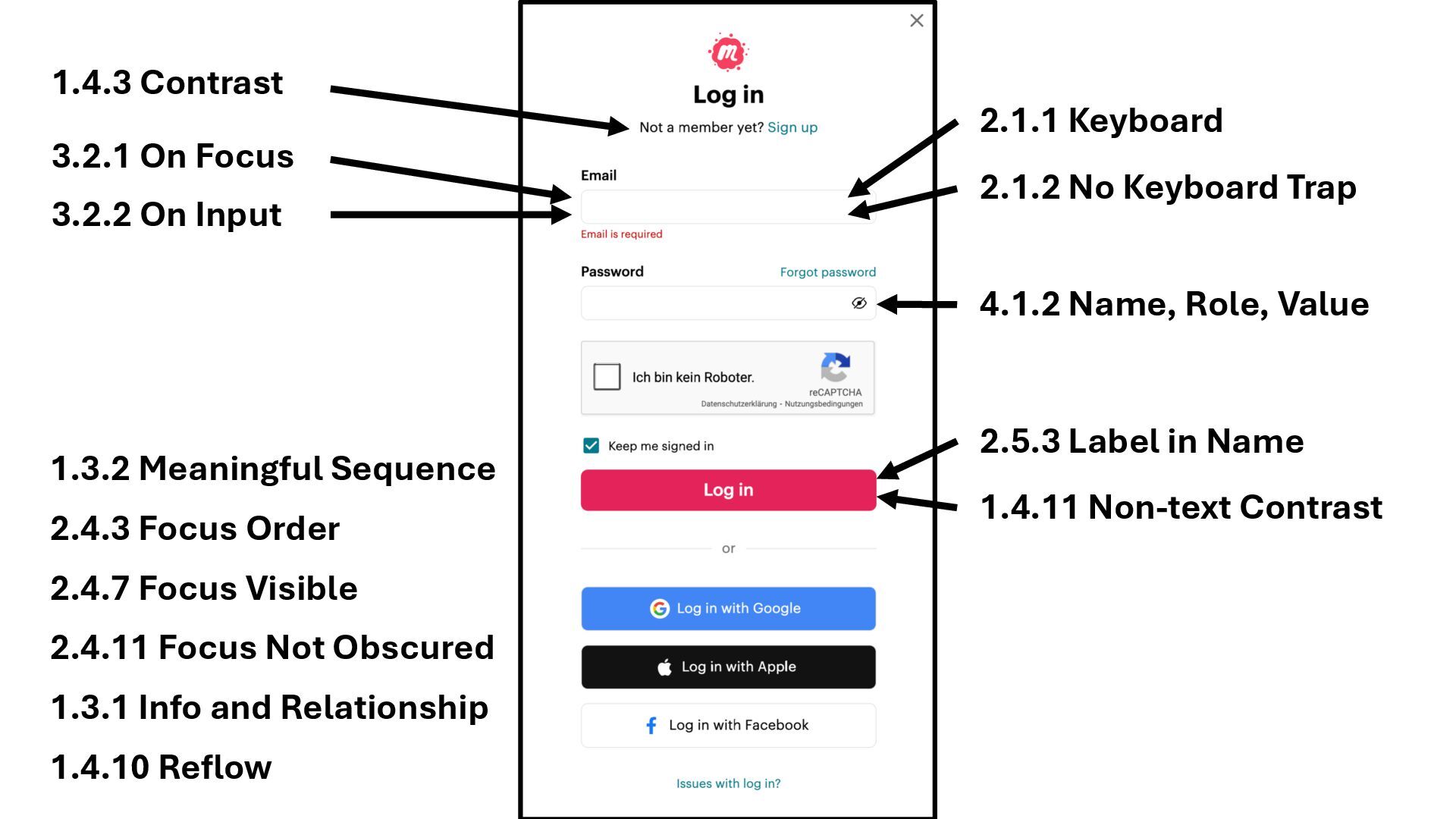
1.4.3 Contrast 2.1.1 Keyboard 2.1.2 No Keyboard Trap 3.2.1 On
Focus 3.2.2 On Input 1.4.11 Non-text Contrast 1.3.1 Info and Relationship 1.3.2 Meaningful Sequence 1.4.10 Reflow 2.4.7 Focus Visible 2.4.11 Focus Not Obscured 2.4.3 Focus Order -
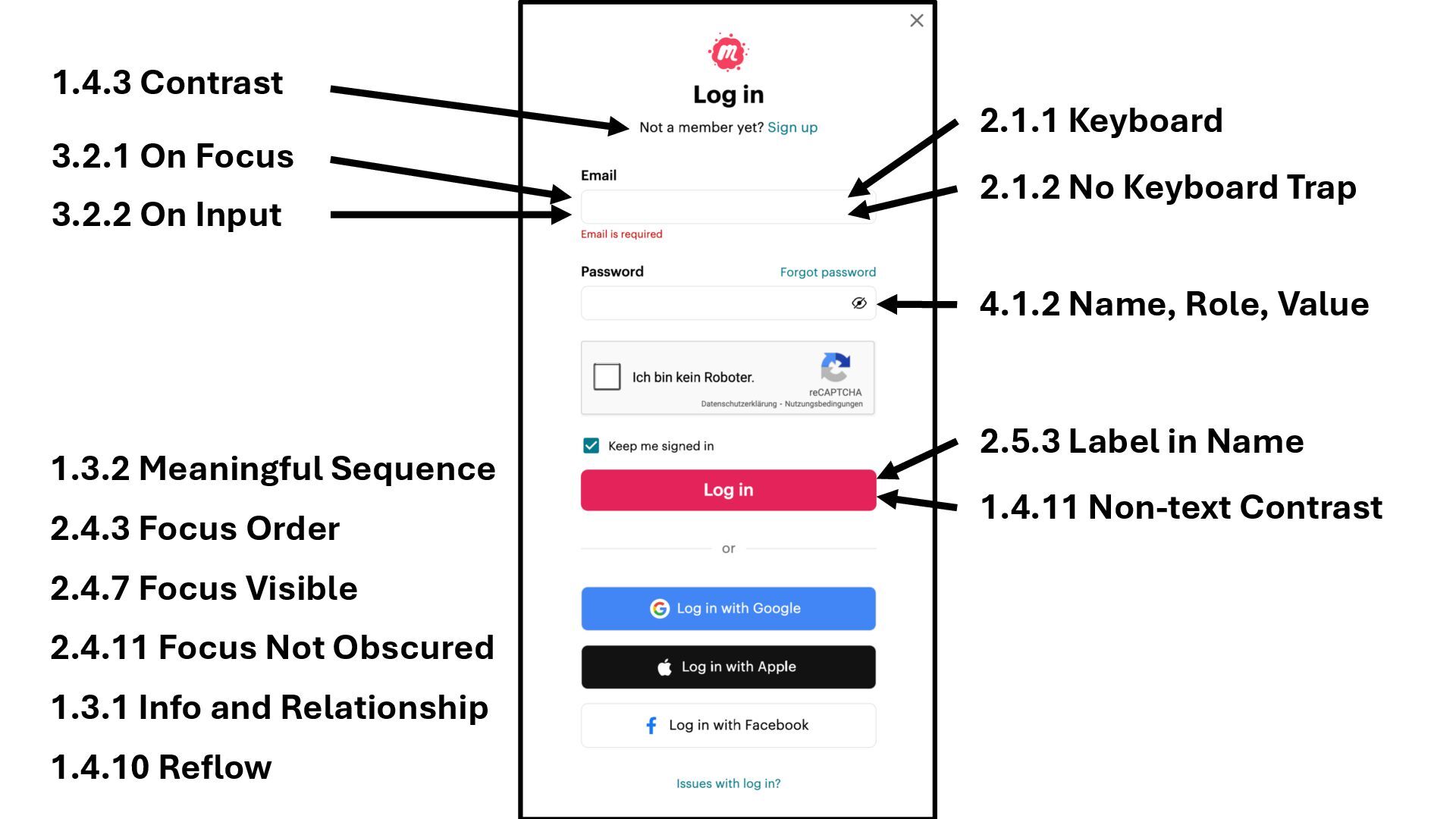
1.4.3 Contrast 2.1.1 Keyboard 2.1.2 No Keyboard Trap 2.5.3 Label
in Name 3.2.1 On Focus 3.2.2 On Input 1.4.11 Non-text Contrast 4.1.2 Name, Role, Value 1.3.1 Info and Relationship 1.3.2 Meaningful Sequence 1.4.10 Reflow 2.4.7 Focus Visible 2.4.11 Focus Not Obscured 2.4.3 Focus Order -
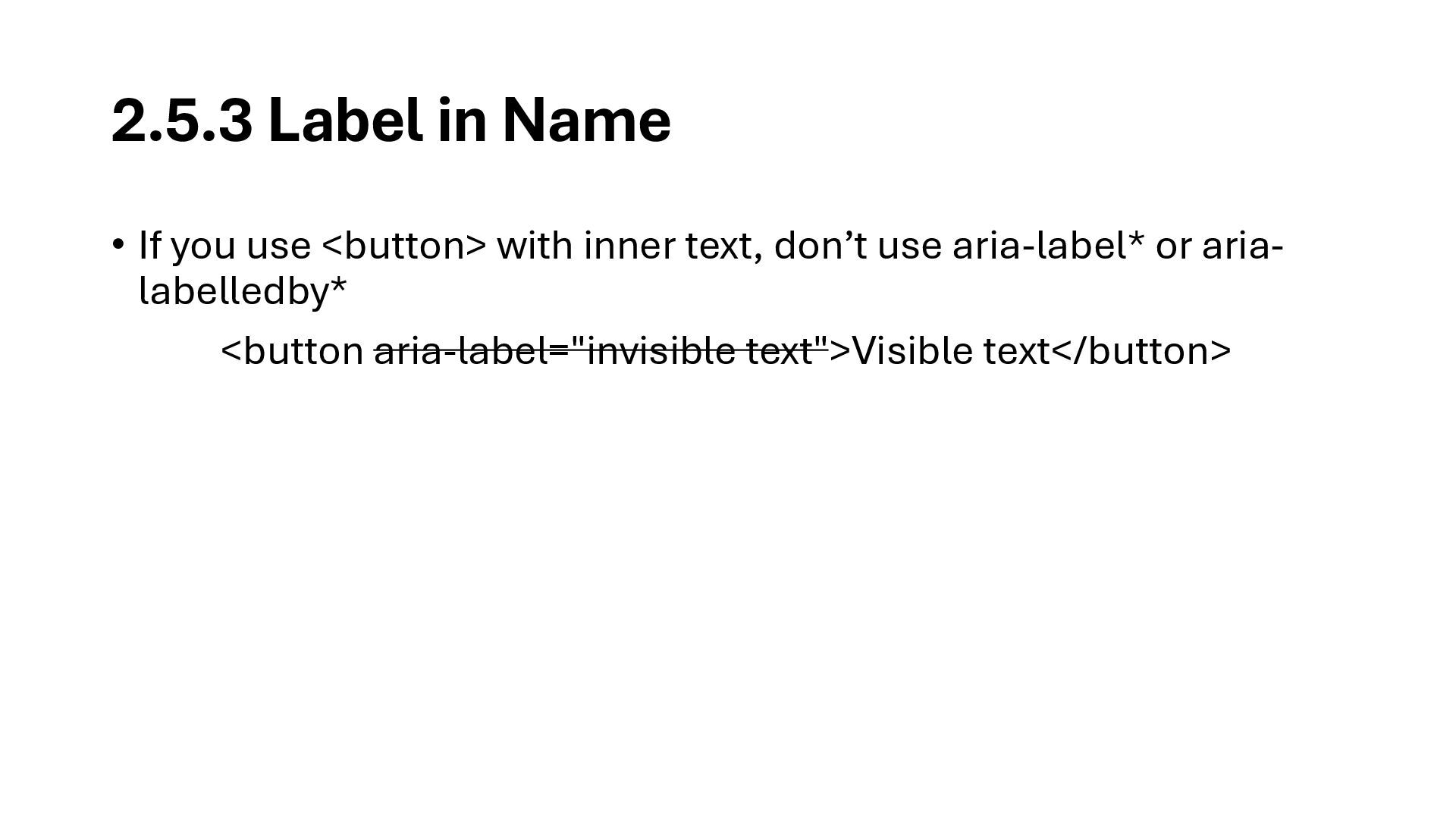
2.5.3 Label in Name • If you use <button> with
inner text, don’t use aria-label* or aria- labelledby* <button aria-label="invisible text">Visible text</button> -
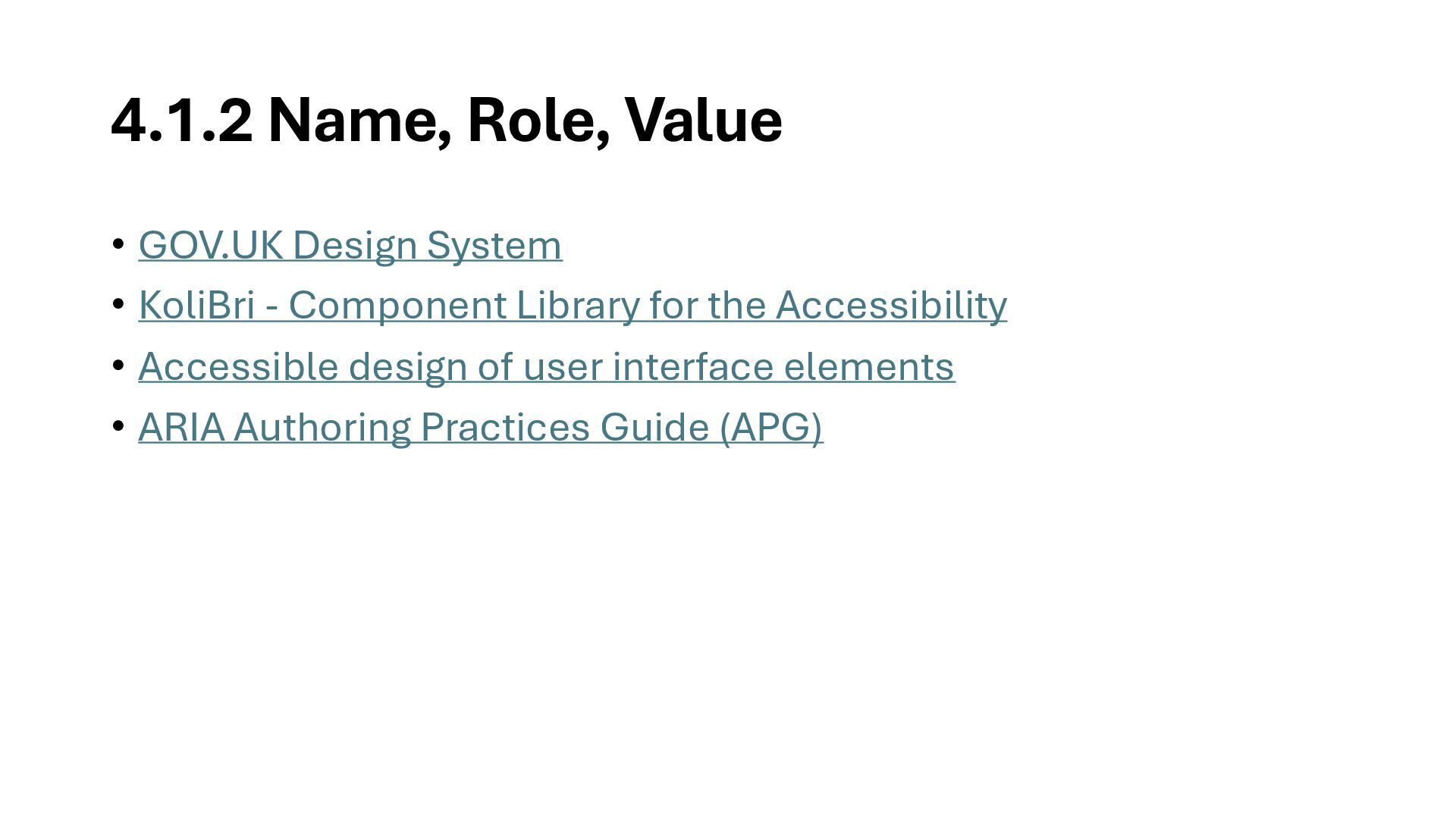
4.1.2 Name, Role, Value • GOV.UK Design System • KoliBri
- Component Library for the Accessibility • Accessible design of user interface elements • ARIA Authoring Practices Guide (APG) -
1.4.3 Contrast 2.1.1 Keyboard 2.1.2 No Keyboard Trap 2.5.3 Label
in Name 3.2.1 On Focus 3.2.2 On Input 1.4.11 Non-text Contrast 4.1.2 Name, Role, Value 1.3.1 Info and Relationship 1.3.2 Meaningful Sequence 1.4.10 Reflow 2.4.7 Focus Visible 2.4.11 Focus Not Obscured 2.4.3 Focus Order -
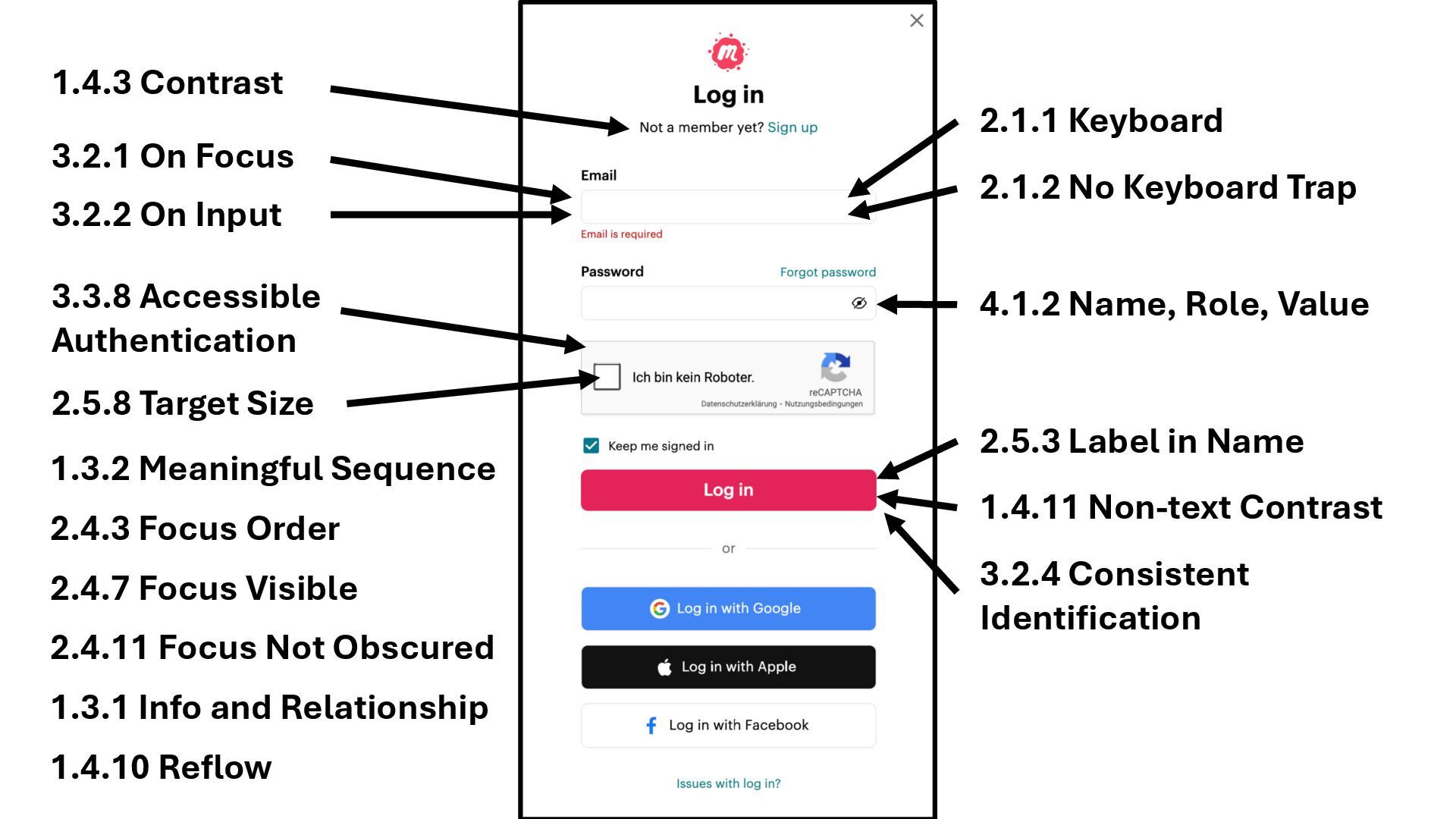
1.4.3 Contrast 2.5.8 Target Size 2.1.1 Keyboard 2.1.2 No Keyboard
Trap 2.5.3 Label in Name 3.2.1 On Focus 3.2.2 On Input 3.2.4 Consistent Identification 1.4.11 Non-text Contrast 4.1.2 Name, Role, Value 3.3.8 Accessible Authentication 1.3.1 Info and Relationship 1.3.2 Meaningful Sequence 1.4.10 Reflow 2.4.7 Focus Visible 2.4.11 Focus Not Obscured 2.4.3 Focus Order -
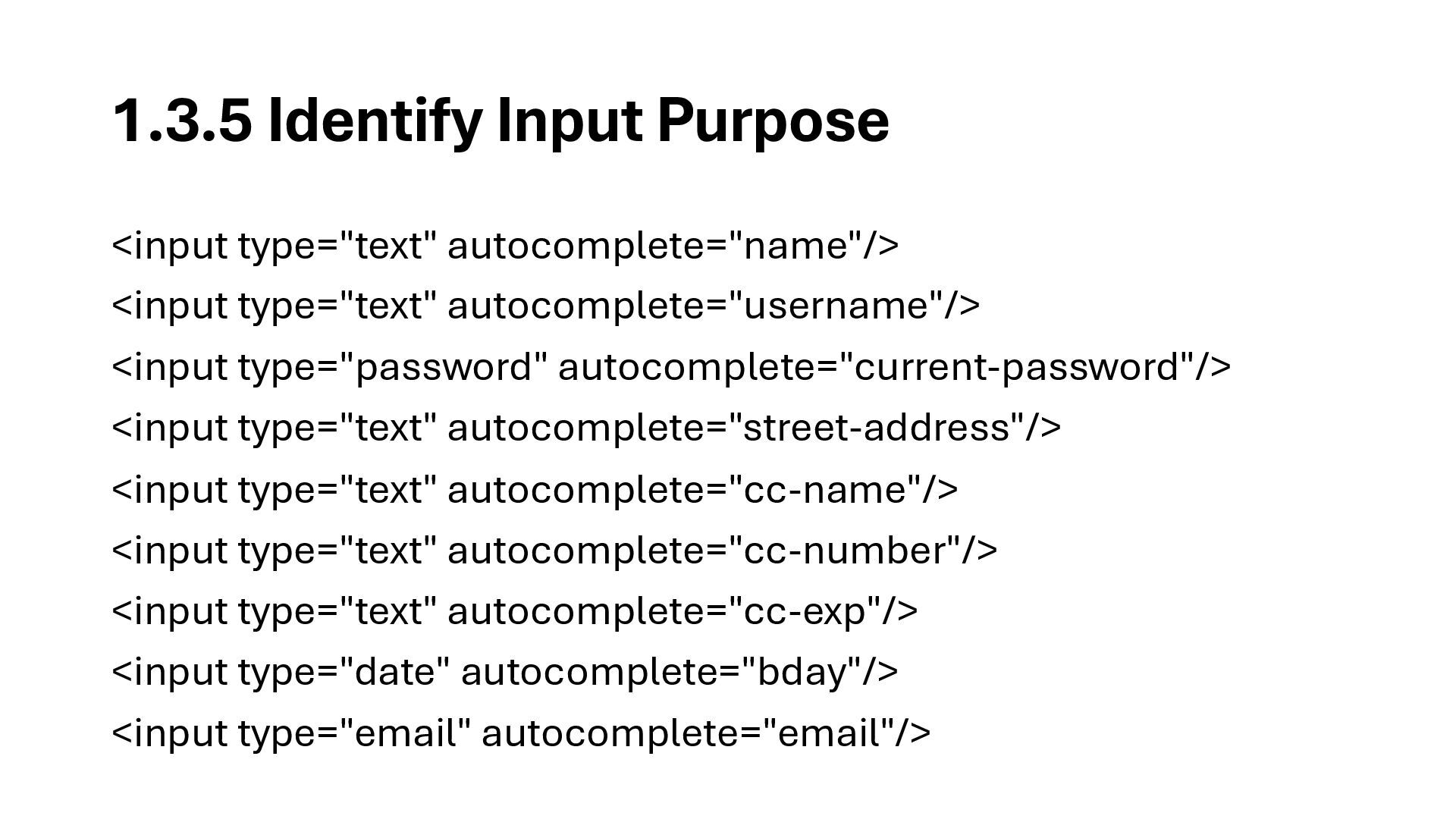
1.3.5 Identify Input Purpose <input type="text" autocomplete="name"/> <input type="text" autocomplete="username"/>
<input type="password" autocomplete="current-password"/> <input type="text" autocomplete="street-address"/> <input type="text" autocomplete="cc-name"/> <input type="text" autocomplete="cc-number"/> <input type="text" autocomplete="cc-exp"/> <input type="date" autocomplete="bday"/> <input type="email" autocomplete="email"/> -
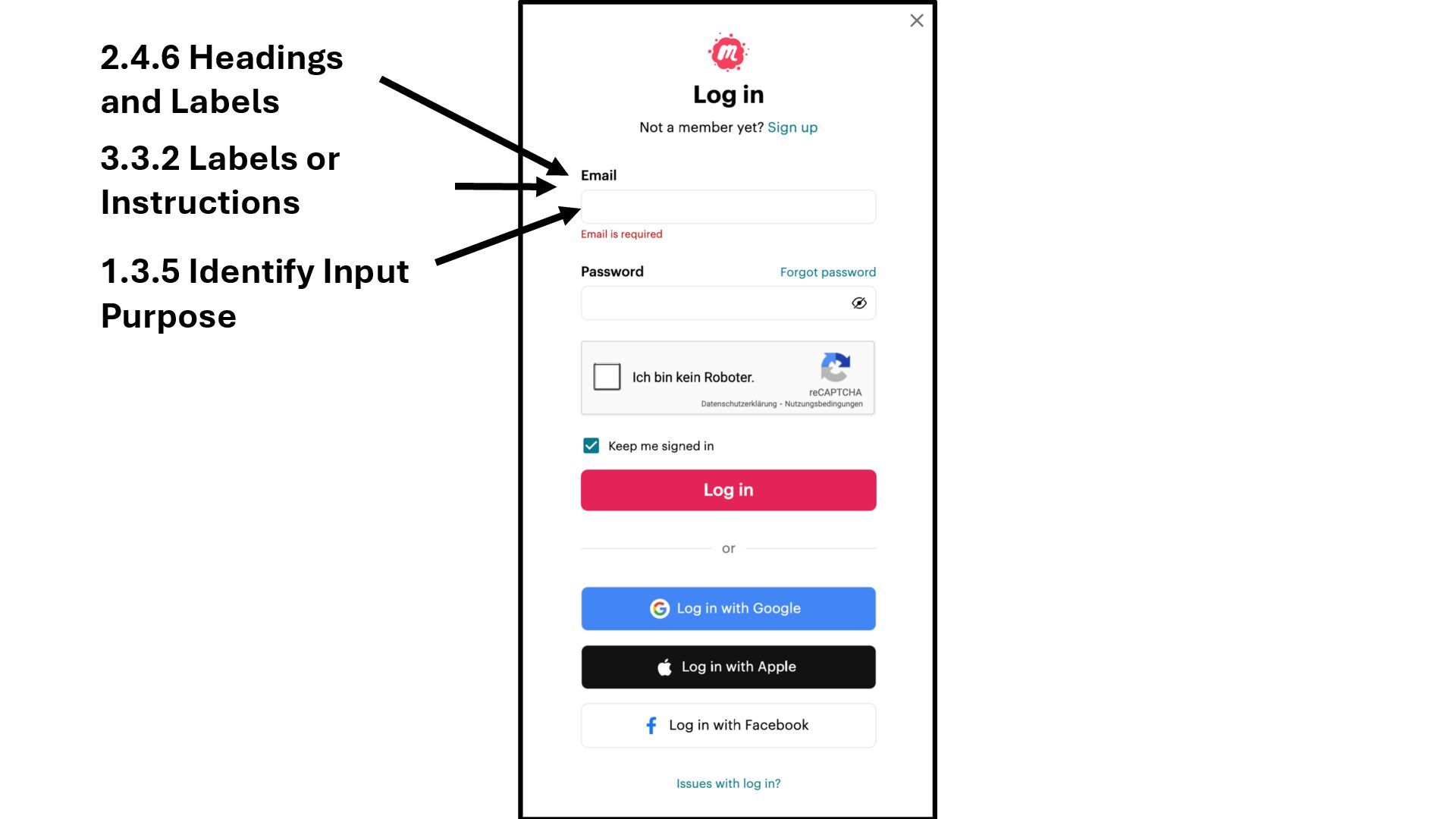
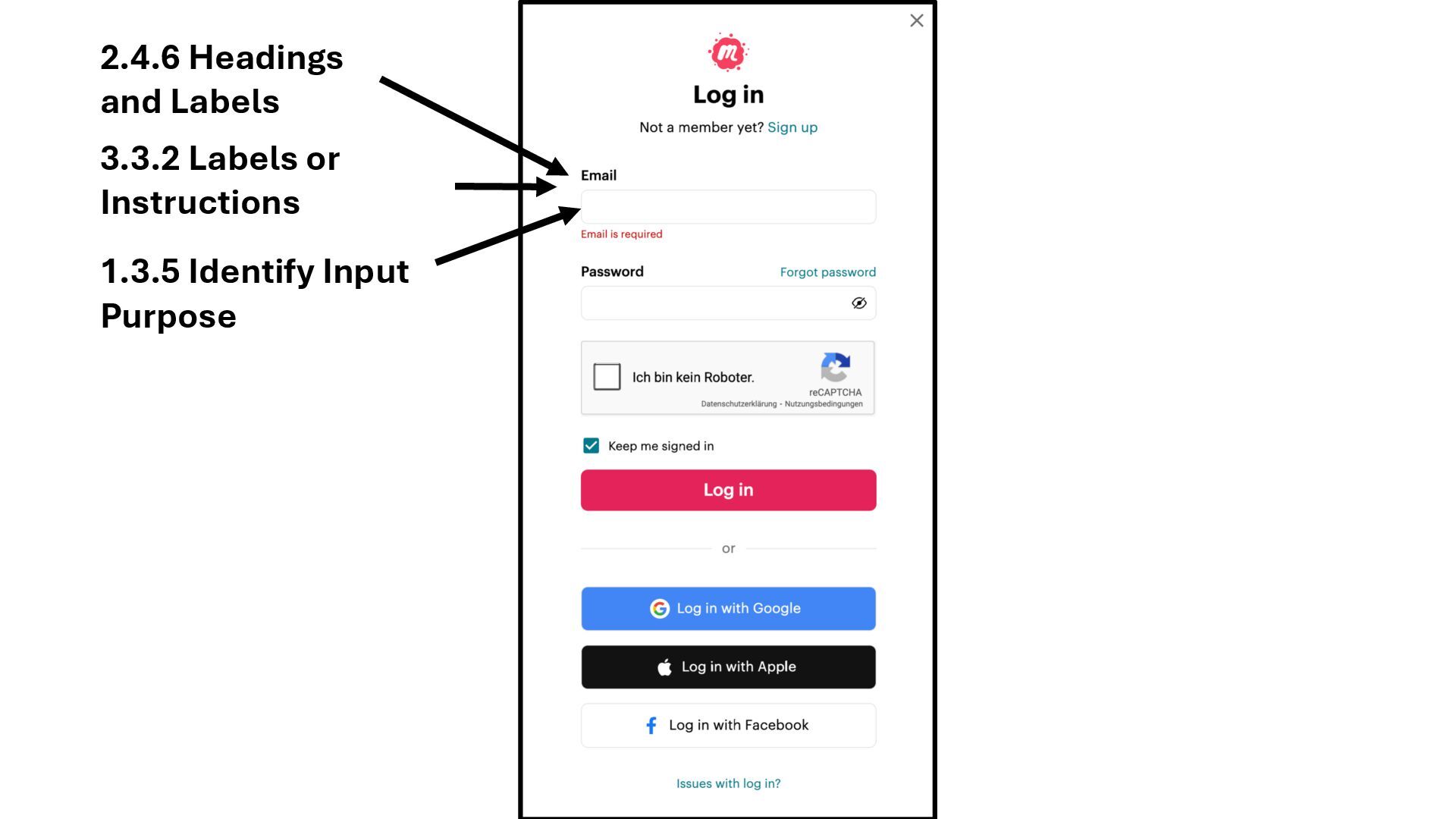
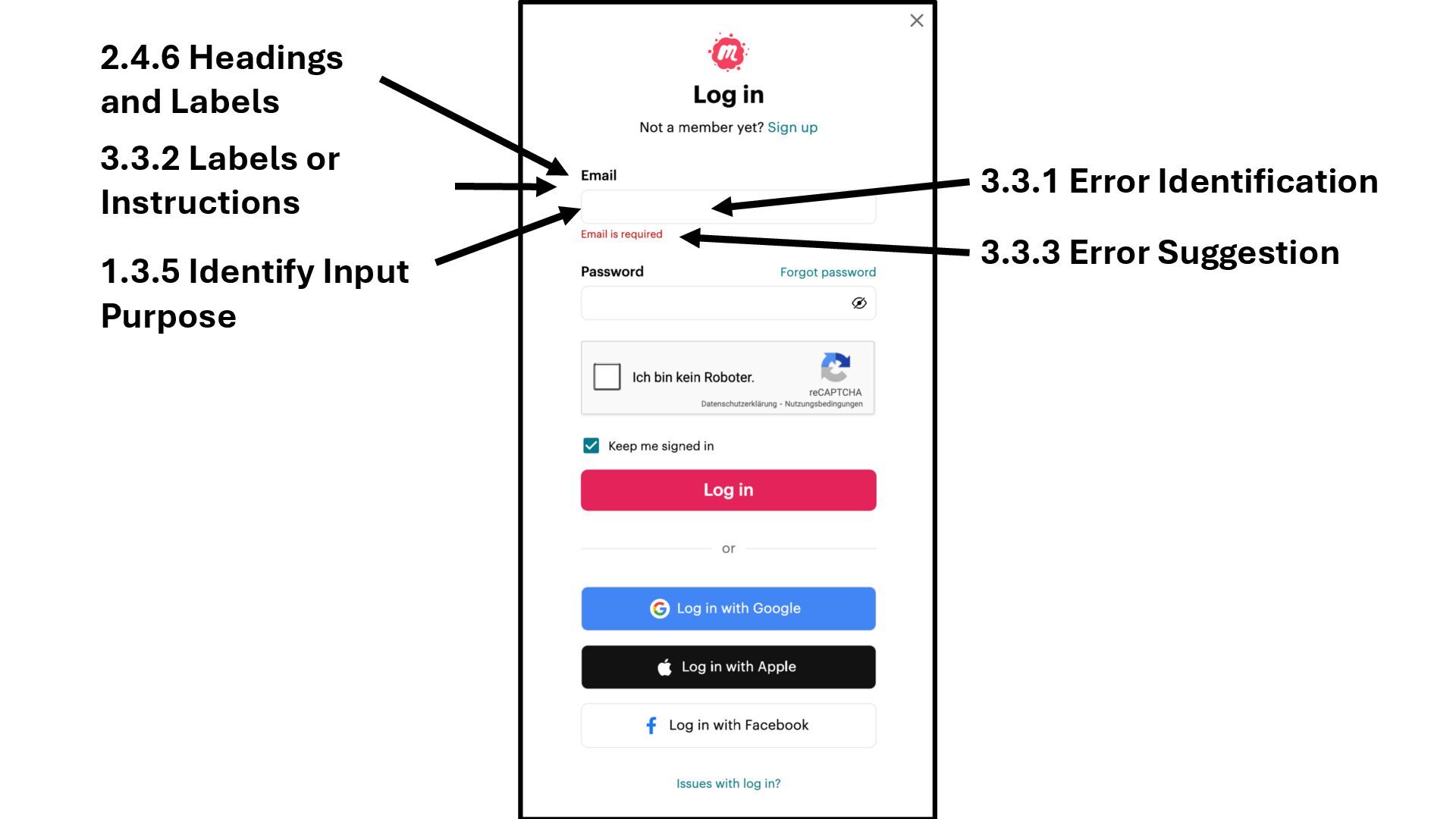
3.3.1 Error Identification 3.3.3 Error Suggestion 1.3.5 Identify Input Purpose
3.3.2 Labels or Instructions 2.4.6 Headings and Labels -
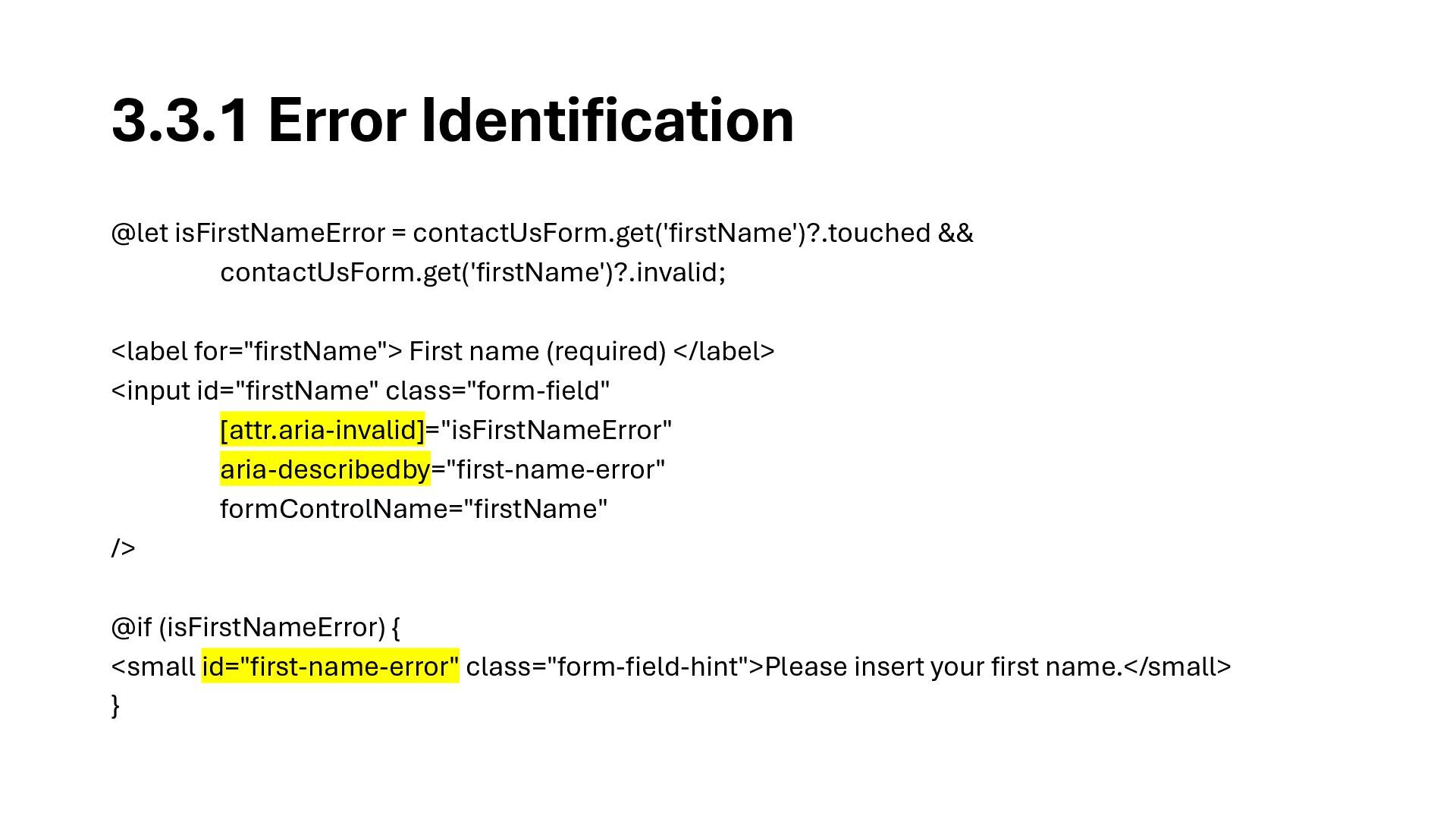
3.3.1 Error Identification @let isFirstNameError = contactUsForm.get('firstName')?.touched && contactUsForm.get('firstName')?.invalid; <label
for="firstName"> First name (required) </label> <input id="firstName" class="form-field" [attr.aria-invalid]="isFirstNameError" aria-describedby="first-name-error" formControlName="firstName" /> @if (isFirstNameError) { <small id="first-name-error" class="form-field-hint">Please insert your first name.</small> } -
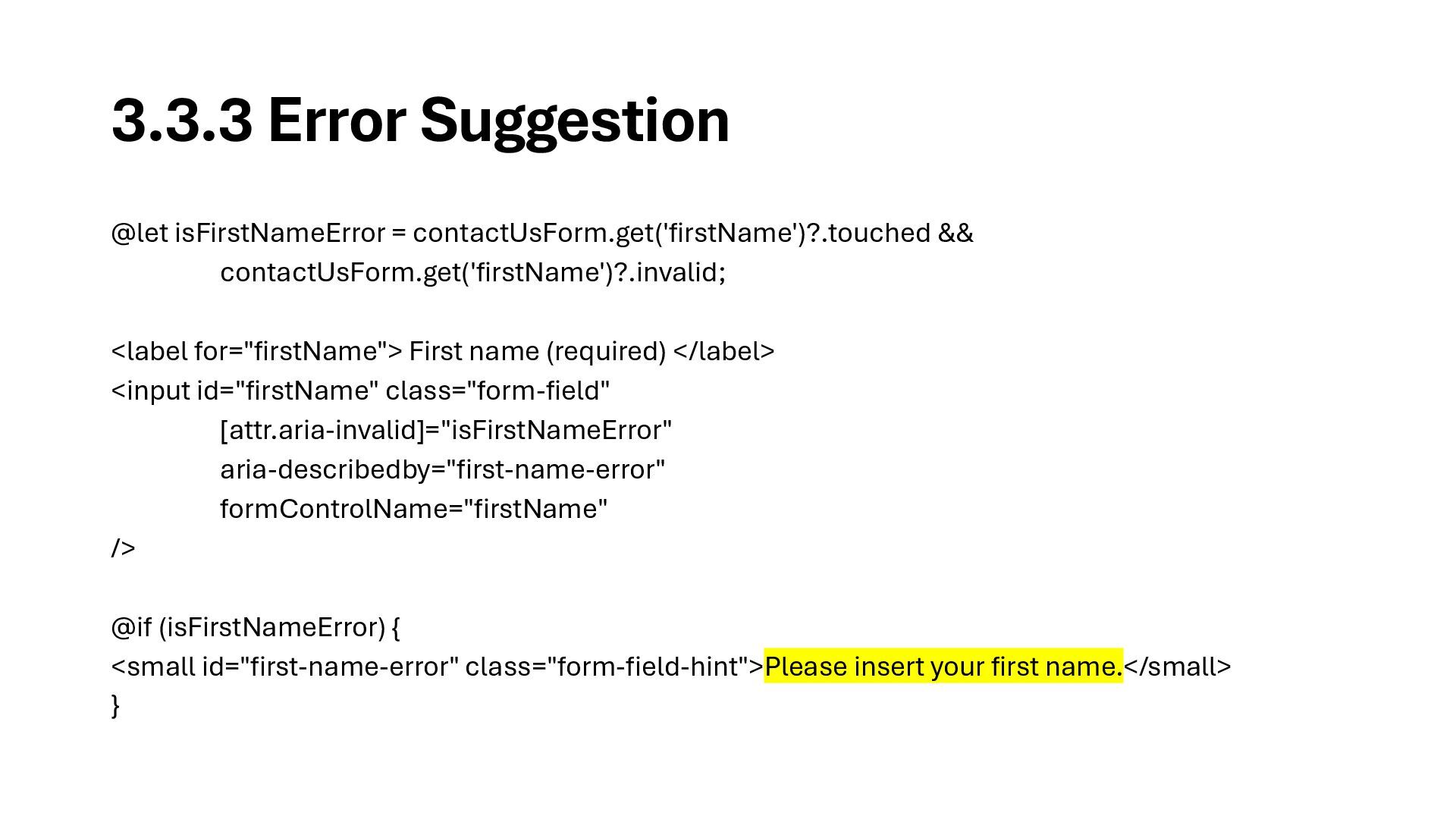
3.3.3 Error Suggestion @let isFirstNameError = contactUsForm.get('firstName')?.touched && contactUsForm.get('firstName')?.invalid; <label
for="firstName"> First name (required) </label> <input id="firstName" class="form-field" [attr.aria-invalid]="isFirstNameError" aria-describedby="first-name-error" formControlName="firstName" /> @if (isFirstNameError) { <small id="first-name-error" class="form-field-hint">Please insert your first name.</small> } -
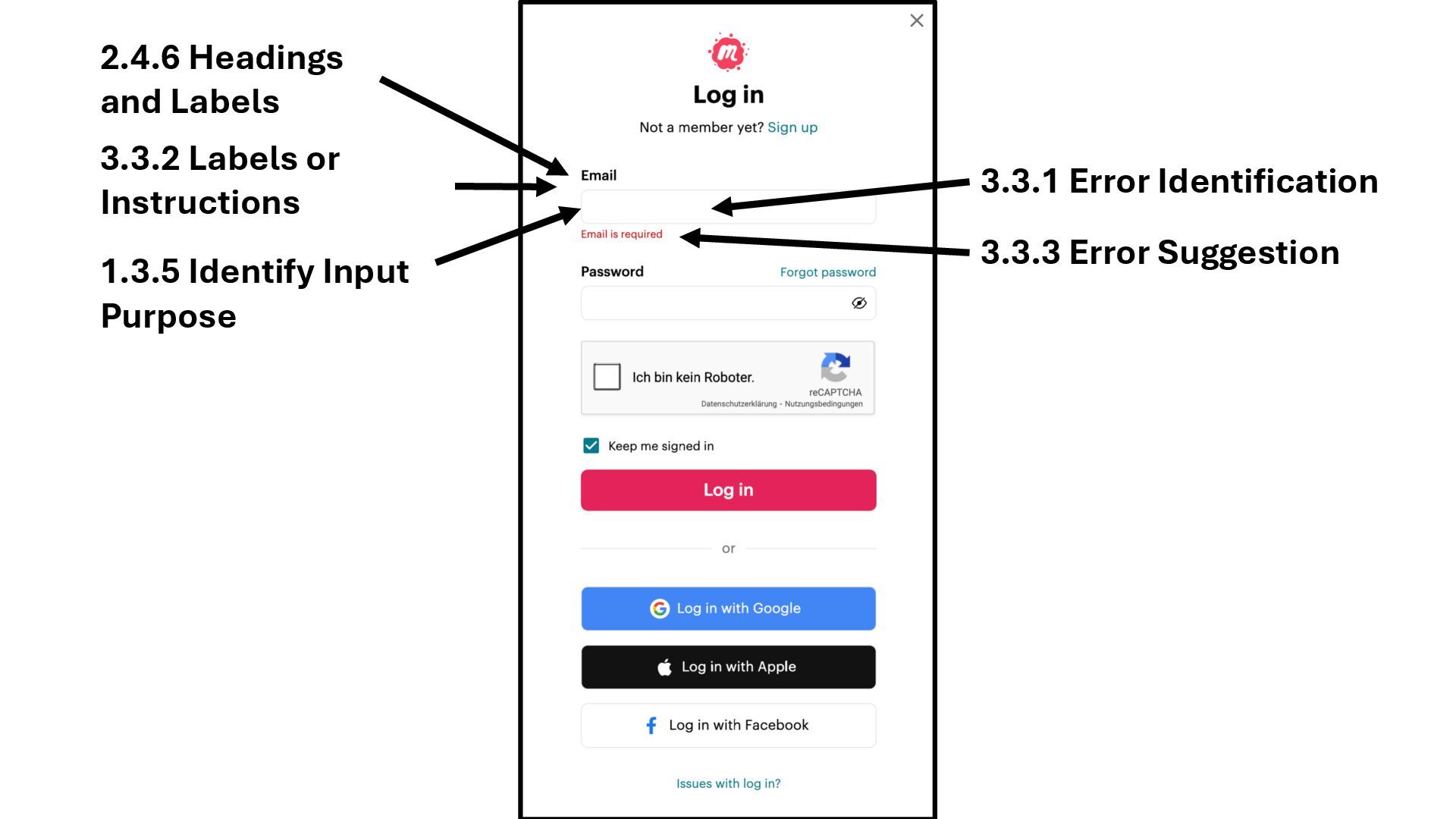
3.3.1 Error Identification 3.3.3 Error Suggestion 1.3.5 Identify Input Purpose
3.3.2 Labels or Instructions 2.4.6 Headings and Labels -
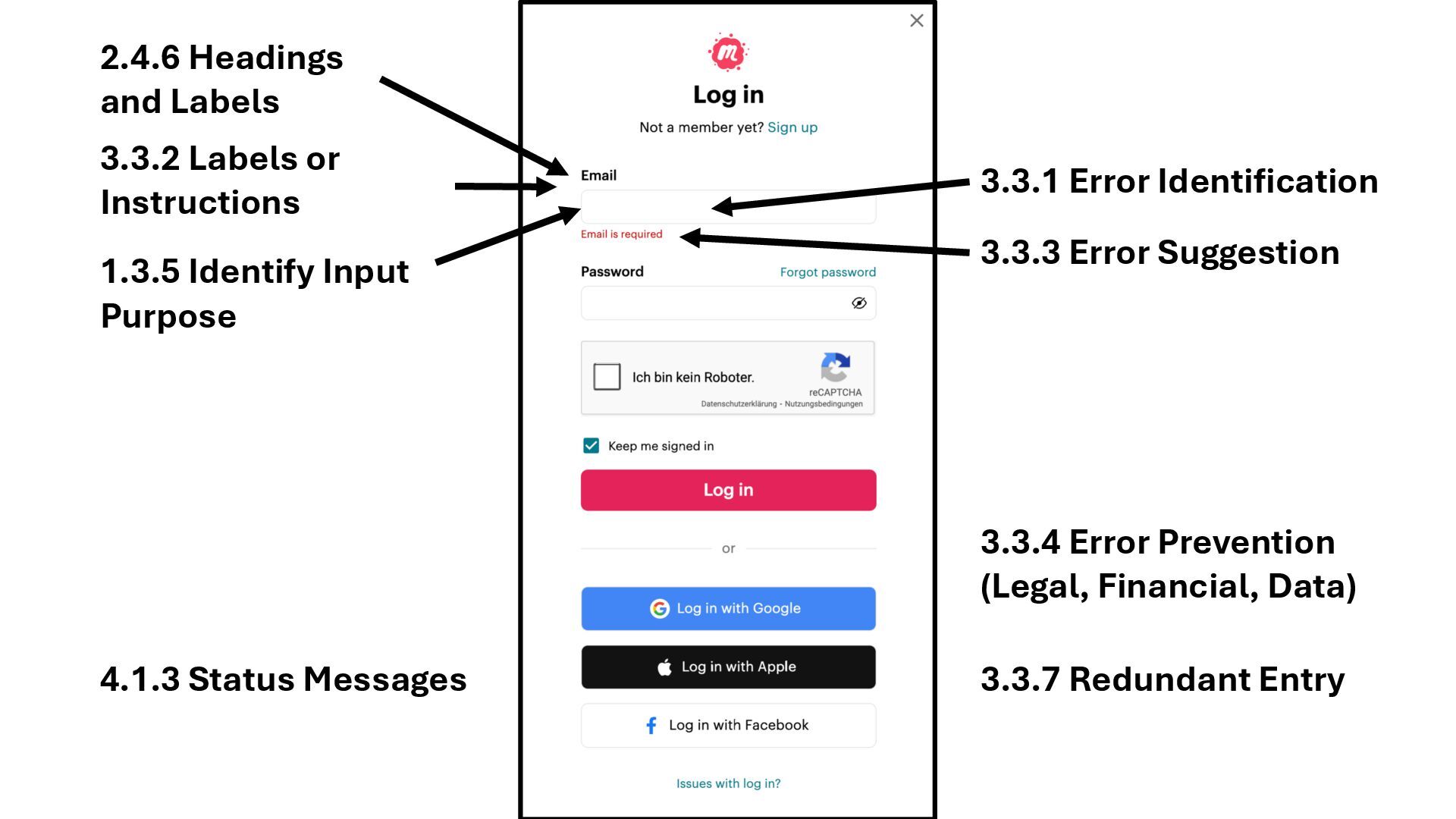
3.3.7 Redundant Entry 3.3.1 Error Identification 3.3.3 Error Suggestion 3.3.4
Error Prevention (Legal, Financial, Data) 4.1.3 Status Messages 1.3.5 Identify Input Purpose 3.3.2 Labels or Instructions 2.4.6 Headings and Labels -
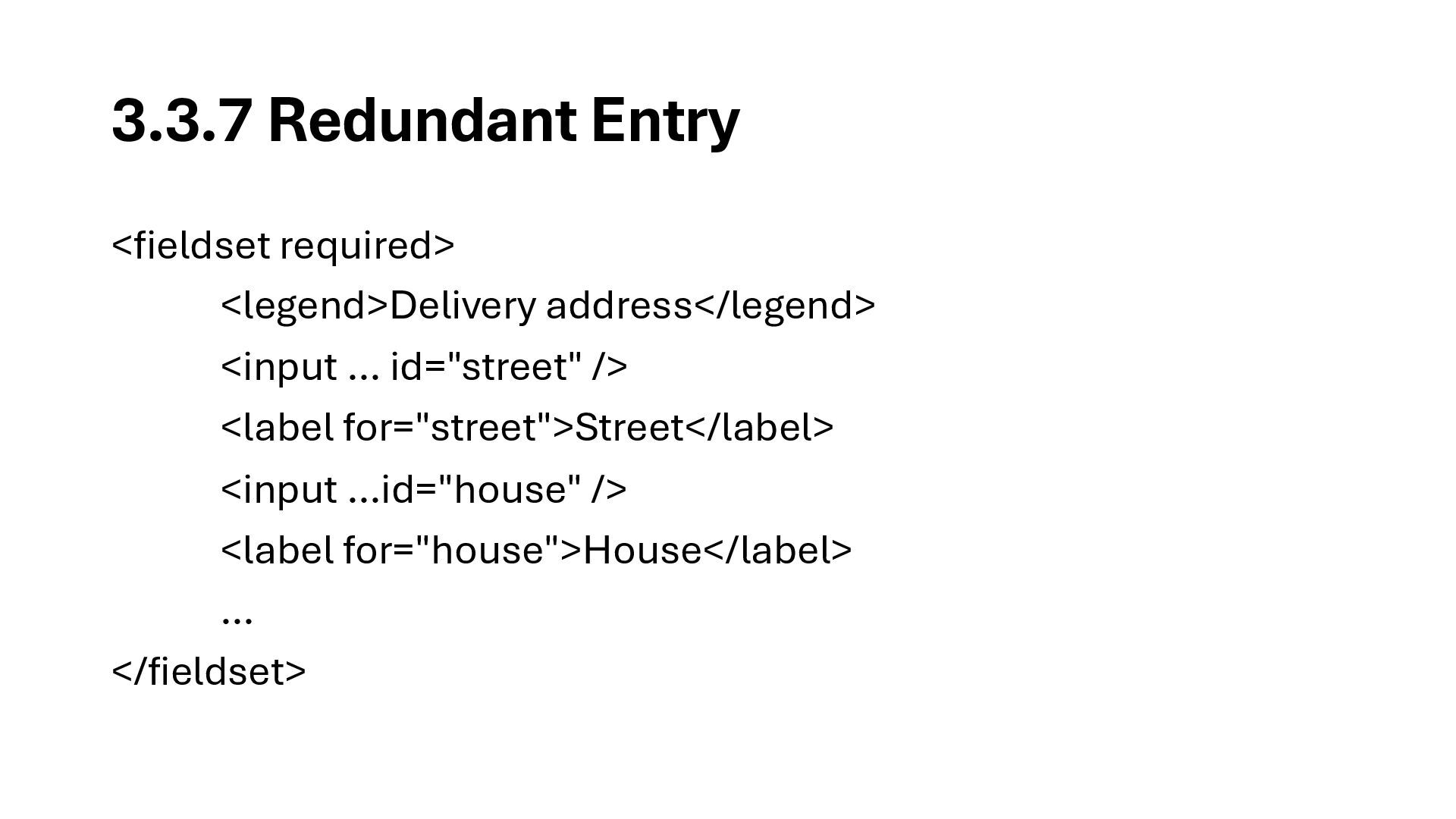
3.3.7 Redundant Entry <fieldset required> <legend>Delivery address</legend> <input … id="street"
/> <label for="street">Street</label> <input …id="house" /> <label for="house">House</label> … </fieldset>