Upgrade to Pro — share decks privately, control downloads, hide ads and more …

Passkeys: Truly Phishing-Resistant? Implementat...

Sponsored · SiteGround - Reliable hosting with speed, security, and support you can count on. →

Passkeys: Truly Phishing-Resistant? Implementation and Pitfalls

Passkeys have established themselves as the standard for passwordless authentication, promising to eliminate phishing once and for all. But how secure are they really – and what do developers need to consider during implementation to keep that promise? This talk goes beyond the basics and demonstrates through live coding how to integrate Passkeys with Keycloak. We'll uncover common pitfalls and explain which configurations are critical to ensure true phishing resistance. Practical examples and concrete code demos will help you integrate Passkeys securely and user-friendly into your own applications.

Avatar for Martina Kraus

Martina Kraus

July 09, 2026

Other Decks in Programming

Transcript

  1. T he P r ob l e m TOTP login

    — Adversary-in-the-Middle Victim Browser visits phishing URL AitM Proxy sh0p.com Legitimate Site shop.com 1. Victim enters username, password + TOTP on phishing page 2. Proxy forwards everything to the real site in real-time 033. Login succeeds — victim sees nothing unusual 4. Proxy steals the session cookie 5. Attacker uses the cookie — no password needed
  2. About me • Consultant / Trainer & Speaker • Application

    Security Engineer • OWASP member • W3C SWAG Community Group Member • Google Developer Expert Angular and Identity [email protected]
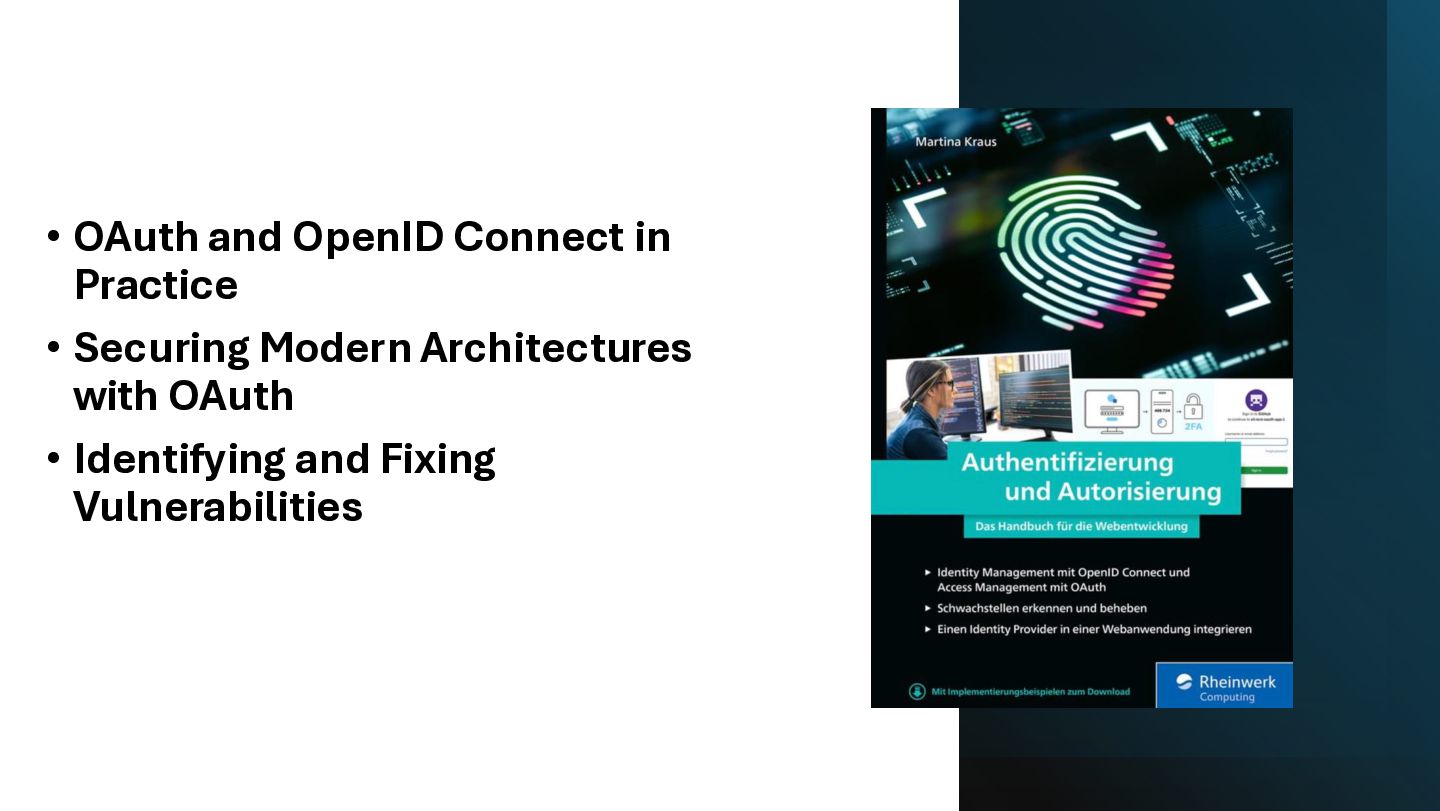
  3. • OAuth and OpenID Connect in Practice • Securing Modern

    Architectures with OAuth • Identifying and Fixing Vulnerabilities
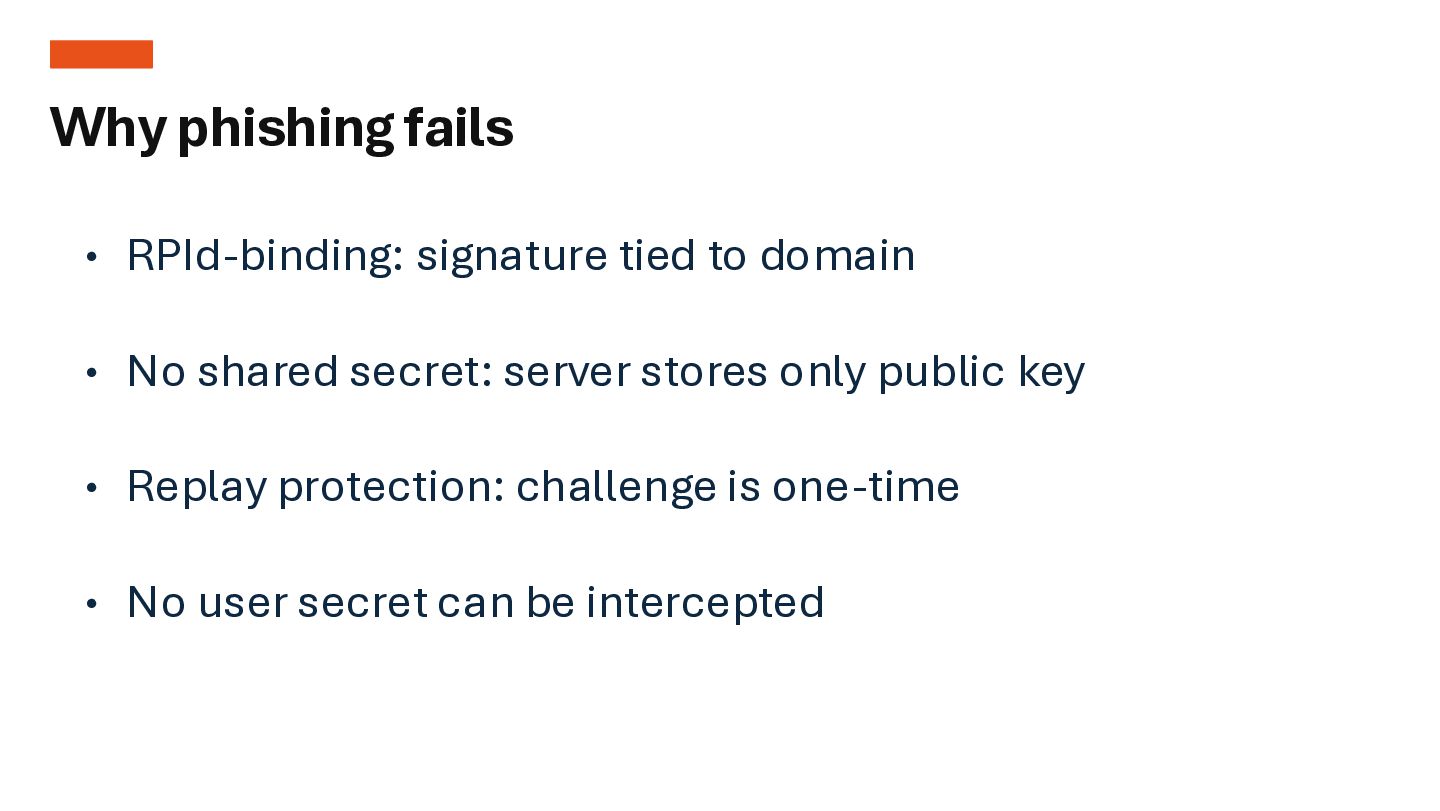
  4. • RPId-binding: signature tied to domain • No shared secret:

    server stores only public key • Replay protection: challenge is one-time • No user secret can be intercepted Why phishing fails
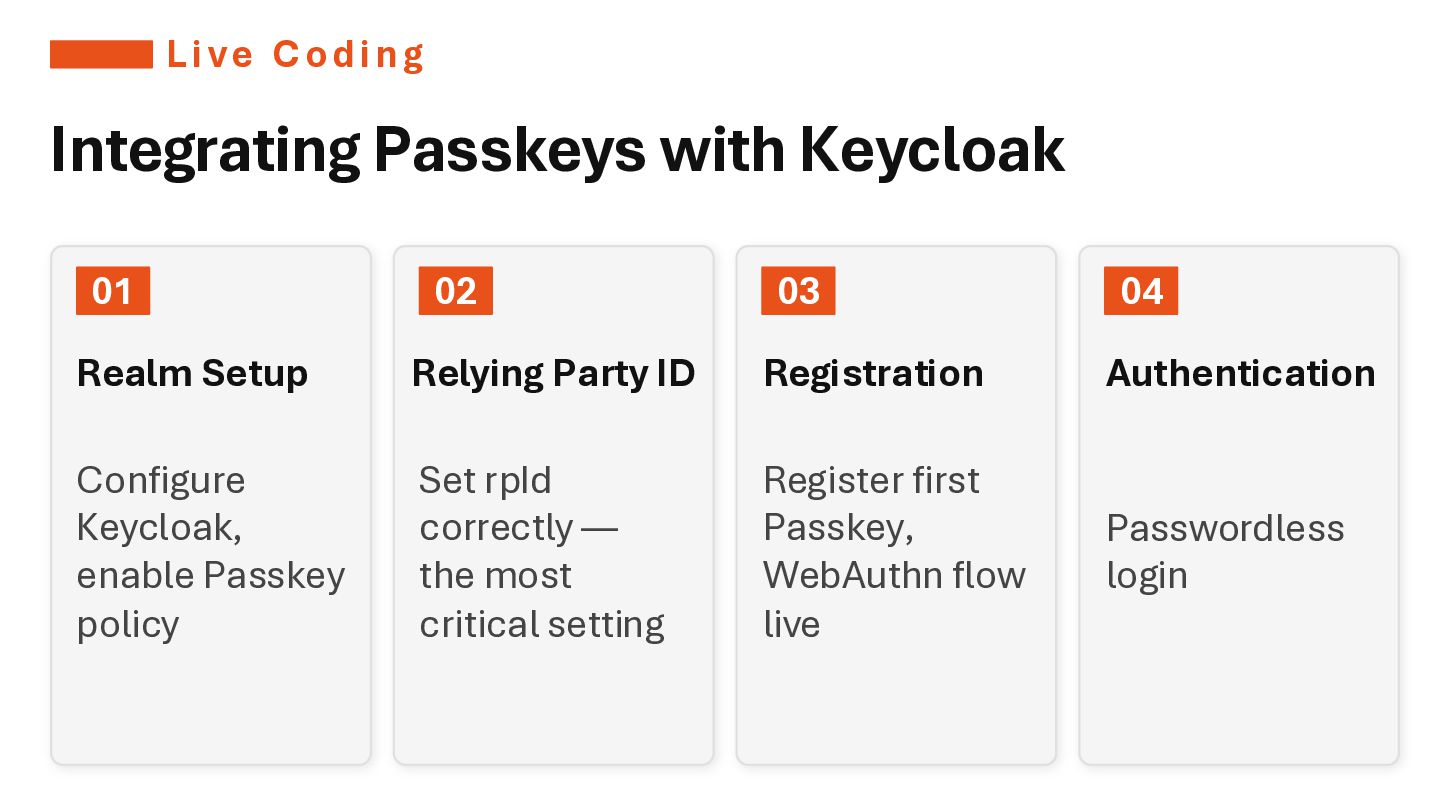
  5. Li ve Codi ng Integrating Passkeys with Keycloak 01 Realm

    Setup Configure Keycloak, enable Passkey policy 02 Relying Party ID Set rpId correctly — the most critical setting 03 Registration Register first Passkey, WebAuthn flow live 04 Authentication Passwordless login
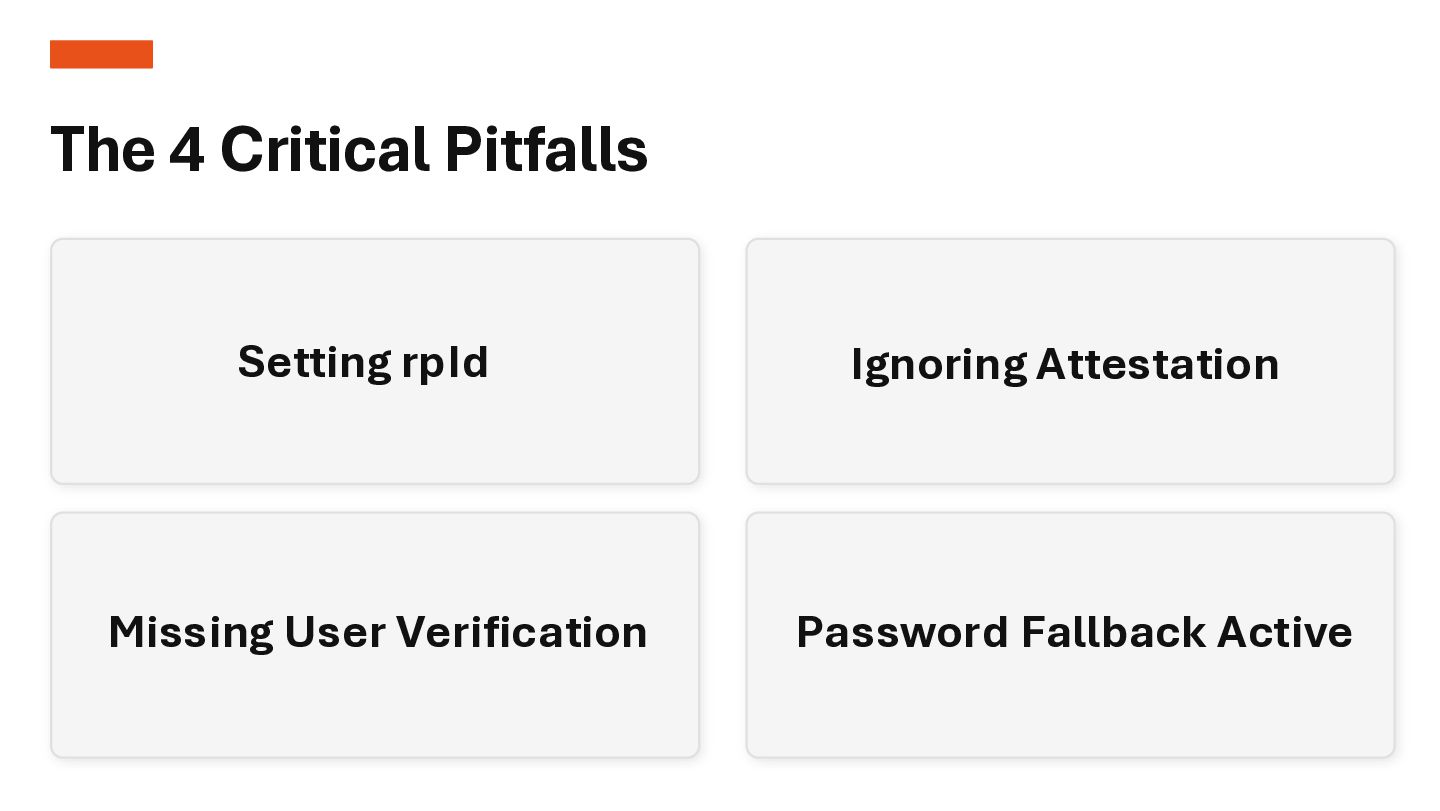
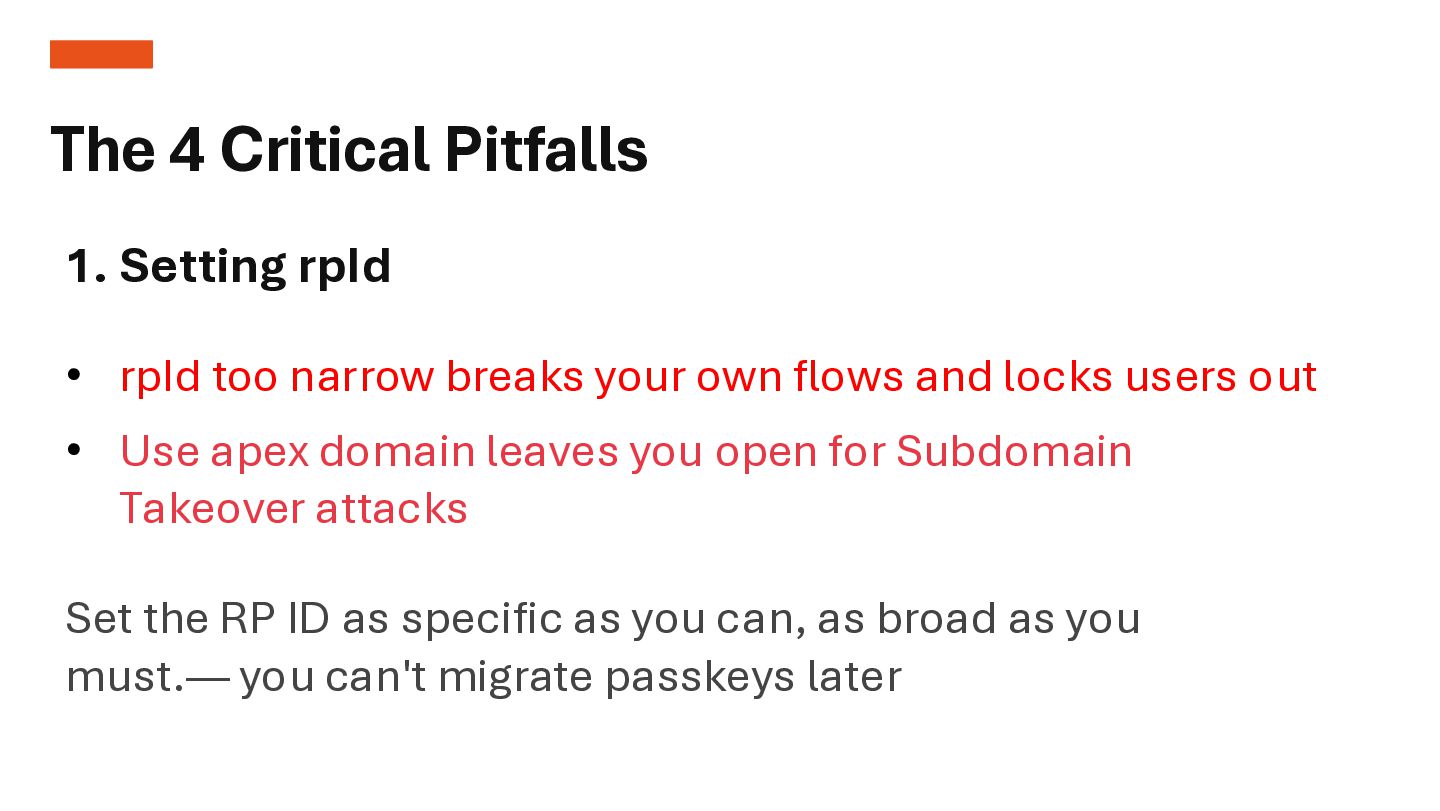
  6. 01 1. Setting rpId • rpId too narrow breaks your

    own flows and locks users out Set the RP ID as specific as you can, as broad as you must.— you can't migrate passkeys later 02 The 4 Critical Pitfalls • Use apex domain leaves you open for Subdomain Takeover attacks
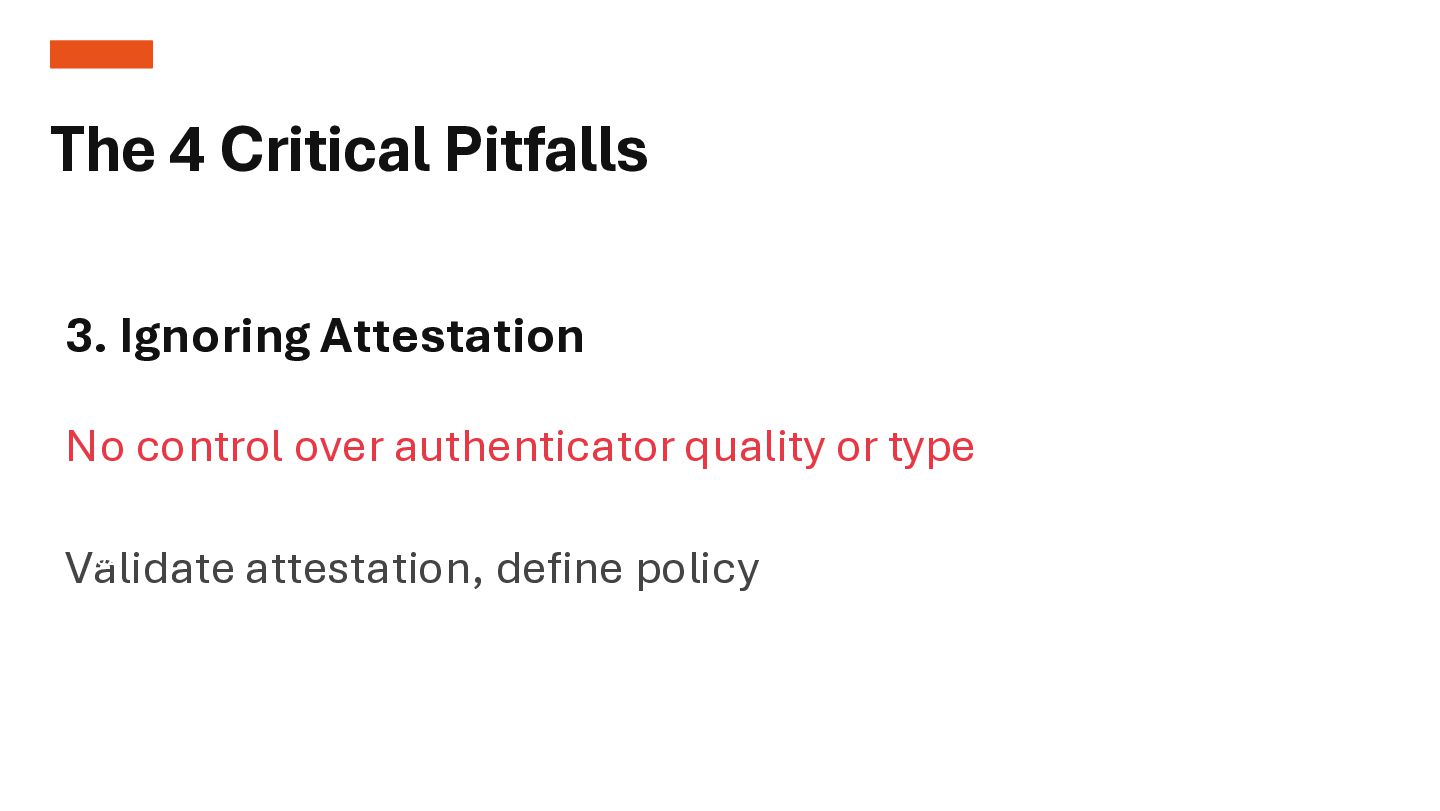
  7. 01 3. Ignoring Attestation No control over authenticator quality or

    type Validate attestation, define policy 02 The 4 Critical Pitfalls
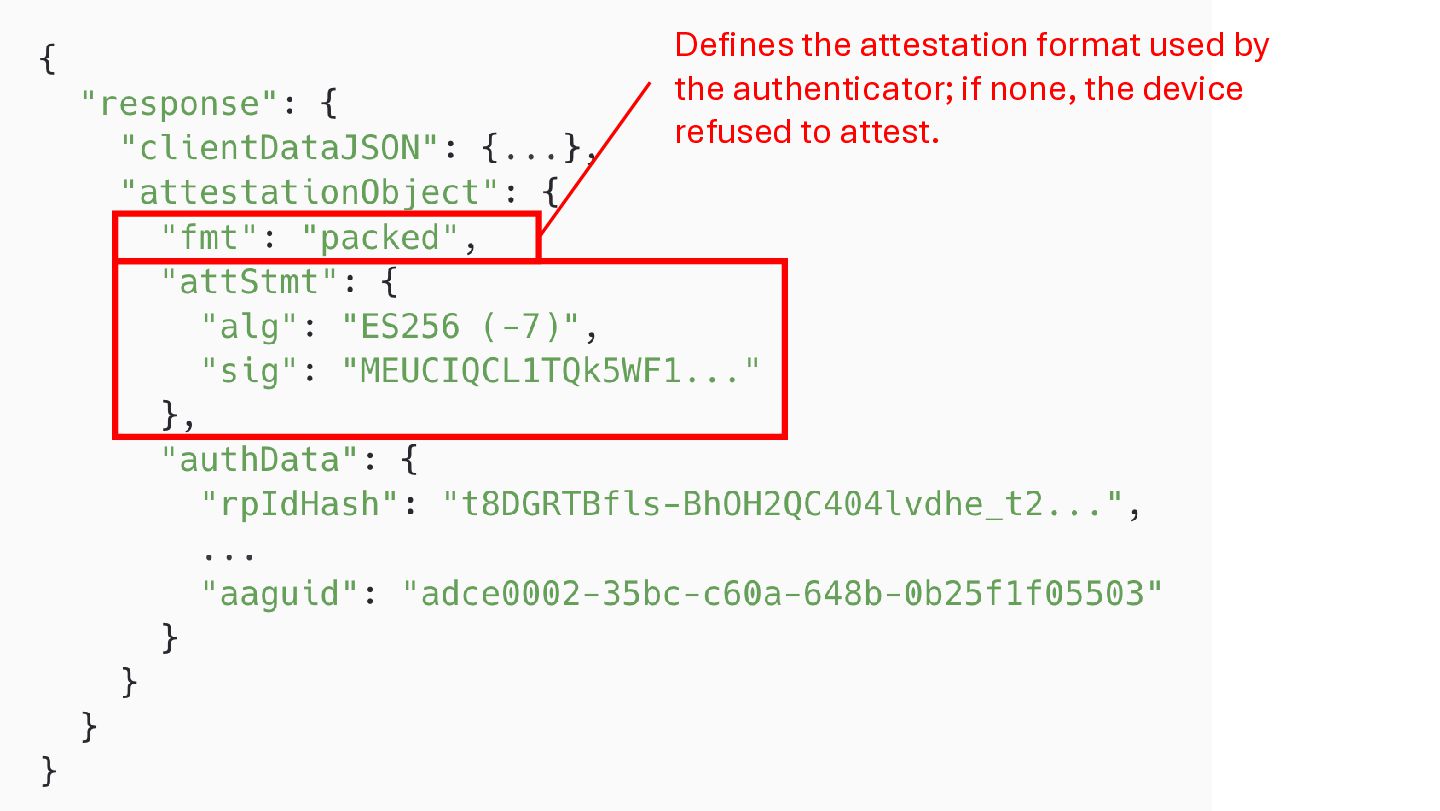
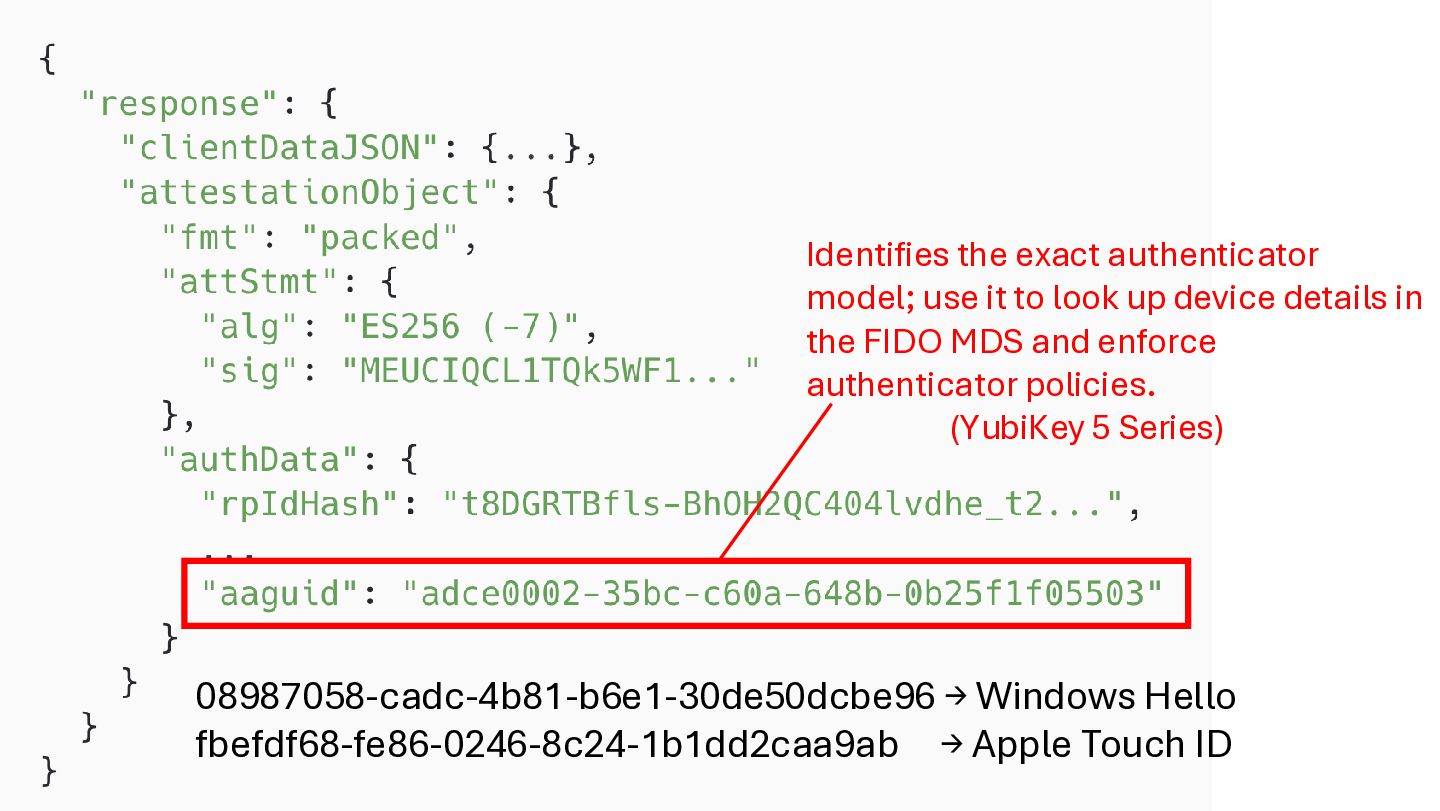
  8. Identifies the exact authenticator model; use it to look up

    device details in the FIDO MDS and enforce authenticator policies. (YubiKey 5 Series) 08987058-cadc-4b81-b6e1-30de50dcbe96 → Windows Hello fbefdf68-fe86-0246-8c24-1b1dd2caa9ab → Apple Touch ID
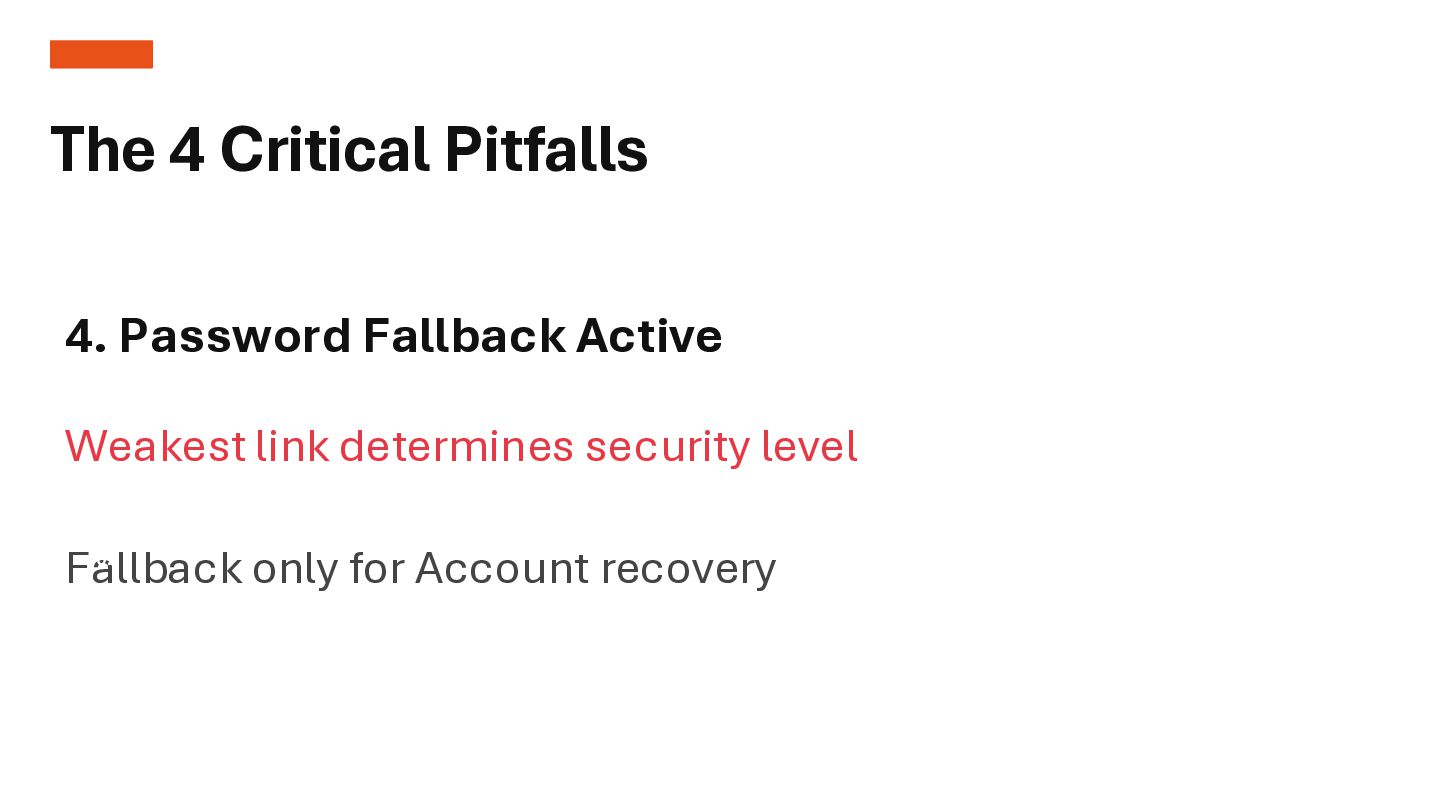
  9. 01 4. Password Fallback Active Weakest link determines security level

    Fallback only for Account recovery 02 The 4 Critical Pitfalls
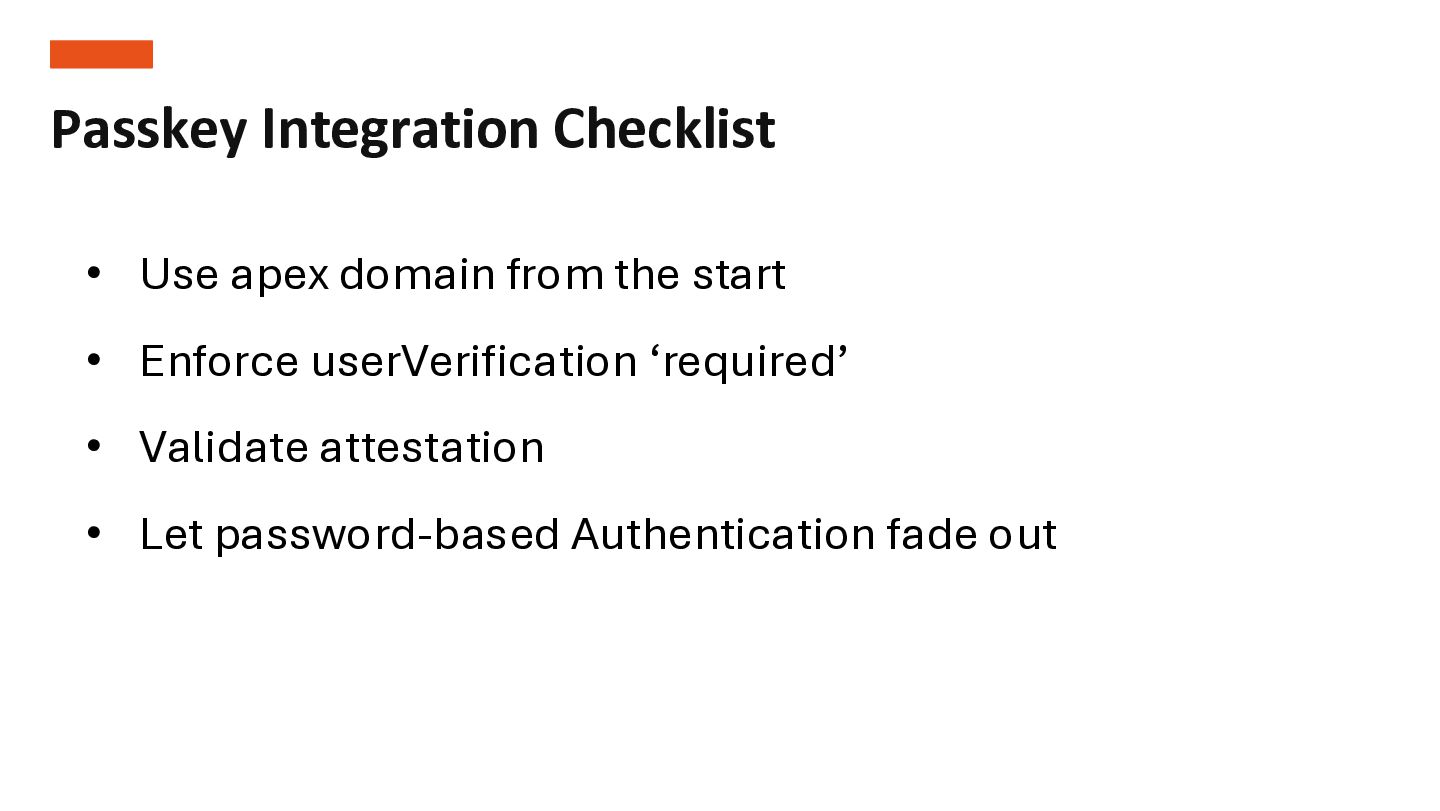
  10. Passkey Integration Checklist ✓• Use apex domain from the start

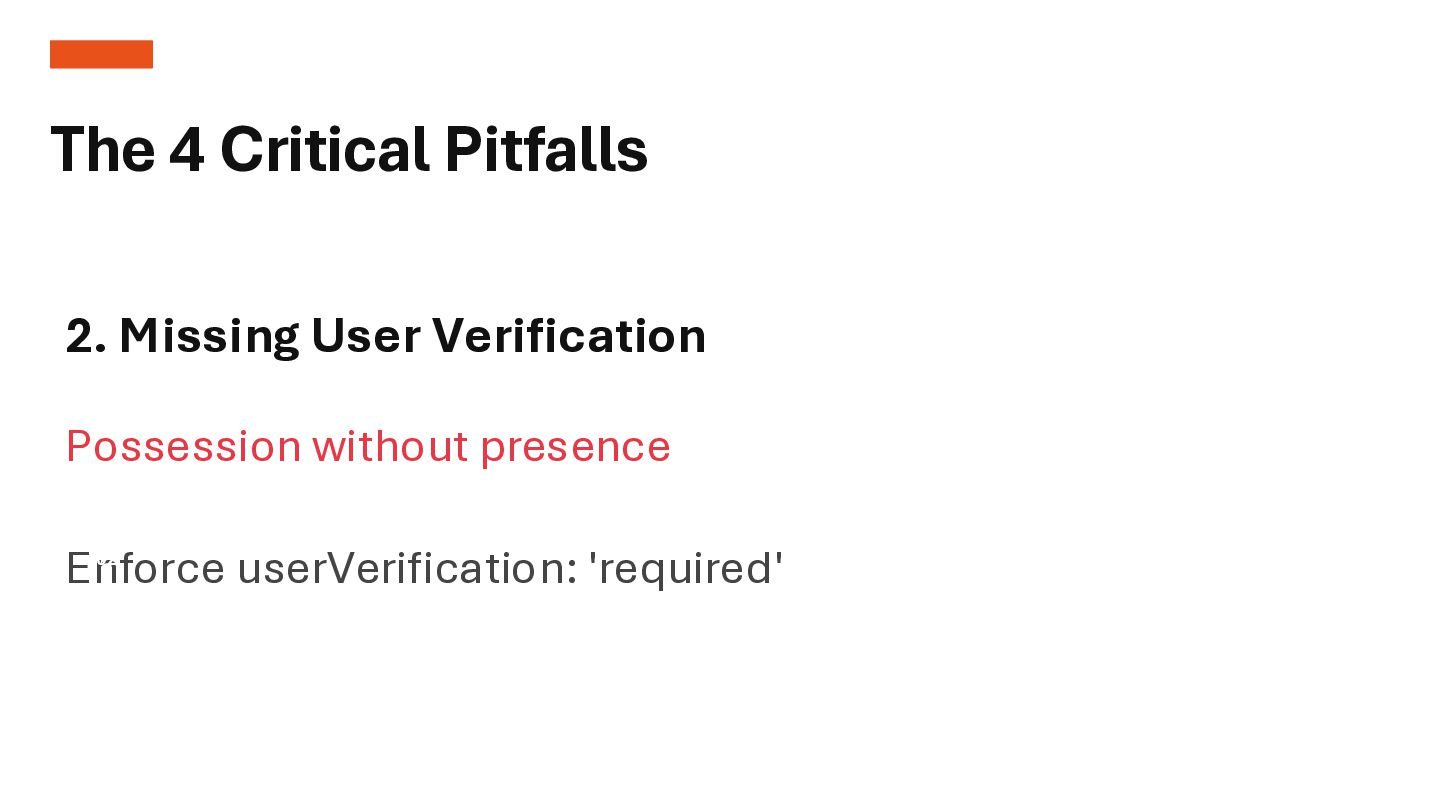
    • Enforce userVerification ‘required’ • Validate attestation • Let password-based Authentication fade out
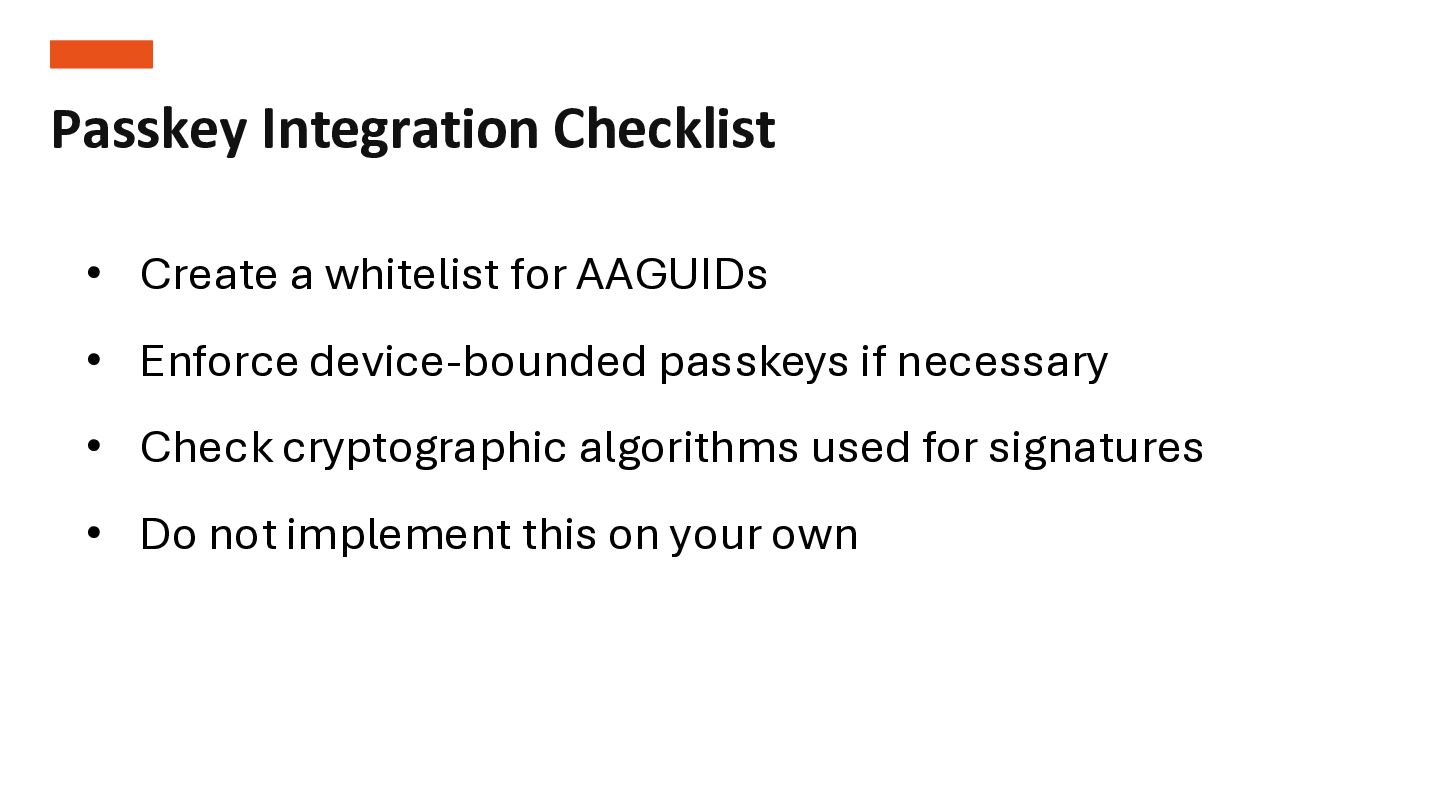
  11. Passkey Integration Checklist ✓• Create a whitelist for AAGUIDs •

    Enforce device-bounded passkeys if necessary • Check cryptographic algorithms used for signatures • Do not implement this on your own