Upgrade to Pro
— share decks privately, control downloads, hide ads and more …
Speaker Deck
Sign up for free
Menu
Search
Features
All features
Private URLs
Password Protection
Custom URLS
Scheduled publishing
Remove Branding
Restrict embedding
Deck Collections
Notes
Features
All features
Private URLs
Password Protection
Custom URLS
Scheduled publishing
Remove Branding
Restrict embedding
Deck Collections
Notes
Explore
Featured decks
Featured speakers
Programming
Technology
Storyboards
Explore
Featured decks
Featured speakers
Programming
Technology
Storyboards
Pricing
Search
Sign in
Sign up for free
Pokestopに採用されそうな地物をGitHubに展開する方法
Search
Sayaka N
July 14, 2016
66
0
Share
Embed
Copy iframe code
Copy JS code
Copy link
Start on current slide
Pokestopに採用されそうな地物をGitHubに展開する方法
Sayaka N
July 14, 2016
More Decks by Sayaka N
See All by Sayaka N
OSM manual
miagztr
0
45
Featured
See All Featured
Evolving SEO for Evolving Search Engines
ryanjones
0
330
Collaborative Software Design: How to facilitate domain modelling decisions
baasie
1
340
Designing for Performance
lara
612
70k
How to optimise 3,500 product descriptions for ecommerce in one day using ChatGPT
katarinadahlin
PRO
3
3.9k
Jamie Indigo - Trashchat’s Guide to Black Boxes: Technical SEO Tactics for LLMs
techseoconnect
PRO
0
710
Save Time (by Creating Custom Rails Generators)
garrettdimon
PRO
33
5.3k
Typedesign – Prime Four
hannesfritz
42
3.2k
A Tale of Four Properties
chriscoyier
163
24k
Avoiding the “Bad Training, Faster” Trap in the Age of AI
tmiket
0
270
Public Speaking Without Barfing On Your Shoes - THAT 2023
reverentgeek
1
600
Reflections from 52 weeks, 52 projects
jeffersonlam
356
22k
The Straight Up "How To Draw Better" Workshop
denniskardys
239
140k
Transcript
Pokestopに採用されそうな地物 をGitHub上に展開する方法 野田 彩華
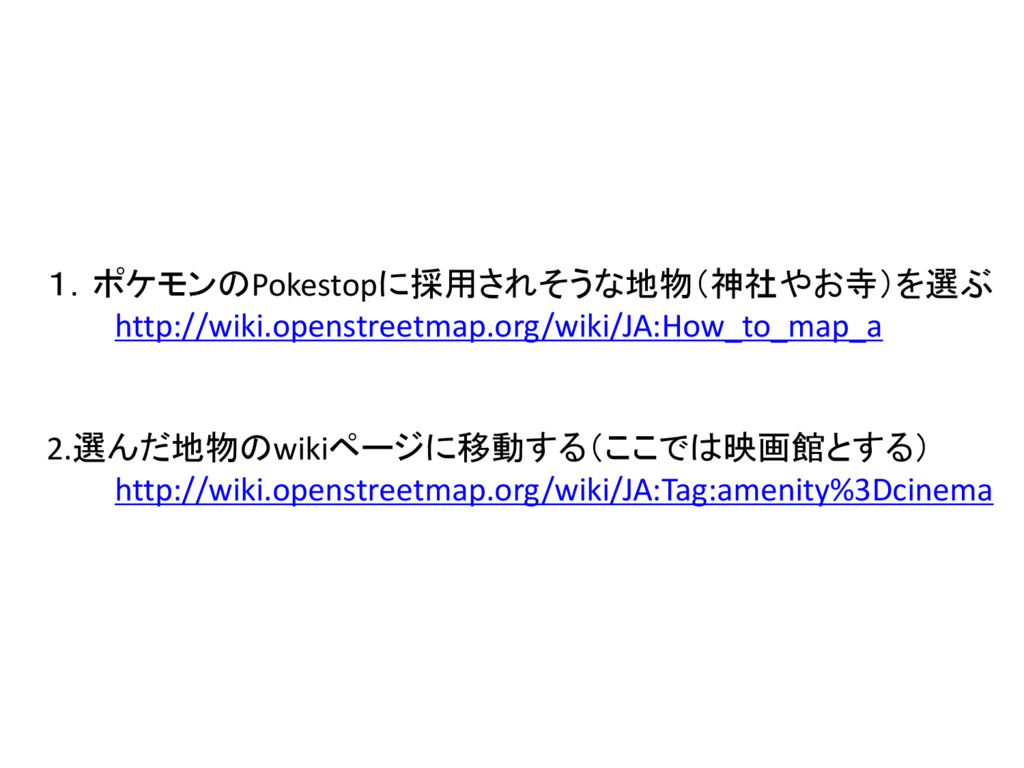
1.ポケモンのPokestopに採用されそうな地物(神社やお寺)を選ぶ http://wiki.openstreetmap.org/wiki/JA:How_to_map_a 2.選んだ地物のwikiページに移動する(ここでは映画館とする) http://wiki.openstreetmap.org/wiki/JA:Tag:amenity%3Dcinema
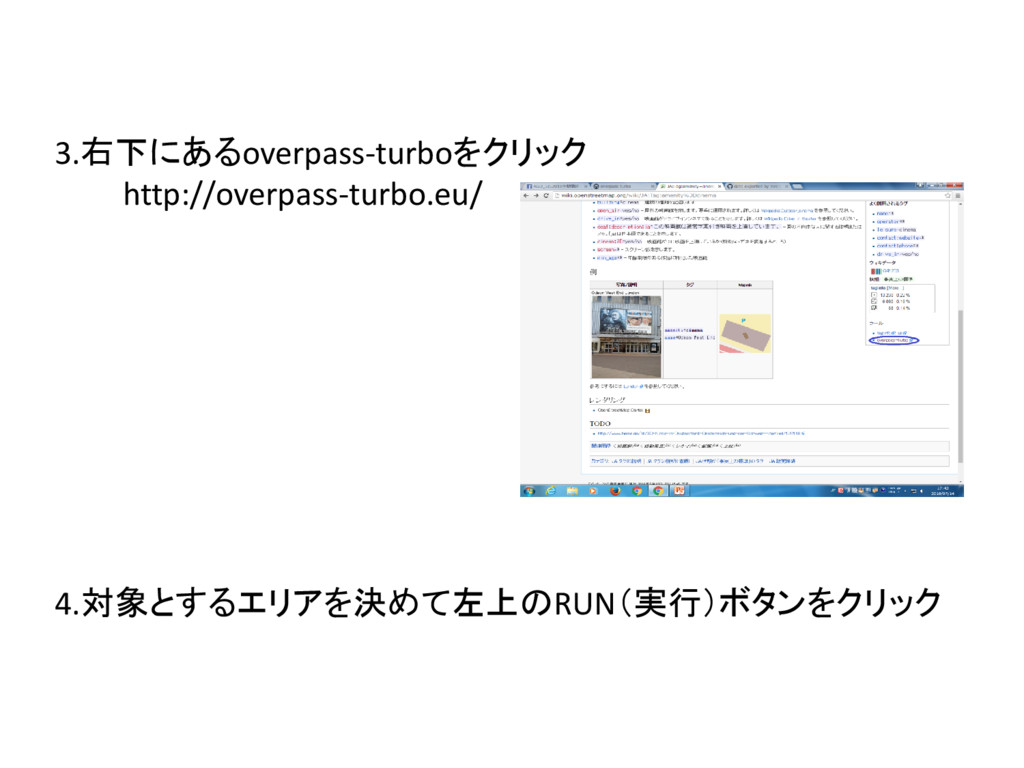
3.右下にあるoverpass-turboをクリック http://overpass-turbo.eu/ 4.対象とするエリアを決めて左上のRUN(実行)ボタンをクリック
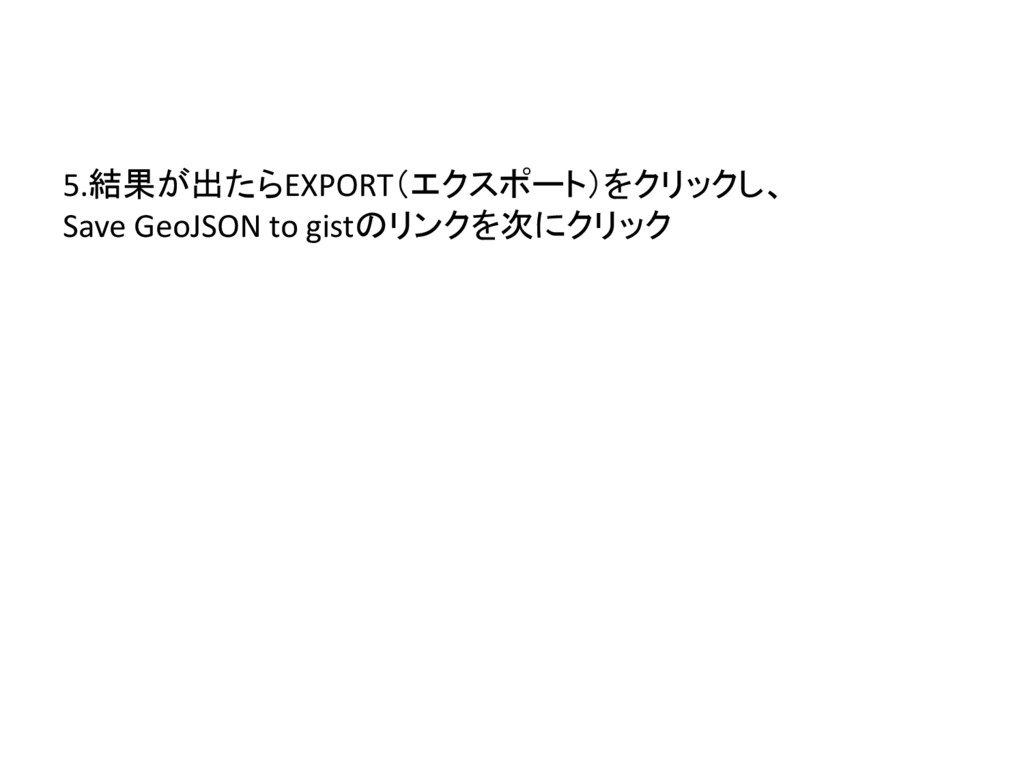
5.結果が出たらEXPORT(エクスポート)をクリックし、 Save GeoJSON to gistのリンクを次にクリック
完了


 miagztr
 ryanjones
 baasie
 lara
lara
 katarinadahlin
 techseoconnect
 garrettdimon
 hannesfritz
 chriscoyier
 tmiket
 reverentgeek
 jeffersonlam
 denniskardys