Upgrade to Pro — share decks privately, control downloads, hide ads and more …

Mobile Web Development - Strategies, Best Pract...

Sponsored · SiteGround - Reliable hosting with speed, security, and support you can count on. →

Mobile Web Development - Strategies, Best Practices, and Performance Tips

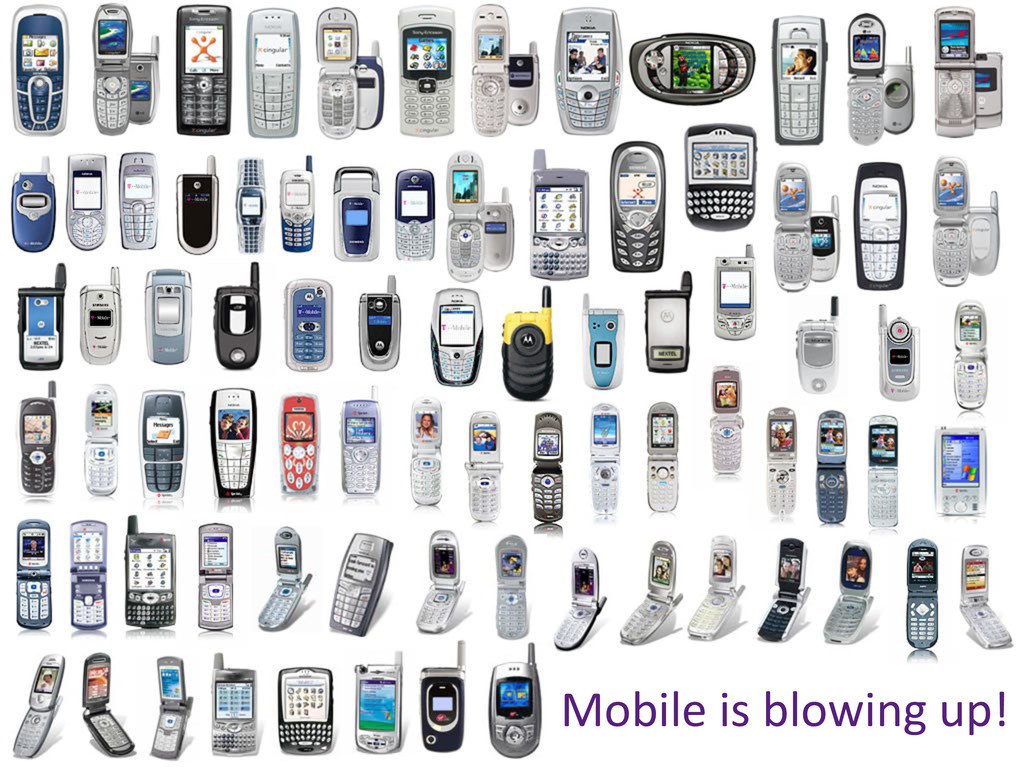
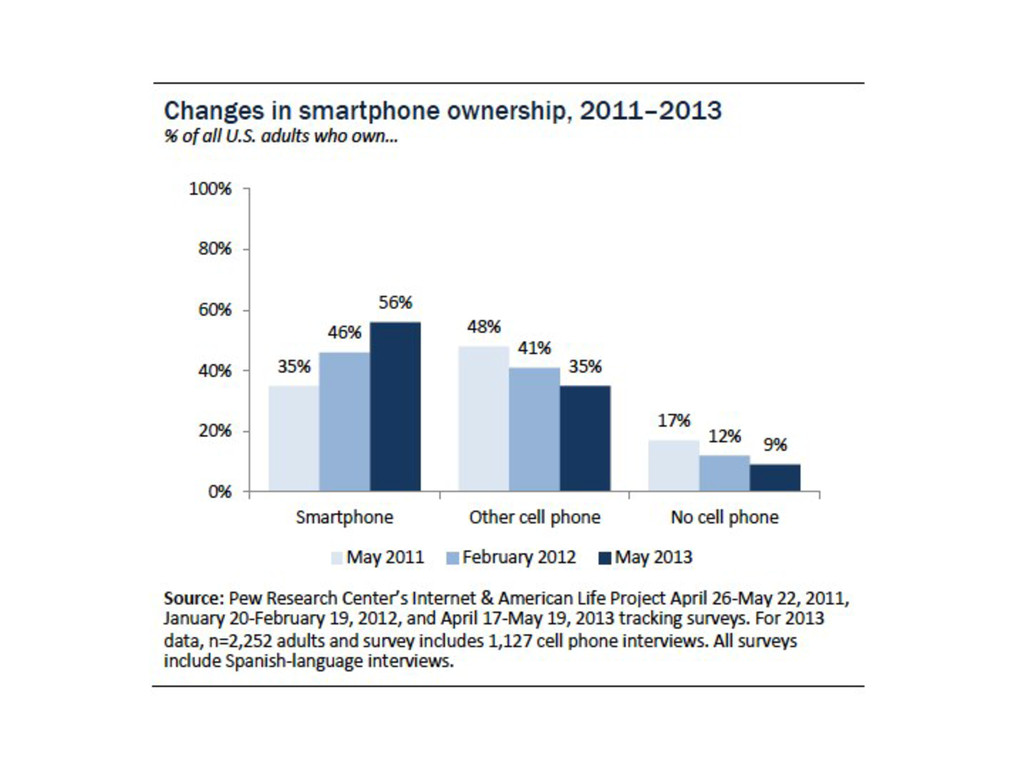
The mobile web is blowing up as more and more smartphones and tablets are being used to access the web. This session will prepare you and your website for mobility by going over responsive design vs. a dedicated mobile site vs. RESS (responsive design + server side components). We will also go over general best practices for the mobile web, and finally, we will cover performance tips on how to optimize your site for the mobile web (as well as optimizing it in general).

Avatar for Martin Laritz

Martin Laritz

July 13, 2013

Other Decks in Technology

Transcript

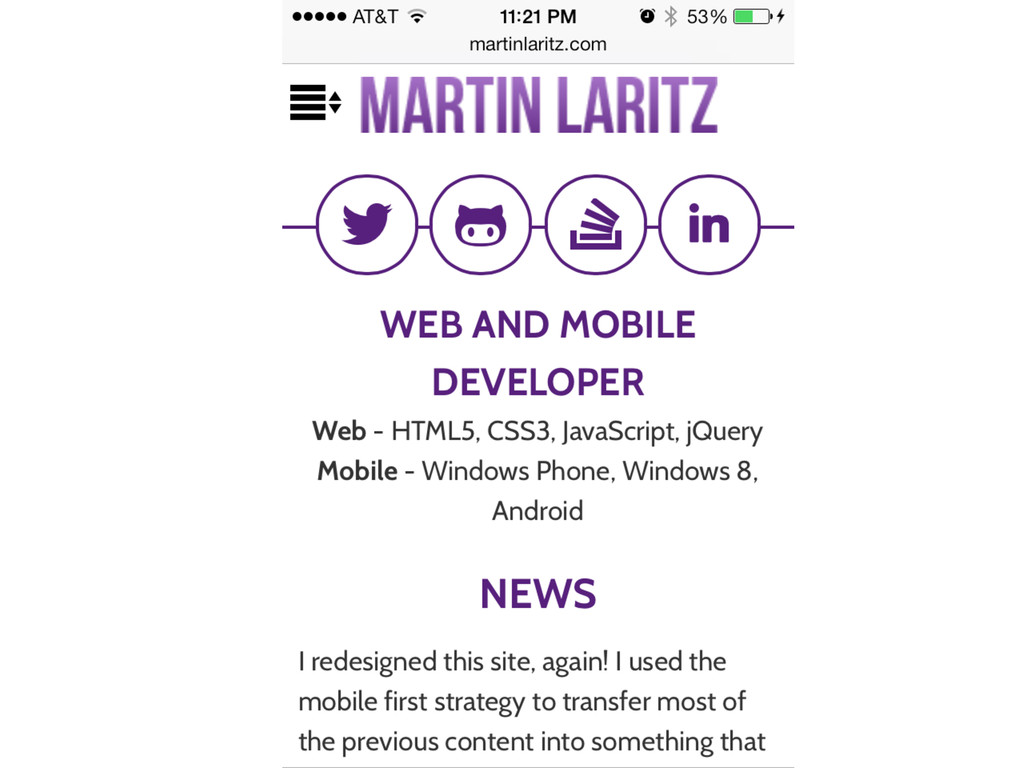
  1. Who Am I? •  Mar-n  Laritz   – Web  Developer  since

     2005   – Mobile  Developer   •  Android,  iOS,  Windows  8,  Windows  Phone,  PhoneGap   – Mobile  Web  Developer  for  about  5  minutes   •  hHp://www.Mar-nLaritz.com   •  Contact   – [email protected]   – @MLaritz  
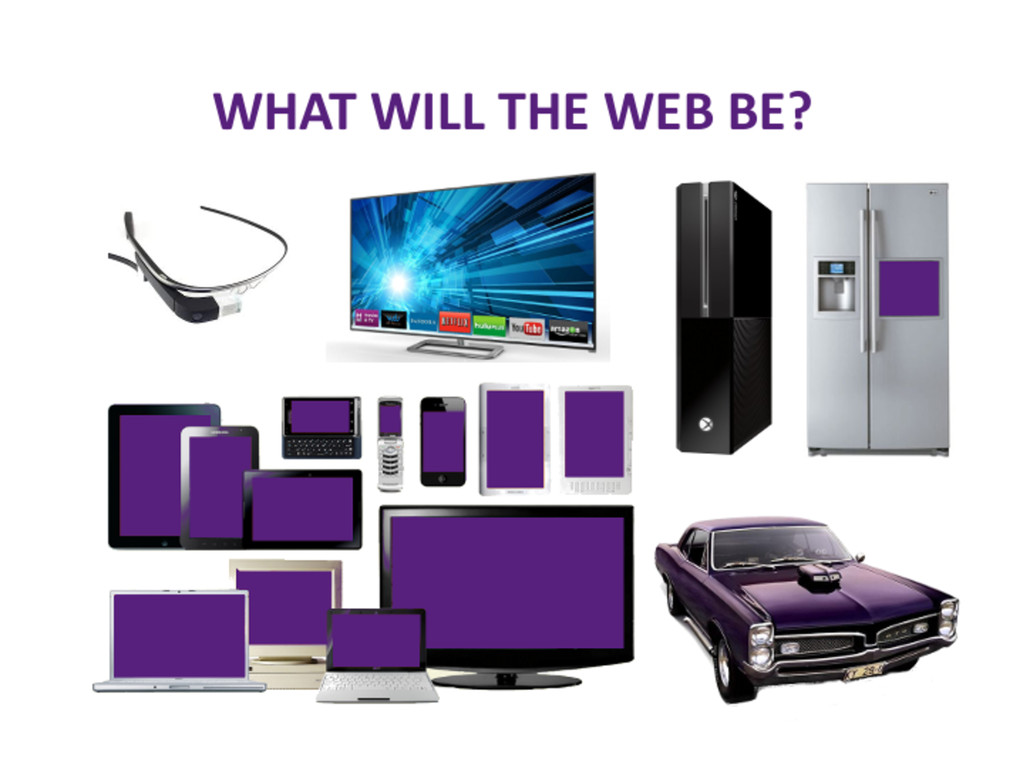
  2. What is the Mobile Web? •  This  presenta-on  is  a

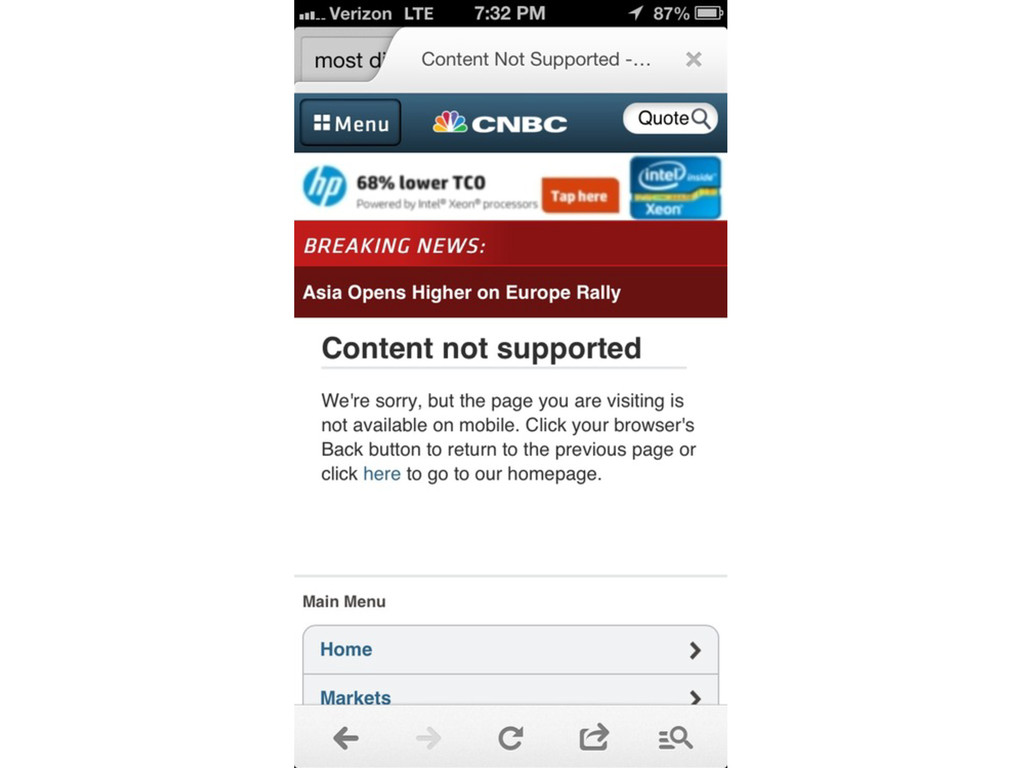
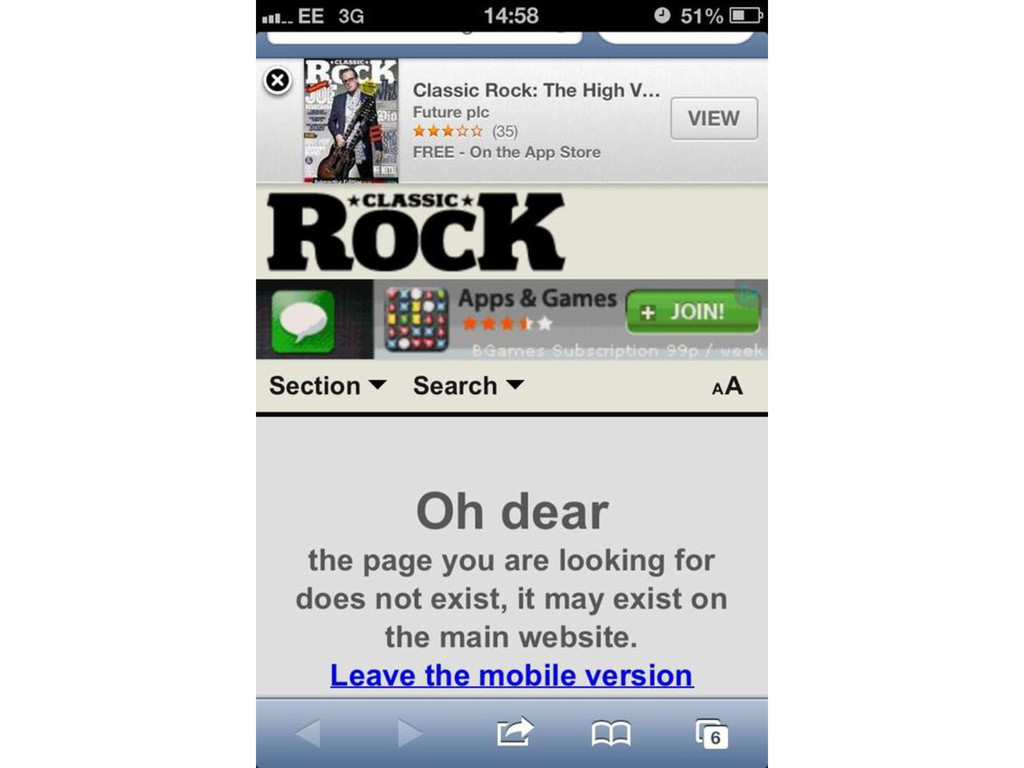
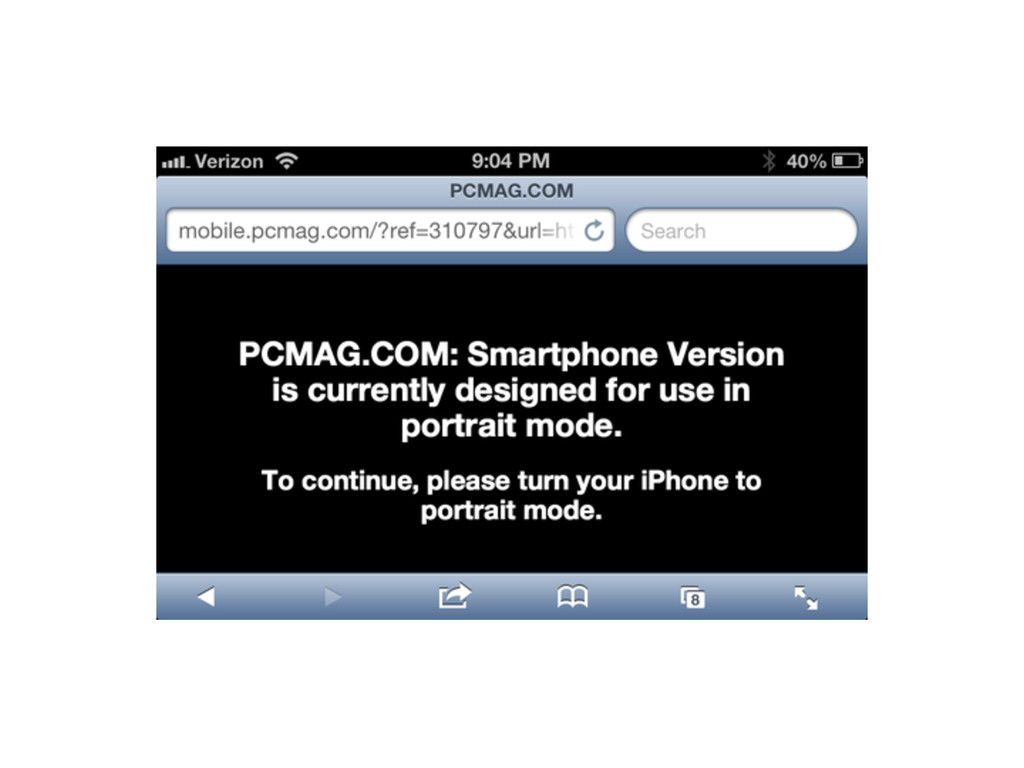
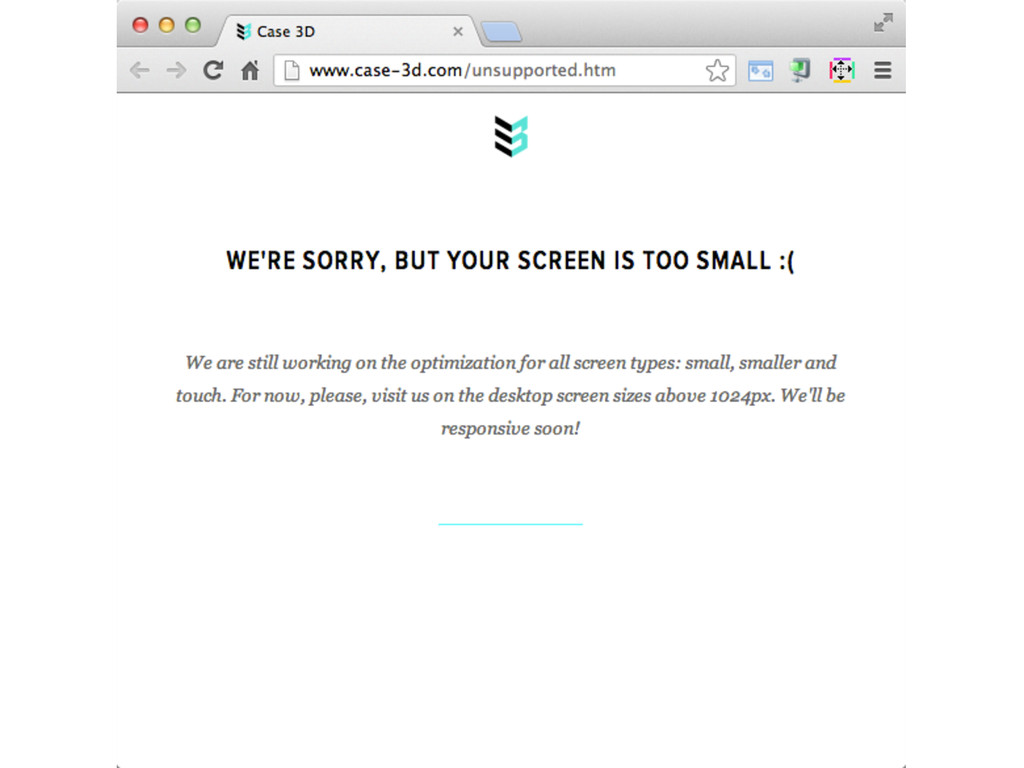
     lie!   •  Ini-ally  meant  accessing  the  world  wide  web   via  a  mobile  device   •  The  Mobile  Web  doesn’t  exist   – It’s  just  the  web!   – Shouldn’t  maHer  what  device  or  what  browser   you’re  accessing  content  from  
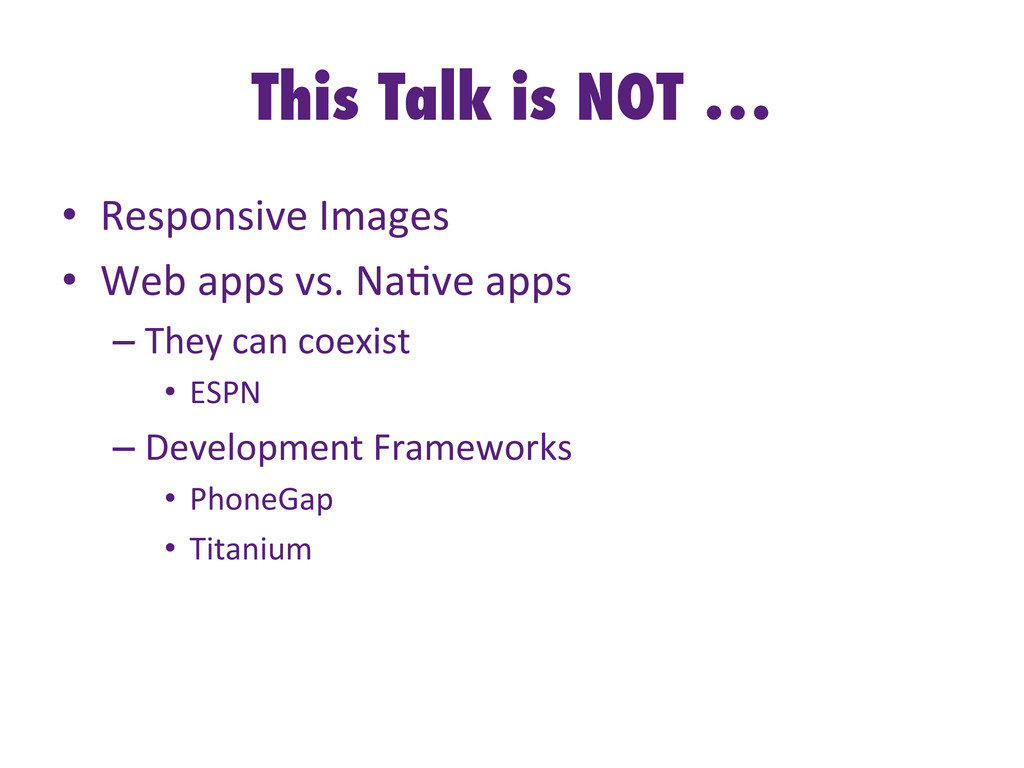
  3. This Talk is NOT … •  Responsive  Images   • 

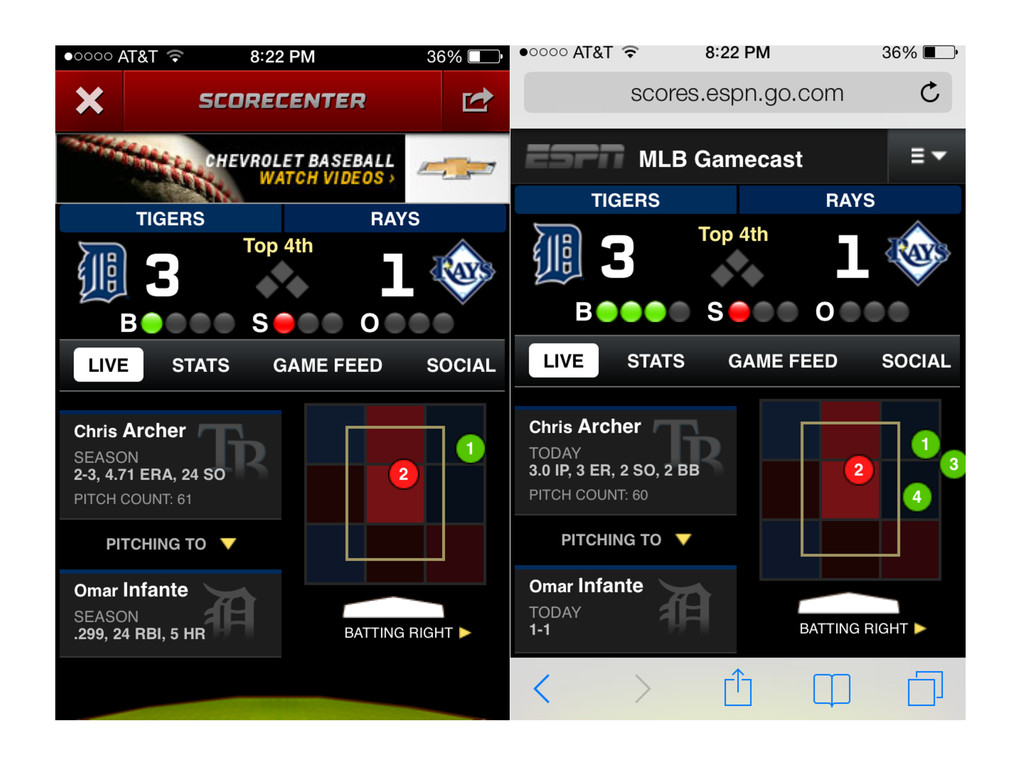
    Web  apps  vs.  Na-ve  apps   – They  can  coexist   •  ESPN   – Development  Frameworks   •  PhoneGap   •  Titanium  
  4. Agenda •  Strategies   – Mobile  Design  and  Development   • 

    Best  Prac-ces   – Both  for  Mobile  and  General  Web  Development   •  Performance  Improvements  
  5. Mobile Web Strategies •  Desktop  website   – Usually  fixed  width

      •  Responsive   •  Separate  Mobile  site(s)   •  RESS   – Responsive  Design  +  Service  Side  Components  
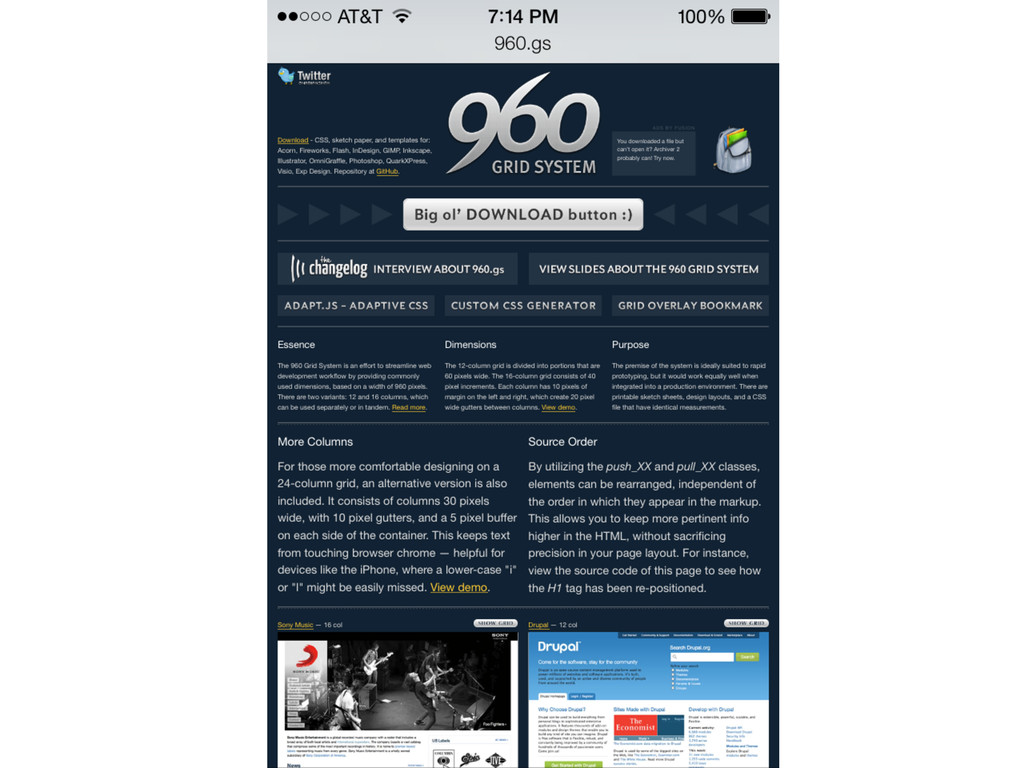
  6. Desktop Website •  Usually  fixed  width   –  The  960

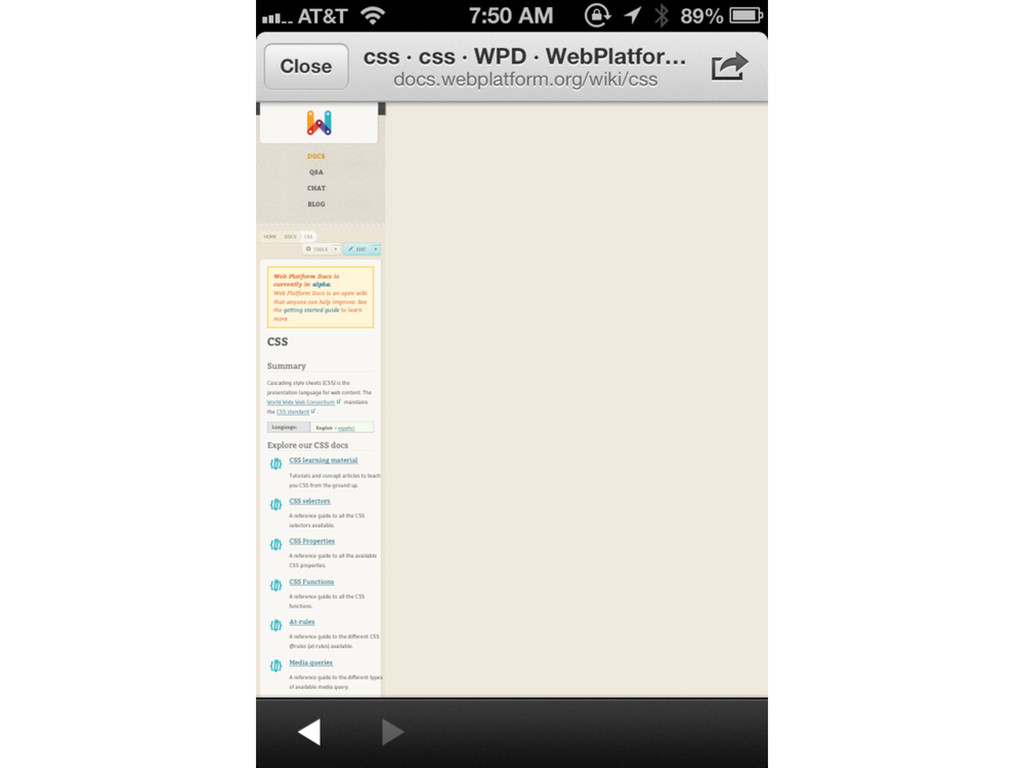
     Grids   •  Pros   –  Easy  to  implement   –  Most  mobile  browsers  do  a  decent  job  of  rendering   desktop-­‐only  designs   •  Cons   –  Not  mobile  op-mized   –  Tends  to  be  slower   –  Pinch  and  Zoom  
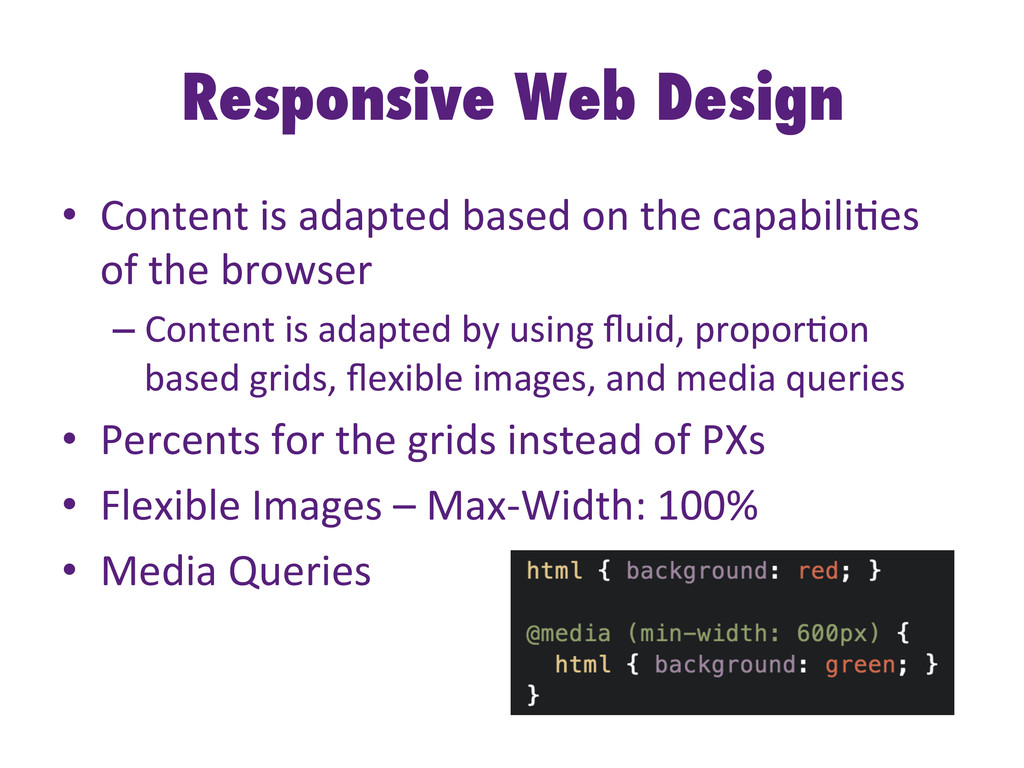
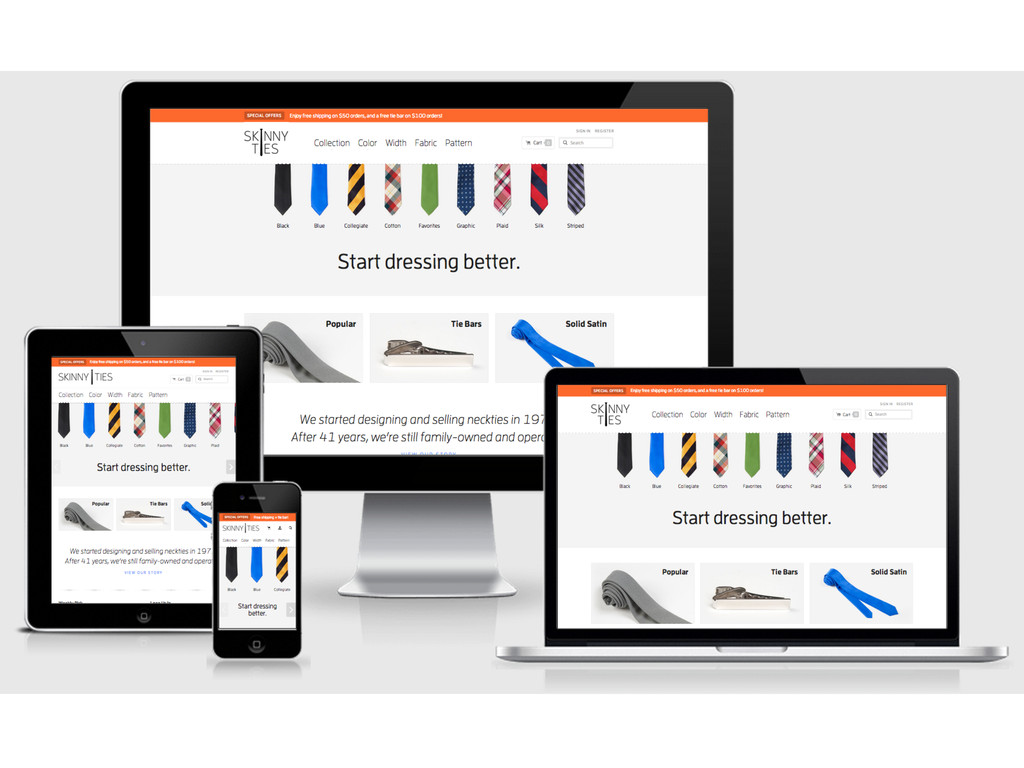
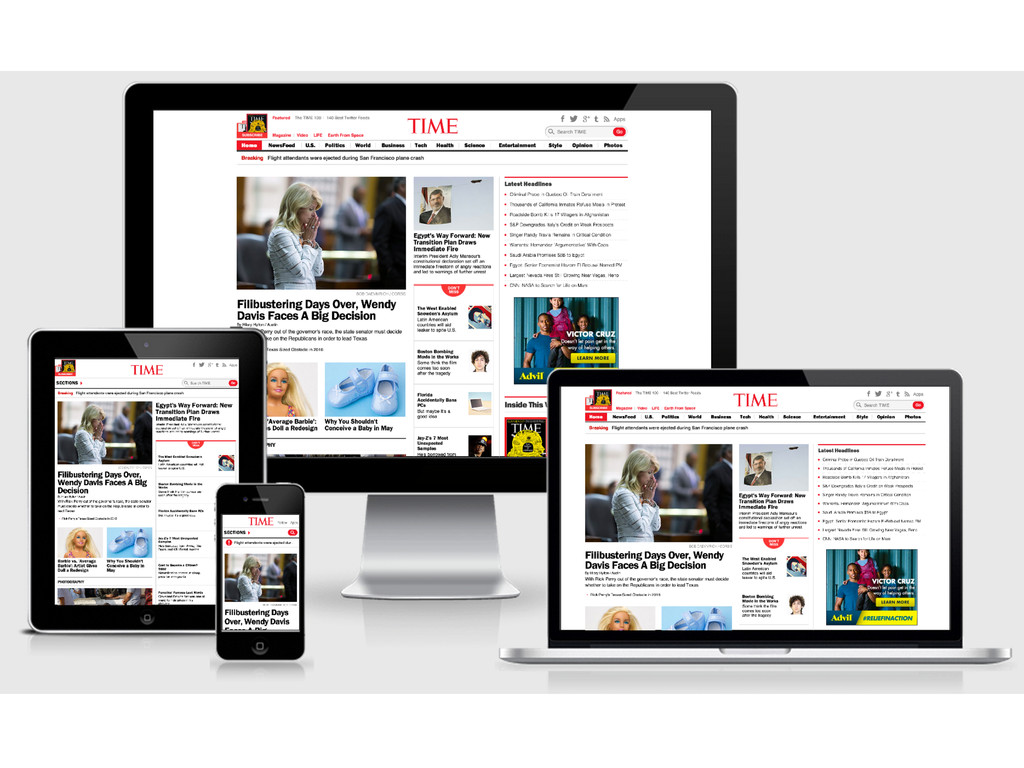
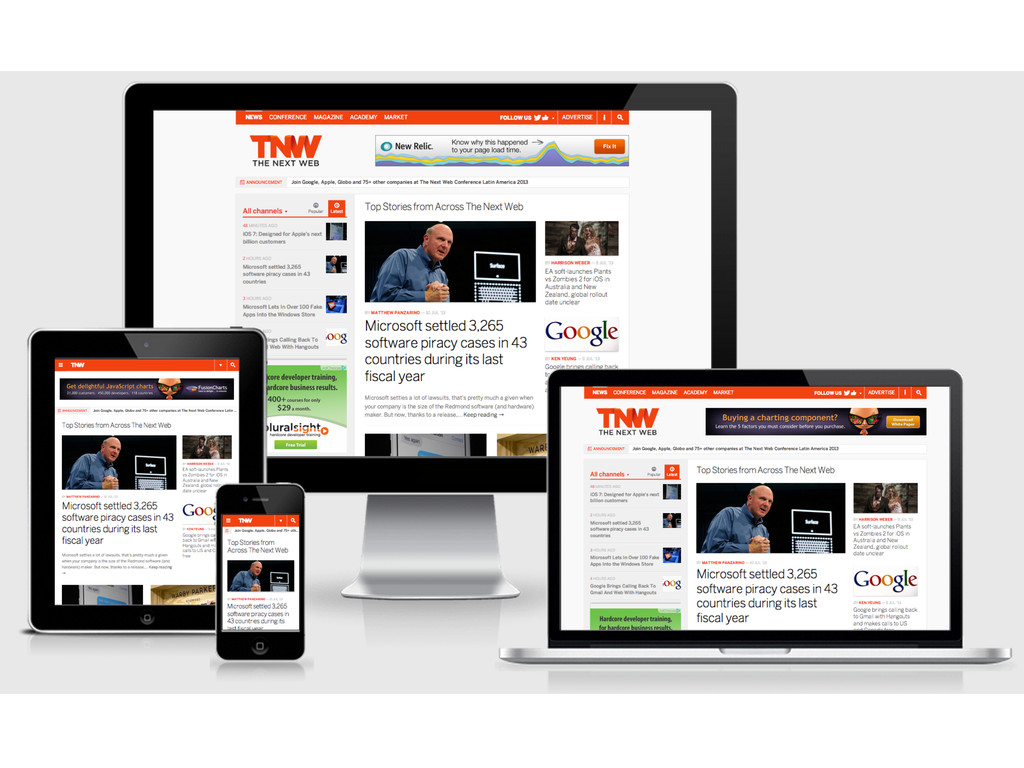
  7. Responsive Web Design •  Content  is  adapted  based  on  the

     capabili-es   of  the  browser   – Content  is  adapted  by  using  fluid,  propor-on   based  grids,  flexible  images,  and  media  queries   •  Percents  for  the  grids  instead  of  PXs   •  Flexible  Images  –  Max-­‐Width:  100%   •  Media  Queries  
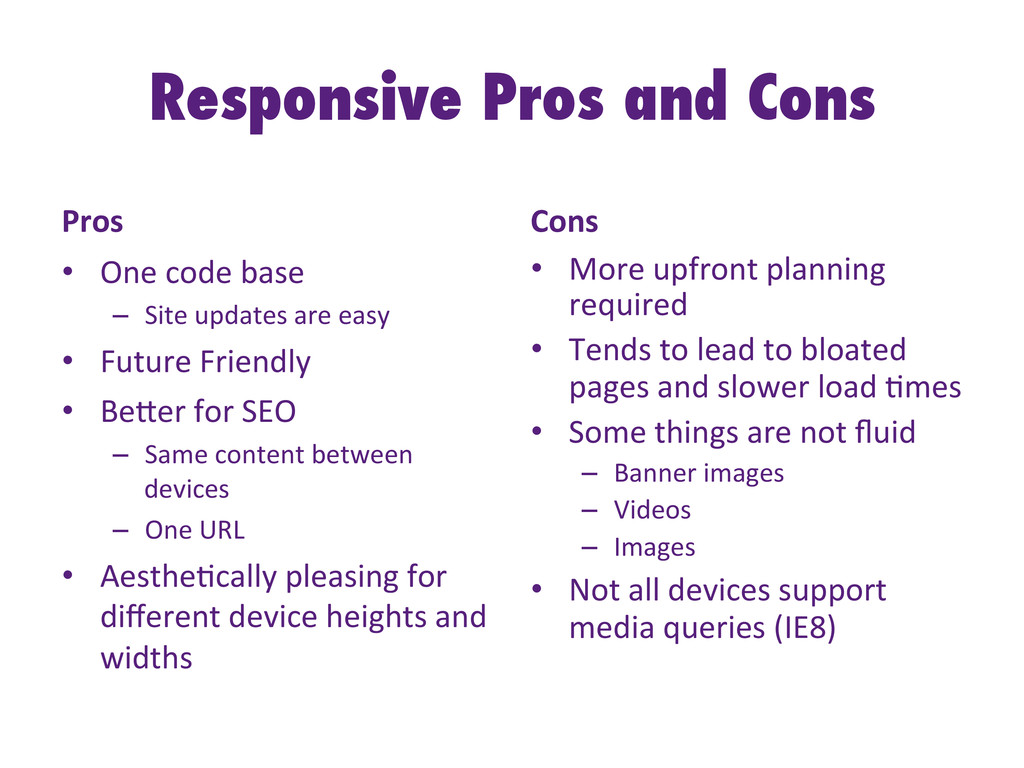
  8. Responsive Pros and Cons Pros   •  One  code  base

      –  Site  updates  are  easy   •  Future  Friendly   •  BeHer  for  SEO   –  Same  content  between   devices   –  One  URL   •  Aesthe-cally  pleasing  for   different  device  heights  and   widths   Cons   •  More  upfront  planning   required   •  Tends  to  lead  to  bloated   pages  and  slower  load  -mes   •  Some  things  are  not  fluid   –  Banner  images   –  Videos   –  Images   •  Not  all  devices  support   media  queries  (IE8)  
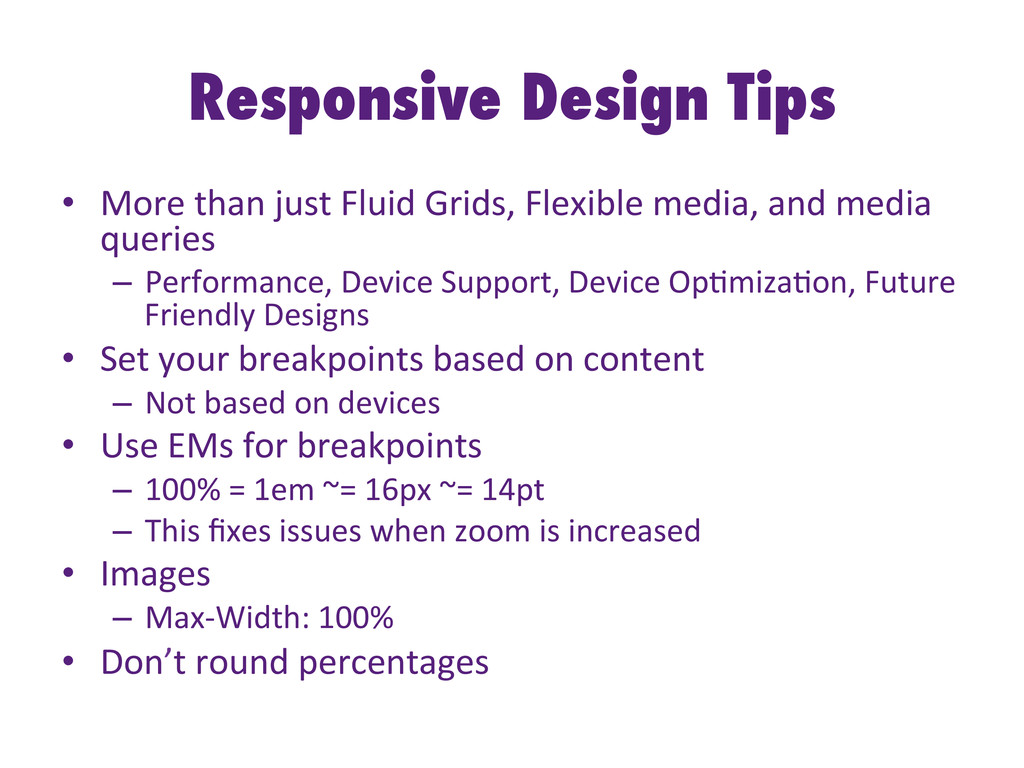
  9. Responsive Design Tips •  More  than  just  Fluid  Grids,  Flexible

     media,  and  media   queries   –  Performance,  Device  Support,  Device  Op-miza-on,  Future   Friendly  Designs   •  Set  your  breakpoints  based  on  content   –  Not  based  on  devices   •  Use  EMs  for  breakpoints   –  100%  =  1em  ~=  16px  ~=  14pt   –  This  fixes  issues  when  zoom  is  increased   •  Images   –  Max-­‐Width:  100%   •  Don’t  round  percentages  
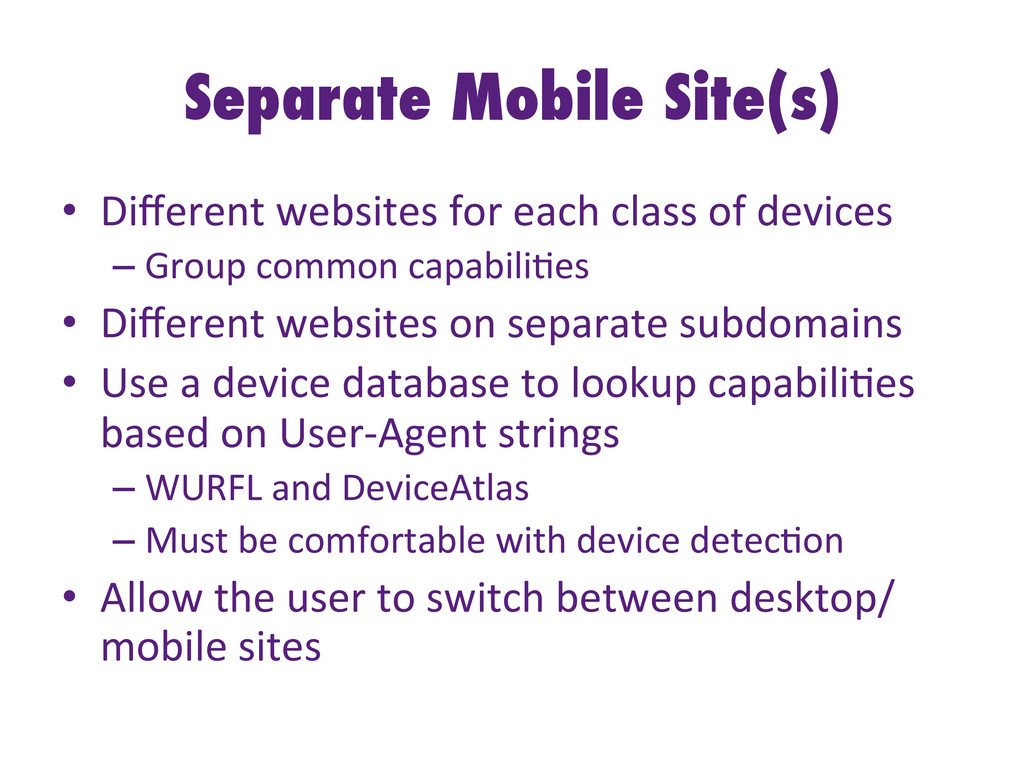
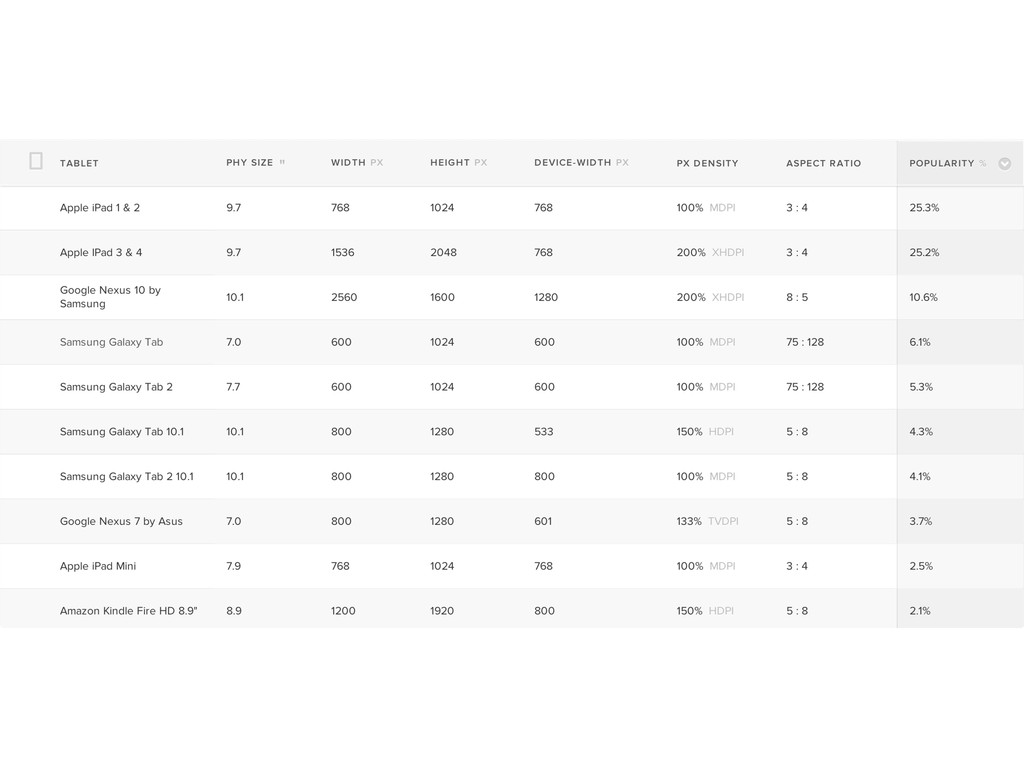
  10. Separate Mobile Site(s) •  Different  websites  for  each  class  of

     devices   – Group  common  capabili-es   •  Different  websites  on  separate  subdomains   •  Use  a  device  database  to  lookup  capabili-es   based  on  User-­‐Agent  strings   – WURFL  and  DeviceAtlas   – Must  be  comfortable  with  device  detec-on   •  Allow  the  user  to  switch  between  desktop/ mobile  sites  
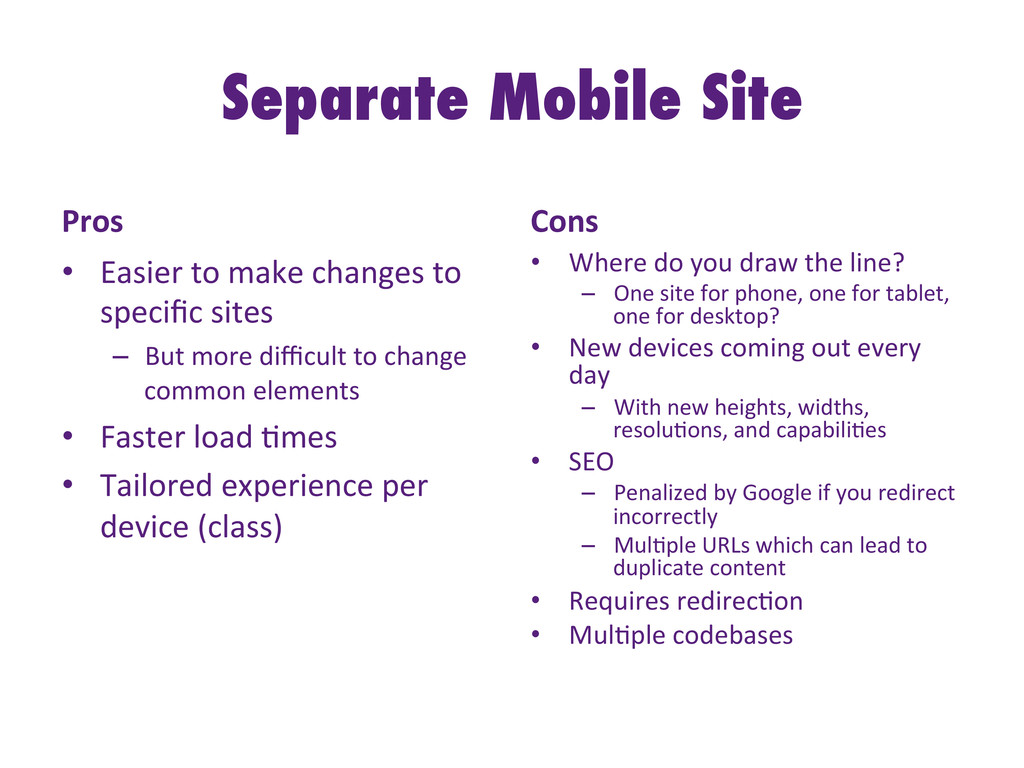
  11. Separate Mobile Site Pros   •  Easier  to  make  changes

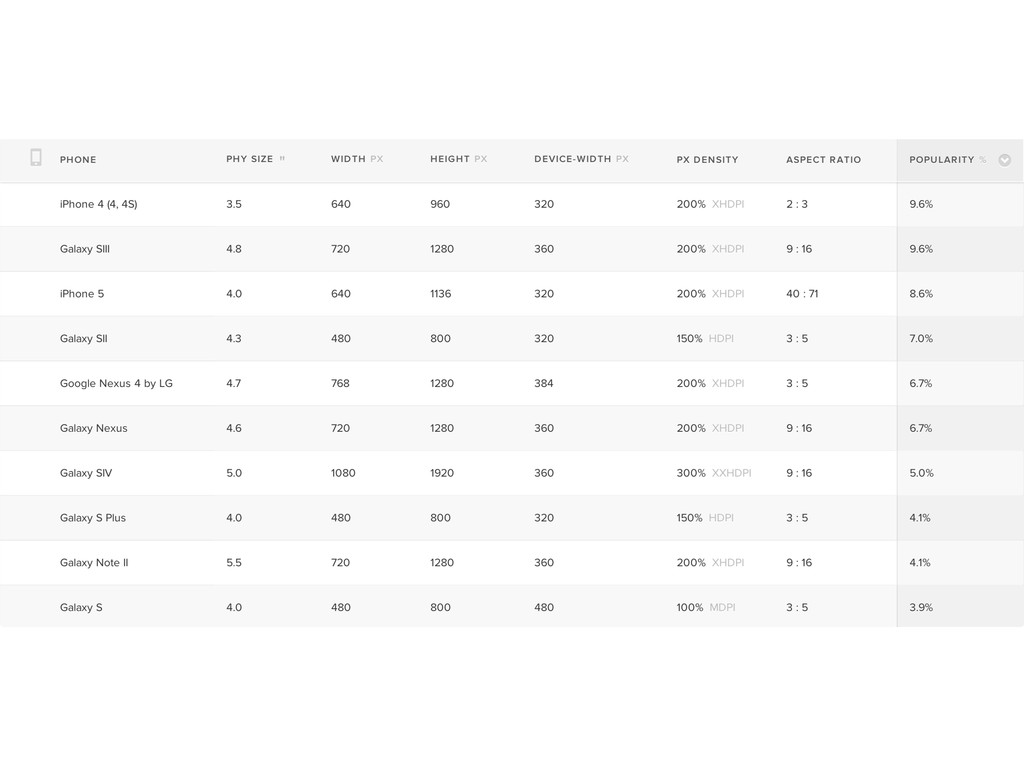
     to   specific  sites   –  But  more  difficult  to  change   common  elements   •  Faster  load  -mes   •  Tailored  experience  per   device  (class)   Cons   •  Where  do  you  draw  the  line?   –  One  site  for  phone,  one  for  tablet,   one  for  desktop?   •  New  devices  coming  out  every   day   –  With  new  heights,  widths,   resolu-ons,  and  capabili-es   •  SEO   –  Penalized  by  Google  if  you  redirect   incorrectly   –  Mul-ple  URLs  which  can  lead  to   duplicate  content   •  Requires  redirec-on   •  Mul-ple  codebases  
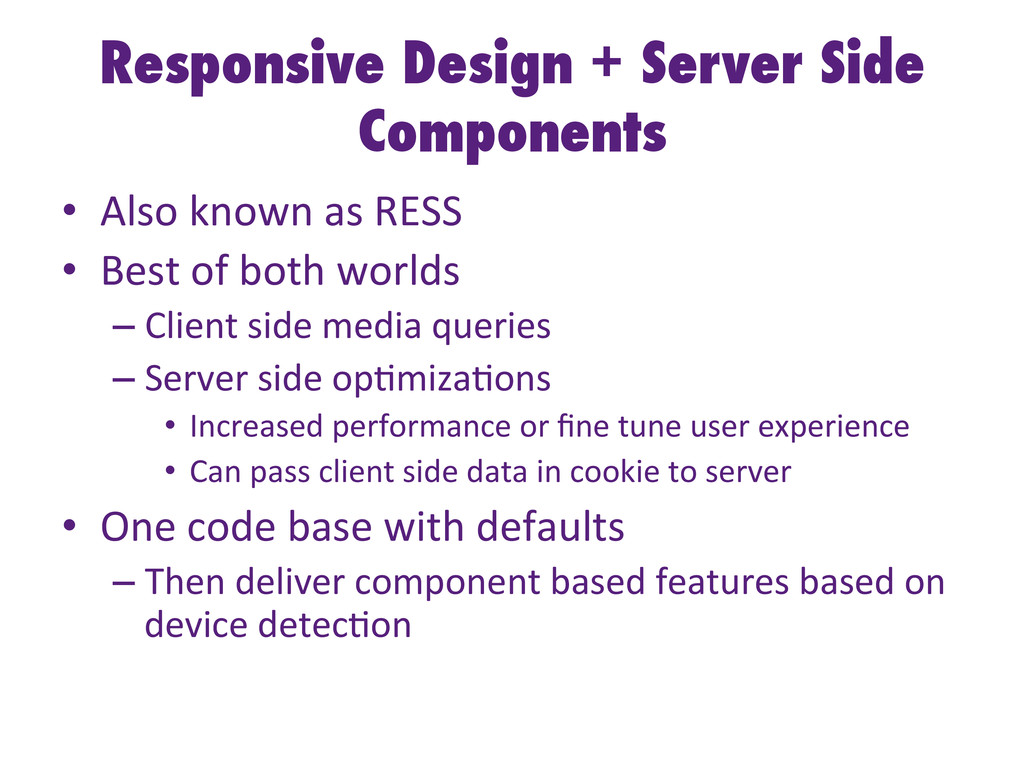
  12. Responsive Design + Server Side Components •  Also  known  as

     RESS   •  Best  of  both  worlds   – Client  side  media  queries   – Server  side  op-miza-ons   •  Increased  performance  or  fine  tune  user  experience   •  Can  pass  client  side  data  in  cookie  to  server   •  One  code  base  with  defaults   – Then  deliver  component  based  features  based  on   device  detec-on  
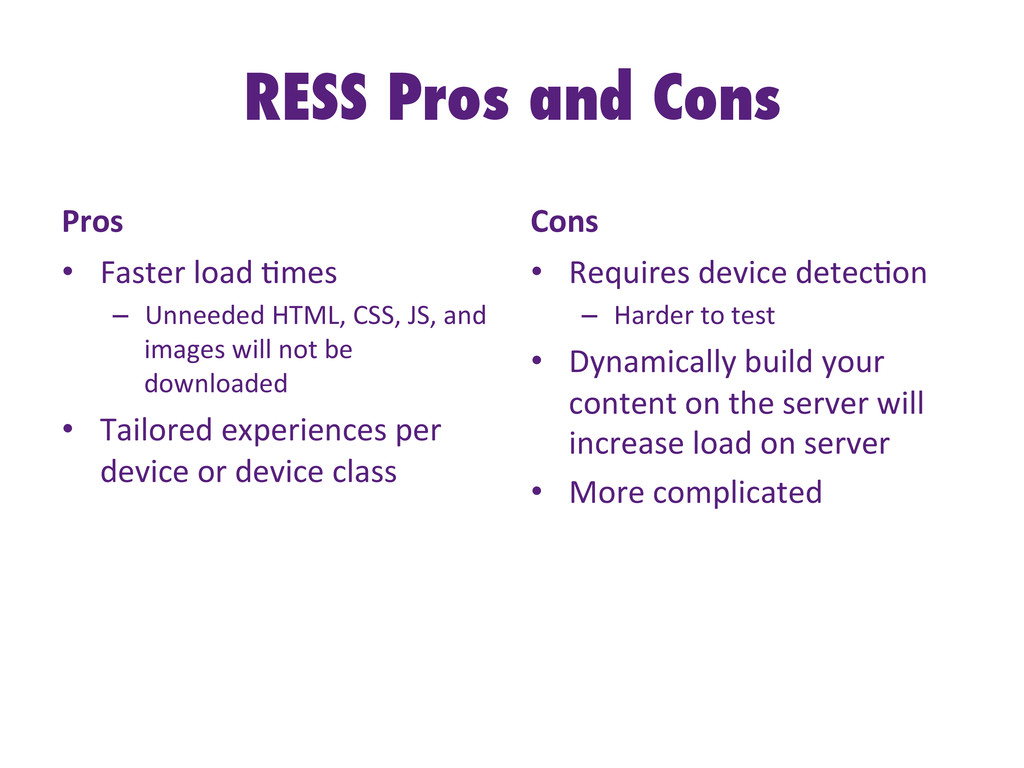
  13. RESS Pros and Cons Pros   •  Faster  load  -mes

      –  Unneeded  HTML,  CSS,  JS,  and   images  will  not  be   downloaded   •  Tailored  experiences  per   device  or  device  class   Cons   •  Requires  device  detec-on   –  Harder  to  test   •  Dynamically  build  your   content  on  the  server  will   increase  load  on  server   •  More  complicated  
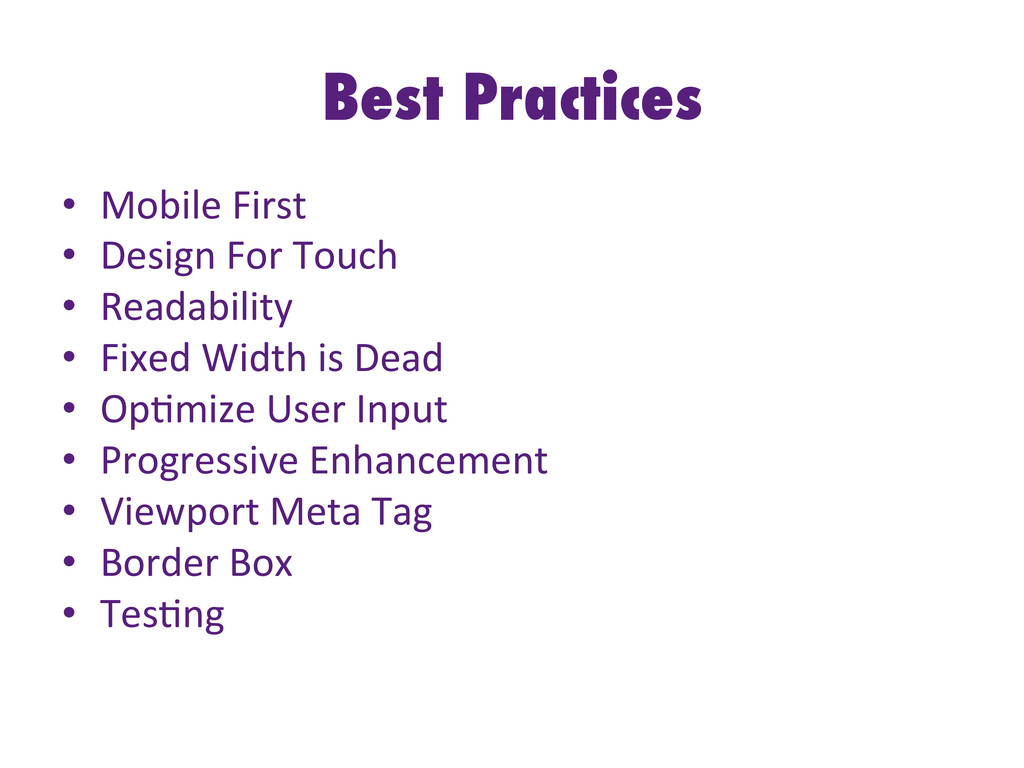
  14. Best Practices •  Mobile  First   •  Design  For  Touch

      •  Readability   •  Fixed  Width  is  Dead   •  Op-mize  User  Input   •  Progressive  Enhancement   •  Viewport  Meta  Tag   •  Border  Box   •  Tes-ng  
  15. Mobile First •  Mobile  forces  you  to  focus   – On

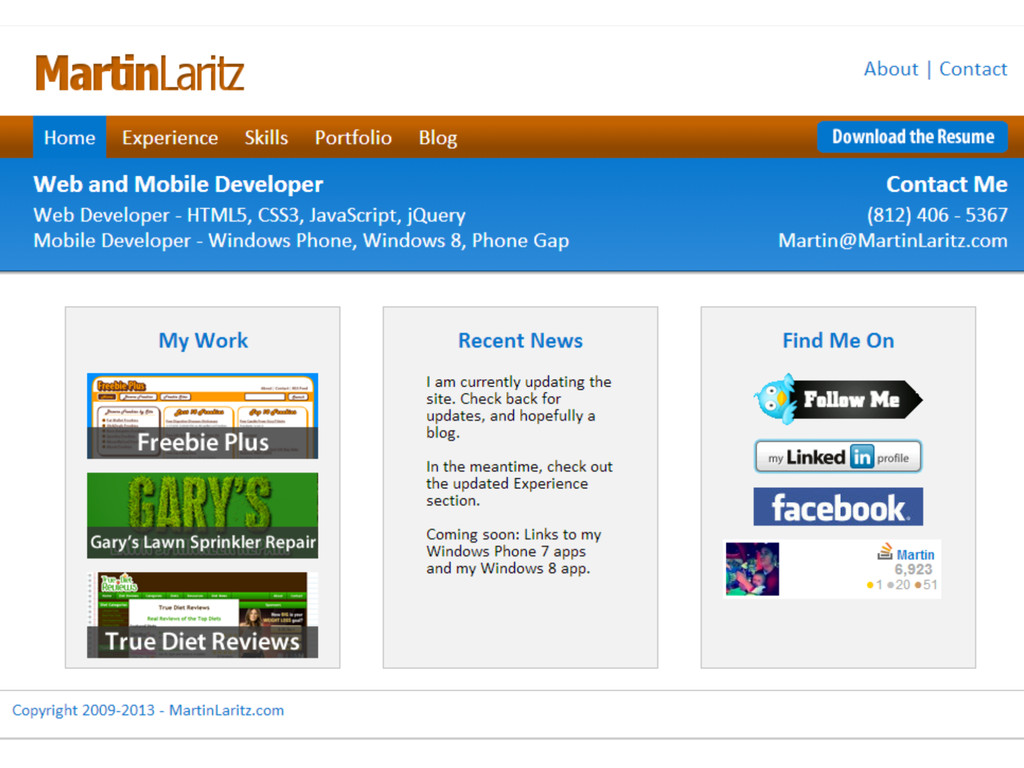
     the  most  important  data  and  ac-ons   – CONTENT!   •  Mobile  extends  your  capabili-es   – Mobile  browsers  tend  to  have  more  capabilites   than  desktop  browsers   – But  this  gap  is  closing  fast   •  Let’s  redesign  my  old  website  
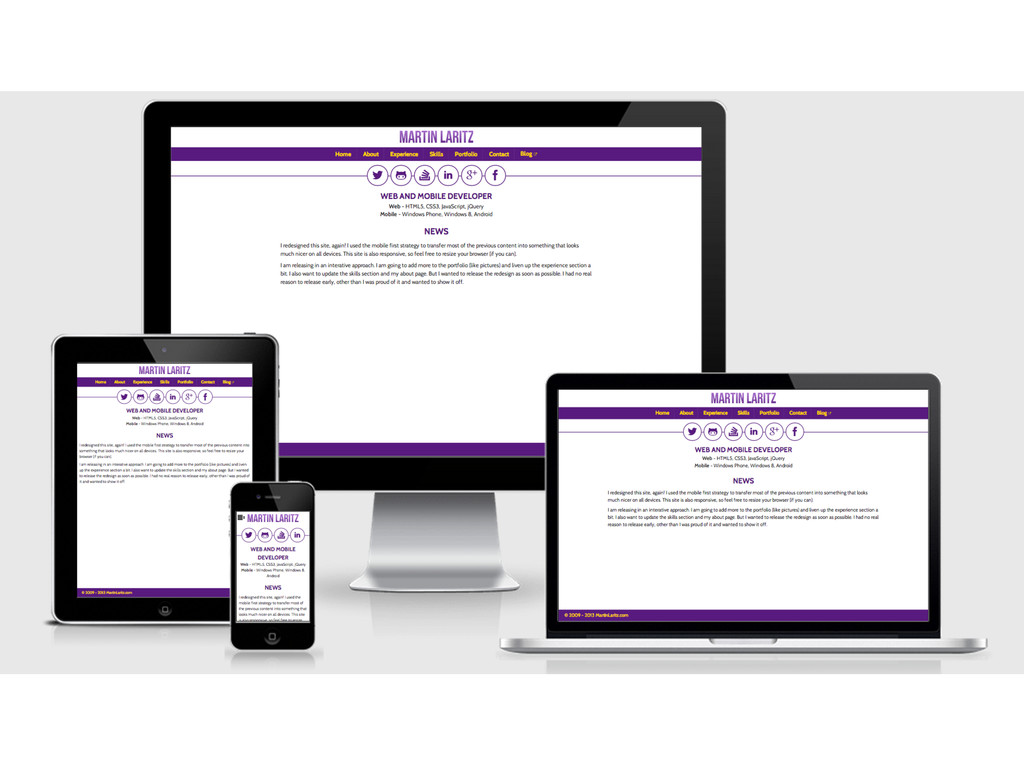
  16. Mobile First •  It  didn’t  work  for  me   – I

     struggled  changing  the  exis-ng  markup  to  fit  on   mobile   •  Step  back  and  think  about  your  content   •  Start  with  the  small/-ghtest  constraints  and   work  out  
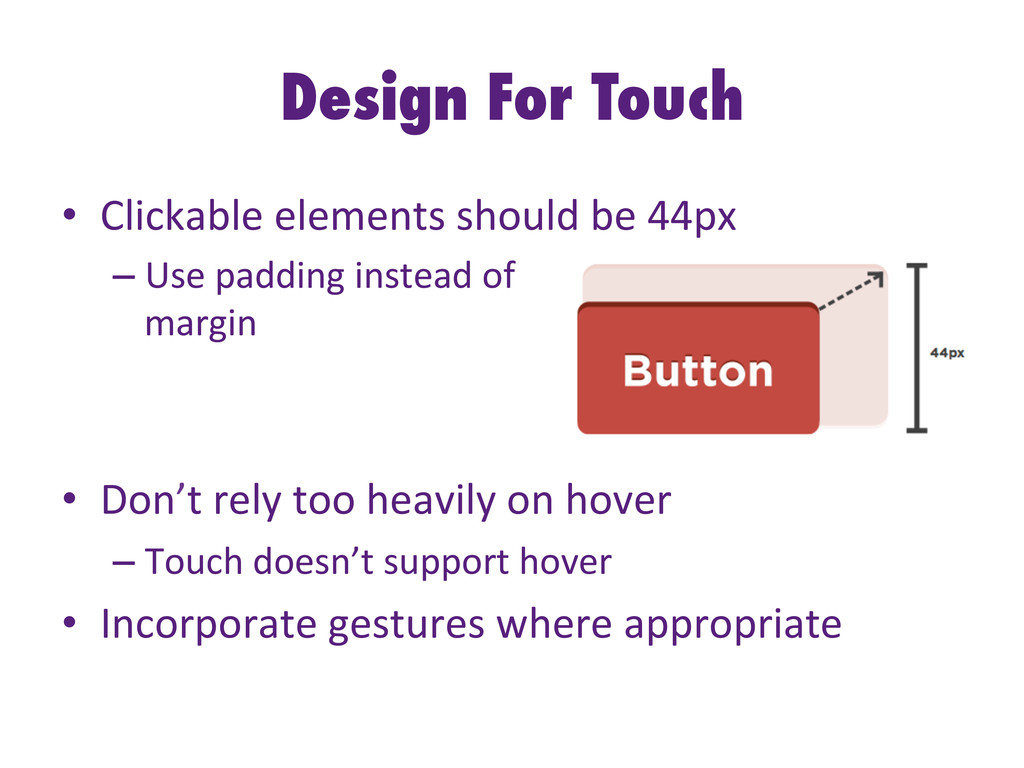
  17. Design For Touch •  Clickable  elements  should  be  44px  

    – Use  padding  instead  of     margin       •  Don’t  rely  too  heavily  on  hover   – Touch  doesn’t  support  hover   •  Incorporate  gestures  where  appropriate  
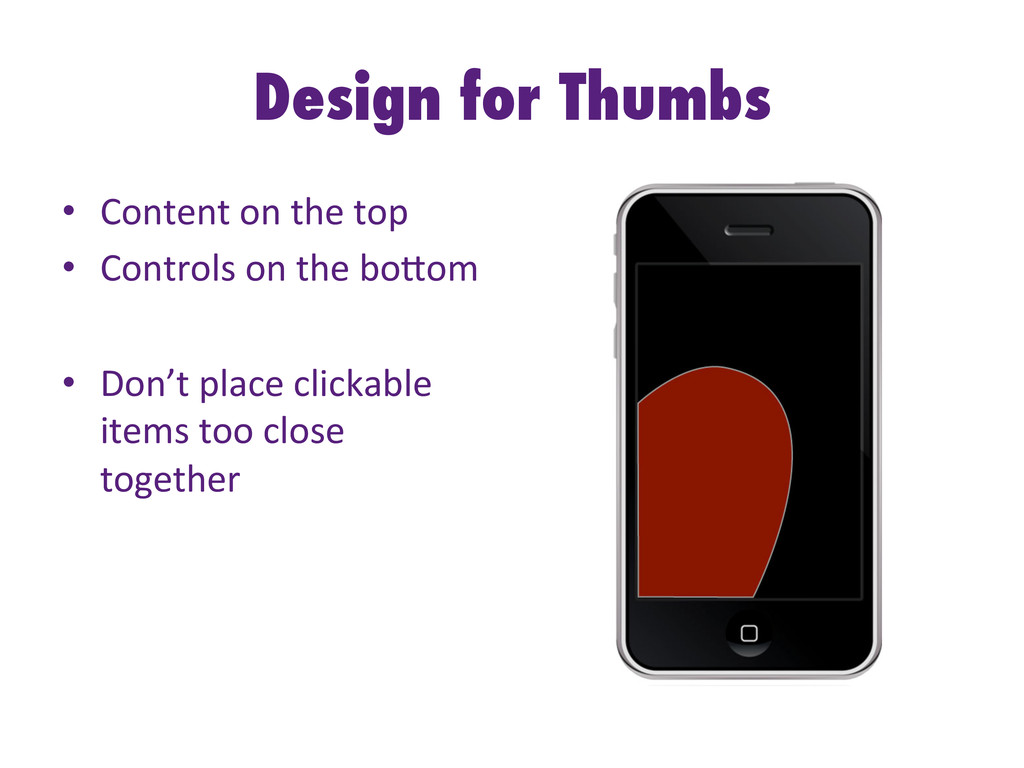
  18. Design for Thumbs •  Content  on  the  top   • 

    Controls  on  the  boHom   •  Don’t  place  clickable   items  too  close   together  
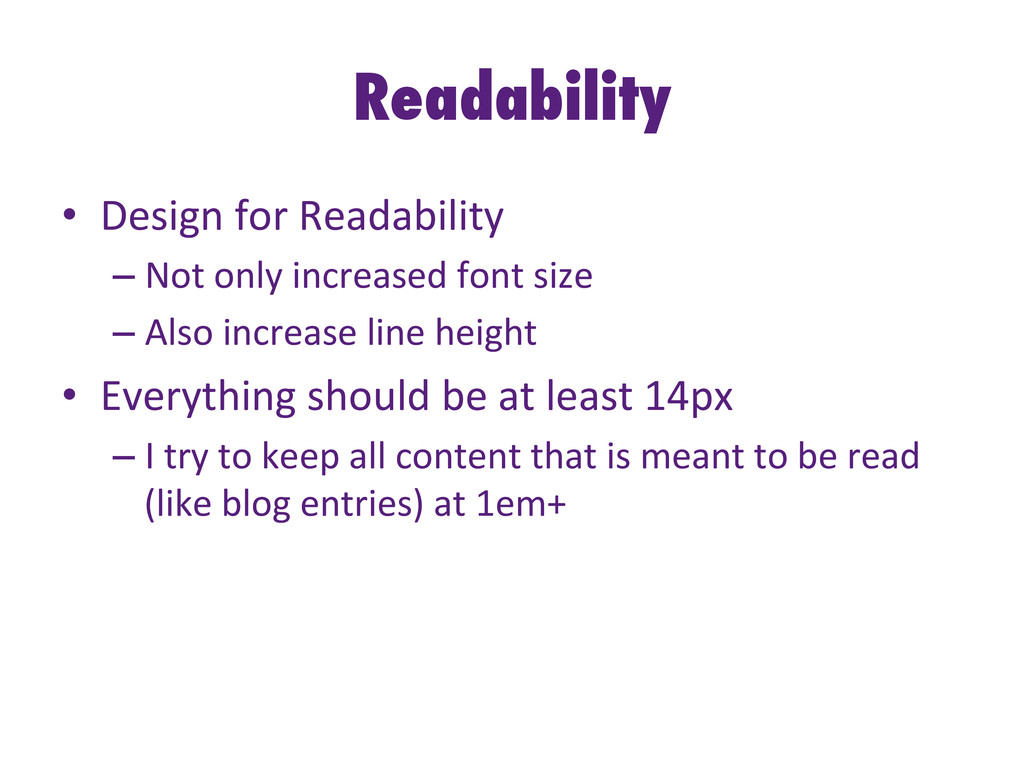
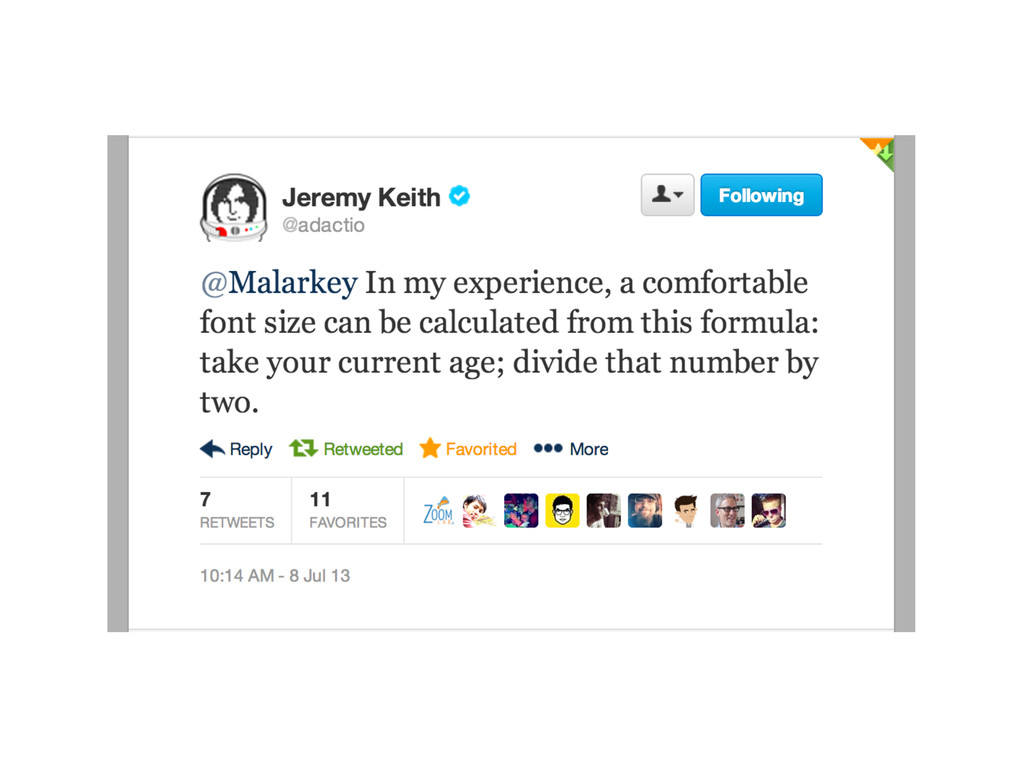
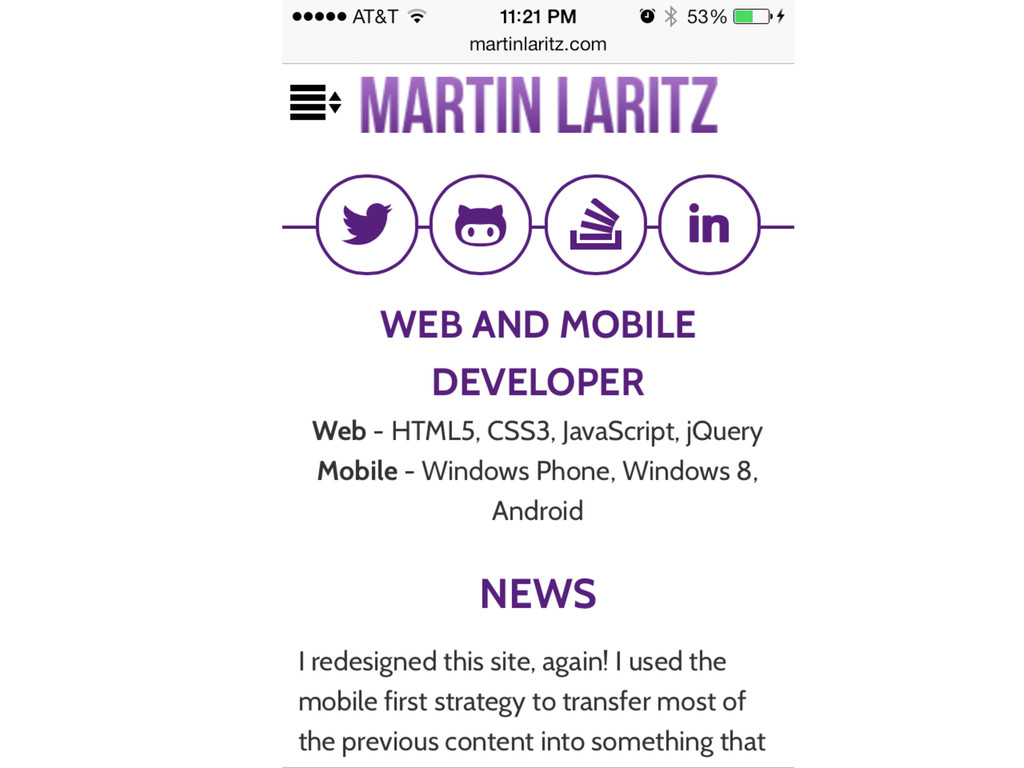
  19. Readability •  Design  for  Readability   – Not  only  increased  font

     size   – Also  increase  line  height   •  Everything  should  be  at  least  14px   – I  try  to  keep  all  content  that  is  meant  to  be  read   (like  blog  entries)  at  1em+  
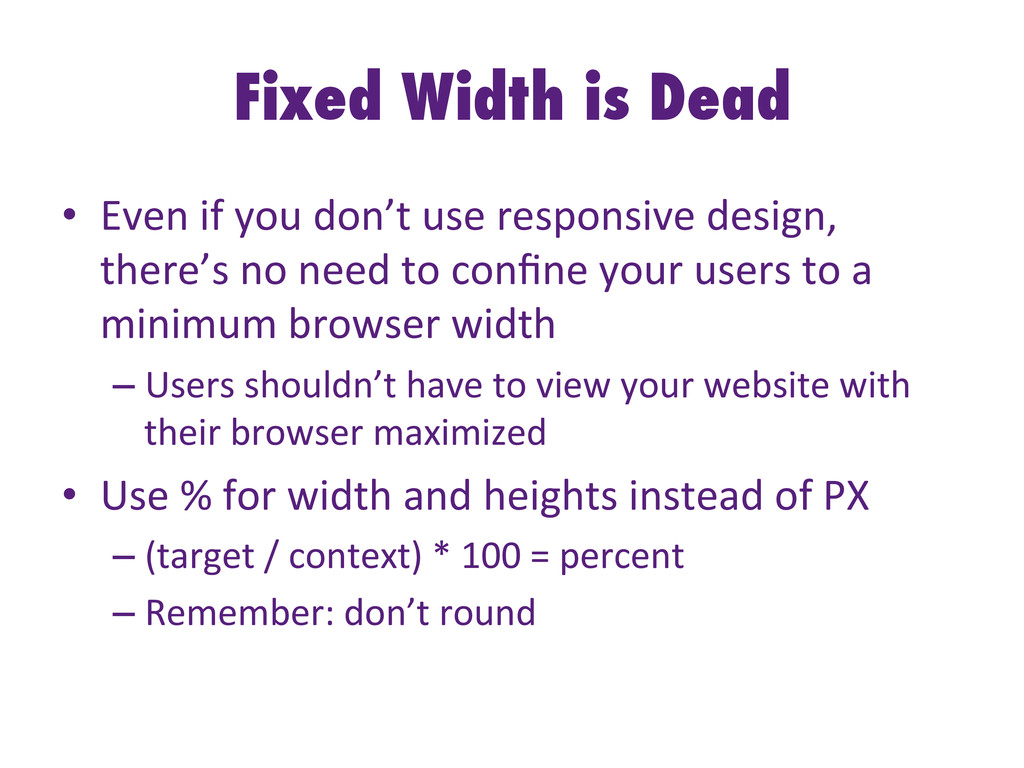
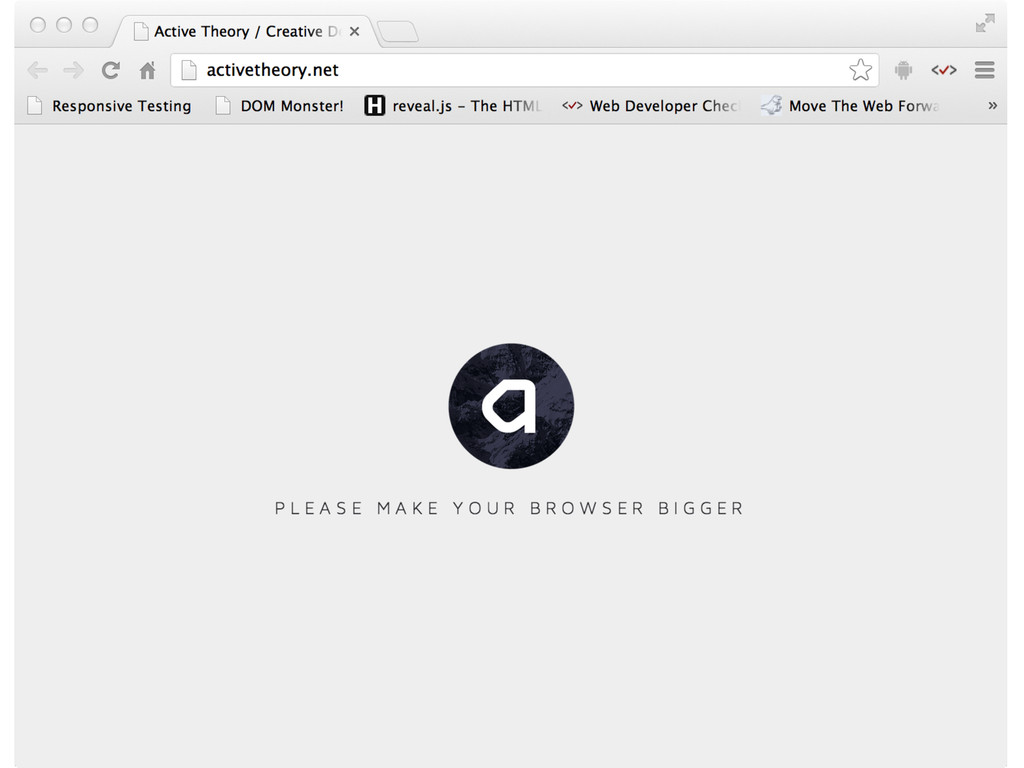
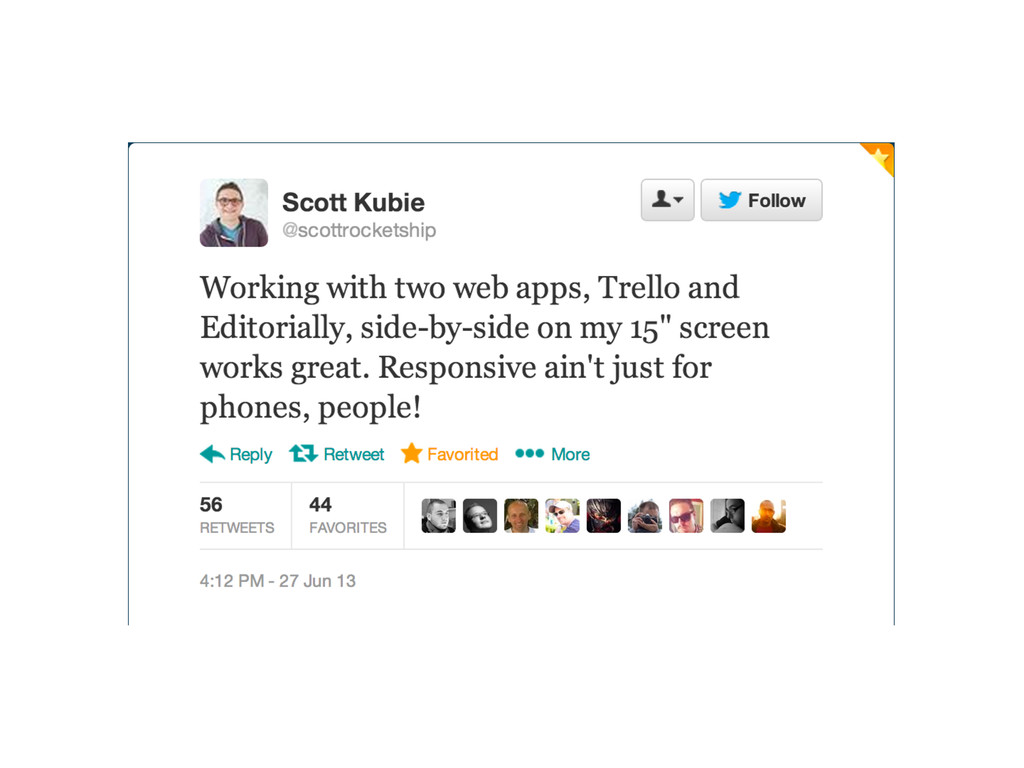
  20. Fixed Width is Dead •  Even  if  you  don’t  use

     responsive  design,   there’s  no  need  to  confine  your  users  to  a   minimum  browser  width   – Users  shouldn’t  have  to  view  your  website  with   their  browser  maximized   •  Use  %  for  width  and  heights  instead  of  PX   – (target  /  context)  *  100  =  percent   – Remember:  don’t  round  
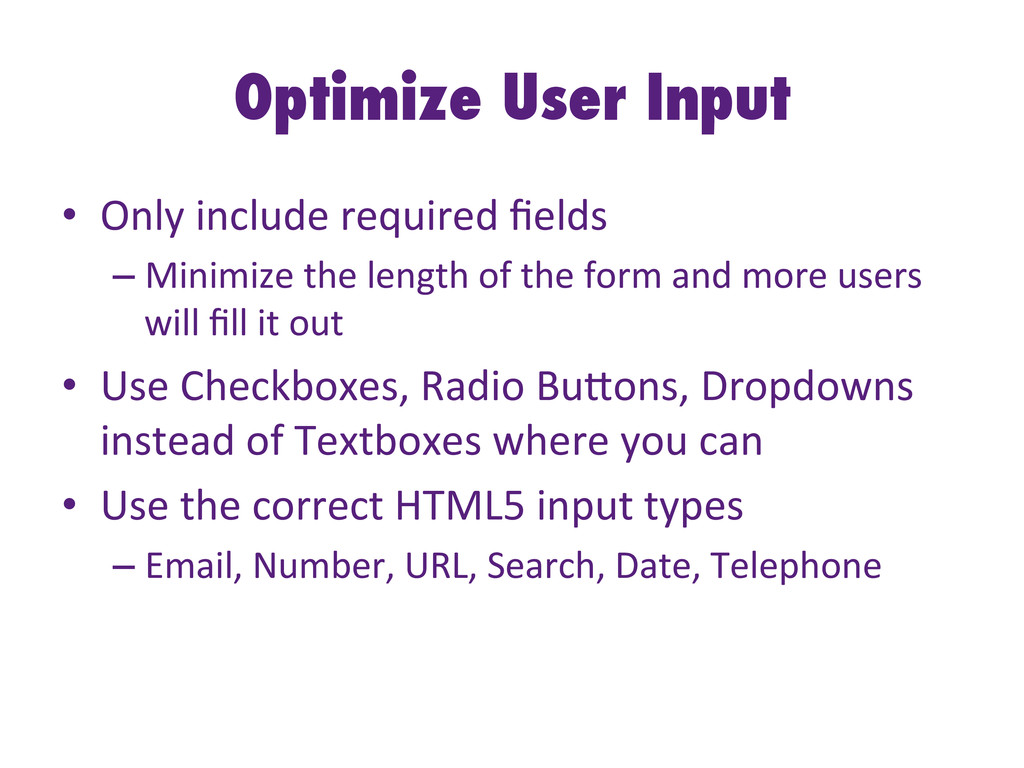
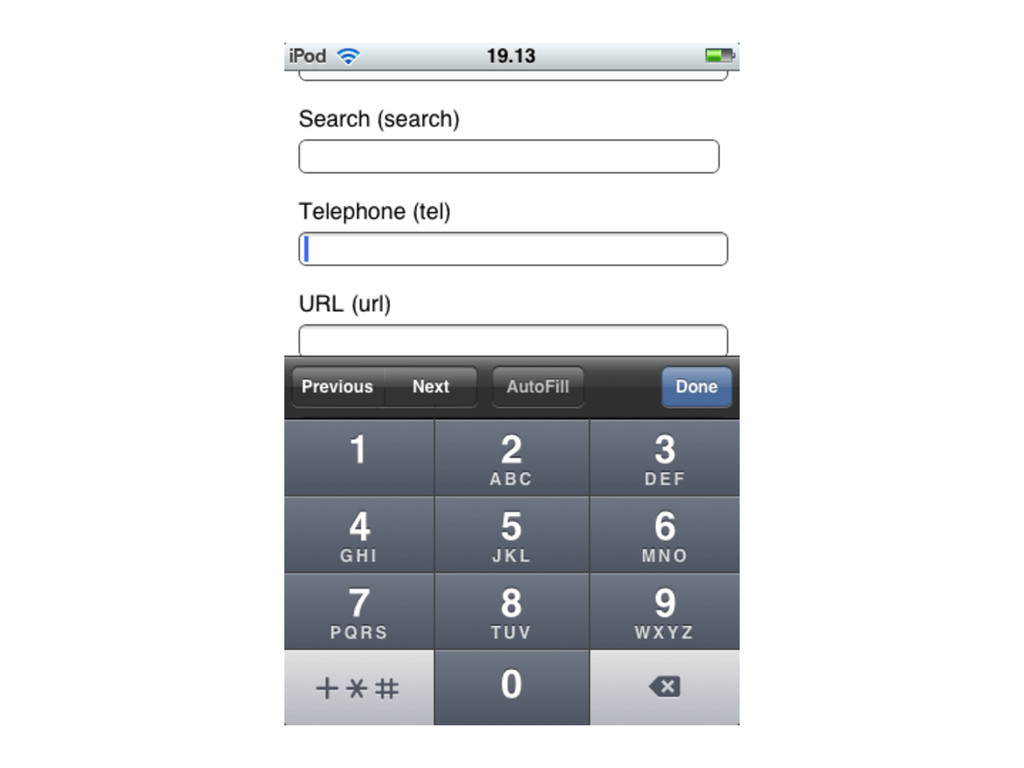
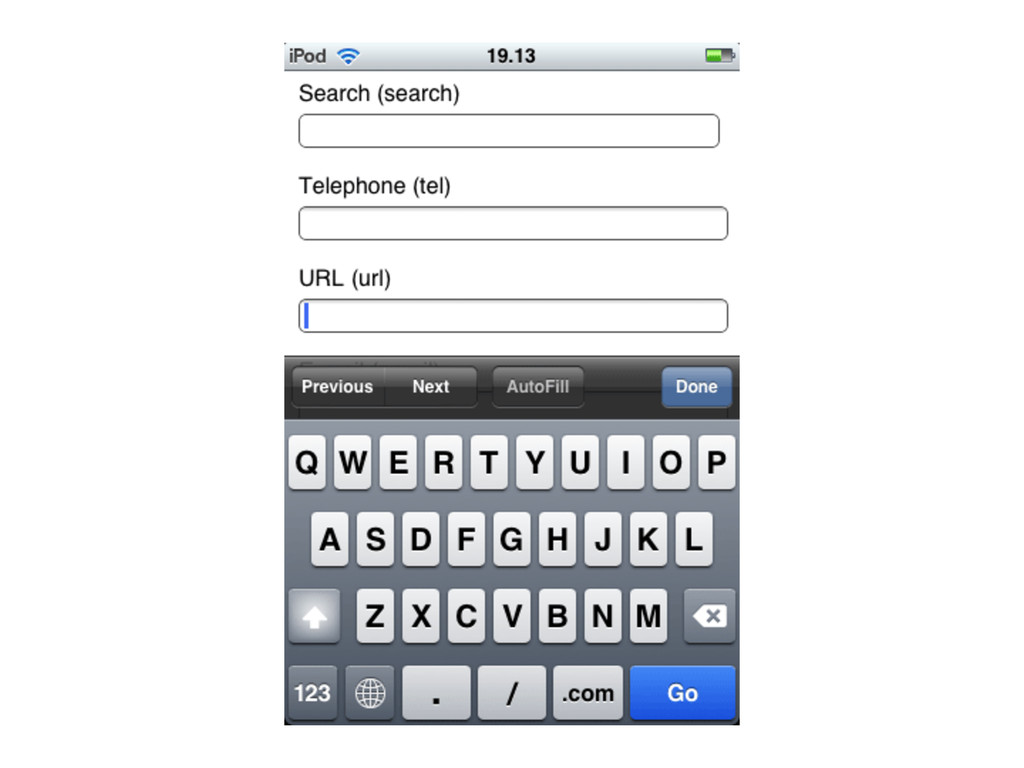
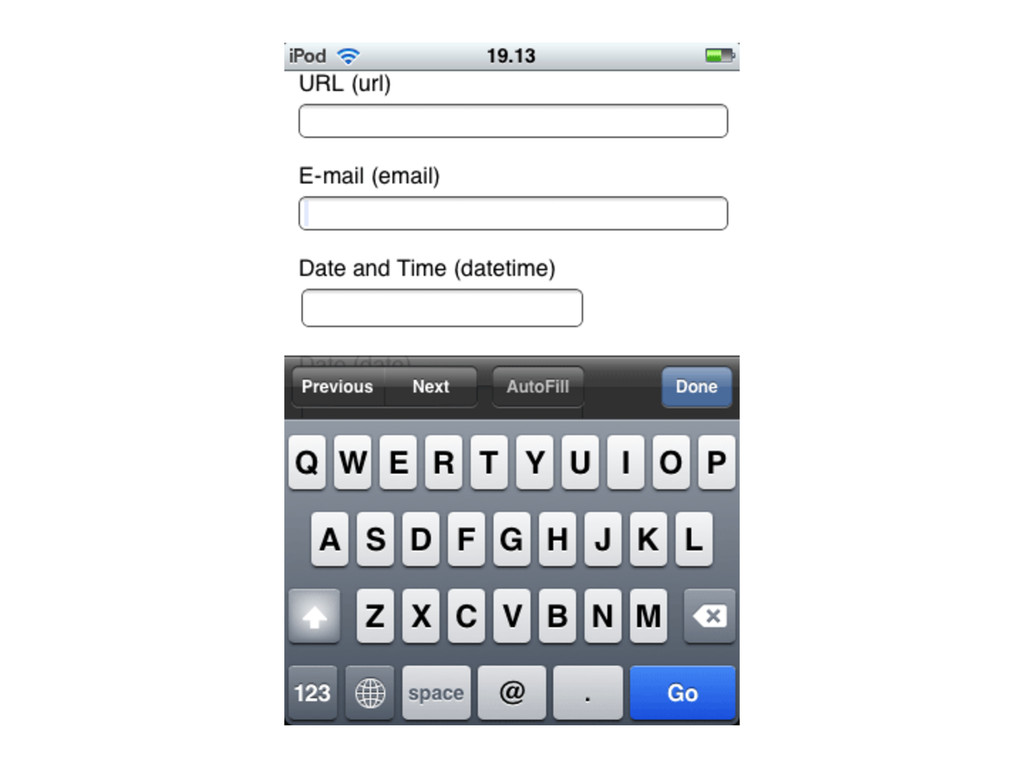
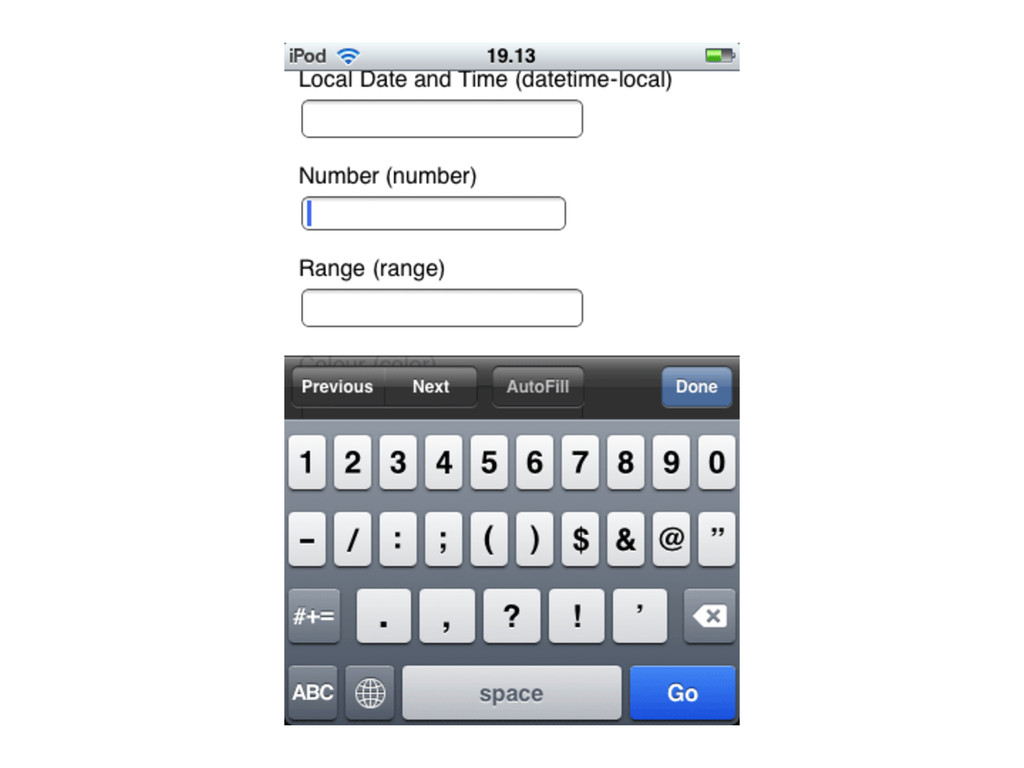
  21. Optimize User Input •  Only  include  required  fields   – Minimize

     the  length  of  the  form  and  more  users   will  fill  it  out   •  Use  Checkboxes,  Radio  BuHons,  Dropdowns   instead  of  Textboxes  where  you  can   •  Use  the  correct  HTML5  input  types   – Email,  Number,  URL,  Search,  Date,  Telephone  
  22. Progressive Enhancement •  Uses  web  technologies  in  a  layered  fashion

      that  allows  all  users  to  access  the  basic   func-onality  of  a  web  page   •  Provides  an  enhanced  version  to  those  with   advanced  browsers   •  Start  with  basic  html  –  no  css,  no  javascript   – Enhanced  layout  provided  by  CSS   – Enhanced  func-onality  provided  by  JS  
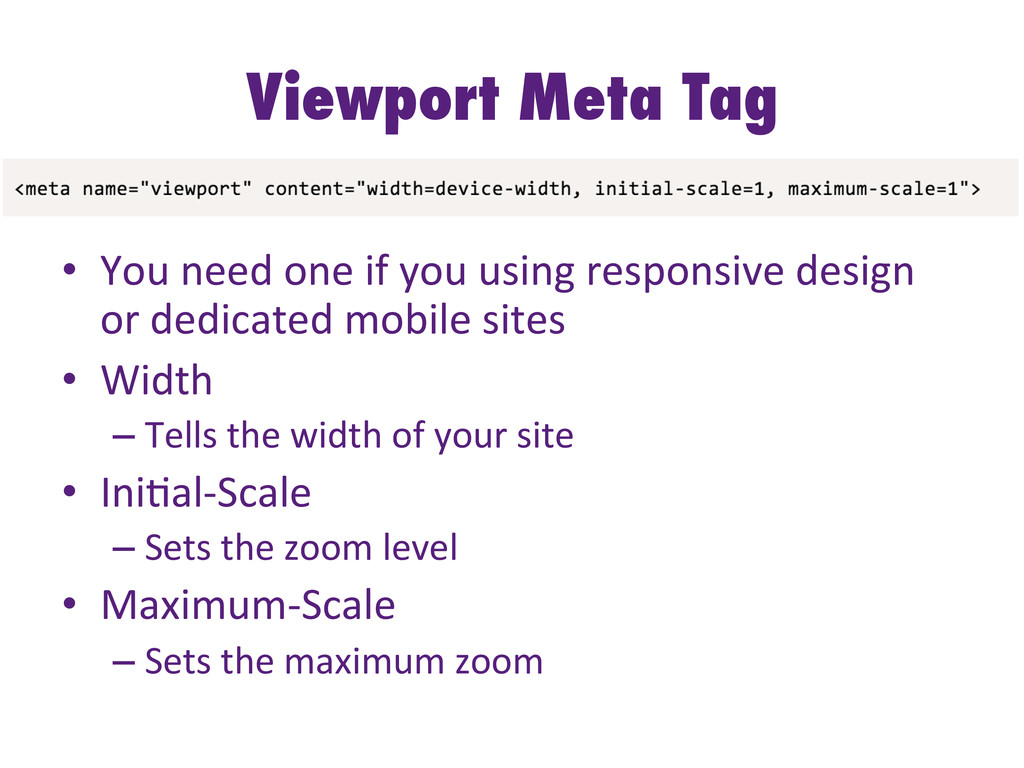
  23. Viewport Meta Tag   •  You  need  one  if  you

     using  responsive  design   or  dedicated  mobile  sites   •  Width   – Tells  the  width  of  your  site   •  Ini-al-­‐Scale   – Sets  the  zoom  level   •  Maximum-­‐Scale   – Sets  the  maximum  zoom  
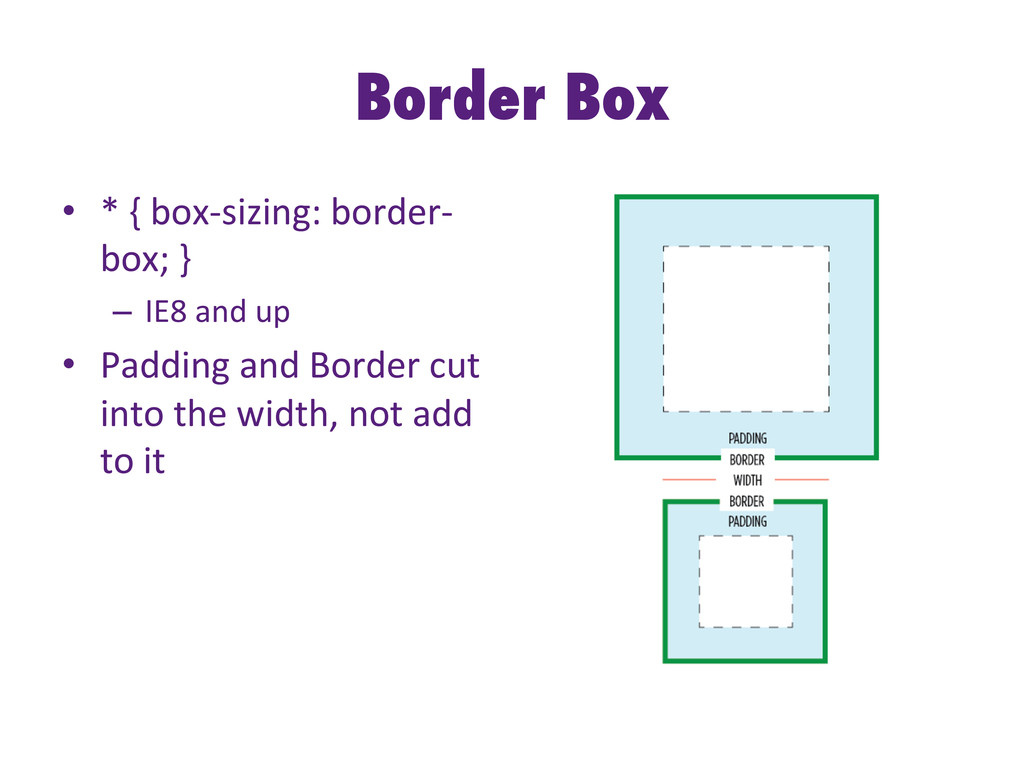
  24. Border Box •  *  {  box-­‐sizing:  border-­‐ box;  }  

    –  IE8  and  up   •  Padding  and  Border  cut   into  the  width,  not  add   to  it  
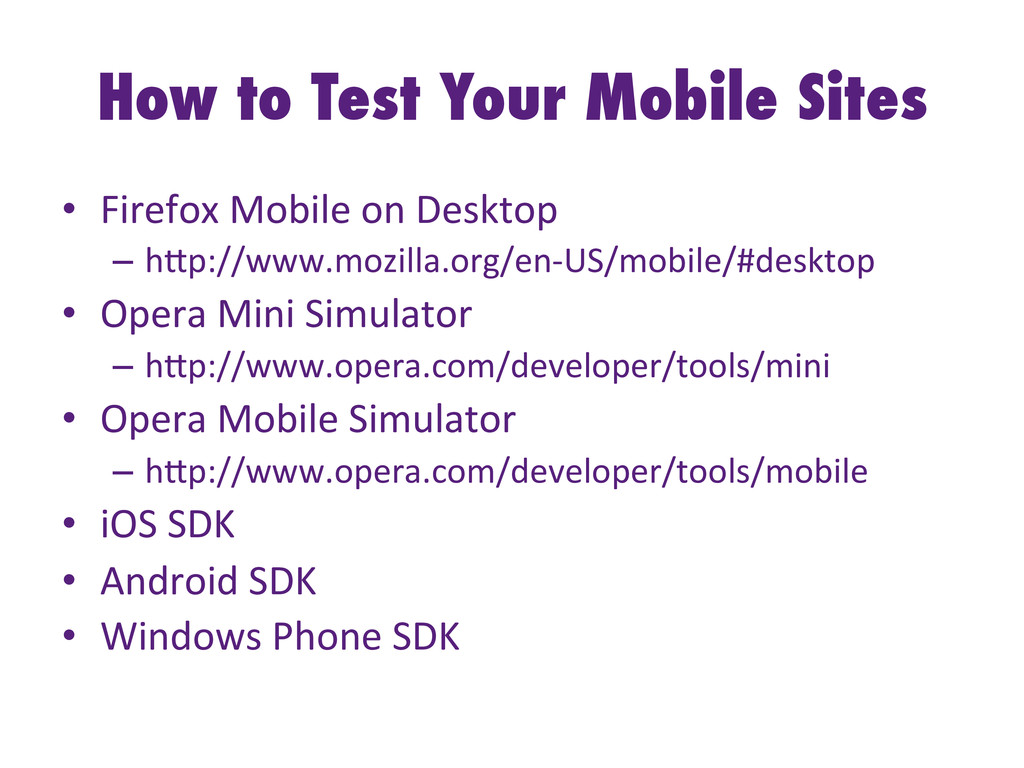
  25. How to Test Your Mobile Sites •  Firefox  Mobile  on

     Desktop   –  hHp://www.mozilla.org/en-­‐US/mobile/#desktop   •  Opera  Mini  Simulator   –  hHp://www.opera.com/developer/tools/mini   •  Opera  Mobile  Simulator   –  hHp://www.opera.com/developer/tools/mobile   •  iOS  SDK   •  Android  SDK   •  Windows  Phone  SDK  
  26. What Do You Think? •  What’s  the  best  thing  you

     can  do  to  improve   the  mobile  experience  for  your  users?  
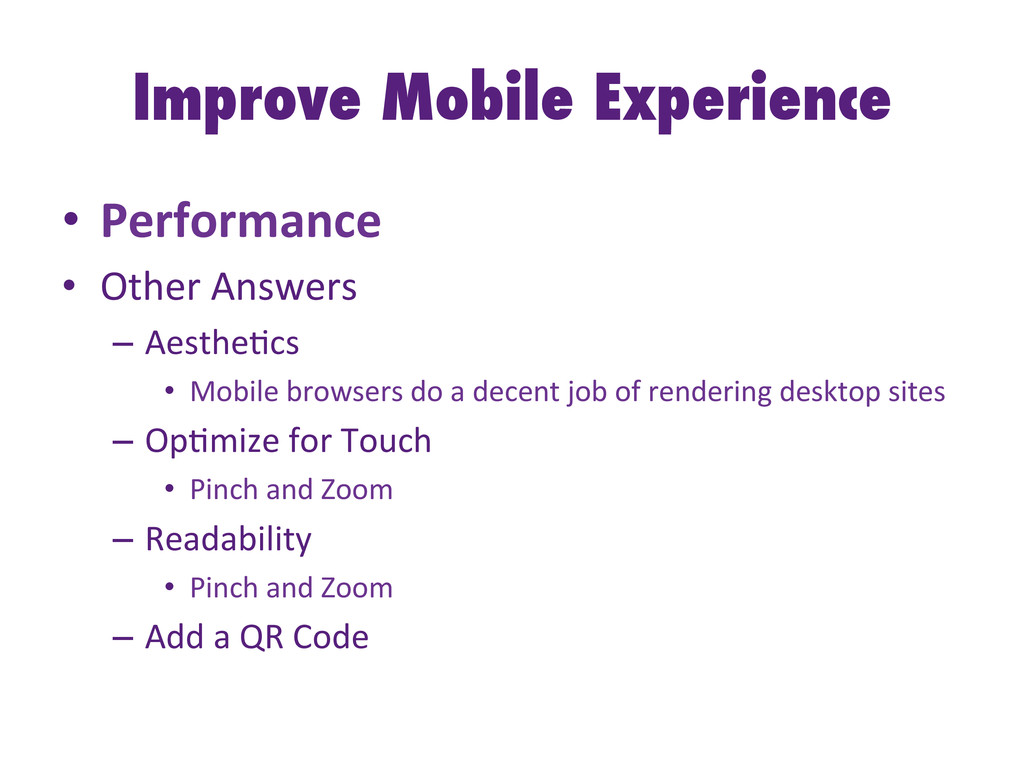
  27. Improve Mobile Experience •  Performance   •  Other  Answers  

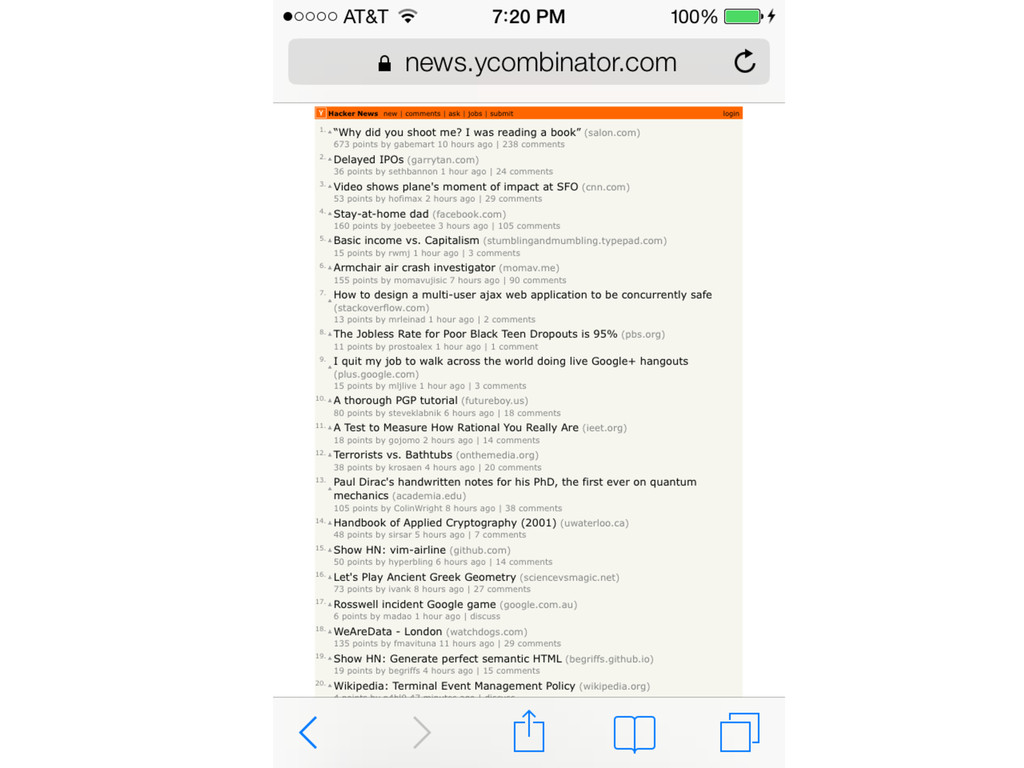
    –  Aesthe-cs   •  Mobile  browsers  do  a  decent  job  of  rendering  desktop  sites   –  Op-mize  for  Touch   •  Pinch  and  Zoom   –  Readability   •  Pinch  and  Zoom   –  Add  a  QR  Code  
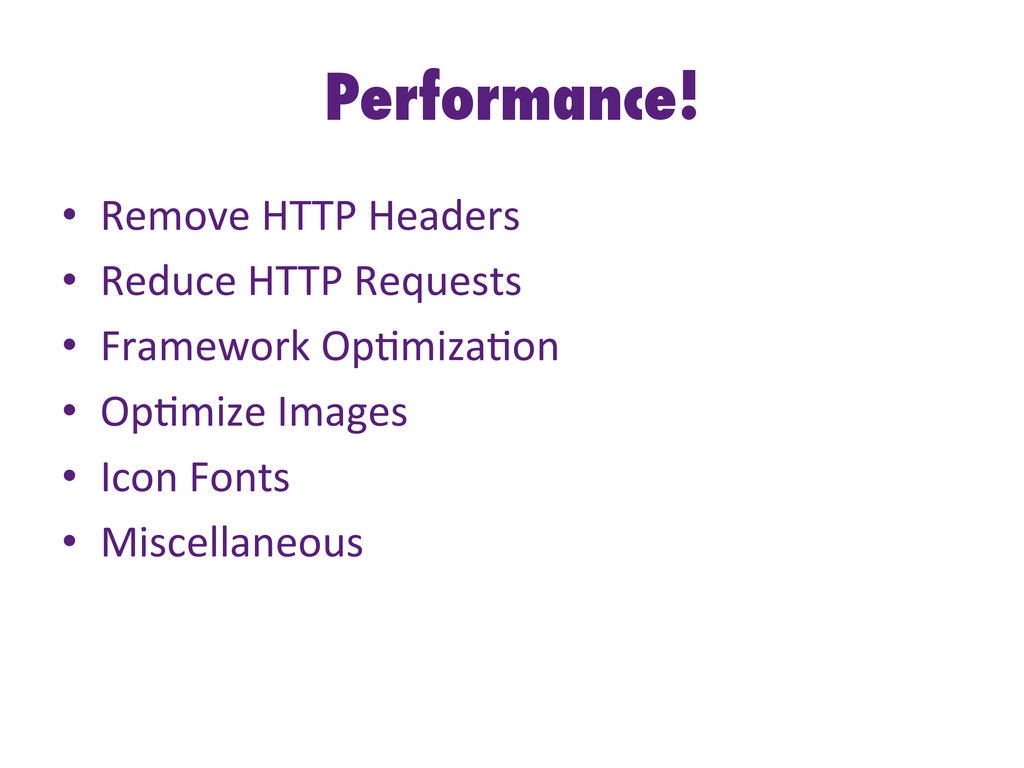
  28. Performance! •  Remove  HTTP  Headers   •  Reduce  HTTP  Requests

      •  Framework  Op-miza-on   •  Op-mize  Images   •  Icon  Fonts   •  Miscellaneous  
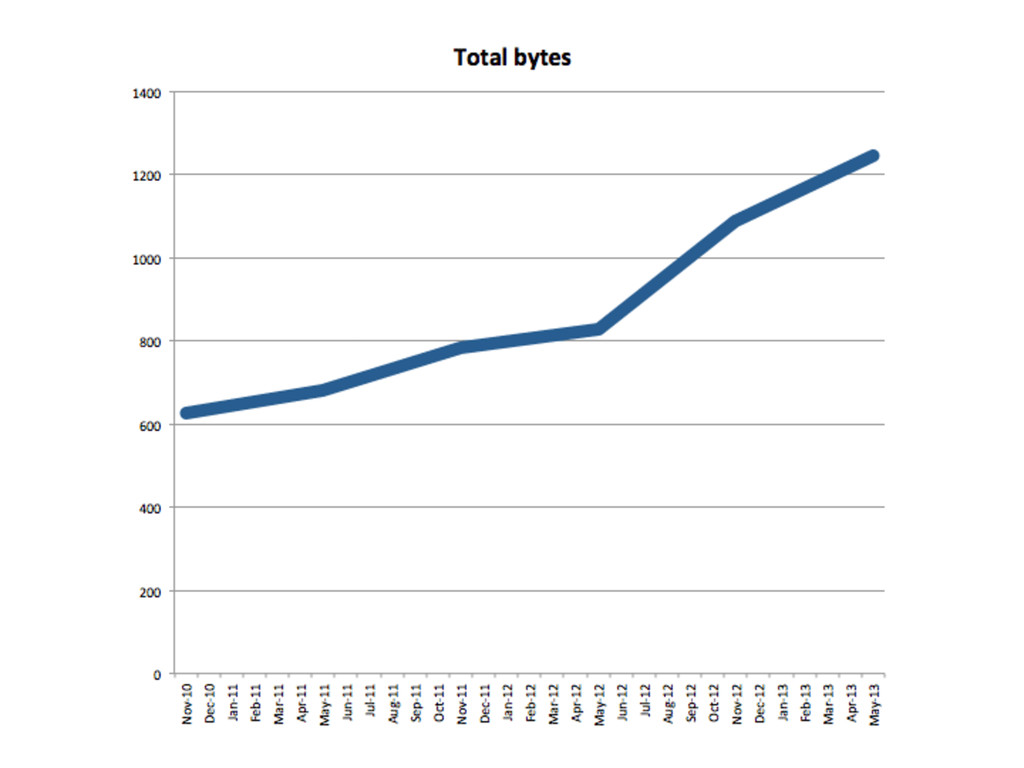
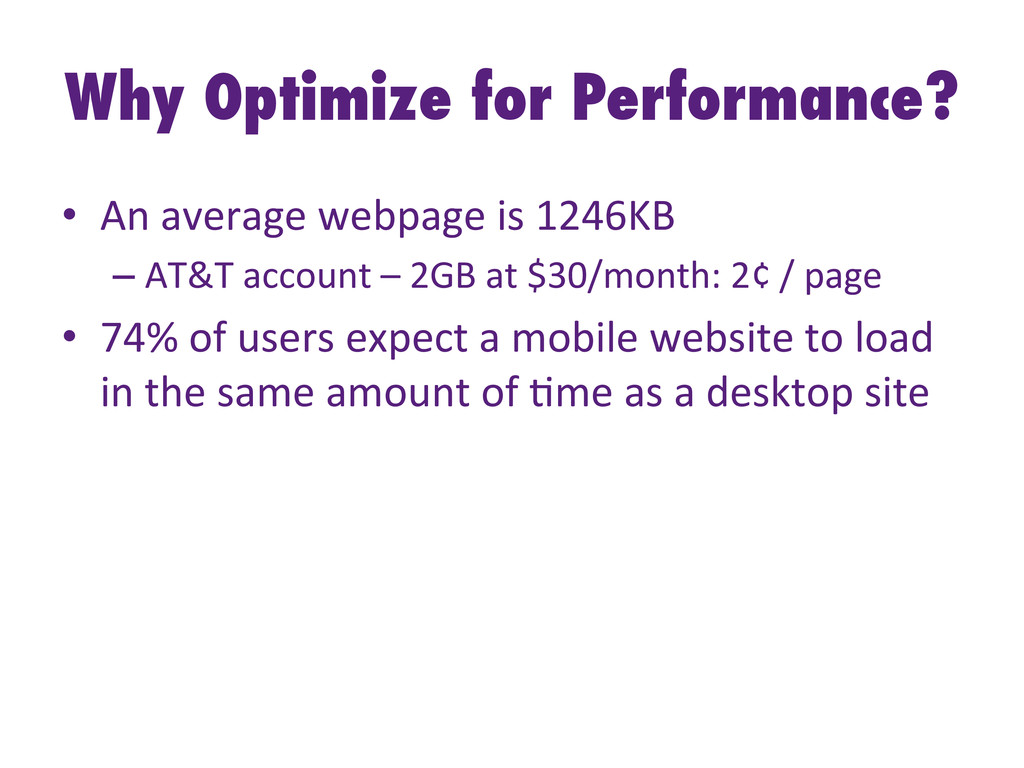
  29. Why Optimize for Performance? •  An  average  webpage  is  1246KB

      – AT&T  account  –  2GB  at  $30/month:  2¢  /  page   •  74%  of  users  expect  a  mobile  website  to  load   in  the  same  amount  of  -me  as  a  desktop  site  
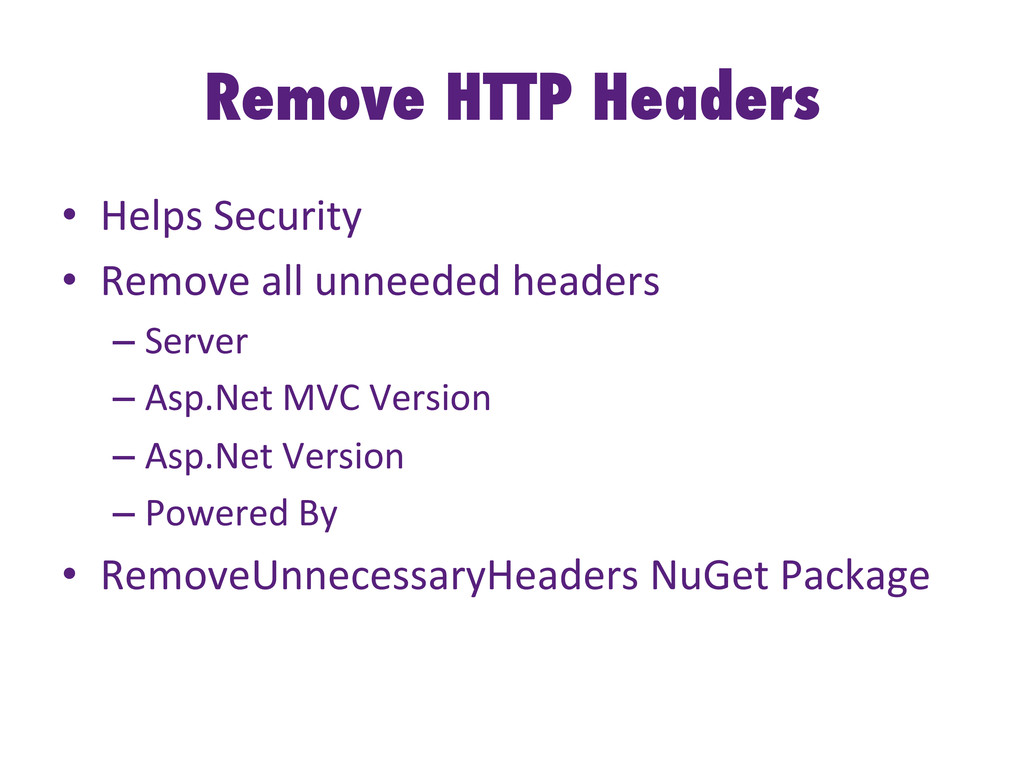
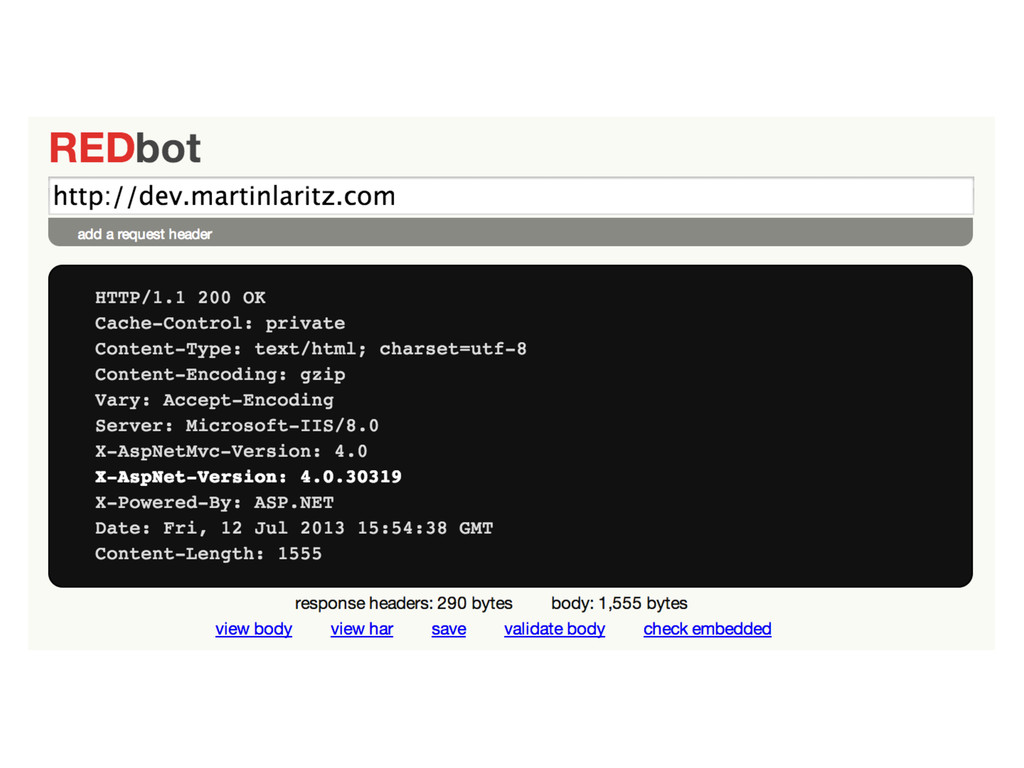
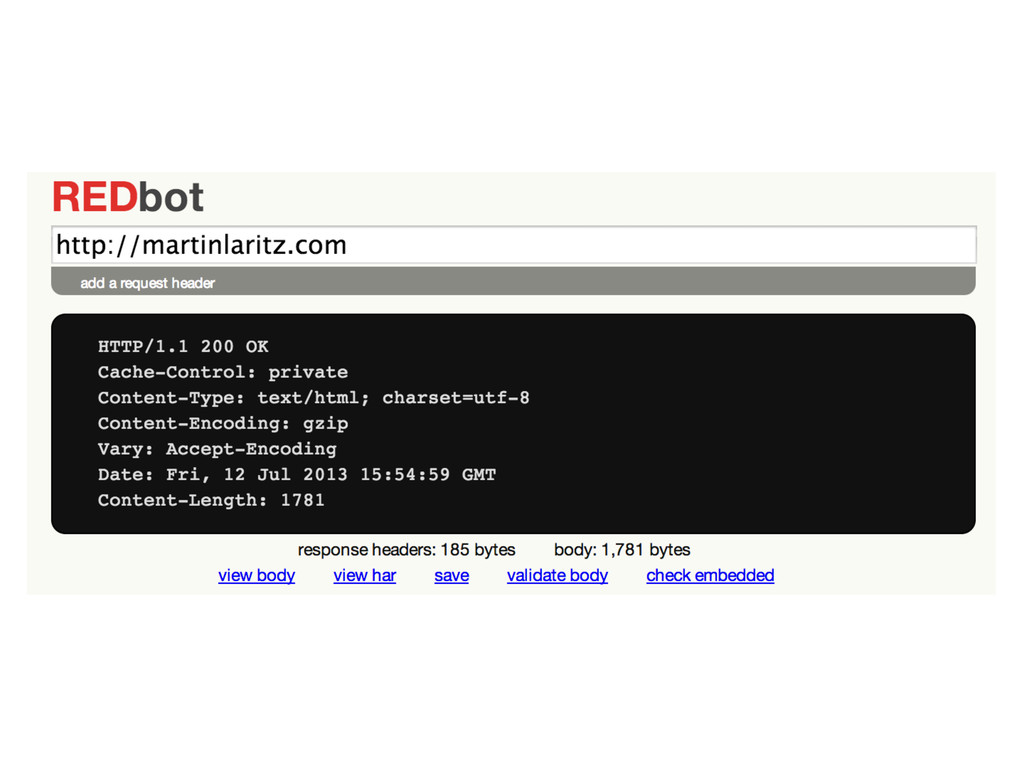
  30. Remove HTTP Headers •  Helps  Security   •  Remove  all

     unneeded  headers   – Server   – Asp.Net  MVC  Version   – Asp.Net  Version   – Powered  By   •  RemoveUnnecessaryHeaders  NuGet  Package  
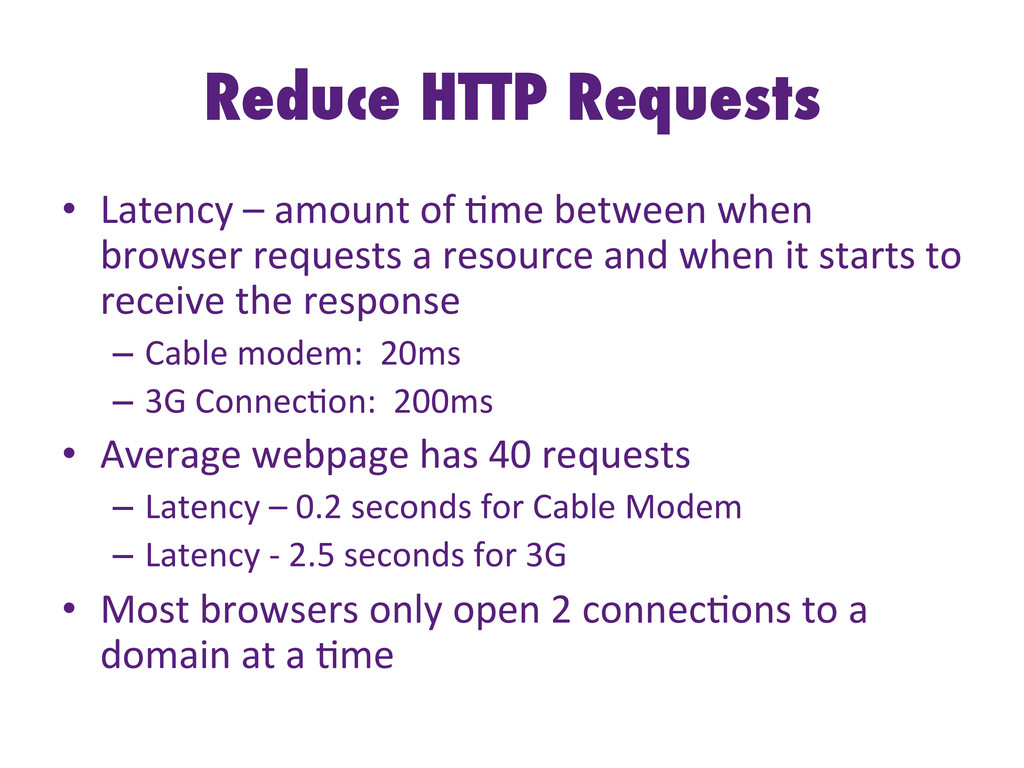
  31. Reduce HTTP Requests •  Latency  –  amount  of  -me  between

     when   browser  requests  a  resource  and  when  it  starts  to   receive  the  response   –  Cable  modem:    20ms   –  3G  Connec-on:    200ms   •  Average  webpage  has  40  requests   –  Latency  –  0.2  seconds  for  Cable  Modem   –  Latency  -­‐  2.5  seconds  for  3G   •  Most  browsers  only  open  2  connec-ons  to  a   domain  at  a  -me  
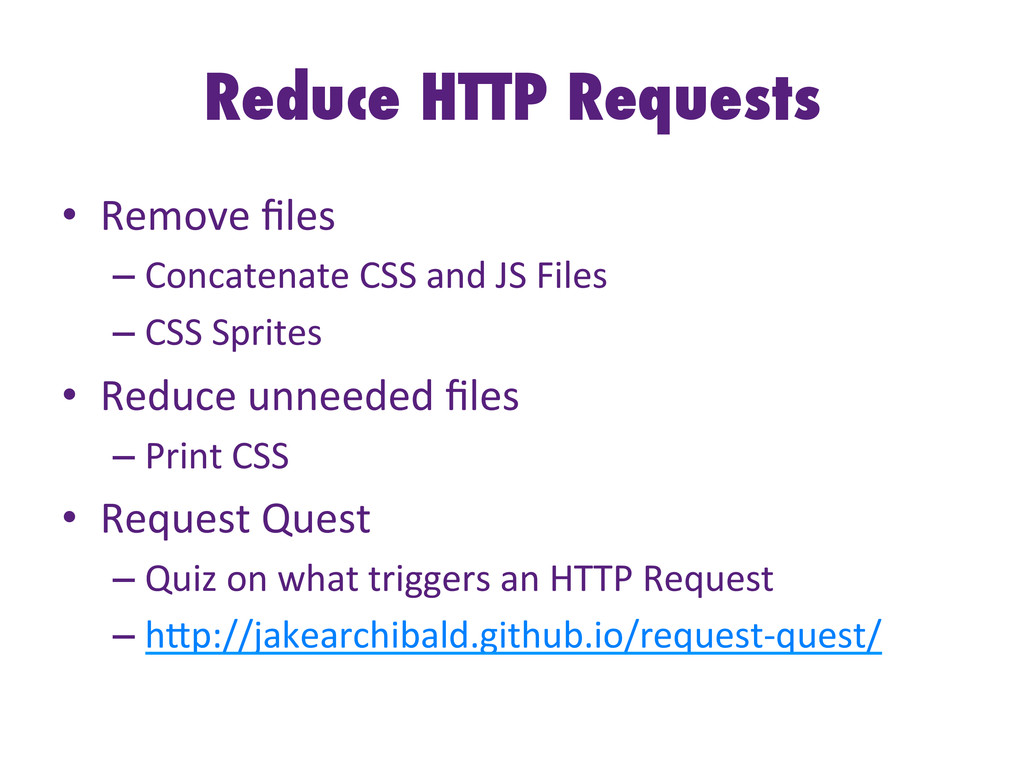
  32. Reduce HTTP Requests •  Remove  files   – Concatenate  CSS  and

     JS  Files   – CSS  Sprites   •  Reduce  unneeded  files   – Print  CSS   •  Request  Quest   – Quiz  on  what  triggers  an  HTTP  Request   – hHp://jakearchibald.github.io/request-­‐quest/  
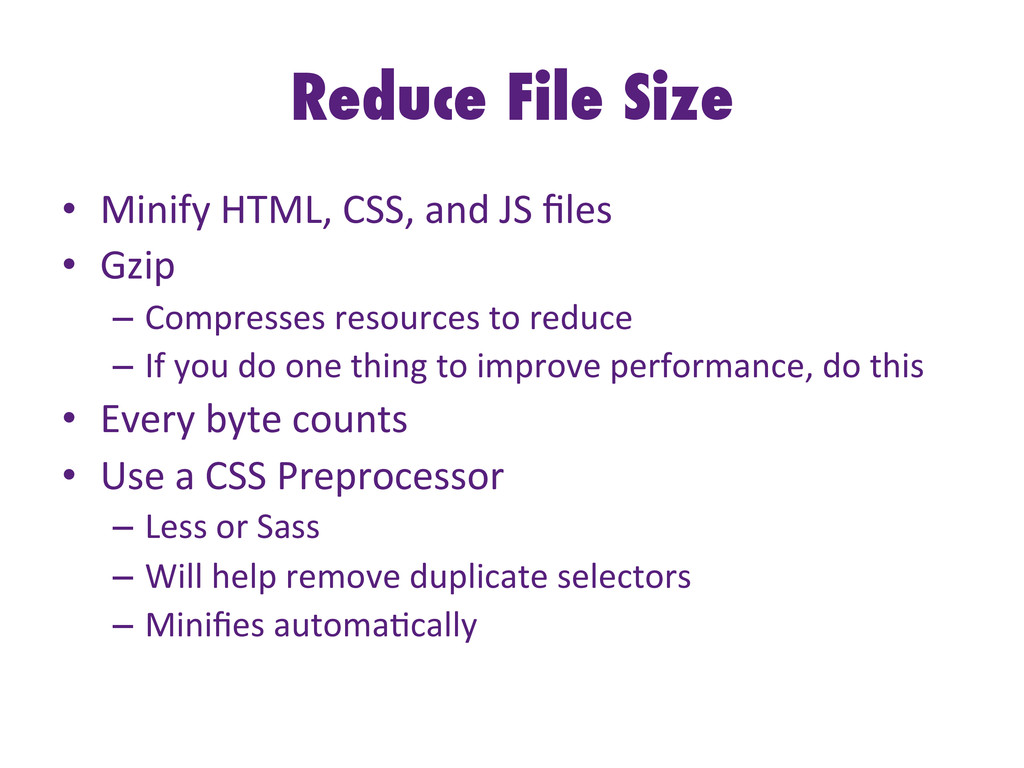
  33. Reduce File Size •  Minify  HTML,  CSS,  and  JS  files

      •  Gzip     –  Compresses  resources  to  reduce     –  If  you  do  one  thing  to  improve  performance,  do  this   •  Every  byte  counts   •  Use  a  CSS  Preprocessor   –  Less  or  Sass   –  Will  help  remove  duplicate  selectors   –  Minifies  automa-cally  
  34. Frameworks •  Do  you  really  need  a  Framework?   – jQuery

     Framework  for  just  one  Select   •  Do  you  need  the  whole  CSS  Framework?   – Download  all  of  Bootstrap  just  for  the  icons   – jQuery  UI  –  Do  you  need  every  component?   •  Why  use  a  bloated  Framework   – hHp://microjs.com/   •  Do  you  even  need  a  Framework   – Use  Vanilla  JS  
  35. Optimize Images •  Images  make  up  between  50%-­‐60%  of  the

      average  website  payload   •  Save  the  image  in  the  correct  format   – If  you  have  to,  save  in  each  format   •  Don’t  load  a  big  image  and  make  the  browser   scale  it  down   – <img  src=“hugeImage.png”  width=“50px”  />   •  Use  an  Image  Op-mizer   – ImageOp-m  on  Mac,  Image  Resizer  NuGet  
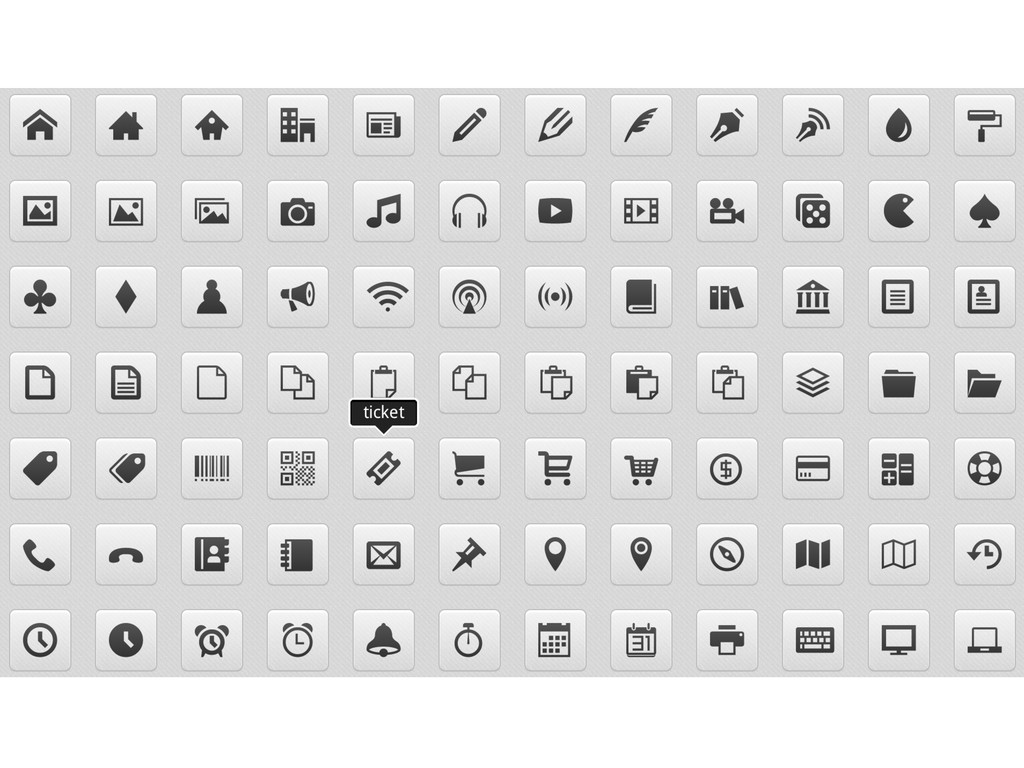
  36. Icon Fonts •  It’s  a  font,  so  one  download  

    –  Instead  of  mul-ple  images   •  Benefits   –  Scale  them  with  CSS   –  Color  them  with  CSS   –  Add  shadow,  change  opacity,  and/or  rotate  with  CSS   –  They  automa-cally  scale  for  re-na  displays   •  IcoMoon   –  Search  different  icon  fonts  and  create  your  own  font  
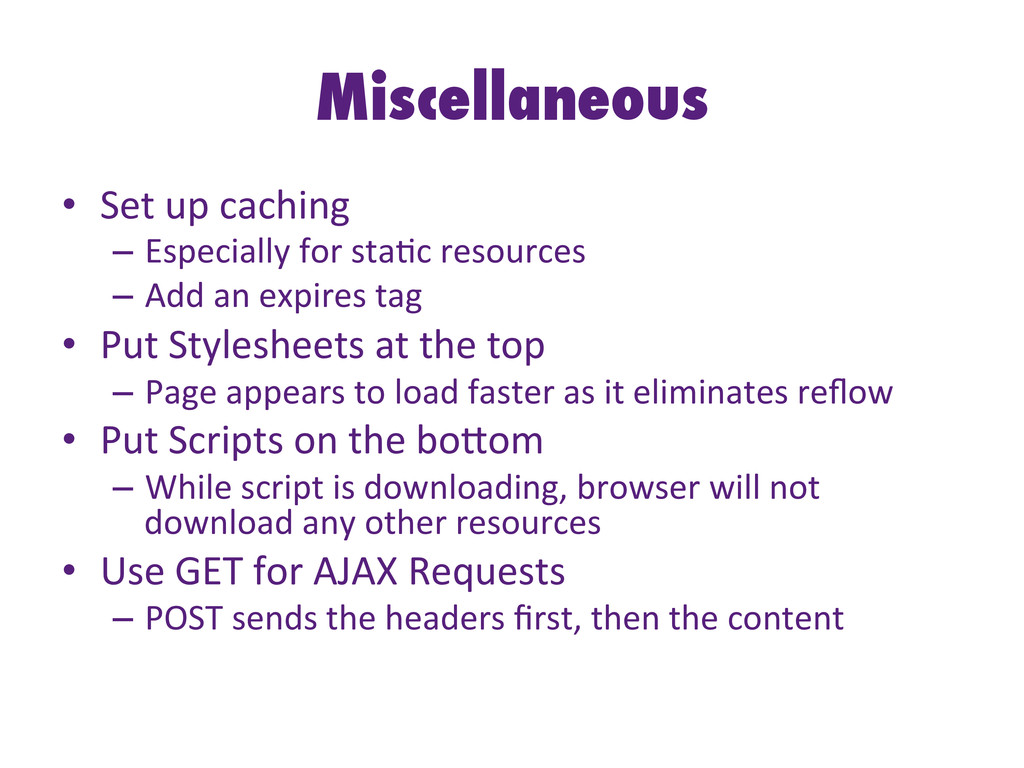
  37. Miscellaneous •  Set  up  caching   –  Especially  for  sta-c

     resources   –  Add  an  expires  tag   •  Put  Stylesheets  at  the  top   –  Page  appears  to  load  faster  as  it  eliminates  reflow   •  Put  Scripts  on  the  boHom   –  While  script  is  downloading,  browser  will  not   download  any  other  resources   •  Use  GET  for  AJAX  Requests   –  POST  sends  the  headers  first,  then  the  content  
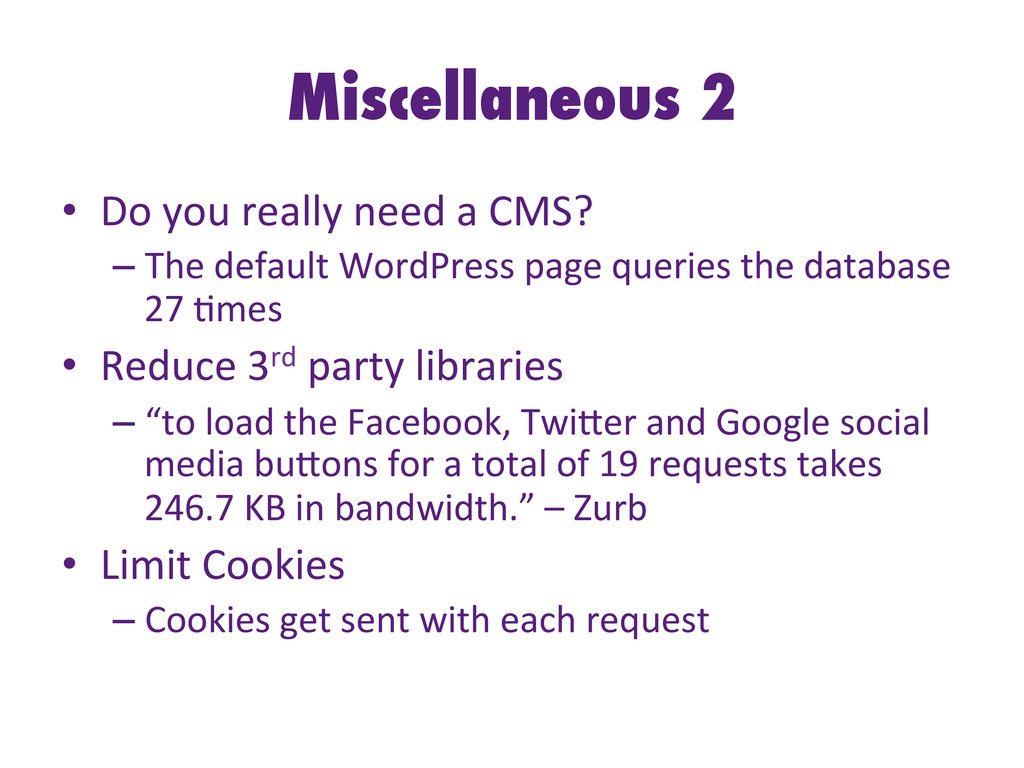
  38. Miscellaneous 2 •  Do  you  really  need  a  CMS?  

    – The  default  WordPress  page  queries  the  database   27  -mes   •  Reduce  3rd  party  libraries   – “to  load  the  Facebook,  TwiHer  and  Google  social   media  buHons  for  a  total  of  19  requests  takes   246.7  KB  in  bandwidth.”  –  Zurb   •  Limit  Cookies   – Cookies  get  sent  with  each  request  
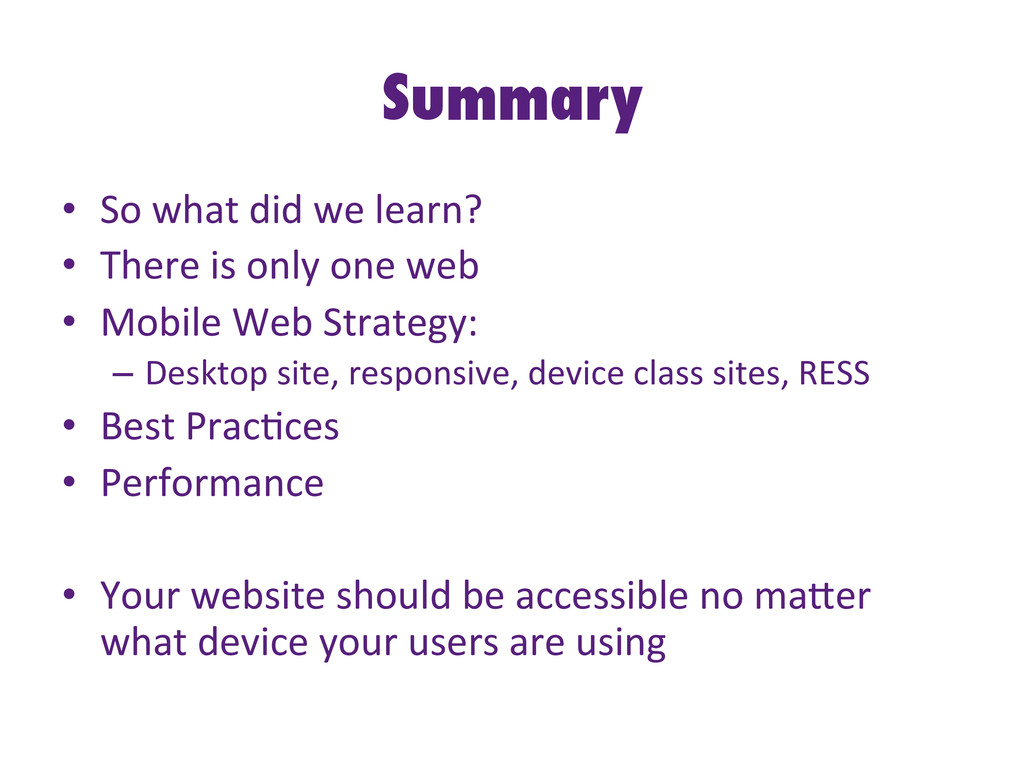
  39. Summary •  So  what  did  we  learn?   •  There

     is  only  one  web   •  Mobile  Web  Strategy:   –  Desktop  site,  responsive,  device  class  sites,  RESS   •  Best  Prac-ces   •  Performance   •  Your  website  should  be  accessible  no  maHer   what  device  your  users  are  using  
  40. Images Courtesy of … •  Brad  Frost  –  hHp://bradfrostweb.com  

    •  CSS  Tricks  –  hHp://css-­‐tricks.com   •  Bukk  It  –  hHp://bukk.it   •  Web  Performance  Today  -­‐   hHp://www.webperformancetoday.com/   •  W3C  –  hHp://w3.org