Upgrade to Pro — share decks privately, control downloads, hide ads and more …

How to balance usability and security in access...

Avatar for Mona Mona
June 13, 2025
5

How to balance usability and security in access control

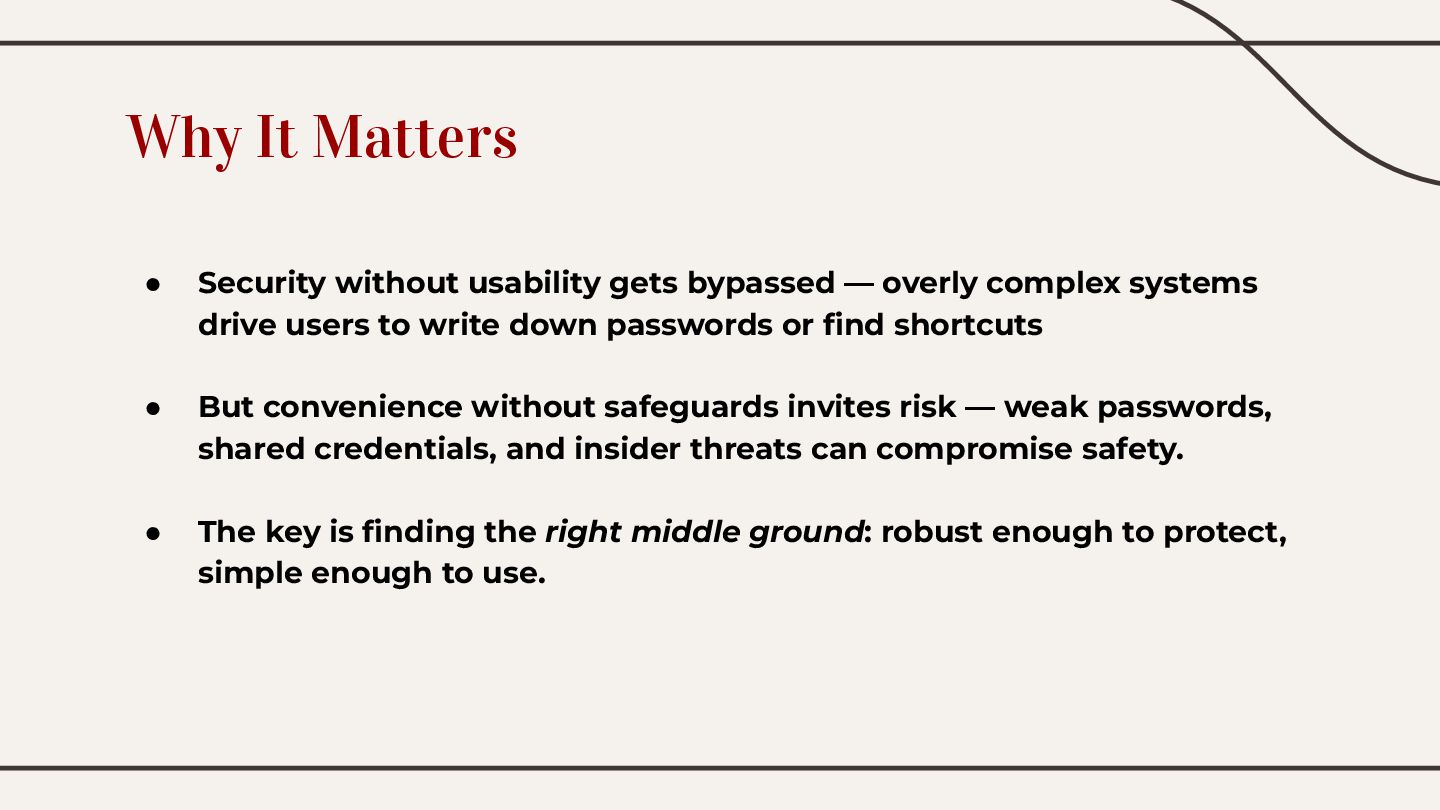
Security without usability gets bypassed — overly complex systems drive users to write down passwords or find shortcuts
But convenience without safeguards invites risk — weak passwords, shared credentials, and insider threats can compromise safety.The key is finding the right middle ground: access control robust enough to protect, simple enough to use.

Avatar for Mona

Mona

June 13, 2025
Tweet

Transcript

  1. Why It Matters • Security without usability gets bypassed —

    overly complex systems drive users to write down passwords or find shortcuts • But convenience without safeguards invites risk — weak passwords, shared credentials, and insider threats can compromise safety. • The key is finding the right middle ground: robust enough to protect, simple enough to use.
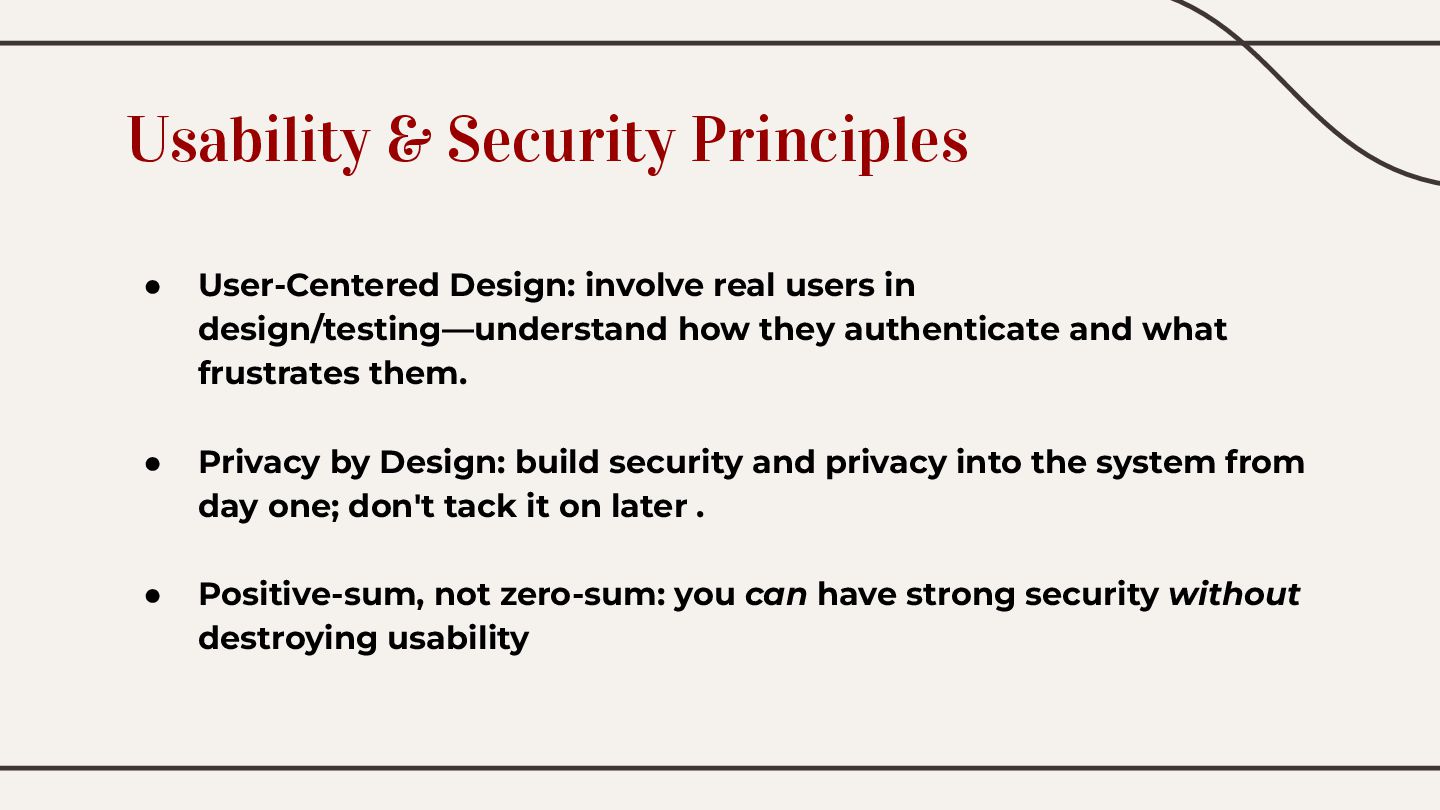
  2. Usability & Security Principles • User-Centered Design: involve real users

    in design/testing—understand how they authenticate and what frustrates them. • Privacy by Design: build security and privacy into the system from day one; don't tack it on later . • Positive-sum, not zero-sum: you can have strong security without destroying usability
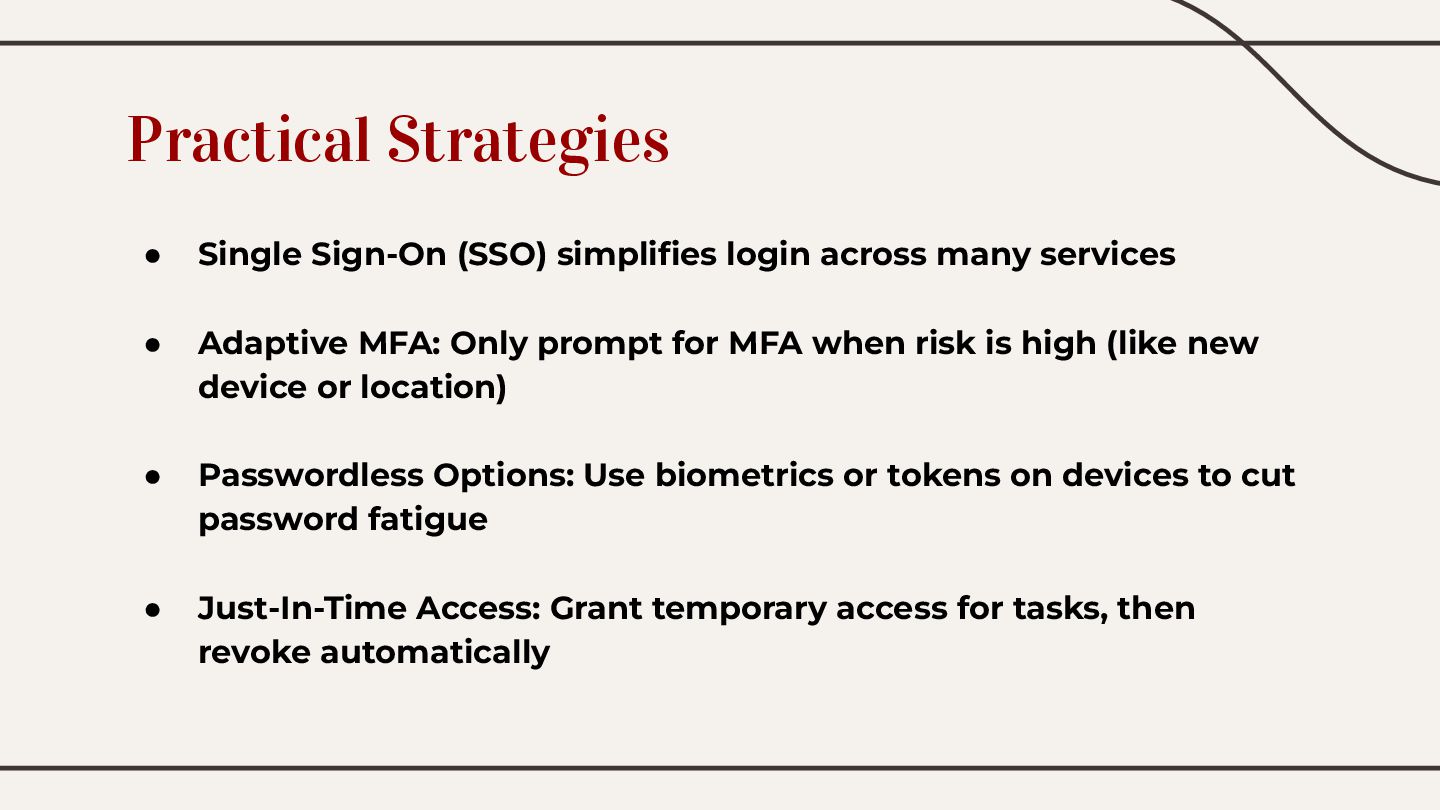
  3. Practical Strategies • Single Sign-On (SSO) simplifies login across many

    services • Adaptive MFA: Only prompt for MFA when risk is high (like new device or location) • Passwordless Options: Use biometrics or tokens on devices to cut password fatigue • Just-In-Time Access: Grant temporary access for tasks, then revoke automatically
  4. Real World Examples • Corporate IT: SSO + adaptive MFA

    enables secure access, with timely MFA challenges • Mobile Apps: Biometric login (FaceID/Fingerprint) ensures security with zero hassle • Edge Devices: Local (edge) access decisions reduce delays and improve crash resilience
  5. Watch Out for These Pitfalls • Overdoing MFA: Prompting every

    login is frustrating—users may resist • Password Overload: Complex rules drive users to insecure workarounds  . • Skipping User Testing: Don’t assume IT’s version of “simple” matches user reality
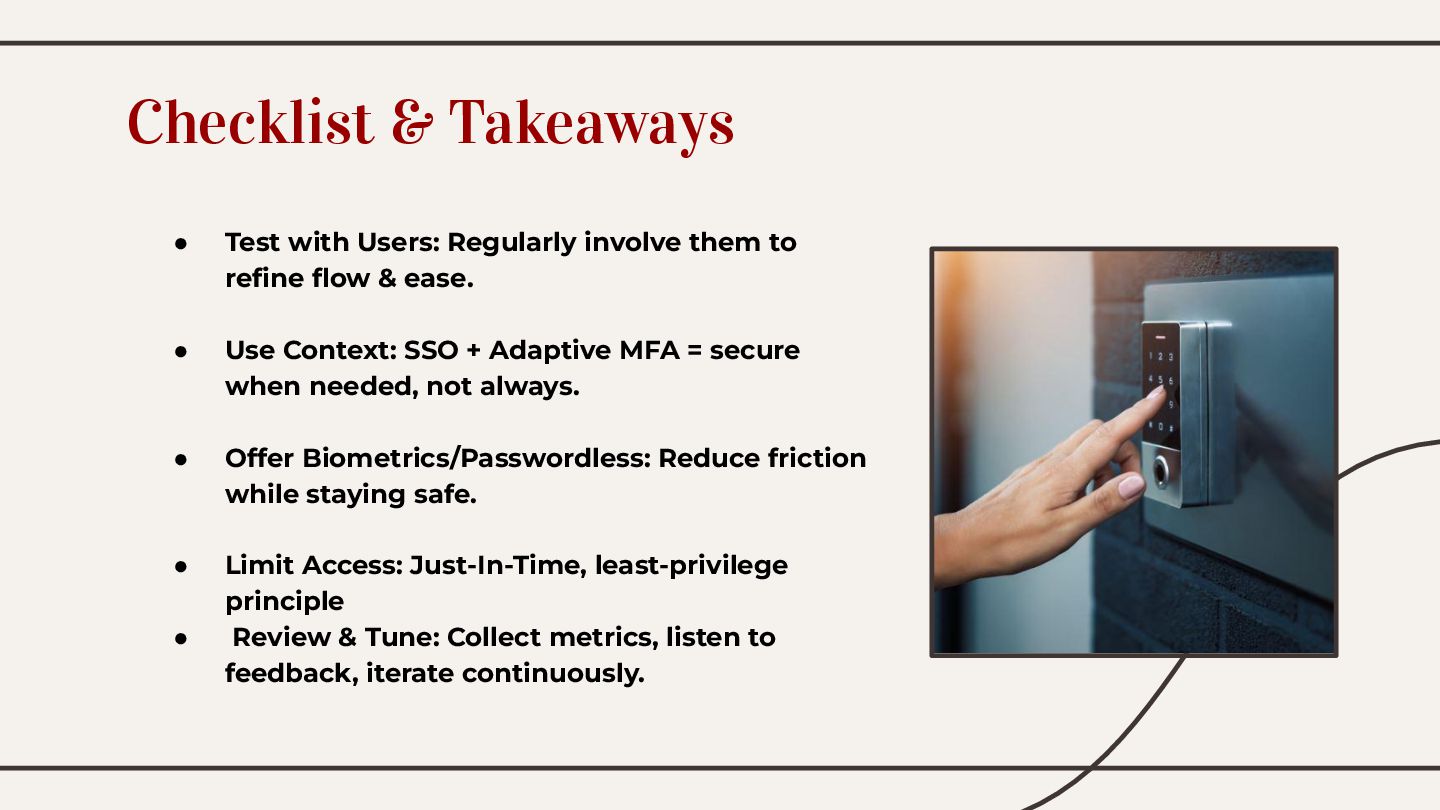
  6. • Test with Users: Regularly involve them to refine flow

    & ease. • Use Context: SSO + Adaptive MFA = secure when needed, not always. • Offer Biometrics/Passwordless: Reduce friction while staying safe. • Limit Access: Just-In-Time, least-privilege principle • Review & Tune: Collect metrics, listen to feedback, iterate continuously. Checklist & Takeaways
  7. Thank You! Great access control is not a trade-off. It's

    a thoughtful integration—strong, seamless, and user‑friendly.