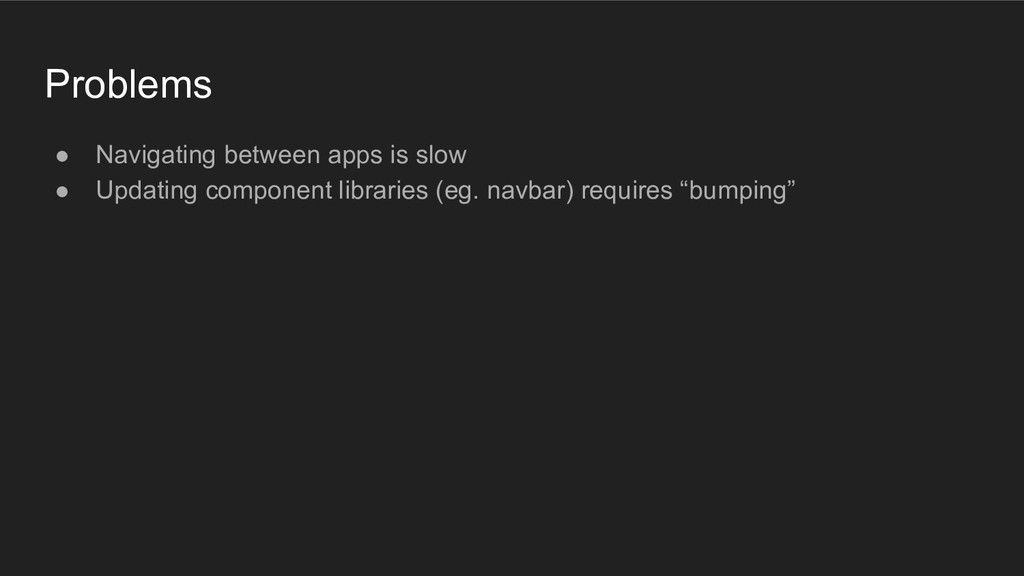
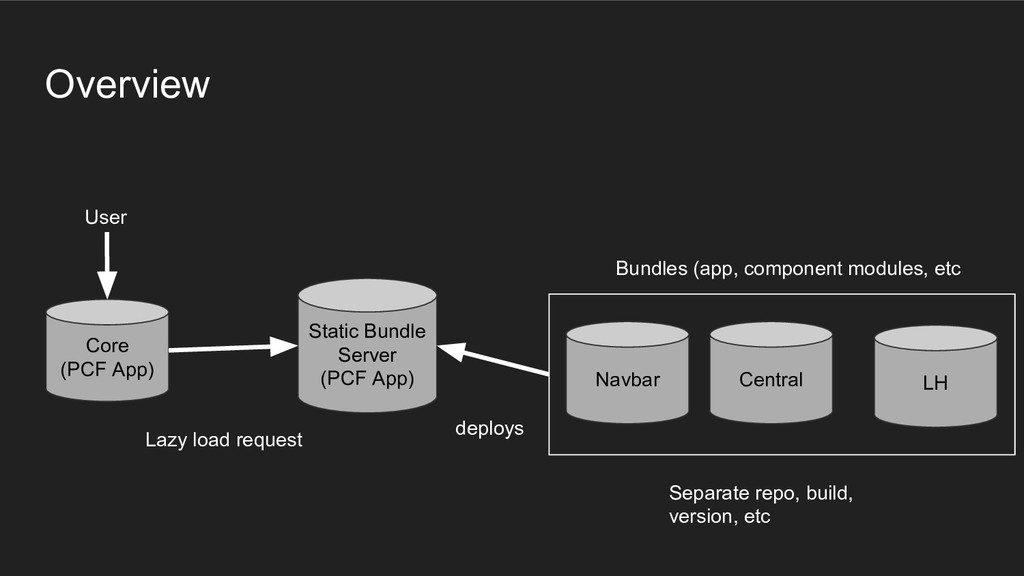
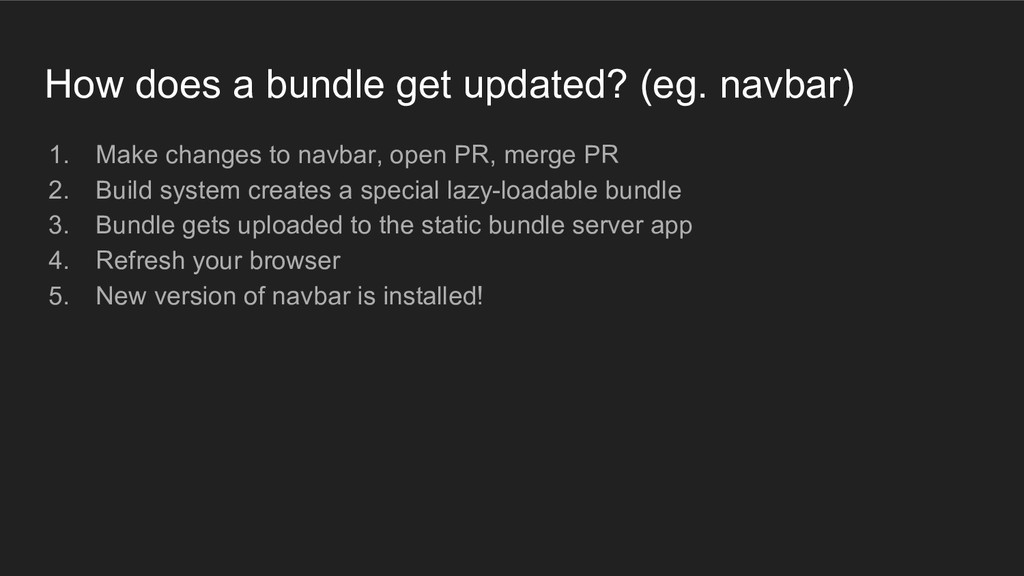
changes to navbar, open PR, merge PR 2. Build system creates a special lazy-loadable bundle 3. Bundle gets uploaded to the static bundle server app 4. Refresh your browser 5. New version of navbar is installed!
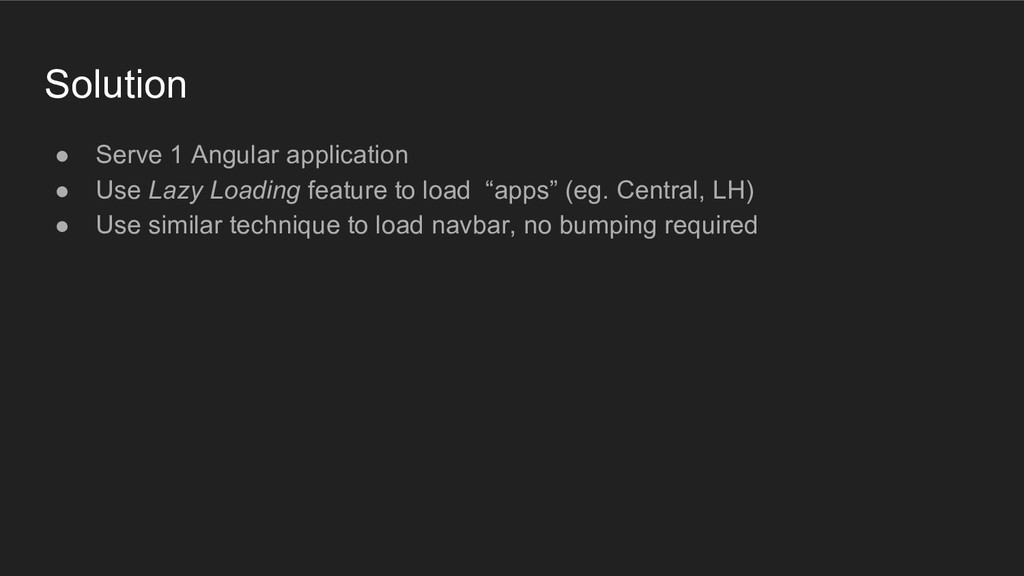
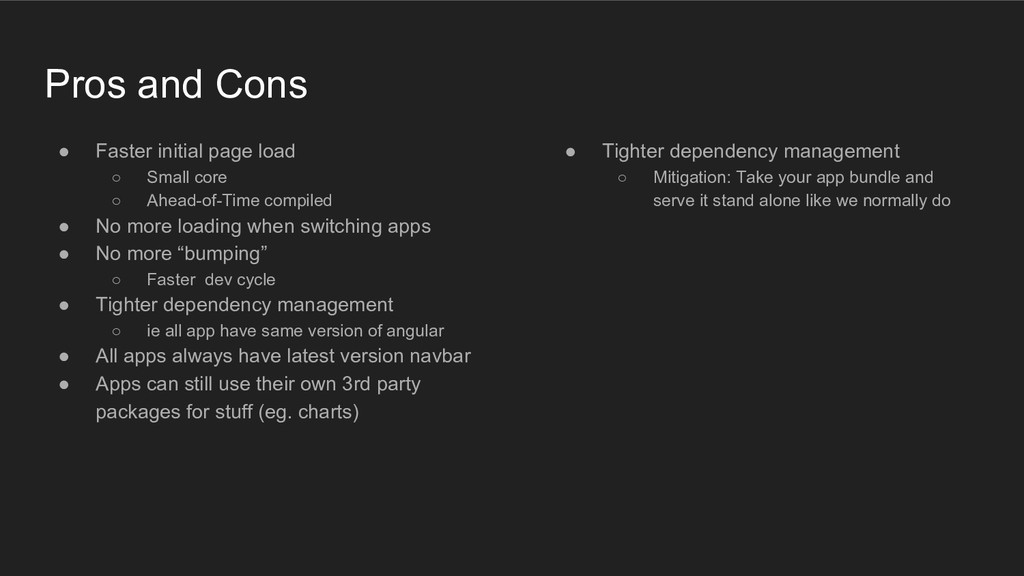
core ◦ Ahead-of-Time compiled • No more loading when switching apps • No more “bumping” ◦ Faster dev cycle • Tighter dependency management ◦ ie all app have same version of angular • All apps always have latest version navbar • Apps can still use their own 3rd party packages for stuff (eg. charts) • Tighter dependency management ◦ Mitigation: Take your app bundle and serve it stand alone like we normally do


 rmw
rmw
 seathinner
 tammyeverts
 danielanewman
 lara
lara
 codingconduct
 kimpetersen
 csswizardry
 lindahogenes
 chriscoyier
 thekraken
 mraible