Share
Embed
Hashing 101
Introduction to hash functions, fuzzy hashing. Delivered by Jesse Kornblum
mtanji
September 13, 2012
Transcript
52 slides
-
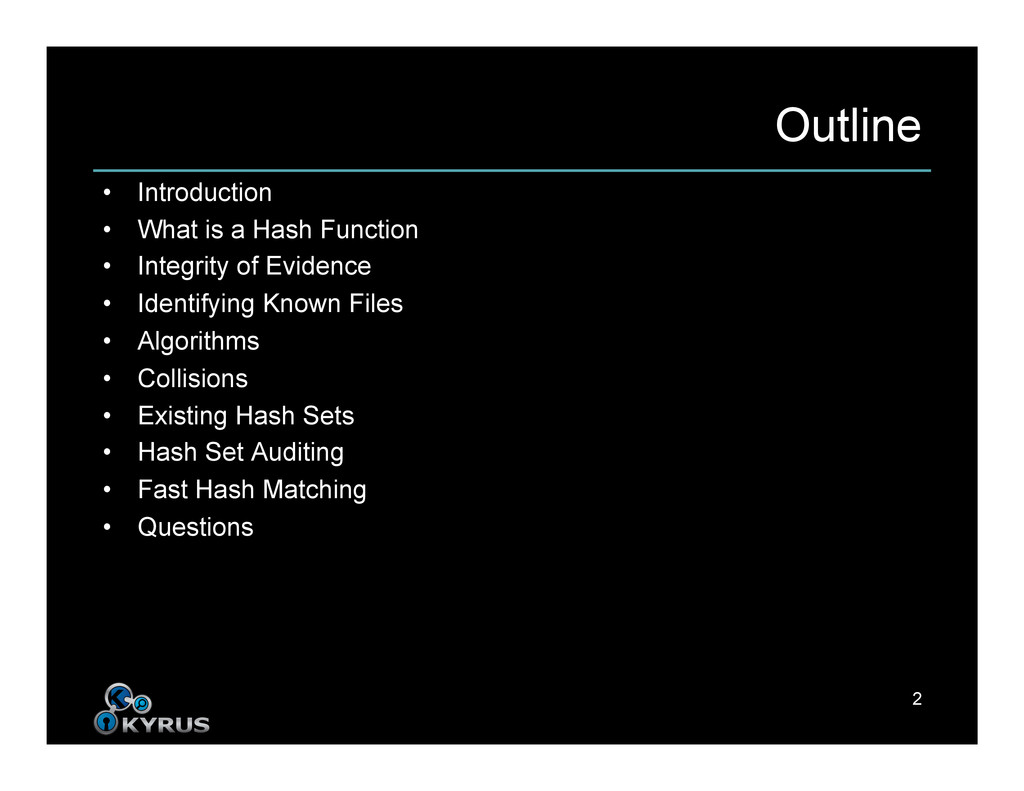
2 Outline • Introduction • What is a Hash Function
• Integrity of Evidence • Identifying Known Files • Algorithms • Collisions • Existing Hash Sets • Hash Set Auditing • Fast Hash Matching • Questions -
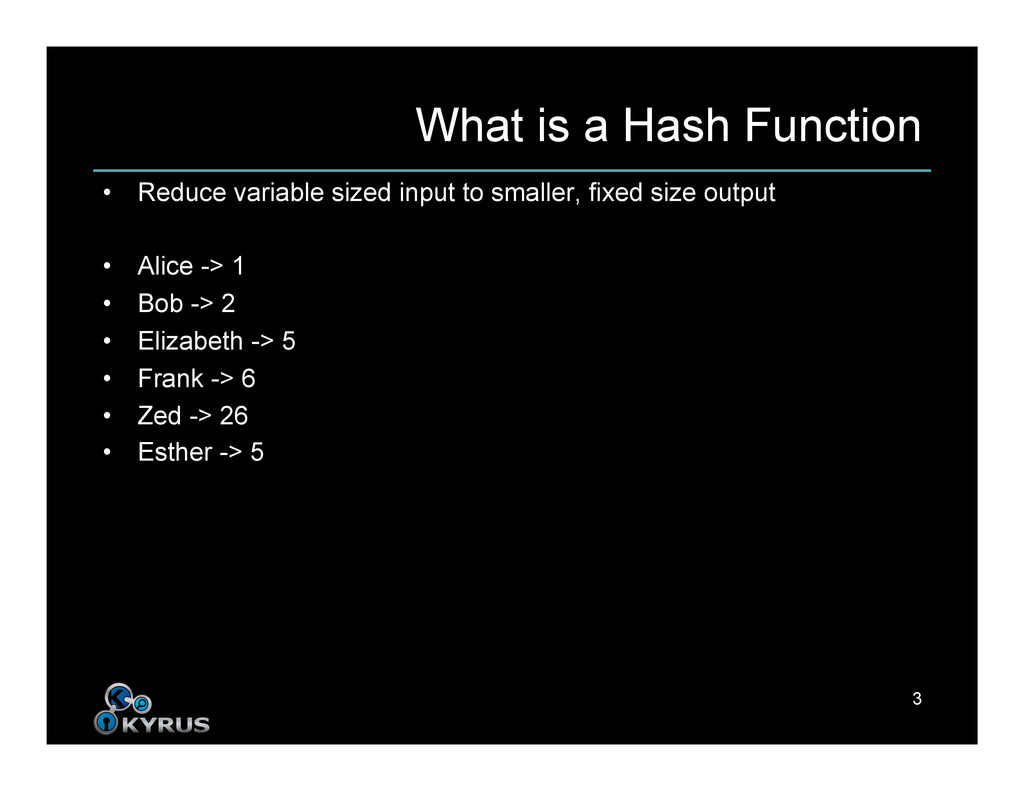
What is a Hash Function • Reduce variable sized input
to smaller, fixed size output • Alice -> 1 • Bob -> 2 • Elizabeth -> 5 • Frank -> 6 • Zed -> 26 • Esther -> 5 3 -
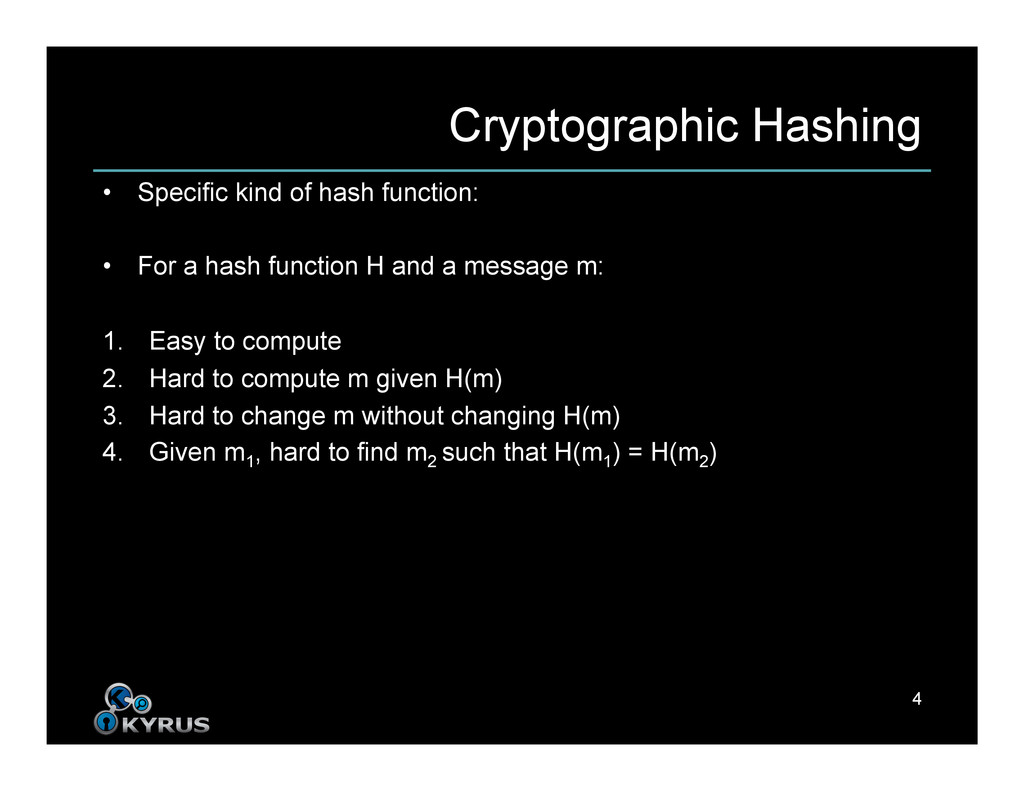
Cryptographic Hashing • Specific kind of hash function: • For
a hash function H and a message m: 1. Easy to compute 2. Hard to compute m given H(m) 3. Hard to change m without changing H(m) 4. Given m1 , hard to find m2 such that H(m1 ) = H(m2 ) 4 -
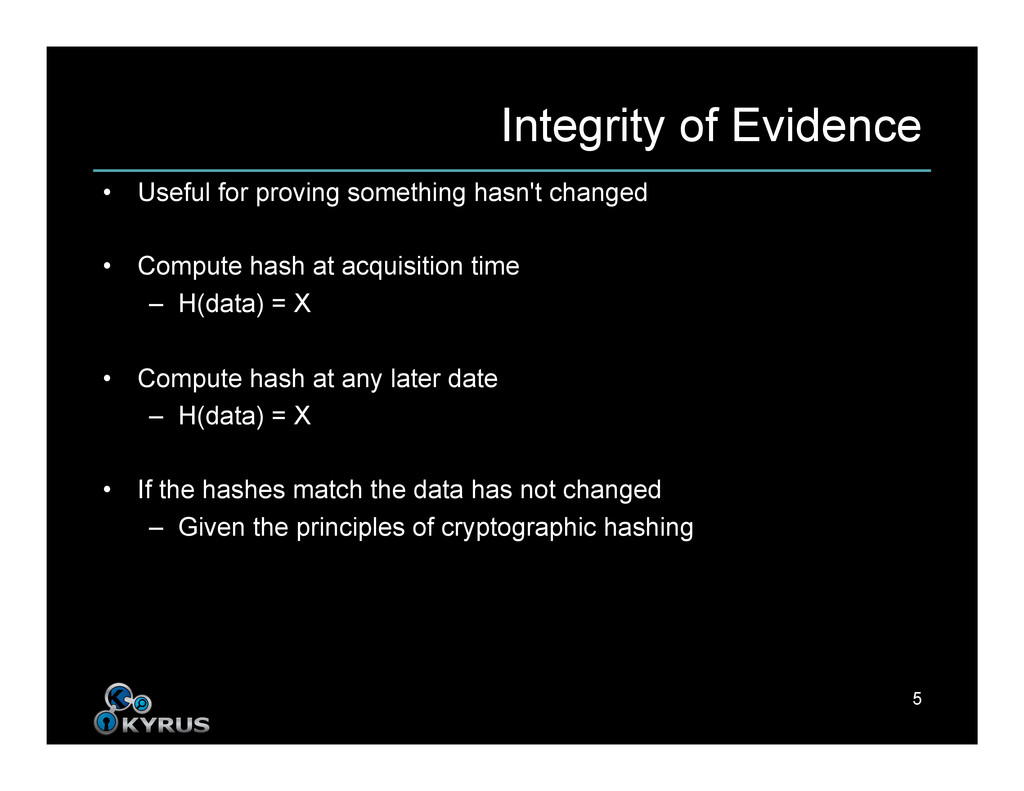
Integrity of Evidence • Useful for proving something hasn't changed
• Compute hash at acquisition time – H(data) = X • Compute hash at any later date – H(data) = X • If the hashes match the data has not changed – Given the principles of cryptographic hashing 5 -
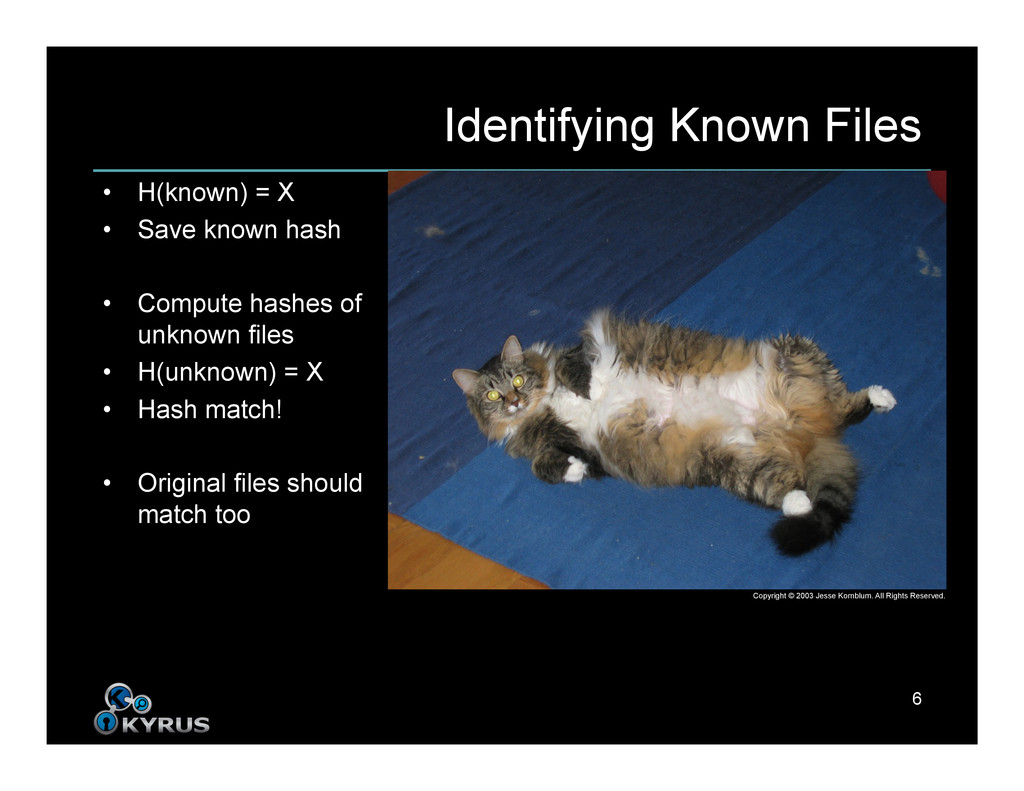
Identifying Known Files • H(known) = X • Save known
hash • Compute hashes of unknown files • H(unknown) = X • Hash match! • Original files should match too 6 Copyright © 2003 Jesse Kornblum. All Rights Reserved. -
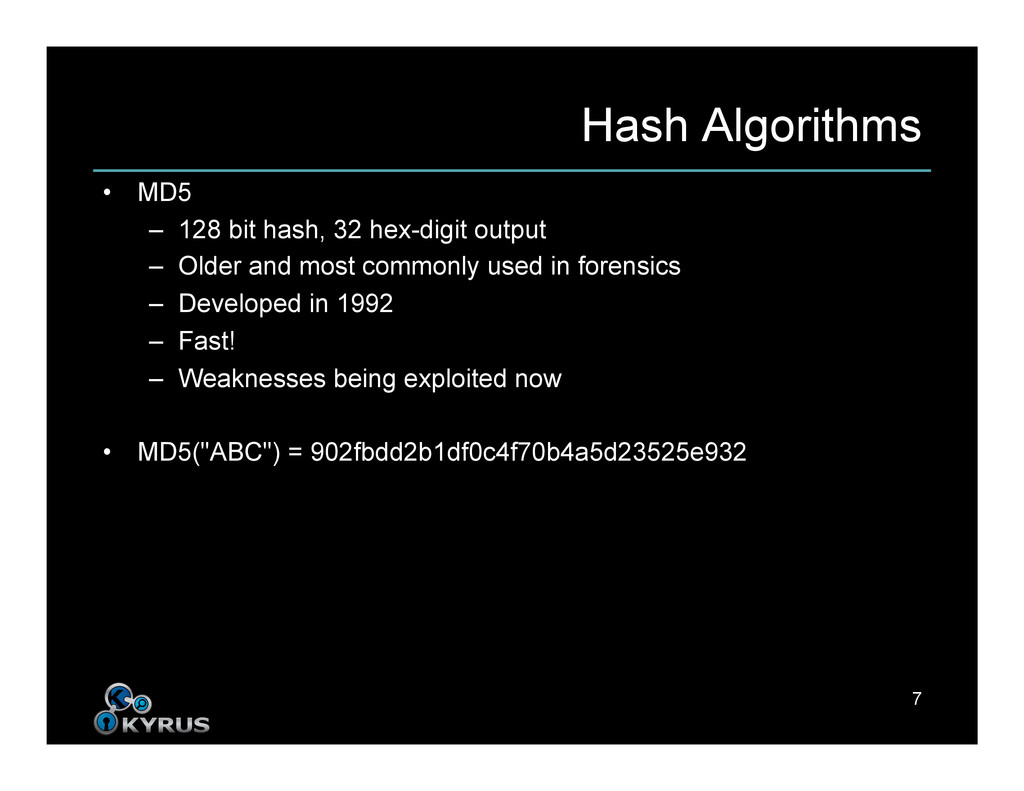
Hash Algorithms • MD5 – 128 bit hash, 32 hex-digit
output – Older and most commonly used in forensics – Developed in 1992 – Fast! – Weaknesses being exploited now • MD5("ABC") = 902fbdd2b1df0c4f70b4a5d23525e932 7 -
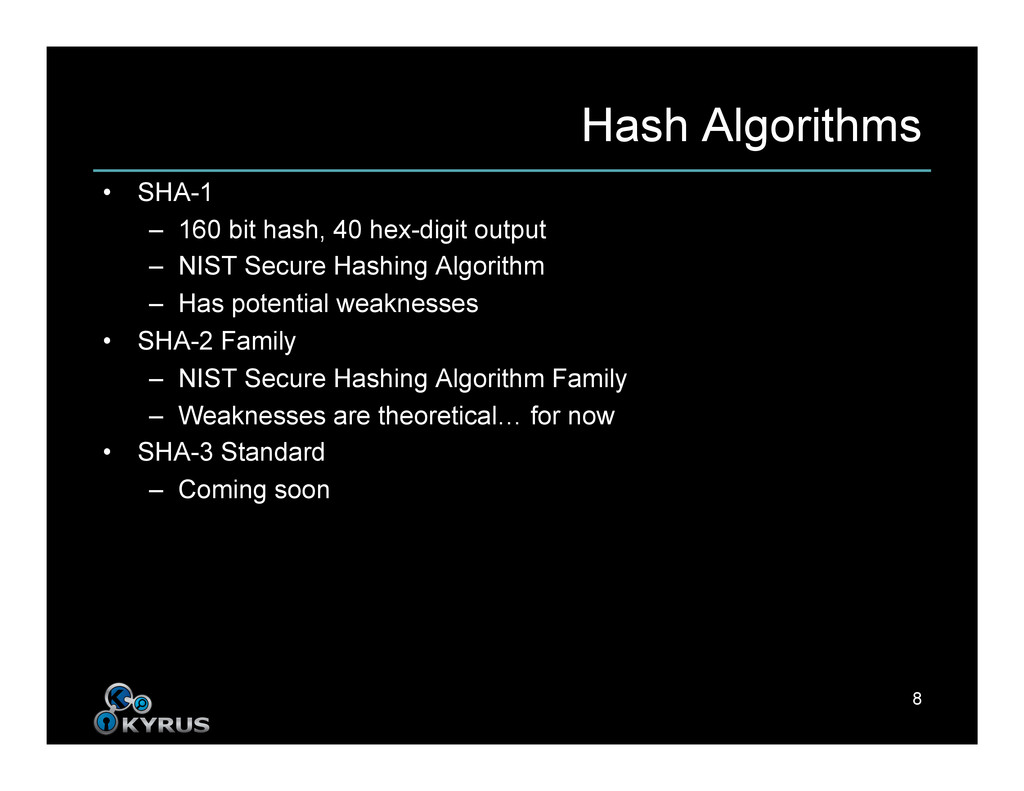
Hash Algorithms • SHA-1 – 160 bit hash, 40 hex-digit
output – NIST Secure Hashing Algorithm – Has potential weaknesses • SHA-2 Family – NIST Secure Hashing Algorithm Family – Weaknesses are theoretical… for now • SHA-3 Standard – Coming soon 8 -
Hash Programs • There are many! • Built into commercial
forensics tools • Available as stand-alone programs too • GUI and Command line tools • In this course we will be using the Hashdeep suite – Free and open source – Recursive processing – http://md5deep.sf.net 9 -
Hashdeep Suite • Hashdeep program – Uses multiple algorithms simultaneously
• Individual algorithms – md5deep – sha1deep – sha256deep – and more… • Started as md5deep 10 -
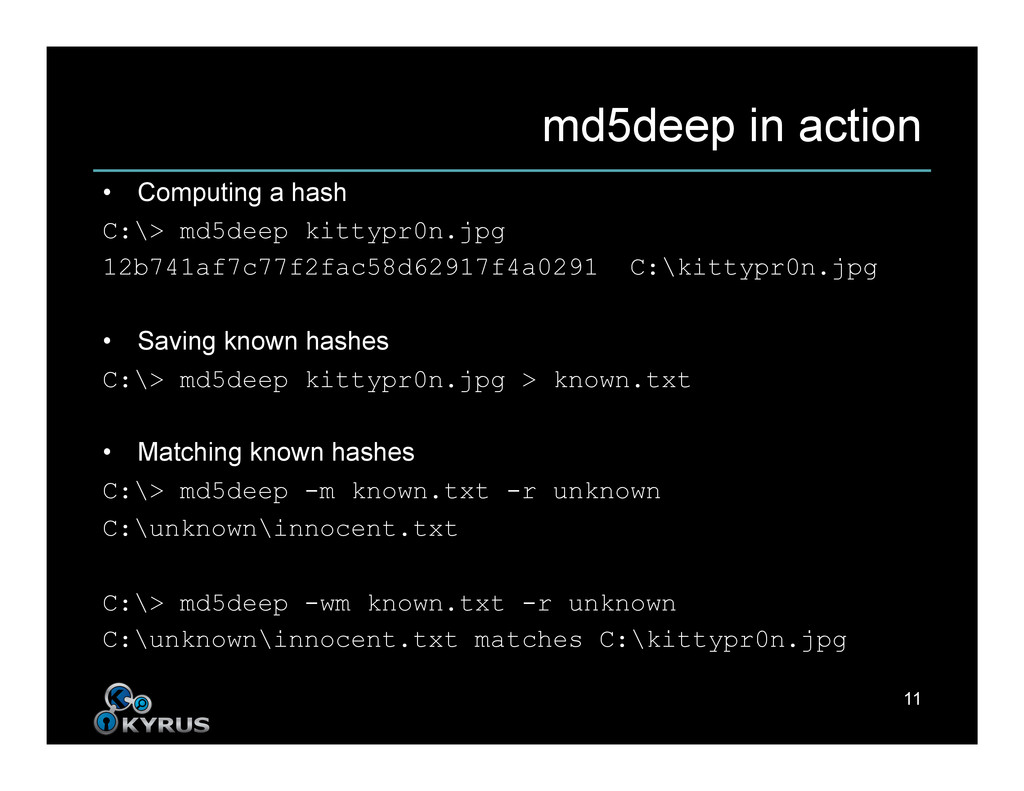
md5deep in action • Computing a hash C:\> md5deep kittypr0n.jpg
12b741af7c77f2fac58d62917f4a0291 C:\kittypr0n.jpg • Saving known hashes C:\> md5deep kittypr0n.jpg > known.txt • Matching known hashes C:\> md5deep -m known.txt -r unknown C:\unknown\innocent.txt C:\> md5deep -wm known.txt -r unknown C:\unknown\innocent.txt matches C:\kittypr0n.jpg 11 -
Hash Collisions • When two different inputs hash to the
same value • When m1 ≠ m2 , H(m1 ) = H(m2 ) • Extension of the Pigeon Hole Principle 12 -
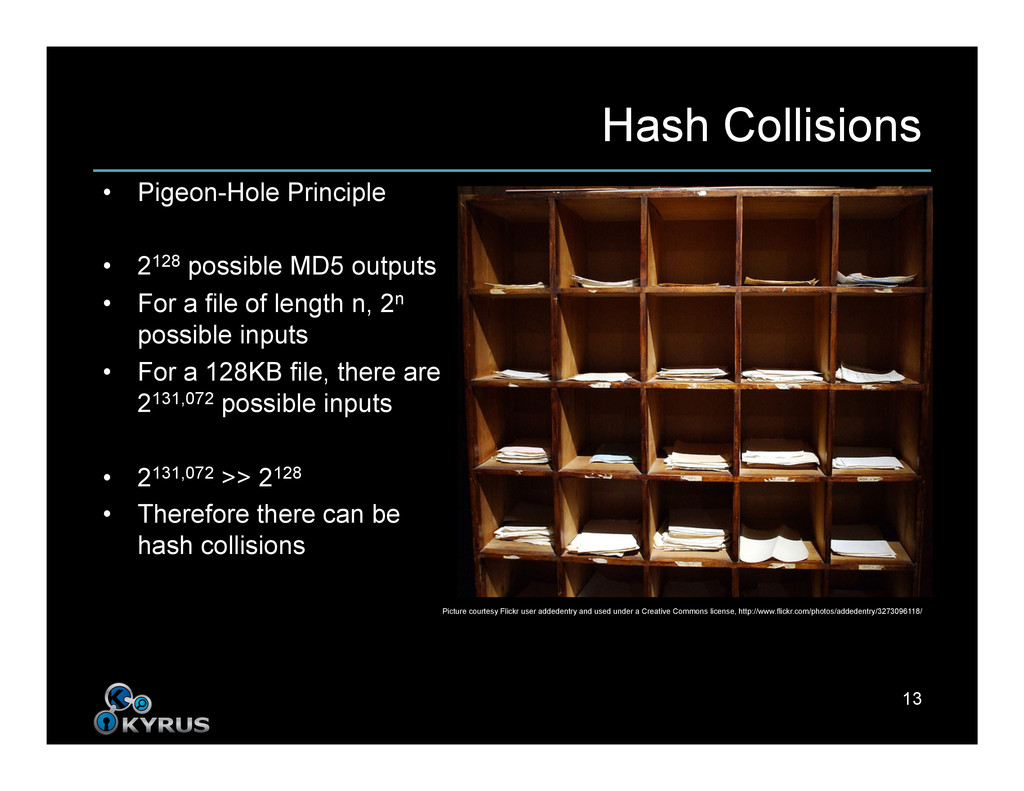
Hash Collisions • Pigeon-Hole Principle • 2128 possible MD5 outputs
• For a file of length n, 2n possible inputs • For a 128KB file, there are 2131,072 possible inputs • 2131,072 >> 2128 • Therefore there can be hash collisions 13 Picture courtesy Flickr user addedentry and used under a Creative Commons license, http://www.flickr.com/photos/addedentry/3273096118/ -
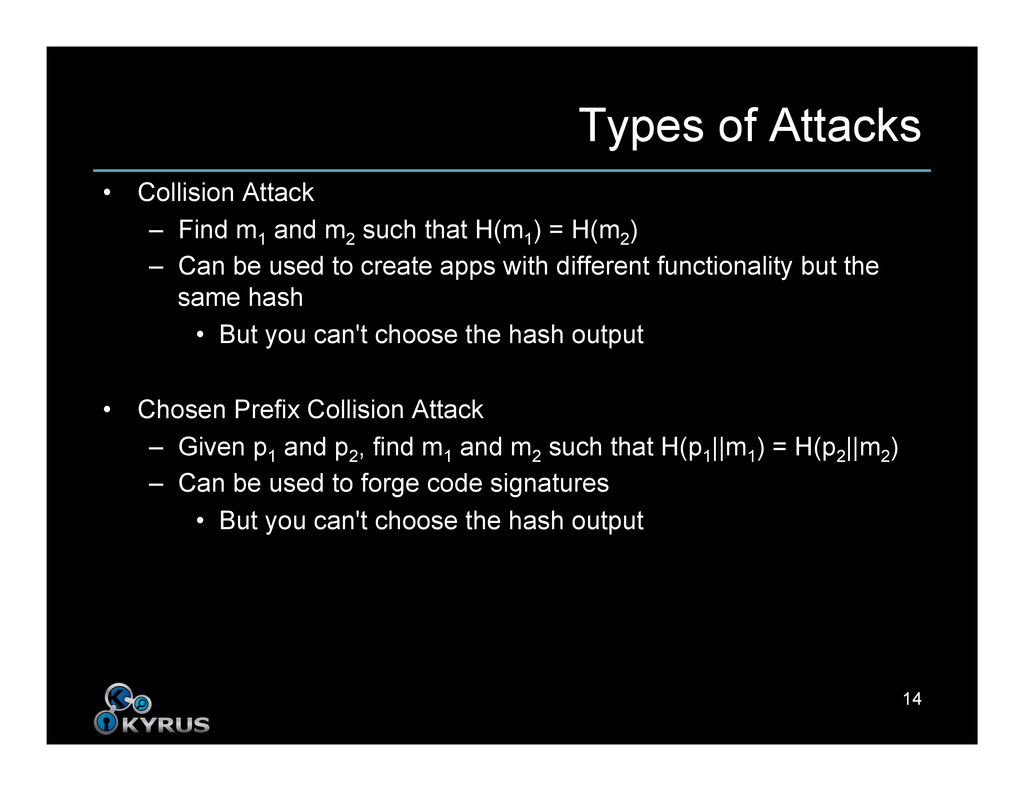
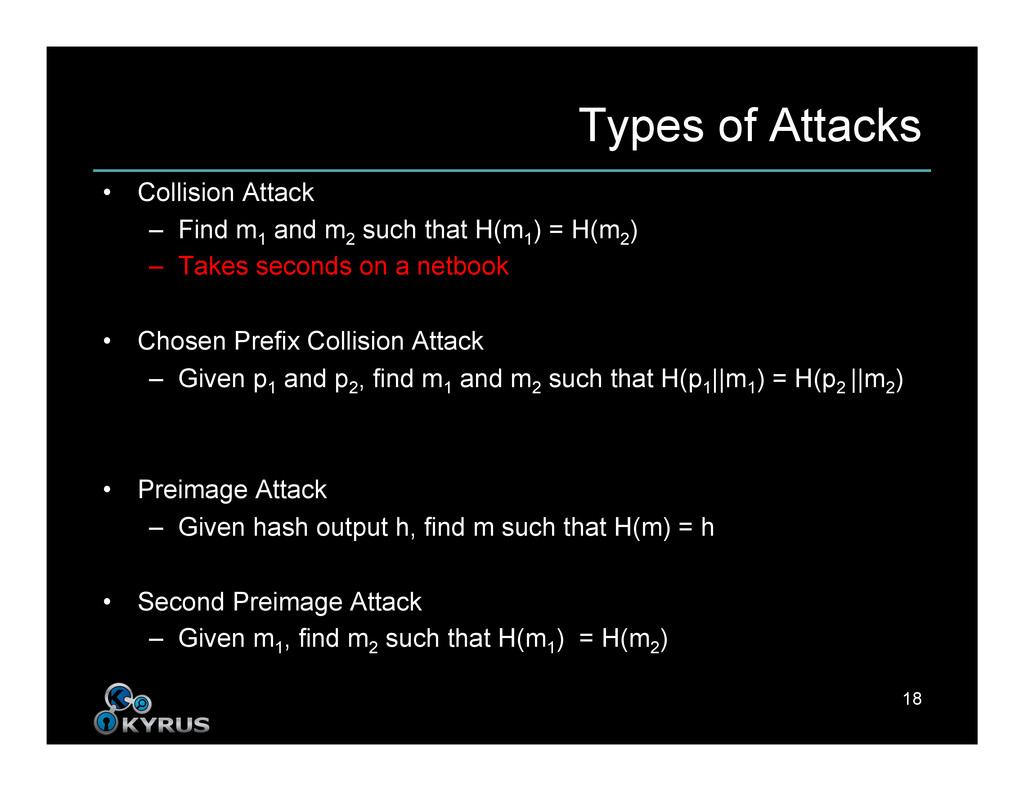
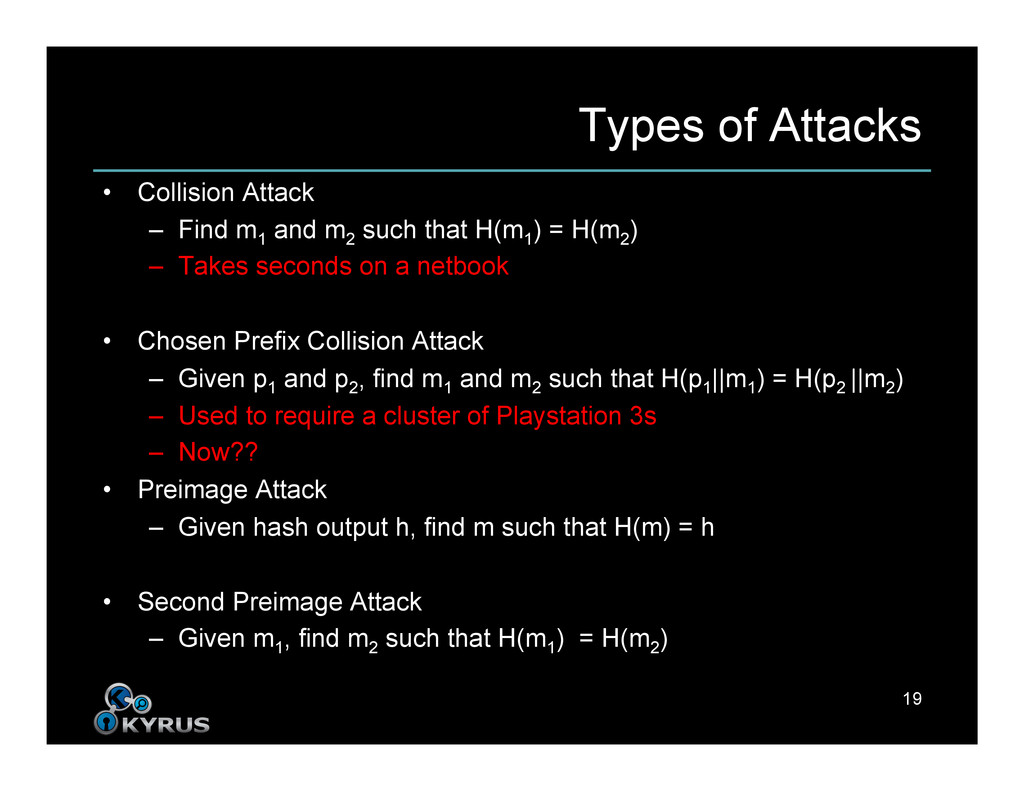
Types of Attacks • Collision Attack – Find m1 and
m2 such that H(m1 ) = H(m2 ) – Can be used to create apps with different functionality but the same hash • But you can't choose the hash output • Chosen Prefix Collision Attack – Given p1 and p2 , find m1 and m2 such that H(p1 ||m1 ) = H(p2 ||m2 ) – Can be used to forge code signatures • But you can't choose the hash output 14 -
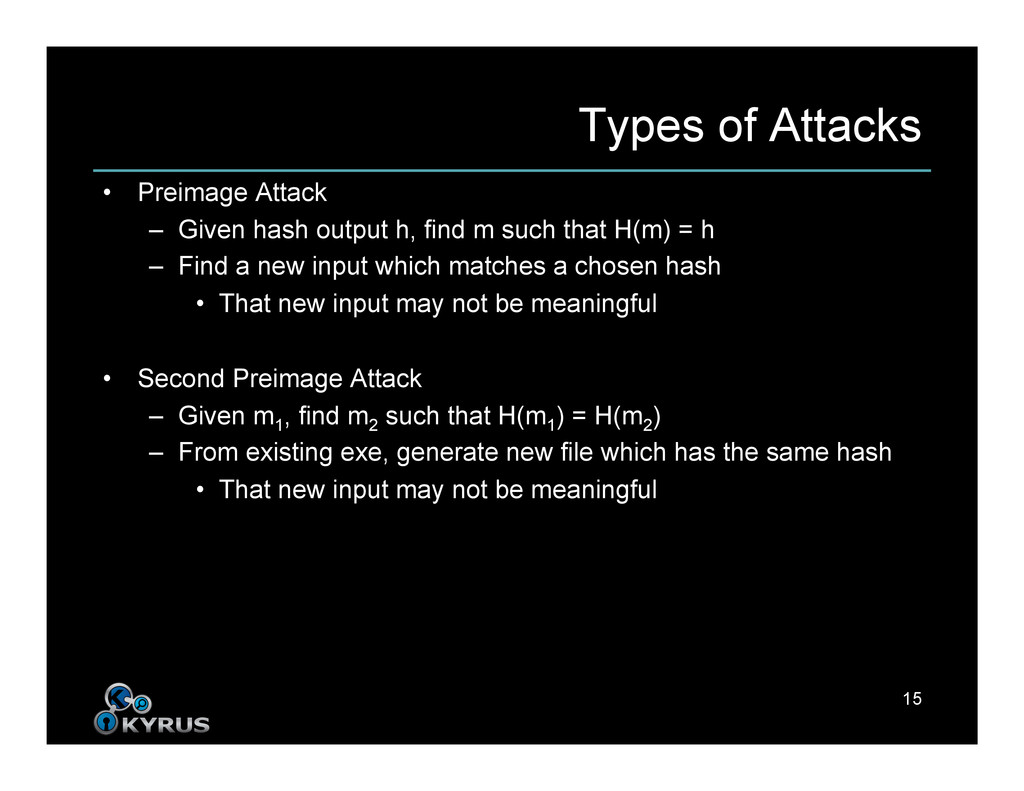
Types of Attacks • Preimage Attack – Given hash output
h, find m such that H(m) = h – Find a new input which matches a chosen hash • That new input may not be meaningful • Second Preimage Attack – Given m1 , find m2 such that H(m1 ) = H(m2 ) – From existing exe, generate new file which has the same hash • That new input may not be meaningful 15 -
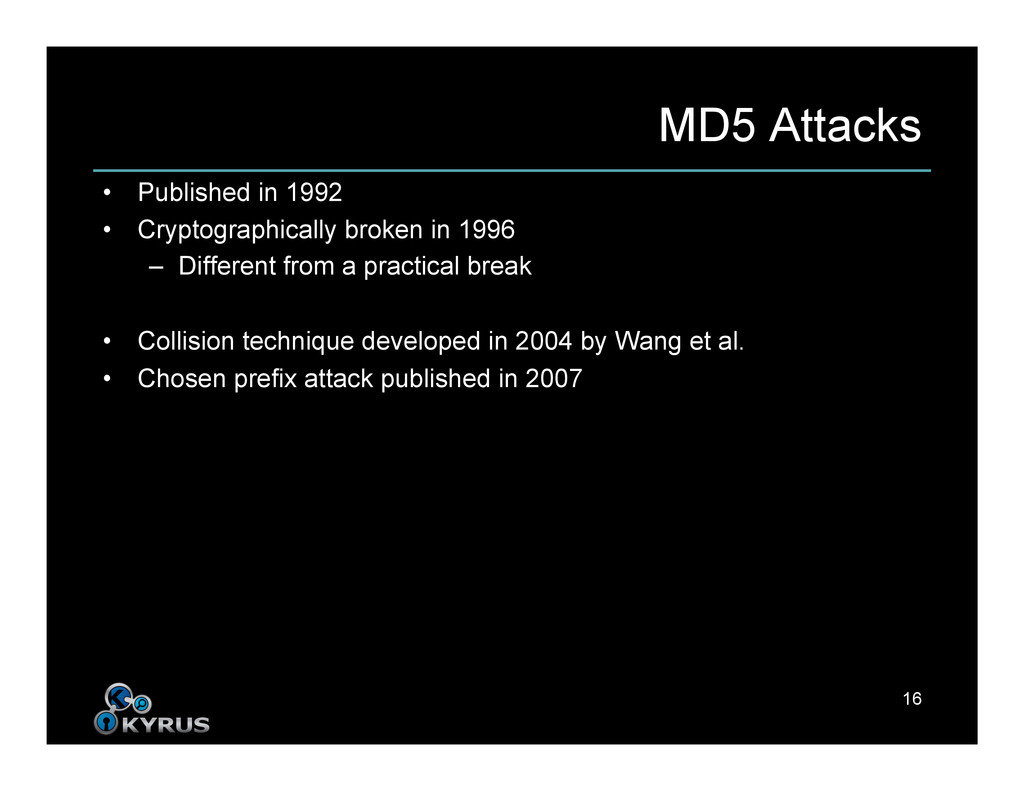
MD5 Attacks • Published in 1992 • Cryptographically broken in
1996 – Different from a practical break • Collision technique developed in 2004 by Wang et al. • Chosen prefix attack published in 2007 16 -
Types of Attacks • Collision Attack – Find m1 and
m2 such that H(m1 ) = H(m2 ) – Takes seconds on a netbook • Chosen Prefix Collision Attack – Given p1 and p2 , find m1 and m2 such that H(p1 ||m1 ) = H(p2 ||m2 ) • Preimage Attack – Given hash output h, find m such that H(m) = h • Second Preimage Attack – Given m1 , find m2 such that H(m1 ) = H(m2 ) 18 -
Types of Attacks • Collision Attack – Find m1 and
m2 such that H(m1 ) = H(m2 ) – Takes seconds on a netbook • Chosen Prefix Collision Attack – Given p1 and p2 , find m1 and m2 such that H(p1 ||m1 ) = H(p2 ||m2 ) – Used to require a cluster of Playstation 3s – Now?? • Preimage Attack – Given hash output h, find m such that H(m) = h • Second Preimage Attack – Given m1 , find m2 such that H(m1 ) = H(m2 ) 19 -
The Future of MD5 20 Picture courtesy Flickr user katerha
and used under a Creative Commons license, http://www.flickr.com/photos/katerha/4526272937/ -
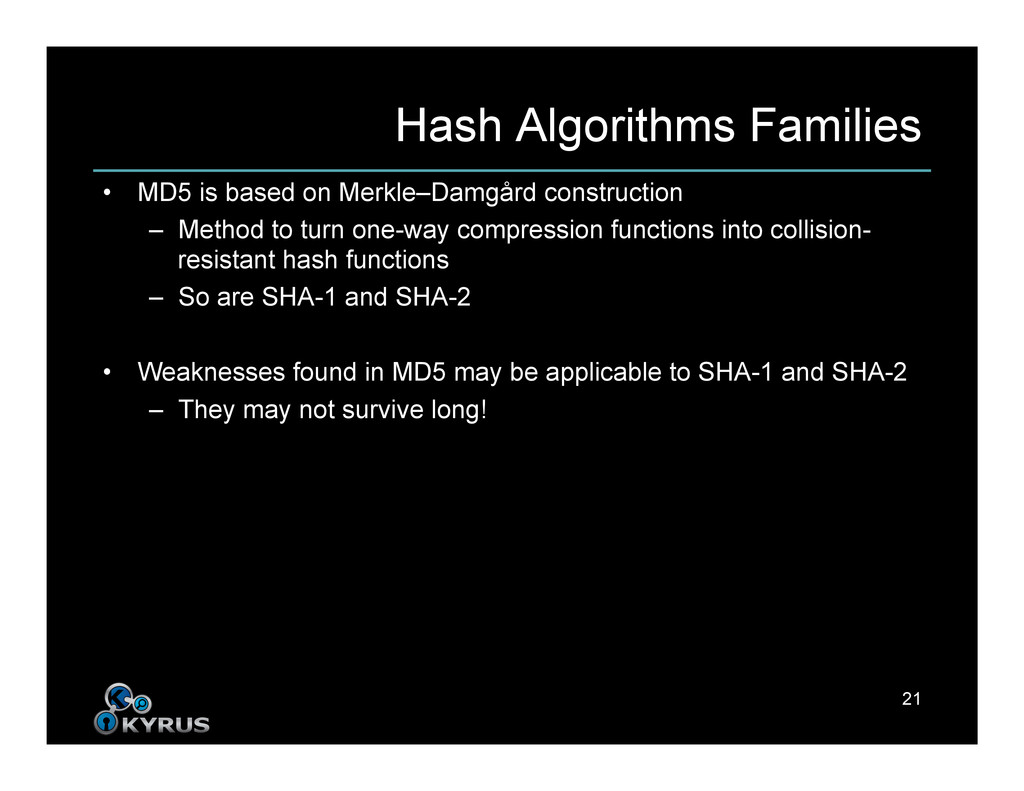
Hash Algorithms Families • MD5 is based on Merkle–Damgård construction
– Method to turn one-way compression functions into collision- resistant hash functions – So are SHA-1 and SHA-2 • Weaknesses found in MD5 may be applicable to SHA-1 and SHA-2 – They may not survive long! 21 -
Hash Algorithm Families • There are many other families •
Davies–Meyer • Matyas–Meyer–Oseas • Hirose • Miyaguchi–Preneel – Whirlpool algorithm – Part of hashdeep suite 23 -
SHA-3 • National Institute of Standards and Technology (NIST) •
Competition for SHA-3 standard – Much like Rijndael became “AES” • Three year process • Five Finalists – BLAKE, Grøstl, JH, Keccak, Skein • Final decision will be made Real Soon Now™ – http://csrc.nist.gov/groups/ST/hash/sha-3/ 24 -
NSRL • National Software Reference Library (NSRL) – Created by
NIST in 2001 • Known files – Not guaranteed to be known good – NIST will hash anything – Vendor contact for each file 25 -
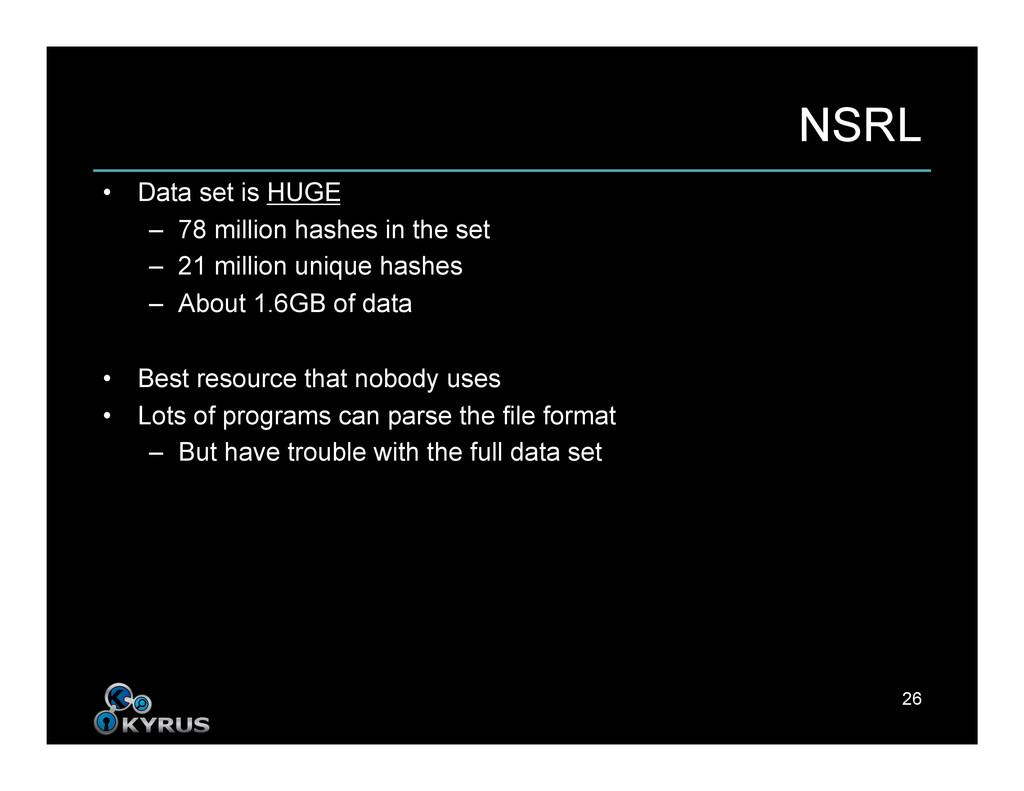
NSRL • Data set is HUGE – 78 million hashes
in the set – 21 million unique hashes – About 1.6GB of data • Best resource that nobody uses • Lots of programs can parse the file format – But have trouble with the full data set 26 -
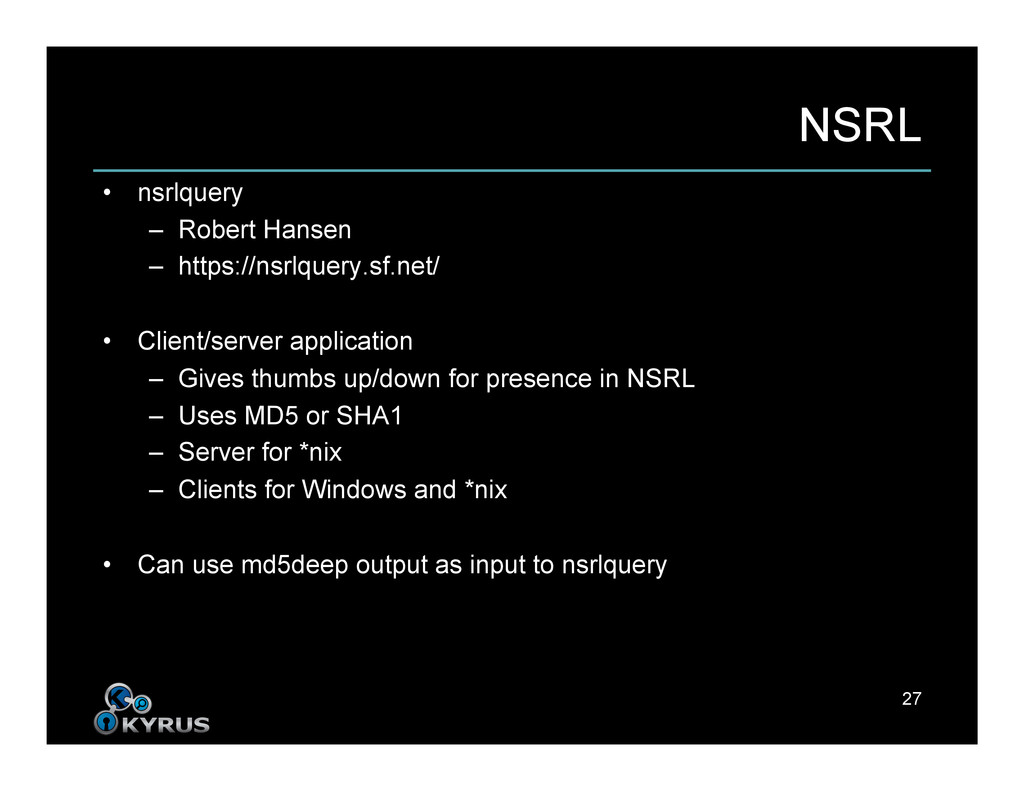
NSRL • nsrlquery – Robert Hansen – https://nsrlquery.sf.net/ • Client/server
application – Gives thumbs up/down for presence in NSRL – Uses MD5 or SHA1 – Server for *nix – Clients for Windows and *nix • Can use md5deep output as input to nsrlquery 27 -
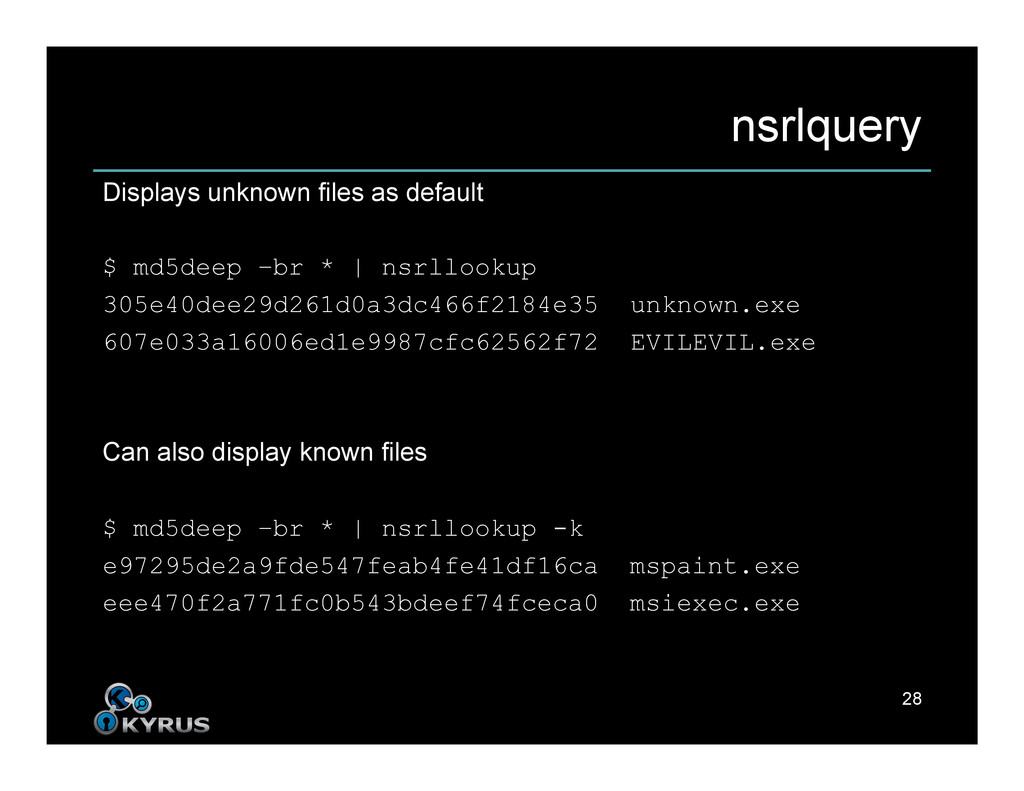
nsrlquery Displays unknown files as default $ md5deep –br *
| nsrllookup 305e40dee29d261d0a3dc466f2184e35 unknown.exe 607e033a16006ed1e9987cfc62562f72 EVILEVIL.exe Can also display known files $ md5deep –br * | nsrllookup -k e97295de2a9fde547feab4fe41df16ca mspaint.exe eee470f2a771fc0b543bdeef74fceca0 msiexec.exe 28 -
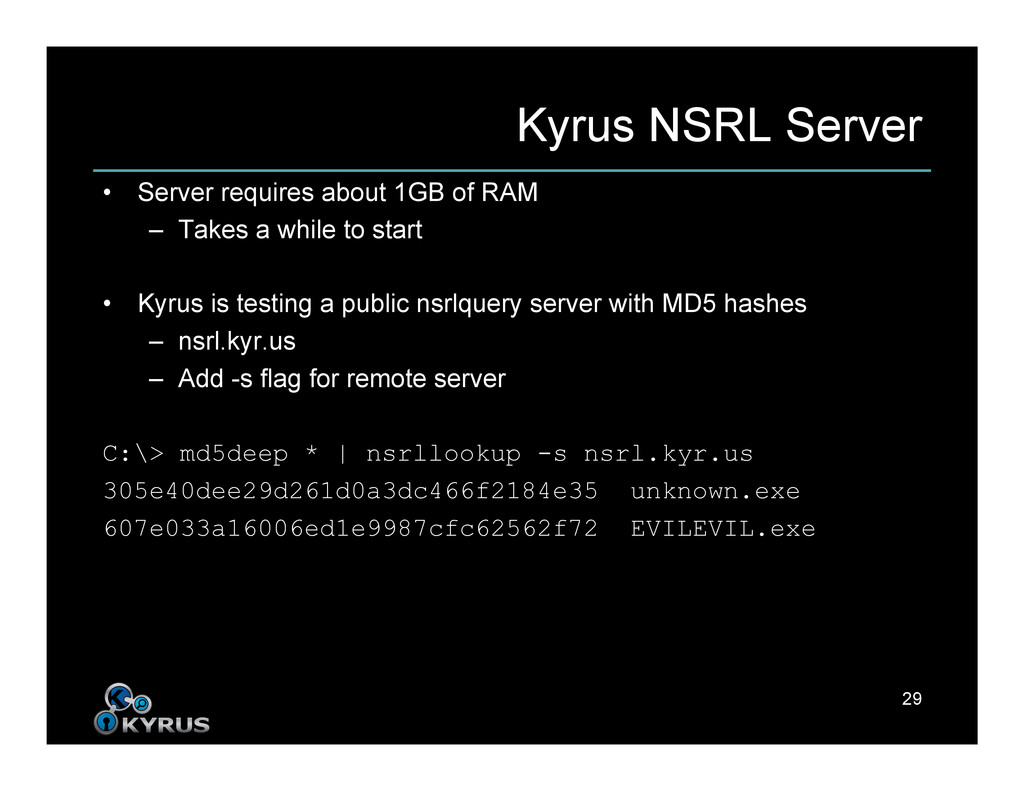
Kyrus NSRL Server • Server requires about 1GB of RAM
– Takes a while to start • Kyrus is testing a public nsrlquery server with MD5 hashes – nsrl.kyr.us – Add -s flag for remote server C:\> md5deep * | nsrllookup -s nsrl.kyr.us 305e40dee29d261d0a3dc466f2184e35 unknown.exe 607e033a16006ed1e9987cfc62562f72 EVILEVIL.exe 29 -
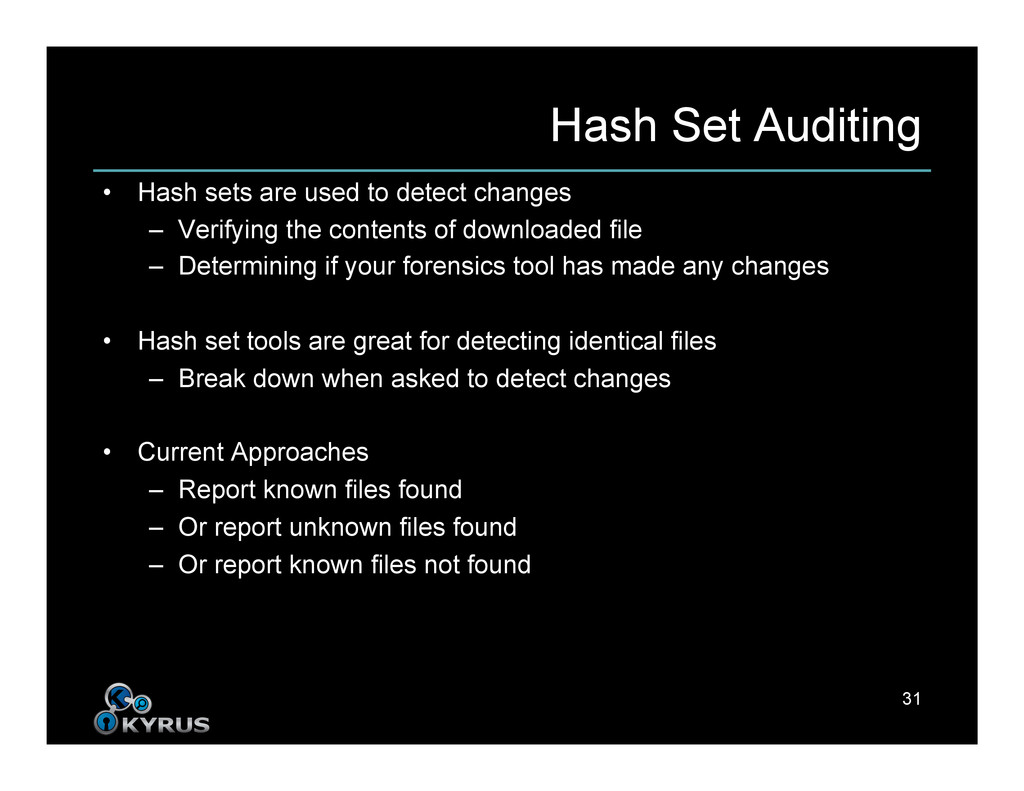
Hash Set Auditing • Hash sets are used to detect
changes – Verifying the contents of downloaded file – Determining if your forensics tool has made any changes • Hash set tools are great for detecting identical files – Break down when asked to detect changes • Current Approaches – Report known files found – Or report unknown files found – Or report known files not found 31 -
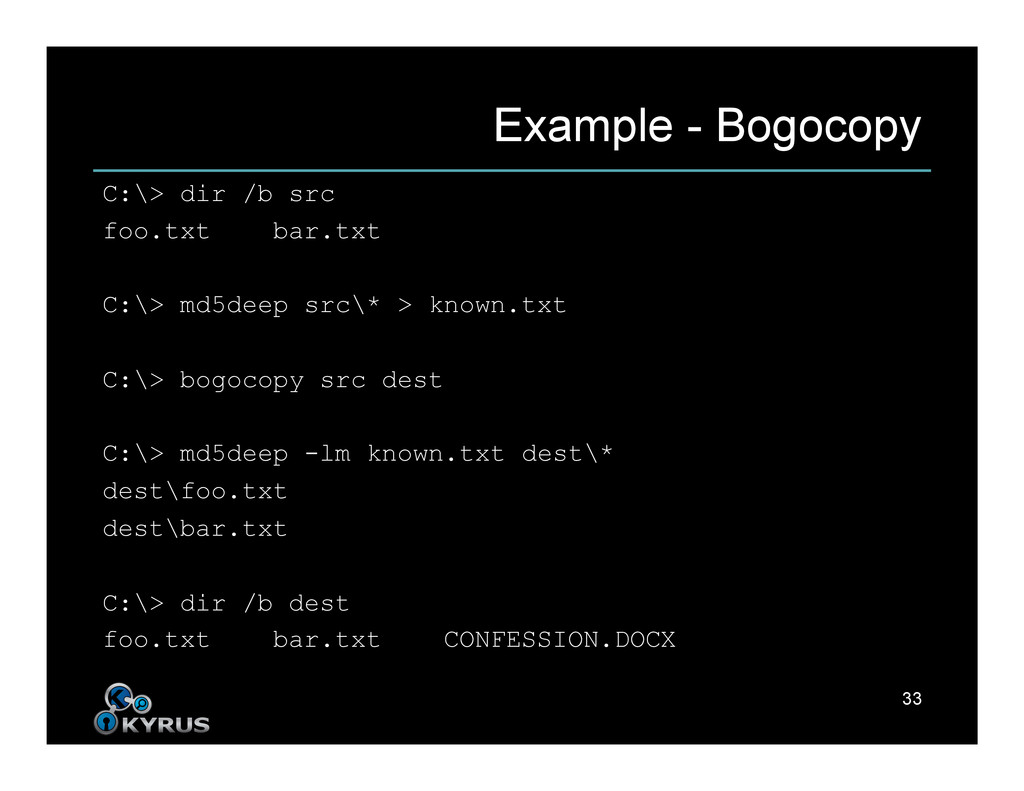
Example - Bogocopy C:\> dir /b src foo.txt bar.txt C:\>
md5deep src\* > known.txt C:\> bogocopy src dest C:\> md5deep -lm known.txt dest\* dest\foo.txt dest\bar.txt C:\> dir /b dest foo.txt bar.txt CONFESSION.DOCX 33 -
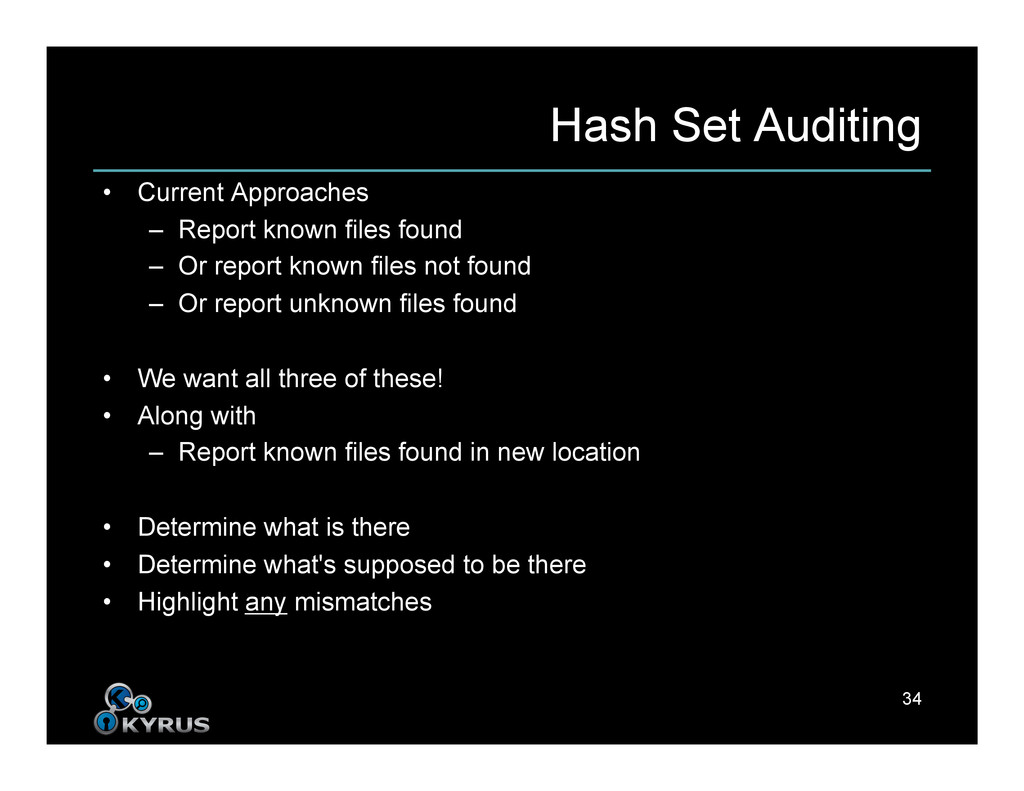
Hash Set Auditing • Current Approaches – Report known files
found – Or report known files not found – Or report unknown files found • We want all three of these! • Along with – Report known files found in new location • Determine what is there • Determine what's supposed to be there • Highlight any mismatches 34 -
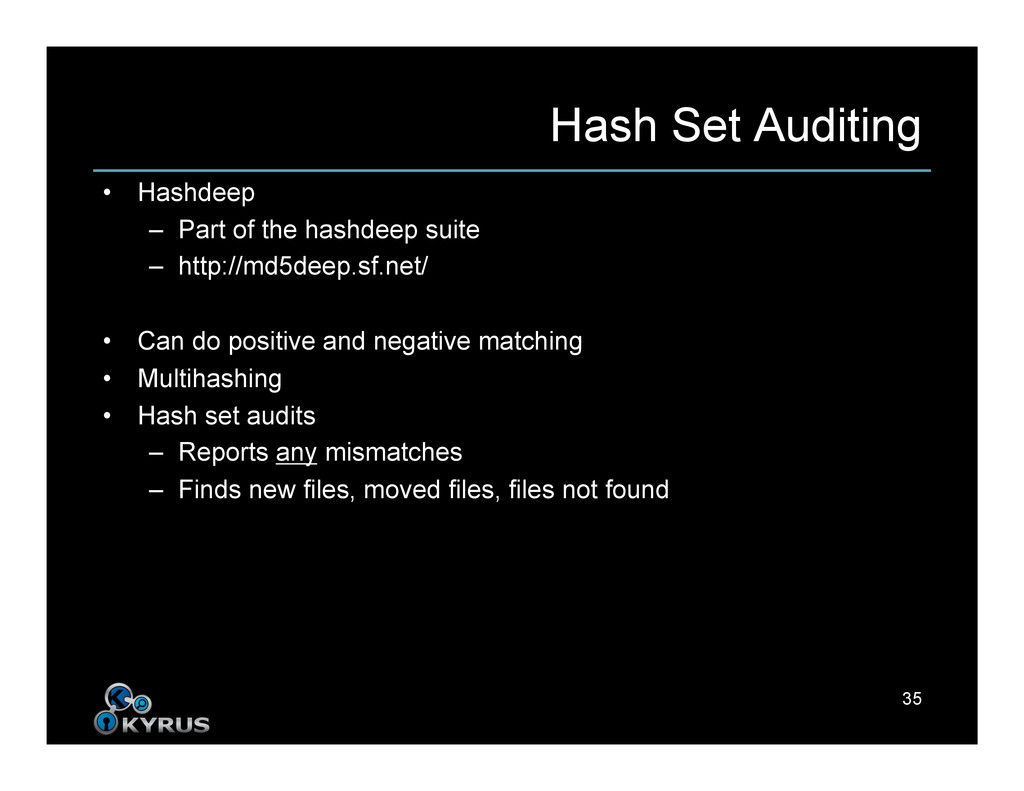
Hash Set Auditing • Hashdeep – Part of the hashdeep
suite – http://md5deep.sf.net/ • Can do positive and negative matching • Multihashing • Hash set audits – Reports any mismatches – Finds new files, moved files, files not found 35 -
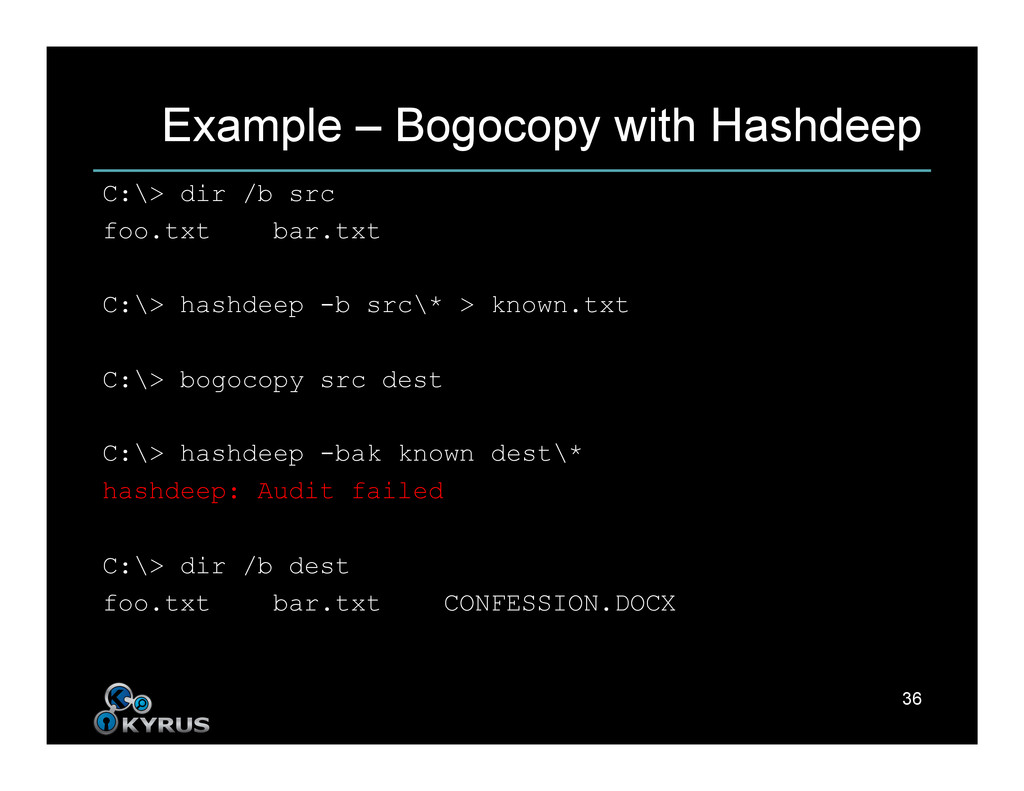
Example – Bogocopy with Hashdeep C:\> dir /b src foo.txt
bar.txt C:\> hashdeep -b src\* > known.txt C:\> bogocopy src dest C:\> hashdeep -bak known dest\* hashdeep: Audit failed C:\> dir /b dest foo.txt bar.txt CONFESSION.DOCX 36 -
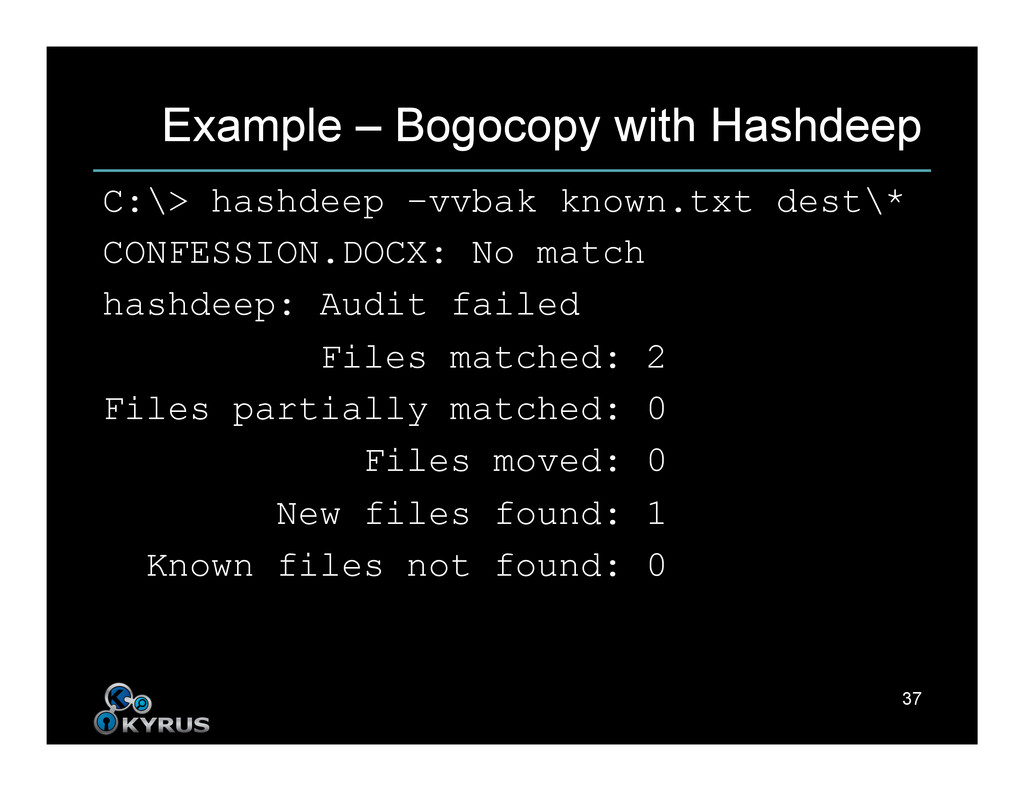
Example – Bogocopy with Hashdeep C:\> hashdeep –vvbak known.txt dest\*
CONFESSION.DOCX: No match hashdeep: Audit failed Files matched: 2 Files partially matched: 0 Files moved: 0 New files found: 1 Known files not found: 0 37 -
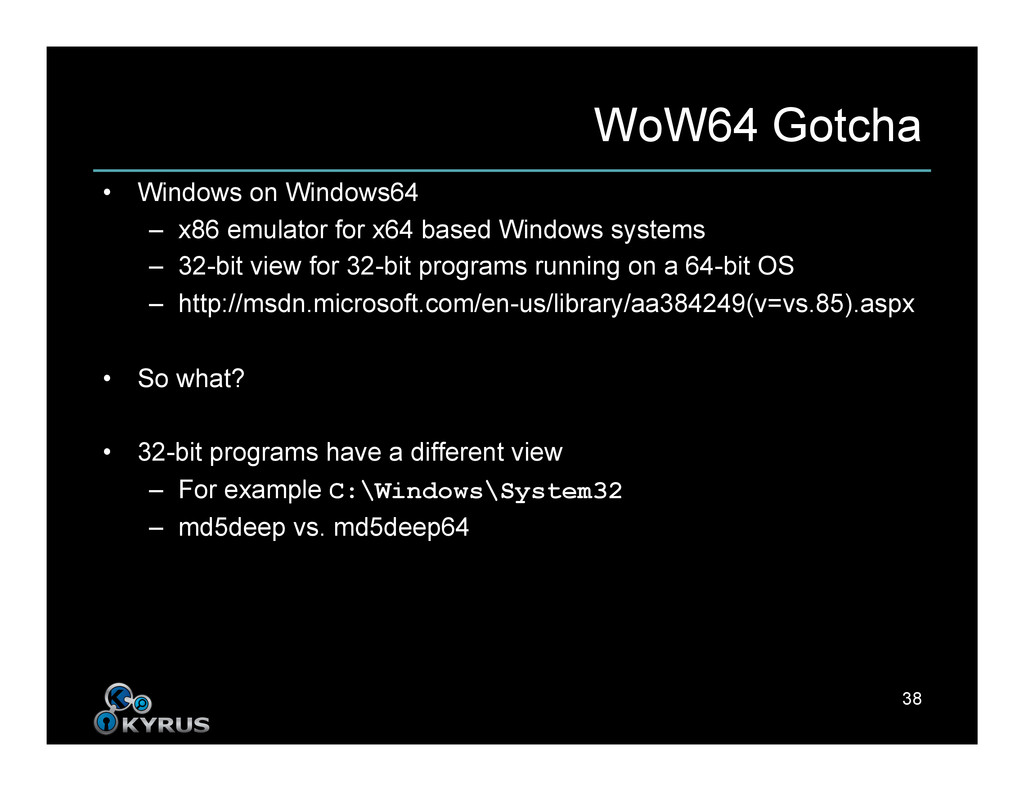
WoW64 Gotcha • Windows on Windows64 – x86 emulator for
x64 based Windows systems – 32-bit view for 32-bit programs running on a 64-bit OS – http://msdn.microsoft.com/en-us/library/aa384249(v=vs.85).aspx • So what? • 32-bit programs have a different view – For example C:\Windows\System32 – md5deep vs. md5deep64 38 -
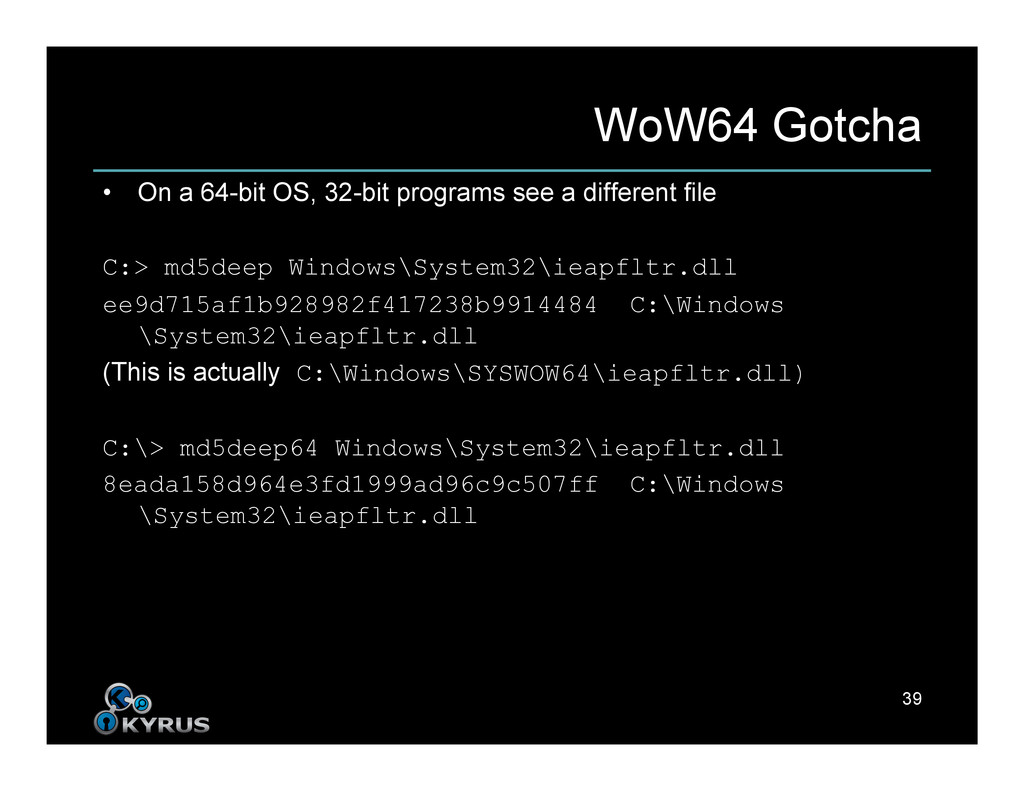
WoW64 Gotcha • On a 64-bit OS, 32-bit programs see
a different file C:> md5deep Windows\System32\ieapfltr.dll ee9d715af1b928982f417238b9914484 C:\Windows \System32\ieapfltr.dll (This is actually C:\Windows\SYSWOW64\ieapfltr.dll) C:\> md5deep64 Windows\System32\ieapfltr.dll 8eada158d964e3fd1999ad96c9c507ff C:\Windows \System32\ieapfltr.dll 39 -
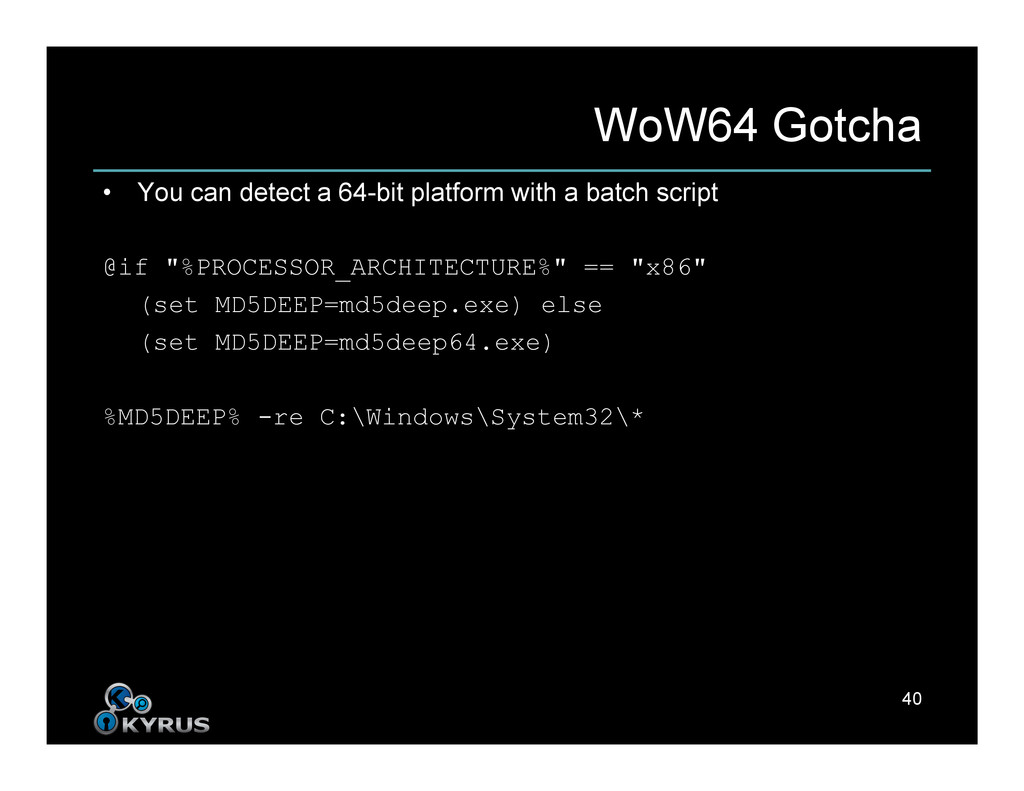
WoW64 Gotcha • You can detect a 64-bit platform with
a batch script @if "%PROCESSOR_ARCHITECTURE%" == "x86" (set MD5DEEP=md5deep.exe) else (set MD5DEEP=md5deep64.exe) %MD5DEEP% -re C:\Windows\System32\* 40 -
Fast Hash Matching • I did not invent this •
Several other names – Fibonnacci hashing – AccessData Triage Hashing – Piecewise Hashing – Partial hashing – And many more 41 Picture courtesy Flickr user nvarvel and used under a Creative Commons license, http://www.flickr.com/photos/nvarvel/6269179660/ -
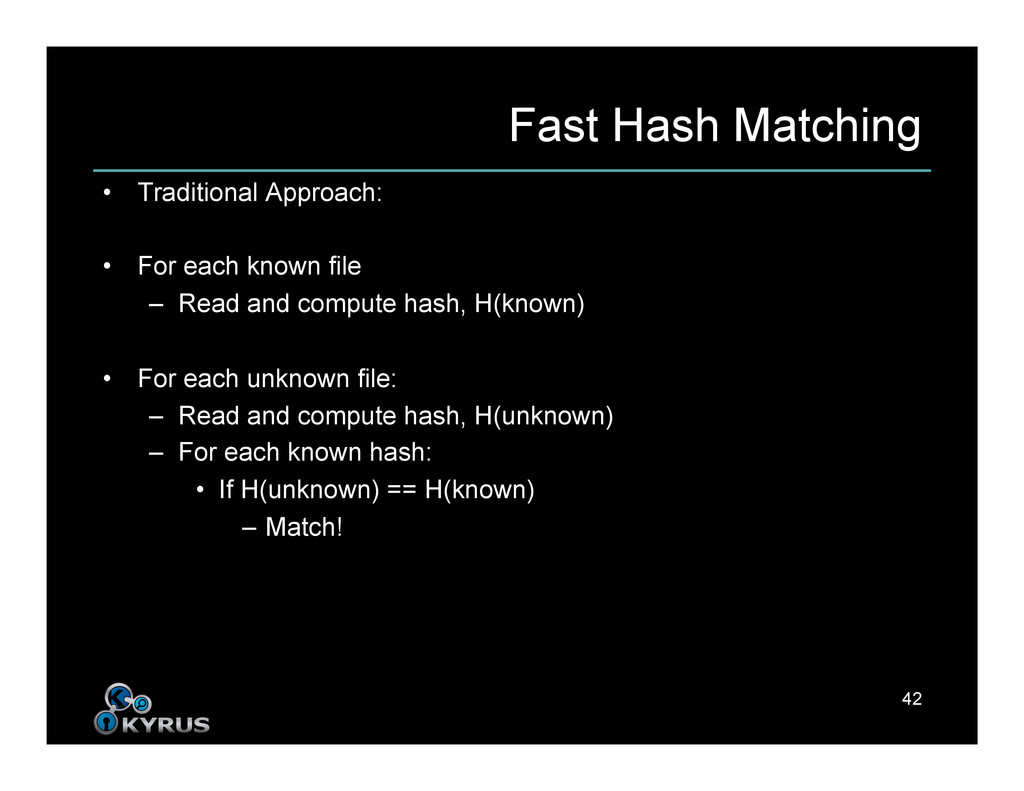
Fast Hash Matching • Traditional Approach: • For each known
file – Read and compute hash, H(known) • For each unknown file: – Read and compute hash, H(unknown) – For each known hash: • If H(unknown) == H(known) – Match! 42 -
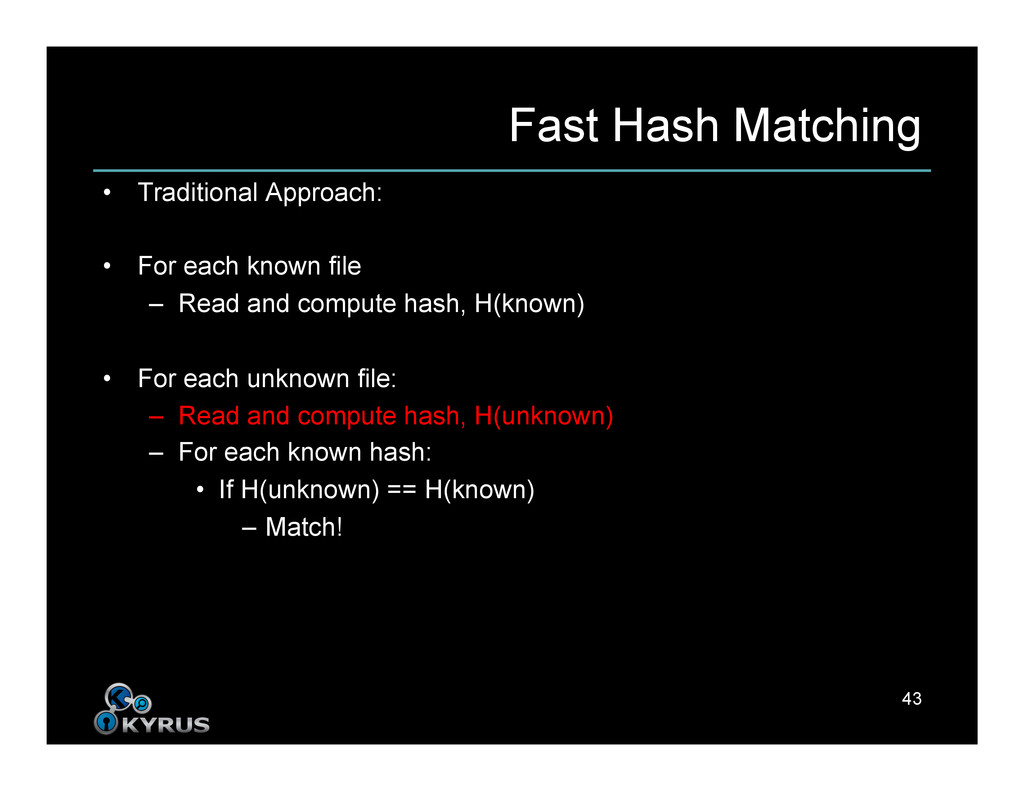
Fast Hash Matching • Traditional Approach: • For each known
file – Read and compute hash, H(known) • For each unknown file: – Read and compute hash, H(unknown) – For each known hash: • If H(unknown) == H(known) – Match! 43 -
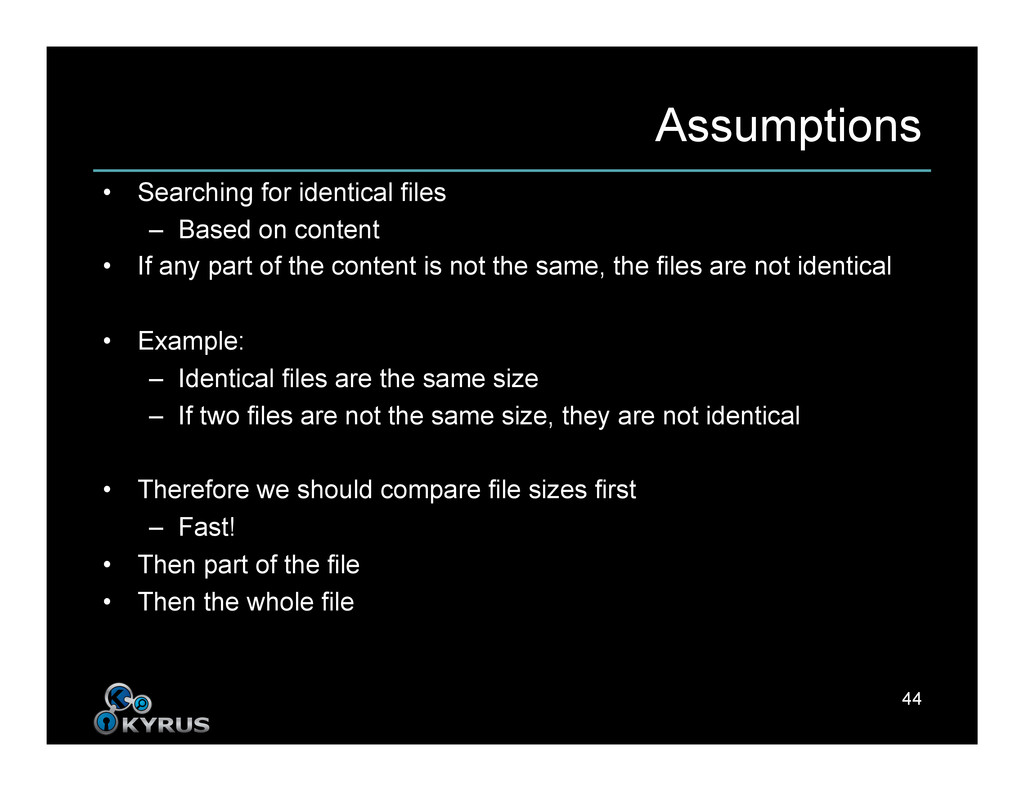
Assumptions • Searching for identical files – Based on content
• If any part of the content is not the same, the files are not identical • Example: – Identical files are the same size – If two files are not the same size, they are not identical • Therefore we should compare file sizes first – Fast! • Then part of the file • Then the whole file 44 -
Fuzzy Hashing • Cryptographic hashing is great for identical matches
• Need something else for similar files – Define “similar” • Fuzzy Hashing – Context Triggered Piecewise Hashing • Similar patterns of ones and zero • File format agnostic • Implemented in Free ssdeep program – http://ssdeep.sf.net 46 -
47 Outline • Introduction • What is a Hash Function
• Integrity of Evidence • Identifying Known Files • Algorithms • Collisions • Existing Hash Sets • Hash Set Auditing • Fast Hash Matching • Questions -
Questions? Jesse Kornblum [email protected] 48 Picture courtesy Flickr user Krysten
Newby and used under a Creative Commons license, http://www.flickr.com/photos/krystenn/340848452/ -
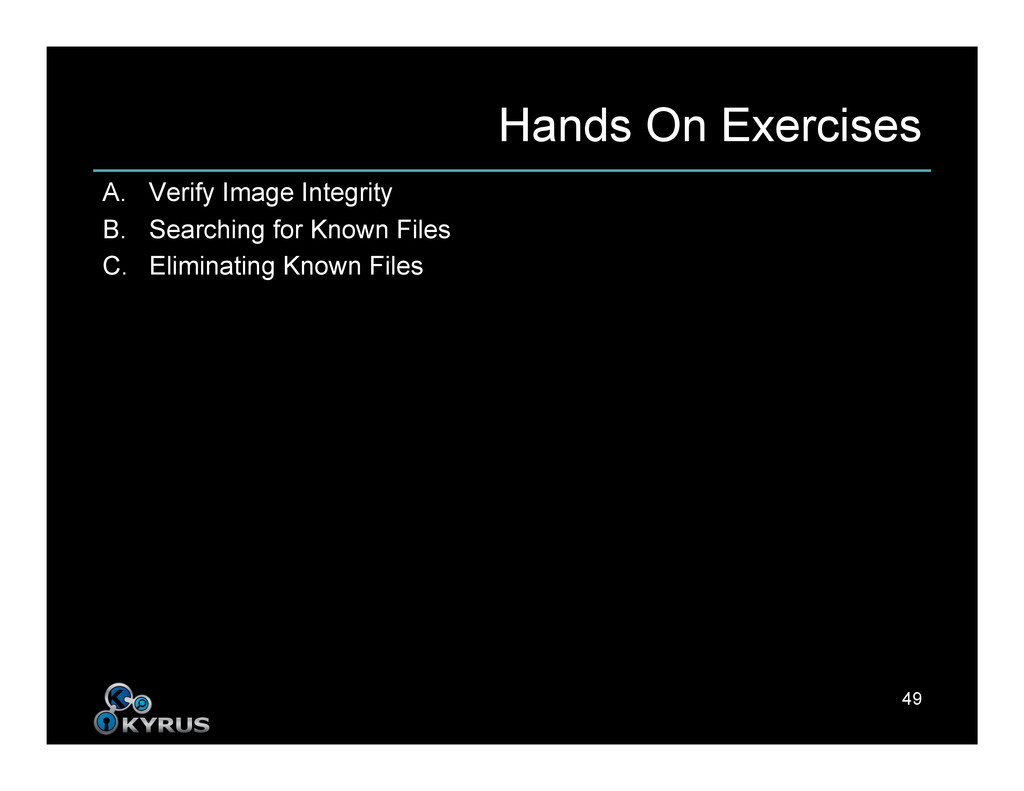
Hands On Exercises A. Verify Image Integrity B. Searching for
Known Files C. Eliminating Known Files 49 -
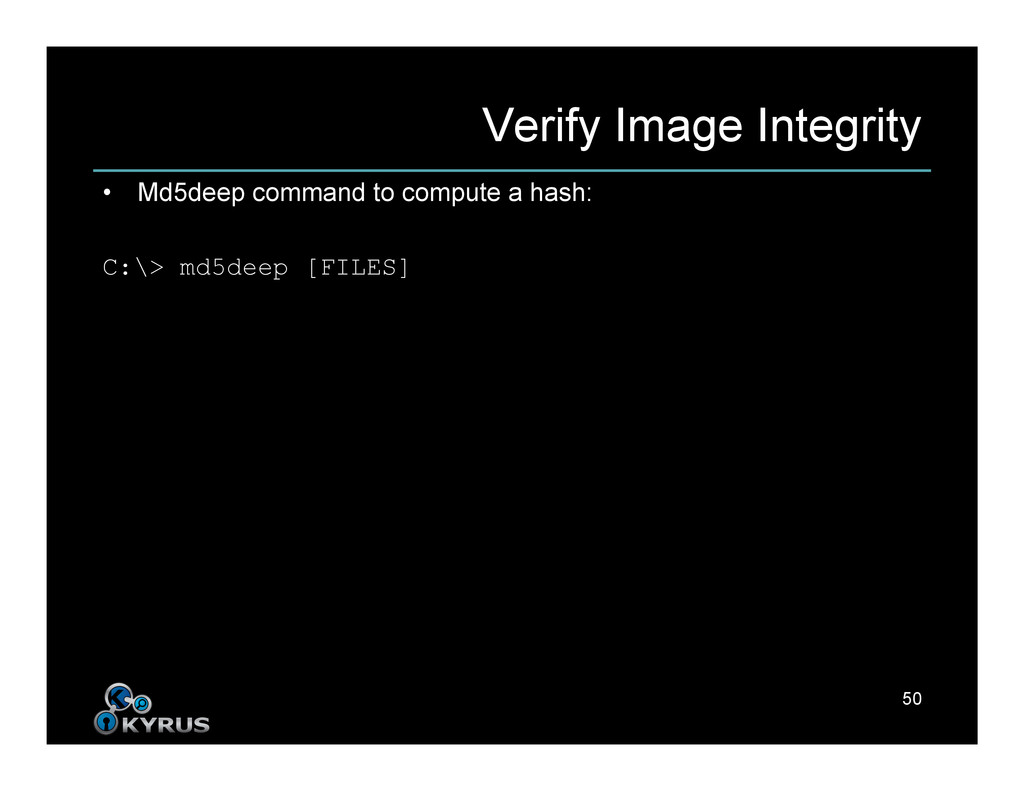
Verify Image Integrity • Md5deep command to compute a hash:
C:\> md5deep [FILES] 50 -
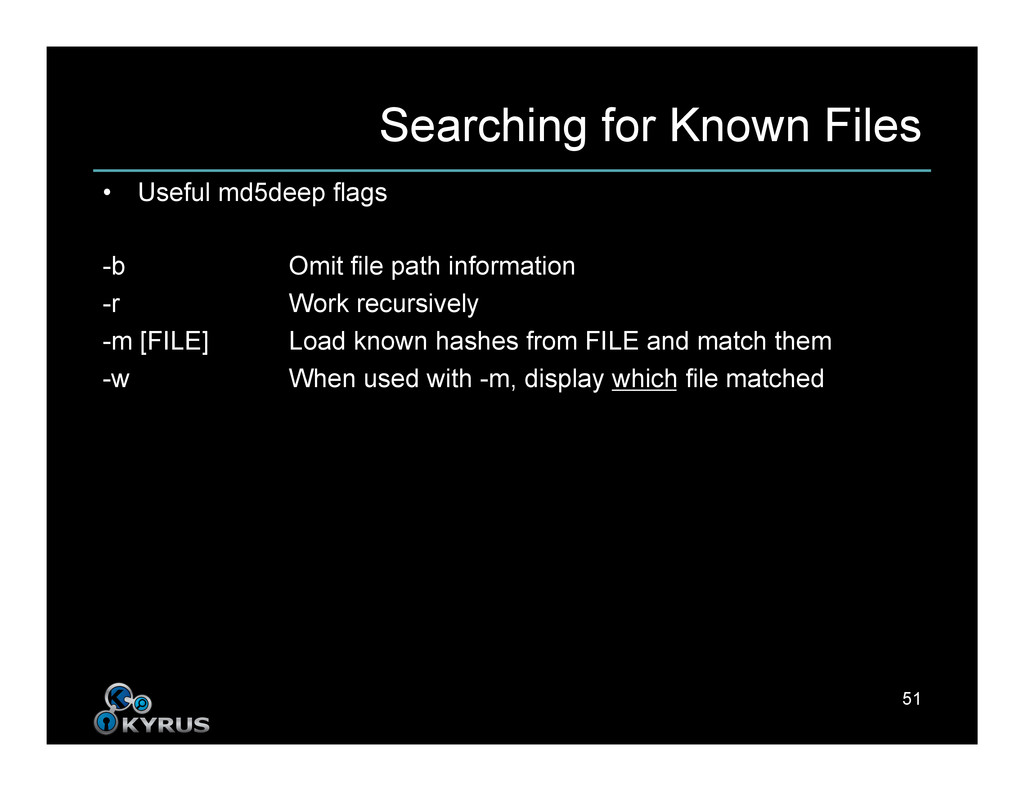
Searching for Known Files • Useful md5deep flags -b Omit
file path information -r Work recursively -m [FILE] Load known hashes from FILE and match them -w When used with -m, display which file matched 51 -
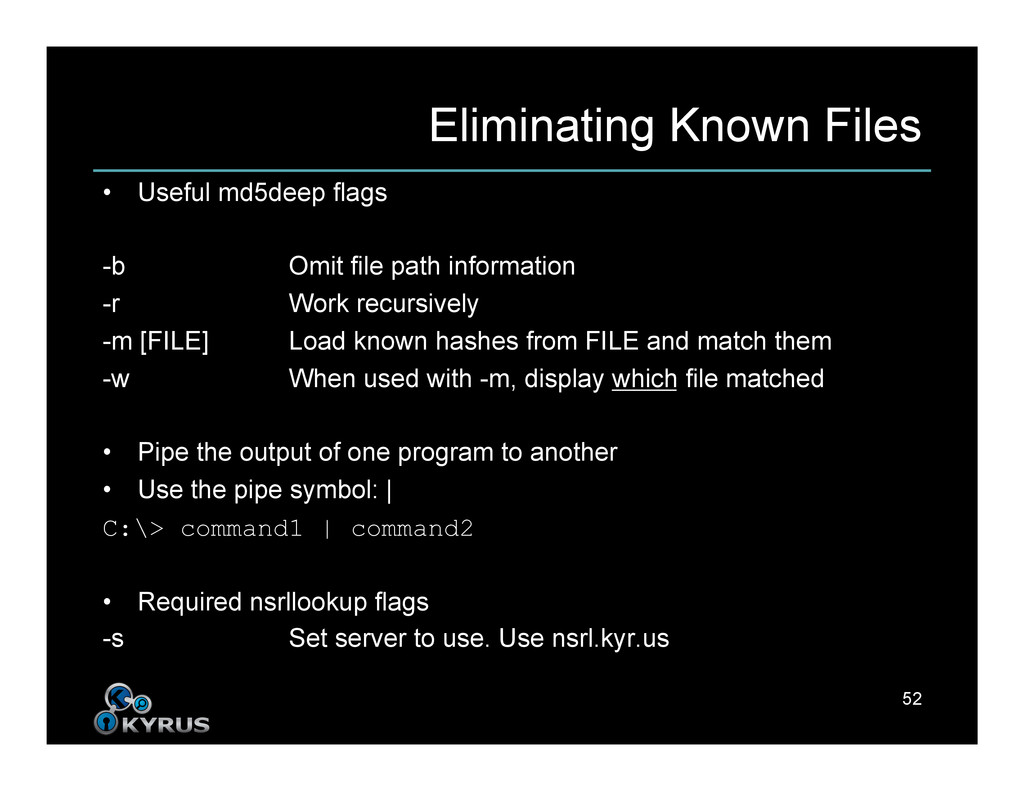
Eliminating Known Files • Useful md5deep flags -b Omit file
path information -r Work recursively -m [FILE] Load known hashes from FILE and match them -w When used with -m, display which file matched • Pipe the output of one program to another • Use the pipe symbol: | C:\> command1 | command2 • Required nsrllookup flags -s Set server to use. Use nsrl.kyr.us 52