Upgrade to Pro
— share decks privately, control downloads, hide ads and more …
Speaker Deck
Sign up for free
Menu
Search
Features
All features
Private URLs
Password Protection
Custom URLS
Scheduled publishing
Remove Branding
Restrict embedding
Deck Collections
Notes
Features
All features
Private URLs
Password Protection
Custom URLS
Scheduled publishing
Remove Branding
Restrict embedding
Deck Collections
Notes
Explore
Featured decks
Featured speakers
Programming
Technology
Storyboards
Explore
Featured decks
Featured speakers
Programming
Technology
Storyboards
Pricing
Search
Sign in
Sign up for free
pdf_test.pdf
Search
Sponsored
·
Your Podcast. Everywhere. Effortlessly.
Share. Educate. Inspire. Entertain. You do you. We'll handle the rest.
→
Masaki
July 26, 2026
0
0
Share
Embed
Copy iframe code
Copy JS code
Copy link
Start on current slide
pdf_test.pdf
Masaki
July 26, 2026
Featured
See All Featured
AI Search: Where Are We & What Can We Do About It?
aleyda
0
8.1k
Leadership Guide Workshop - DevTernity 2021
reverentgeek
1
400
Design and Strategy: How to Deal with People Who Don’t "Get" Design
morganepeng
133
20k
The Curious Case for Waylosing
cassininazir
1
570
Are puppies a ranking factor?
jonoalderson
2
4.1k
The Art of Delivering Value - GDevCon NA Keynote
reverentgeek
16
2.2k
Everyday Curiosity
cassininazir
0
350
RailsConf & Balkan Ruby 2019: The Past, Present, and Future of Rails at GitHub
eileencodes
141
35k
Efficient Content Optimization with Google Search Console & Apps Script
katarinadahlin
PRO
1
930
HU Berlin: Industrial-Strength Natural Language Processing with spaCy and Prodigy
inesmontani
PRO
0
750
HTML-Aware ERB: The Path to Reactive Rendering @ RubyCon 2026, Rimini, Italy
marcoroth
5
820
The Success of Rails: Ensuring Growth for the Next 100 Years
eileencodes
47
8.4k
Transcript
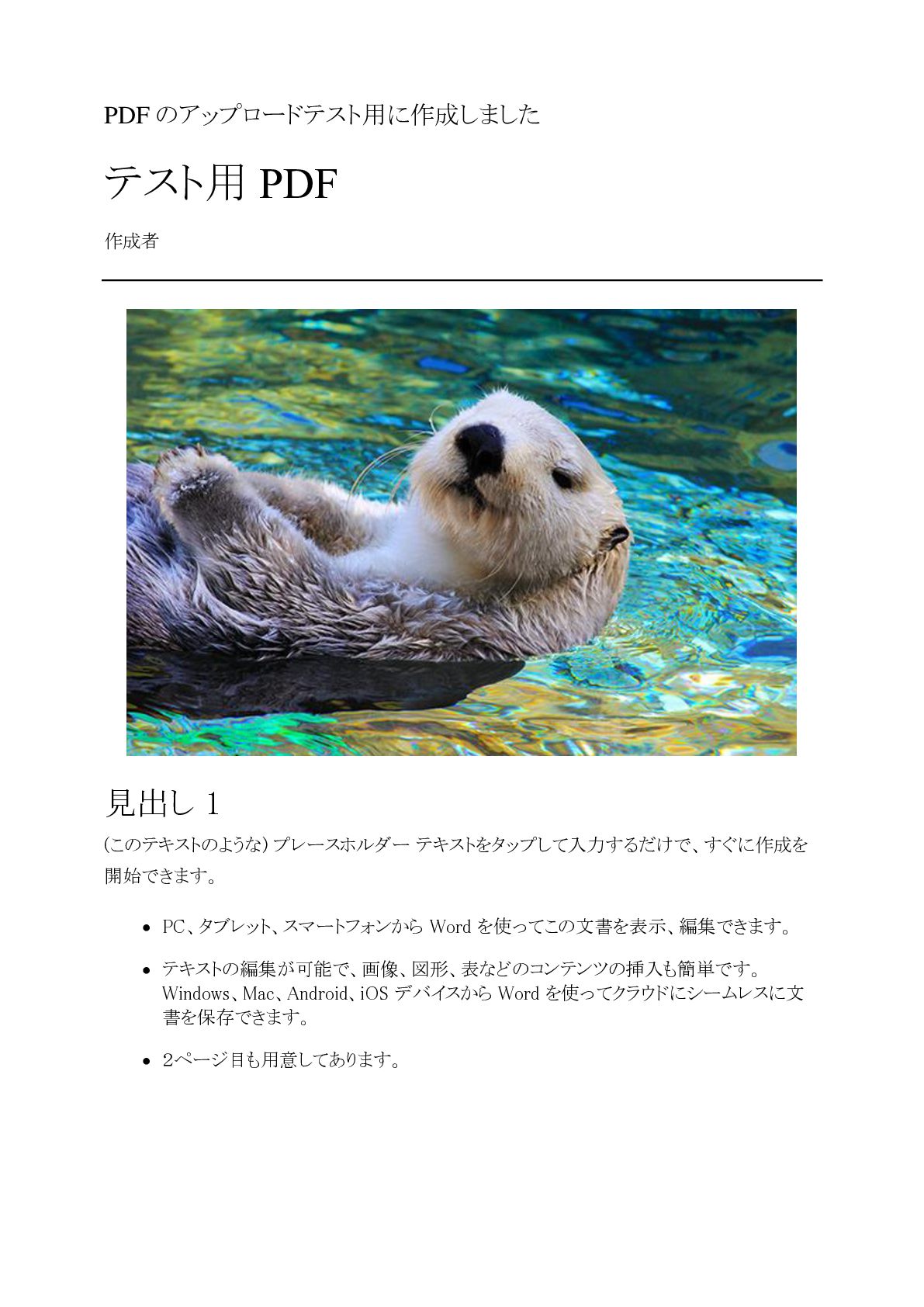
PDF のアップロードテスト用に作成しました テスト用 PDF 作成者 見出し 1 (このテキストのような) プレースホルダー テキストをタップして入力するだけで、すぐに作成を
開始できます。 • PC、タブレット、スマートフォンから Word を使ってこの文書を表示、編集できます。 • テキストの編集が可能で、画像、図形、表などのコンテンツの挿入も簡単です。 Windows、Mac、Android、iOS デバイスから Word を使ってクラウドにシームレスに文 書を保存できます。 • 2ページ目も用意してあります。
見出し 2 ファイルから画像を挿入したり、または図形、テキスト ボックス、表を追加をしたいとします。そ の場合は、リボンの [挿入] タブで、必要なオプションをタップするだけです。 「引用文」 このページに表示されている文字列の書式は、リボンの [ホーム]
タブ上にある [スタイル] か ら 1 タップで簡単に設定できます。 2 列見出し 列見出し 行見出し テキスト 123.45 行見出し テキスト 123.45


 aleyda
 reverentgeek
 morganepeng
 cassininazir
 jonoalderson
 eileencodes
 katarinadahlin
 inesmontani
 marcoroth
![見出し 2 ファイルから画像を挿入したり、または図形、テキスト ボックス、表を追加をしたいとします。そ の場合は、リボンの [挿入] タブで、必要なオプションをタップするだけです。 「引用文」 このページに表示されている文字列の書式は、リボンの [ホーム]](https://files.speakerdeck.com/presentations/440e392fa7f84d5cbd3e09189635093e/slide_1.jpg)