Upgrade to Pro — share decks privately, control downloads, hide ads and more …

What's new in Material Design?

Avatar for Aerilys Aerilys
October 23, 2018

What's new in Material Design?

Were you bored by all these apps which looked like a sample from the Material Design website? Then rejoice, change is coming!

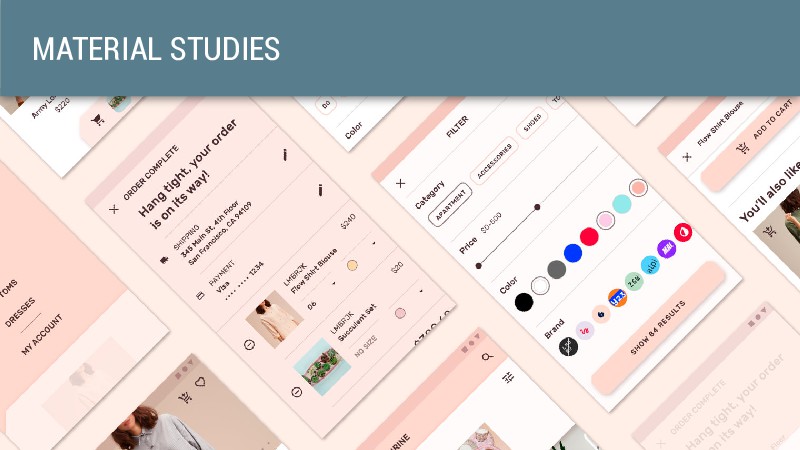
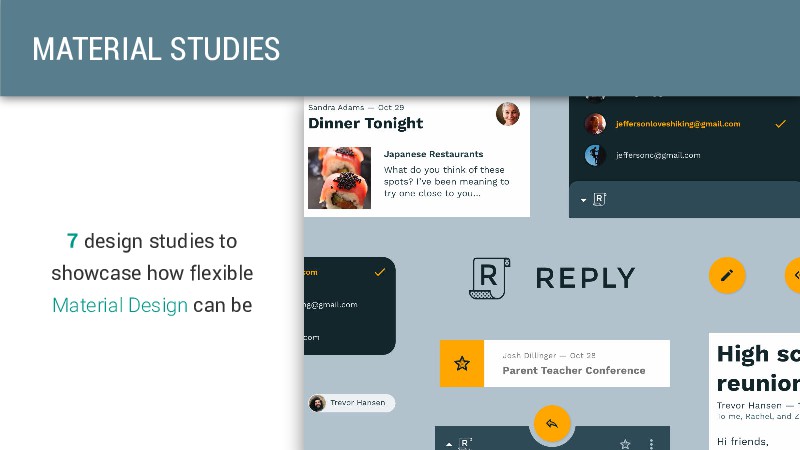
At the last I/O, Google announced a refreshed version of their famous Material Design language. It brings more power to the hands of designers and developers by allowing more customization. With Material Theming, you finally have the ability to create nicer apps while keeping that material spirit.

The talk describes the main changes of “Material Design 2” from a design point of view, and how developers can implement them on Android. Many major changes will be illustrated thanks to Google examples or real apps implementation.

Avatar for Aerilys

Aerilys

October 23, 2018

Other Decks in Technology

Transcript

  1. @AERILYS QUENTIN SALLAT Senior Android developer at magicplan Android and

    iOS app which allows you to create a floor plan with AR and AI More than 15 million downloads. Ranked #1 in Utilities in 114 countries. Included in AppStore Best of 2017.
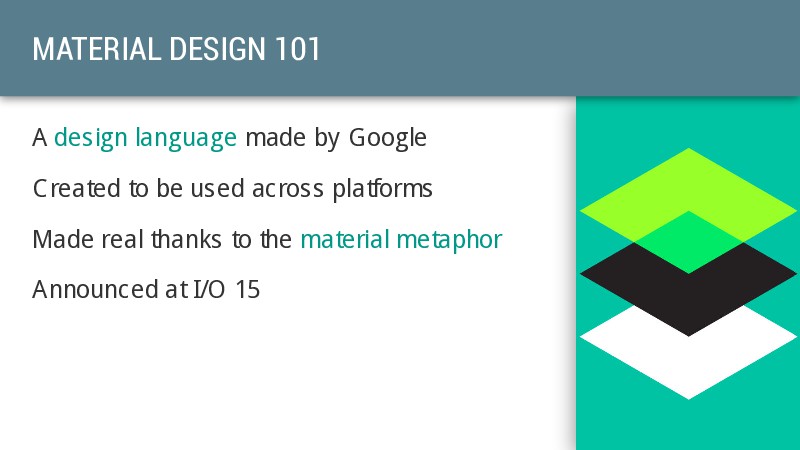
  2. MATERIAL DESIGN 101 A design language made by Google Created

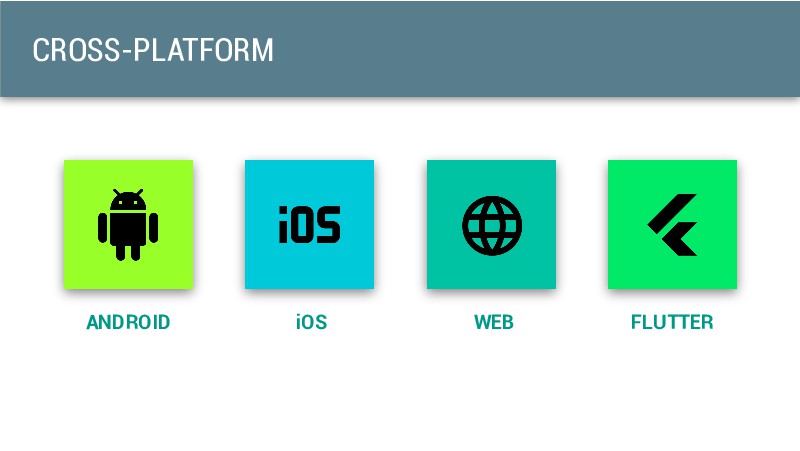
    to be used across platforms Made real thanks to the material metaphor Announced at I/O 15
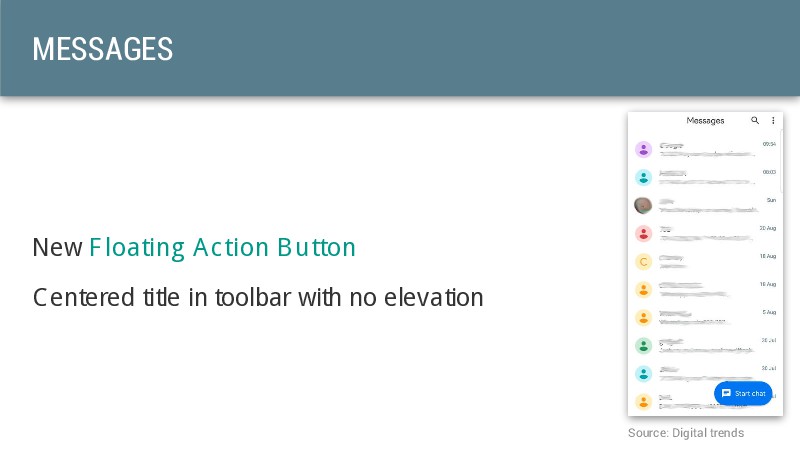
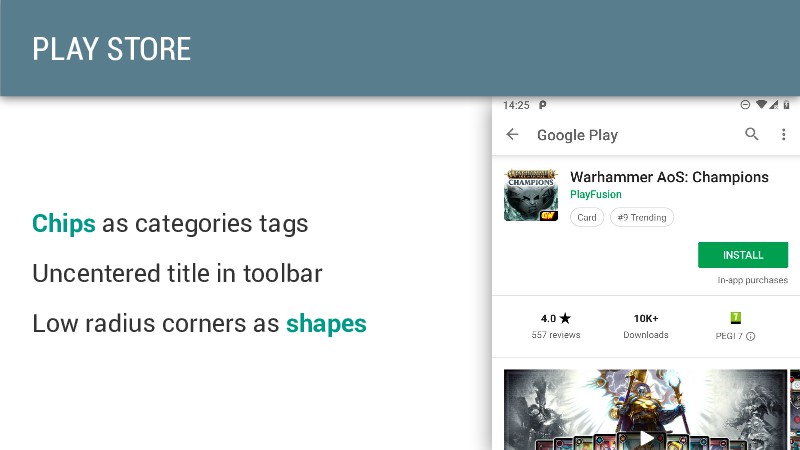
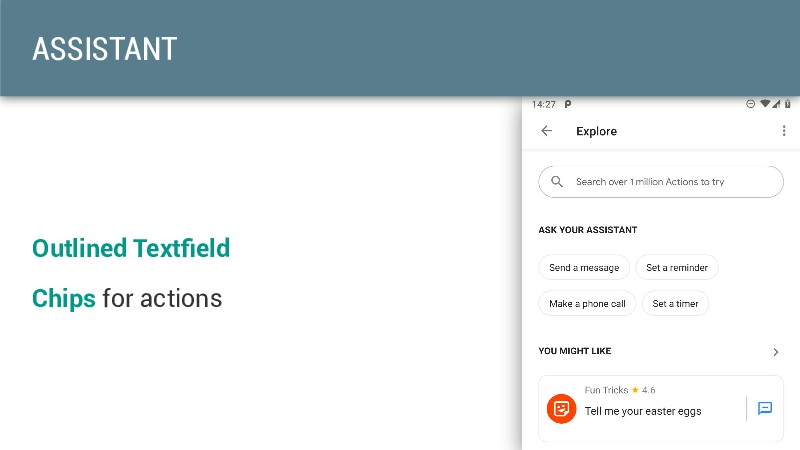
  3. MATERIAL DESIGN 2.0? Announced at I/O 18 Offers more customization

    Less constraints, more room for designers
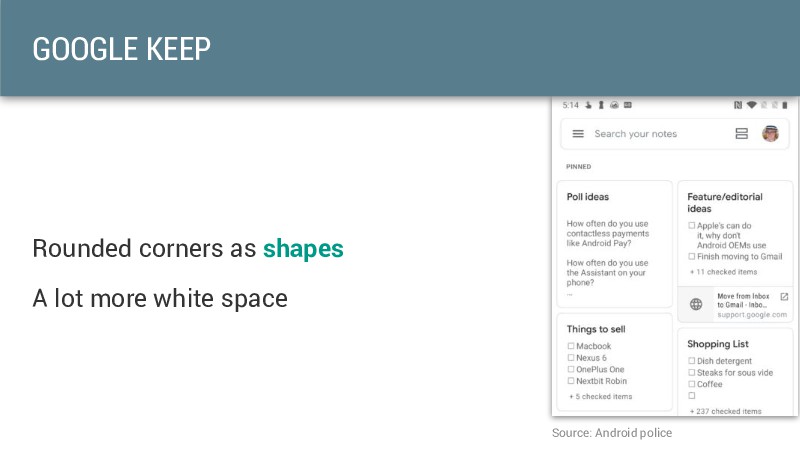
  4. MATERIAL THEMING "Material Theming refers to the customization of your

    Material Design app to better reflect your product’s brand."
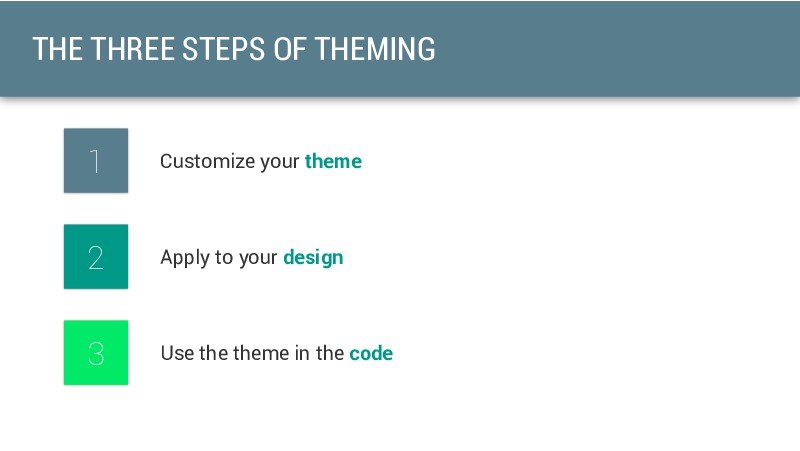
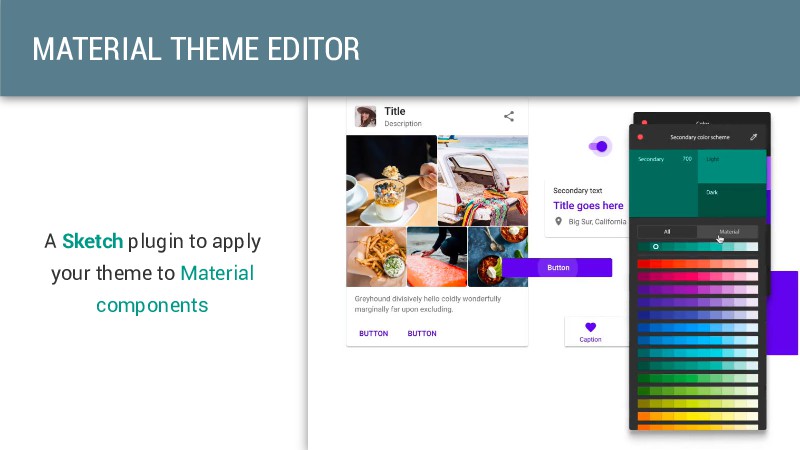
  5. Use the theme in the code 3 Apply to your

    design 2 Customize your theme 1 THE THREE STEPS OF THEMING
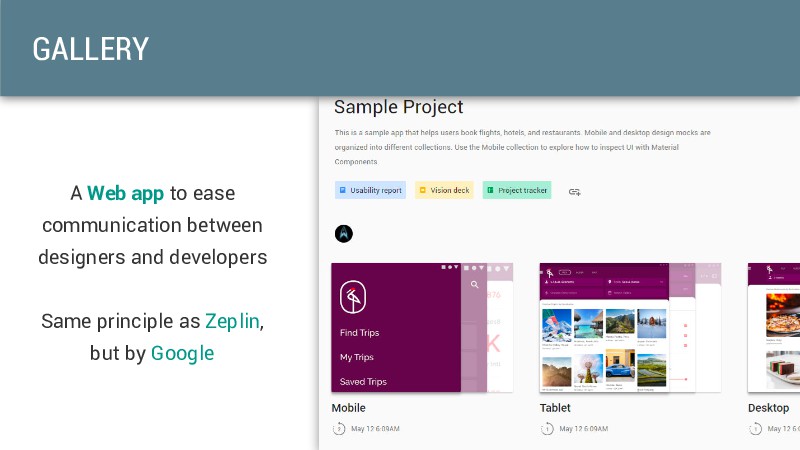
  6. A Web app to ease communication between designers and developers

    Same principle as Zeplin, but by Google GALLERY
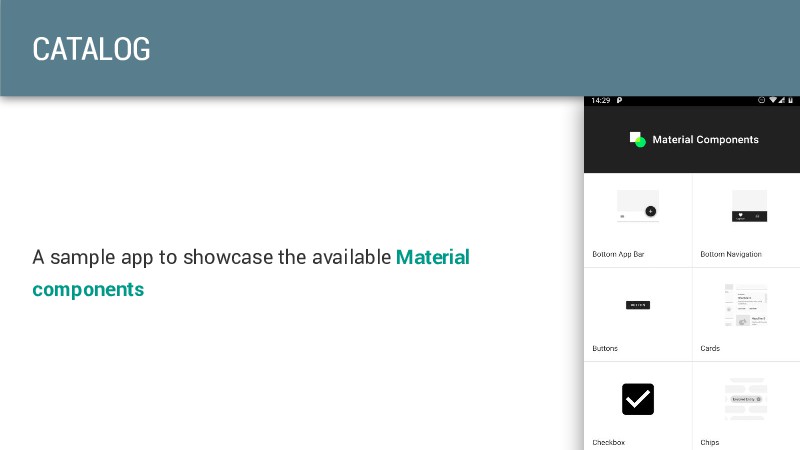
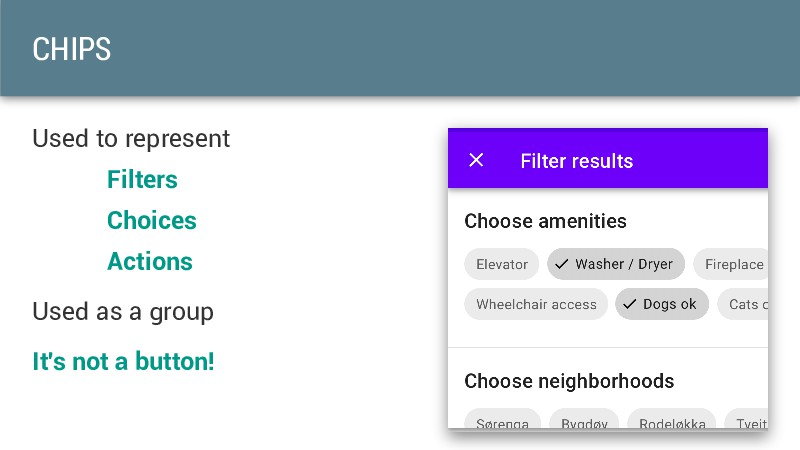
  7. COMPONENTS Open source components in libraries Cross-platform You already know
    most of them... They're just more customizable Not all of them are available on every platform AndroidX libraries on Android
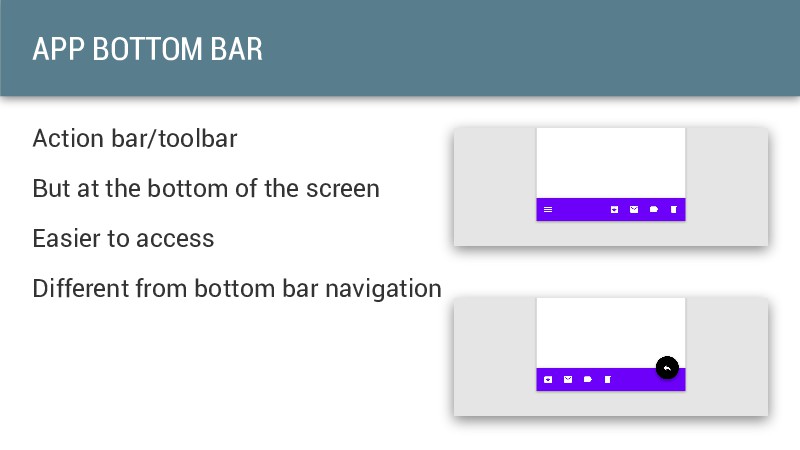
  8. APP BOTTOM BAR Action bar/toolbar But at the bottom of

    the screen Easier to access Different from bottom bar navigation
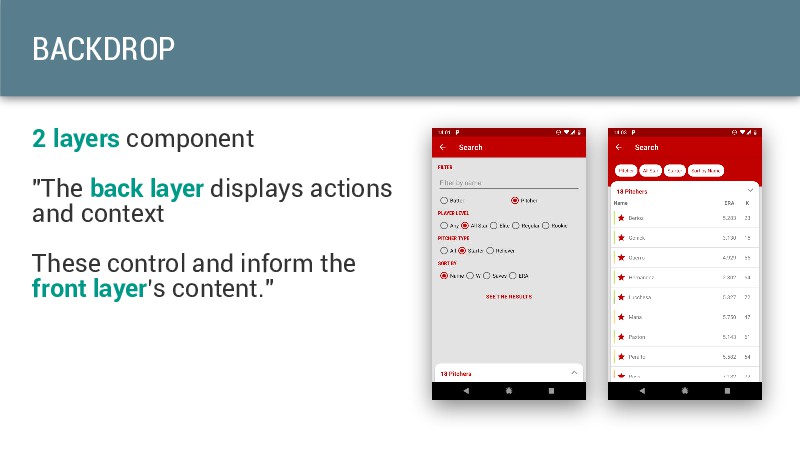
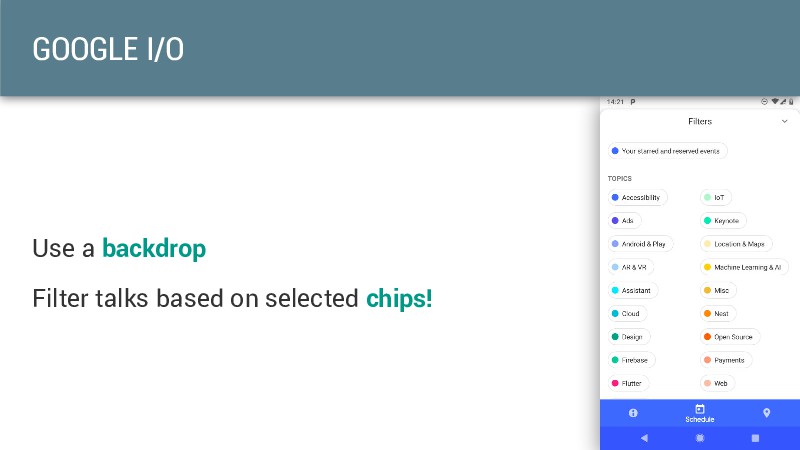
  9. BACKDROP 2 layers component "The back layer displays actions and

    context These control and inform the front layer’s content."
  10. WHAT'S NEXT? Material Design is still the same Google provides

    us defined ways to customize our apps We'll see nicer apps... And iOS design will be back on Android
  11. CONCLUSION Start using Material Design today! New tools to let
    you customize your theme Not all new components have to be used Check components compatibility before designing!