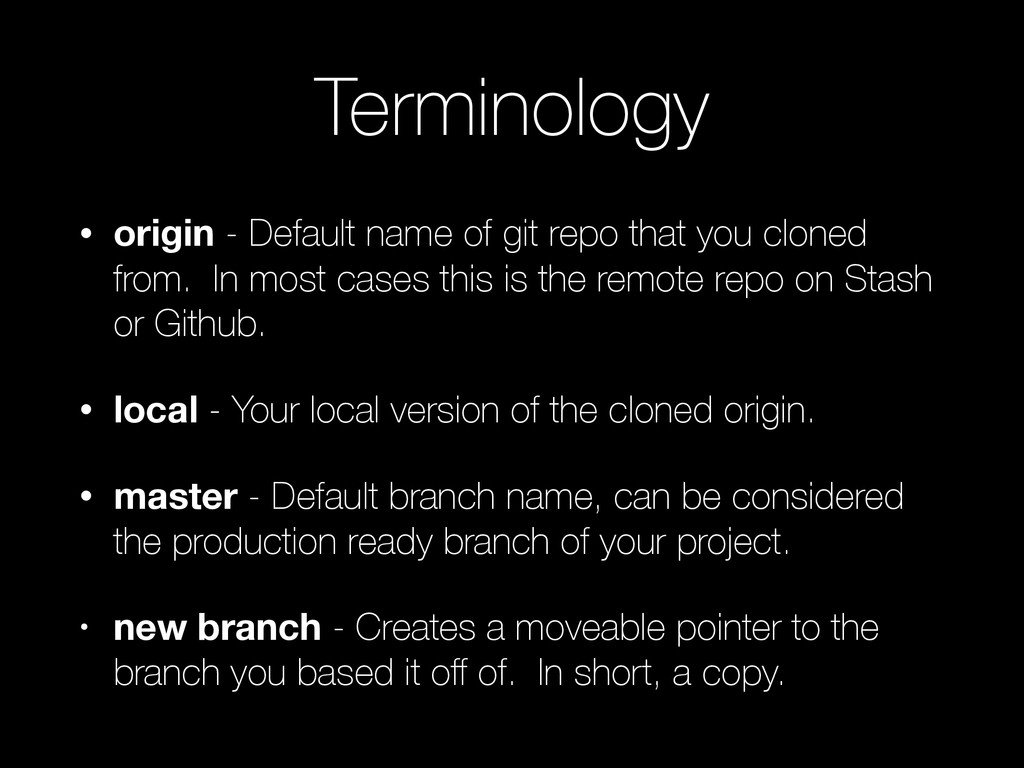
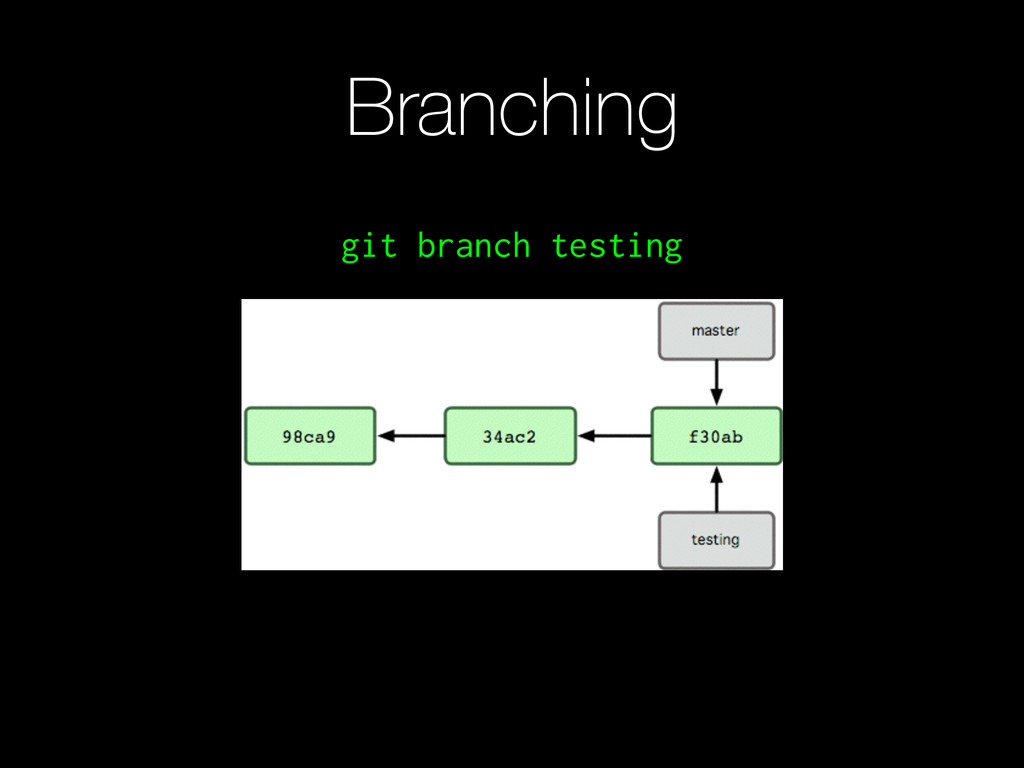
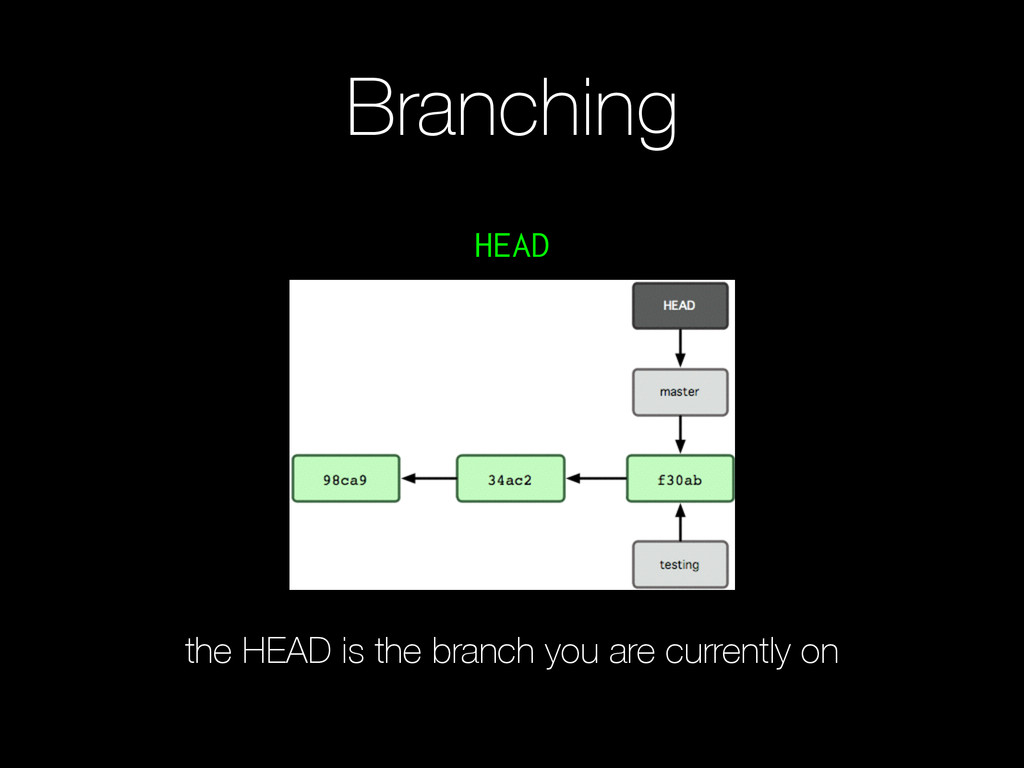
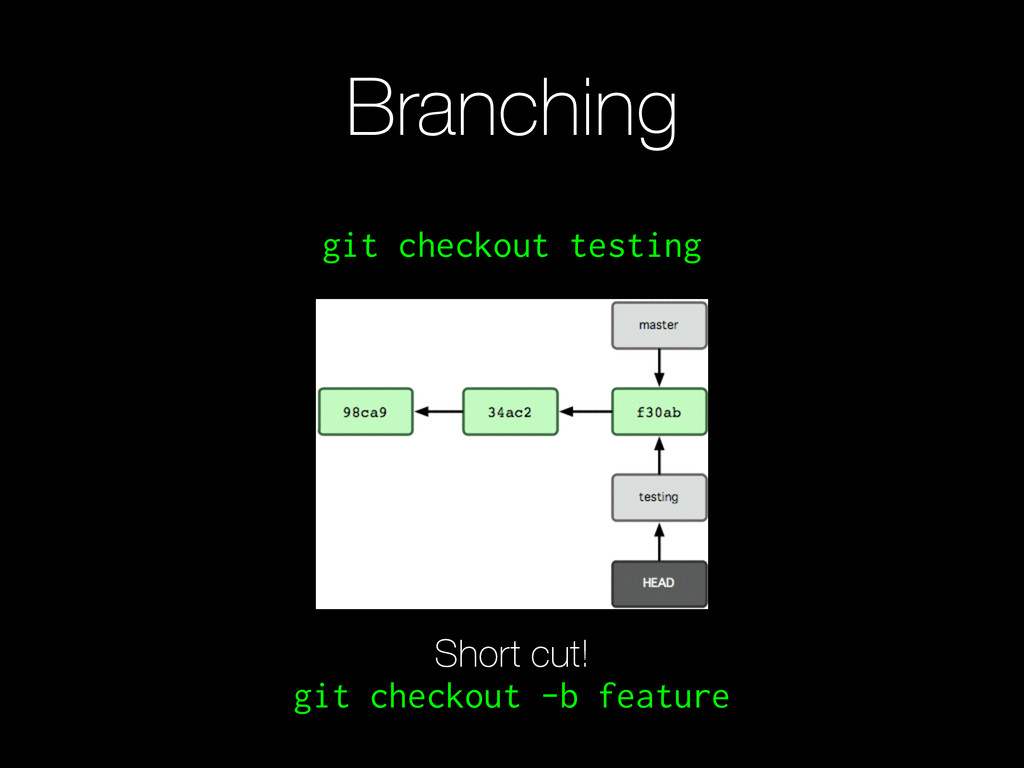
you cloned from. In most cases this is the remote repo on Stash or Github. • local - Your local version of the cloned origin. • master - Default branch name, can be considered the production ready branch of your project. • new branch - Creates a moveable pointer to the branch you based it off of. In short, a copy.
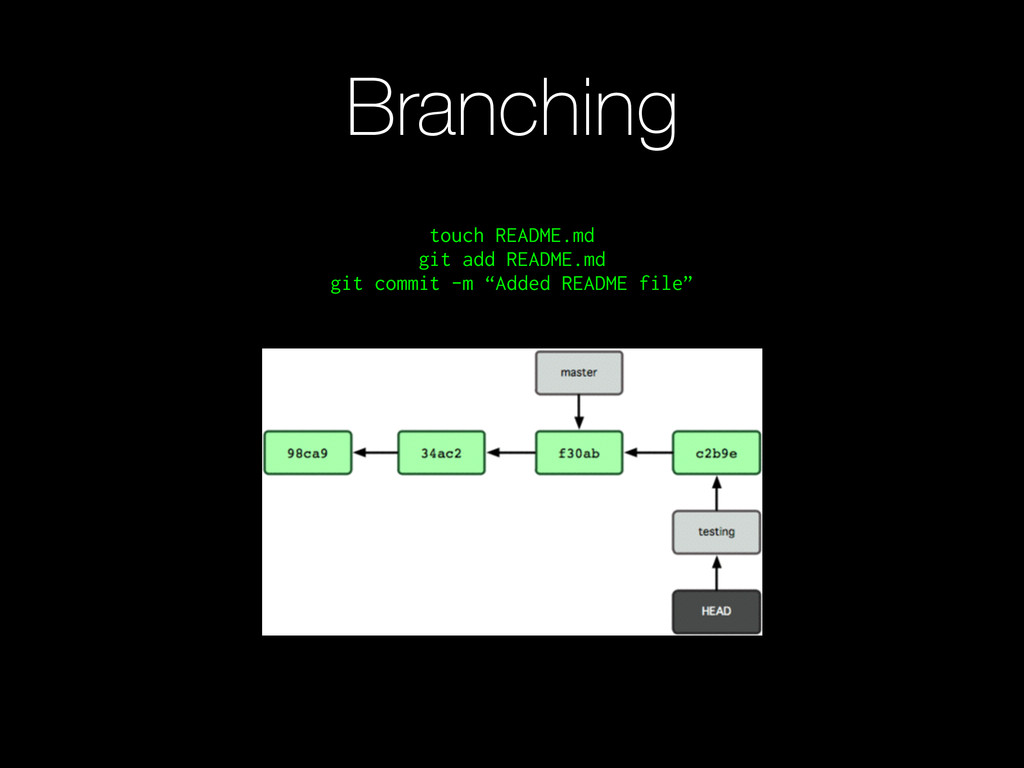
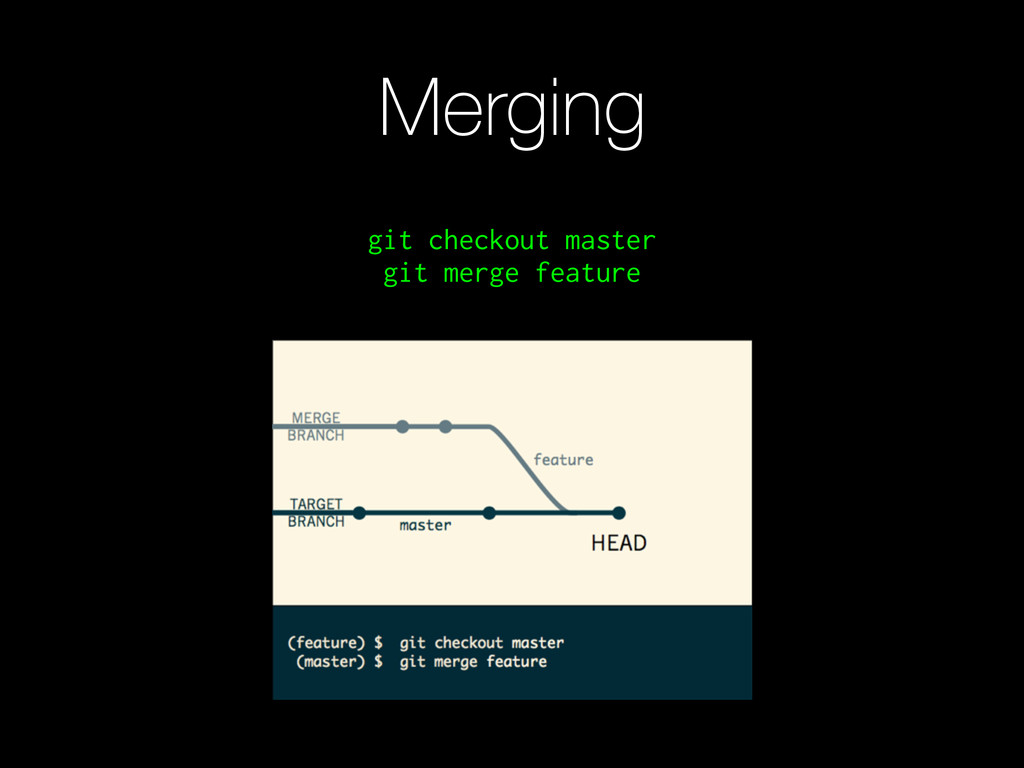
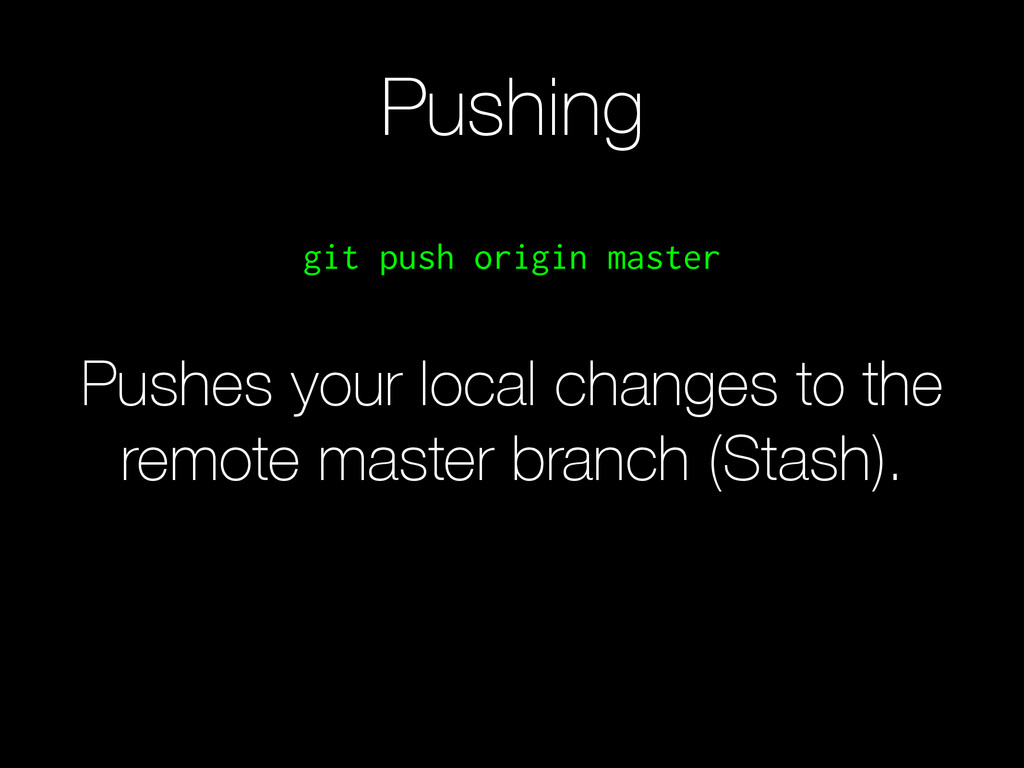
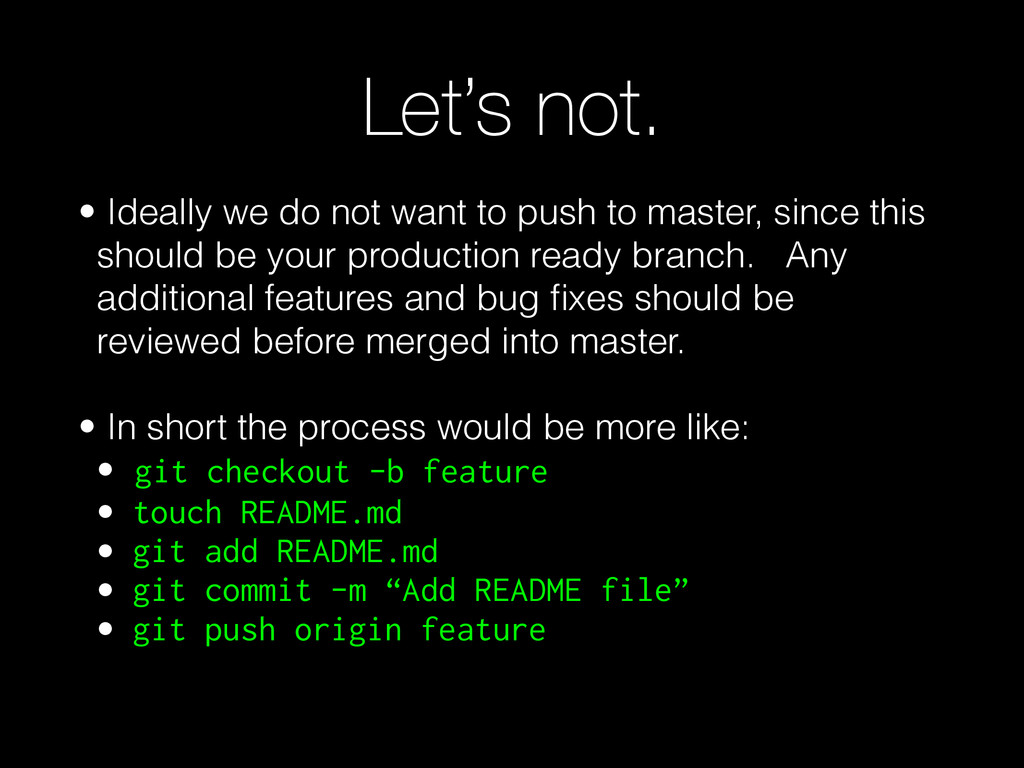
to master, since this should be your production ready branch. Any additional features and bug fixes should be reviewed before merged into master. ! • In short the process would be more like: • git checkout -b feature • touch README.md • git add README.md • git commit -m “Add README file” • git push origin feature
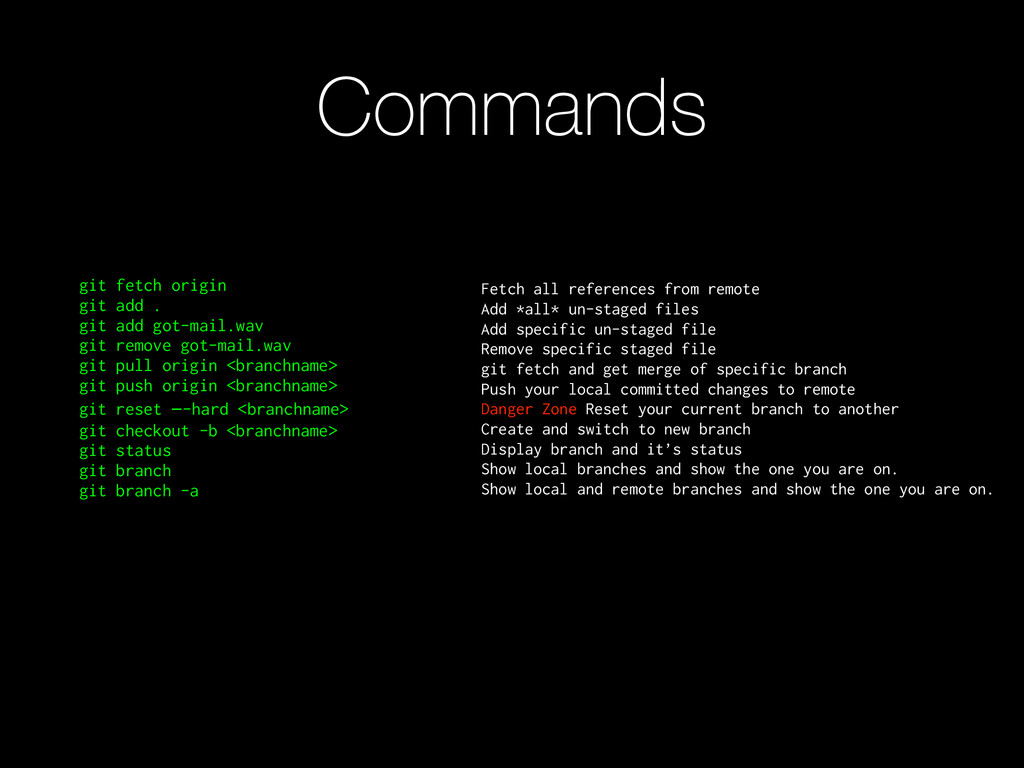
git remove got-mail.wav git pull origin <branchname> git push origin <branchname> git reset —-hard <branchname> git checkout -b <branchname> git status git branch git branch -a Fetch all references from remote Add *all* un-staged files Add specific un-staged file Remove specific staged file git fetch and get merge of specific branch Push your local committed changes to remote Danger Zone Reset your current branch to another Create and switch to new branch Display branch and it’s status Show local branches and show the one you are on. Show local and remote branches and show the one you are on.


 niix
niix
 kastner
 rkendrick25
 tamaranovitovic
 chriscoyier
 shlominoach
 joshbly
 lynnandtonic
 katarinadahlin
 apolaine
 hannesfritz
 minecr
 seathinner