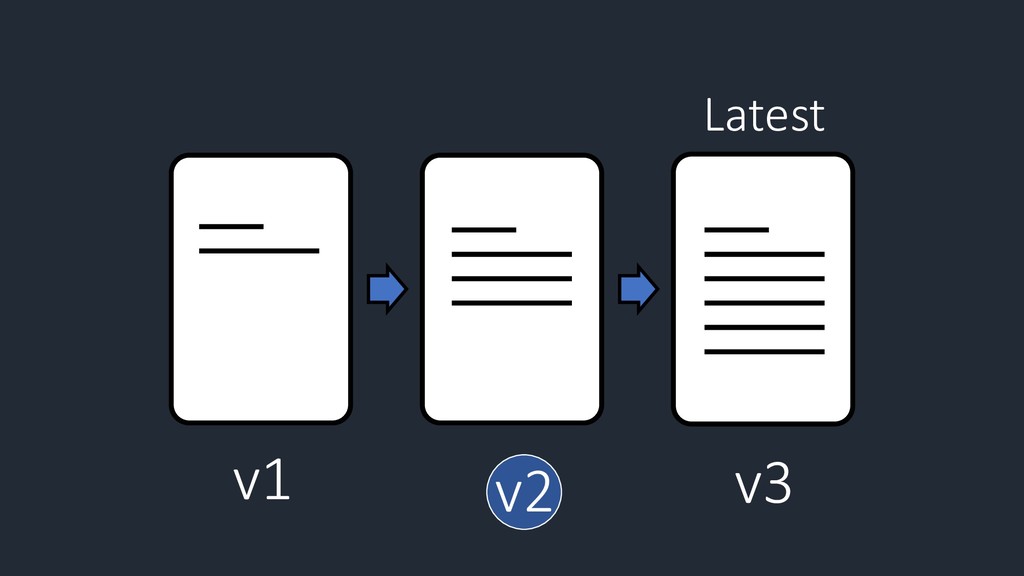
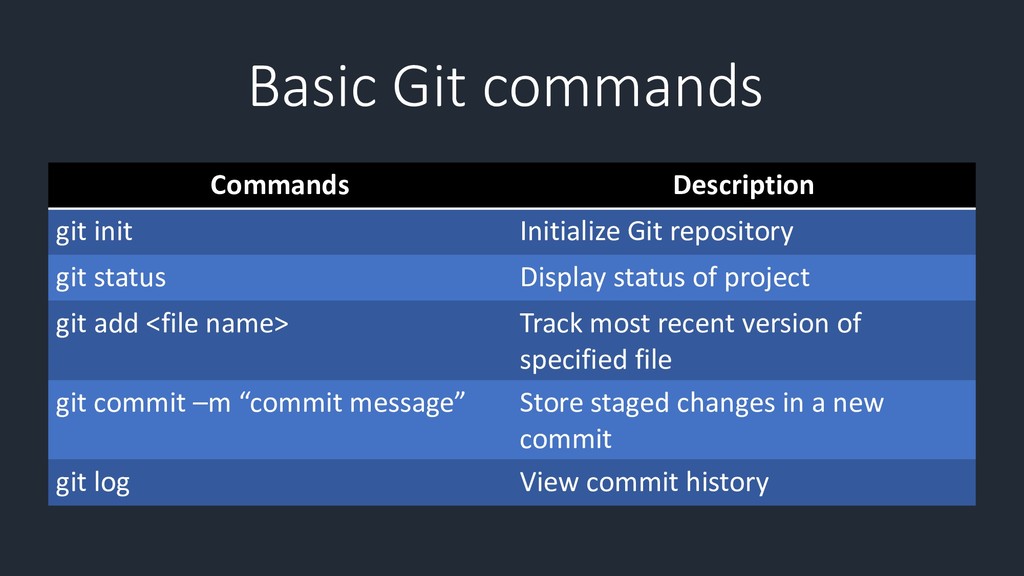
status of project git add <file name> Track most recent version of specified file git commit –m “commit message” Store staged changes in a new commit git log View commit history Basic Git commands
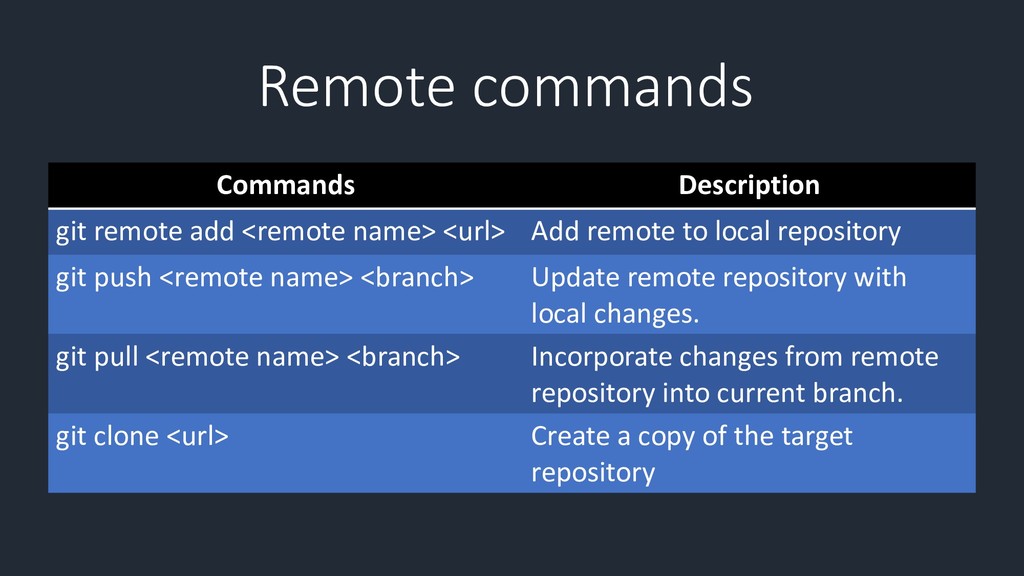
to local repository git push <remote name> <branch> Update remote repository with local changes. git pull <remote name> <branch> Incorporate changes from remote repository into current branch. git clone <url> Create a copy of the target repository Remote commands


 bryan
bryan
 katarinadahlin
 chriscoyier
 jonoalderson
 mayatellez
 honzajavorek
 jnunemaker
 eileencodes
 holman
 bcantrill
 swwweet
 inesmontani