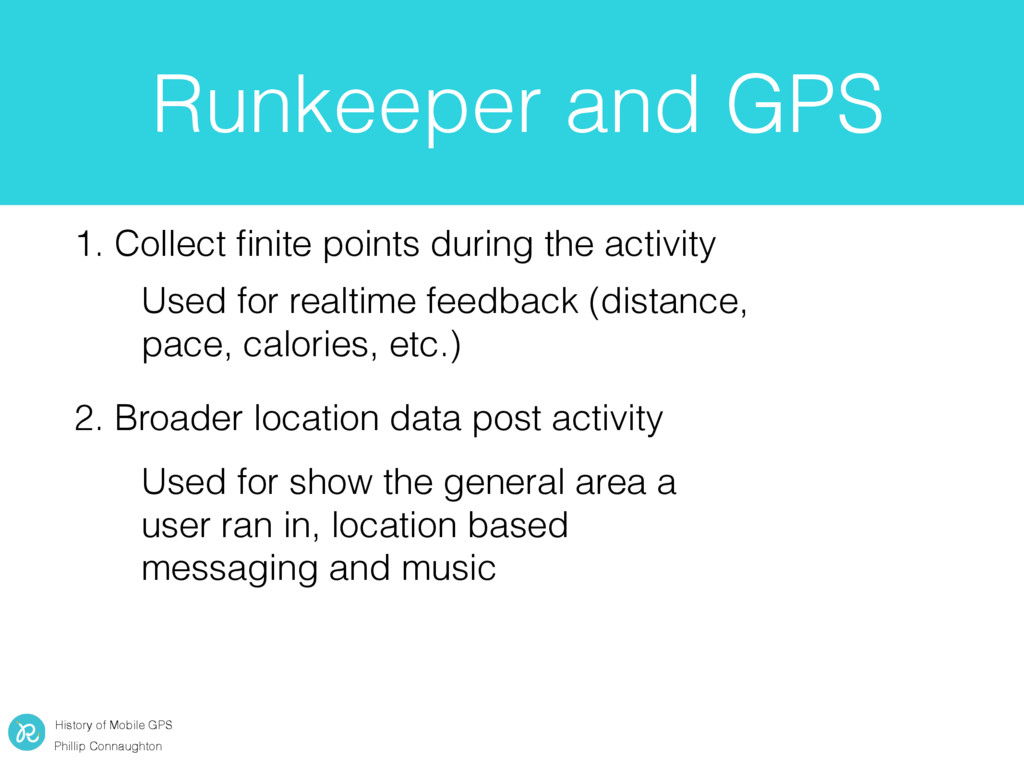
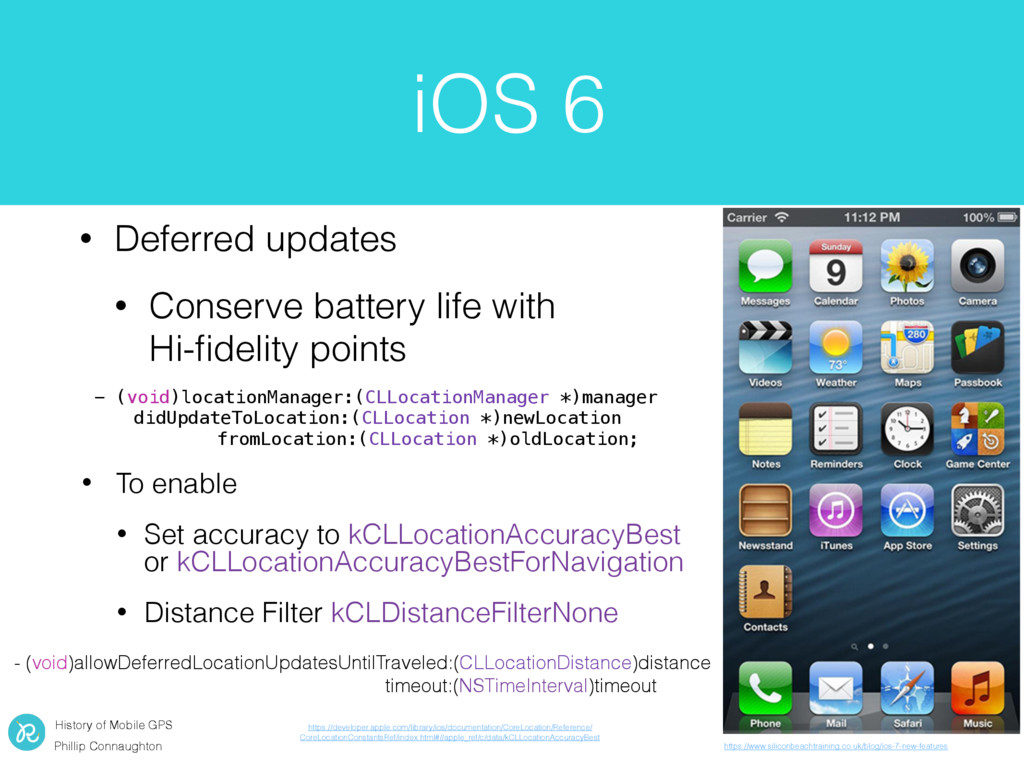
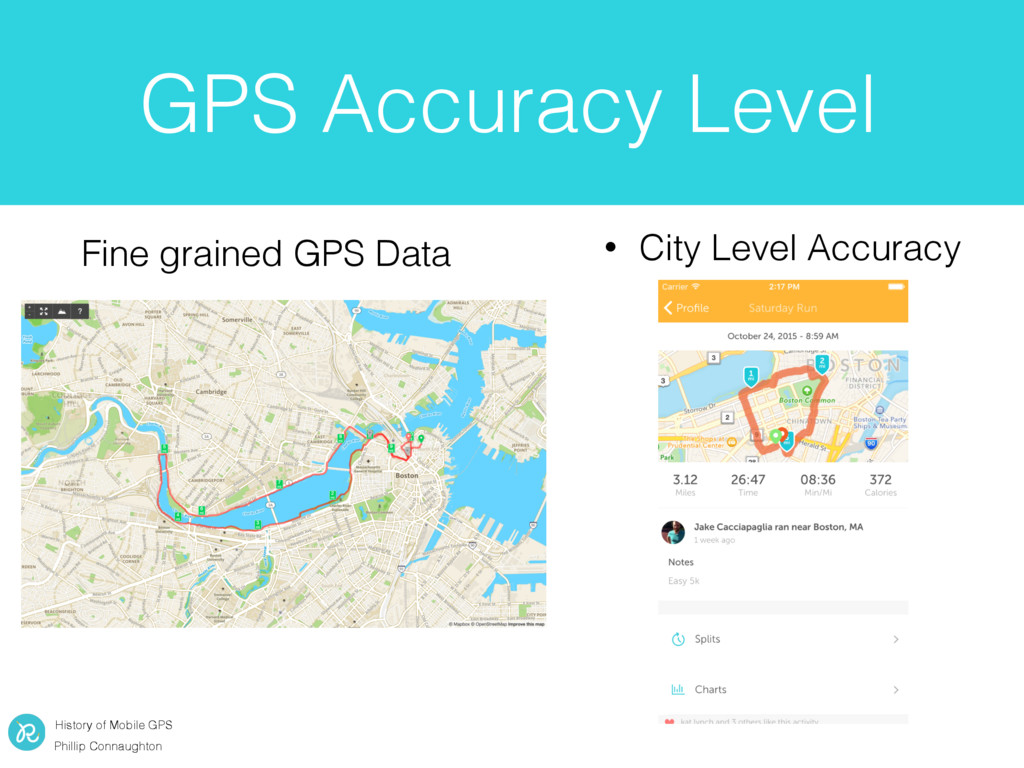
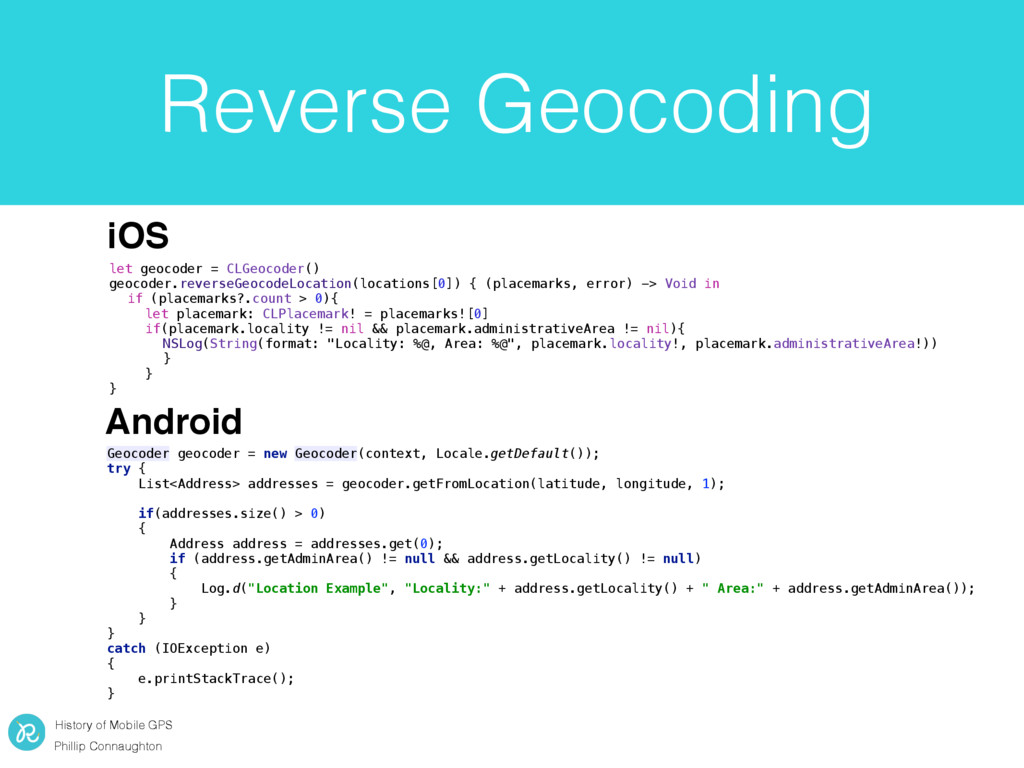
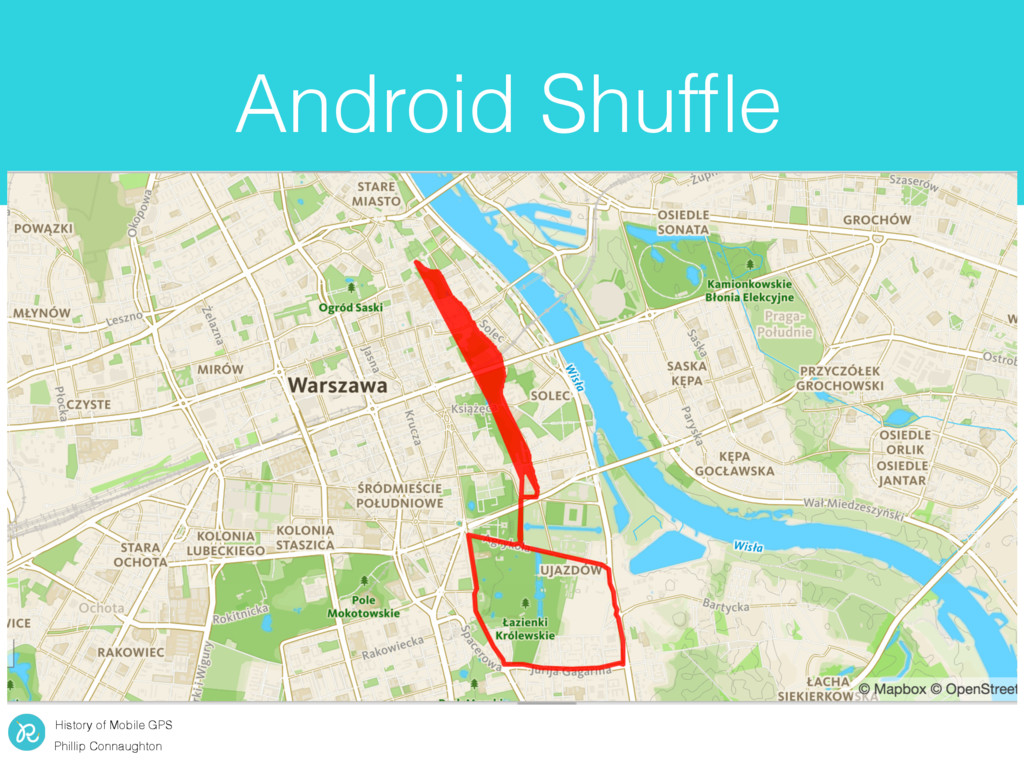
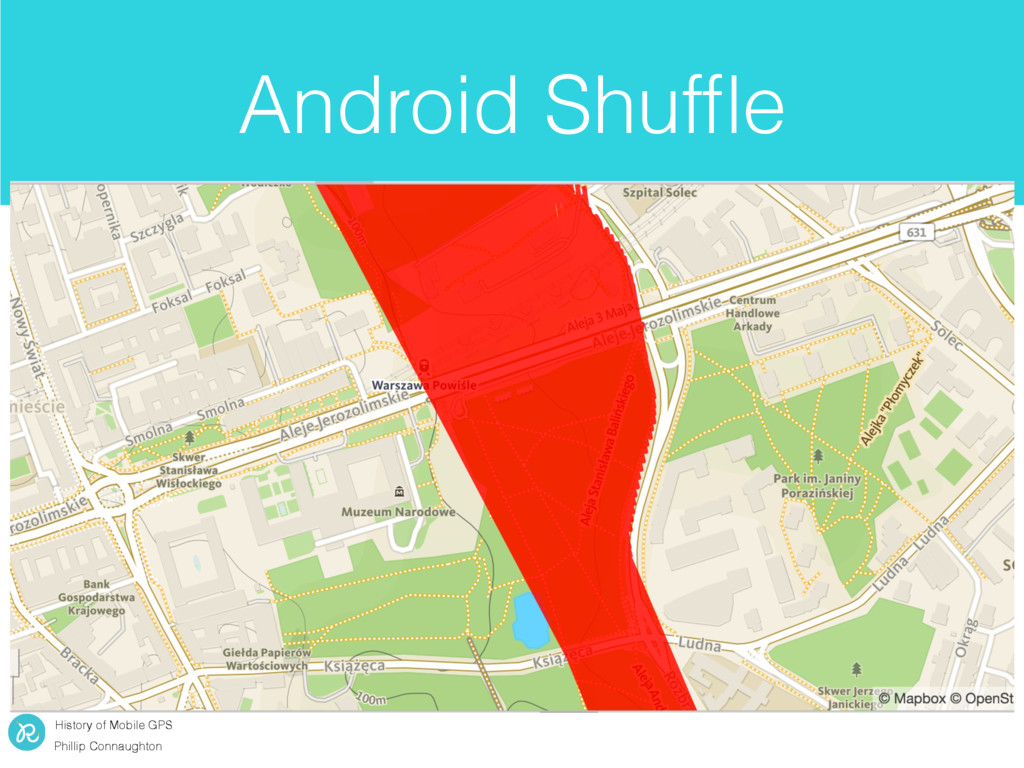
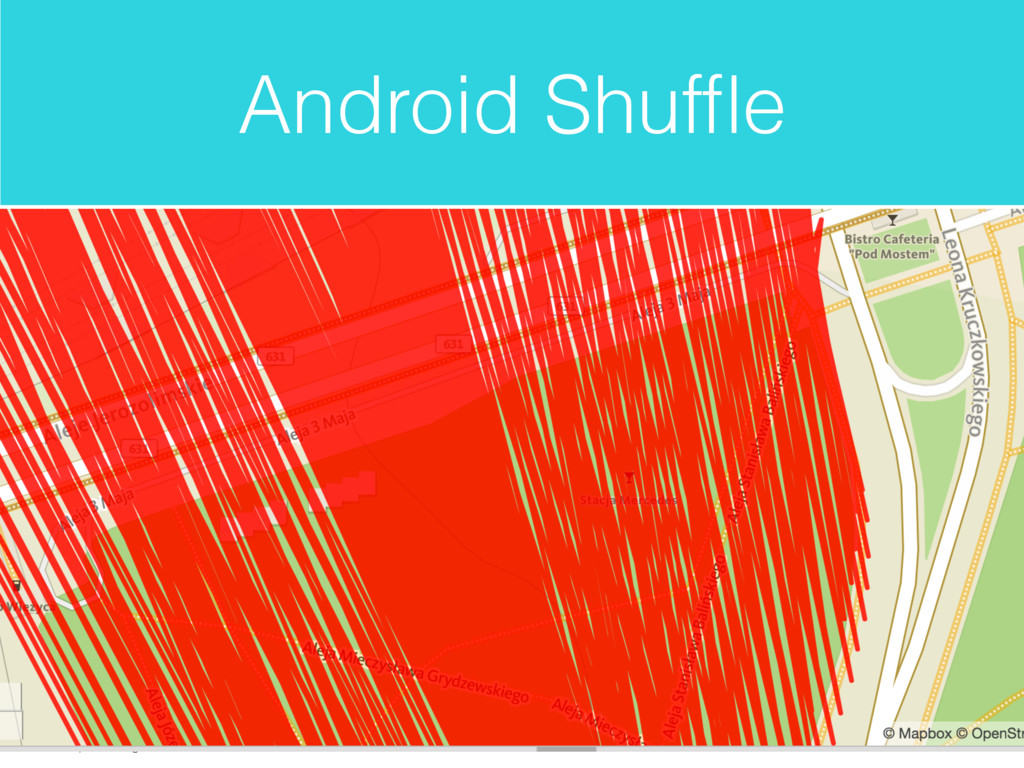
Collect finite points during the activity 2. Broader location data post activity Used for realtime feedback (distance, pace, calories, etc.) Used for show the general area a user ran in, location based messaging and music
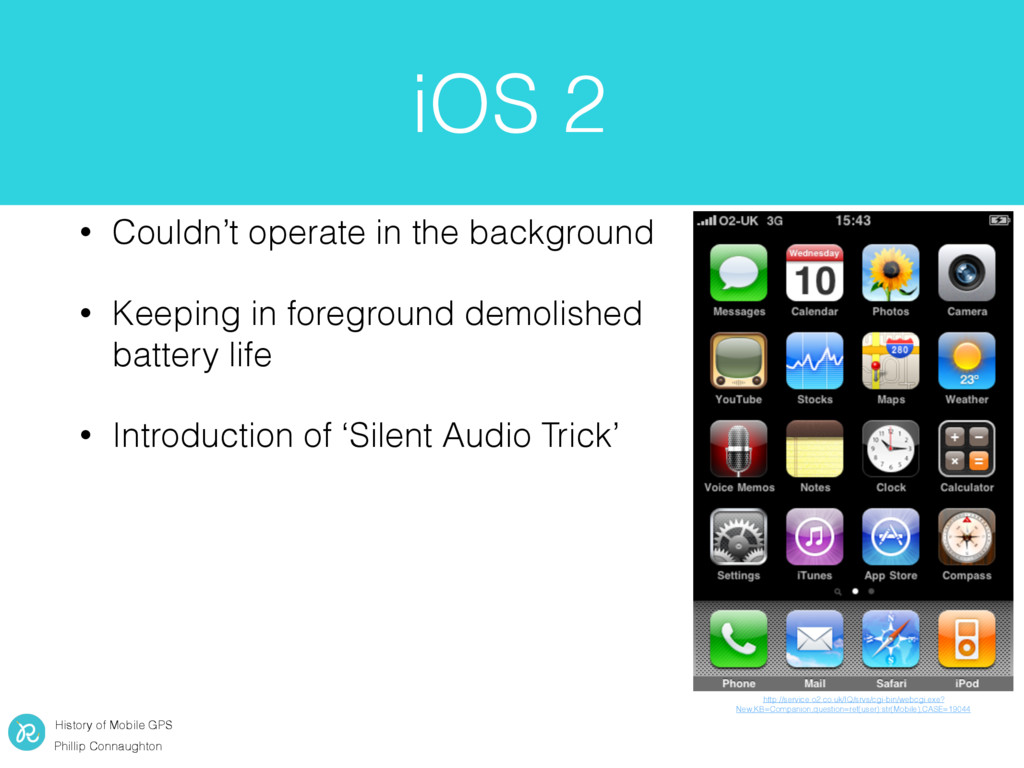
operate in the background • Keeping in foreground demolished battery life • Introduction of ‘Silent Audio Trick’ http://service.o2.co.uk/IQ/srvs/cgi-bin/webcgi.exe? New,KB=Companion,question=ref(user):str(Mobile),CASE=19044
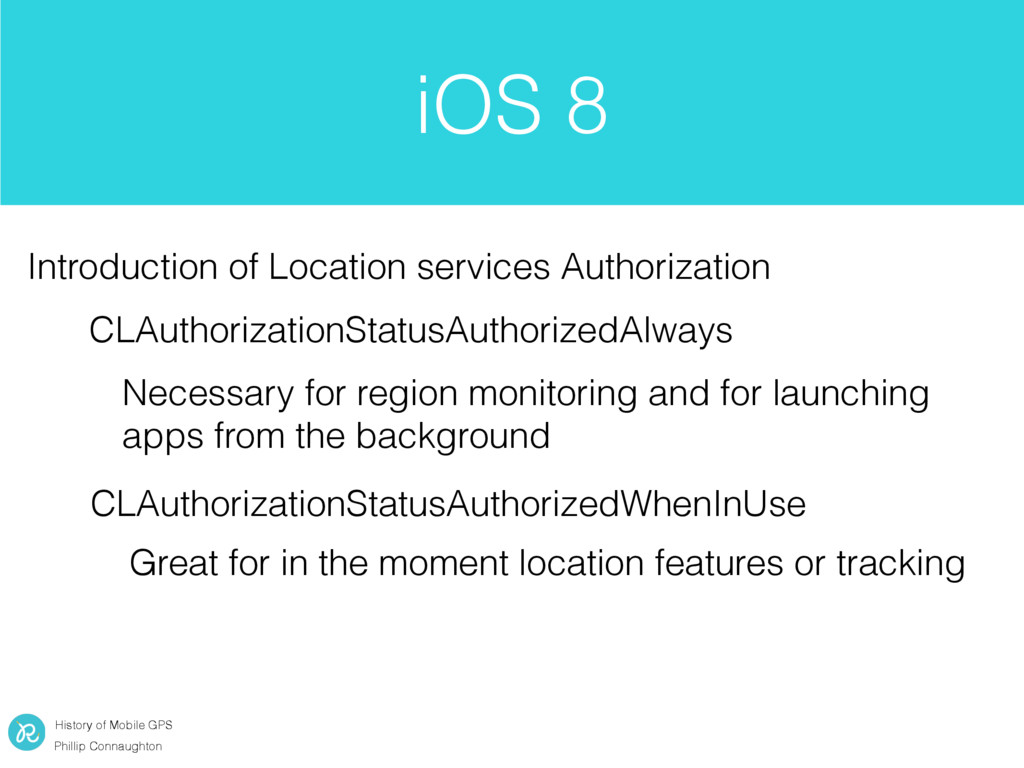
Location services Authorization CLAuthorizationStatusAuthorizedAlways CLAuthorizationStatusAuthorizedWhenInUse Necessary for region monitoring and for launching apps from the background Great for in the moment location features or tracking
[self.locationManager setAllowsBackgroundLocationUpdates:YES]; Nothing too exciting, changed some permissions watchOS 2 adds CoreLocation watchOS 2 only work when in foreground
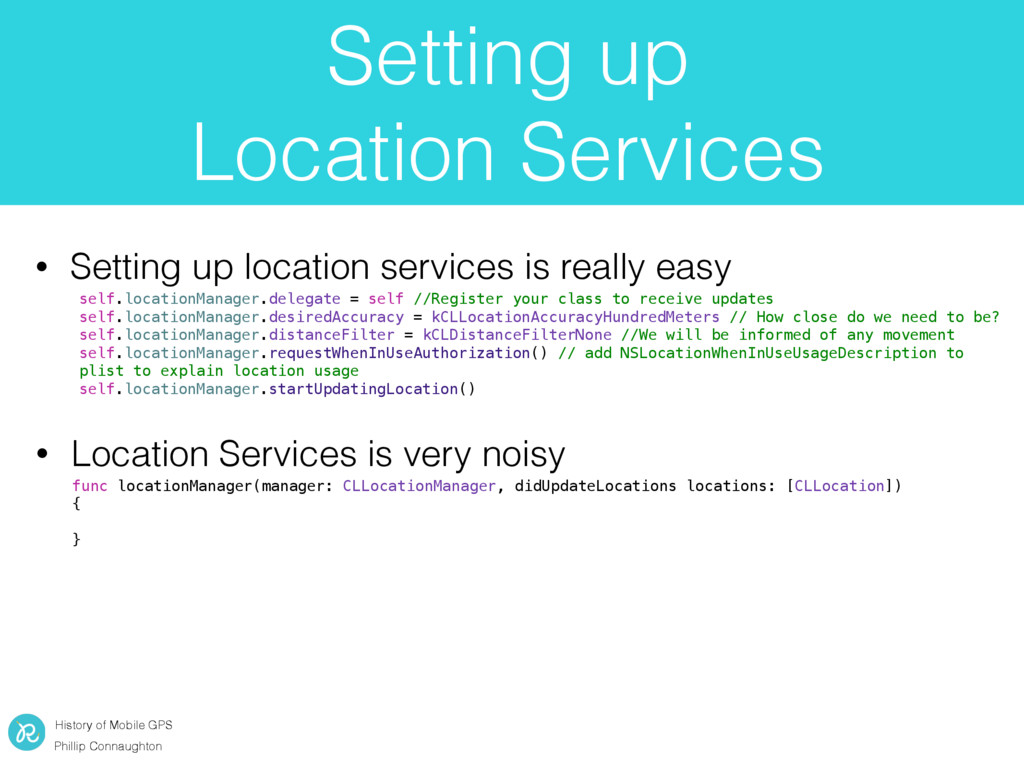
• Setting up location services is really easy func locationManager(manager: CLLocationManager, didUpdateLocations locations: [CLLocation]) { } • Location Services is very noisy self.locationManager.delegate = self //Register your class to receive updates self.locationManager.desiredAccuracy = kCLLocationAccuracyHundredMeters // How close do we need to be? self.locationManager.distanceFilter = kCLDistanceFilterNone //We will be informed of any movement self.locationManager.requestWhenInUseAuthorization() // add NSLocationWhenInUseUsageDescription to plist to explain location usage self.locationManager.startUpdatingLocation()
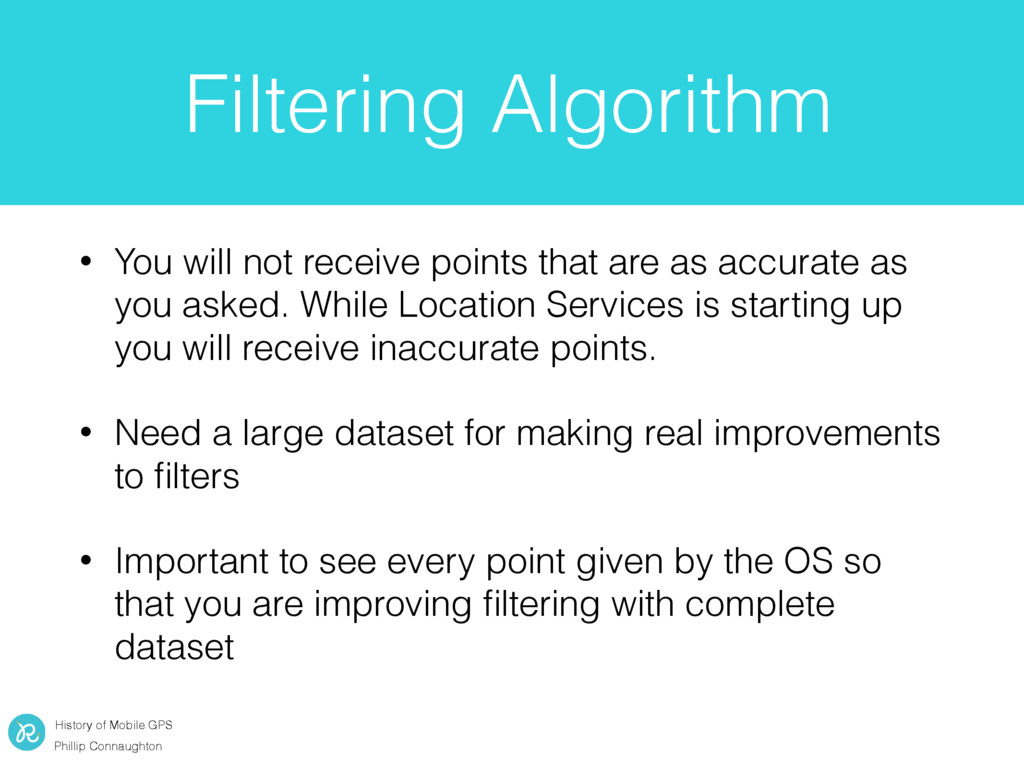
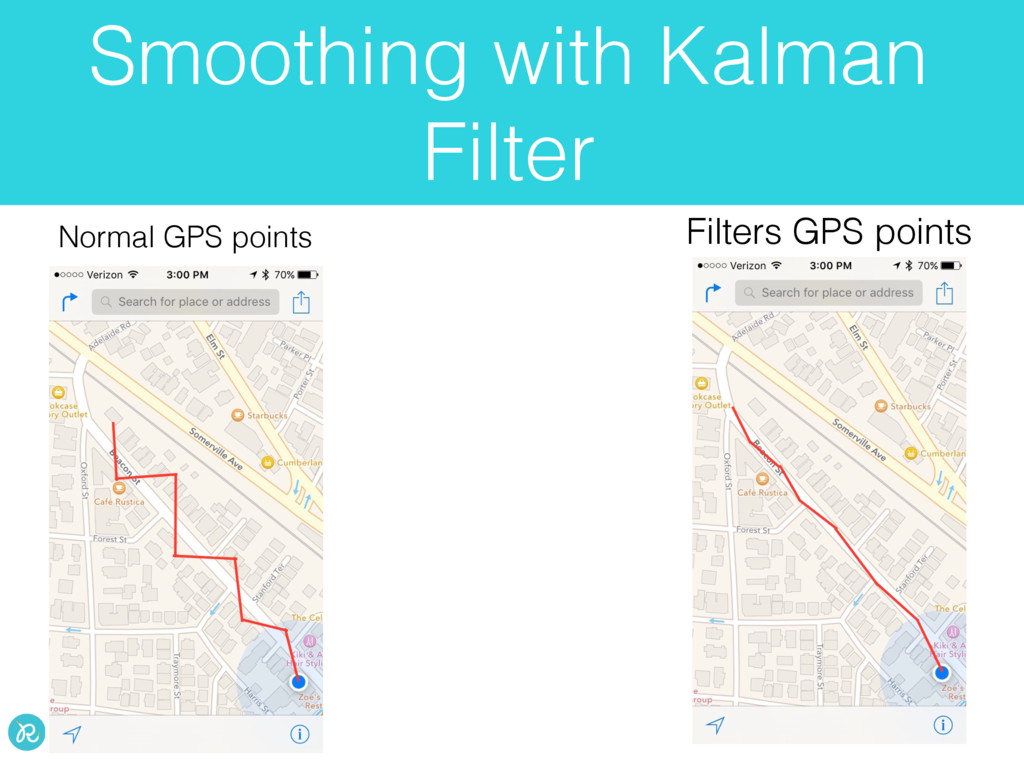
will not receive points that are as accurate as you asked. While Location Services is starting up you will receive inaccurate points. • Need a large dataset for making real improvements to filters • Important to see every point given by the OS so that you are improving filtering with complete dataset
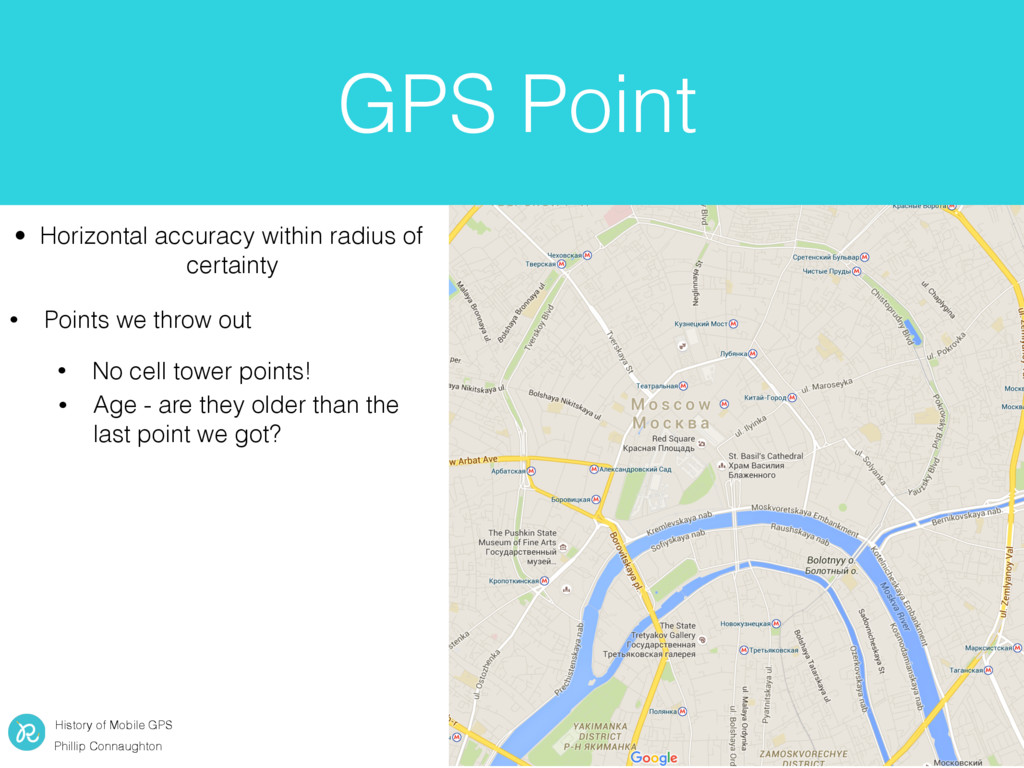
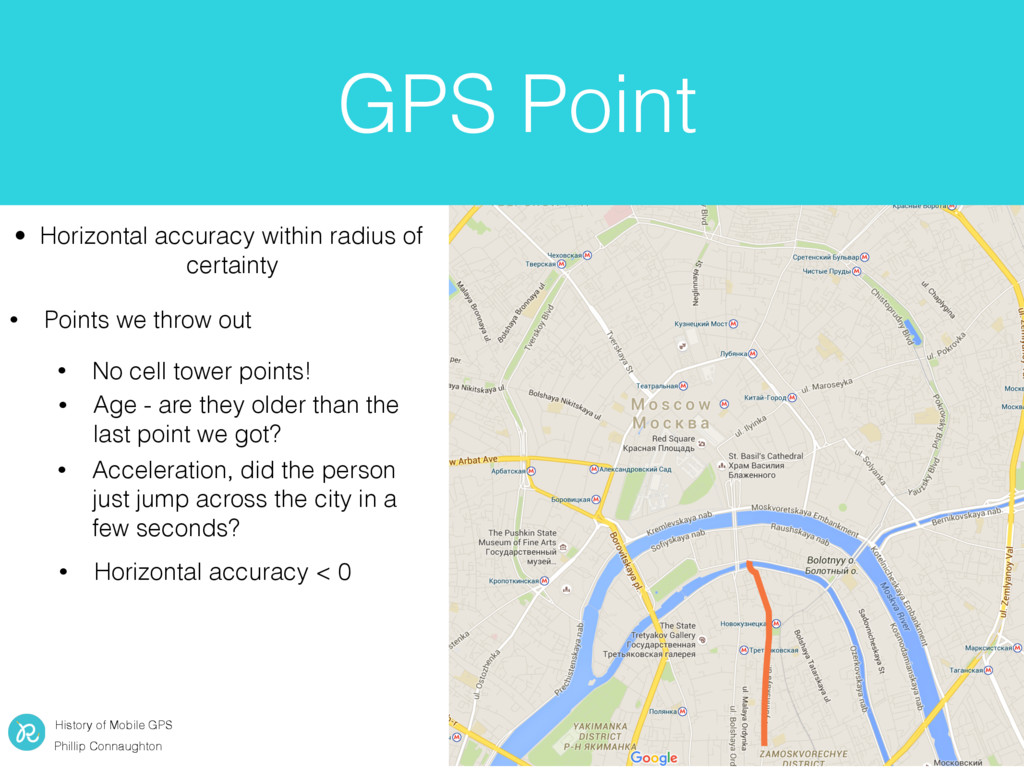
radius of certainty • Points we throw out • Acceleration, did the person just jump across the city in a few seconds? • Horizontal accuracy < 0 GPS Point • No cell tower points! • Age - are they older than the last point we got?
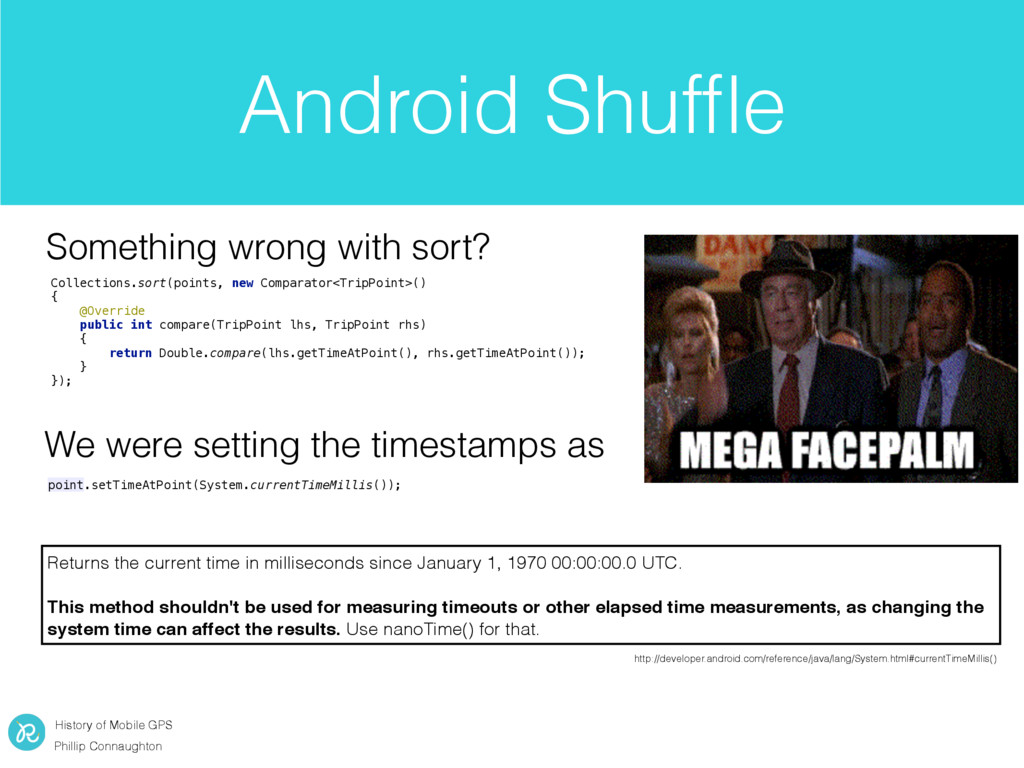
with sort? Collections.sort(points, new Comparator<TripPoint>() { @Override public int compare(TripPoint lhs, TripPoint rhs) { return Double.compare(lhs.getTimeAtPoint(), rhs.getTimeAtPoint()); } }); We were setting the timestamps as point.setTimeAtPoint(System.currentTimeMillis()); Returns the current time in milliseconds since January 1, 1970 00:00:00.0 UTC. This method shouldn't be used for measuring timeouts or other elapsed time measurements, as changing the system time can affect the results. Use nanoTime() for that. http://developer.android.com/reference/java/lang/System.html#currentTimeMillis()
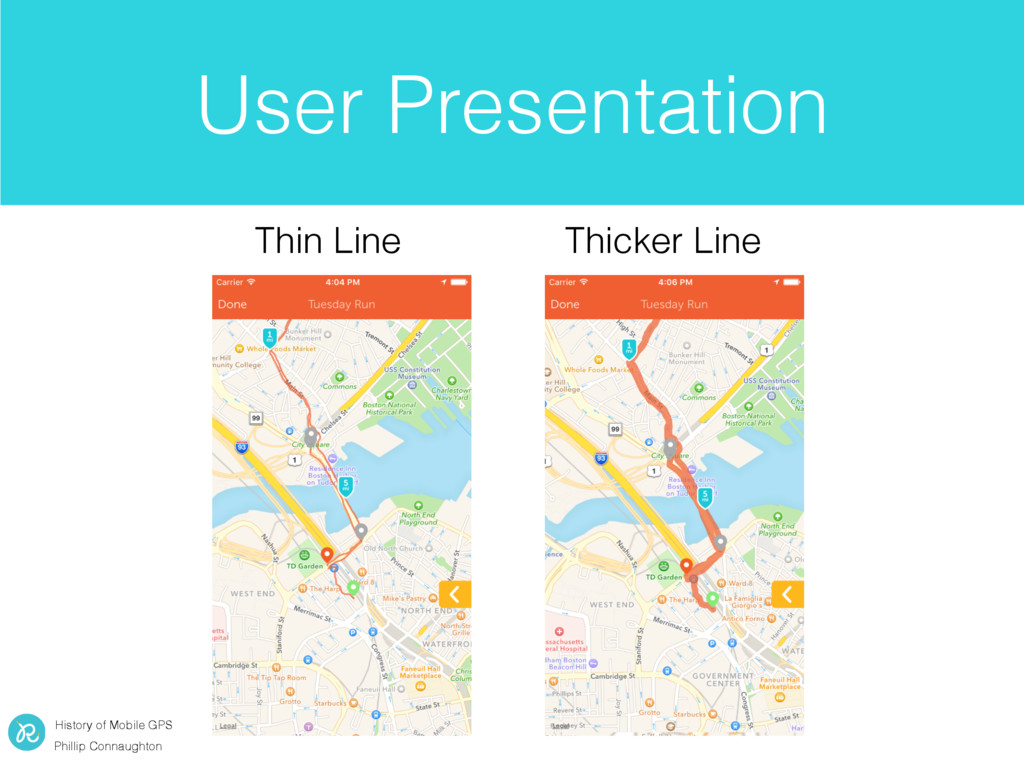
Android continue to make location data easier and easier to use • Consider the users perception when displaying location data to them • Always be thinking about battery life


 morizo_1984
 suneo3476
 findyinc
 tmikov2023
 naokihaba
 hollycummins
 econanringo
 akihisaikeda
 satoshi256kbyte
 iwiwi
iwiwi
 kawashimo0
 rshindo
 jdejongh
 maggiecrowley
 skipperchong
 eileencodes
 denniskardys
 aleyda
.png) helenjbeal
helenjbeal
 kevinliebholz
 garrettdimon
 davetheseo
 marktimemedia
 coloredviolet