Upgrade to Pro — share decks privately, control downloads, hide ads and more …

Bonjour, Monde: Optimizing Localization

Sponsored · SiteGround - Reliable hosting with speed, security, and support you can count on. →

Bonjour, Monde: Optimizing Localization

Is there an easier way to support other languages? How will your app’s UI support much longer strings or even right-to-left languages? How can you maintain Play Store copy and screenshots in multiple languages?

In this talk we’ll cover how to best to structure your app in order to make future localization easier and discuss common pitfalls to avoid. Learn how to account for special characters, how to allow mirroring for right-to-left languages, and how to use tools like Android Studio’s Translations Editor and Fastlane to save time and headaches when supporting other languages both in your app and in the Play Store.

Avatar for Phil Corriveau

Phil Corriveau

April 10, 2017

Other Decks in Technology

Transcript

  1. What is Localization? @philcorriveau6 • Localization != Internationalization • Localization

    is implementing changes to a product to support different languages or locales • Internationalization is preparing a product in such a way to enable seamless localization OPTIMIZING LOCALIZATION
  2. Why is Localizing Important? @philcorriveau6 • Reach, Reach and Reach

    • Adaptability is a major tenet of Android • You’re not designing your app for only one phone OPTIMIZING LOCALIZATION
  3. Inefficiencies @philcorriveau6 • Integrating all the different translations is tedious

    • Can often break your UI • Difficult to verify that it’s working properly • Play Store listing translations OPTIMIZING LOCALIZATION
  4. A Little Background @philcorriveau6 • Senior Android Developer at Intrepid

    • End-to-end digital product strategy, design, and development company based here in Cambridge, MA and in NYC • Spent the past year and a half leading development of a bluetooth device management app that supports 19 languages OPTIMIZING LOCALIZATION
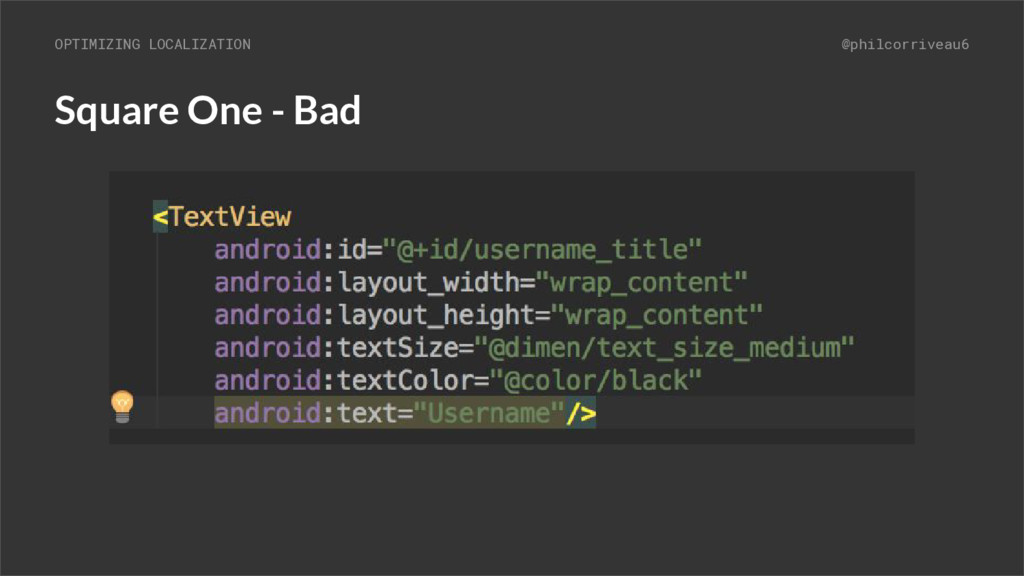
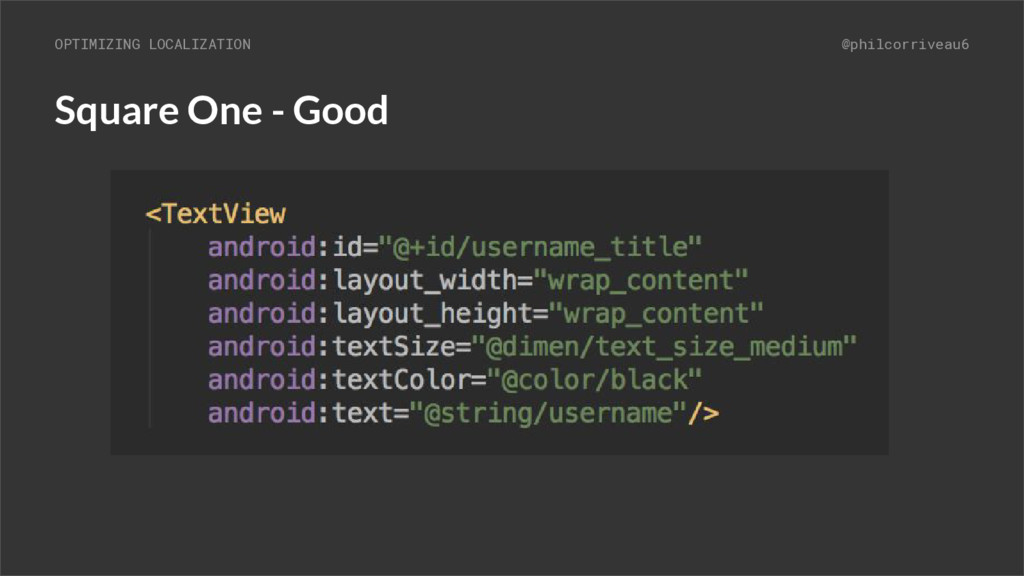
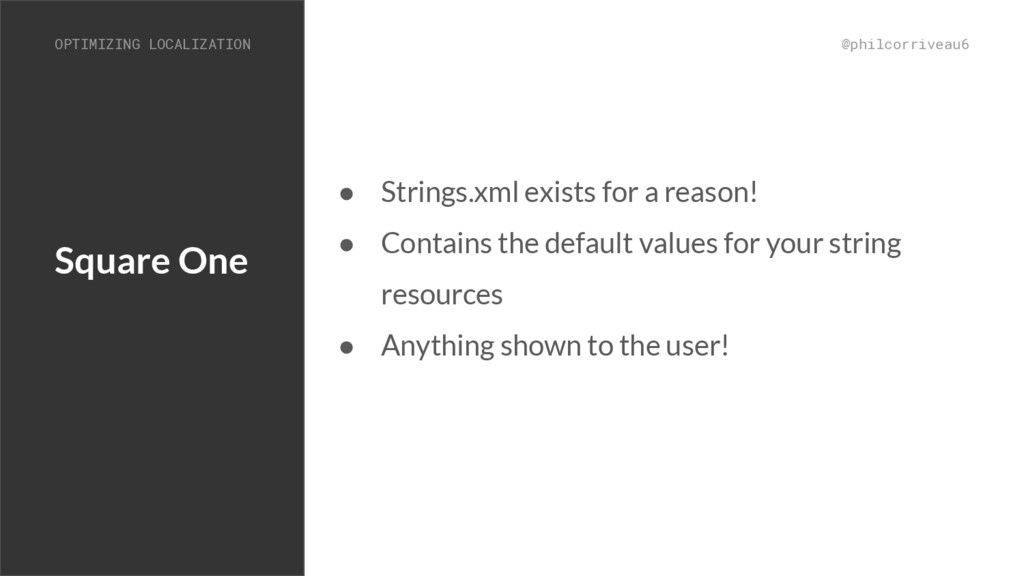
  5. Square One @philcorriveau6 • Strings.xml exists for a reason! •

    Contains the default values for your string resources • Anything shown to the user! OPTIMIZING LOCALIZATION
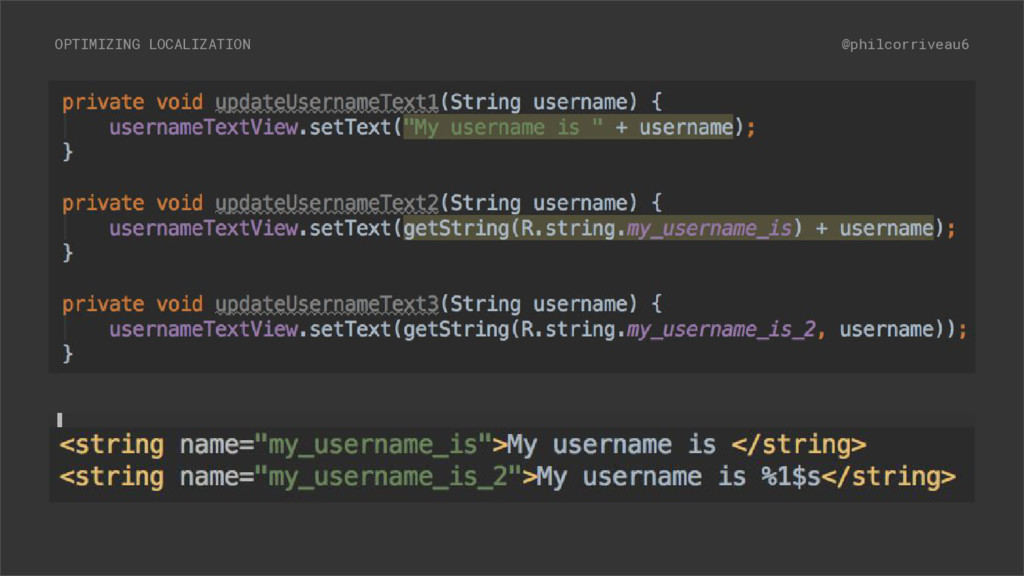
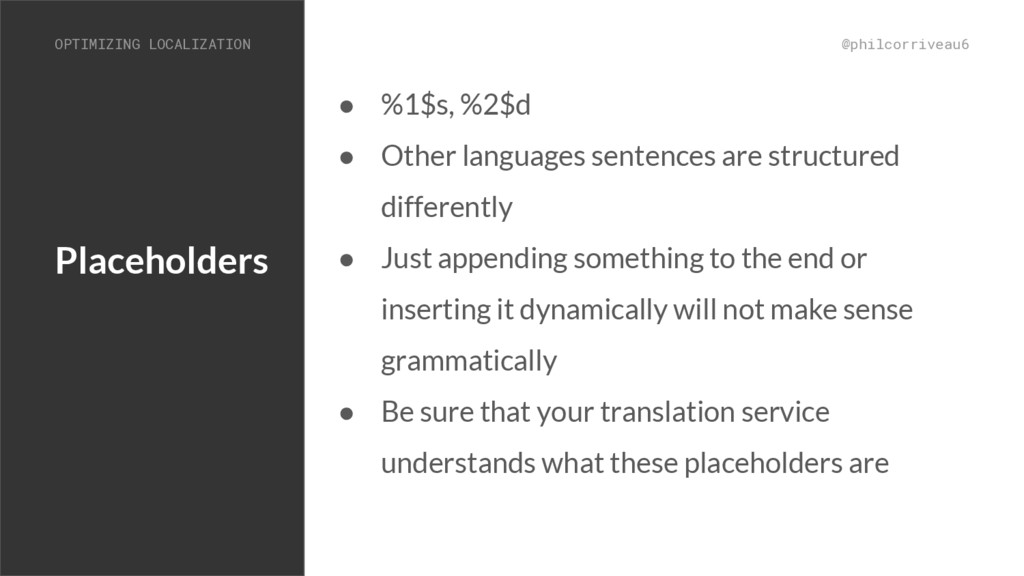
  6. Placeholders @philcorriveau6 • %1$s, %2$d • Other languages sentences are

    structured differently • Just appending something to the end or inserting it dynamically will not make sense grammatically • Be sure that your translation service understands what these placeholders are OPTIMIZING LOCALIZATION
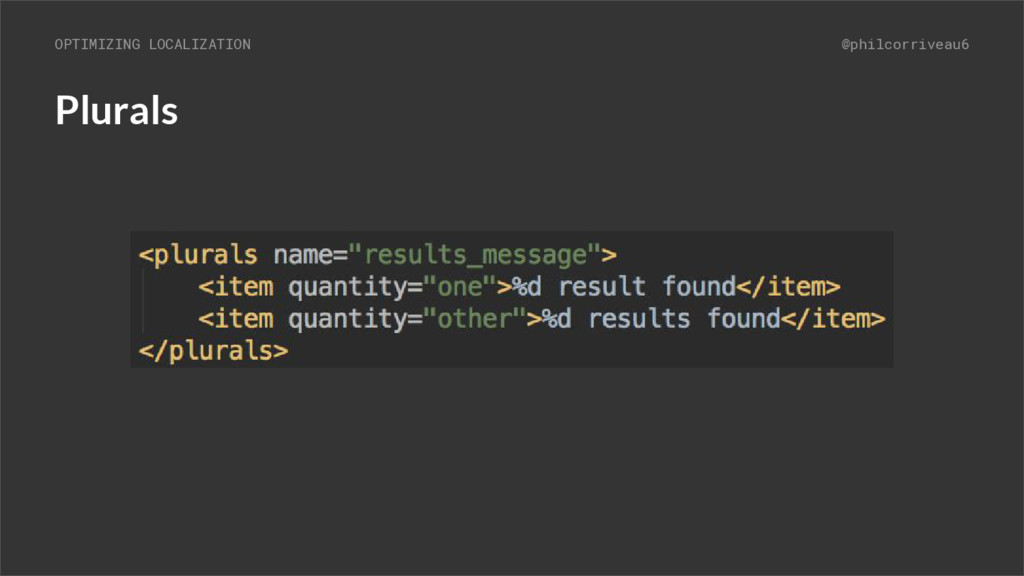
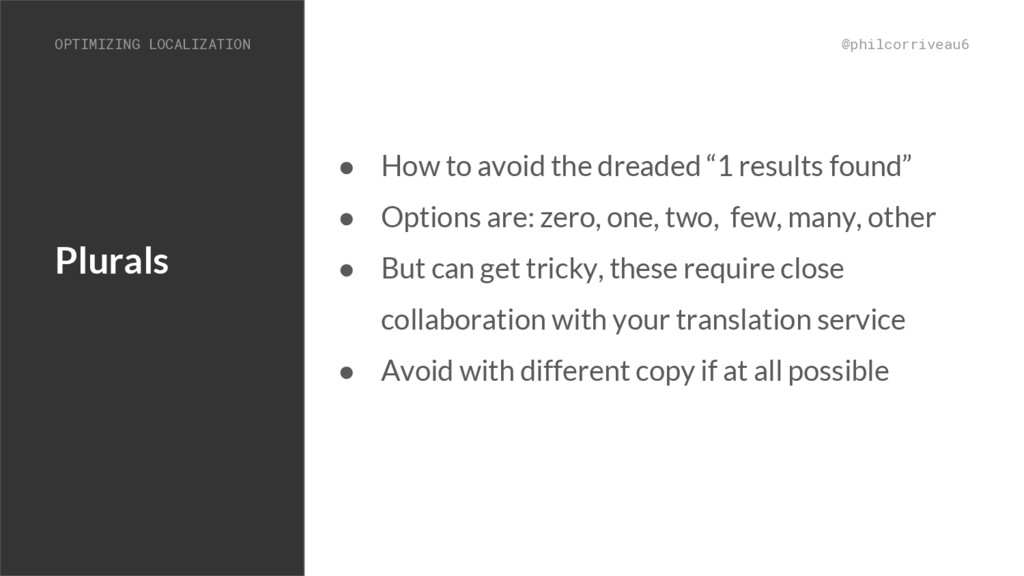
  7. Plurals @philcorriveau6 OPTIMIZING LOCALIZATION • How to avoid the dreaded

    “1 results found” • Options are: zero, one, two, few, many, other • But can get tricky, these require close collaboration with your translation service • Avoid with different copy if at all possible
  8. Spannables @philcorriveau6 • Don’t use spannables with hardcoded indices •

    Don’t separate a sentence into pieces and then concatenate • One case where spannables will work is applying formatting to a placeholder ◦ By finding the starting and ending indices of that placeholder within the larger string OPTIMIZING LOCALIZATION
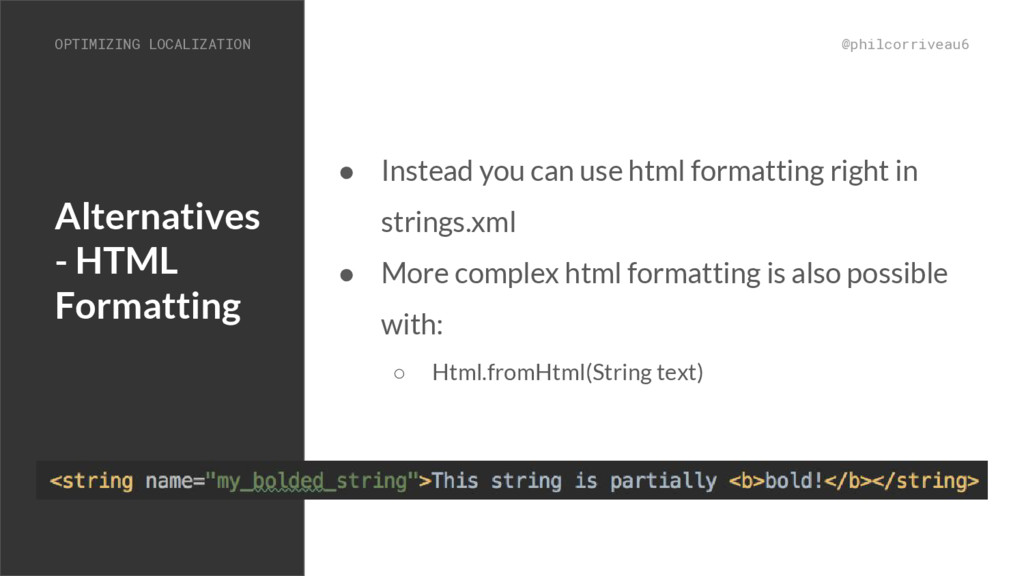
  9. Alternatives - HTML Formatting @philcorriveau6 • Instead you can use

    html formatting right in strings.xml • More complex html formatting is also possible with: ◦ Html.fromHtml(String text) OPTIMIZING LOCALIZATION
  10. Fonts and Special Characters @philcorriveau6 • Make sure your font

    supports all of the characters in the languages you’ll be using • Watch out for apostrophes, quotes and other characters in your strings.xml ◦ Apostrophes must be preceded by \ • Make sure your translation service also knows the rules for characters, especially apostrophes OPTIMIZING LOCALIZATION
  11. Design Consideration @philcorriveau6 • Keep your design and layout files

    as flexible as possible • The majority of issues that come from localization will often be strings that break your existing UI so try to be as forward thinking as possible • Don’t make strict assumptions OPTIMIZING LOCALIZATION
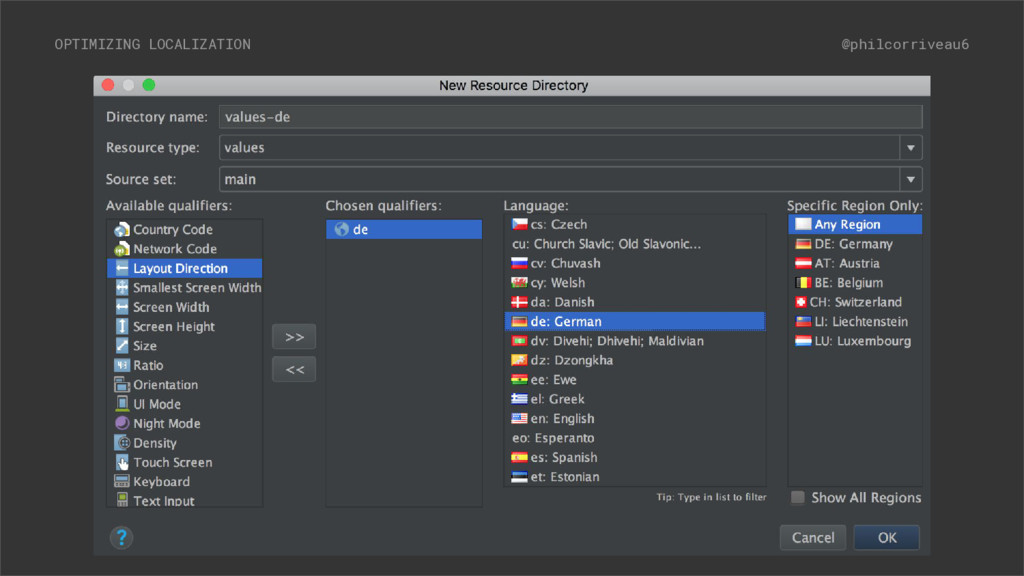
  12. Implementation @philcorriveau6 • Ideally received in the proper folder structure

    to drop right in • Works similarly to defining resources for different screen sizes or densities OPTIMIZING LOCALIZATION
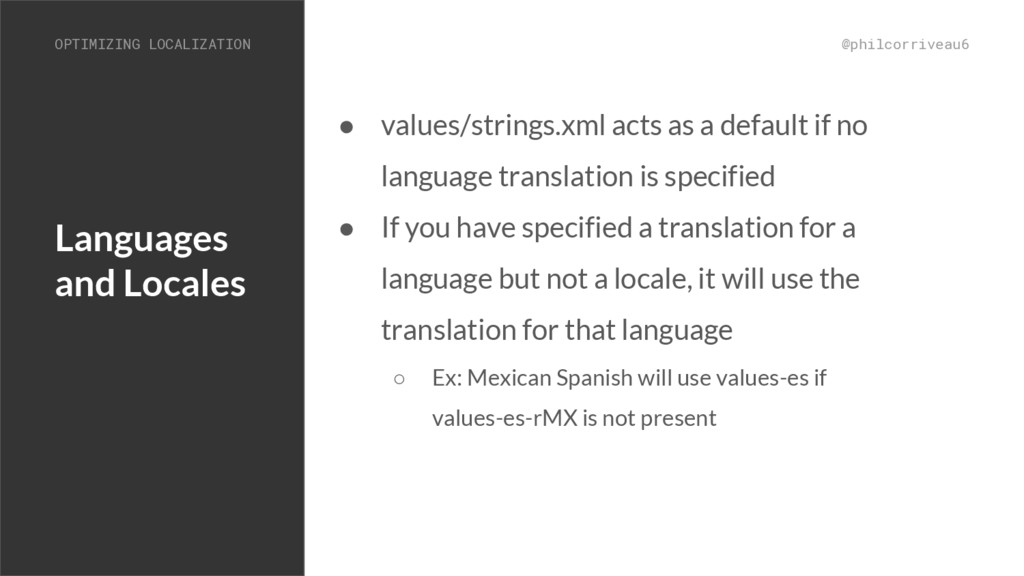
  13. Languages and Locales @philcorriveau6 • values/strings.xml acts as a default

    if no language translation is specified • If you have specified a translation for a language but not a locale, it will use the translation for that language ◦ Ex: Mexican Spanish will use values-es if values-es-rMX is not present OPTIMIZING LOCALIZATION
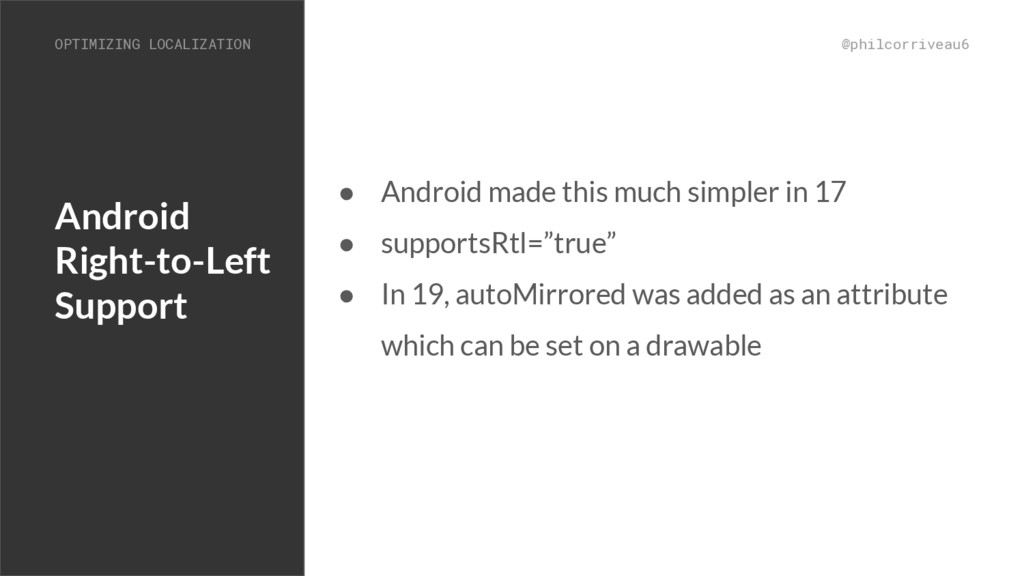
  14. Android Right-to-Left Support @philcorriveau6 • Android made this much simpler

    in 17 • supportsRtl=”true” • In 19, autoMirrored was added as an attribute which can be set on a drawable OPTIMIZING LOCALIZATION
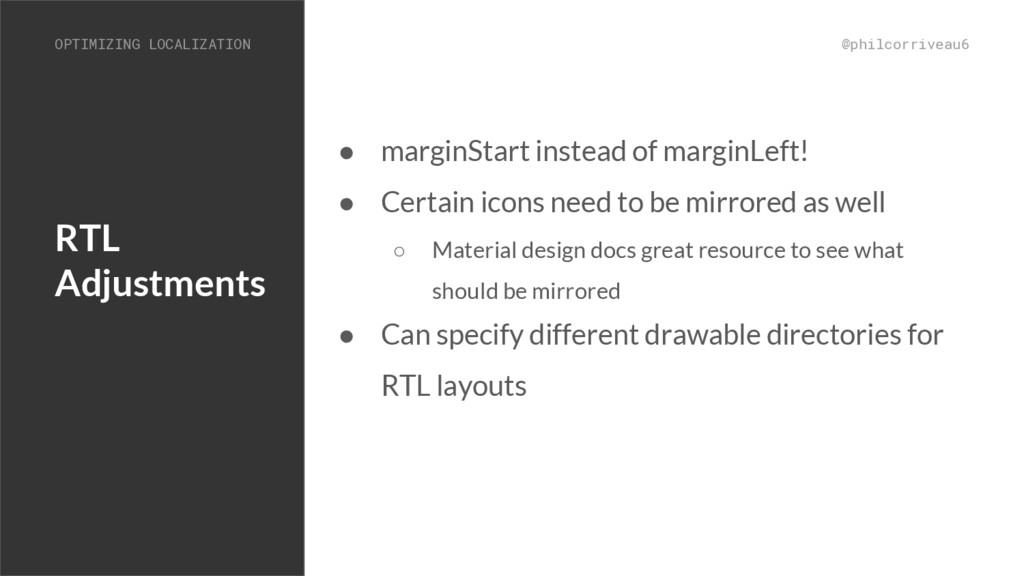
  15. RTL Adjustments @philcorriveau6 • marginStart instead of marginLeft! • Certain

    icons need to be mirrored as well ◦ Material design docs great resource to see what should be mirrored • Can specify different drawable directories for RTL layouts OPTIMIZING LOCALIZATION
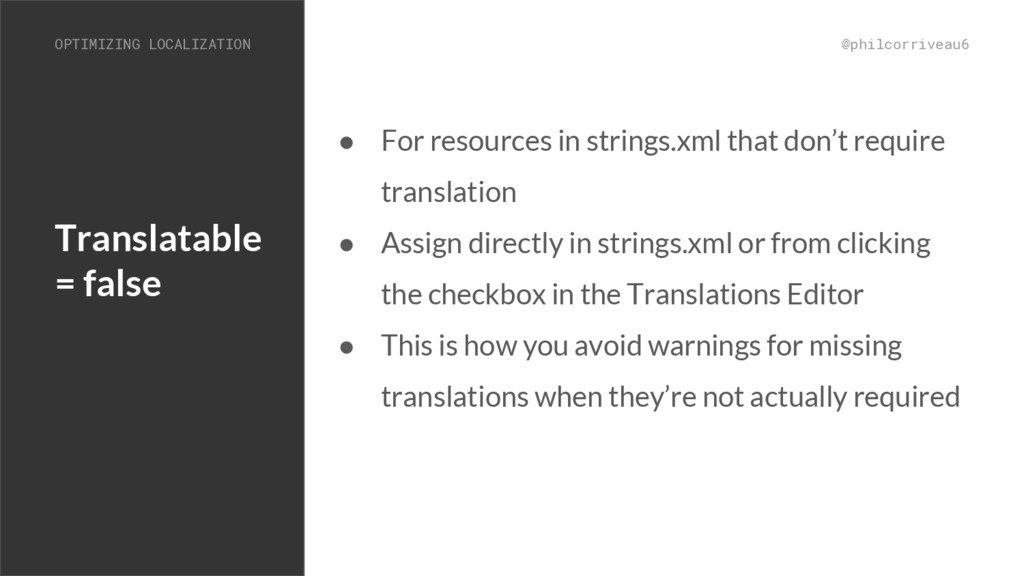
  16. Translatable = false @philcorriveau6 • For resources in strings.xml that

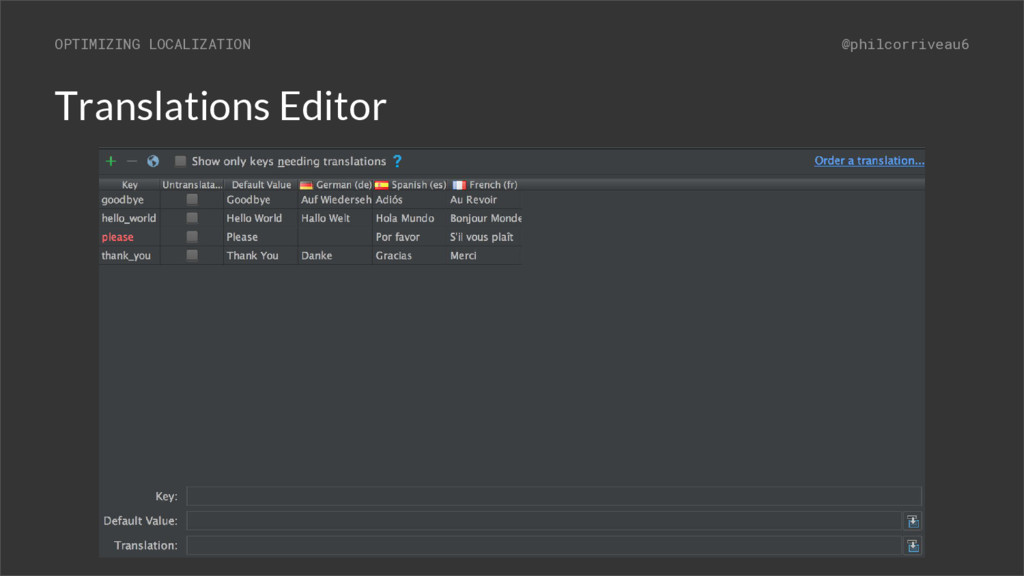
    don’t require translation • Assign directly in strings.xml or from clicking the checkbox in the Translations Editor • This is how you avoid warnings for missing translations when they’re not actually required OPTIMIZING LOCALIZATION
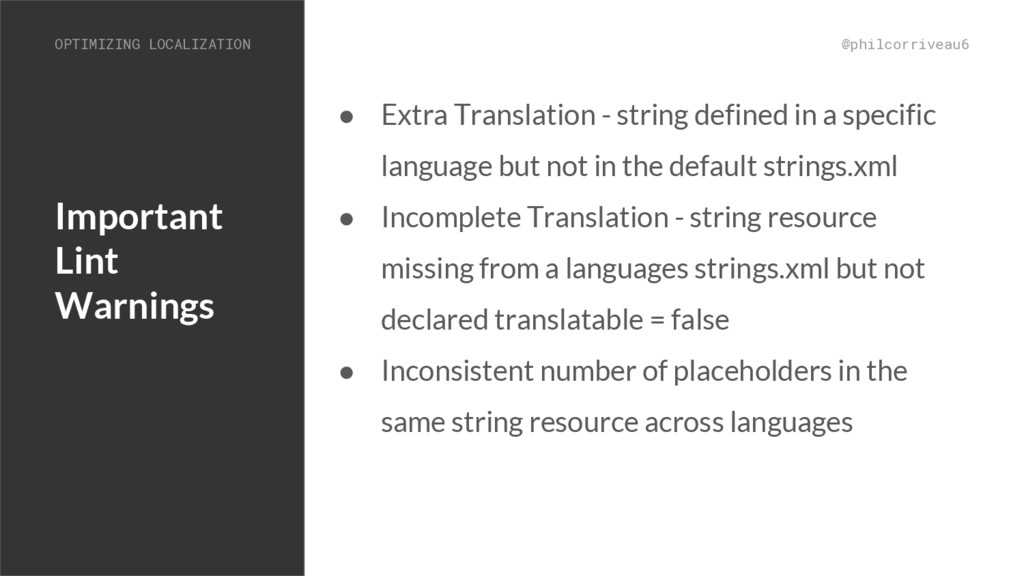
  17. Important Lint Warnings @philcorriveau6 • Extra Translation - string defined

    in a specific language but not in the default strings.xml • Incomplete Translation - string resource missing from a languages strings.xml but not declared translatable = false • Inconsistent number of placeholders in the same string resource across languages OPTIMIZING LOCALIZATION
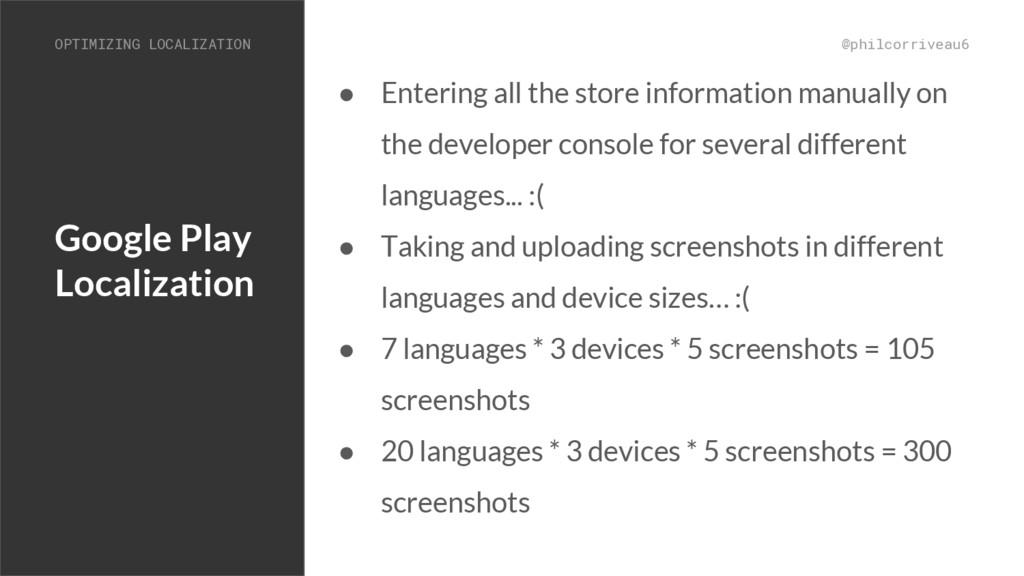
  18. Google Play Localization @philcorriveau6 • Entering all the store information

    manually on the developer console for several different languages... :( • Taking and uploading screenshots in different languages and device sizes… :( • 7 languages * 3 devices * 5 screenshots = 105 screenshots • 20 languages * 3 devices * 5 screenshots = 300 screenshots OPTIMIZING LOCALIZATION
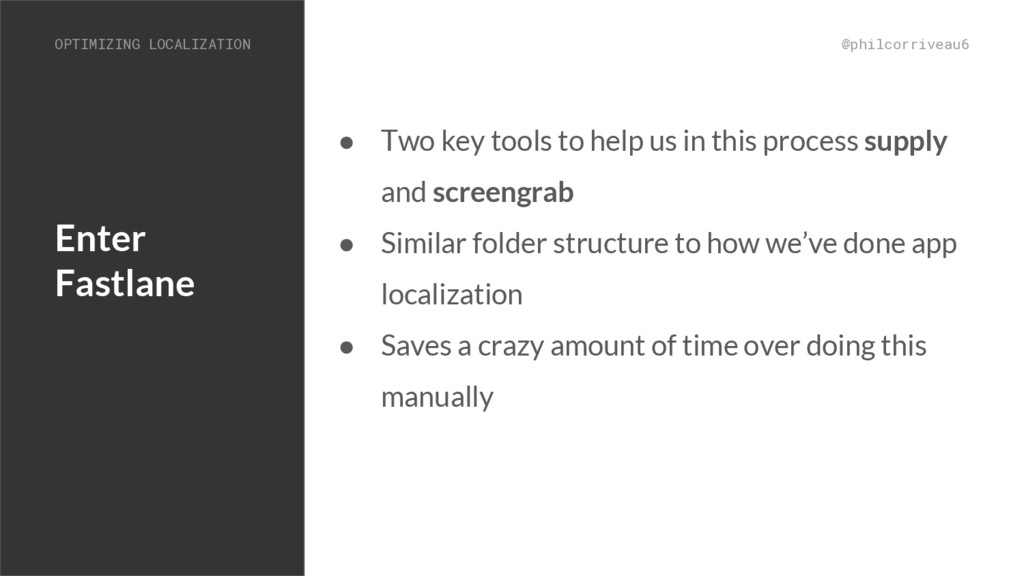
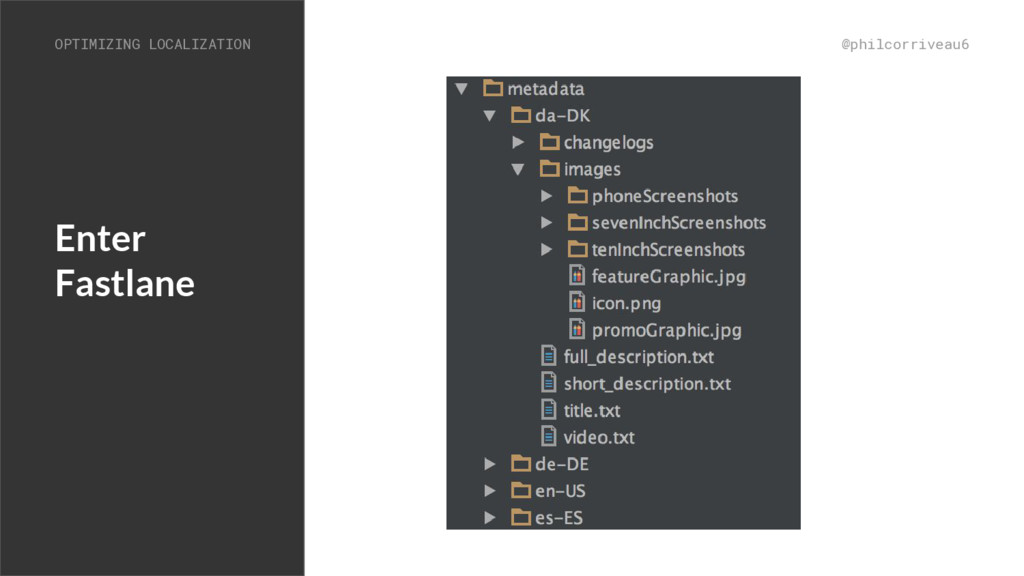
  19. Enter Fastlane @philcorriveau6 • Two key tools to help us

    in this process supply and screengrab • Similar folder structure to how we’ve done app localization • Saves a crazy amount of time over doing this manually OPTIMIZING LOCALIZATION
  20. Fastlane Supply @philcorriveau6 • Supplies all of your translated metadata

    to the play store • Can also be used to upload APKs • Use the skip flags (skip_upload_apk, skip_upload_screenshots) to be sure of what’s getting uploaded OPTIMIZING LOCALIZATION
  21. Timed Publishing Mode @philcorriveau6 • Good companion to Fastlane supply

    • Use timed publishing mode in the dev console to ensure the play store listing doesn’t get updated early, especially if you’re uploading apks separately • Double check the diff in timed publishing mode to ensure accuracy OPTIMIZING LOCALIZATION
  22. Character Limits @philcorriveau6 • Don’t forget character limits in play

    store listing • Short Description - 80 characters • Full Description - 4000 characters • Release Notes - 500 characters • Script focused on character counting to ensure you’re within the limits ◦ Works for Android and iOS - credit to coworker Alex Persian OPTIMIZING LOCALIZATION
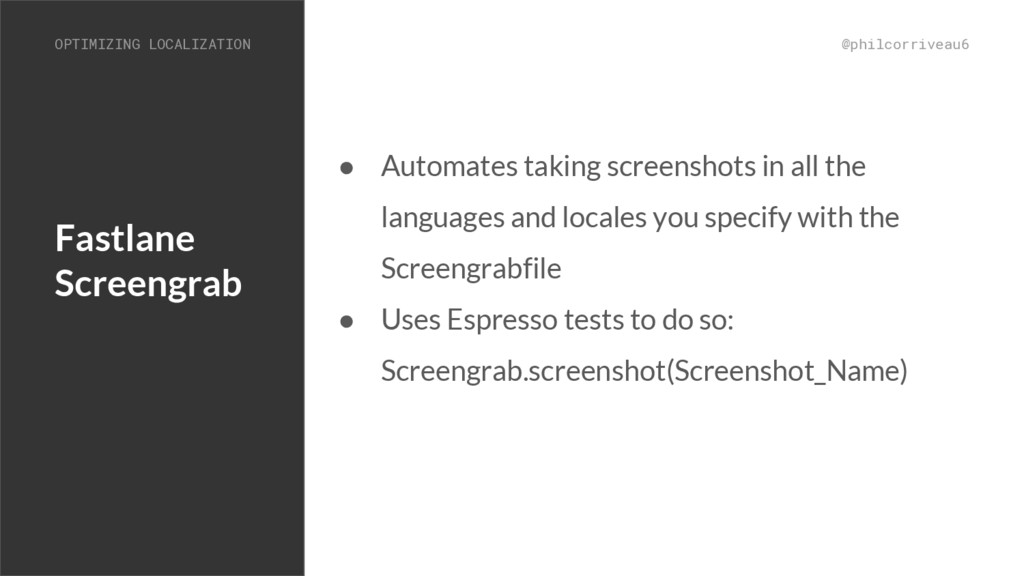
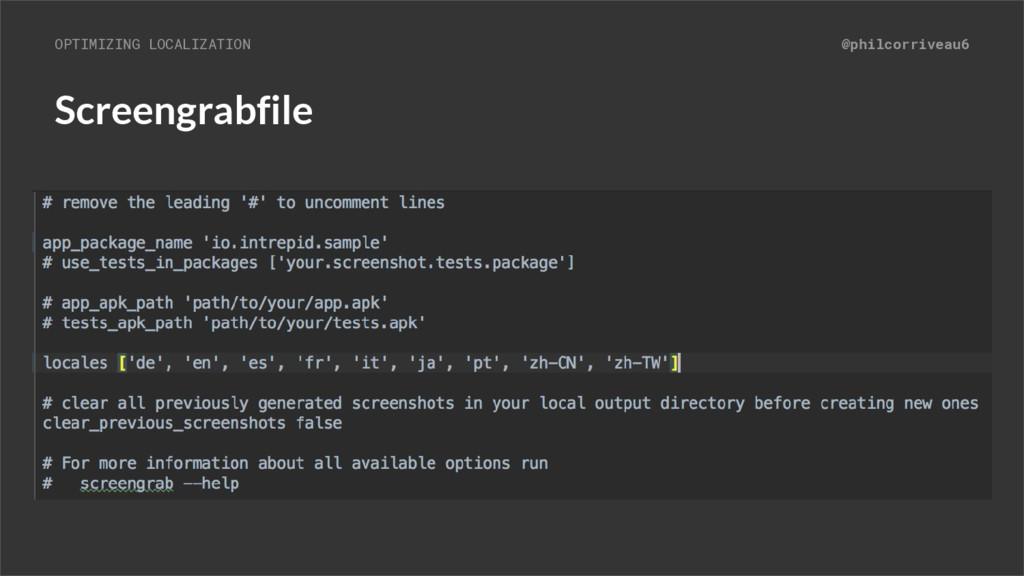
  23. Fastlane Screengrab @philcorriveau6 • Automates taking screenshots in all the

    languages and locales you specify with the Screengrabfile • Uses Espresso tests to do so: Screengrab.screenshot(Screenshot_Name) OPTIMIZING LOCALIZATION
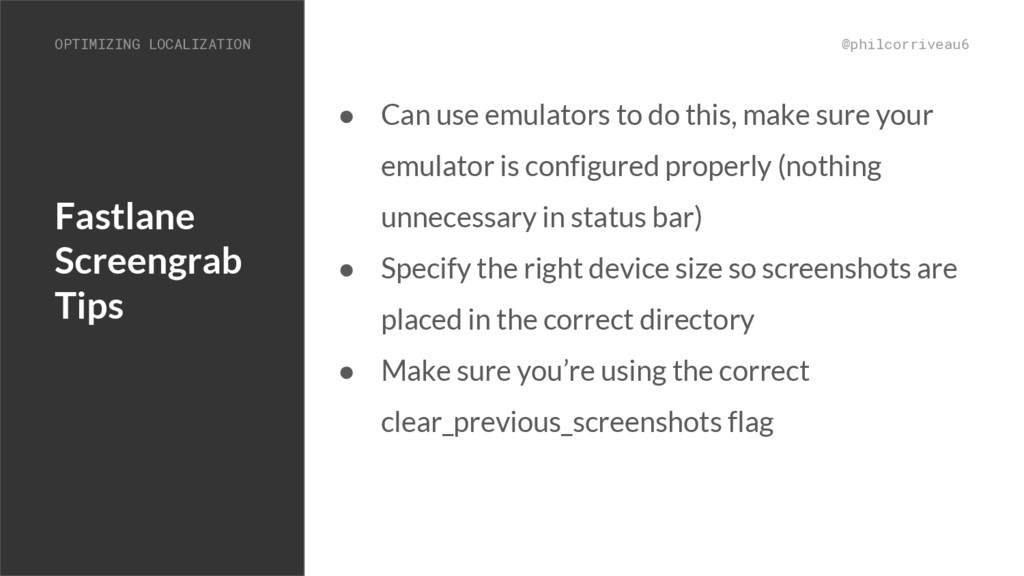
  24. Fastlane Screengrab Tips @philcorriveau6 • Can use emulators to do

    this, make sure your emulator is configured properly (nothing unnecessary in status bar) • Specify the right device size so screenshots are placed in the correct directory • Make sure you’re using the correct clear_previous_screenshots flag OPTIMIZING LOCALIZATION
  25. Resources @philcorriveau6 • Android Developer string resources docs • Material

    design guidelines on RTL • Fastlane • Andrea Falcone’s fastlane lecture • Alex Persian’s character counter script OPTIMIZING LOCALIZATION