Upgrade to Pro
— share decks privately, control downloads, hide ads and more …
Speaker Deck
Features
Speaker Deck
PRO
Sign in
Sign up for free
Search
Search
高専キャリア冬イベ2024LT ~Bluetooth入門~
Search
Sponsored
·
Your Podcast. Everywhere. Effortlessly.
Share. Educate. Inspire. Entertain. You do you. We'll handle the rest.
→
プラナリア
December 28, 2024
220
0
Share
Embed
Copy iframe code
Copy JS code
Copy link
Start on current slide
高専キャリア冬イベ2024LT ~Bluetooth入門~
高専キャリア冬イベント2024 で発表したBluetoothの表面をさらったスライドです。
Bluetoothや処理の流れをなんとなく書いています。
プラナリア
December 28, 2024
More Decks by プラナリア
See All by プラナリア
高専キャリア2024gw交流会_未踏ジュニアに応募した話について
pranaria
0
280
Featured
See All Featured
Navigating the moral maze — ethical principles for Al-driven product design
skipperchong
2
400
Mozcon NYC 2025: Stop Losing SEO Traffic
samtorres
1
260
How Fast Is Fast Enough? [PerfNow 2025]
tammyeverts
3
610
ReactJS: Keep Simple. Everything can be a component!
pedronauck
666
130k
Why Your Marketing Sucks and What You Can Do About It - Sophie Logan
marketingsoph
0
170
Optimizing for Happiness
mojombo
378
71k
Marketing to machines
jonoalderson
1
5.5k
We Have a Design System, Now What?
morganepeng
55
8.2k
Darren the Foodie - Storyboard
khoart
PRO
3
3.4k
Large-scale JavaScript Application Architecture
addyosmani
515
110k
Facilitating Awesome Meetings
lara
57
7k
The Invisible Side of Design
smashingmag
301
52k
Transcript
None
アジェンダ 1. 自己紹介 2. コンテストの御礼 3. Bluetoothの概要 4. Bluetoothの処理順序 5.
Bluetoothのここがいい 6. Bluetoothのここがしたい 7. 楽しいのでやってみよう 1
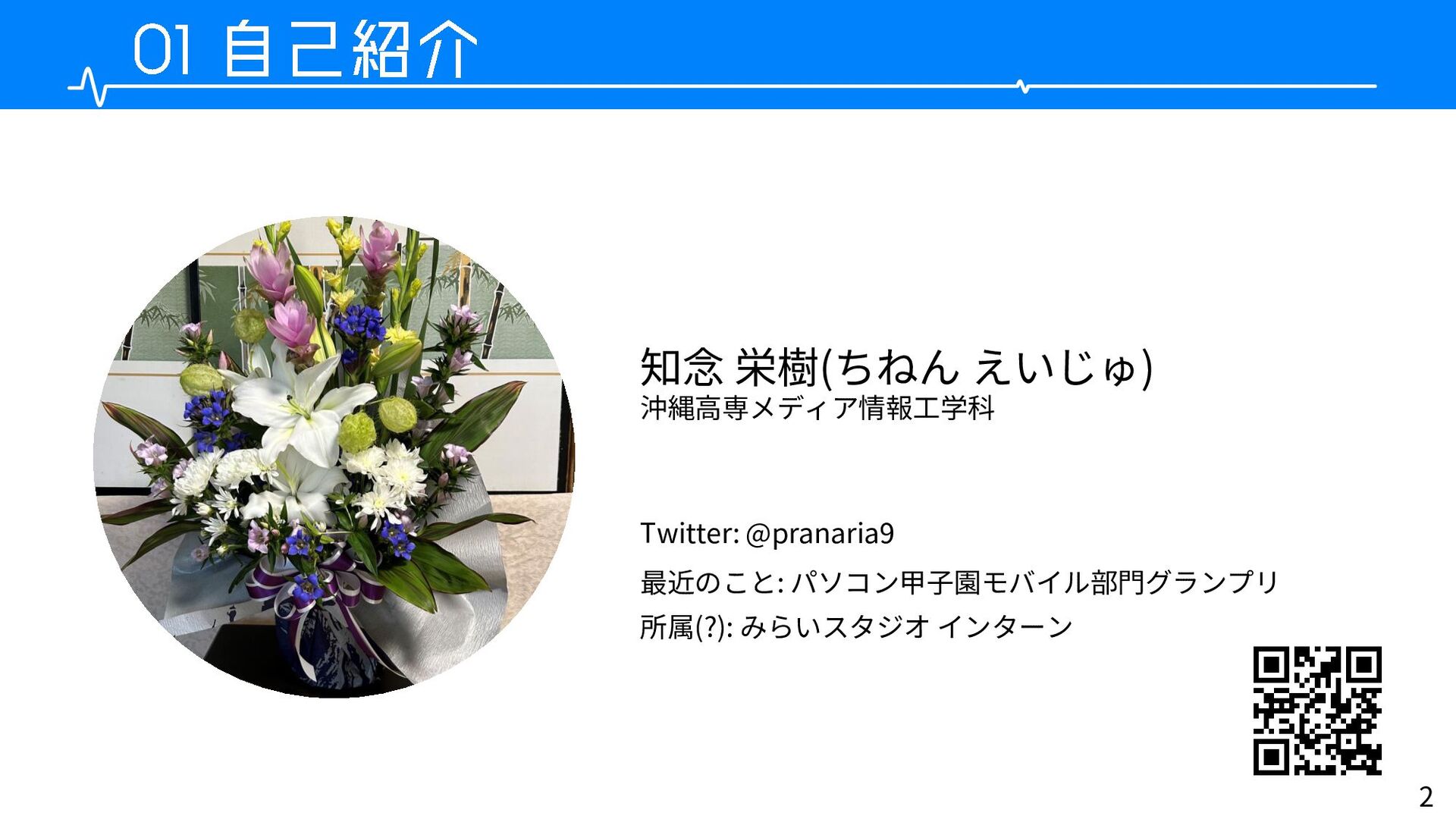
2 知念 栄樹(ちねん えいじゅ) 沖縄高専メディア情報工学科 Twitter: @pranaria9 最近のこと: パソコン甲子園モバイル部門グランプリ 所属(?):
みらいスタジオ インターン
関係者の皆様、ありがとうございました!! 無事、パソコン甲子園モバイル部門で グランプリを取ることができました!! 3
今回話すこと: 4 Bluetoothの概要
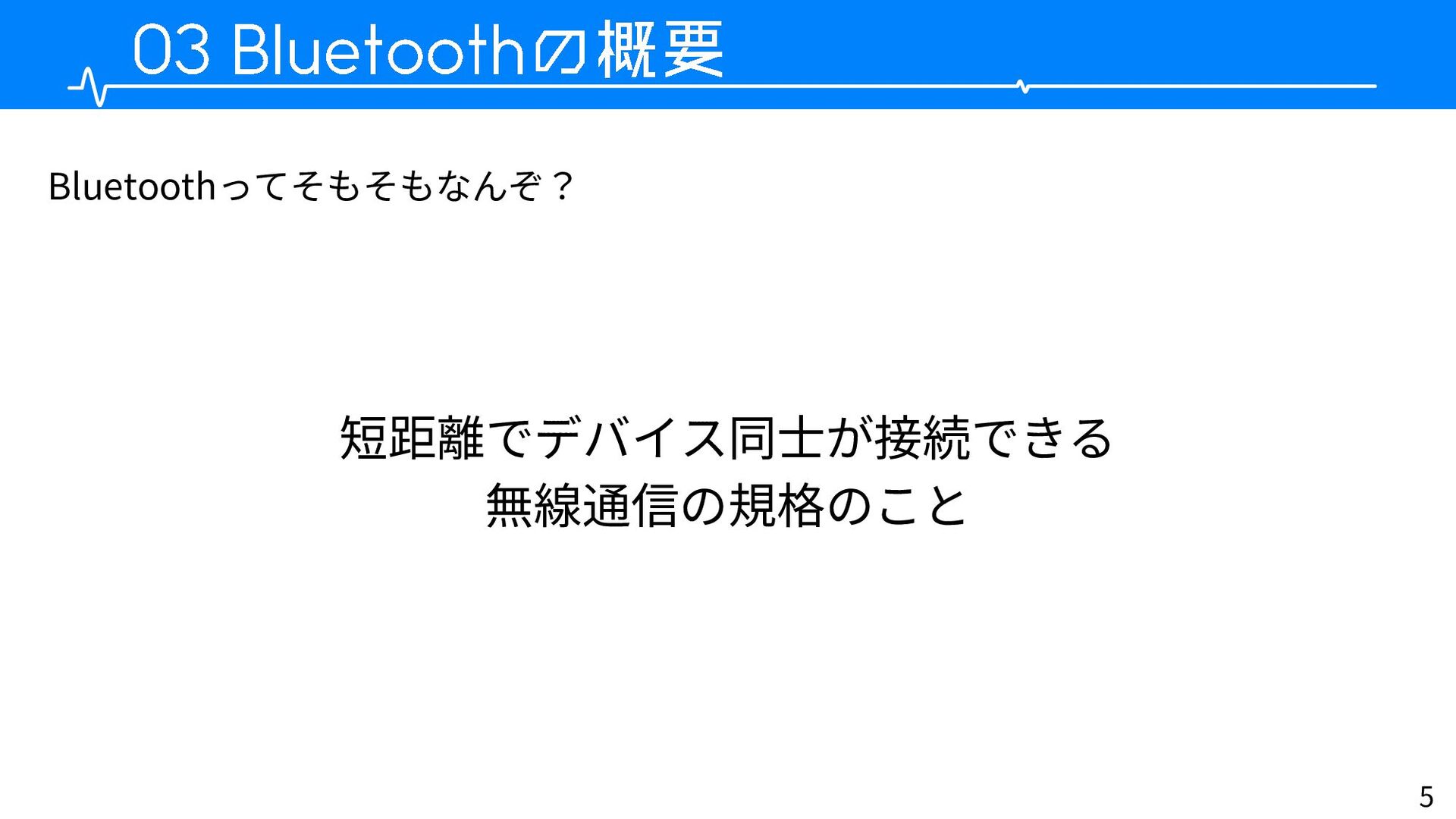
5 短距離でデバイス同士が接続できる 無線通信の規格のこと Bluetoothってそもそもなんぞ?
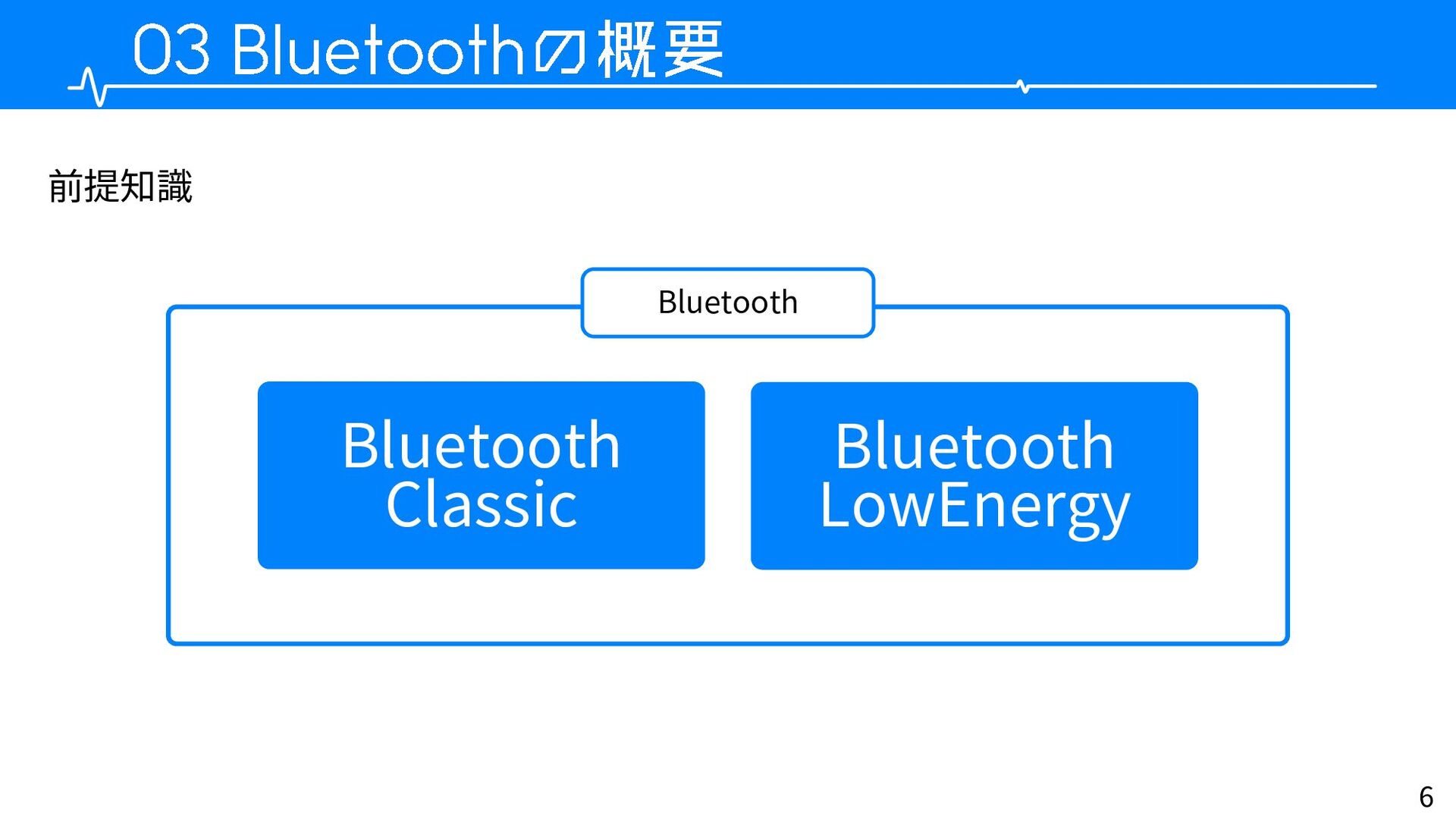
6 Bluetooth 前提知識 Bluetooth Classic Bluetooth LowEnergy
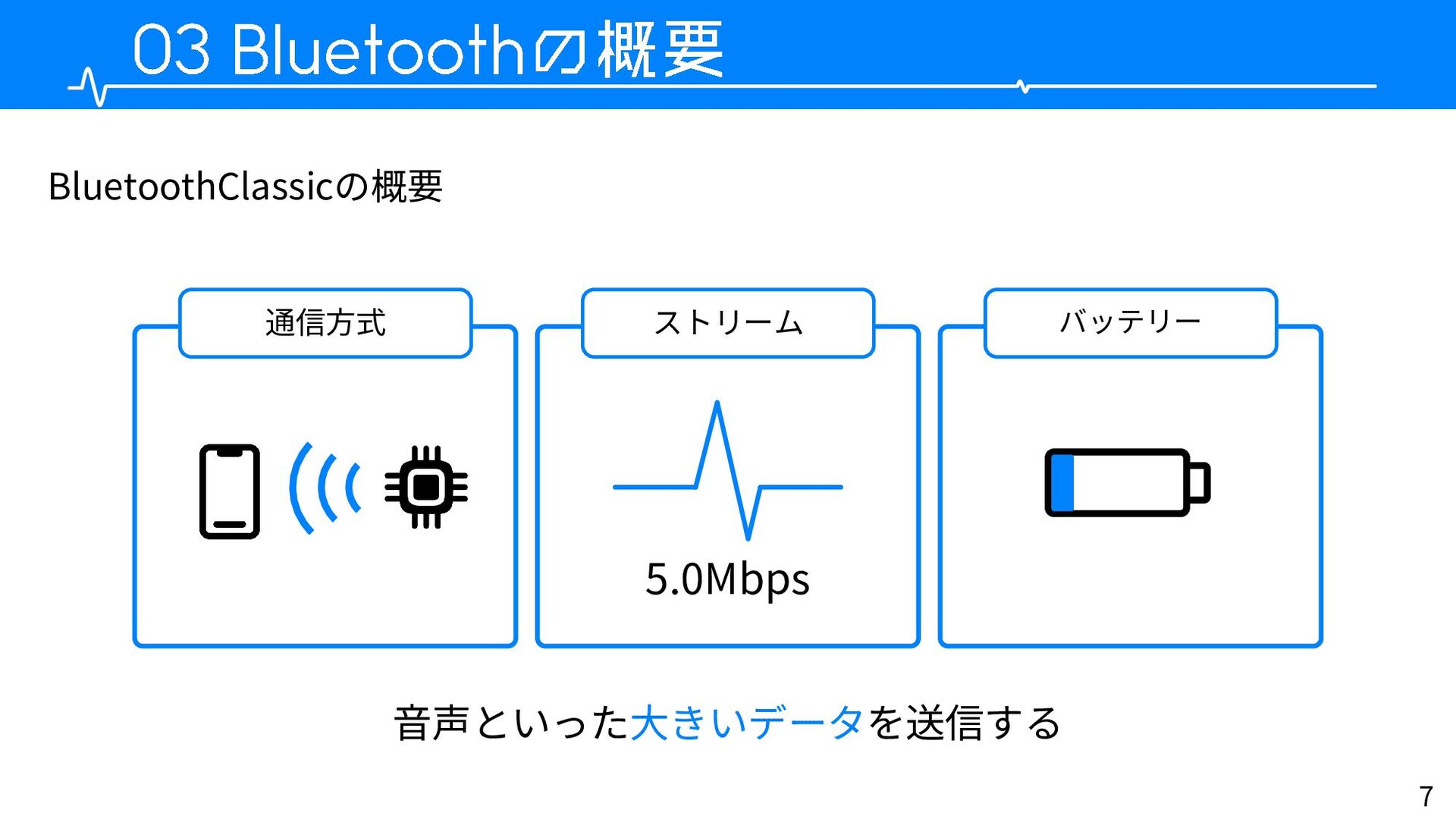
7 BluetoothClassicの概要 通信方式 ストリーム バッテリー 5.0Mbps 音声といった大きいデータを送信する
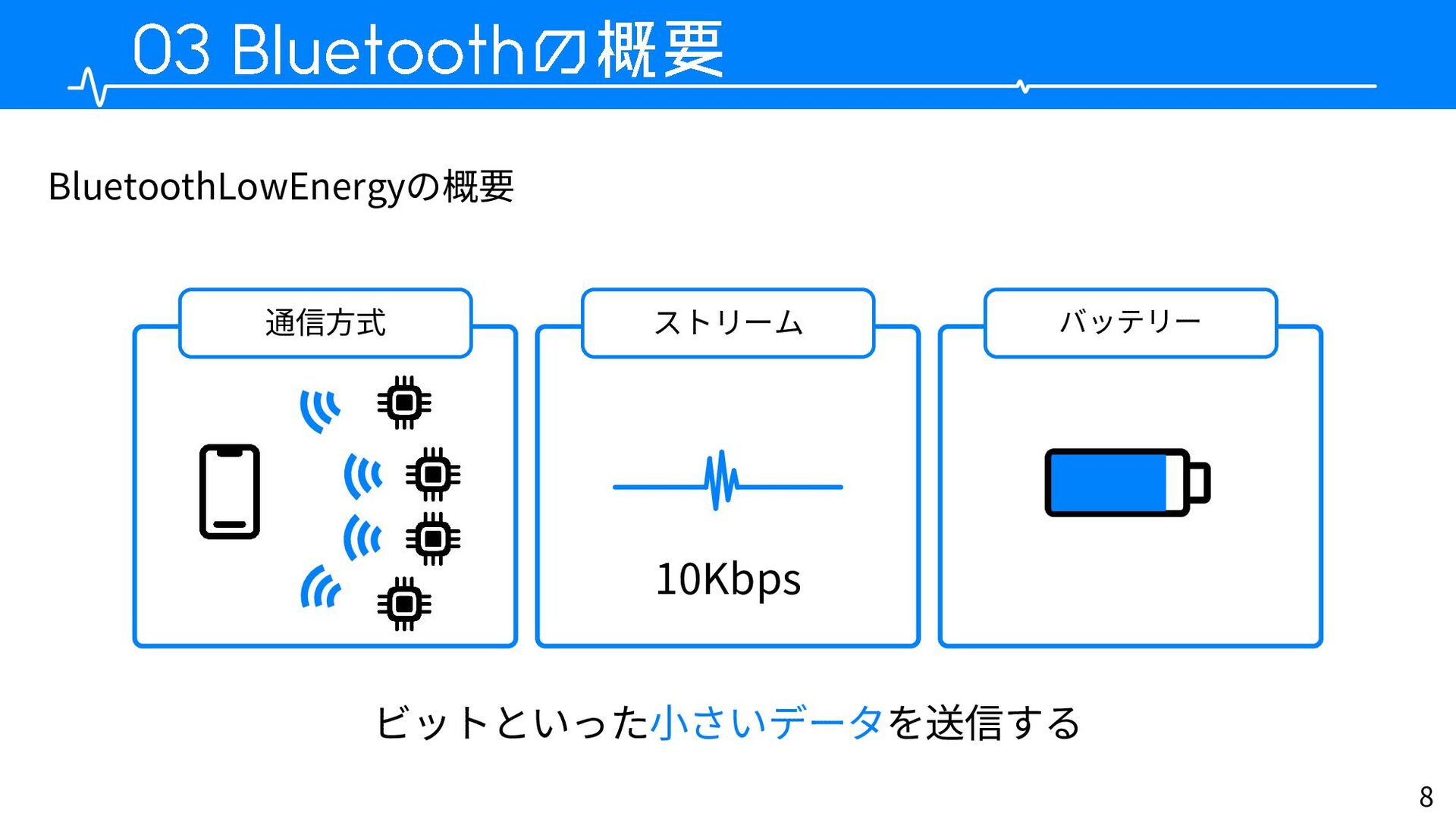
8 BluetoothLowEnergyの概要 通信方式 ストリーム バッテリー 10Kbps ビットといった小さいデータを送信する
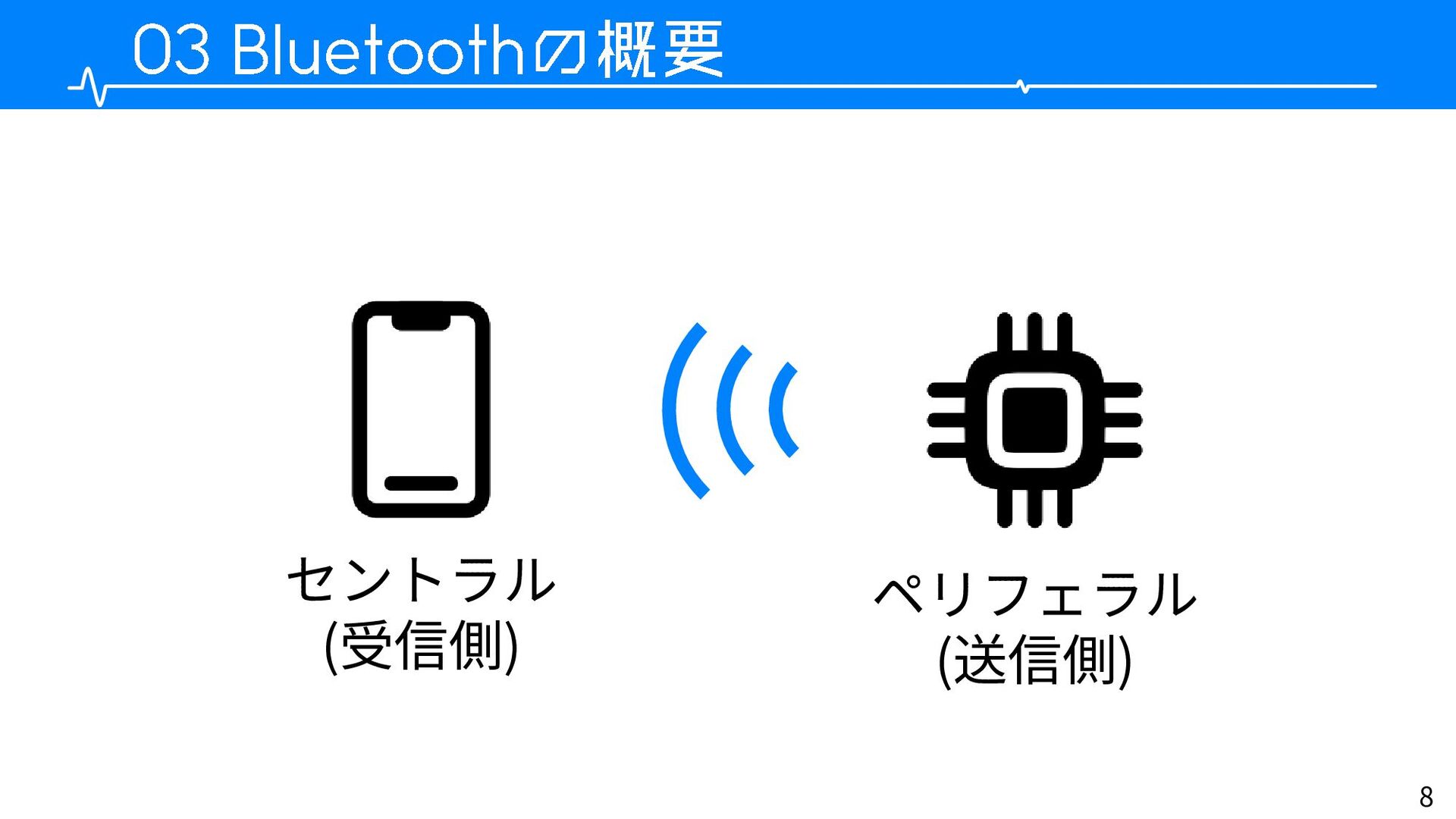
8 セントラル (受信側) ペリフェラル (送信側)
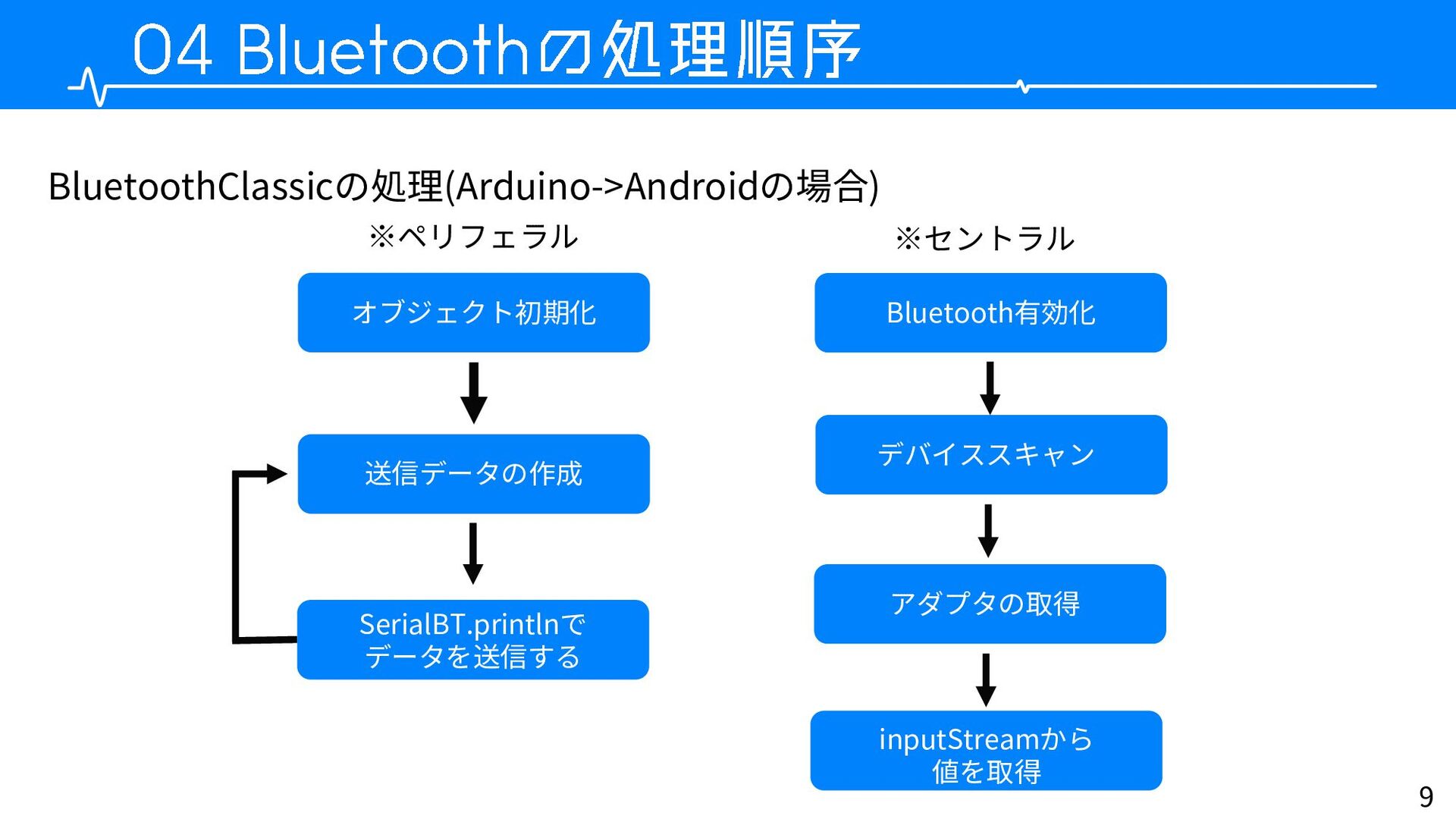
9 ※ペリフェラル BluetoothClassicの処理(Arduino->Androidの場合) ※セントラル オブジェクト初期化 送信データの作成 SerialBT.printlnで データを送信する Bluetooth有効化 デバイススキャン
inputStreamから 値を取得 アダプタの取得
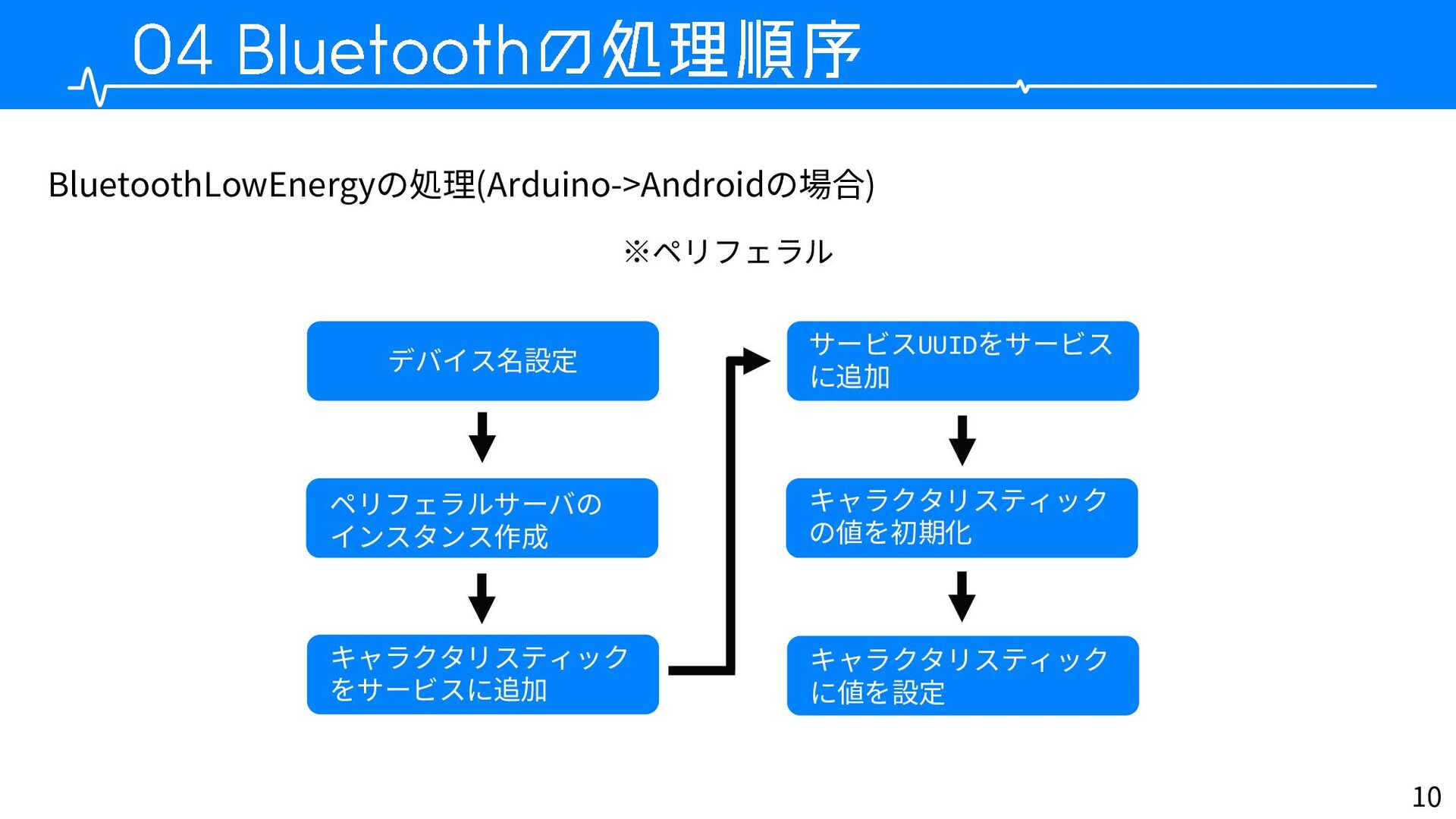
10 BluetoothLowEnergyの処理(Arduino->Androidの場合) ※ペリフェラル デバイス名設定 ペリフェラルサーバの インスタンス作成 キャラクタリスティック をサービスに追加 キャラクタリスティック の値を初期化
サービスUUIDをサービス に追加 キャラクタリスティック に値を設定
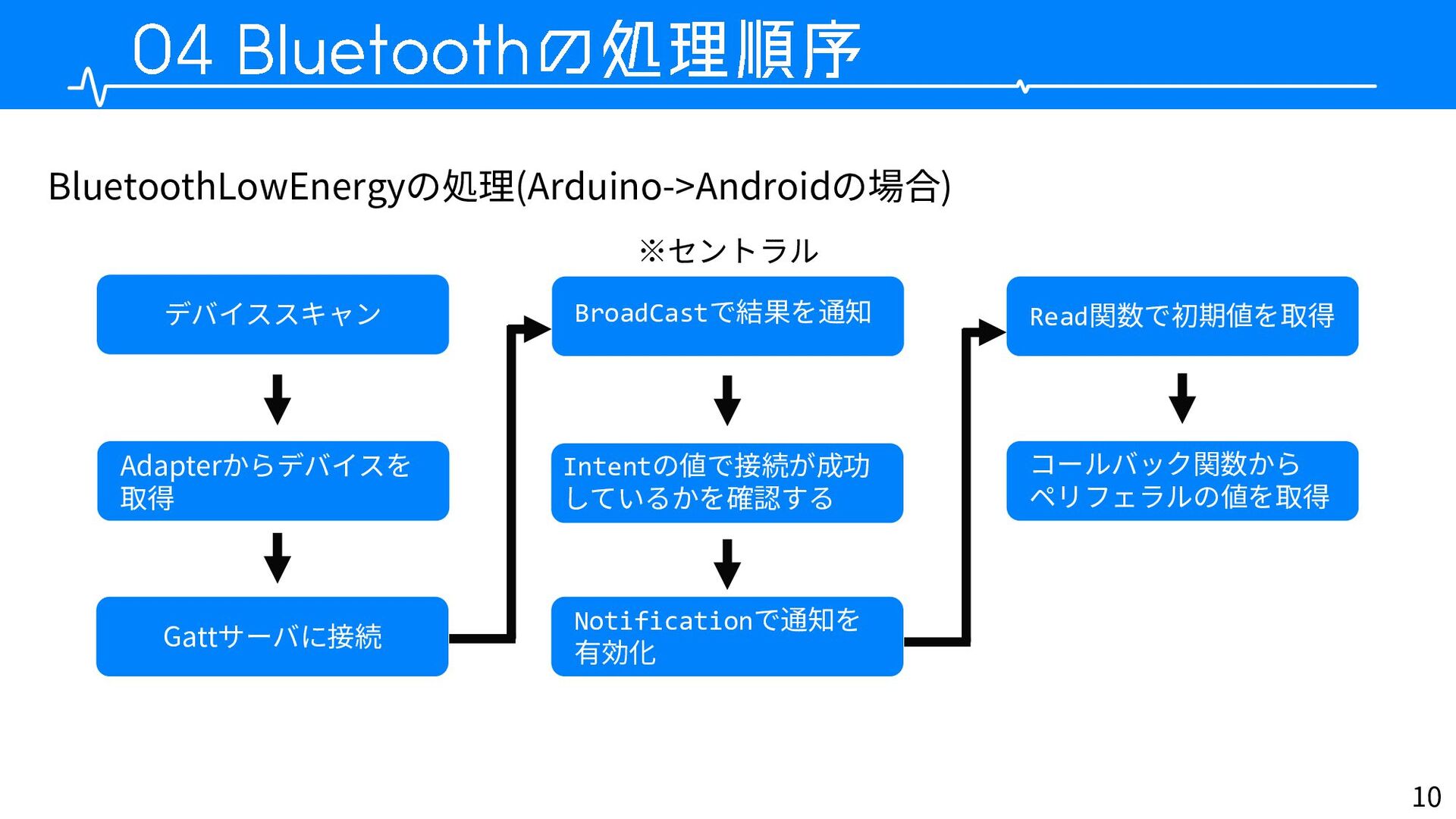
10 BluetoothLowEnergyの処理(Arduino->Androidの場合) ※セントラル デバイススキャン Adapterからデバイスを 取得 Gattサーバに接続 BroadCastで結果を通知 Intentの値で接続が成功 しているかを確認する
Notificationで通知を 有効化 Read関数で初期値を取得 コールバック関数から ペリフェラルの値を取得
12 ・お手軽無線通信が楽しい
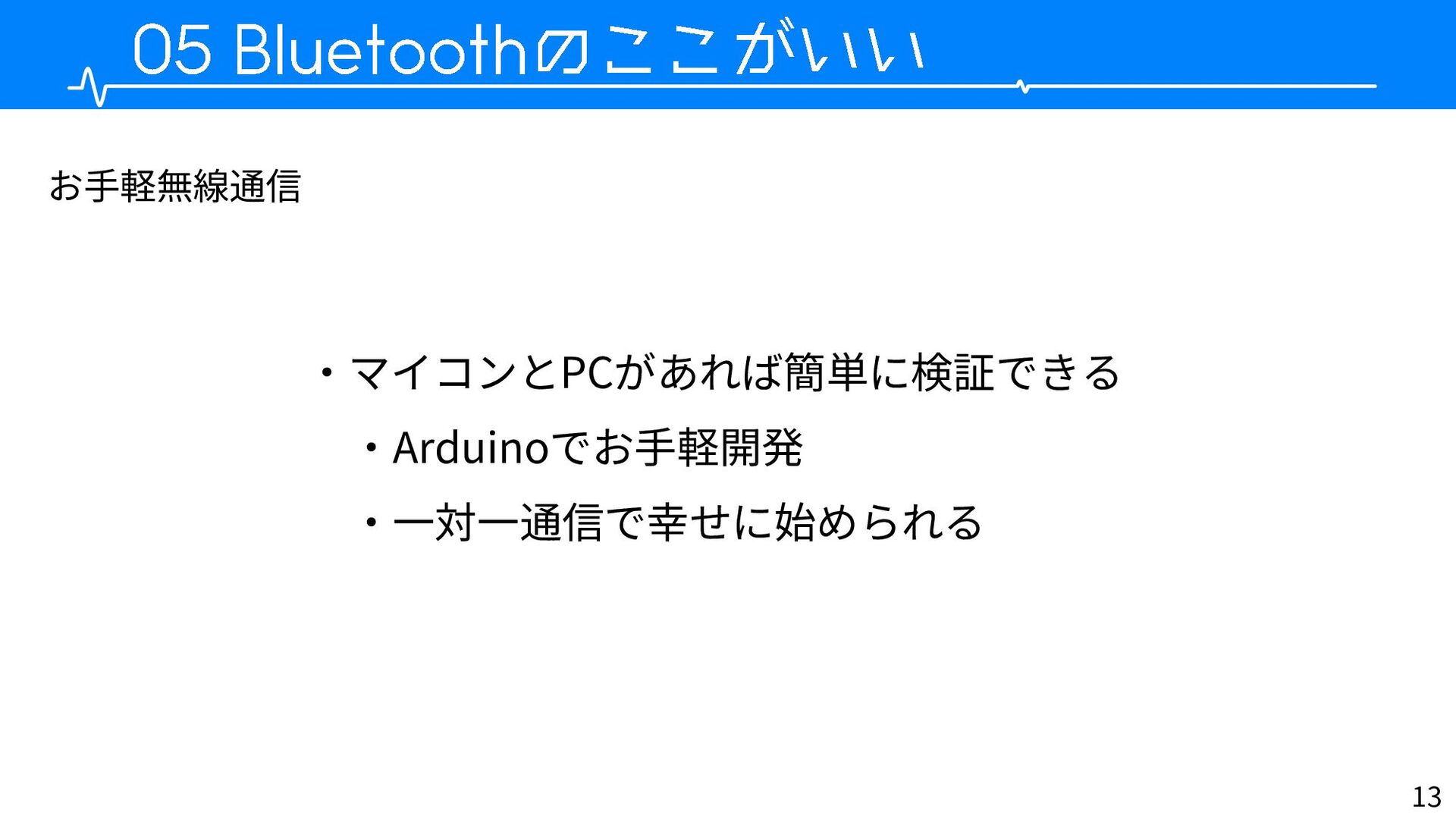
13 ・マイコンとPCがあれば簡単に検証できる ・Arduinoでお手軽開発 ・一対一通信で幸せに始められる お手軽無線通信
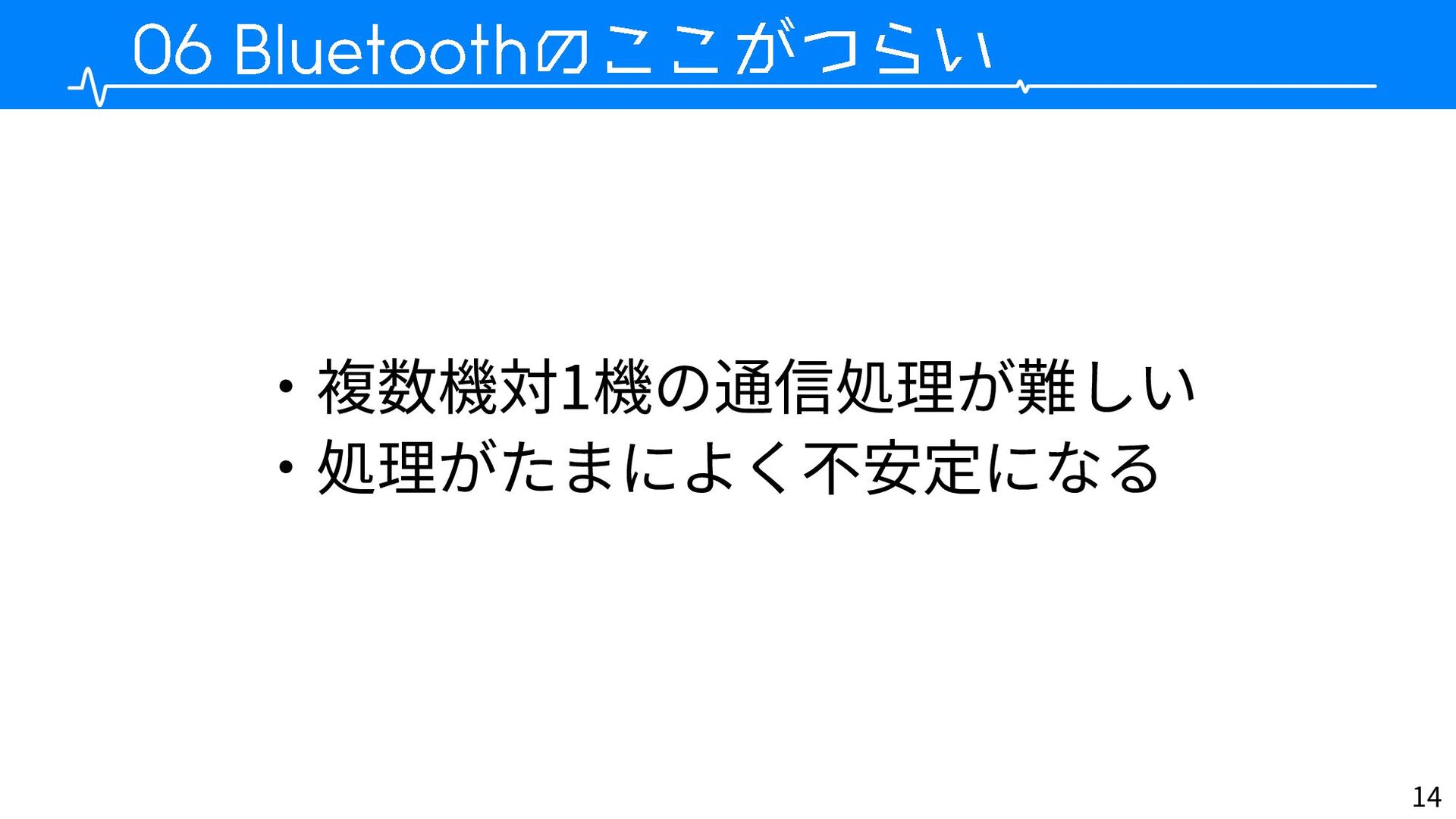
14 ・複数機対1機の通信処理が難しい ・処理がたまによく不安定になる
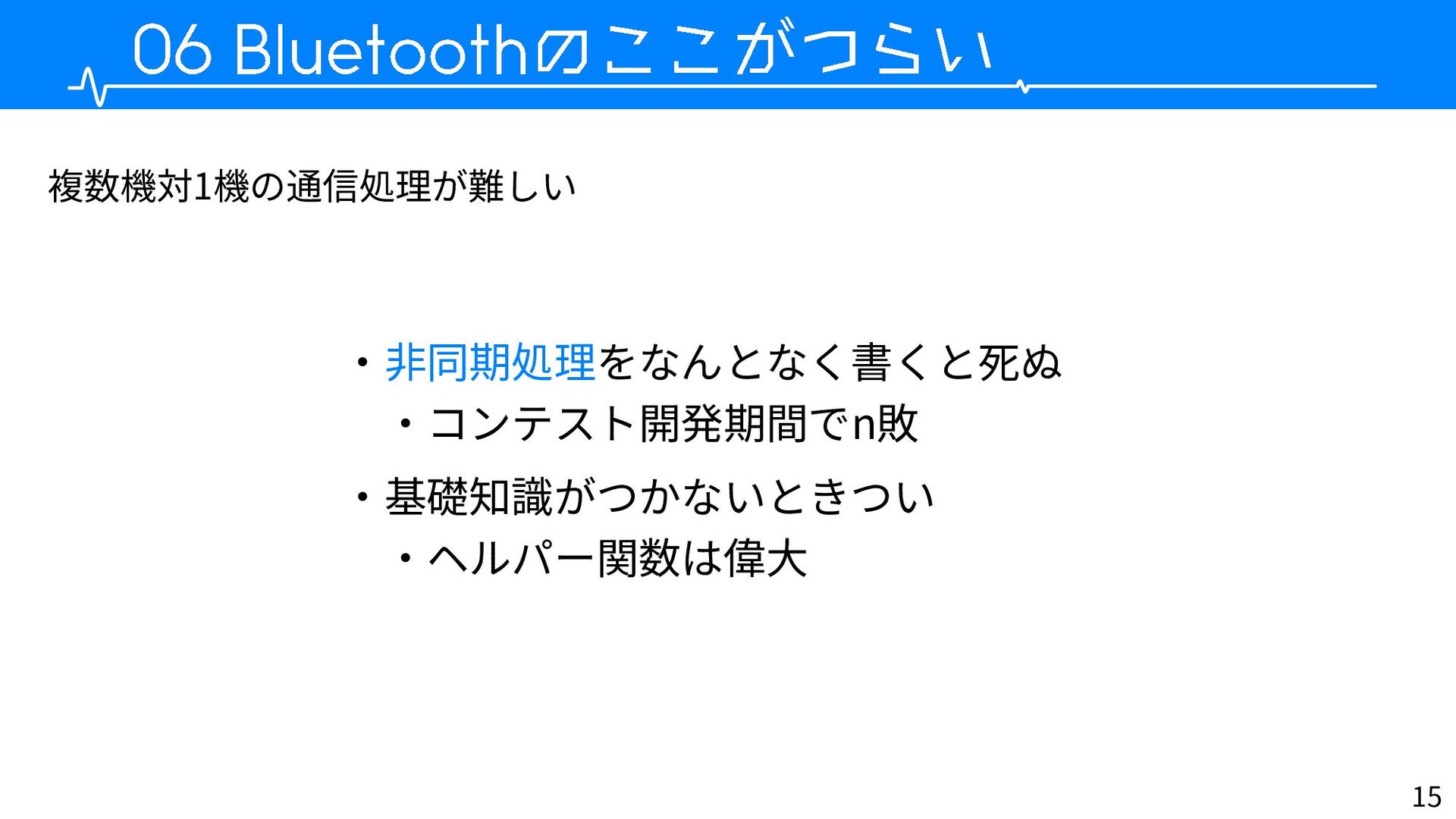
15 複数機対1機の通信処理が難しい ・非同期処理をなんとなく書くと死ぬ ・コンテスト開発期間でn敗 ・基礎知識がつかないときつい ・ヘルパー関数は偉大
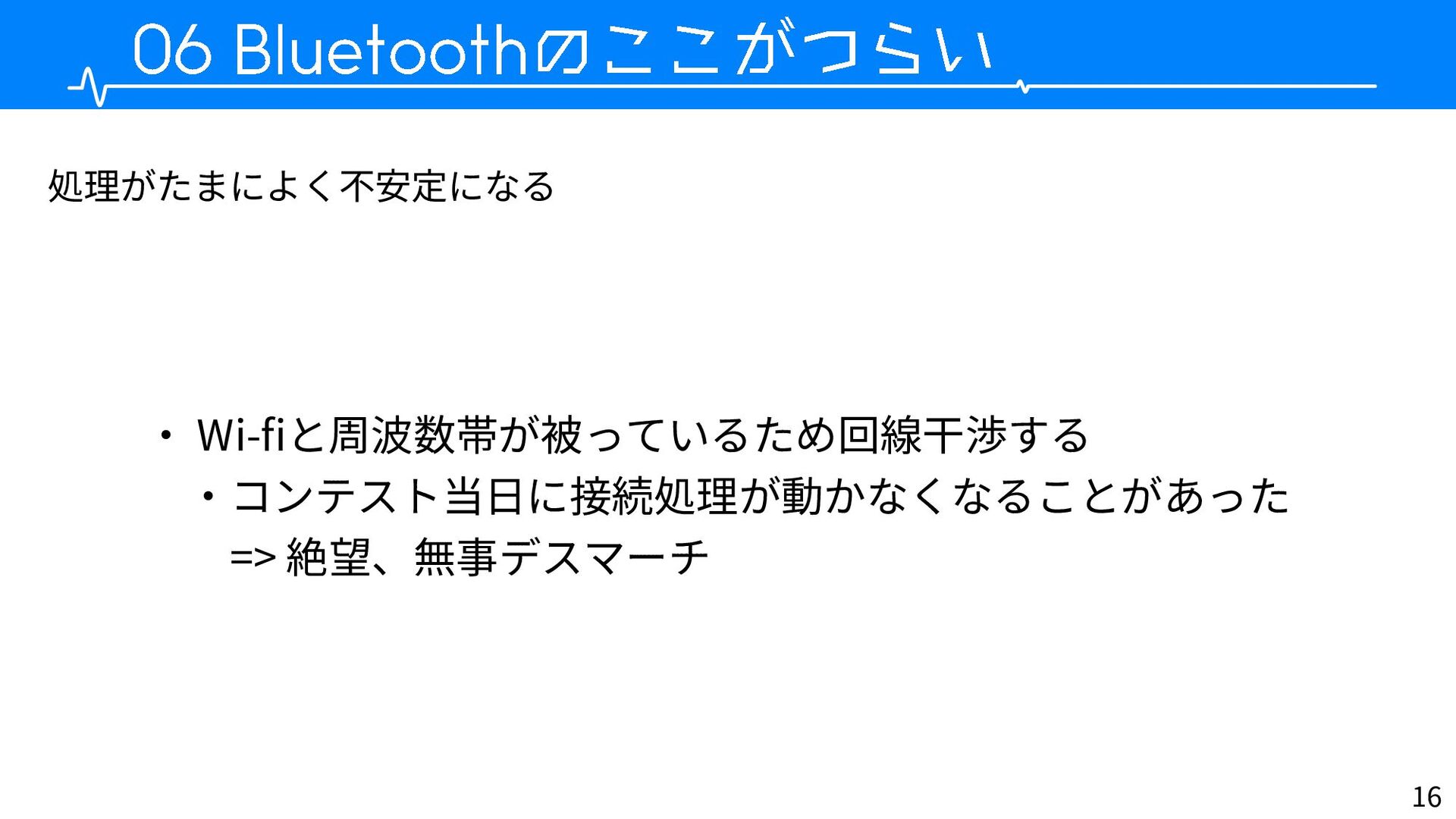
16 処理がたまによく不安定になる ・ Wi-fiと周波数帯が被っているため回線干渉する ・コンテスト当日に接続処理が動かなくなることがあった => 絶望、無事デスマーチ
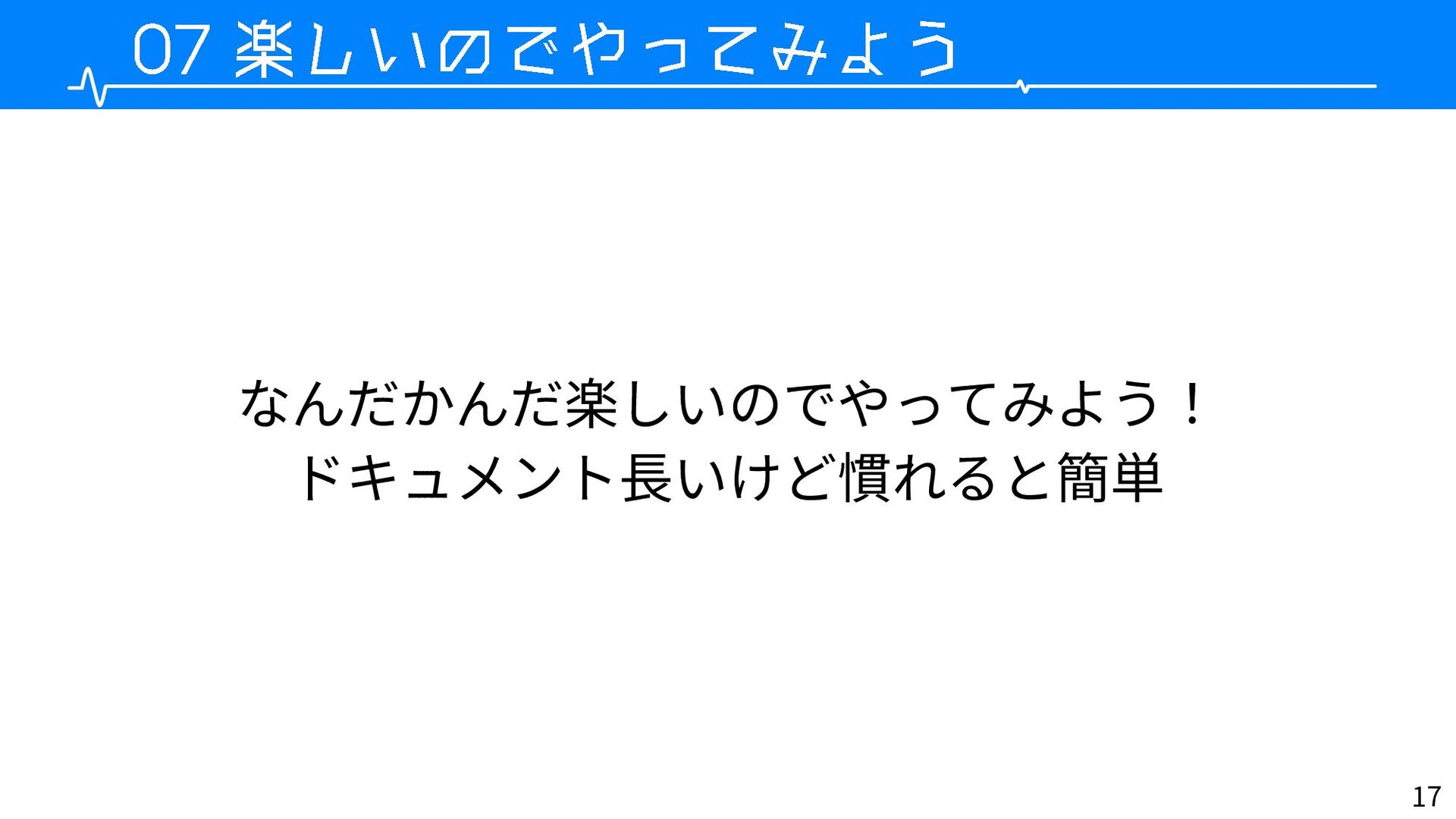
17 なんだかんだ楽しいのでやってみよう! ドキュメント長いけど慣れると簡単
None


 pranaria
 skipperchong
 samtorres
 tammyeverts
 pedronauck
 marketingsoph
 mojombo
 jonoalderson
 morganepeng
 khoart
 addyosmani
 lara
lara
 smashingmag