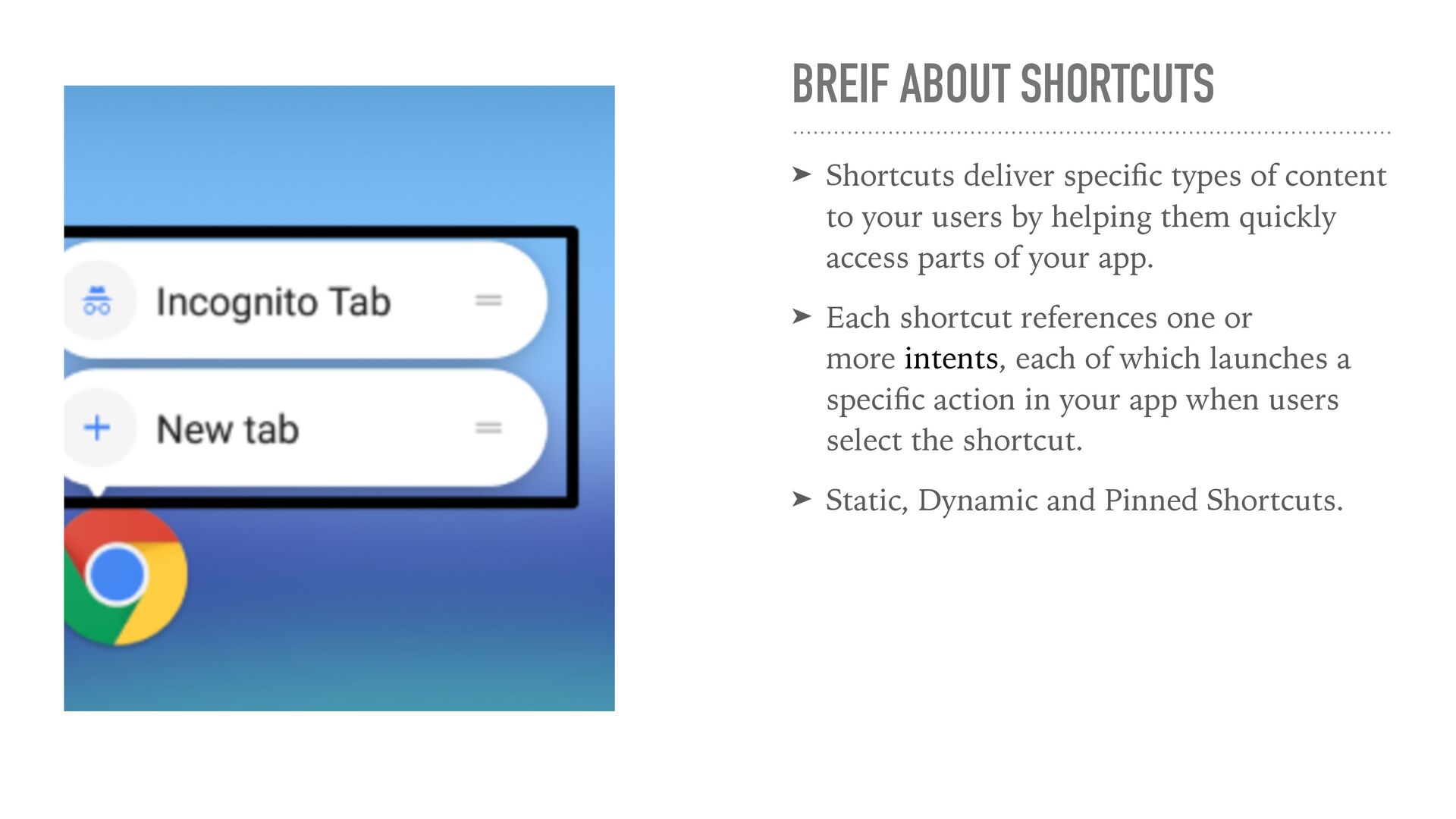
of content to your users by helping them quickly access parts of your app. ➤ Each shortcut references one or more intents, each of which launches a speci fi c action in your app when users select the shortcut. ➤ Static, Dynamic and Pinned Shortcuts.
We can de fi ne our shortcuts in XML ➤ For example, if the user wants to view their calendar or email in a speci fi c way, using a static shortcut ensures that their experience in performing a routine task is consistent.
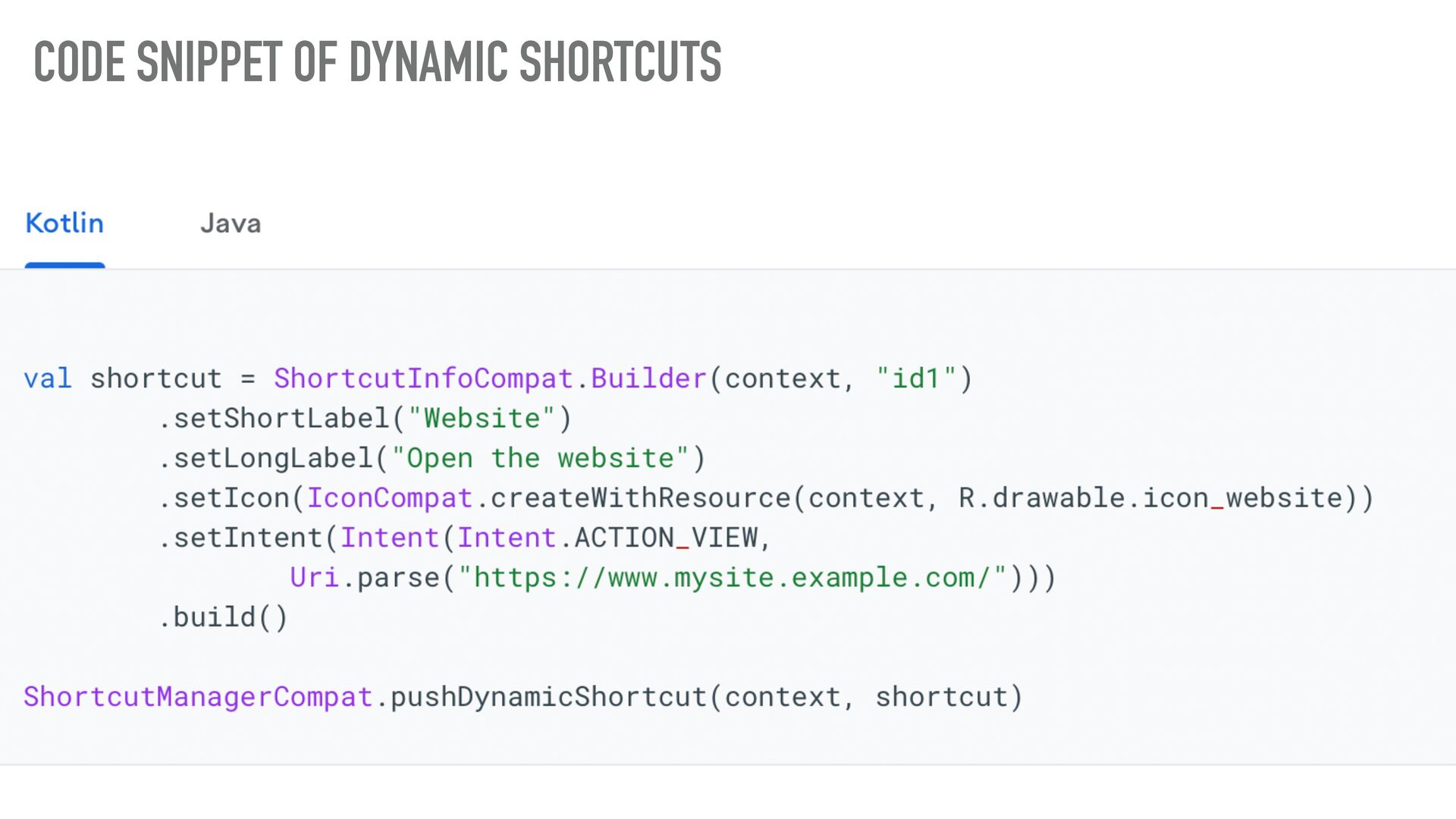
apps that are context-sensitive. ➤ These actions can change between uses of your app, and they can change even while your app is running. ➤ Good example is calling a speci fi c person from Contacts app or navigate to speci fi c location in Google maps.
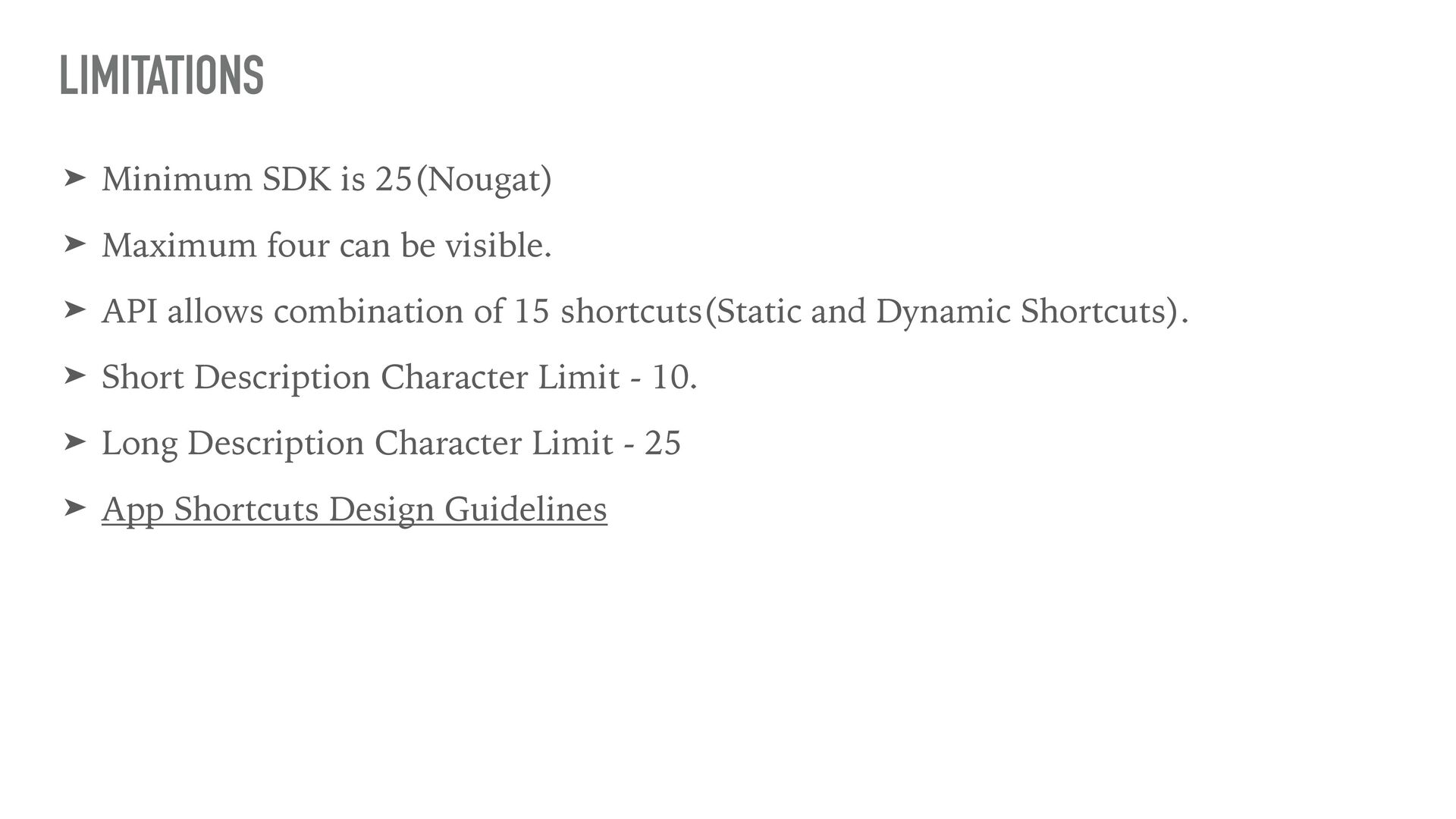
visible. ➤ API allows combination of 15 shortcuts(Static and Dynamic Shortcuts). ➤ Short Description Character Limit - 10. ➤ Long Description Character Limit - 25 ➤ App Shortcuts Design Guidelines LIMITATIONS

 SiteGround - Reliable hosting with speed, security, and support you can count on.


 rajajawahar77
 kishida
 texmeijin
 koic
koic
 akihisaikeda
 nokomoro3
 oku053
 skydoves
 seike460
 htkym
htkym
 taiseiue
 takai
takai
 suneo3476
 shpigford
 tonyrice
 eileencodes
 irinanazarova
 kneath
 ianozsvald
 livdayseo
 tessaabrams
 techseoconnect
 tammielis
 notwaldorf
 lara
lara