Upgrade to Pro — share decks privately, control downloads, hide ads and more …

Underwater Tomato Ninja - HTML5 Game Developmen...

Sponsored · Your Podcast. Everywhere. Effortlessly. Share. Educate. Inspire. Entertain. You do you. We'll handle the rest.
Avatar for Rob Stenzinger Rob Stenzinger
July 07, 2012
230

Underwater Tomato Ninja - HTML5 Game Development & Design

Games give us other ways to think about tackling challenges from gardening to space battles. Why not play a game to make a game? In this hands-on workshop, game developer and cartoonist Rob Stenzinger will introduce you to HTML5 Game Development. Daedal Games Mega Mega Corp. needs your help to improve their latest game Underwater Tomato Ninja!

Avatar for Rob Stenzinger

Rob Stenzinger

July 07, 2012
Tweet

Transcript

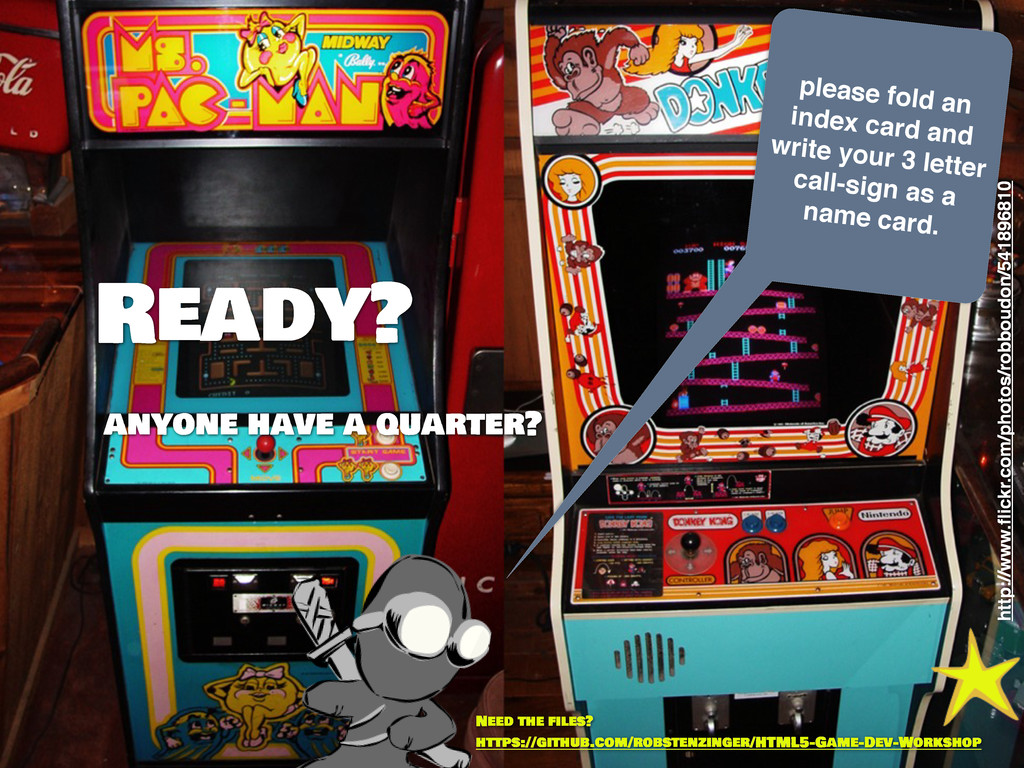
  1. please fold an index card and write your 3 letter

    call-sign as a name card. Ready? anyone have a quarter? http://www.flickr.com/photos/robboudon/541896810 Need the files? https://github.com/robstenzinger/HTML5-Game-Dev-Workshop
  2. Underwater Tomato Ninja HTML5 Game Development & Design - a

    Daedal Mega Mega Overdrive Games Production rob stenzinger presents: workshop ©2012 rob stenzinger this slide deck licensed under creative commons http://creativecommons.org/licenses/by/3.0/
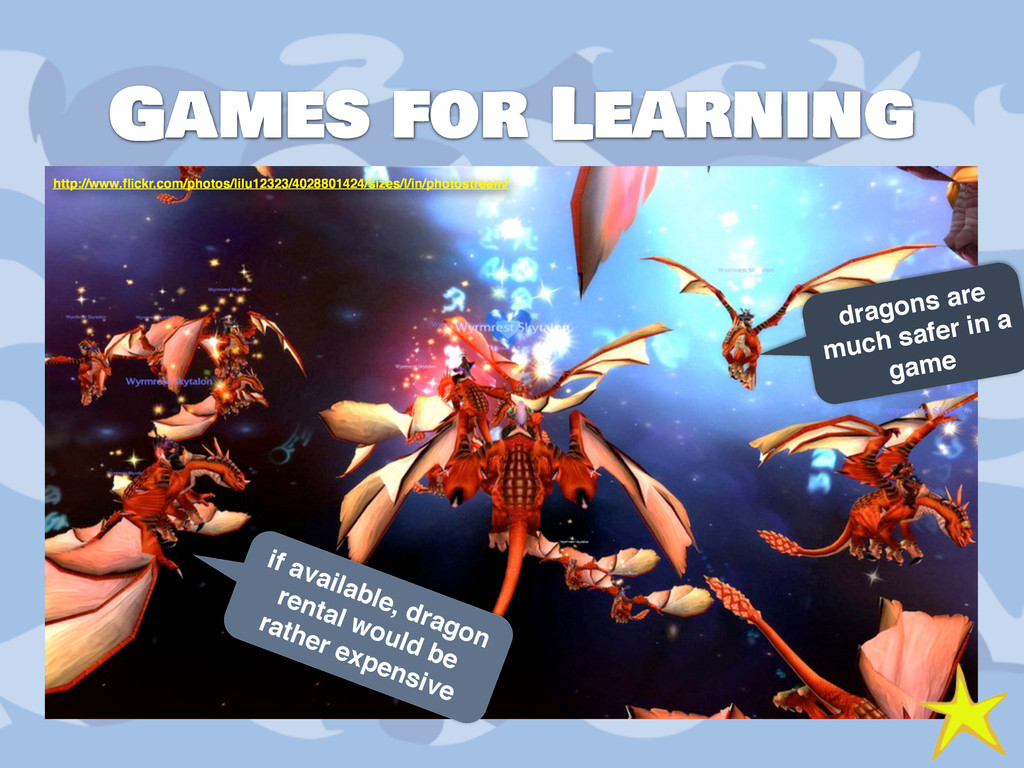
  3. Games for Learning dragons are much safer in a game
    if available, dragon rental would be rather expensive http://www.flickr.com/photos/lilu12323/4028801424/sizes/l/in/photostream/
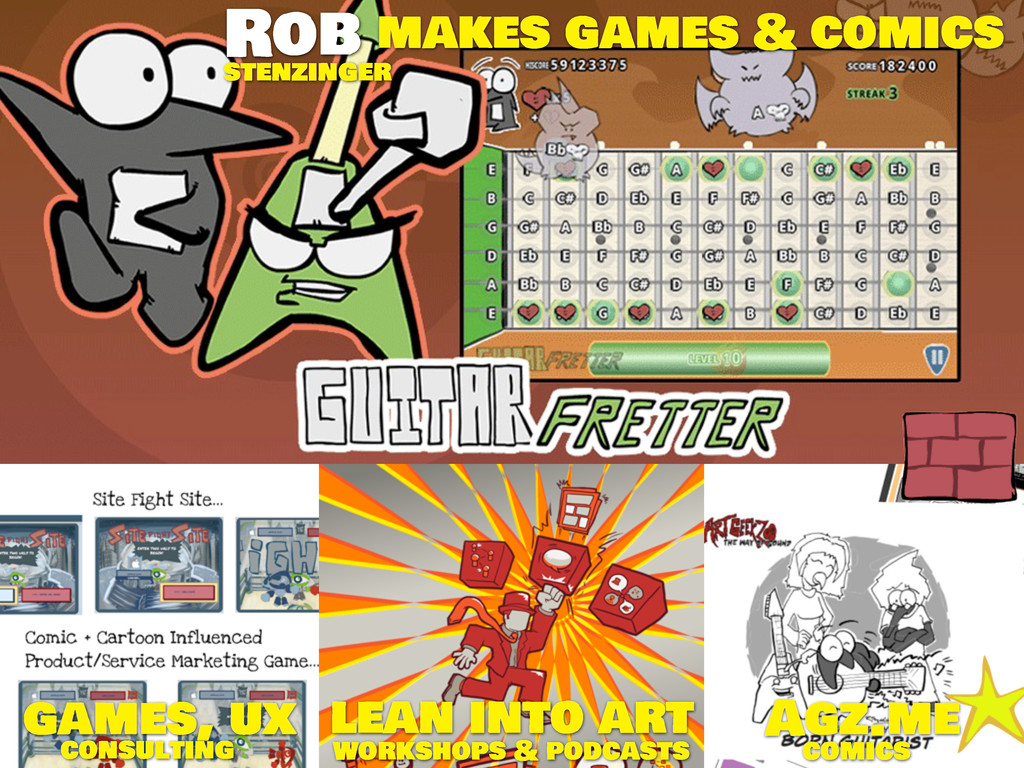
  4. Rob lean into art Agz.me games, ux makes games &

    comics workshops & podcasts comics consulting stenzinger
  5. Welcome to the trial-by-fire Apprenticeship at Daedal Mega Mega Overdrive

    Games we make games for anything and everything. page 9
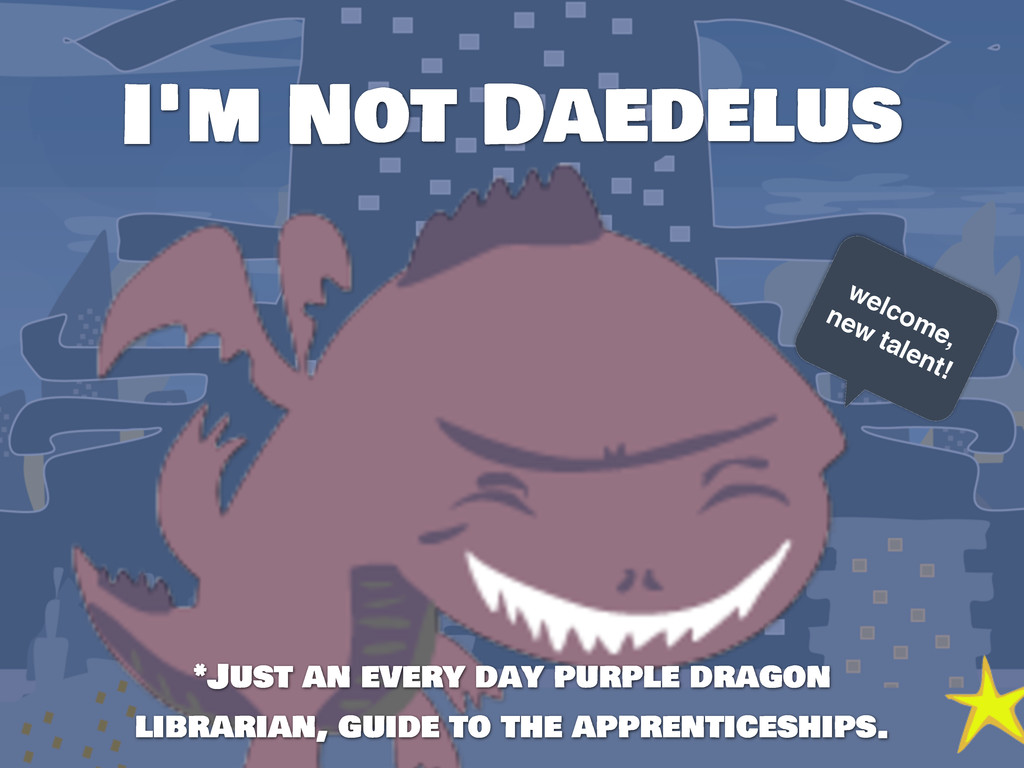
  6. I'm Not Daedelus *Just an every day purple dragon librarian,

    guide to the apprenticeships. welcome, new talent!
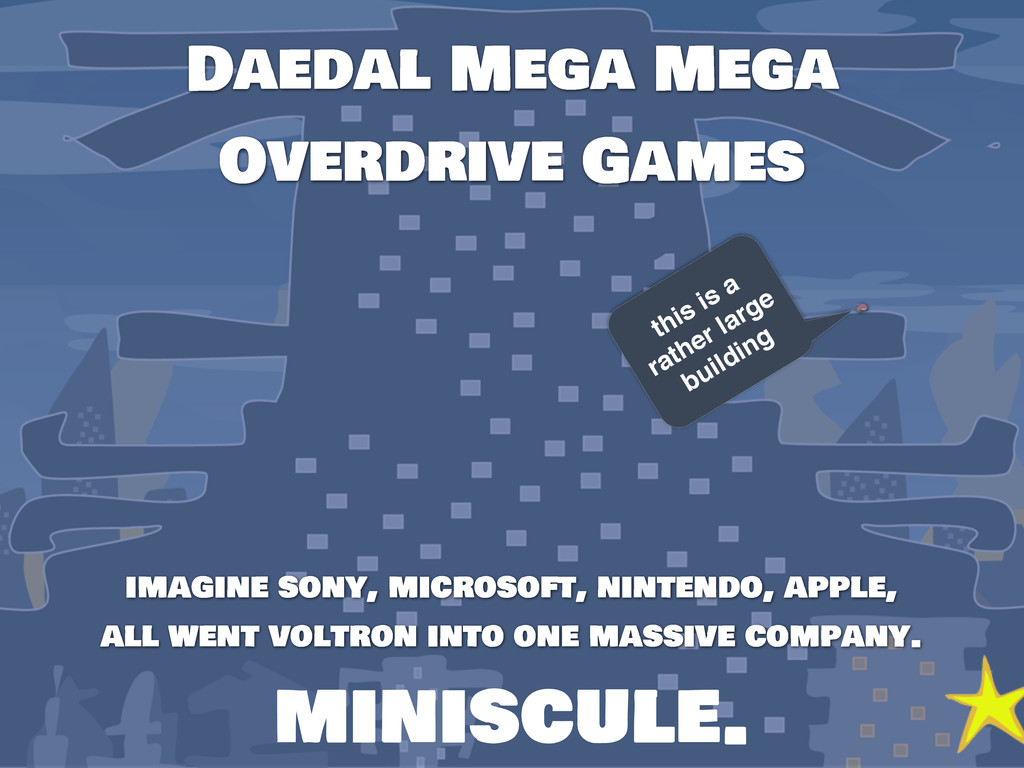
  7. Daedal Mega Mega Overdrive Games imagine sony, microsoft, nintendo, apple,

    all went voltron into one massive company. this is a rather large building miniscule.
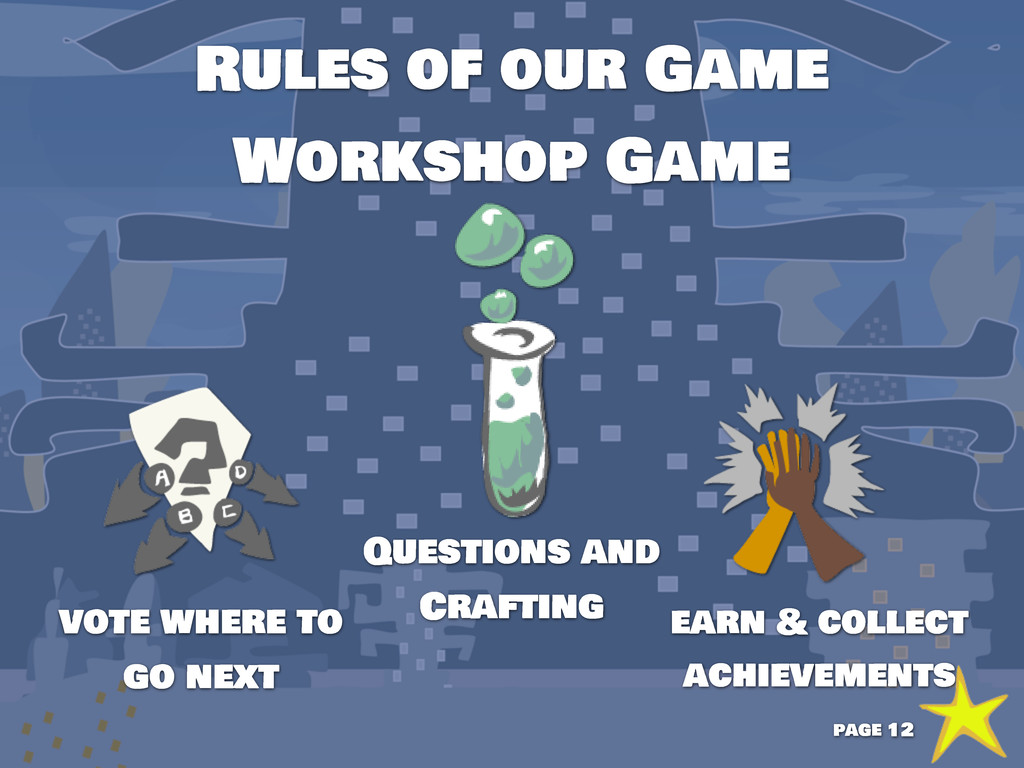
  8. Rules of our Game Workshop Game earn & collect achievements

    vote where to go next Questions and Crafting page 12
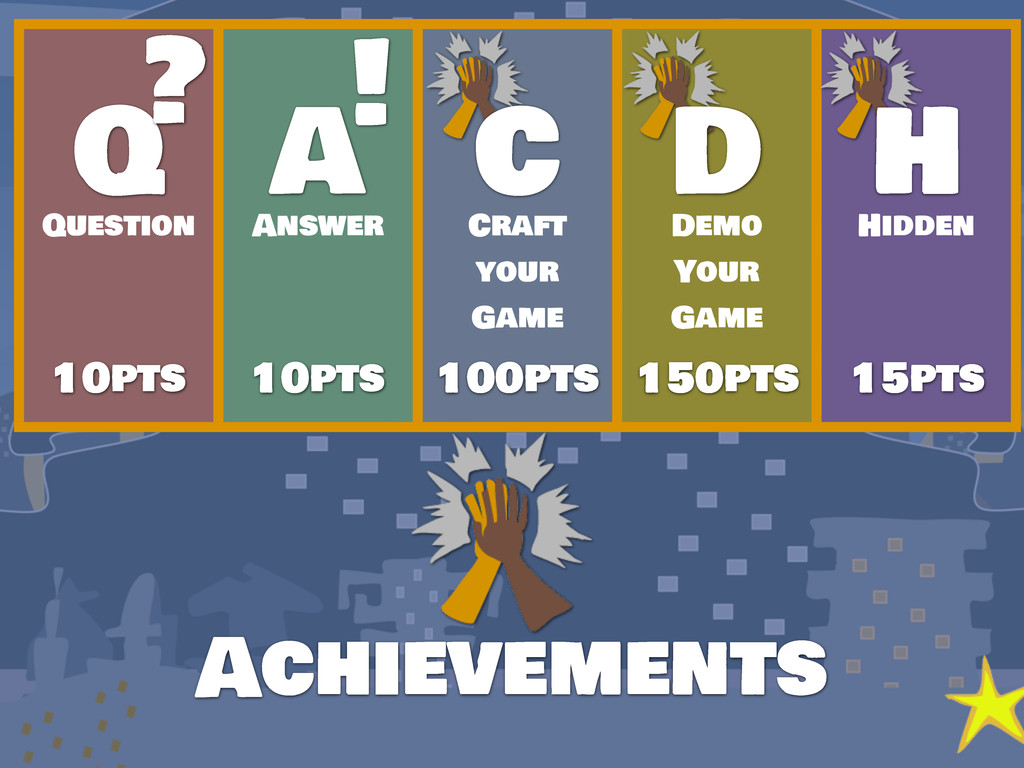
  9. Achievements Question Answer Craft your Game Demo Your Game Hidden

    10pts 10pts 100pts 150pts 15pts Q A C D H ? !
  10. Ready? this is a ghost, not a text editor Google

    Chrome’s Mascot* * why let firefox have the only browser animal? Need the files? https://github.com/robstenzinger/HTML5-Game-Dev-Workshop
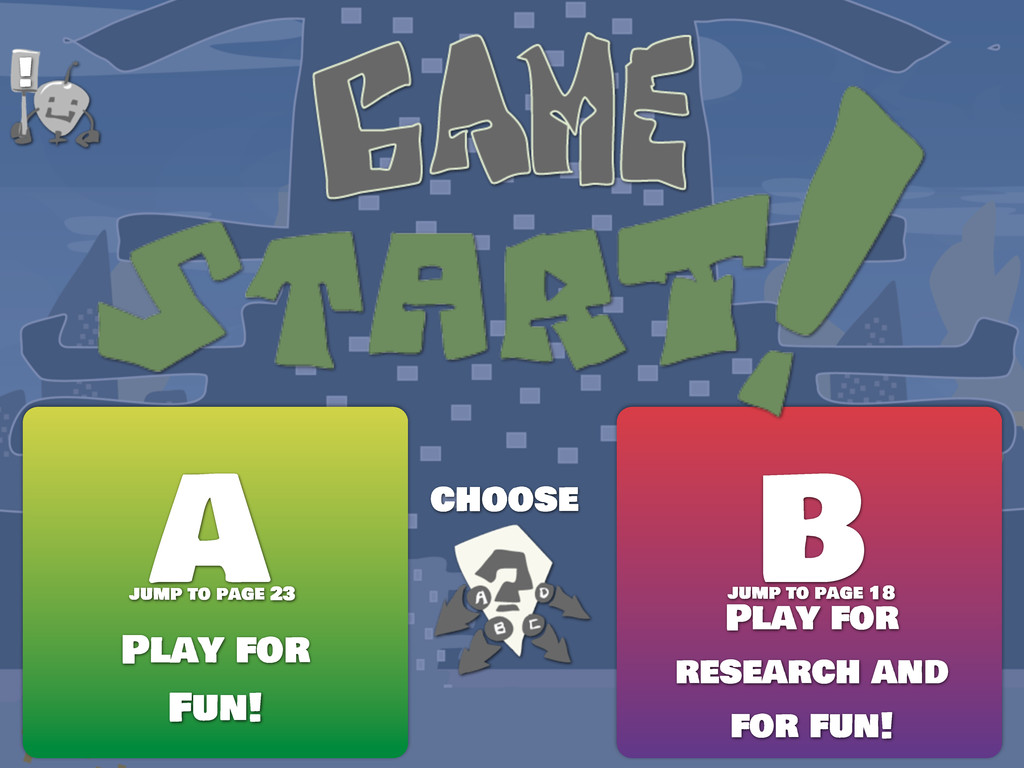
  11. choose A B Play for Fun! Play for research and
    for fun! ! jump to page 23 jump to page 18
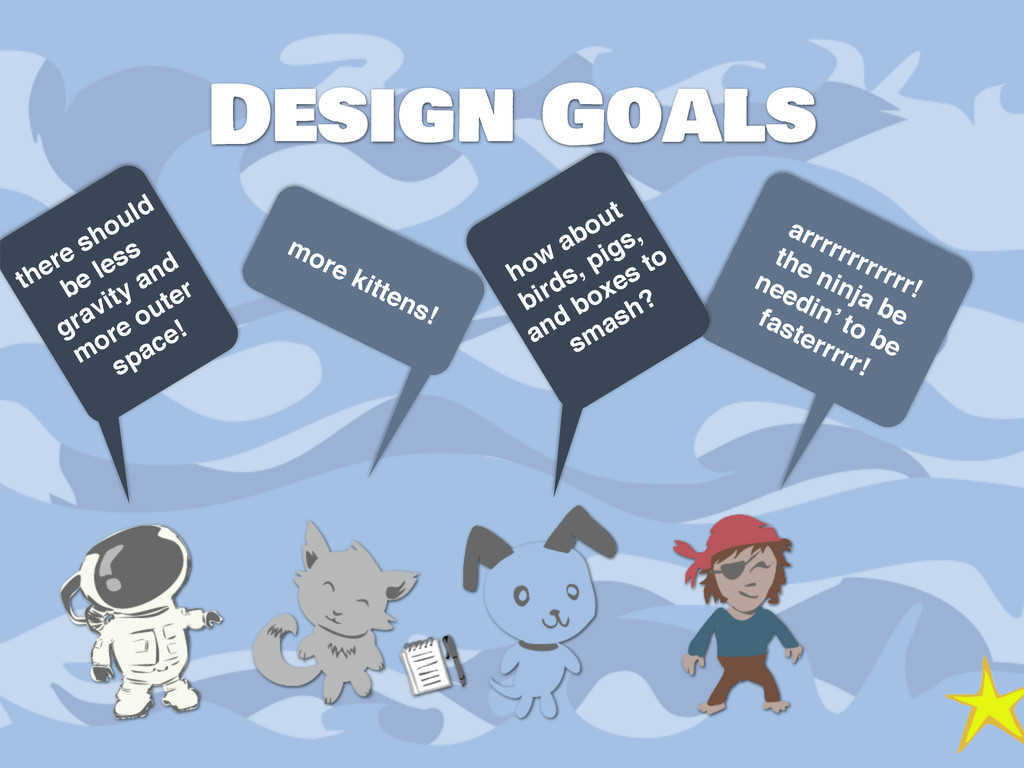
  12. Design Goals there should be less gravity and more outer

    space! more kittens! arrrrrrrrrrrr! the ninja be needin’ to be fasterrrrr! how about birds, pigs, and boxes to smash?
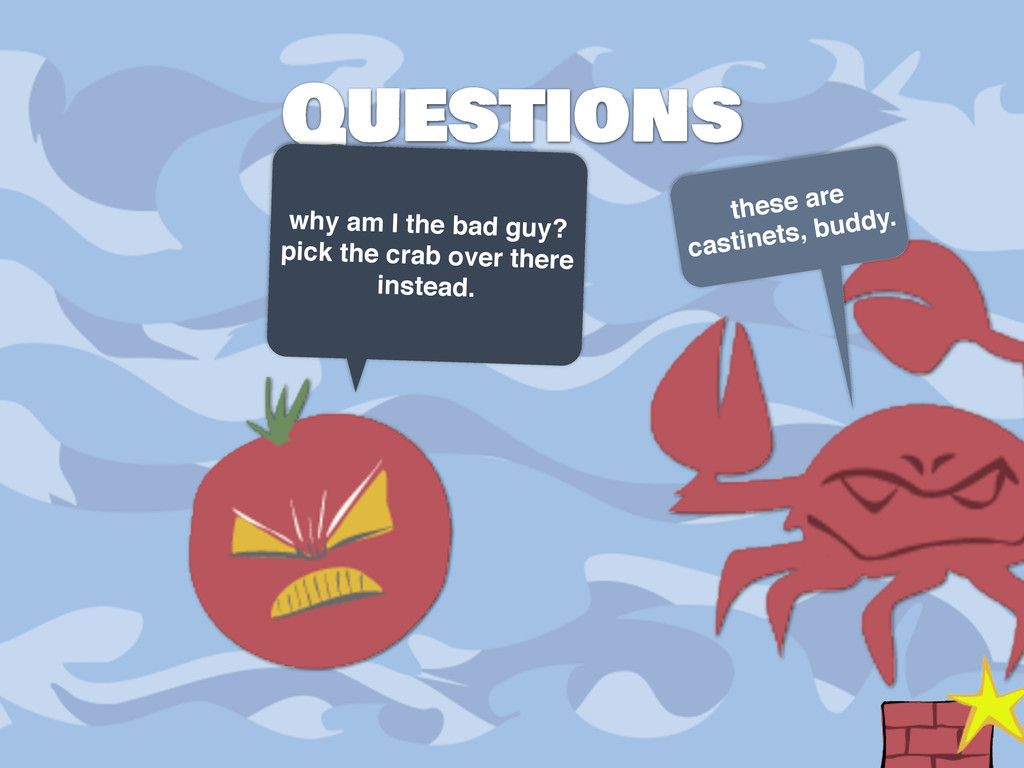
  13. Questions why am I the bad guy? pick the crab

    over there instead. these are castinets, buddy.
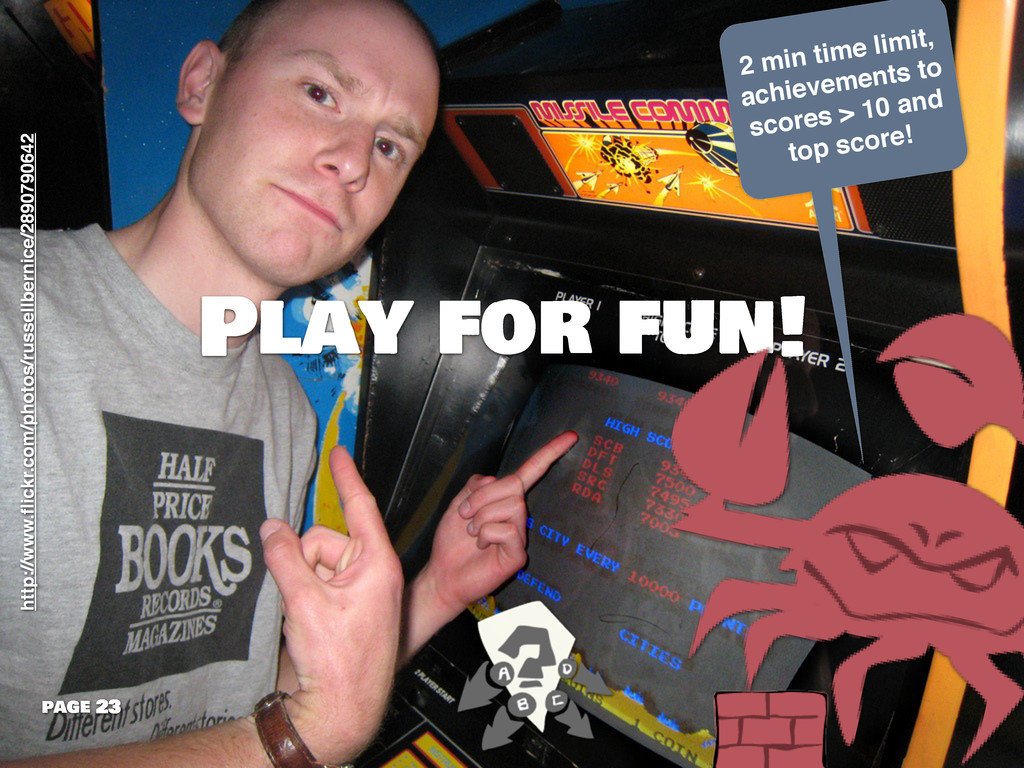
  14. Play for fun! 2 min time limit, achievements to scores

    > 10 and top score! page 23 http://www.flickr.com/photos/russellbernice/2890790642
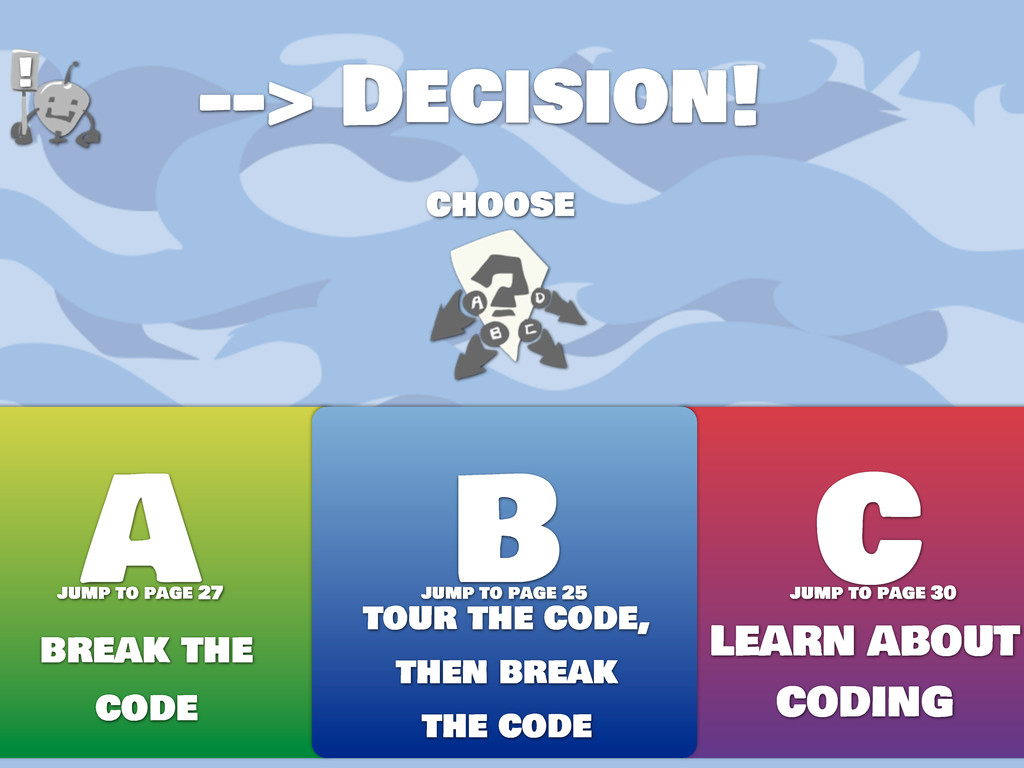
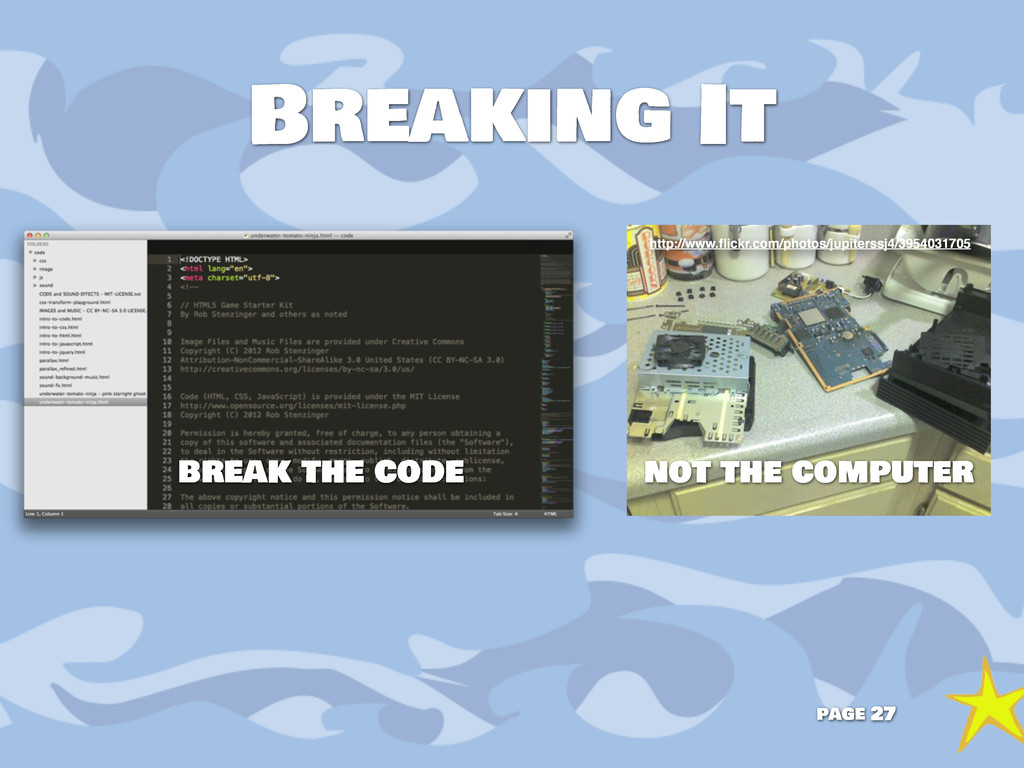
  15. choose A C break the code LEARN ABOUT CODING -->

    Decision! B tour the code, then break the code ! jump to page 27 jump to page 30 jump to page 25
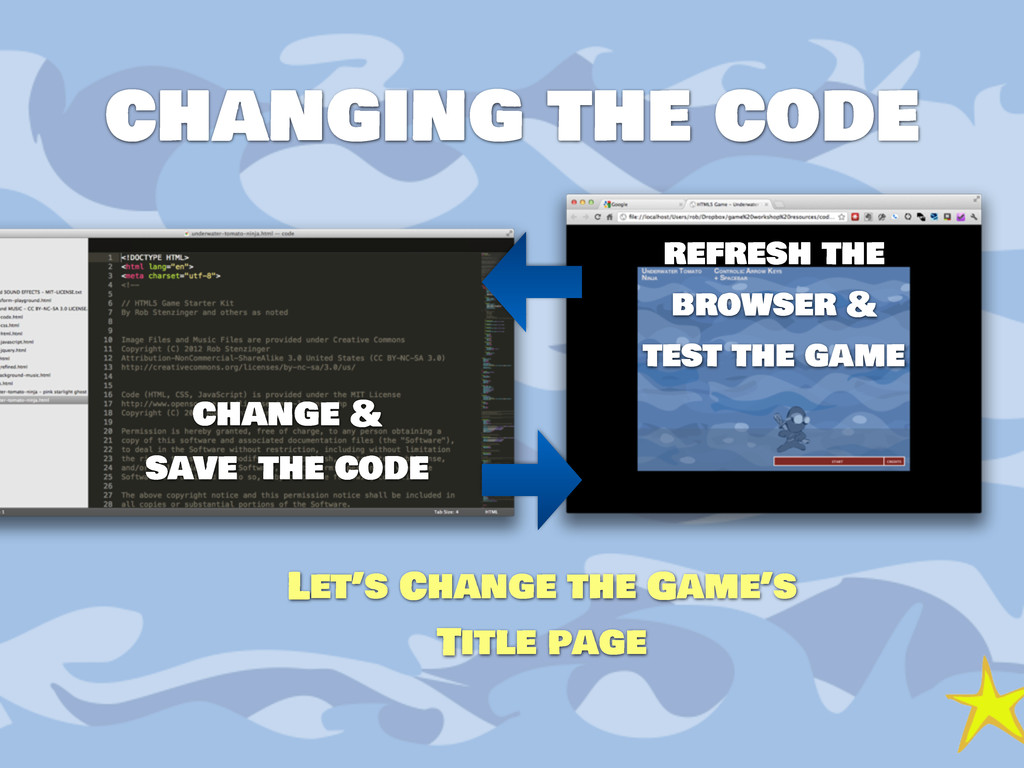
  16. changing the code change & save the code Let’s Change

    the Game’s Title page refresh the browser & test the game
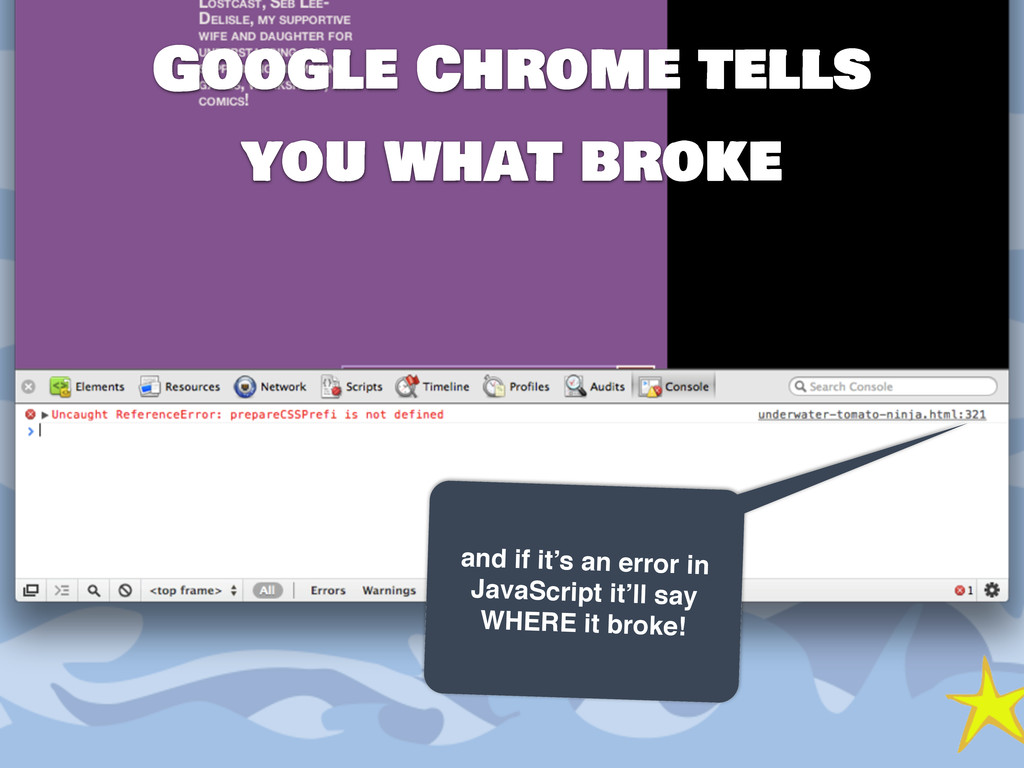
  17. Google Chrome tells you what broke and if it’s an

    error in JavaScript it’ll say WHERE it broke!
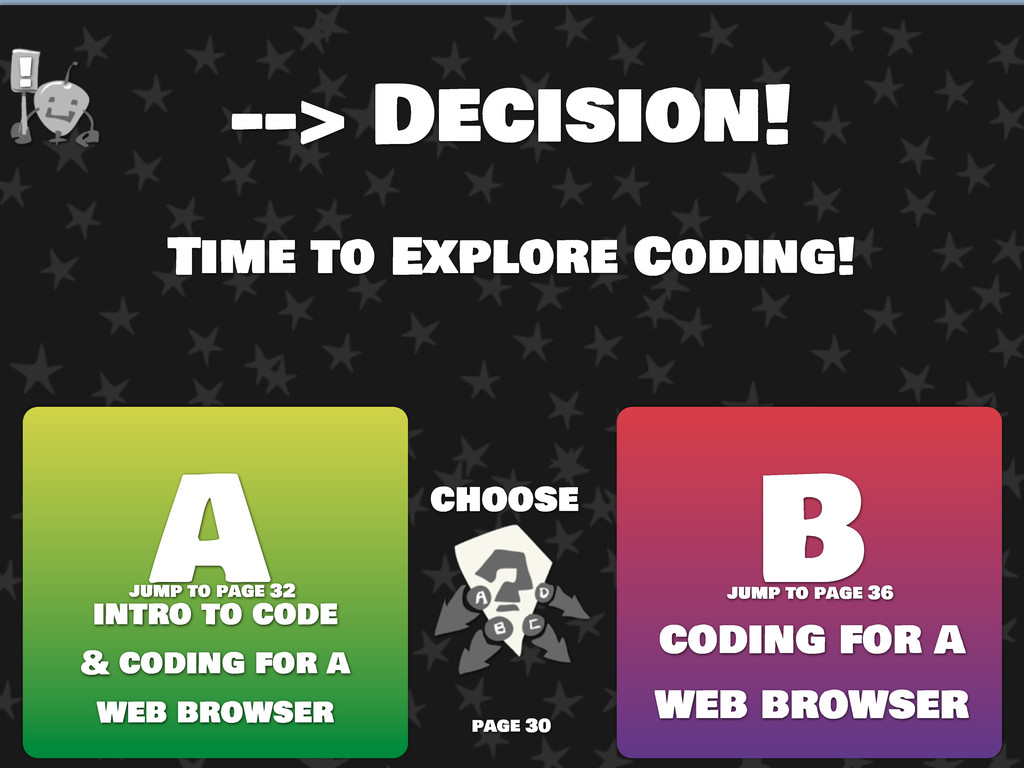
  18. --> Decision! Time to Explore Coding! choose A B intro

    to code & coding for a web browser coding for a web browser ! jump to page 32 jump to page 36 page 30
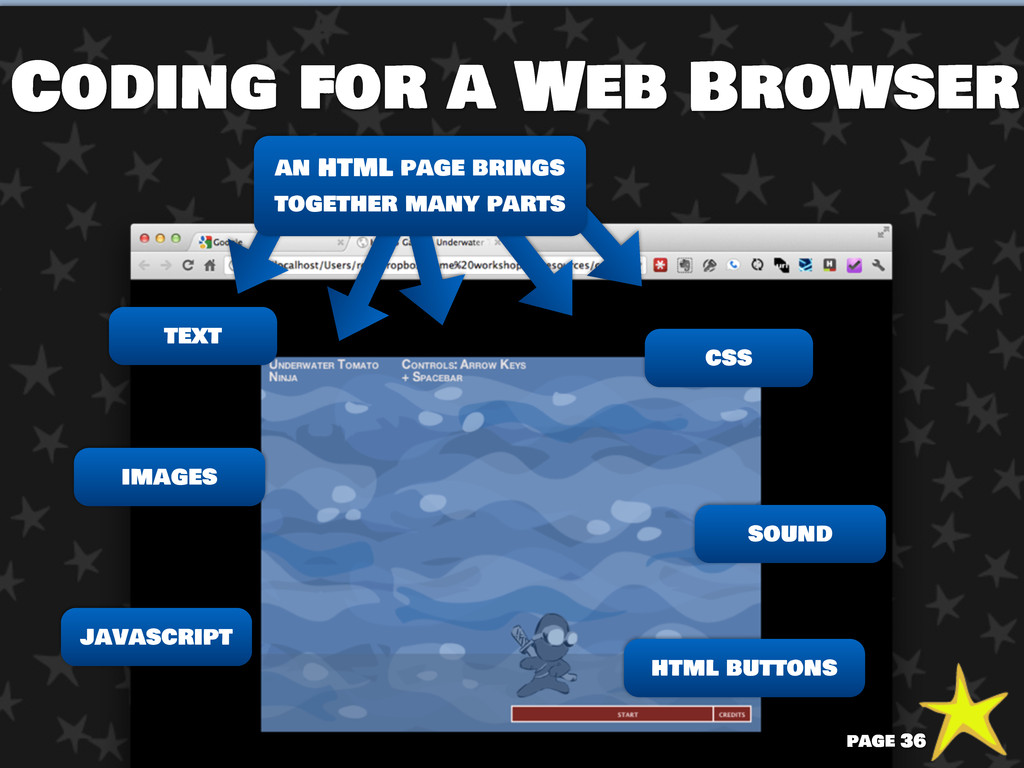
  19. Coding for a Web Browser images text sound css html

    buttons javascript an HTML page brings together many parts page 36
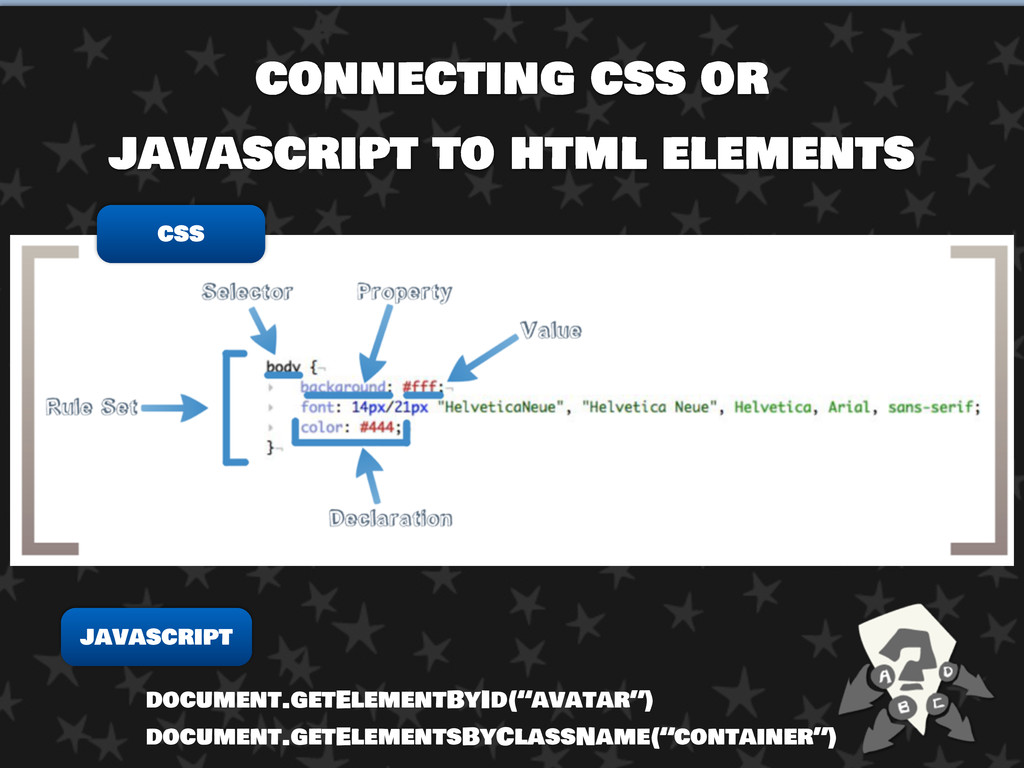
  20. Intro to HTML, CSS, and Javascript What kind of element

    Element’s Class Element ID status or situation of the Element Browser’s DOM: Document Object Model css javascript id: avatar class: (none) Type: DIV situation: (varies)
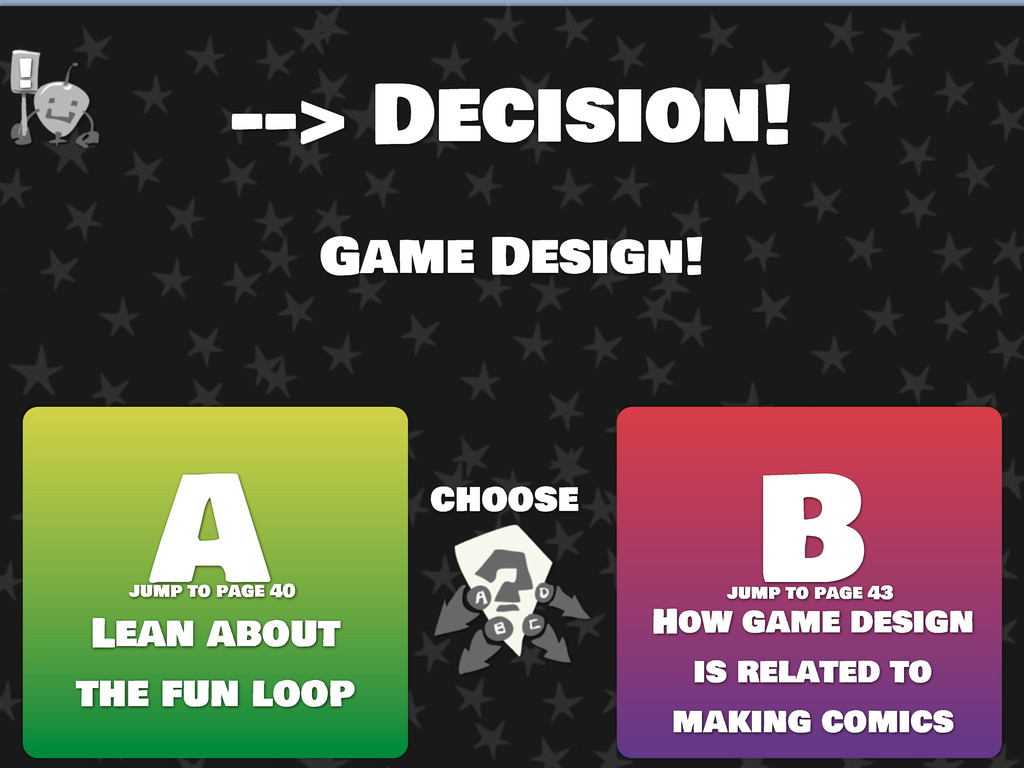
  21. --> Decision! Game Design! choose A B Lean about the

    fun loop How game design is related to making comics ! jump to page 40 jump to page 43
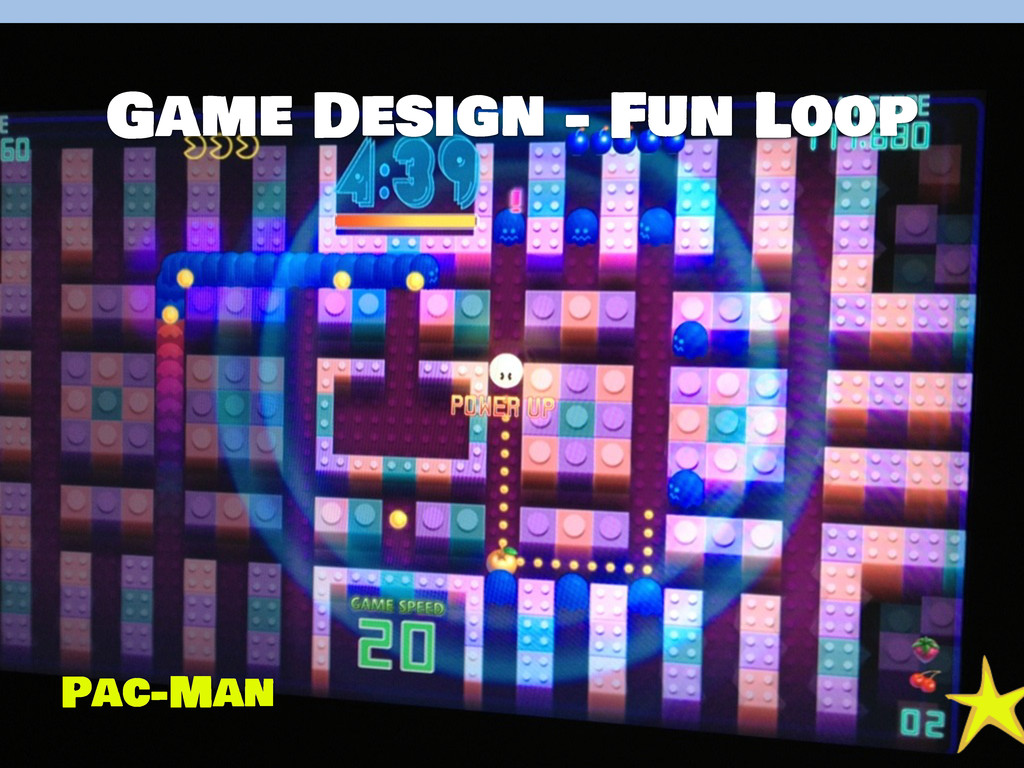
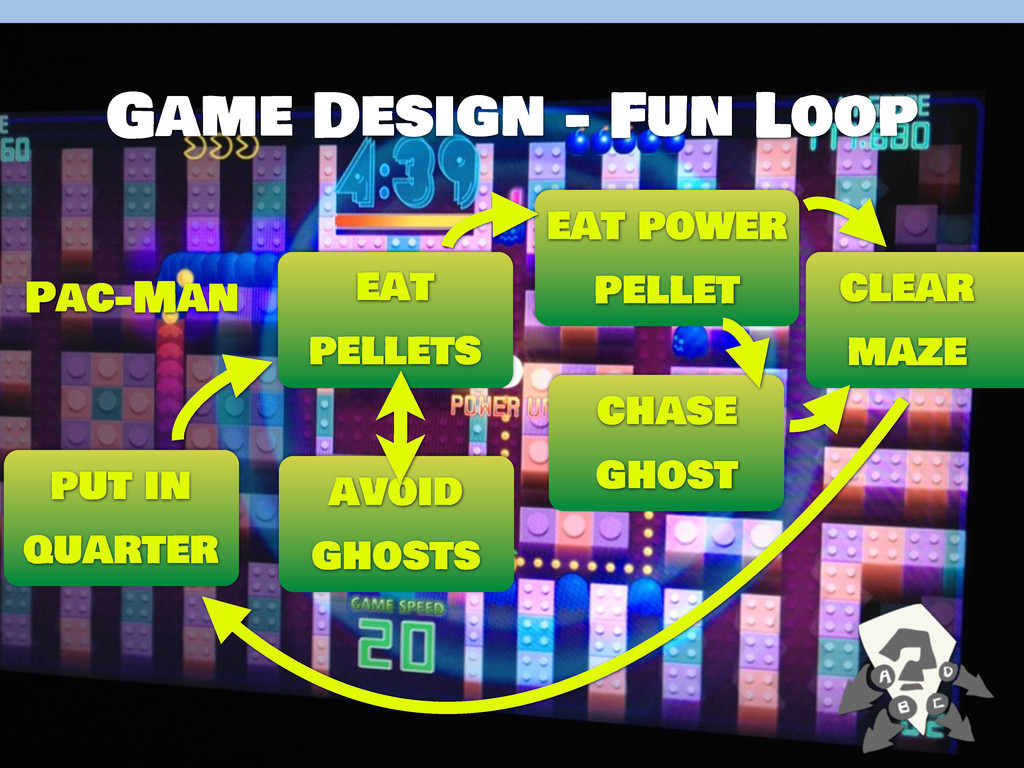
  22. Game Design - Fun Loop put in quarter avoid ghosts

    eat pellets eat power pellet chase ghost clear maze Pac-Man
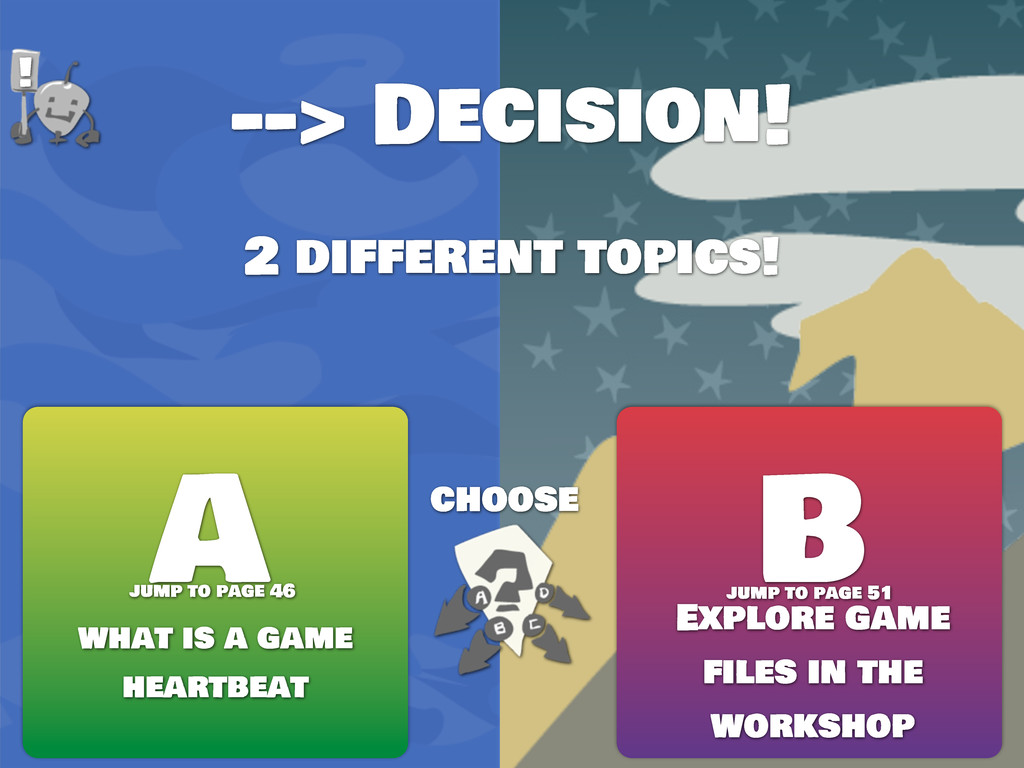
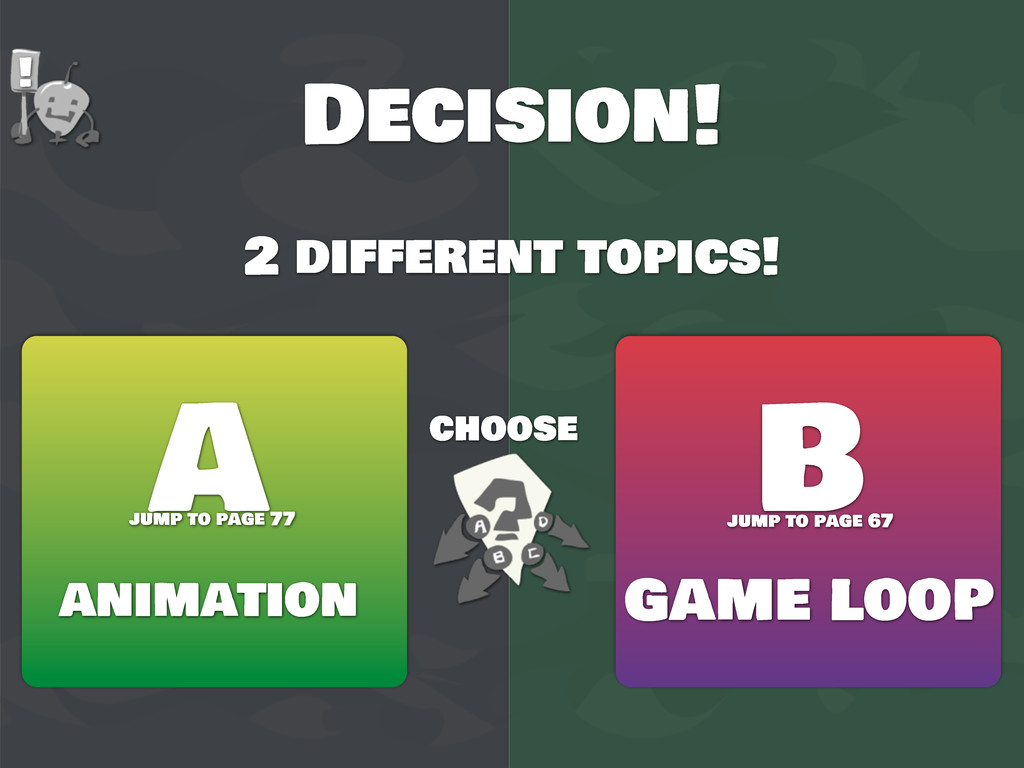
  23. --> Decision! 2 different topics! choose A B what is

    a game heartbeat Explore game files in the workshop ! jump to page 46 jump to page 51
  24. --> Decision! Mess With Game Timing choose A B make

    it faster make it slower ! jump to page 49 jump to page 50
  25. The Files You Have - You do Have Them, Right?

    page 51 Need the files? https://github.com/robstenzinger/HTML5-Game-Dev-Workshop
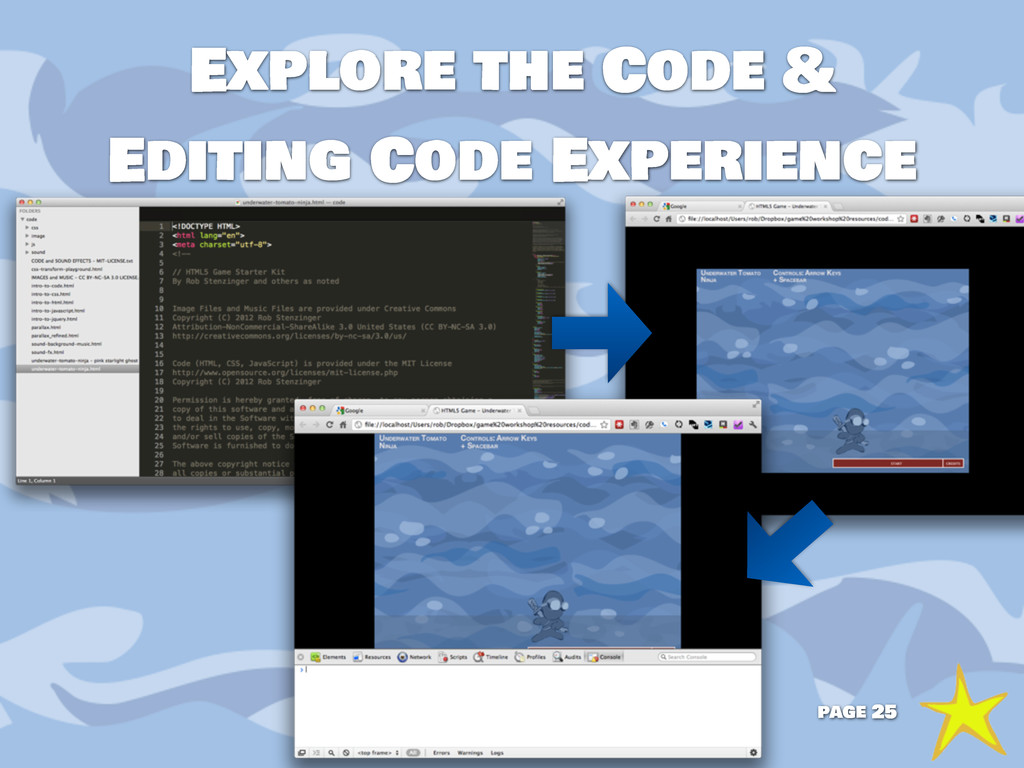
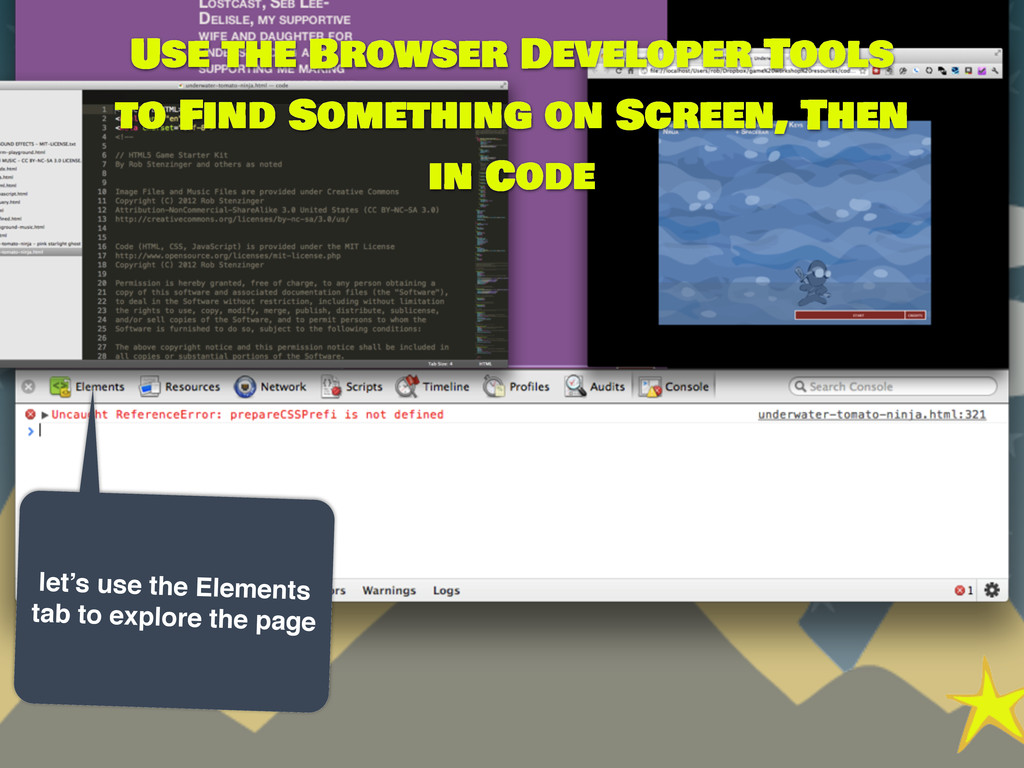
  26. let’s use the Elements tab to explore the page Use

    the Browser Developer Tools to Find Something on Screen, Then in Code
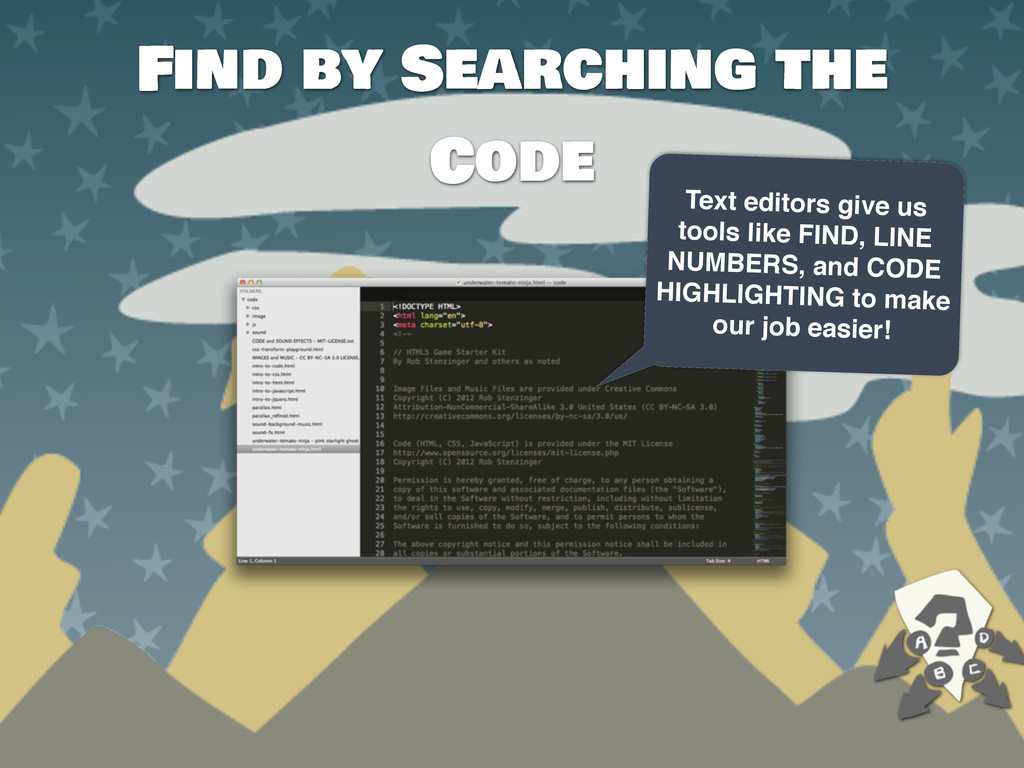
  27. Find by Searching the Code Text editors give us tools

    like FIND, LINE NUMBERS, and CODE HIGHLIGHTING to make our job easier!
  28. Let's Change an Asset art - sound - text a

    chance to add kitties or stars! let’s change the game! page 55
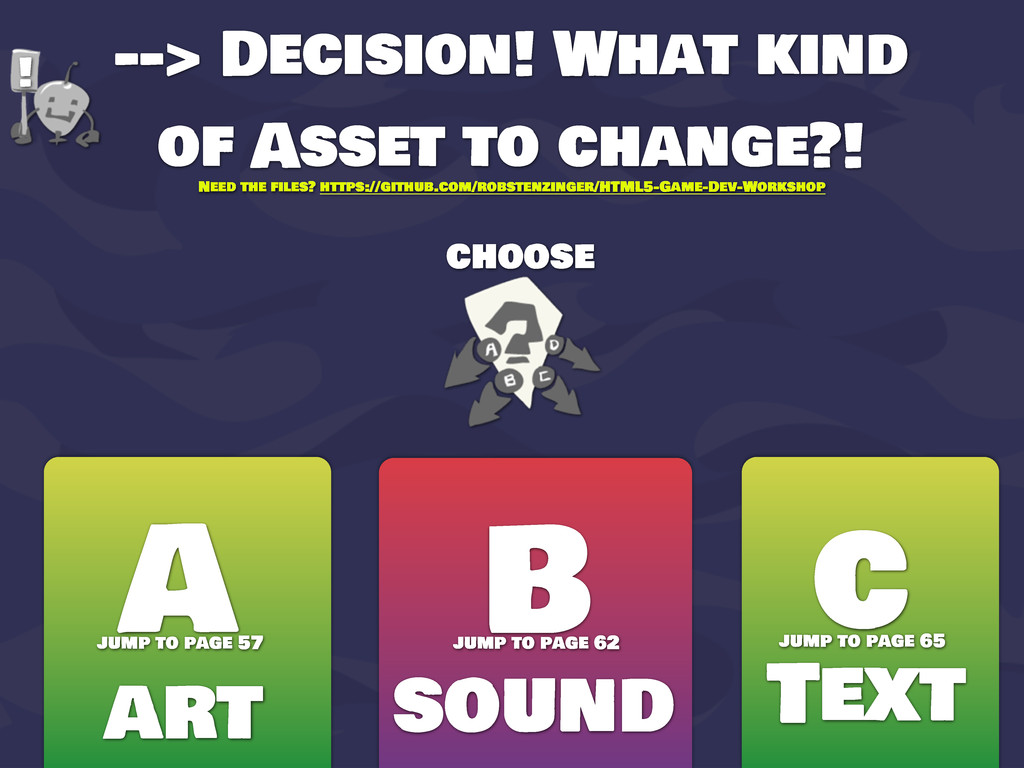
  29. --> Decision! What kind of Asset to change?! choose A

    B art sound c Text ! Need the files? https://github.com/robstenzinger/HTML5-Game-Dev-Workshop jump to page 57 jump to page 65 jump to page 62
  30. Since we’re scripting so much for the game, let’s use

    JavaScript... Art Web browsers let us load images in HTML, JavaScript, and CSS! page 57
  31. sound effects let’s look at how we LOAD and PLAY

    the sounds! BACKGROUND MUSIC page 62
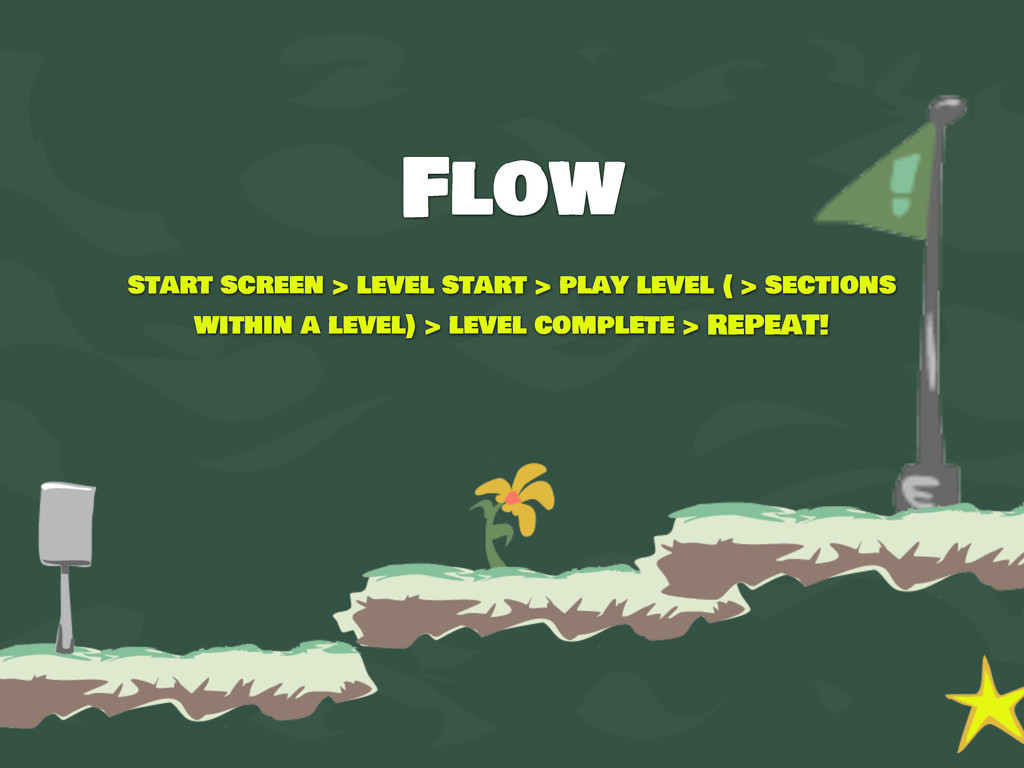
  32. Flow start screen > level start > play level (

    > sections within a level) > level complete > REPEAT!
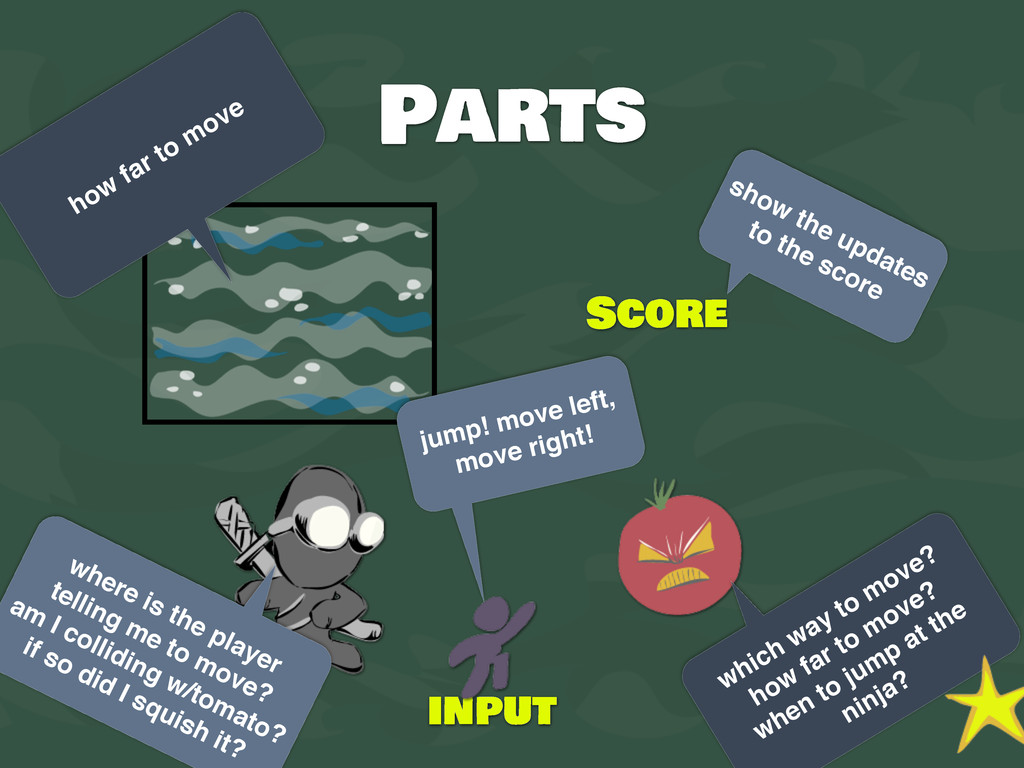
  33. Parts Score how far to move show the updates to

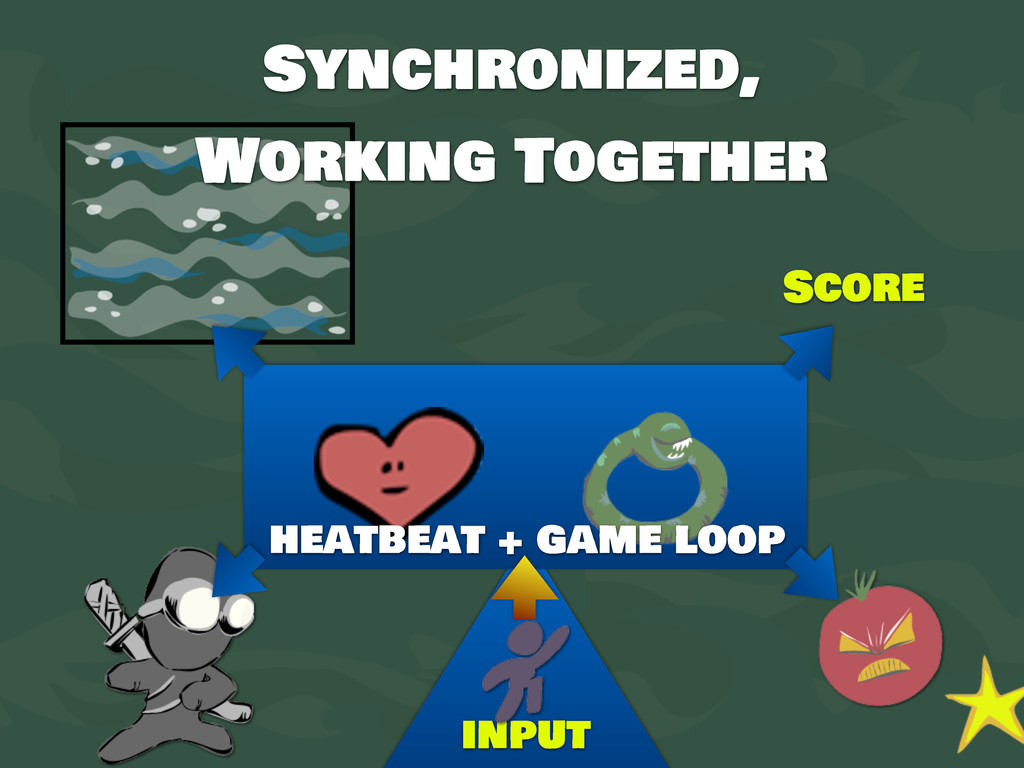
    the score which way to move? how far to move? when to jump at the ninja? where is the player telling me to move? am I colliding w/tomato? if so did I squish it? input jump! move left, move right!
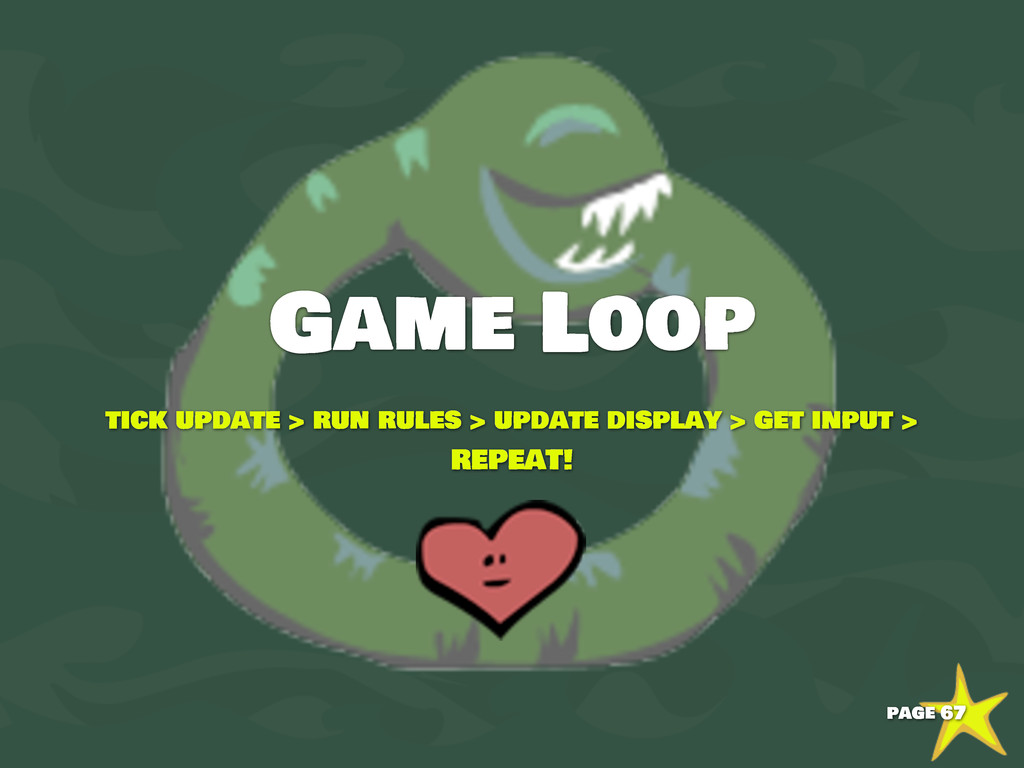
  34. Looking at the Code and the Game the game loop!

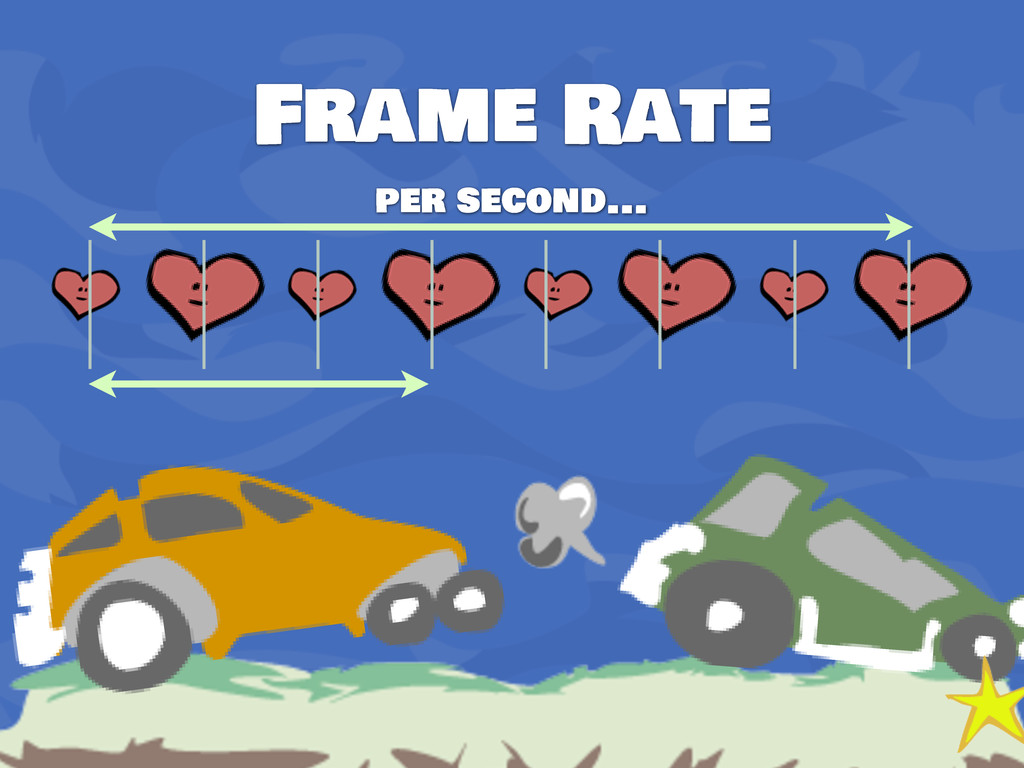
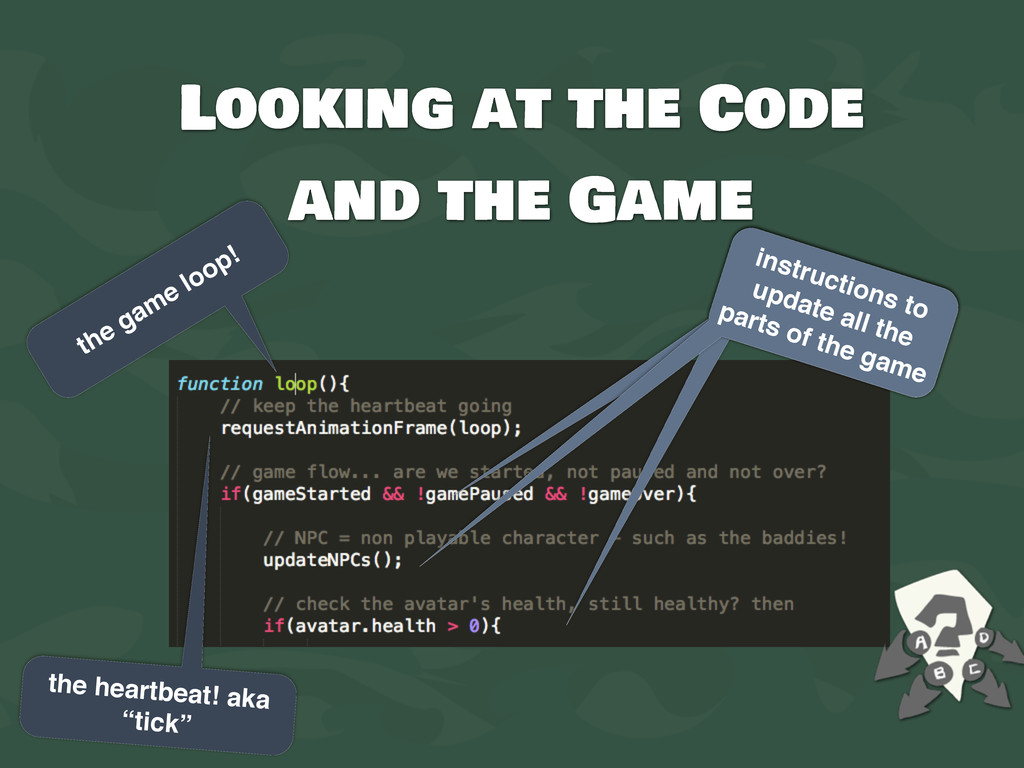
    instructions to update all the parts of the game the heartbeat! aka “tick”
  35. Decision! 2 different topics! choose A B game art, text,

    and sound more detail about the game loop ! jump to page 55 jump to page 73
  36. Decision! 2 different topics! choose A B game art, text,

    and sound animation ! jump to page 55 jump to page 77
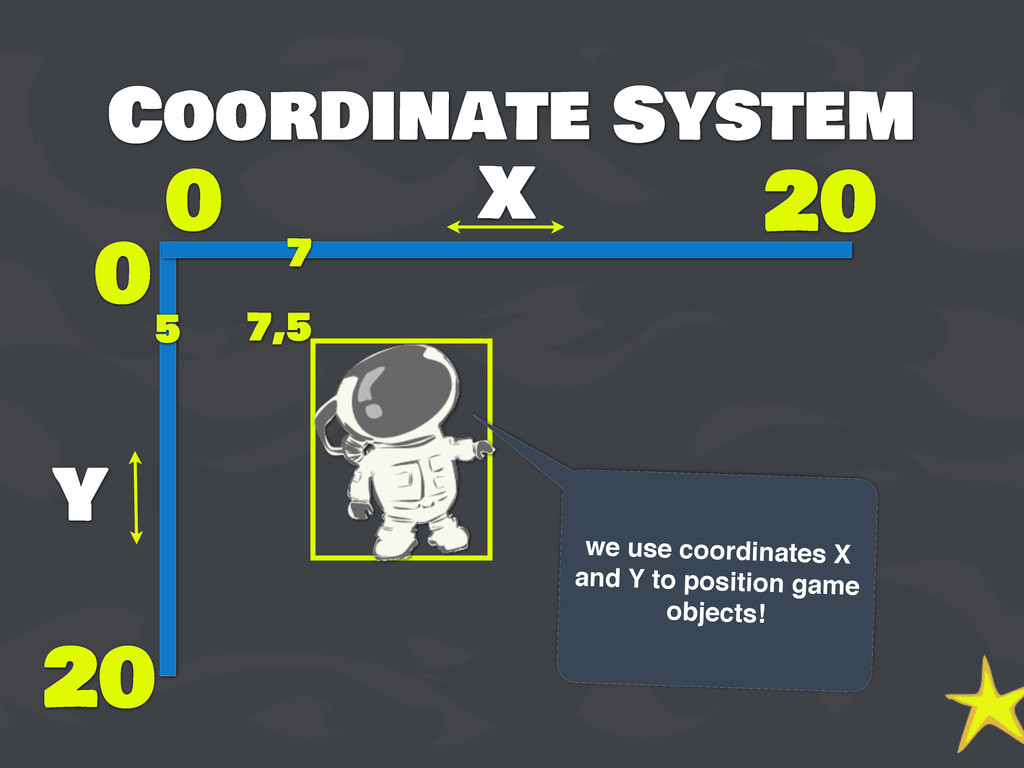
  37. Coordinate System x y 0 0 20 20 7,5 7

    5 we use coordinates X and Y to position game objects!
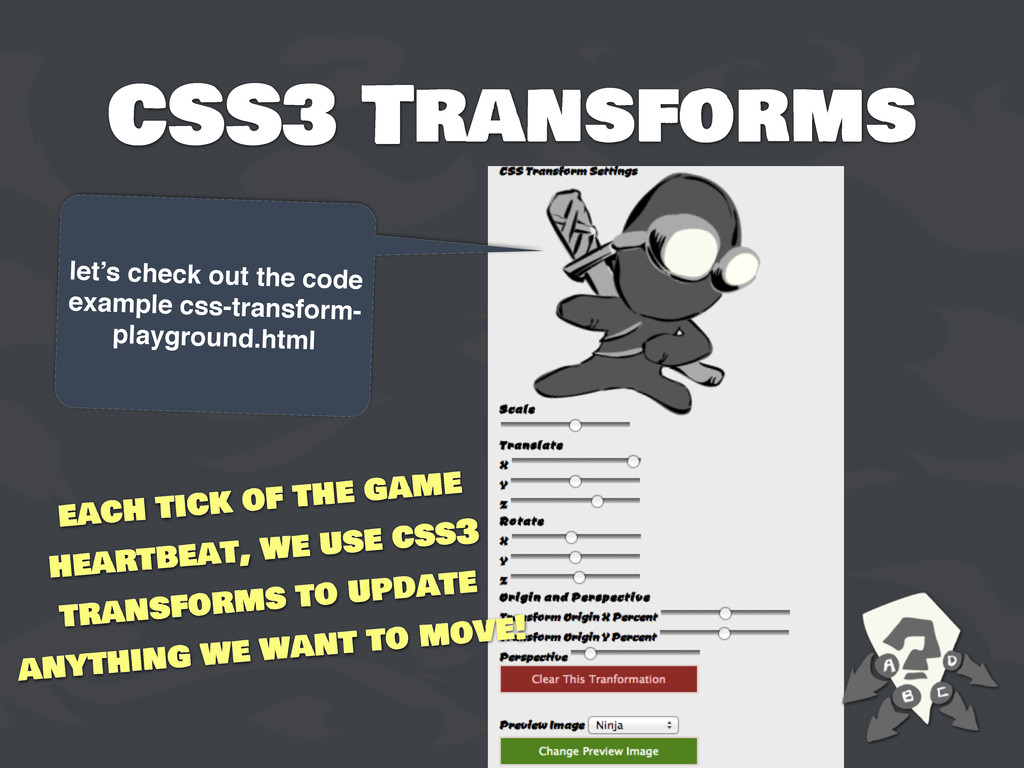
  38. CSS3 Transforms let’s check out the code example css-transform- playground.html

    each tick of the game heartbeat, we use css3 transforms to update anything we want to move!
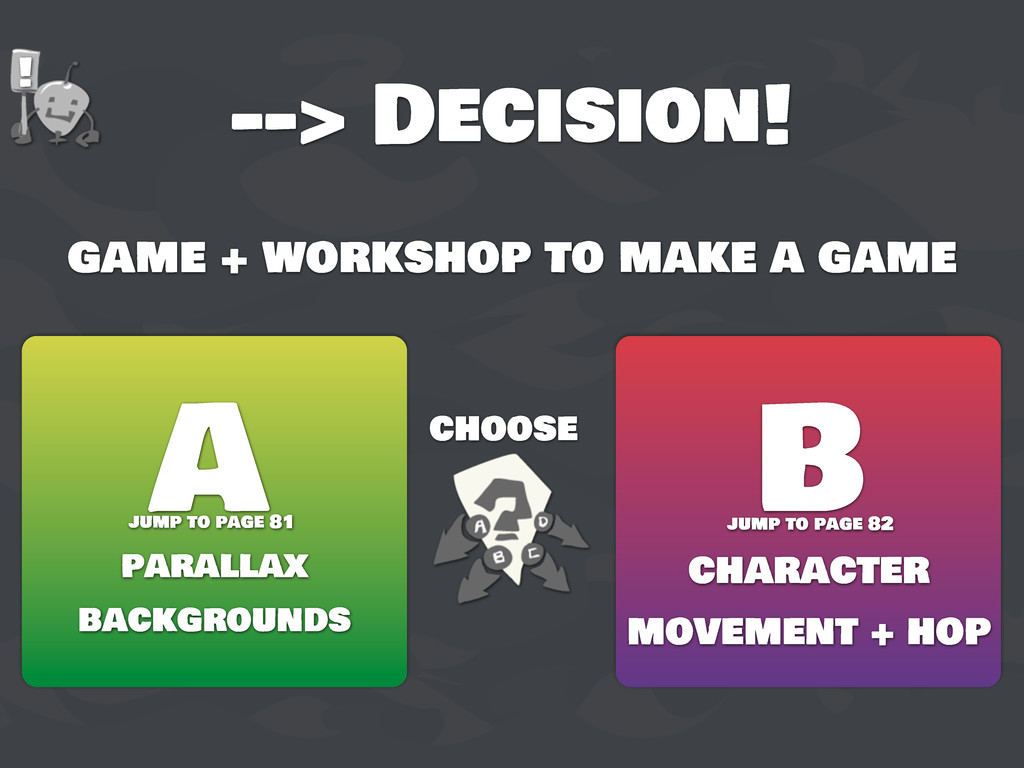
  39. --> Decision! game + workshop to make a game choose

    A B parallax backgrounds character movement + hop ! jump to page 81 jump to page 82
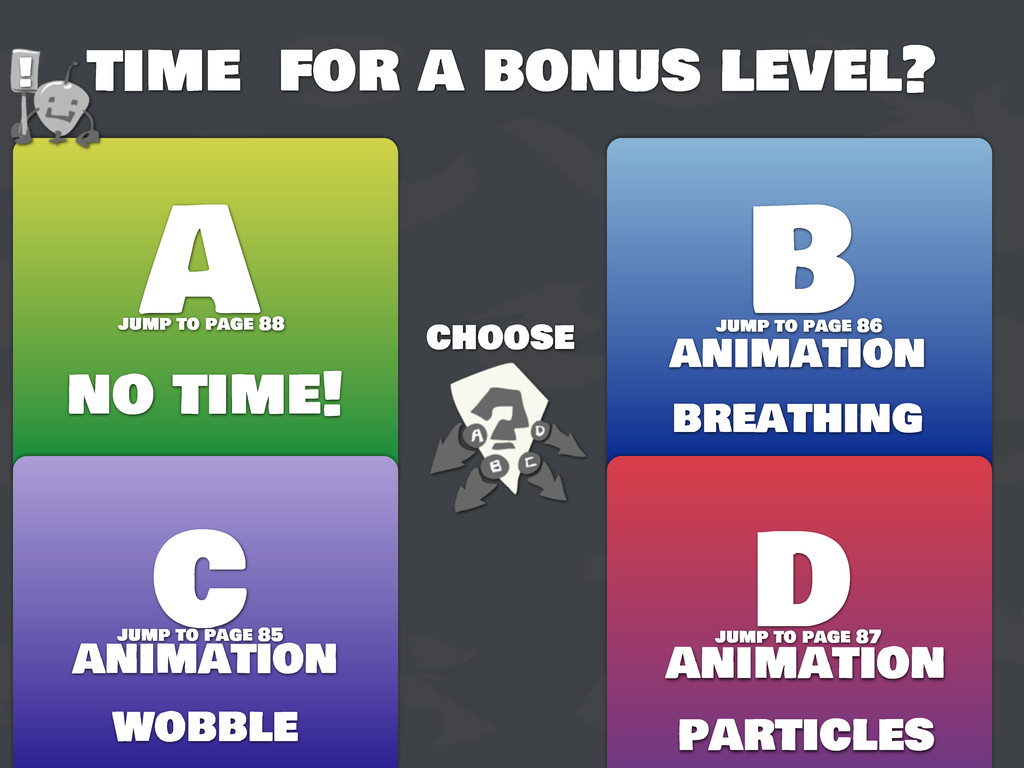
  40. time for a bonus level? choose A B no time!

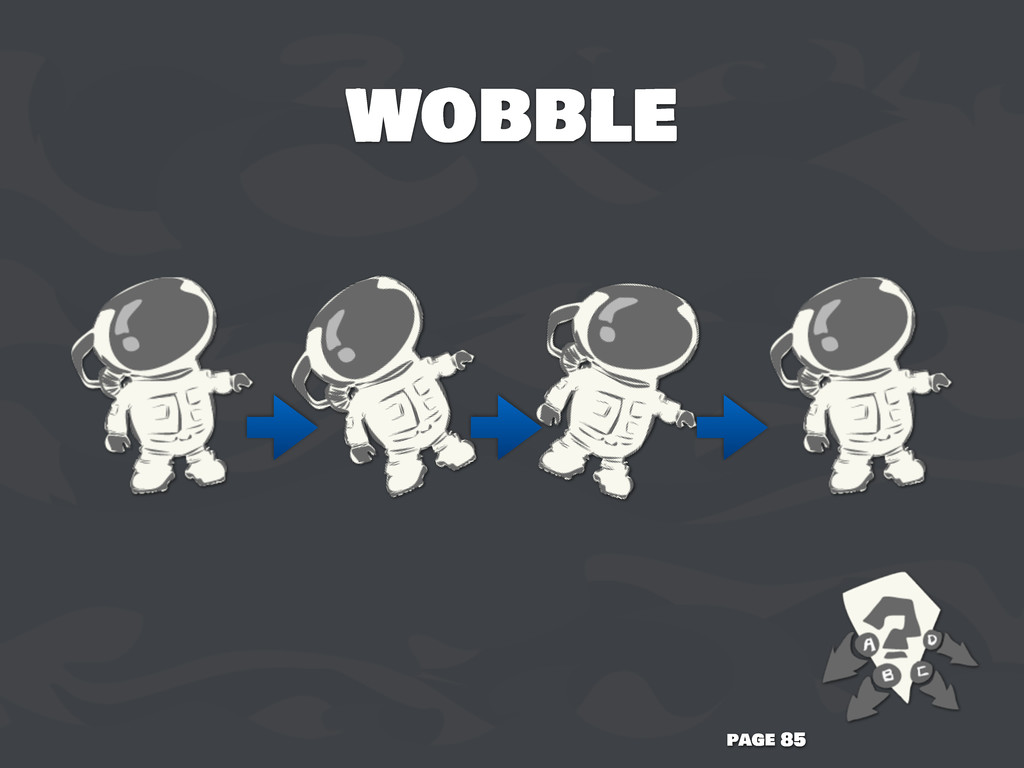
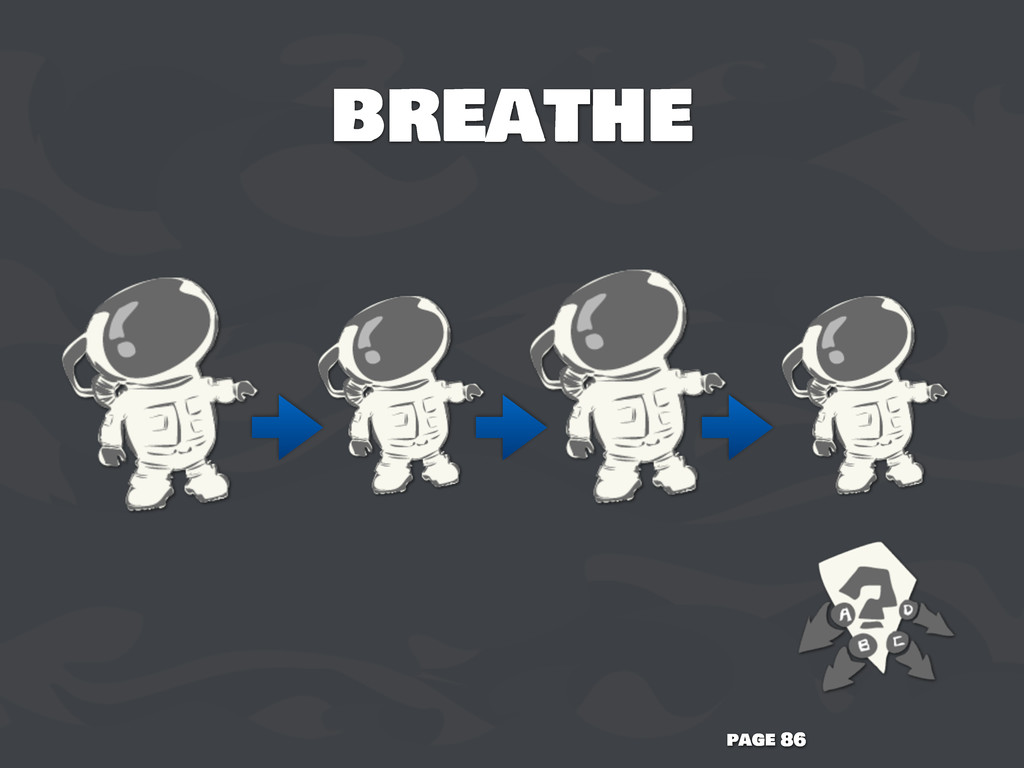
    animation breathing c d animation wobble animation particles ! jump to page 85 jump to page 87 jump to page 88 jump to page 86
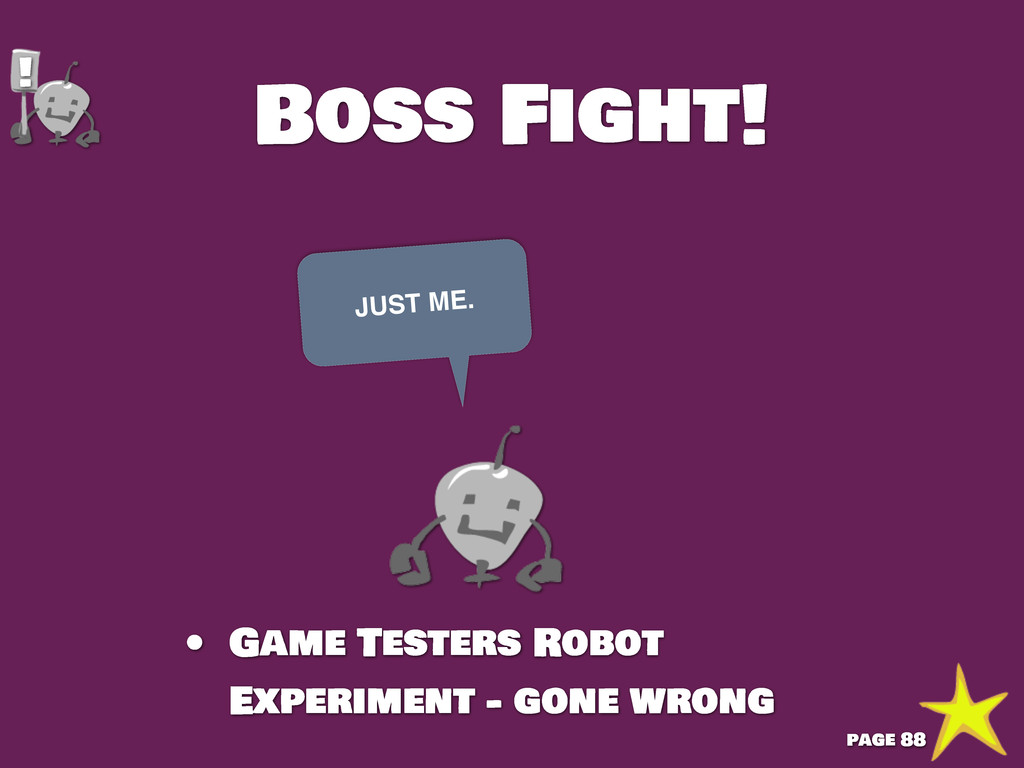
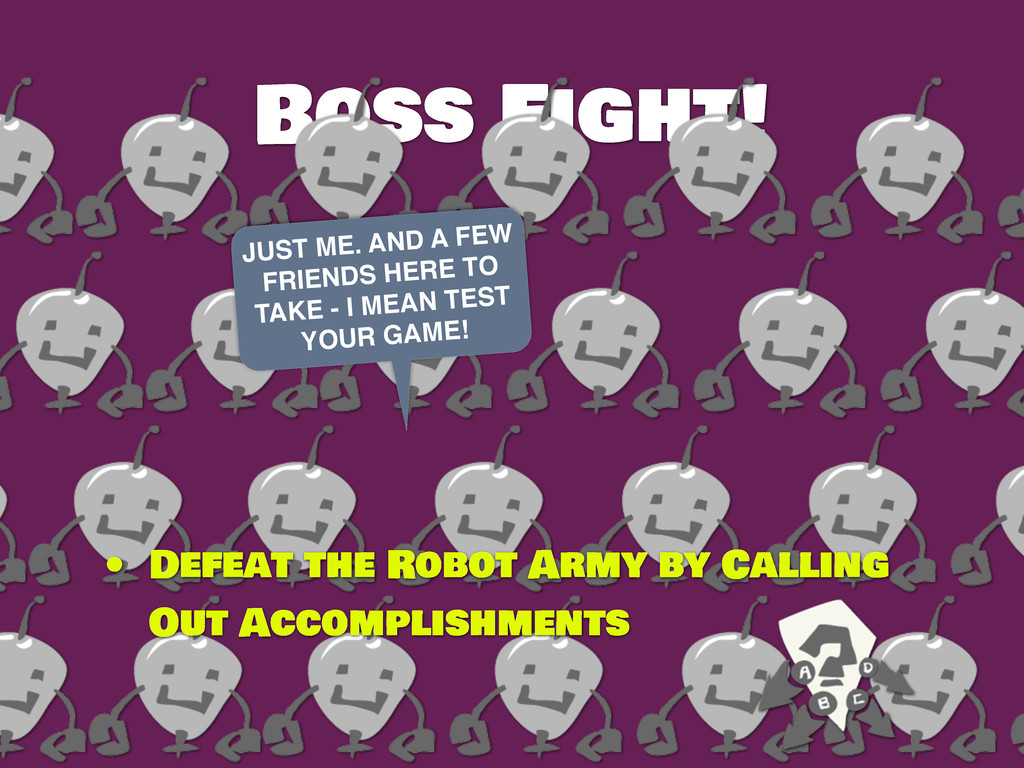
  41. Boss Fight! JUST ME. AND A FEW FRIENDS HERE TO

    TAKE - I MEAN TEST YOUR GAME! • Defeat the Robot Army by Calling Out Accomplishments
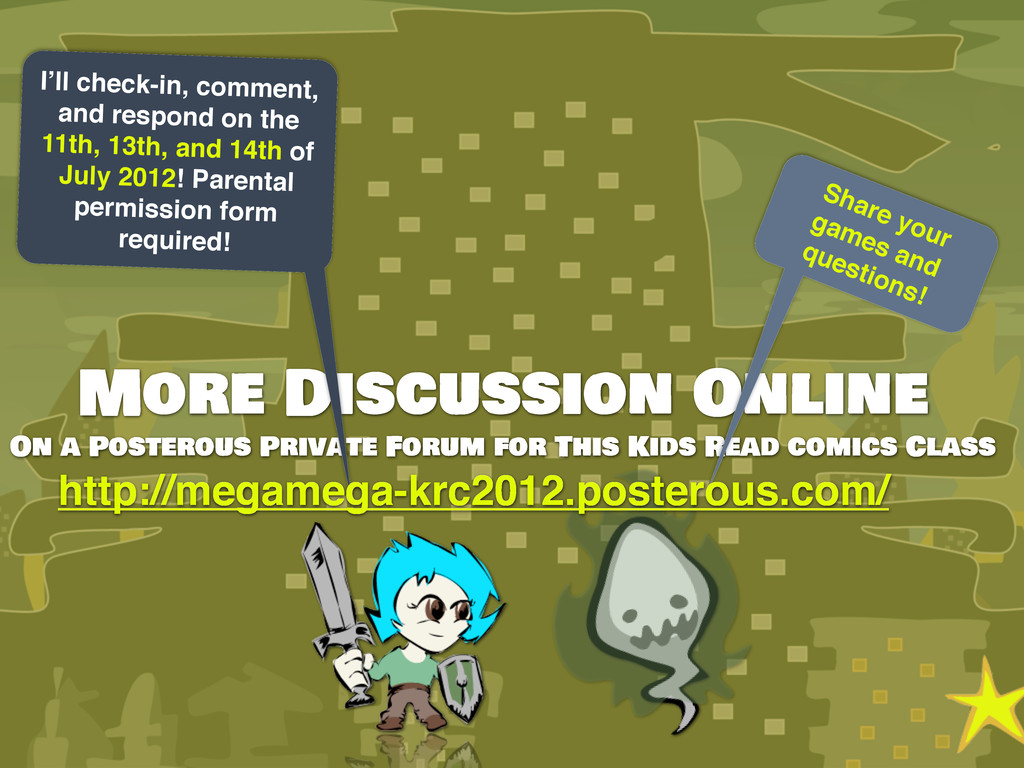
  42. More Discussion Online On a Posterous Private Forum for This

    Kids Read comics Class I’ll check-in, comment, and respond on the 11th, 13th, and 14th of July 2012! Parental permission form required! Share your games and questions! http://megamega-krc2012.posterous.com/
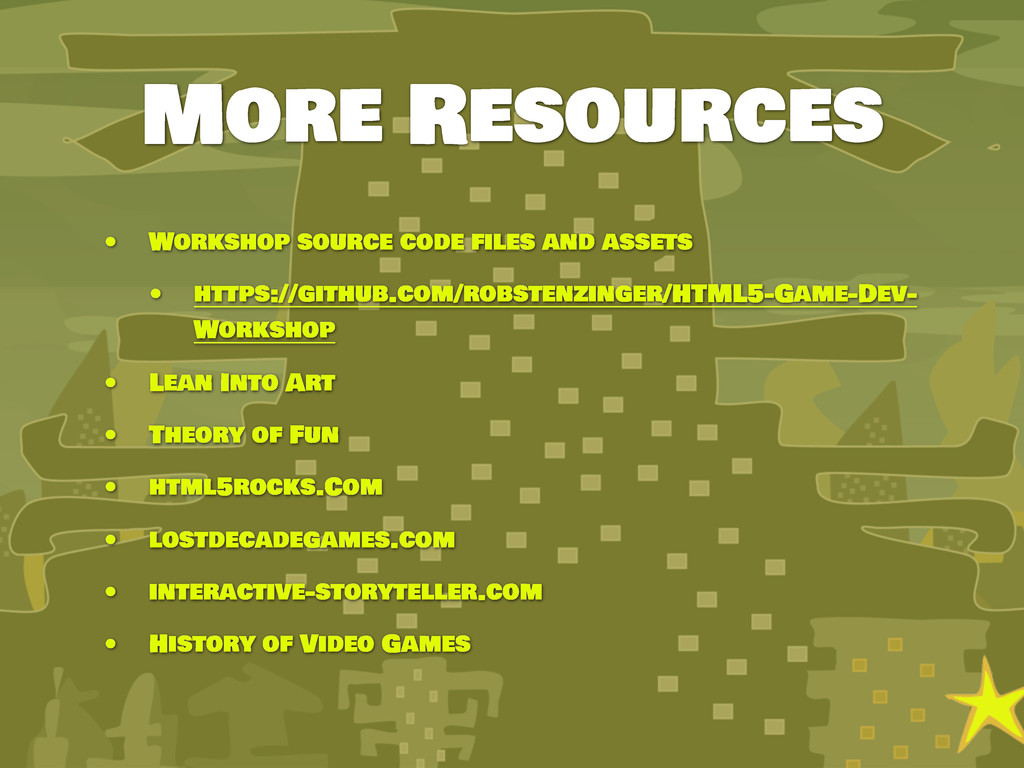
  43. More Resources • Workshop source code files and assets •

    https://github.com/robstenzinger/HTML5-Game-Dev- Workshop • Lean Into Art • Theory of Fun • html5rocks.Com • lostdecadegames.com • interactive-storyteller.com • History of Video Games
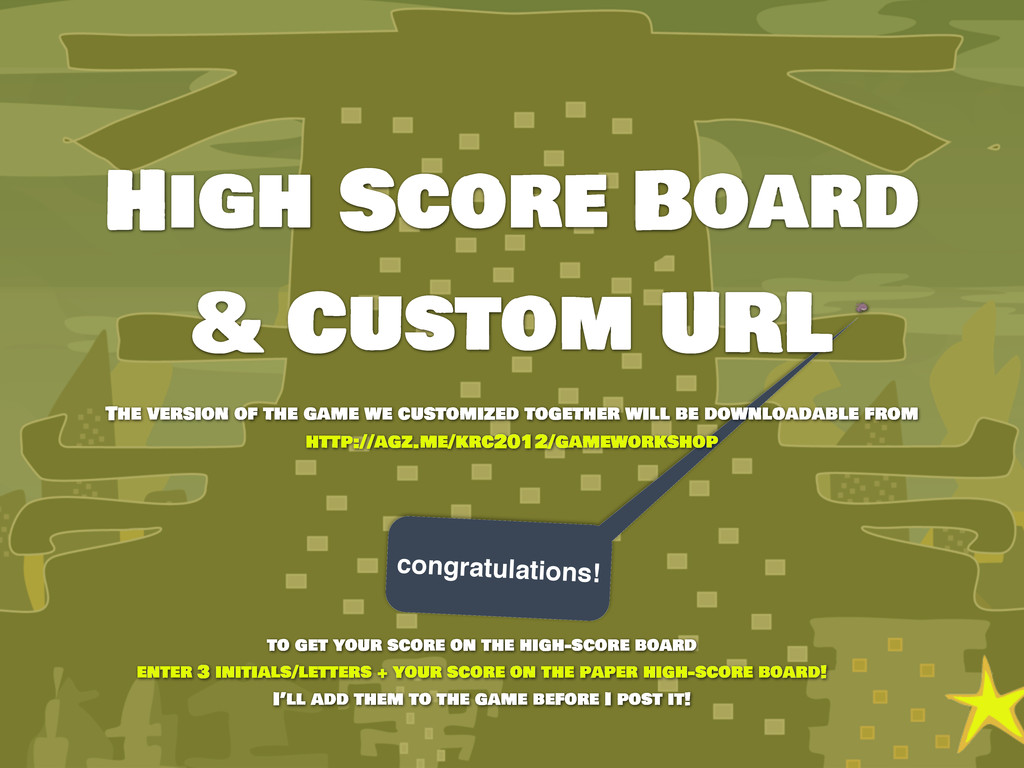
  44. congratulations! High Score Board & Custom URL The version of

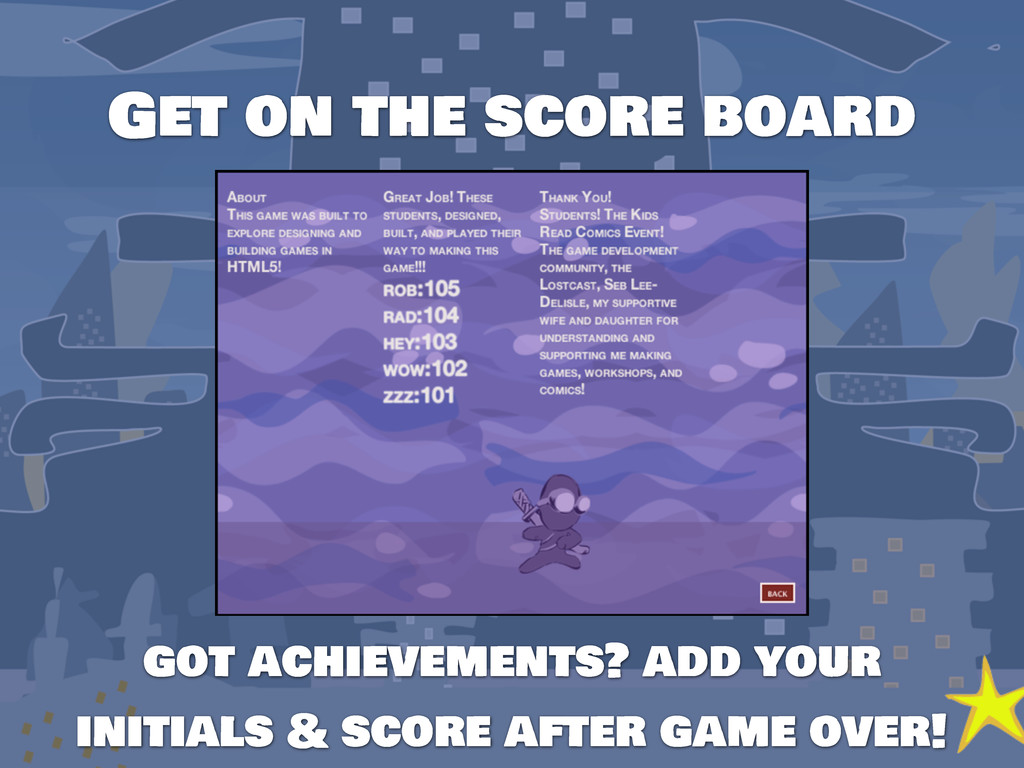
    the game we customized together will be downloadable from http://agz.me/krc2012/gameworkshop to get your score on the high-score board enter 3 initials/letters + your score on the paper high-score board! I’ll add them to the game before I post it!
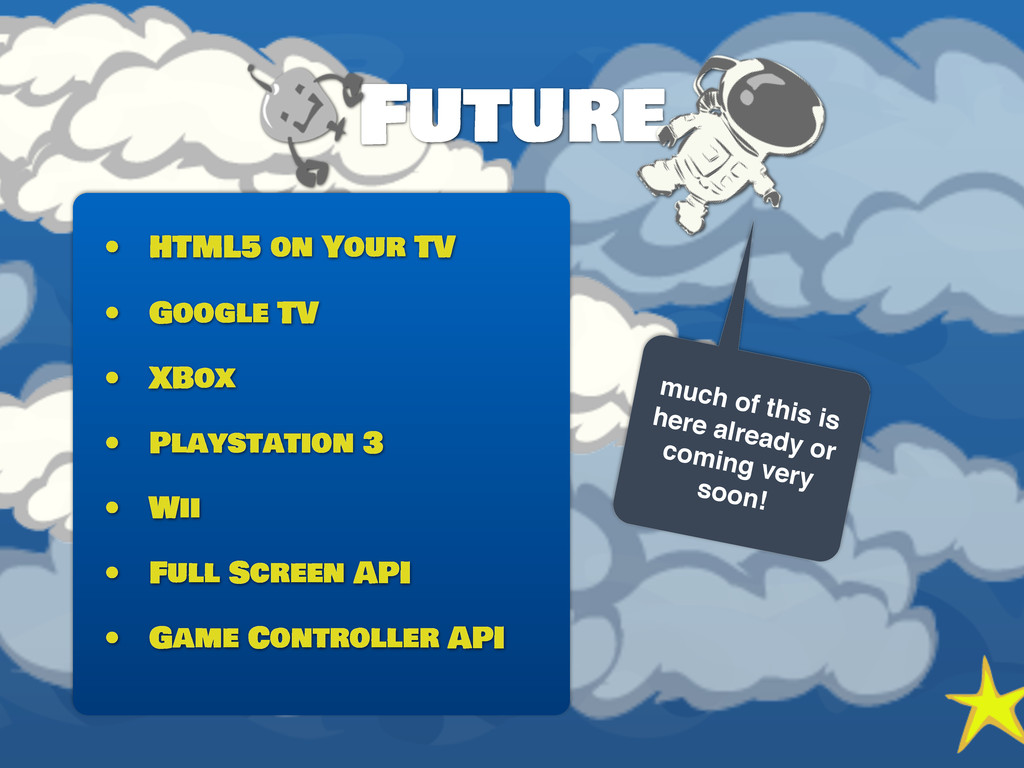
  45. Future • HTML5 on Your TV • Google TV •

    XBox • Playstation 3 • Wii • Full Screen API • Game Controller API much of this is here already or coming very soon!
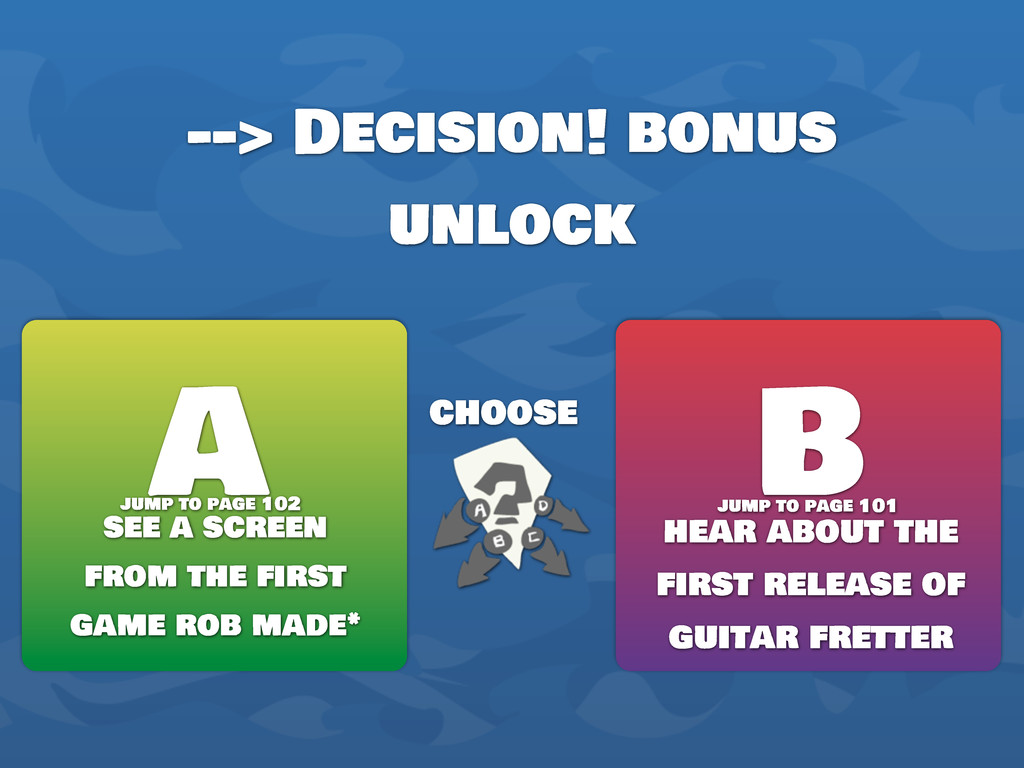
  46. --> Decision! bonus unlock choose A B see a screen

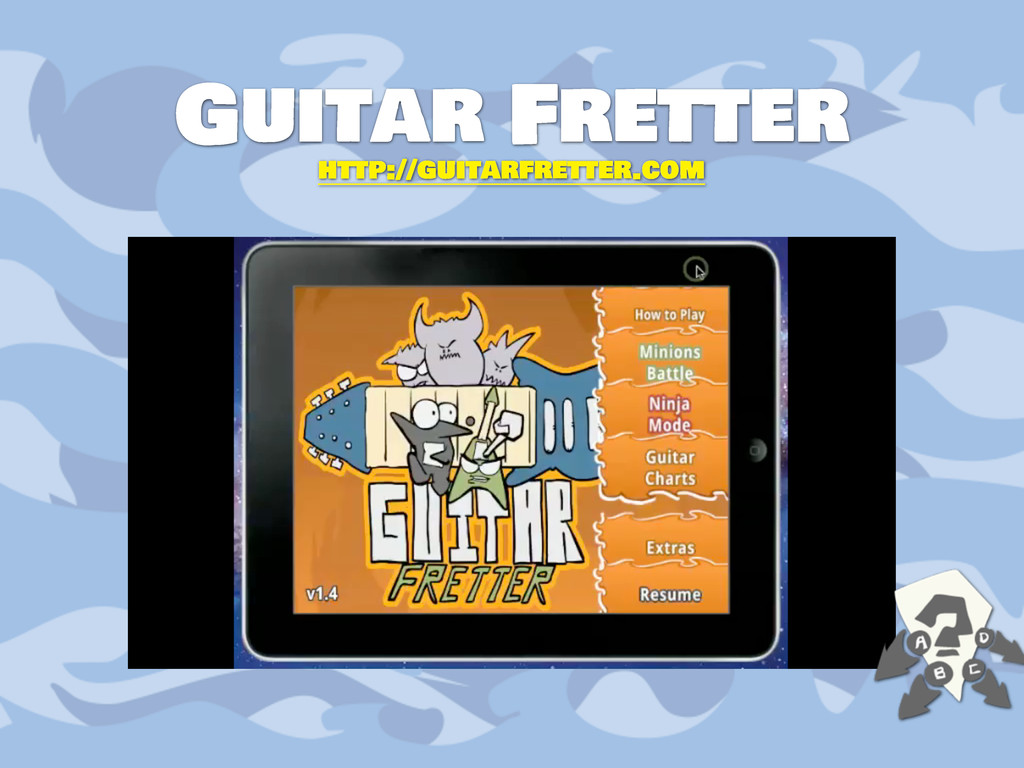
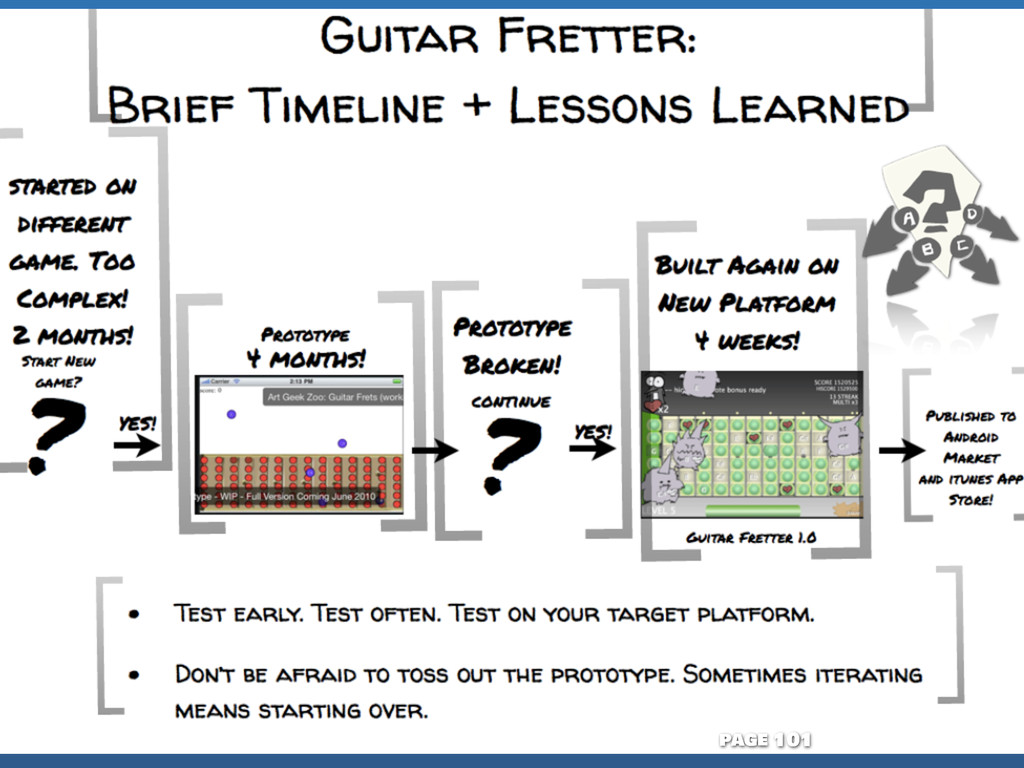
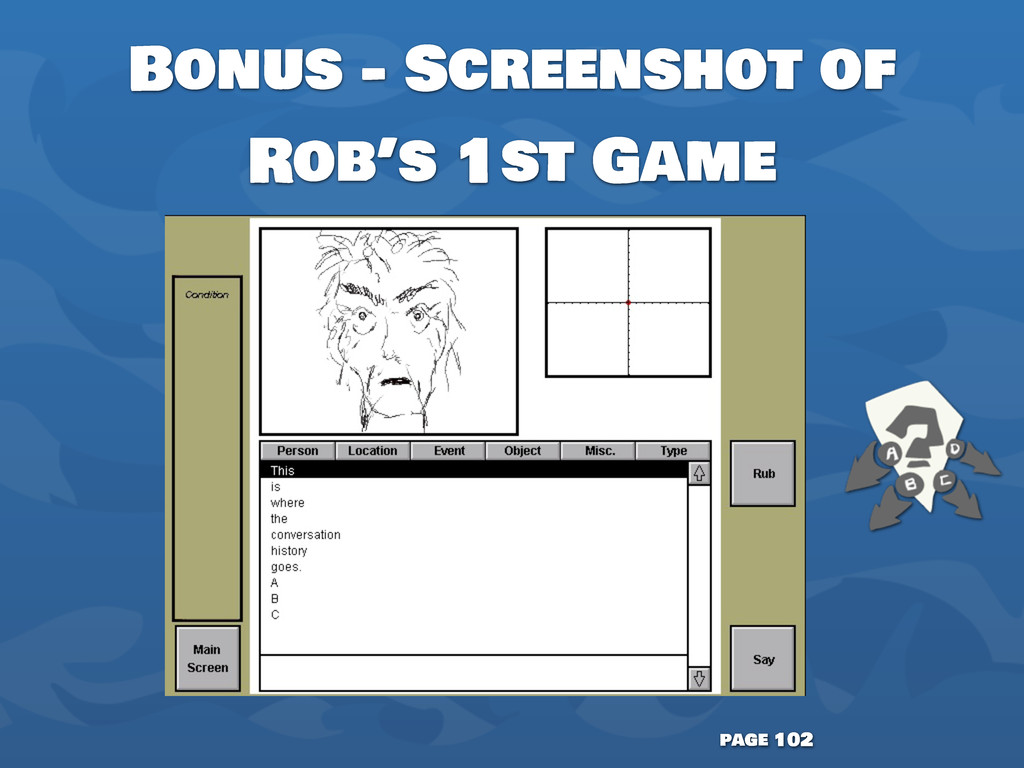
    from the first game rob made* hear about the first release of guitar fretter jump to page 102 jump to page 101