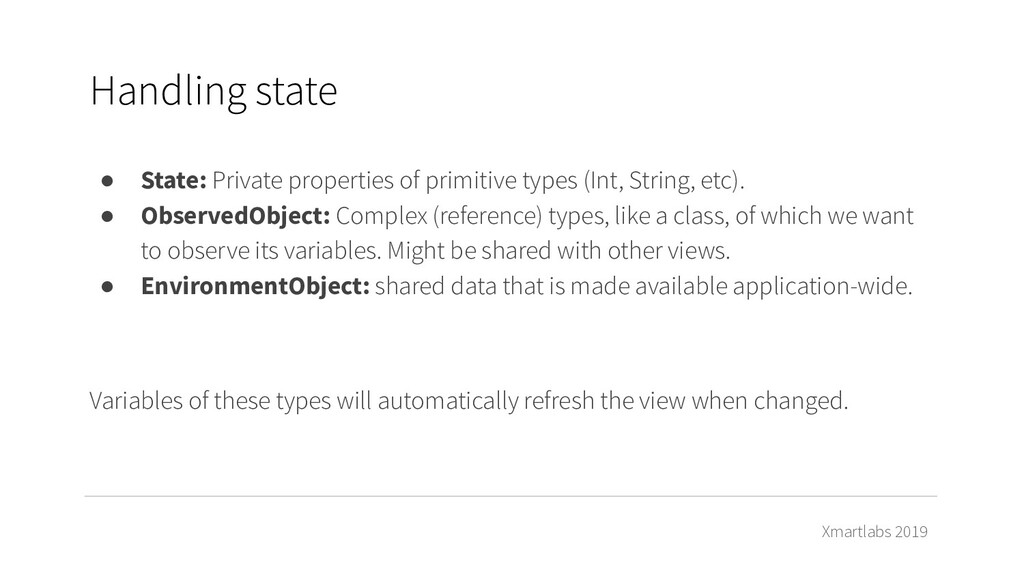
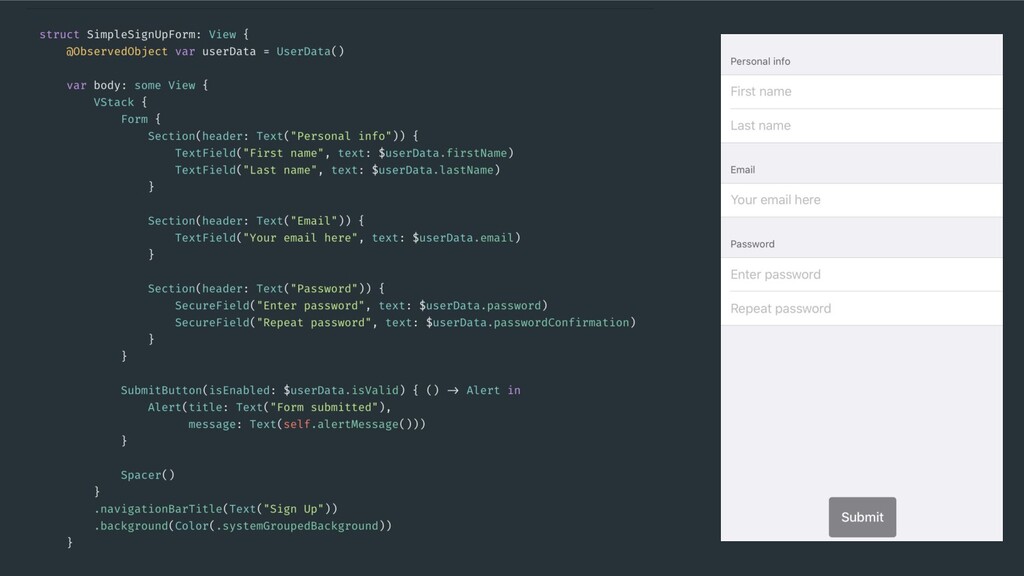
types (Int, String, etc). • ObservedObject: Complex (reference) types, like a class, of which we want to observe its variables. Might be shared with other views. • EnvironmentObject: shared data that is made available application-wide. Variables of these types will automatically refresh the view when changed.
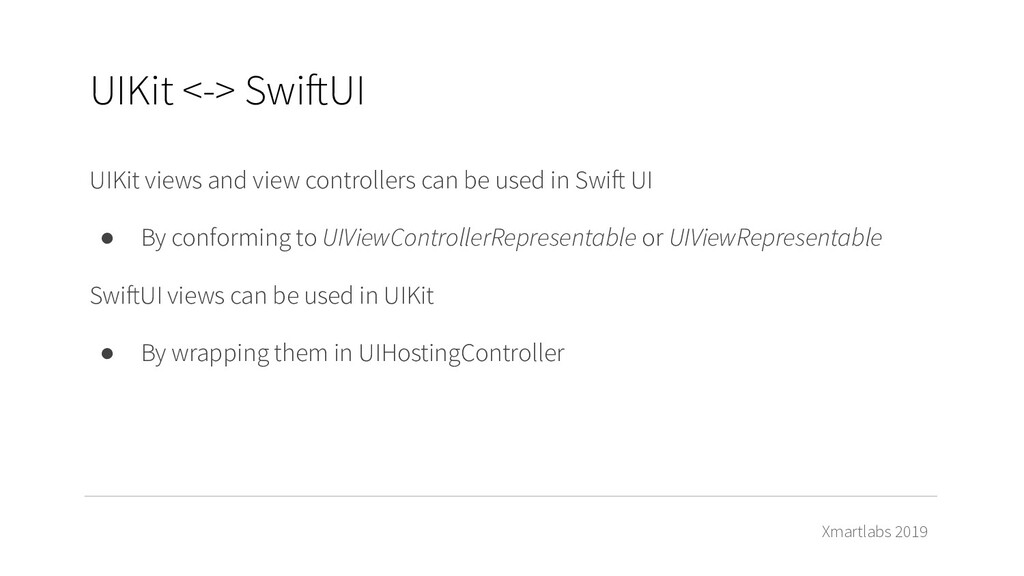
can be used in Swift UI • By conforming to UIViewControllerRepresentable or UIViewRepresentable SwiftUI views can be used in UIKit • By wrapping them in UIHostingController
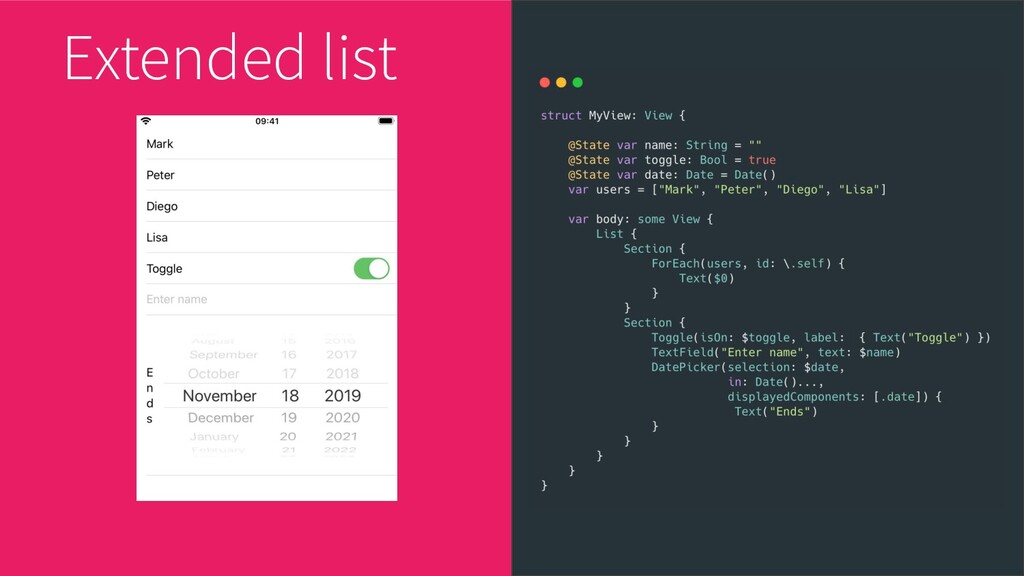
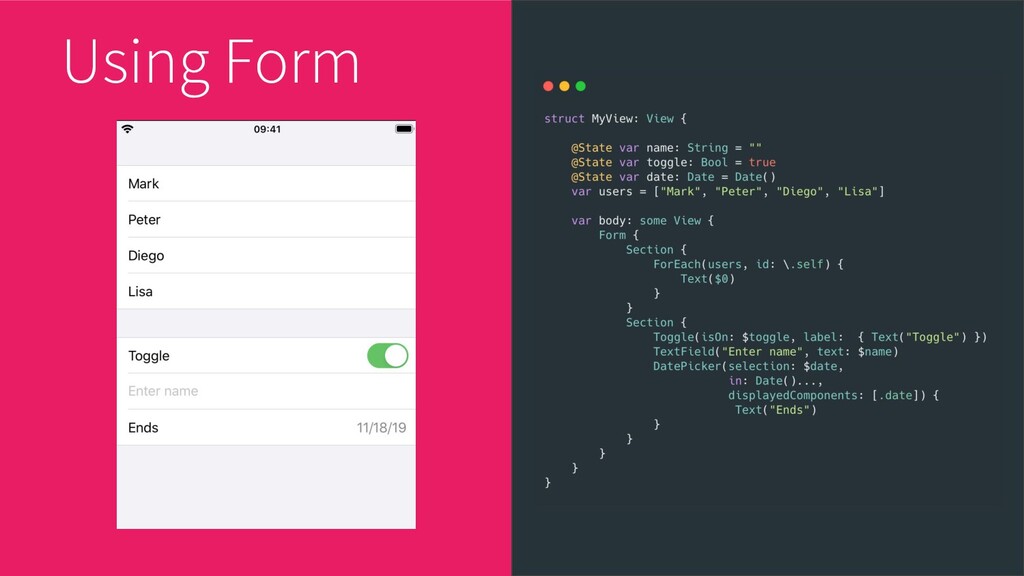
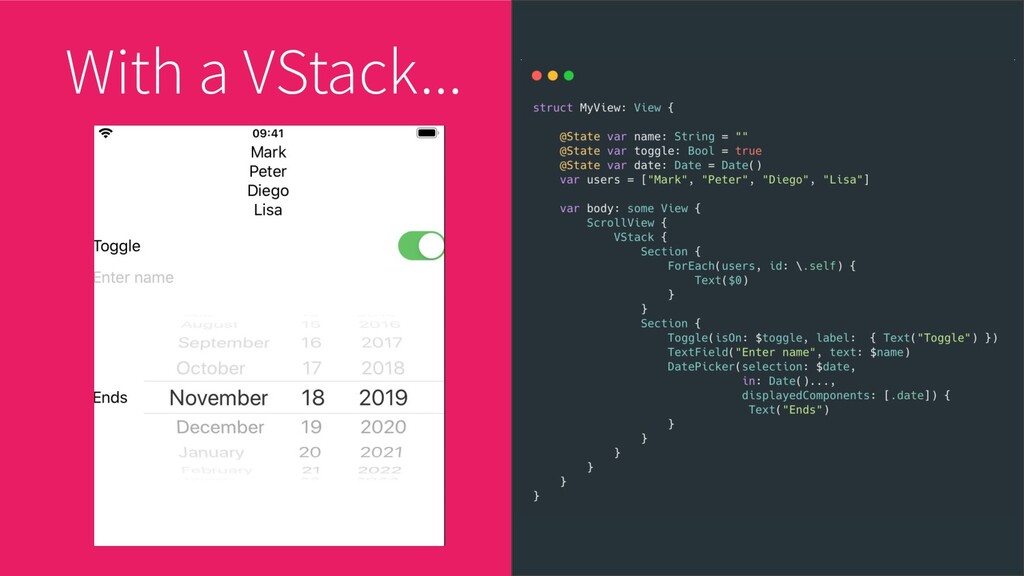
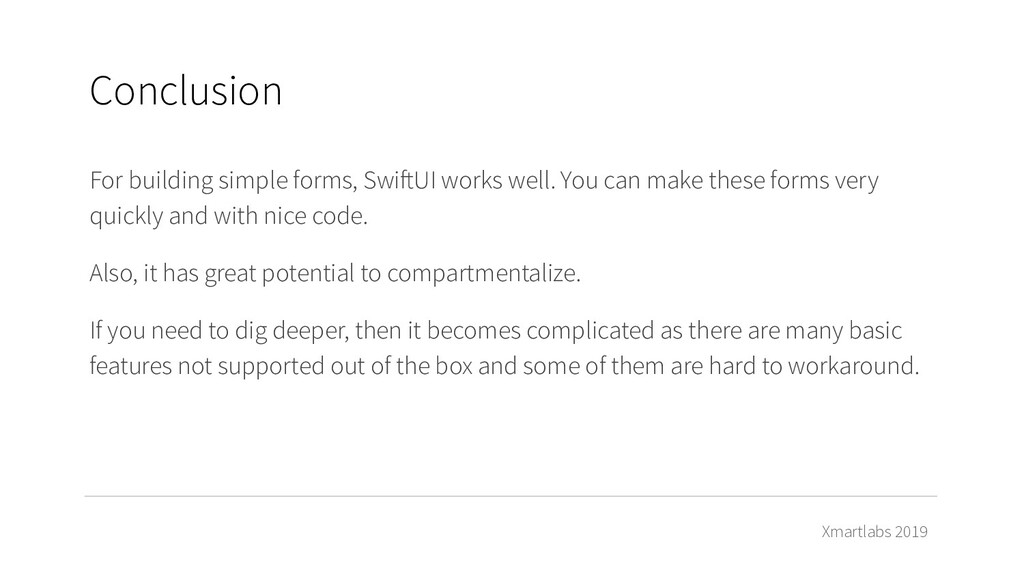
can make these forms very quickly and with nice code. Also, it has great potential to compartmentalize. If you need to dig deeper, then it becomes complicated as there are many basic features not supported out of the box and some of them are hard to workaround. Conclusion


 onk
onk
 sansantech
 camiha
 y0hgi
y0hgi
 terurou
 namiki64
 ishikawa_satoru
 riyaamemiya
 yamanoku
 gionn
gionn
 satomasahiro2005
 pfn
pfn
 bryan
bryan
 chrislema
 aleyda
 kevinliebholz
 afnizarnur
 mongodb
 letsgokoyo
 smashingmag
 tonyrice
 trishagee
 paigeccino
 kastner