Basic fеаtures specific for MS-SQL. Overview of basic fеаtures and tips that will help developers that are just entering SQL programming or transitioning from other RDBMS to get to know the power of T-SQL.
Source ON Target.KeyField = Source.KeyField WHEN MATCHED THEN ... WHEN NOT MATCHED BY TARGET THEN ... WHEN NOT MATCHED BY SOURCE AND Target.IsActive=1 THEN ...
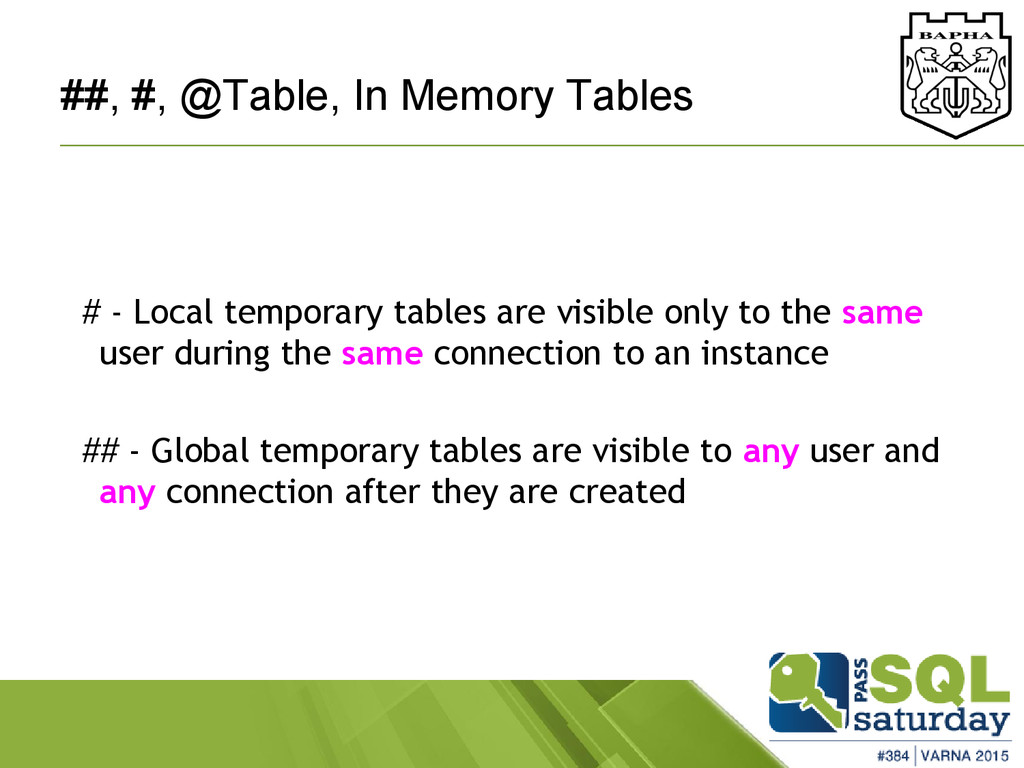
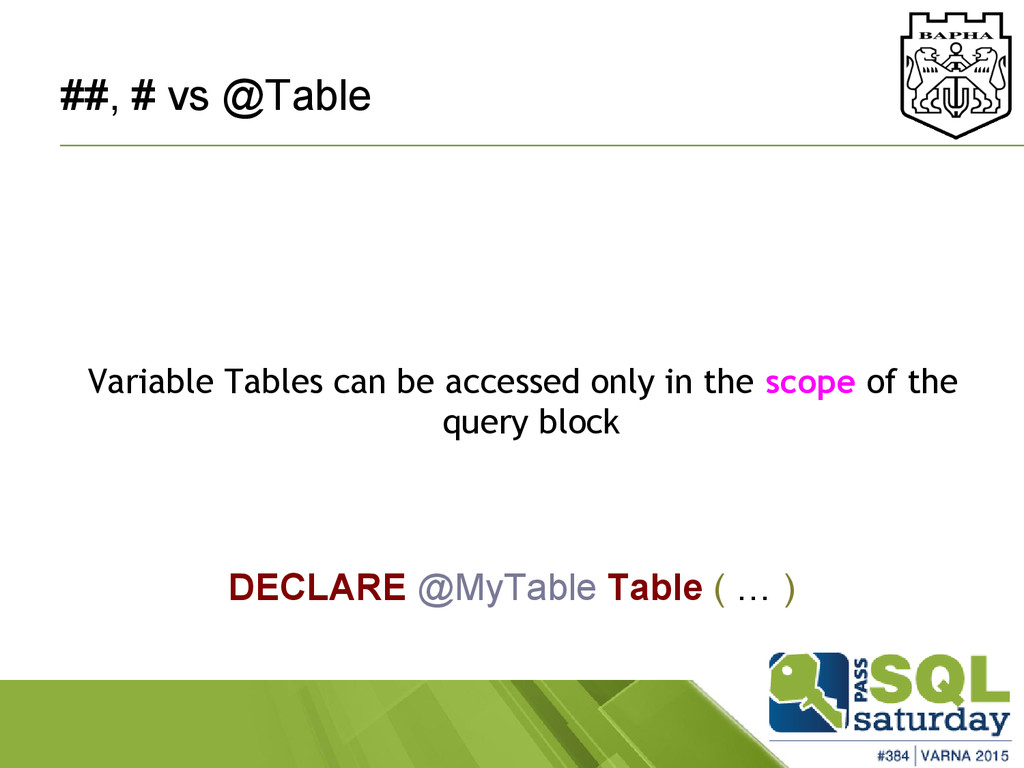
tables are visible only to the same user during the same connection to an instance ## - Global temporary tables are visible to any user and any connection after they are created
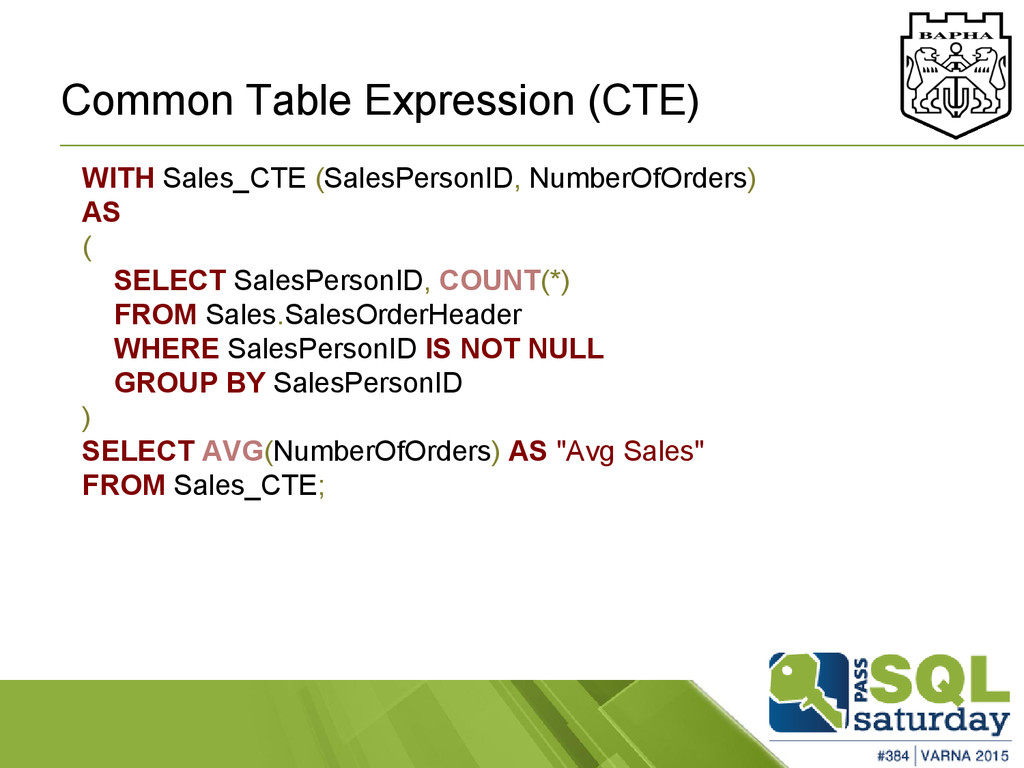
SELECT SalesPersonID, COUNT(*) FROM Sales.SalesOrderHeader WHERE SalesPersonID IS NOT NULL GROUP BY SalesPersonID ) SELECT AVG(NumberOfOrders) AS "Avg Sales" FROM Sales_CTE;
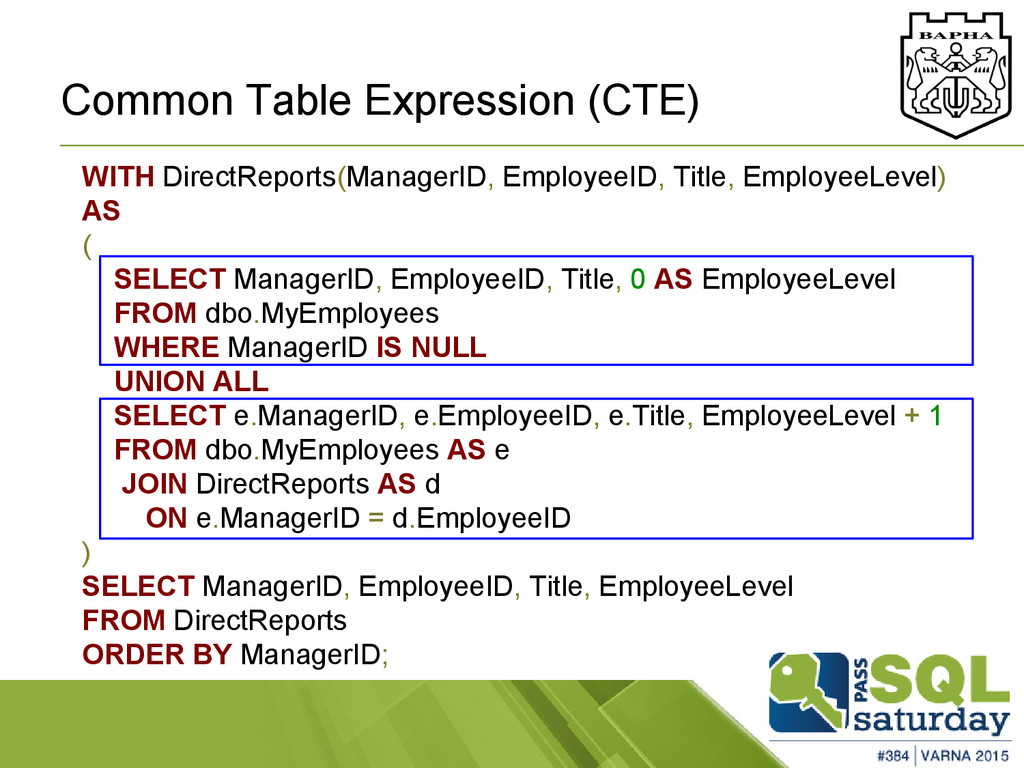
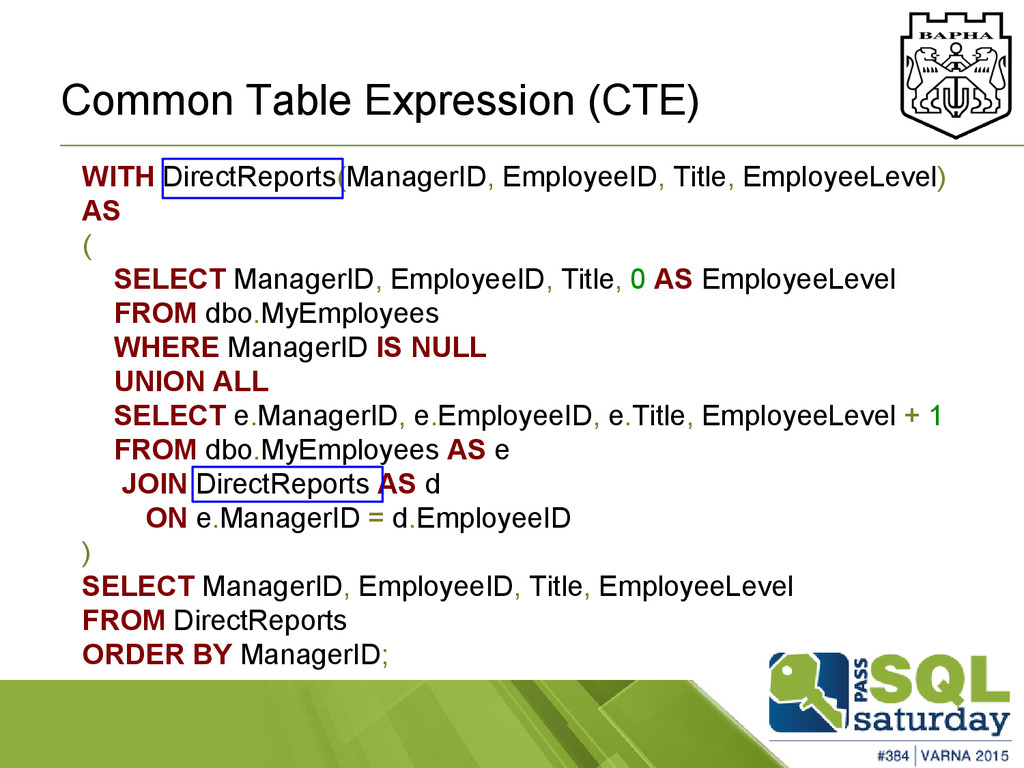
( SELECT ManagerID, EmployeeID, Title, 0 AS EmployeeLevel FROM dbo.MyEmployees WHERE ManagerID IS NULL UNION ALL SELECT e.ManagerID, e.EmployeeID, e.Title, EmployeeLevel + 1 FROM dbo.MyEmployees AS e JOIN DirectReports AS d ON e.ManagerID = d.EmployeeID ) SELECT ManagerID, EmployeeID, Title, EmployeeLevel FROM DirectReports ORDER BY ManagerID;
( SELECT ManagerID, EmployeeID, Title, 0 AS EmployeeLevel FROM dbo.MyEmployees WHERE ManagerID IS NULL UNION ALL SELECT e.ManagerID, e.EmployeeID, e.Title, EmployeeLevel + 1 FROM dbo.MyEmployees AS e JOIN DirectReports AS d ON e.ManagerID = d.EmployeeID ) SELECT ManagerID, EmployeeID, Title, EmployeeLevel FROM DirectReports ORDER BY ManagerID;


 prota
prota
 yutobara
 econanringo
 tosite
 gam0022
 hschwentner
 kasacchiful
 htkym
htkym
 mofurune
 taiseiue
 artoy
artoy
 siroemk
.png) helenjbeal
helenjbeal
 stephenakadiri
 aleyda
 techseoconnect
 jnunemaker
 malarkey
 addyosmani
 mlcsv
mlcsv
 keavy
keavy
 samanthasiow
![twitter: @rosenkolev rosenkolev.blogspot.com [email protected] About me](https://files.speakerdeck.com/presentations/0e731d7d4d3a45b6a285e27eb8cf01b8/slide_1.jpg)


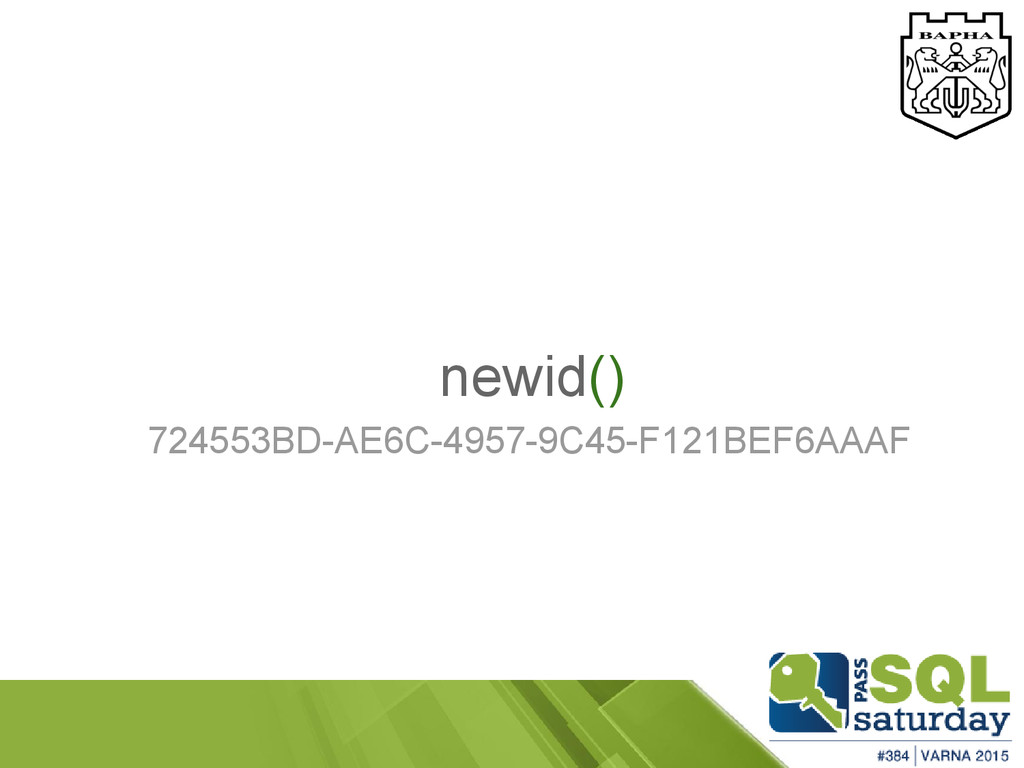
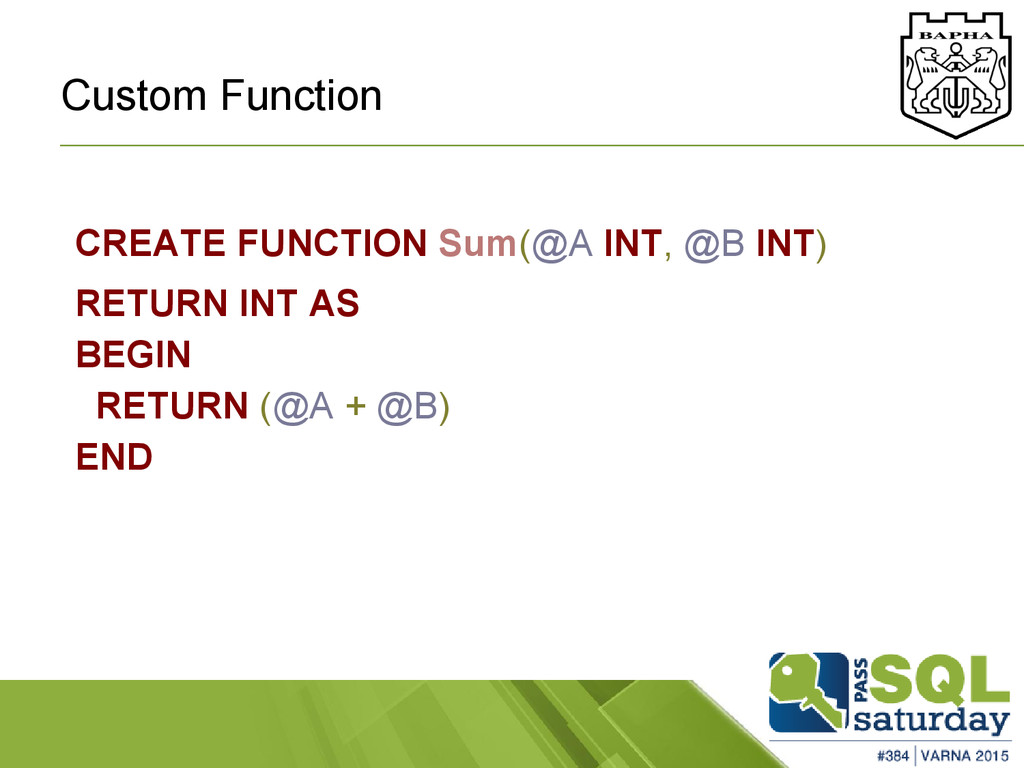
![Custom Function in .NET [SqlUserDefinedAggregateAttribute] public struct MyMethod { public](https://files.speakerdeck.com/presentations/0e731d7d4d3a45b6a285e27eb8cf01b8/slide_15.jpg)
![Table Scaled type CREATE TYPE dbo.[MyType] AS TABLE ( --](https://files.speakerdeck.com/presentations/0e731d7d4d3a45b6a285e27eb8cf01b8/slide_26.jpg)
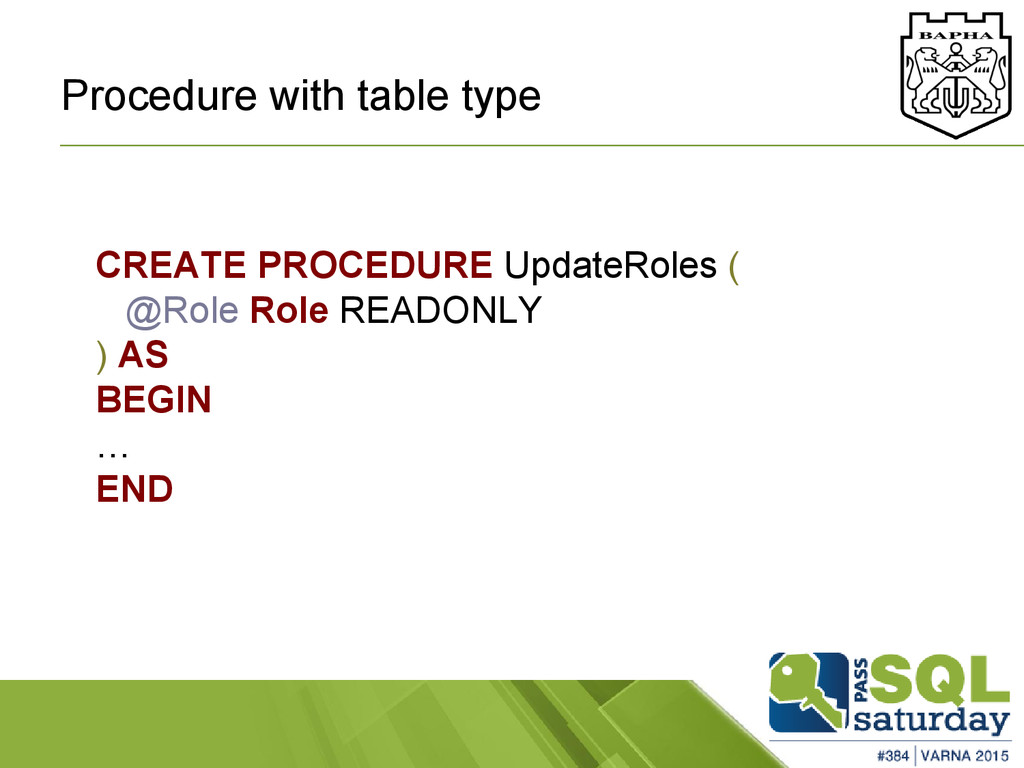
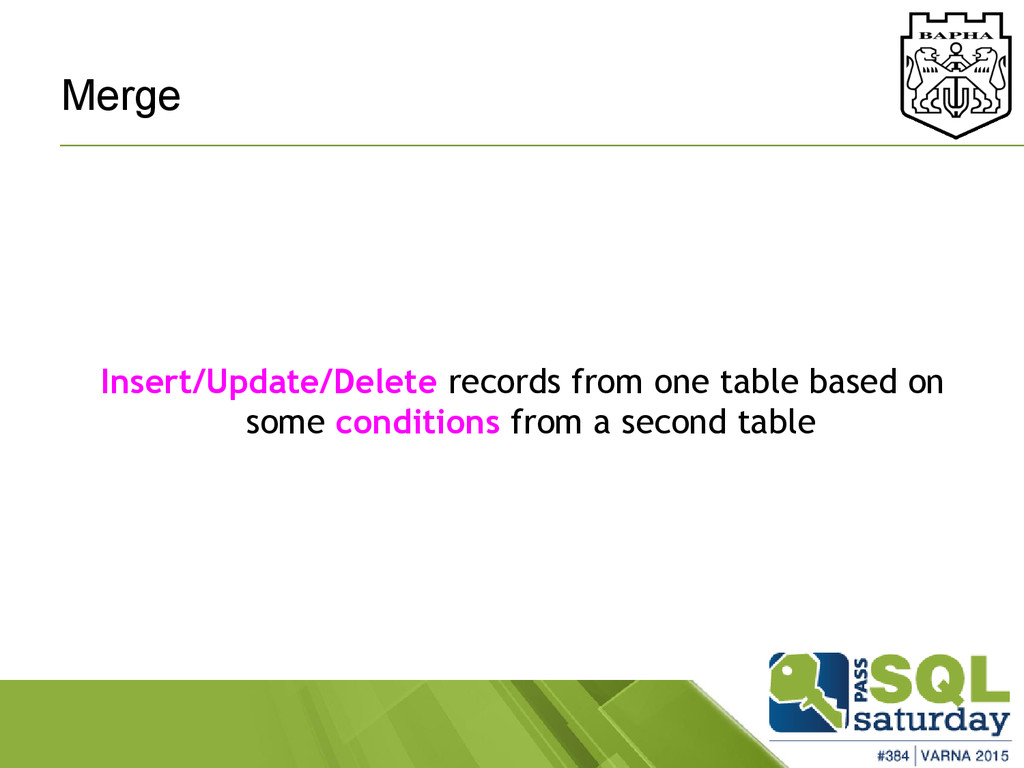
![Merge MERGE [Destination Table] AS Target USING [Source Table] AS](https://files.speakerdeck.com/presentations/0e731d7d4d3a45b6a285e27eb8cf01b8/slide_30.jpg)

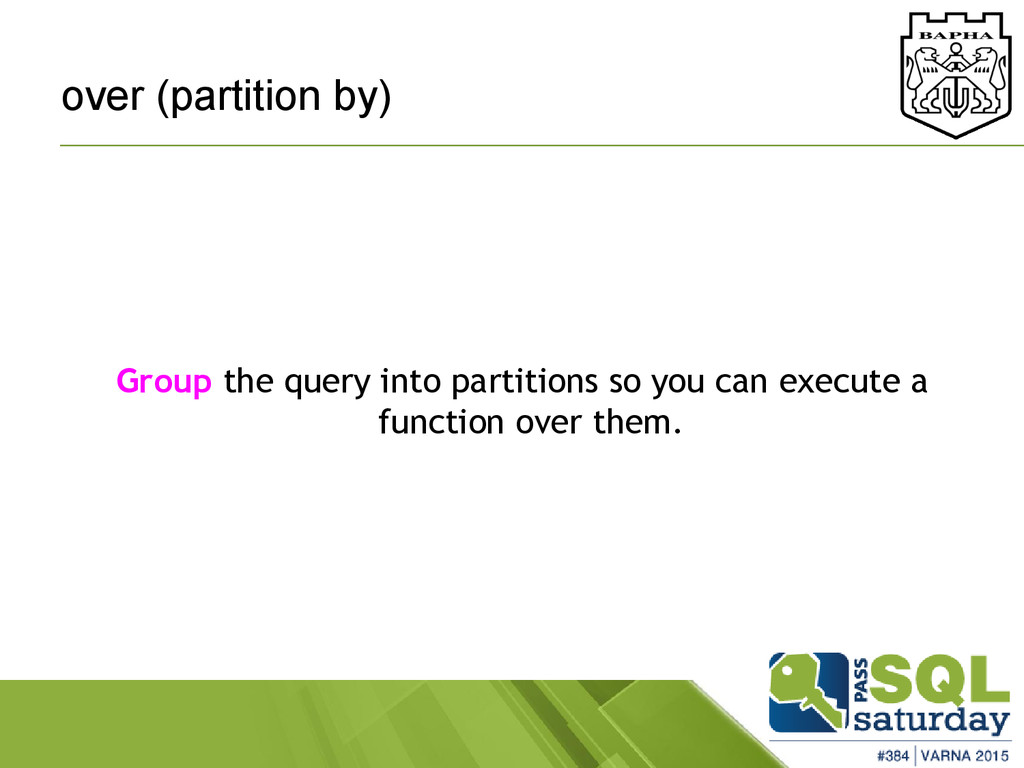


![In Memory Table CREATE TABLE [dbo].[hash] ( c2 NCHAR(48) NOT](https://files.speakerdeck.com/presentations/0e731d7d4d3a45b6a285e27eb8cf01b8/slide_59.jpg)