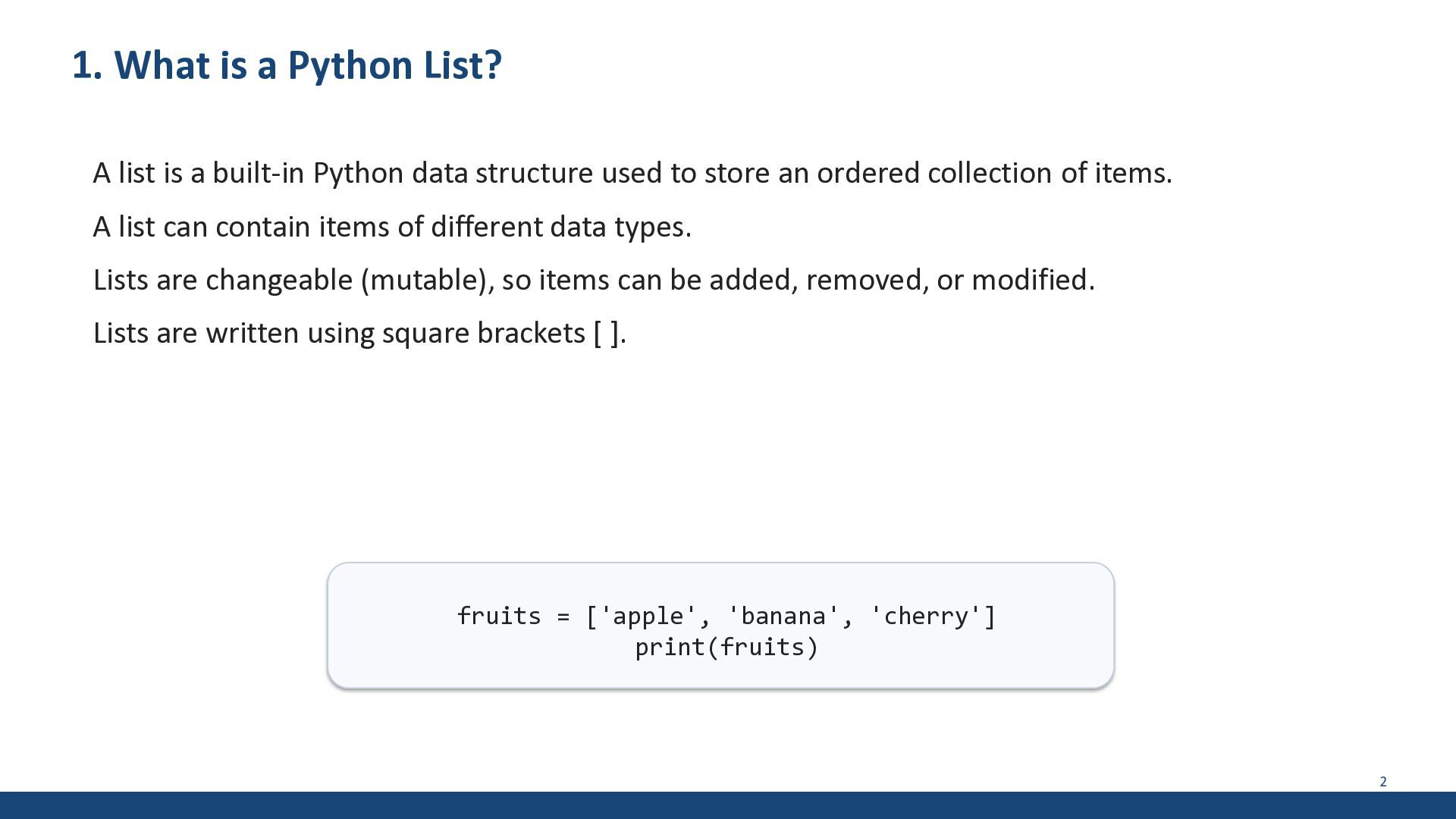
built-in Python data structure used to store an ordered collection of items. A list can contain items of different data types. Lists are changeable (mutable), so items can be added, removed, or modified. Lists are written using square brackets [ ]. fruits = ['apple', 'banana', 'cherry'] print(fruits) 2
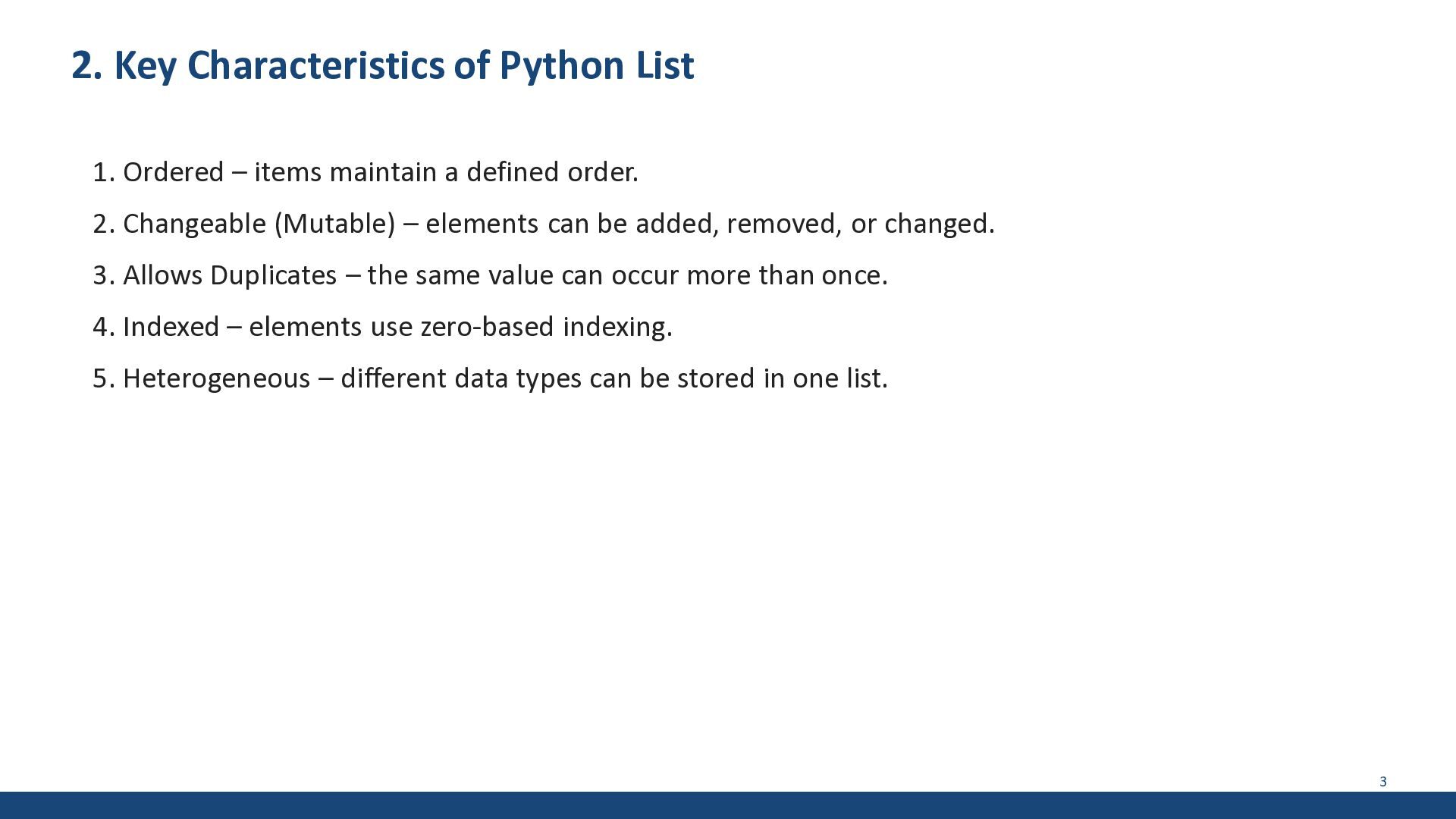
maintain a defined order. 2. Changeable (Mutable) – elements can be added, removed, or changed. 3. Allows Duplicates – the same value can occur more than once. 4. Indexed – elements use zero-based indexing. 5. Heterogeneous – different data types can be stored in one list. 3
Zero-based indexing print(fruits[0]) # apple print(fruits[1]) # banana print(fruits[2]) # cherry # Negative indexing (from the end) print(fruits[-1]) # cherry print(fruits[-2]) # banana Remember: first element has index 0. Negative index -1 refers to the last element. 5
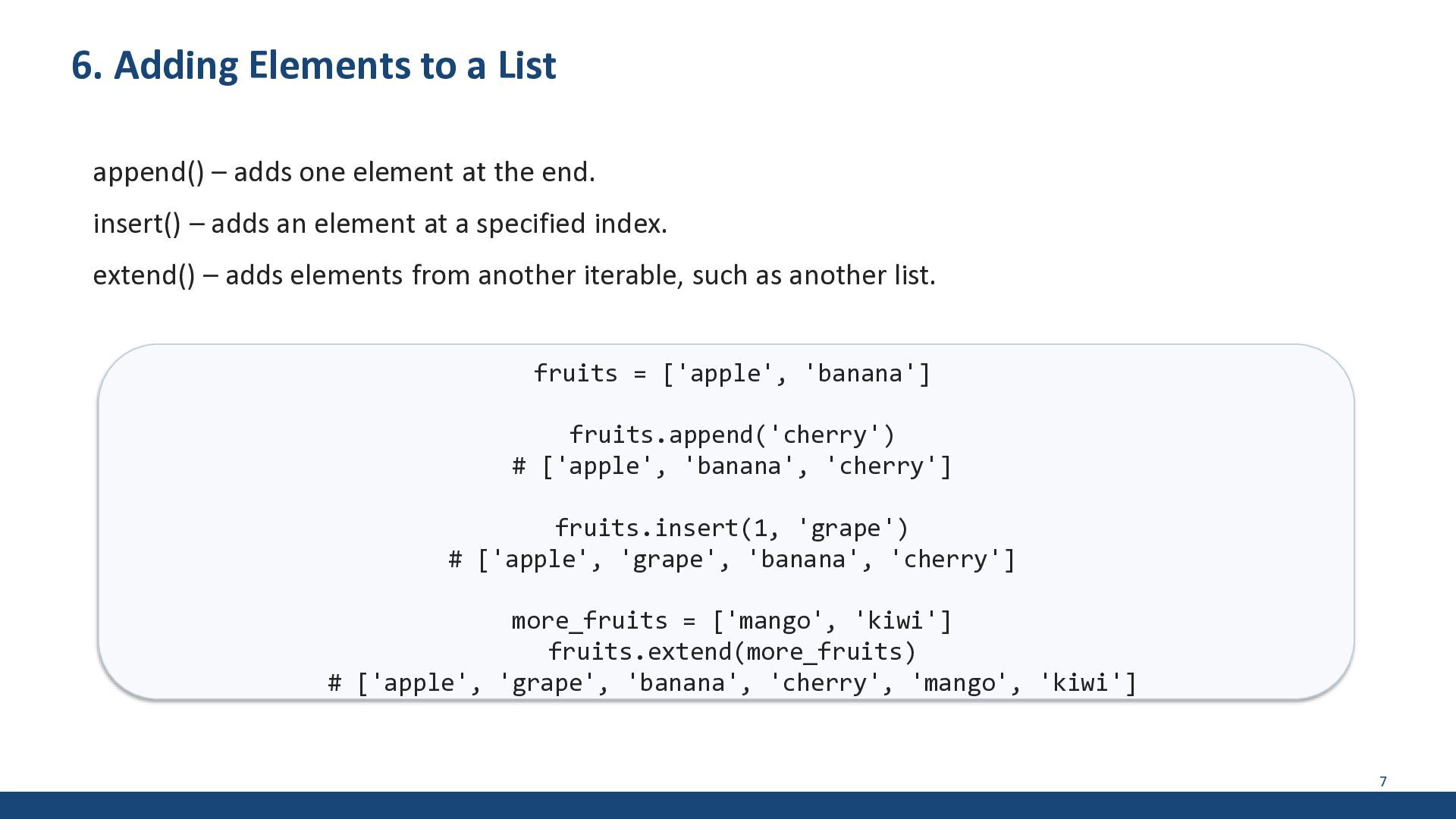
element at the end. insert() – adds an element at a specified index. extend() – adds elements from another iterable, such as another list. fruits = ['apple', 'banana'] fruits.append('cherry') # ['apple', 'banana', 'cherry'] fruits.insert(1, 'grape') # ['apple', 'grape', 'banana', 'cherry'] more_fruits = ['mango', 'kiwi'] fruits.extend(more_fruits) # ['apple', 'grape', 'banana', 'cherry', 'mango', 'kiwi'] 7
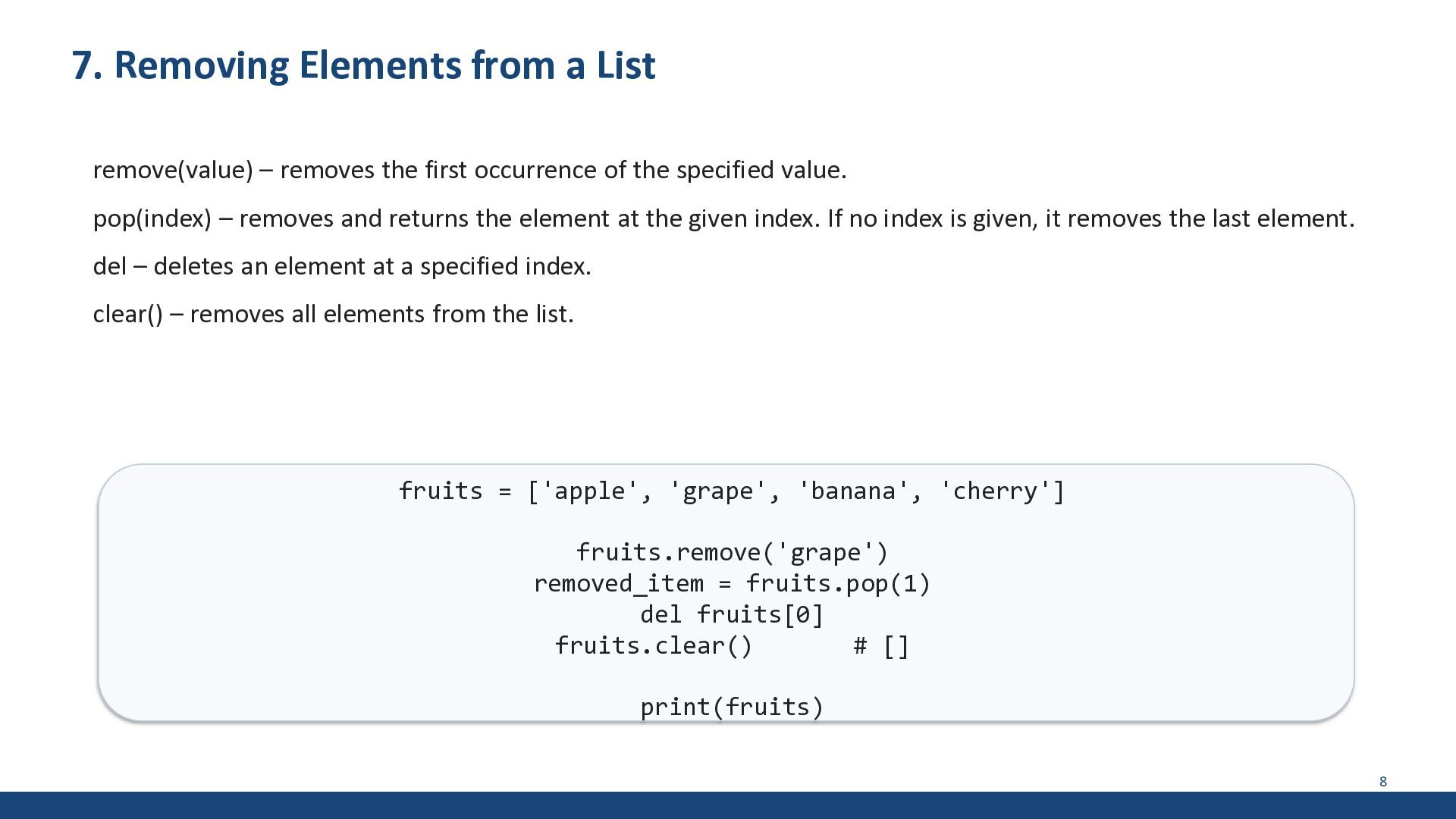
first occurrence of the specified value. pop(index) – removes and returns the element at the given index. If no index is given, it removes the last element. del – deletes an element at a specified index. clear() – removes all elements from the list. fruits = ['apple', 'grape', 'banana', 'cherry'] fruits.remove('grape') removed_item = fruits.pop(1) del fruits[0] fruits.clear() # [] print(fruits) 8
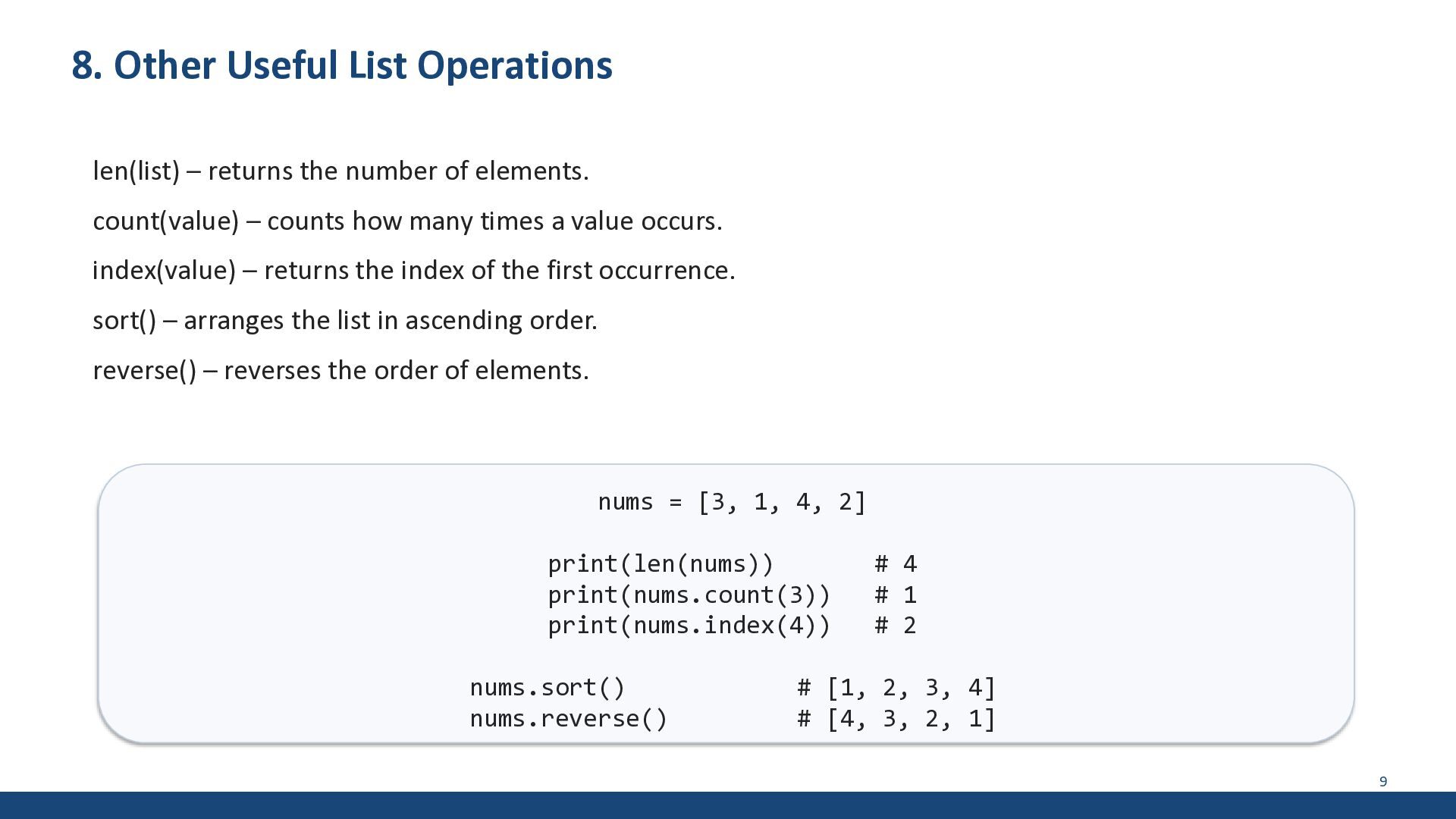
of elements. count(value) – counts how many times a value occurs. index(value) – returns the index of the first occurrence. sort() – arranges the list in ascending order. reverse() – reverses the order of elements. nums = [3, 1, 4, 2] print(len(nums)) print(nums.count(3)) print(nums.index(4)) nums.sort() nums.reverse() # 4 # 1 # 2 # [1, 2, 3, 4] # [4, 3, 2, 1] 9
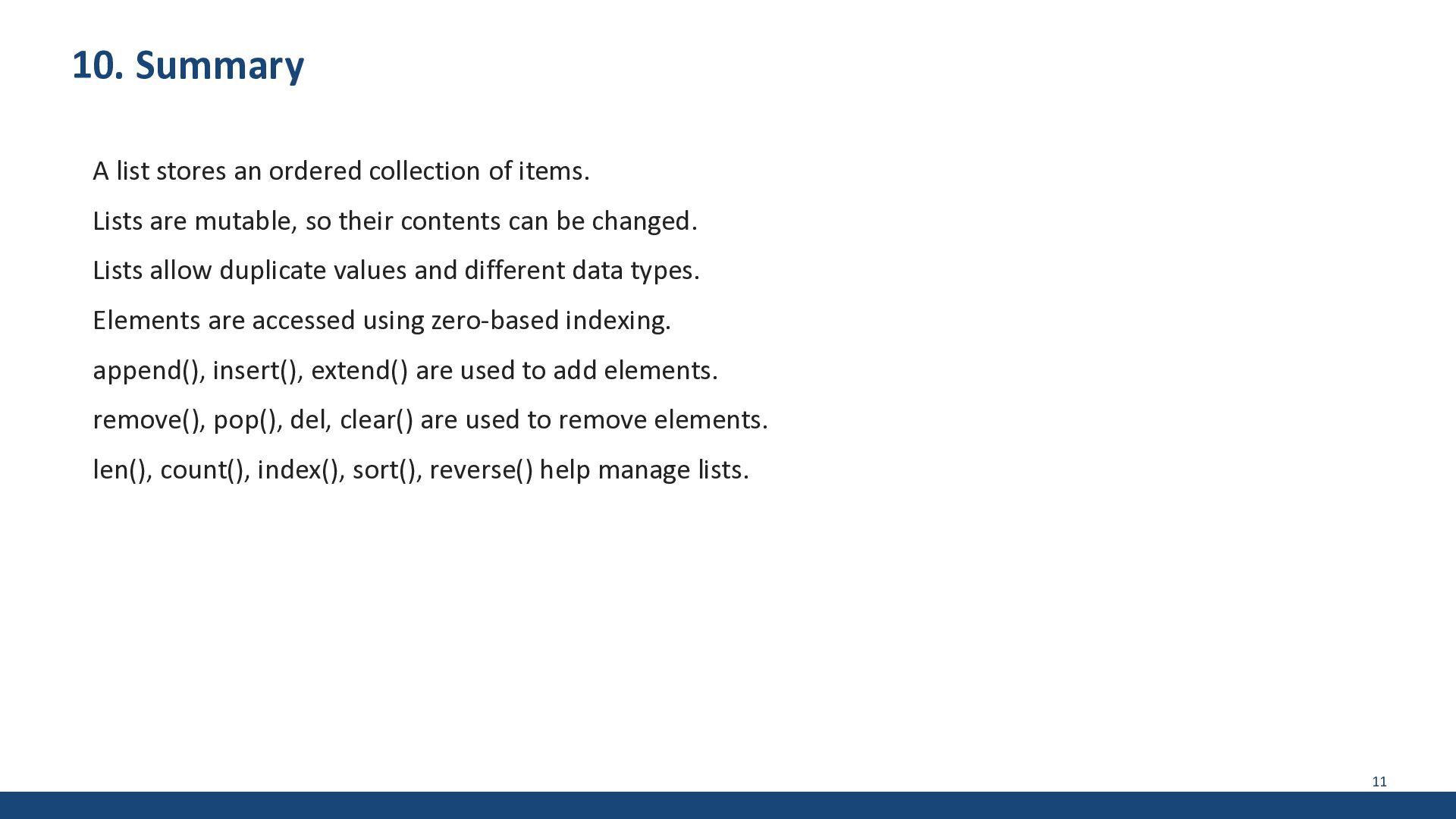
Lists are mutable, so their contents can be changed. Lists allow duplicate values and different data types. Elements are accessed using zero-based indexing. append(), insert(), extend() are used to add elements. remove(), pop(), del, clear() are used to remove elements. len(), count(), index(), sort(), reverse() help manage lists. 11
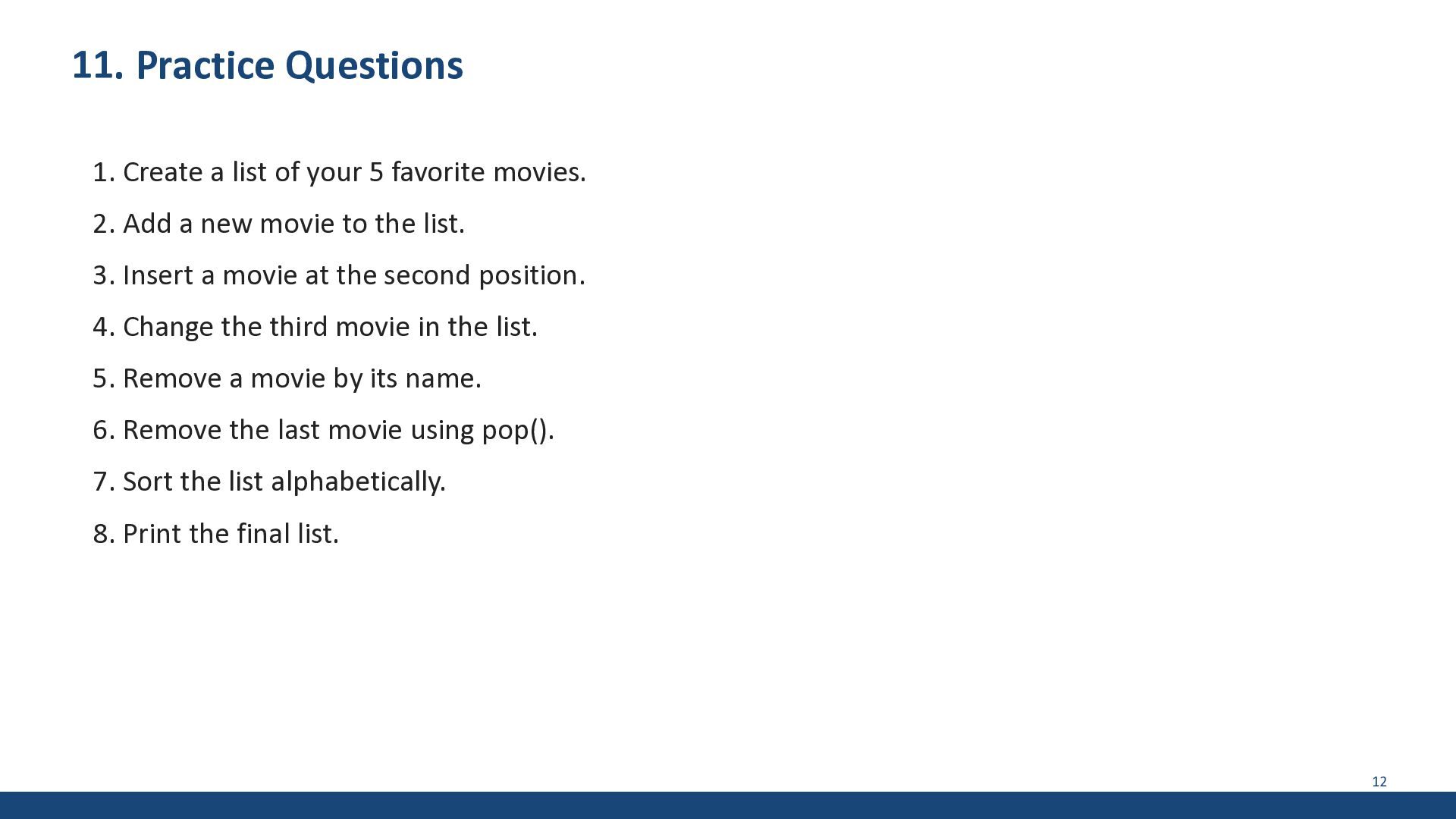
favorite movies. 2. Add a new movie to the list. 3. Insert a movie at the second position. 4. Change the third movie in the list. 5. Remove a movie by its name. 6. Remove the last movie using pop(). 7. Sort the list alphabetically. 8. Print the final list. 12


 mayatellez
 jonoalderson
 productmarketing
 reverentgeek
.png) helenjbeal
helenjbeal
 sarafernandez
 aleyda
 bluesmoon
 shpigford
 ivargrimstad
 danielanewman
![3. Creating a List Empty list: my_list = [] List](https://files.speakerdeck.com/presentations/250296bcd77449098947d0fbaba76022/slide_3.jpg)
![4. Accessing List Elements fruits = ['apple', 'banana', 'cherry'] #](https://files.speakerdeck.com/presentations/250296bcd77449098947d0fbaba76022/slide_4.jpg)
![5. Modifying List Elements fruits = ['apple', 'banana', 'cherry'] fruits[1]](https://files.speakerdeck.com/presentations/250296bcd77449098947d0fbaba76022/slide_5.jpg)
![9. Complete Example Program fruits = ['apple', 'banana', 'cherry'] fruits.append('orange')](https://files.speakerdeck.com/presentations/250296bcd77449098947d0fbaba76022/slide_9.jpg)