Upgrade to Pro
— share decks privately, control downloads, hide ads and more …
Speaker Deck
Sign up for free
Menu
Search
Features
All features
Private URLs
Password Protection
Custom URLS
Scheduled publishing
Remove Branding
Restrict embedding
Deck Collections
Notes
Features
All features
Private URLs
Password Protection
Custom URLS
Scheduled publishing
Remove Branding
Restrict embedding
Deck Collections
Notes
Explore
Featured decks
Featured speakers
Programming
Technology
Storyboards
Explore
Featured decks
Featured speakers
Programming
Technology
Storyboards
Pricing
Search
Sign in
Sign up for free
Neatly review trial
Search
shanky0o
June 08, 2020
8
0
Share
Embed
Copy iframe code
Copy JS code
Copy link
Start on current slide
Neatly review trial
shanky0o
June 08, 2020
Featured
See All Featured
The Psychology of Web Performance [Beyond Tellerrand 2023]
tammyeverts
49
3.6k
Getting science done with accelerated Python computing platforms
jacobtomlinson
2
540
BBQ
matthewcrist
90
10k
Design and Strategy: How to Deal with People Who Don’t "Get" Design
morganepeng
133
20k
The Limits of Empathy - UXLibs8
cassininazir
2
720
CSS Pre-Processors: Stylus, Less & Sass
bermonpainter
360
31k
Building Flexible Design Systems
yeseniaperezcruz
330
41k
Designing for Performance
lara
612
70k
Breaking role norms: Why Content Design is so much more than writing copy - Taylor Woolridge
uxyall
1
450
The Illustrated Guide to Node.js - THAT Conference 2024
reverentgeek
1
570
Agile Actions for Facilitating Distributed Teams - ADO2019
mkilby
0
310
Visual Storytelling: How to be a Superhuman Communicator
reverentgeek
2
710
Transcript
Sankalp Neatly Firth Time User Experience
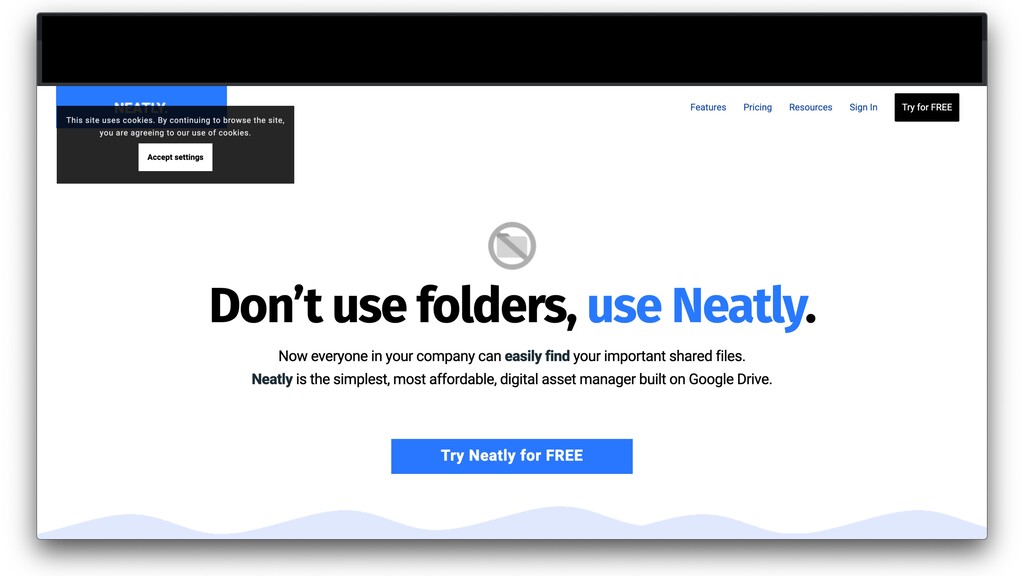
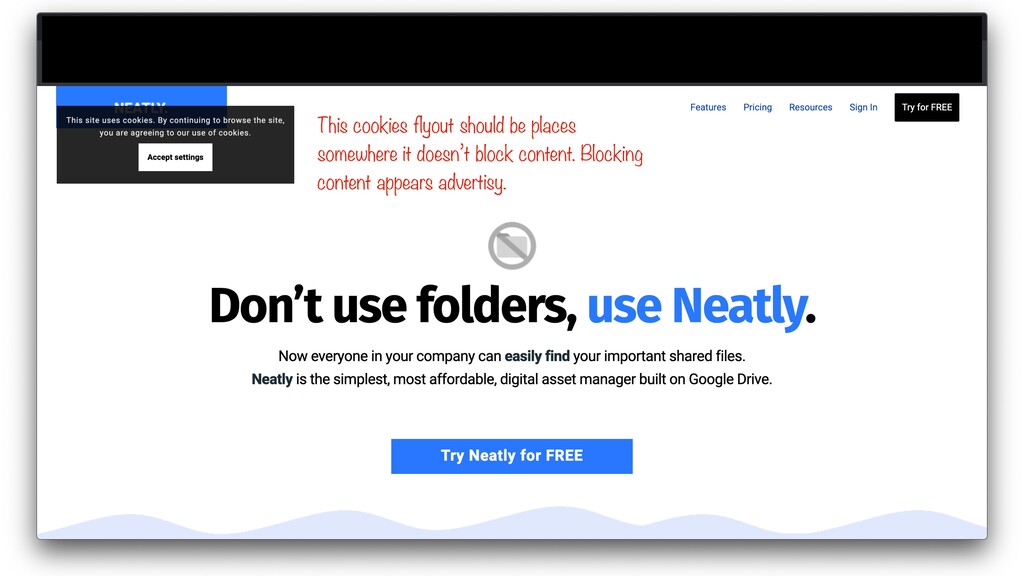
Let’s go to useneatly.com
None
This cookies flyout should be places somewhere it doesn’t block
content. Blocking content appears advertisy.
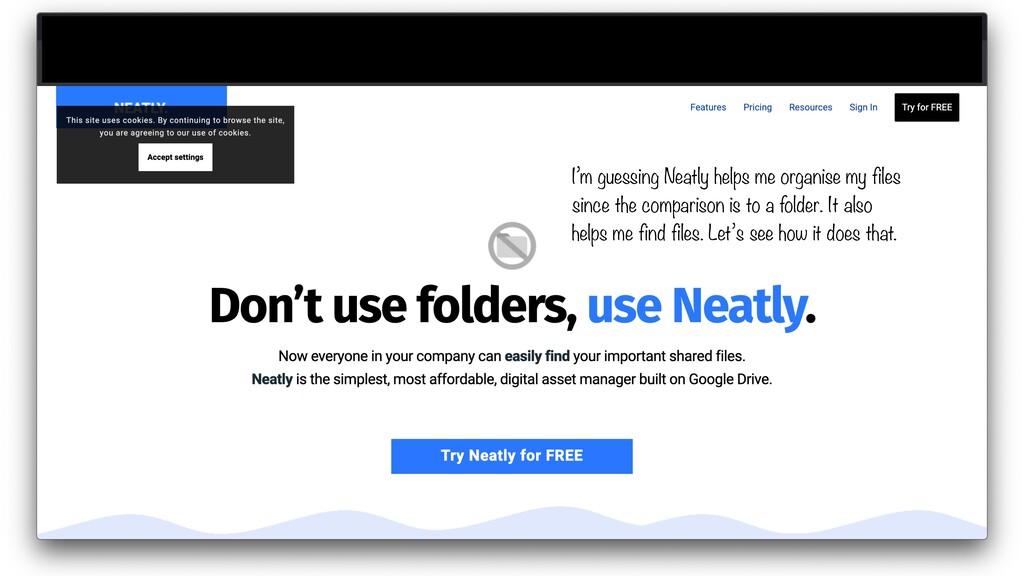
I’m guessing Neatly helps me organise my files since the
comparison is to a folder. It also helps me find files. Let’s see how it does that.
None
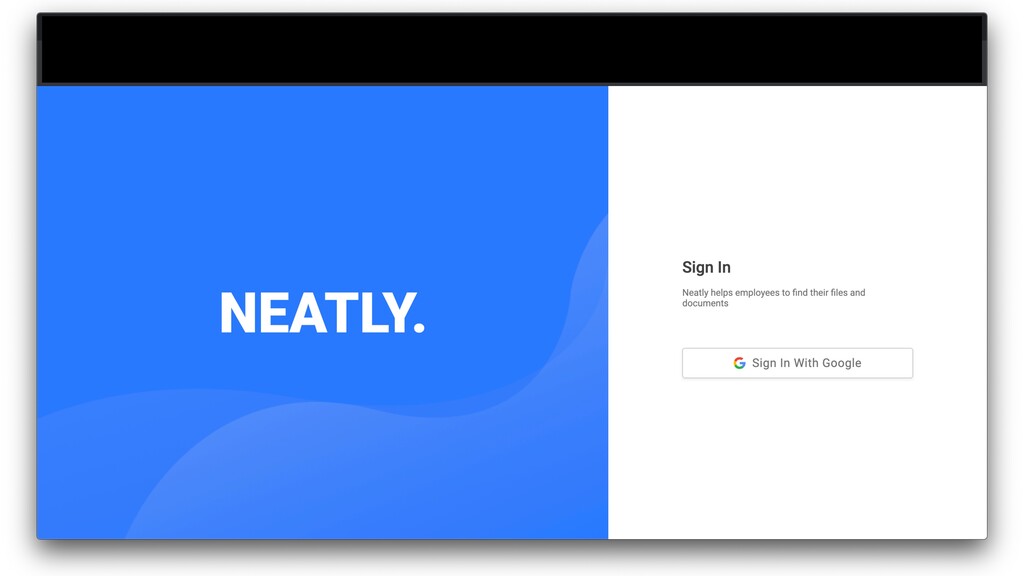
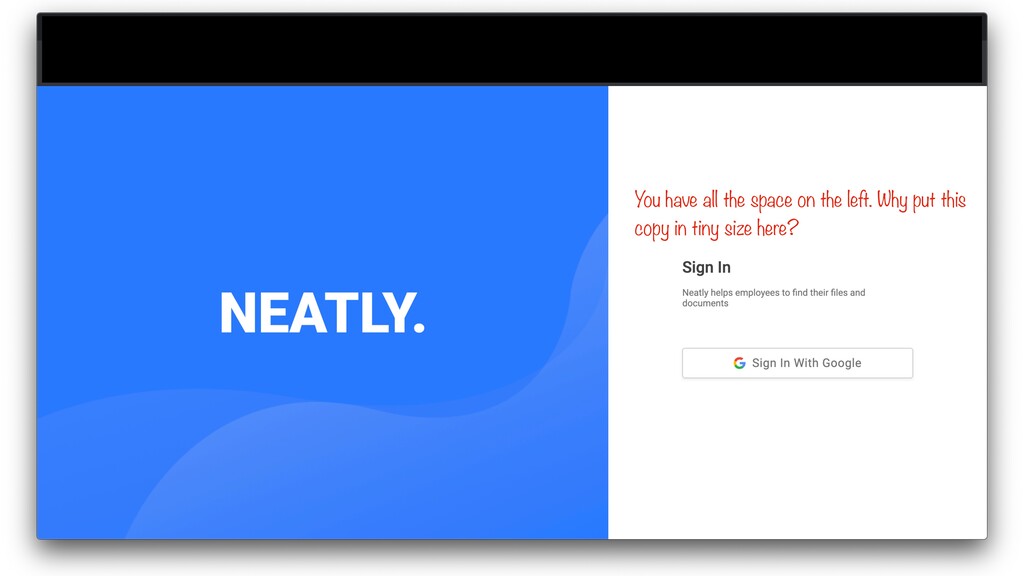
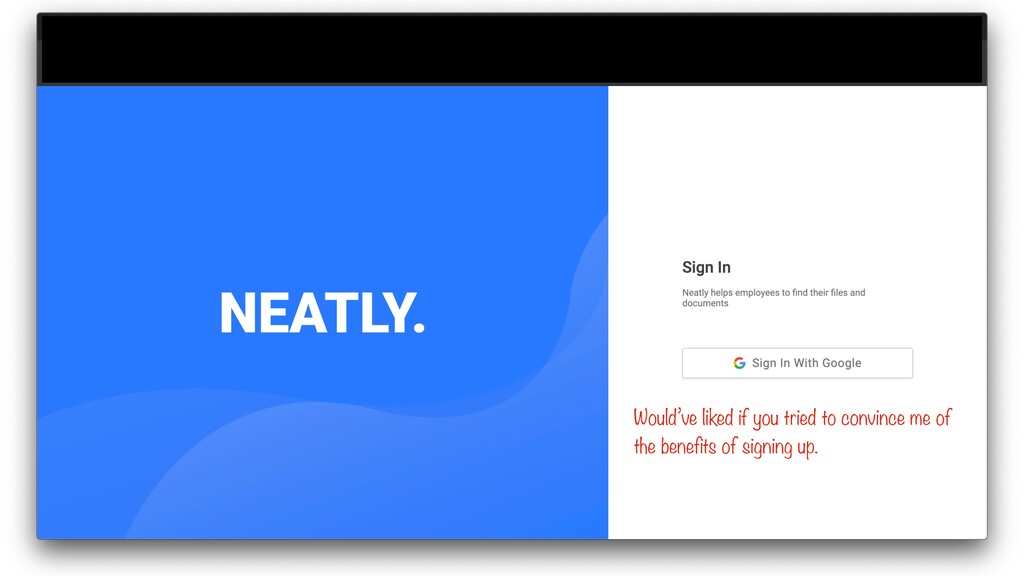
You have all the space on the left. Why put
this copy in tiny size here?
Would’ve liked if you tried to convince me of the
benefits of signing up.
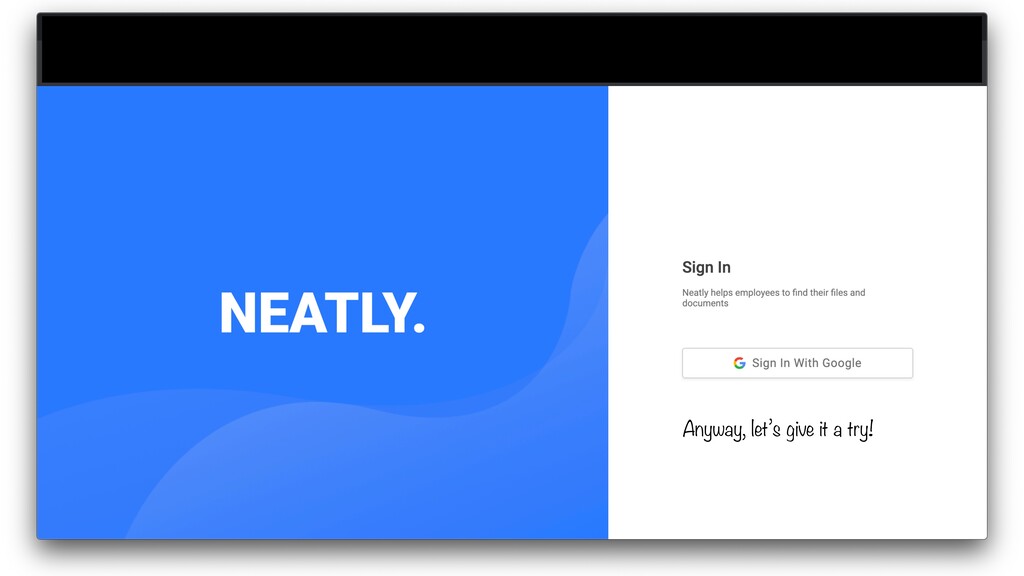
Anyway, let’s give it a try!
[HIDDEN] I select my Google account.
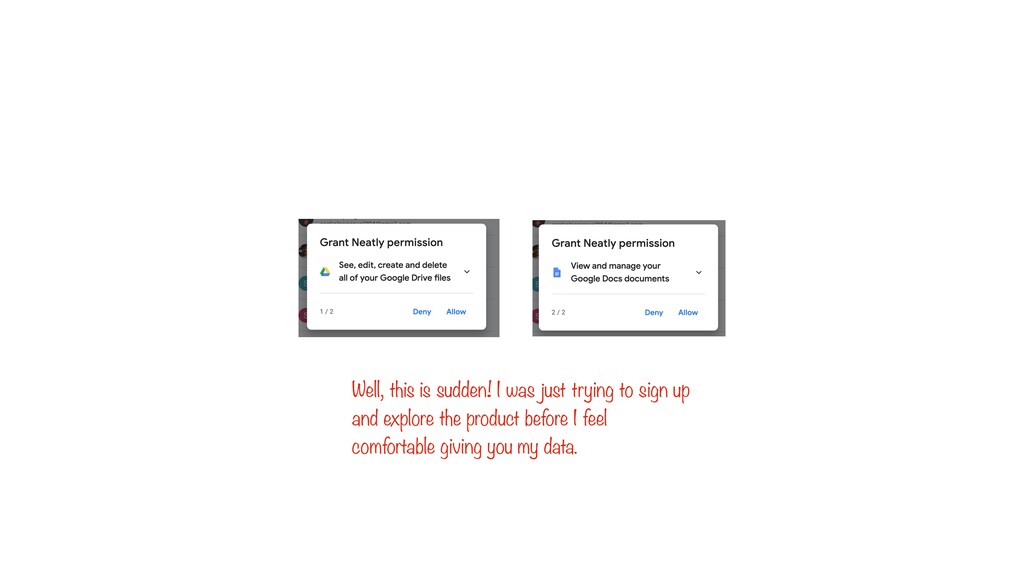
Well, this is sudden! I was just trying to sign
up and explore the product before I feel comfortable giving you my data.
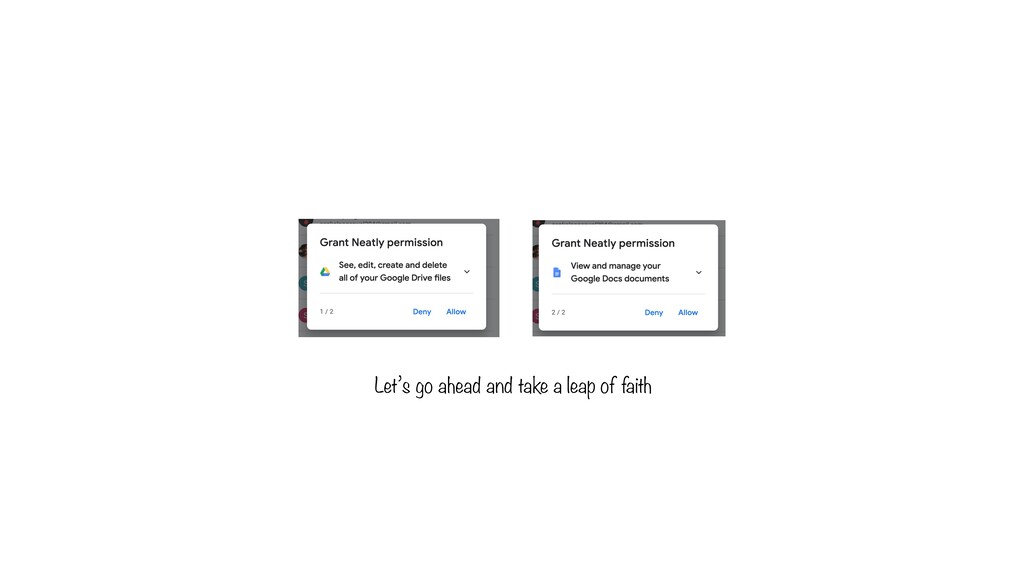
Let’s go ahead and take a leap of faith
None
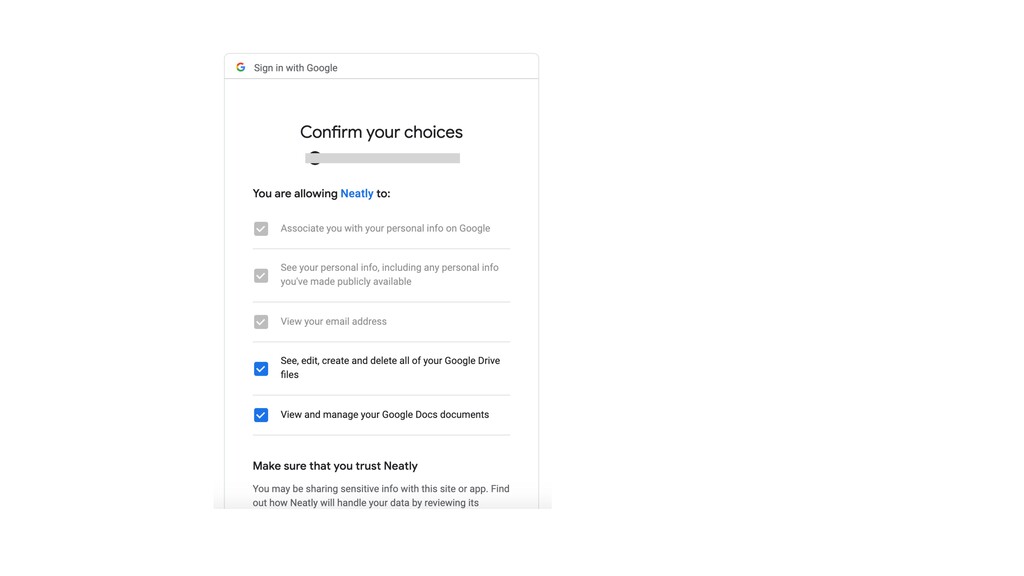
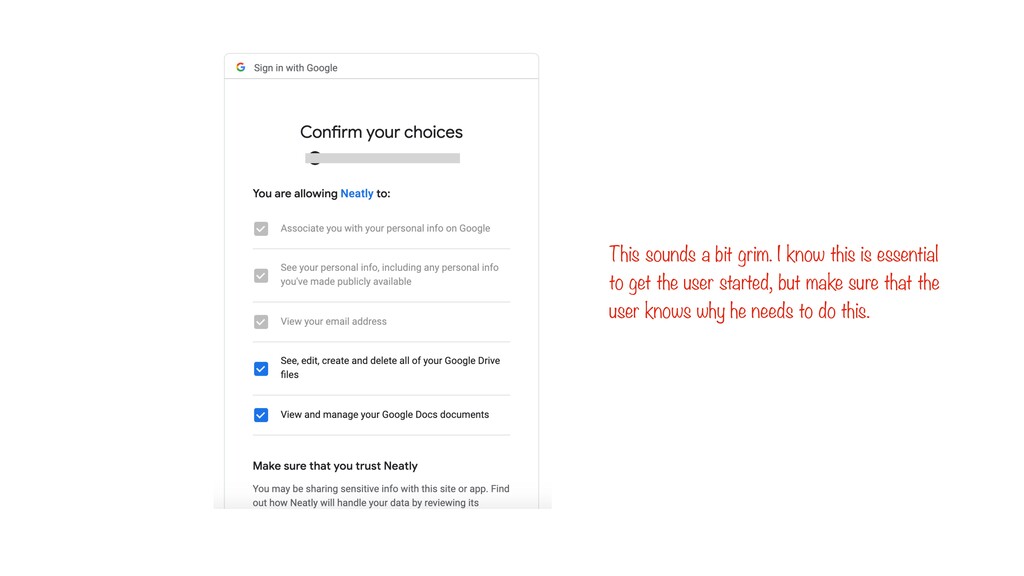
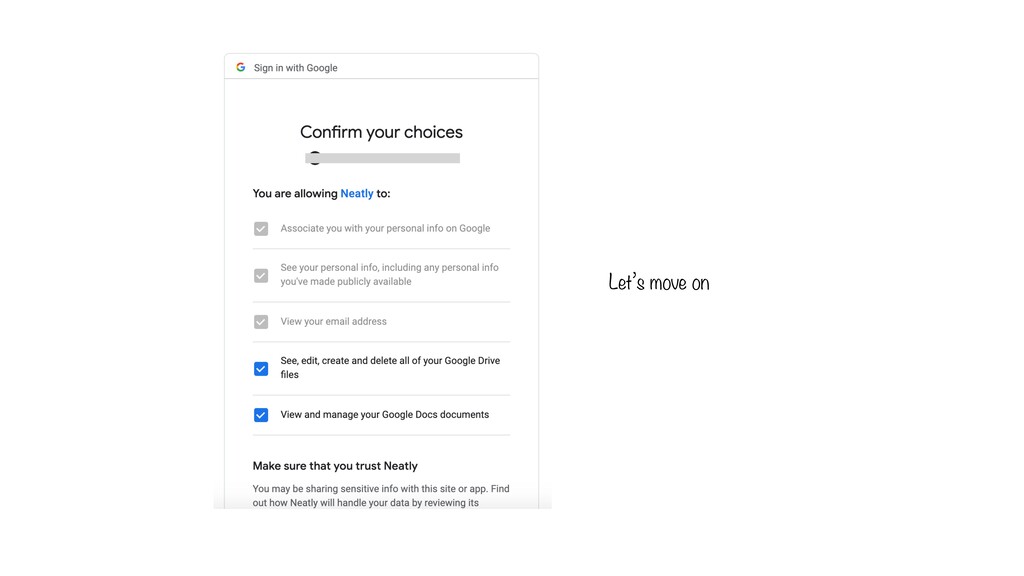
This sounds a bit grim. I know this is essential
to get the user started, but make sure that the user knows why he needs to do this.
Let’s move on
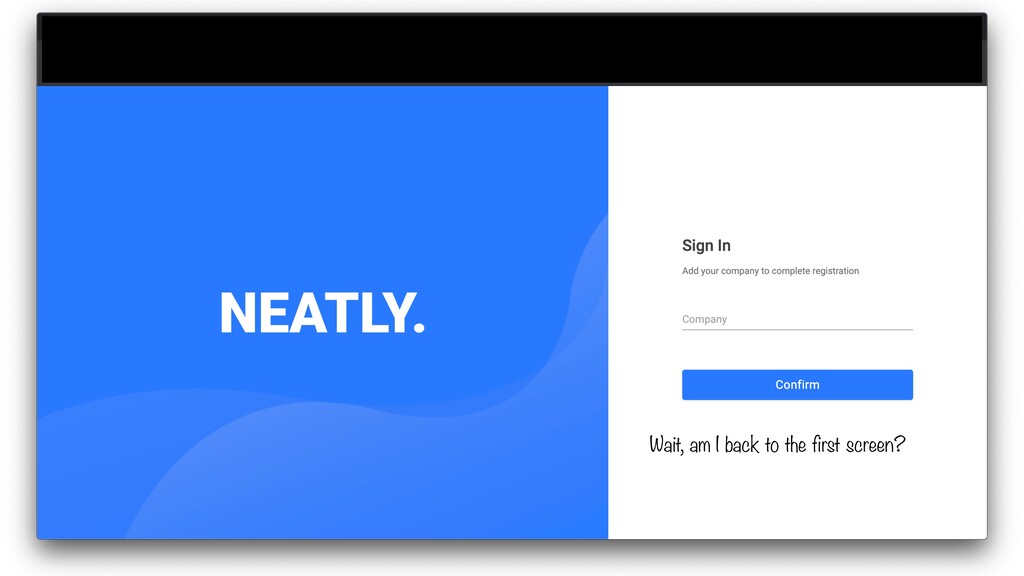
Wait, am I back to the first screen?
Didn’t I just Sign in?
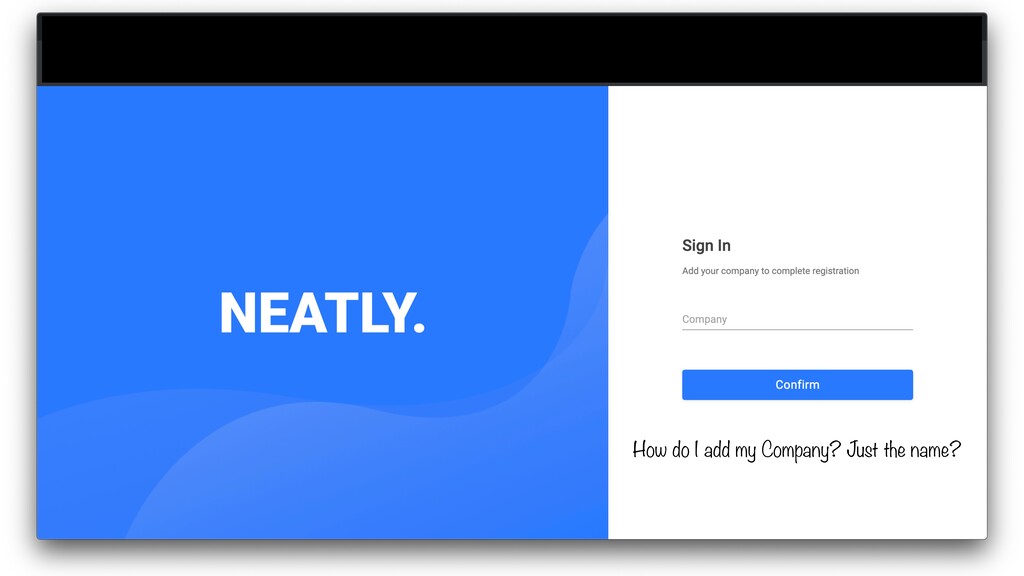
How do I add my Company? Just the name?
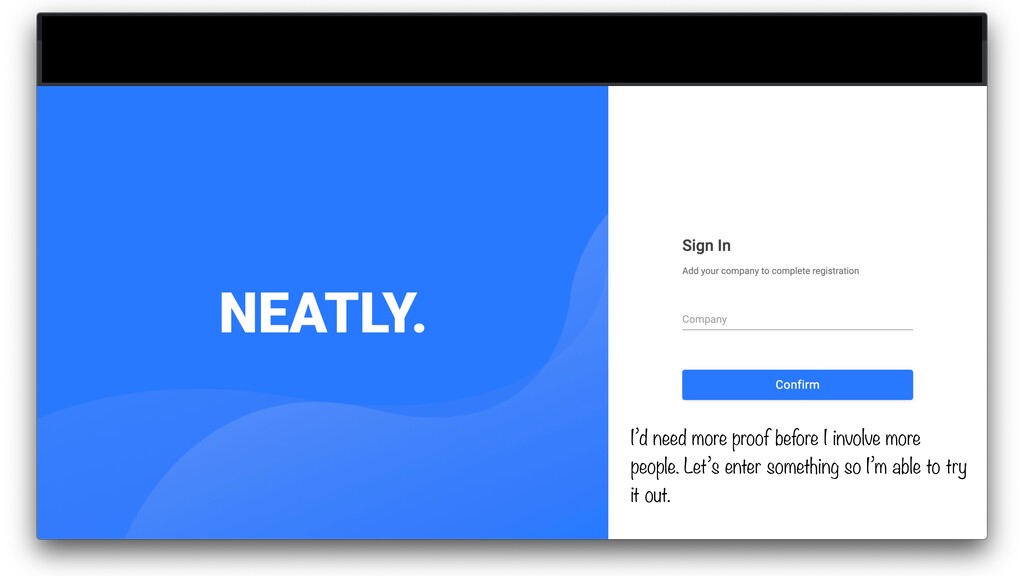
I’d need more proof before I involve more people. Let’s
enter something so I’m able to try it out.
None
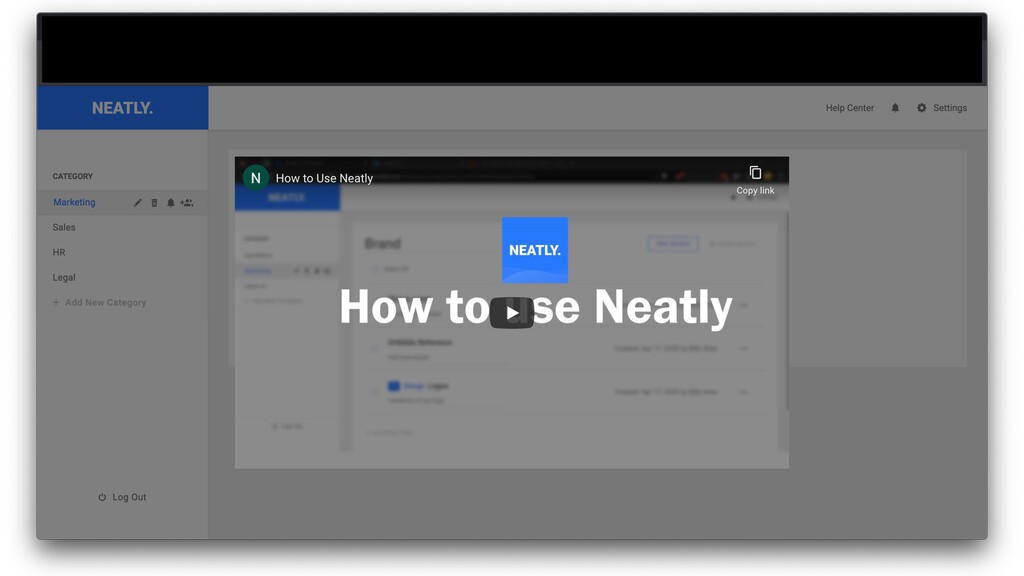
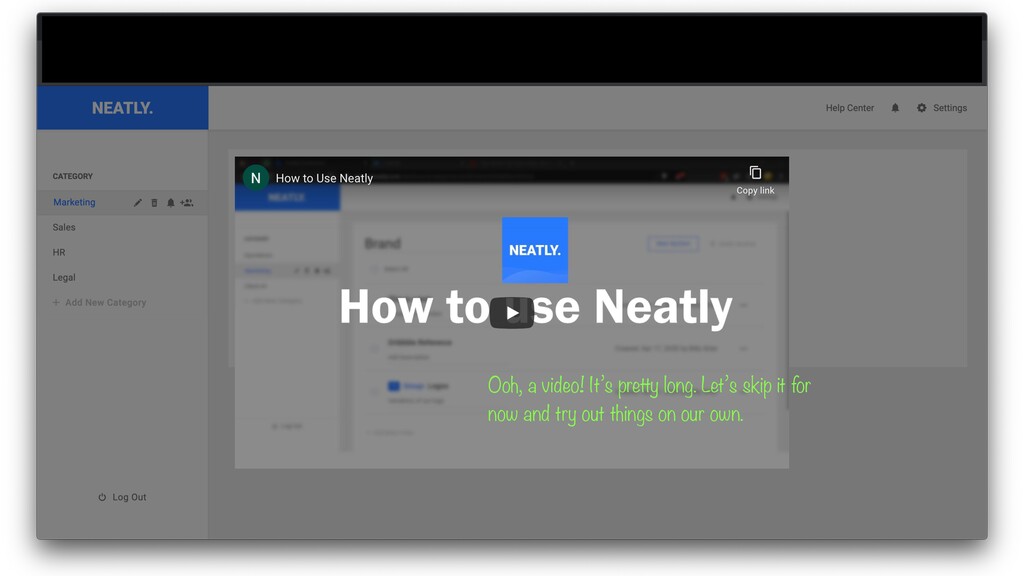
Ooh, a video! It’s pretty long. Let’s skip it for
now and try out things on our own.
None
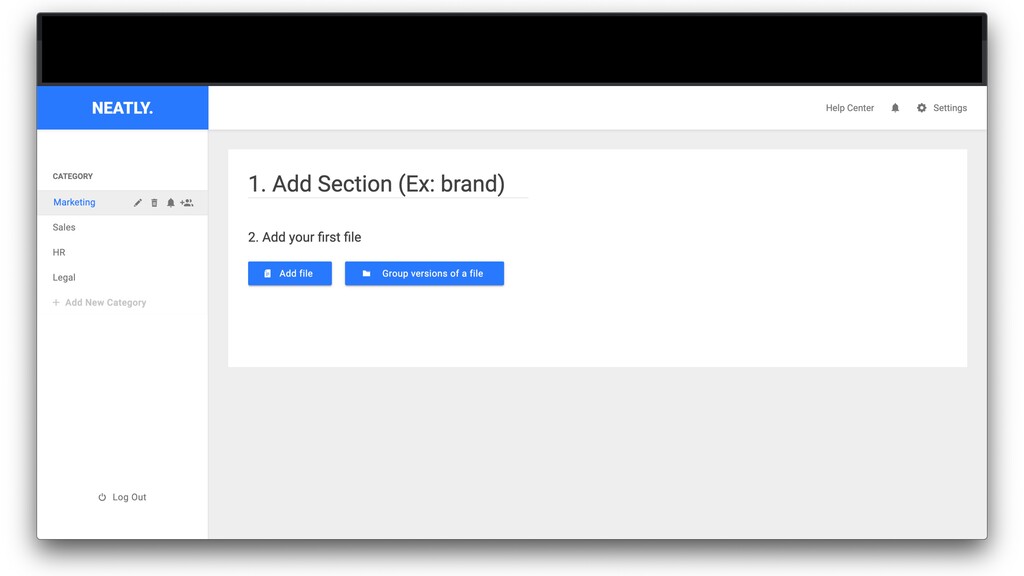
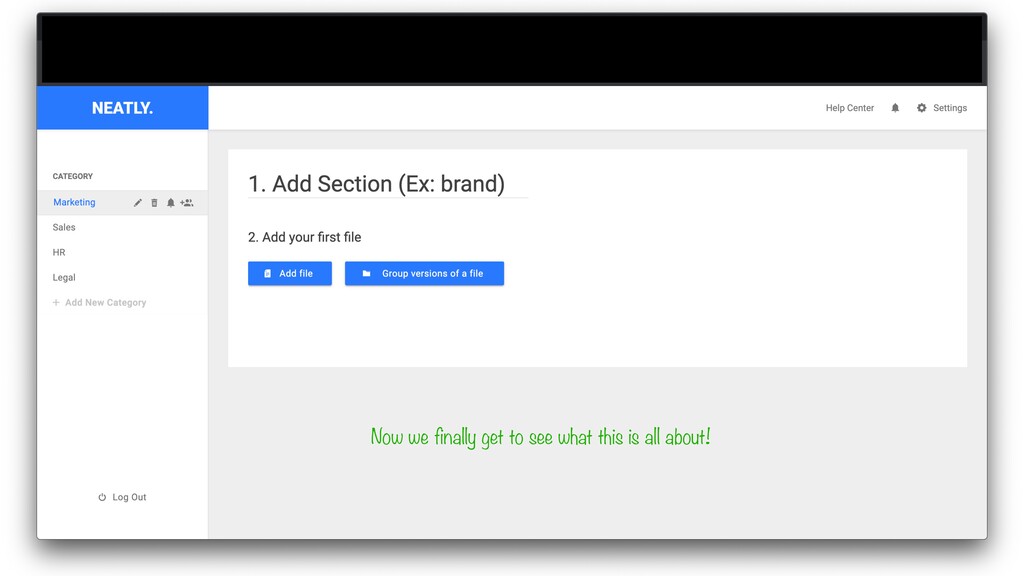
Now we finally get to see what this is all
about!
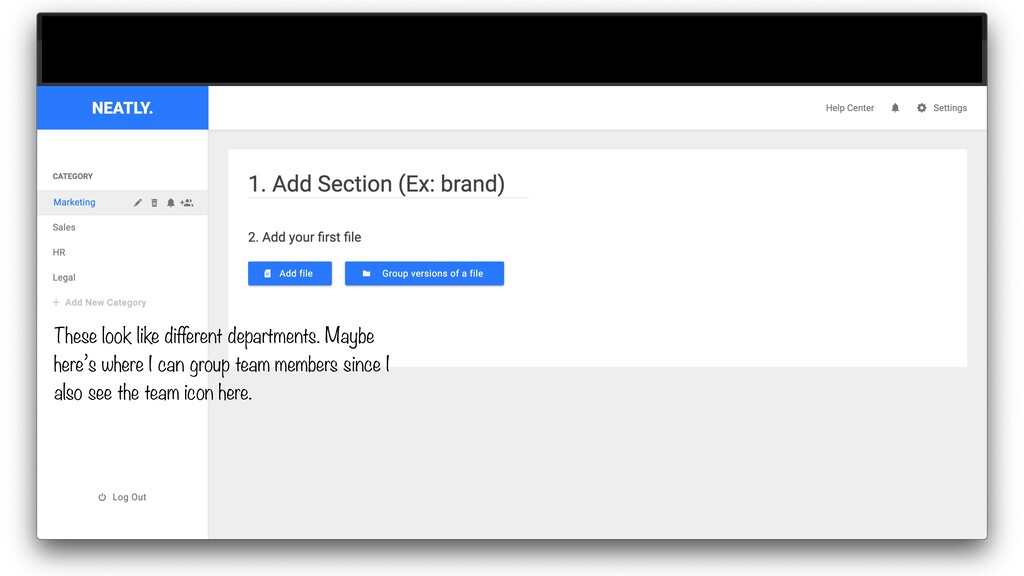
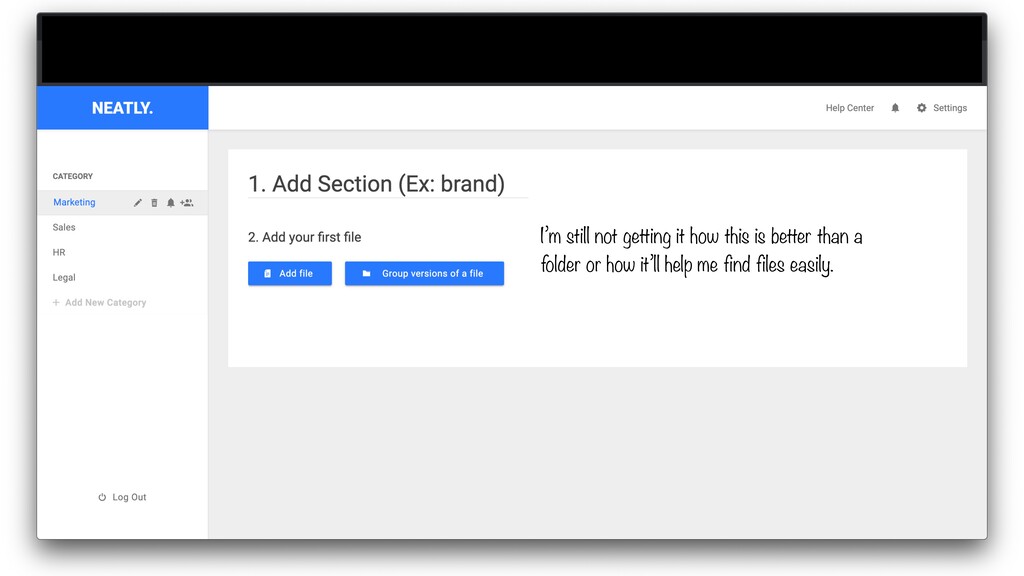
These look like different departments. Maybe here’s where I can
group team members since I also see the team icon here.
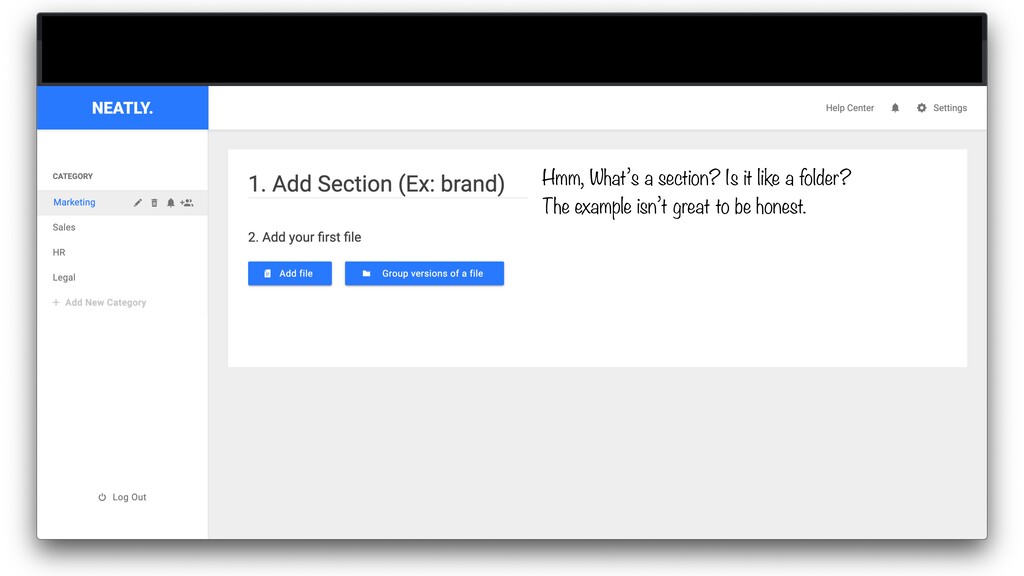
Hmm, What’s a section? Is it like a folder? The
example isn’t great to be honest.
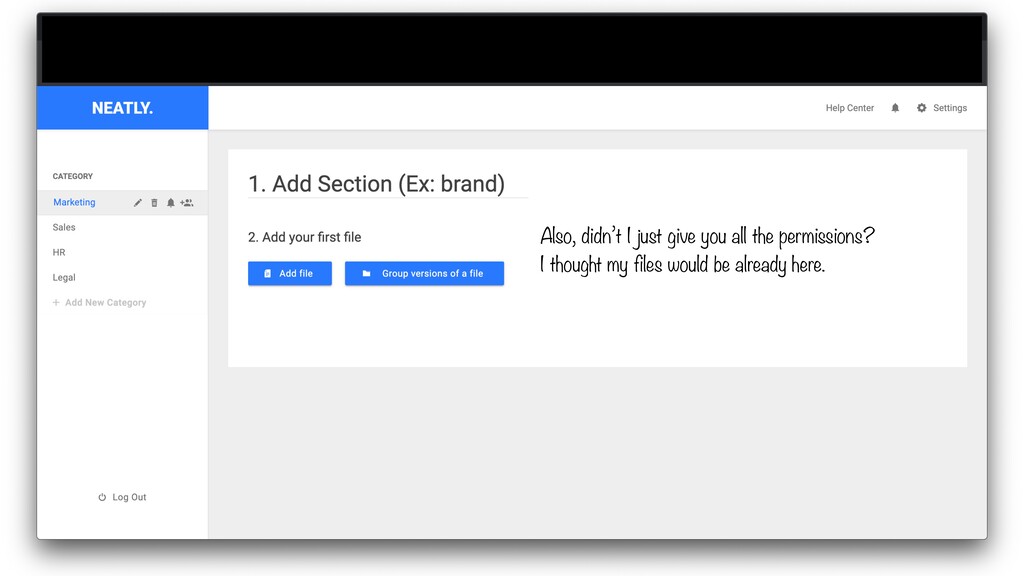
Also, didn’t I just give you all the permissions? I
thought my files would be already here.
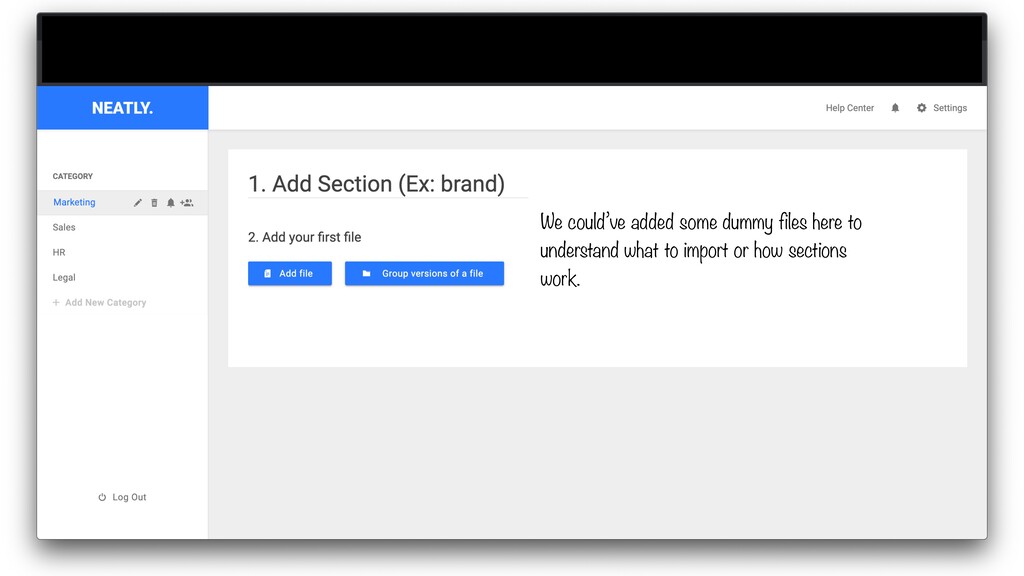
We could’ve added some dummy files here to understand what
to import or how sections work.
I’m still not getting it how this is better than
a folder or how it’ll help me find files easily.
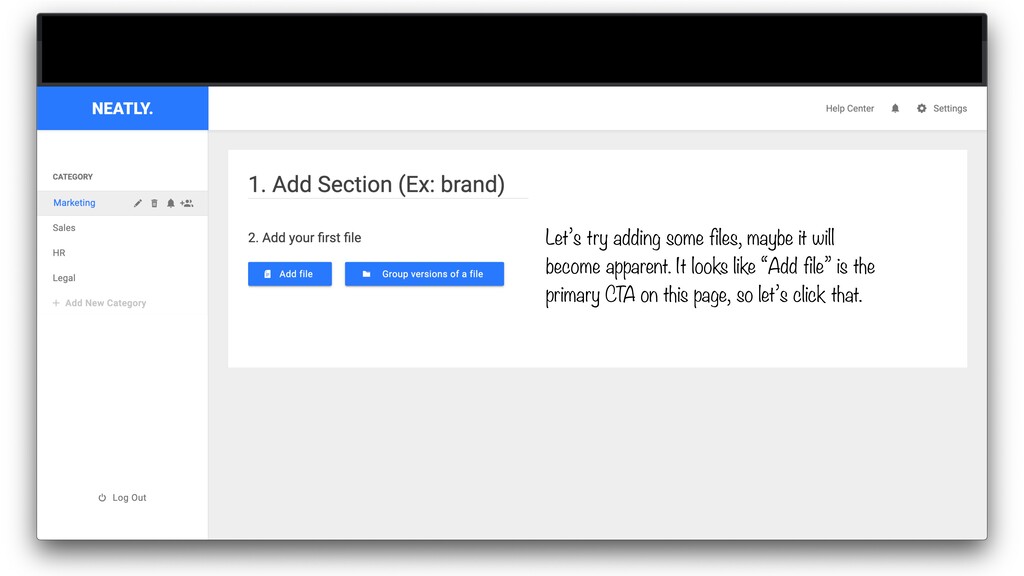
Let’s try adding some files, maybe it will become apparent.
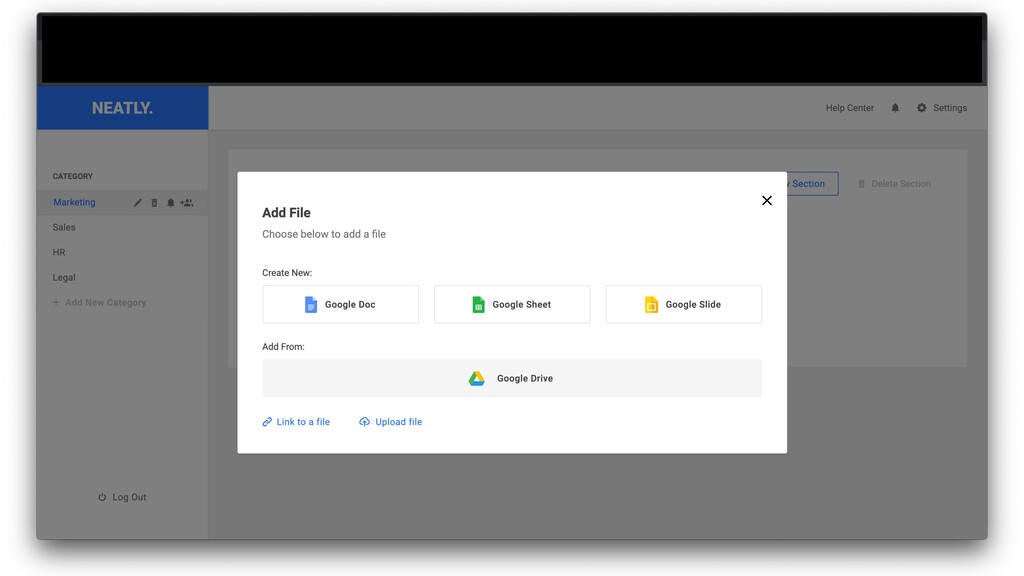
It looks like “Add file” is the primary CTA on this page, so let’s click that.
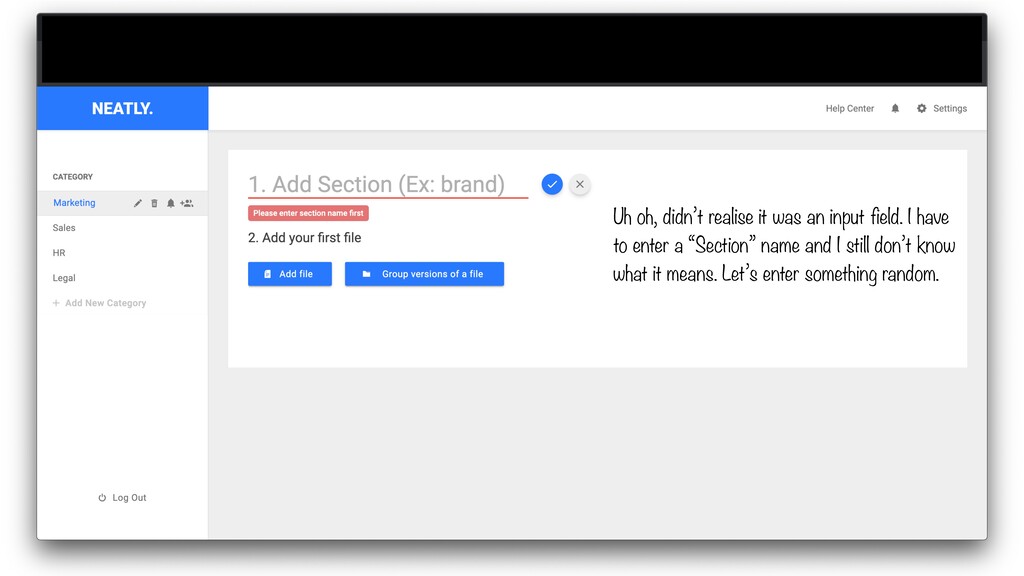
Uh oh, didn’t realise it was an input field. I
have to enter a “Section” name and I still don’t know what it means. Let’s enter something random.
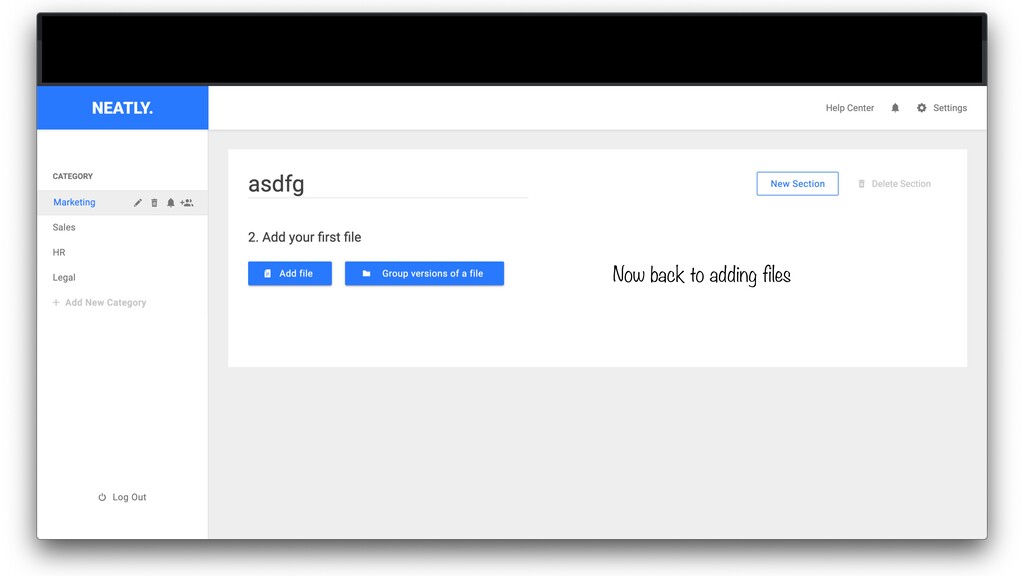
Now back to adding files
None
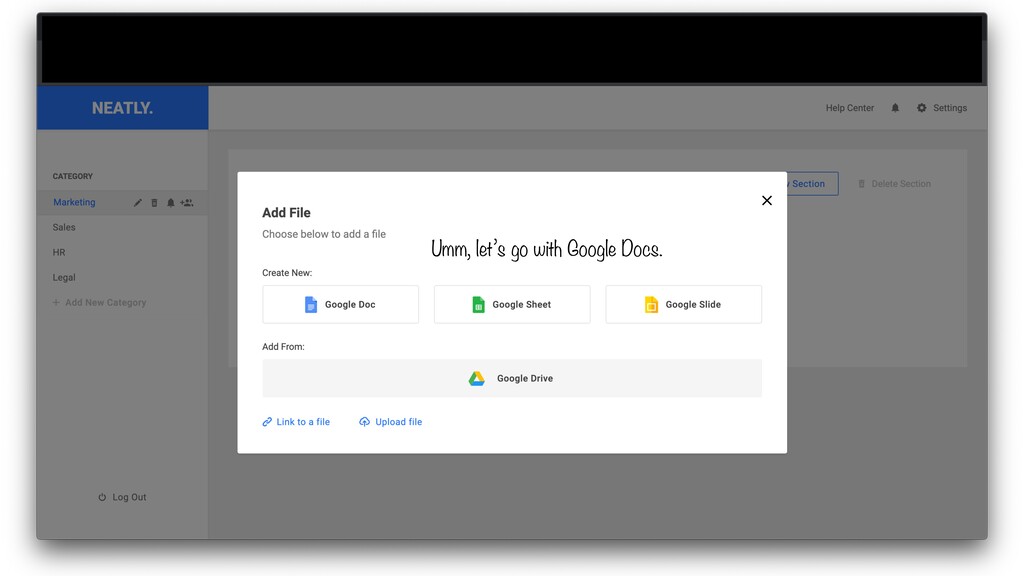
Umm, let’s go with Google Docs.
None
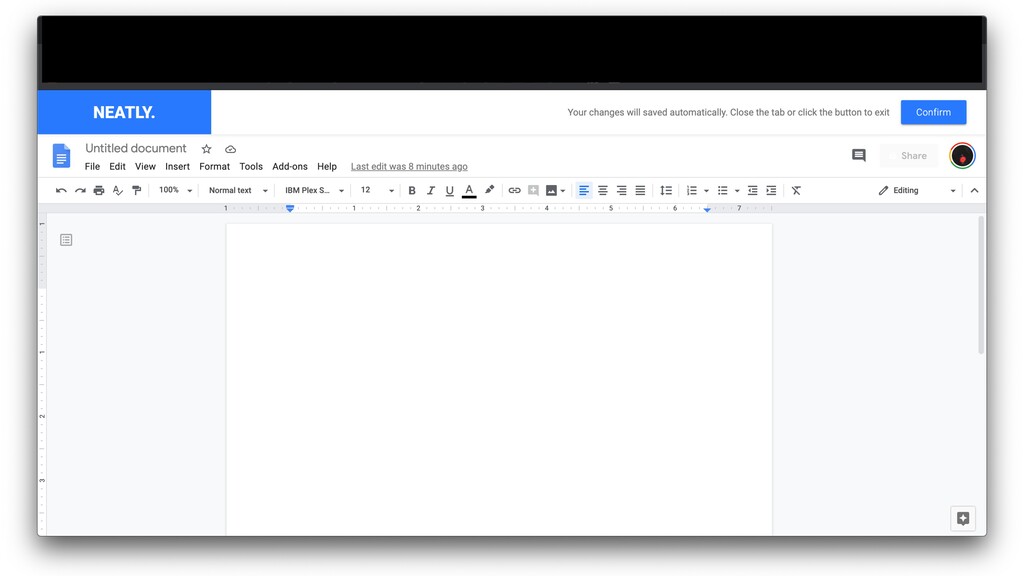
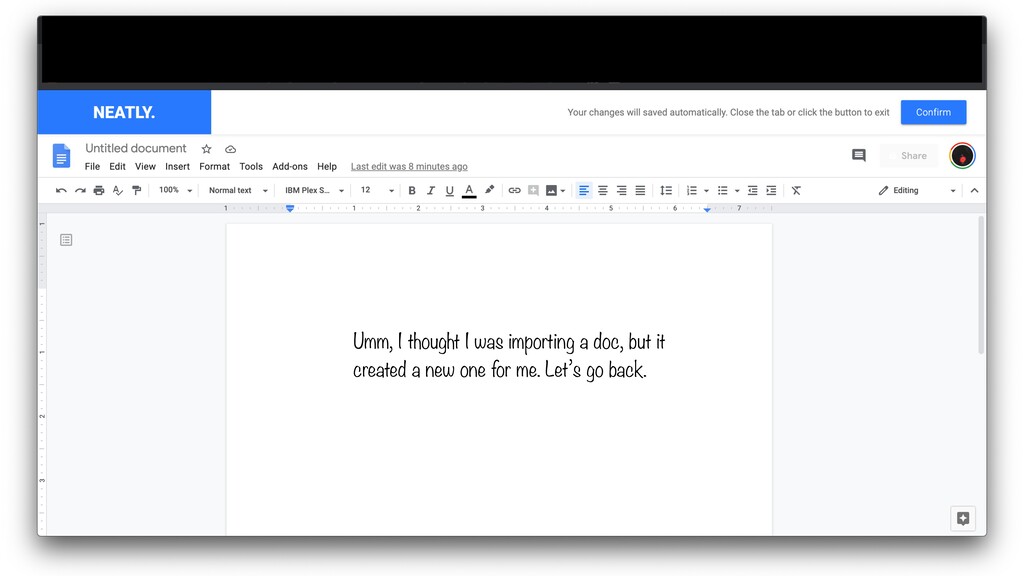
Umm, I thought I was importing a doc, but it
created a new one for me. Let’s go back.
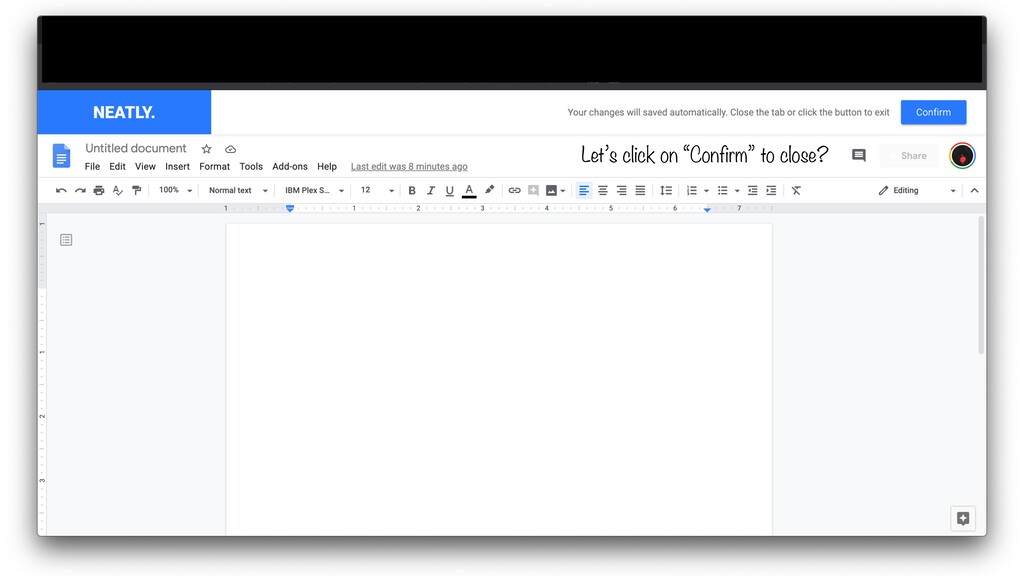
Let’s click on “Confirm” to close?
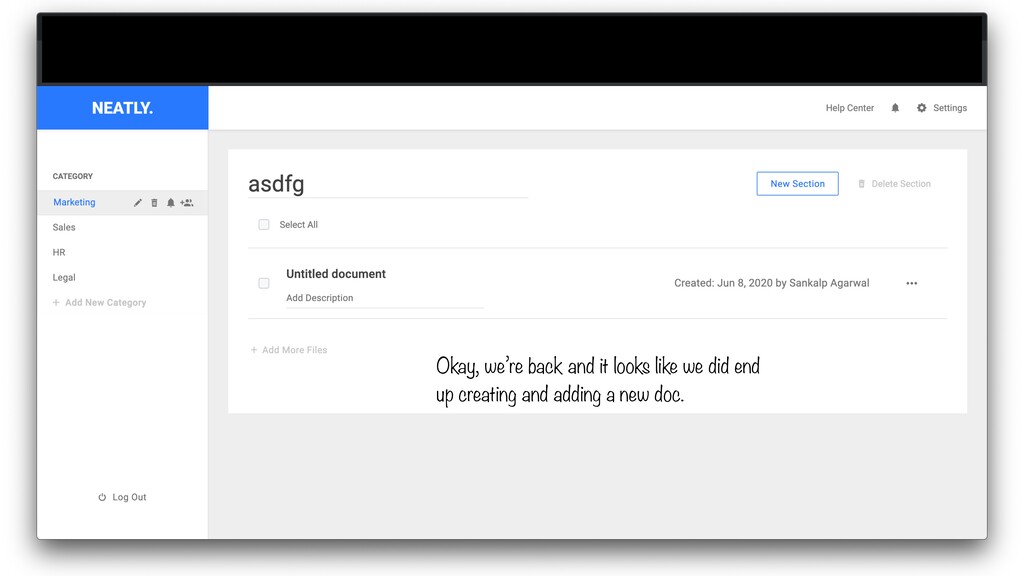
Okay, we’re back and it looks like we did end
up creating and adding a new doc.


 tammyeverts
 jacobtomlinson
 matthewcrist
 morganepeng
 cassininazir
 bermonpainter
 yeseniaperezcruz
 lara
lara
 uxyall
 reverentgeek
 mkilby

![[HIDDEN] I select my Google account.](https://files.speakerdeck.com/presentations/d9b0e5c55b90411fad9d2abbc86bc267/slide_9.jpg)