Upgrade to Pro — share decks privately, control downloads, hide ads and more …

signal-forms-wie-angular-formulare-neu-definier...

Avatar for Sascha Lehmann Sascha Lehmann
October 13, 2026
3

 signal-forms-wie-angular-formulare-neu-definiert.pdf

Avatar for Sascha Lehmann
Sascha Lehmann

October 13, 2026

More Decks by Sascha Lehmann

Transcript

  1. Systematisch schön Mit Design Tokens & Angular auf dem Weg

    zum skalierbaren Designsystem Sascha Lehmann Consultant @ Thinktecture AG  @derLehmann_S  https://www.linkedin.com/in/sascha-lehmann  [email protected]  https://www.thinktecture.com/thinktects/sascha-lehmann/
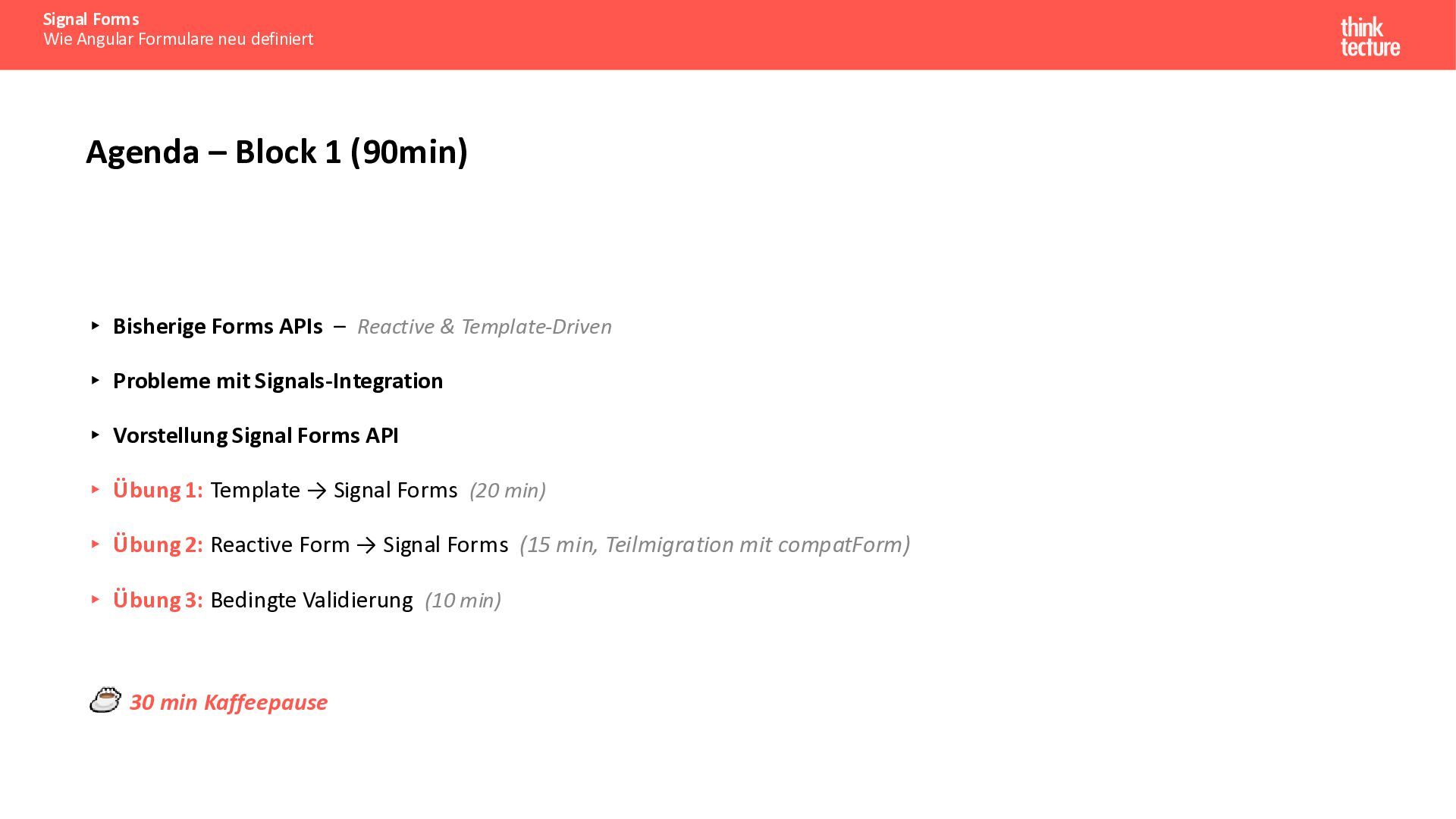
  2. Signal Forms Wie Angular Formulare neu definiert Agenda – Block

    1 (90min) ▸ Bisherige Forms APIs – Reactive & Template-Driven ▸ Probleme mit Signals-Integration ▸ Vorstellung Signal Forms API ▸ Übung 1: Template → Signal Forms (20 min) ▸ Übung 2: Reactive Form → Signal Forms (15 min, Teilmigration mit compatForm) ▸ Übung 3: Bedingte Validierung (10 min) 30 min Kaffeepause
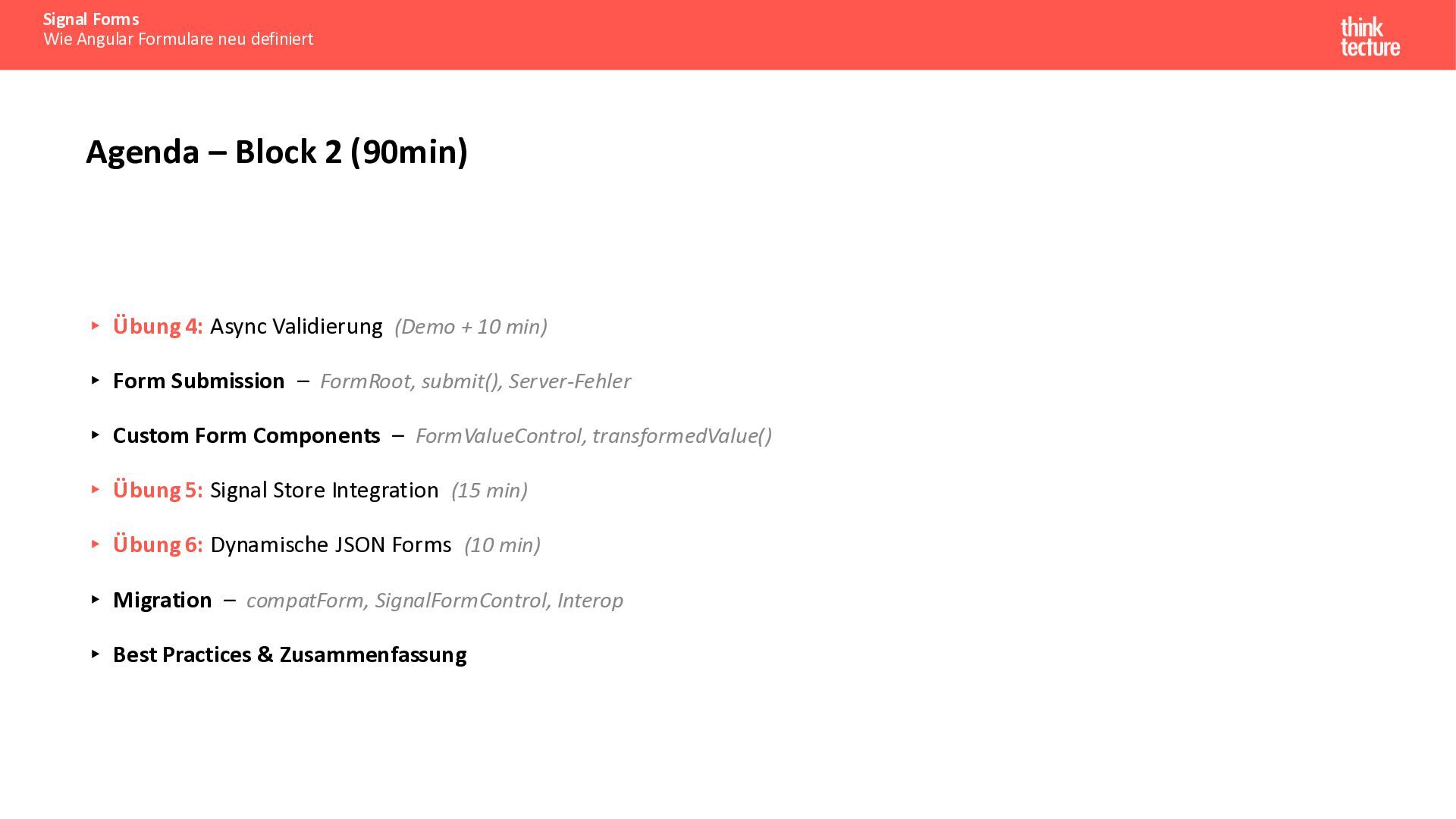
  3. Signal Forms Wie Angular Formulare neu definiert Agenda – Block

    2 (90min) ▸ Übung 4: Async Validierung (Demo + 10 min) ▸ Form Submission – FormRoot, submit(), Server-Fehler ▸ Custom Form Components – FormValueControl, transformedValue() ▸ Übung 5: Signal Store Integration (15 min) ▸ Übung 6: Dynamische JSON Forms (10 min) ▸ Migration – compatForm, SignalFormControl, Interop ▸ Best Practices & Zusammenfassung
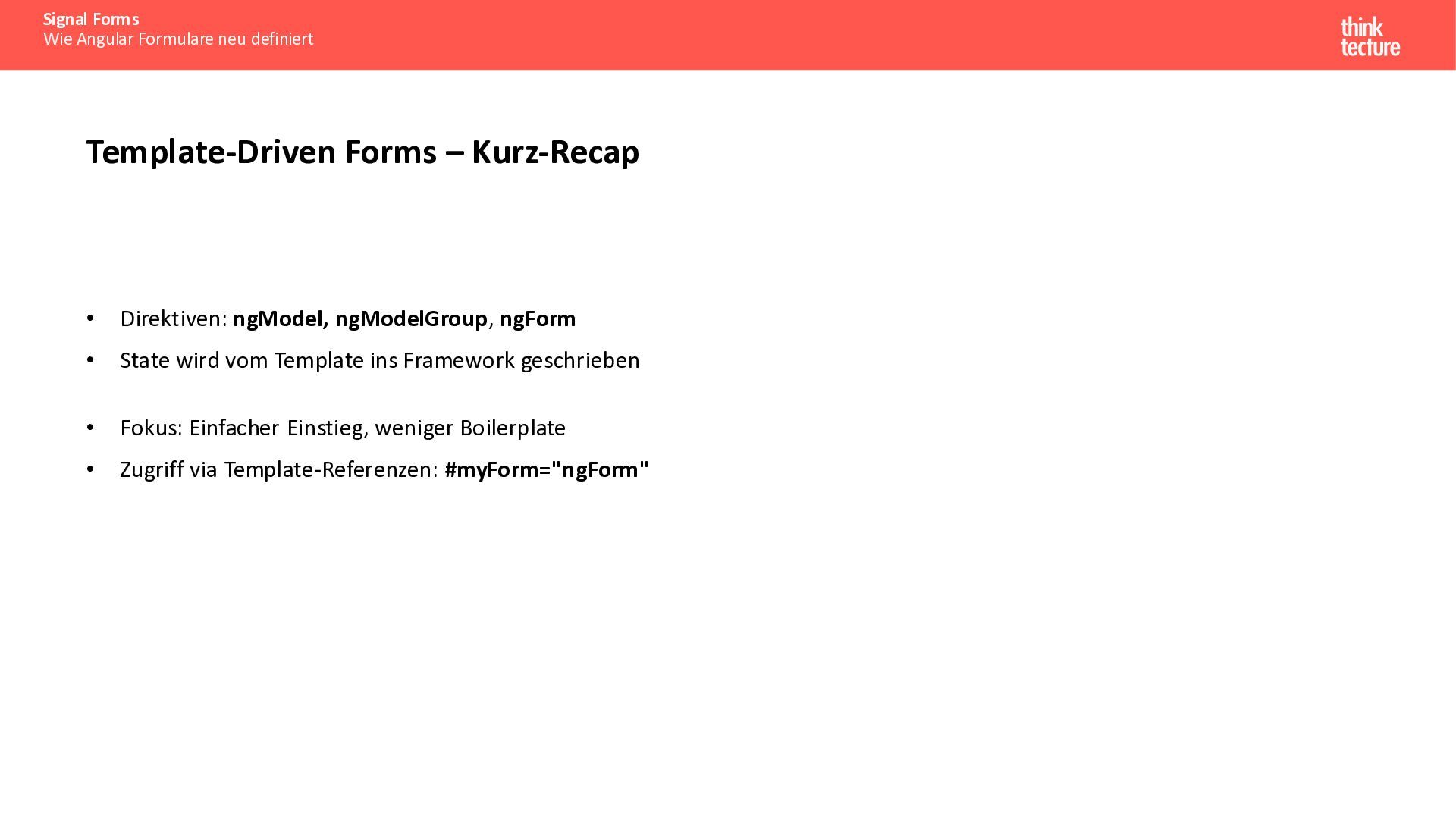
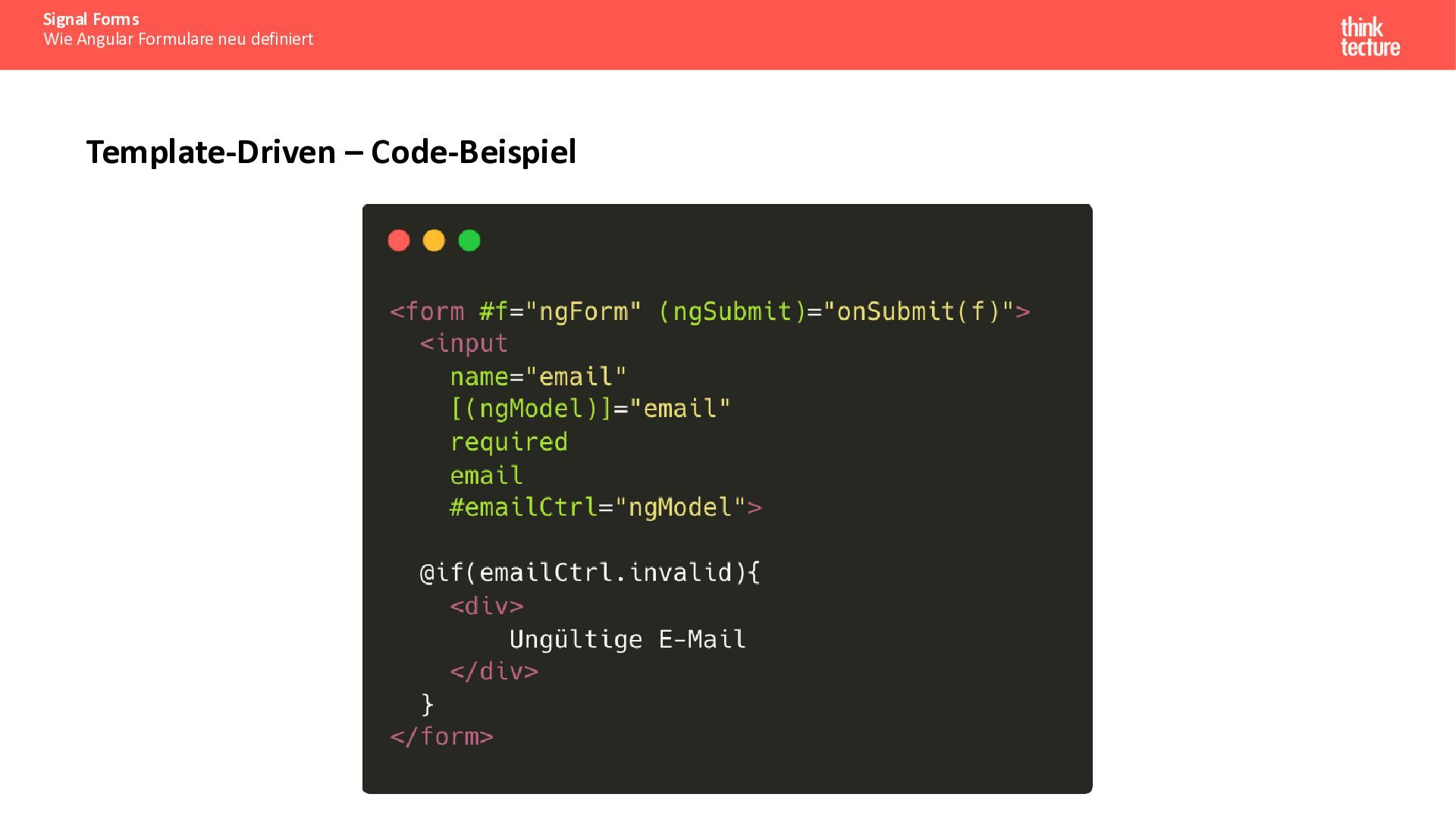
  4. Signal Forms Wie Angular Formulare neu definiert Template-Driven Forms –

    Kurz-Recap • Direktiven: ngModel, ngModelGroup, ngForm • State wird vom Template ins Framework geschrieben • Fokus: Einfacher Einstieg, weniger Boilerplate • Zugriff via Template-Referenzen: #myForm="ngForm"
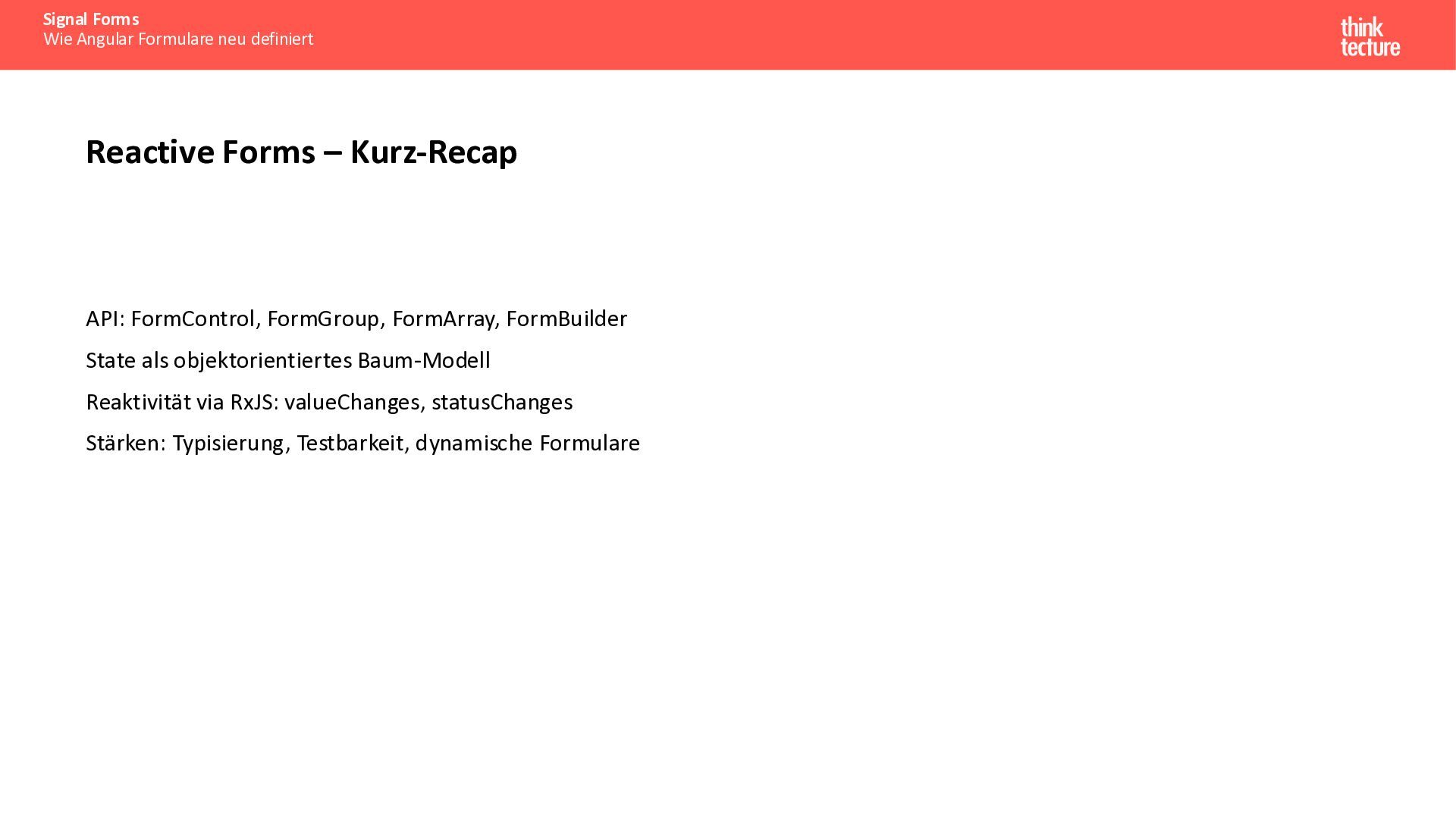
  5. Signal Forms Wie Angular Formulare neu definiert Reactive Forms –

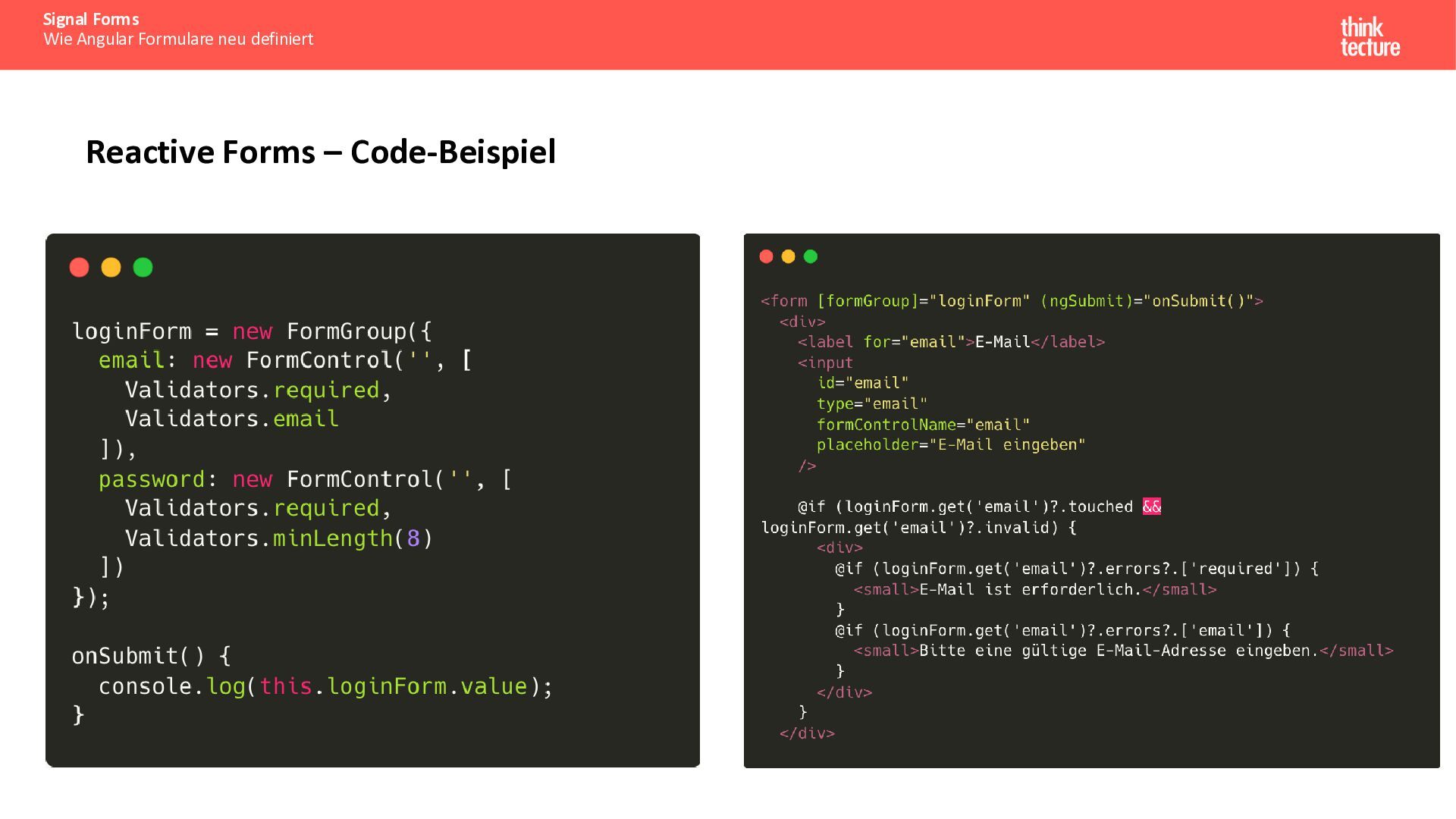
    Kurz-Recap API: FormControl, FormGroup, FormArray, FormBuilder State als objektorientiertes Baum-Modell Reaktivität via RxJS: valueChanges, statusChanges Stärken: Typisierung, Testbarkeit, dynamische Formulare
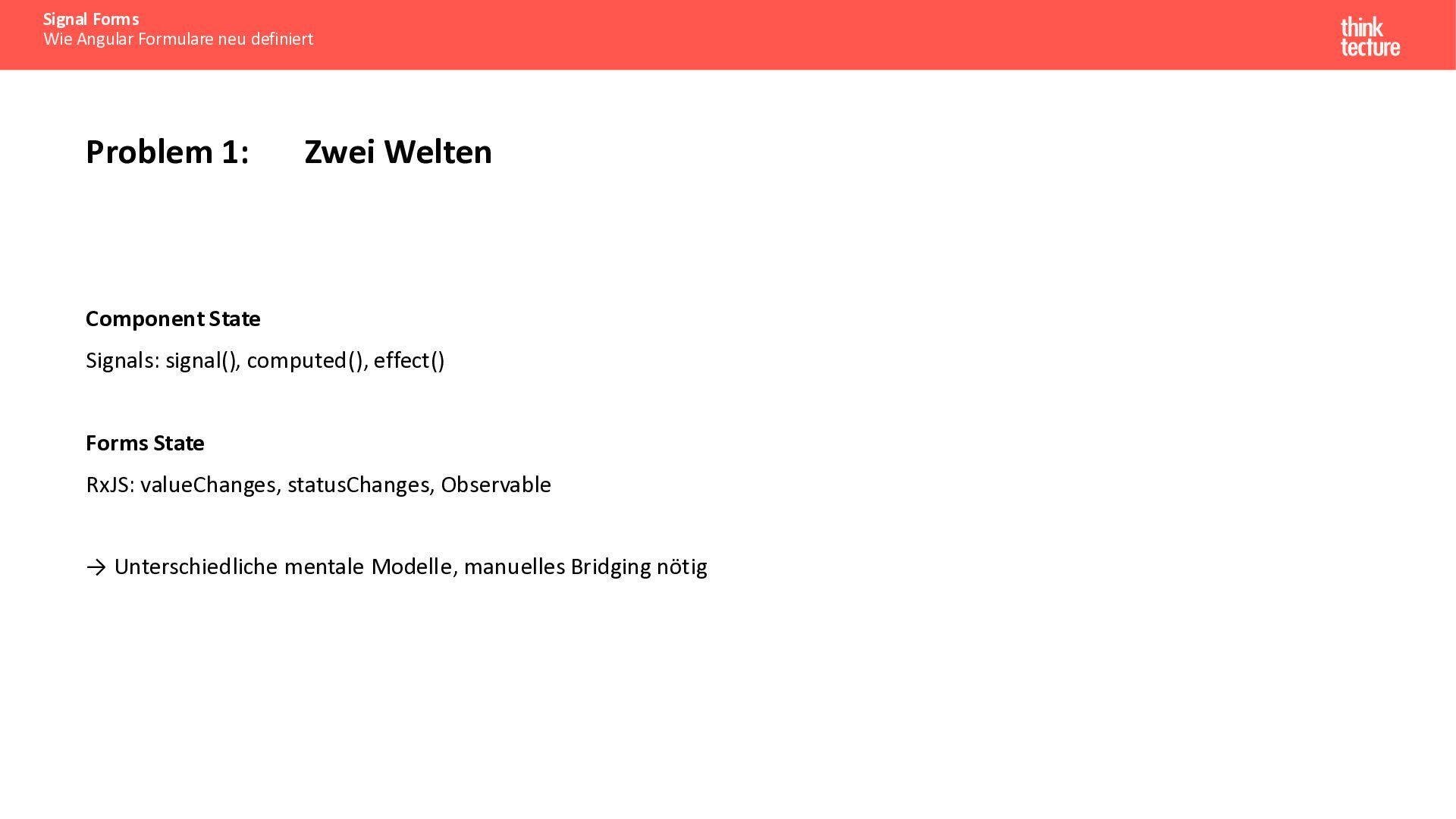
  6. Signal Forms Wie Angular Formulare neu definiert Problem 1: Zwei

    Welten Component State Signals: signal(), computed(), effect() Forms State RxJS: valueChanges, statusChanges, Observable → Unterschiedliche mentale Modelle, manuelles Bridging nötig
  7. Signal Forms Wie Angular Formulare neu definiert Problem 3: FormArray

    + Signals 1. Strukturelle Änderungen unsichtbar push() / removeAt() triggern keine Signal-Updates → UI reagiert nicht 2. Referenz bleibt gleich FormArray-Objekt wird mutiert, aber Signal erkennt keine Änderung 3. Manuelle Workarounds nötig Custom Equality-Checks oder explizite Signal-Updates erforderlich
  8. Signal Forms Wie Angular Formulare neu definiert Problem 4: Feingranulare

    Reaktivität fehlt • valueChanges emittiert für die ganze FormGroup • Keine automatische Reaktion auf einzelne Feld-Status • Aufwendiges selektives Subscribing nötig
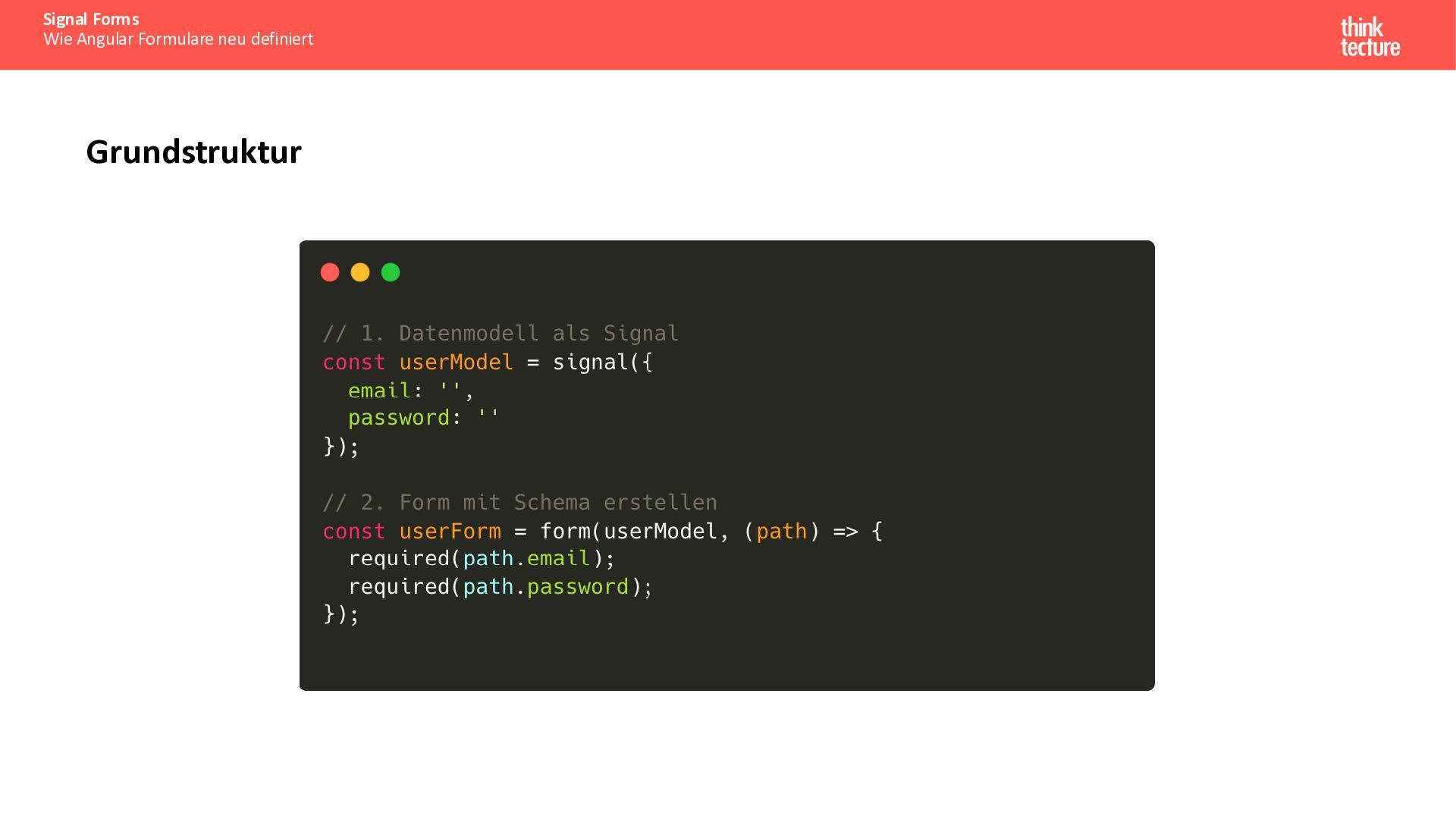
  9. Signal Forms Wie Angular Formulare neu definiert Grundprinzip: Model-First •

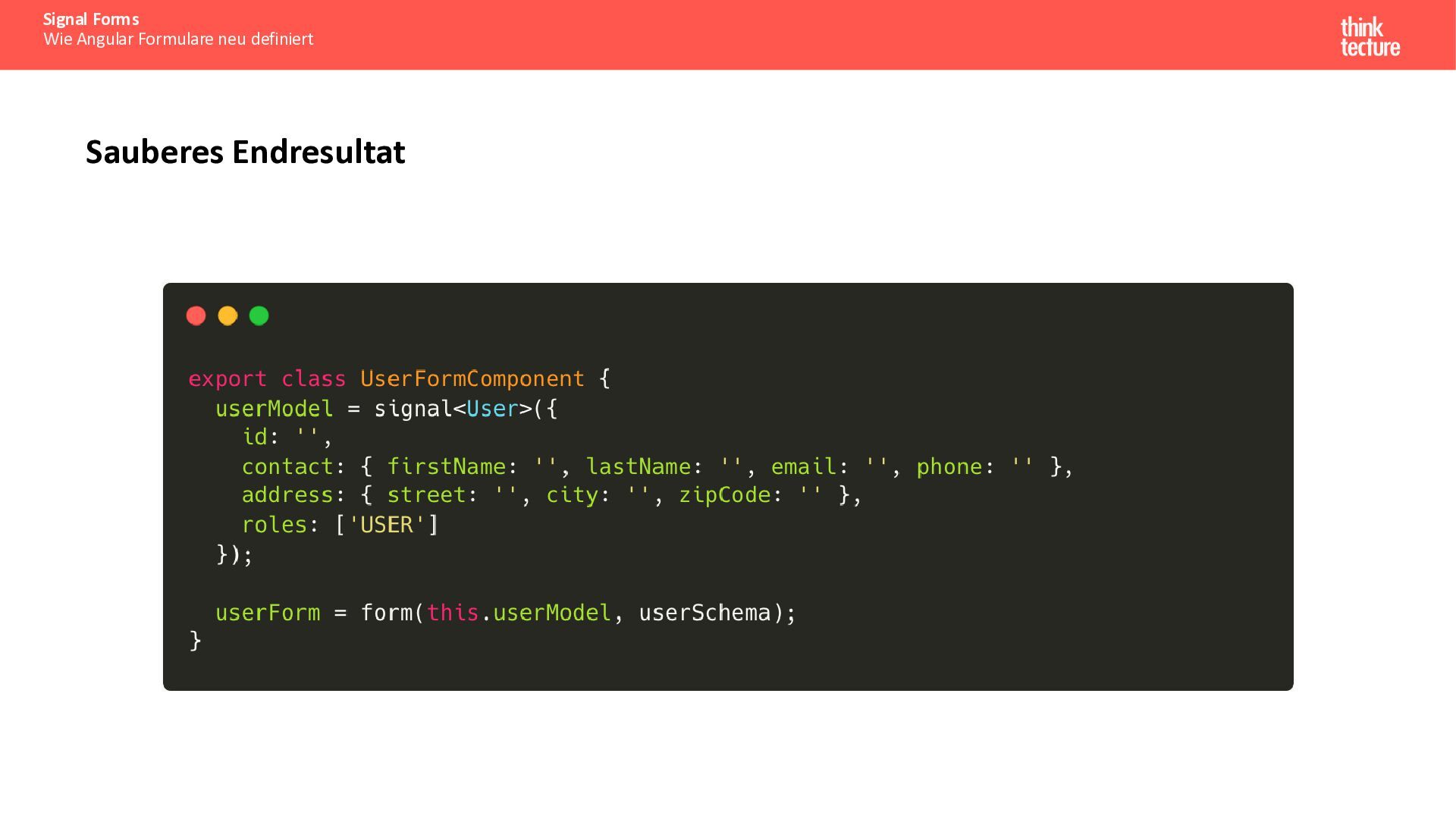
    Daten-Signal als Single Source of Truth • form(<modelSignal>) erzeugt FieldTree • FieldTree spiegelt Datenstruktur 1:1 • Jedes Feld bietet Signals für Wert und Status
  10. Signal Forms Wie Angular Formulare neu definiert Signal Forms –

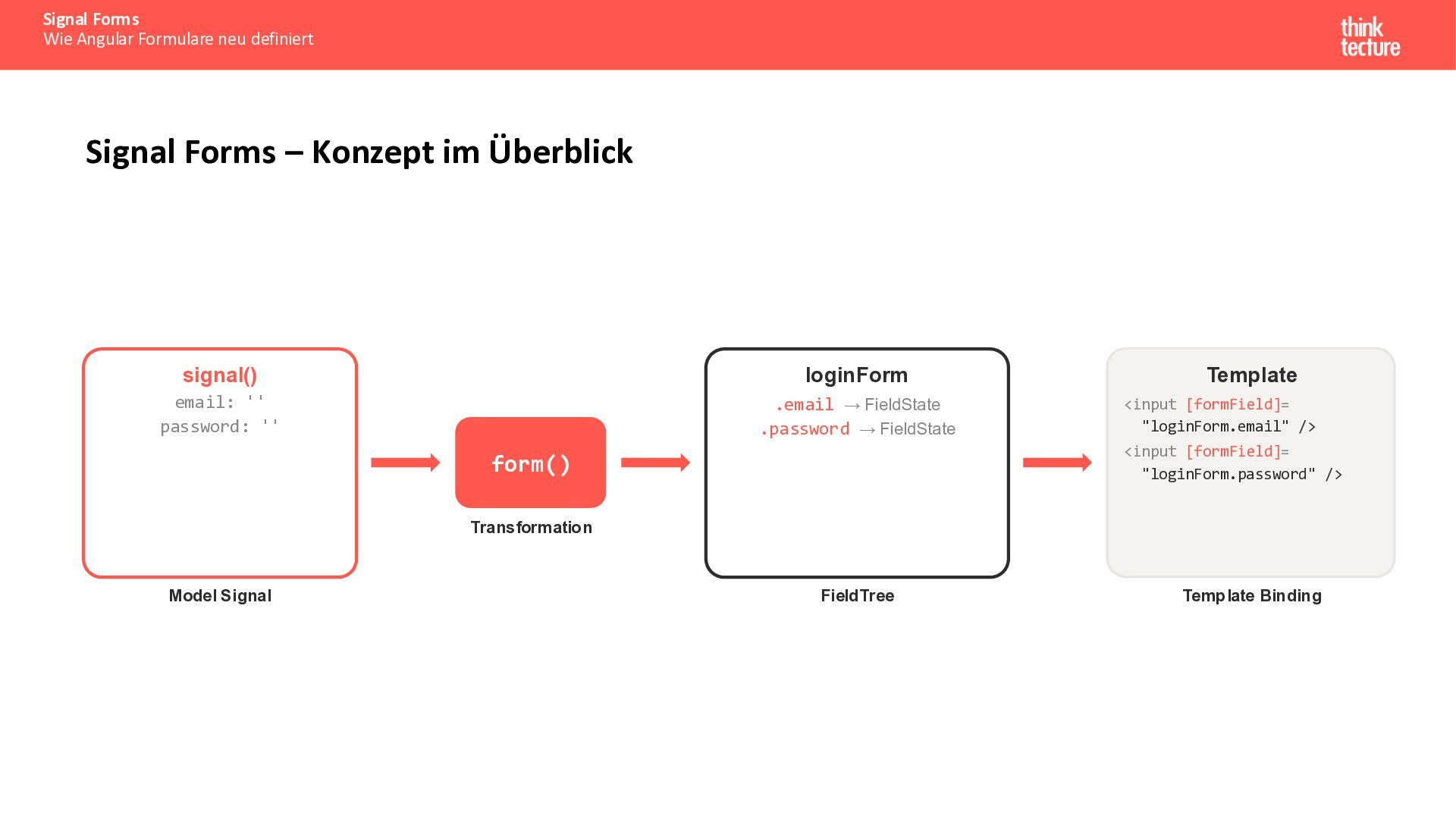
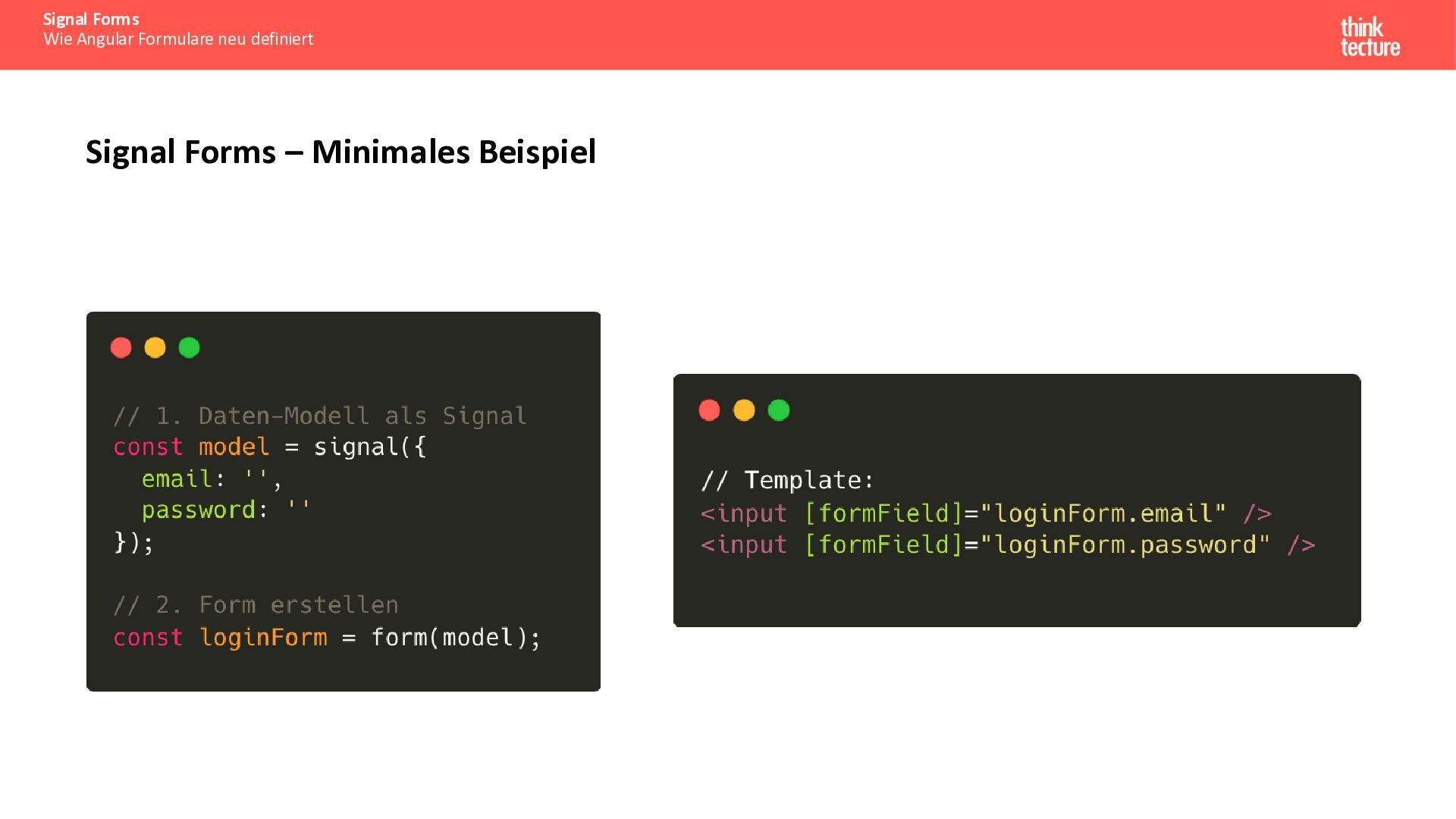
    Konzept im Überblick signal() loginForm email: '' password: '' .email → FieldState .password → FieldState Template <input [formField]= "loginForm.email" /> <input [formField]= "loginForm.password" /> form() Transformation Model Signal FieldTree Template Binding
  11. Signal Forms Wie Angular Formulare neu definiert FieldState – Verfügbare

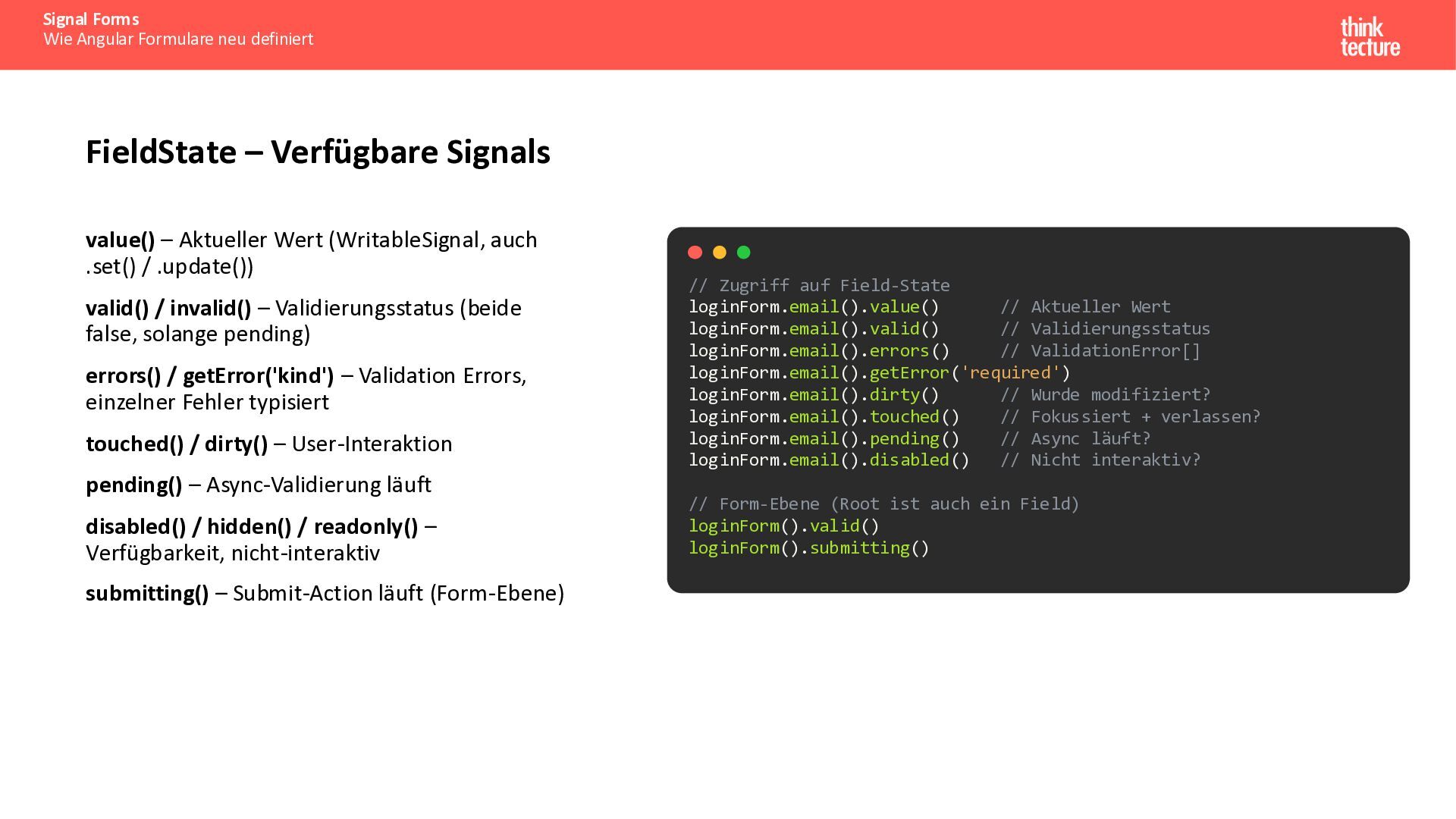
    Signals value() – Aktueller Wert (WritableSignal, auch .set() / .update()) valid() / invalid() – Validierungsstatus (beide false, solange pending) errors() / getError('kind') – Validation Errors, einzelner Fehler typisiert touched() / dirty() – User-Interaktion pending() – Async-Validierung läuft disabled() / hidden() / readonly() – Verfügbarkeit, nicht-interaktiv submitting() – Submit-Action läuft (Form-Ebene) // Zugriff auf Field-State loginForm.email().value() // Aktueller Wert loginForm.email().valid() // Validierungsstatus loginForm.email().errors() // ValidationError[] loginForm.email().getError('required') loginForm.email().dirty() // Wurde modifiziert? loginForm.email().touched() // Fokussiert + verlassen? loginForm.email().pending() // Async läuft? loginForm.email().disabled() // Nicht interaktiv? // Form-Ebene (Root ist auch ein Field) loginForm().valid() loginForm().submitting()
  12. Signal Forms Wie Angular Formulare neu definiert Warum „neu definiert“?

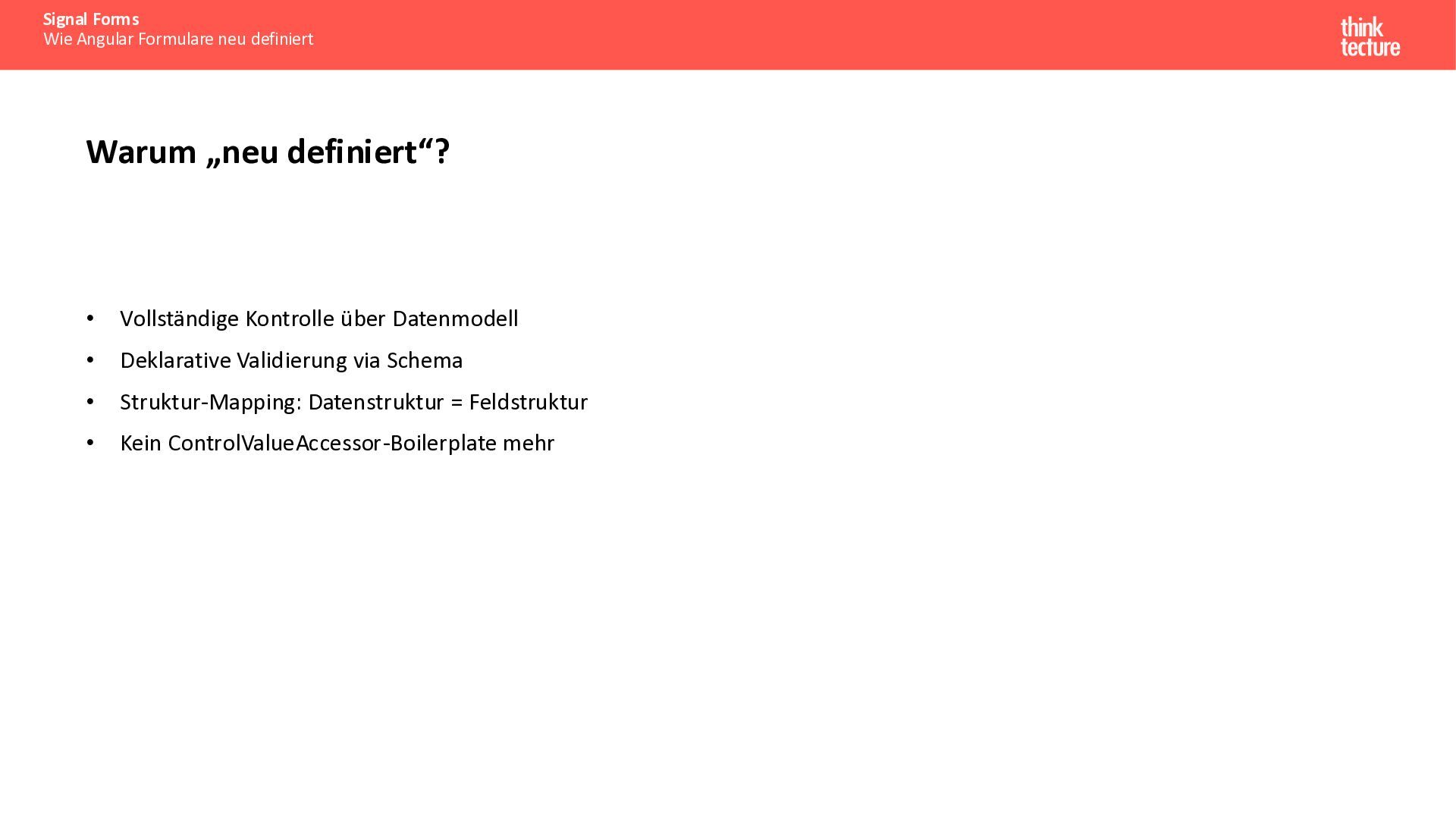
    • Vollständige Kontrolle über Datenmodell • Deklarative Validierung via Schema • Struktur-Mapping: Datenstruktur = Feldstruktur • Kein ControlValueAccessor-Boilerplate mehr
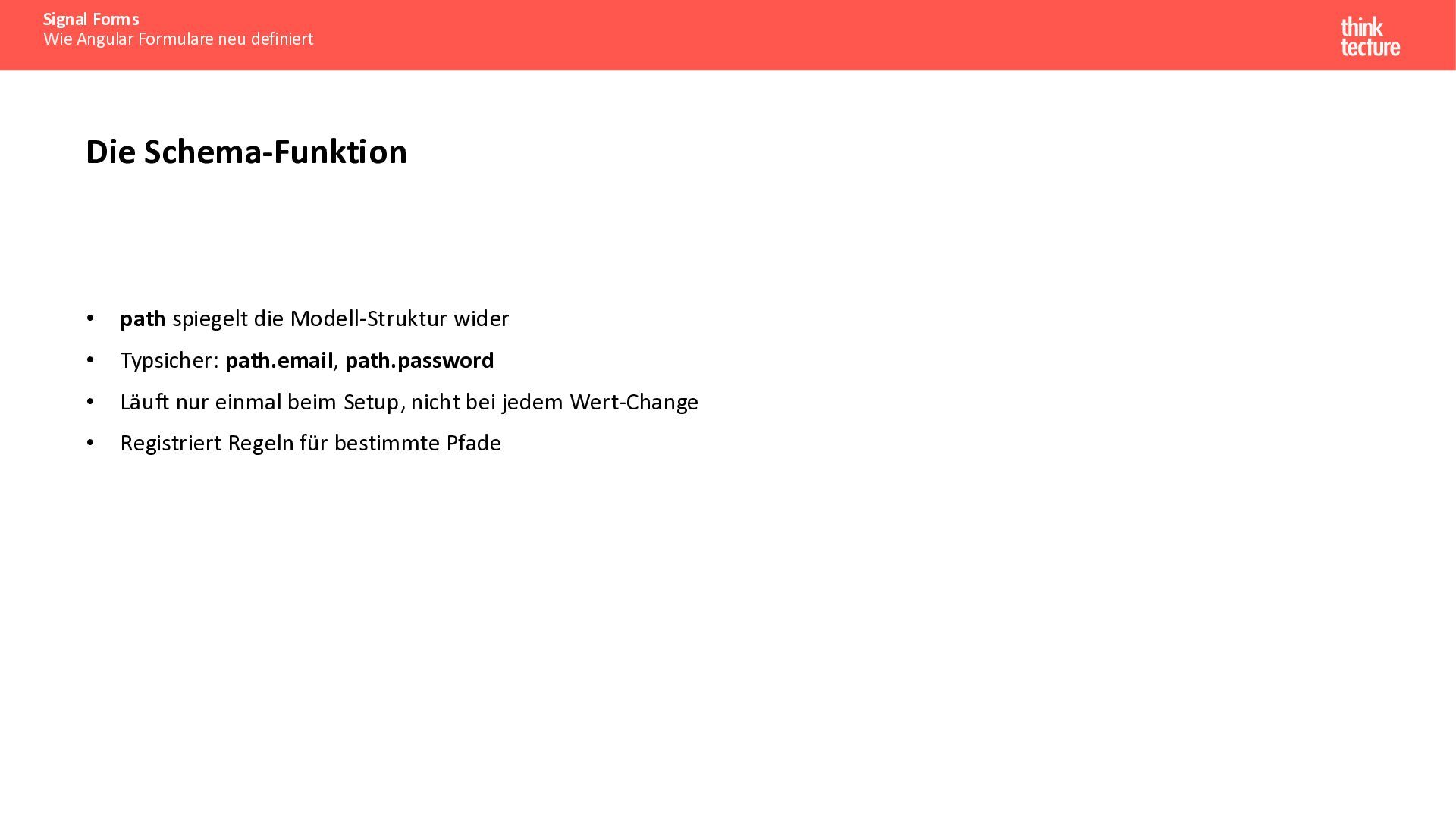
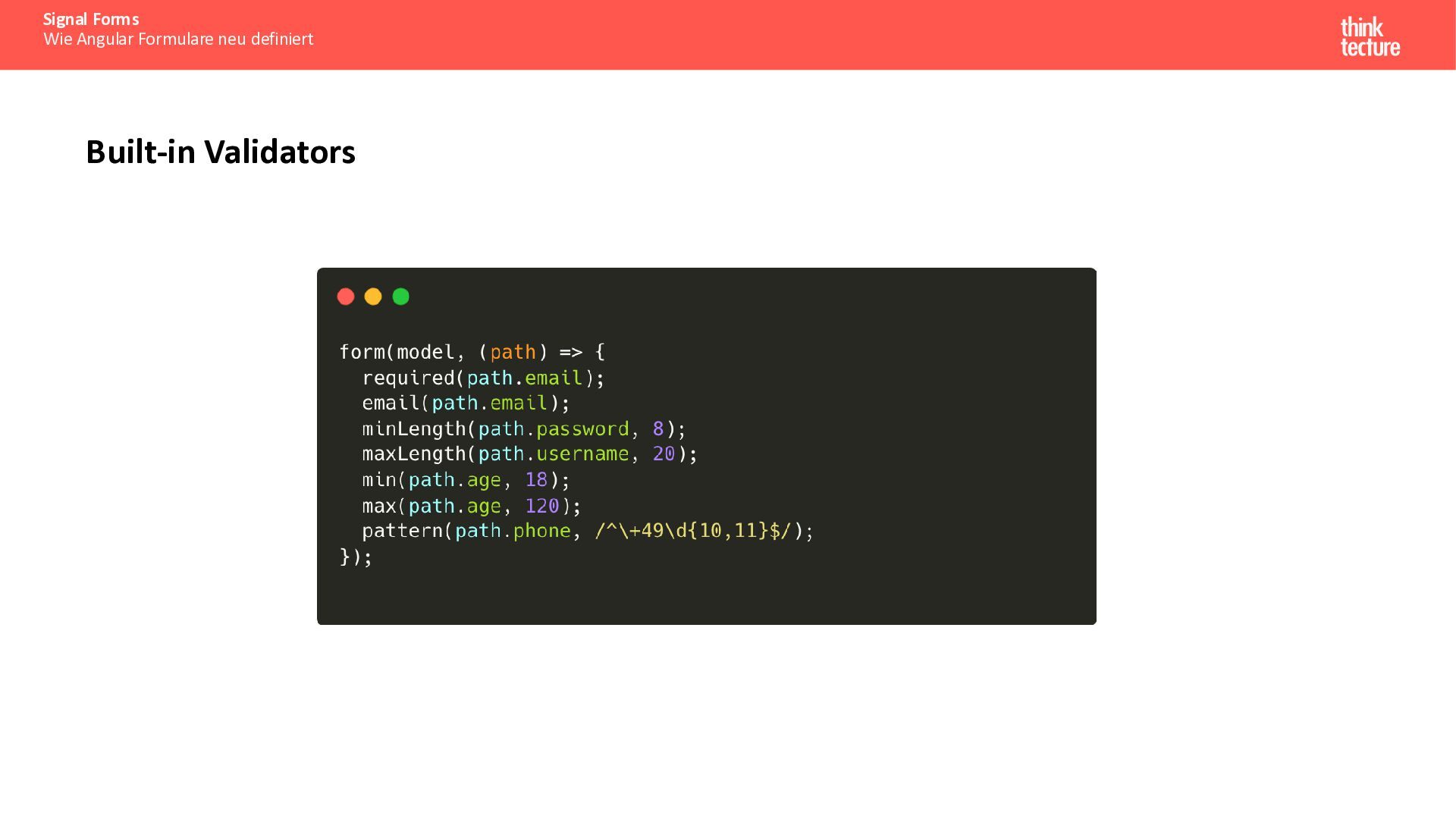
  13. Signal Forms Wie Angular Formulare neu definiert Die Schema-Funktion •

    path spiegelt die Modell-Struktur wider • Typsicher: path.email, path.password • Läuft nur einmal beim Setup, nicht bei jedem Wert-Change • Registriert Regeln für bestimmte Pfade
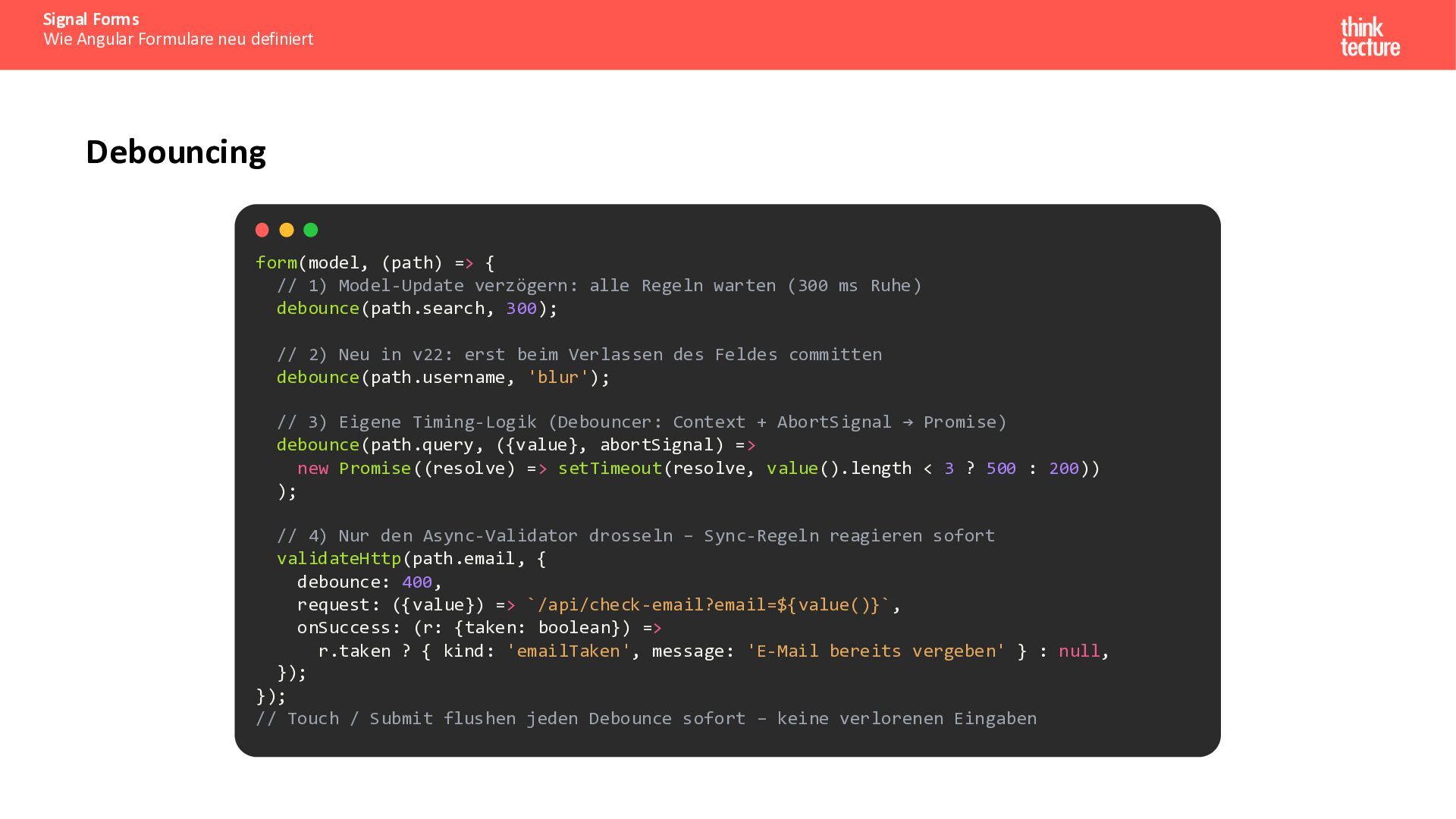
  14. Signal Forms Wie Angular Formulare neu definiert Debouncing form(model, (path)

    => { // 1) Model-Update verzögern: alle Regeln warten (300 ms Ruhe) debounce(path.search, 300); // 2) Neu in v22: erst beim Verlassen des Feldes committen debounce(path.username, 'blur'); // 3) Eigene Timing-Logik (Debouncer: Context + AbortSignal → Promise) debounce(path.query, ({value}, abortSignal) => new Promise((resolve) => setTimeout(resolve, value().length < 3 ? 500 : 200)) ); // 4) Nur den Async-Validator drosseln – Sync-Regeln reagieren sofort validateHttp(path.email, { debounce: 400, request: ({value}) => `/api/check-email?email=${value()}`, onSuccess: (r: {taken: boolean}) => r.taken ? { kind: 'emailTaken', message: 'E-Mail bereits vergeben' } : null, }); }); // Touch / Submit flushen jeden Debounce sofort – keine verlorenen Eingaben
  15. Signal Forms Wie Angular Formulare neu definiert Async/HTTP Validierung form(model,

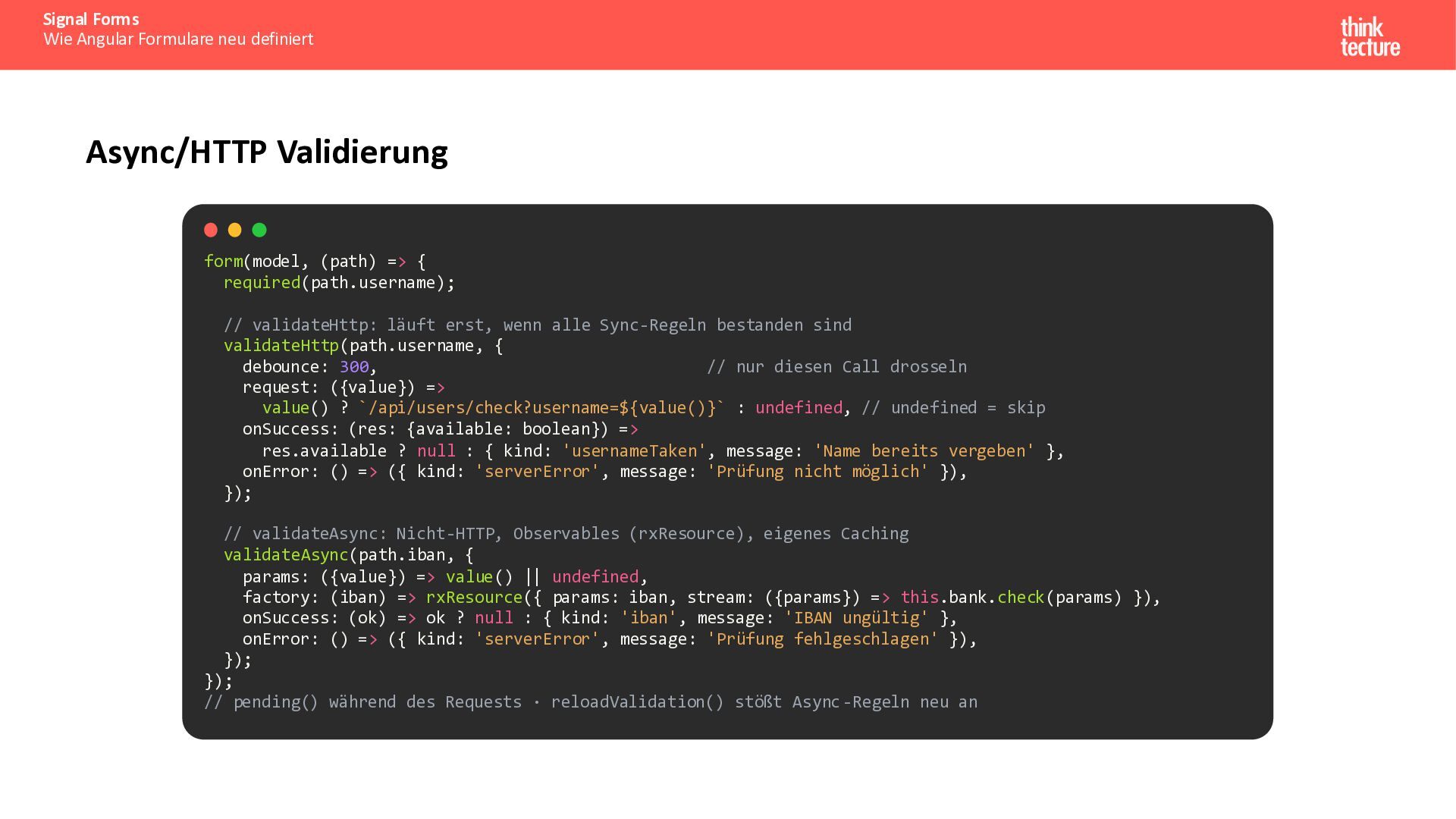
    (path) => { required(path.username); // validateHttp: läuft erst, wenn alle Sync-Regeln bestanden sind validateHttp(path.username, { debounce: 300, // nur diesen Call drosseln request: ({value}) => value() ? `/api/users/check?username=${value()}` : undefined, // undefined = skip onSuccess: (res: {available: boolean}) => res.available ? null : { kind: 'usernameTaken', message: 'Name bereits vergeben' }, onError: () => ({ kind: 'serverError', message: 'Prüfung nicht möglich' }), }); // validateAsync: Nicht-HTTP, Observables (rxResource), eigenes Caching validateAsync(path.iban, { params: ({value}) => value() || undefined, factory: (iban) => rxResource({ params: iban, stream: ({params}) => this.bank.check(params) }), onSuccess: (ok) => ok ? null : { kind: 'iban', message: 'IBAN ungültig' }, onError: () => ({ kind: 'serverError', message: 'Prüfung fehlgeschlagen' }), }); }); // pending() während des Requests · reloadValidation() stößt Async -Regeln neu an
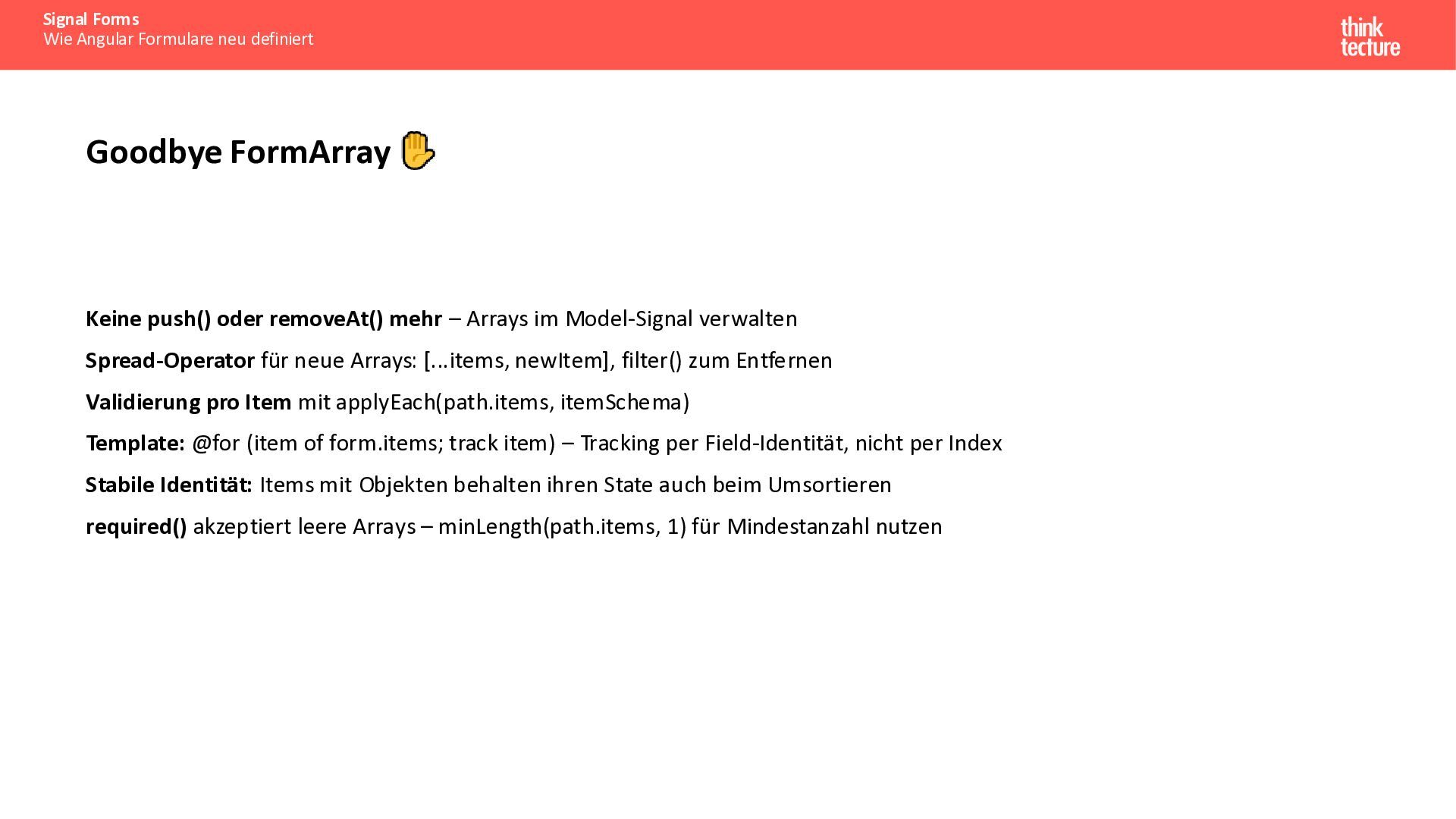
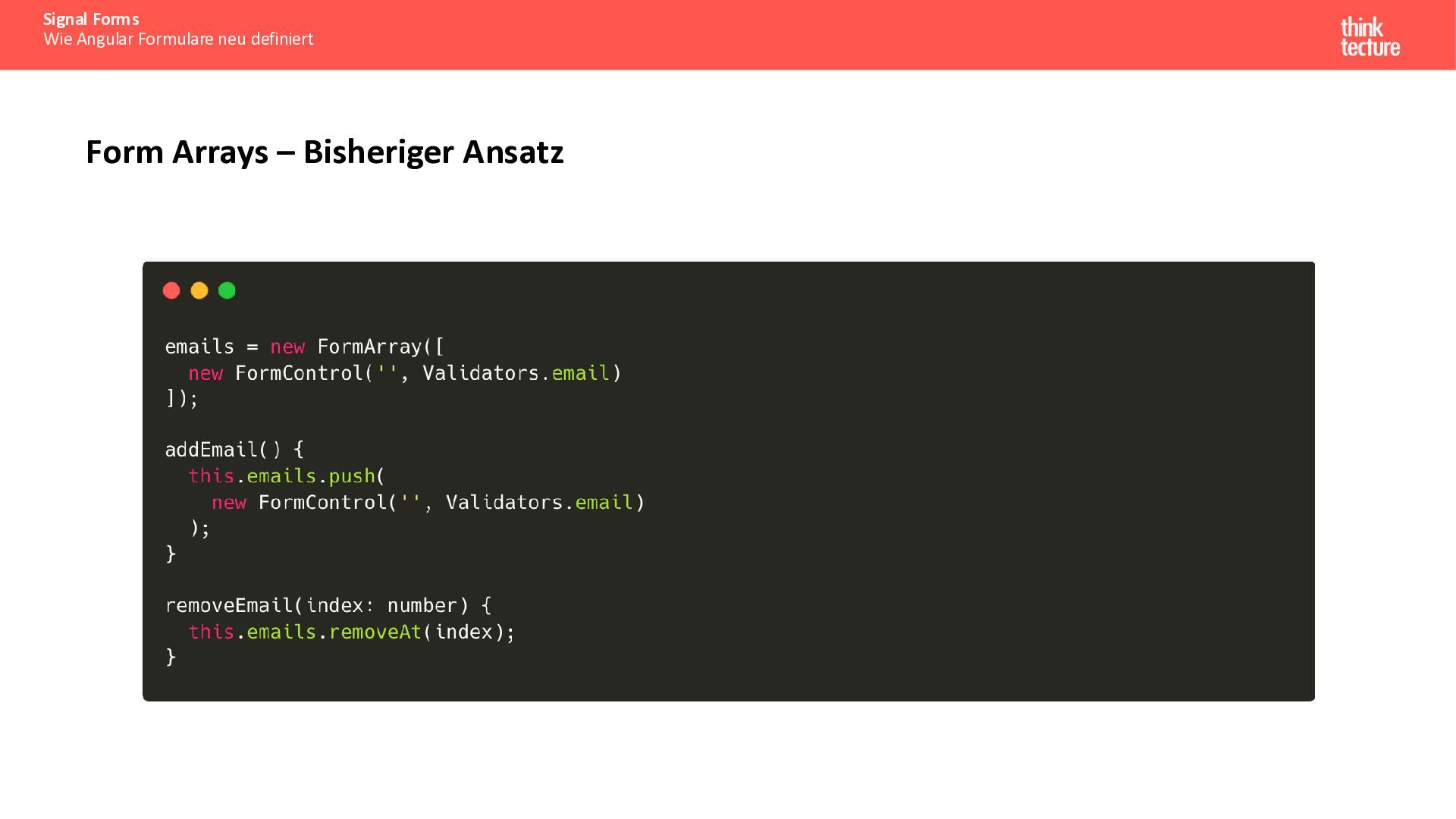
  16. Signal Forms Wie Angular Formulare neu definiert Goodbye FormArray Keine

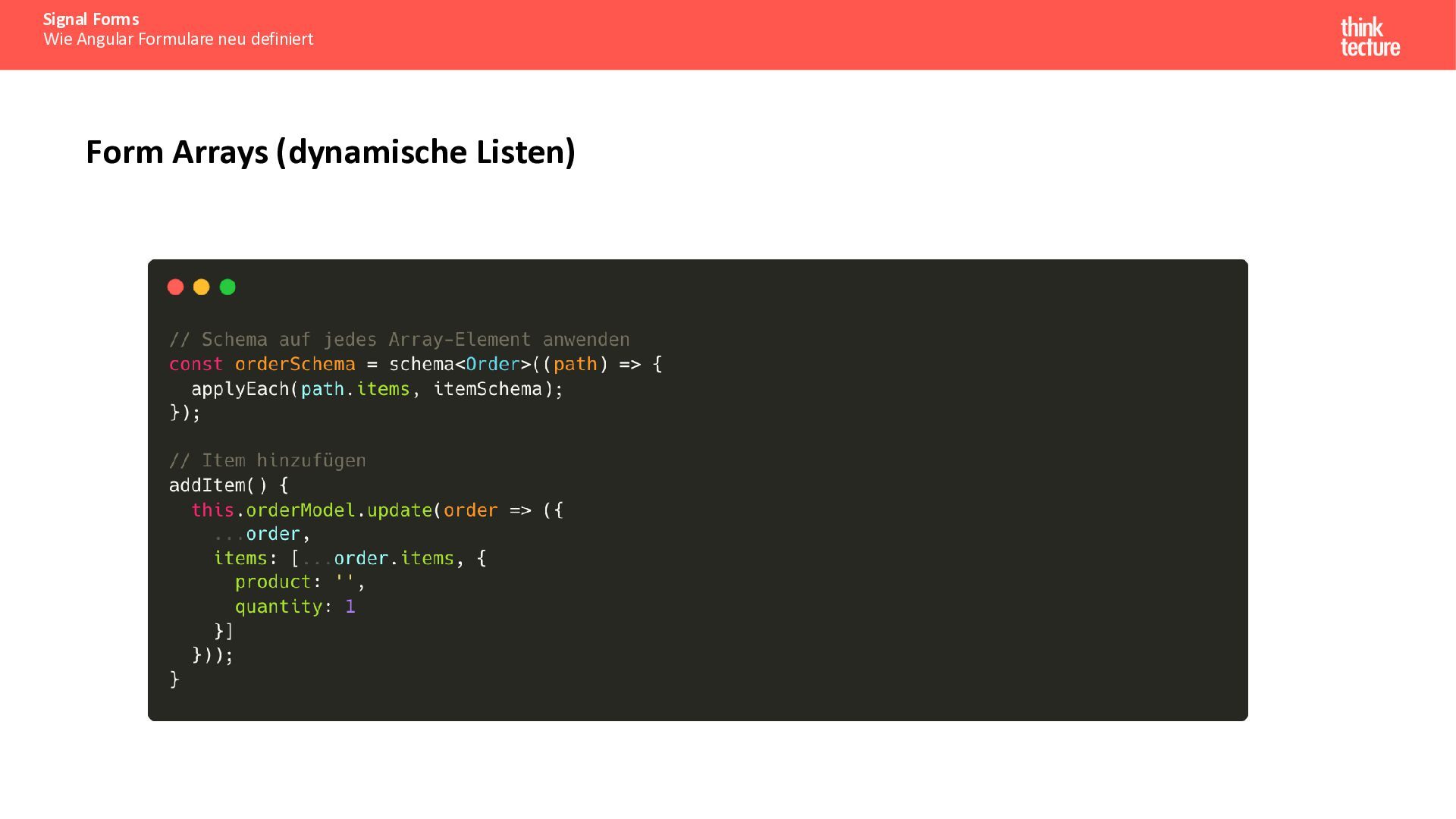
    push() oder removeAt() mehr – Arrays im Model-Signal verwalten Spread-Operator für neue Arrays: [...items, newItem], filter() zum Entfernen Validierung pro Item mit applyEach(path.items, itemSchema) Template: @for (item of form.items; track item) – Tracking per Field-Identität, nicht per Index Stabile Identität: Items mit Objekten behalten ihren State auch beim Umsortieren required() akzeptiert leere Arrays – minLength(path.items, 1) für Mindestanzahl nutzen
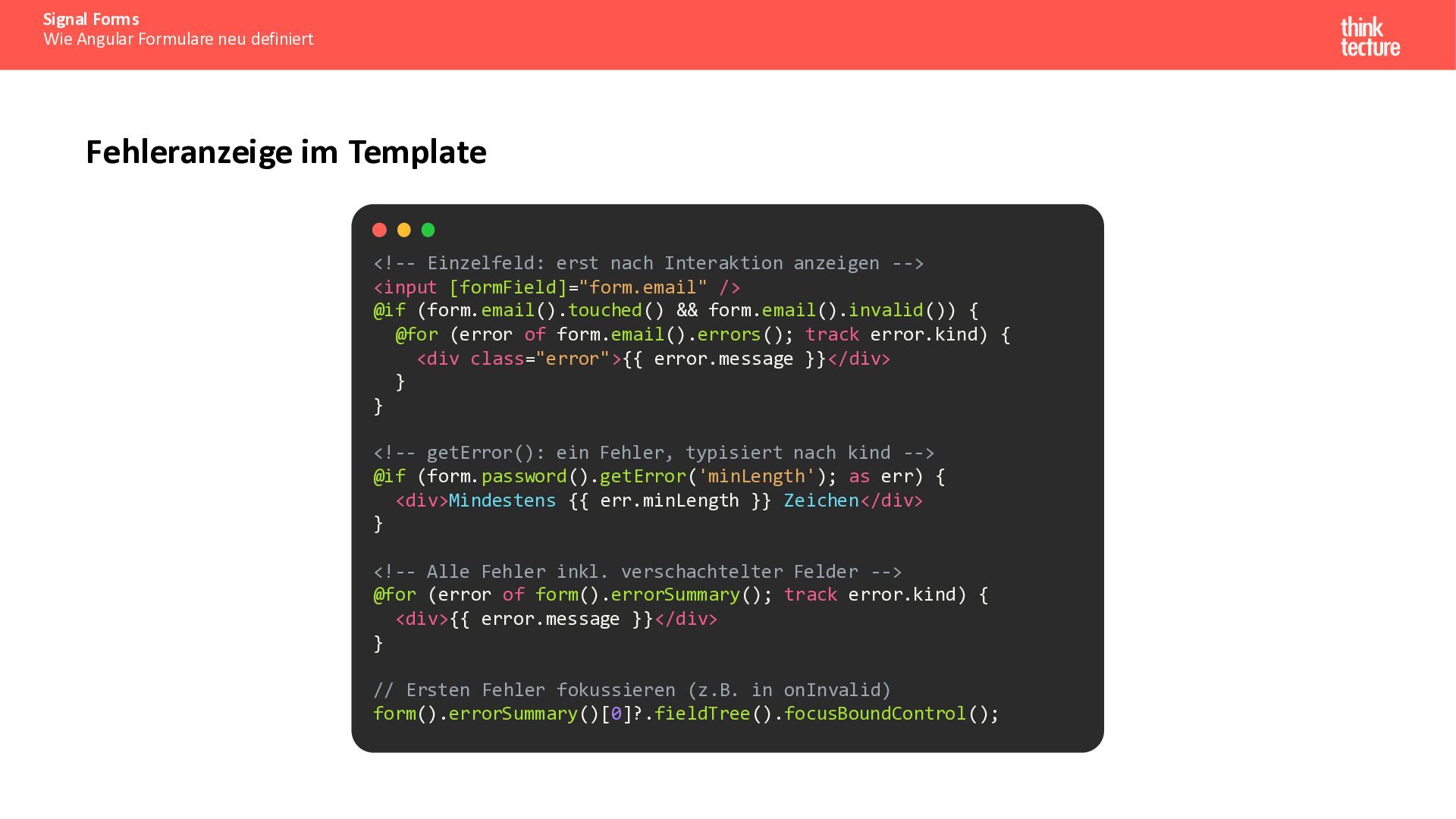
  17. Signal Forms Wie Angular Formulare neu definiert Fehleranzeige im Template

    <!-- Einzelfeld: erst nach Interaktion anzeigen --> <input [formField]="form.email" /> @if (form.email().touched() && form.email().invalid()) { @for (error of form.email().errors(); track error.kind) { <div class="error">{{ error.message }}</div> } } <!-- getError(): ein Fehler, typisiert nach kind --> @if (form.password().getError('minLength'); as err) { <div>Mindestens {{ err.minLength }} Zeichen</div> } <!-- Alle Fehler inkl. verschachtelter Felder --> @for (error of form().errorSummary(); track error.kind) { <div>{{ error.message }}</div> } // Ersten Fehler fokussieren (z.B. in onInvalid) form().errorSummary()[0]?.fieldTree().focusBoundControl();
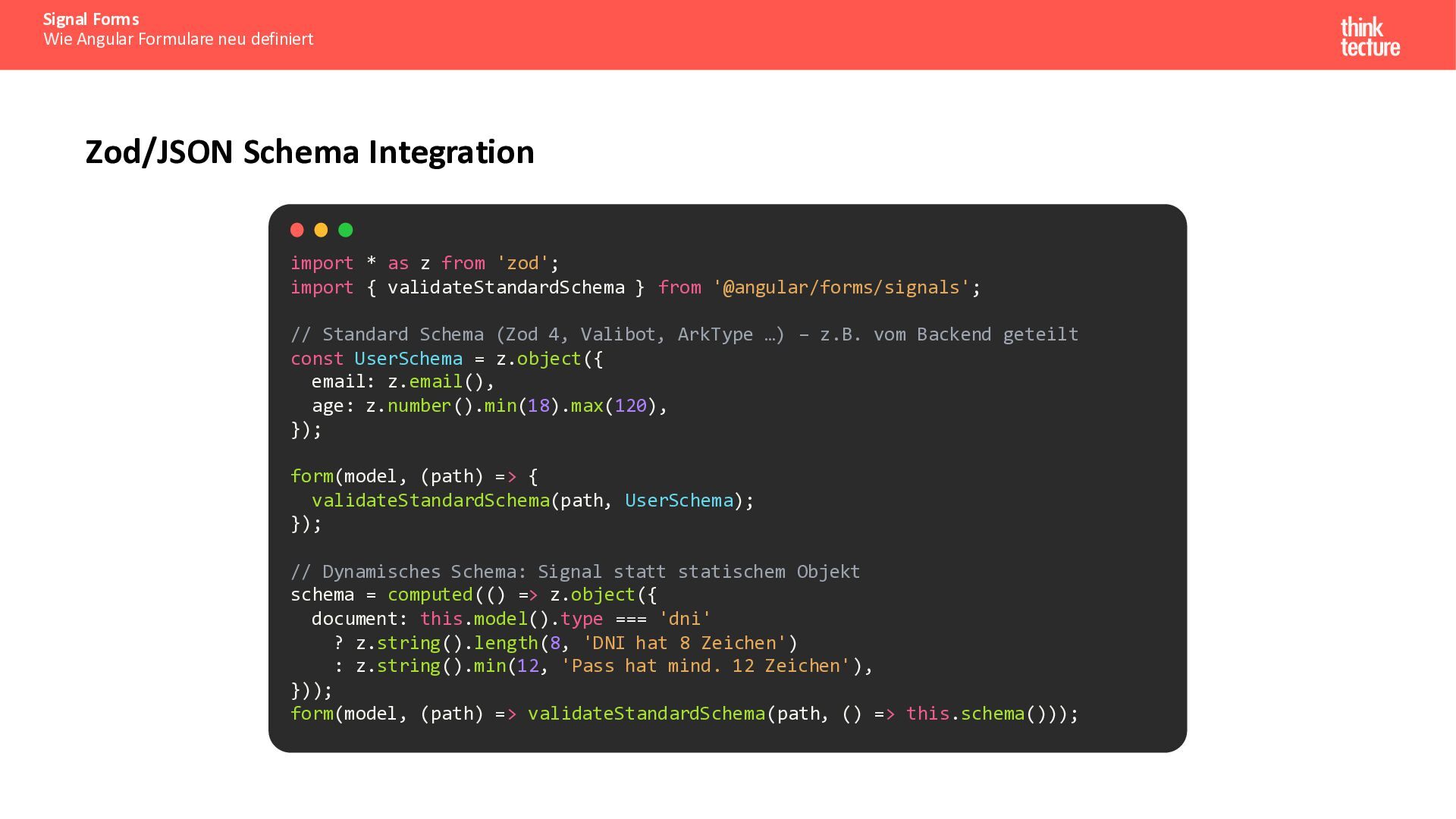
  18. Signal Forms Wie Angular Formulare neu definiert Zod/JSON Schema Integration

    import * as z from 'zod'; import { validateStandardSchema } from '@angular/forms/signals'; // Standard Schema (Zod 4, Valibot, ArkType …) – z.B. vom Backend geteilt const UserSchema = z.object({ email: z.email(), age: z.number().min(18).max(120), }); form(model, (path) => { validateStandardSchema(path, UserSchema); }); // Dynamisches Schema: Signal statt statischem Objekt schema = computed(() => z.object({ document: this.model().type === 'dni' ? z.string().length(8, 'DNI hat 8 Zeichen') : z.string().min(12, 'Pass hat mind. 12 Zeichen'), })); form(model, (path) => validateStandardSchema(path, () => this.schema()));
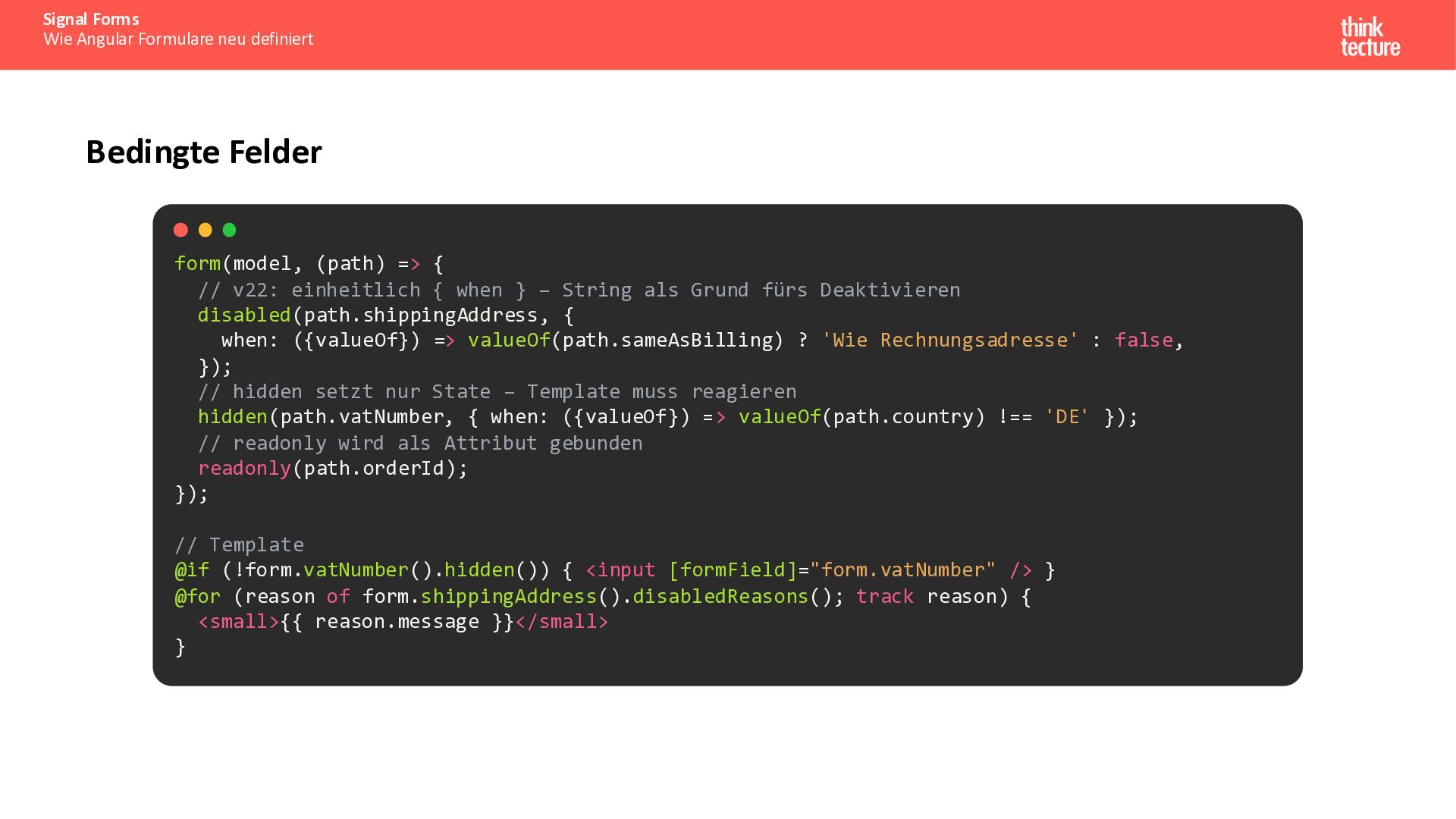
  19. Signal Forms Wie Angular Formulare neu definiert Bedingte Felder form(model,

    (path) => { // v22: einheitlich { when } – String als Grund fürs Deaktivieren disabled(path.shippingAddress, { when: ({valueOf}) => valueOf(path.sameAsBilling) ? 'Wie Rechnungsadresse' : false, }); // hidden setzt nur State – Template muss reagieren hidden(path.vatNumber, { when: ({valueOf}) => valueOf(path.country) !== 'DE' }); // readonly wird als Attribut gebunden readonly(path.orderId); }); // Template @if (!form.vatNumber().hidden()) { <input [formField]="form.vatNumber" /> } @for (reason of form.shippingAddress().disabledReasons(); track reason) { <small>{{ reason.message }}</small> }
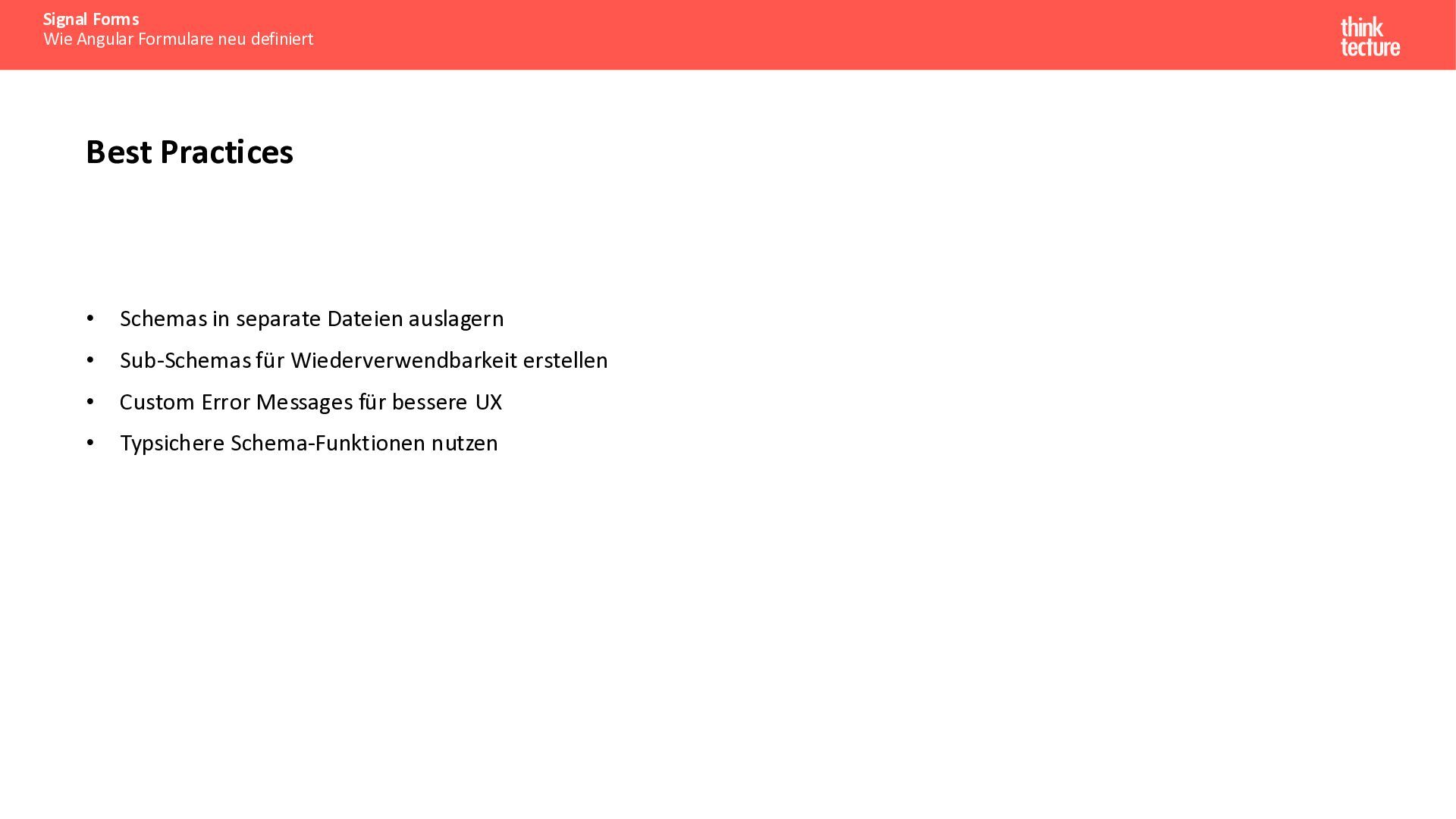
  20. Signal Forms Wie Angular Formulare neu definiert Best Practices •

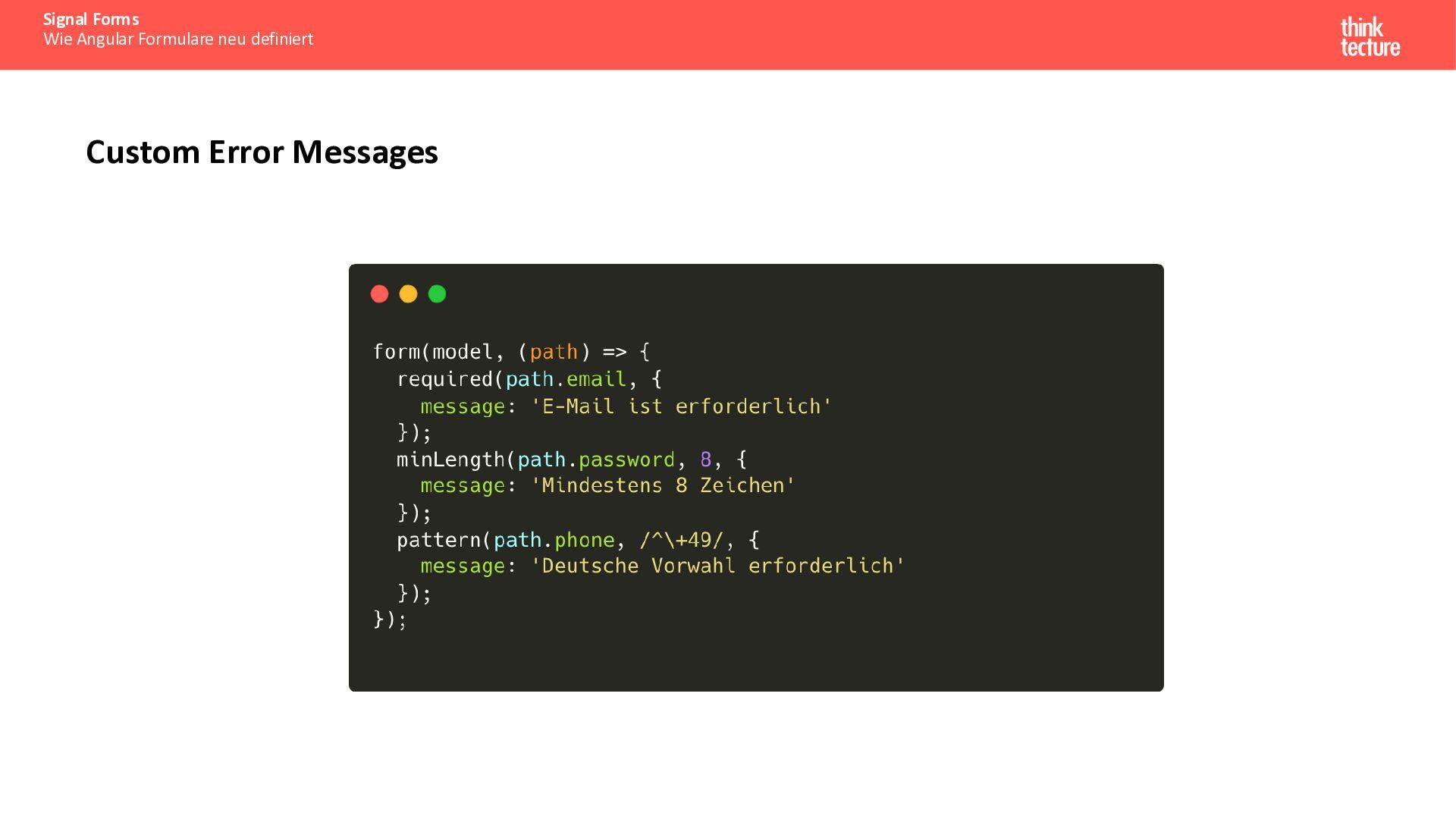
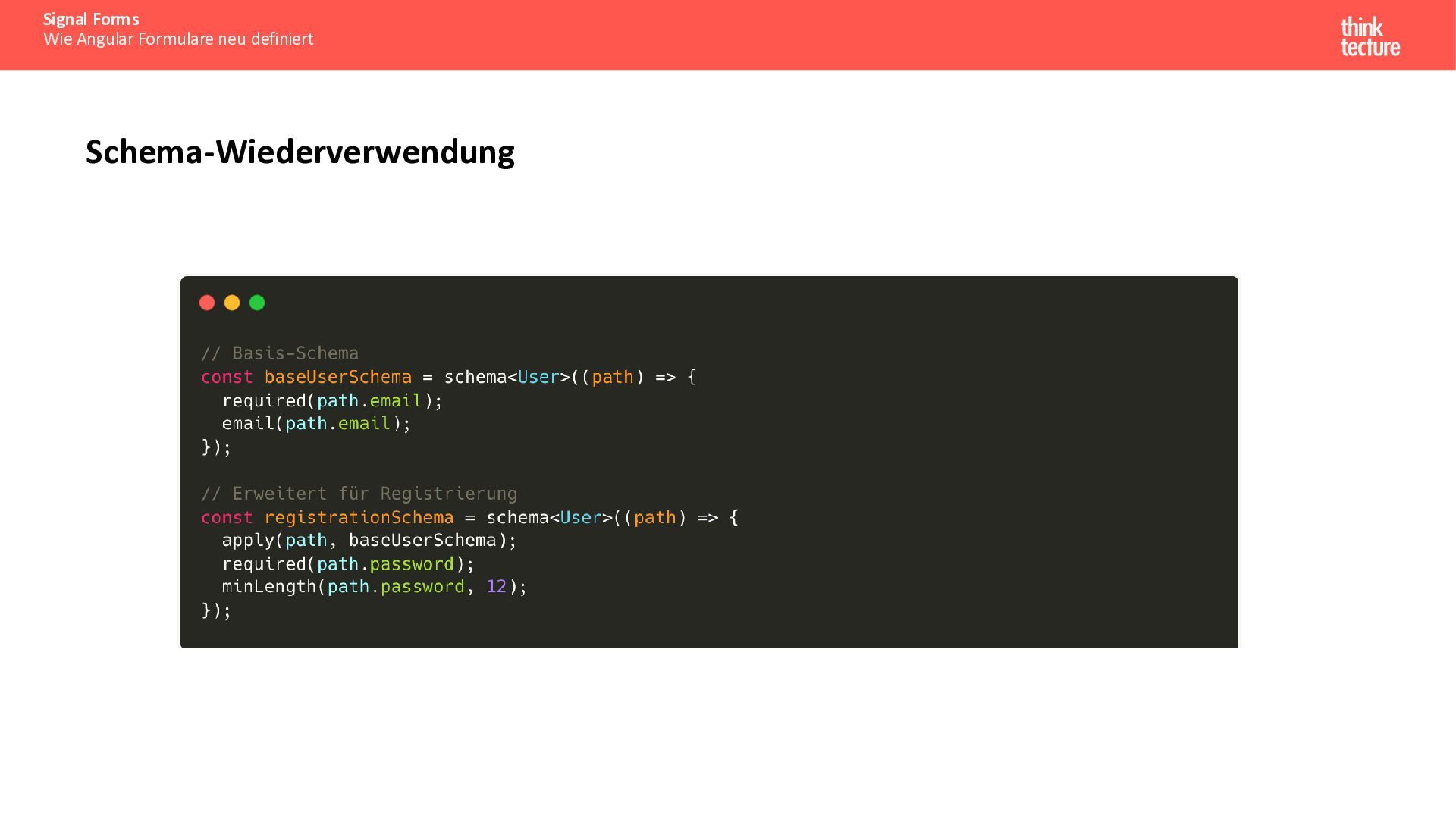
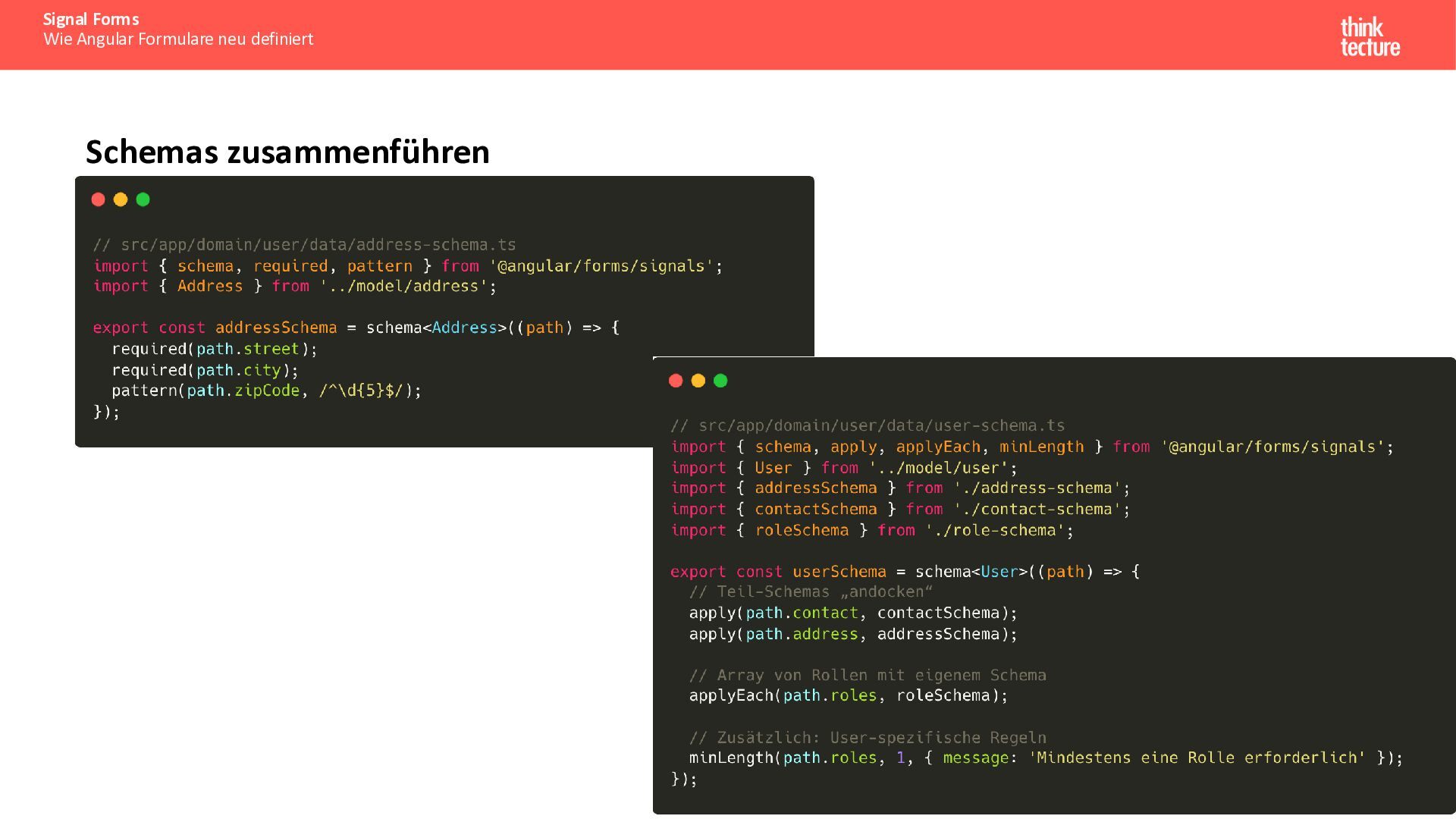
    Schemas in separate Dateien auslagern • Sub-Schemas für Wiederverwendbarkeit erstellen • Custom Error Messages für bessere UX • Typsichere Schema-Funktionen nutzen
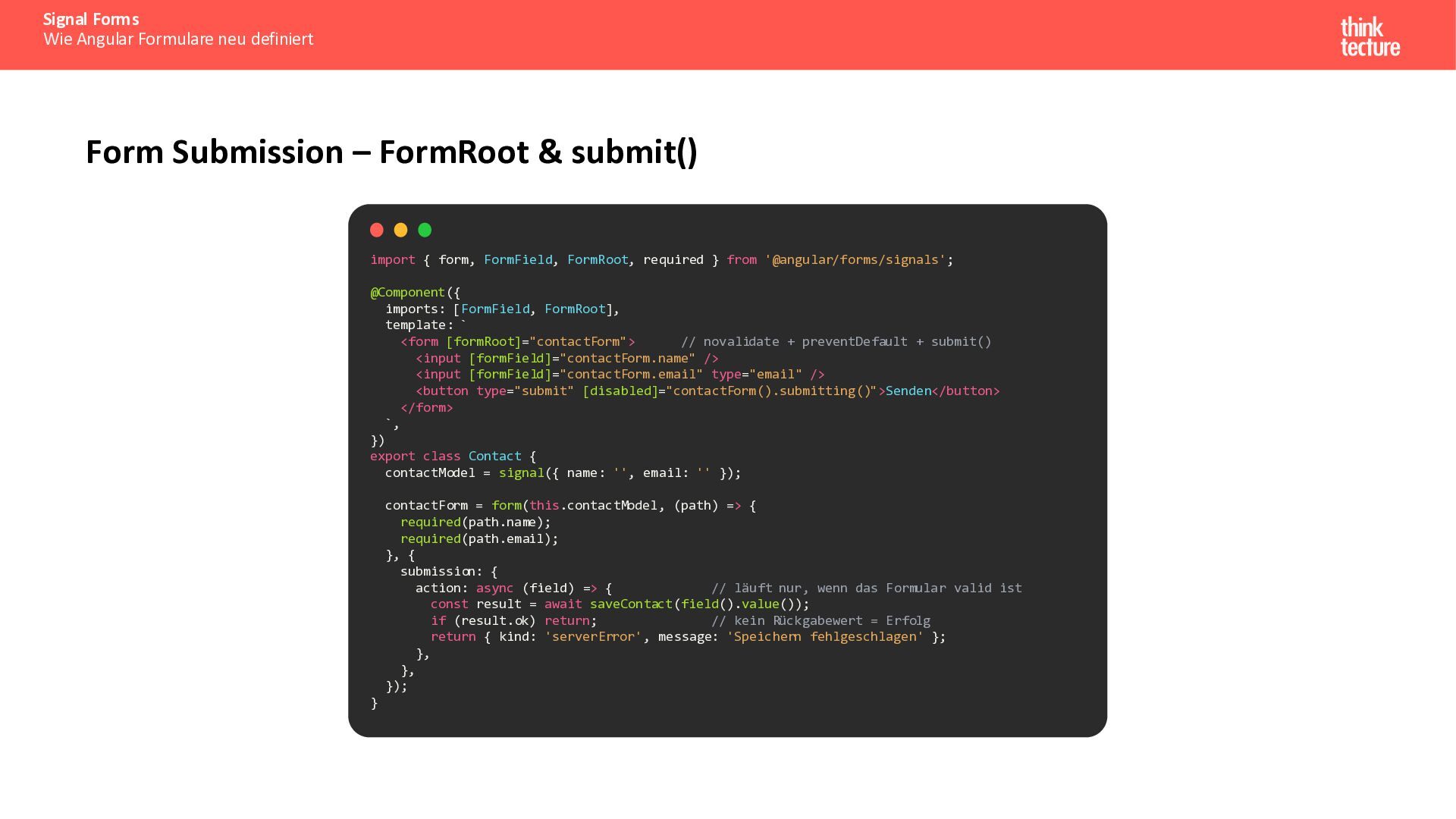
  21. Signal Forms Wie Angular Formulare neu definiert Form Submission –

    FormRoot & submit() import { form, FormField, FormRoot, required } from '@angular/forms/signals'; @Component({ imports: [FormField, FormRoot], template: ` <form [formRoot]="contactForm"> // novalidate + preventDefault + submit() <input [formField]="contactForm.name" /> <input [formField]="contactForm.email" type="email" /> <button type="submit" [disabled]="contactForm().submitting()">Senden</button> </form> `, }) export class Contact { contactModel = signal({ name: '', email: '' }); contactForm = form(this.contactModel, (path) => { required(path.name); required(path.email); }, { submission: { action: async (field) => { // läuft nur, wenn das Formular valid ist const result = await saveContact(field().value()); if (result.ok) return; // kein Rückgabewert = Erfolg return { kind: 'serverError', message: 'Speichern fehlgeschlagen' }; }, }, }); }
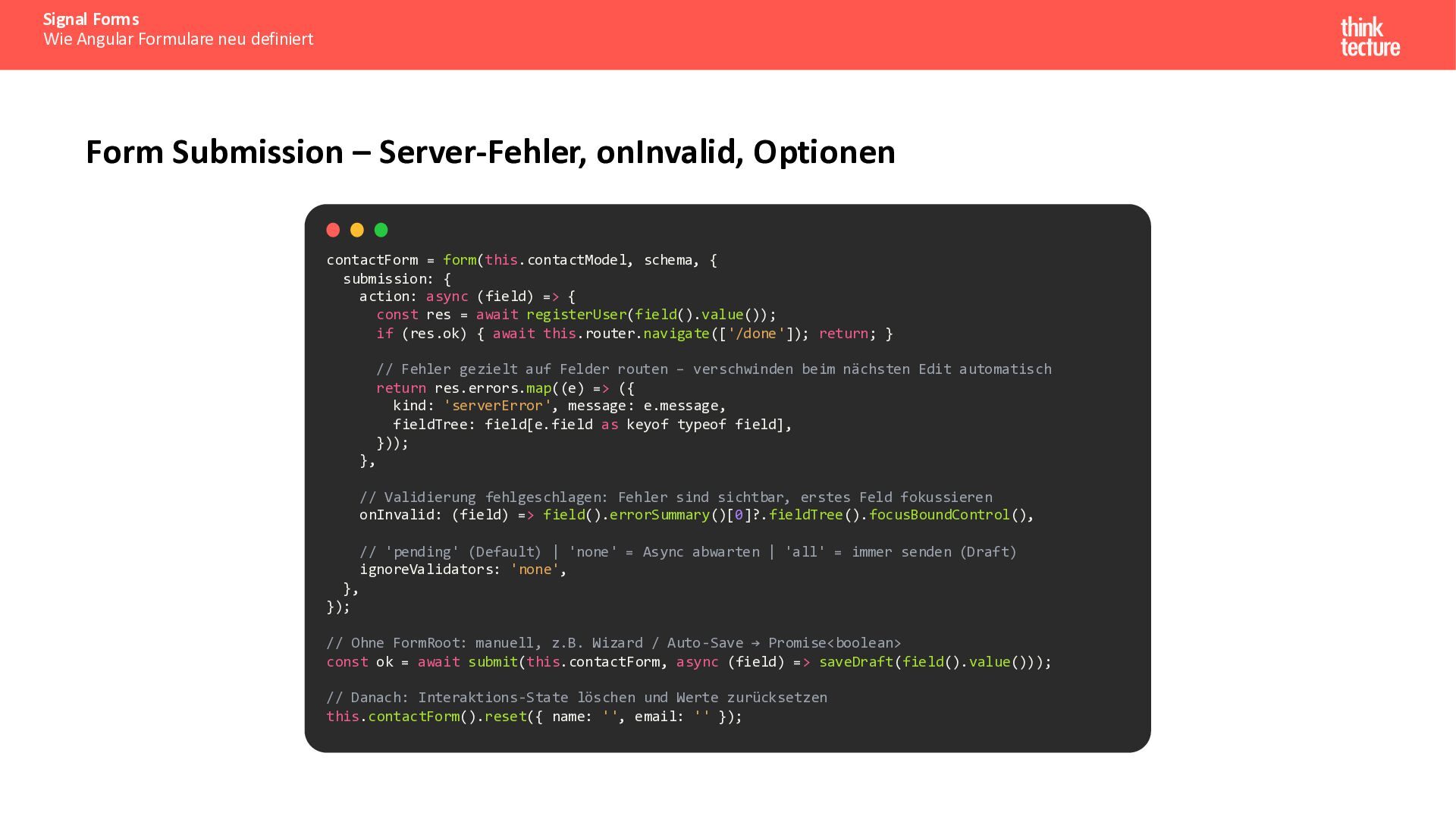
  22. Signal Forms Wie Angular Formulare neu definiert Form Submission –

    Server-Fehler, onInvalid, Optionen contactForm = form(this.contactModel, schema, { submission: { action: async (field) => { const res = await registerUser(field().value()); if (res.ok) { await this.router.navigate(['/done']); return; } // Fehler gezielt auf Felder routen – verschwinden beim nächsten Edit automatisch return res.errors.map((e) => ({ kind: 'serverError', message: e.message, fieldTree: field[e.field as keyof typeof field], })); }, // Validierung fehlgeschlagen: Fehler sind sichtbar, erstes Feld fokussieren onInvalid: (field) => field().errorSummary()[0]?.fieldTree().focusBoundControl(), // 'pending' (Default) | 'none' = Async abwarten | 'all' = immer senden (Draft) ignoreValidators: 'none', }, }); // Ohne FormRoot: manuell, z.B. Wizard / Auto-Save → Promise<boolean> const ok = await submit(this.contactForm, async (field) => saveDraft(field().value())); // Danach: Interaktions-State löschen und Werte zurücksetzen this.contactForm().reset({ name: '', email: '' });
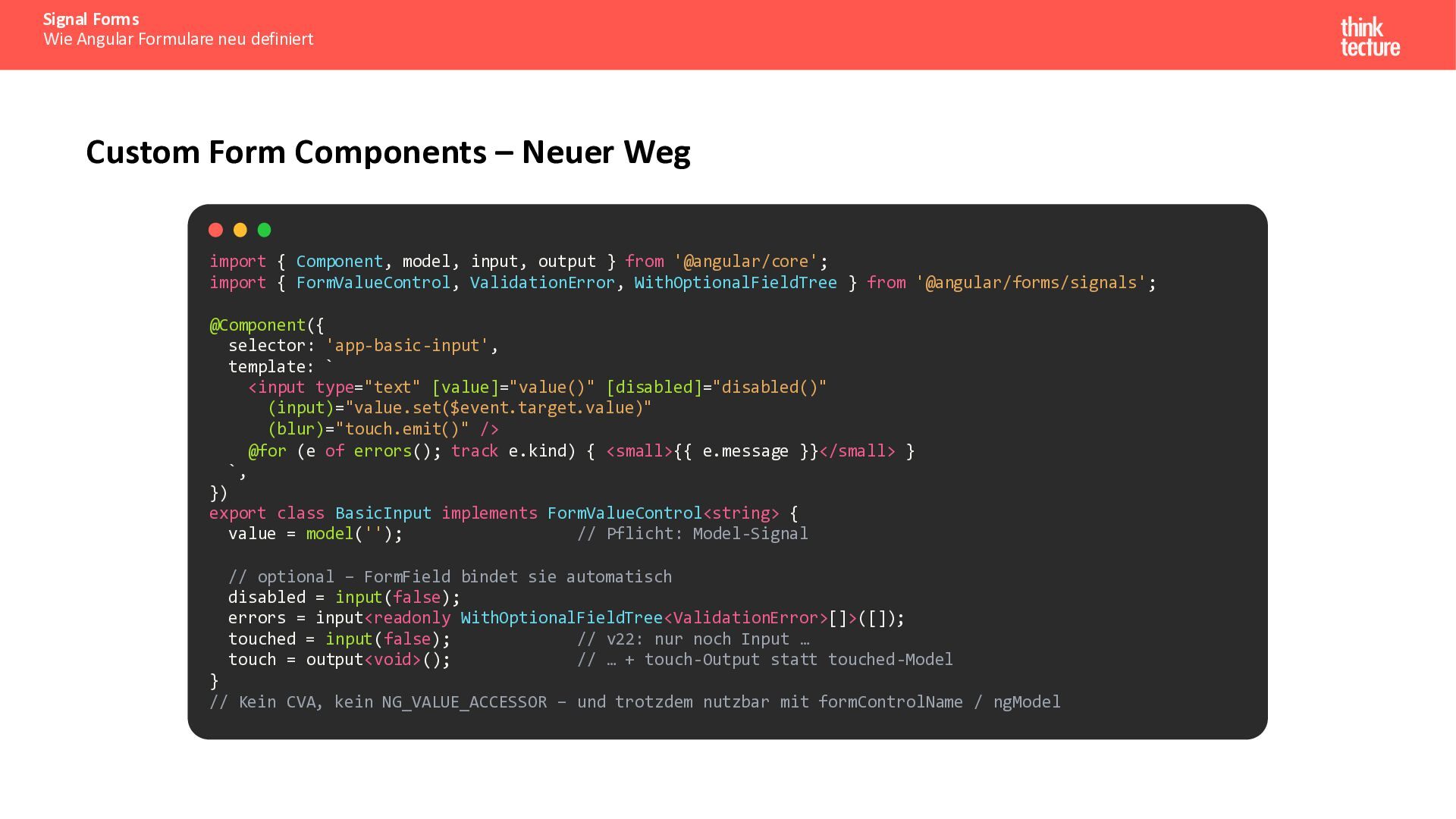
  23. Signal Forms Wie Angular Formulare neu definiert Custom Form Components

    – Neuer Weg import { Component, model, input, output } from '@angular/core'; import { FormValueControl, ValidationError, WithOptionalFieldTree } from '@angular/forms/signals'; @Component({ selector: 'app-basic-input', template: ` <input type="text" [value]="value()" [disabled]="disabled()" (input)="value.set($event.target.value)" (blur)="touch.emit()" /> @for (e of errors(); track e.kind) { <small>{{ e.message }}</small> } `, }) export class BasicInput implements FormValueControl<string> { value = model(''); // Pflicht: Model-Signal // optional – FormField bindet sie automatisch disabled = input(false); errors = input<readonly WithOptionalFieldTree<ValidationError>[]>([]); touched = input(false); // v22: nur noch Input … touch = output<void>(); // … + touch-Output statt touched-Model } // Kein CVA, kein NG_VALUE_ACCESSOR – und trotzdem nutzbar mit formControlName / ngModel
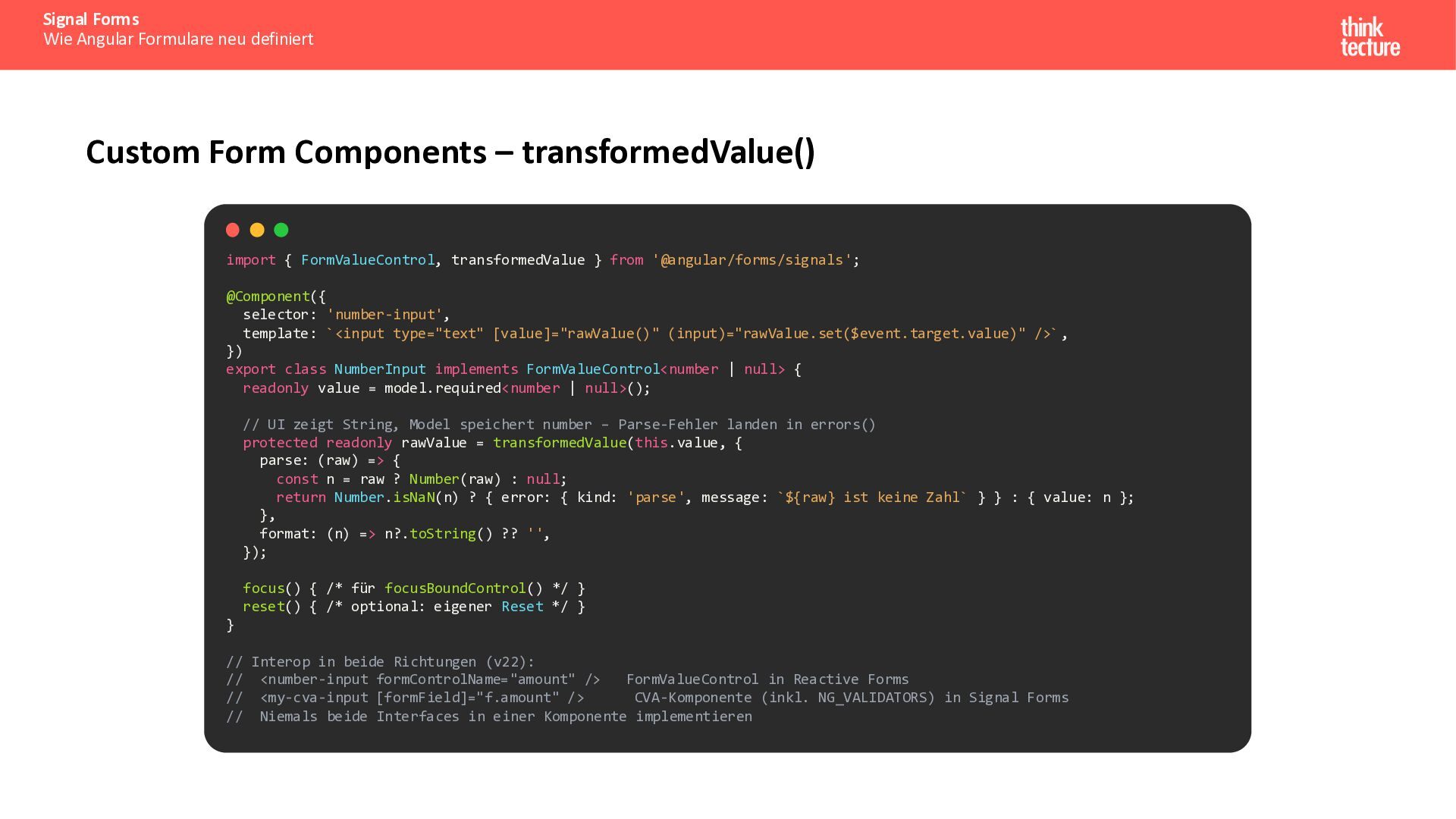
  24. Signal Forms Wie Angular Formulare neu definiert Custom Form Components

    – transformedValue() import { FormValueControl, transformedValue } from '@angular/forms/signals'; @Component({ selector: 'number-input', template: `<input type="text" [value]="rawValue()" (input)="rawValue.set($event.target.value)" />` , }) export class NumberInput implements FormValueControl<number | null> { readonly value = model.required<number | null>(); // UI zeigt String, Model speichert number – Parse-Fehler landen in errors() protected readonly rawValue = transformedValue(this.value, { parse: (raw) => { const n = raw ? Number(raw) : null; return Number.isNaN(n) ? { error: { kind: 'parse', message: `${raw} ist keine Zahl` } } : { value: n }; }, format: (n) => n?.toString() ?? '', }); focus() { /* für focusBoundControl() */ } reset() { /* optional: eigener Reset */ } } // Interop in beide Richtungen (v22): // <number-input formControlName="amount" /> FormValueControl in Reactive Forms // <my-cva-input [formField]="f.amount" /> CVA-Komponente (inkl. NG_VALIDATORS) in Signal Forms // Niemals beide Interfaces in einer Komponente implementieren
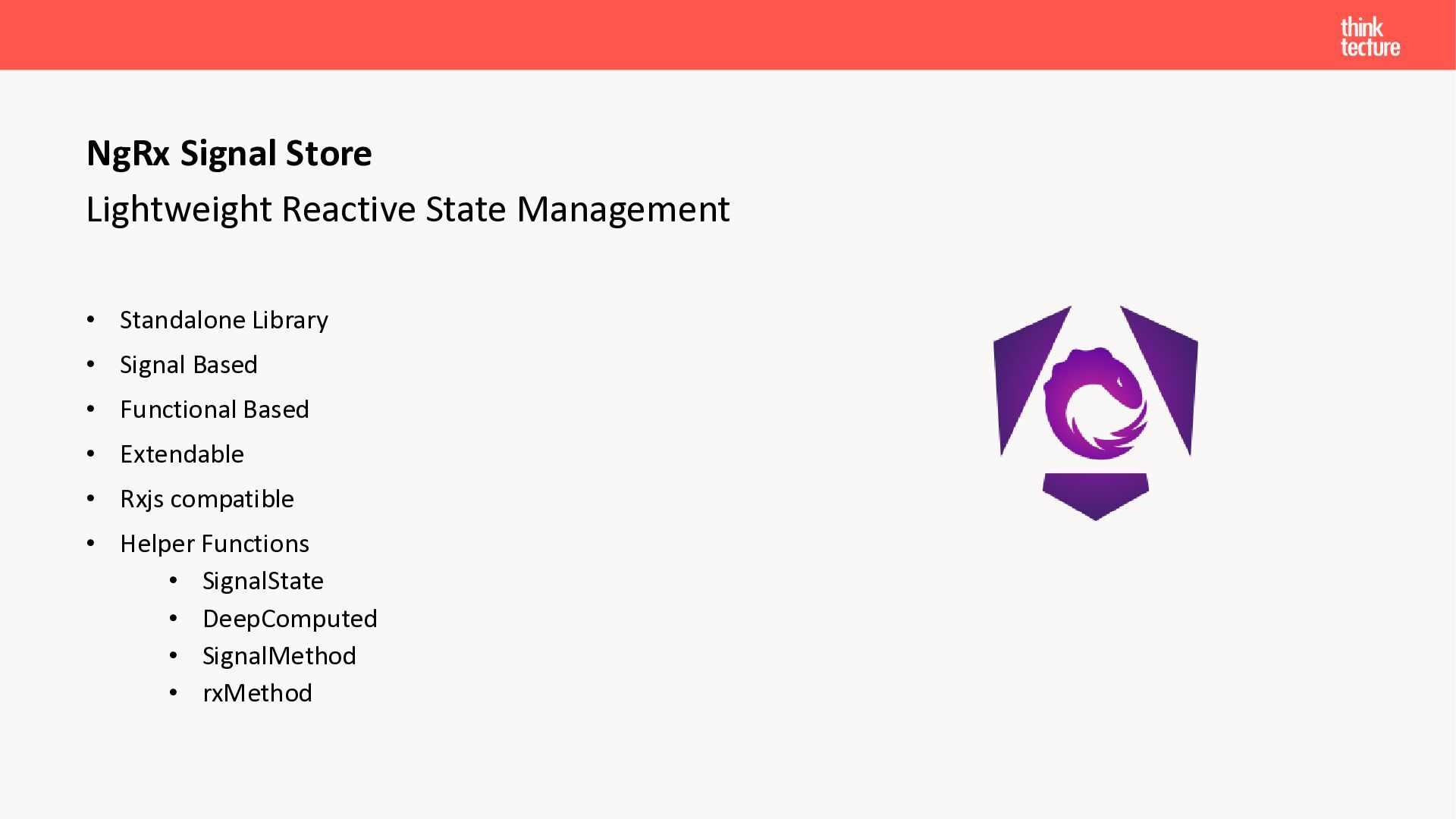
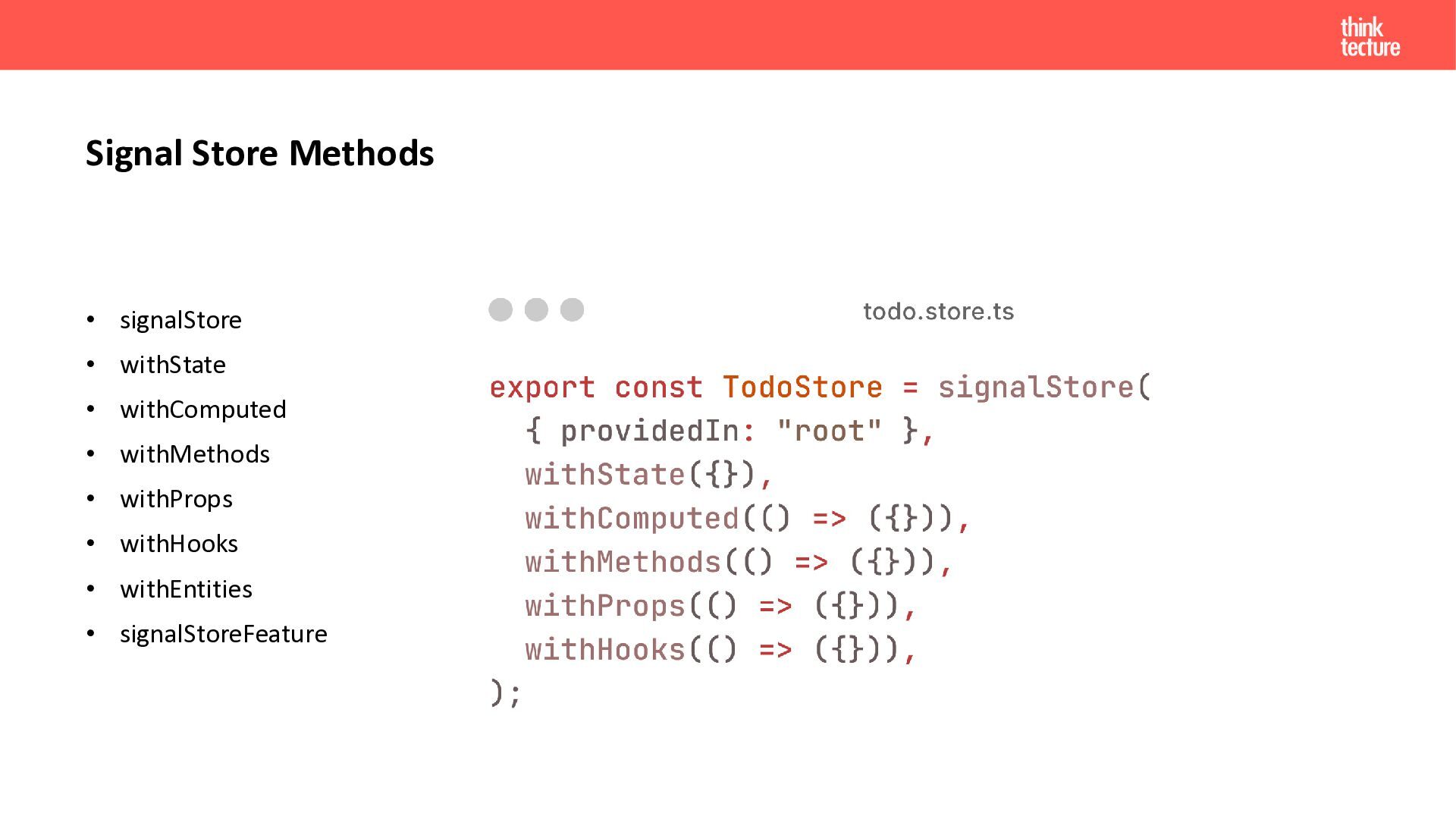
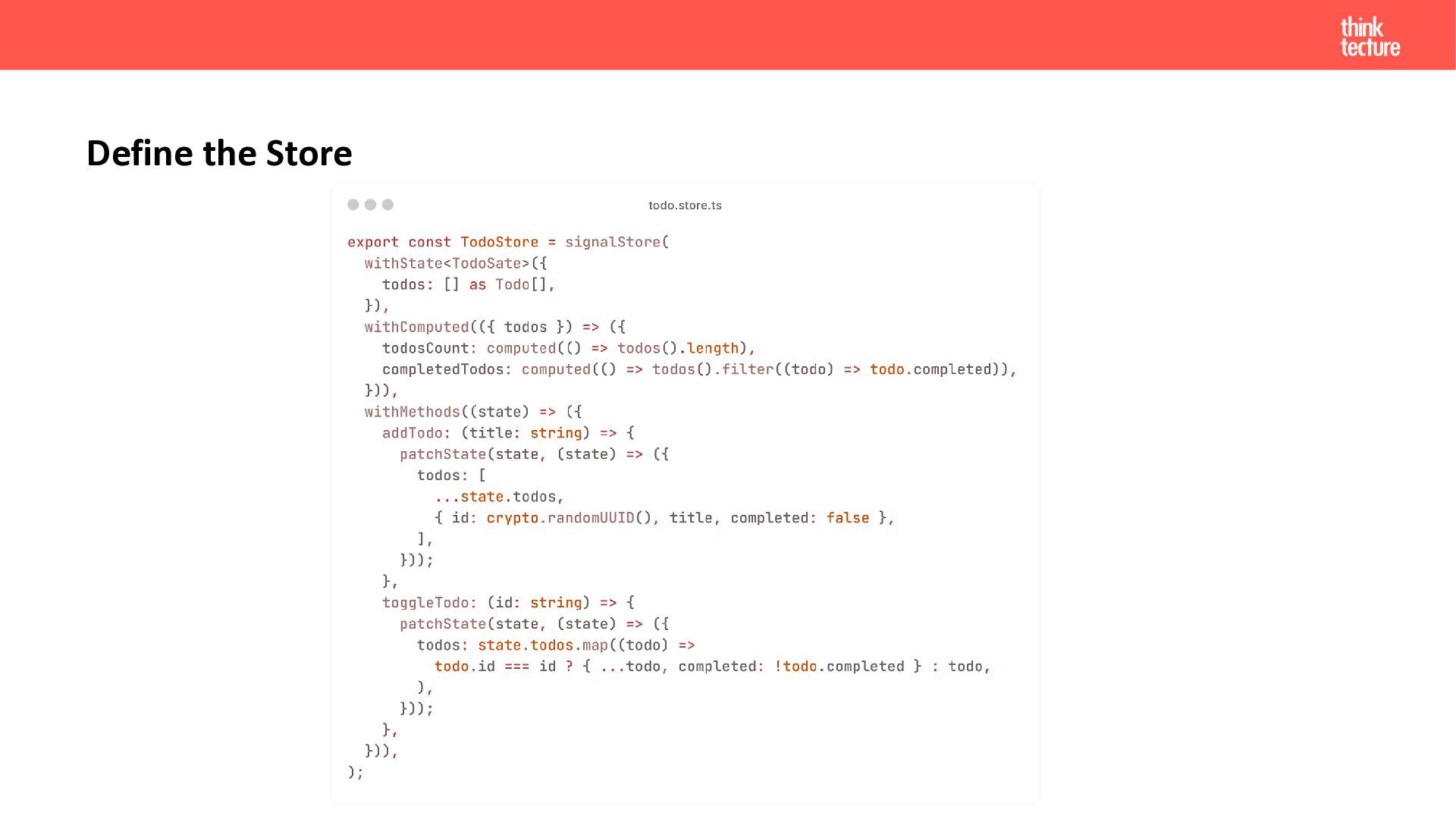
  25. NgRx Signal Store Lightweight Reactive State Management • Standalone Library

    • Signal Based • Functional Based • Extendable • Rxjs compatible • Helper Functions • SignalState • DeepComputed • SignalMethod • rxMethod
  26. Signal Store Methods • signalStore • withState • withComputed •

    withMethods • withProps • withHooks • withEntities • signalStoreFeature
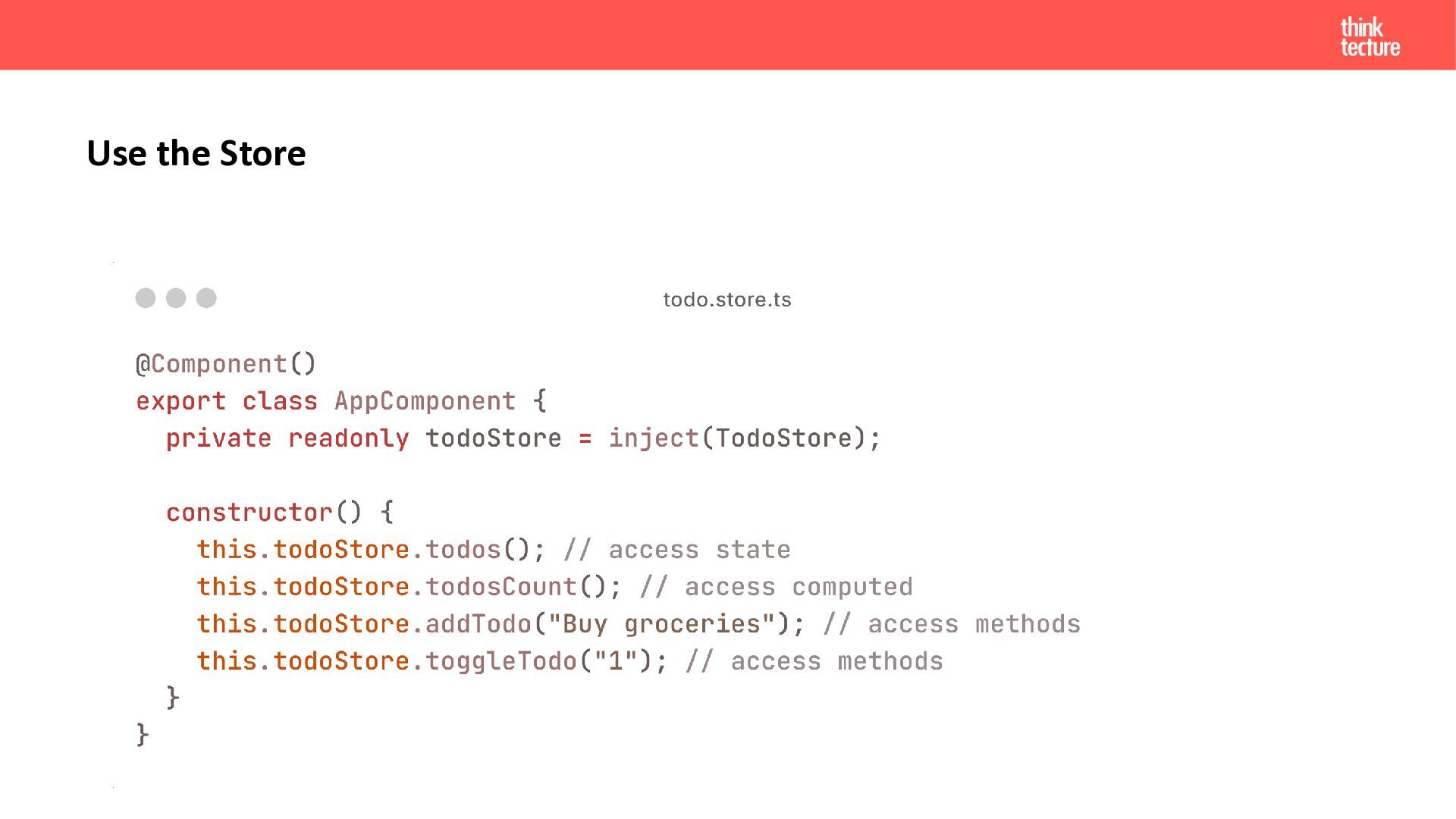
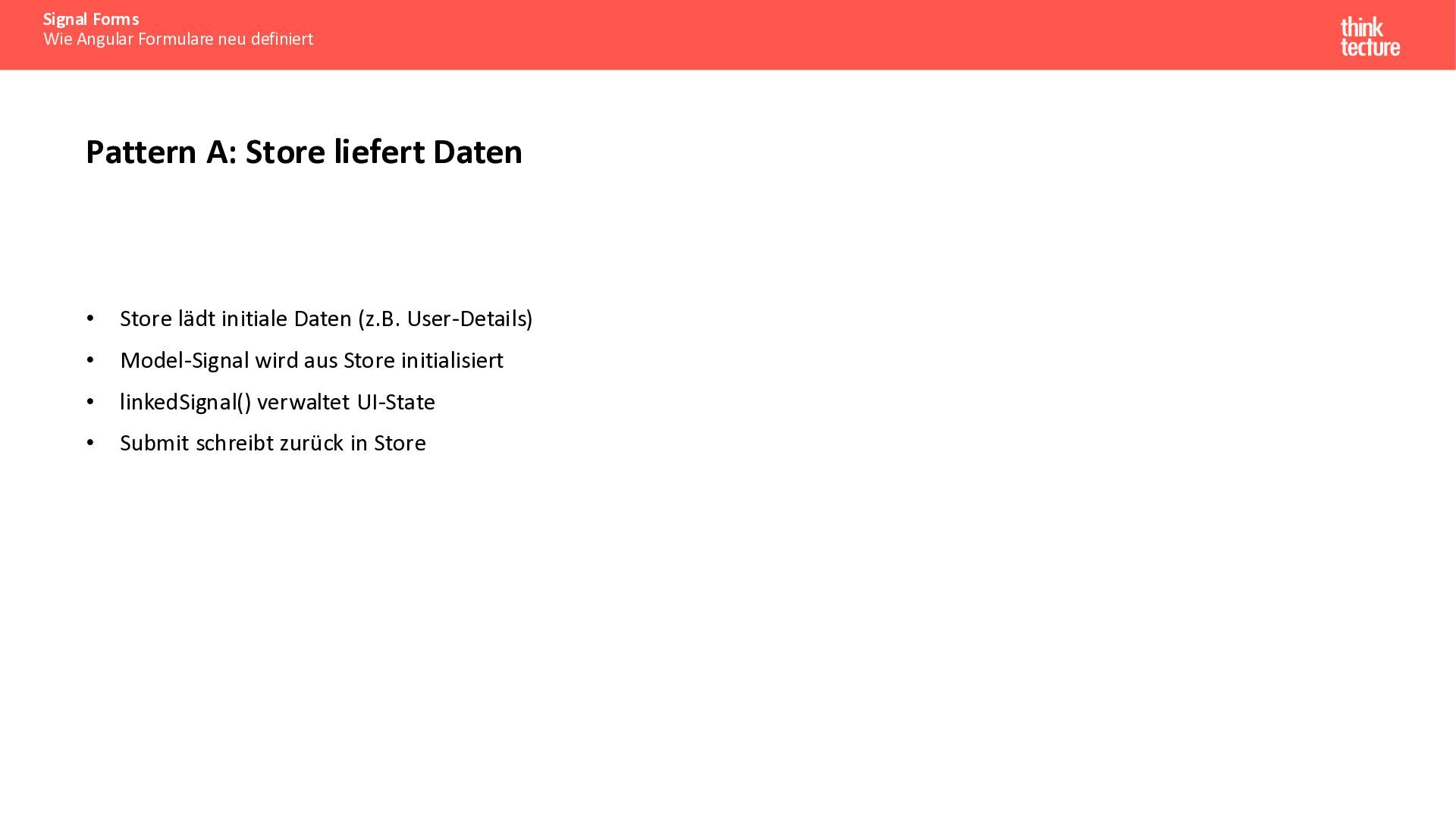
  27. Signal Forms Wie Angular Formulare neu definiert Pattern A: Store

    liefert Daten • Store lädt initiale Daten (z.B. User-Details) • Model-Signal wird aus Store initialisiert • linkedSignal() verwaltet UI-State • Submit schreibt zurück in Store
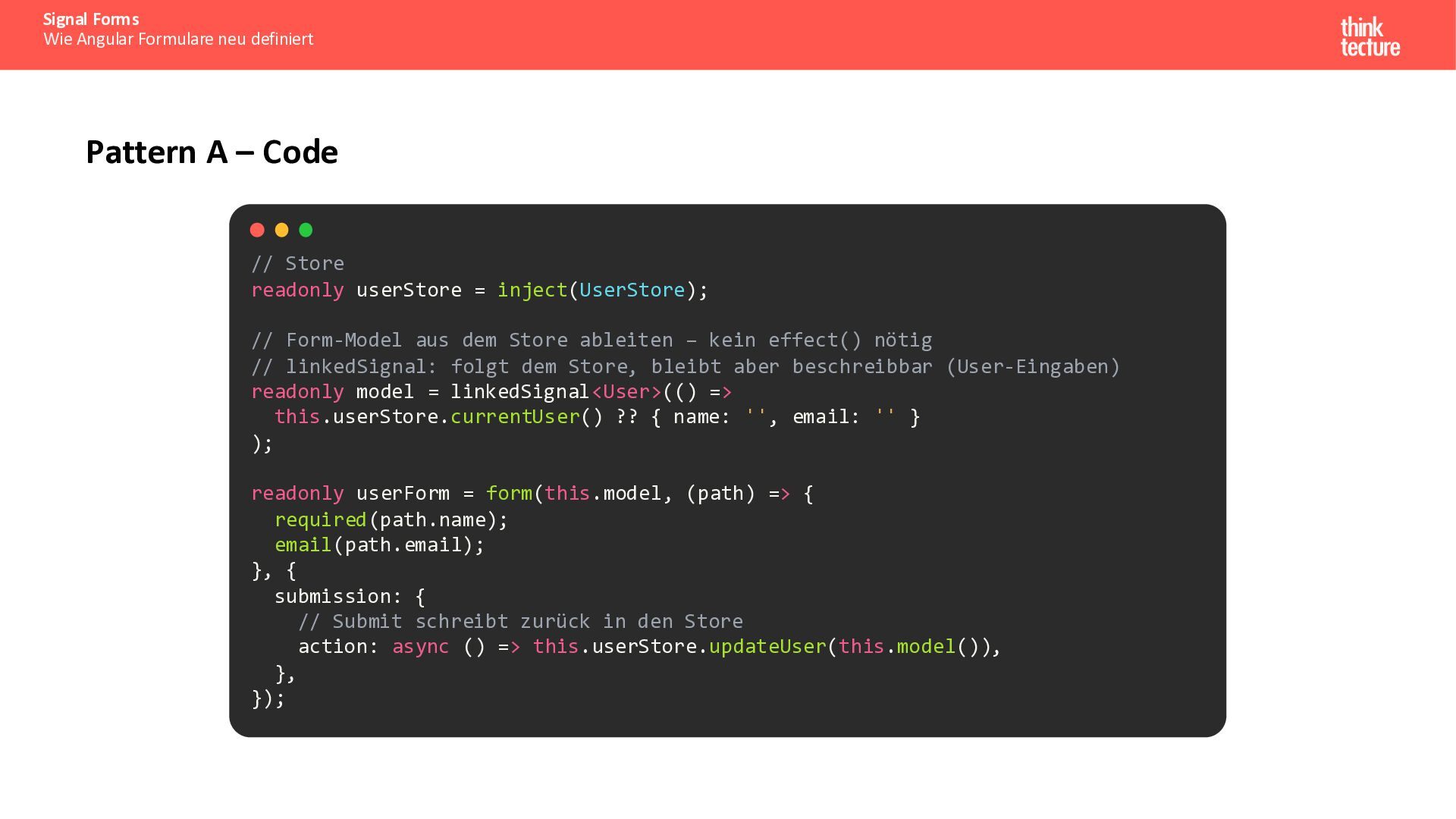
  28. Signal Forms Wie Angular Formulare neu definiert Pattern A –

    Code // Store readonly userStore = inject(UserStore); // Form-Model aus dem Store ableiten – kein effect() nötig // linkedSignal: folgt dem Store, bleibt aber beschreibbar (User-Eingaben) readonly model = linkedSignal<User>(() => this.userStore.currentUser() ?? { name: '', email: '' } ); readonly userForm = form(this.model, (path) => { required(path.name); email(path.email); }, { submission: { // Submit schreibt zurück in den Store action: async () => this.userStore.updateUser(this.model()), }, });
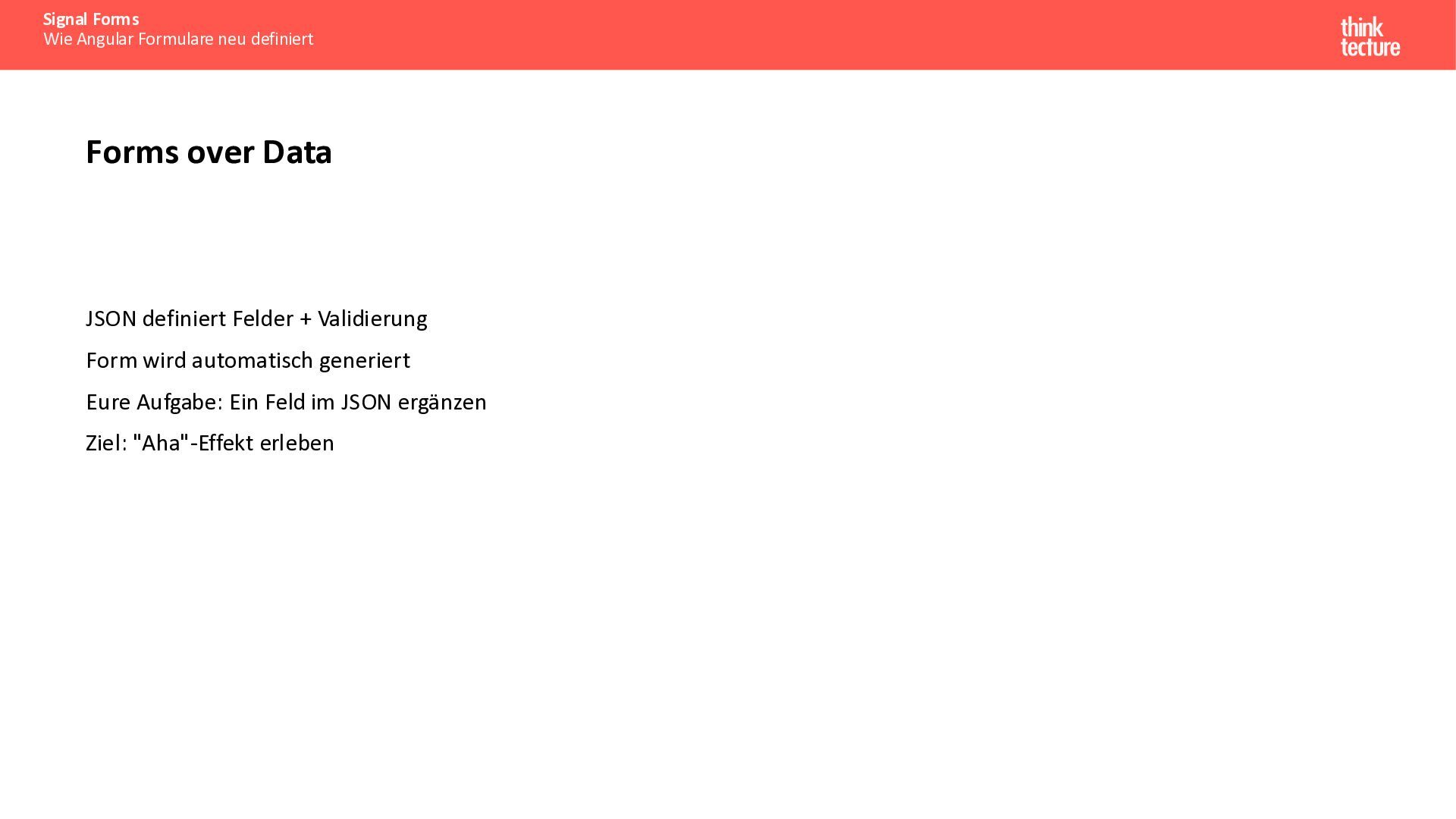
  29. Signal Forms Wie Angular Formulare neu definiert Forms over Data

    JSON definiert Felder + Validierung Form wird automatisch generiert Eure Aufgabe: Ein Feld im JSON ergänzen Ziel: "Aha"-Effekt erleben
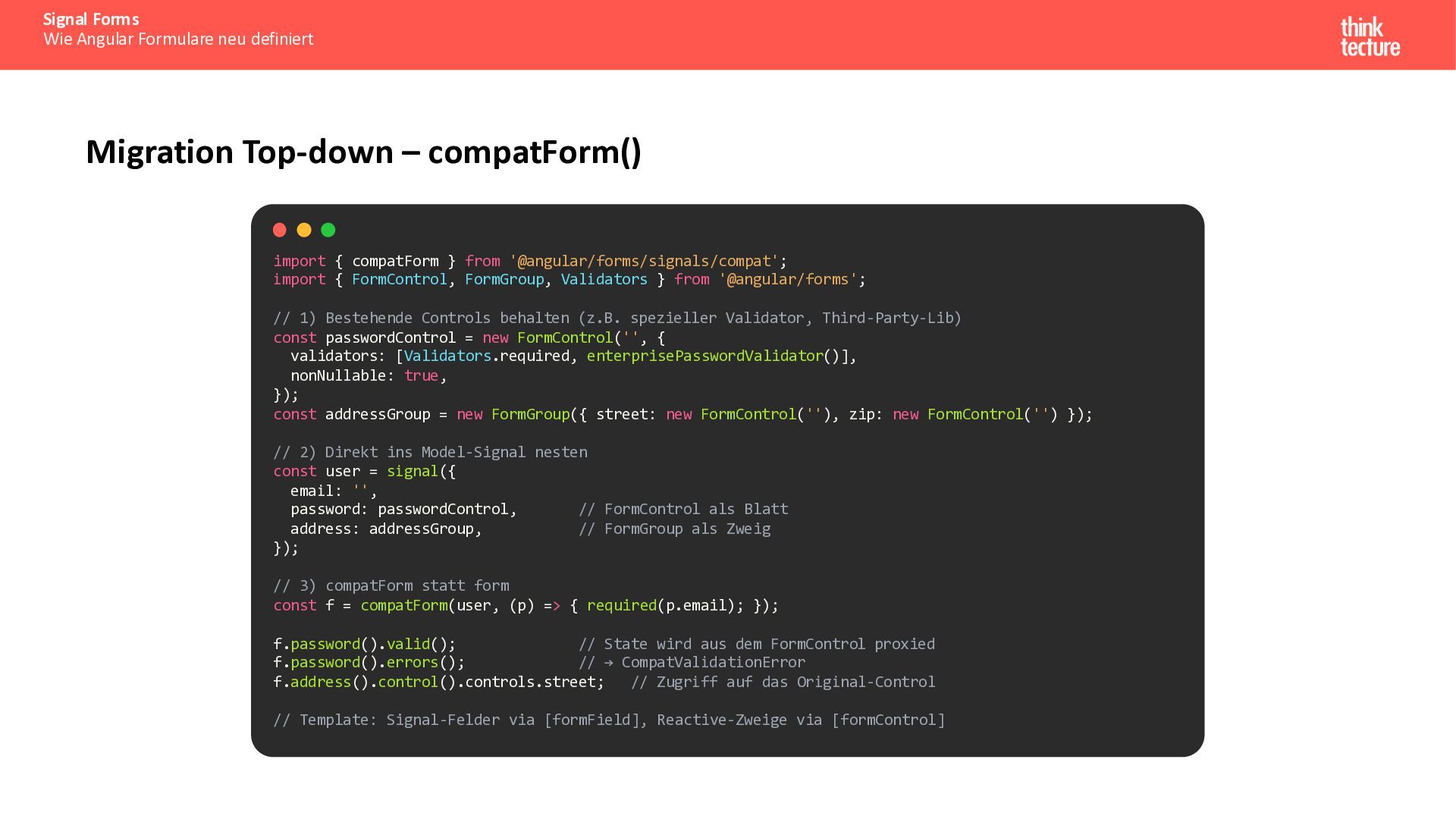
  30. Signal Forms Wie Angular Formulare neu definiert Migration Top-down –

    compatForm() import { compatForm } from '@angular/forms/signals/compat'; import { FormControl, FormGroup, Validators } from '@angular/forms'; // 1) Bestehende Controls behalten (z.B. spezieller Validator, Third-Party-Lib) const passwordControl = new FormControl('', { validators: [Validators.required, enterprisePasswordValidator()], nonNullable: true, }); const addressGroup = new FormGroup({ street: new FormControl(''), zip: new FormControl('') }); // 2) Direkt ins Model-Signal nesten const user = signal({ email: '', password: passwordControl, // FormControl als Blatt address: addressGroup, // FormGroup als Zweig }); // 3) compatForm statt form const f = compatForm(user, (p) => { required(p.email); }); f.password().valid(); // State wird aus dem FormControl proxied f.password().errors(); // → CompatValidationError f.address().control().controls.street; // Zugriff auf das Original-Control // Template: Signal-Felder via [formField], Reactive-Zweige via [formControl]
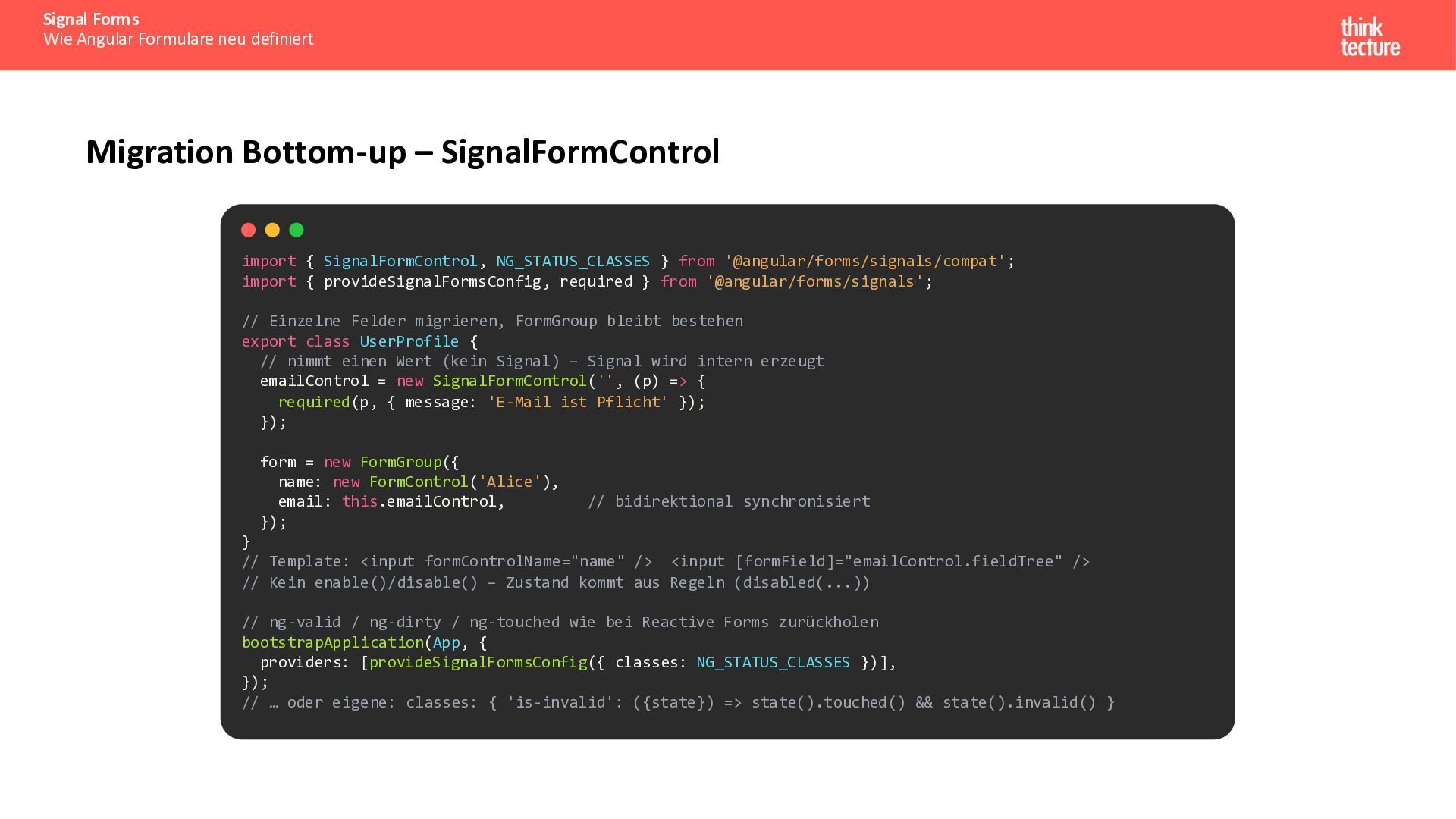
  31. Signal Forms Wie Angular Formulare neu definiert Migration Bottom-up –

    SignalFormControl import { SignalFormControl, NG_STATUS_CLASSES } from '@angular/forms/signals/compat'; import { provideSignalFormsConfig, required } from '@angular/forms/signals'; // Einzelne Felder migrieren, FormGroup bleibt bestehen export class UserProfile { // nimmt einen Wert (kein Signal) – Signal wird intern erzeugt emailControl = new SignalFormControl('', (p) => { required(p, { message: 'E-Mail ist Pflicht' }); }); form = new FormGroup({ name: new FormControl('Alice'), email: this.emailControl, }); // bidirektional synchronisiert } // Template: <input formControlName="name" /> <input [formField]="emailControl.fieldTree" /> // Kein enable()/disable() – Zustand kommt aus Regeln (disabled(...)) // ng-valid / ng-dirty / ng-touched wie bei Reactive Forms zurückholen bootstrapApplication(App, { providers: [provideSignalFormsConfig({ classes: NG_STATUS_CLASSES })], }); // … oder eigene: classes: { 'is-invalid': ({state}) => state().touched() && state().invalid() }
  32. Signal Forms Wie Angular Formulare neu definiert Best Practices Model-Signal

    als Single Source of Truth Immutable Updates mit Spread-Operator Schema-basierte Validierung bevorzugen Schemas wiederverwenden und komponieren
  33. Signal Forms Wie Angular Formulare neu definiert Wann welche API

    nutzen? Signal Forms (stable seit v22) Neue Projekte und Signal-basierte Apps, Typsicherheit aus dem Model, Schema-Validierung (sync + async via validateHttp / validateAsync) Reactive Forms Bestehende Apps mit vielen Formularen, keine Pflicht zur Migration – bleiben vollständig unterstützt Schrittweise Migration compatForm() bettet FormControl / FormGroup in ein Signal Form ein, SignalFormControl bringt Signal-Felder in eine FormGroup, FormValueControl läuft in beiden Welten
  34. Signal Forms Wie Angular Formulare neu definiert Zusammenfassung Signal Forms:

    Model-First mit automatischer Reaktivität, seit Angular 22 stable Weniger Boilerplate als Reactive Forms, kein ControlValueAccessor Schema-basierte Validierung (sync + async), komponierbar mit schema() / apply() Submission mit FormRoot, submit() und Server-Fehlern direkt am Feld Migration schrittweise über compatForm() und SignalFormControl Passt zum Default: OnPush (v22) + Zoneless (v21) Dokumentation: angular.dev/guide/forms/signals/overview
  35. Signal Forms Wie Angular Formulare neu definiert Neu seit Angular

    22 (Stand Oktober 2026) Stable – @angular/forms/signals ist seit v22 (Juni 2026) kein Experiment mehr Breaking: { when } statt Funktion direkt in disabled() / hidden() / readonly() · touched ist Input + touch-Output · markAsTouched() markiert auch Kinder Submission: FormRoot, submission.action / onInvalid / ignoreValidators, submitting(), reset() Validierung: minDate() / maxDate(), getError(), validateTree(), reloadValidation(), debounce('blur'), debounce-Option in validateHttp / validateAsync Controls: transformedValue() mit Parse-Errors, focus() / reset(), Interop mit CVA und formControlName Migration: compatForm(), SignalFormControl, NG_STATUS_CLASSES Doku: 16 Guides inkl. Testing, Model Design und Dynamic Forms with JSON · Material und Aria unterstützen [formField]