containing a group of functions that can be added to a WordPress website. It can extend functionality or add new features to your WordPress website. Plugins are written in PHP. Two usually come by default in every WordPress installation.
containing a group of functions that can be added to a WordPress website. It can extend functionality or add new features to your WordPress website. Plugins are written in PHP. Two usually come by default in every WordPress installation.
containing a group of functions that can be added to a WordPress website. It can extend functionality or add new features to your WordPress website. Plugins are written in PHP. Two usually come by default in every WordPress installation.
containing a group of functions that can be added to a WordPress website. It can extend functionality or add new features to your WordPress website. Plugins are written in PHP. Two usually come by default in every WordPress installation.
to add to your site. In some cases, a theme could come with a feature you might need. Arrange them in order of importance. A single plugin may meet two or more of your needs. Focus on quality and not quantity.
to add to your site. In some cases, a theme could come with a feature you might need. Arrange them in order of importance. A single plugin may meet two or more of your needs. Focus on quality and not quantity.
to add to your site. In some cases, a theme could come with a feature you might need. Arrange them in order of importance. A single plugin may meet two or more of your needs. Focus on quality and not quantity.
to add to your site. In some cases, a theme could come with a feature you might need. Arrange them in order of importance. A single plugin may meet two or more of your needs. Focus on quality and not quantity.
to add to your site. In some cases, a theme could come with a feature you might need. Arrange them in order of importance. A single plugin may meet two or more of your needs. Focus on quality and not quantity.
engine. Decide if you want to pay for a plugin or use a free one. Search and browse by tags or categories. Search and browse by name. Check out featured plugins listed in the WordPress repository.
engine. Decide if you want to pay for a plugin or use a free one. Search and browse by tags or categories. Search and browse by name. Check out featured plugins listed in the WordPress repository.
engine. Decide if you want to pay for a plugin or use a free one. Search and browse by tags or categories. Search and browse by name. Check out featured plugins listed in the WordPress repository.
engine. Decide if you want to pay for a plugin or use a free one. Search and browse by tags or categories. Search and browse by name. Check out featured plugins listed in the WordPress repository.
engine. Decide if you want to pay for a plugin or use a free one. Search and browse by tags or categories. Search and browse by name. Check out featured plugins listed in the WordPress repository.
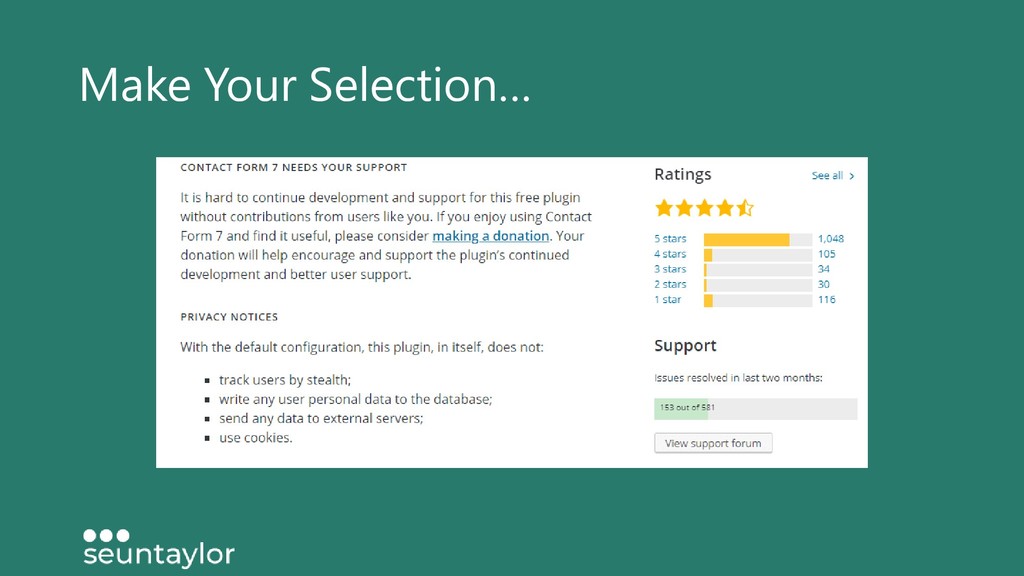
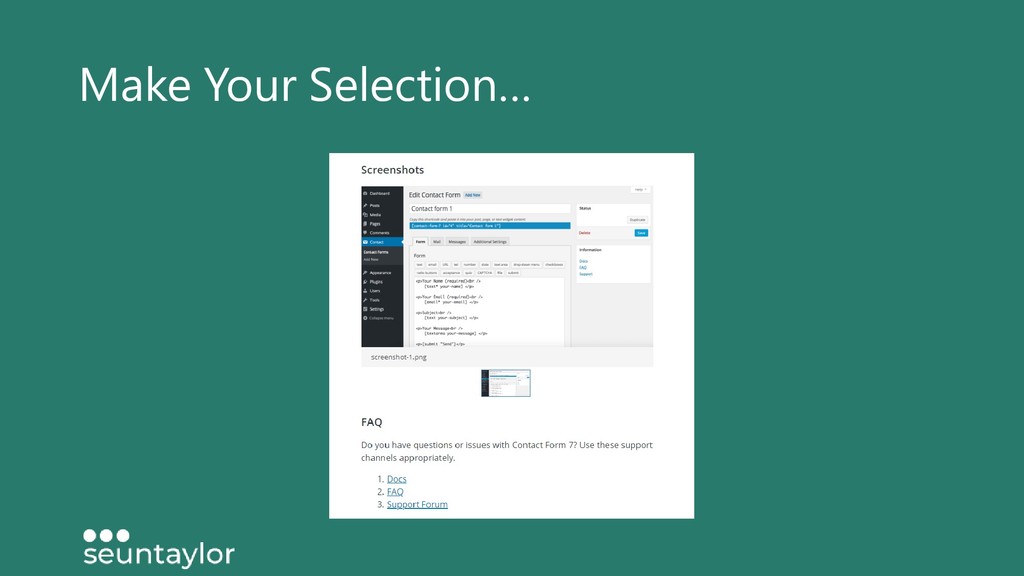
or reject. Don’t just uninstall it – DELETE IT! Keep them updated and take a quick look at the changes. Leave a review and a rating. Get in touch with the developer, share a thought, a suggestion, a complaint. Say thank you!


 baasie
 morganepeng
 lara
lara
 hannesfritz
 jeffersonlam
 maggiecrowley
 destraynor
 mojombo
.jpg) cargoodrich
cargoodrich
 rabernat
 andyhume
 ipullrank