Upgrade to Pro — share decks privately, control downloads, hide ads and more …

SE554-Week1

Sponsored · Ship Features Fearlessly Turn features on and off without deploys. Used by thousands of Ruby developers. →
Avatar for Ken Yu Ken Yu
January 13, 2013

 SE554-Week1

Avatar for Ken Yu

Ken Yu

January 13, 2013

Other Decks in Programming

Transcript

  1. Instructor information •Ken or Mr. Yu •Email: [email protected] •Please use

    D2L discussion board as much as possible to leverage other students •Email •PLEASE put SE554 – in the subject title, otherwise, you may be blocked as SPAM. •If you do NOT get a response within 24 hours, please drop me a reminder.
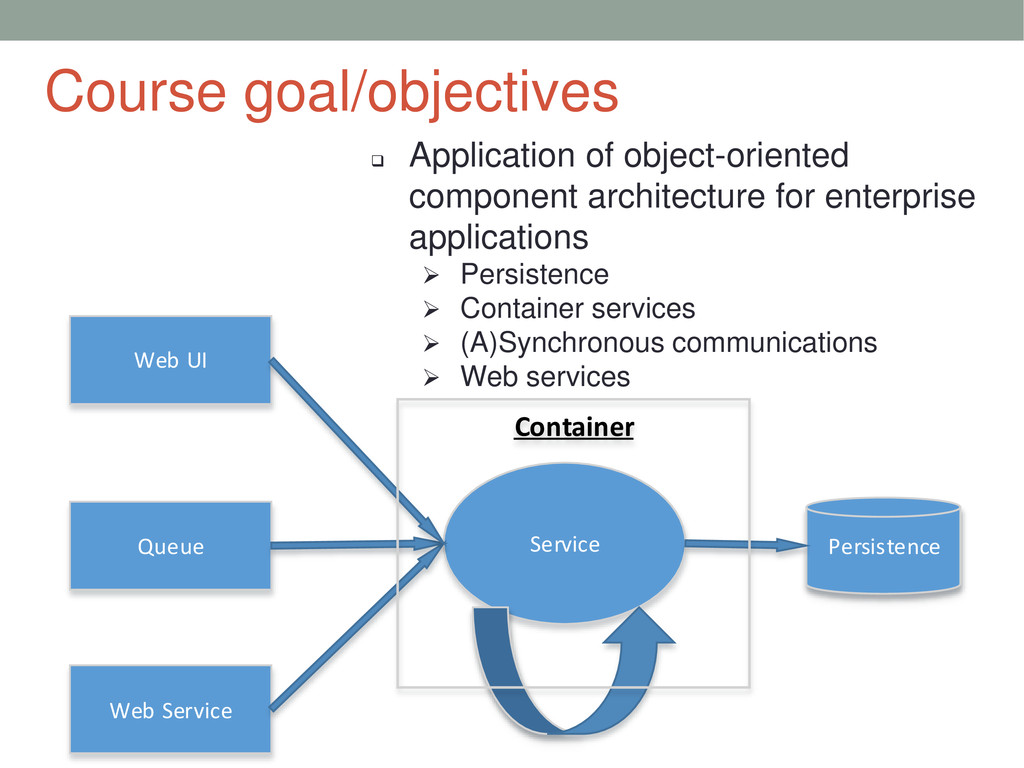
  2. Course goal/objectives  Application of object-oriented component architecture for enterprise

    applications  Persistence  Container services  (A)Synchronous communications  Web services Web UI Service Web Service Queue Persistence Container
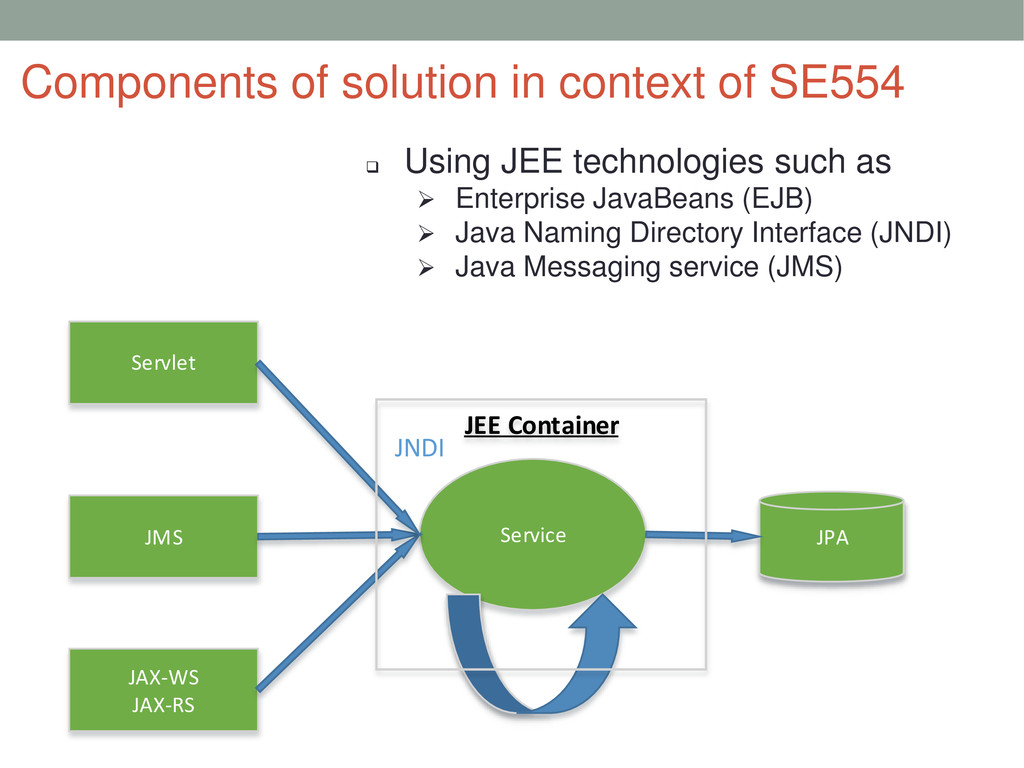
  3.  Using JEE technologies such as  Enterprise JavaBeans (EJB)

     Java Naming Directory Interface (JNDI)  Java Messaging service (JMS) Components of solution in context of SE554 Servlet Service JAX-WS JAX-RS JMS JPA JEE Container JNDI
  4. Syllabus •Textbook •Reading suggested chapters in schedule •Optional text, look

    at section/chapters in the book •If you don’t need to have physical book, consider using DePaul online library (specifically Safari and Books24x7) at link below •http://library.depaul.edu/Find/resourceList.aspx?s=89 •Look for additional reading/supportive materials during class •Schedule •Class participation expectation
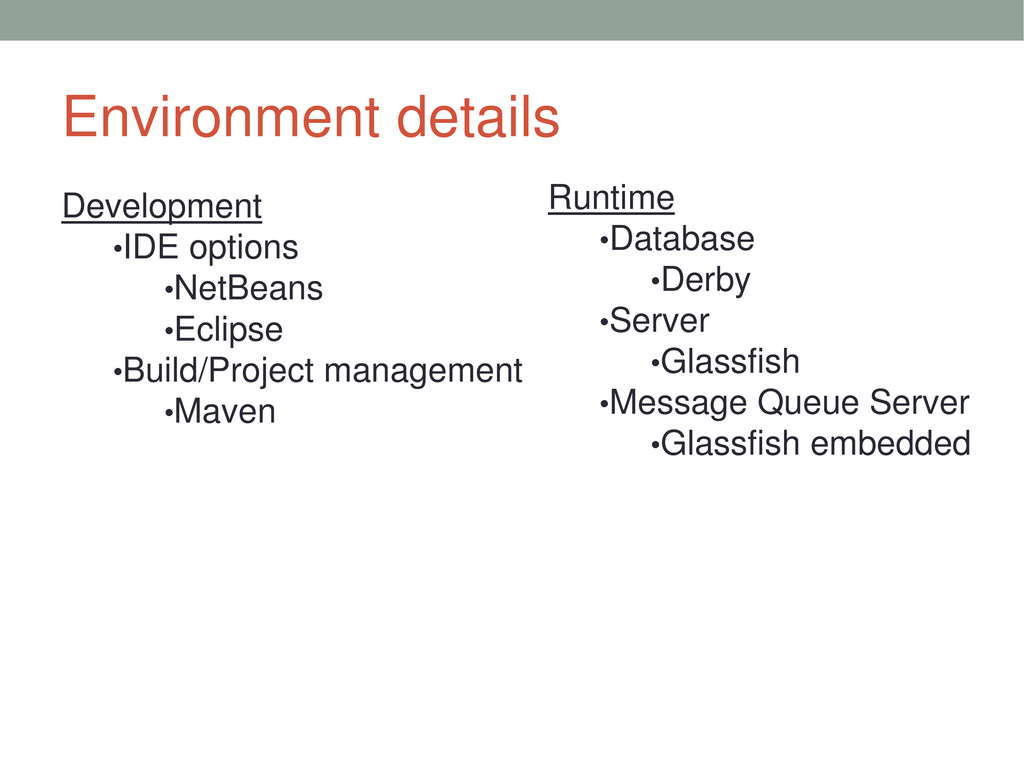
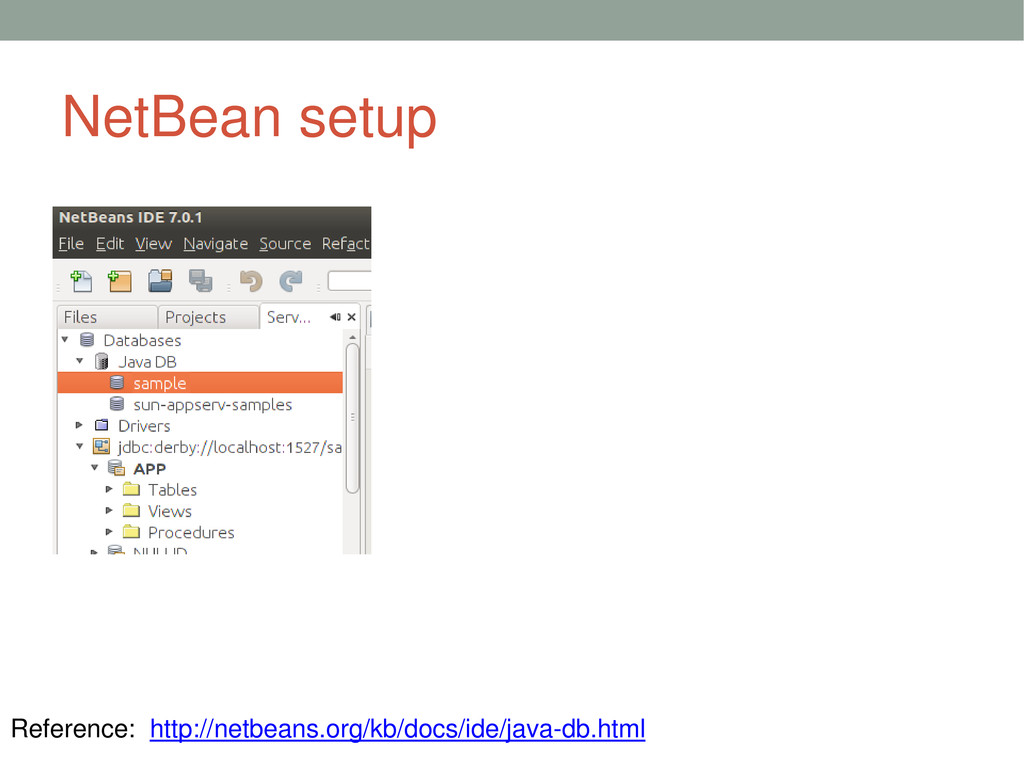
  5. Environment details Development •IDE options •NetBeans •Eclipse •Build/Project management •Maven

    Runtime •Database •Derby •Server •Glassfish •Message Queue Server •Glassfish embedded
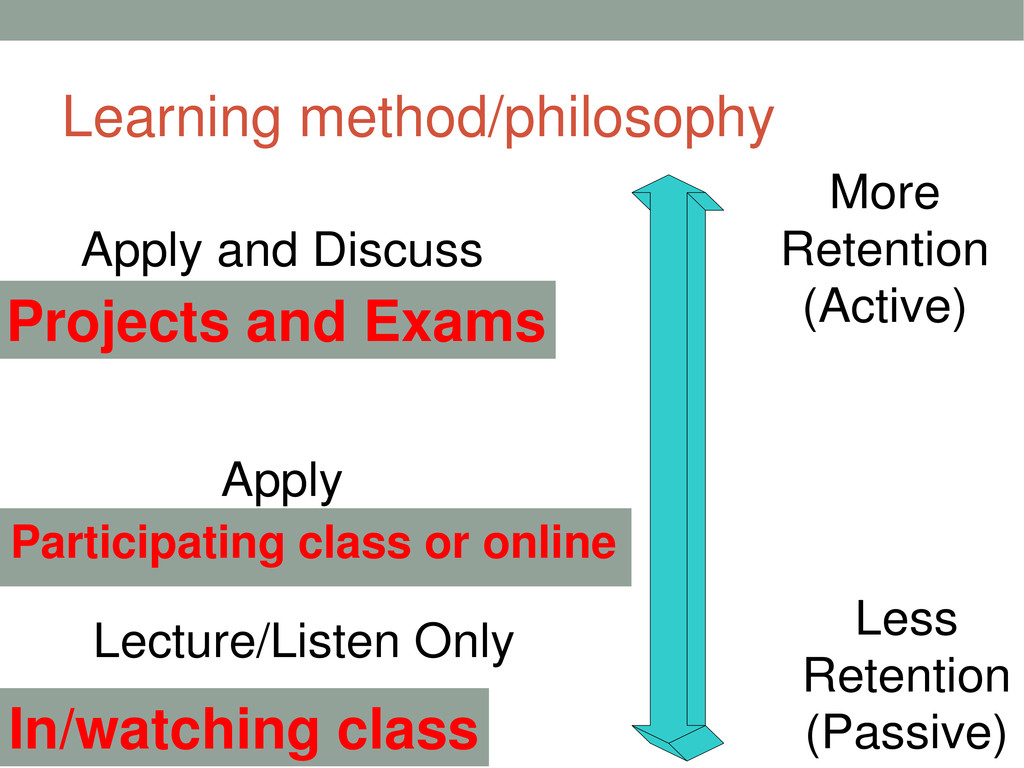
  6. Learning method/philosophy In/watching class Participating class or online Projects and

    Exams Lecture/Listen Only Apply Apply and Discuss More Retention (Active) Less Retention (Passive)
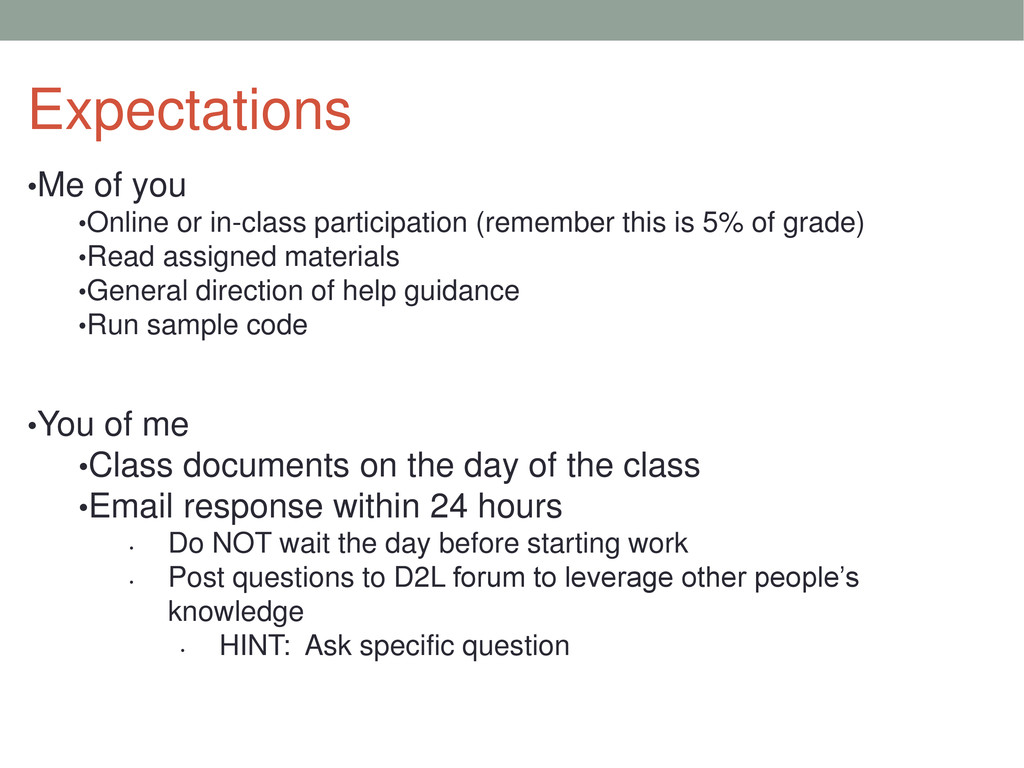
  7. Expectations •Me of you •Online or in-class participation (remember this

    is 5% of grade) •Read assigned materials •General direction of help guidance •Run sample code •You of me •Class documents on the day of the class •Email response within 24 hours • Do NOT wait the day before starting work • Post questions to D2L forum to leverage other people’s knowledge • HINT: Ask specific question
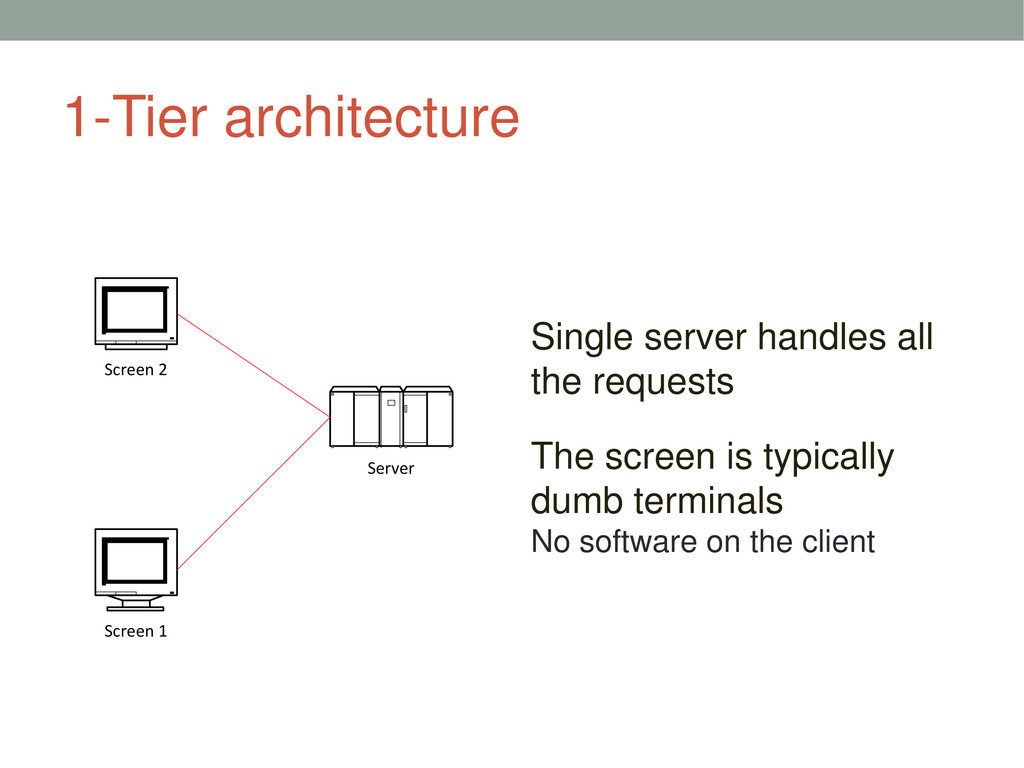
  8. 1-Tier architecture Single server handles all the requests The screen

    is typically dumb terminals No software on the client Server Screen 2 Screen 1
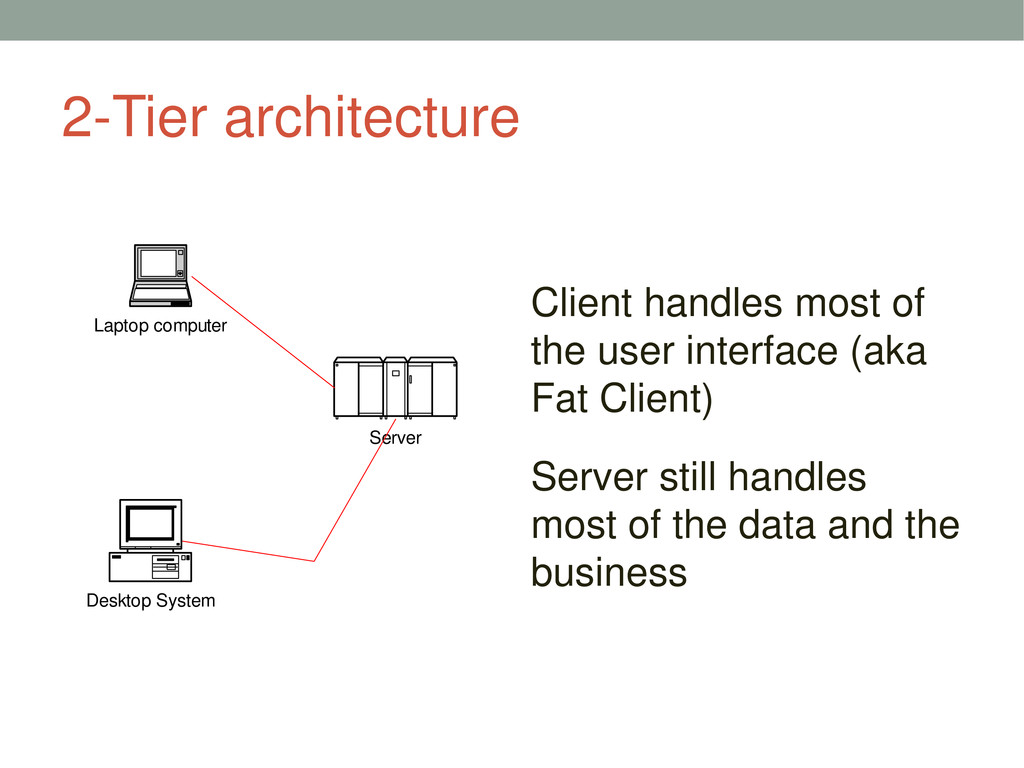
  9. 2-Tier architecture Client handles most of the user interface (aka

    Fat Client) Server still handles most of the data and the business Server Desktop System Laptop computer
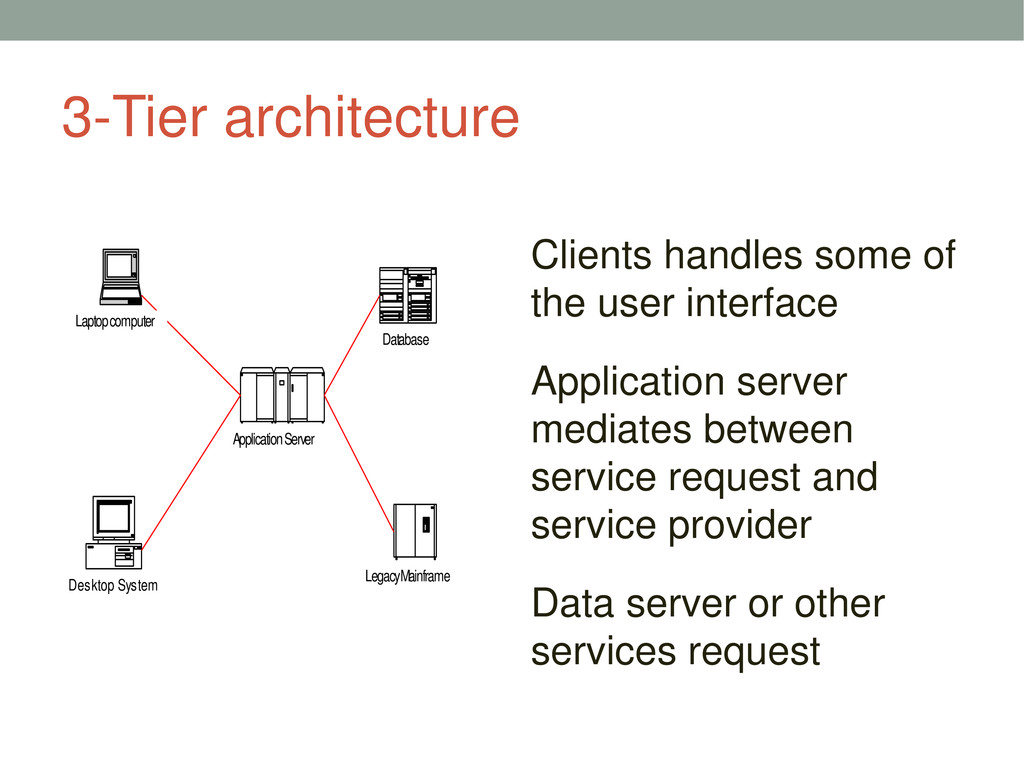
  10. 3-Tier architecture Clients handles some of the user interface Application

    server mediates between service request and service provider Data server or other services request Application Server Desktop System Laptop computer Database Legacy Mainframe
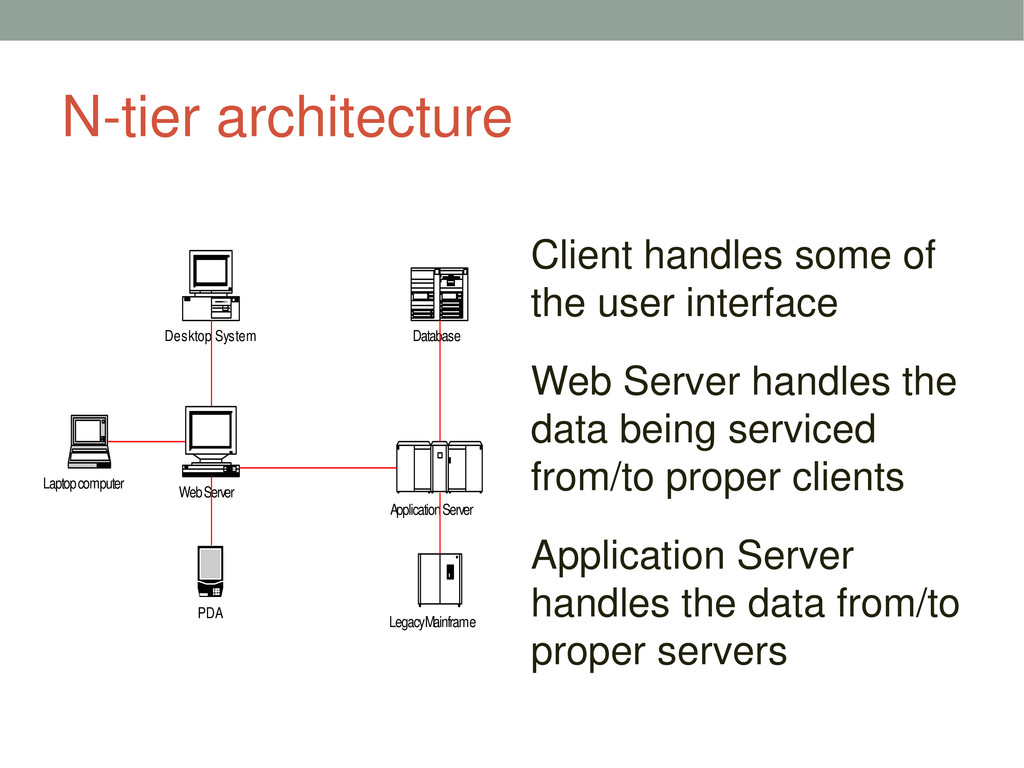
  11. N-tier architecture Client handles some of the user interface Web

    Server handles the data being serviced from/to proper clients Application Server handles the data from/to proper servers Application Server Desktop System Laptop computer Database Legacy Mainframe Web Server PDA
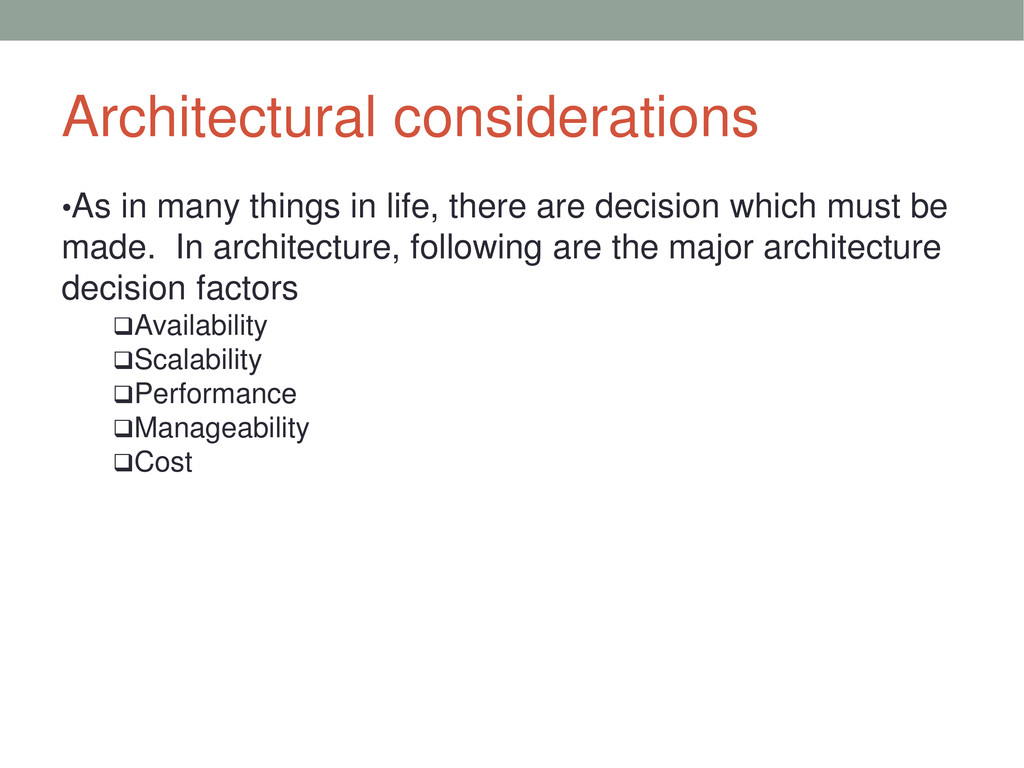
  12. Architectural considerations •As in many things in life, there are

    decision which must be made. In architecture, following are the major architecture decision factors Availability Scalability Performance Manageability Cost
  13. Traditional database code •Handle database connection •Test SQL and put

    the SQL in code •Map the SQL results into objects
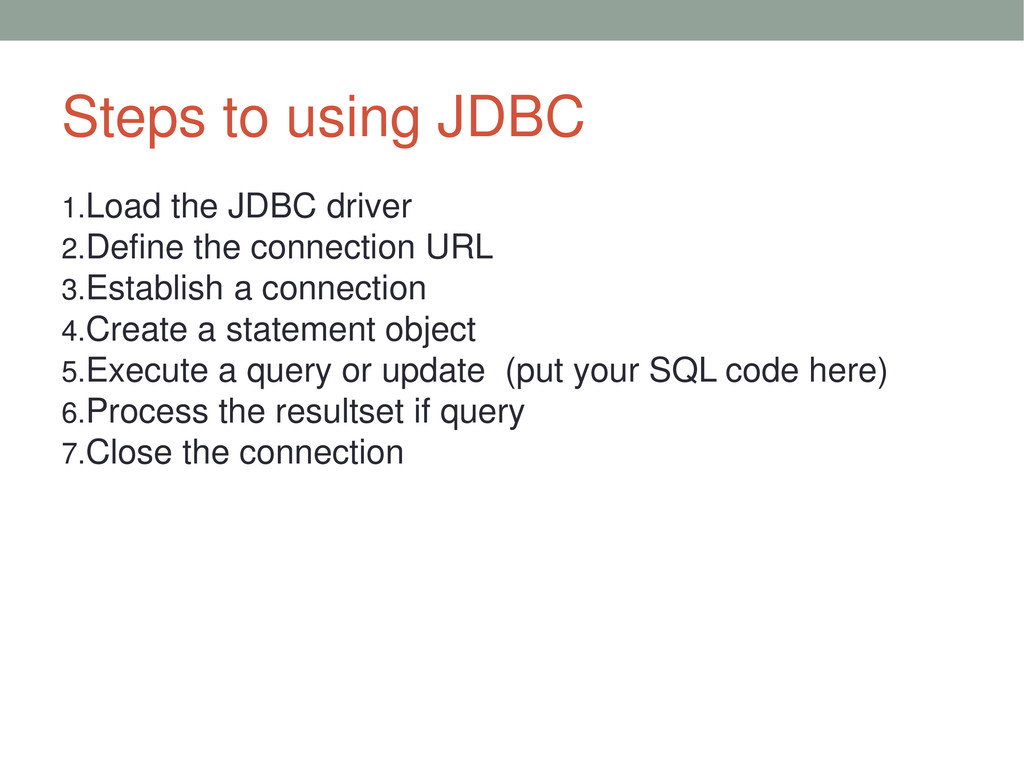
  14. Steps to using JDBC 1.Load the JDBC driver 2.Define the

    connection URL 3.Establish a connection 4.Create a statement object 5.Execute a query or update (put your SQL code here) 6.Process the resultset if query 7.Close the connection
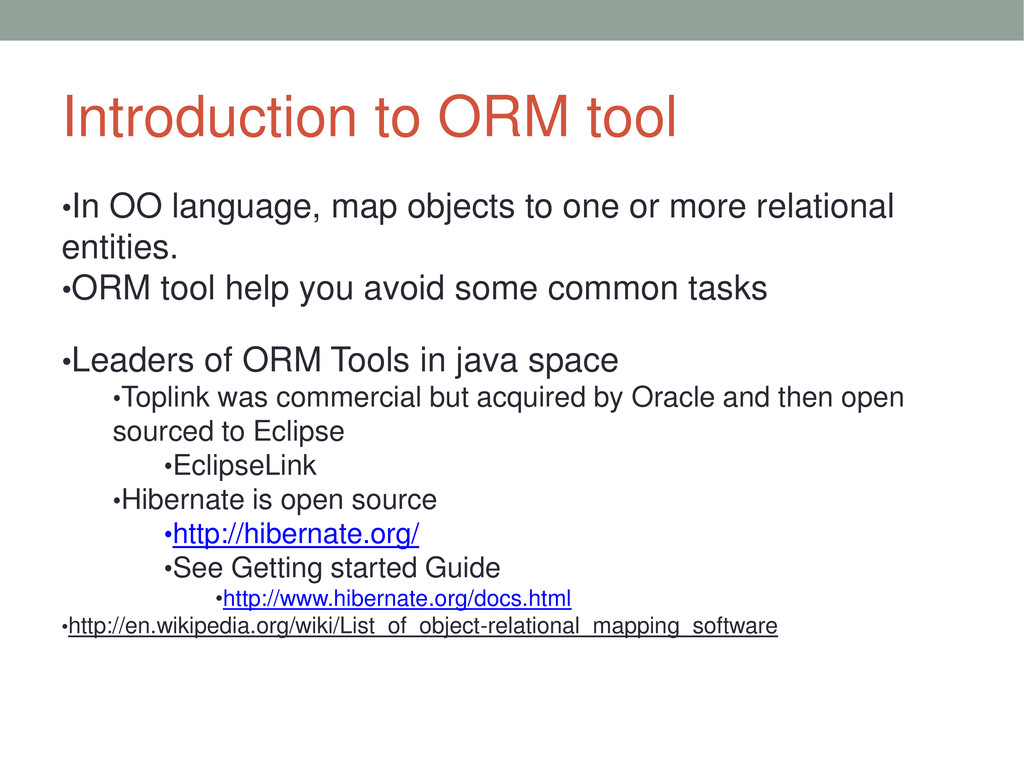
  15. Introduction to ORM tool •In OO language, map objects to

    one or more relational entities. •ORM tool help you avoid some common tasks •Leaders of ORM Tools in java space •Toplink was commercial but acquired by Oracle and then open sourced to Eclipse •EclipseLink •Hibernate is open source •http://hibernate.org/ •See Getting started Guide •http://www.hibernate.org/docs.html •http://en.wikipedia.org/wiki/List_of_object-relational_mapping_software
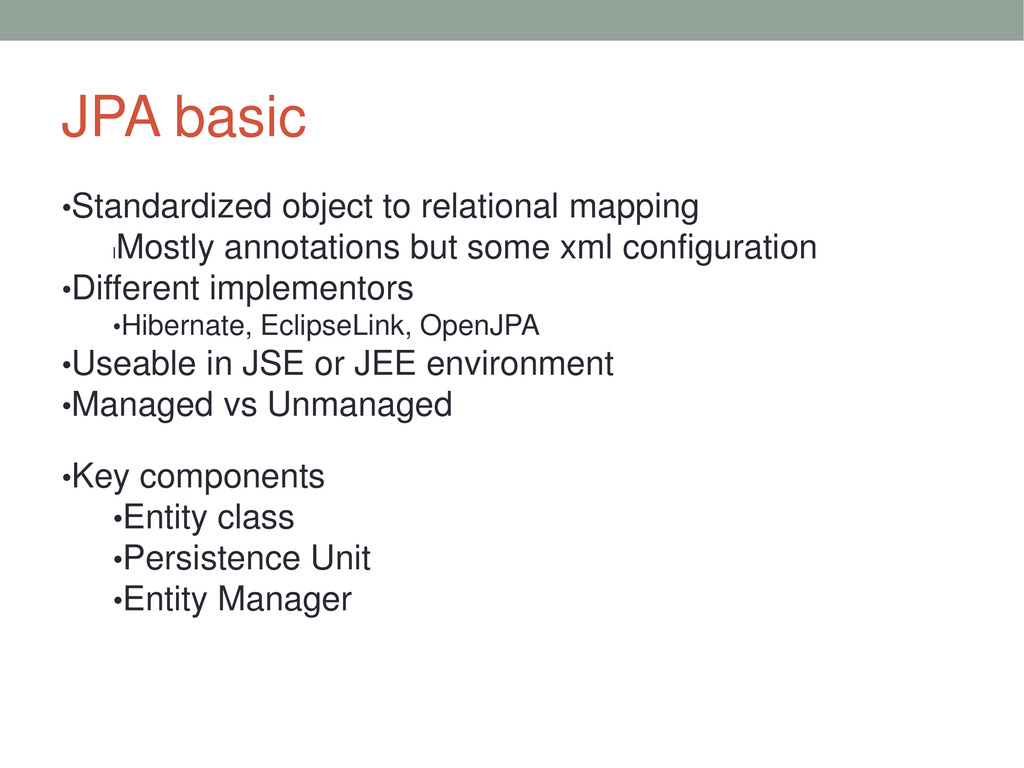
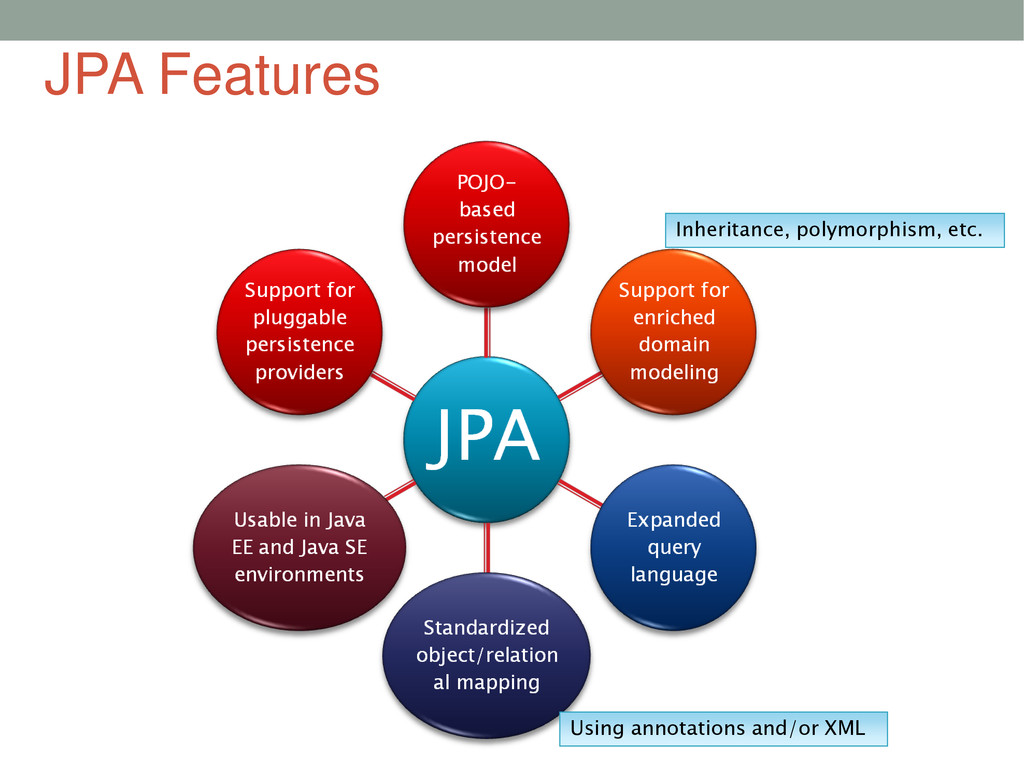
  16. JPA basic •Standardized object to relational mapping l Mostly annotations

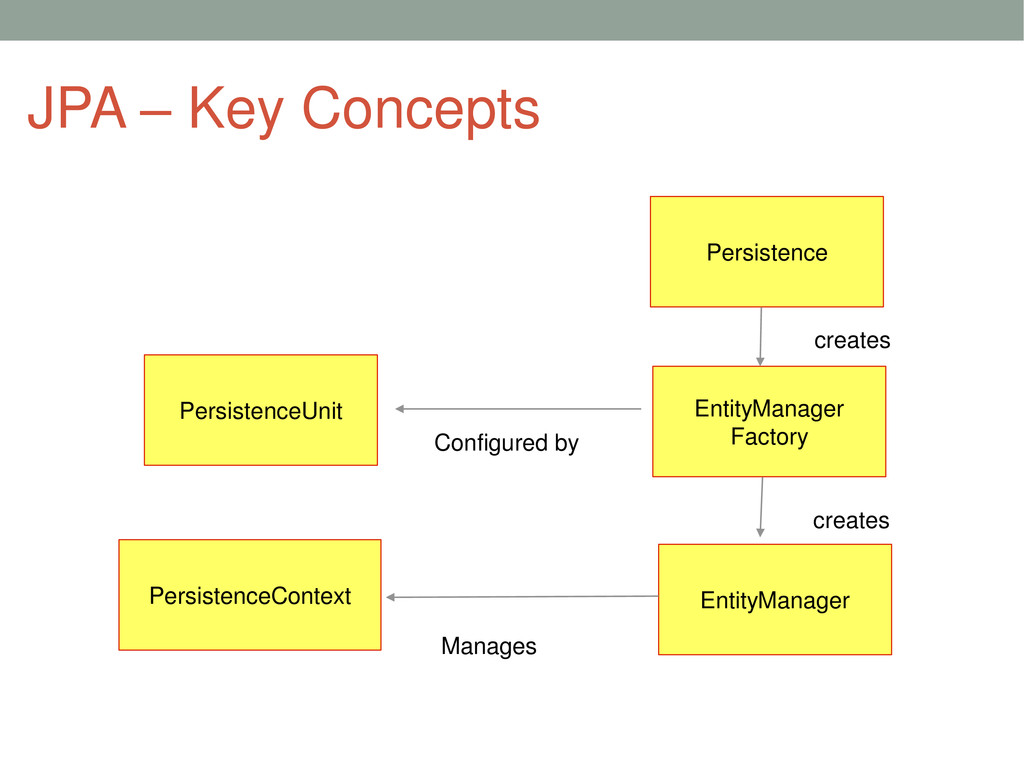
    but some xml configuration •Different implementors •Hibernate, EclipseLink, OpenJPA •Useable in JSE or JEE environment •Managed vs Unmanaged •Key components •Entity class •Persistence Unit •Entity Manager
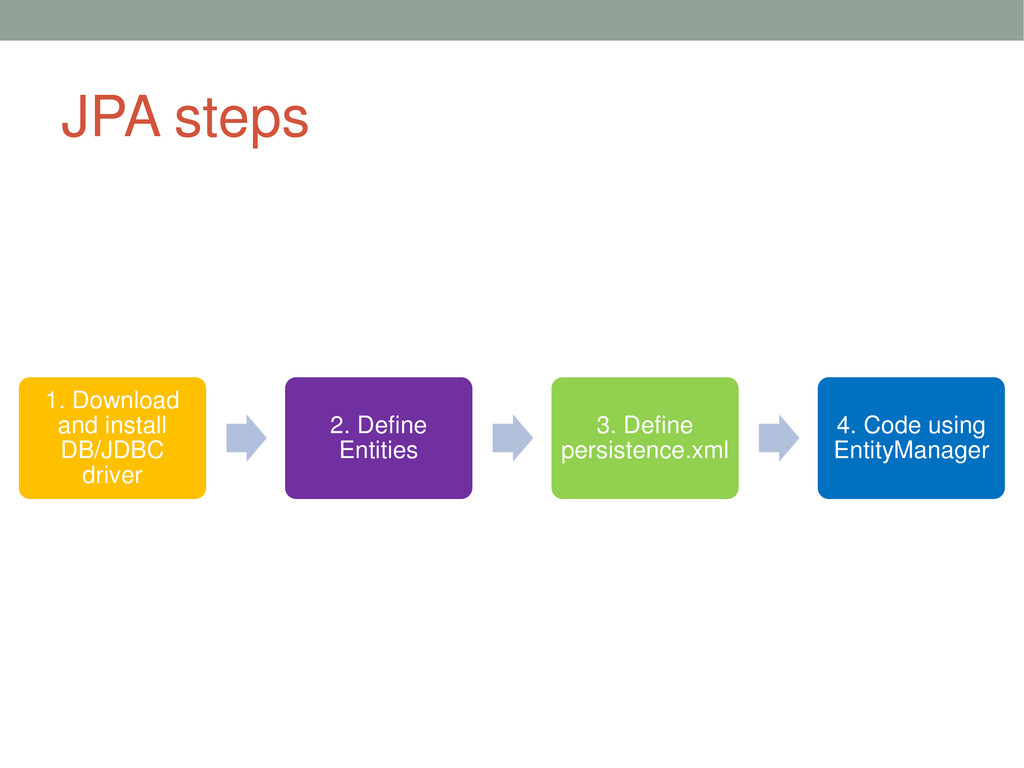
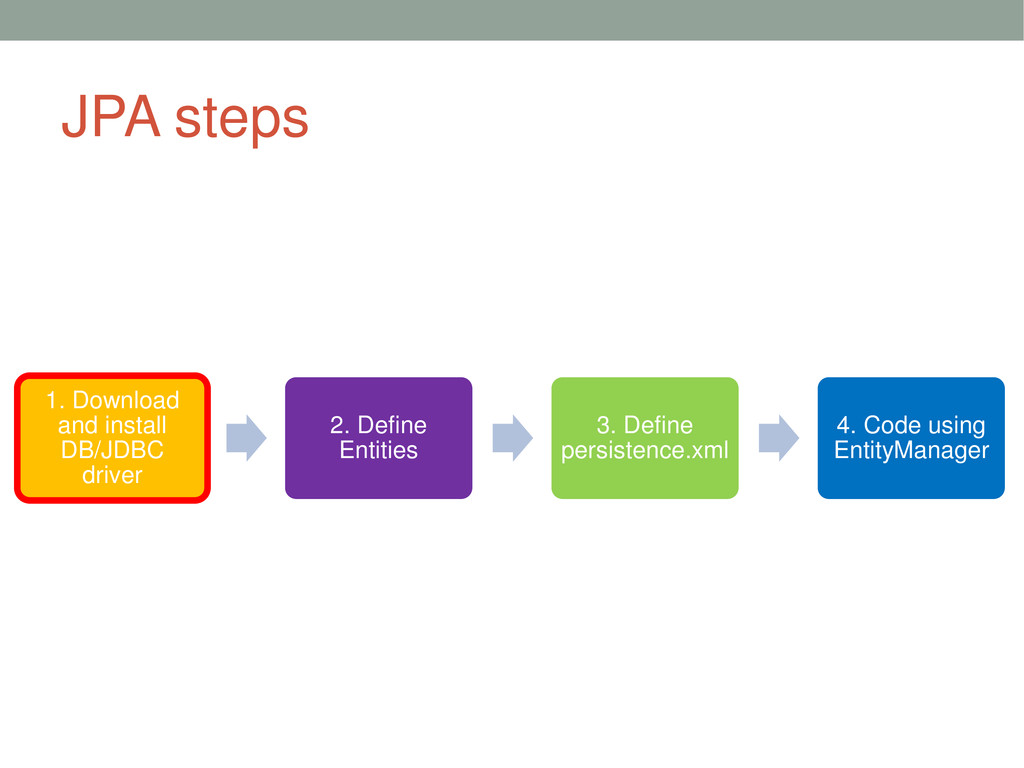
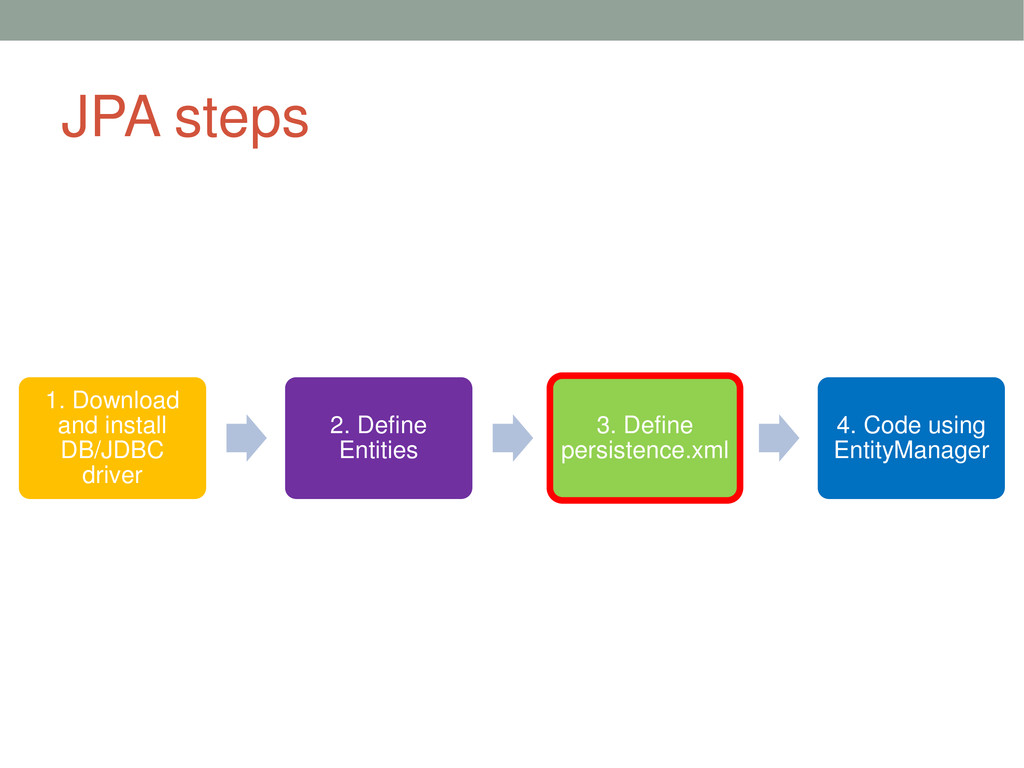
  17. JPA steps 1. Download and install DB/JDBC driver 2. Define

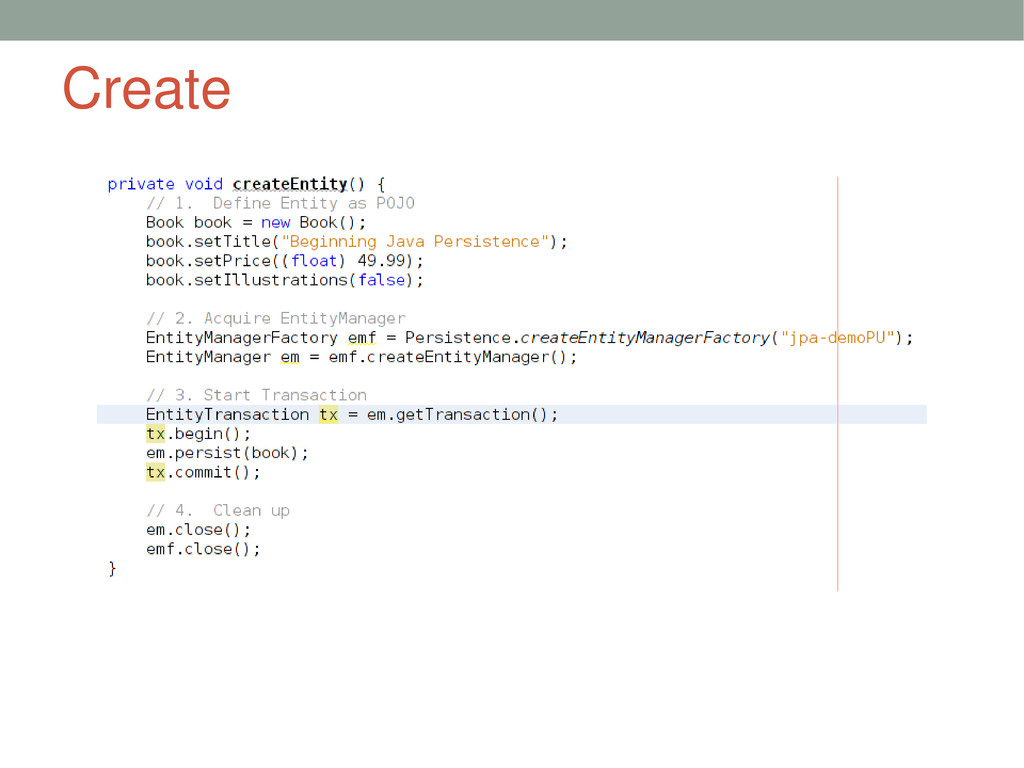
    Entities 3. Define persistence.xml 4. Code using EntityManager
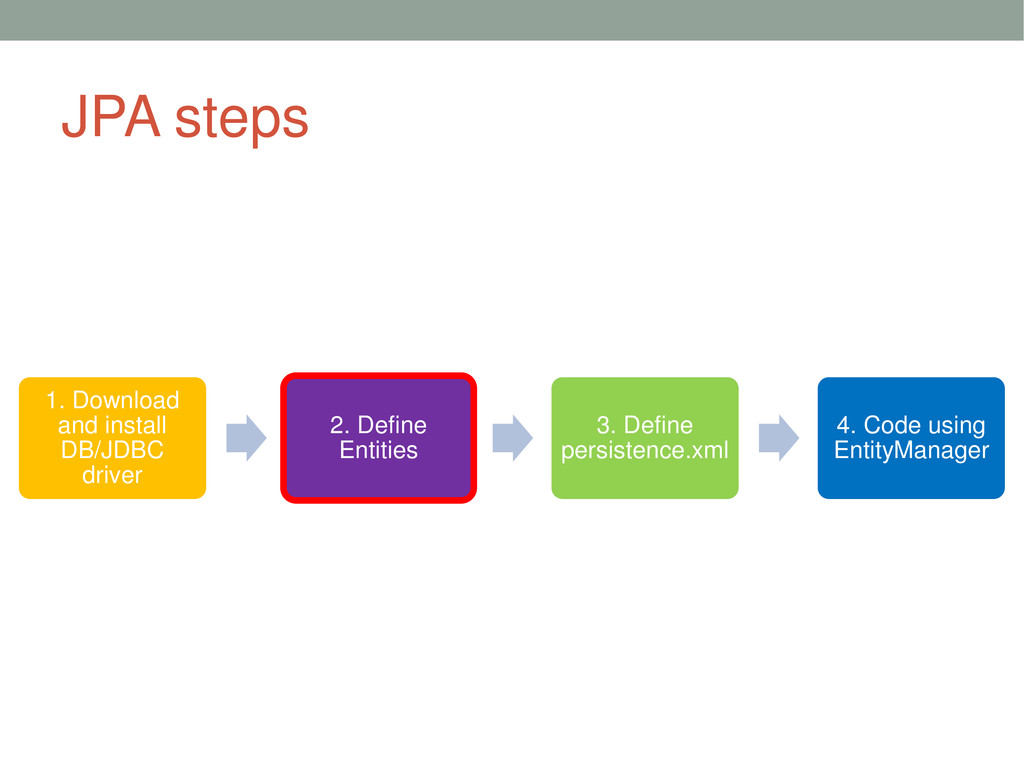
  18. JPA steps 1. Download and install DB/JDBC driver 2. Define

    Entities 3. Define persistence.xml 4. Code using EntityManager
  19. JPA steps 1. Download and install DB/JDBC driver 2. Define

    Entities 3. Define persistence.xml 4. Code using EntityManager
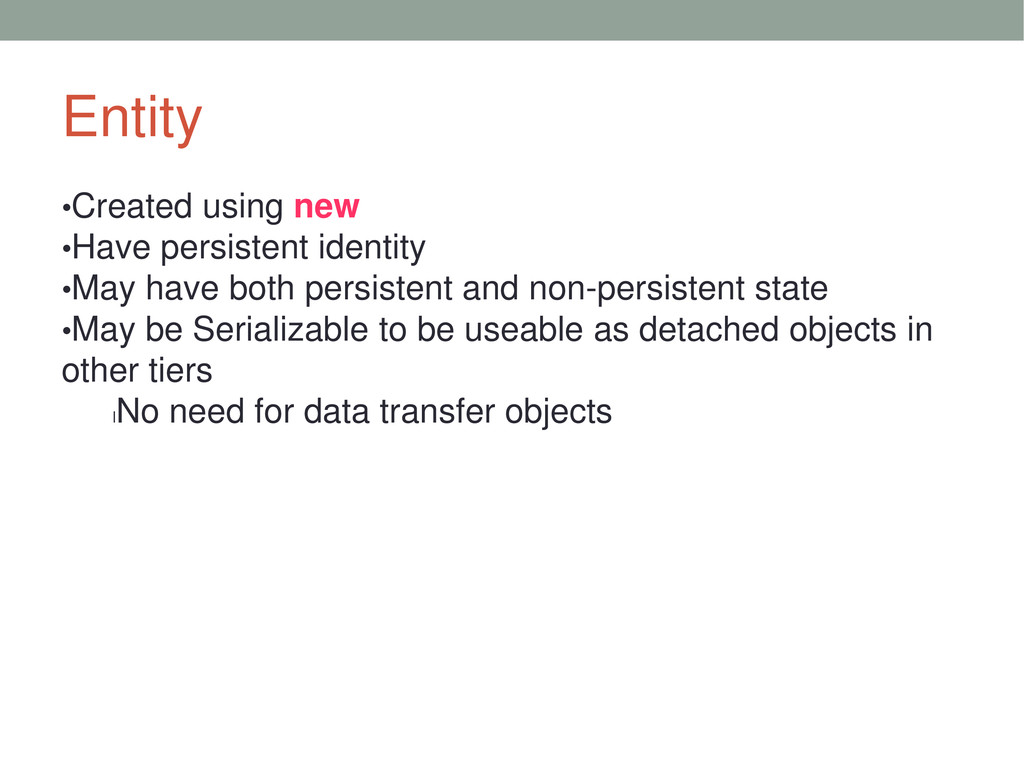
  20. Entity •Created using new •Have persistent identity •May have both

    persistent and non-persistent state •May be Serializable to be useable as detached objects in other tiers l No need for data transfer objects
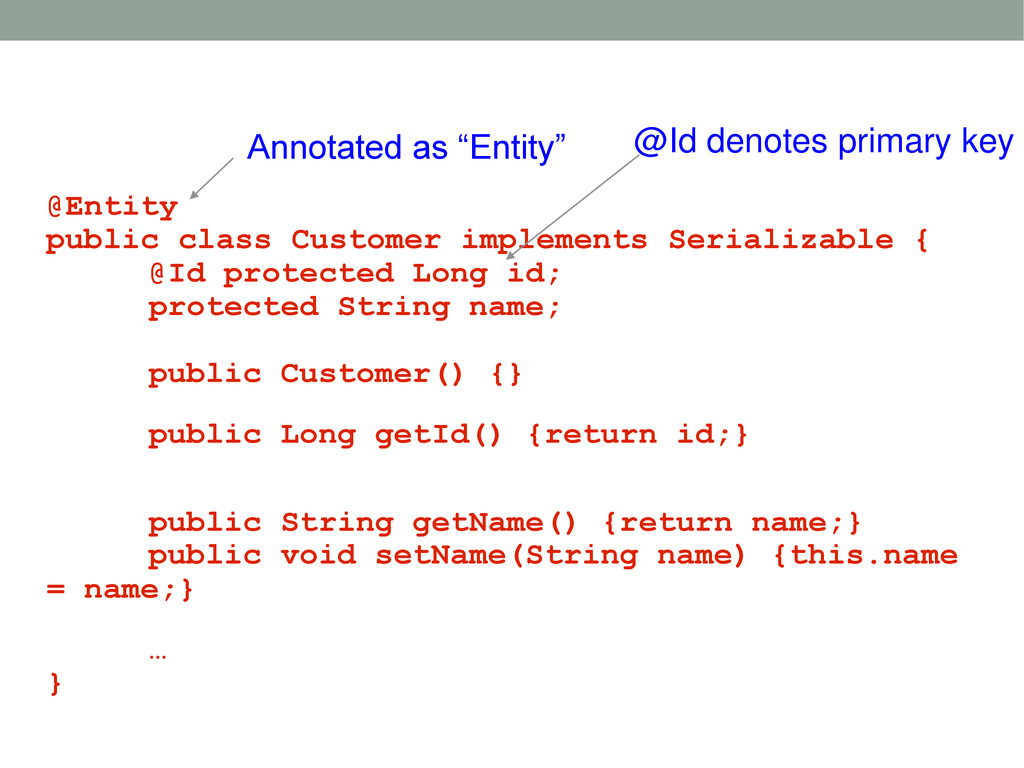
  21. @Entity public class Customer implements Serializable { @Id protected Long

    id; protected String name; public Customer() {} public Long getId() {return id;} public String getName() {return name;} public void setName(String name) {this.name = name;} … } Annotated as “Entity” @Id denotes primary key
  22. JPA steps 1. Download and install DB/JDBC driver 2. Define

    Entities 3. Define persistence.xml 4. Code using EntityManager
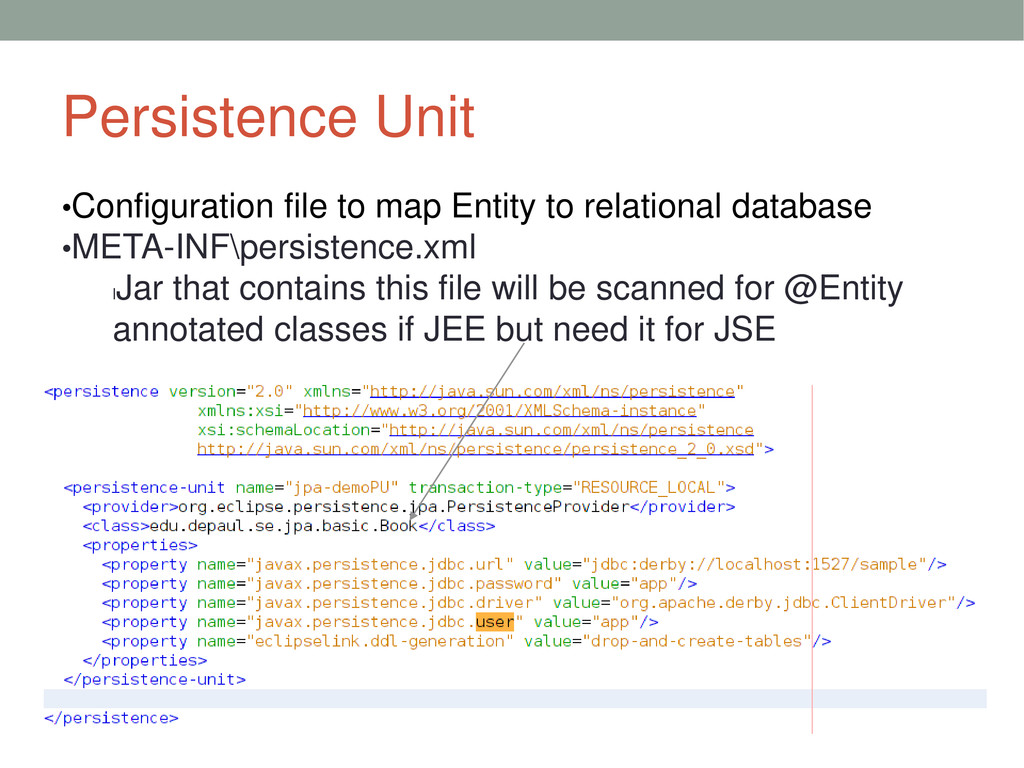
  23. Persistence Unit •Configuration file to map Entity to relational database

    •META-INF\persistence.xml l Jar that contains this file will be scanned for @Entity annotated classes if JEE but need it for JSE
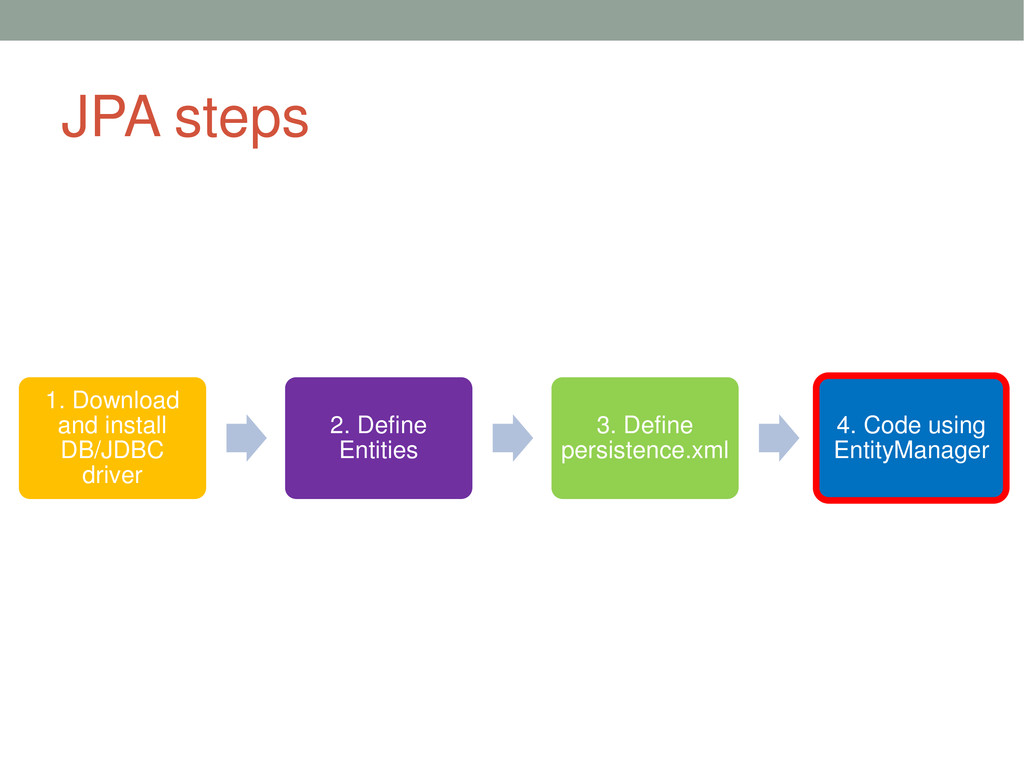
  24. JPA steps 1. Download and install DB/JDBC driver 2. Define

    Entities 3. Define persistence.xml 4. Code using EntityManager
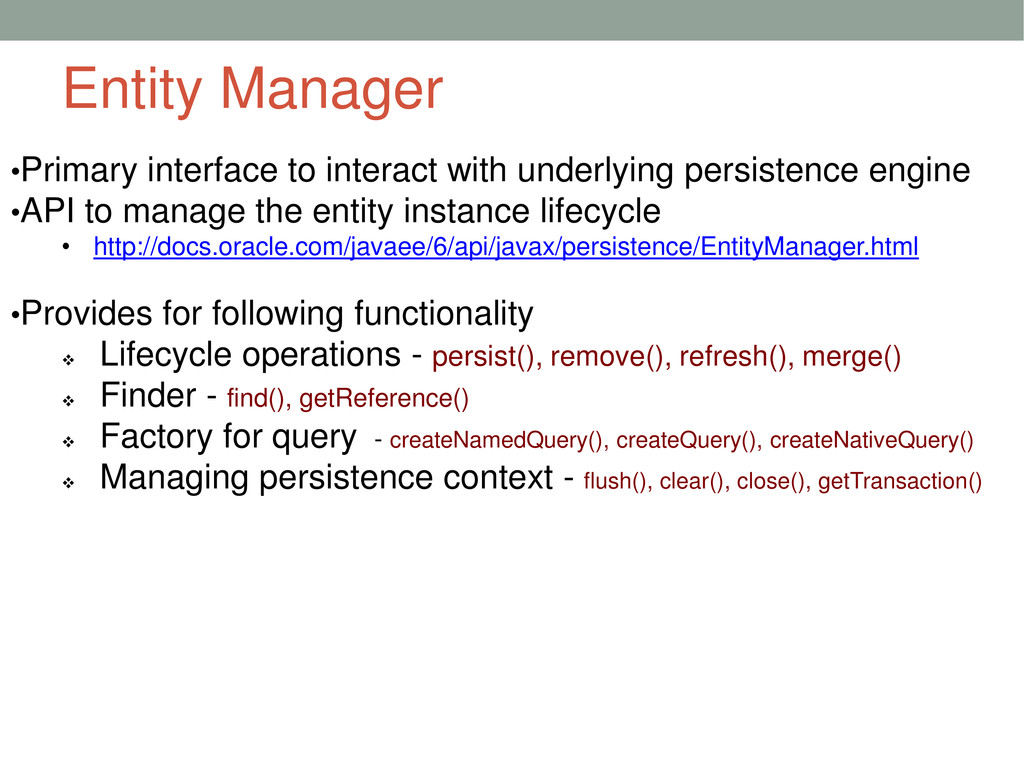
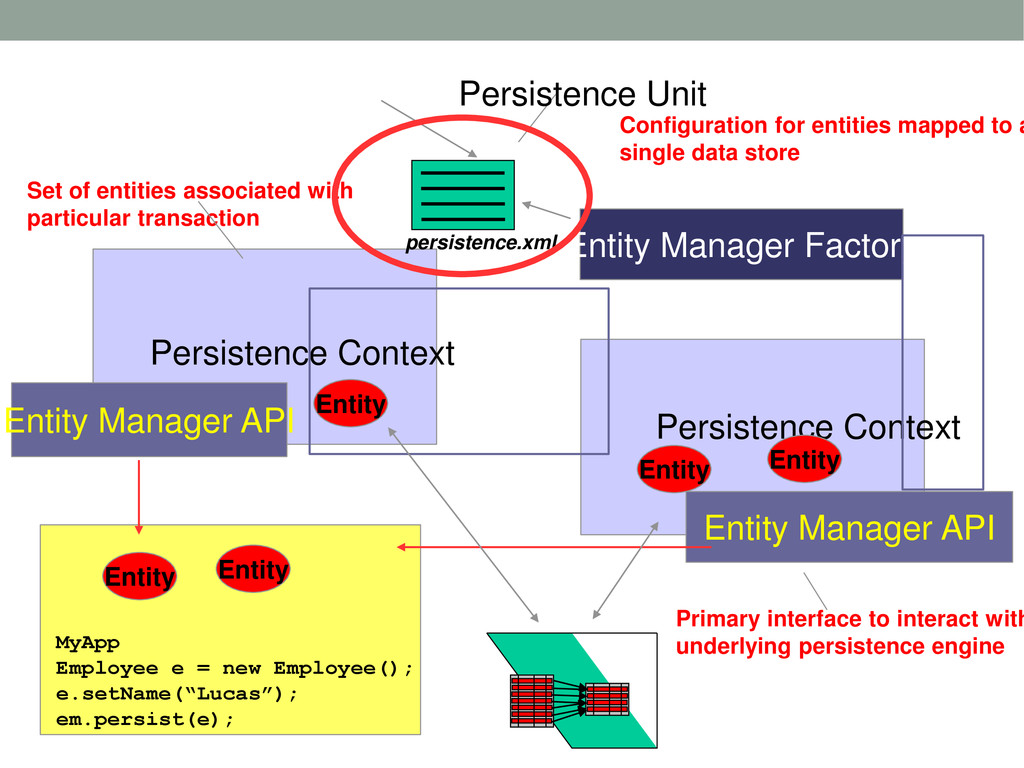
  25. Entity Manager •Primary interface to interact with underlying persistence engine

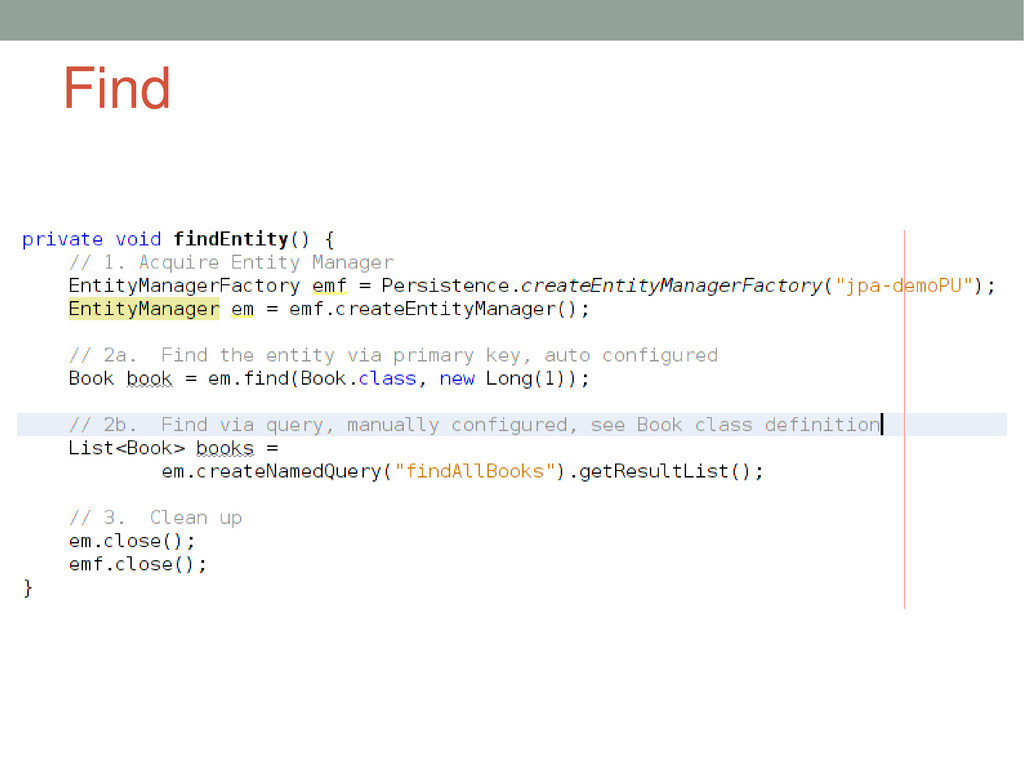
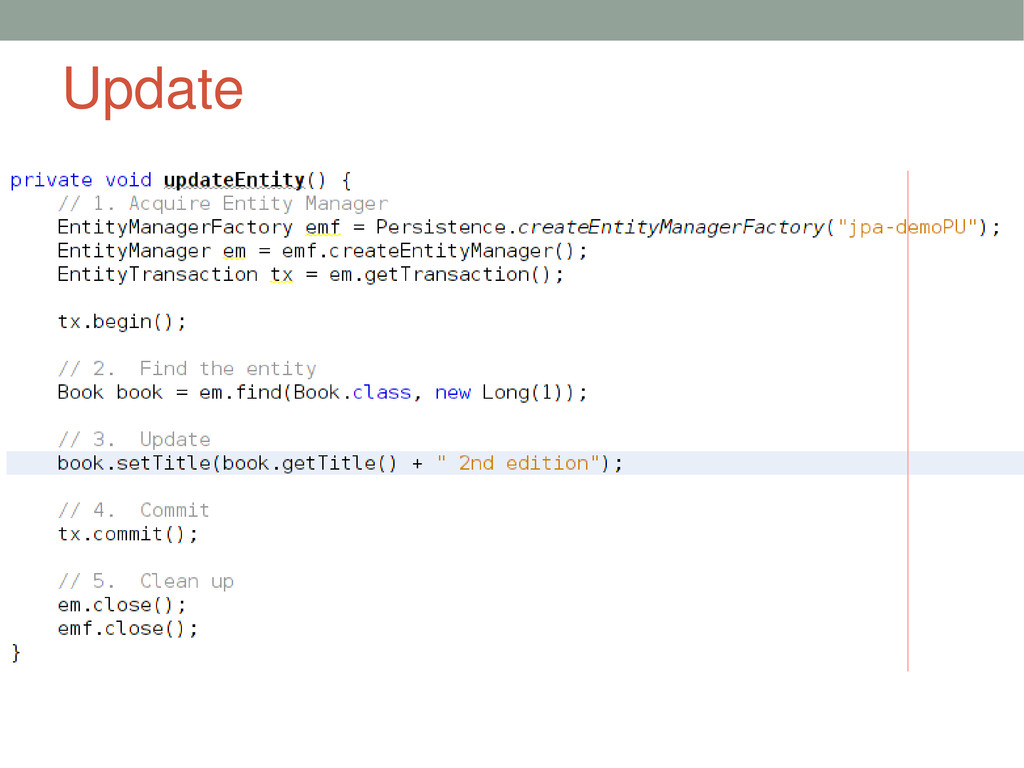
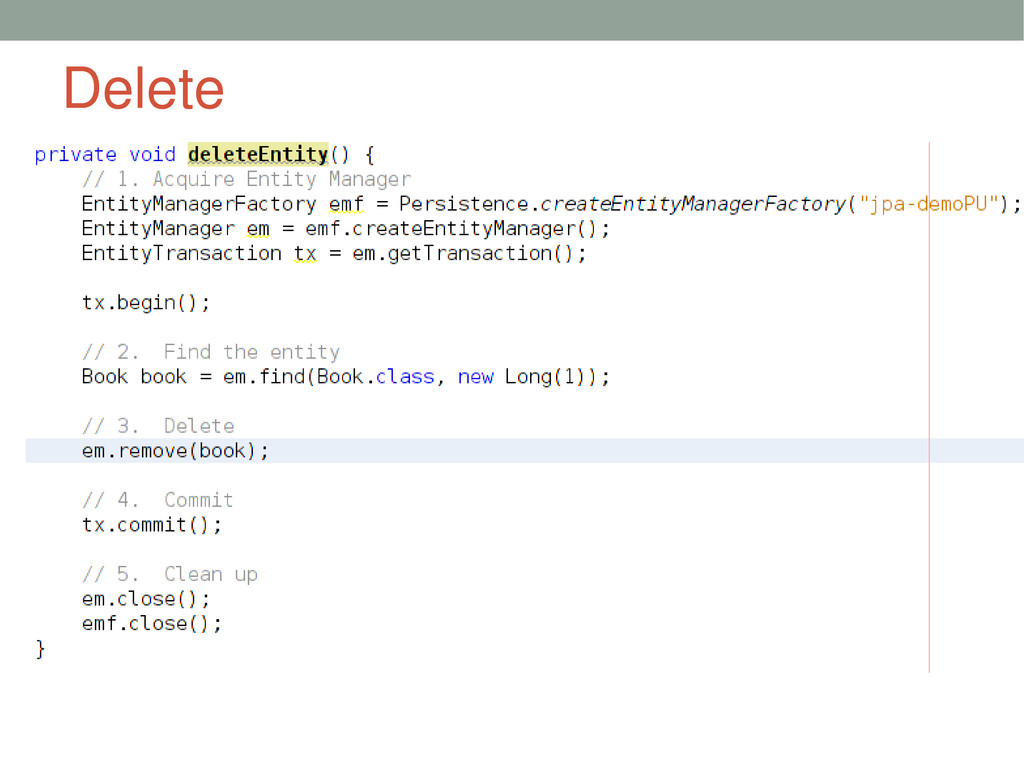
    •API to manage the entity instance lifecycle • http://docs.oracle.com/javaee/6/api/javax/persistence/EntityManager.html •Provides for following functionality  Lifecycle operations - persist(), remove(), refresh(), merge()  Finder - find(), getReference()  Factory for query - createNamedQuery(), createQuery(), createNativeQuery()  Managing persistence context - flush(), clear(), close(), getTransaction()
  26. Persistence Context Persistence Context Entity Manager API Entity Manager API

    MyApp Employee e = new Employee(); e.setName(“Lucas”); em.persist(e); Entity Entity Entity Entity Entity Entity Manager Factory persistence.xml Primary interface to interact with underlying persistence engine Set of entities associated with particular transaction Configuration for entities mapped to a single data store Persistence Unit