• You want to build a skillset and/or toolset for diagnosing performance issues in your React application. • You want to learn some ✨best practices✨ when building React applications in hopes of avoiding some performance issues down the road. It’s for you, of course. Who is this for?
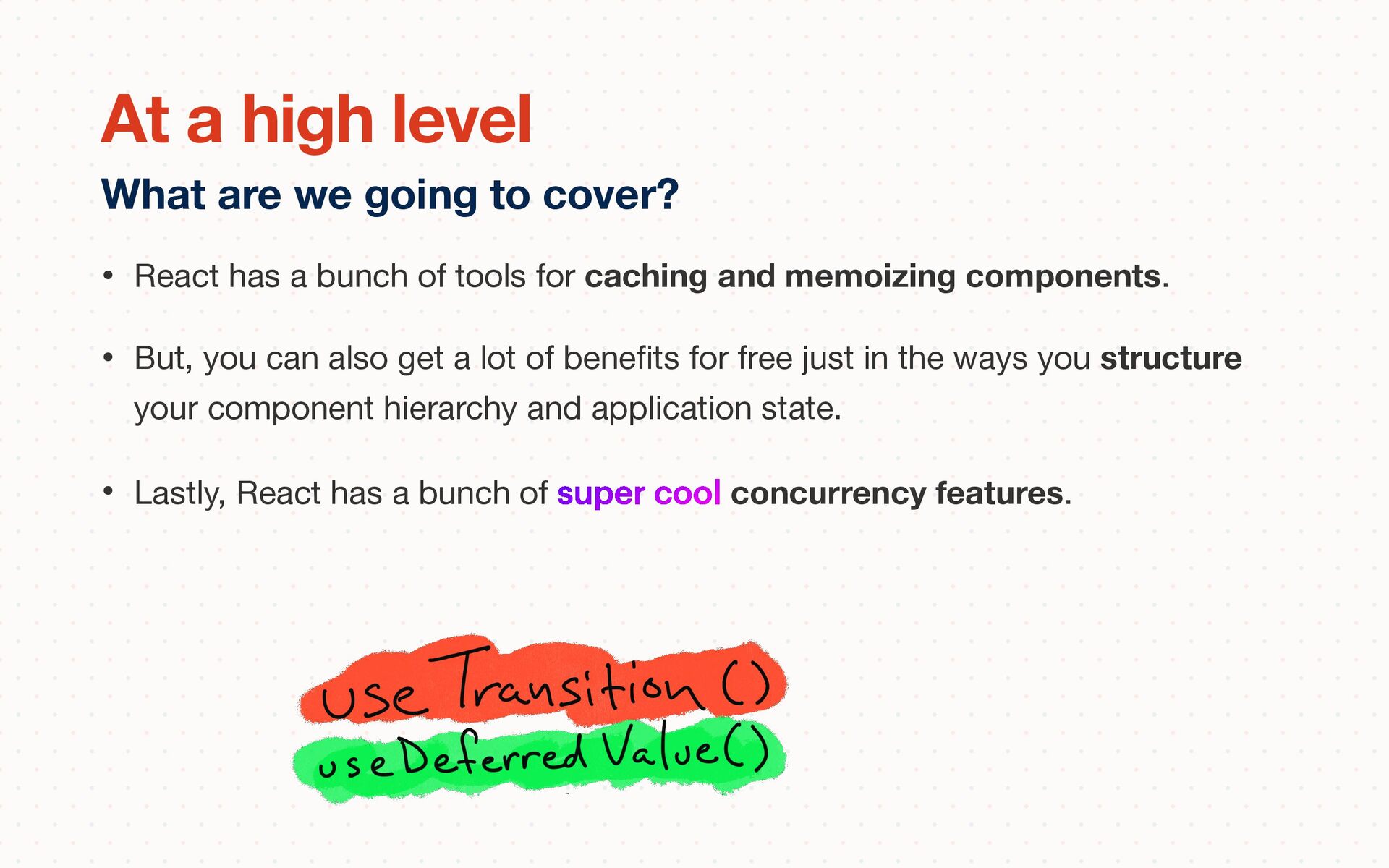
memoizing components. • But, you can also get a lot of bene fi ts for free just in the ways you structure your component hierarchy and application state. • Lastly, React has a bunch of super cool concurrency features. What are we going to cover? At a high level
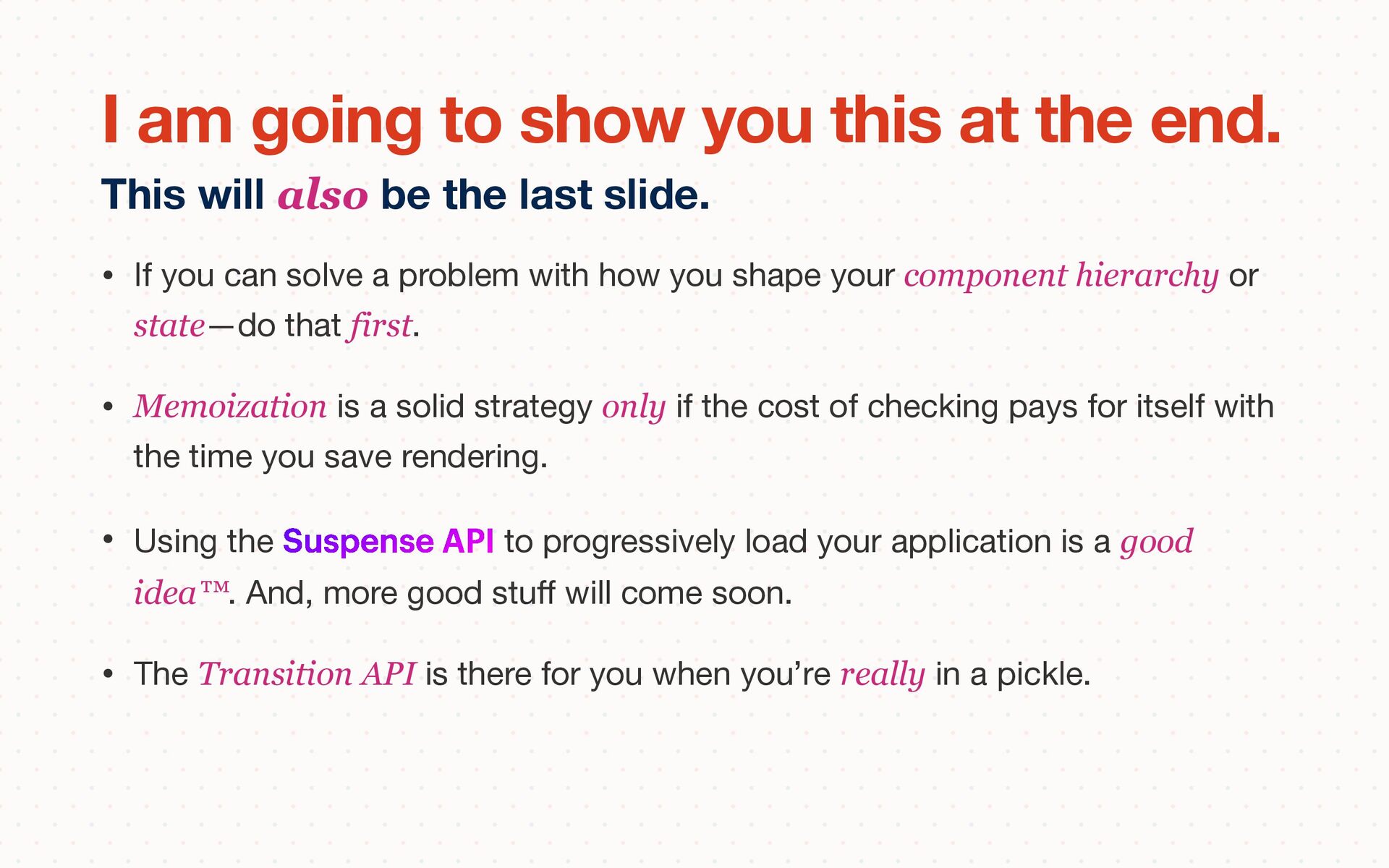
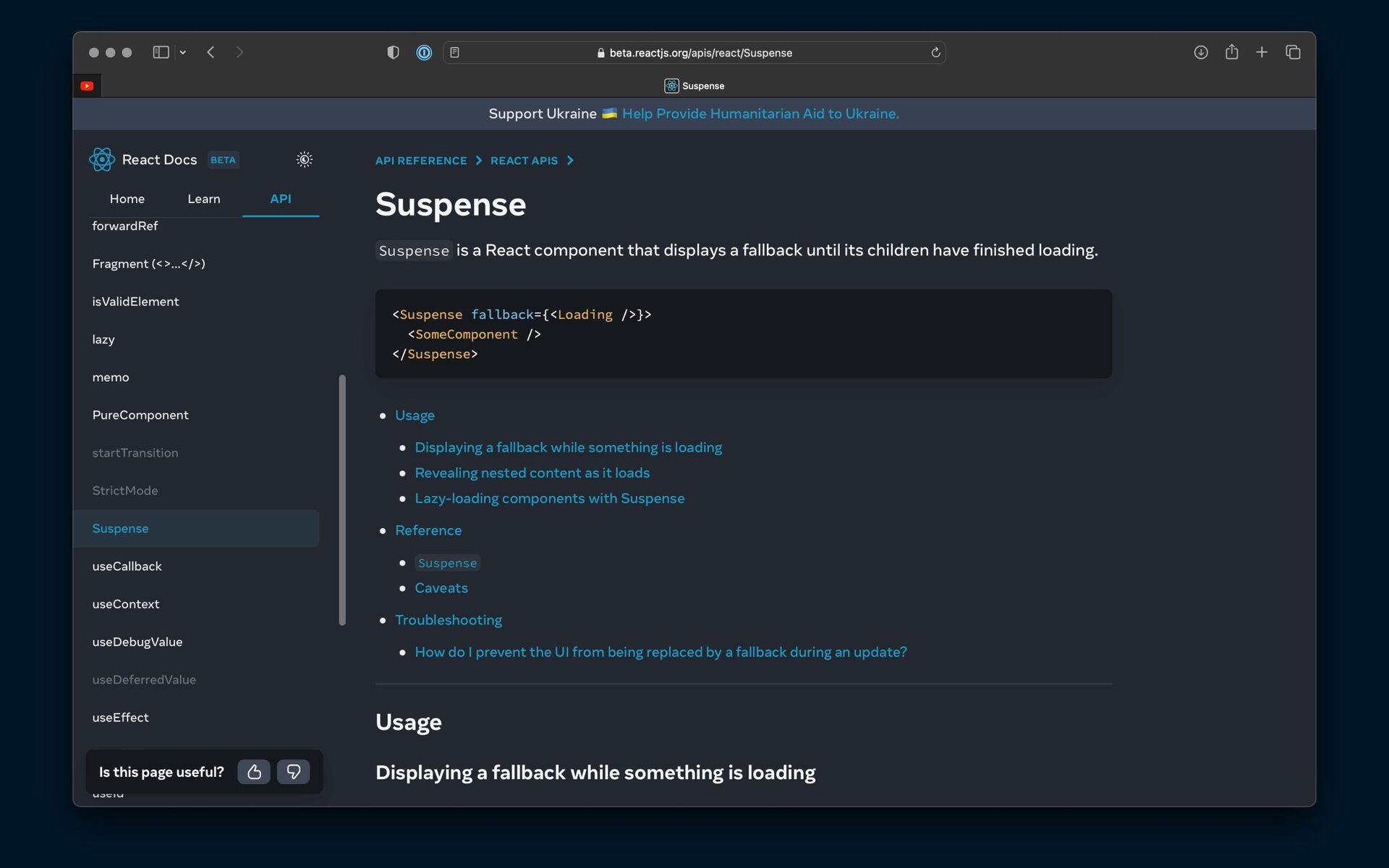
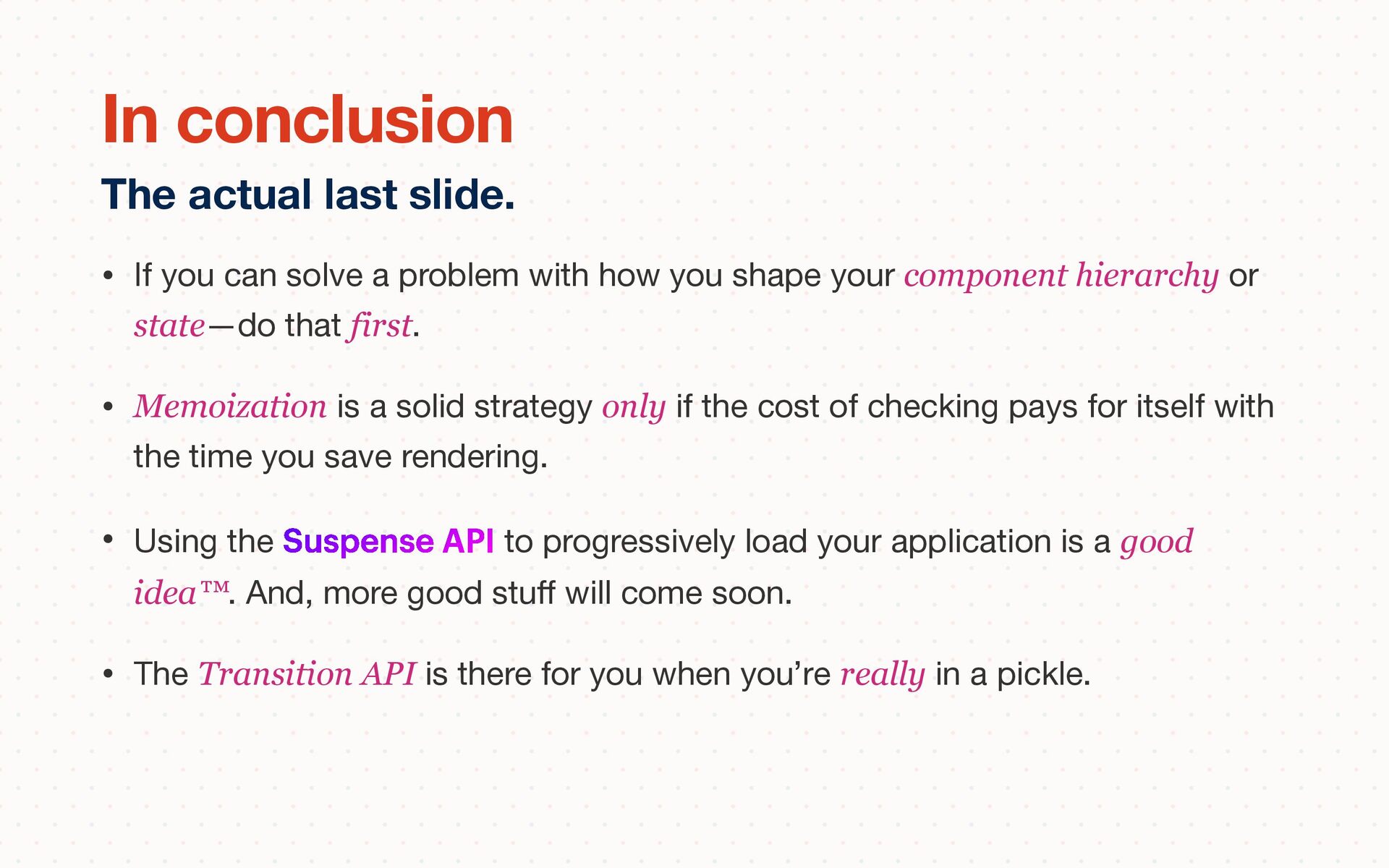
shape your component hierarchy or state—do that first. • Memoization is a solid strategy only if the cost of checking pays for itself with the time you save rendering. • Using the Suspense API to progressively load your application is a good idea™. And, more good stu ff will come soon. • The Transition API is there for you when you’re really in a pickle. This will also be the last slide. I am going to show you this at the end.
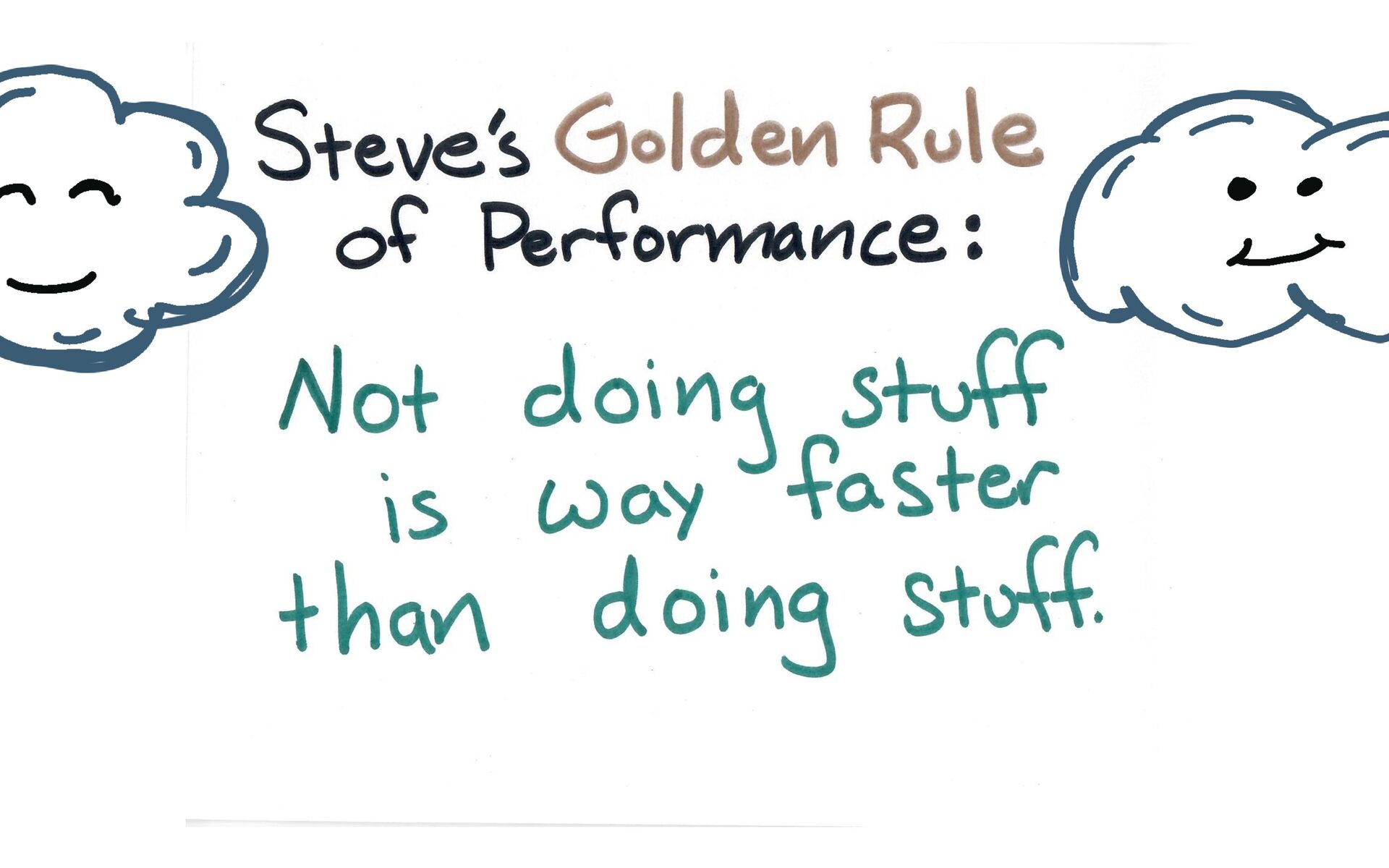
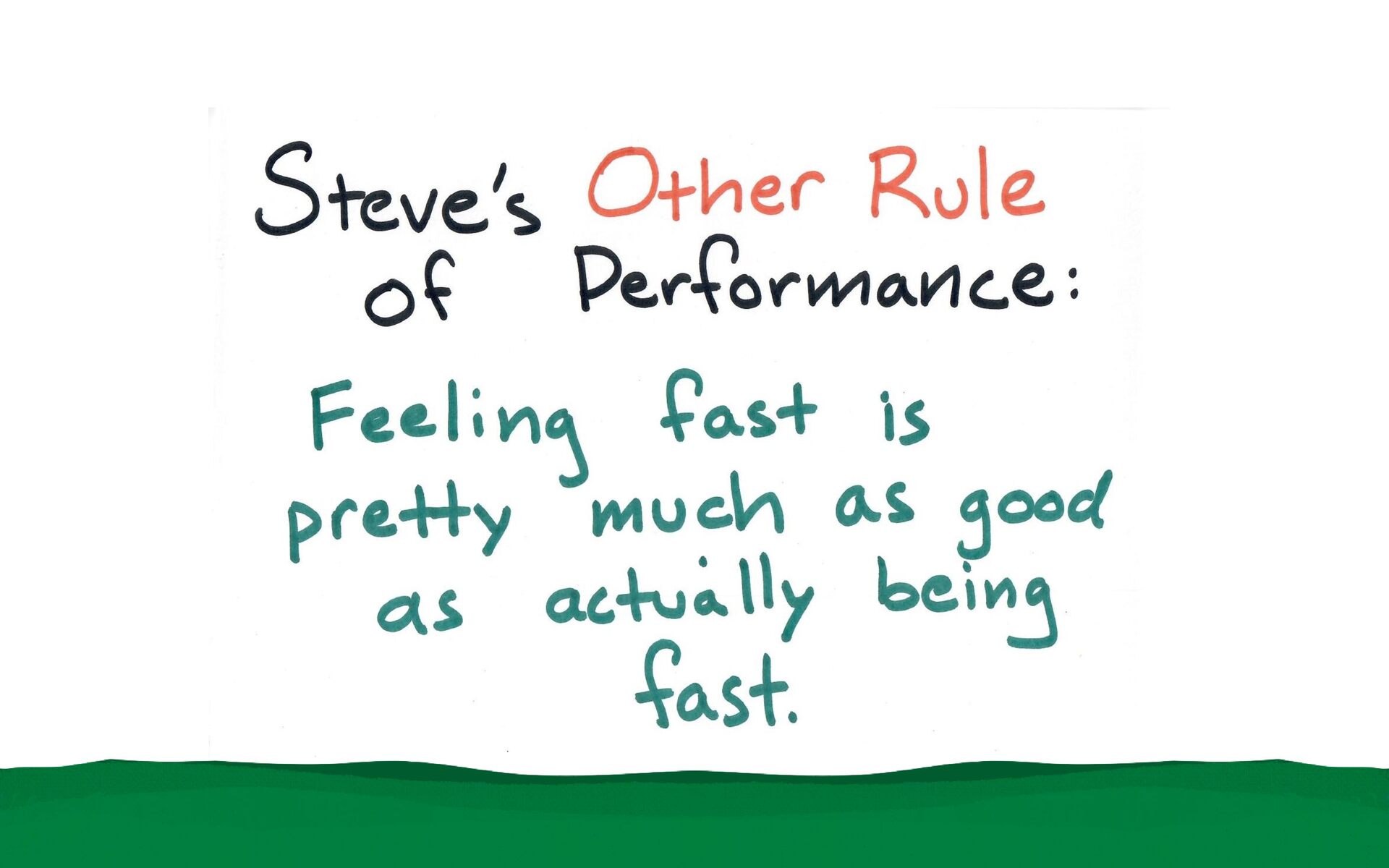
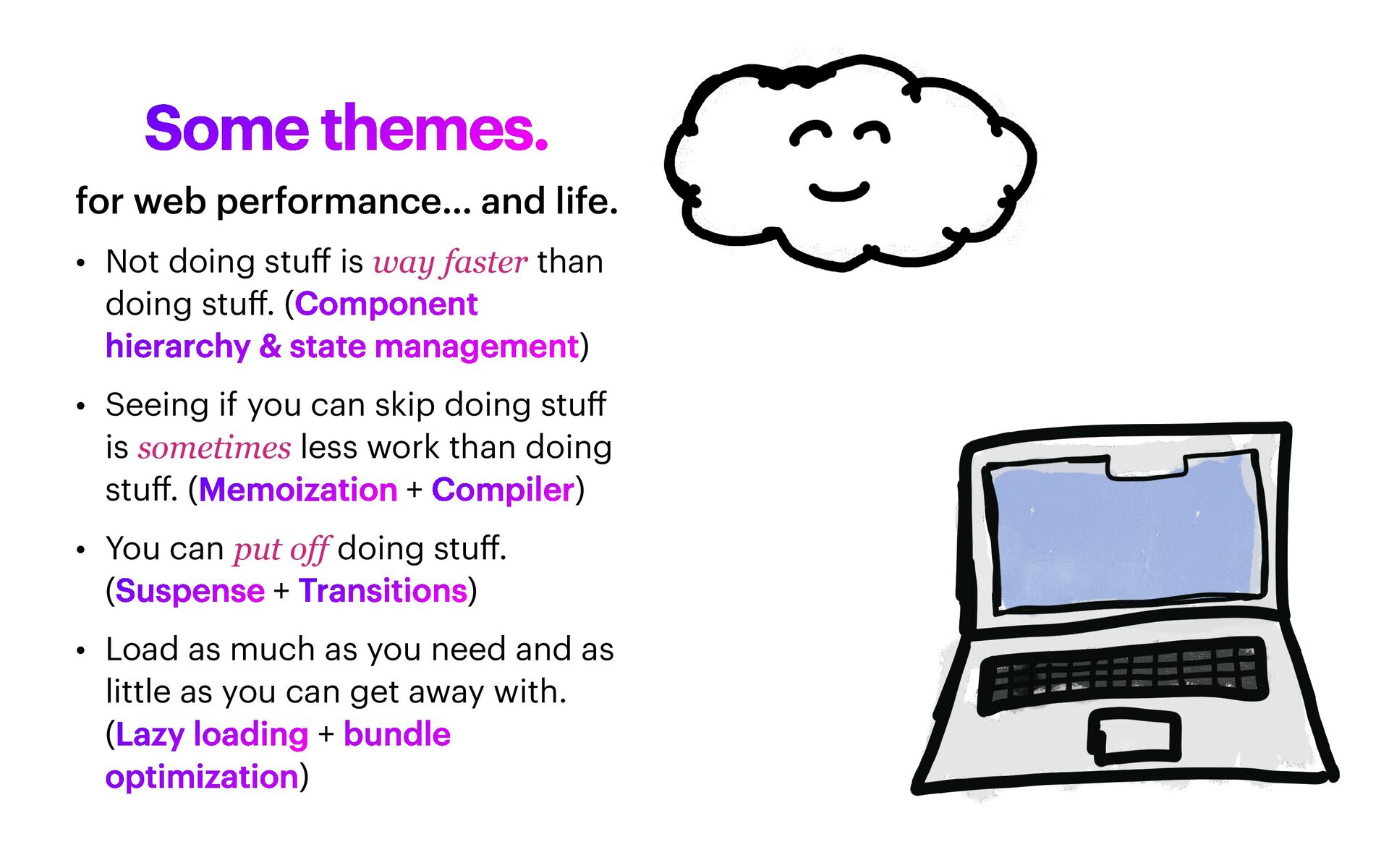
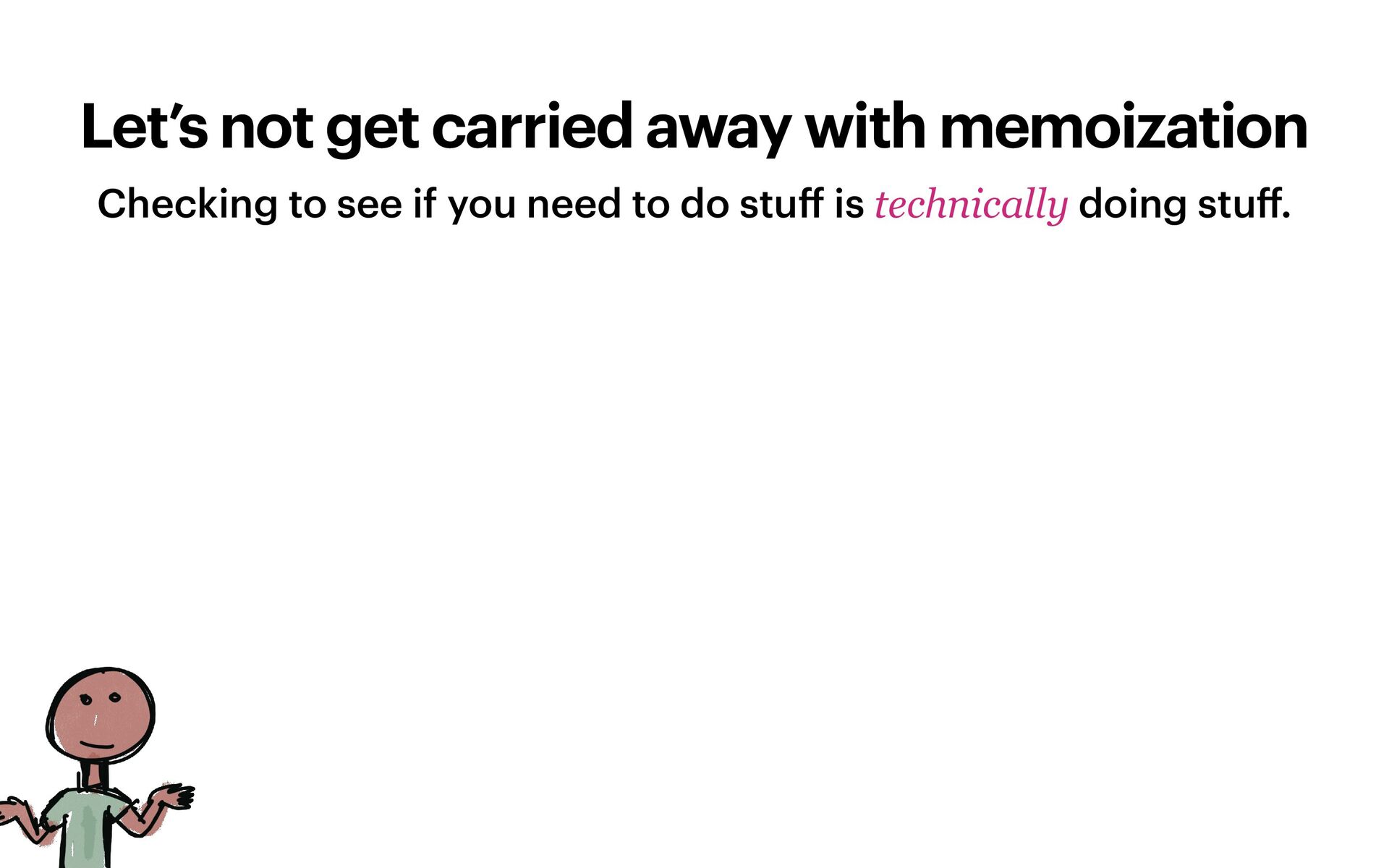
than doing stu ff . (Component hierarchy & state management) • Seeing if you can skip doing stu ff is sometimes less work than doing stu ff . (Memoization + Compiler) • You can put off doing stu ff . (Suspense + Transitions) • Load as much as you need and as little as you can get away with. (Lazy loading + bundle optimization) for web performance… and life.
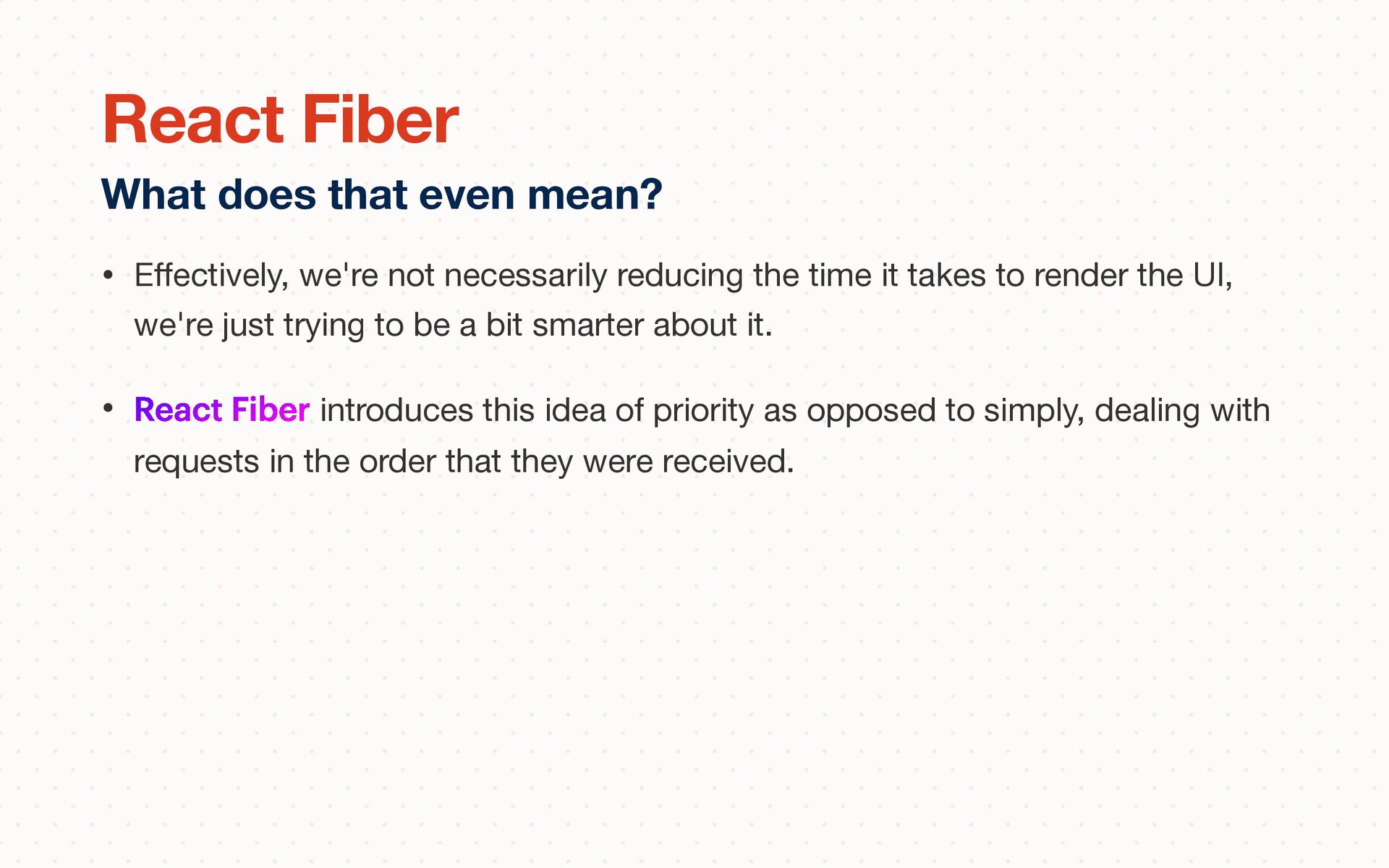
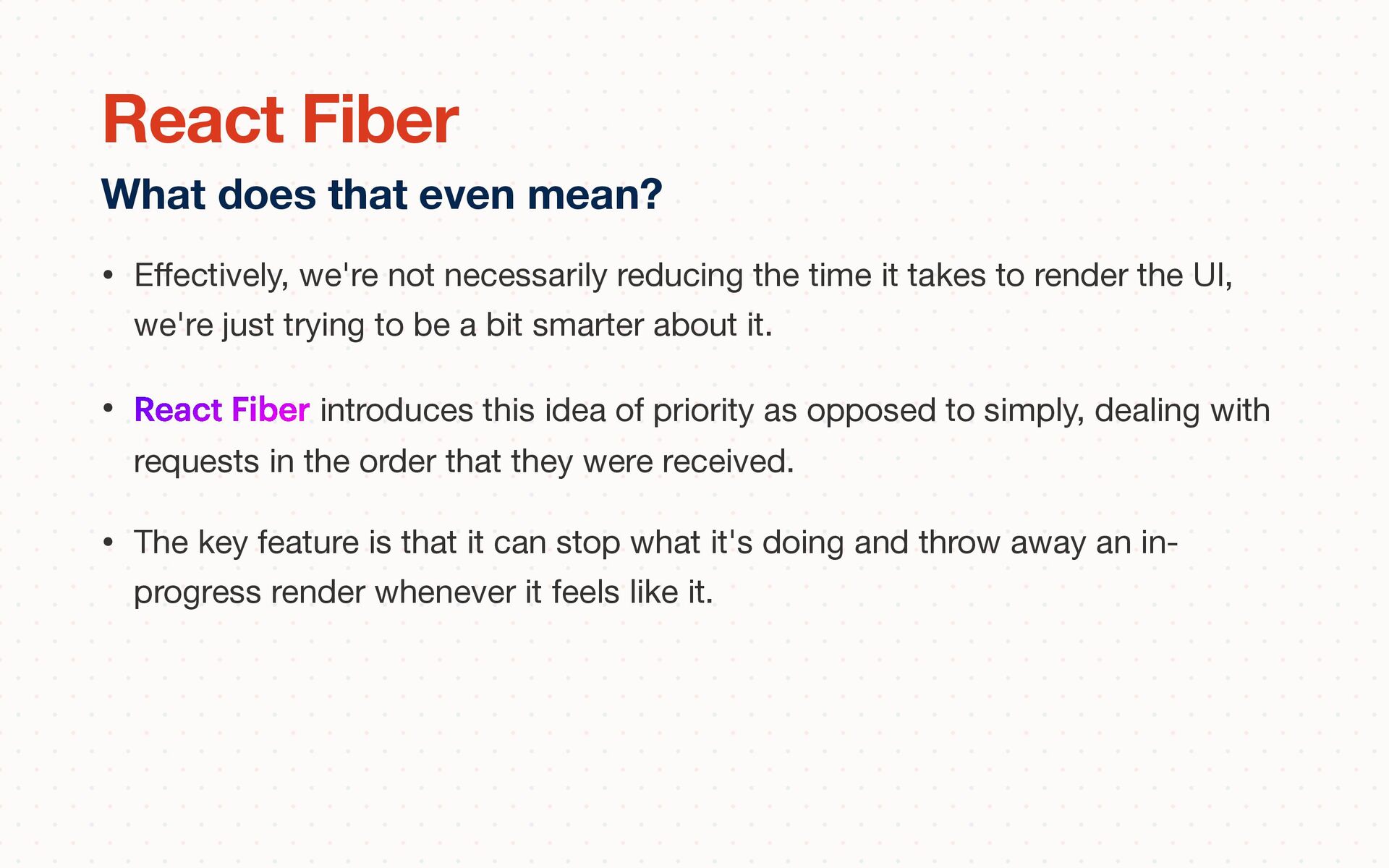
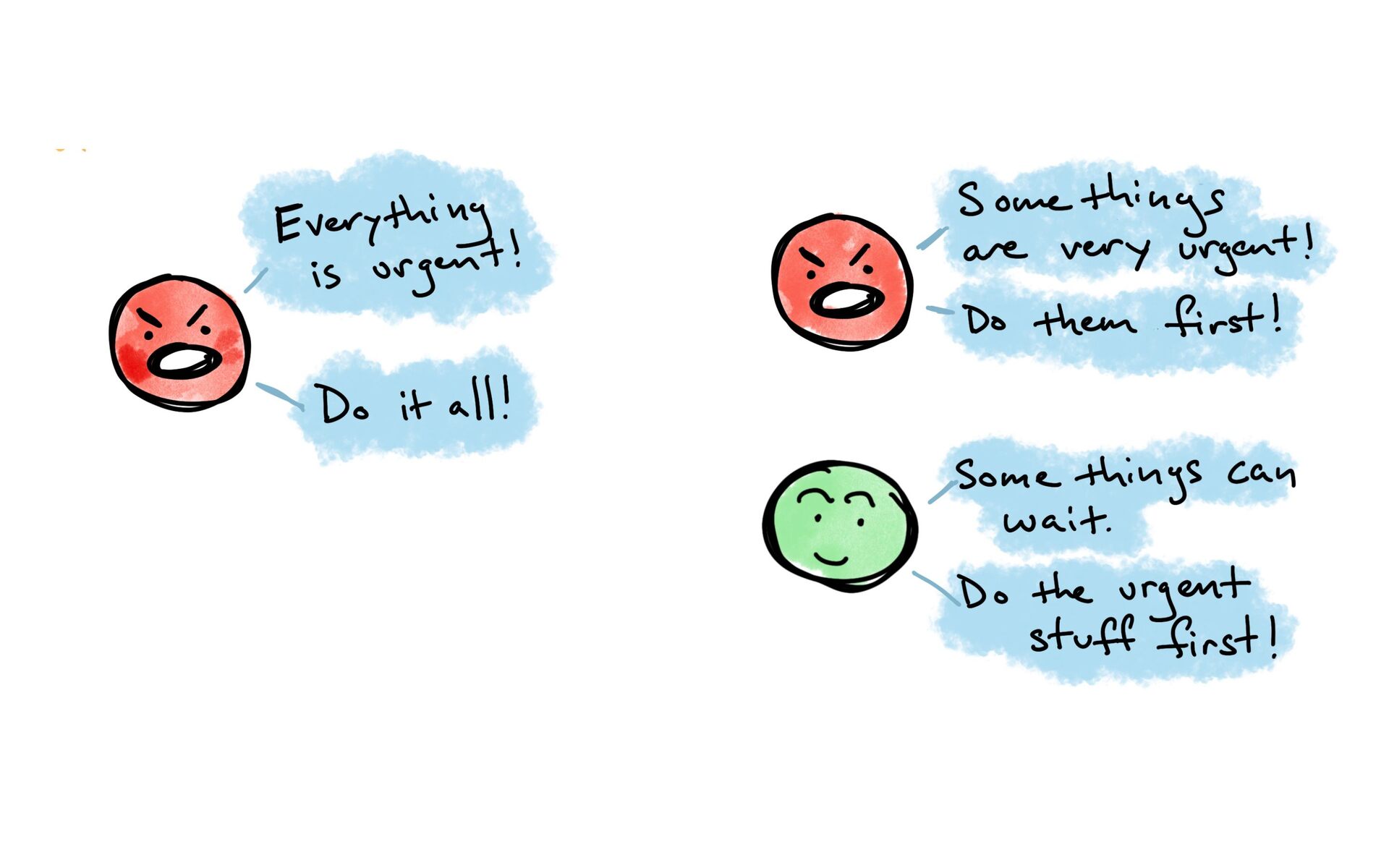
it takes to render the UI, we're just trying to be a bit smarter about it. • React Fiber introduces this idea of priority as opposed to simply, dealing with requests in the order that they were received. What does that even mean? React Fiber
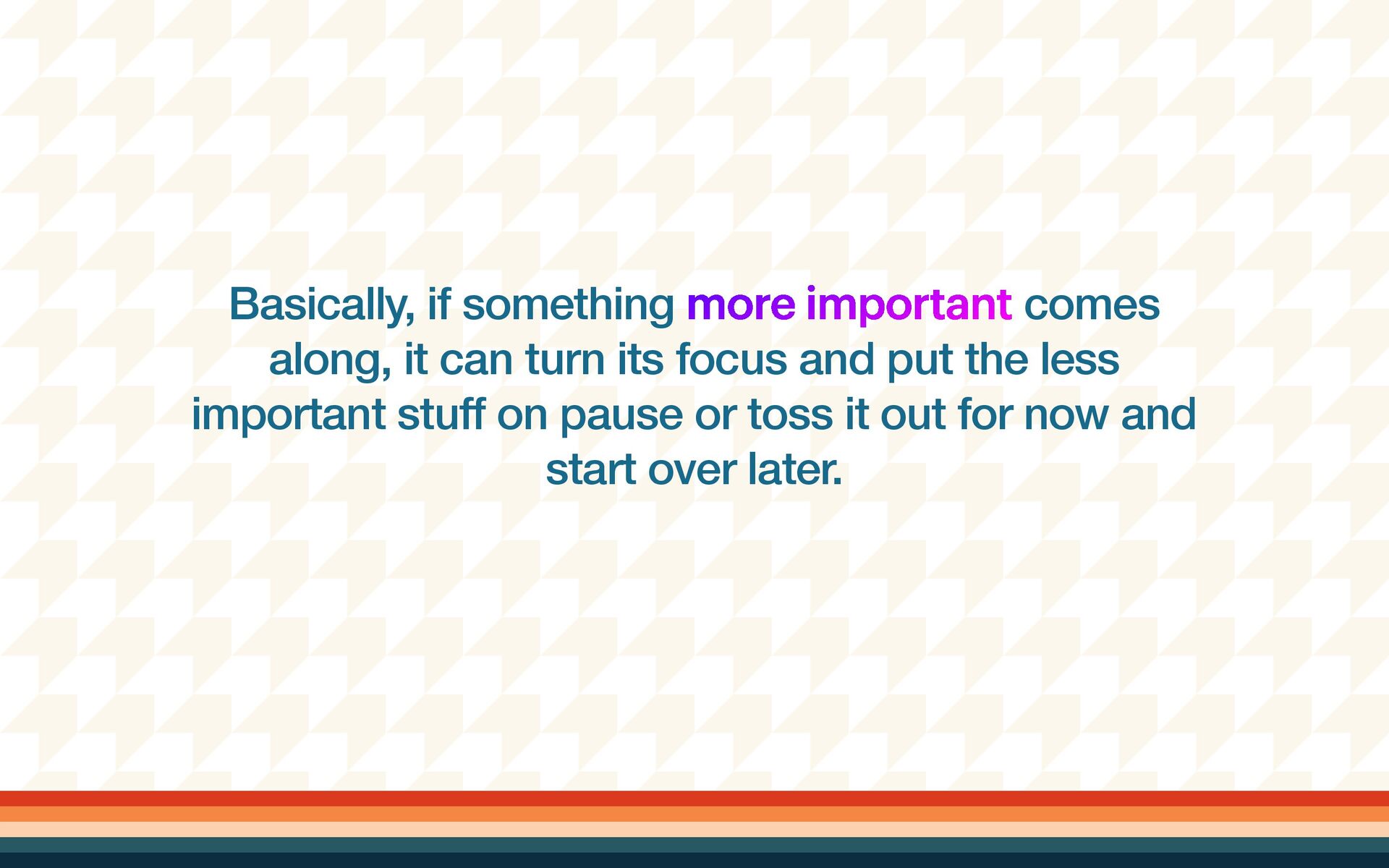
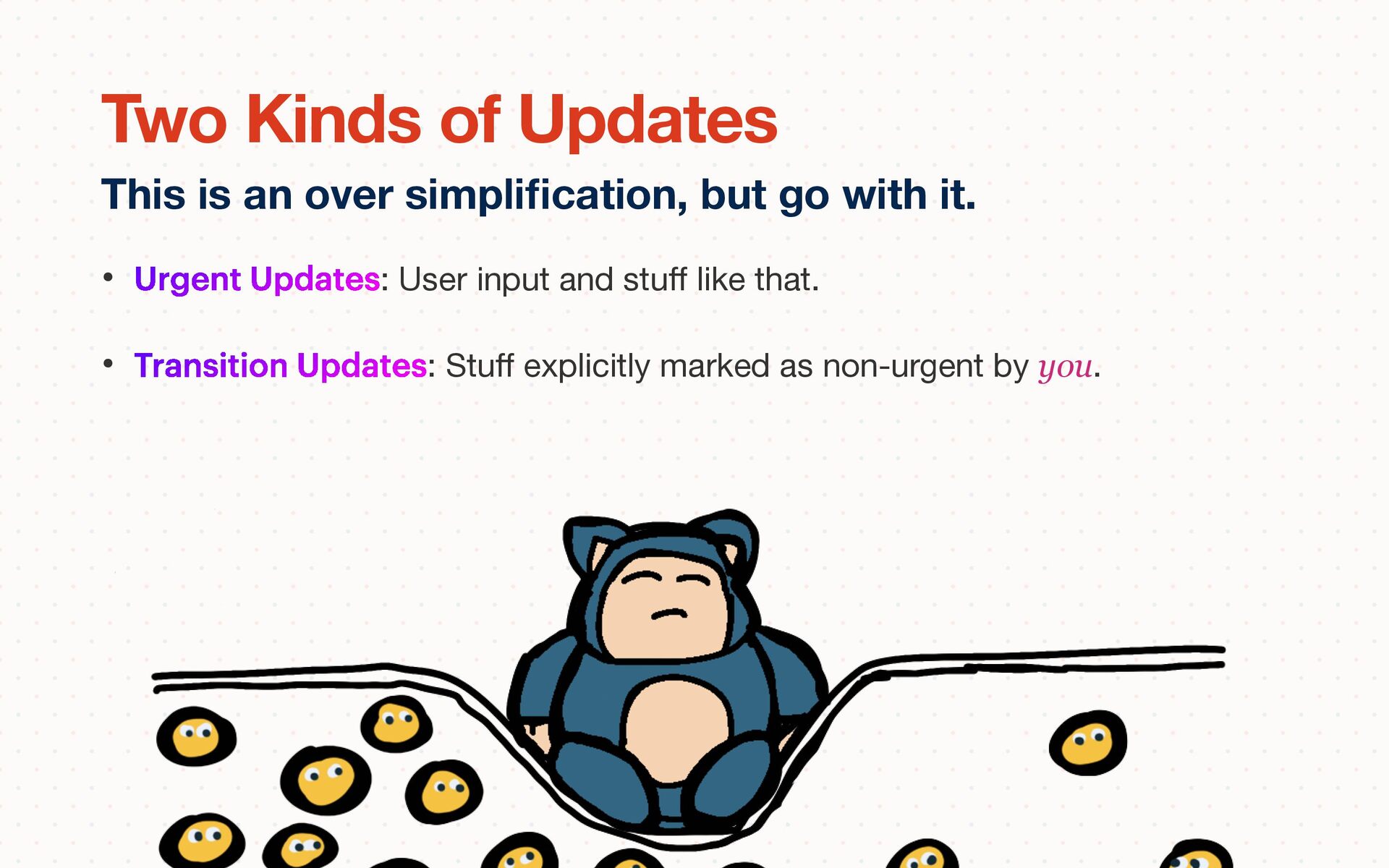
it takes to render the UI, we're just trying to be a bit smarter about it. • React Fiber introduces this idea of priority as opposed to simply, dealing with requests in the order that they were received. • The key feature is that it can stop what it's doing and throw away an in- progress render whenever it feels like it. What does that even mean? React Fiber
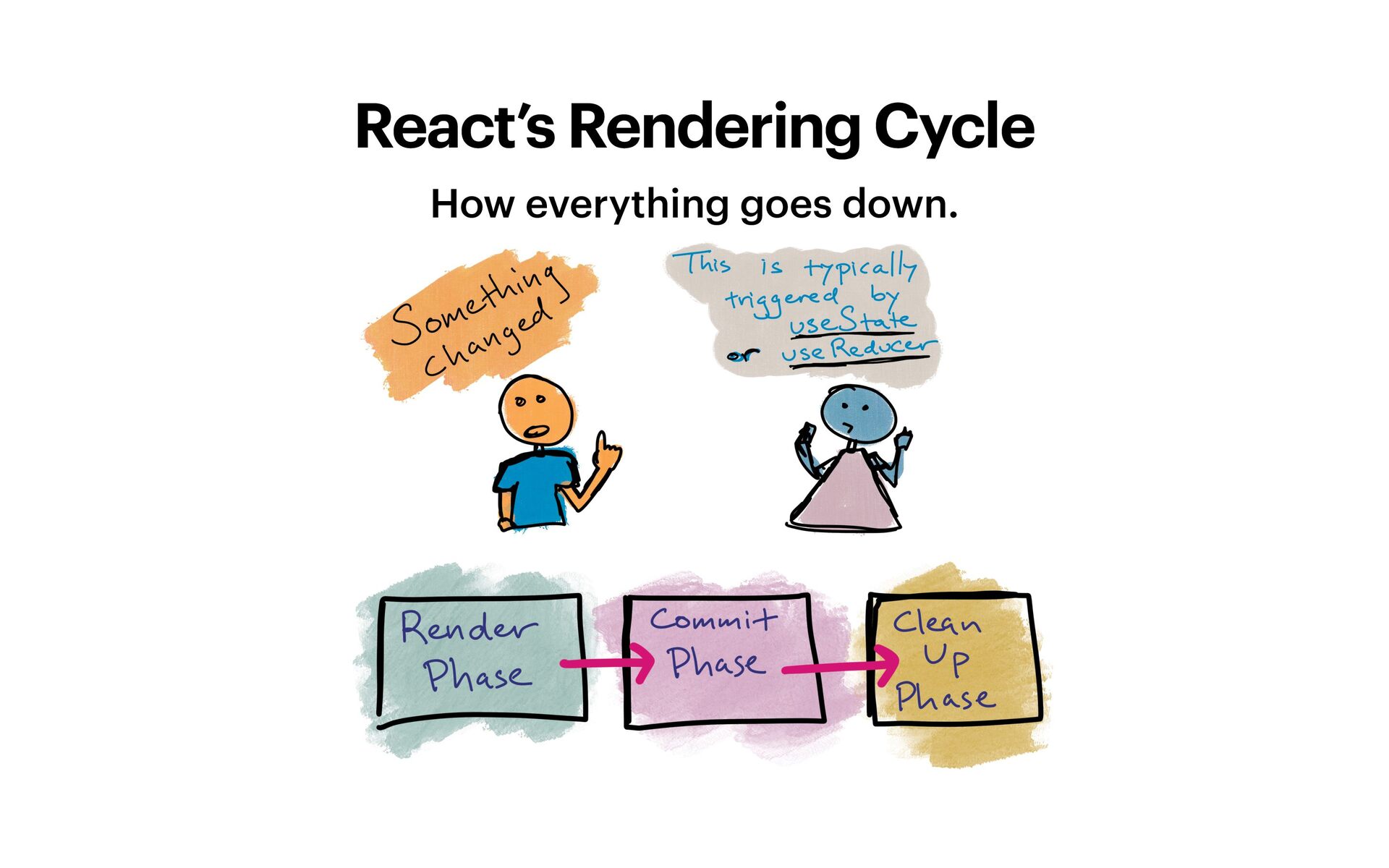
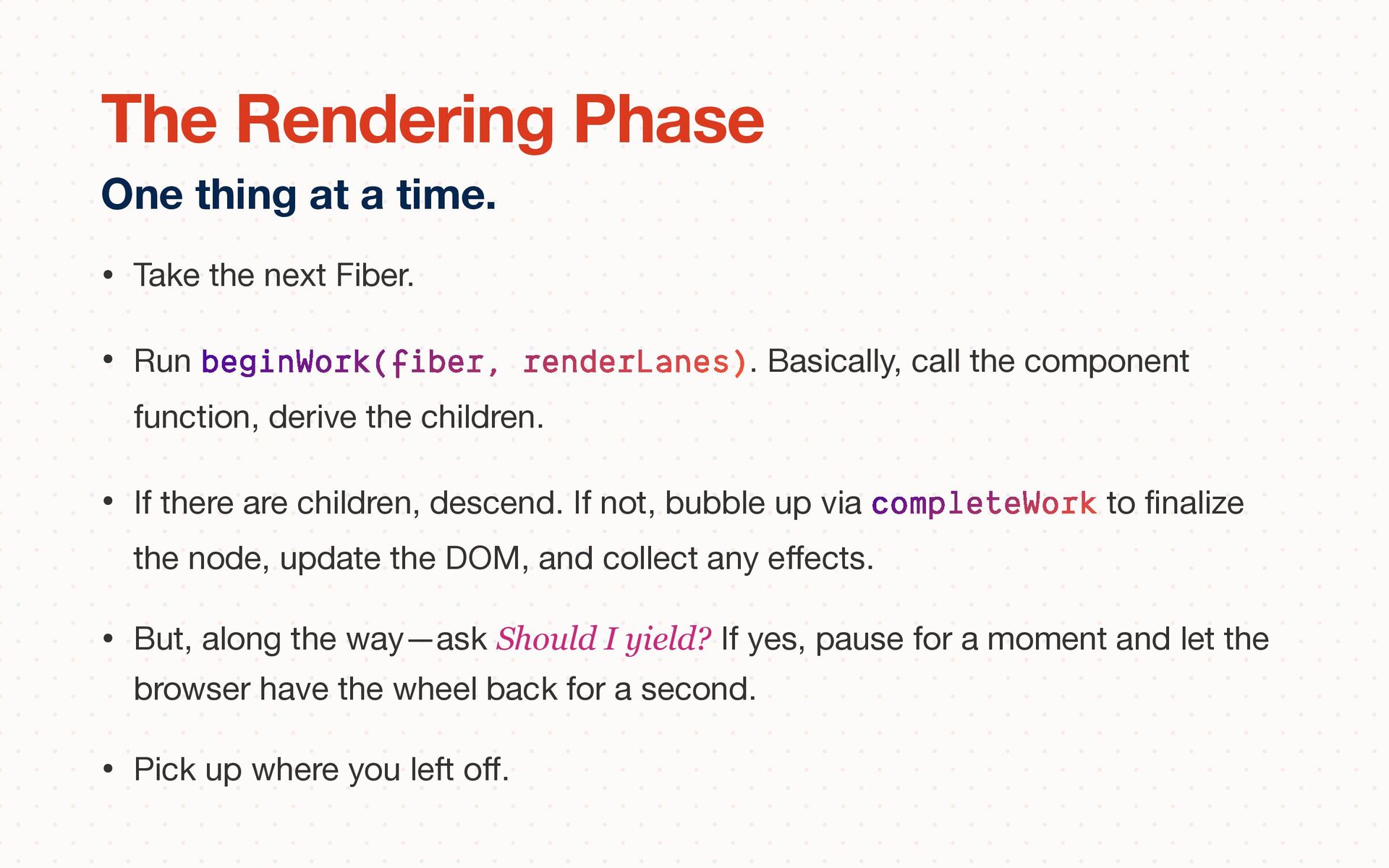
call the component function, derive the children. • If there are children, descend. If not, bubble up via completeWork to fi nalize the node, update the DOM, and collect any e ff ects. • But, along the way—ask Should I yield? If yes, pause for a moment and let the browser have the wheel back for a second. • Pick up where you left o ff . One thing at a time. The Rendering Phase
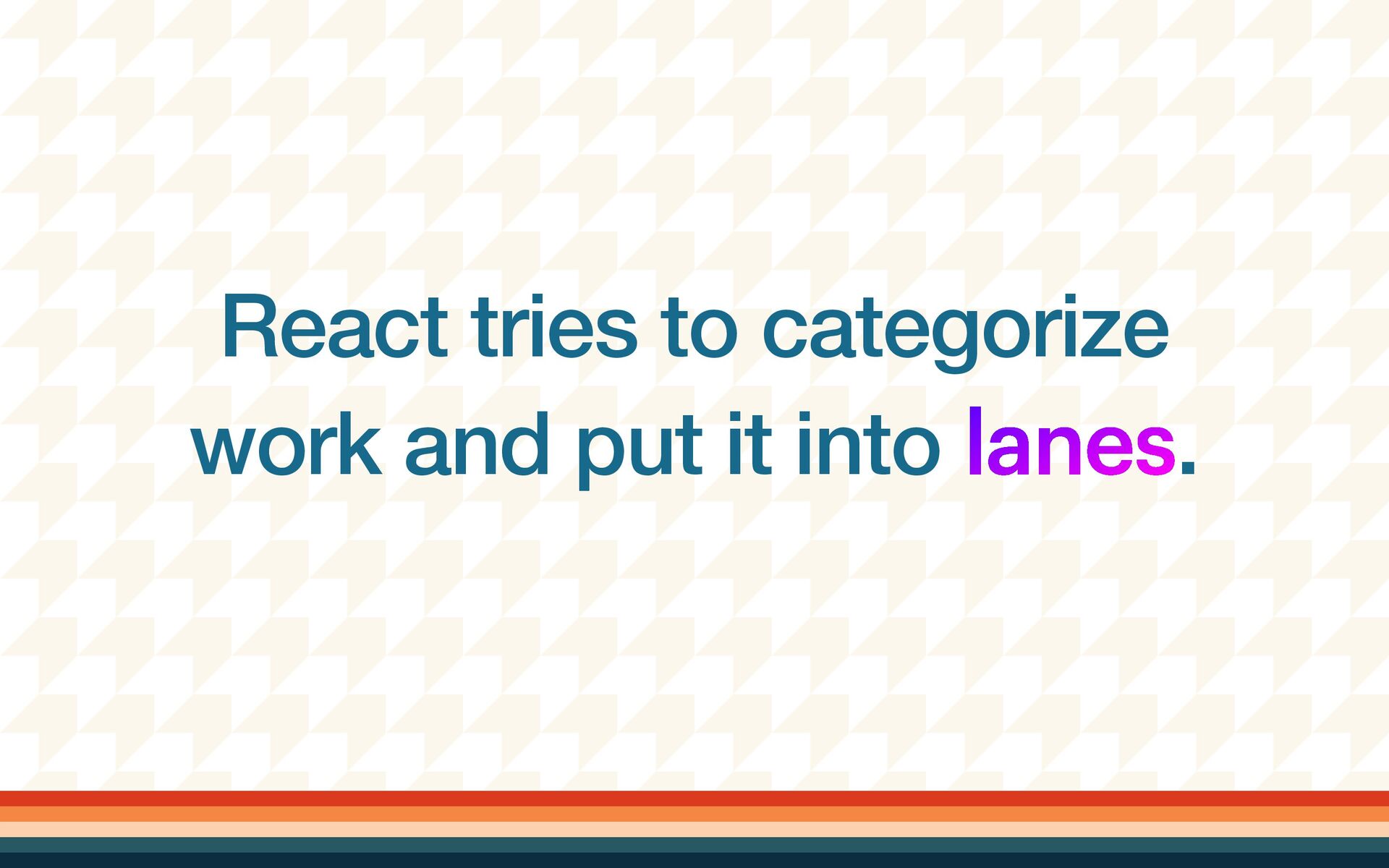
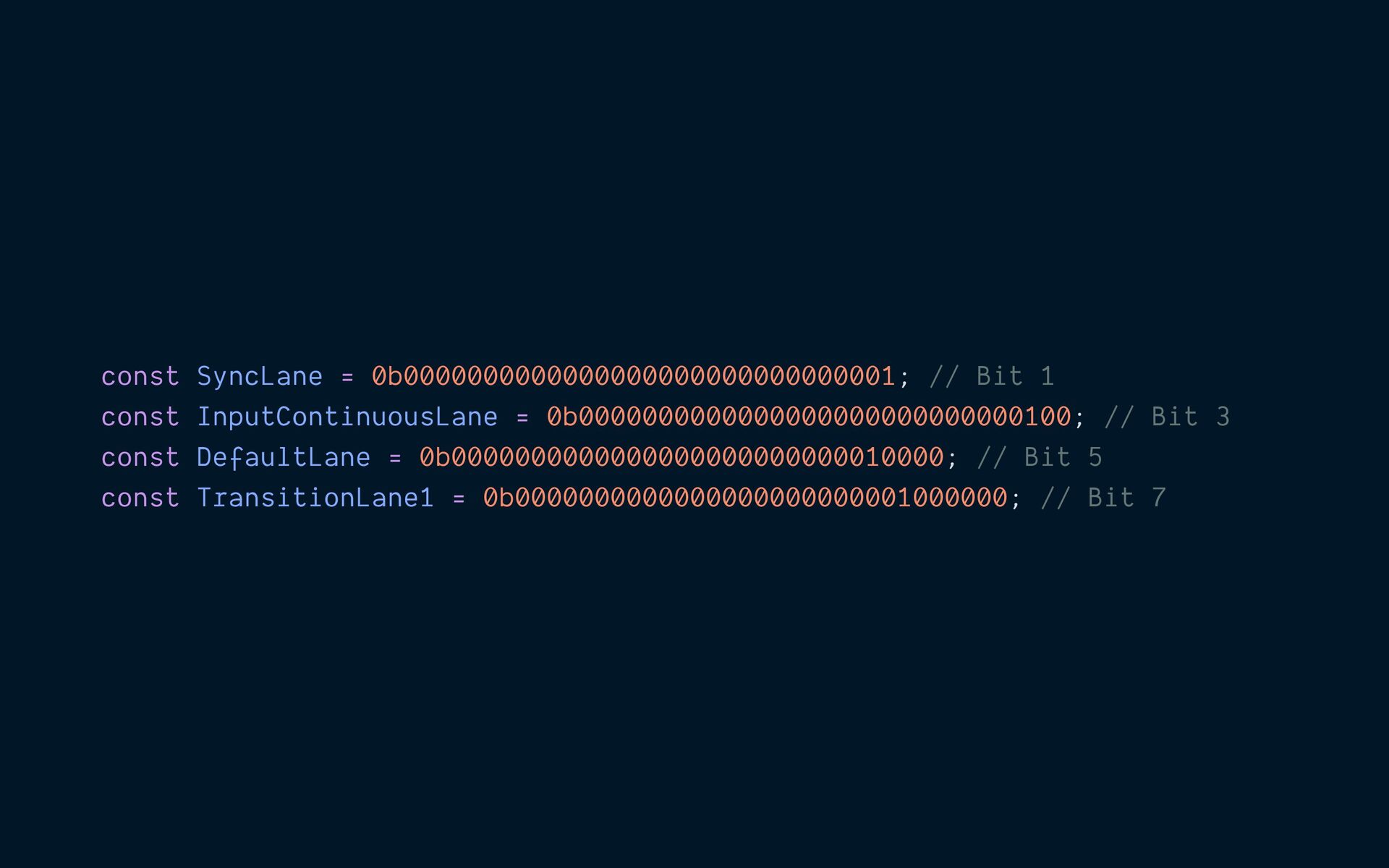
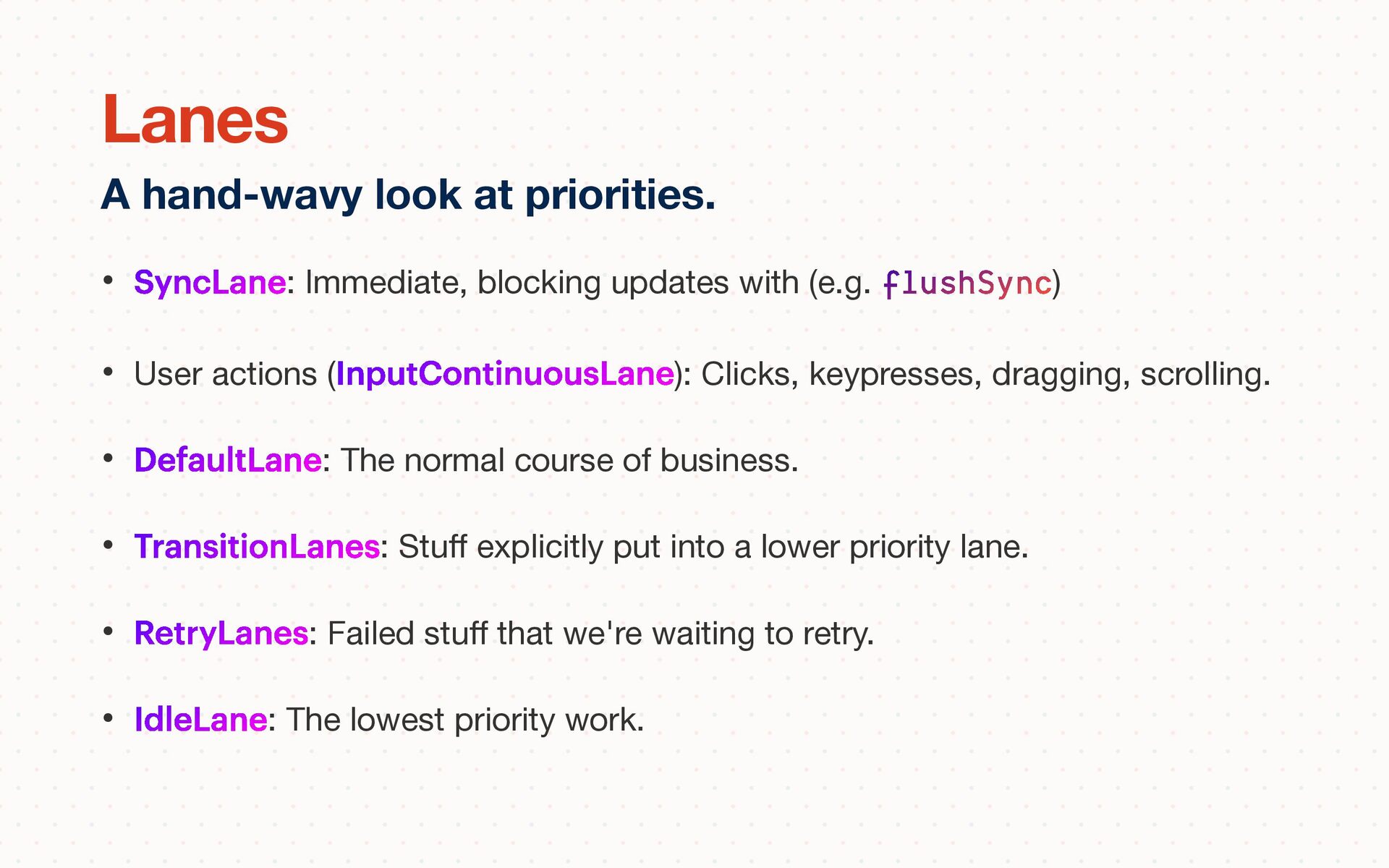
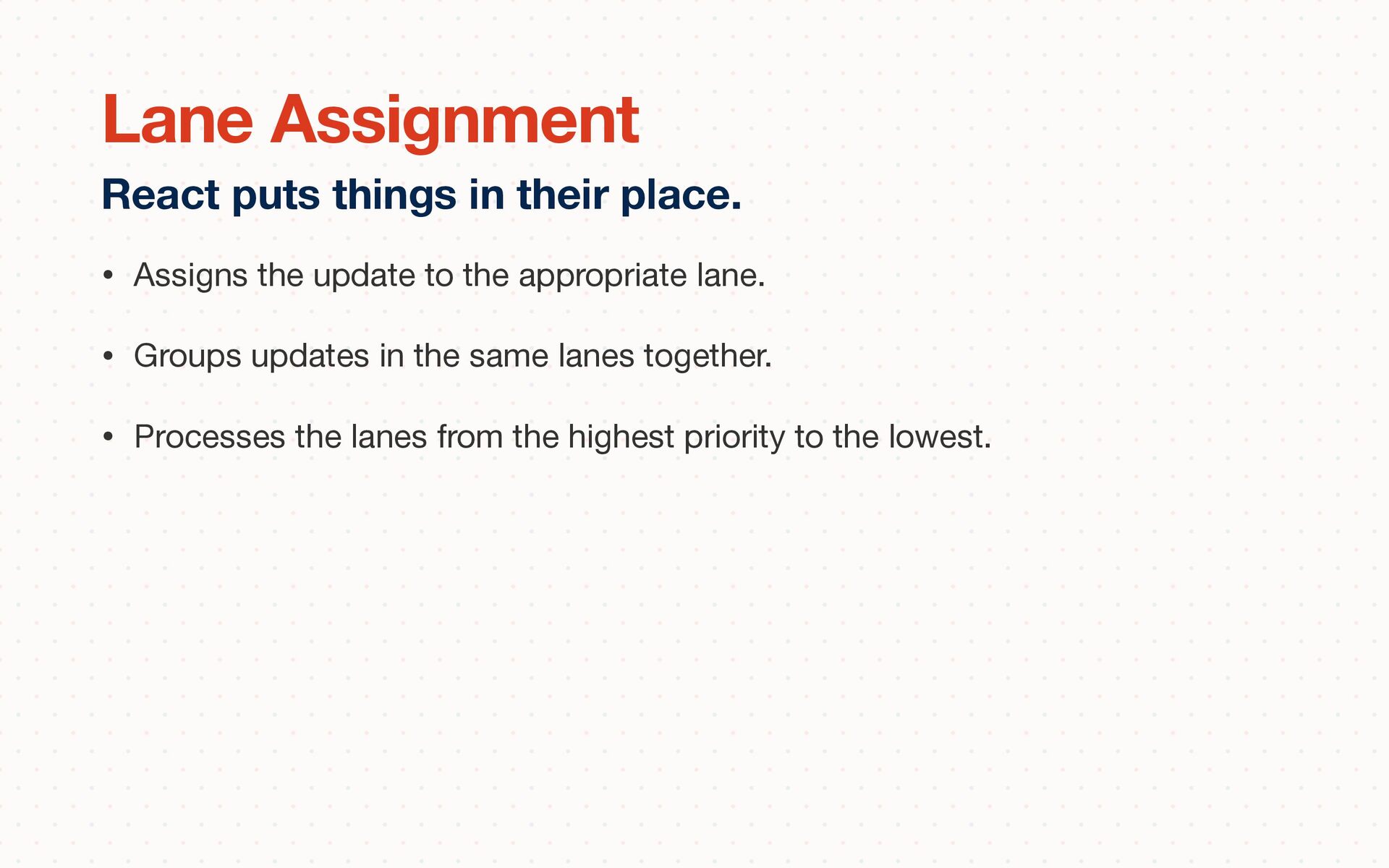
actions (InputContinuousLane): Clicks, keypresses, dragging, scrolling. • DefaultLane: The normal course of business. • TransitionLanes: Stu ff explicitly put into a lower priority lane. • RetryLanes: Failed stu ff that we're waiting to retry. • IdleLane: The lowest priority work. A hand-wavy look at priorities. Lanes
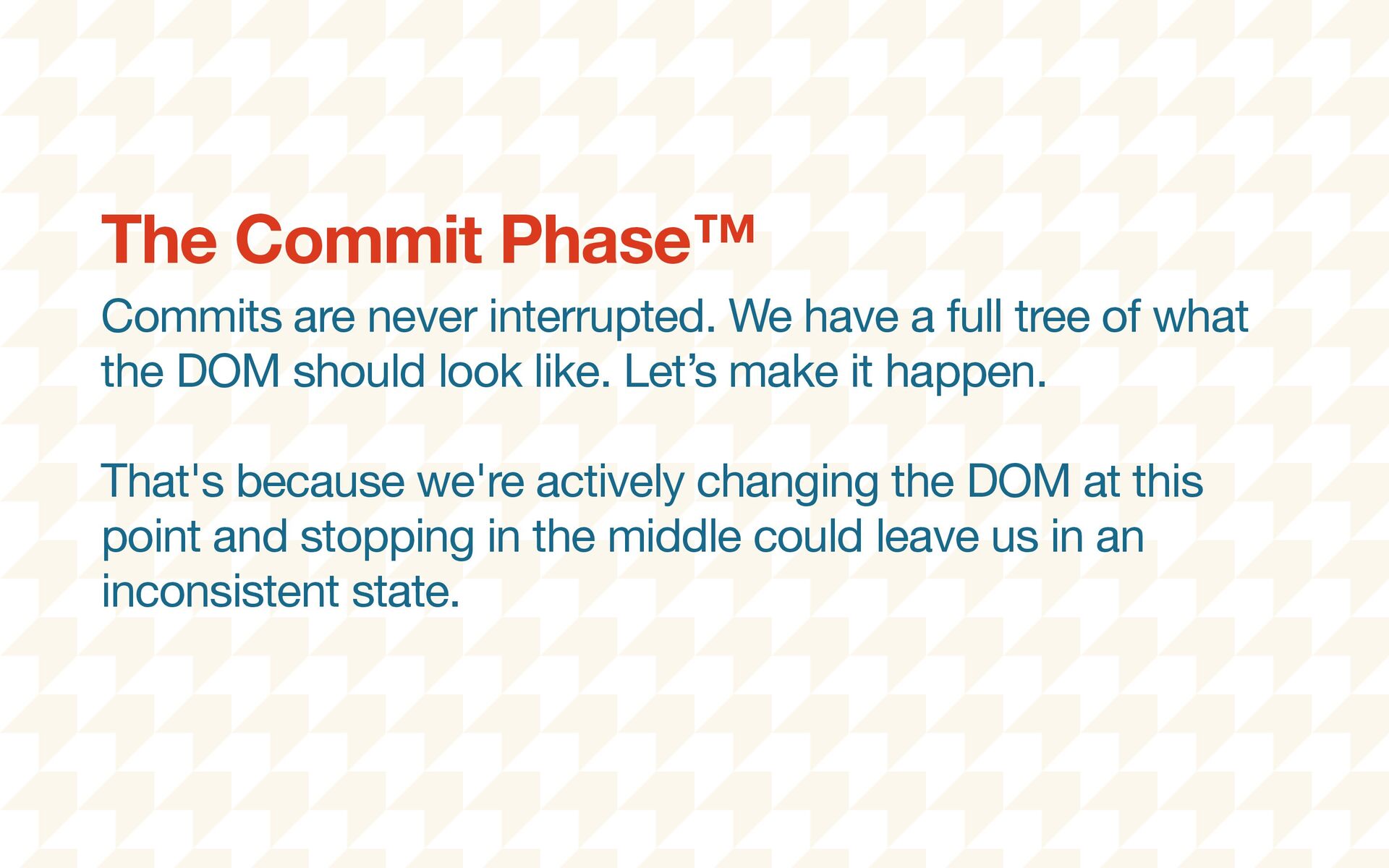
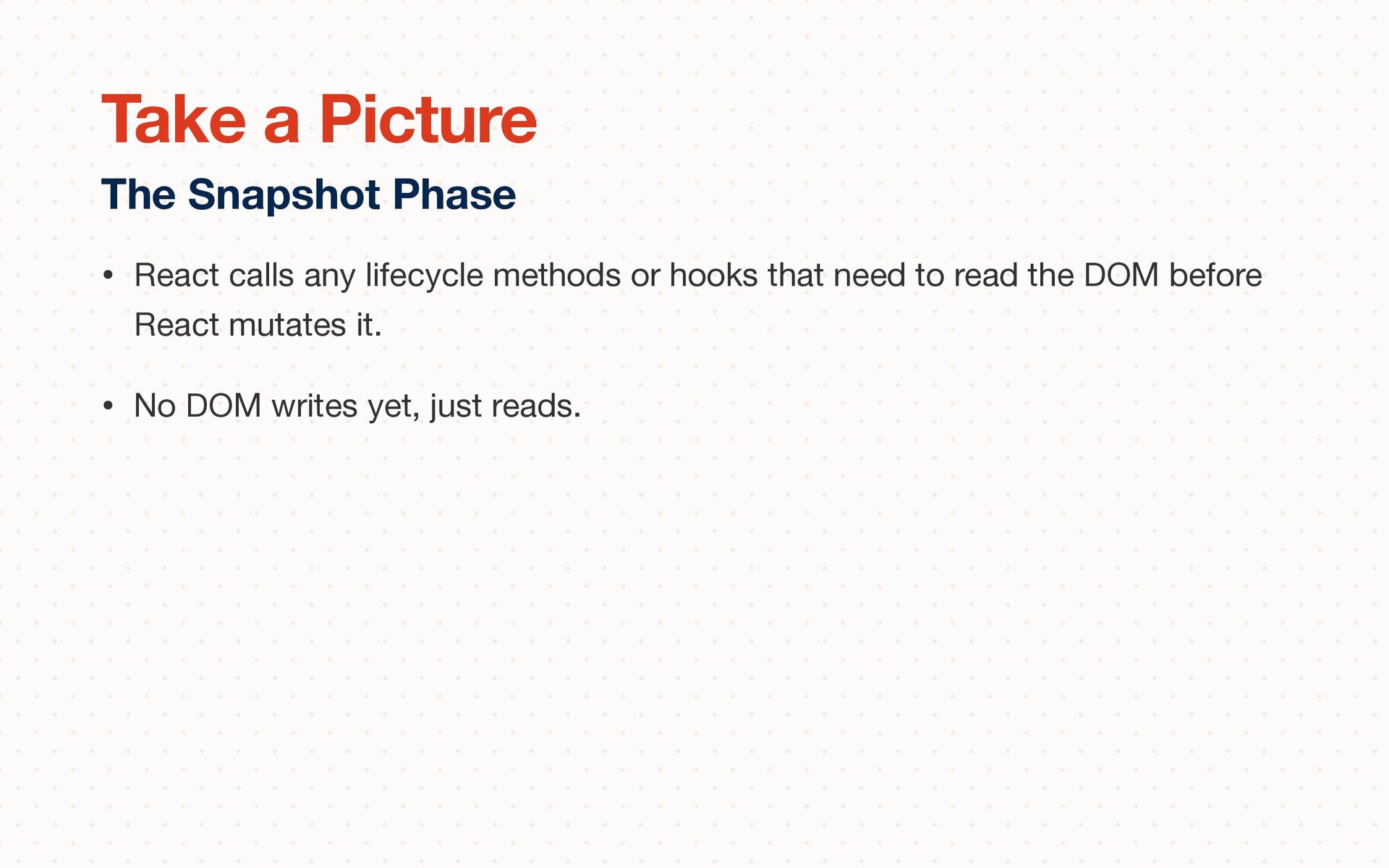
what the DOM should look like. Let’s make it happen. That's because we're actively changing the DOM at this point and stopping in the middle could leave us in an inconsistent state. The Commit Phase™
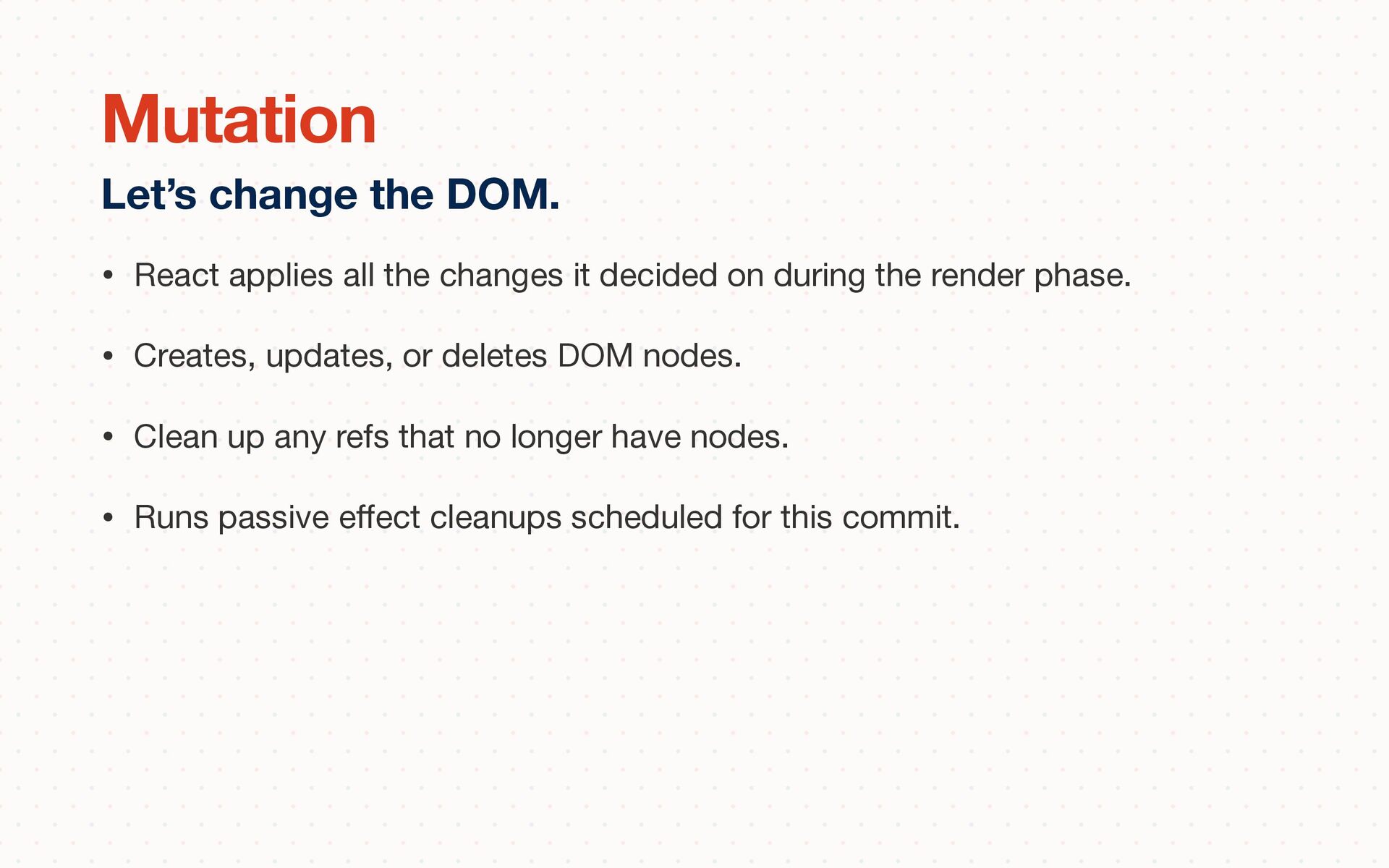
the render phase. • Creates, updates, or deletes DOM nodes. • Clean up any refs that no longer have nodes. • Runs passive e ff ect cleanups scheduled for this commit. Let’s change the DOM. Mutation
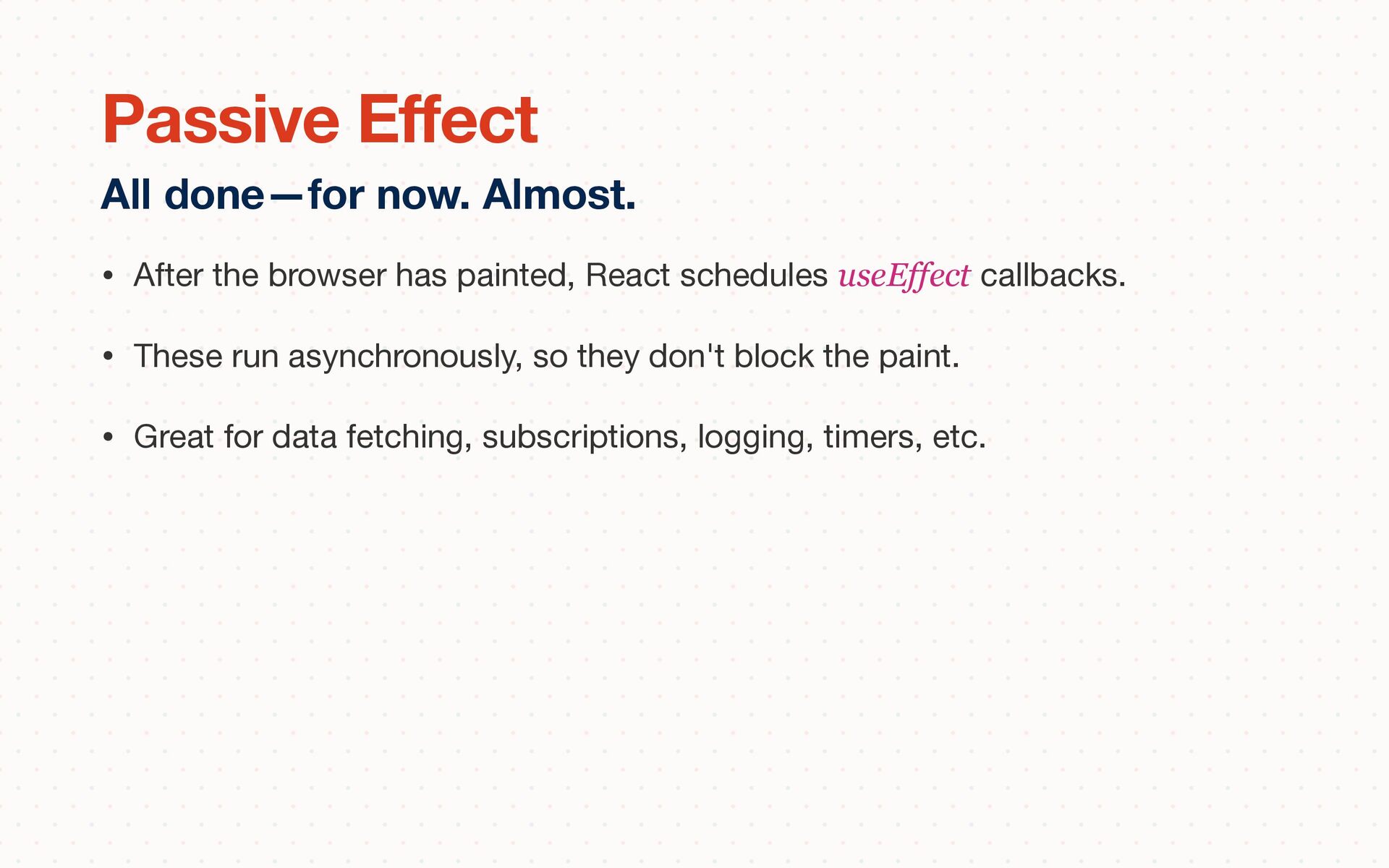
• These run asynchronously, so they don't block the paint. • Great for data fetching, subscriptions, logging, timers, etc. All done—for now. Almost. Passive Effect
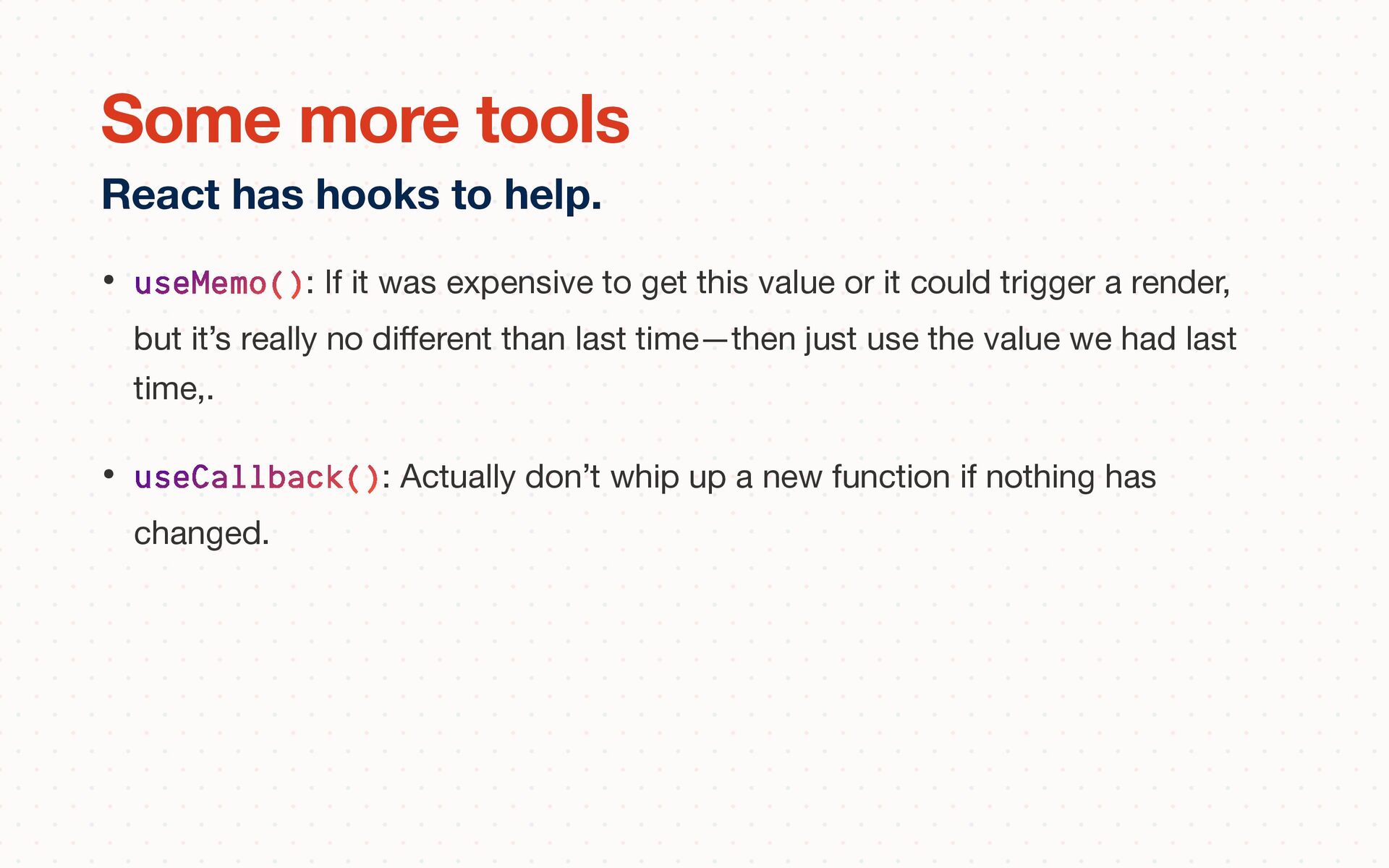
or it could trigger a render, but it’s really no di ff erent than last time—then just use the value we had last time,. • useCallback(): Actually don’t whip up a new function if nothing has changed. React has hooks to help. Some more tools
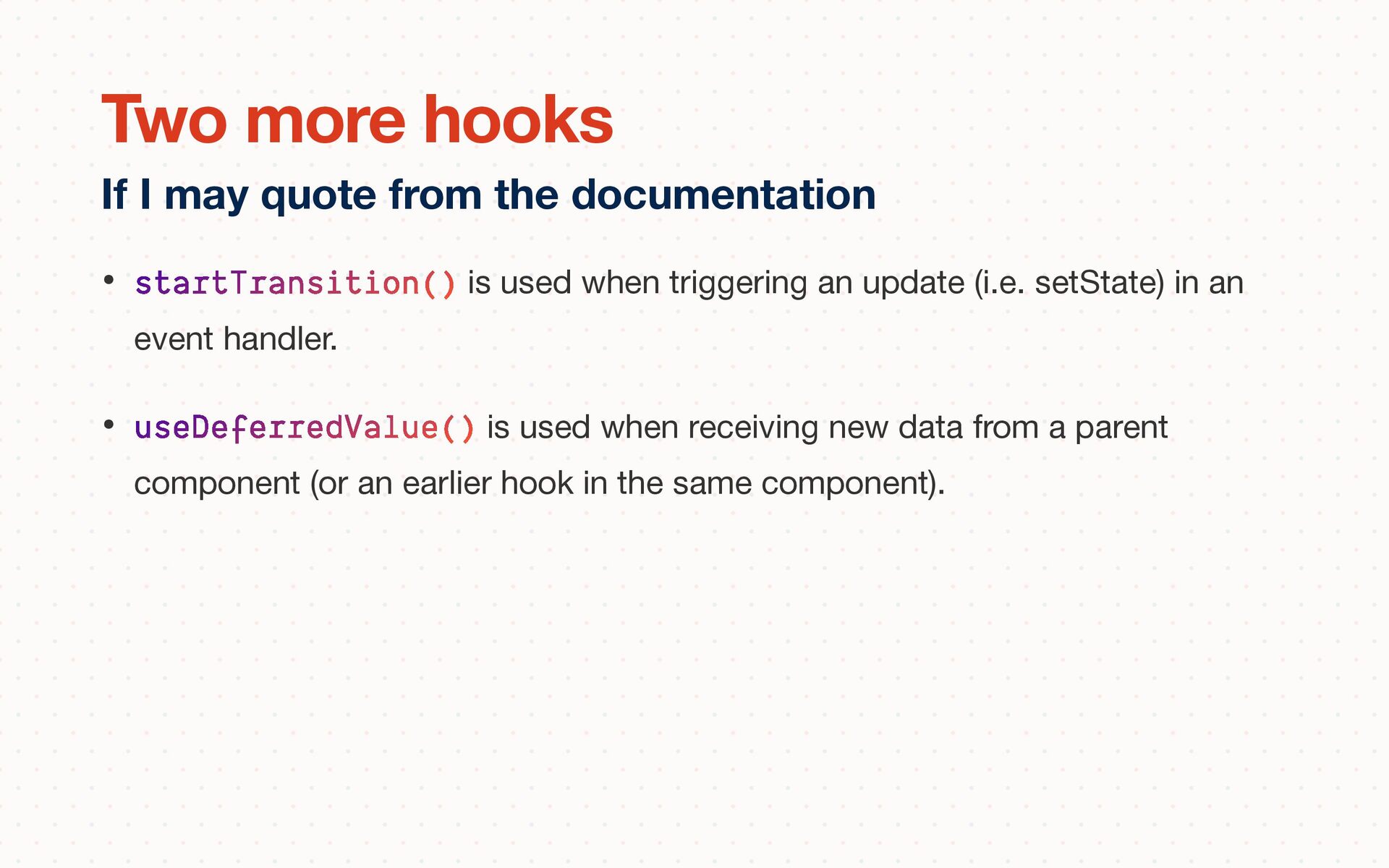
in an event handler. • useDeferredValue() is used when receiving new data from a parent component (or an earlier hook in the same component). If I may quote from the documentation Two more hooks
shape your component hierarchy or state—do that first. • Memoization is a solid strategy only if the cost of checking pays for itself with the time you save rendering. • Using the Suspense API to progressively load your application is a good idea™. And, more good stu ff will come soon. • The Transition API is there for you when you’re really in a pickle. The actual last slide. In conclusion


 stevekinney
 inesmontani
 aleyda
 baasie
 palkan
 garrettdimon
 chriscoyier
 jeffersonlam
 mza
mza
 frankvandijk
 emna__ayadi
.jpg) cargoodrich
cargoodrich