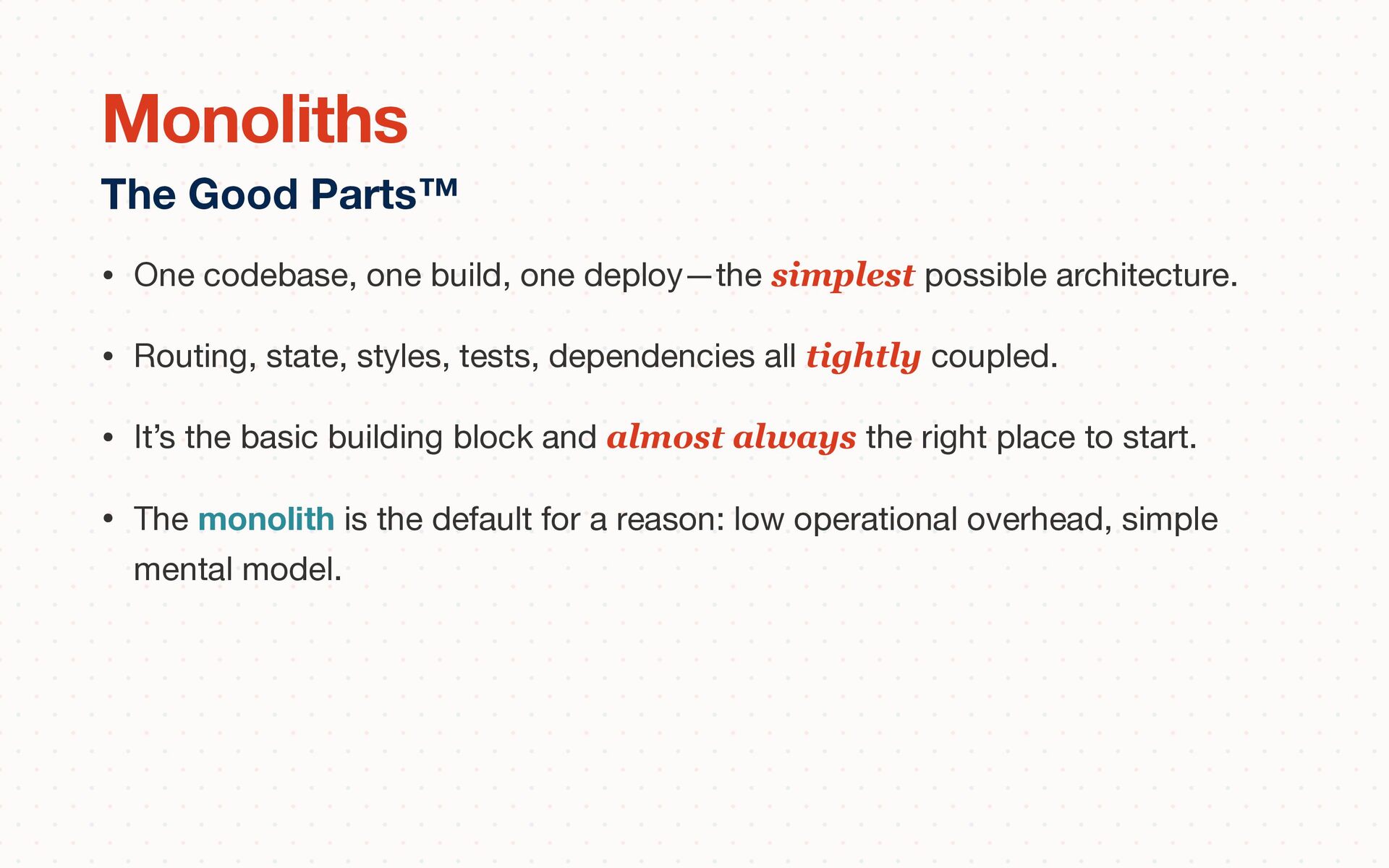
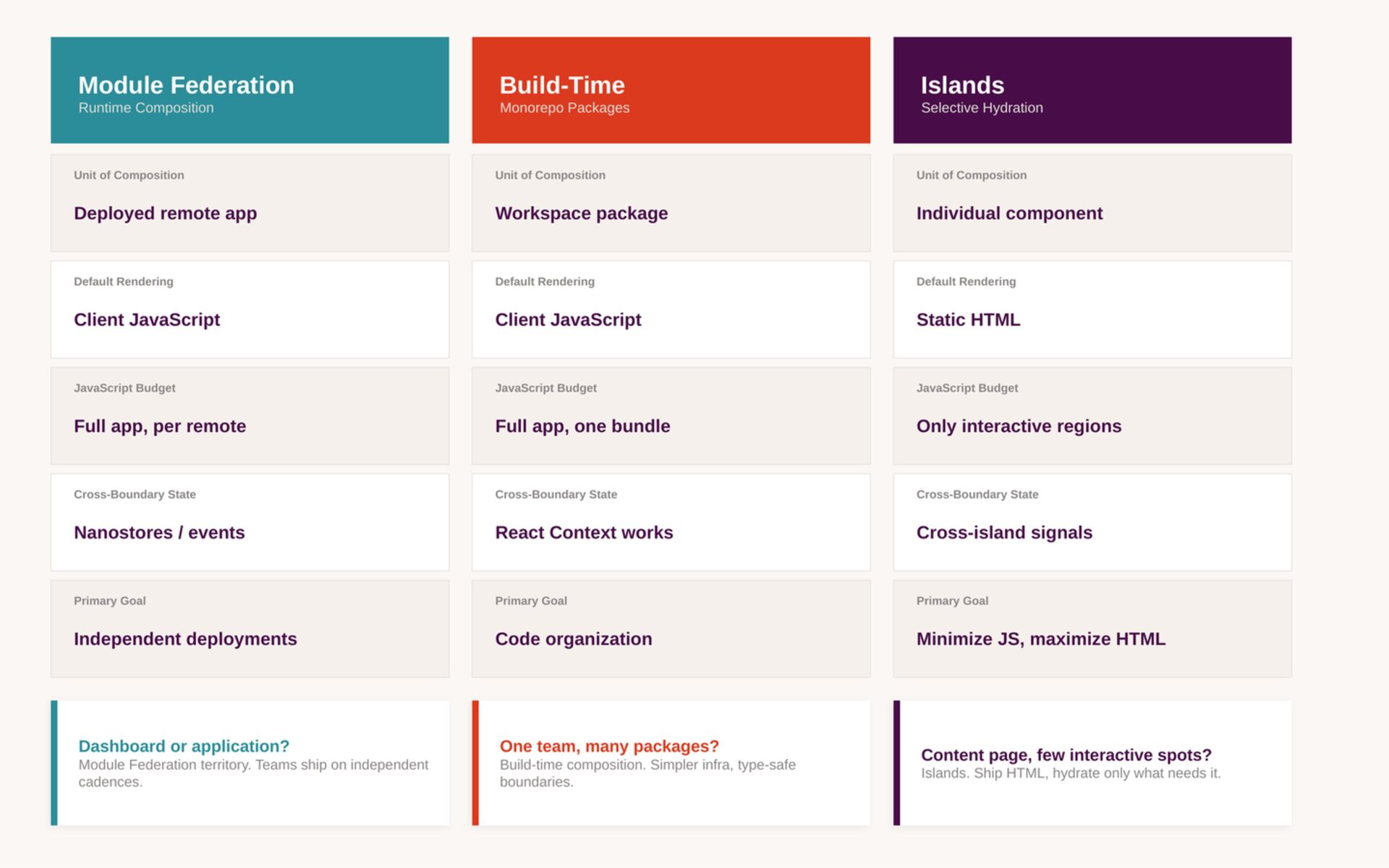
• Routing, state, styles, tests, dependencies all tightly coupled. • It’s the basic building block and almost always the right place to start. • The monolith is the default for a reason: low operational overhead, simple mental model. The Good Parts™ Monoliths
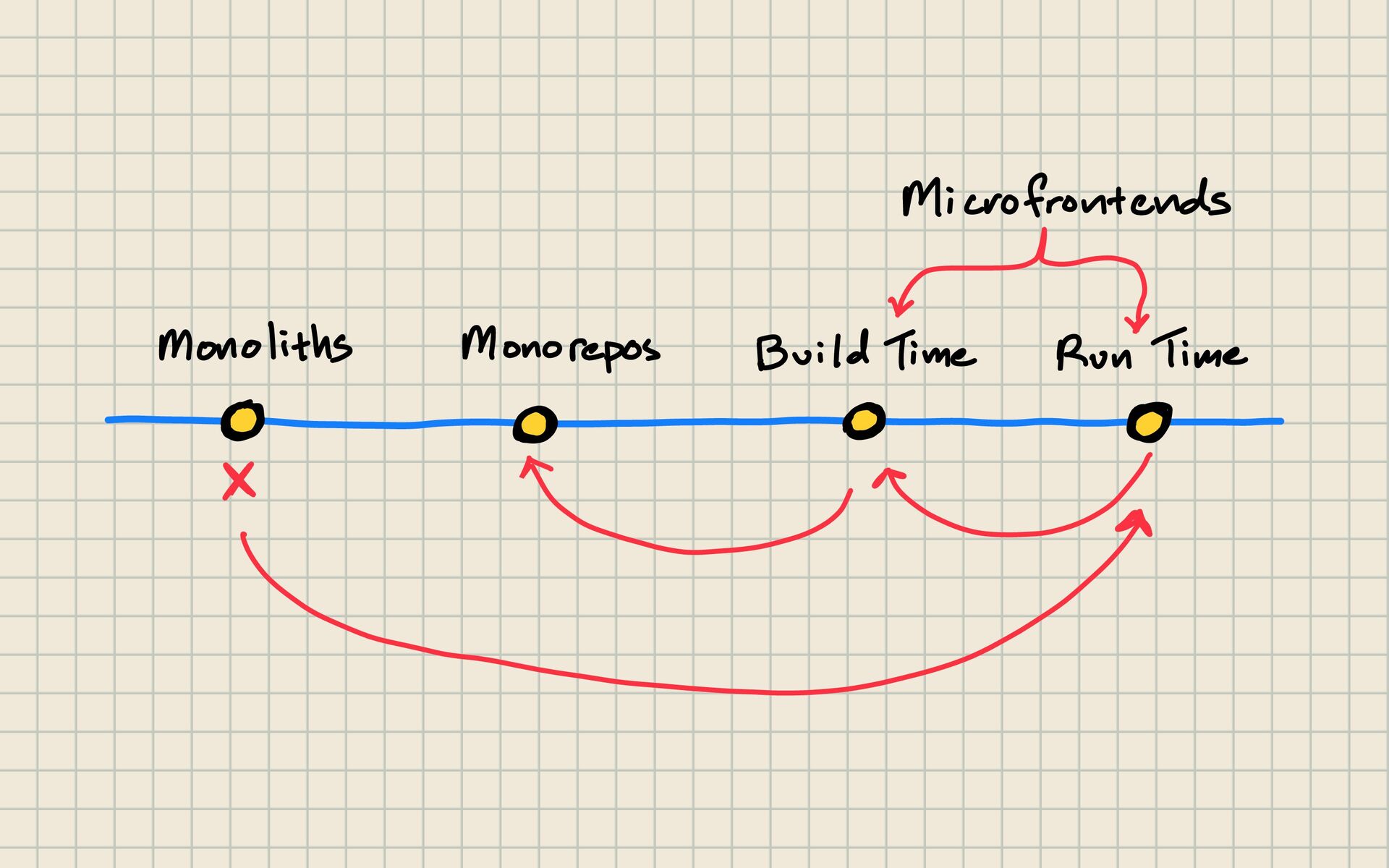
single unit. • A microfrontend system is many independently deliverable frontend slices composed into one user experience. Runtime Architecture The Three Axes
libraries. • A polyrepo gives each project its own repository. Polyrepos as the model where each team can make their own organizational decisions, at the cost of harder code sharing and repeated maintenance across repositories. Repository Topology The Three Axes
require lockstep coordination, or many deployables that are genuinely independent. Fowler warns against build-time “microfrontends” packaged into one container bundle—you get package boundaries, but you reintroduce lockstep release. Deployment Topology Three Axes
can host several unrelated apps. • It can host runtime-composed microfrontends. • A microfrontend architecture can live in one repository, many repositories, or some hybrid in between. Monorepos and microfrontends are not opposites. The Big Correction
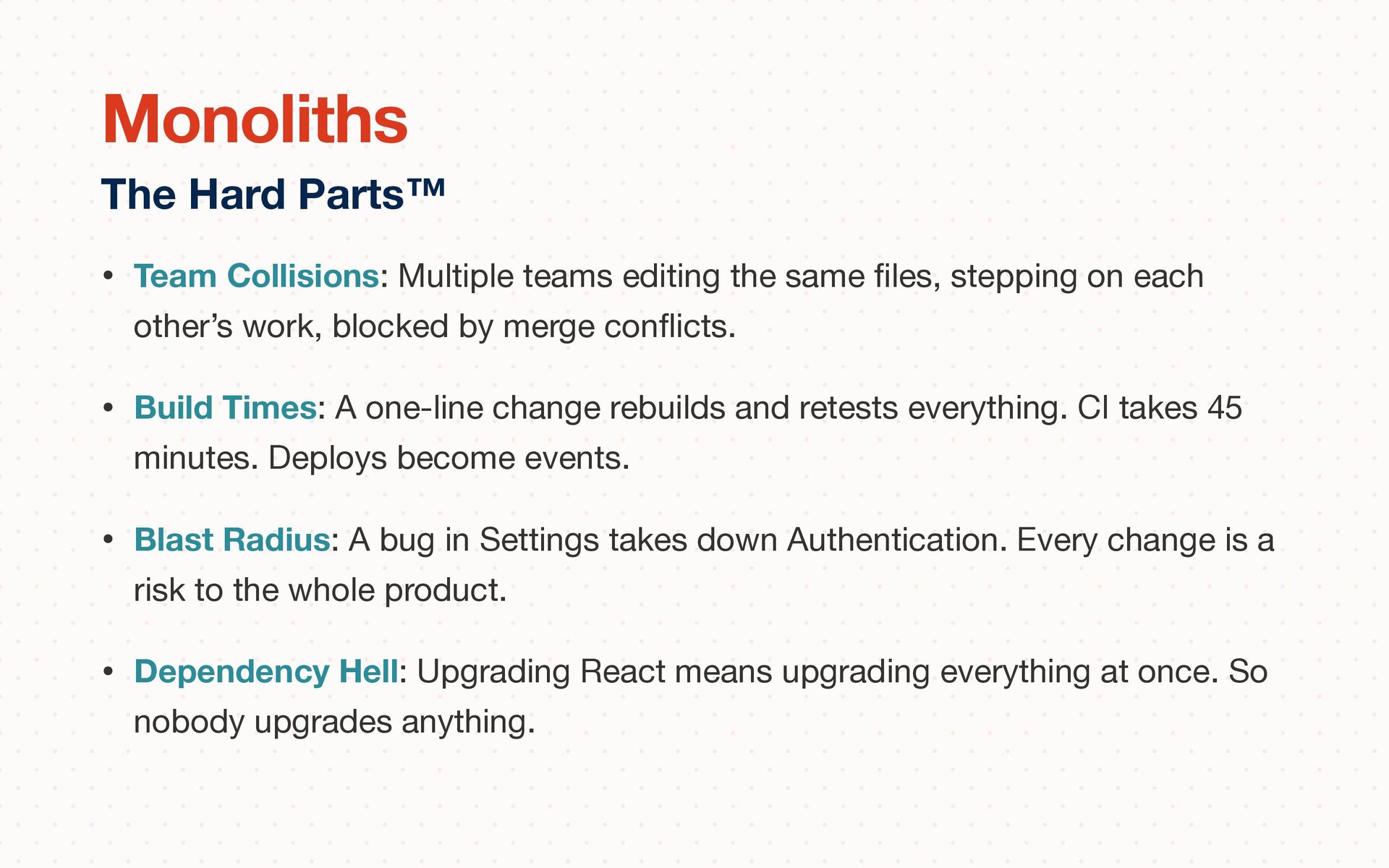
stepping on each other’s work, blocked by merge con fl icts. • Build Times: A one-line change rebuilds and retests everything. CI takes 45 minutes. Deploys become events. • Blast Radius: A bug in Settings takes down Authentication. Every change is a risk to the whole product. • Dependency Hell: Upgrading React means upgrading everything at once. So nobody upgrades anything. The Hard Parts™ Monoliths
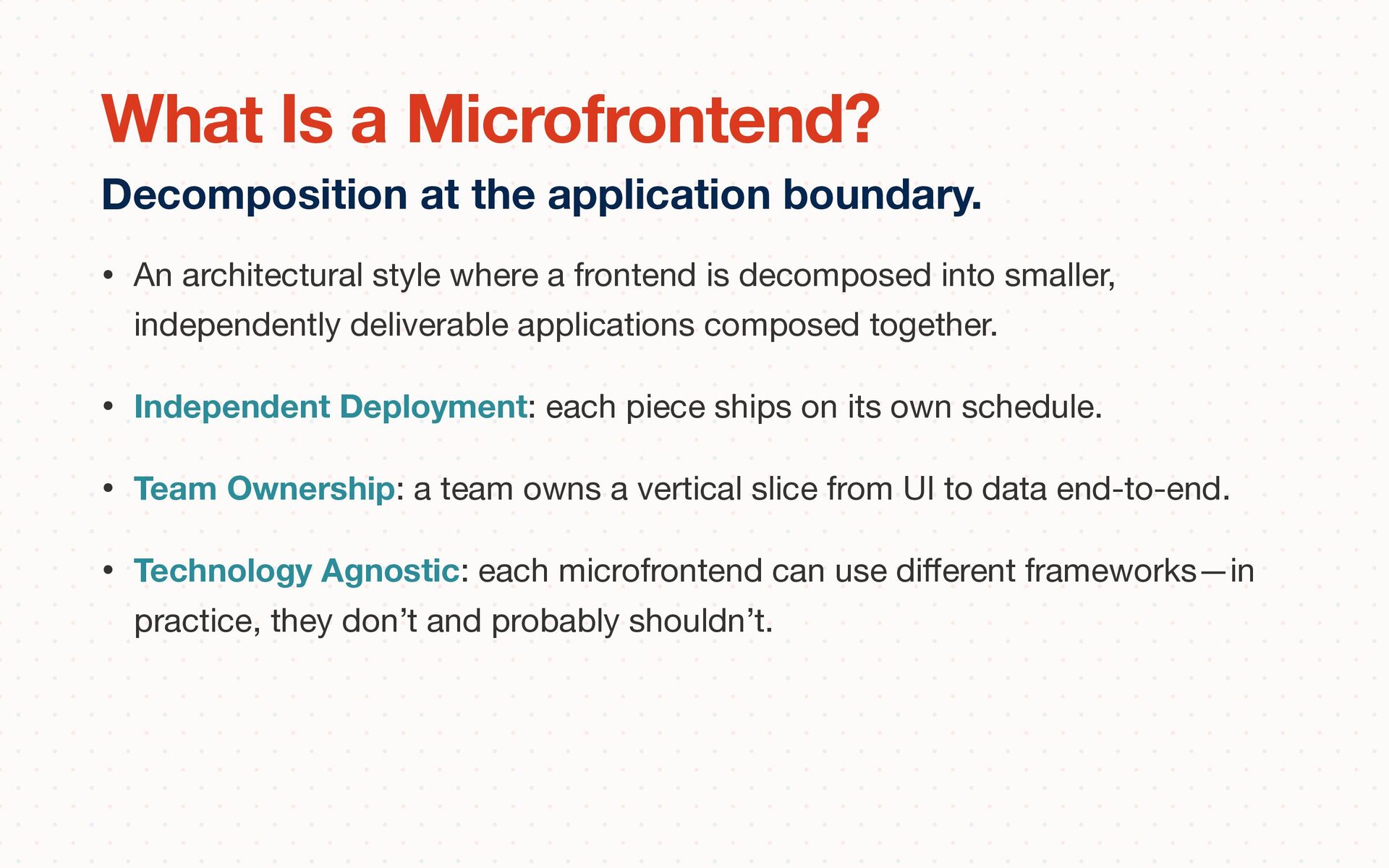
smaller, independently deliverable applications composed together. • Independent Deployment: each piece ships on its own schedule. • Team Ownership: a team owns a vertical slice from UI to data end-to-end. • Technology Agnostic: each microfrontend can use di ff erent frameworks—in practice, they don’t and probably shouldn’t. Decomposition at the application boundary. What Is a Microfrontend?
di ff erent cadences • need clearer ownership, or • need to migrate a large frontend incrementally instead of stopping the world for a rewrite. When it might be the right choice. What is a Microfrontend?
them all in as dependencies. • That looks neat on paper because you get one bundle and dependency deduplication. • But, every change forces a rebuild and release of the whole container. All of the pain and less of the gains. Build-time integration
isolation of styling and globals. • Disadvantages: Basically, everything else. Routing, history, deep-linking, responsiveness, and cross-app integration all become harder There when you need it. But, only if you need it. Runtime integration via iframes
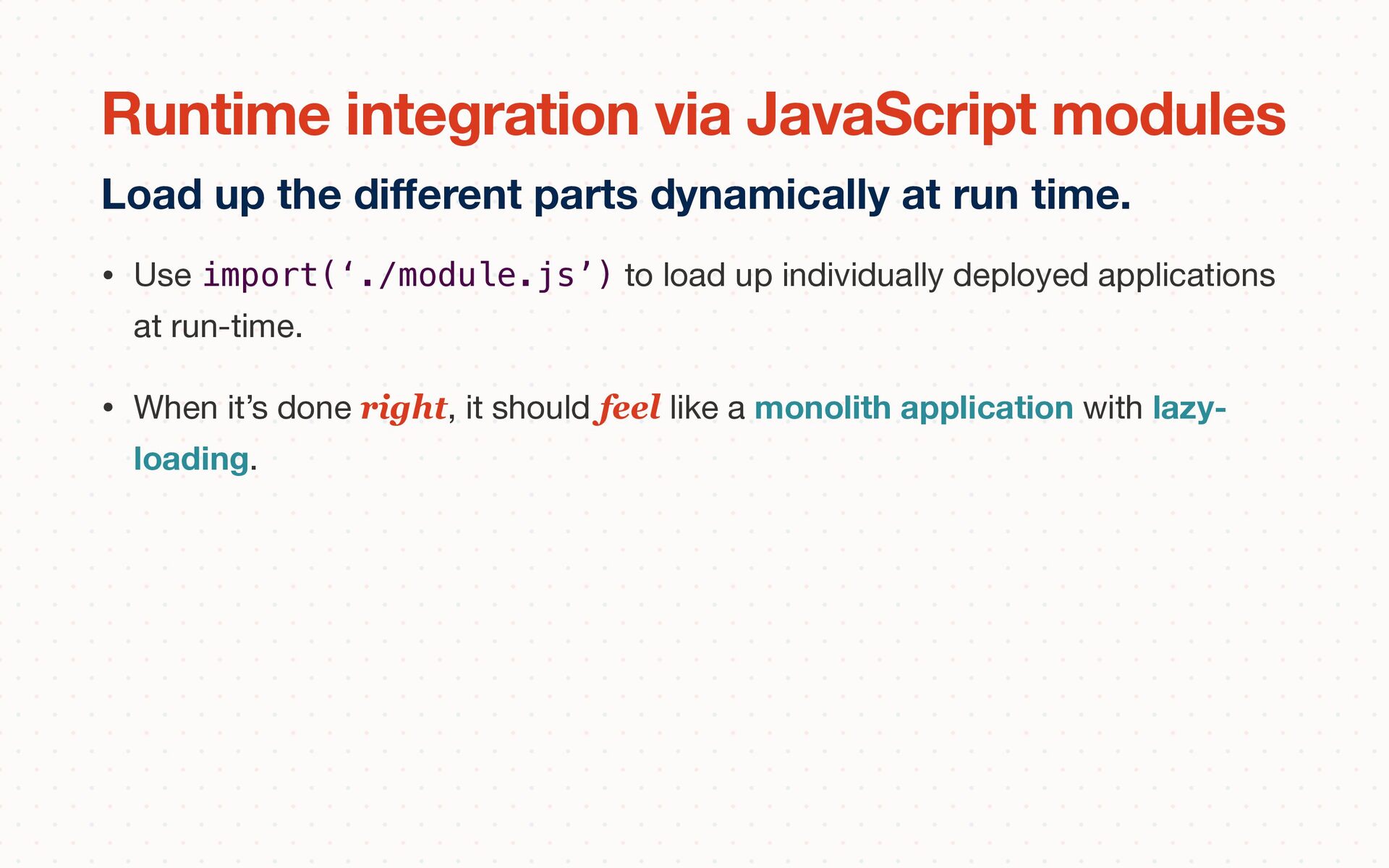
run-time. • When it’s done right, it should feel like a monolith application with lazy- loading. Load up the di ff erent parts dynamically at run time. Runtime integration via JavaScript modules
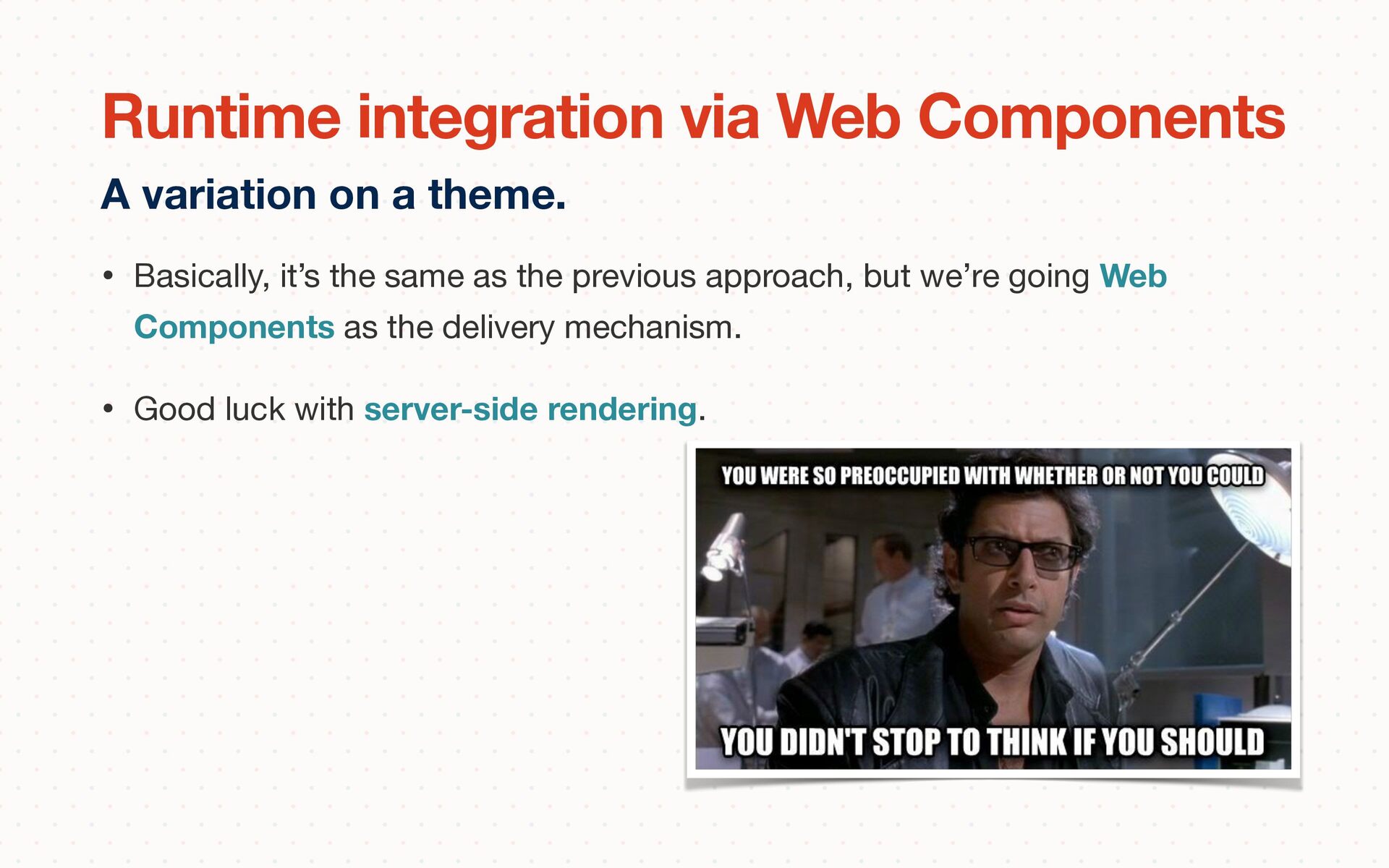
we’re going Web Components as the delivery mechanism. • Good luck with server-side rendering. A variation on a theme. Runtime integration via Web Components
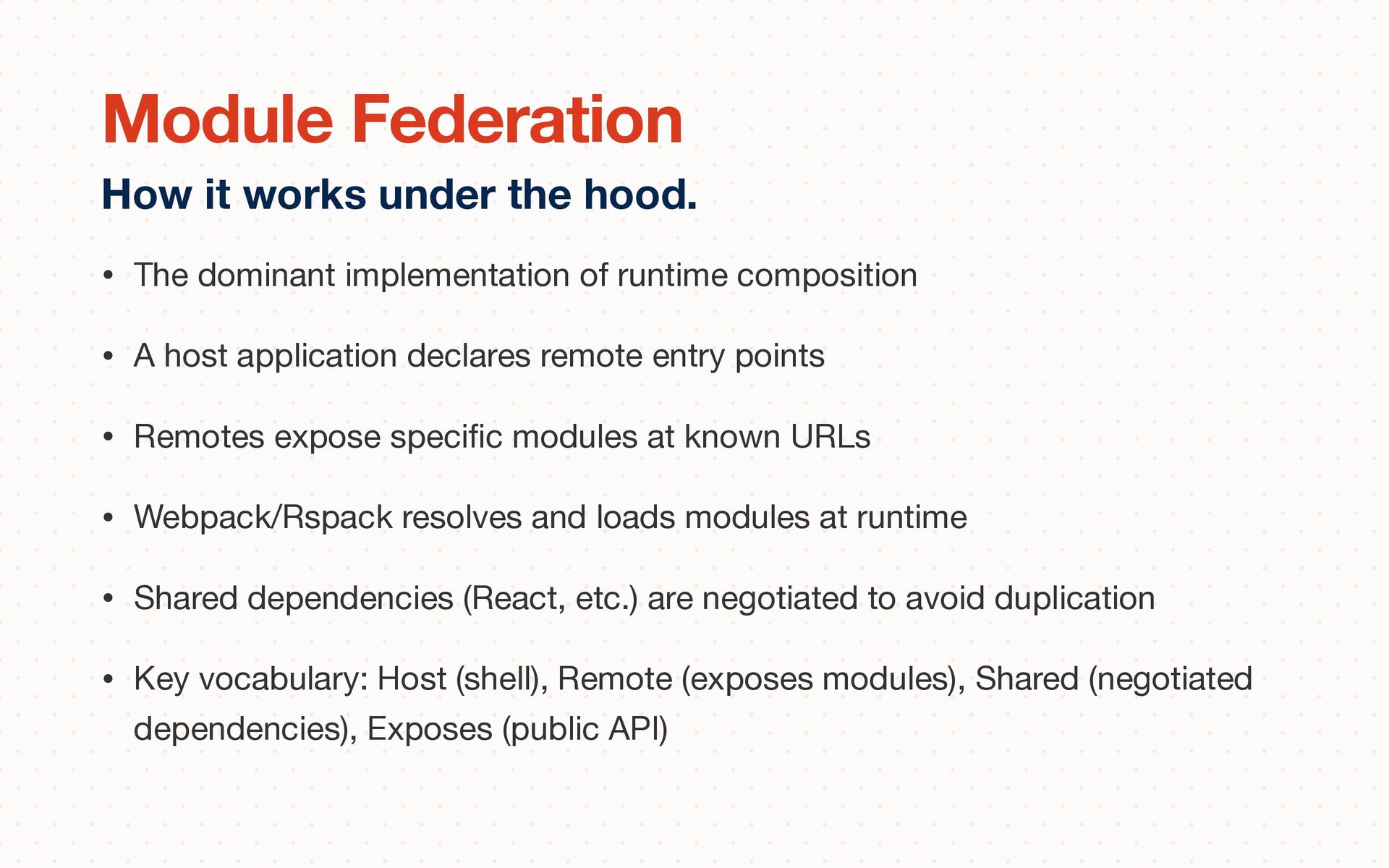
application declares remote entry points • Remotes expose speci fi c modules at known URLs • Webpack/Rspack resolves and loads modules at runtime • Shared dependencies (React, etc.) are negotiated to avoid duplication • Key vocabulary: Host (shell), Remote (exposes modules), Shared (negotiated dependencies), Exposes (public API) How it works under the hood. Module Federation
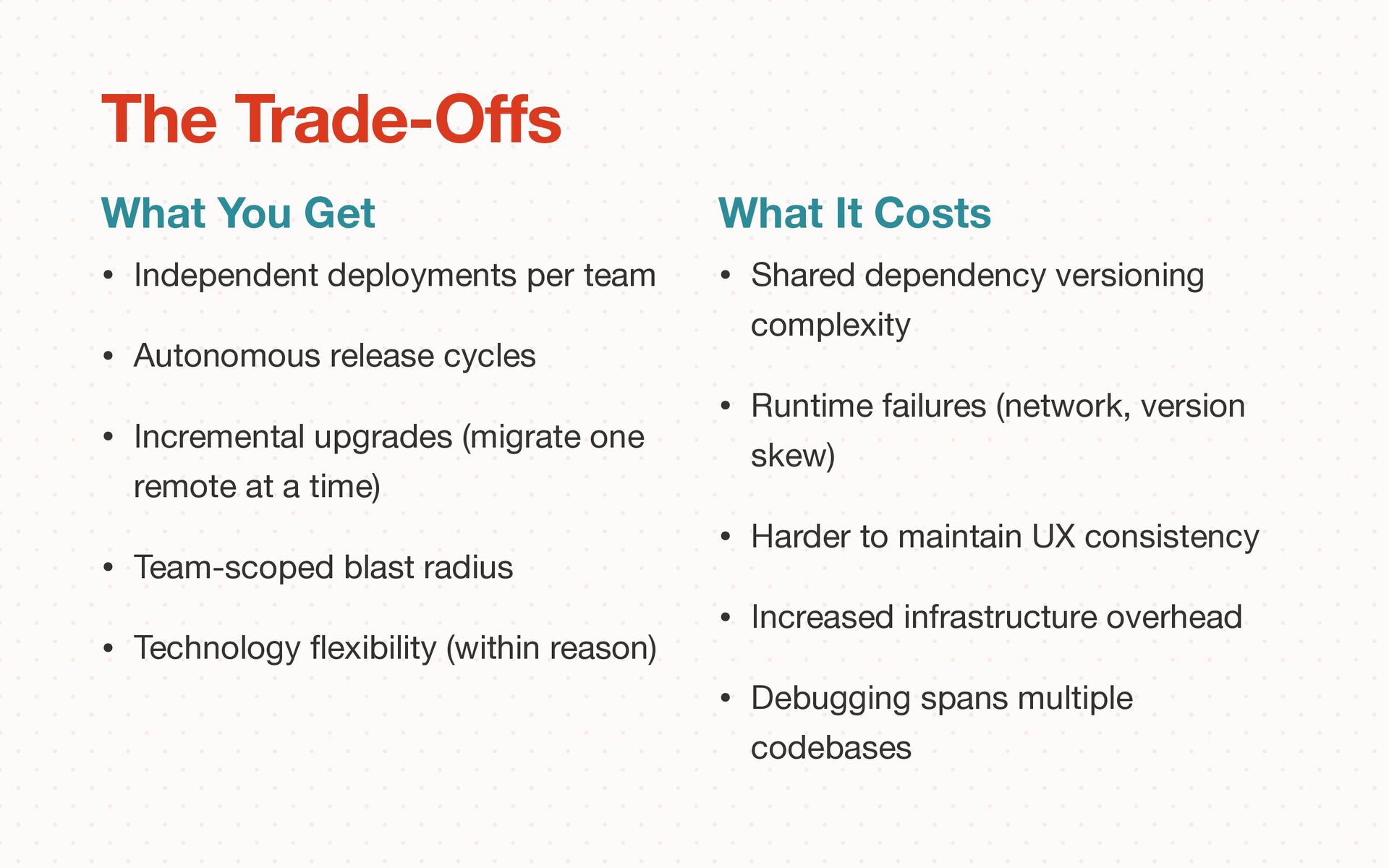
Incremental upgrades (migrate one remote at a time) • Team-scoped blast radius • Technology fl exibility (within reason) What You Get The Trade-O ff s What It Costs • Shared dependency versioning complexity • Runtime failures (network, version skew) • Harder to maintain UX consistency • Increased infrastructure overhead • Debugging spans multiple codebases
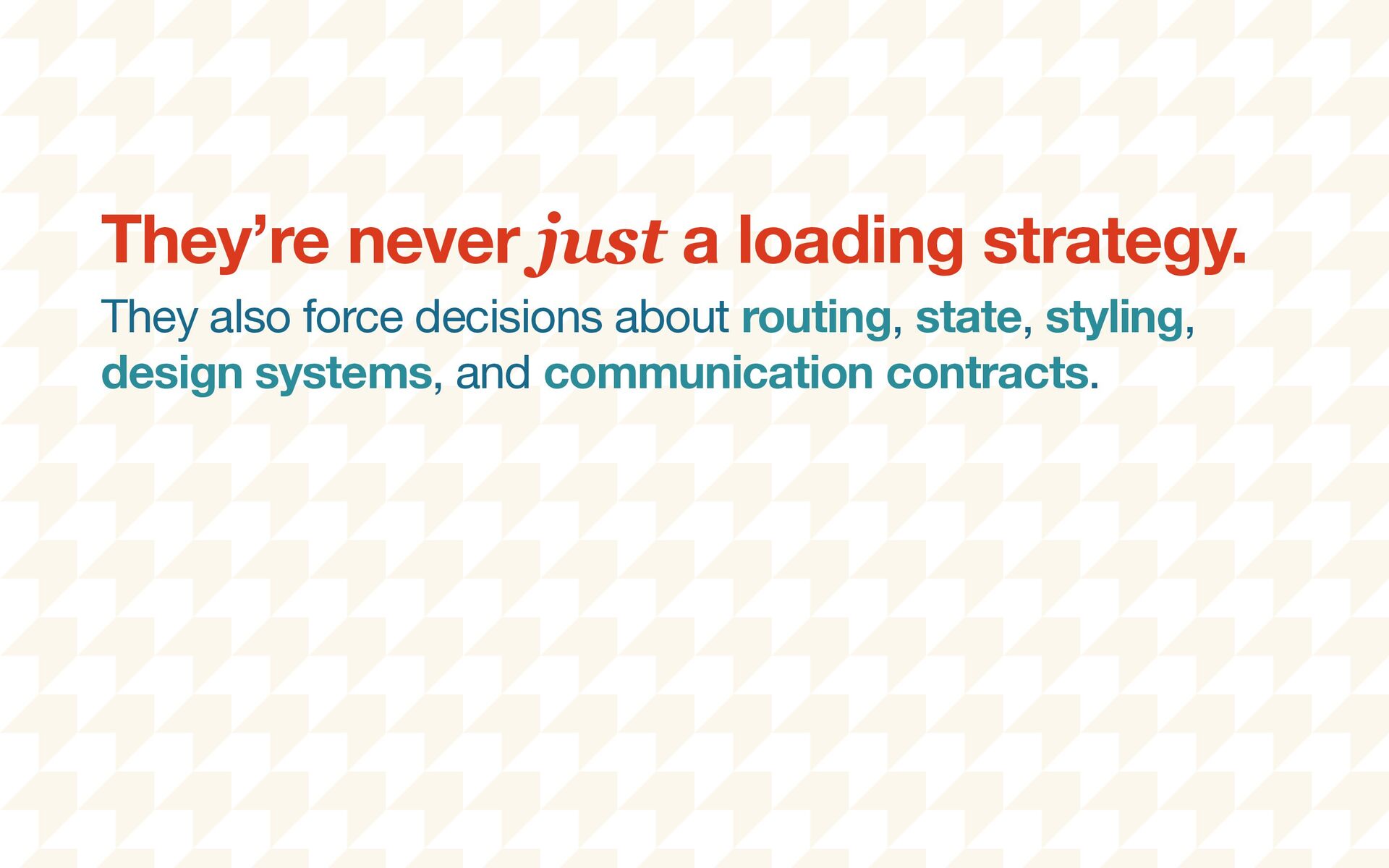
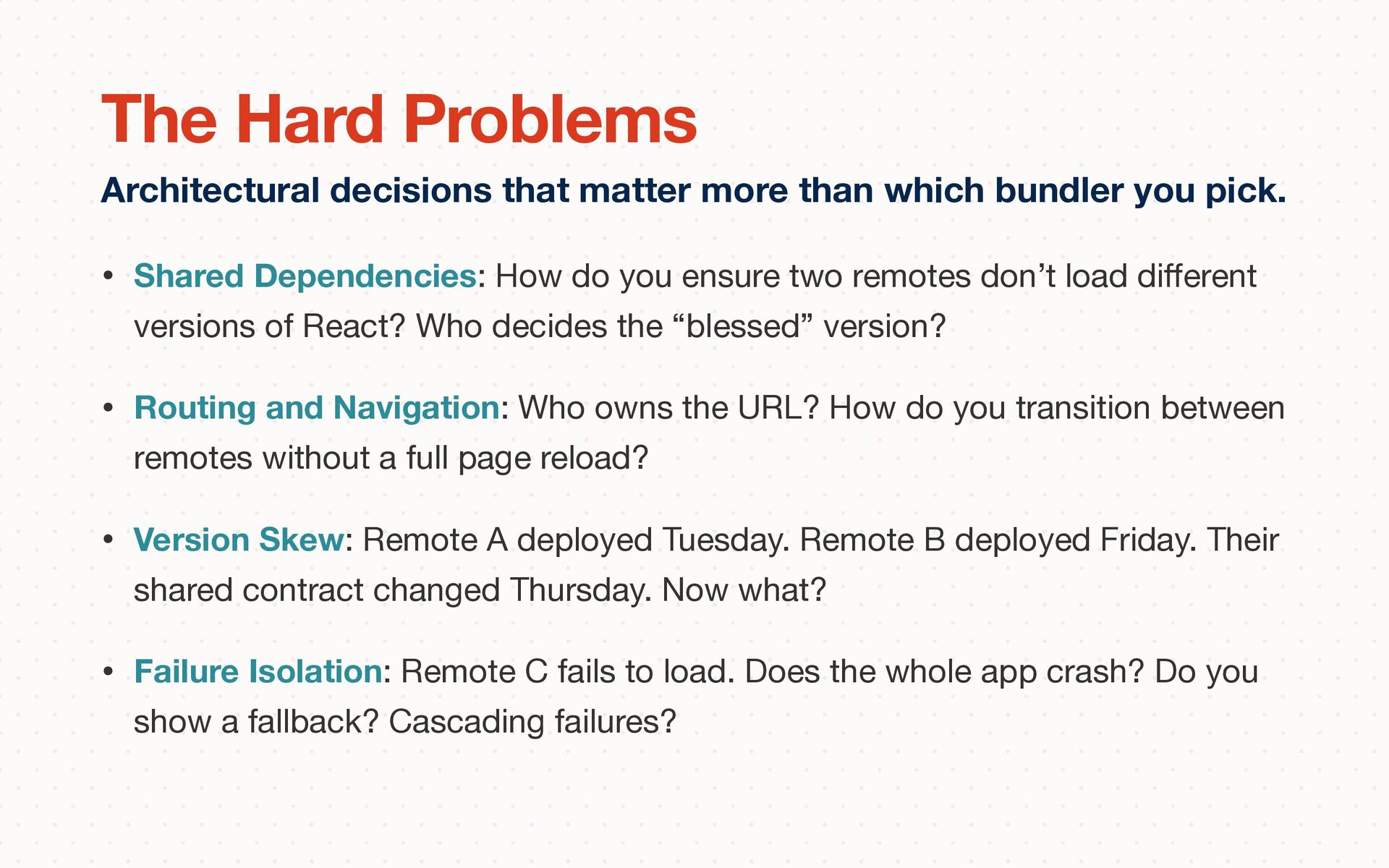
load di ff erent versions of React? Who decides the “blessed” version? • Routing and Navigation: Who owns the URL? How do you transition between remotes without a full page reload? • Version Skew: Remote A deployed Tuesday. Remote B deployed Friday. Their shared contract changed Thursday. Now what? • Failure Isolation: Remote C fails to load. Does the whole app crash? Do you show a fallback? Cascading failures? Architectural decisions that matter more than which bundler you pick. The Hard Problems
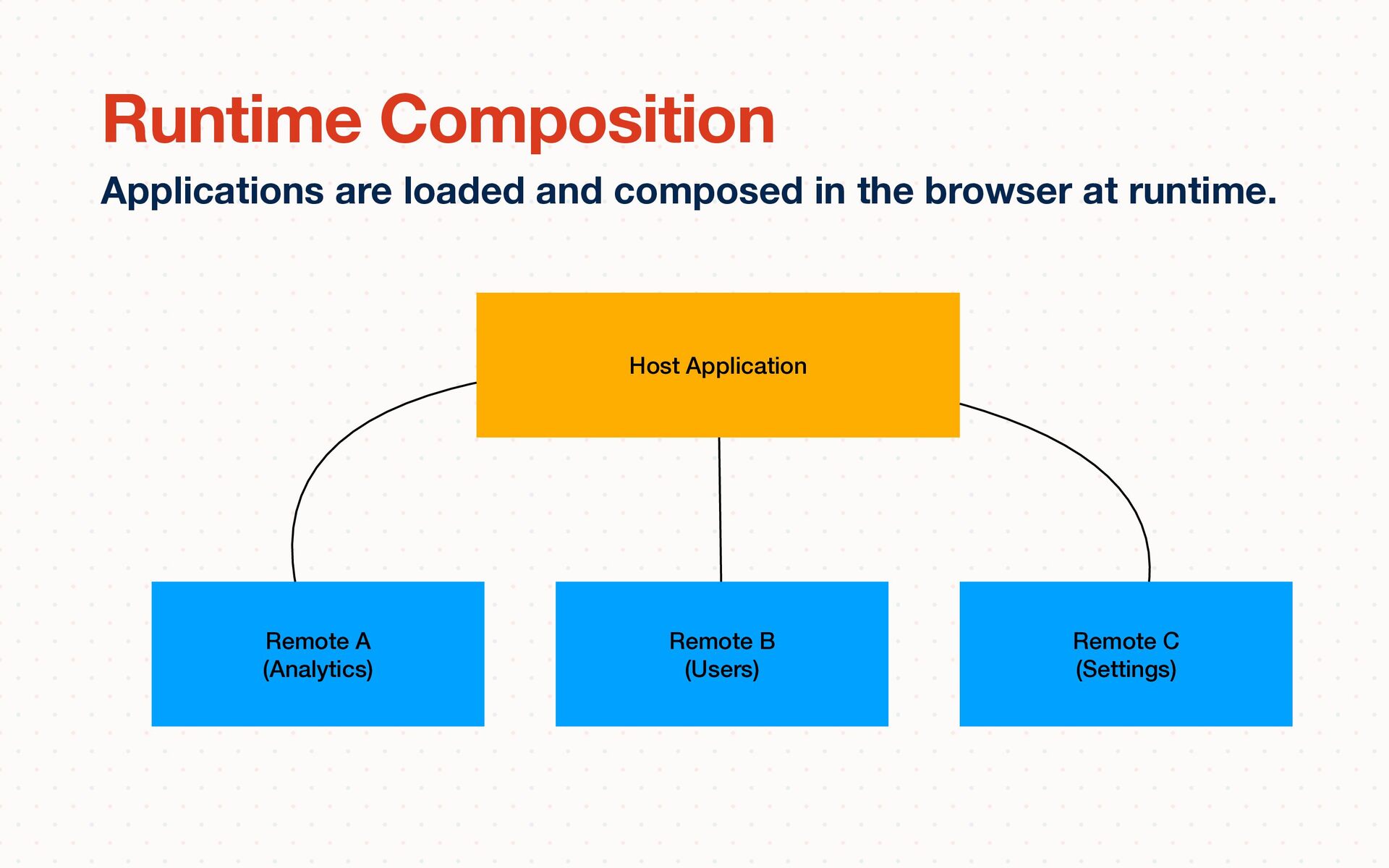
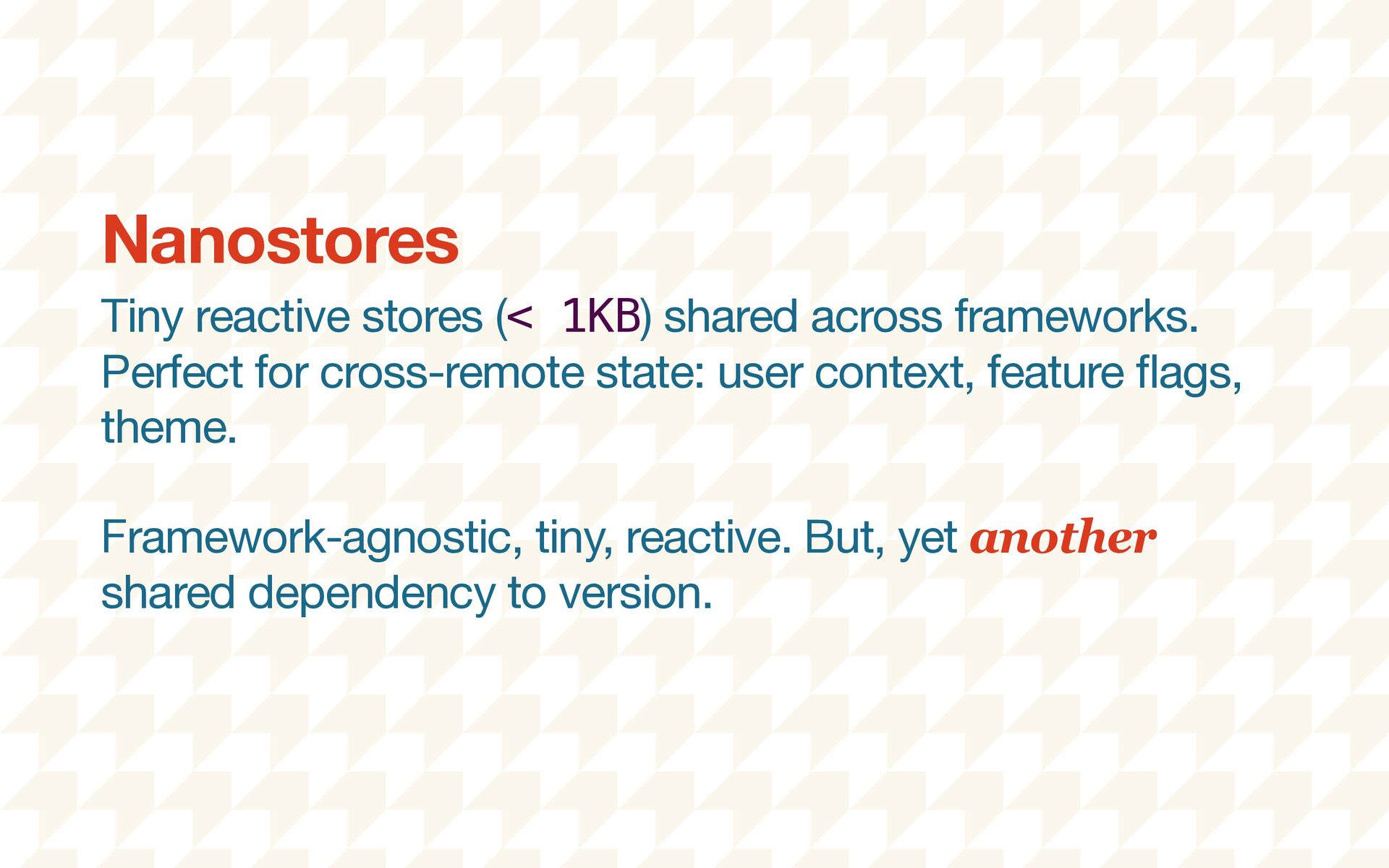
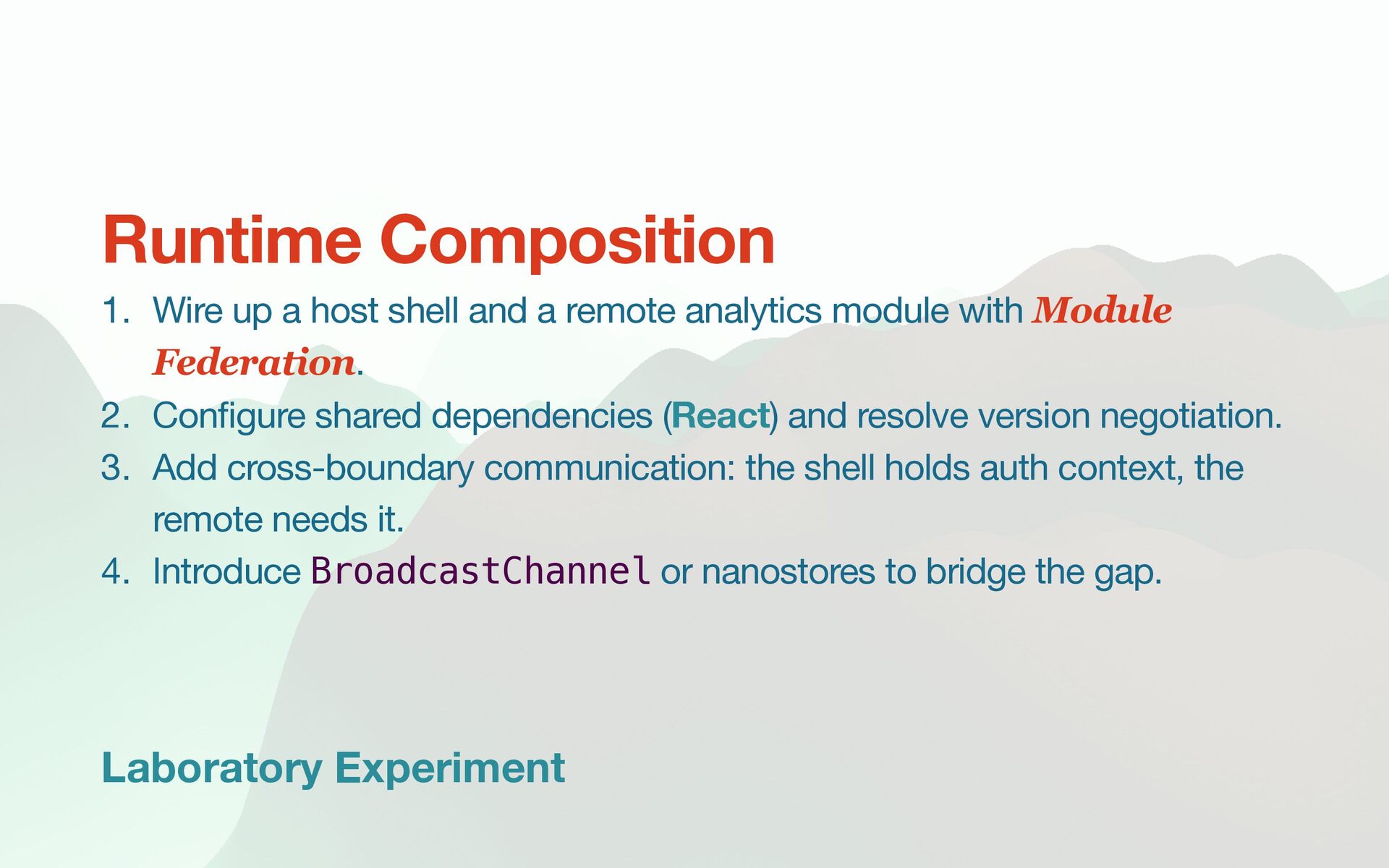
remote analytics module with Module Federation. 2. Con fi gure shared dependencies (React) and resolve version negotiation. 3. Add cross-boundary communication: the shell holds auth context, the remote needs it. 4. Introduce BroadcastChannel or nanostores to bridge the gap. Runtime Composition
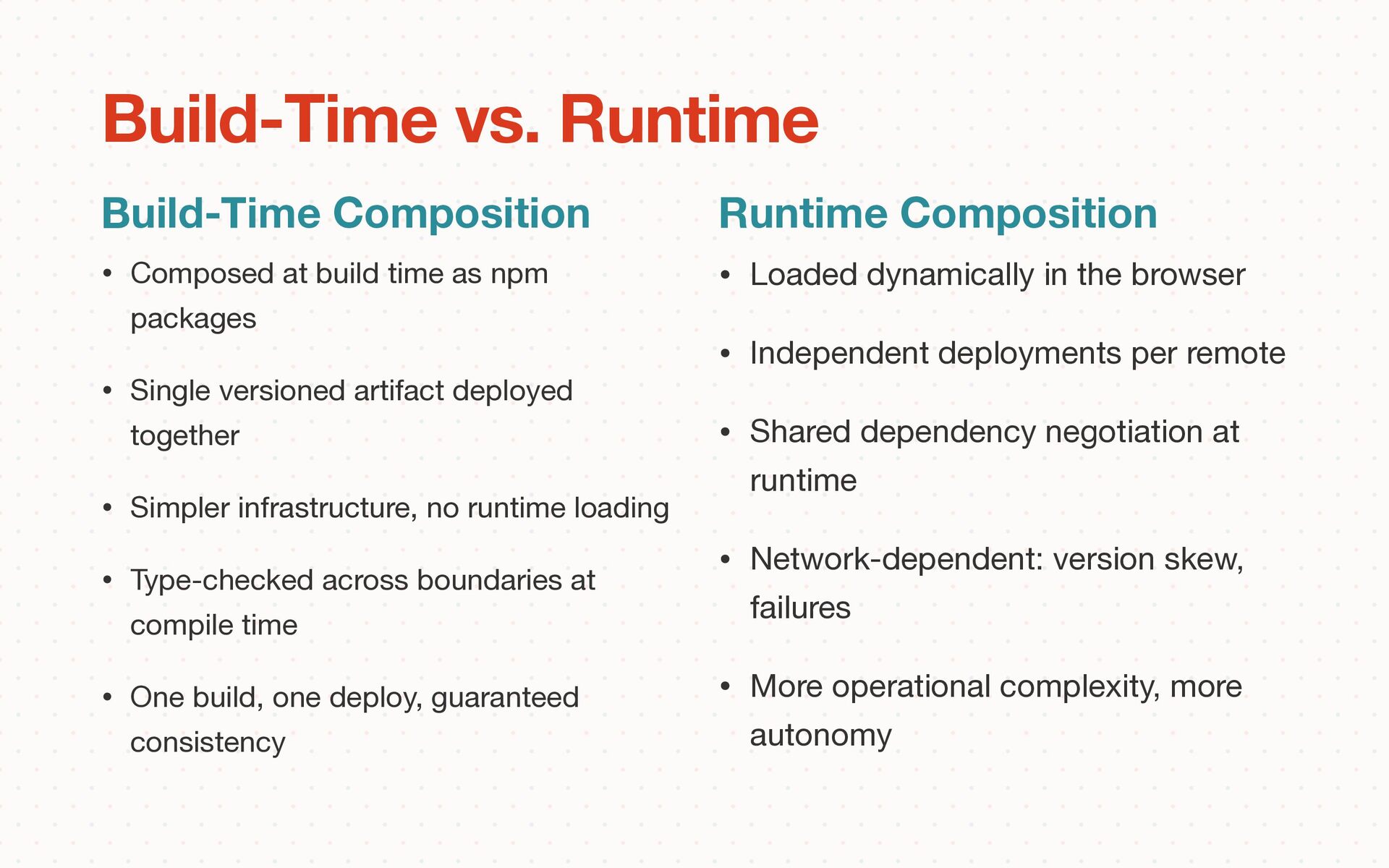
versioned artifact deployed together • Simpler infrastructure, no runtime loading • Type-checked across boundaries at compile time • One build, one deploy, guaranteed consistency Build-Time Composition Build-Time vs. Runtime Runtime Composition • Loaded dynamically in the browser • Independent deployments per remote • Shared dependency negotiation at runtime • Network-dependent: version skew, failures • More operational complexity, more autonomy
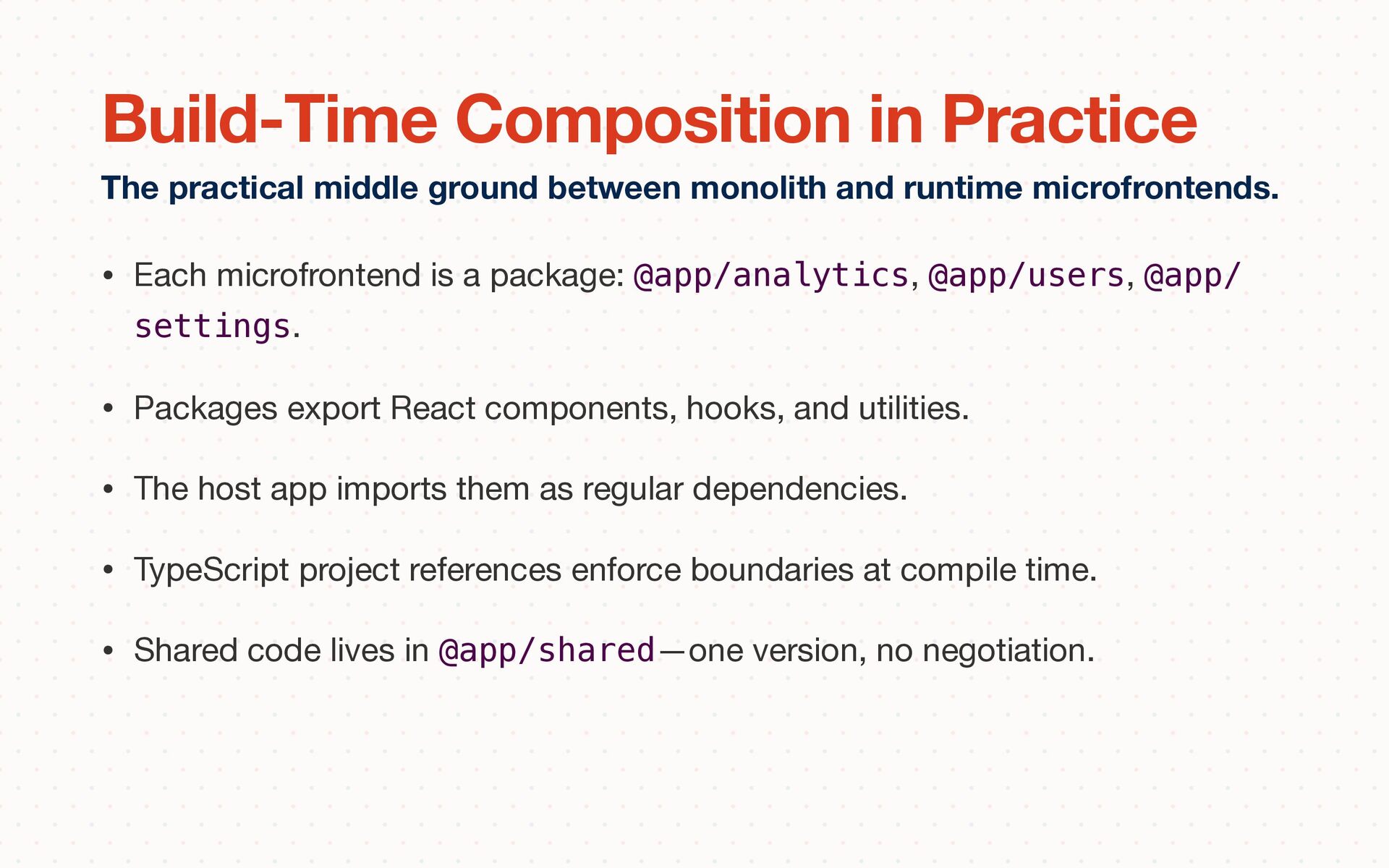
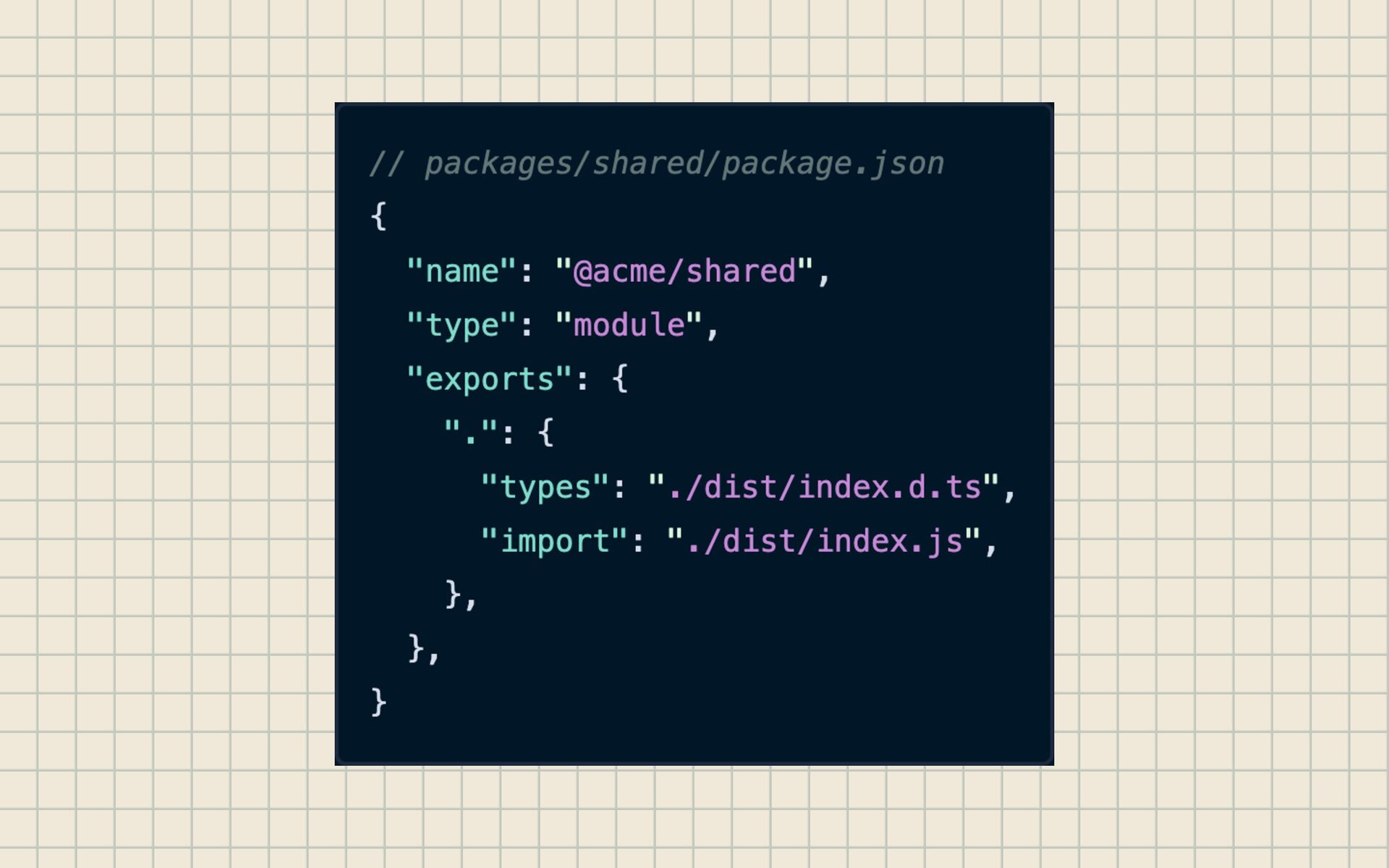
• Packages export React components, hooks, and utilities. • The host app imports them as regular dependencies. • TypeScript project references enforce boundaries at compile time. • Shared code lives in @app/shared—one version, no negotiation. The practical middle ground between monolith and runtime microfrontends. Build-Time Composition in Practice
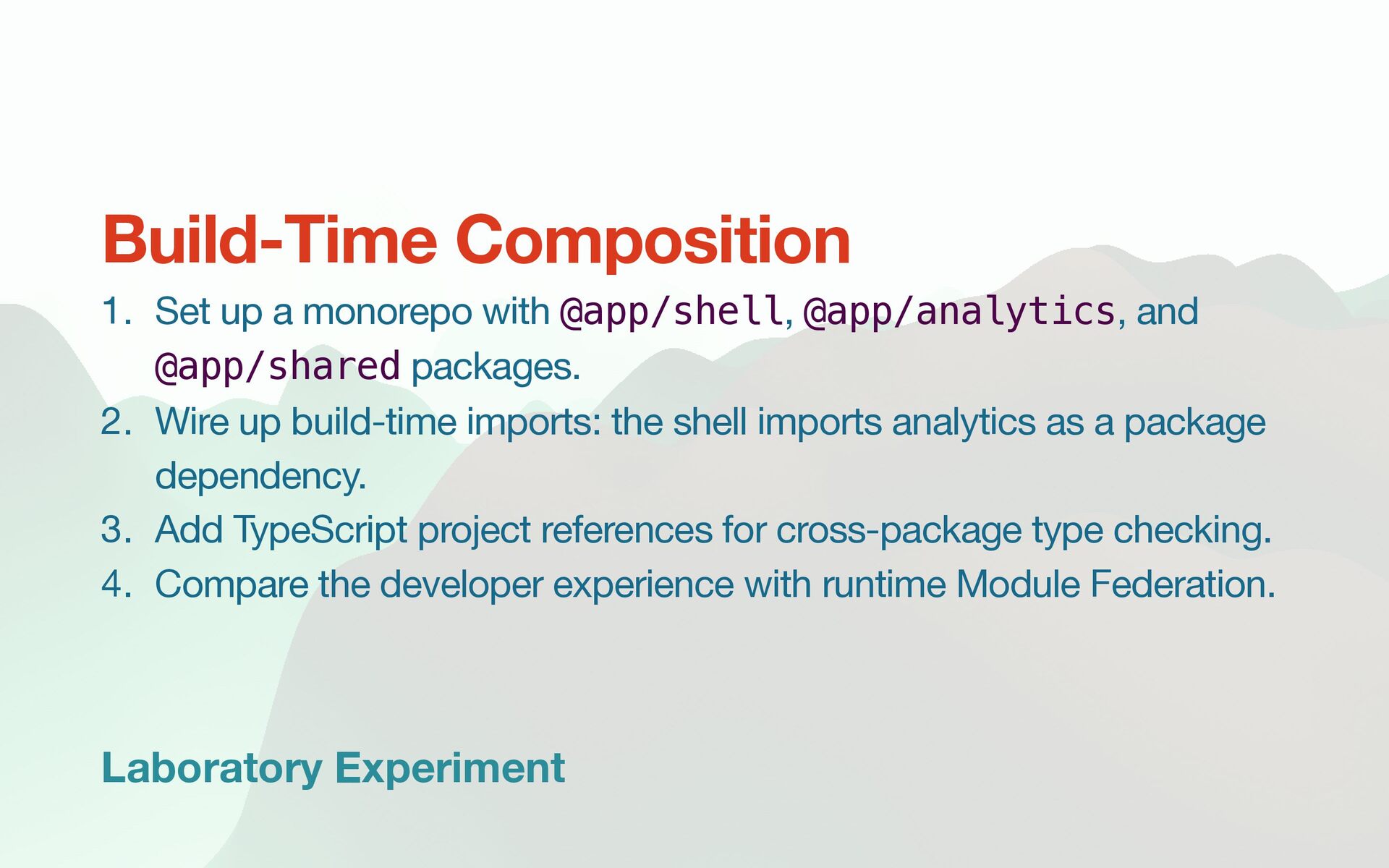
and @app/shared packages. 2. Wire up build-time imports: the shell imports analytics as a package dependency. 3. Add TypeScript project references for cross-package type checking. 4. Compare the developer experience with runtime Module Federation. Build-Time Composition
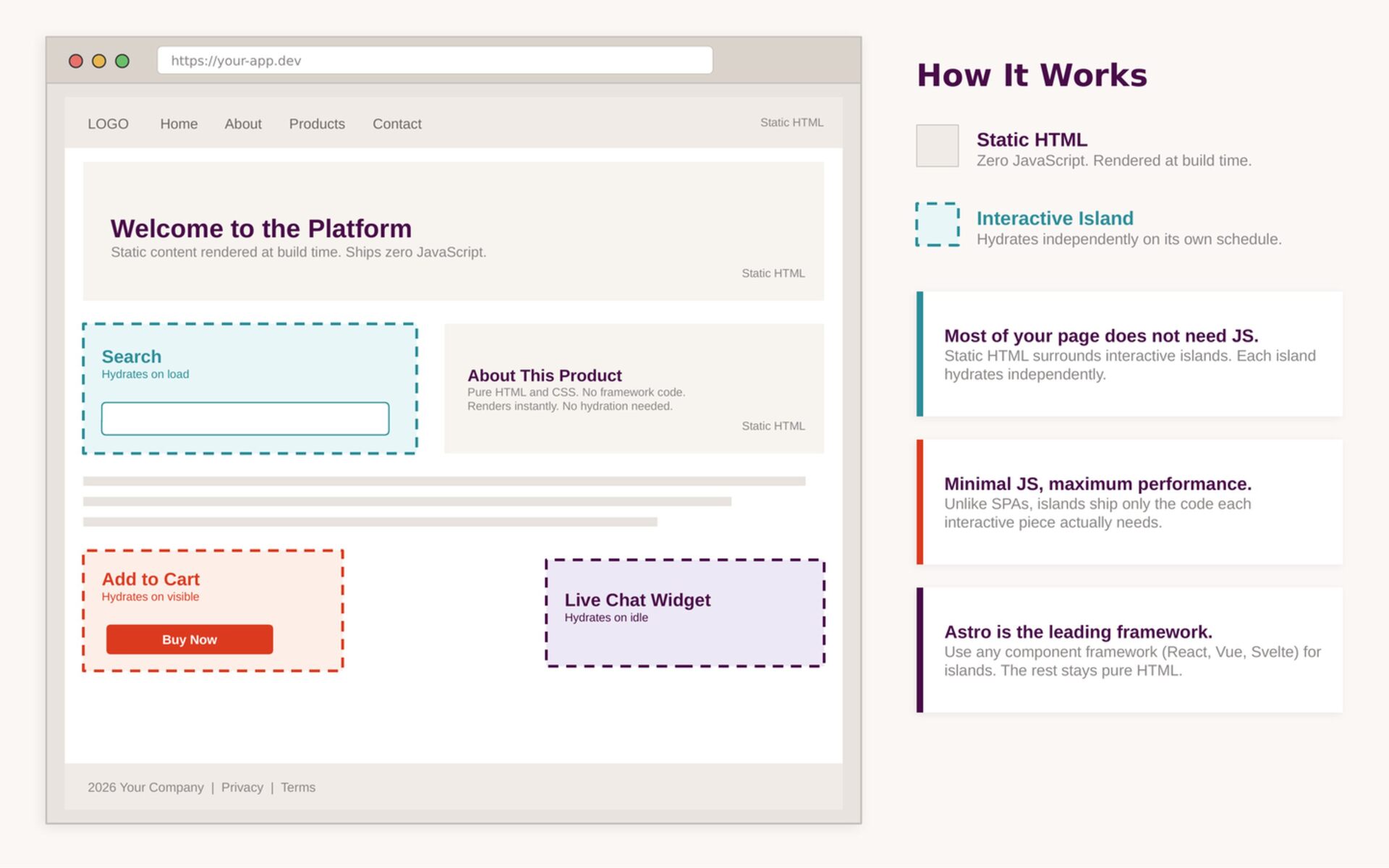
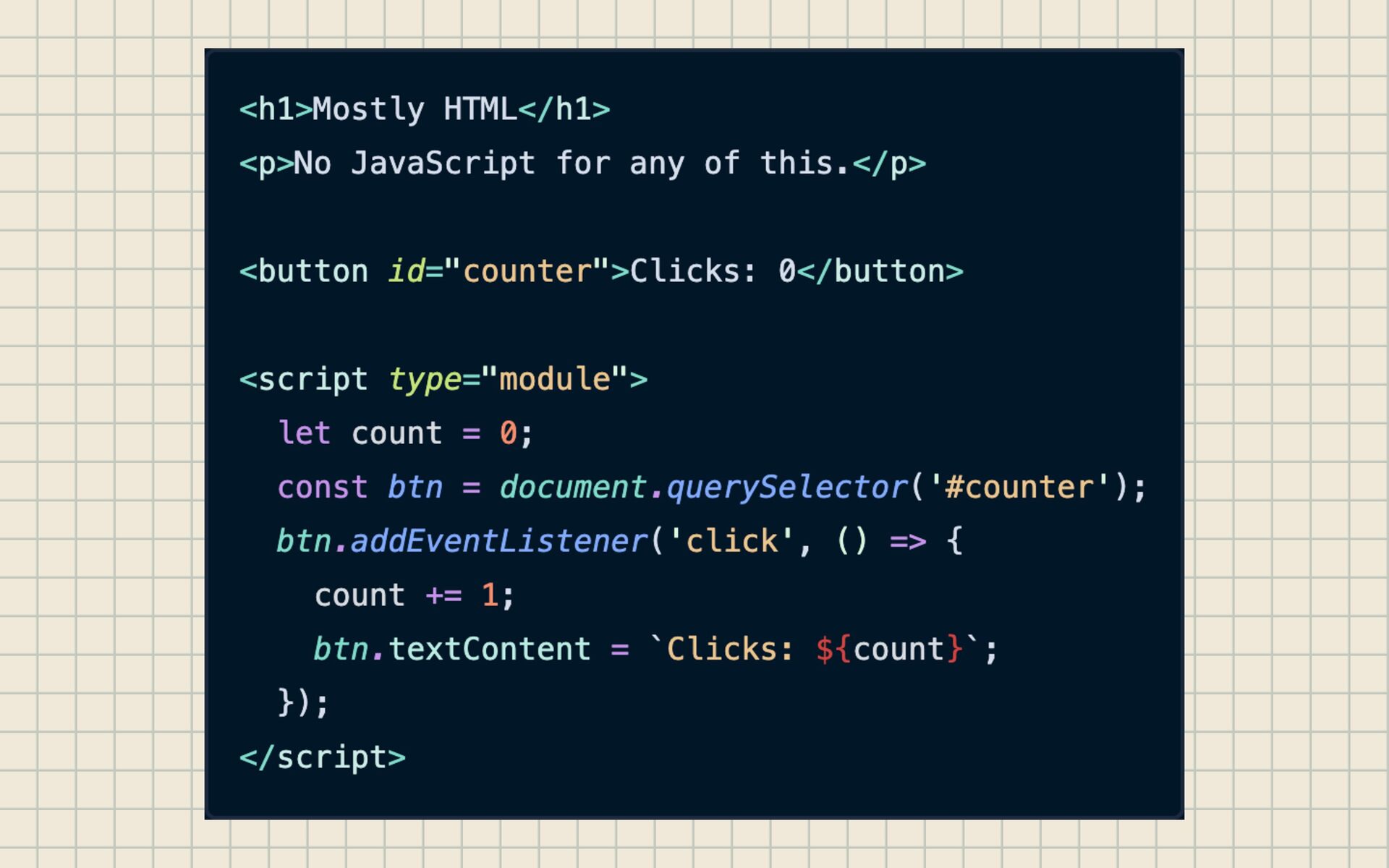
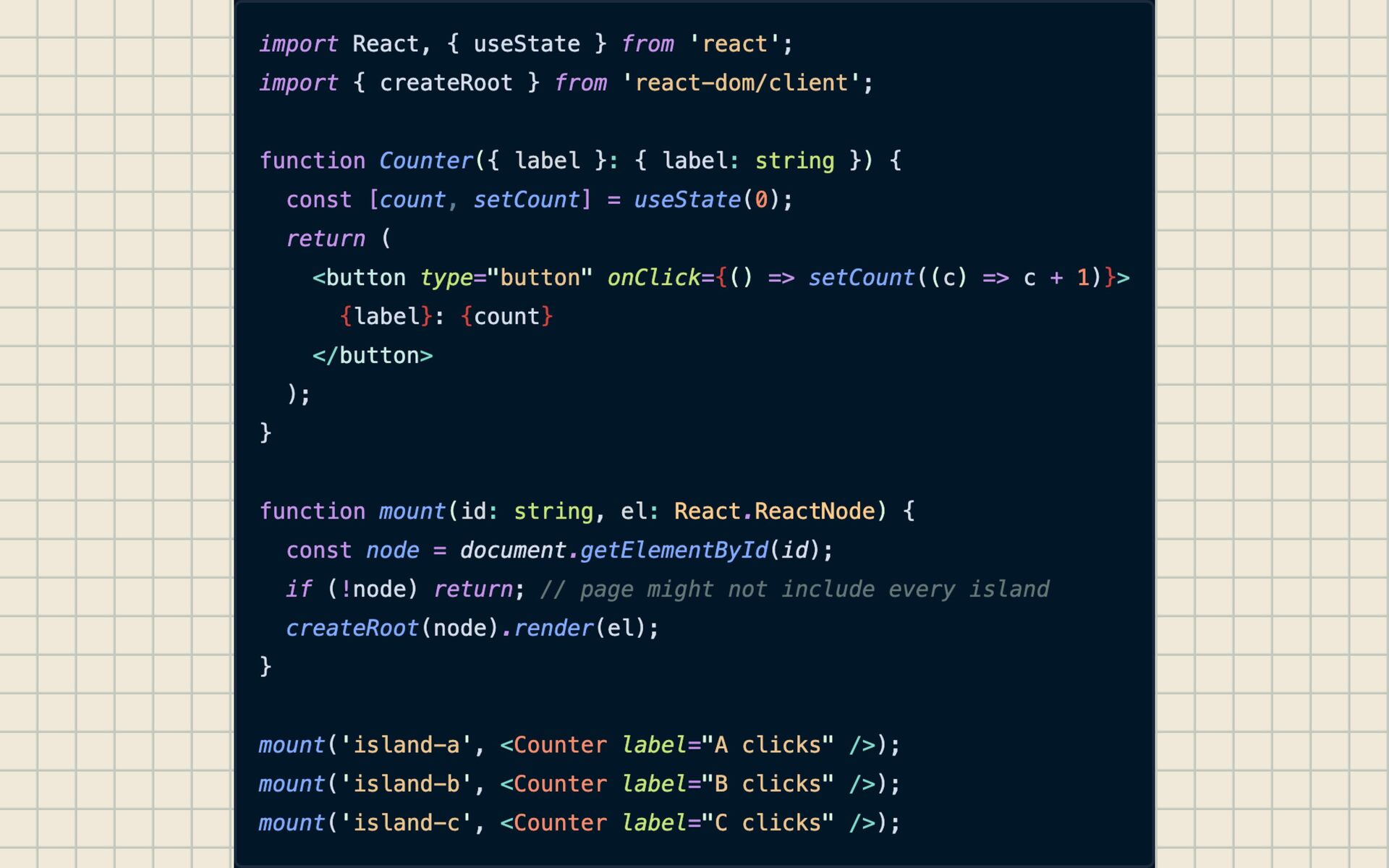
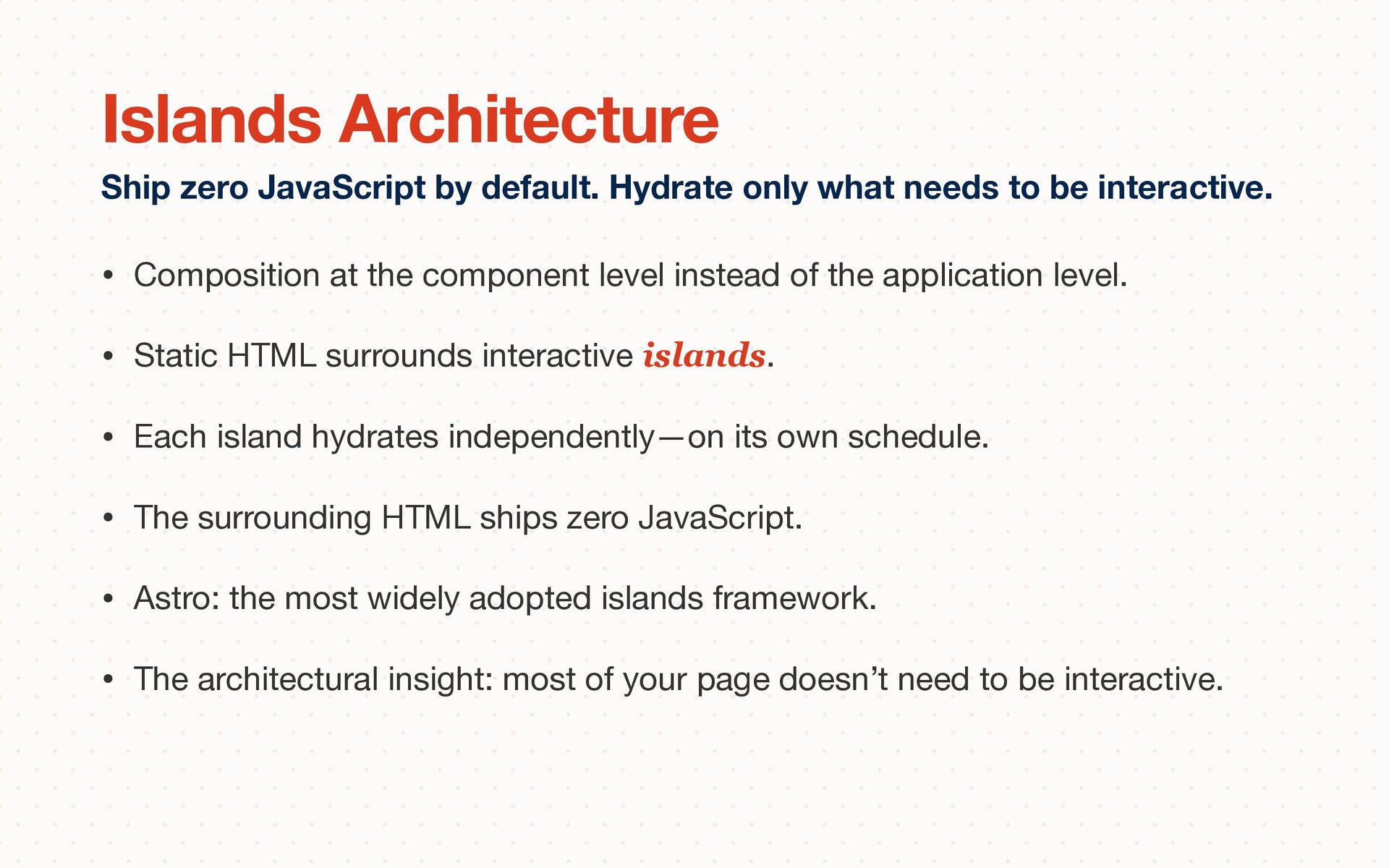
level. • Static HTML surrounds interactive islands. • Each island hydrates independently—on its own schedule. • The surrounding HTML ships zero JavaScript. • Astro: the most widely adopted islands framework. • The architectural insight: most of your page doesn’t need to be interactive. Ship zero JavaScript by default. Hydrate only what needs to be interactive. Islands Architecture
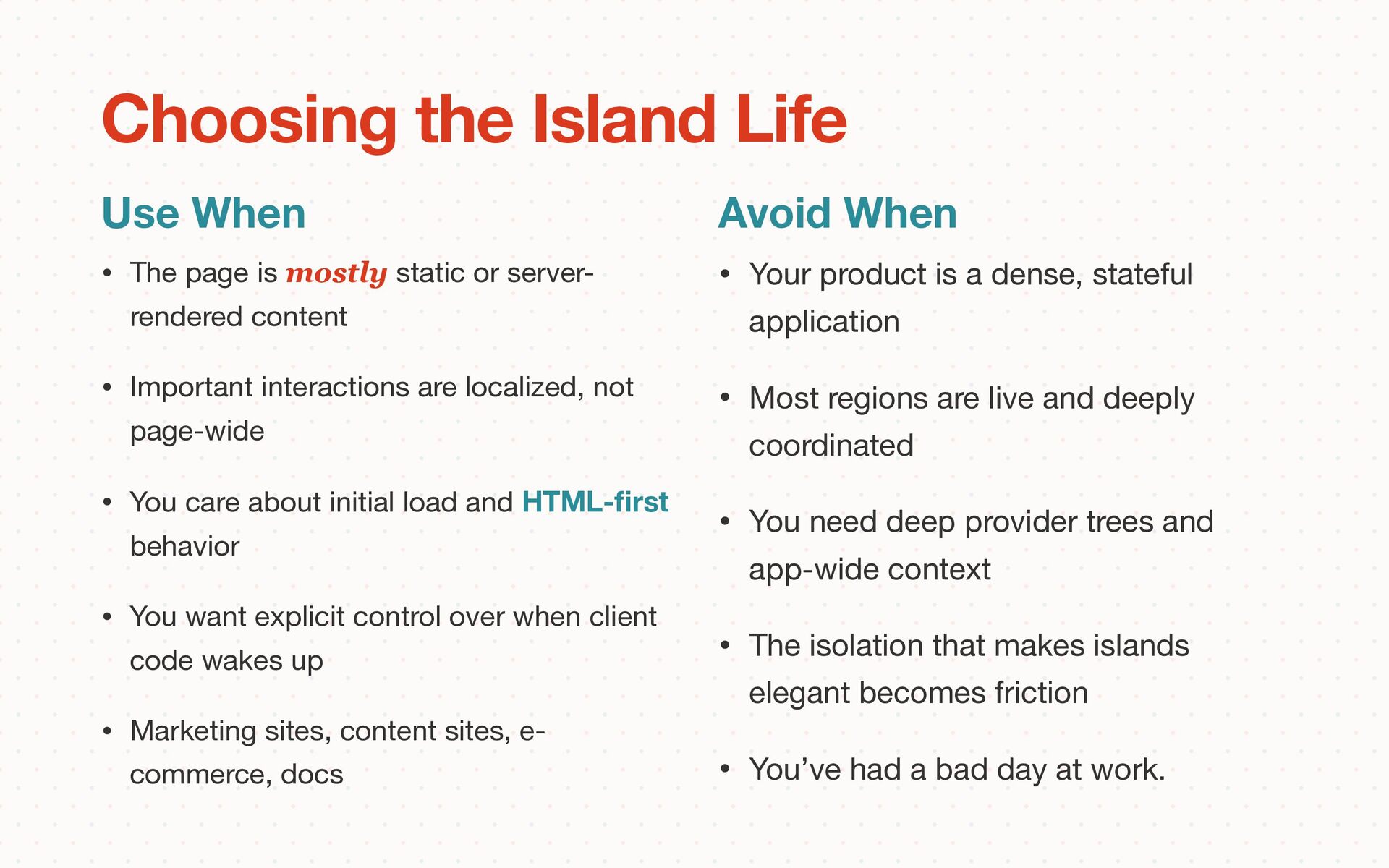
• Important interactions are localized, not page-wide • You care about initial load and HTML- fi rst behavior • You want explicit control over when client code wakes up • Marketing sites, content sites, e- commerce, docs Choosing the Island Life Use When Avoid When • Your product is a dense, stateful application • Most regions are live and deeply coordinated • You need deep provider trees and app-wide context • The isolation that makes islands elegant becomes friction • You’ve had a bad day at work.
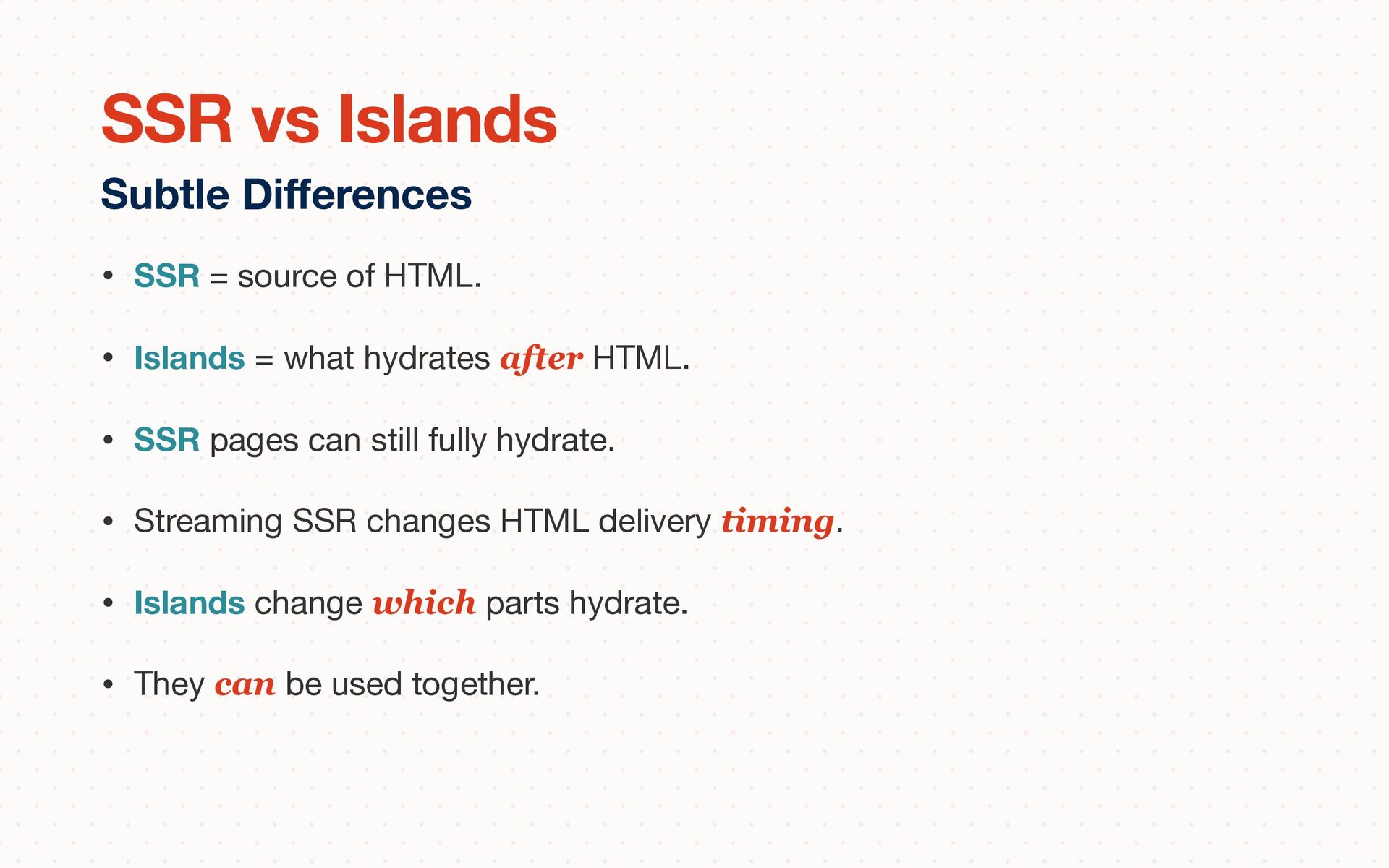
hydrates after HTML. • SSR pages can still fully hydrate. • Streaming SSR changes HTML delivery timing. • Islands change which parts hydrate. • They can be used together. Subtle Di ff erences SSR vs Islands
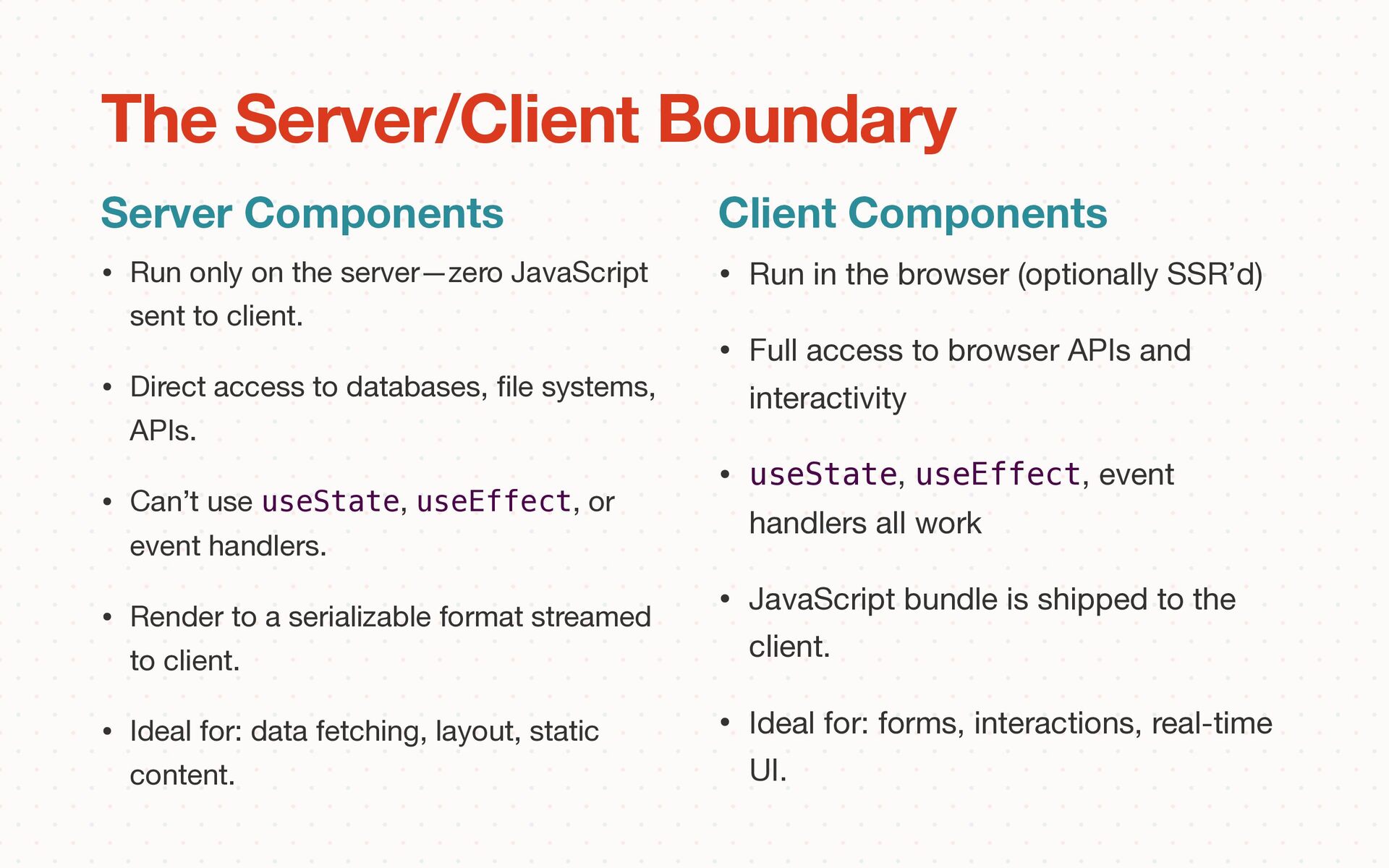
• Direct access to databases, fi le systems, APIs. • Can’t use useState, useEffect, or event handlers. • Render to a serializable format streamed to client. • Ideal for: data fetching, layout, static content. Server Components The Server/Client Boundary Client Components • Run in the browser (optionally SSR’d) • Full access to browser APIs and interactivity • useState, useEffect, event handlers all work • JavaScript bundle is shipped to the client. • Ideal for: forms, interactions, real-time UI.
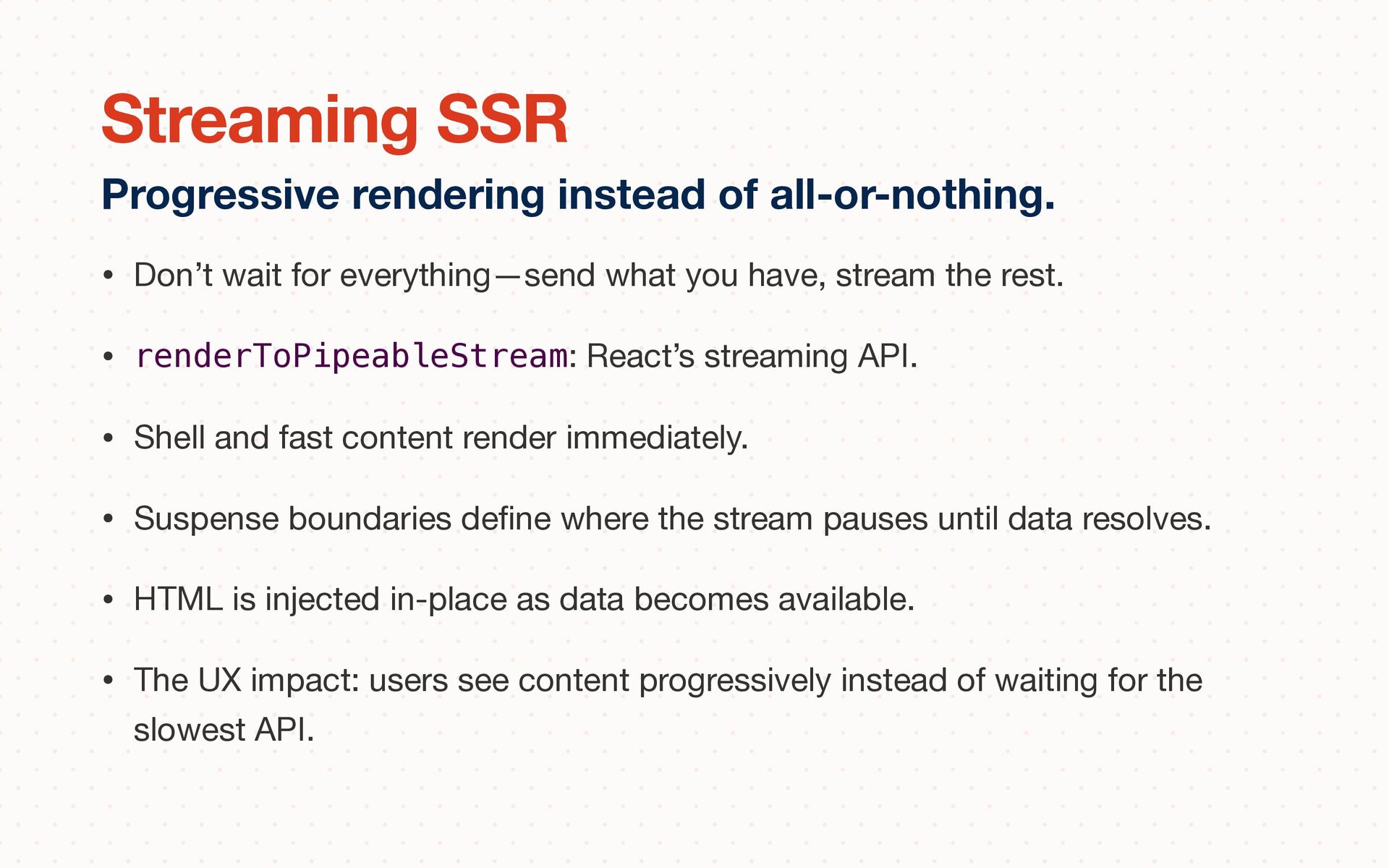
rest. • renderToPipeableStream: React’s streaming API. • Shell and fast content render immediately. • Suspense boundaries de fi ne where the stream pauses until data resolves. • HTML is injected in-place as data becomes available. • The UX impact: users see content progressively instead of waiting for the slowest API. Progressive rendering instead of all-or-nothing. Streaming SSR
They determine what streams when and what shows a fallback • Header + Nav renders immediately (no Suspense needed) • Main Content streams when its data resolves • Sidebar (slower API) streams later, independently • Placement of Suspense boundaries is a design decision with real UX consequences Deciding what streams when. Suspense as Architecture
API calls that resolve at di ff erent speeds 2. Use renderToPipeableStream to stream the shell immediately 3. Add Suspense boundaries—experiment with di ff erent placements 4. See the UX impact: what streams fi rst? What shows a fallback? Server Components & Streaming
without the operational overhead of independent deploys. • Shared Code: One version of everything. No version negotiation, no duplicate dependencies, no “which React are we on?” • Atomic Changes: Refactor across package boundaries in a single PR. Update a shared type and fi x every consumer in one commit. • Type Safety: TypeScript checks cross boundaries at compile time. No runtime contract violations. No version skew. Maybe you just need better code organization. The Case for Monorepos
node_modules via content- addressable store. • Workspace protocol: "@app/ui": "workspace:*" • Filtering: pnpm --filter @app/web run build • Dependency hoisting control. What You Get pnpm Workspaces What’s Missing • No task orchestration (what runs in what order?). • No caching (every build is a full build). • No a ff ected-package detection. • No dependency graph visualization. • No remote caching or CI optimization.
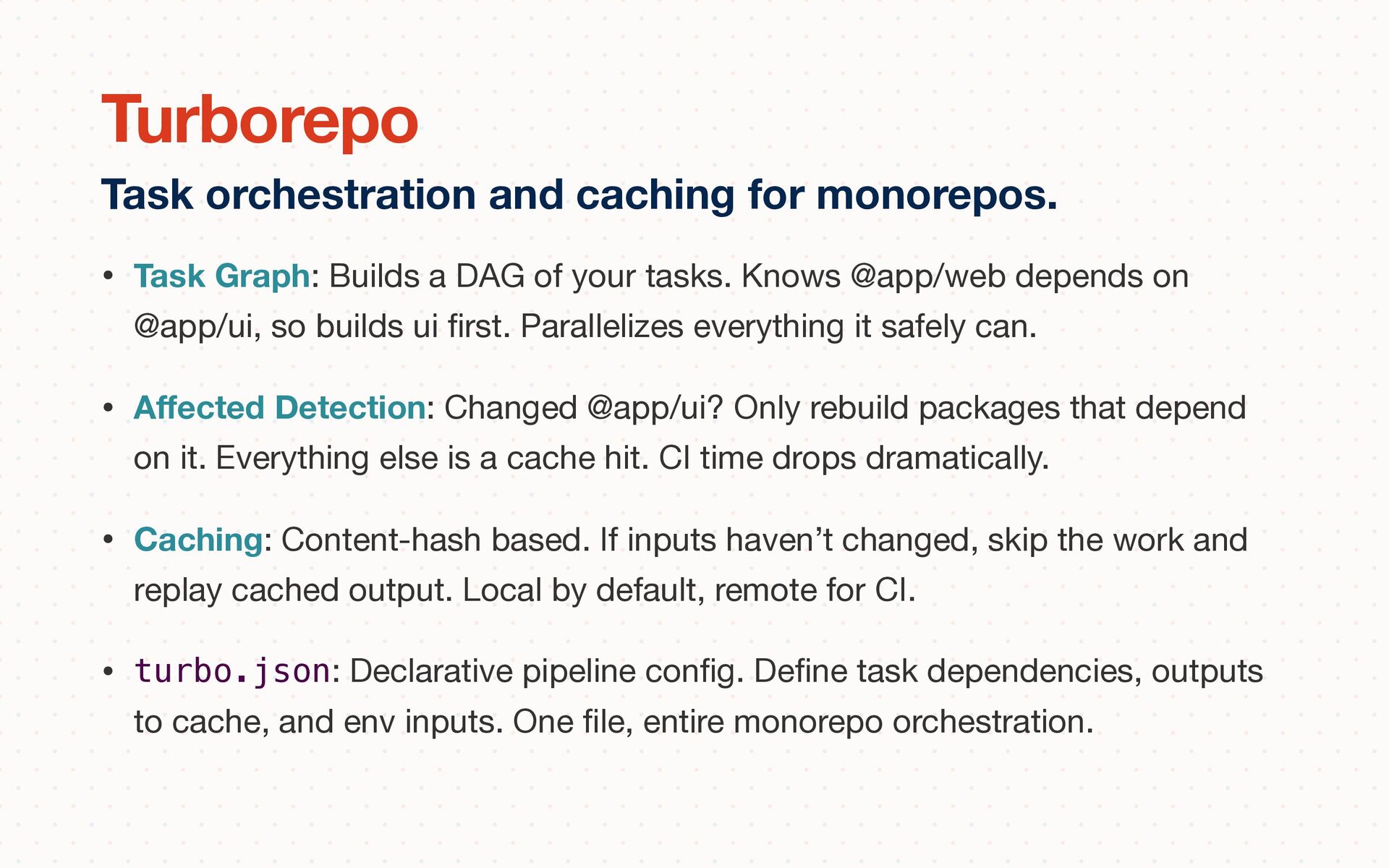
@app/web depends on @app/ui, so builds ui fi rst. Parallelizes everything it safely can. • A ff ected Detection: Changed @app/ui? Only rebuild packages that depend on it. Everything else is a cache hit. CI time drops dramatically. • Caching: Content-hash based. If inputs haven’t changed, skip the work and replay cached output. Local by default, remote for CI. • turbo.json: Declarative pipeline con fi g. De fi ne task dependencies, outputs to cache, and env inputs. One fi le, entire monorepo orchestration. Task orchestration and caching for monorepos. Turborepo
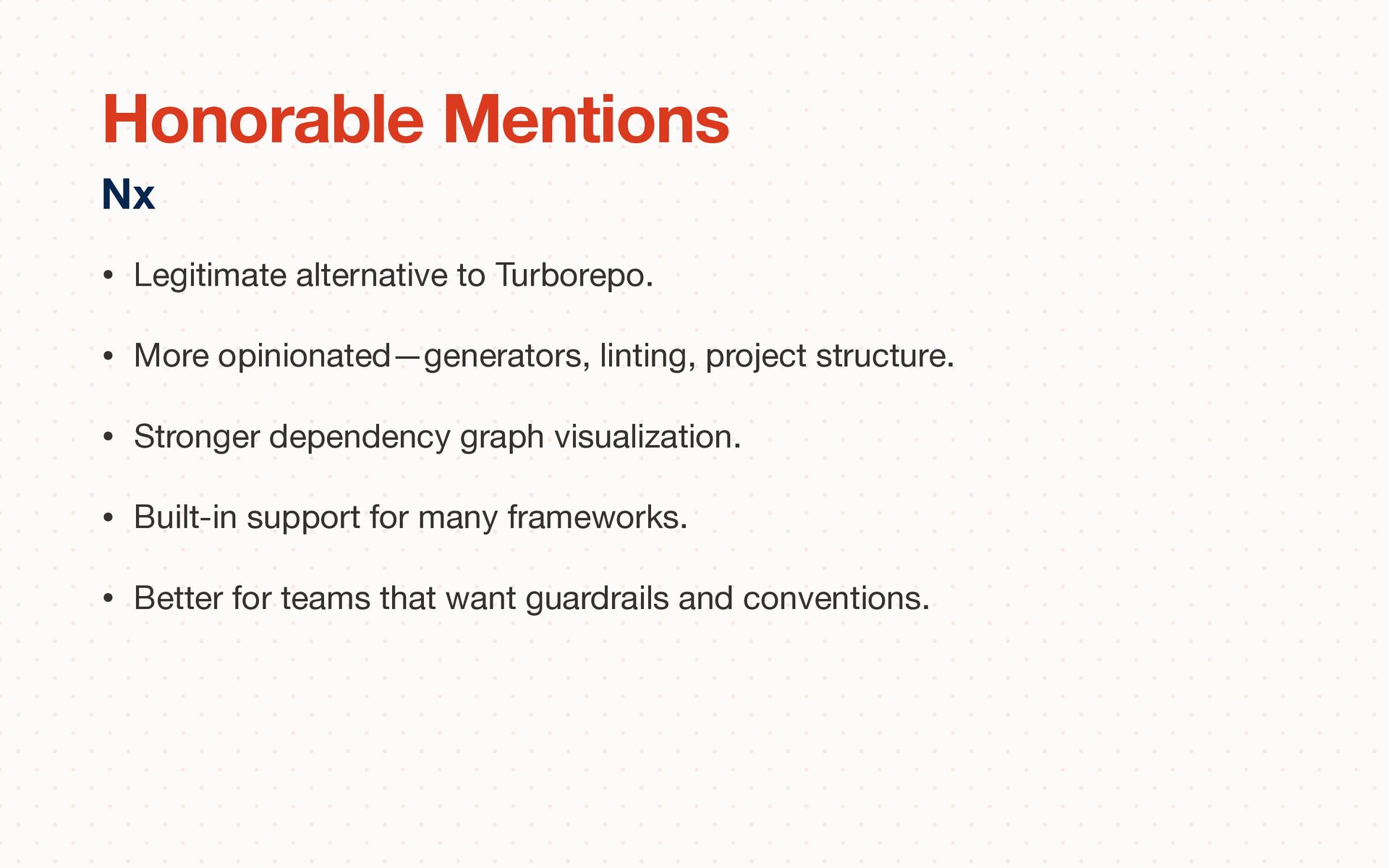
structure. • Stronger dependency graph visualization. • Built-in support for many frameworks. • Better for teams that want guardrails and conventions. Nx Honorable Mentions
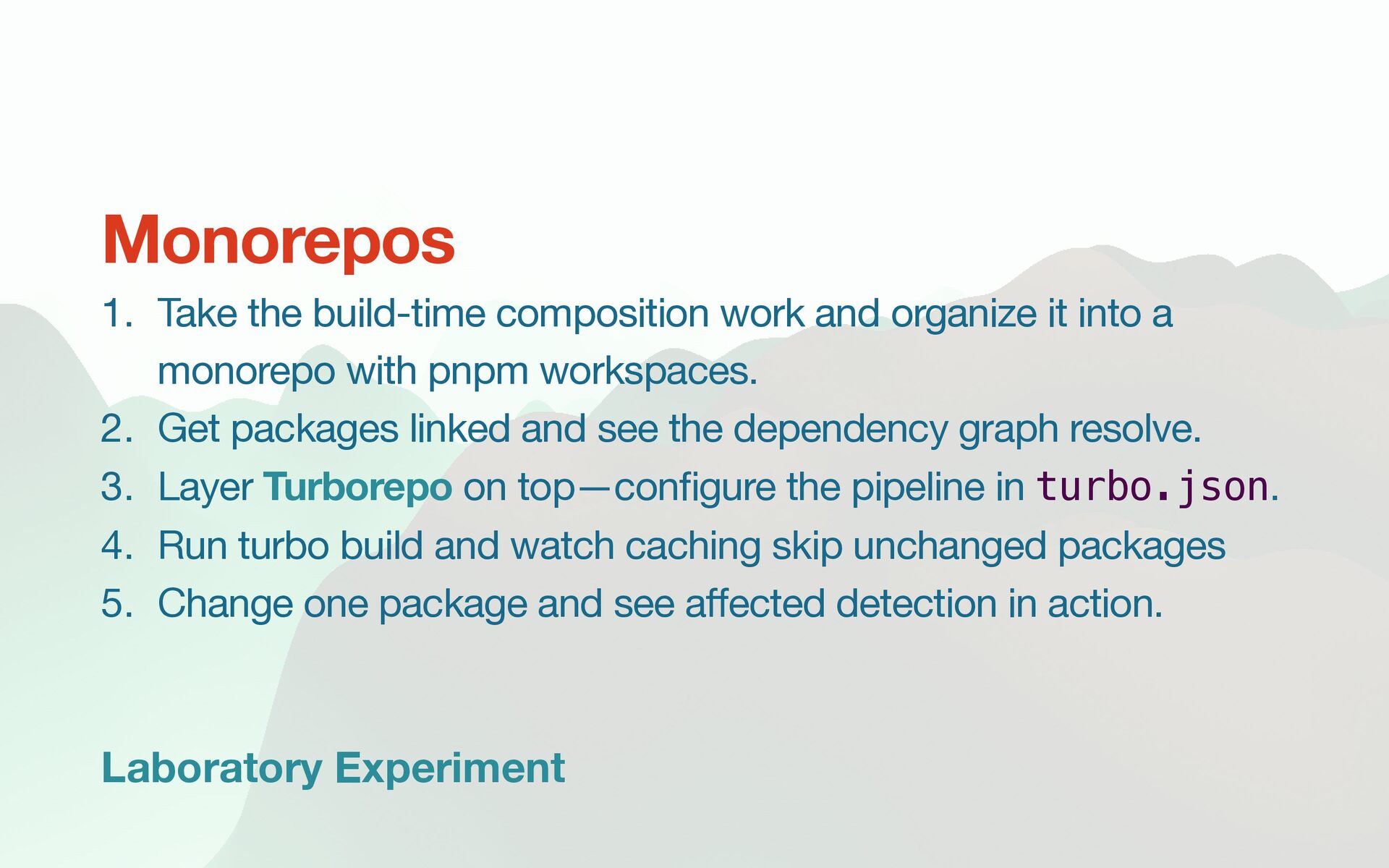
it into a monorepo with pnpm workspaces. 2. Get packages linked and see the dependency graph resolve. 3. Layer Turborepo on top—con fi gure the pipeline in turbo.json. 4. Run turbo build and watch caching skip unchanged packages 5. Change one package and see a ff ected detection in action. Monorepos
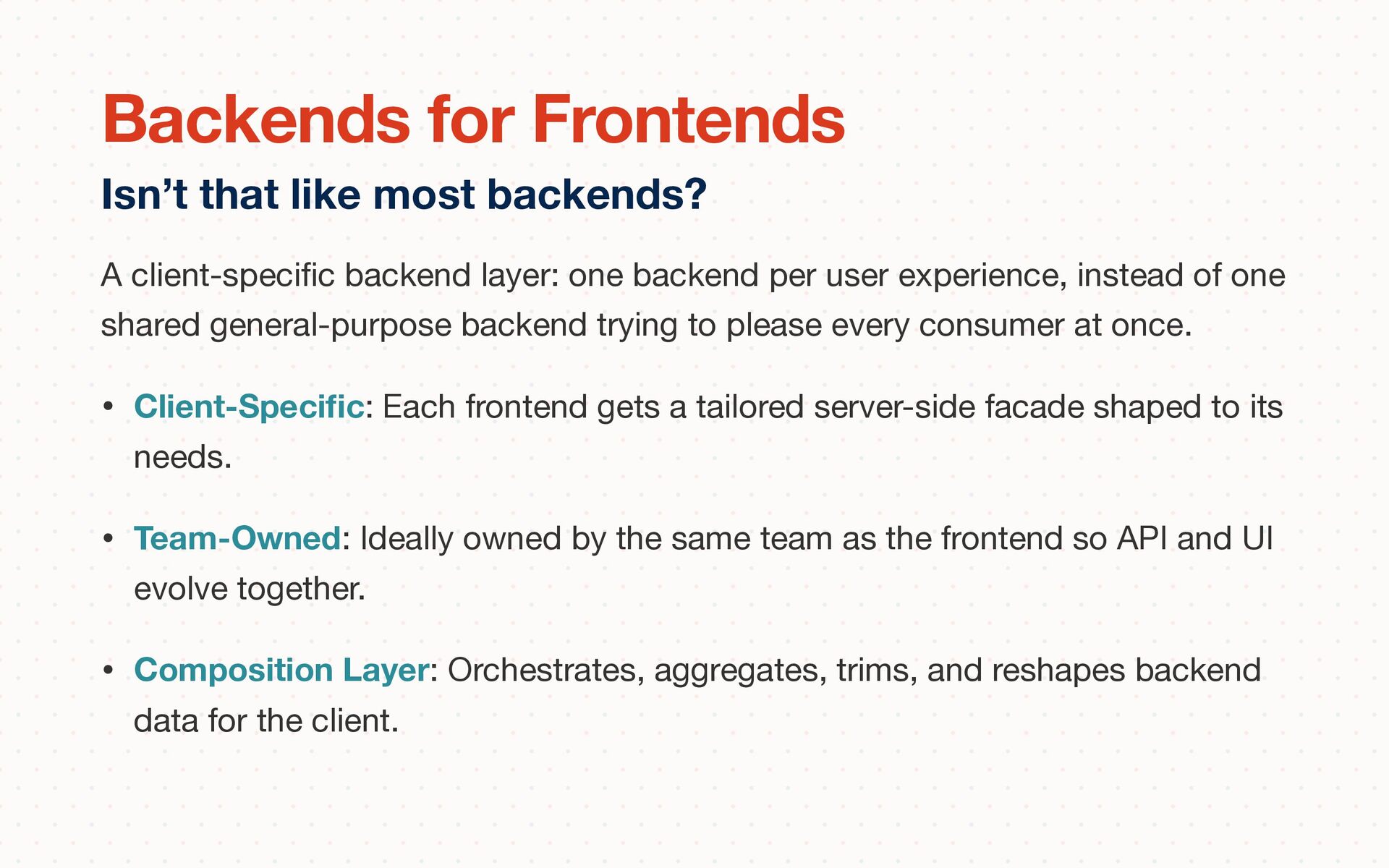
experience, instead of one shared general-purpose backend trying to please every consumer at once. • Client-Speci fi c: Each frontend gets a tailored server-side facade shaped to its needs. • Team-Owned: Ideally owned by the same team as the frontend so API and UI evolve together. • Composition Layer: Orchestrates, aggregates, trims, and reshapes backend data for the client. Isn’t that like most backends? Backends for Frontends
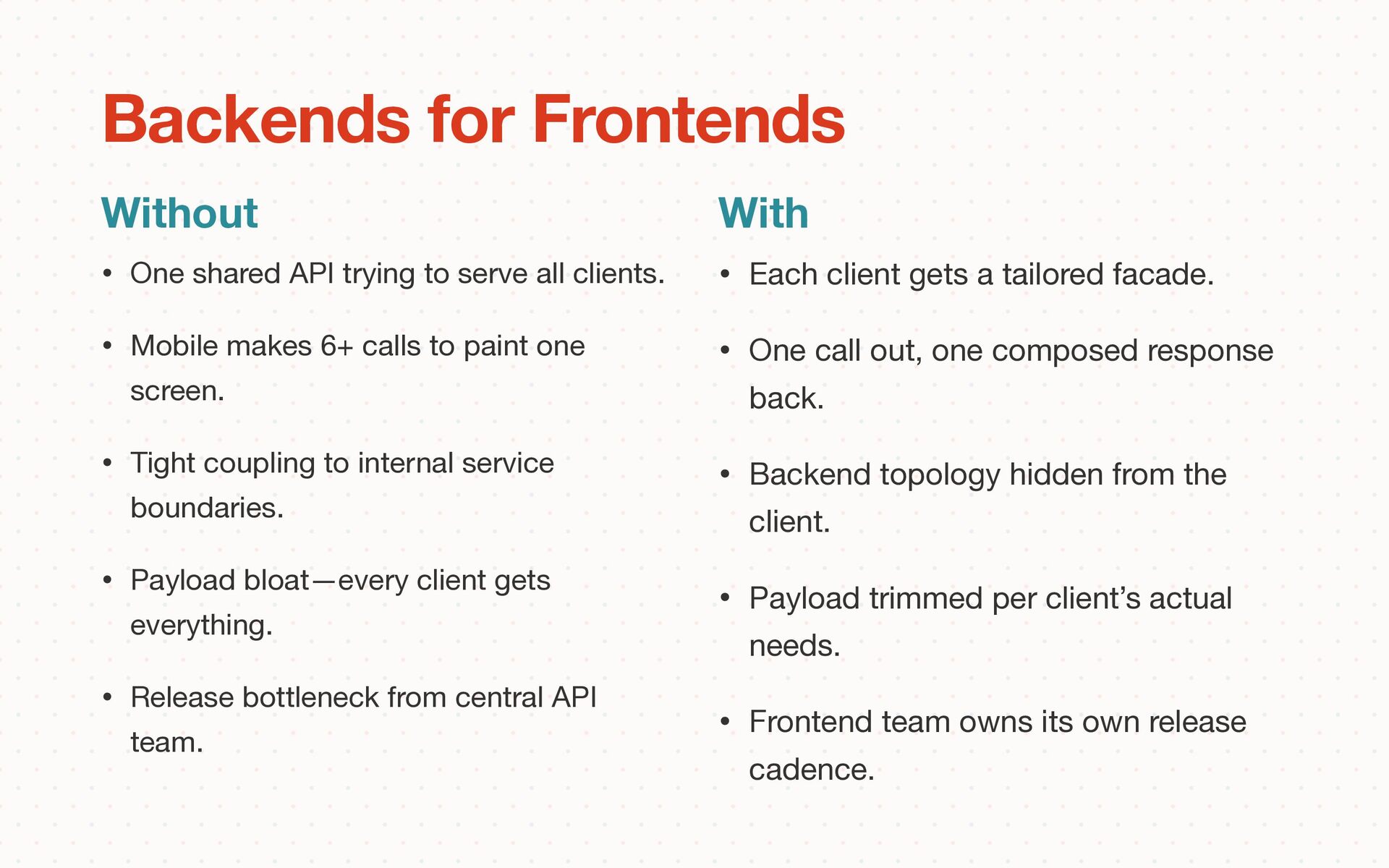
Mobile makes 6+ calls to paint one screen. • Tight coupling to internal service boundaries. • Payload bloat—every client gets everything. • Release bottleneck from central API team. Without Backends for Frontends With • Each client gets a tailored facade. • One call out, one composed response back. • Backend topology hidden from the client. • Payload trimmed per client’s actual needs. • Frontend team owns its own release cadence.
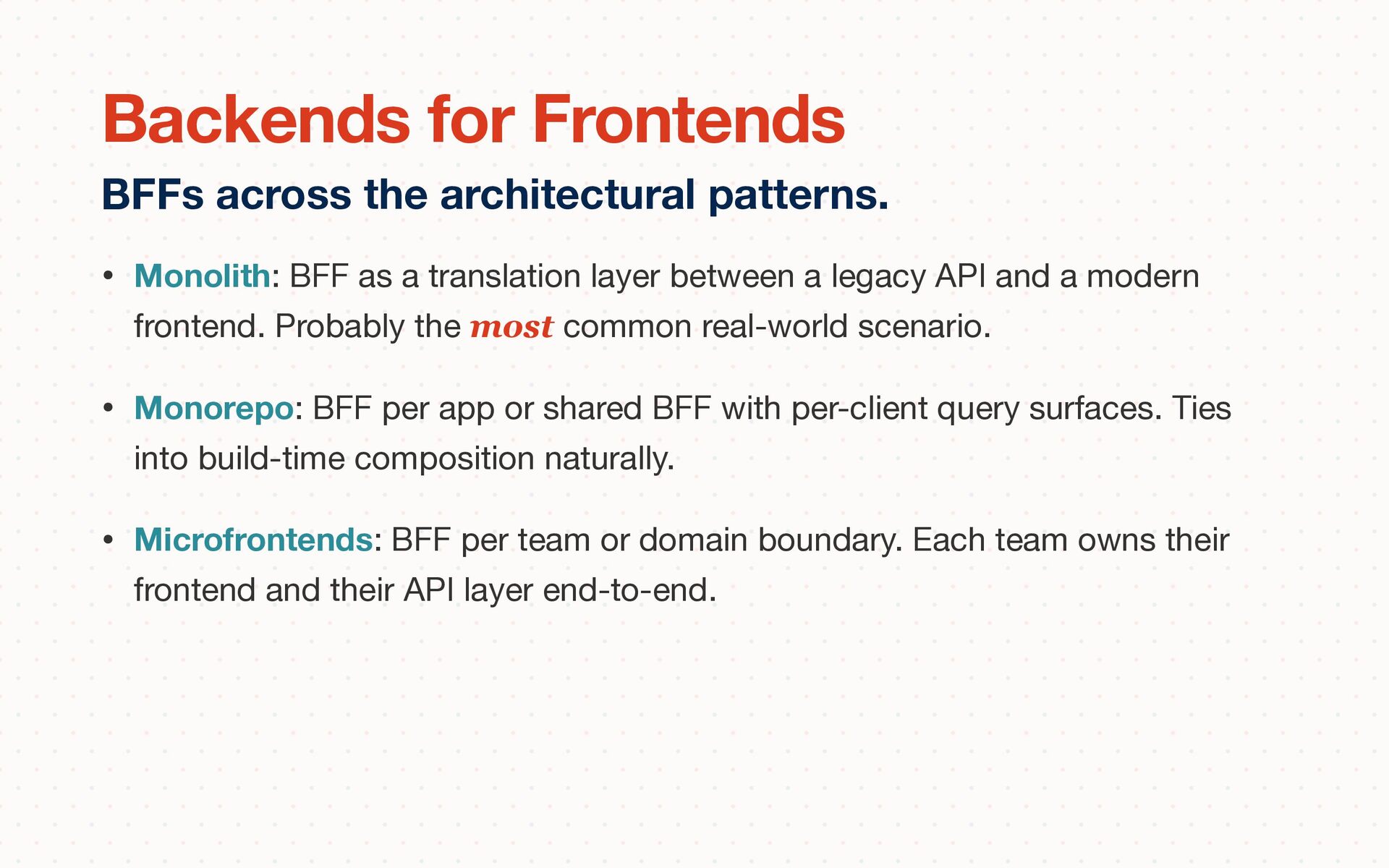
API and a modern frontend. Probably the most common real-world scenario. • Monorepo: BFF per app or shared BFF with per-client query surfaces. Ties into build-time composition naturally. • Microfrontends: BFF per team or domain boundary. Each team owns their frontend and their API layer end-to-end. BFFs across the architectural patterns. Backends for Frontends
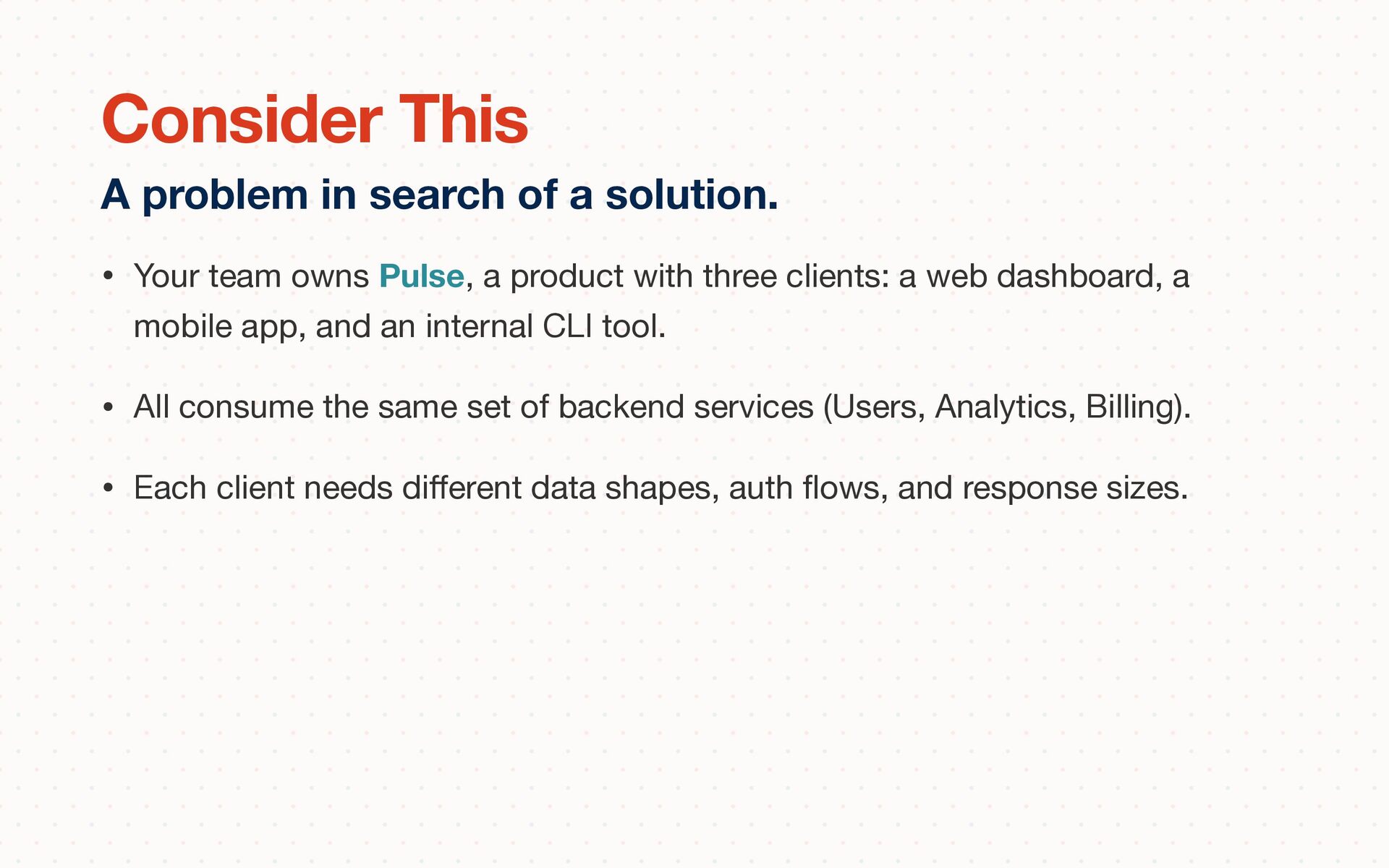
a web dashboard, a mobile app, and an internal CLI tool. • All consume the same set of backend services (Users, Analytics, Billing). • Each client needs di ff erent data shapes, auth fl ows, and response sizes. A problem in search of a solution. Consider This
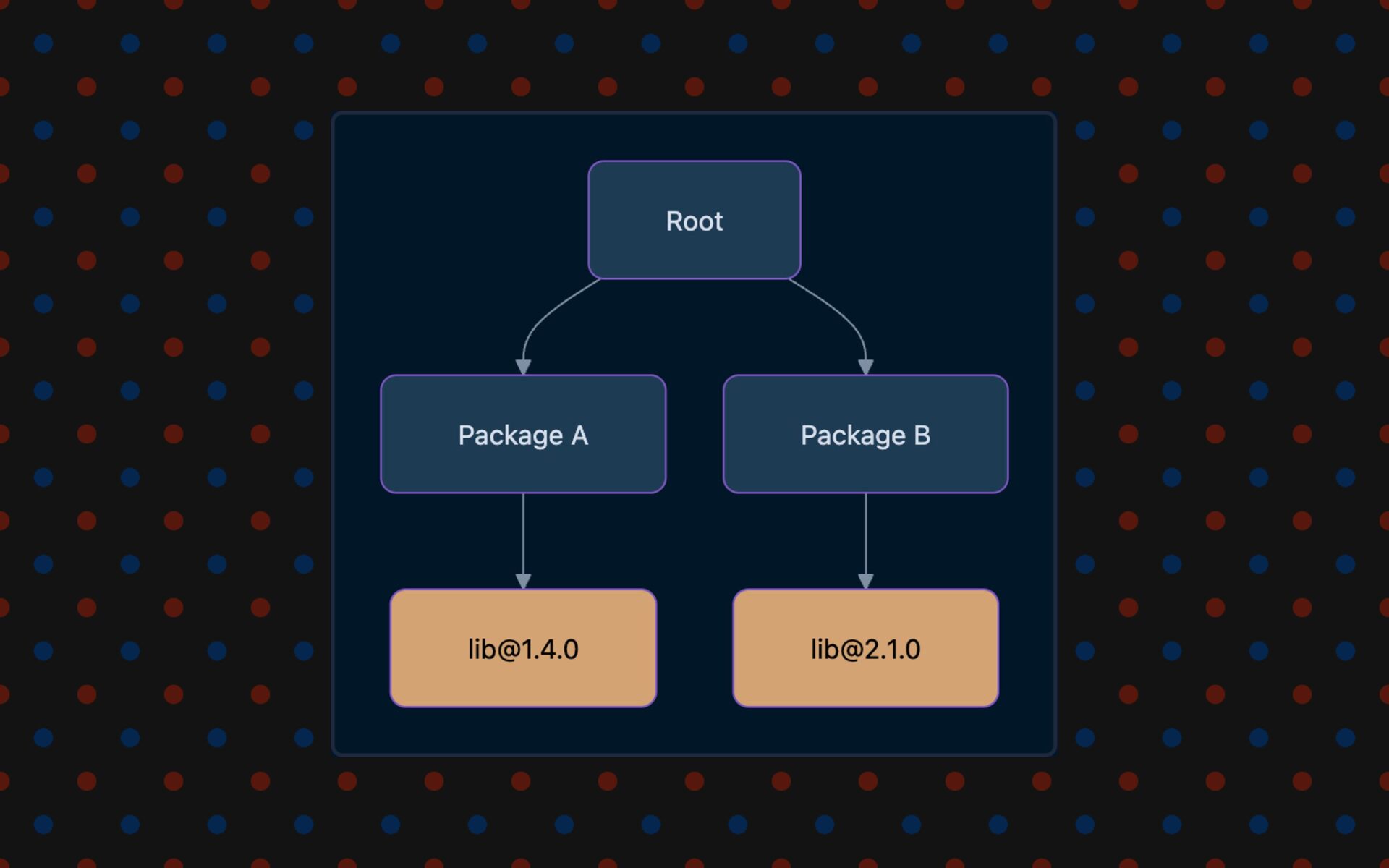
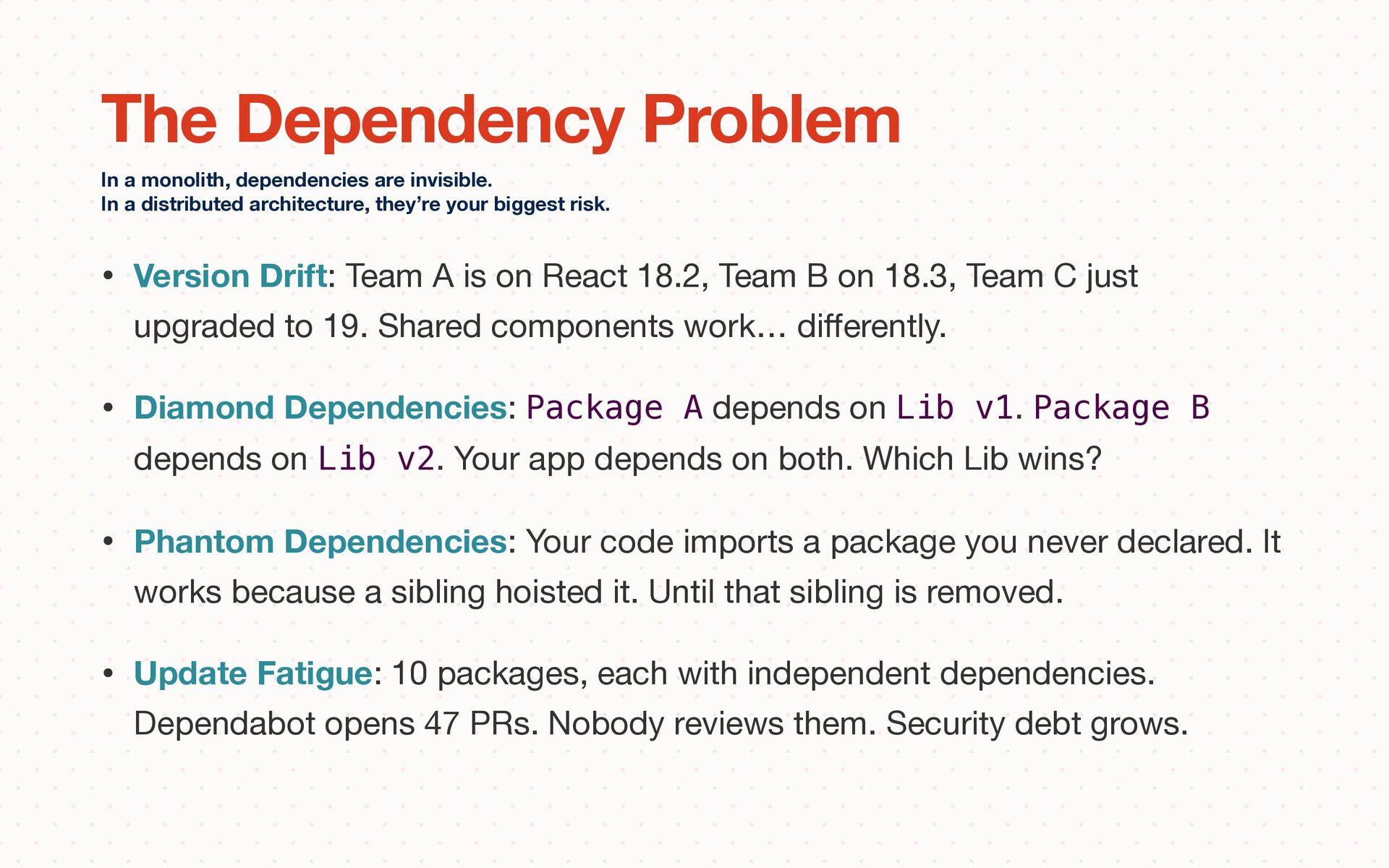
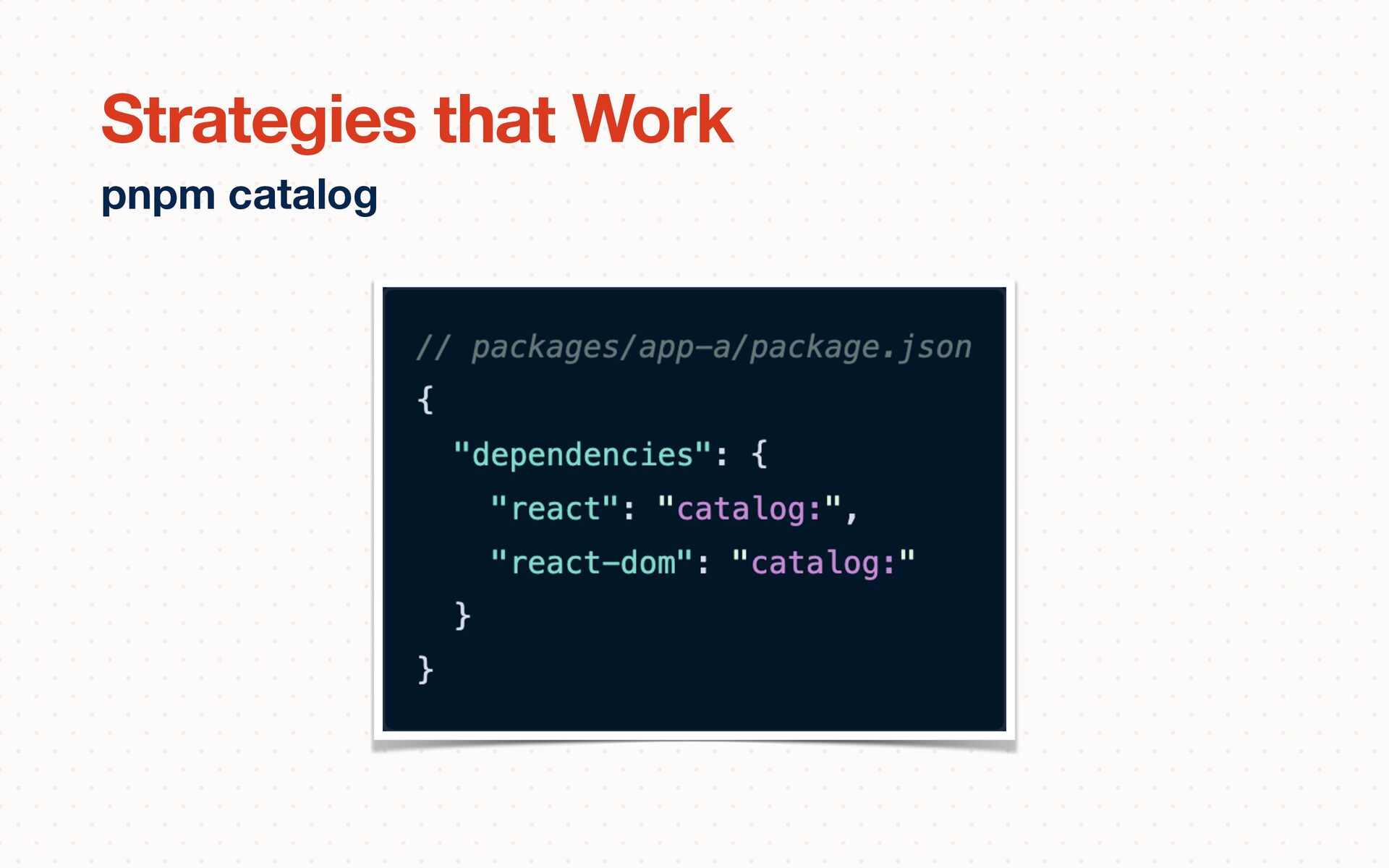
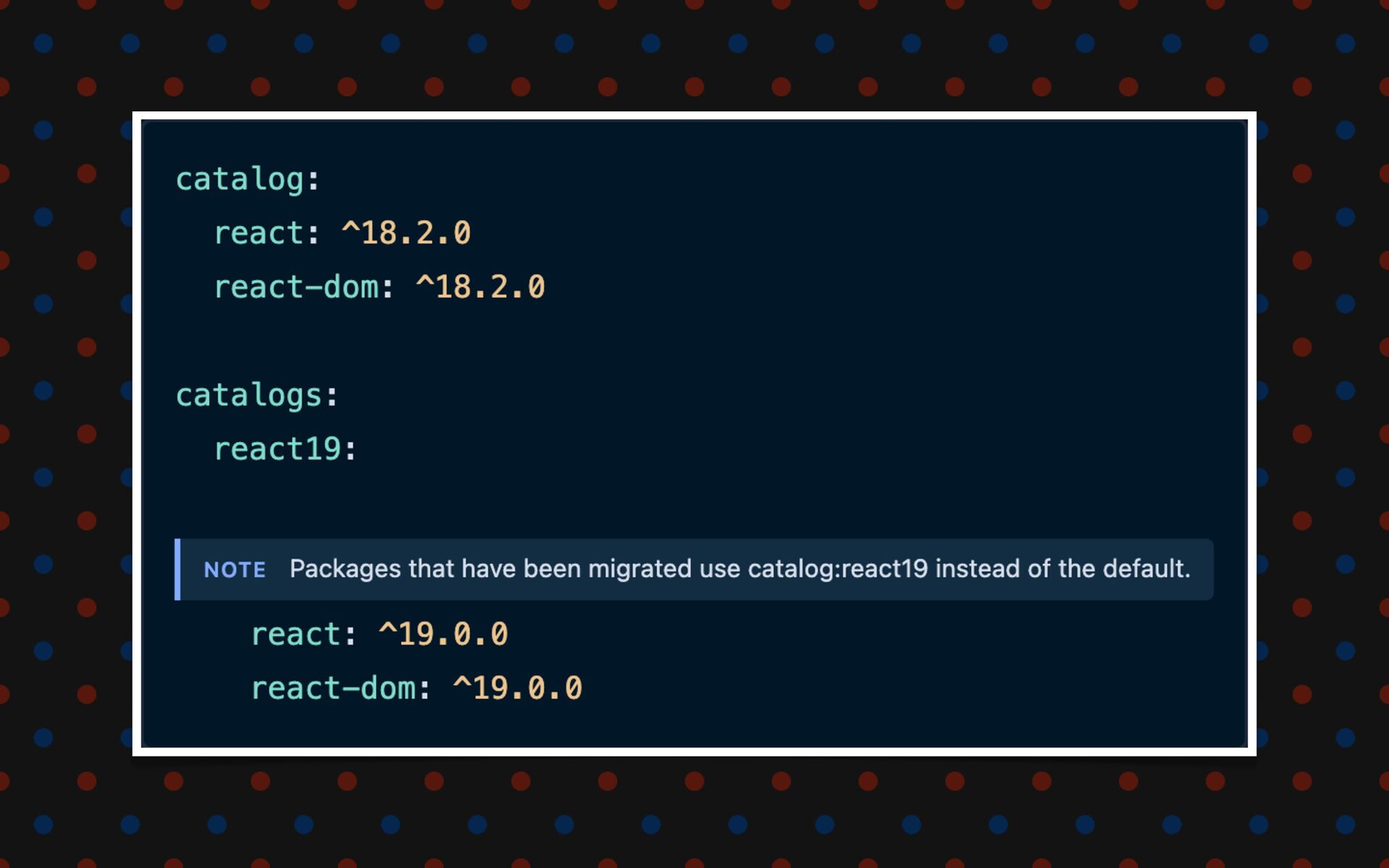
B on 18.3, Team C just upgraded to 19. Shared components work… di ff erently. • Diamond Dependencies: Package A depends on Lib v1. Package B depends on Lib v2. Your app depends on both. Which Lib wins? • Phantom Dependencies: Your code imports a package you never declared. It works because a sibling hoisted it. Until that sibling is removed. • Update Fatigue: 10 packages, each with independent dependencies. Dependabot opens 47 PRs. Nobody reviews them. Security debt grows. In a monolith, dependencies are invisible. In a distributed architecture, they’re your biggest risk. The Dependency Problem
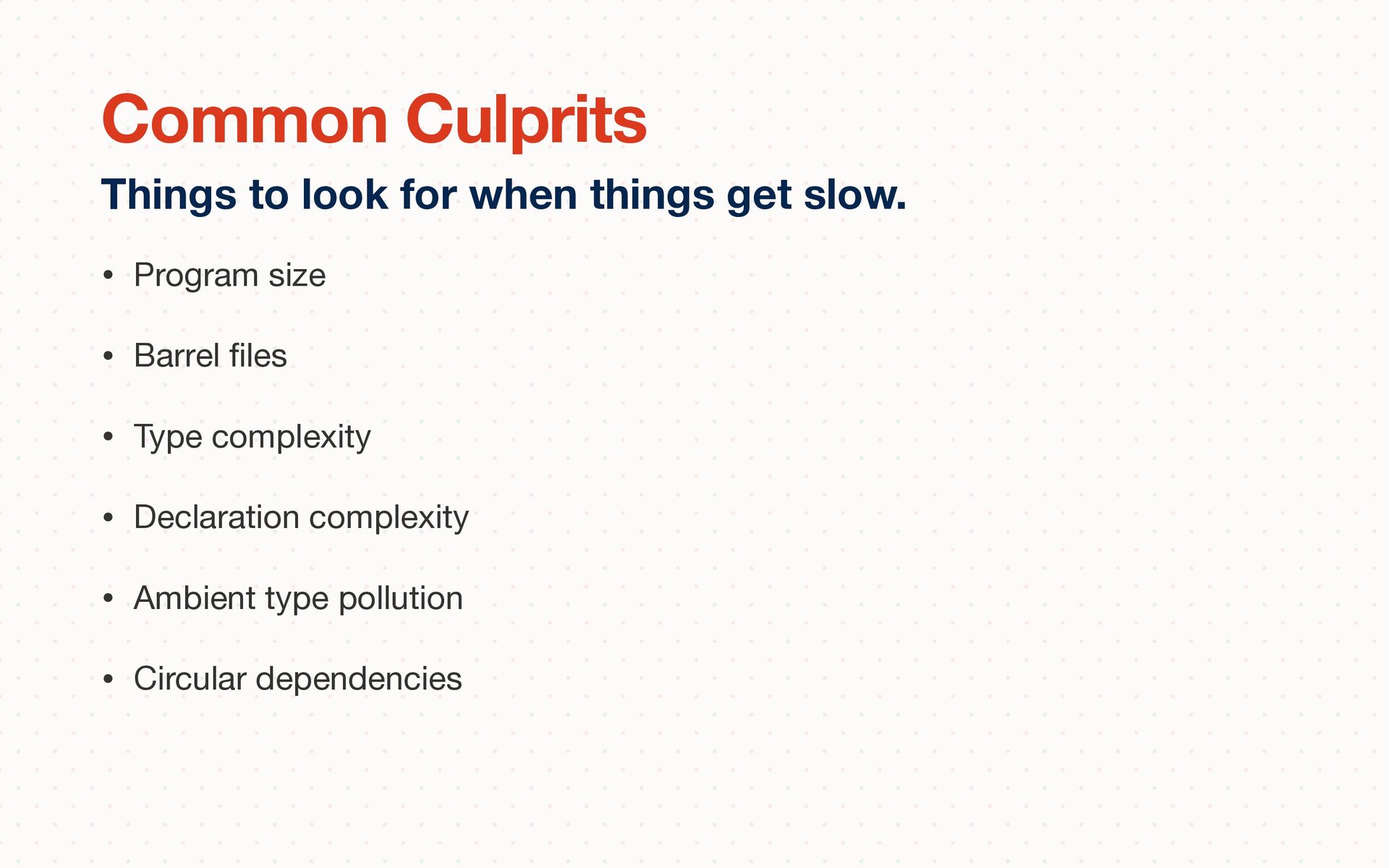
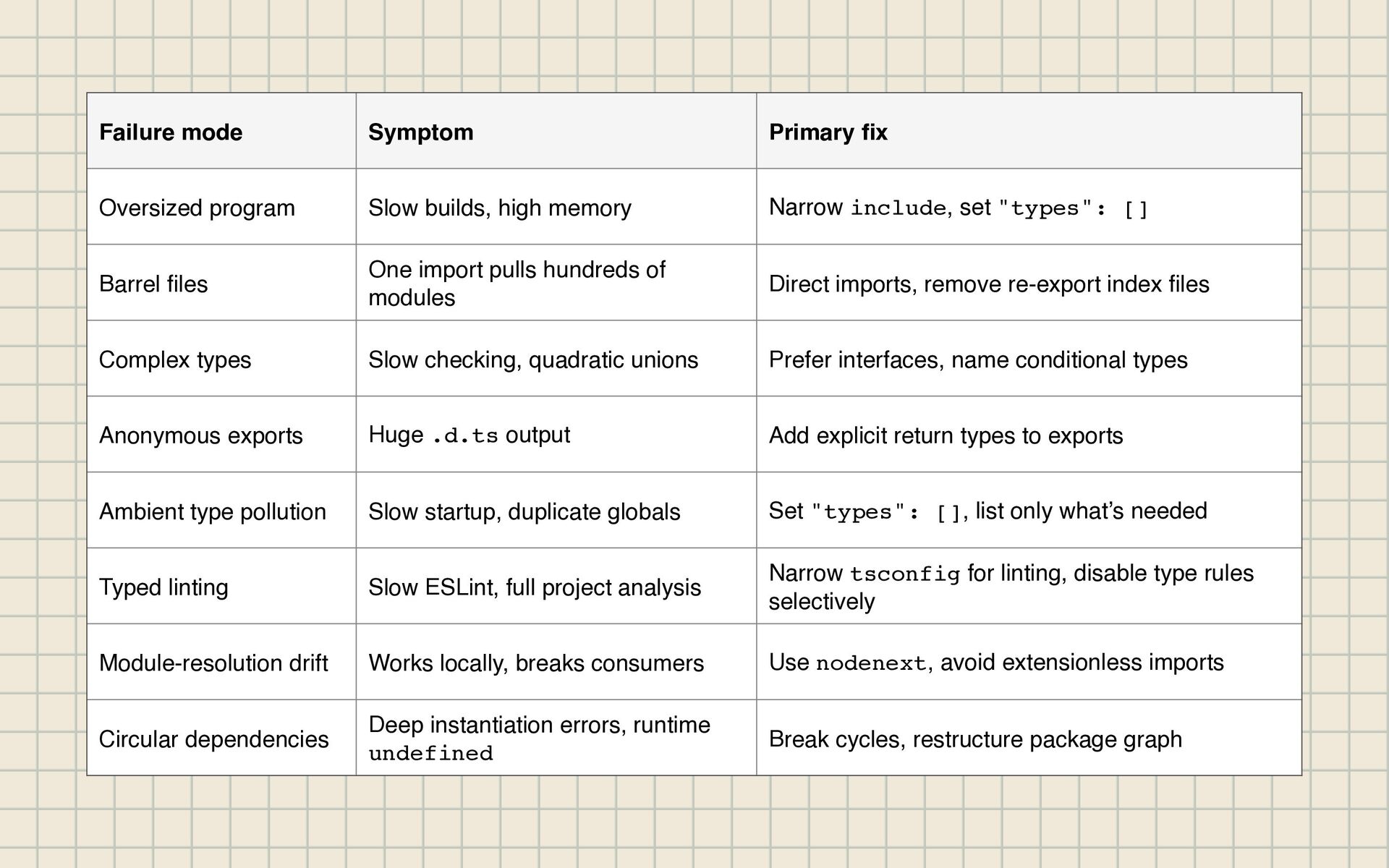
high memory Narrow include, set "types": [] Barrel fi les One import pulls hundreds of modules Direct imports, remove re-export index fi les Complex types Slow checking, quadratic unions Prefer interfaces, name conditional types Anonymous exports Huge .d.ts output Add explicit return types to exports Ambient type pollution Slow startup, duplicate globals Set "types": [], list only what’s needed Typed linting Slow ESLint, full project analysis Narrow tsconfig for linting, disable type rules selectively Module-resolution drift Works locally, breaks consumers Use nodenext, avoid extensionless imports Circular dependencies Deep instantiation errors, runtime undefined Break cycles, restructure package graph
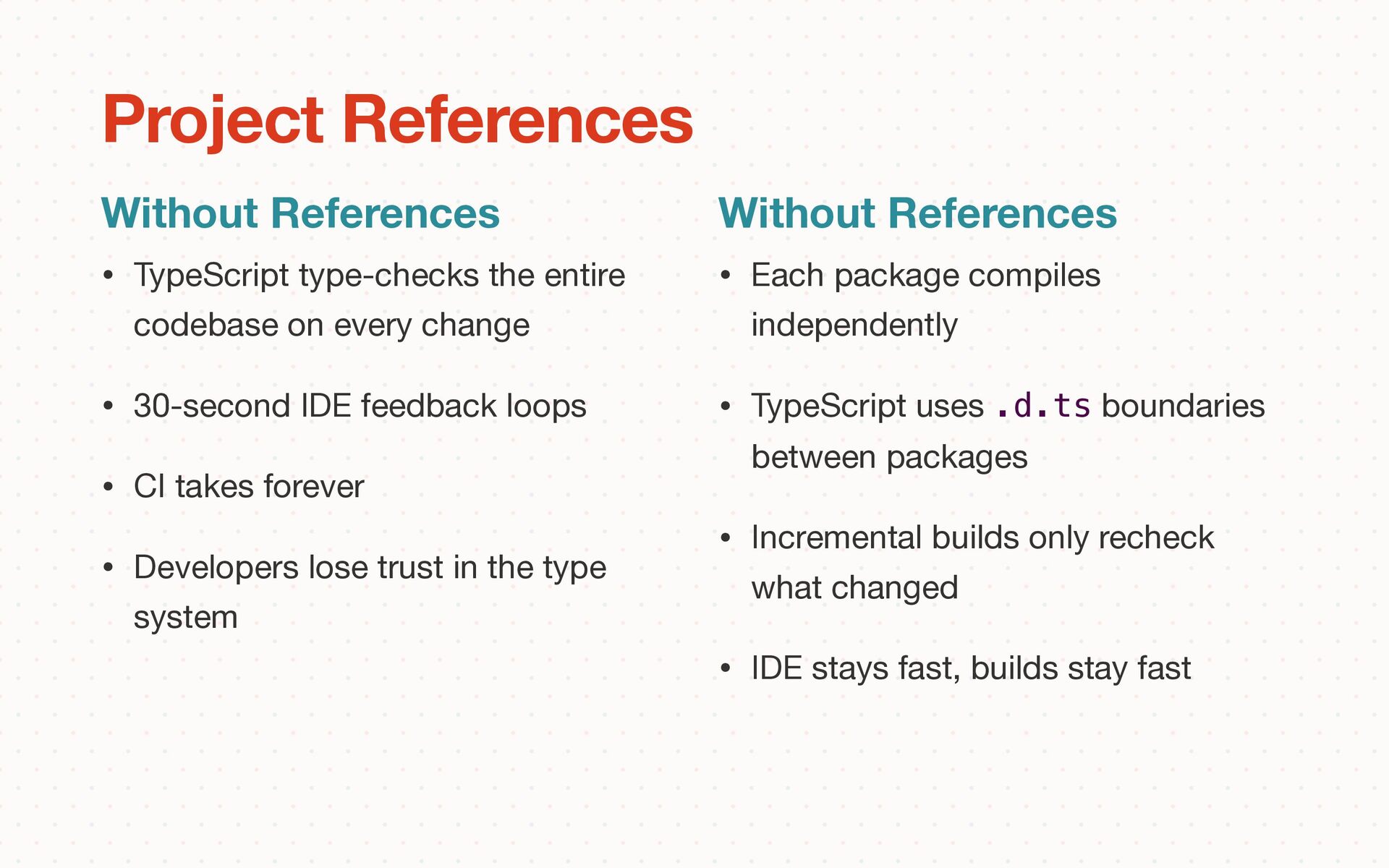
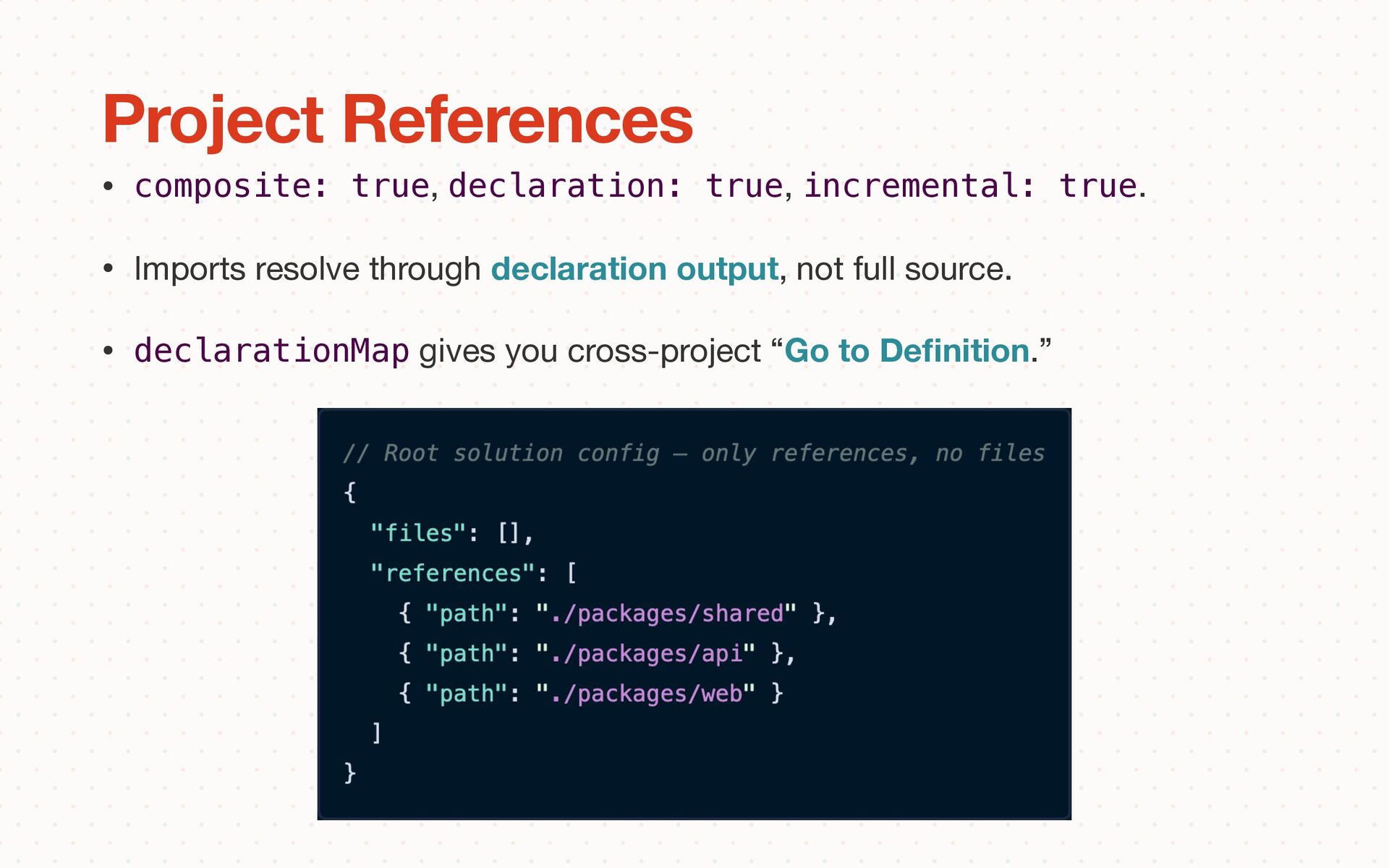
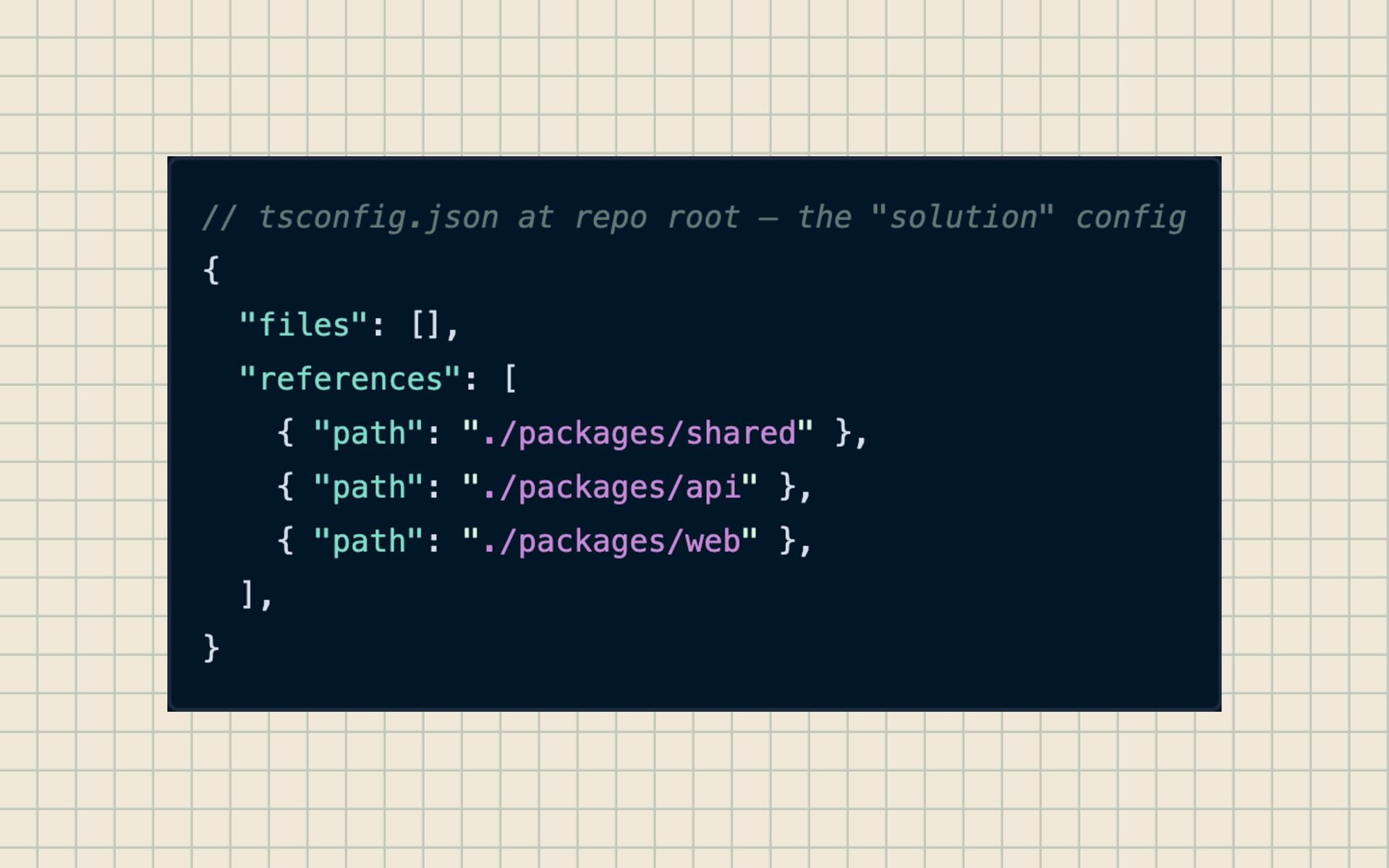
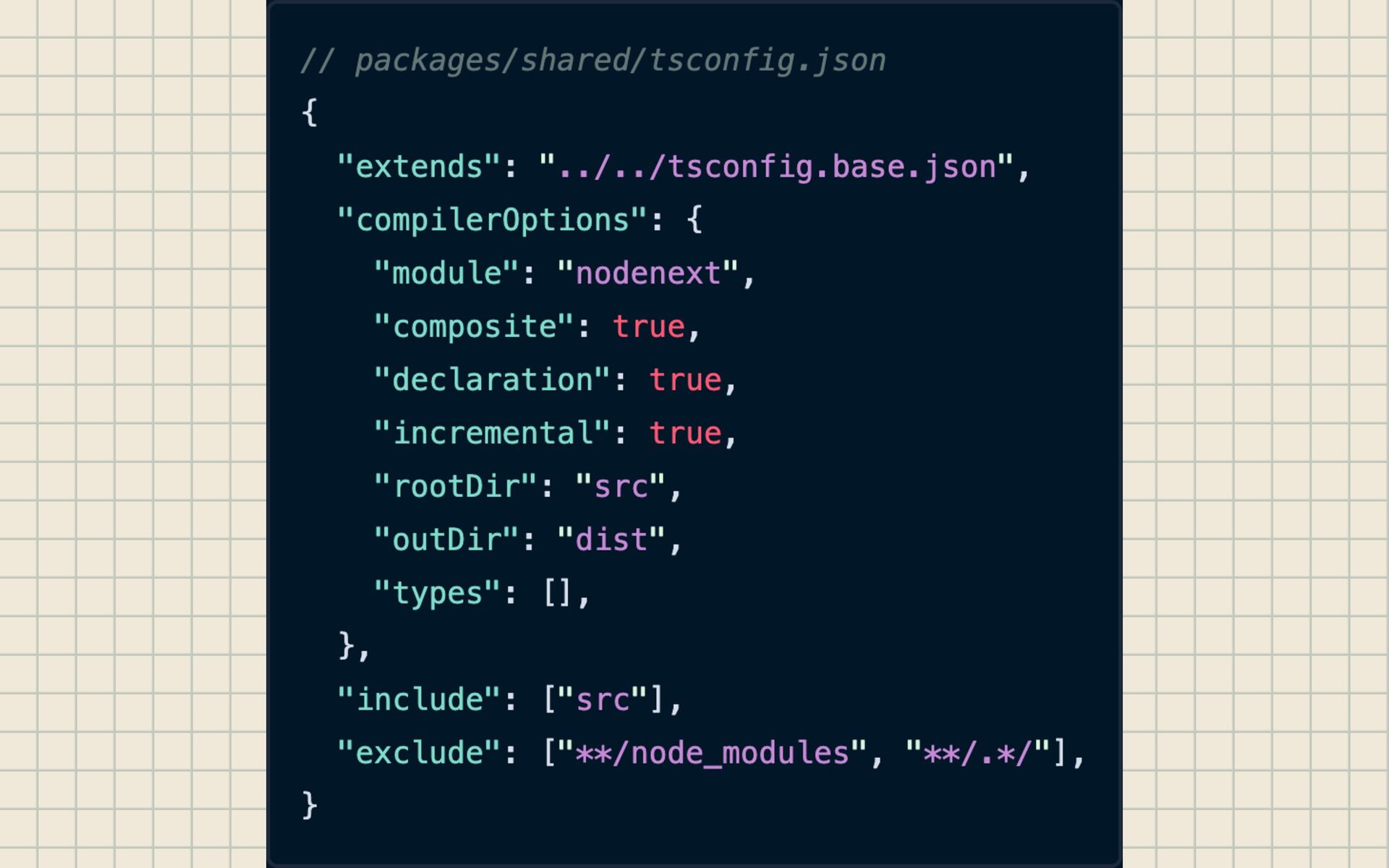
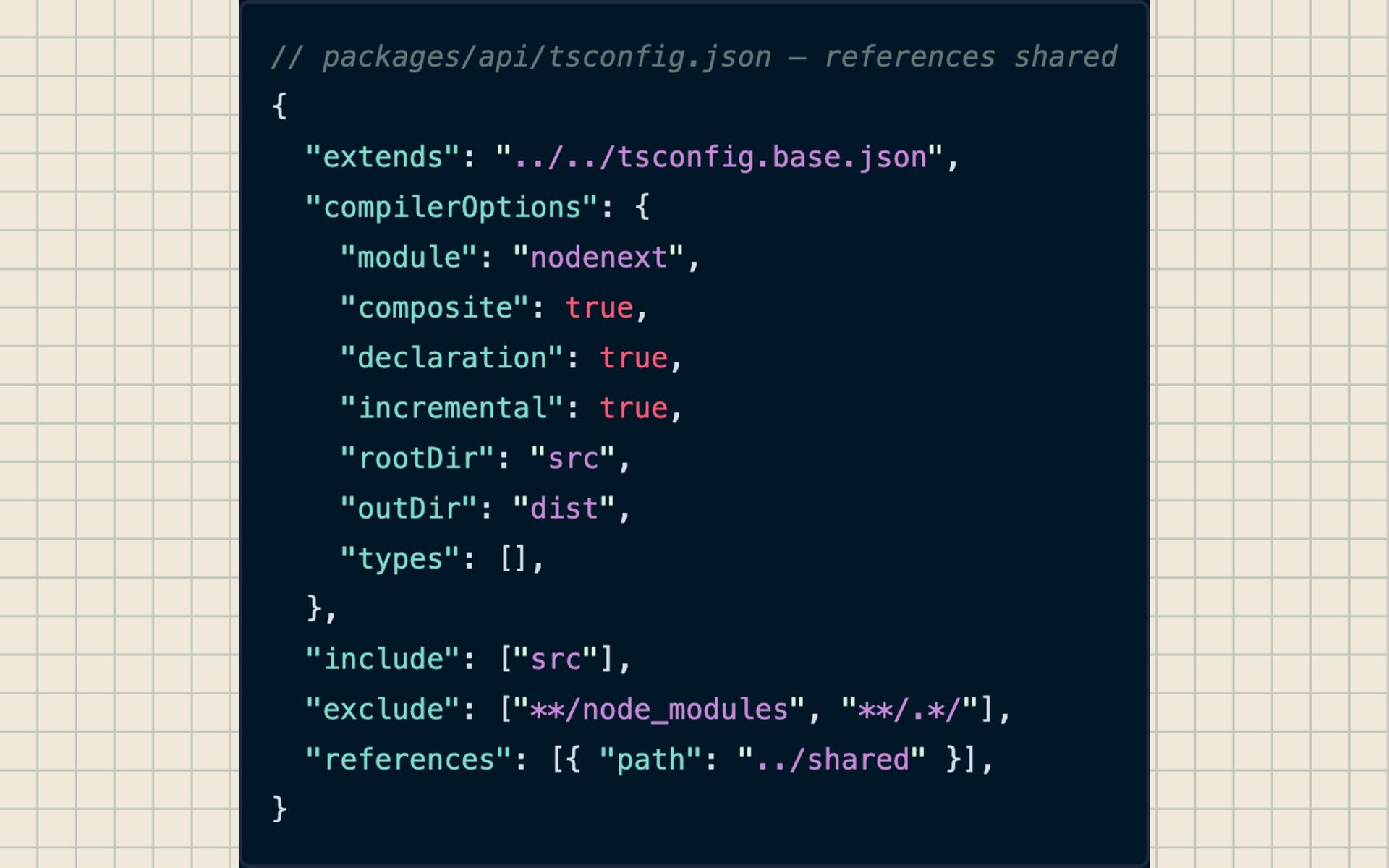
30-second IDE feedback loops • CI takes forever • Developers lose trust in the type system Without References Project References Without References • Each package compiles independently • TypeScript uses .d.ts boundaries between packages • Incremental builds only recheck what changed • IDE stays fast, builds stay fast
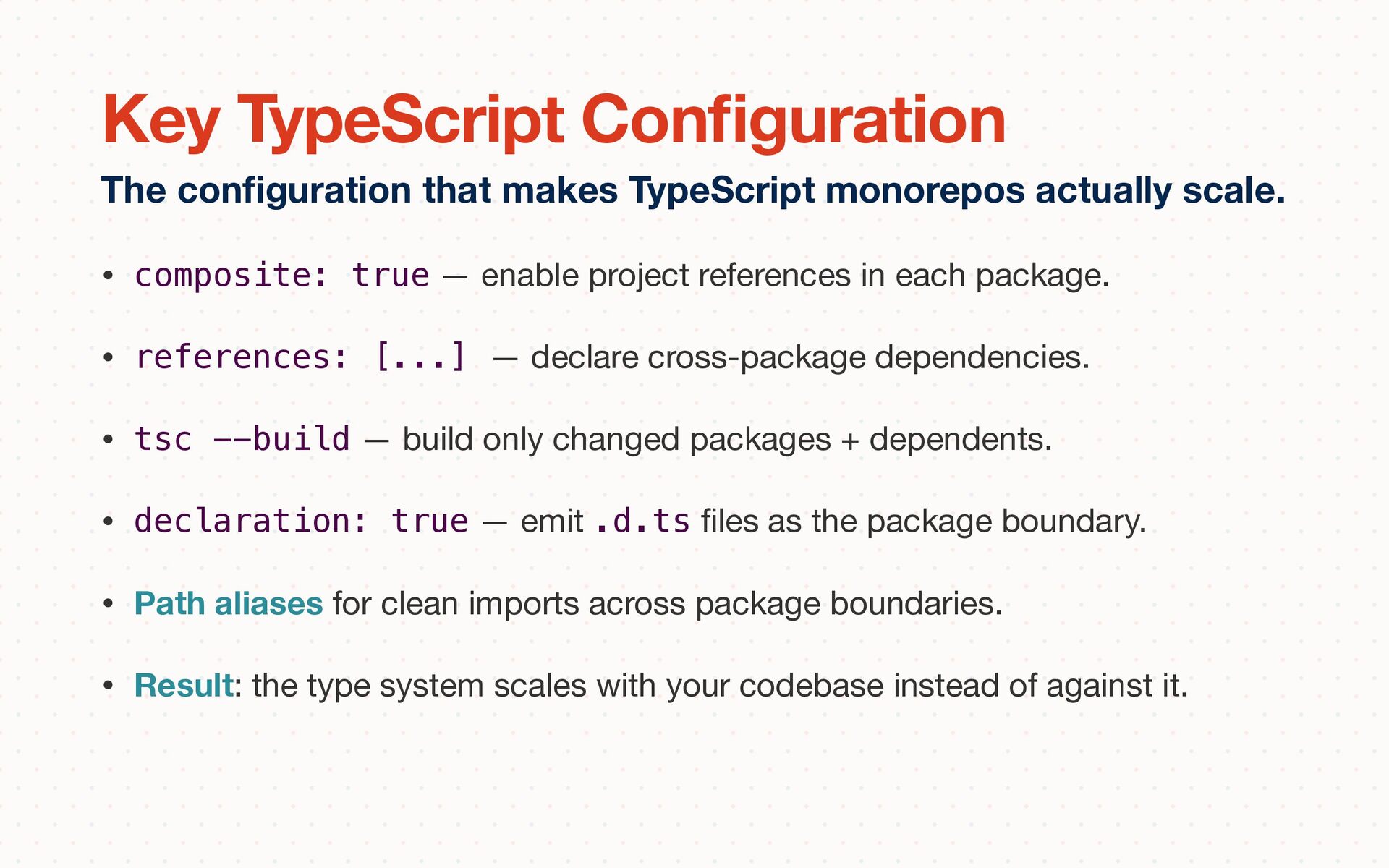
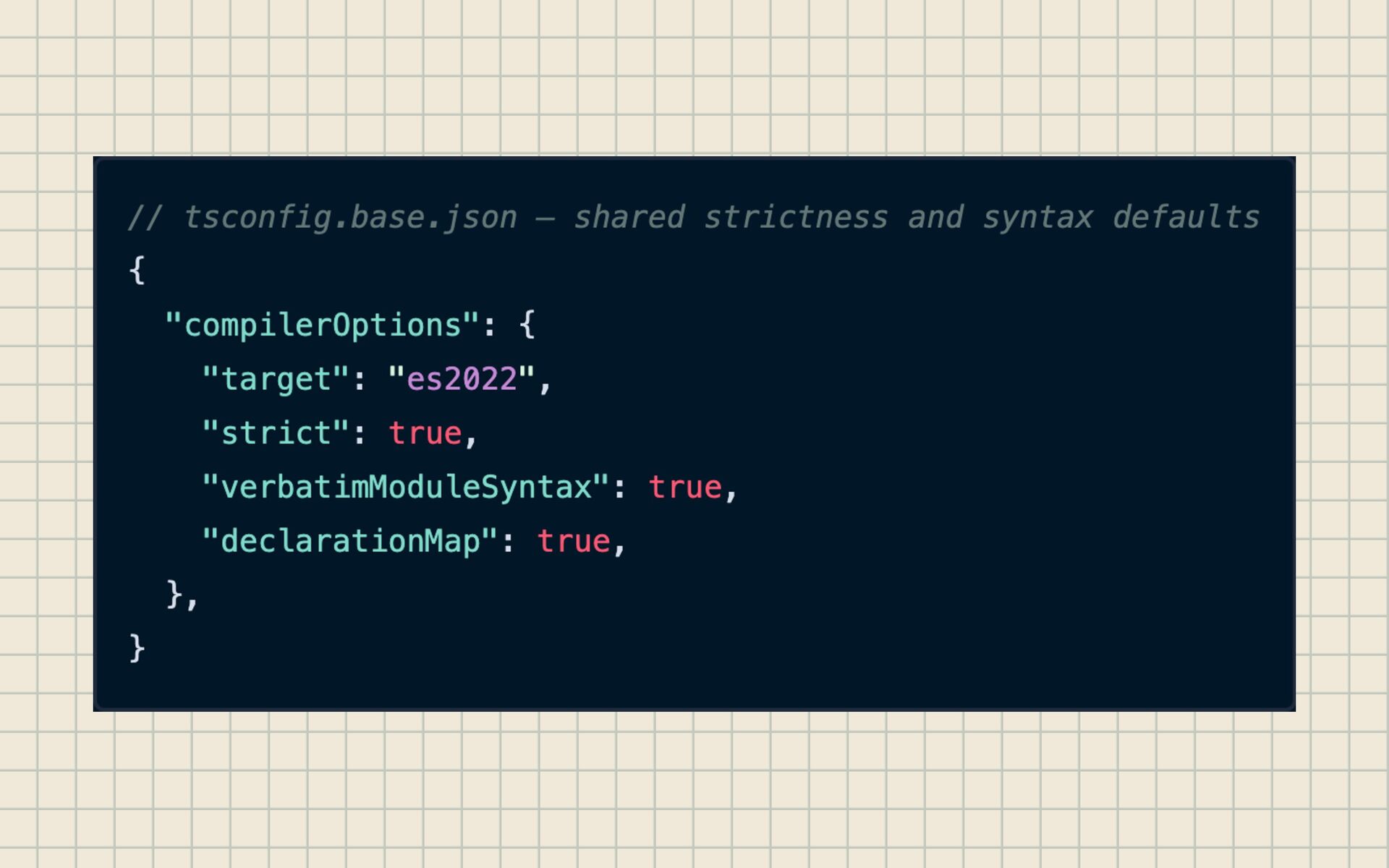
• references: [...] — declare cross-package dependencies. • tsc --build — build only changed packages + dependents. • declaration: true — emit .d.ts fi les as the package boundary. • Path aliases for clean imports across package boundaries. • Result: the type system scales with your codebase instead of against it. The con fi guration that makes TypeScript monorepos actually scale. Key TypeScript Con fi guration
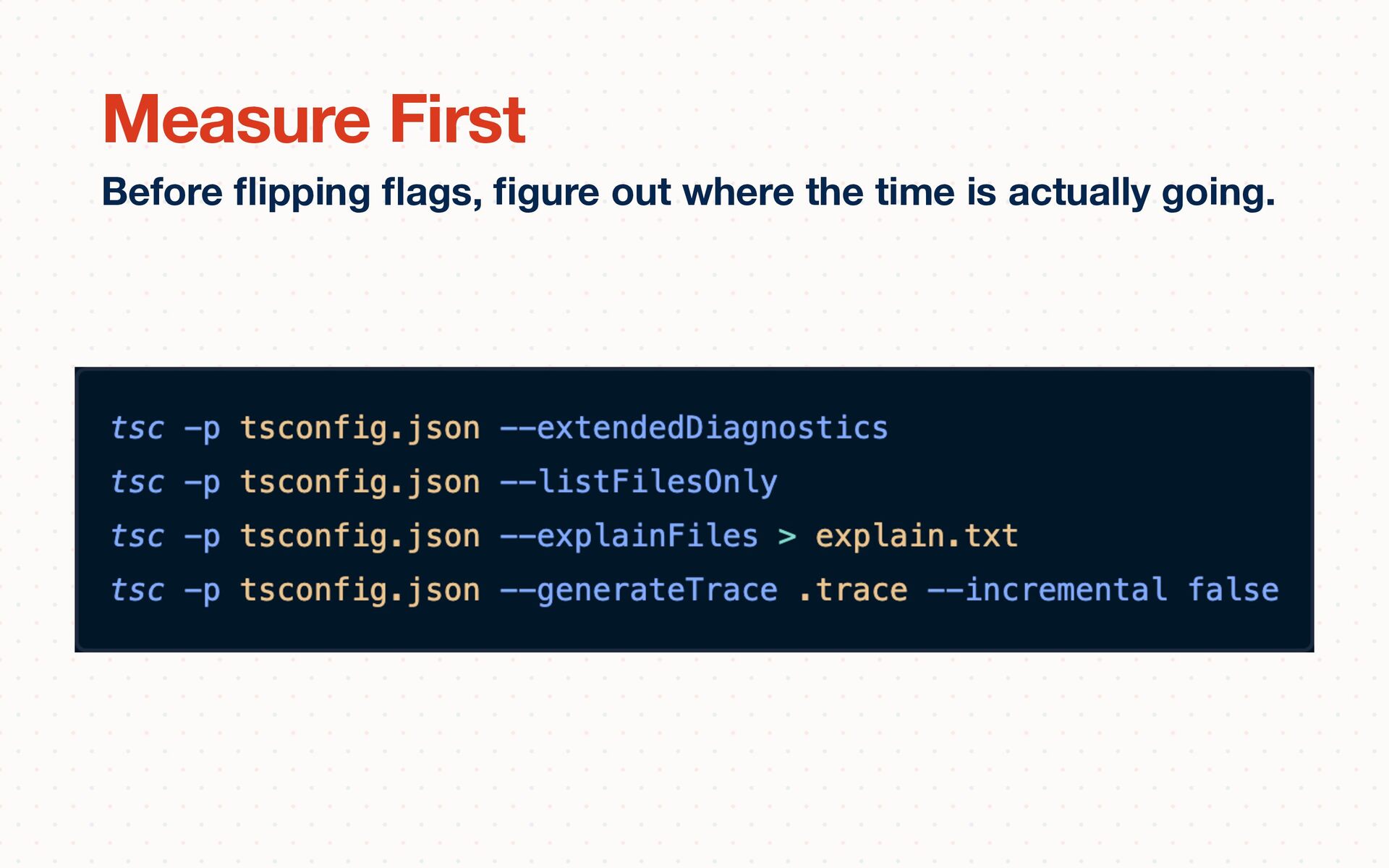
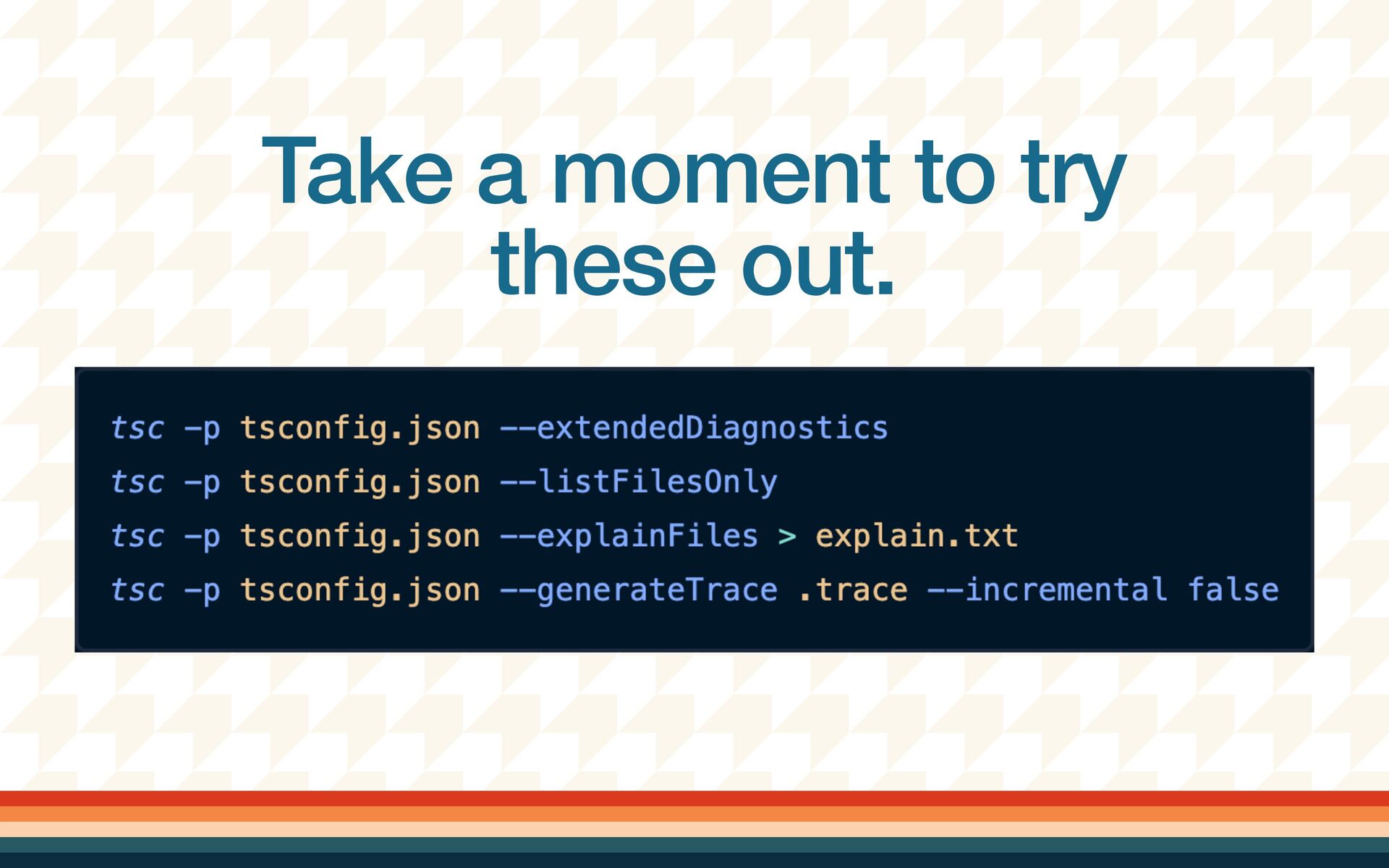
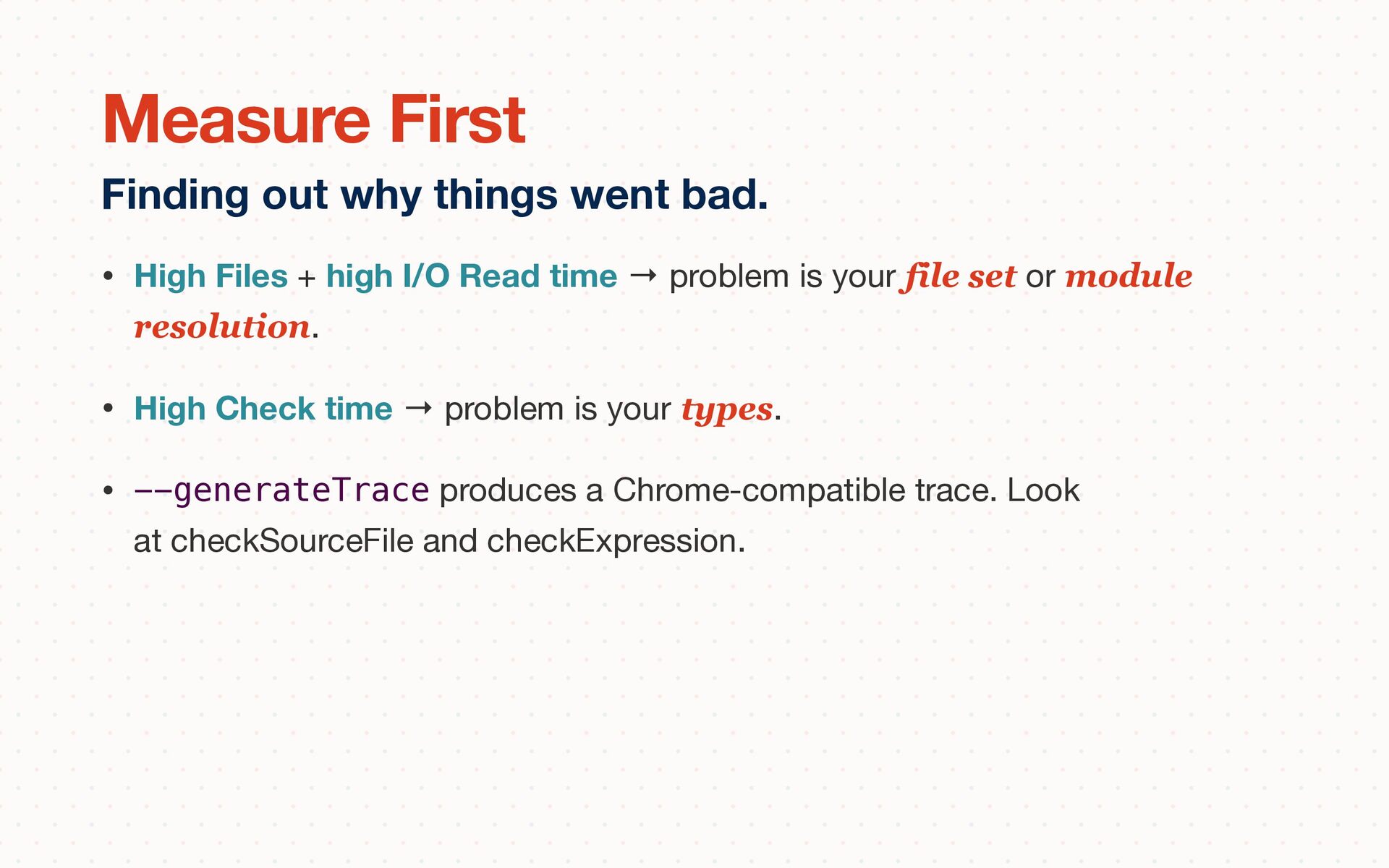
is your file set or module resolution. • High Check time → problem is your types. • --generateTrace produces a Chrome-compatible trace. Look at checkSourceFile and checkExpression. Finding out why things went bad. Measure First
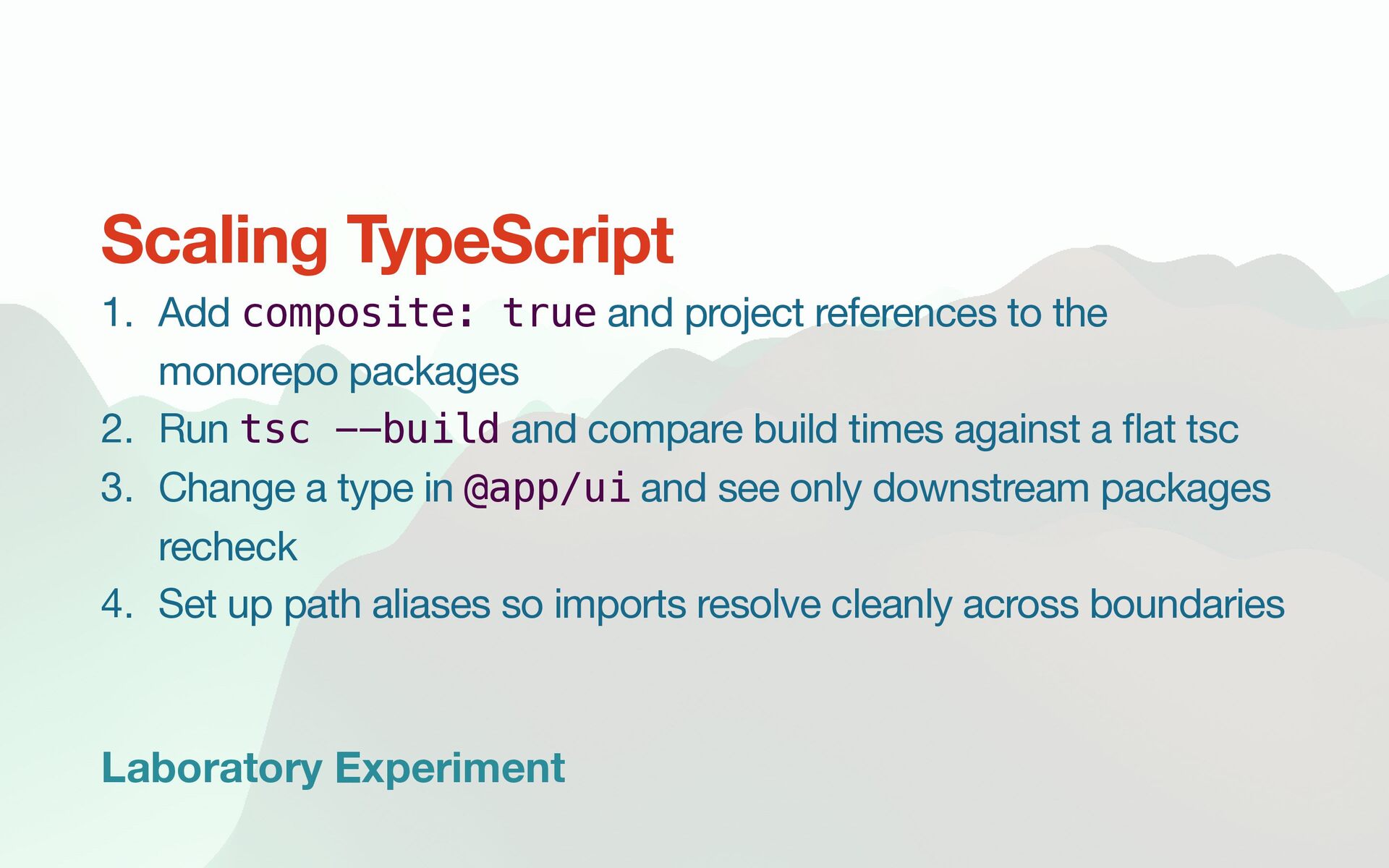
the monorepo packages 2. Run tsc --build and compare build times against a fl at tsc 3. Change a type in @app/ui and see only downstream packages recheck 4. Set up path aliases so imports resolve cleanly across boundaries Scaling TypeScript
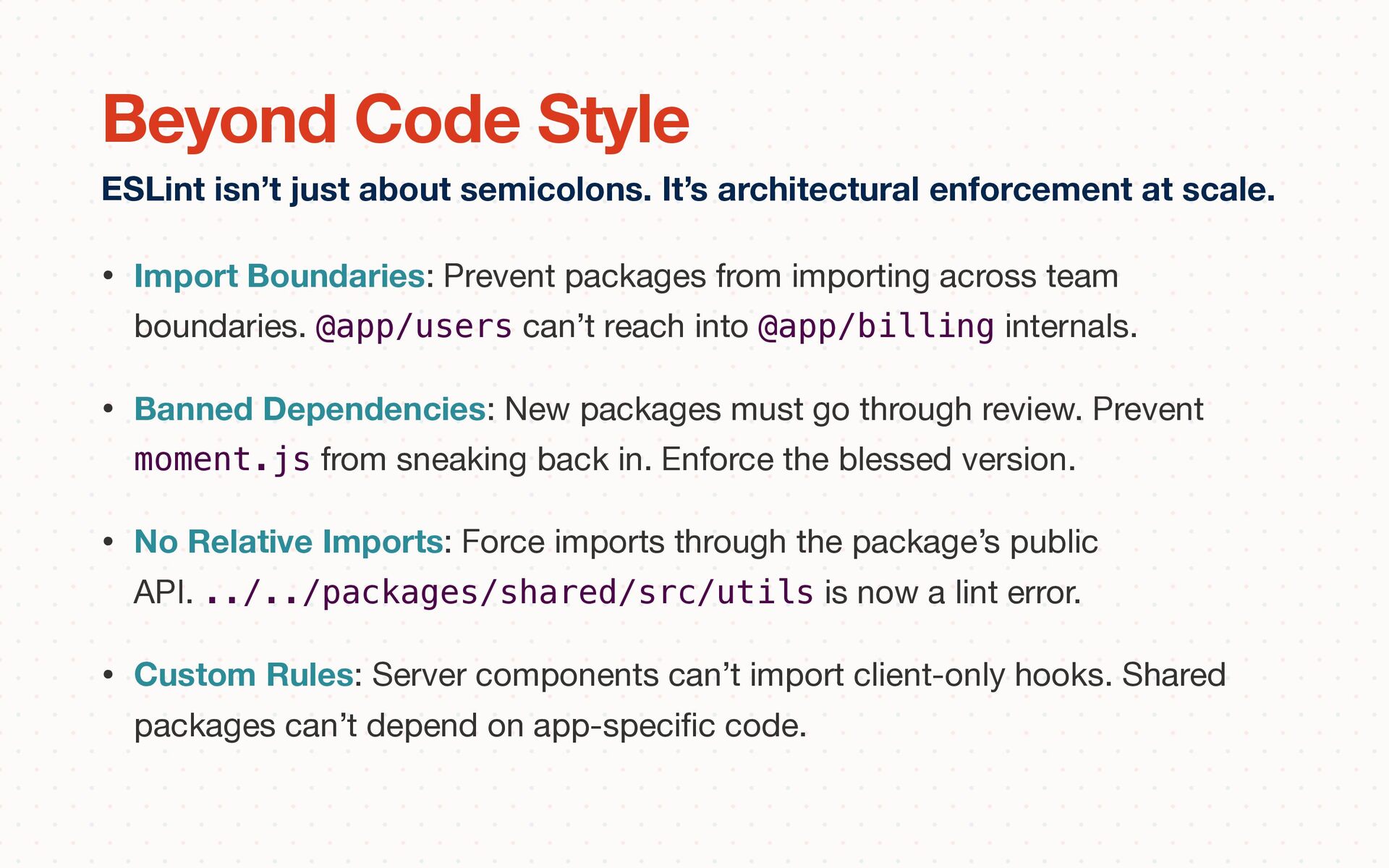
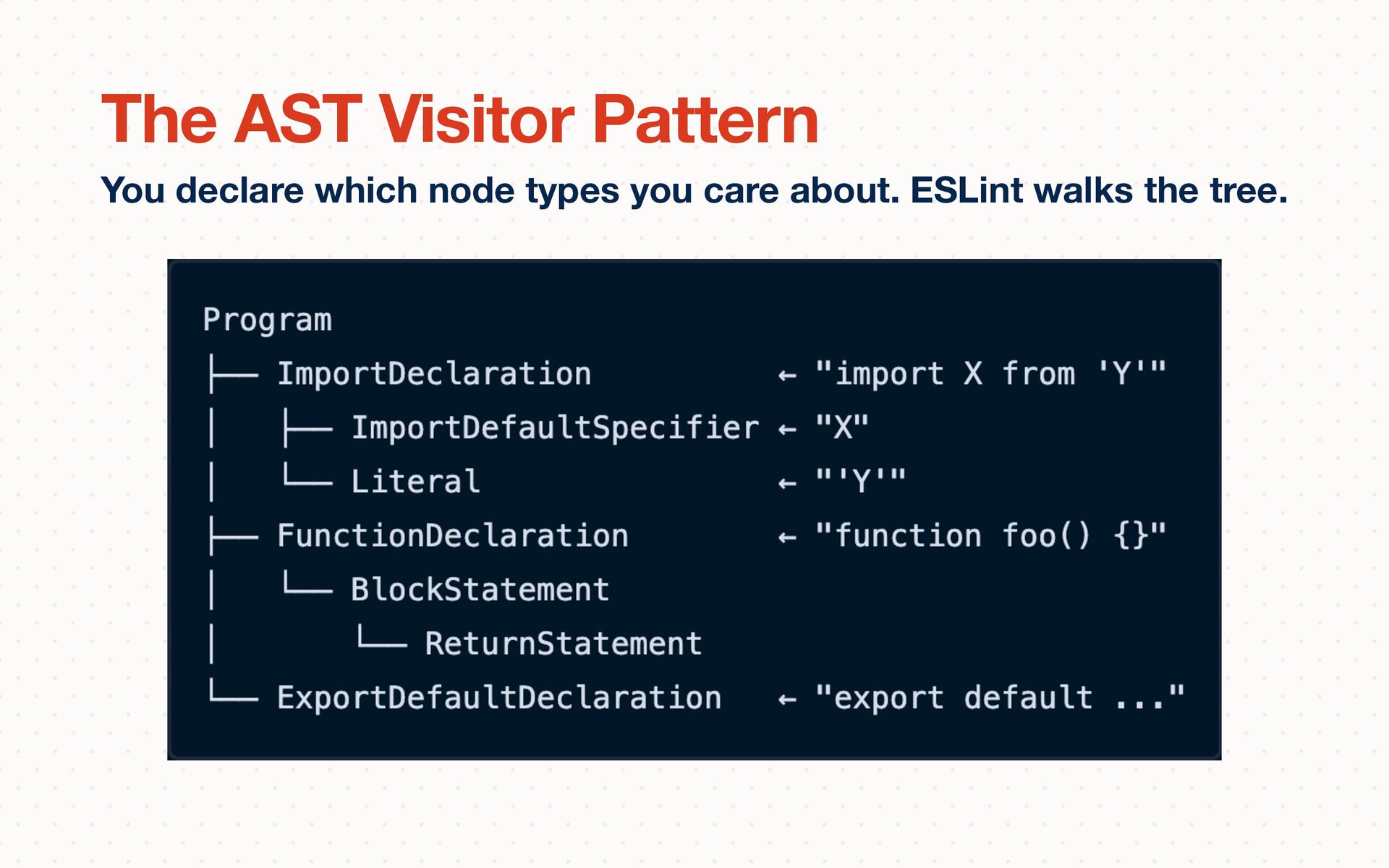
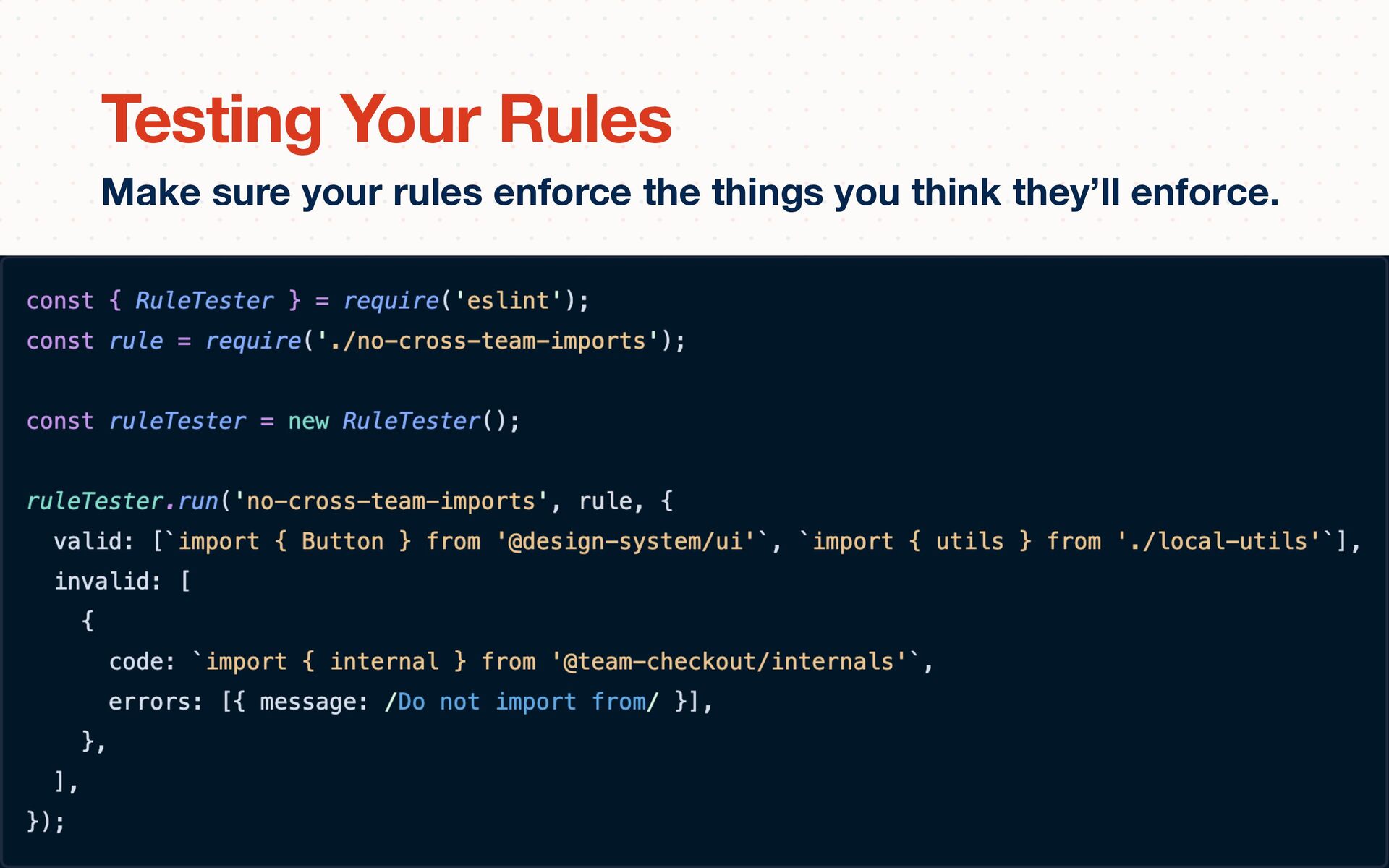
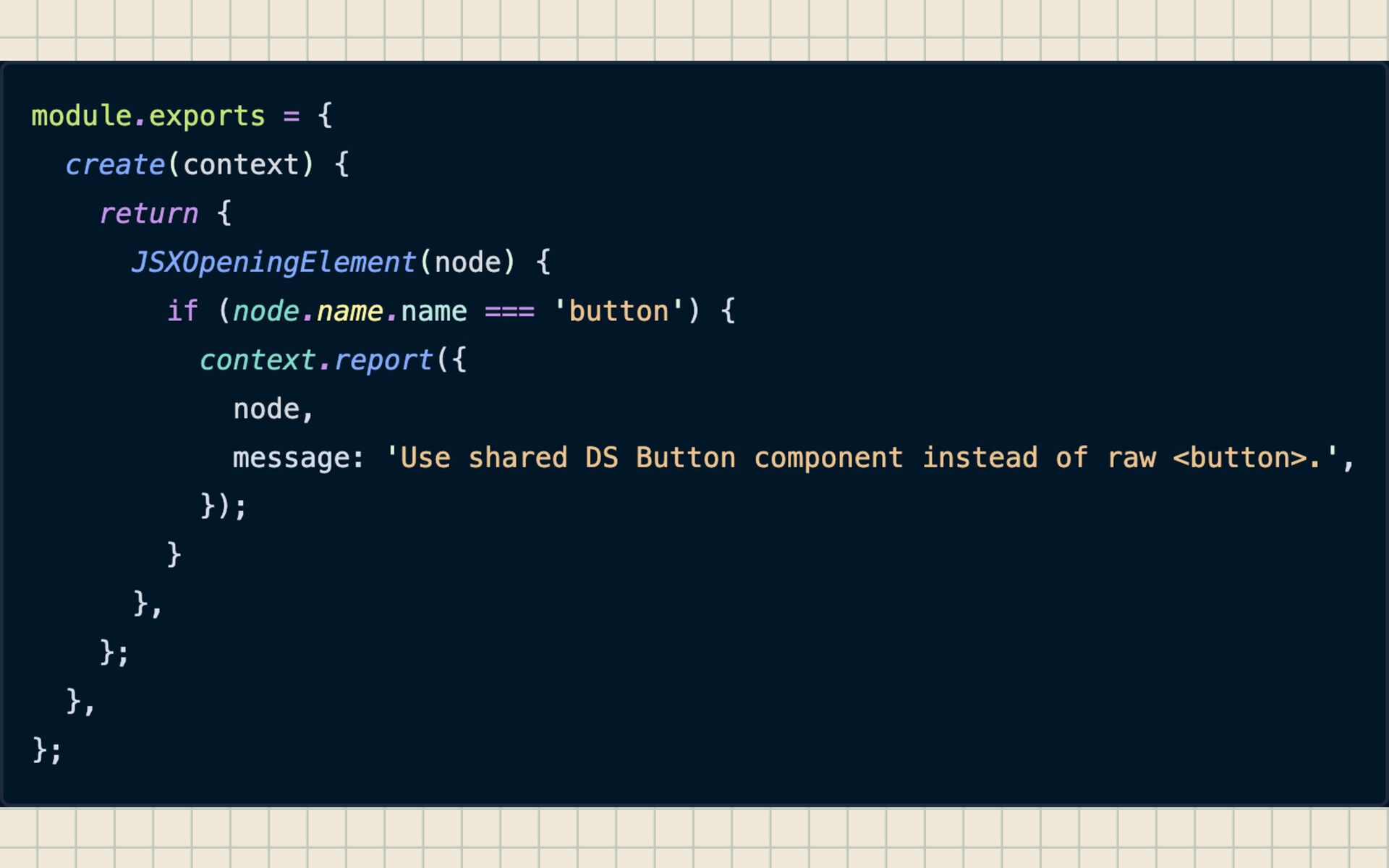
@app/users can’t reach into @app/billing internals. • Banned Dependencies: New packages must go through review. Prevent moment.js from sneaking back in. Enforce the blessed version. • No Relative Imports: Force imports through the package’s public API. ../../packages/shared/src/utils is now a lint error. • Custom Rules: Server components can’t import client-only hooks. Shared packages can’t depend on app-speci fi c code. ESLint isn’t just about semicolons. It’s architectural enforcement at scale. Beyond Code Style
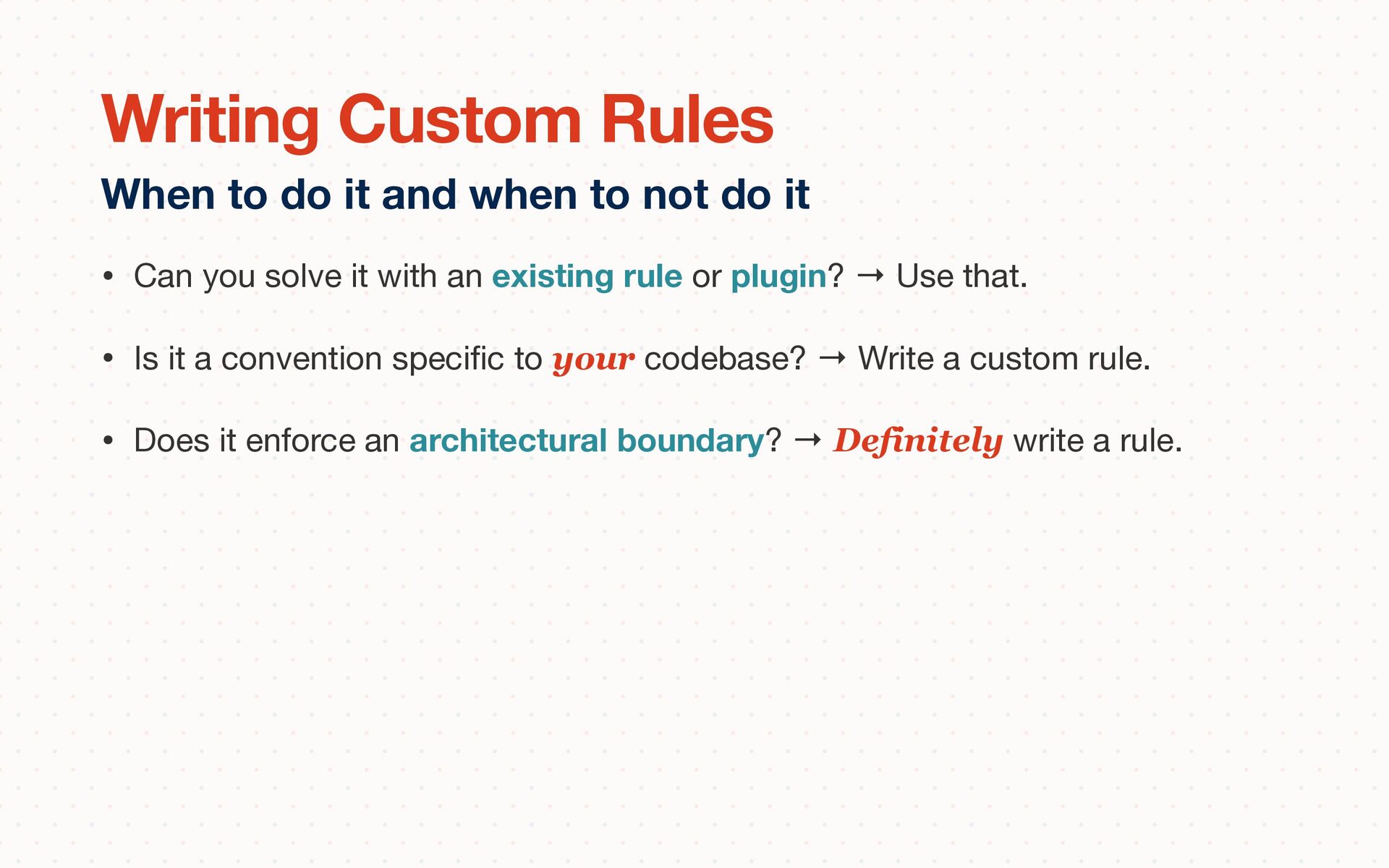
plugin? → Use that. • Is it a convention speci fi c to your codebase? → Write a custom rule. • Does it enforce an architectural boundary? → Definitely write a rule. When to do it and when to not do it Writing Custom Rules
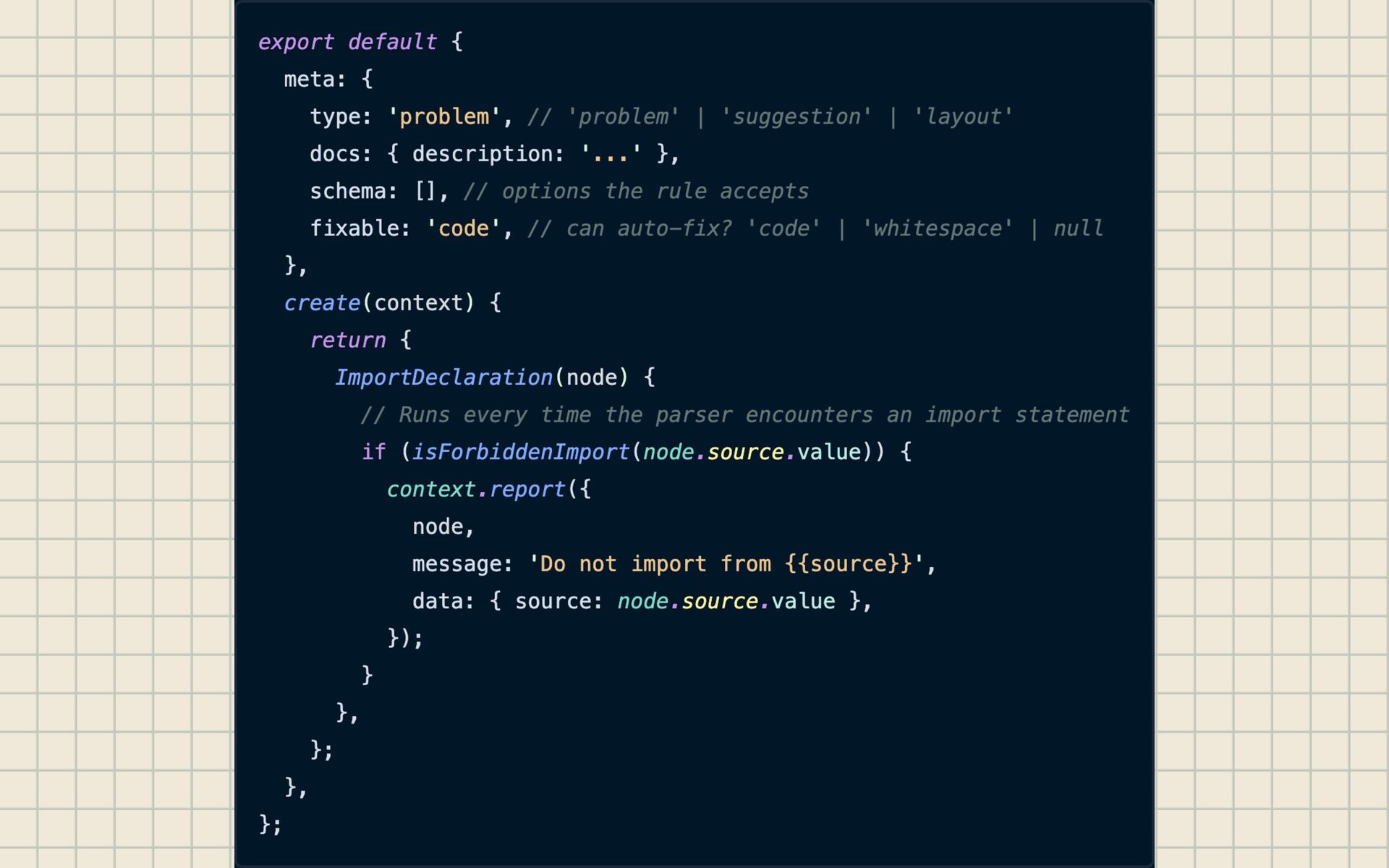
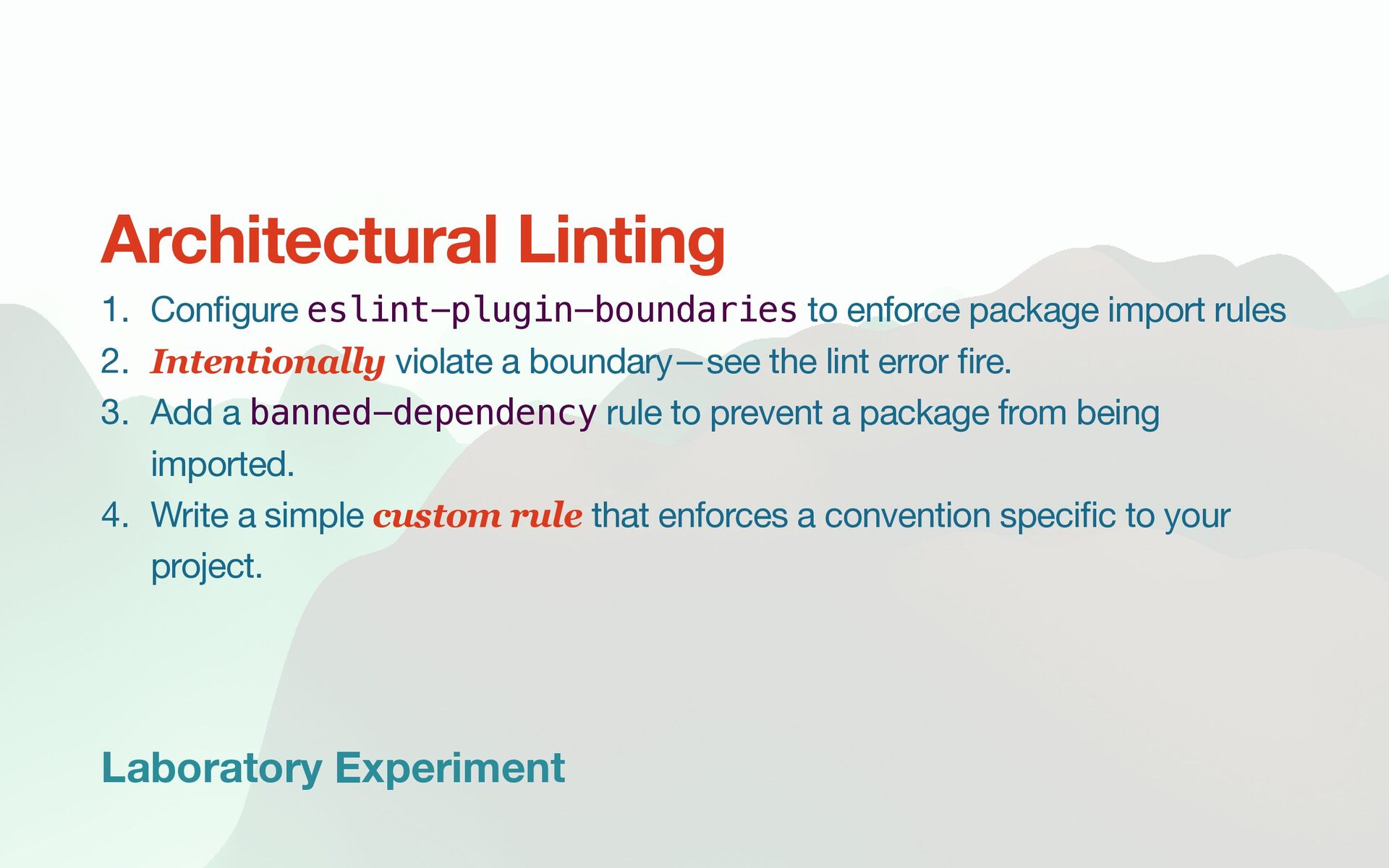
import rules 2. Intentionally violate a boundary—see the lint error fi re. 3. Add a banned-dependency rule to prevent a package from being imported. 4. Write a simple custom rule that enforces a convention speci fi c to your project. Architectural Linting
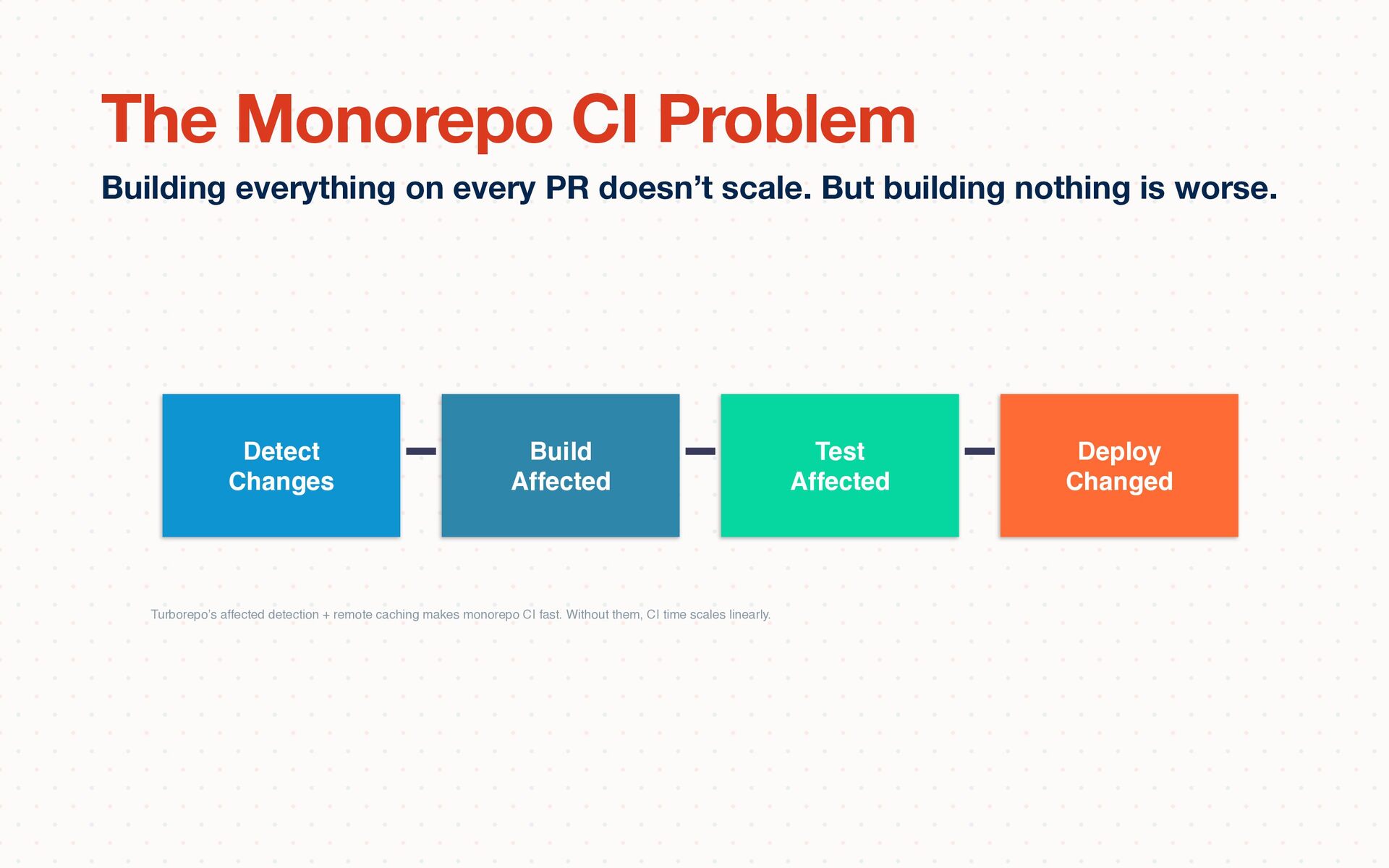
is worse. The Monorepo CI Problem Detect Changes Build Affected Test Affected Deploy Changed Turborepo’s affected detection + remote caching makes monorepo CI fast. Without them, CI time scales linearly.
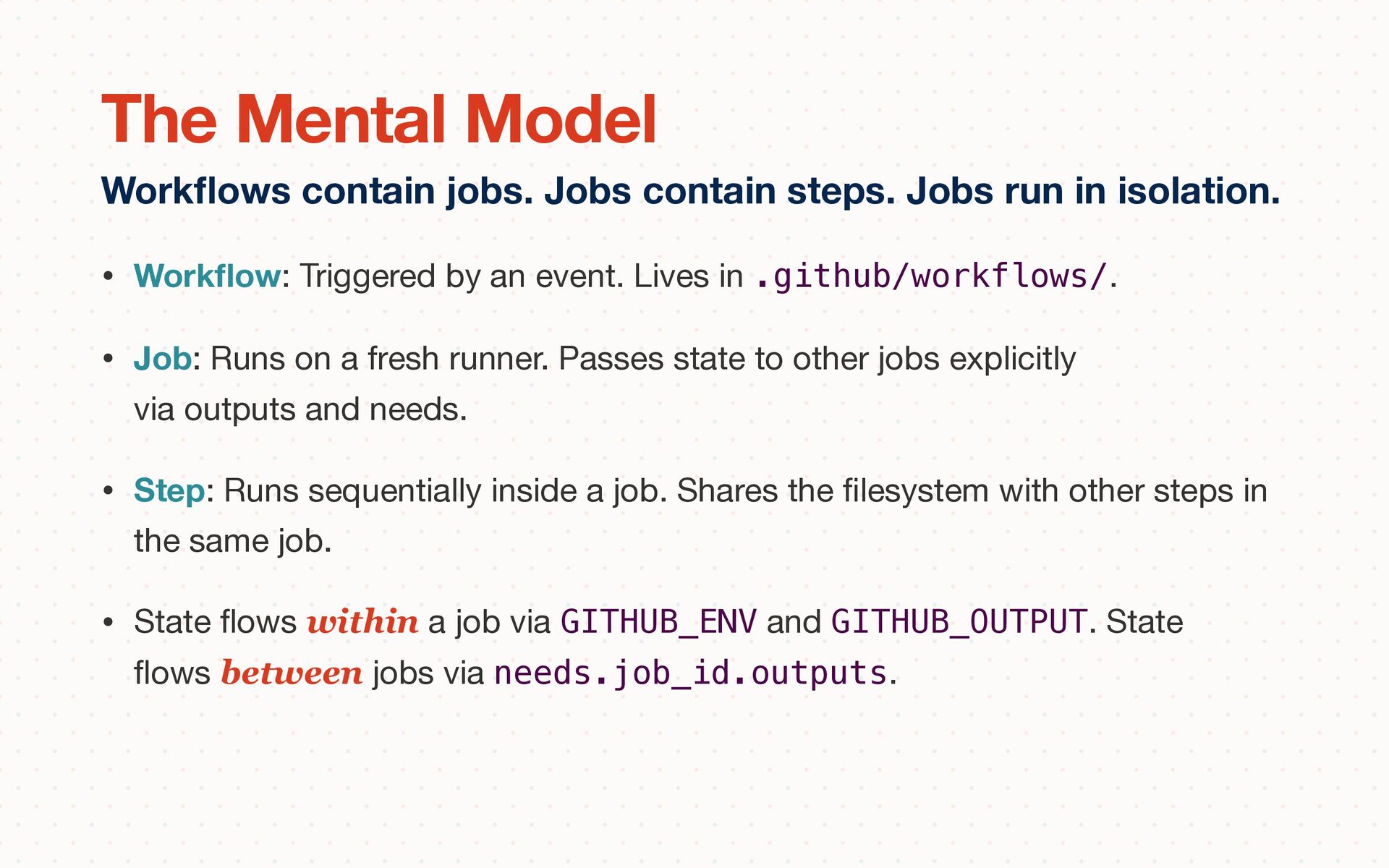
.github/workflows/. • Job: Runs on a fresh runner. Passes state to other jobs explicitly via outputs and needs. • Step: Runs sequentially inside a job. Shares the fi lesystem with other steps in the same job. • State fl ows within a job via GITHUB_ENV and GITHUB_OUTPUT. State fl ows between jobs via needs.job_id.outputs. Work fl ows contain jobs. Jobs contain steps. Jobs run in isolation. The Mental Model
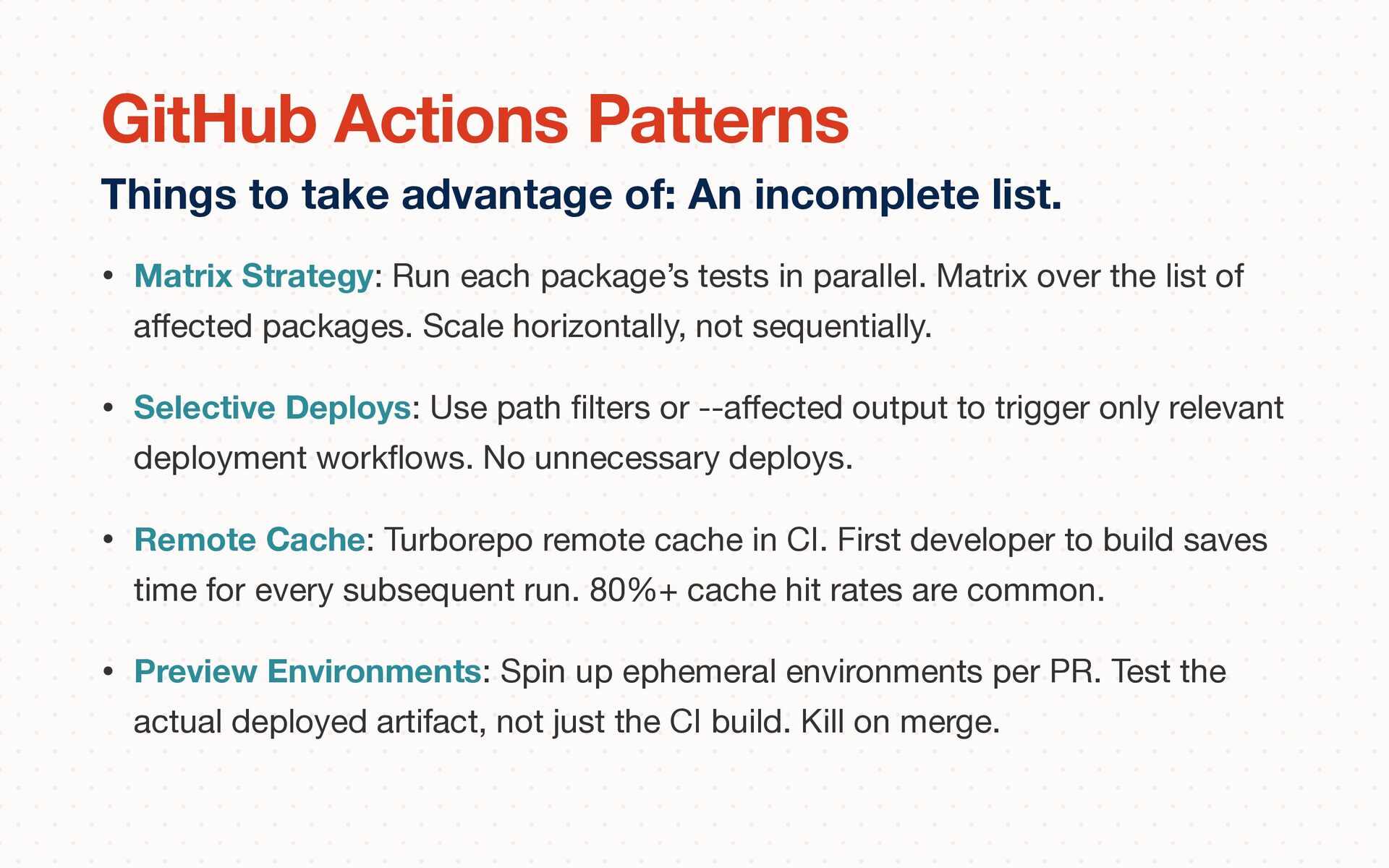
over the list of a ff ected packages. Scale horizontally, not sequentially. • Selective Deploys: Use path fi lters or --a ff ected output to trigger only relevant deployment work fl ows. No unnecessary deploys. • Remote Cache: Turborepo remote cache in CI. First developer to build saves time for every subsequent run. 80%+ cache hit rates are common. • Preview Environments: Spin up ephemeral environments per PR. Test the actual deployed artifact, not just the CI build. Kill on merge. Things to take advantage of: An incomplete list. GitHub Actions Patterns
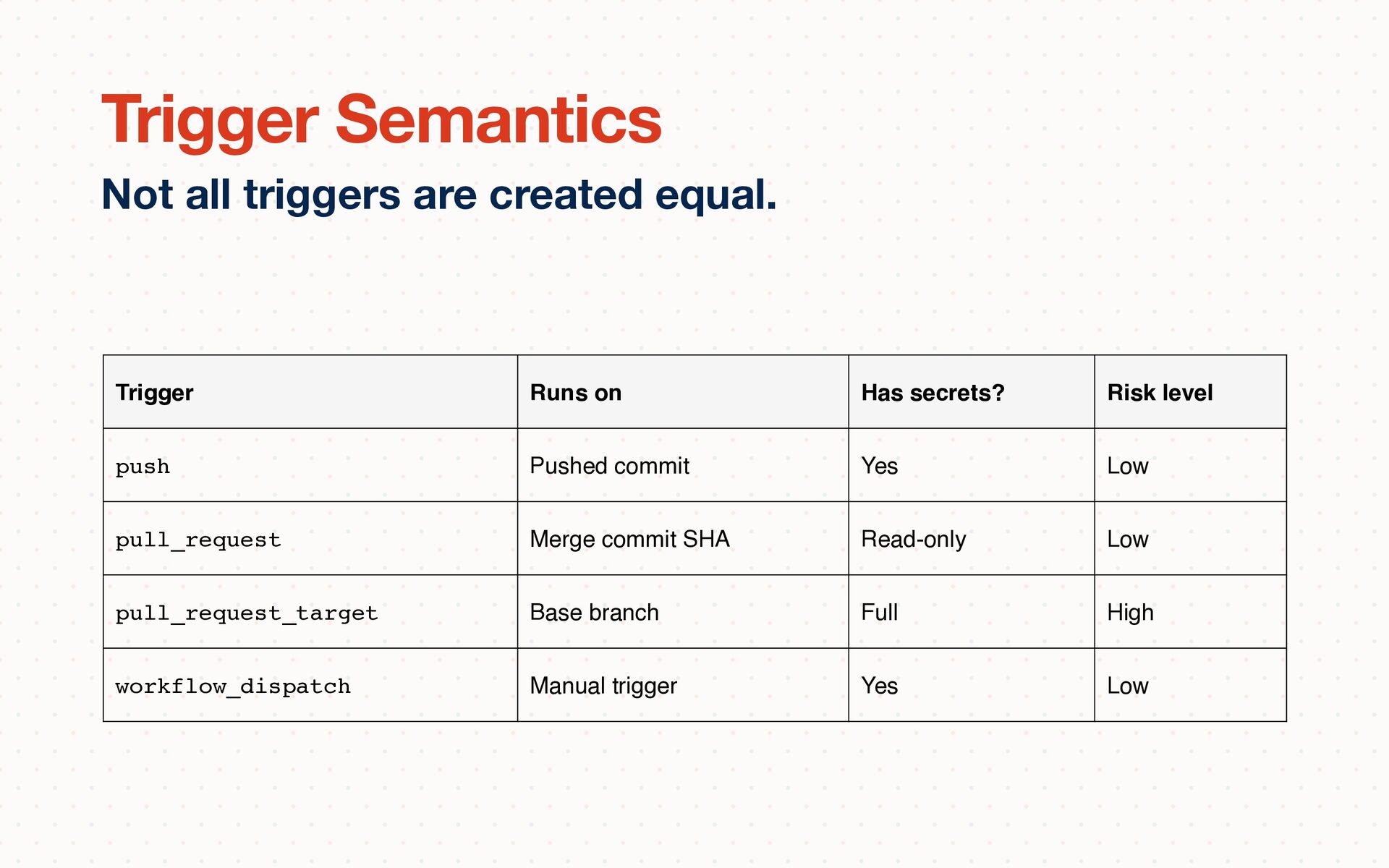
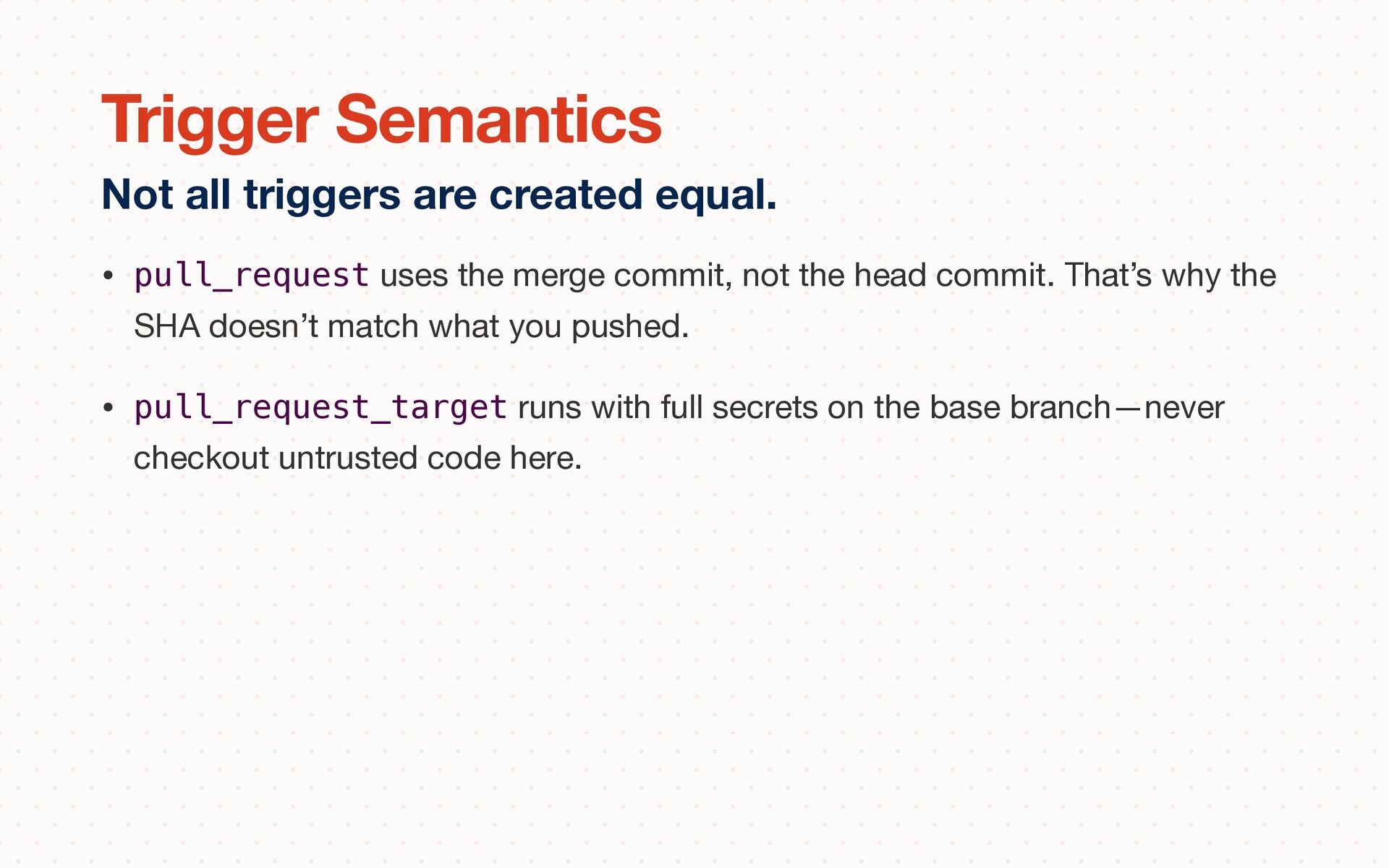
That’s why the SHA doesn’t match what you pushed. • pull_request_target runs with full secrets on the base branch—never checkout untrusted code here. Not all triggers are created equal. Trigger Semantics
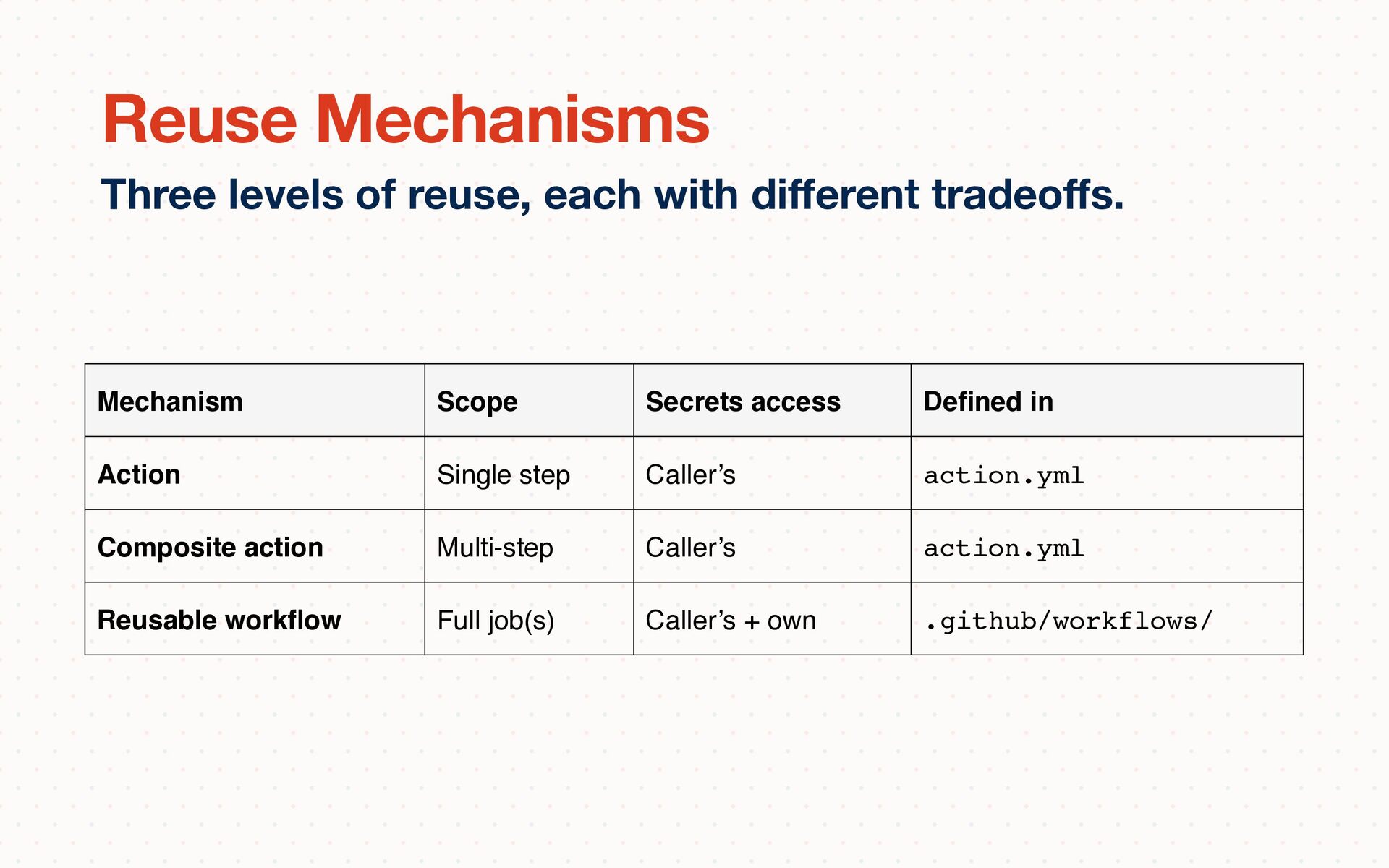
ff s. Reuse Mechanisms Mechanism Scope Secrets access De fi ned in Action Single step Caller’s action.yml Composite action Multi-step Caller’s action.yml Reusable work fl ow Full job(s) Caller’s + own .github/workflows/
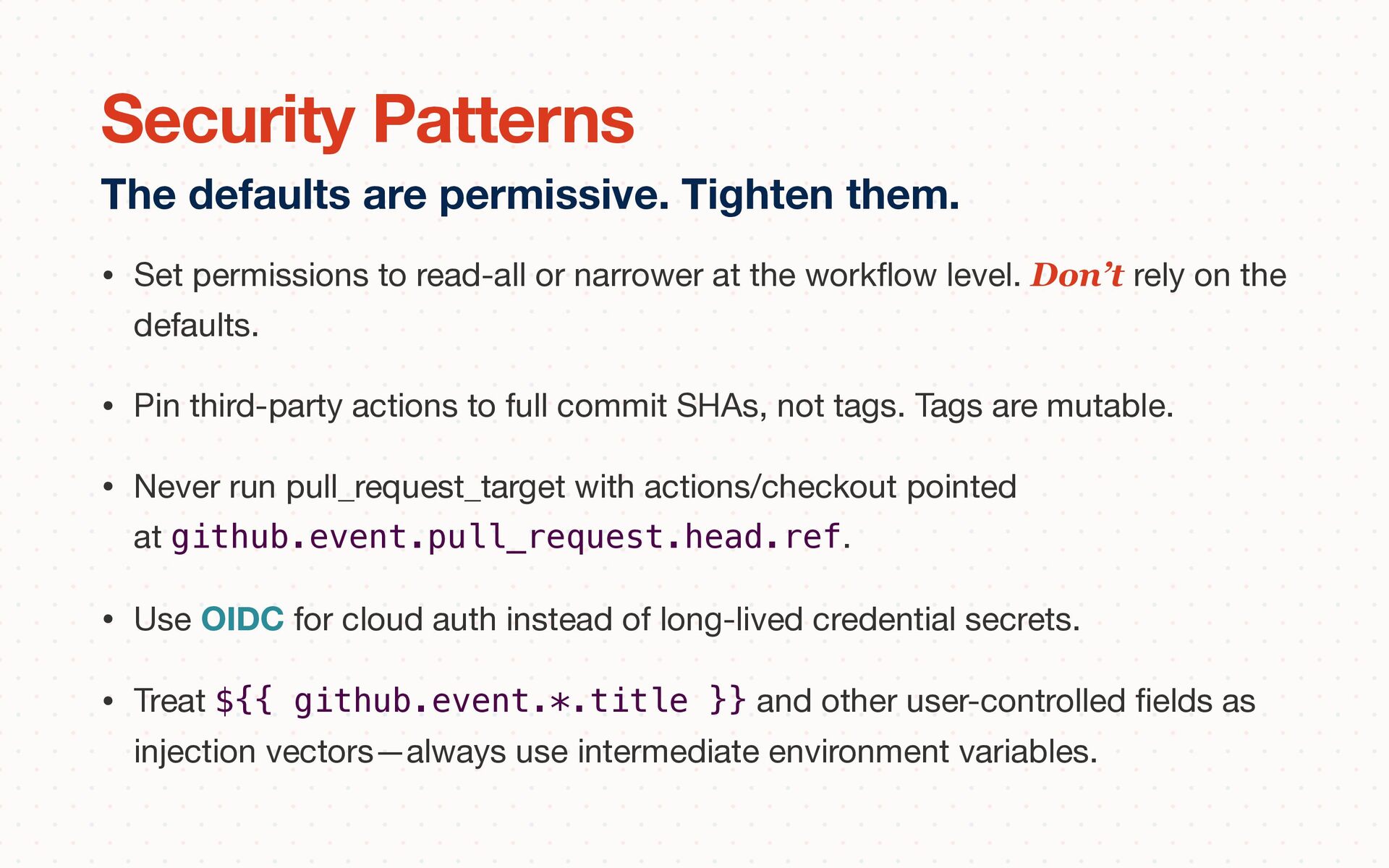
fl ow level. Don’t rely on the defaults. • Pin third-party actions to full commit SHAs, not tags. Tags are mutable. • Never run pull_request_target with actions/checkout pointed at github.event.pull_request.head.ref. • Use OIDC for cloud auth instead of long-lived credential secrets. • Treat ${{ github.event.*.title }} and other user-controlled fi elds as injection vectors—always use intermediate environment variables. The defaults are permissive. Tighten them. Security Patterns
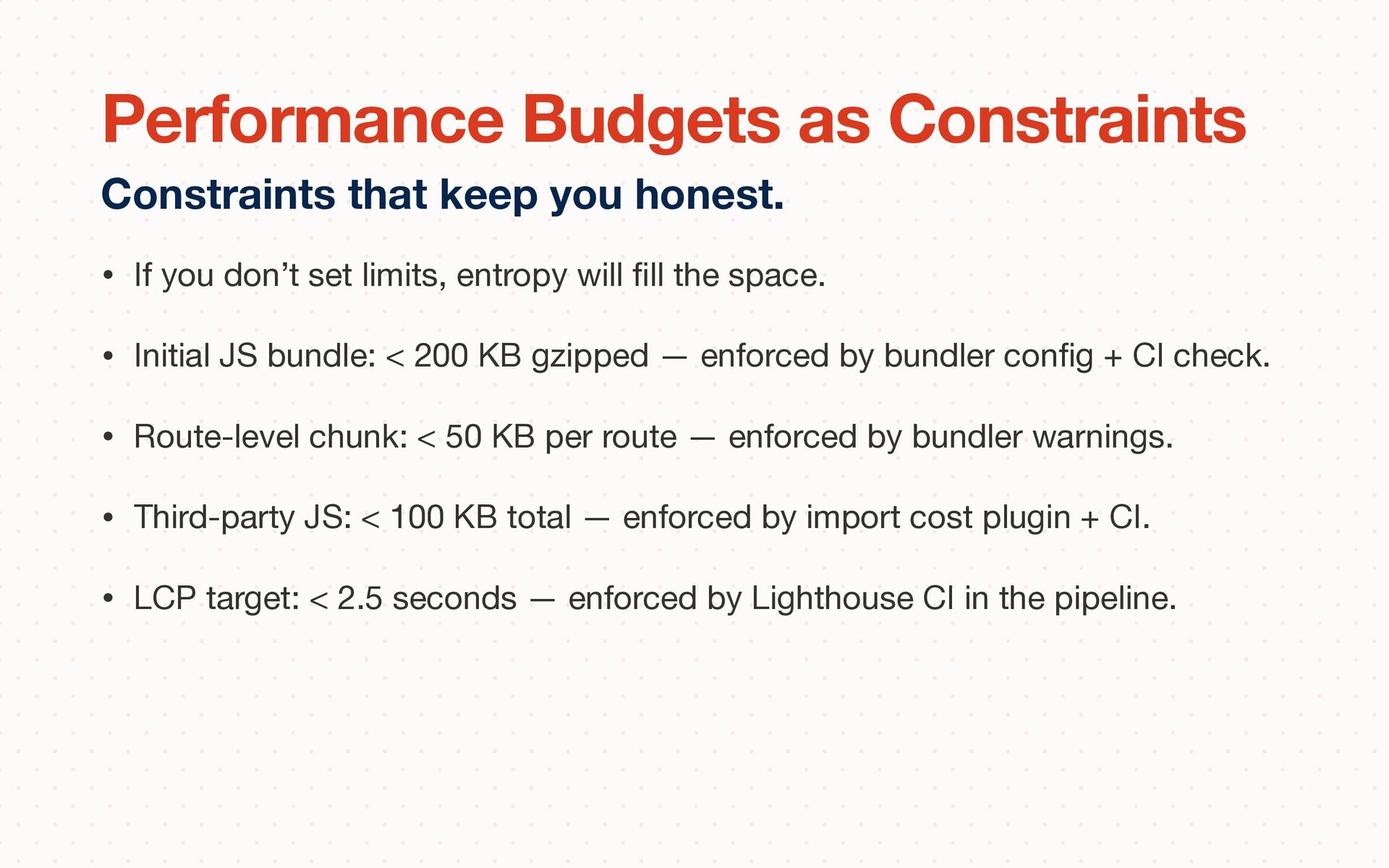
the space. • Initial JS bundle: < 200 KB gzipped — enforced by bundler con fi g + CI check. • Route-level chunk: < 50 KB per route — enforced by bundler warnings. • Third-party JS: < 100 KB total — enforced by import cost plugin + CI. • LCP target: < 2.5 seconds — enforced by Lighthouse CI in the pipeline. Constraints that keep you honest. Performance Budgets as Constraints
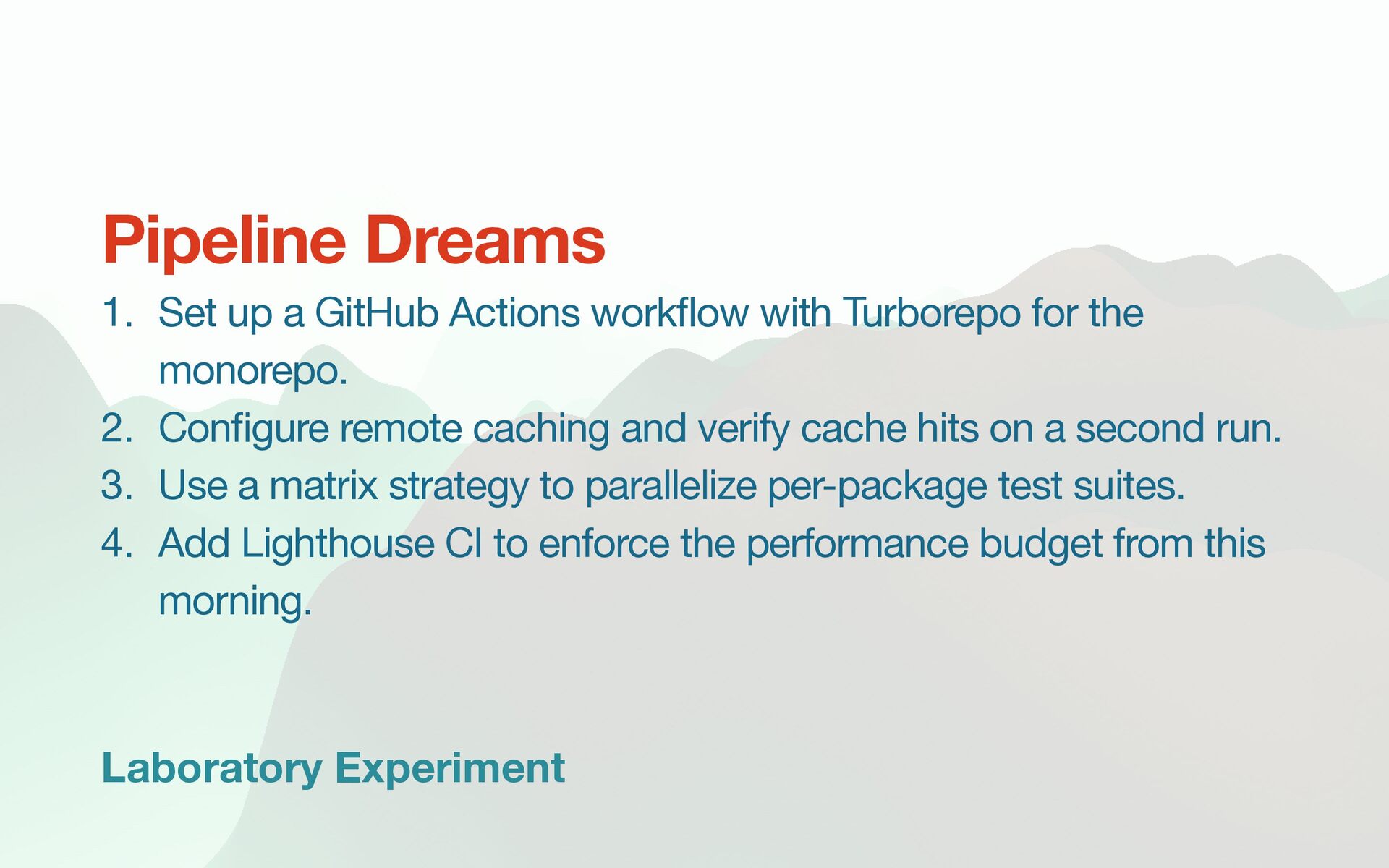
ow with Turborepo for the monorepo. 2. Con fi gure remote caching and verify cache hits on a second run. 3. Use a matrix strategy to parallelize per-package test suites. 4. Add Lighthouse CI to enforce the performance budget from this morning. Pipeline Dreams
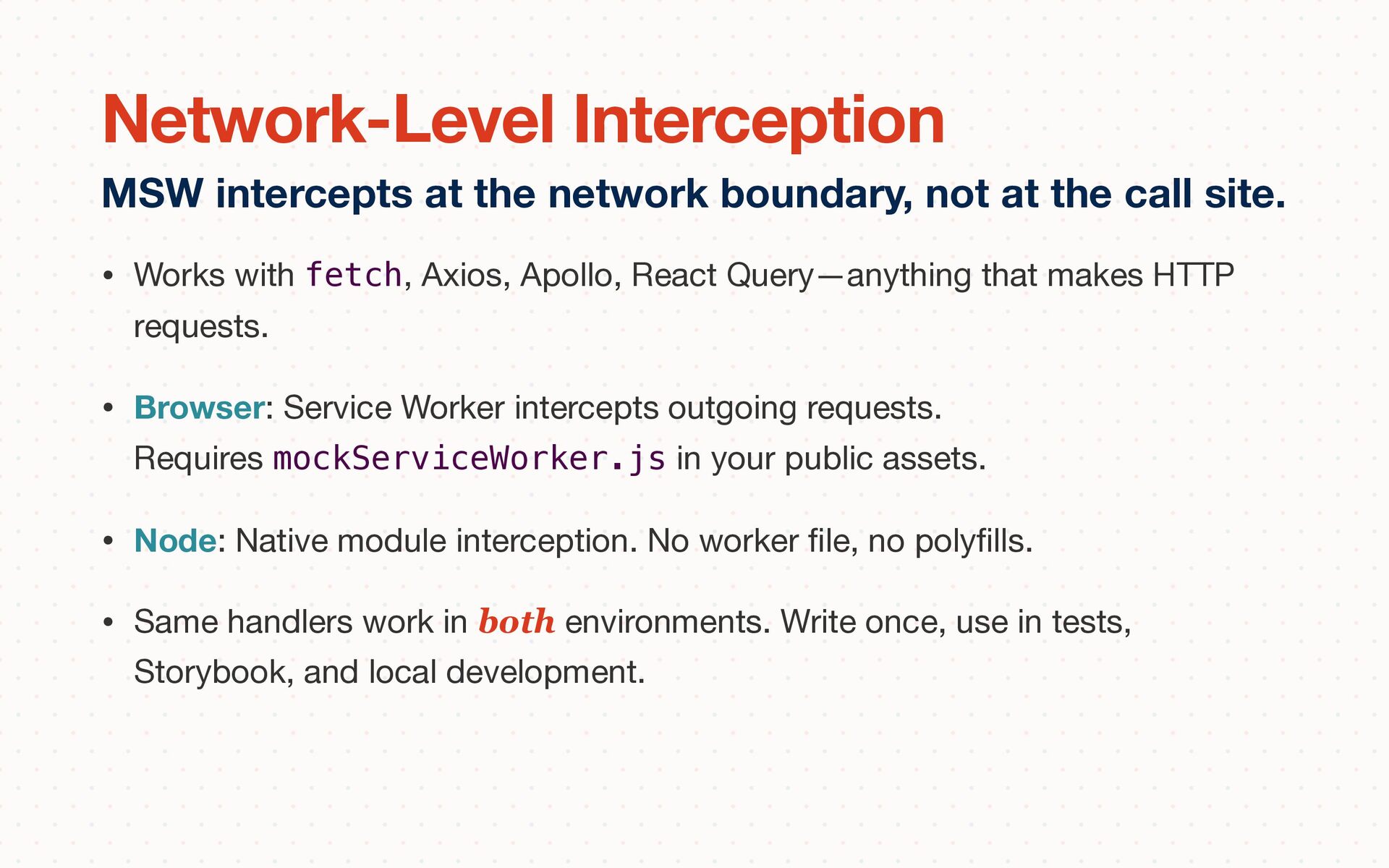
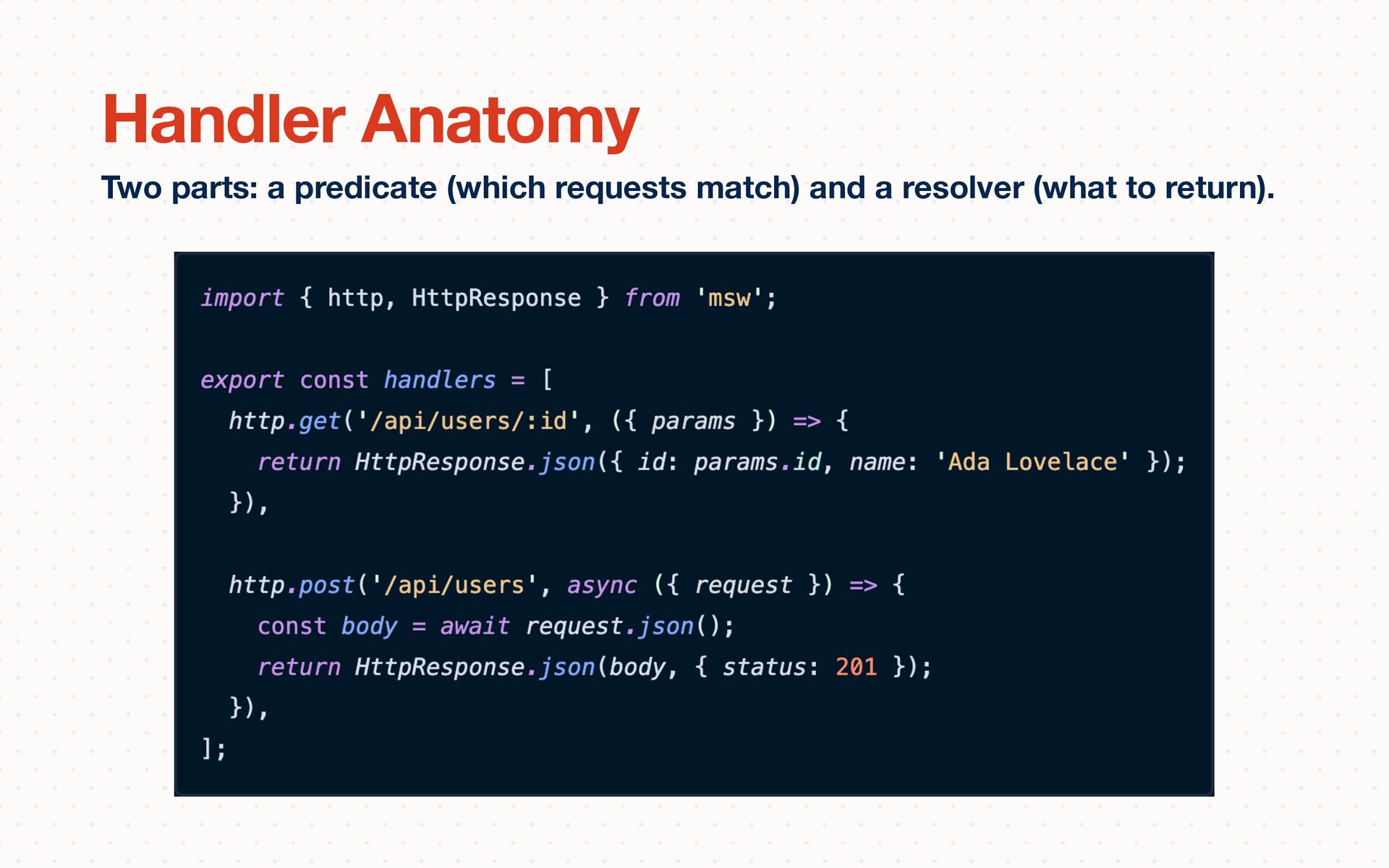
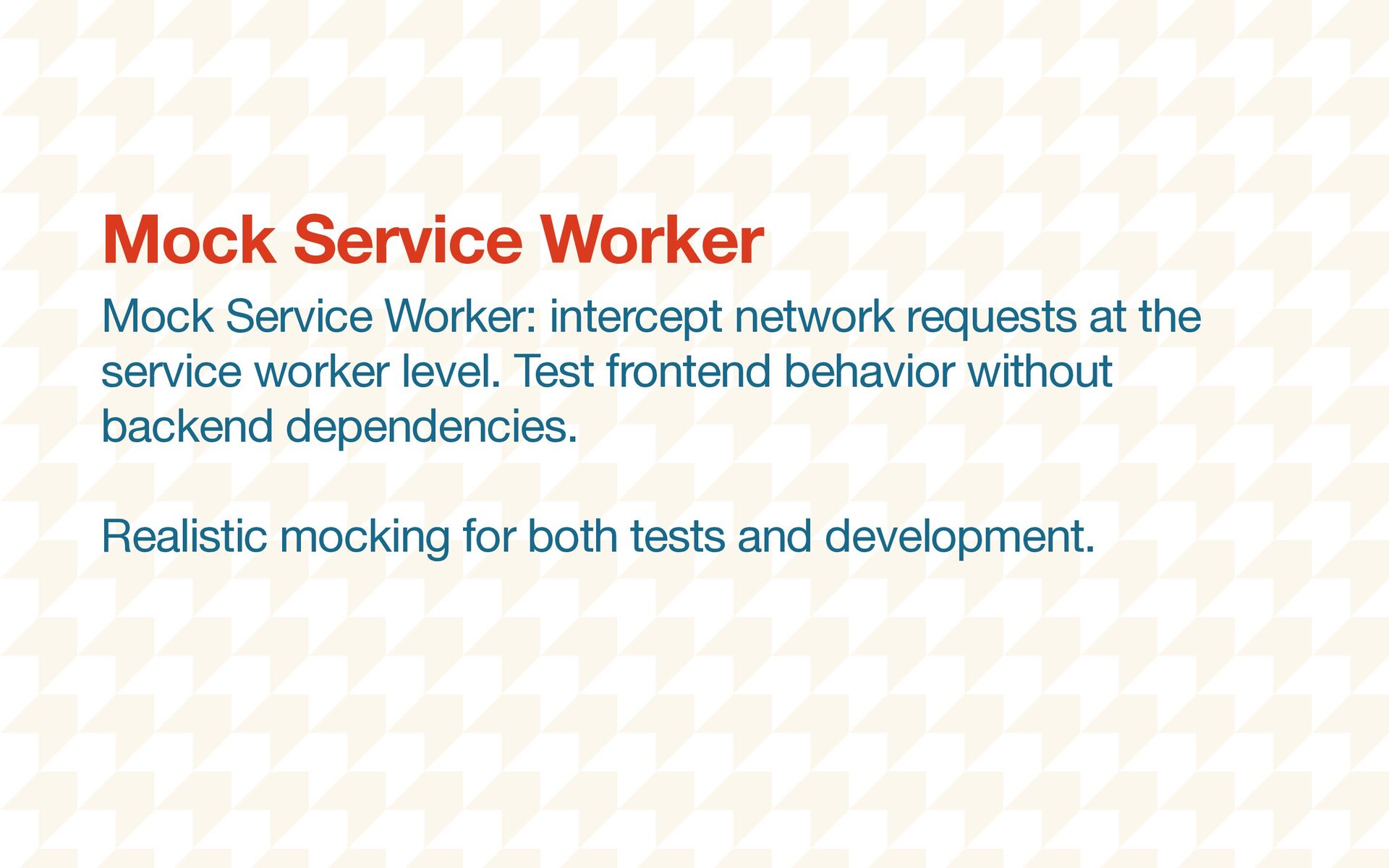
HTTP requests. • Browser: Service Worker intercepts outgoing requests. Requires mockServiceWorker.js in your public assets. • Node: Native module interception. No worker fi le, no poly fi lls. • Same handlers work in both environments. Write once, use in tests, Storybook, and local development. MSW intercepts at the network boundary, not at the call site. Network-Level Interception
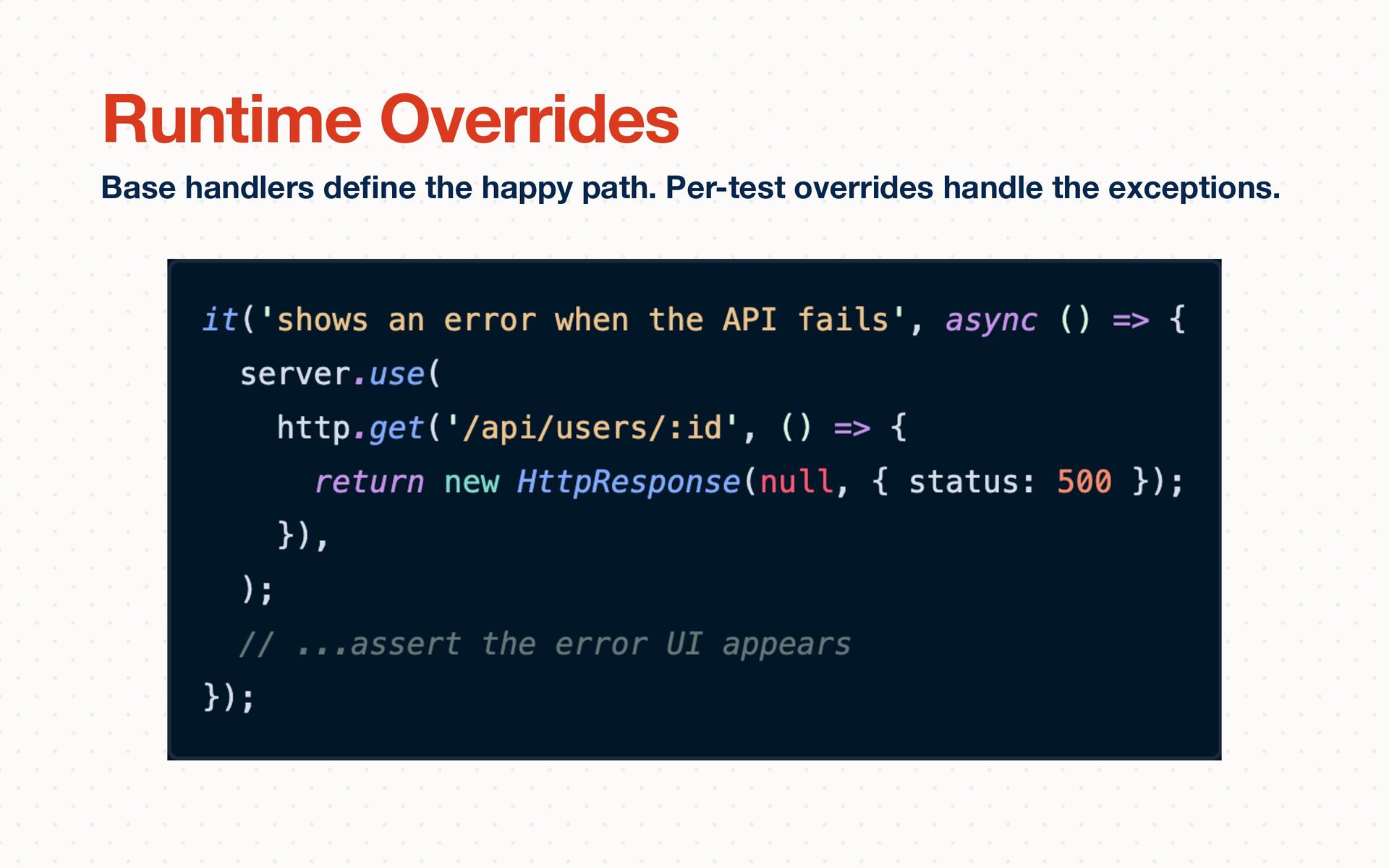
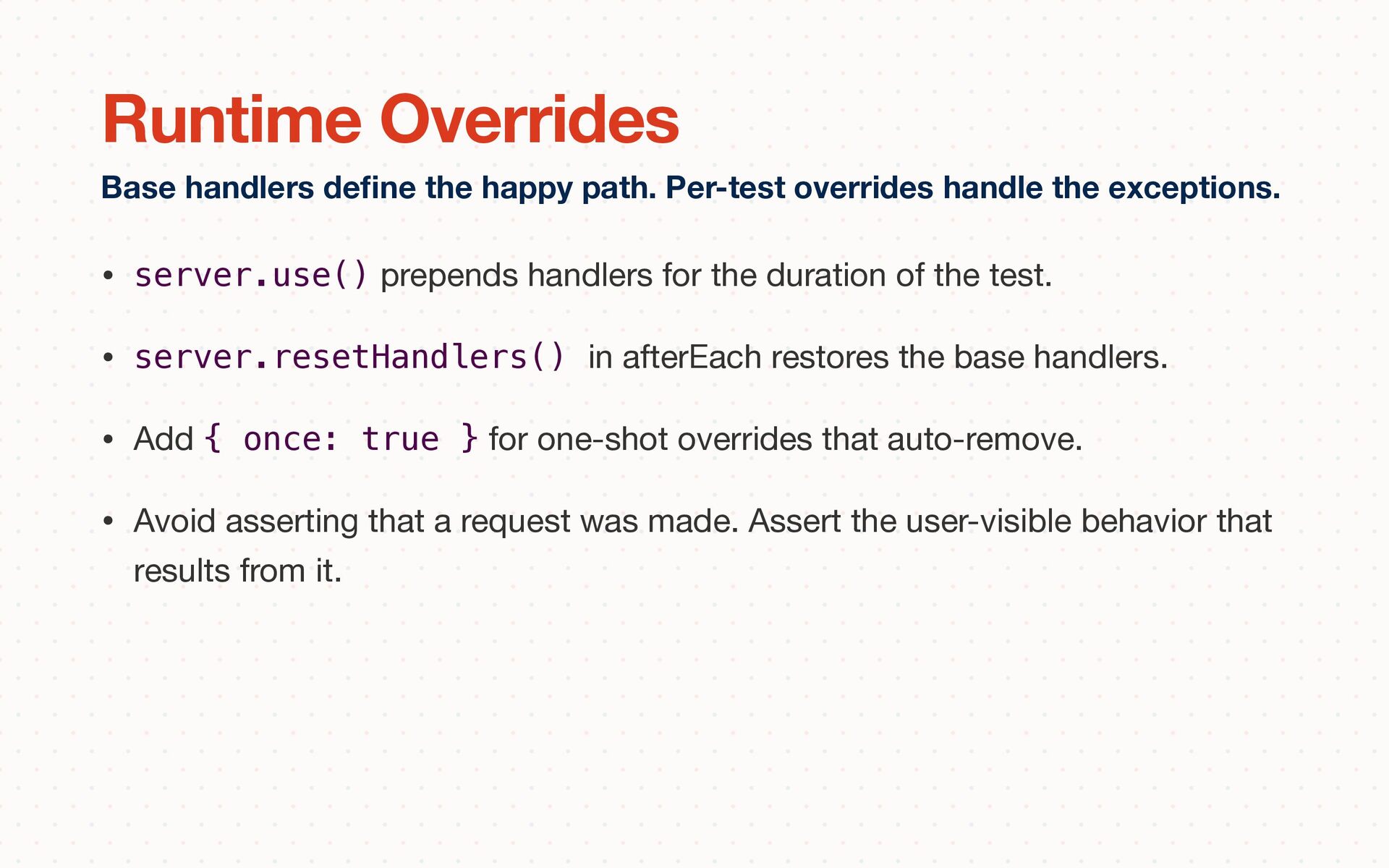
• server.resetHandlers() in afterEach restores the base handlers. • Add { once: true } for one-shot overrides that auto-remove. • Avoid asserting that a request was made. Assert the user-visible behavior that results from it. Base handlers de fi ne the happy path. Per-test overrides handle the exceptions. Runtime Overrides
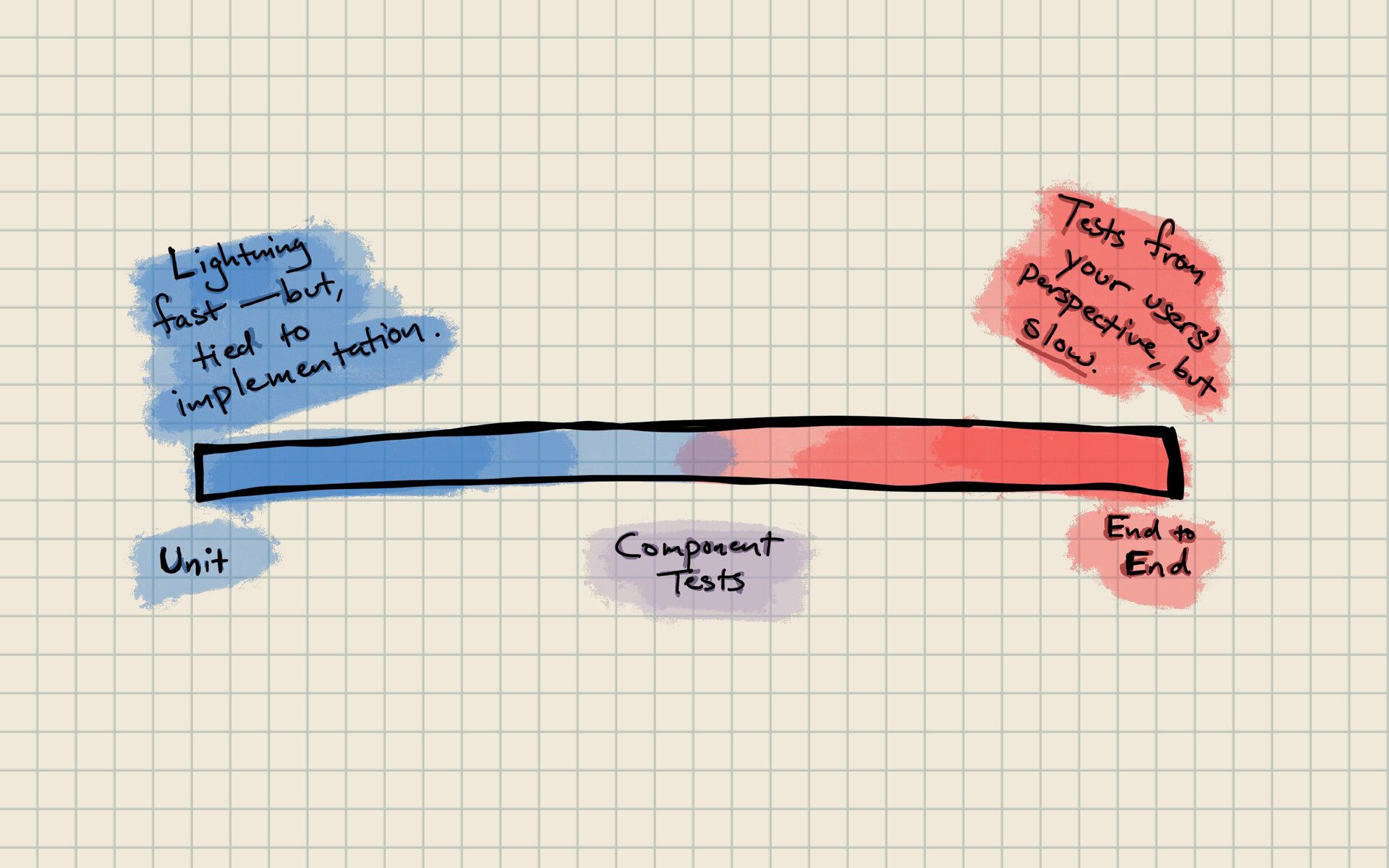
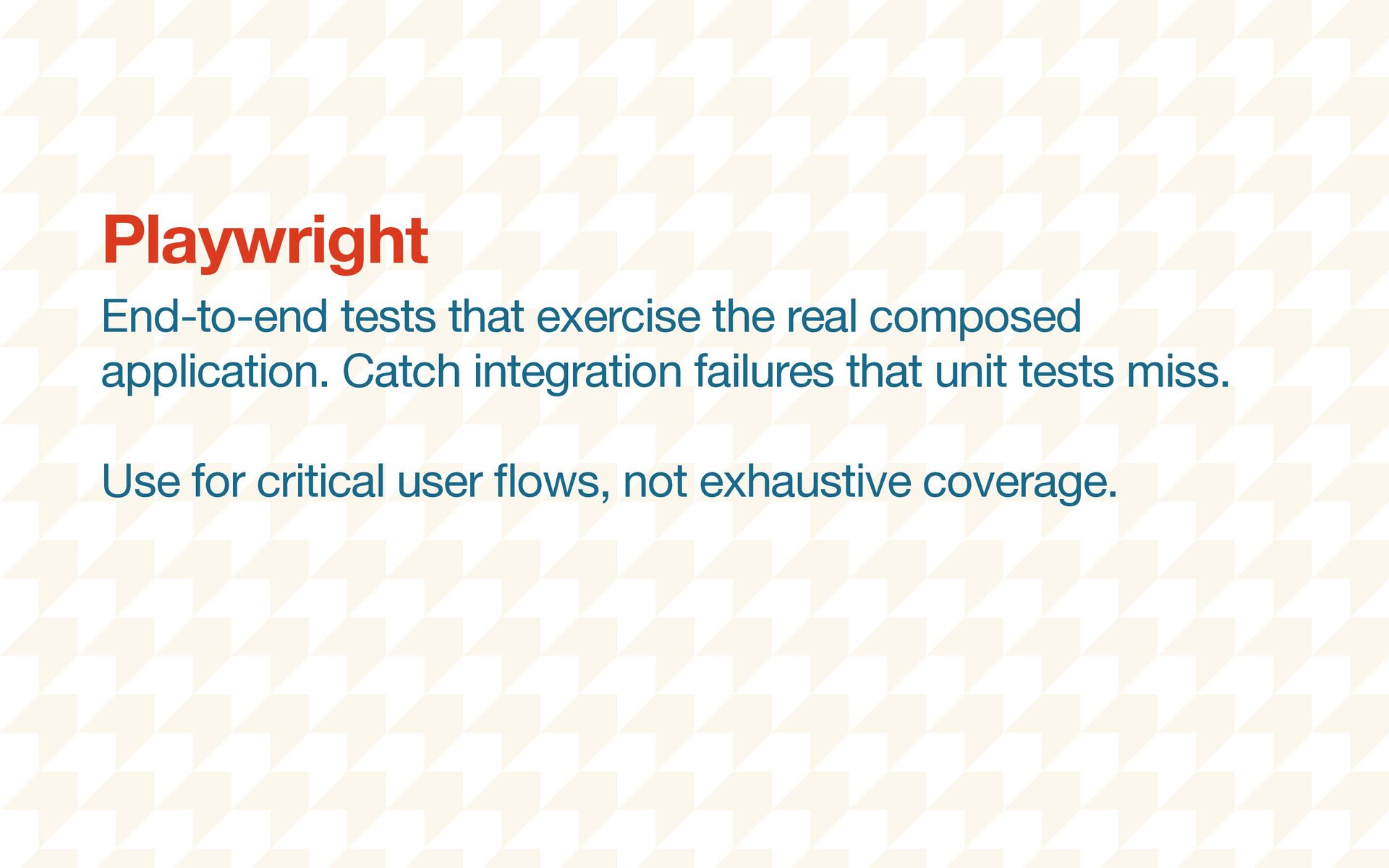
user fl ow (navigate between microfrontend routes). 2. Use MSW to mock the BFF layer—test the UI without a running server. 3. Record a HAR from a real API call, replay it in a test, and verify deterministic results. 4. Discuss: where would contract testing catch a bug that these tests miss? Testing Strategies
separate packages. Teams depend on the layer they need, not the whole system. • API Surface Control: Limit what’s exported. If it’s not in the public API, it can’t be used. Internal components stay internal via package boundaries. • Upgrade Paths: Codemods for breaking changes. Deprecation warnings in current version. Migration guides that aren’t afterthoughts. In which, you create your own shared dependency nightmare. Design System Governance
get there from where you are? The strangler fi g grows around the existing tree, eventually replacing it • Stage 1: 100% Legacy — new system exists but serves no tra ffi c • Stage 2: First Routes — proxy or router sends some URLs to the new system • Stage 3: Feature Parity — most tra ffi c on the new system, legacy shrinking • Stage 4: Complete Migration — legacy is fully decomposed or retired Incremental migration without the big-bang rewrite. The Strangler Fig Pattern
jscodeshift: Facebook’s AST-based transformation toolkit — understands code structure, not just text • ts-morph: TypeScript-aware AST manipulation — understands types, not just syntax • Custom transforms: migrate component APIs, rename imports, update deprecated patterns • All in a single PR — one atomic change across the entire monorepo • Find-and-replace is fragile; AST transforms are precise Automated code transformations that make large-scale changes survivable. Codemods
legacy and modern apps coexist behind a shared entry point 2. Migrate one route from the legacy app to the new architecture 3. Write a jscodeshift transform that migrates a deprecated component import across the monorepo 4. Run the codemod, verify the transform, and see the blast radius in a single pull request. Strangler Fig + Codemods
thank Present You™. • Title: short decision name (e.g., “Use build-time composition over Module Federation”) • Status: Proposed → Accepted → Deprecated → Superseded • Context: what situation prompted this decision? What constraints exist? • Decision: what are we going to do? Be speci fi c and actionable. • Consequences: what trade-o ff s are we accepting? What will this cost? ADRs: the documentation pattern that actually works. Architecture Decision Records


 stevekinney
 matshogo
 frievea
 bvr7352
 ainischool
 juanmartin2026
 kaityo256
 uchi8977
 yoshimura_datam
 camel_404
 mutomasa
 addyosmani
 bermonpainter
 eileencodes
 tamaranovitovic
 portentint
 axbom
axbom
 lcolladotor
 tammyeverts
 zakiyama
 rabernat