Kotlin/Native + Flutter for mobile application development
Use Kotlin/Native and Flutter to develop iOS/Android applications.
Kotlin/Native used for multiplatform business logic and data layers.
Flutter used for multiplatform UI.
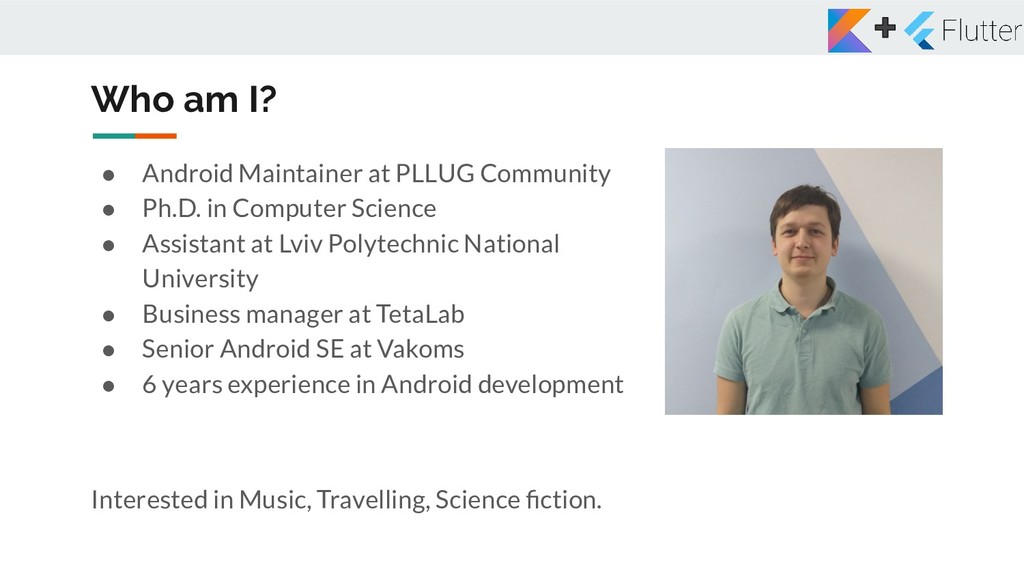
Ph.D. in Computer Science • Assistant at Lviv Polytechnic National University • Business manager at TetaLab • Senior Android SE at Vakoms • 6 years experience in Android development Interested in Music, Travelling, Science fiction.
created by Google. It is used to develop applications for Android and iOS, as well as being the primary method of creating applications for Google Fuchsia. • Flutter apps are written in the Dart language and make use of many of the language's more advanced features. • The major components of Flutter include: • Dart platform • Flutter engine • Foundation library • Design-specific widgets https://en.wikipedia.org/wiki/Flutter_(software)
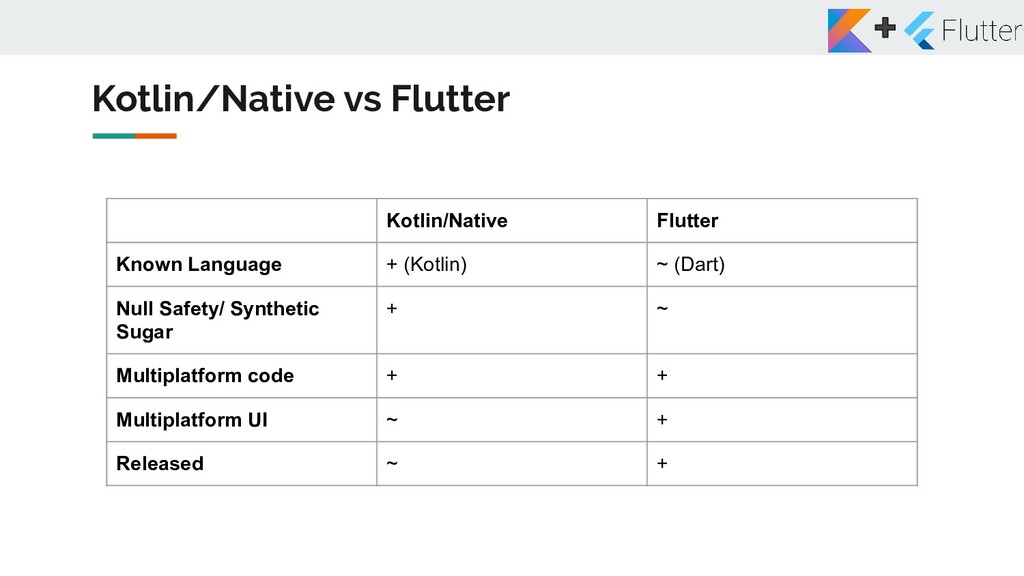
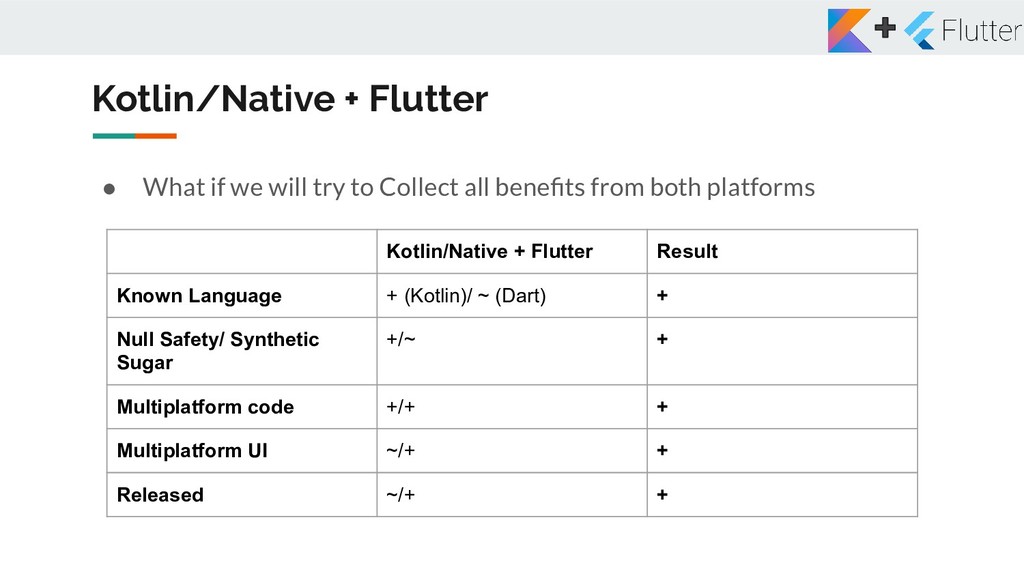
Collect all benefits from both platforms Kotlin/Native + Flutter Result Known Language + (Kotlin)/ ~ (Dart) + Null Safety/ Synthetic Sugar +/~ + Multiplatform code +/+ + Multiplatform UI ~/+ + Released ~/+ +
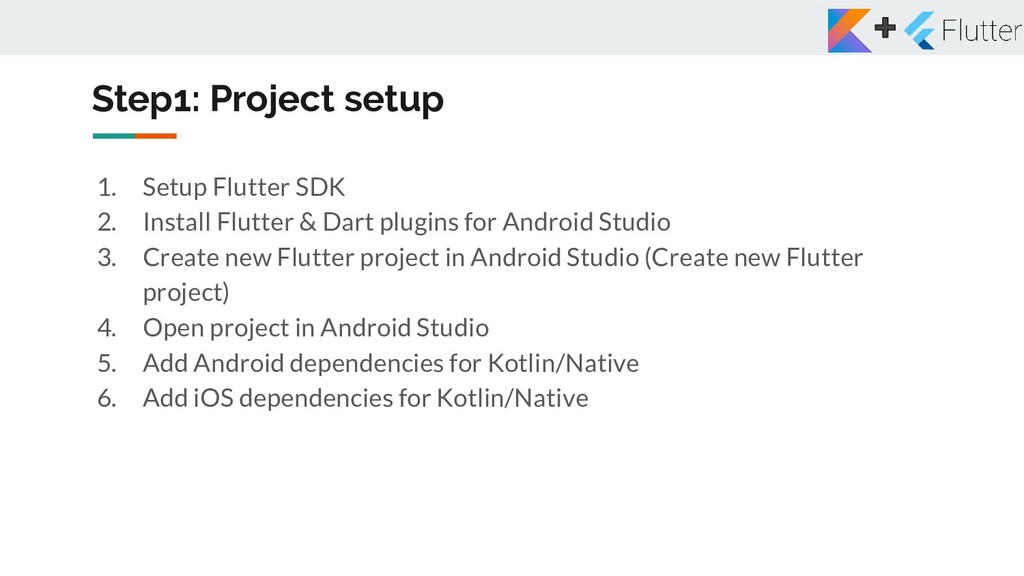
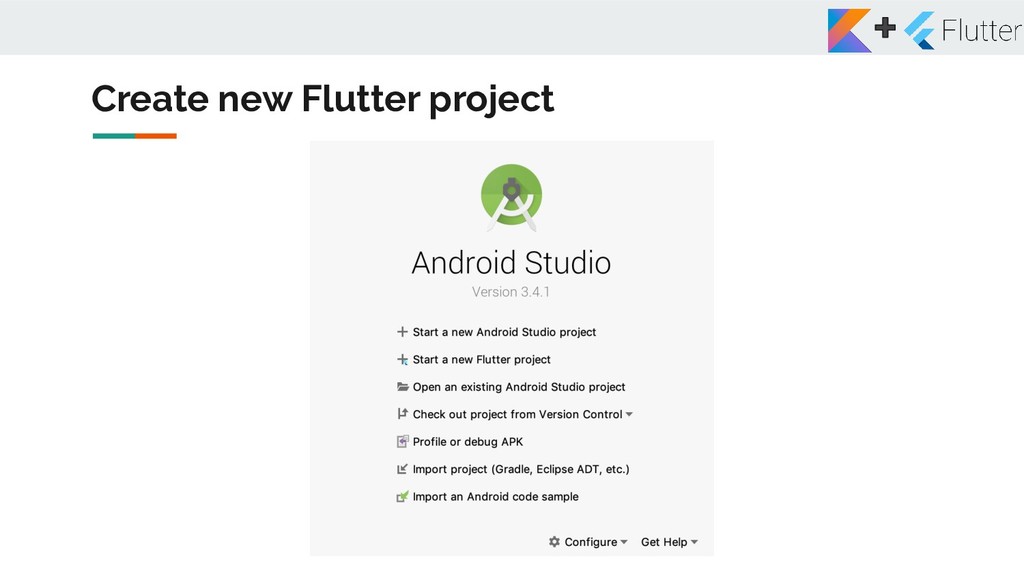
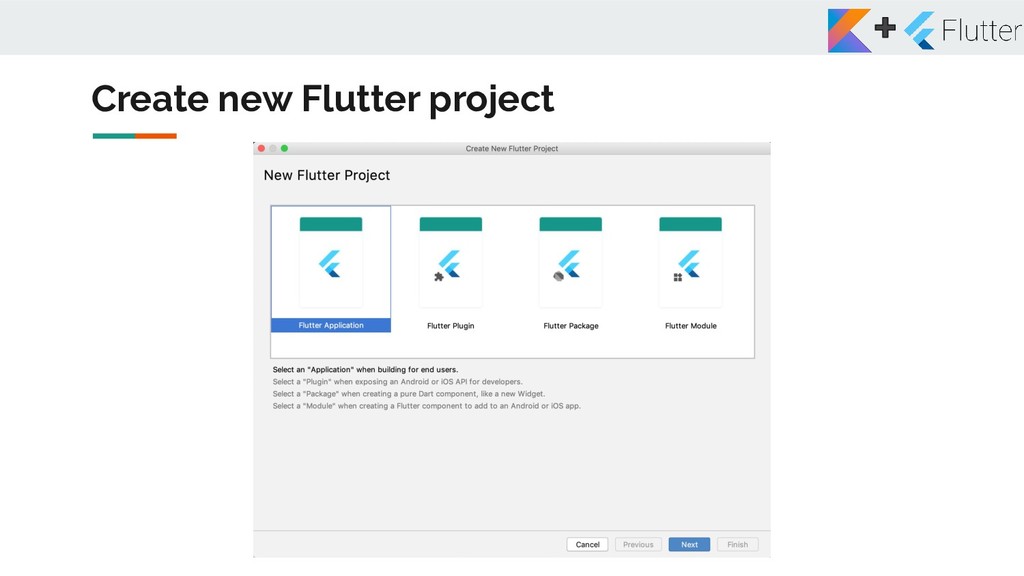
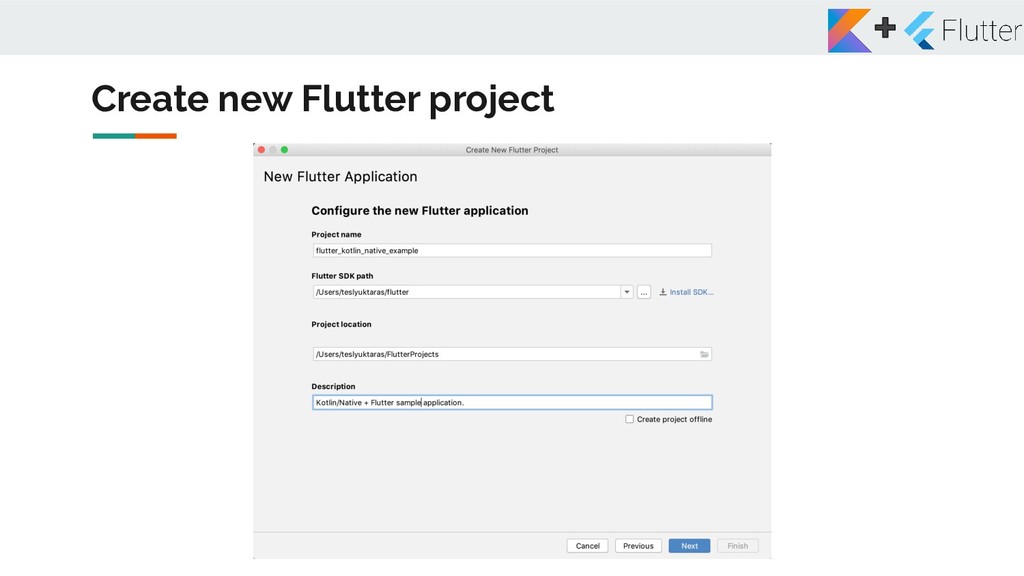
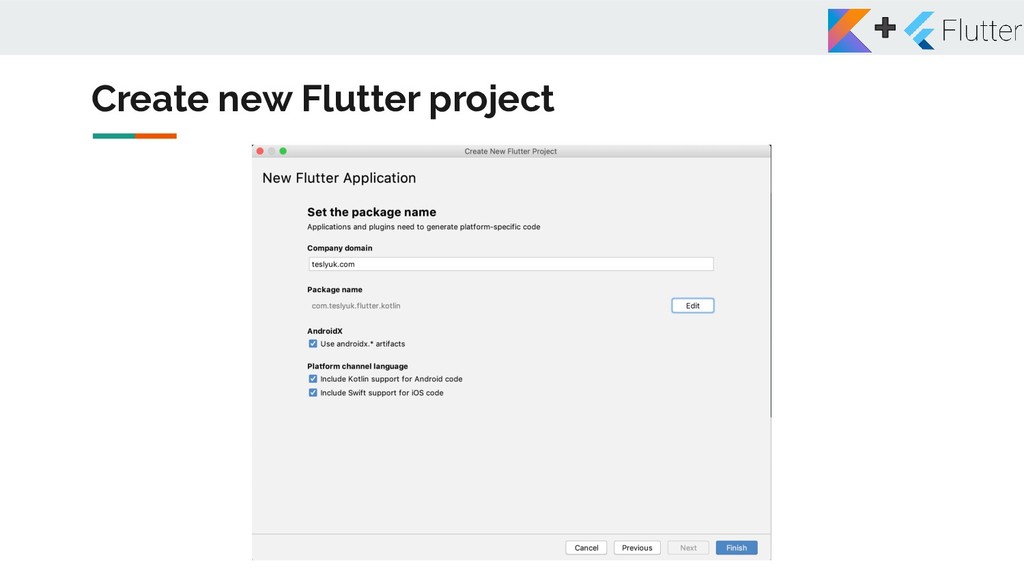
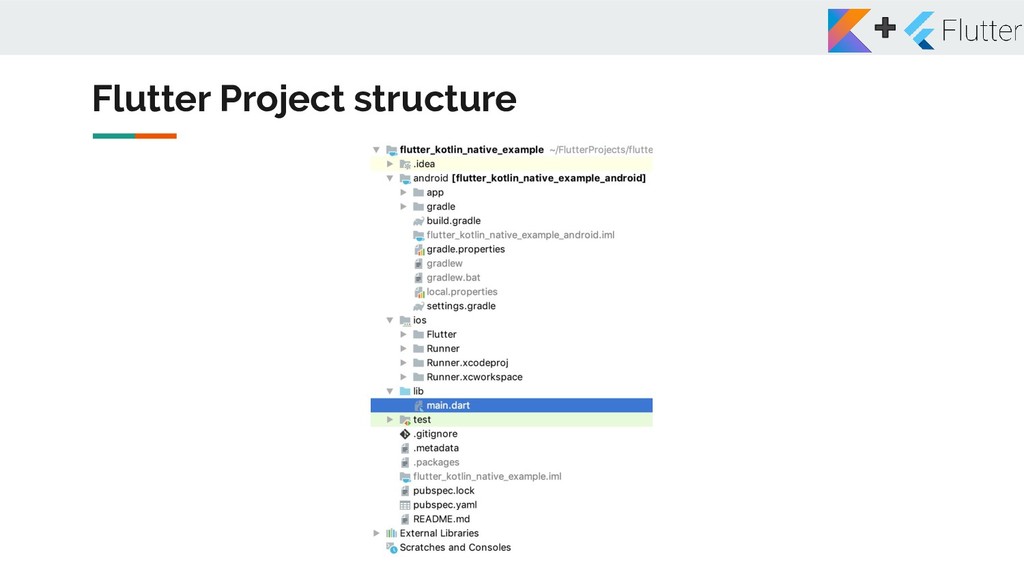
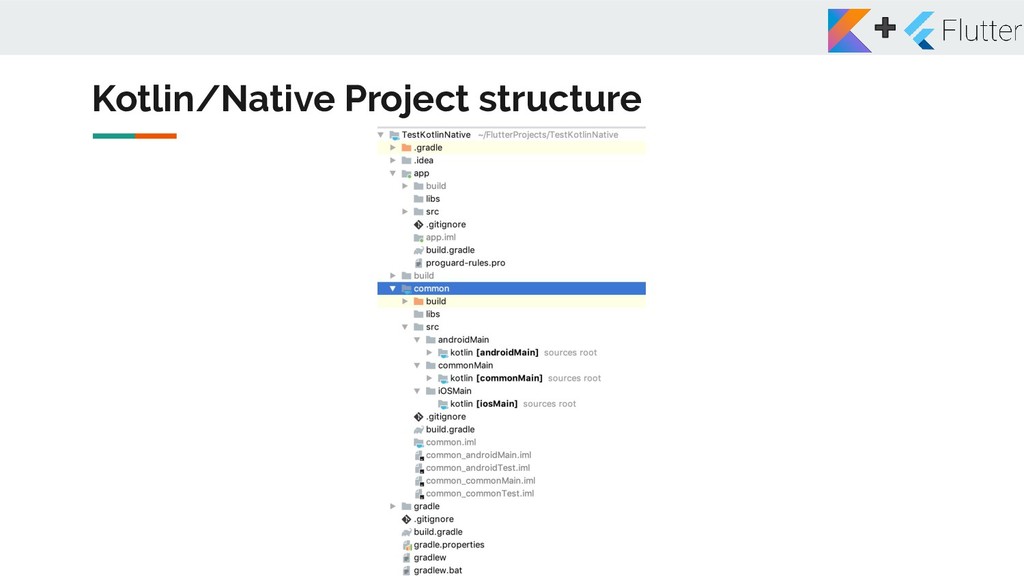
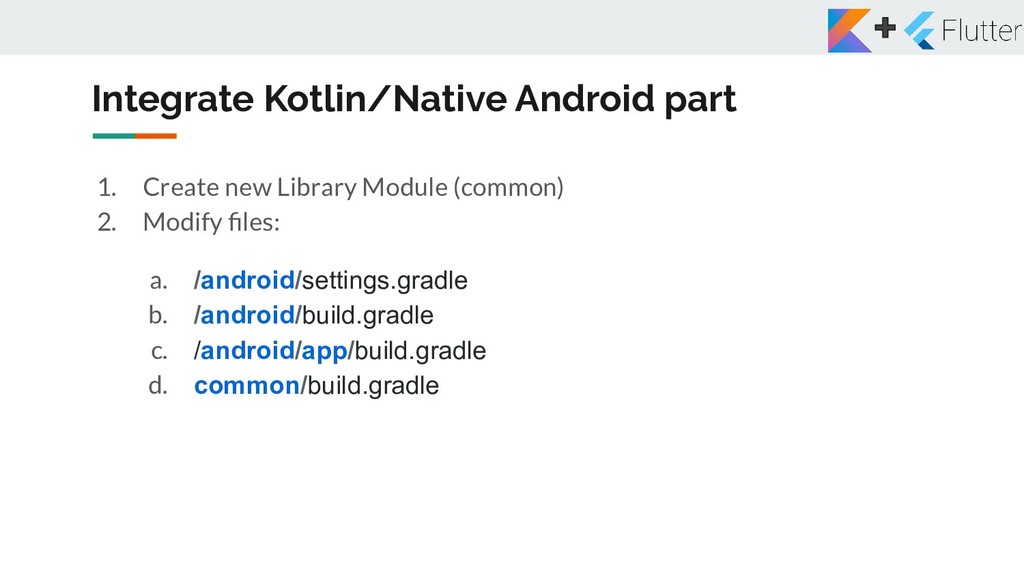
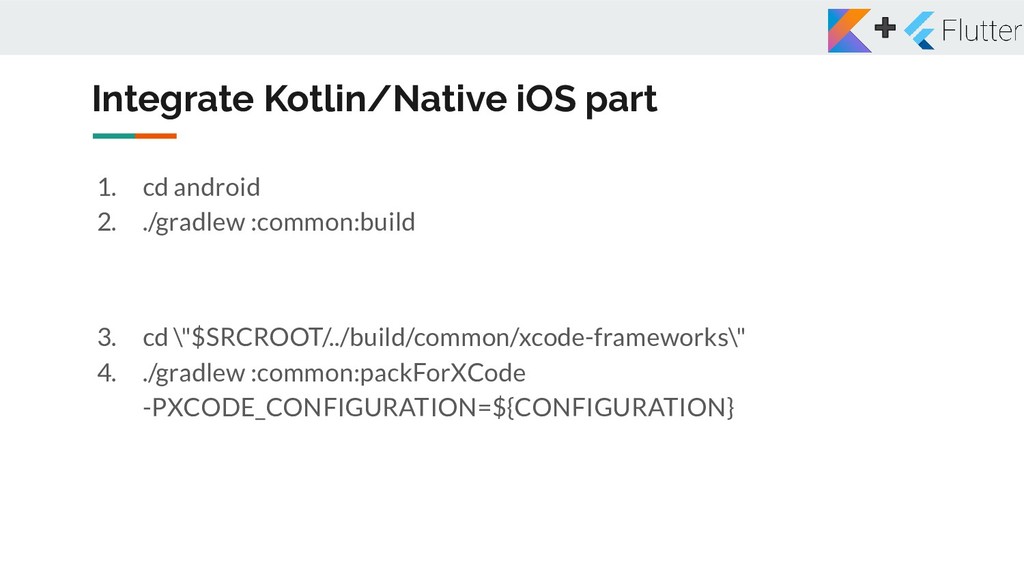
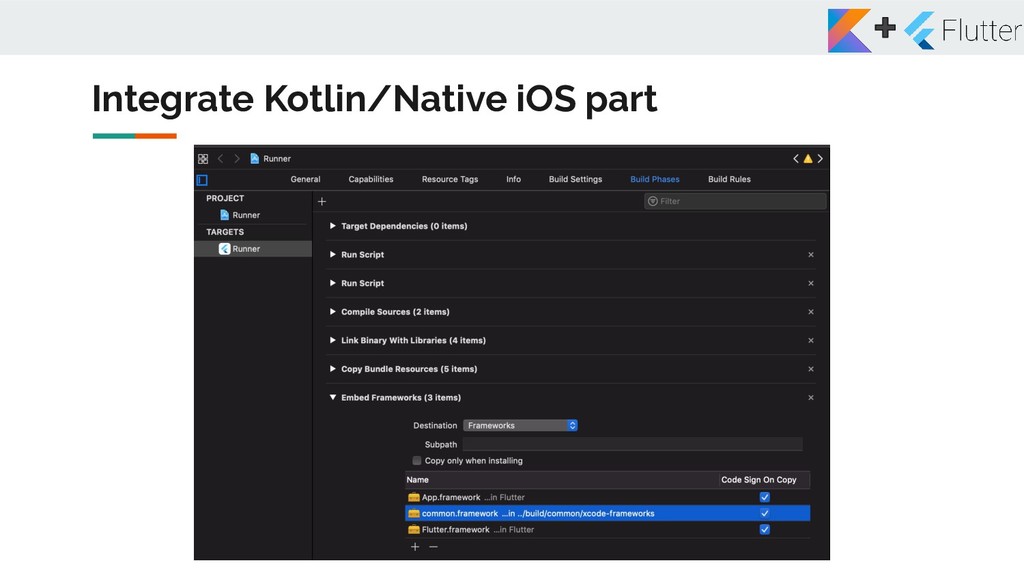
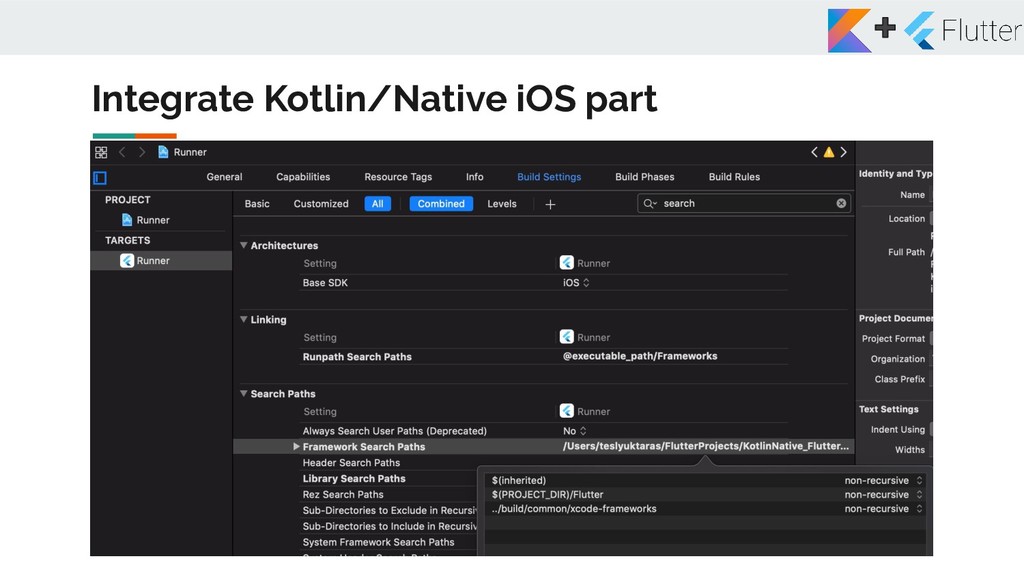
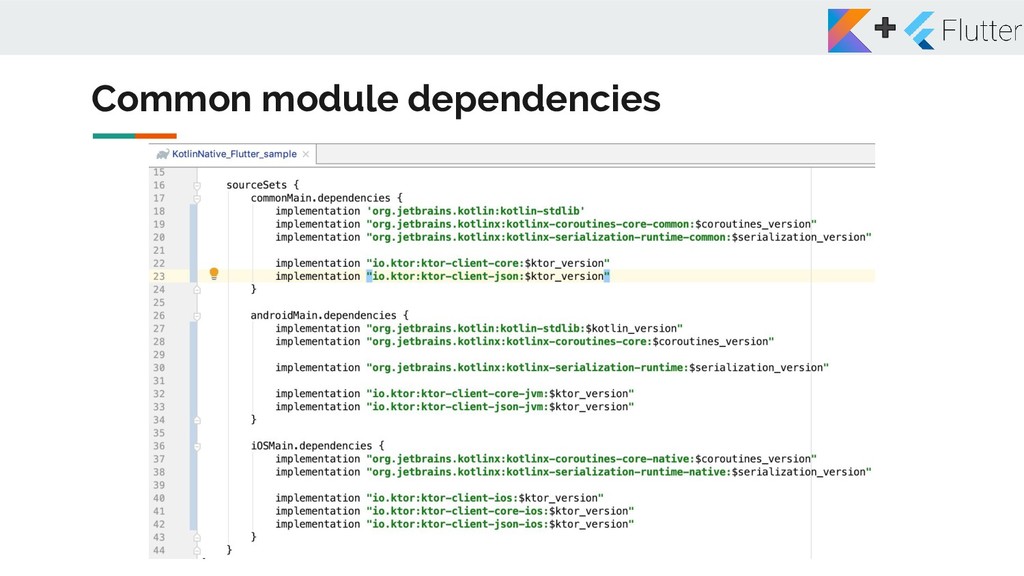
& Dart plugins for Android Studio 3. Create new Flutter project in Android Studio (Create new Flutter project) 4. Open project in Android Studio 5. Add Android dependencies for Kotlin/Native 6. Add iOS dependencies for Kotlin/Native
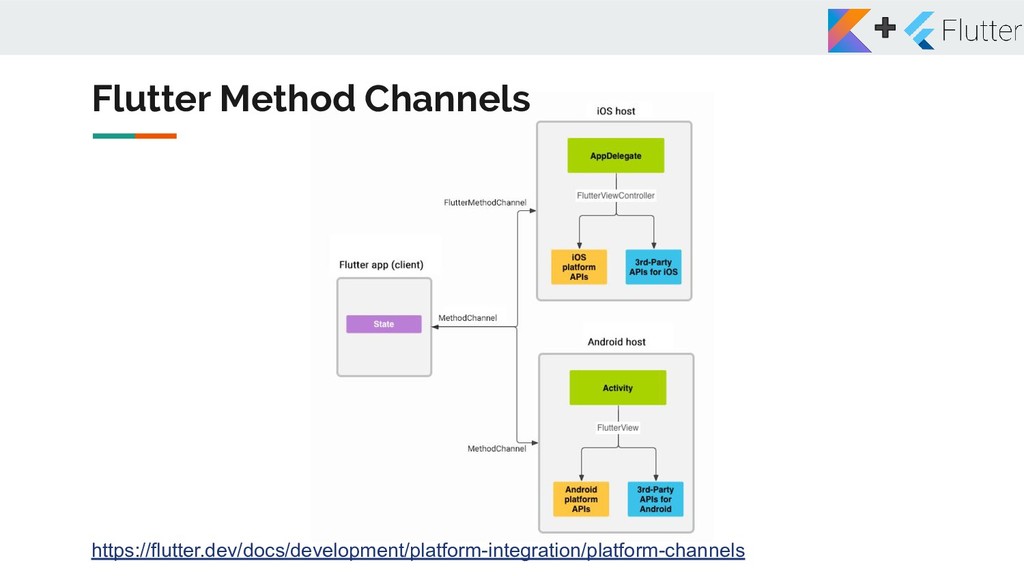
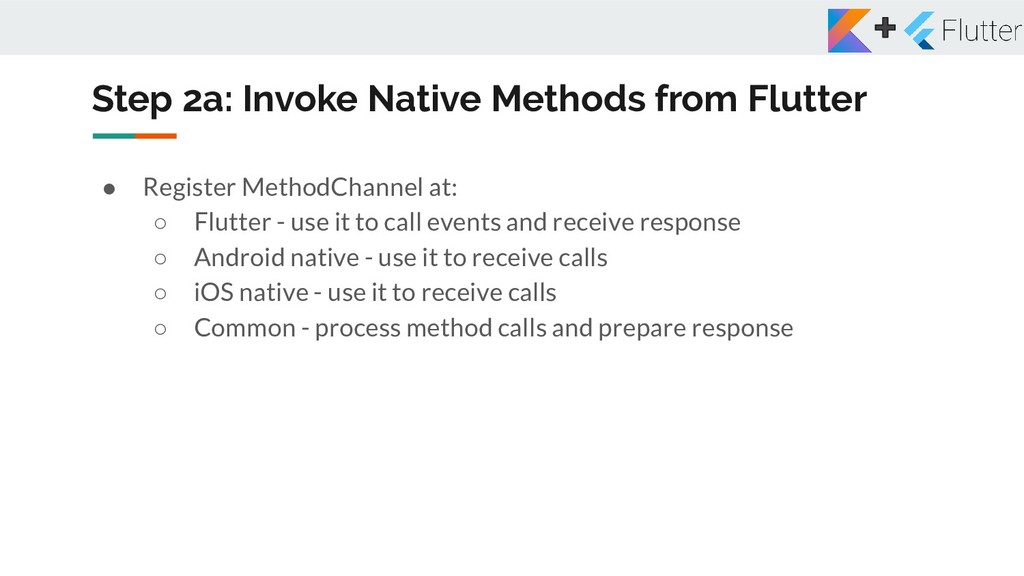
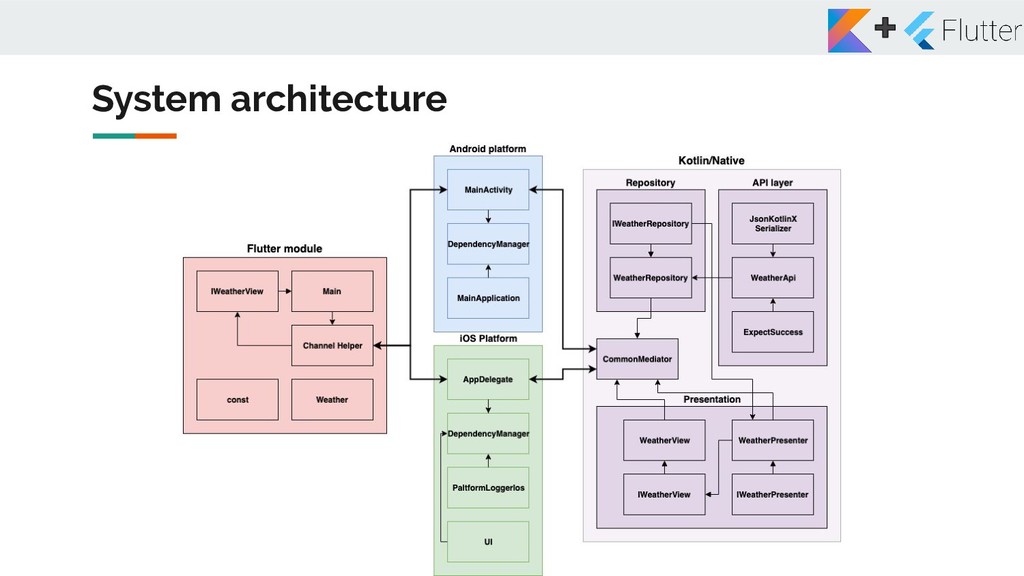
at: ◦ Flutter - use it to call events and receive response ◦ Android native - use it to receive calls ◦ iOS native - use it to receive calls ◦ Common - process method calls and prepare response
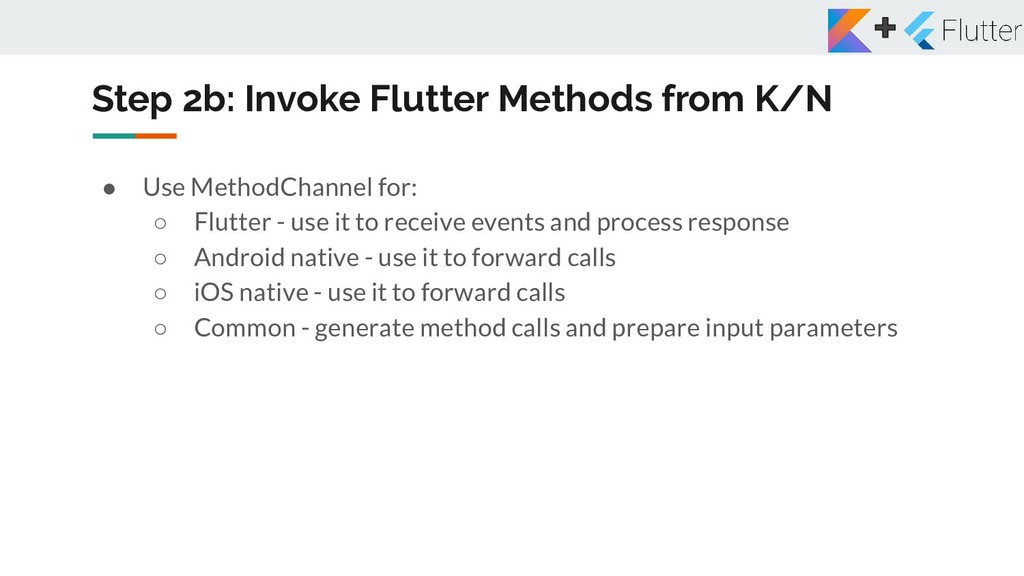
for: ◦ Flutter - use it to receive events and process response ◦ Android native - use it to forward calls ◦ iOS native - use it to forward calls ◦ Common - generate method calls and prepare input parameters
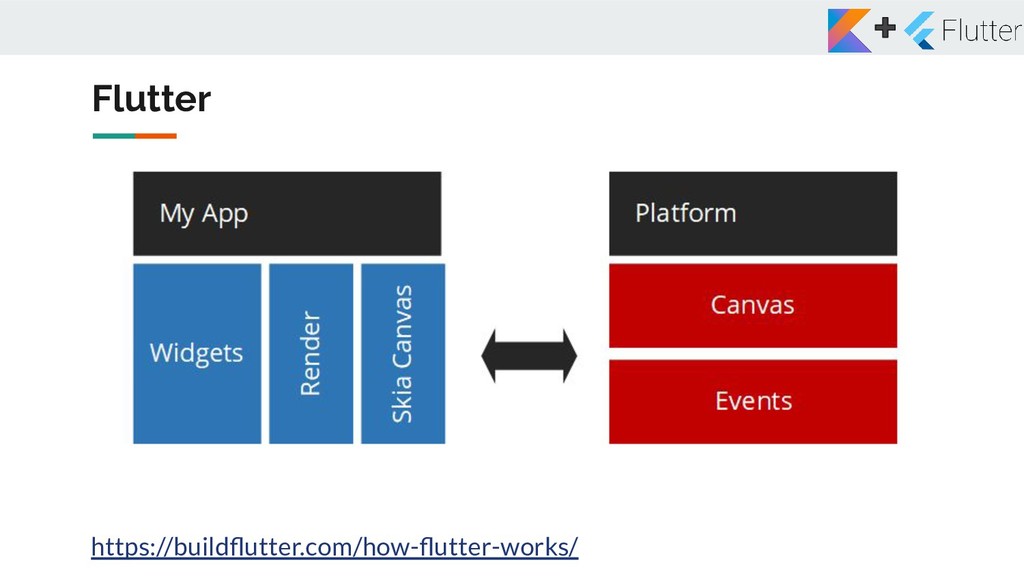
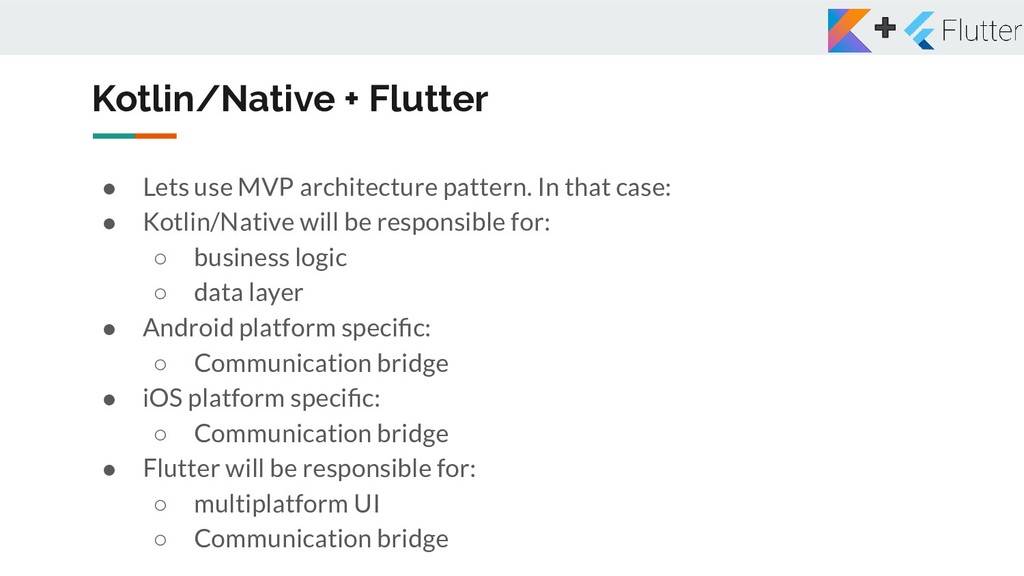
that case: • Kotlin/Native will be responsible for: ◦ business logic ◦ data layer • Android platform specific: ◦ Communication bridge • iOS platform specific: ◦ Communication bridge • Flutter will be responsible for: ◦ multiplatform UI ◦ Communication bridge
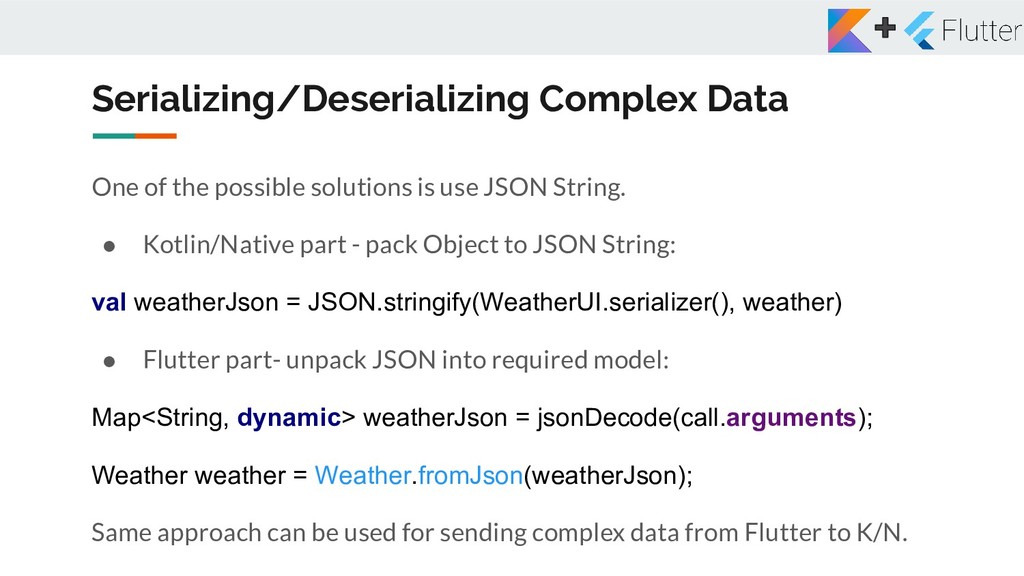
JSON String. • Kotlin/Native part - pack Object to JSON String: val weatherJson = JSON.stringify(WeatherUI.serializer(), weather) • Flutter part- unpack JSON into required model: Map<String, dynamic> weatherJson = jsonDecode(call.arguments); Weather weather = Weather.fromJson(weatherJson); Same approach can be used for sending complex data from Flutter to K/N.
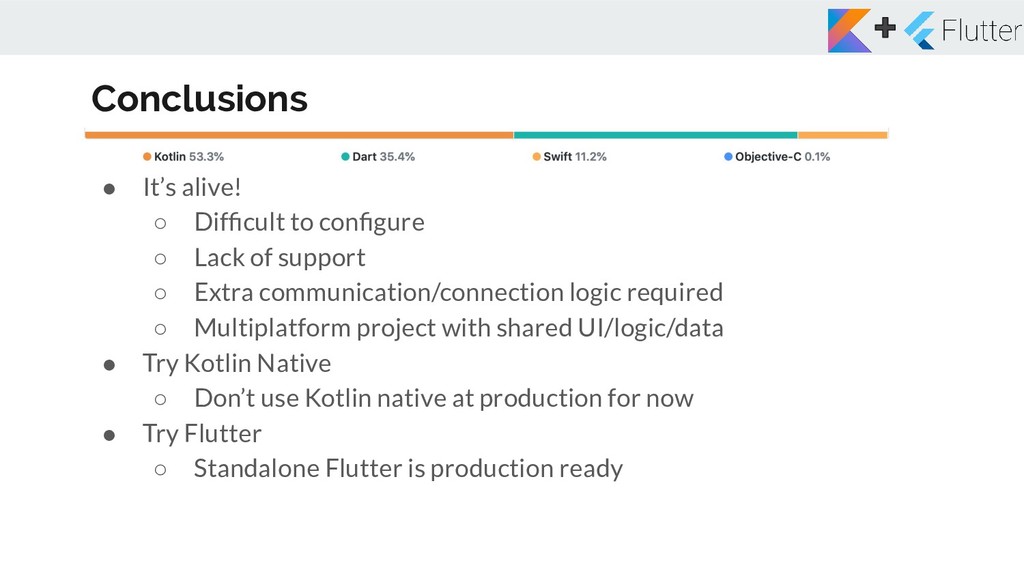
of support ◦ Extra communication/connection logic required ◦ Multiplatform project with shared UI/logic/data • Try Kotlin Native ◦ Don’t use Kotlin native at production for now • Try Flutter ◦ Standalone Flutter is production ready


 teslyuktaras
 sylph01
 optim
optim
 irinanazarova
 panda728
 yutobara
 econanringo
 marcoroth
 nao_randd
 tomokon
 y0hgi
y0hgi
 htkym
htkym
 clockmaker
 mraible
 inesmontani
 baasie
 chriscoyier
 codingconduct
 danielanewman
 vanstee
 tammyeverts
 aki_iinuma
 quramy
 jeffersonlam