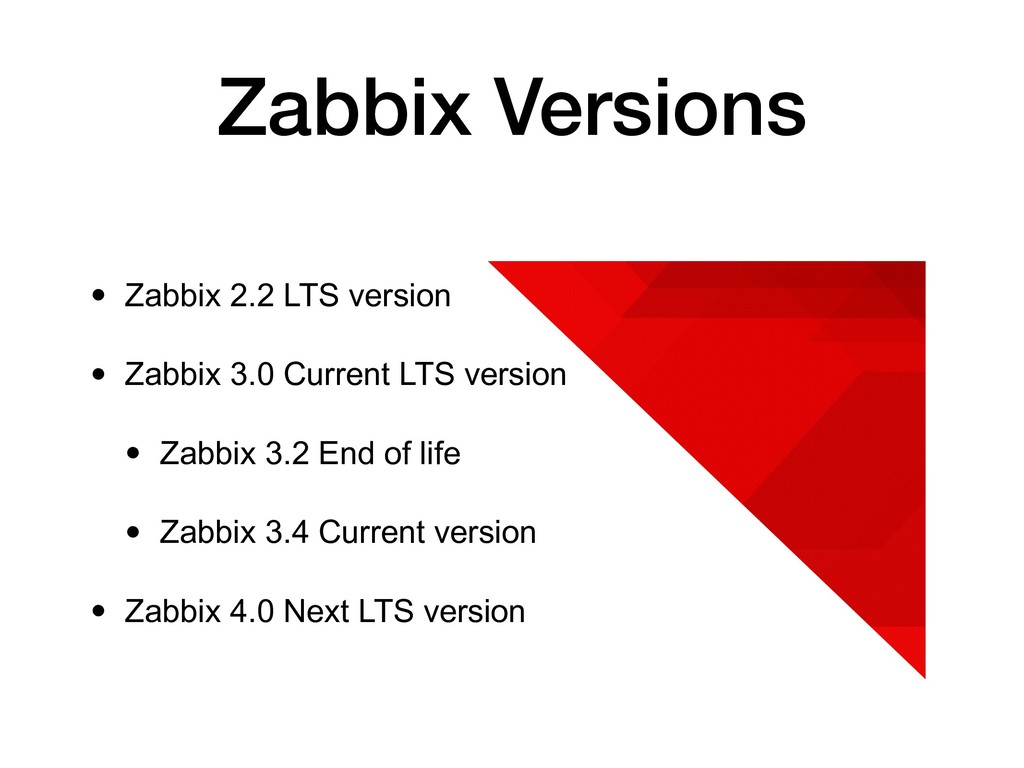
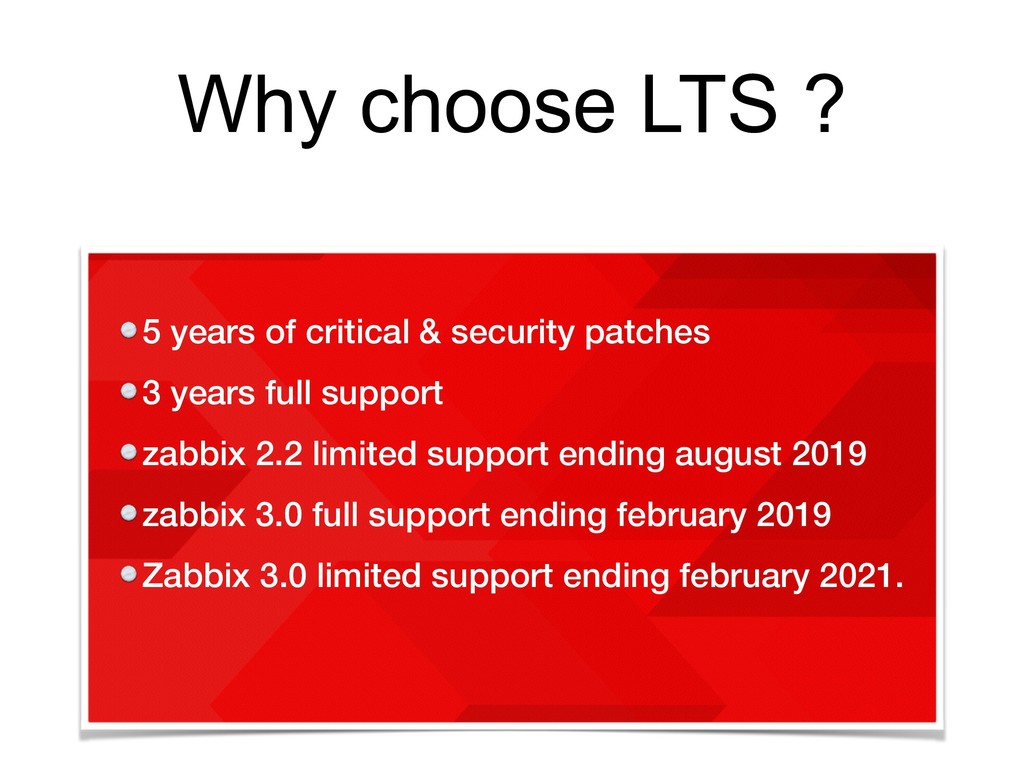
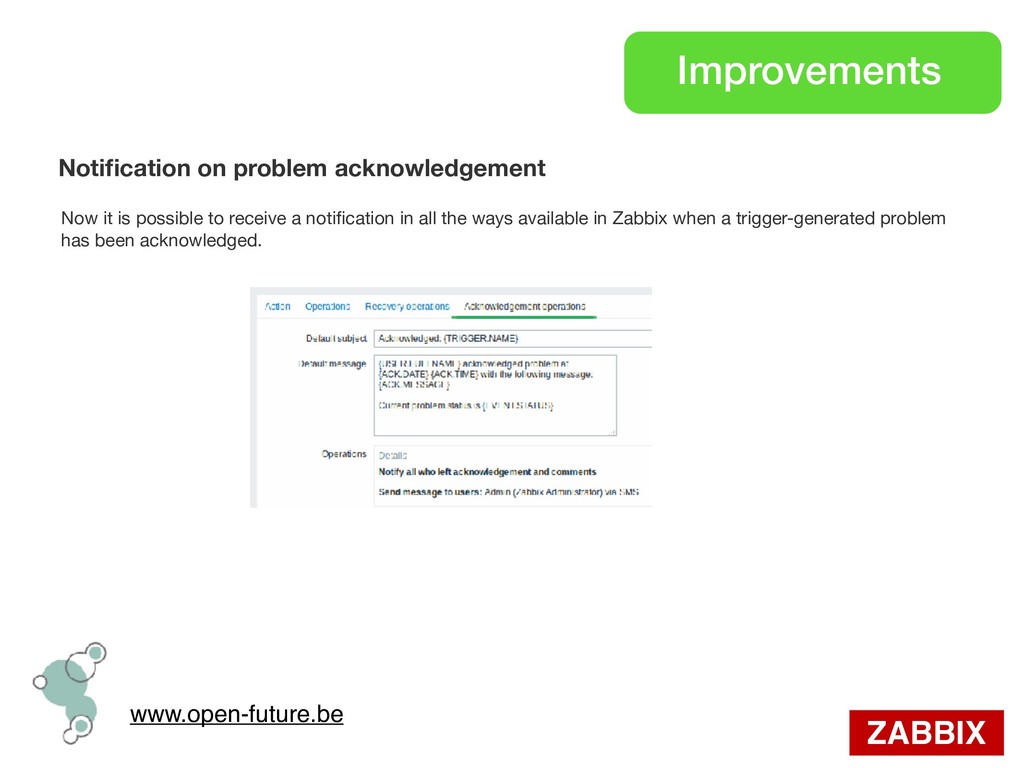
patches 3 years full support zabbix 2.2 limited support ending august 2019 zabbix 3.0 full support ending february 2019 Zabbix 3.0 limited support ending february 2021.
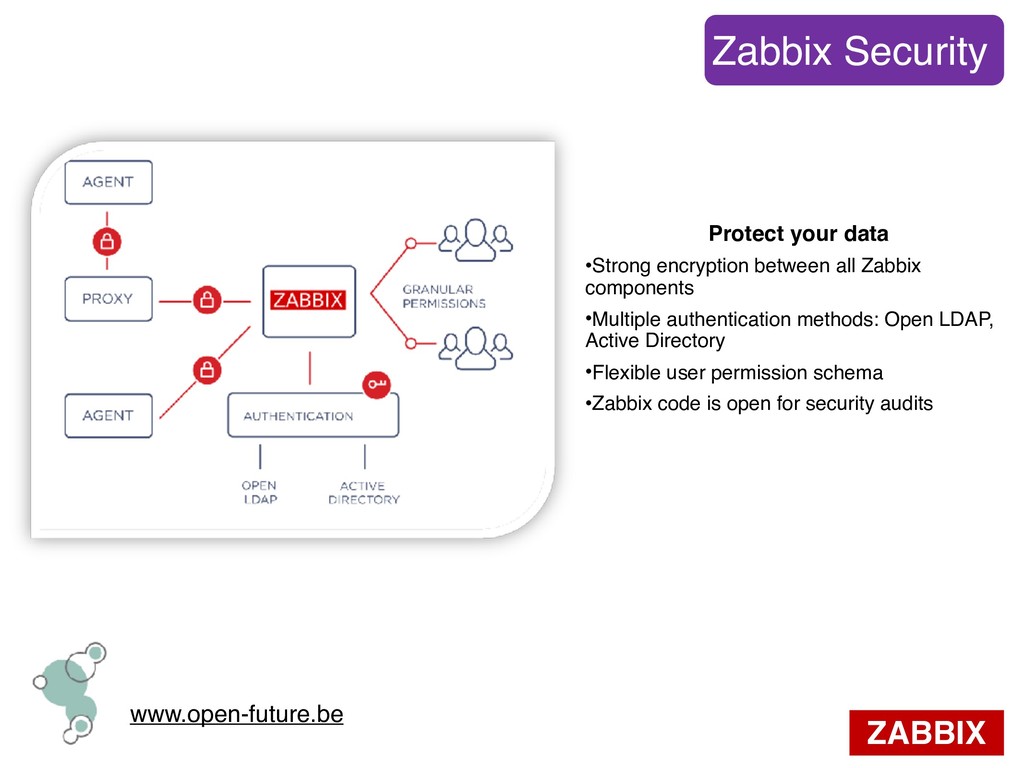
all Zabbix components •Multiple authentication methods: Open LDAP, Active Directory •Flexible user permission schema •Zabbix code is open for security audits
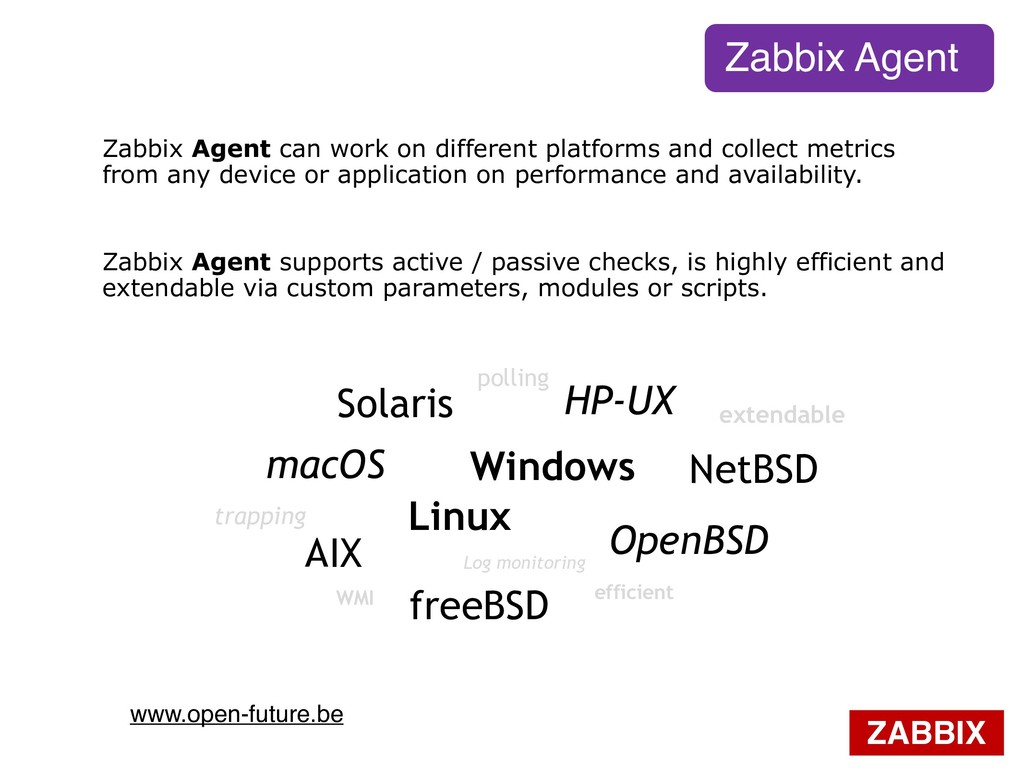
platforms and collect metrics from any device or application on performance and availability. Linux Windows HP-UX Solaris freeBSD OpenBSD macOS AIX NetBSD polling trapping extendable Log monitoring WMI efficient Zabbix Agent supports active / passive checks, is highly efficient and extendable via custom parameters, modules or scripts.
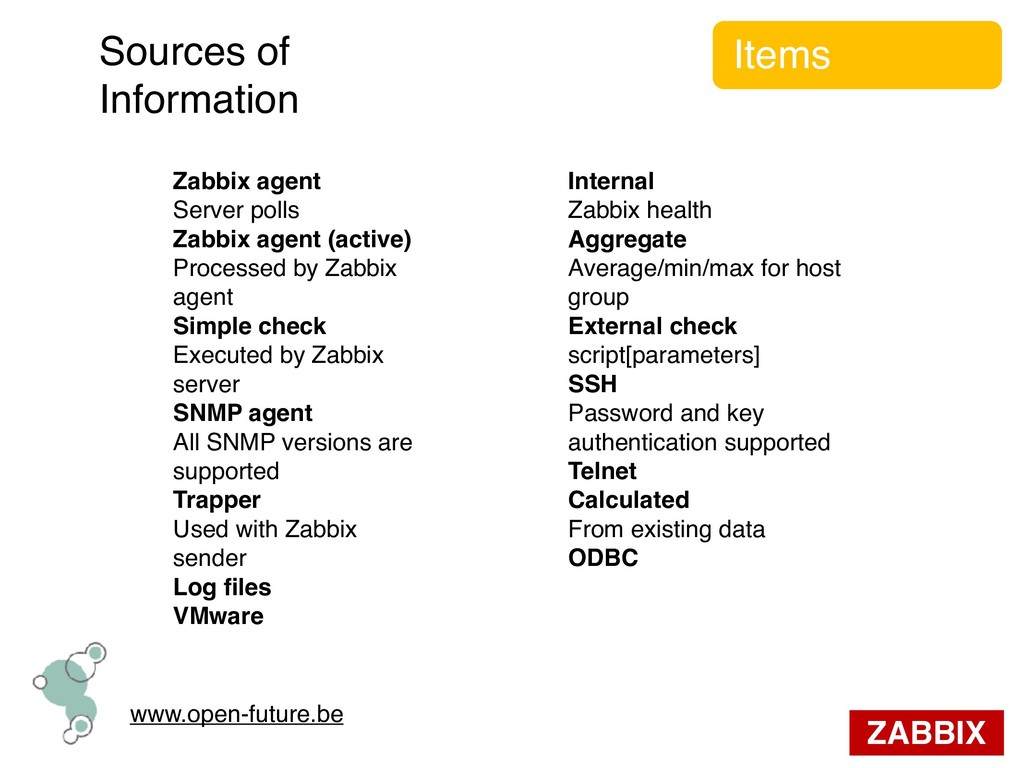
Zabbix agent (active) Processed by Zabbix agent Simple check Executed by Zabbix server SNMP agent All SNMP versions are supported Trapper Used with Zabbix sender Log files VMware Internal Zabbix health Aggregate Average/min/max for host group External check script[parameters] SSH Password and key authentication supported Telnet Calculated From existing data ODBC
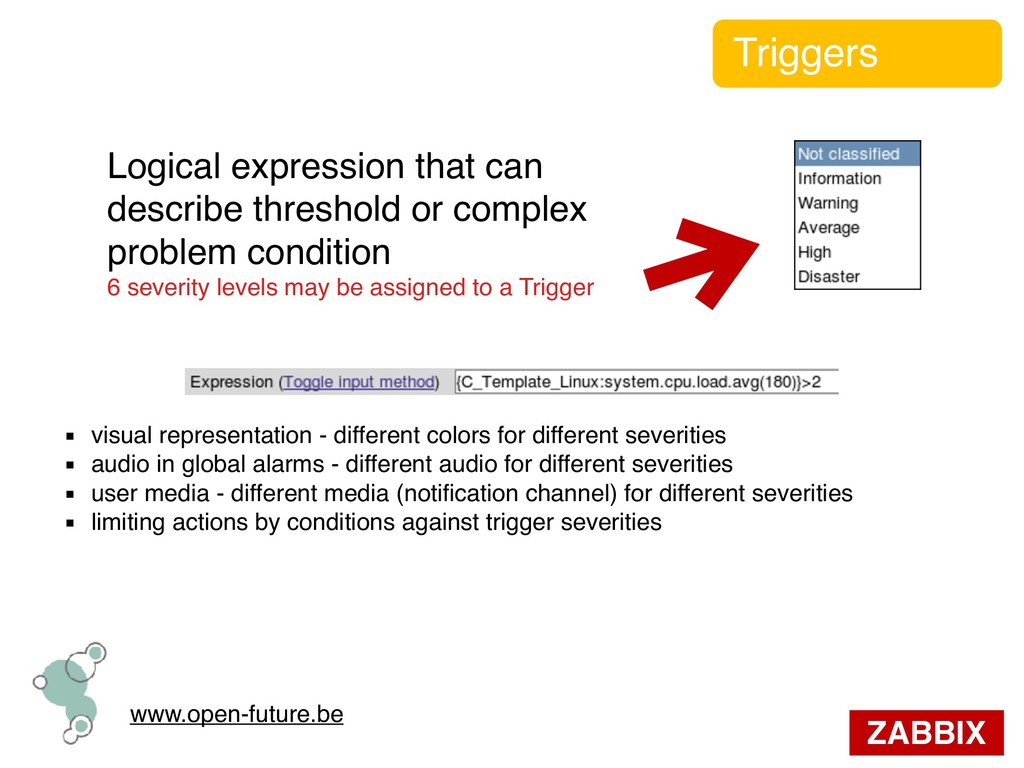
complex problem condition 6 severity levels may be assigned to a Trigger ▪ visual representation - different colors for different severities ▪ audio in global alarms - different audio for different severities ▪ user media - different media (notification channel) for different severities ▪ limiting actions by conditions against trigger severities
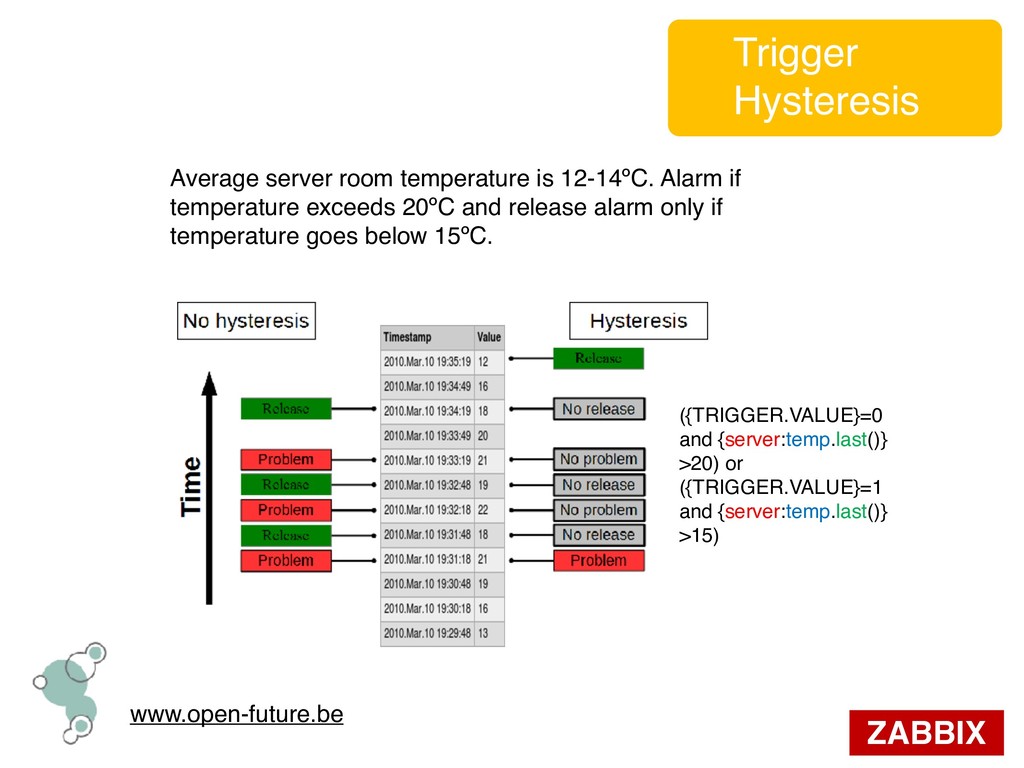
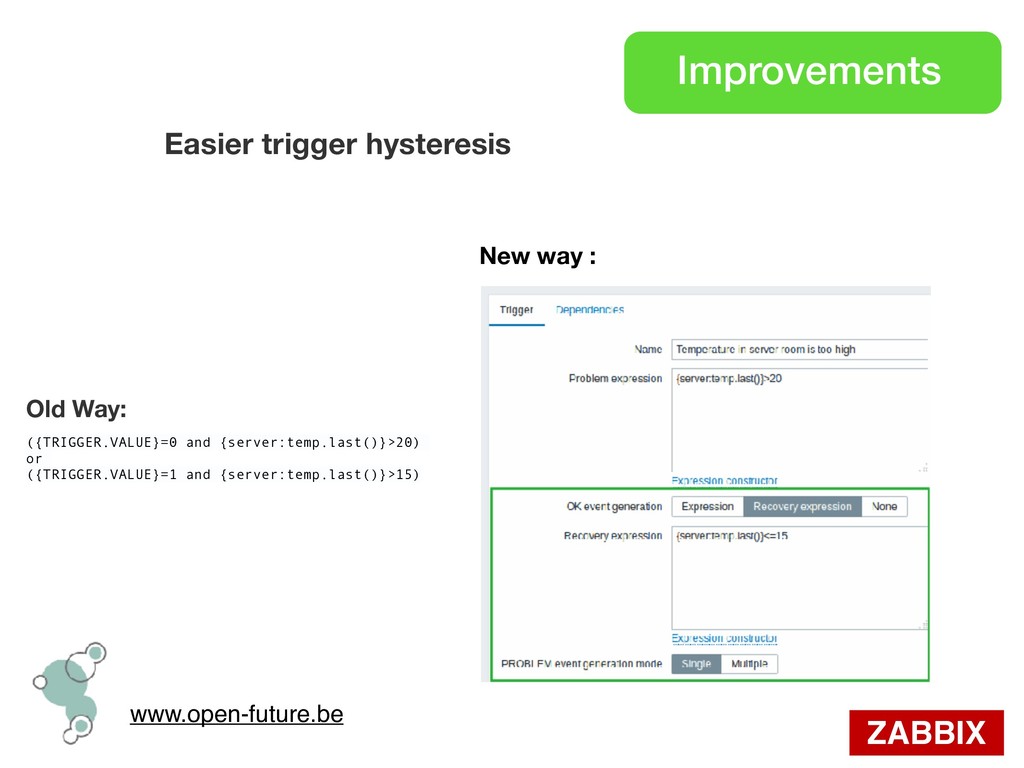
temperature exceeds 20ºC and release alarm only if temperature goes below 15ºC. ({TRIGGER.VALUE}=0 and {server:temp.last()} >20) or ({TRIGGER.VALUE}=1 and {server:temp.last()} >15) Trigger Hysteresis
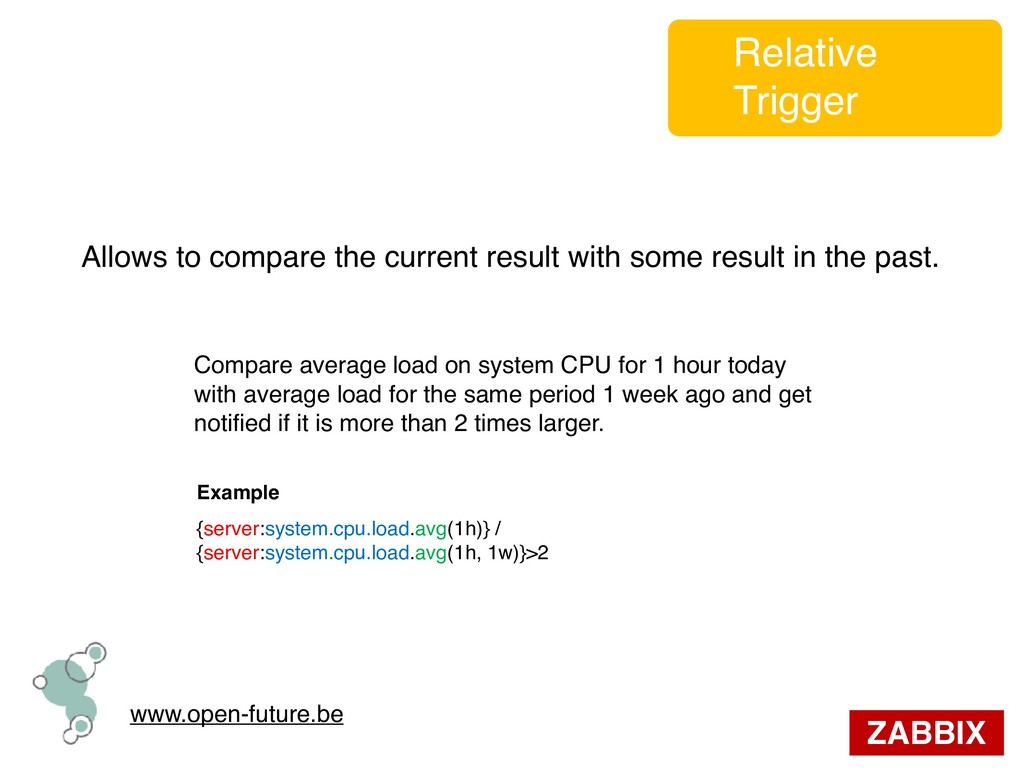
result in the past. Example {server:system.cpu.load.avg(1h)} / {server:system.cpu.load.avg(1h, 1w)}>2 Compare average load on system CPU for 1 hour today with average load for the same period 1 week ago and get notified if it is more than 2 times larger. Relative Trigger
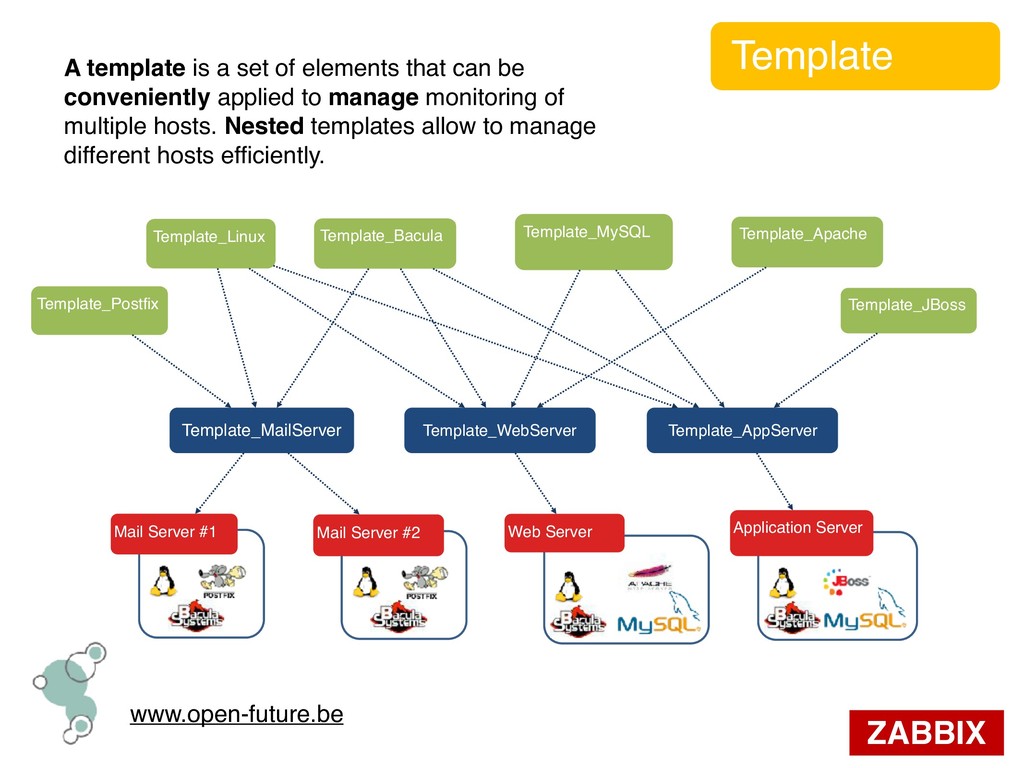
that can be conveniently applied to manage monitoring of multiple hosts. Nested templates allow to manage different hosts efficiently. Mail Server #1 Mail Server #2 Web Server Template_MailServer Template_WebServer Template_AppServer Template_Linux Template_Postfix Template_Bacula Template_Apache Template_MySQL Application Server Template_JBoss
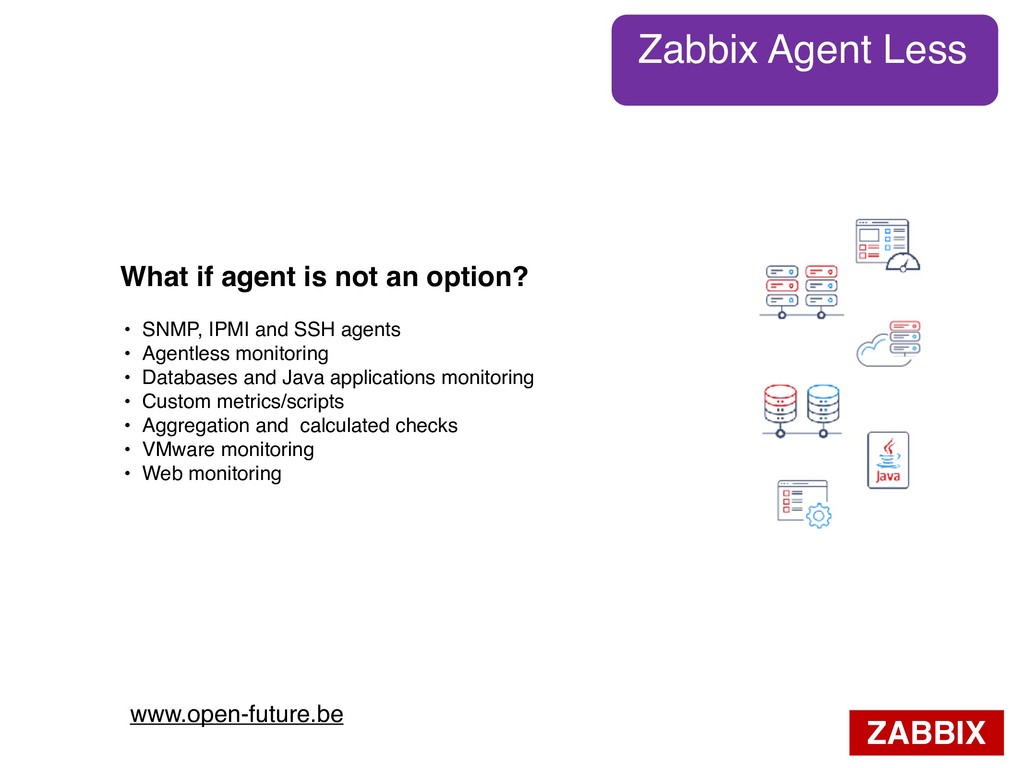
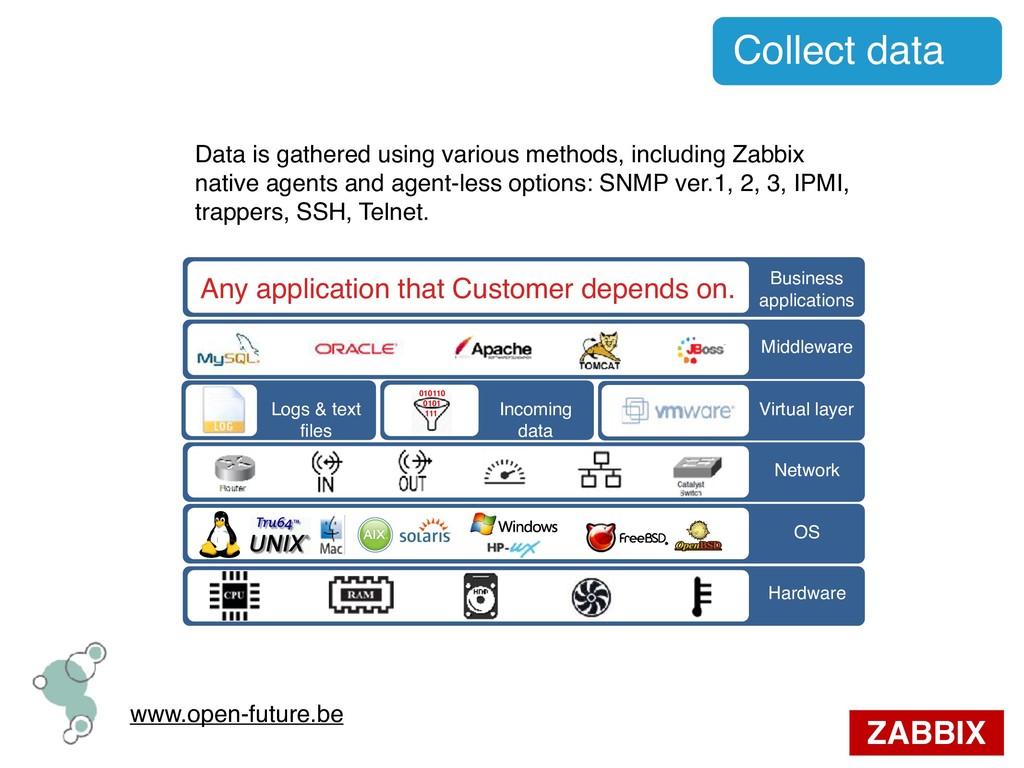
including Zabbix native agents and agent-less options: SNMP ver.1, 2, 3, IPMI, trappers, SSH, Telnet. Any application that Customer depends on. Business applications Hardware Network OS Middleware Virtual layer Logs & text files Incoming data 010110 0101 111
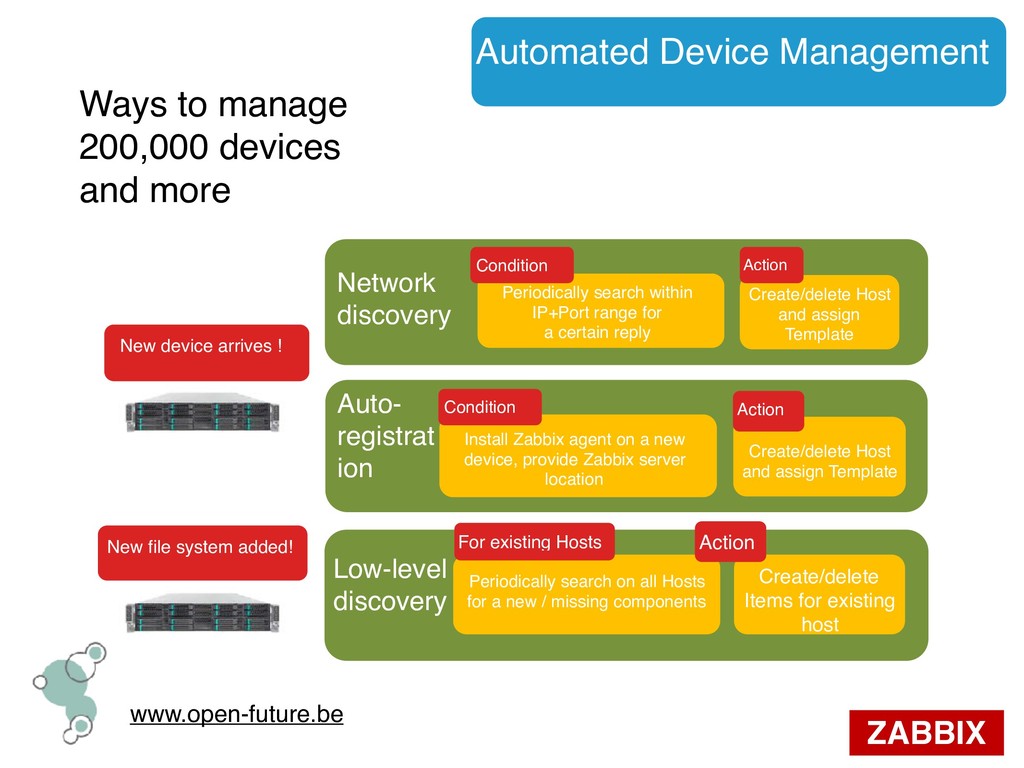
and more Network discovery Auto- registrat ion Low-level discovery Periodically search within IP+Port range for a certain reply Create/delete Host and assign Template Action New device arrives ! New file system added! Install Zabbix agent on a new device, provide Zabbix server location Condition Create/delete Host and assign Template Action Periodically search on all Hosts for a new / missing components For existing Hosts Create/delete Items for existing host Action Condition
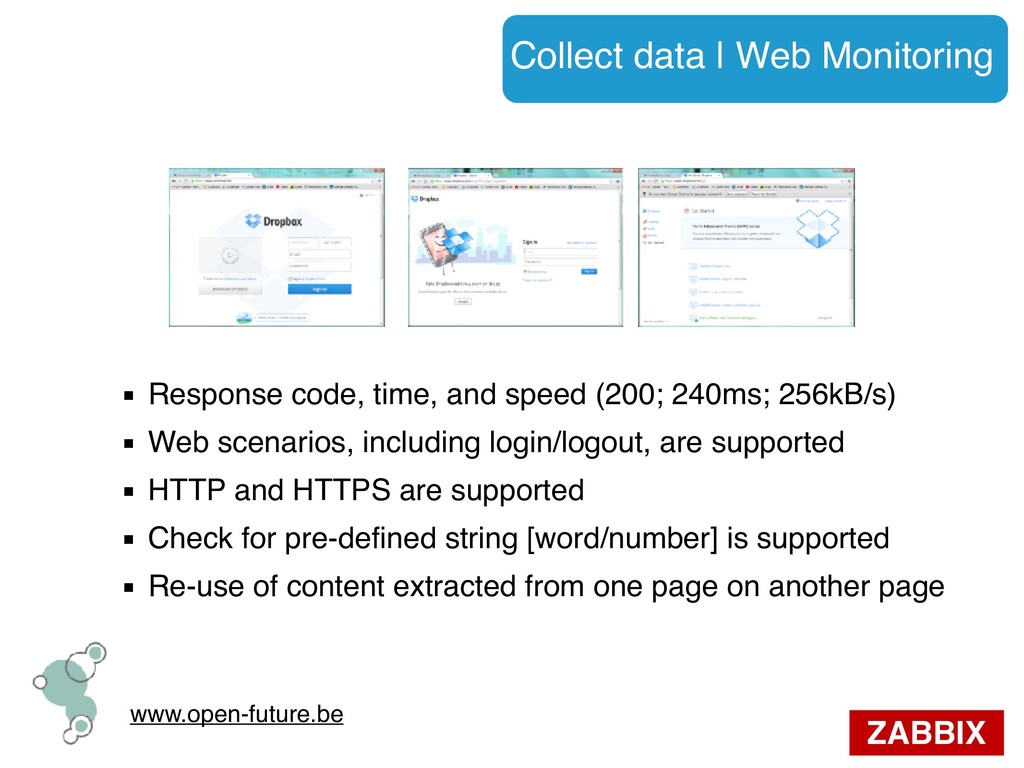
time, and speed (200; 240ms; 256kB/s) ▪ Web scenarios, including login/logout, are supported ▪ HTTP and HTTPS are supported ▪ Check for pre-defined string [word/number] is supported ▪ Re-use of content extracted from one page on another page
item ▪ Built-in data reduction ▪ Trends: averaged historical data ▪ Housekeeping: DB clean-up from older data ▪ Long term storage ▪ Per-item retention periods
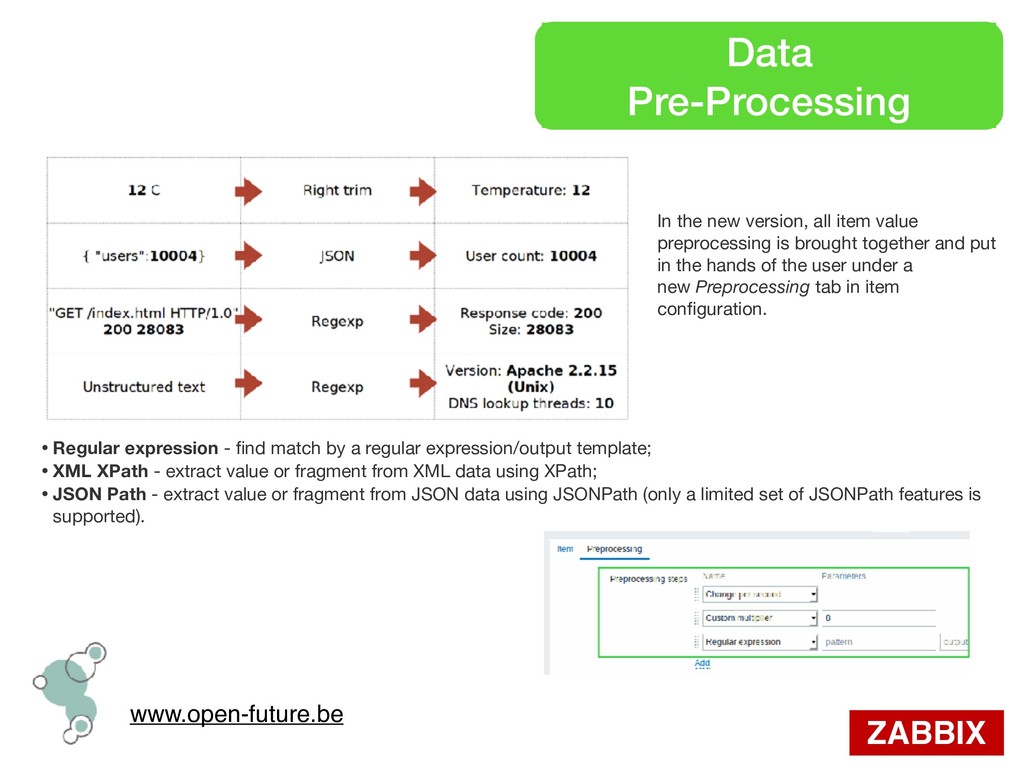
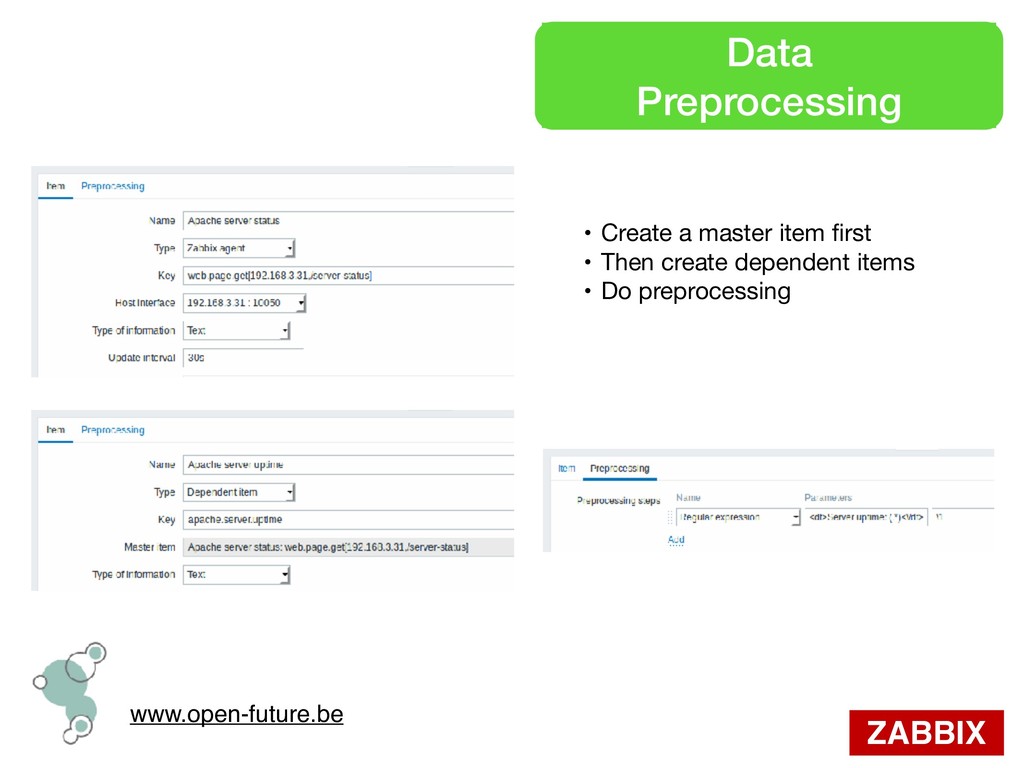
value preprocessing is brought together and put in the hands of the user under a new Preprocessing tab in item configuration. • Regular expression - find match by a regular expression/output template; • XML XPath - extract value or fragment from XML data using XPath; • JSON Path - extract value or fragment from JSON data using JSONPath (only a limited set of JSONPath features is supported).
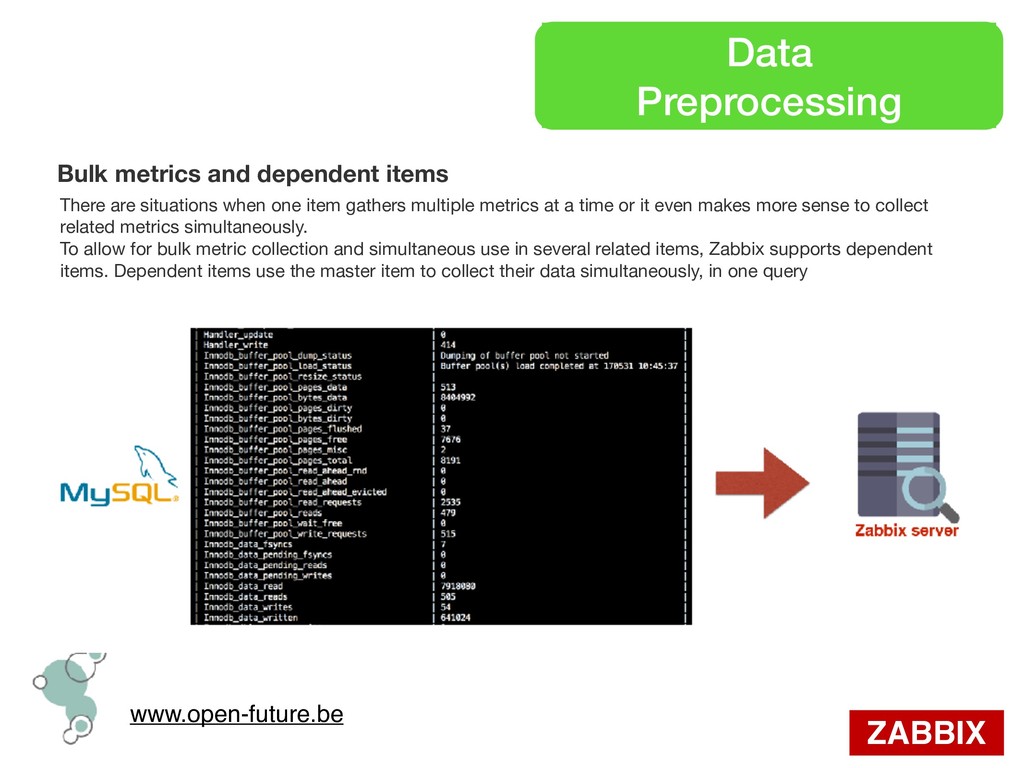
are situations when one item gathers multiple metrics at a time or it even makes more sense to collect related metrics simultaneously. To allow for bulk metric collection and simultaneous use in several related items, Zabbix supports dependent items. Dependent items use the master item to collect their data simultaneously, in one query
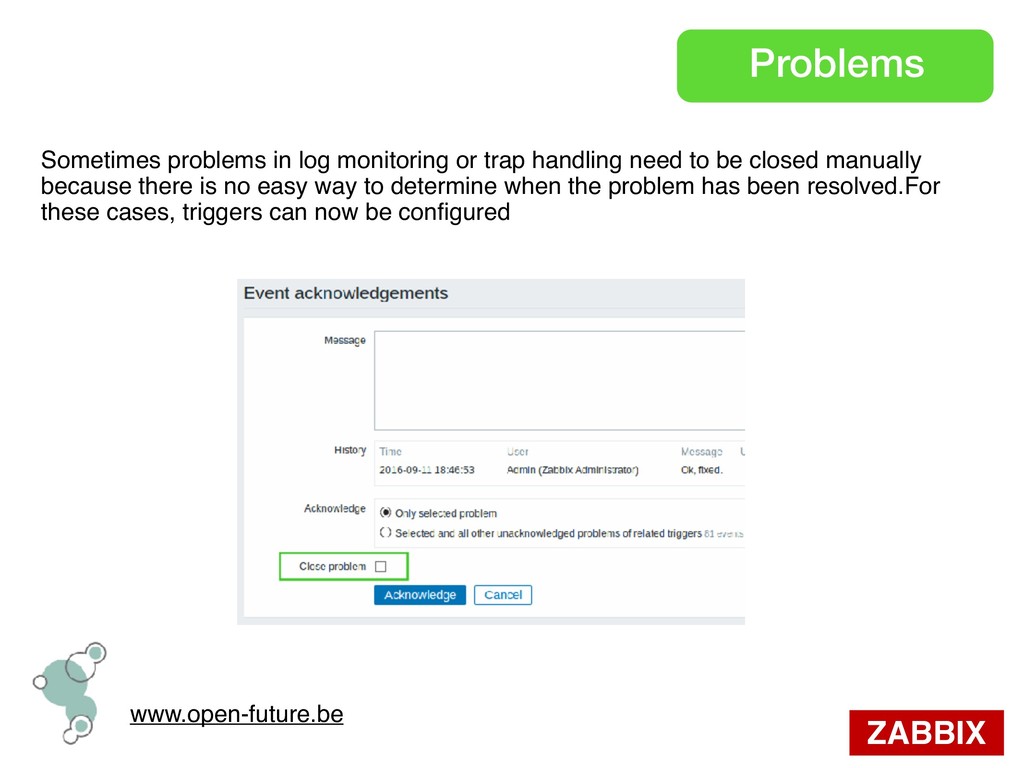
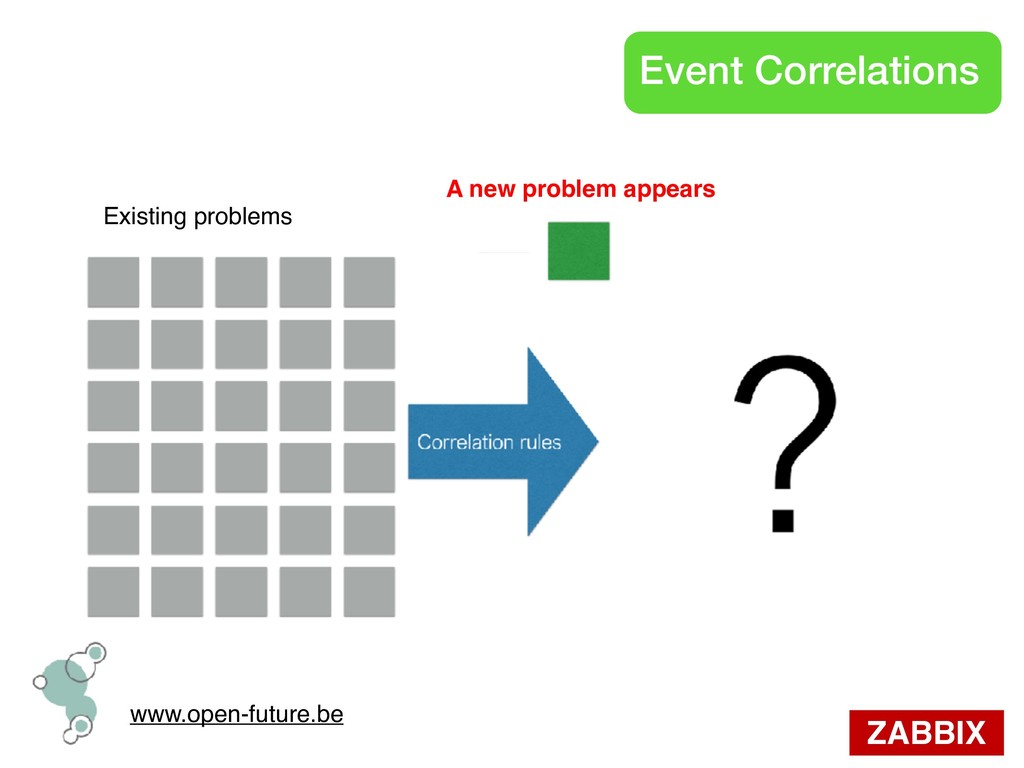
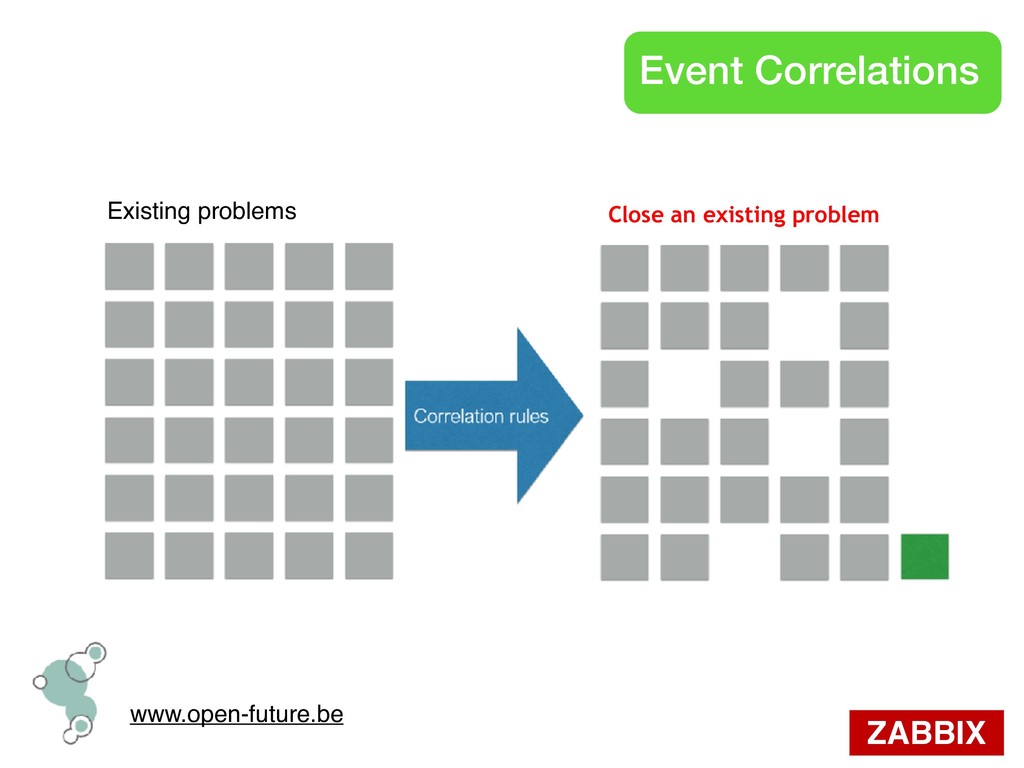
handling need to be closed manually because there is no easy way to determine when the problem has been resolved.For these cases, triggers can now be configured
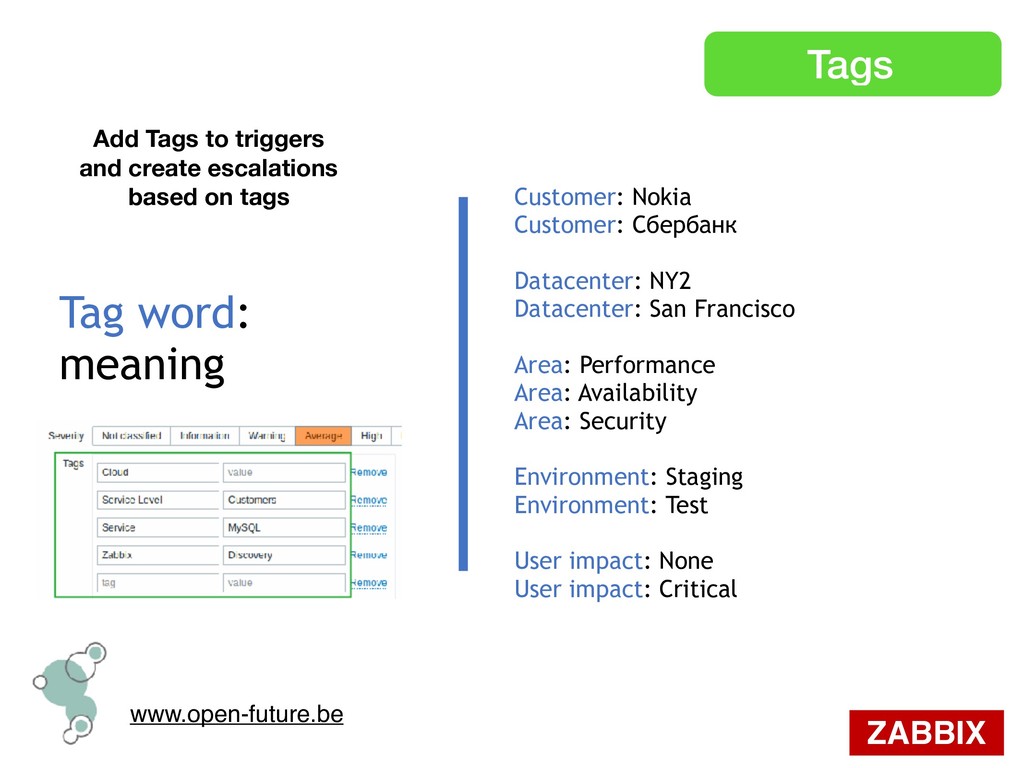
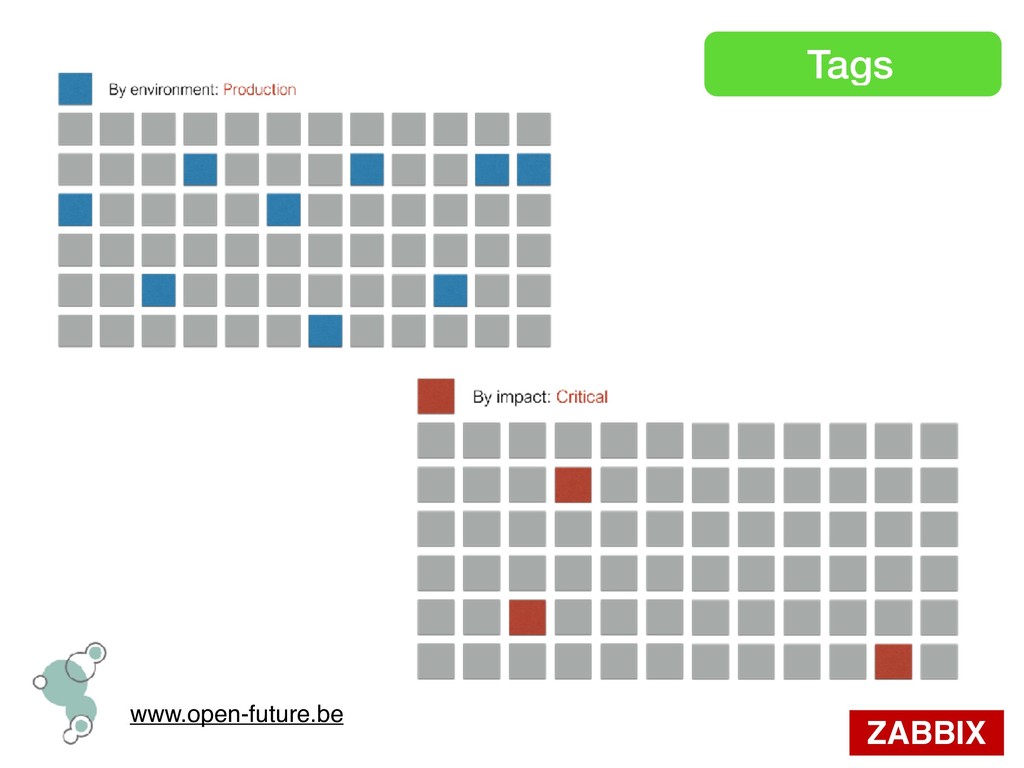
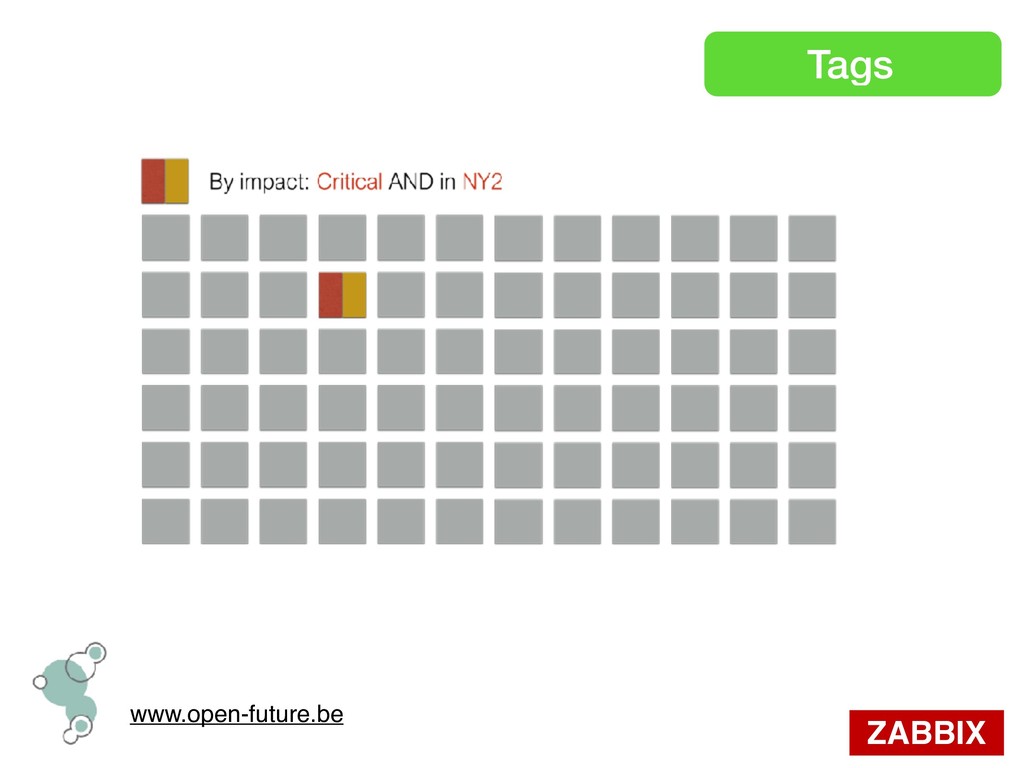
San Francisco Area: Performance Area: Availability Area: Security Environment: Staging Environment: Test User impact: None User impact: Critical Tag word: meaning Add Tags to triggers and create escalations based on tags
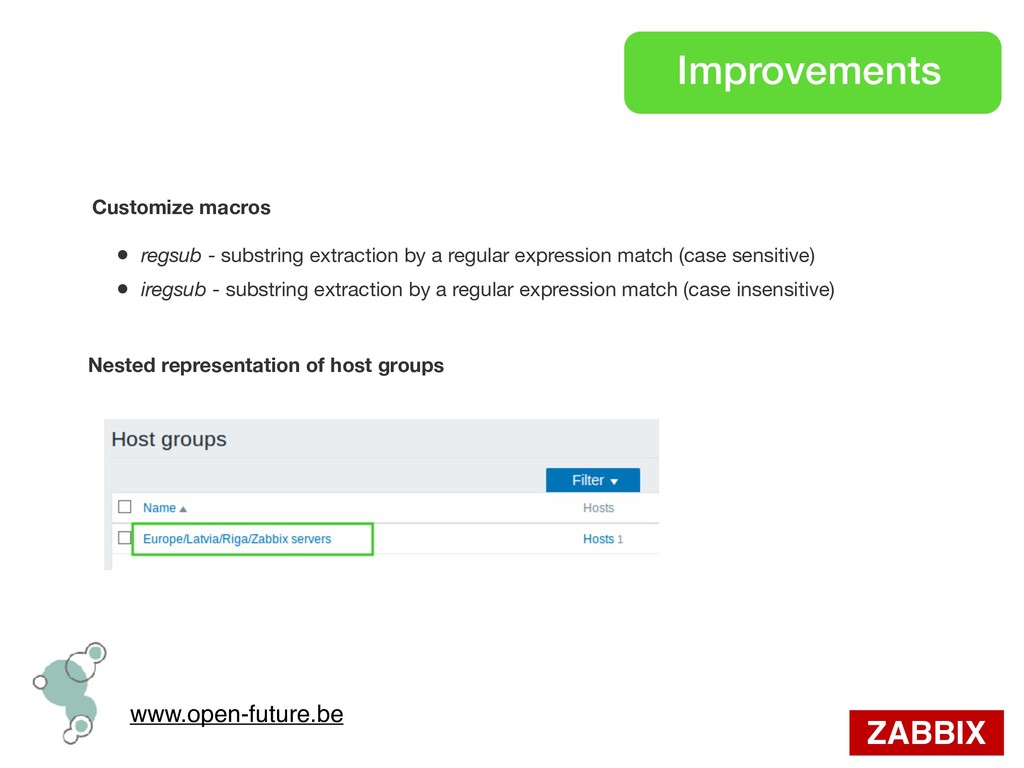
substring extraction by a regular expression match (case sensitive) • iregsub - substring extraction by a regular expression match (case insensitive) Nested representation of host groups
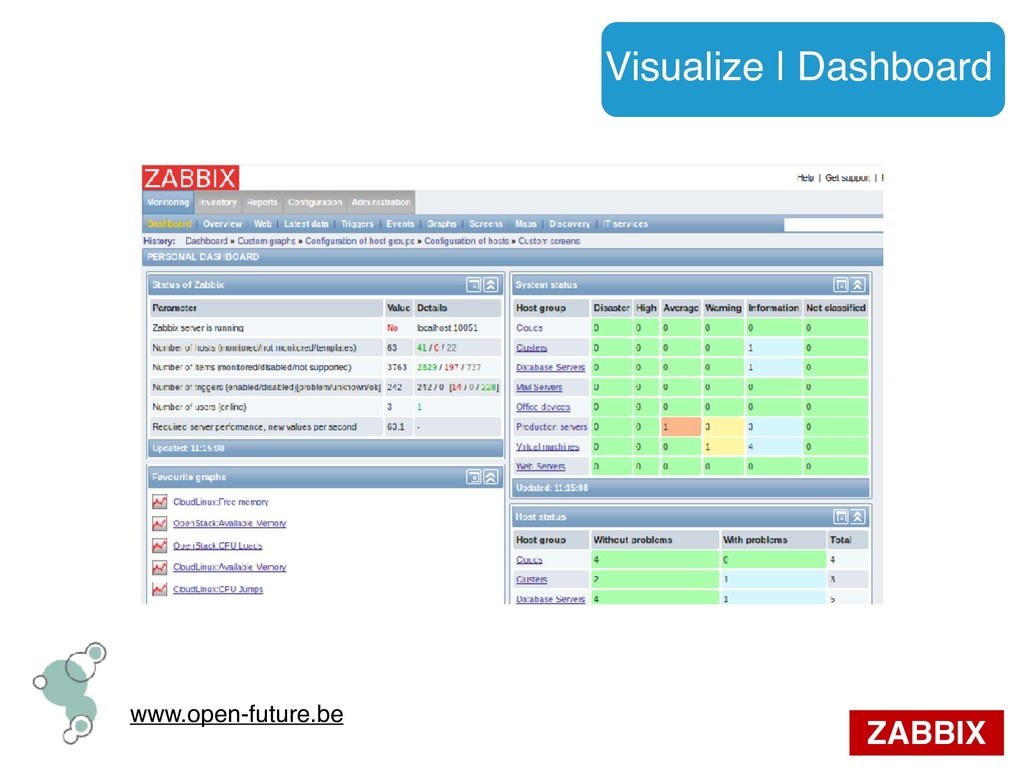
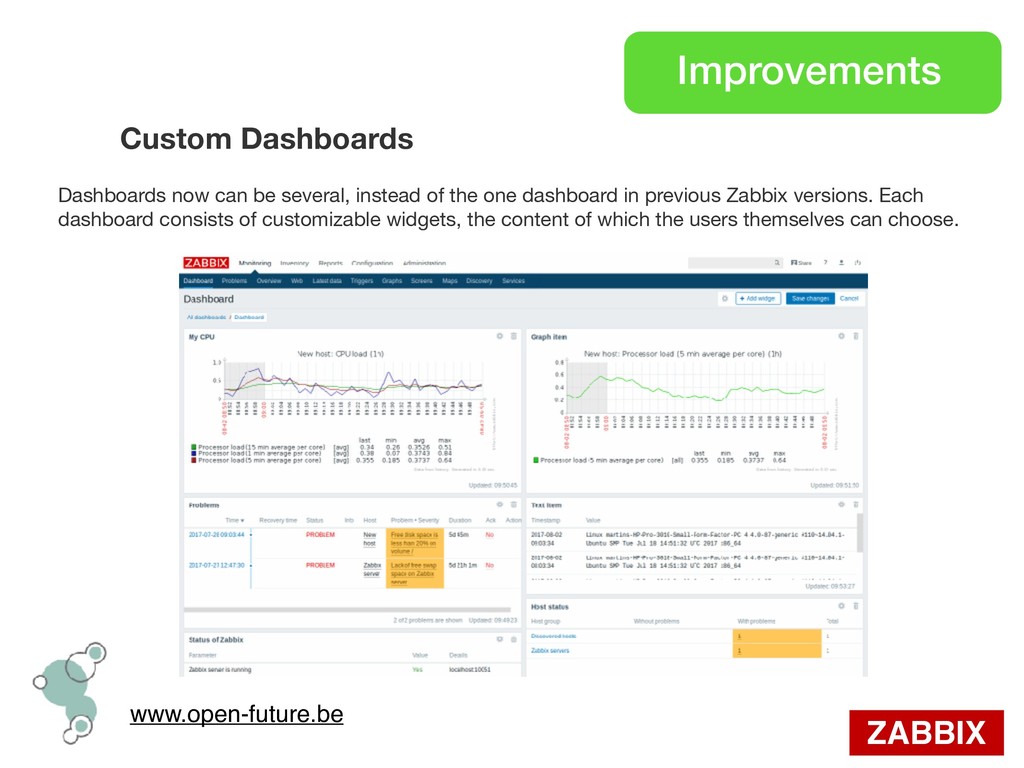
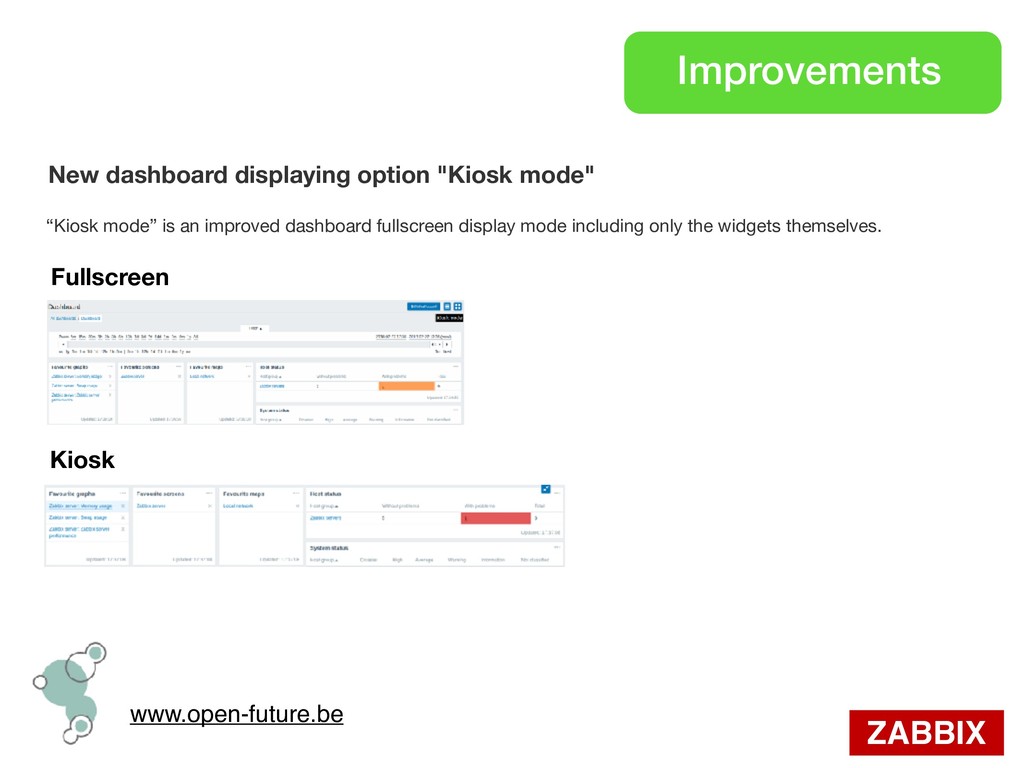
be several, instead of the one dashboard in previous Zabbix versions. Each dashboard consists of customizable widgets, the content of which the users themselves can choose.
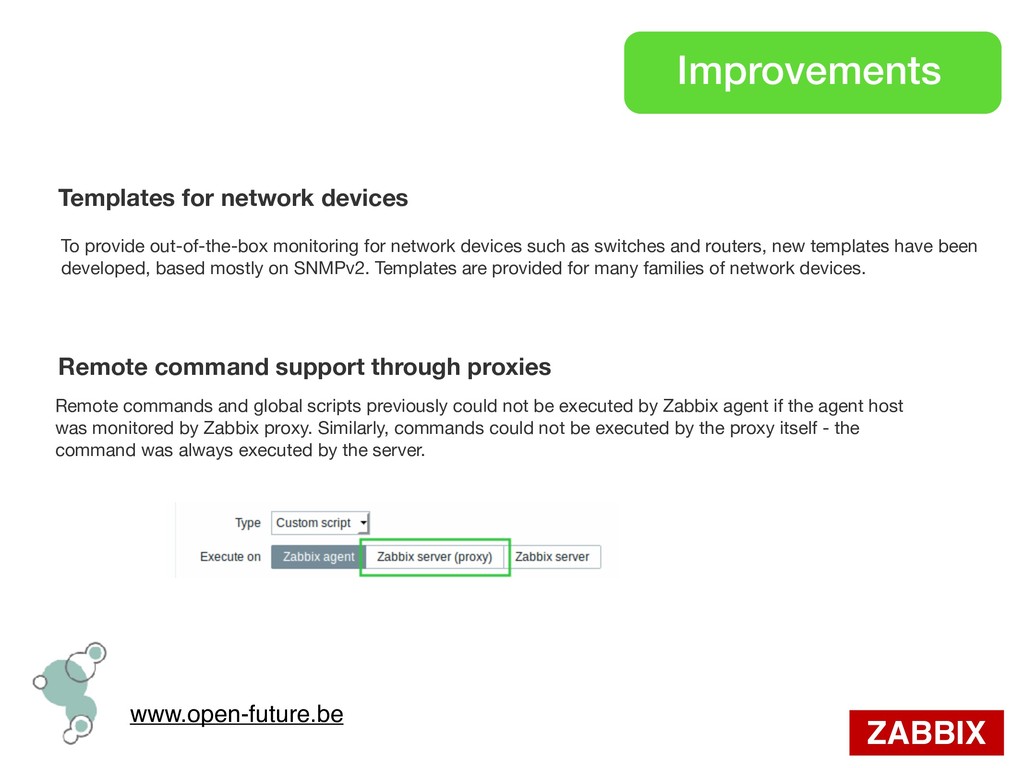
command support through proxies To provide out-of-the-box monitoring for network devices such as switches and routers, new templates have been developed, based mostly on SNMPv2. Templates are provided for many families of network devices. Remote commands and global scripts previously could not be executed by Zabbix agent if the agent host was monitored by Zabbix proxy. Similarly, commands could not be executed by the proxy itself - the command was always executed by the server.
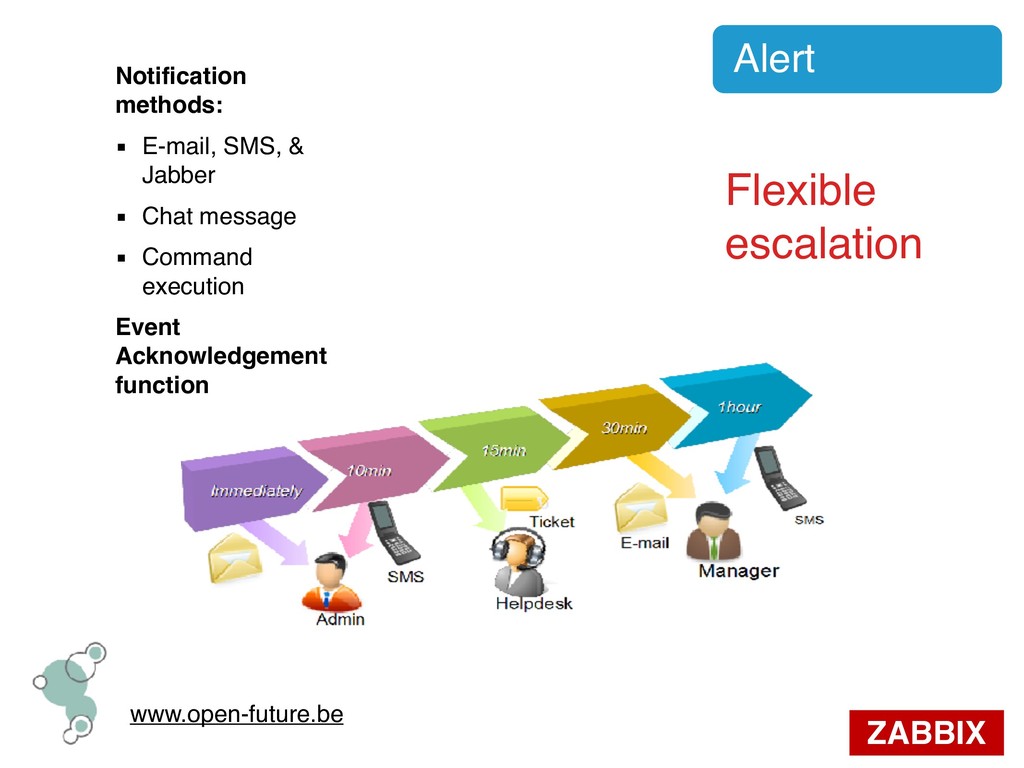
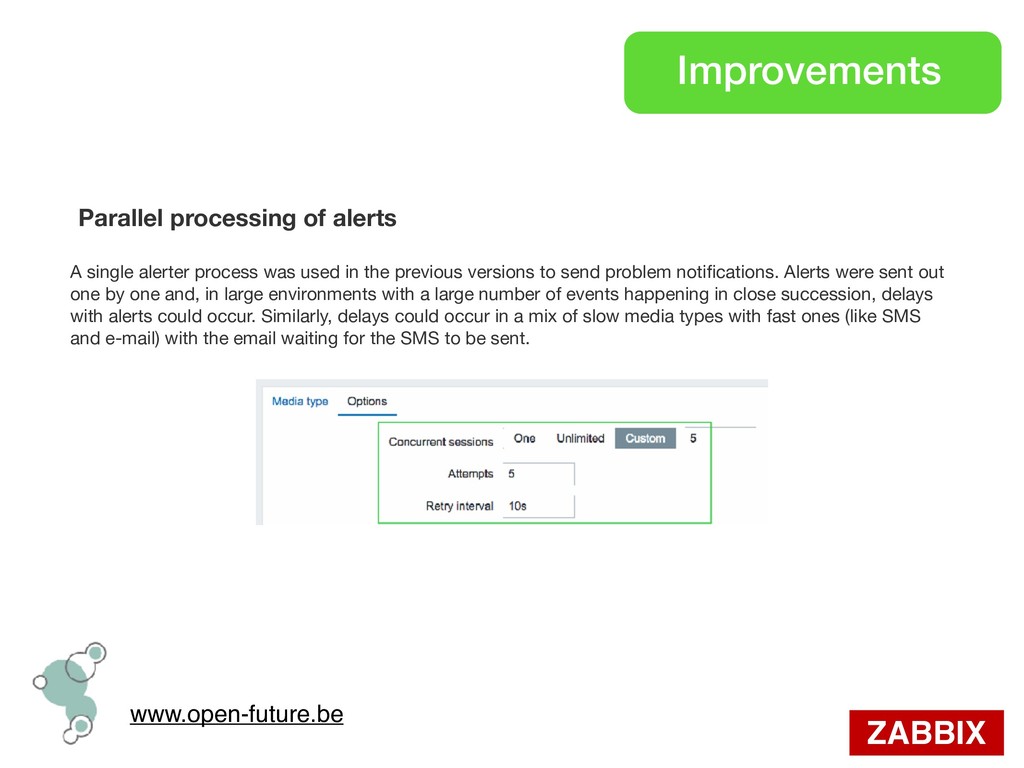
single alerter process was used in the previous versions to send problem notifications. Alerts were sent out one by one and, in large environments with a large number of events happening in close succession, delays with alerts could occur. Similarly, delays could occur in a mix of slow media types with fast ones (like SMS and e-mail) with the email waiting for the SMS to be sent.
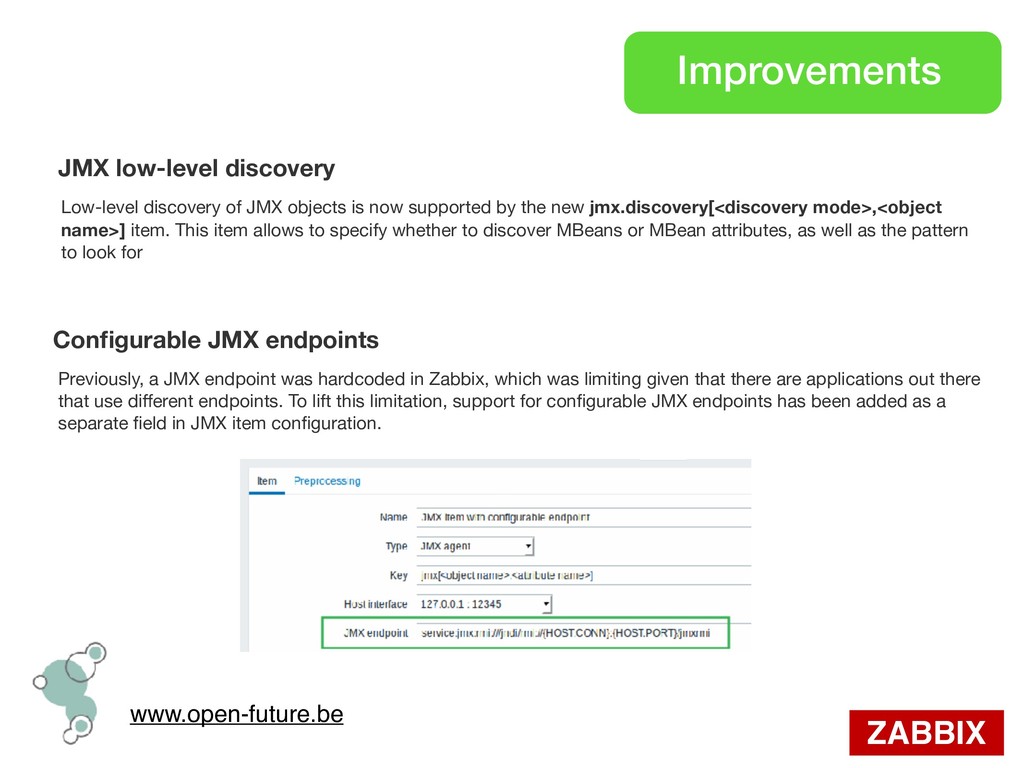
of JMX objects is now supported by the new jmx.discovery[<discovery mode>,<object name>] item. This item allows to specify whether to discover MBeans or MBean attributes, as well as the pattern to look for Configurable JMX endpoints Previously, a JMX endpoint was hardcoded in Zabbix, which was limiting given that there are applications out there that use different endpoints. To lift this limitation, support for configurable JMX endpoints has been added as a separate field in JMX item configuration.
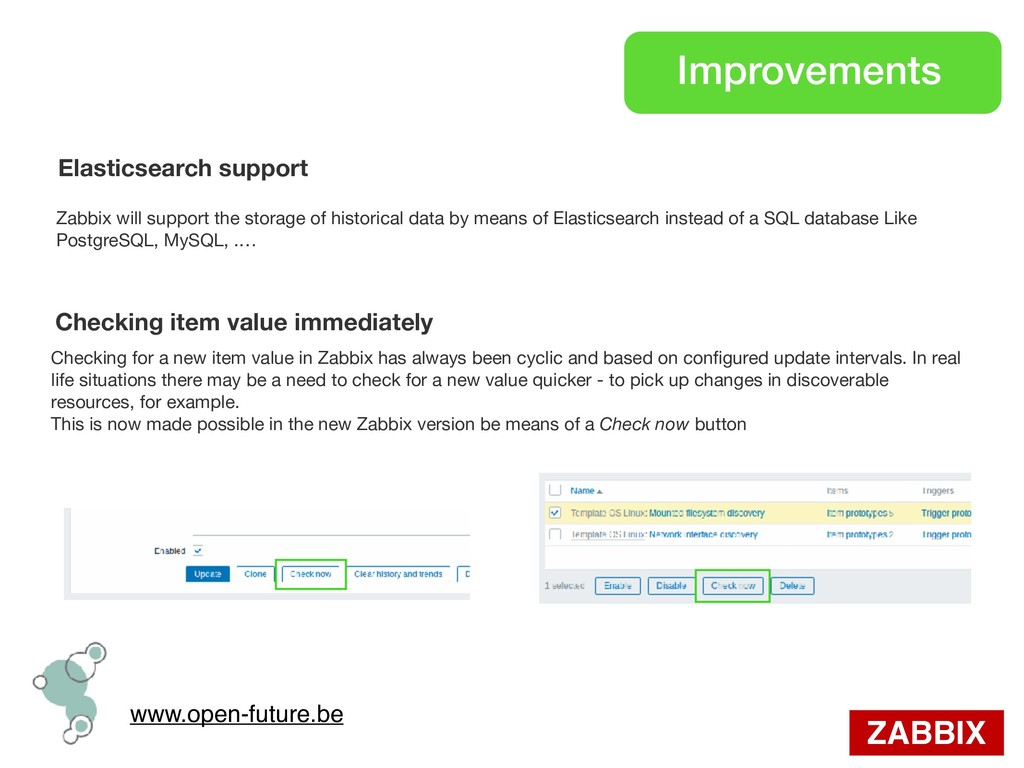
the storage of historical data by means of Elasticsearch instead of a SQL database Like PostgreSQL, MySQL, .… Checking item value immediately Checking for a new item value in Zabbix has always been cyclic and based on configured update intervals. In real life situations there may be a need to check for a new value quicker - to pick up changes in discoverable resources, for example. This is now made possible in the new Zabbix version be means of a Check now button
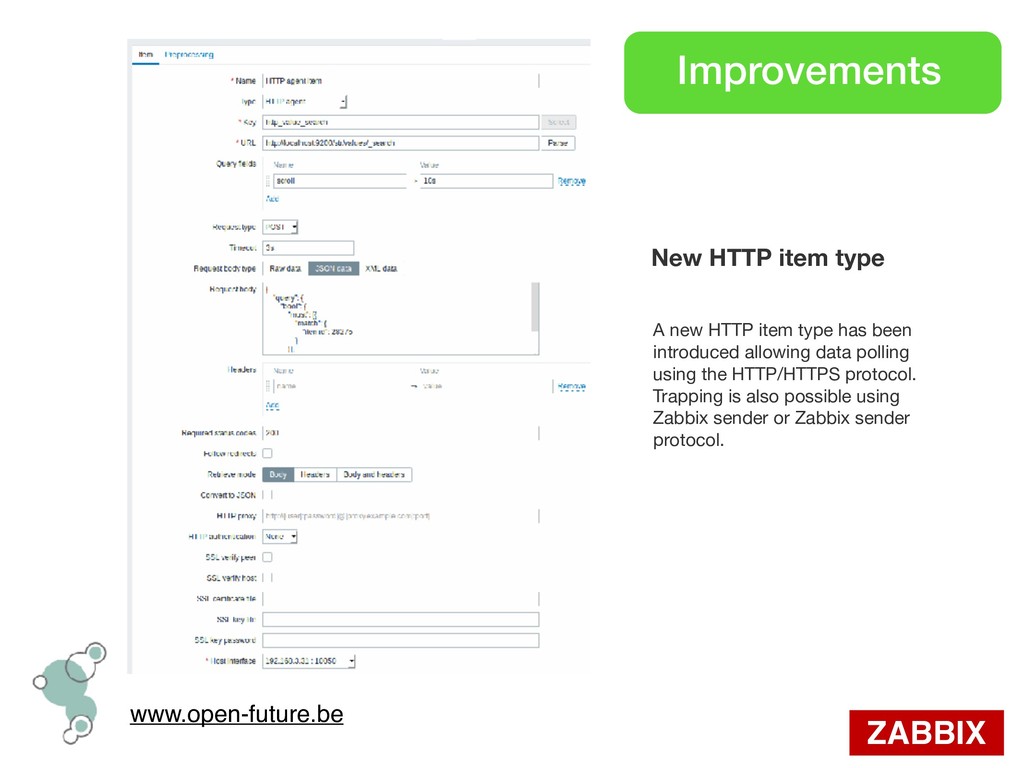
new HTTP item type has been introduced allowing data polling using the HTTP/HTTPS protocol. Trapping is also possible using Zabbix sender or Zabbix sender protocol.
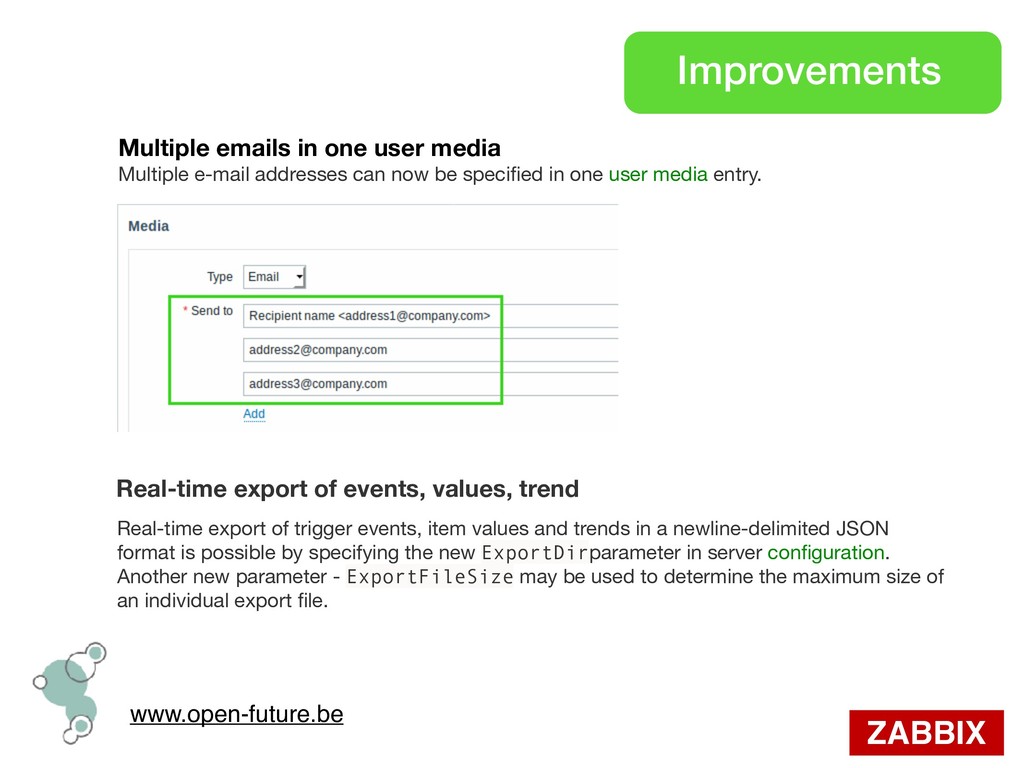
media Multiple e-mail addresses can now be specified in one user media entry. Real-time export of events, values, trend Real-time export of trigger events, item values and trends in a newline-delimited JSON format is possible by specifying the new ExportDirparameter in server configuration. Another new parameter - ExportFileSize may be used to determine the maximum size of an individual export file.
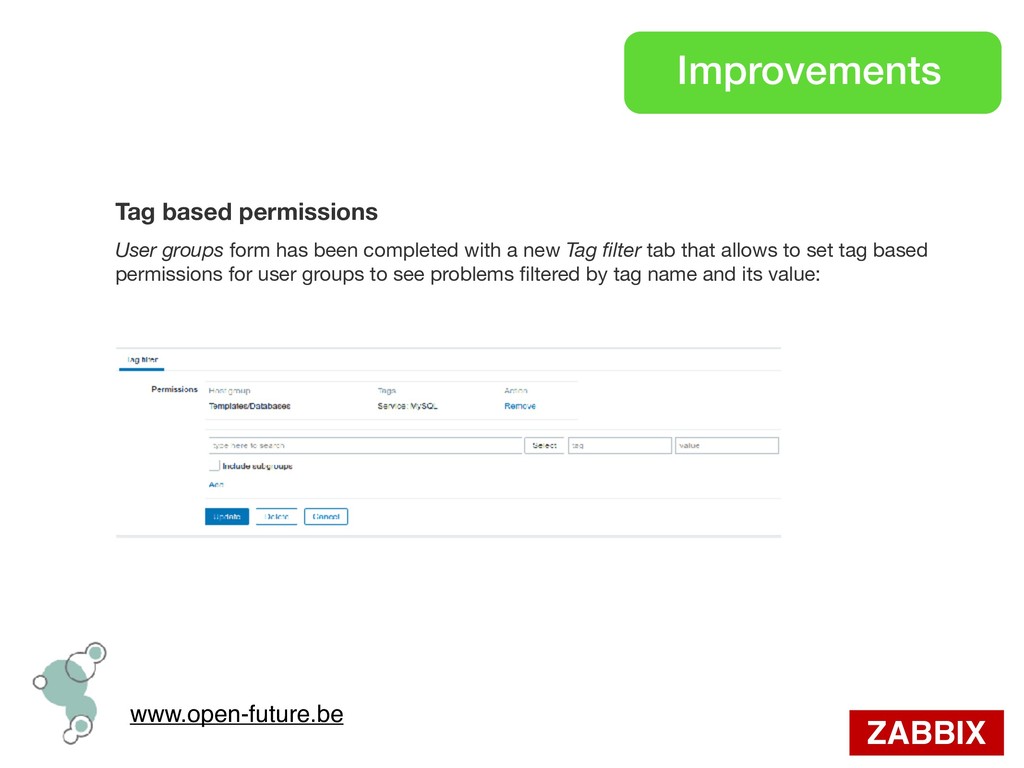
form has been completed with a new Tag filter tab that allows to set tag based permissions for user groups to see problems filtered by tag name and its value:
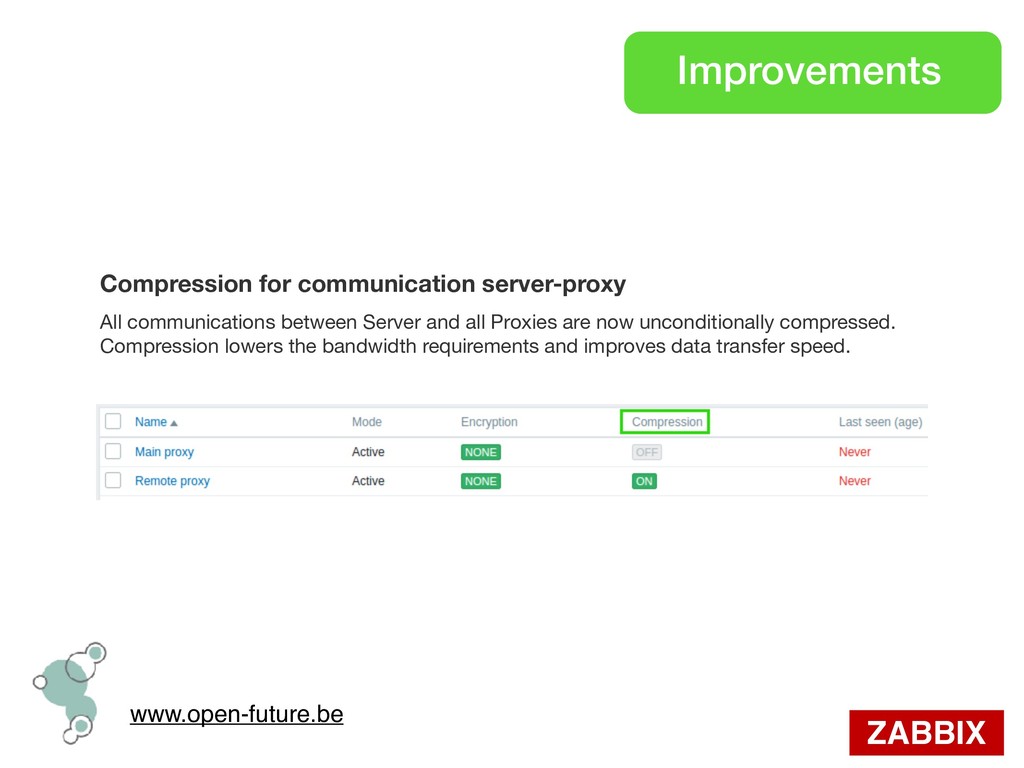
communications between Server and all Proxies are now unconditionally compressed. Compression lowers the bandwidth requirements and improves data transfer speed.


 hiracky16
 greenmidori
 kairim0
.png) yamad
yamad
 prog893
 4o1sobblue
 shumei_ito
 jozono
 codmoninc
 satomasahiro2005
 kizawa2020
 ivry_presentationmaterials
 holman
 emna__ayadi
 philnash
 jeffersonlam
 jonoalderson
 bkeepers
 baasie
 samlambert
 addyosmani
 tomoyanonymous
 techseoconnect
.png) helenjbeal
helenjbeal