Want to know about Google Search Console ?
What is Google Search Console ?
How it can help you in SEO or as developer or you are owner of website ?
Open the slides & know more!
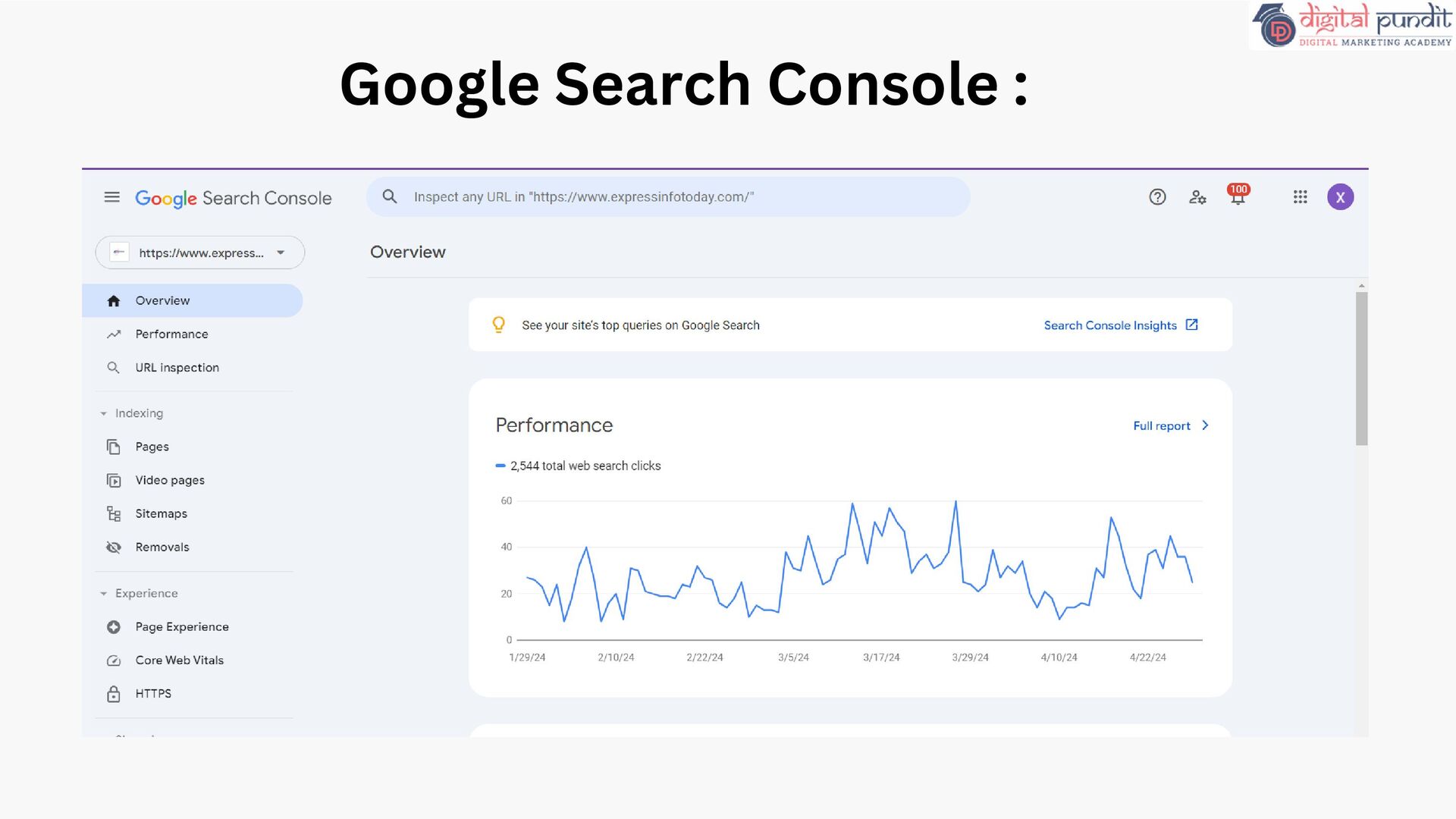
free service offered by Google that helps you monitor, maintain, and troubleshoot your site's presence in Google Search results. Search Console tools and reports help you measure your site's Search traffic and performance, fix issues, and make your site shine in Google Search results.
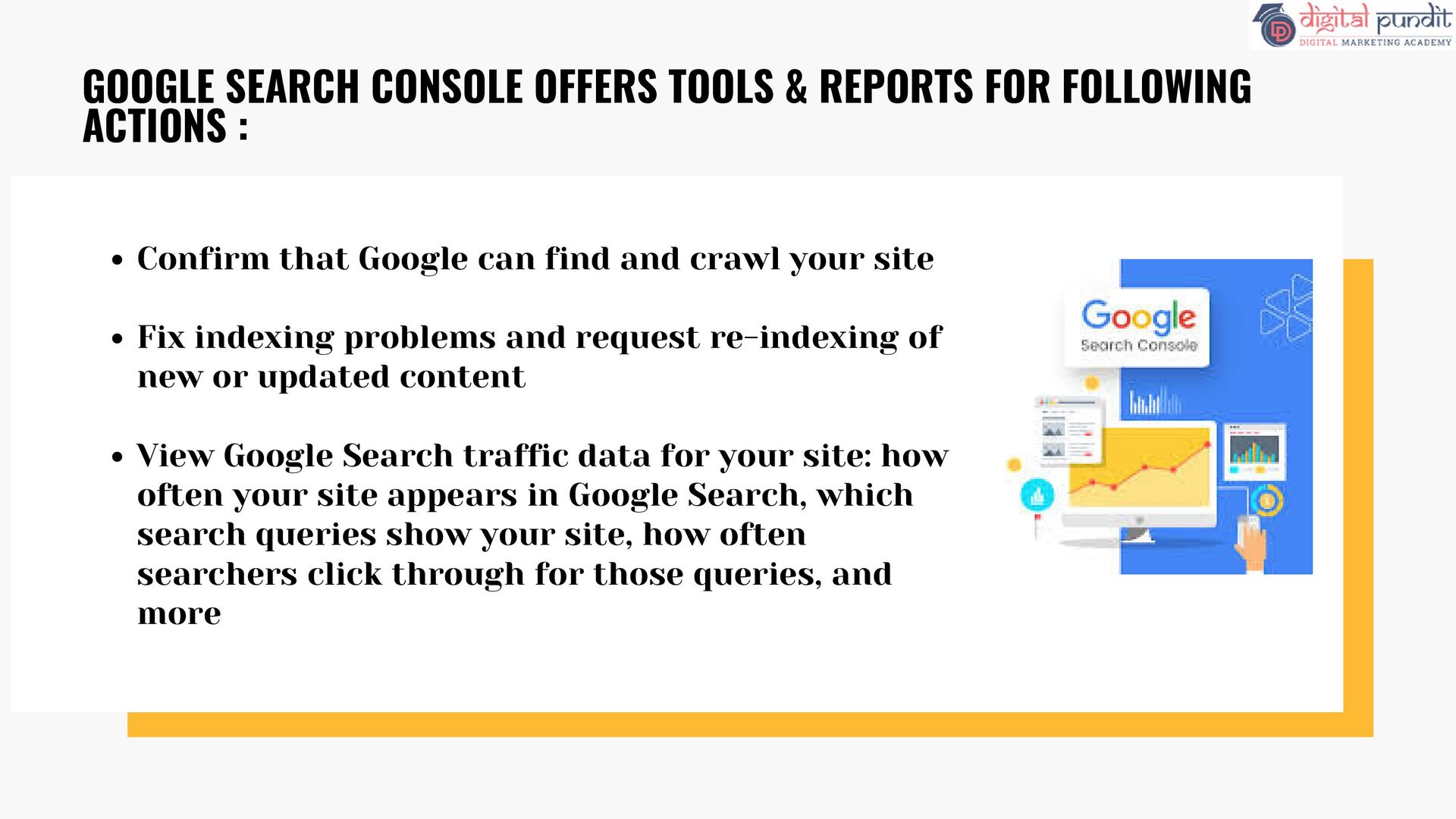
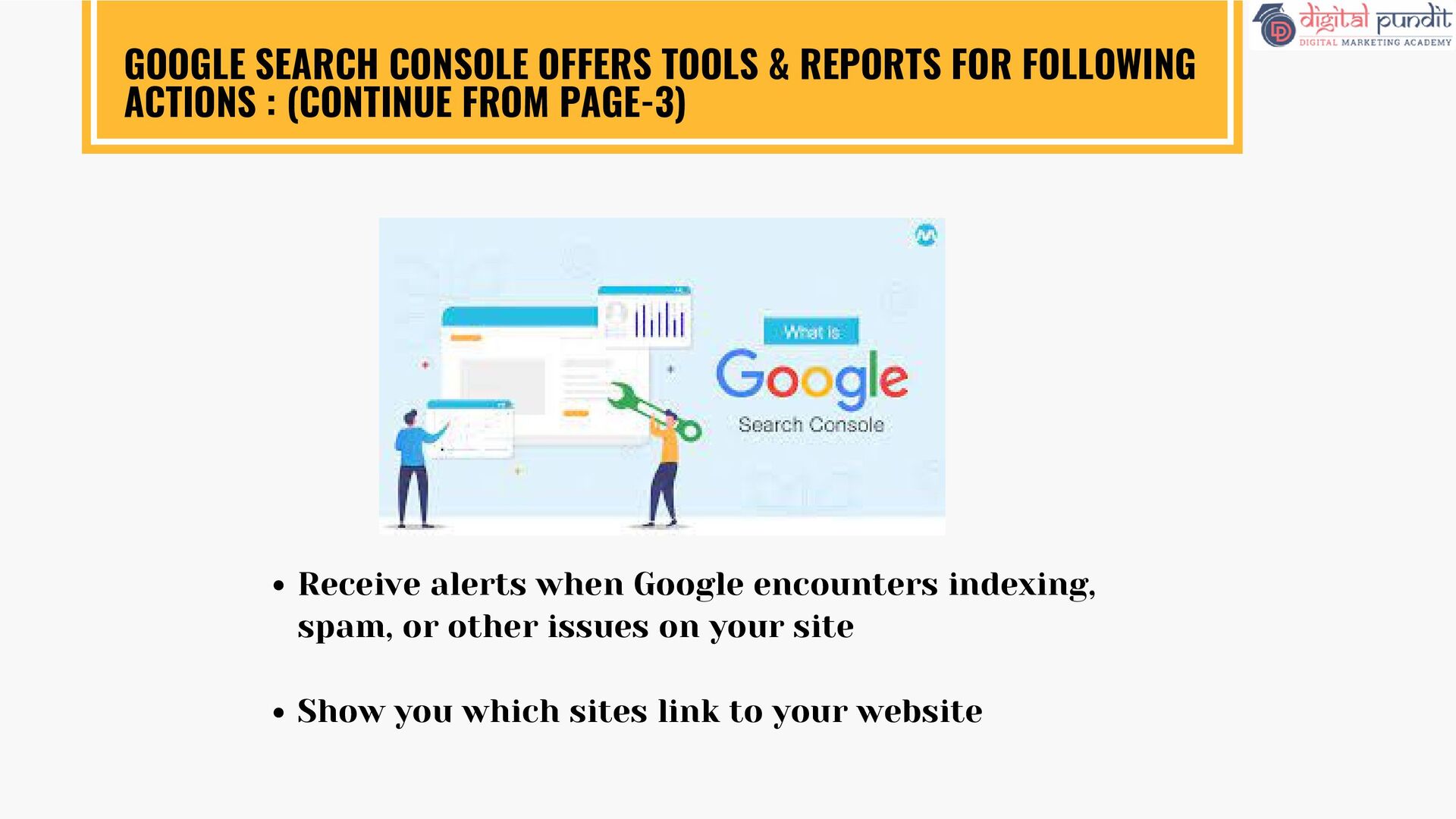
indexing problems and request re-indexing of new or updated content View Google Search traffic data for your site: how often your site appears in Google Search, which search queries show your site, how often searchers click through for those queries, and more GOOGLE SEARCH CONSOLE OFFERS TOOLS & REPORTS FOR FOLLOWING ACTIONS :
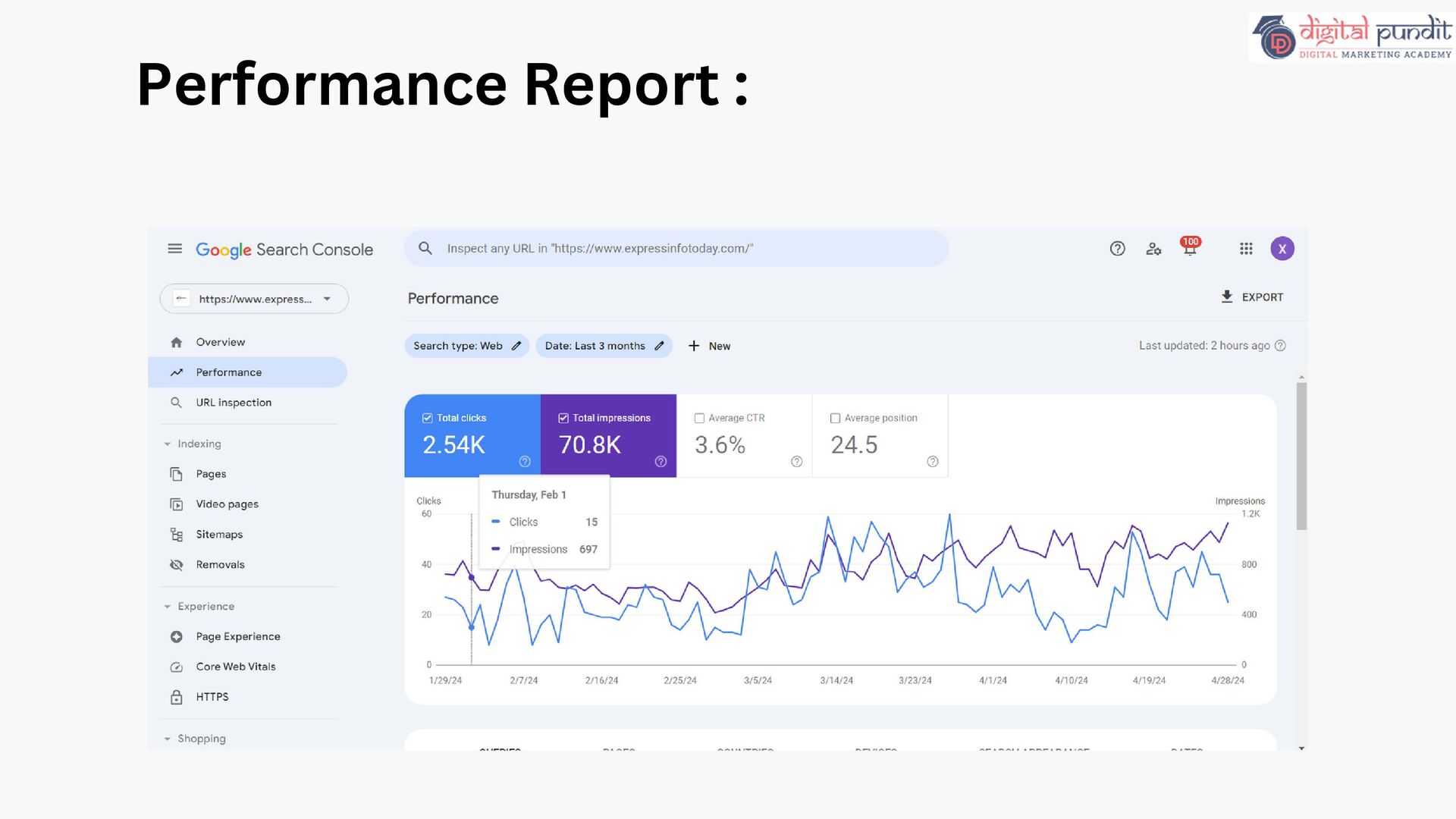
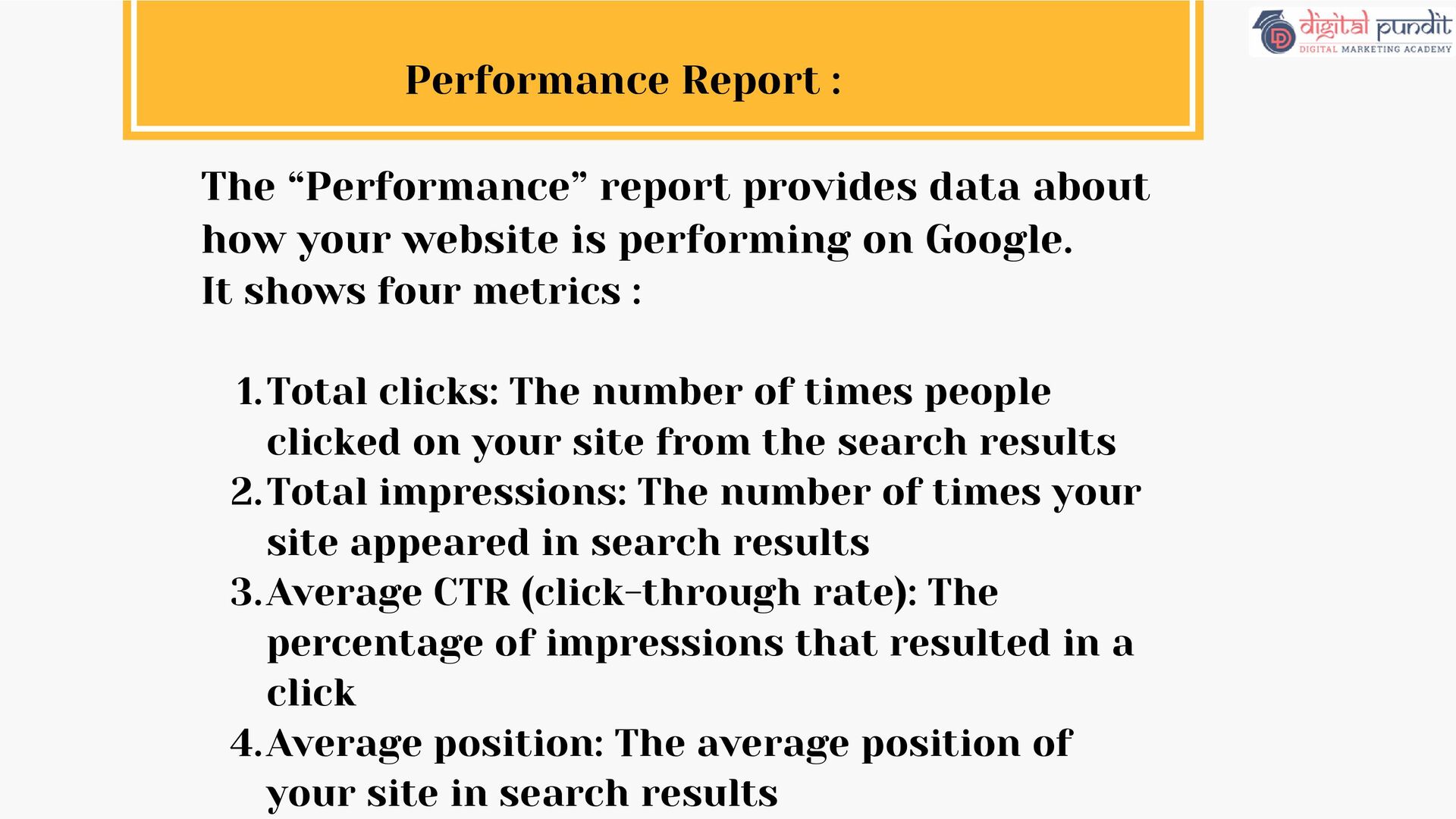
your website is performing on Google. It shows four metrics : Total clicks: The number of times people clicked on your site from the search results 1. Total impressions: The number of times your site appeared in search results 2. Average CTR (click-through rate): The percentage of impressions that resulted in a click 3. Average position: The average position of your site in search results 4.
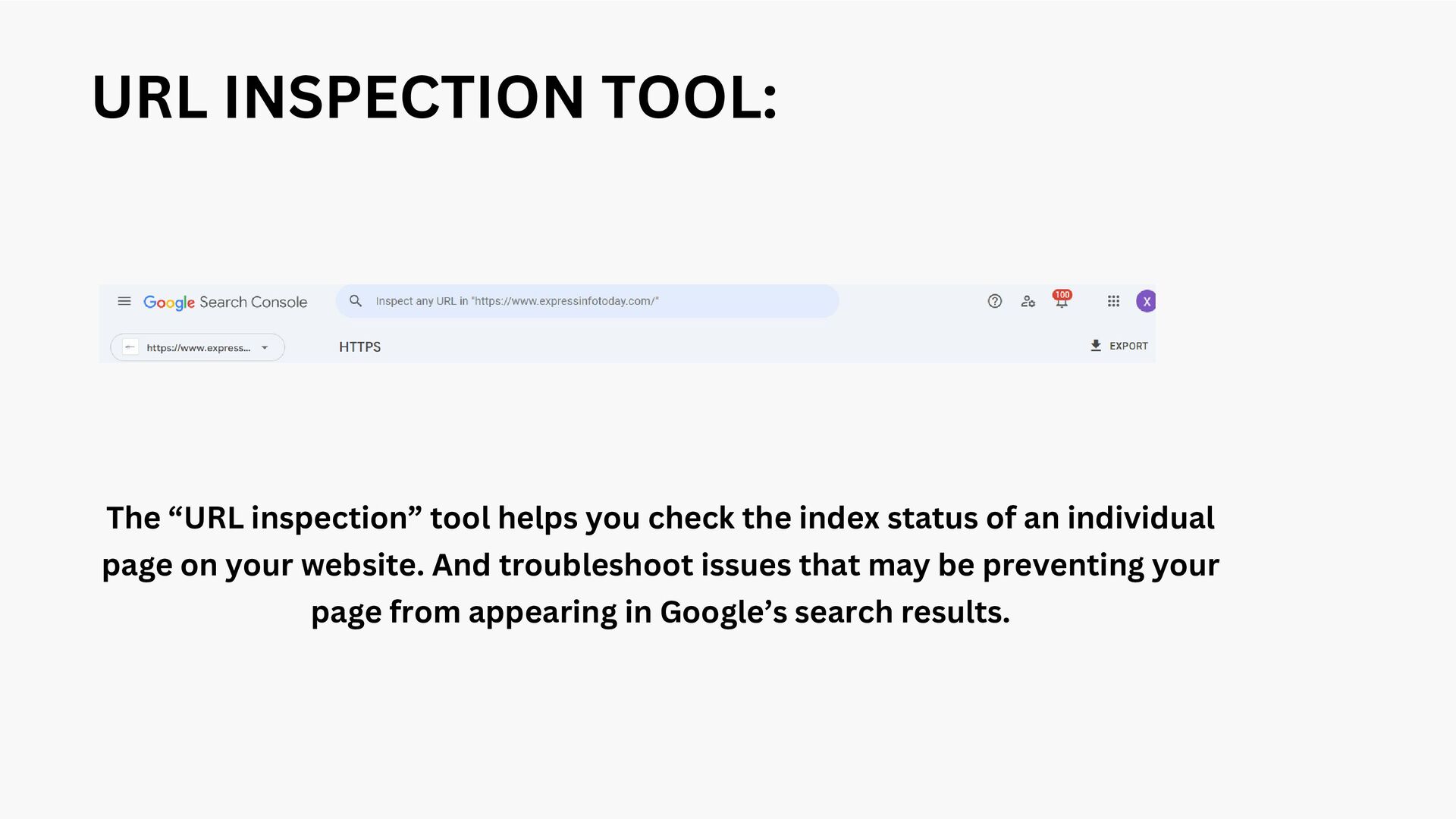
the index status of an individual page on your website. And troubleshoot issues that may be preventing your page from appearing in Google’s search results.
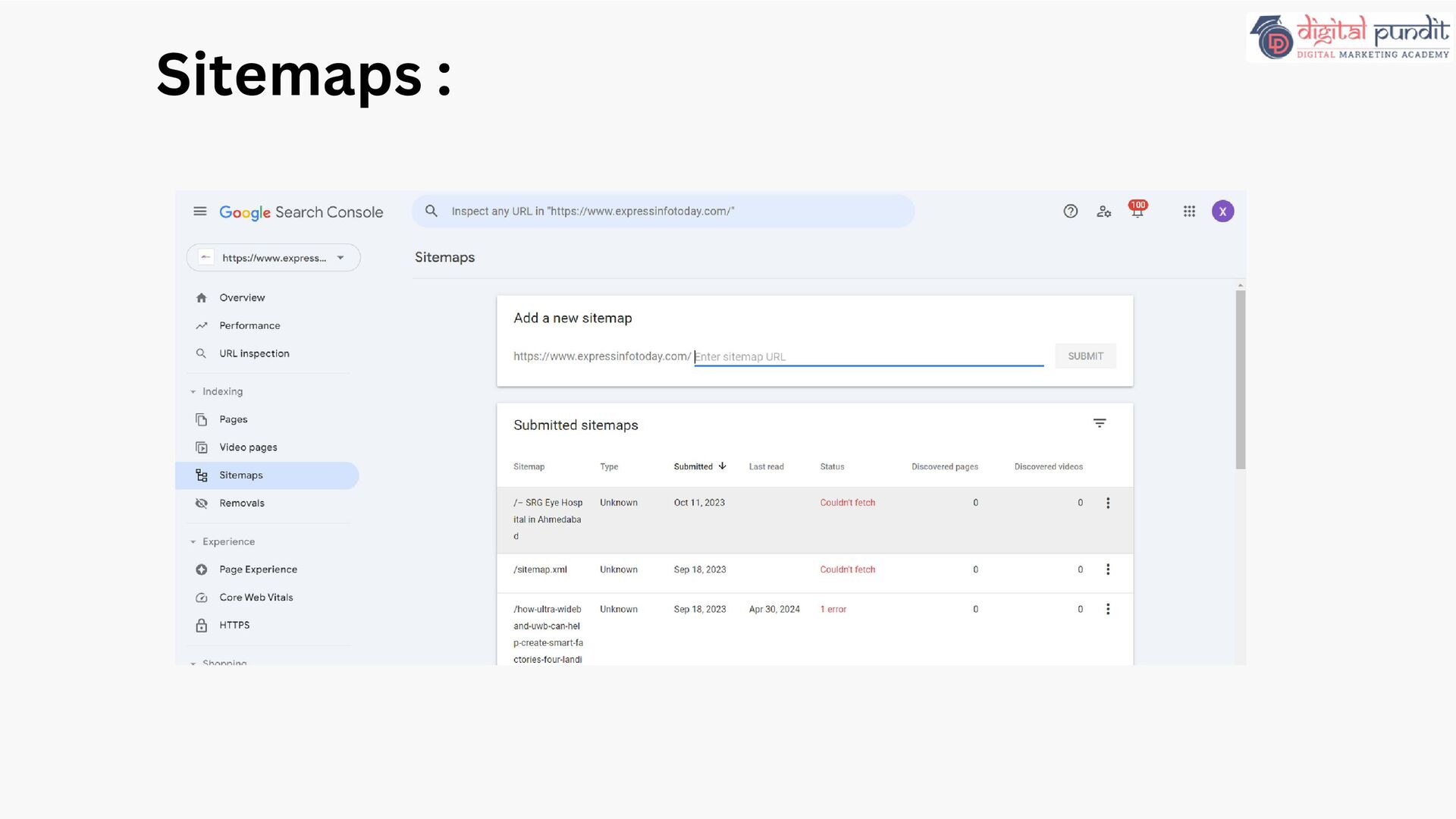
The type of sitemap (e.g., XML, RSS, etc.) Submitted: The date you originally submitted the sitemap Last read: The last date Google crawled the sitemap Status: The crawl status (e.g., “Success,” “Has errors,” or “Couldn’t fetch”) Discovered pages: The total number of pages Google found in the sitemap Following information can be found:
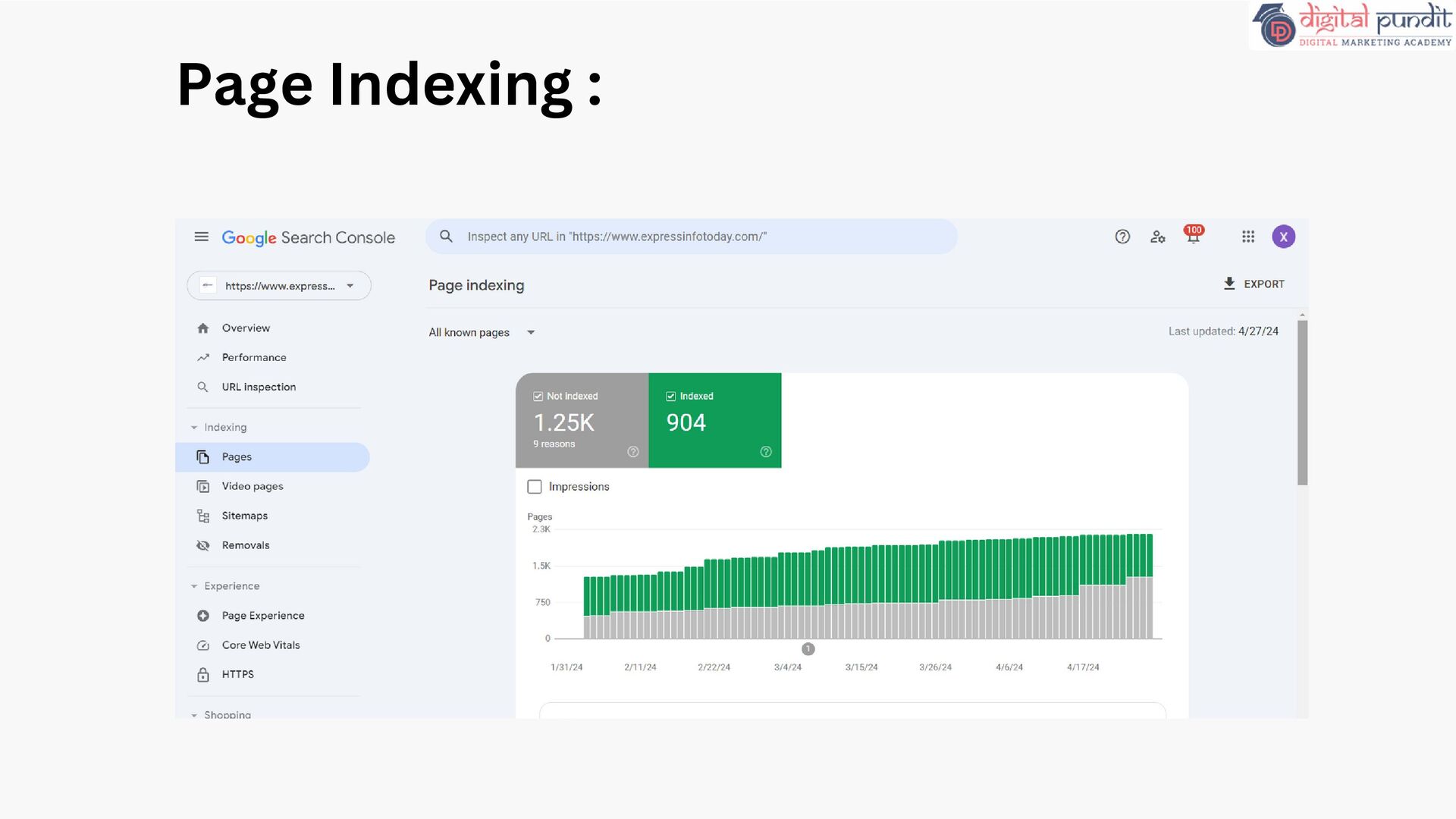
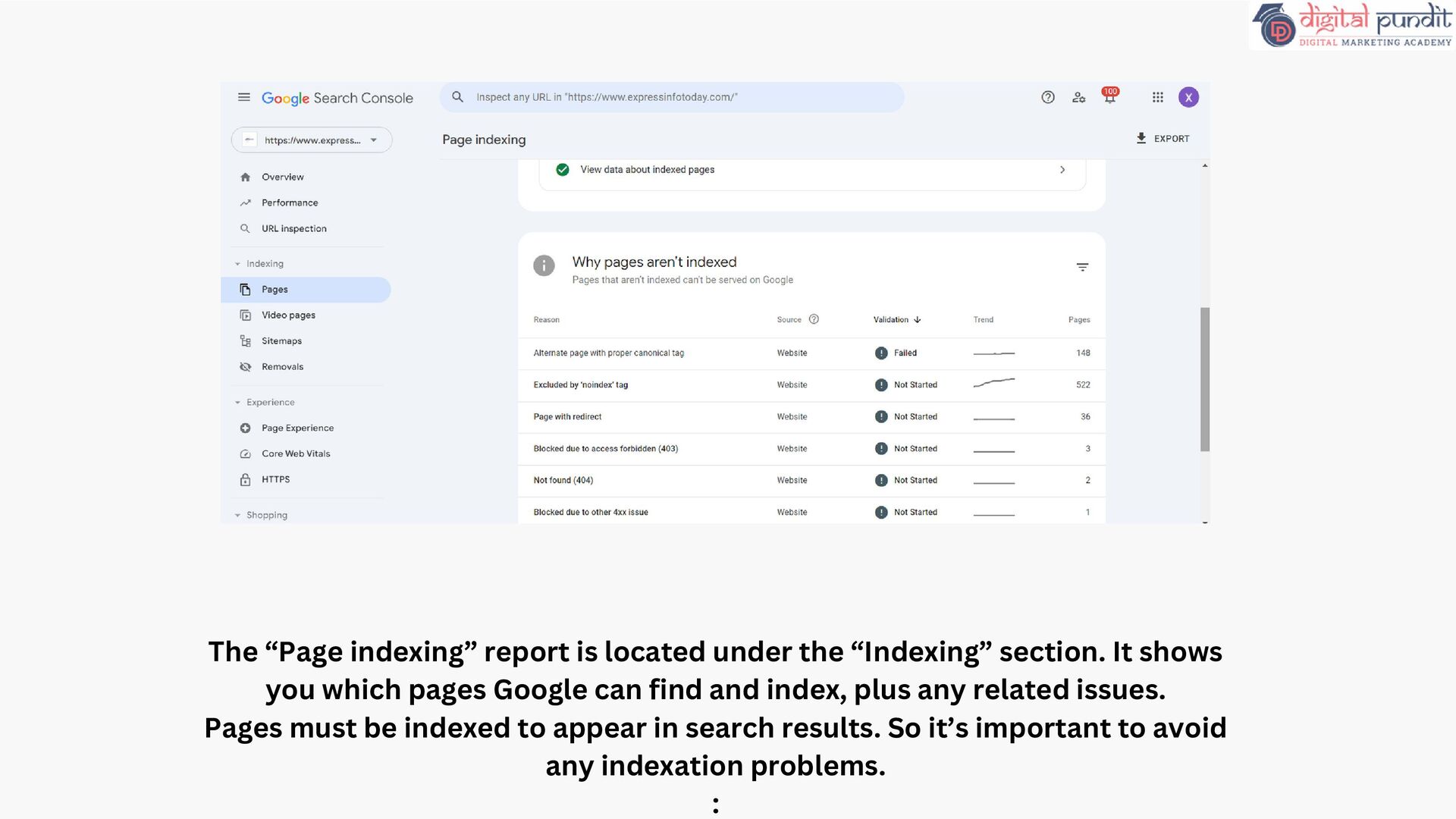
It shows you which pages Google can find and index, plus any related issues. Pages must be indexed to appear in search results. So it’s important to avoid any indexation problems. :
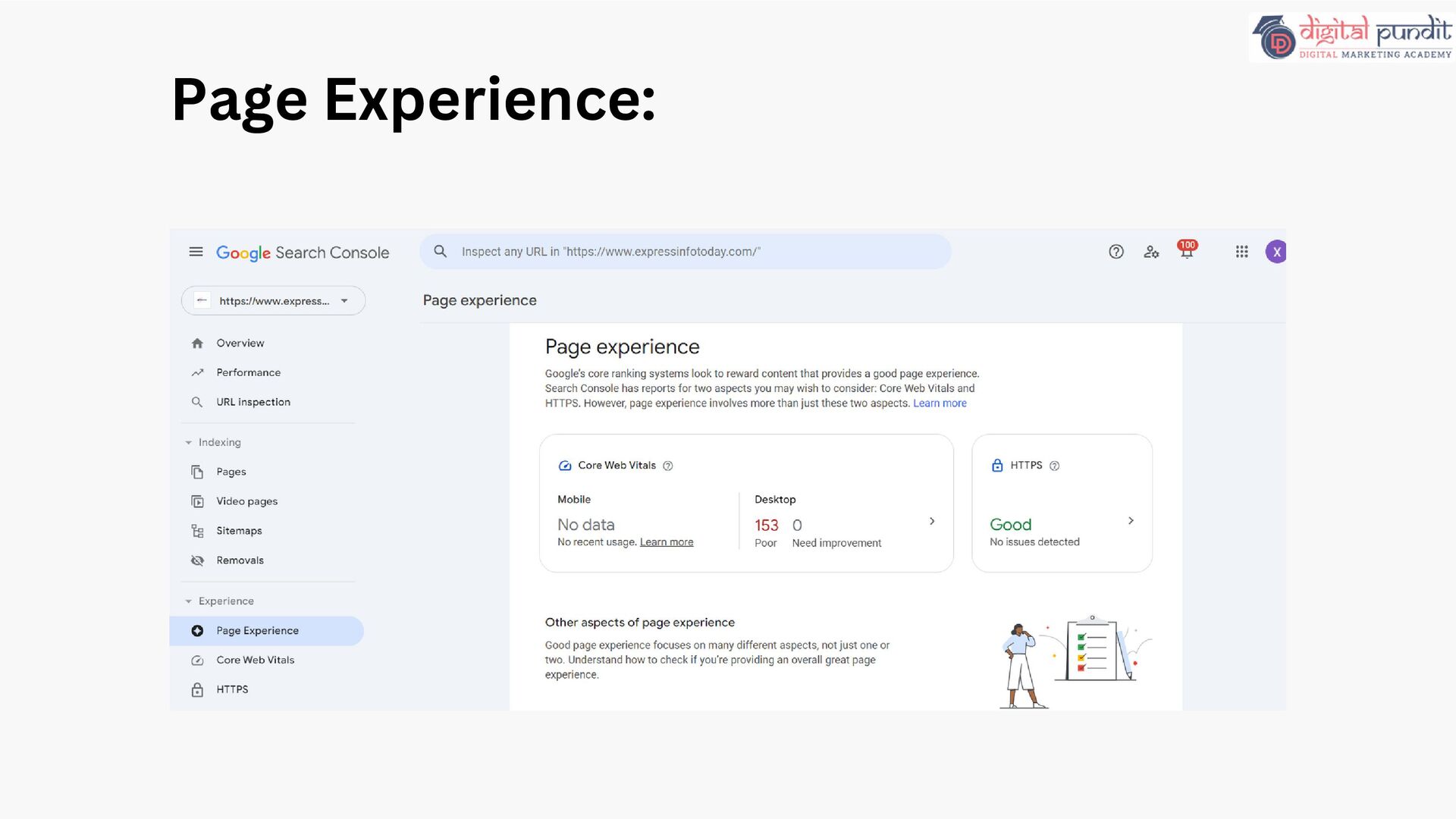
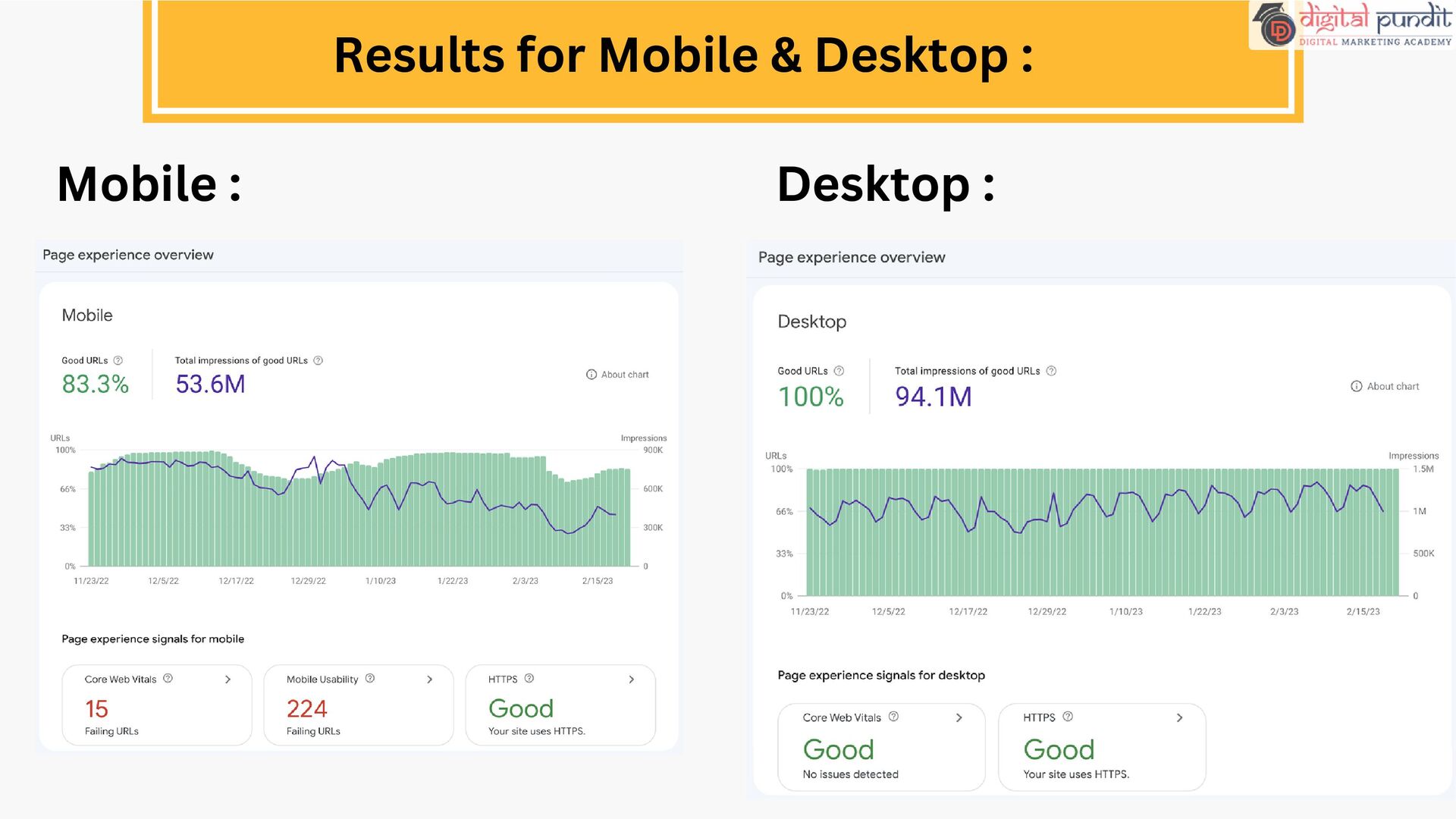
website’s performance in terms of user experience. User experience is measured by the following criteria: Core Web Vitals: A set of metrics from Google that measure loading, interactivity, and visual stability of webpage content Mobile Usability: Whether your site is usable on mobile devices HTTPS: Whether your site’s connection is secure
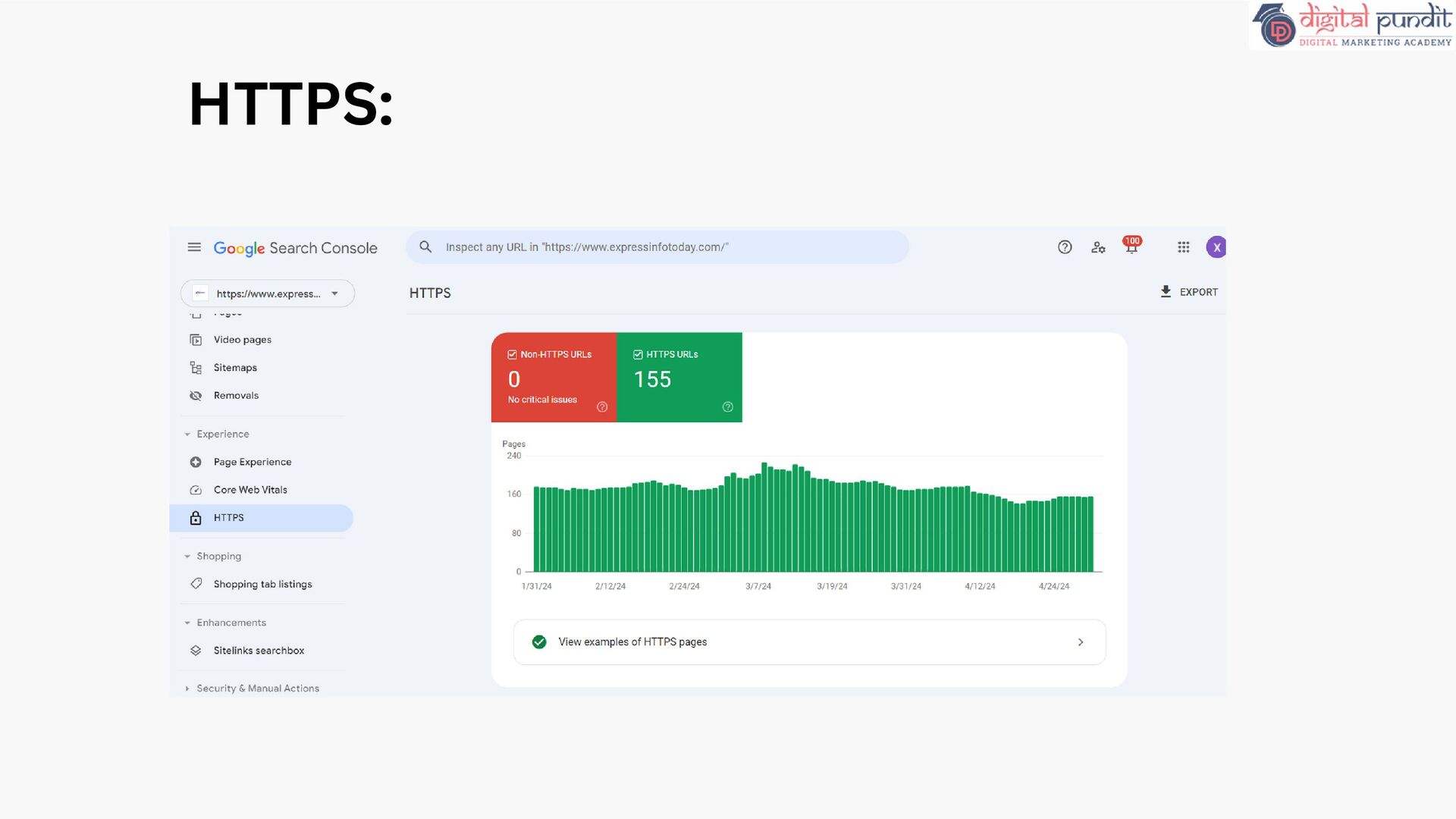
site are HTTP vs HTTPS. Google strongly recommends using HTTPS for your site to protect your users' security and privacy. If your site has a page with both an HTTP and HTTPS address, Google prefers to index the HTTPS version. HTTPS:
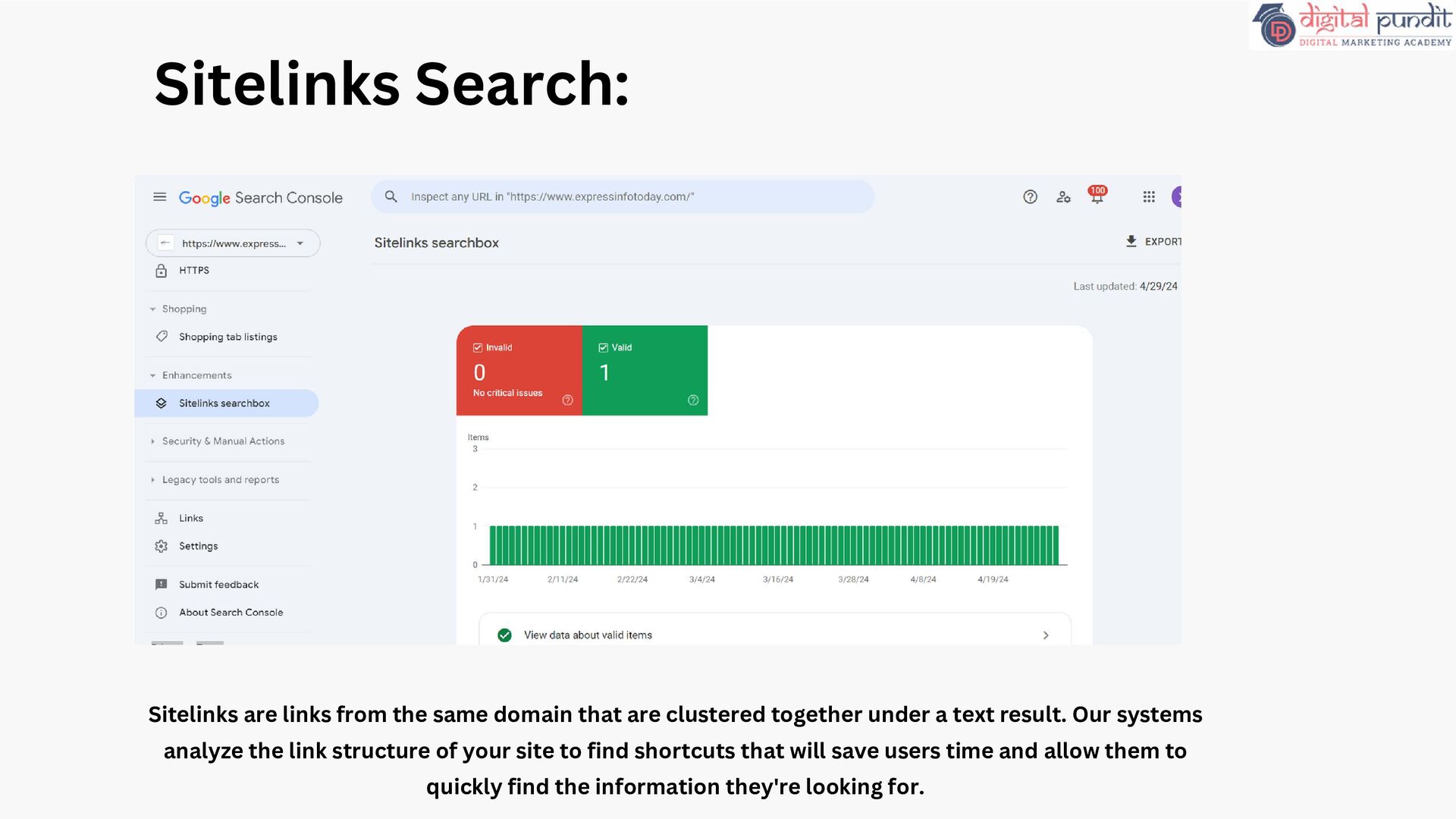
are clustered together under a text result. Our systems analyze the link structure of your site to find shortcuts that will save users time and allow them to quickly find the information they're looking for.
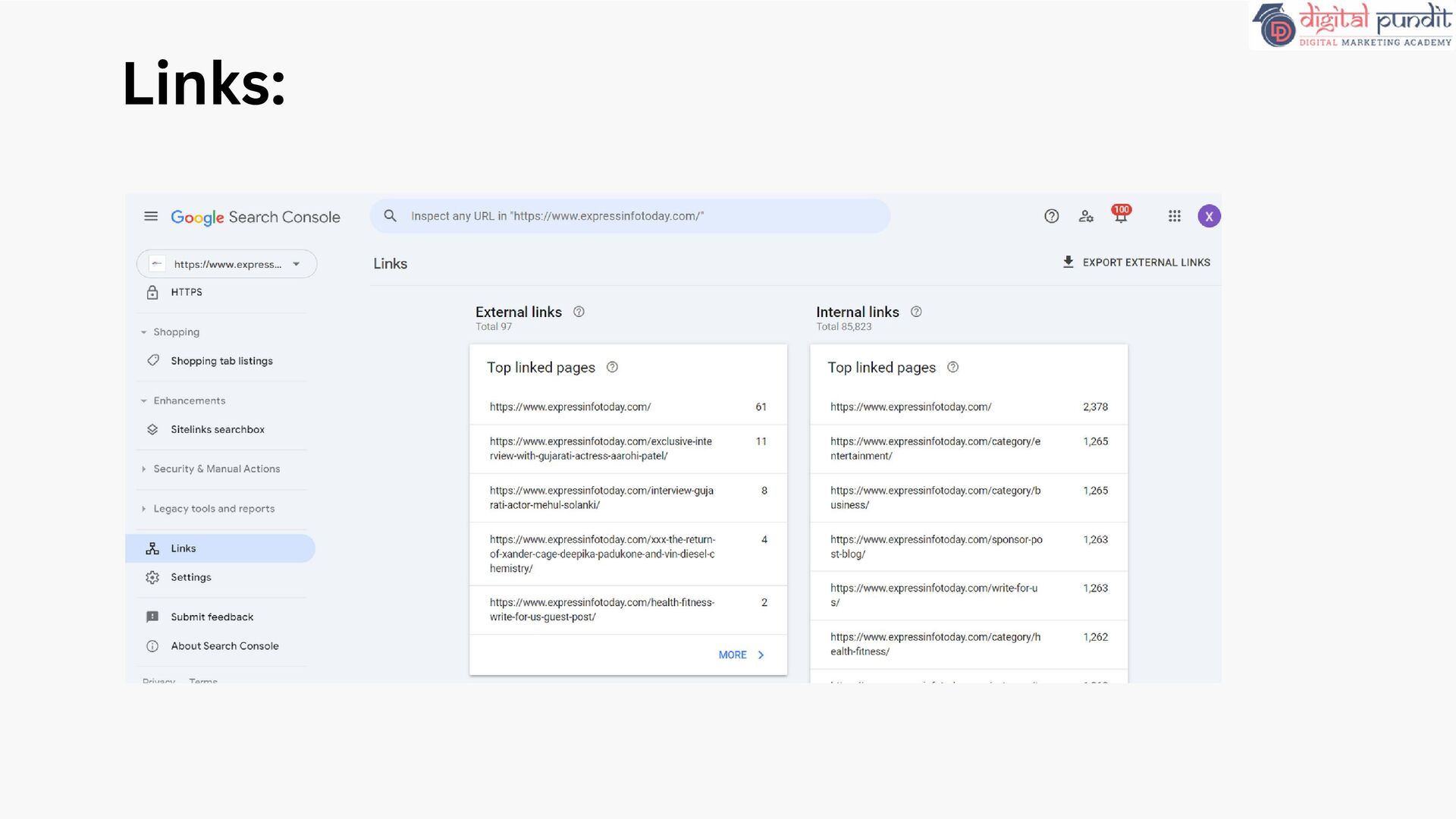
external links, or backlinks. Backlinks are links on other domains that point to your domain. And they’re an important Google ranking factor. Internal Links: They help users and crawlers navigate your site more efficiently They transfer authority to other pages on your site—which can help them rank higher Links Reports :
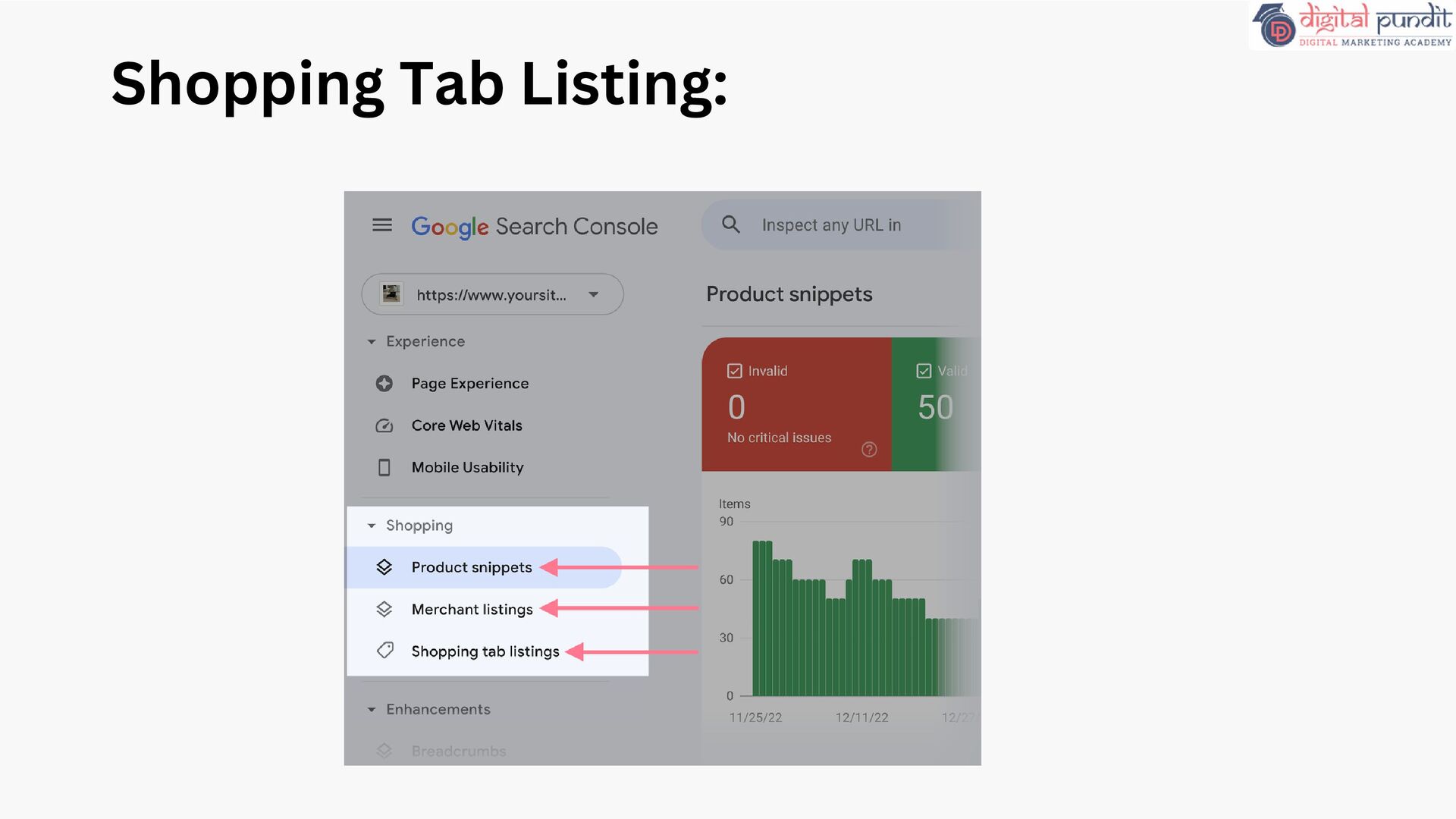
and product review sites that have implemented product markup on their websites. You’ll see a combination of the following reports (depending on what kind of structured data Google finds on your site): Product snippets: Detects structured data issues for product snippets in search results Merchant listings: Detects structured data issues for free listings across Google Shopping tab listings: Detects structured data issues for items that appear in the Shoppin tab in Google Search result
yourself, you should be aware of it, become familiar with the basics of optimizing your site for search engines, and know what features are available in Google Search. SEO specialists or marketers: As someone focused on online marketing, Search Console will help you monitor your website traffic, optimize your ranking, and make informed decisions about the appearance of your site's search results. You can use the information in Search Console to influence technical decisions for the website and do sophisticated marketing analysis in conjunction with other Google tools like Analytics, Google Trends, and Google Ads. Who should use Google Search Cosole ?
healthy operation of your site. Search Console lets you easily monitor and in some cases resolve server errors, site load issues, and security issues like hacking and malware. You can also use it to ensure any site maintenance or adjustments you make happen smoothly with respect to search performance. Web developers: If you are creating the actual markup and/or code for your site, Search Console helps you monitor and resolve common issues with markup, such as errors in structured data. Who should use Google Search Cosole ?


 elsirapls
 matthewcrist
 uxyall
 mongodb
 addyosmani
 tammyeverts
 wayneb77
 garrettdimon
 katarinadahlin
 keithpitt
 twada
twada