Upgrade to Pro — share decks privately, control downloads, hide ads and more …

Understanding the basics of GatsbyJS

Avatar for WebMaye WebMaye
December 12, 2018

Understanding the basics of GatsbyJS

Gastby is a static site generator that is built on React which uses Graphql to allow you to query your data in whatever way you want and also webpack to bundle your code into fewer assets. Its setup with CSS modules which makes it dope but if you have another way to handle your styling, it is very easy to change it or might decide use other templates. All of this is built together using webpack.
Using Gatsby with WordPress, you need to interact with the wp-json Rest API. Learn more here...

Avatar for WebMaye

WebMaye

December 12, 2018
Tweet

Other Decks in Programming

Transcript

  1. About Me I’m a Product Designer, I also build awesome

    stuff with little knowledge of JavaScript, Ionic and WordPress
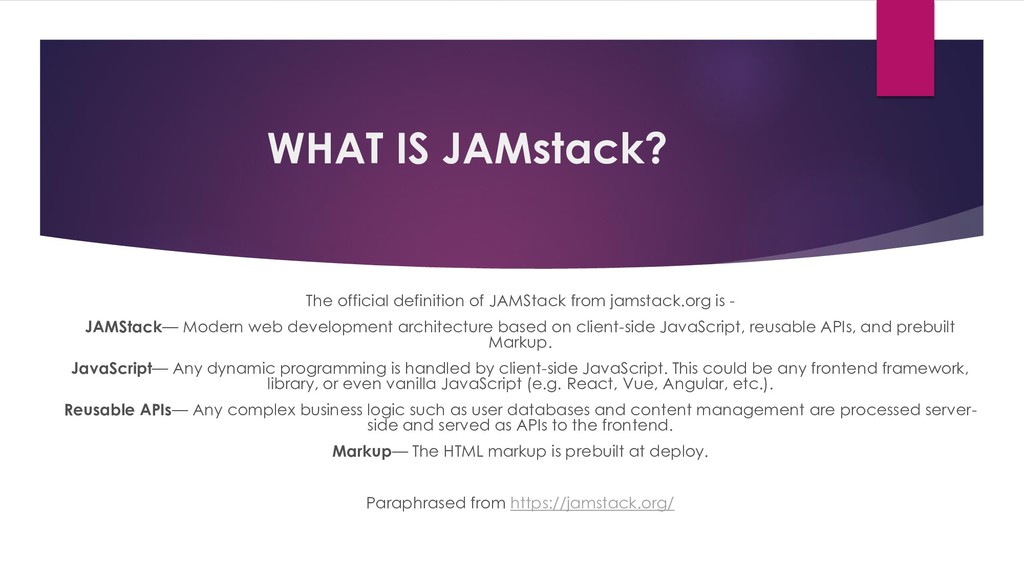
  2. WHAT IS JAMstack? The official definition of JAMStack from jamstack.org

    is - JAMStack— Modern web development architecture based on client-side JavaScript, reusable APIs, and prebuilt Markup. JavaScript— Any dynamic programming is handled by client-side JavaScript. This could be any frontend framework, library, or even vanilla JavaScript (e.g. React, Vue, Angular, etc.). Reusable APIs— Any complex business logic such as user databases and content management are processed server- side and served as APIs to the frontend. Markup— The HTML markup is prebuilt at deploy. Paraphrased from https://jamstack.org/
  3. DON’T GET CONFUSED The JAMstack is not about specific technologies.

    It’s a new way of building websites and apps that delivers better performance, higher security, lower cost of scaling, and a better developer experience.
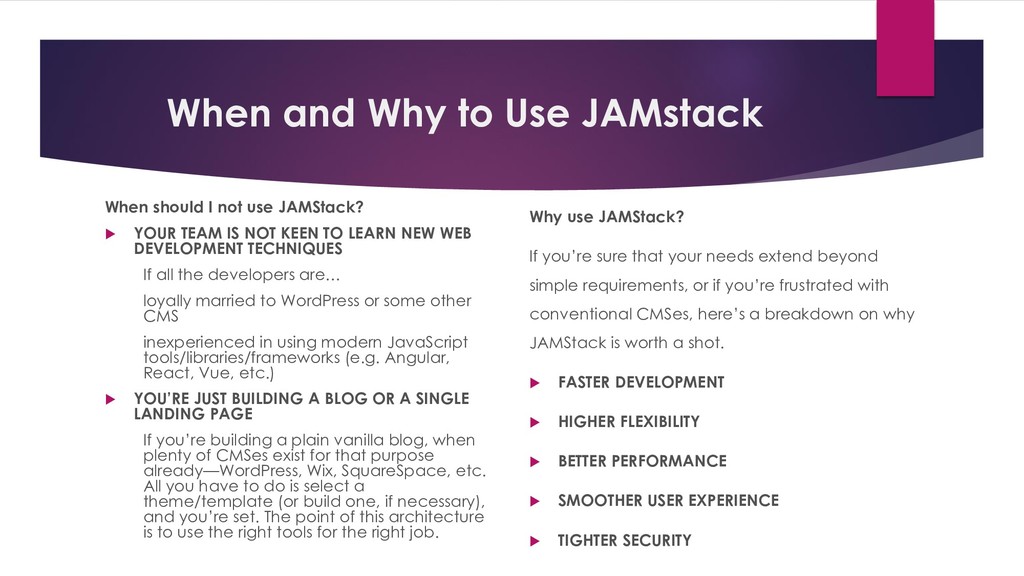
  4. When and Why to Use JAMstack When should I not

    use JAMStack?  YOUR TEAM IS NOT KEEN TO LEARN NEW WEB DEVELOPMENT TECHNIQUES If all the developers are… loyally married to WordPress or some other CMS inexperienced in using modern JavaScript tools/libraries/frameworks (e.g. Angular, React, Vue, etc.)  YOU’RE JUST BUILDING A BLOG OR A SINGLE LANDING PAGE If you’re building a plain vanilla blog, when plenty of CMSes exist for that purpose already—WordPress, Wix, SquareSpace, etc. All you have to do is select a theme/template (or build one, if necessary), and you’re set. The point of this architecture is to use the right tools for the right job. Why use JAMStack? If you’re sure that your needs extend beyond simple requirements, or if you’re frustrated with conventional CMSes, here’s a breakdown on why JAMStack is worth a shot.  FASTER DEVELOPMENT  HIGHER FLEXIBILITY  BETTER PERFORMANCE  SMOOTHER USER EXPERIENCE  TIGHTER SECURITY
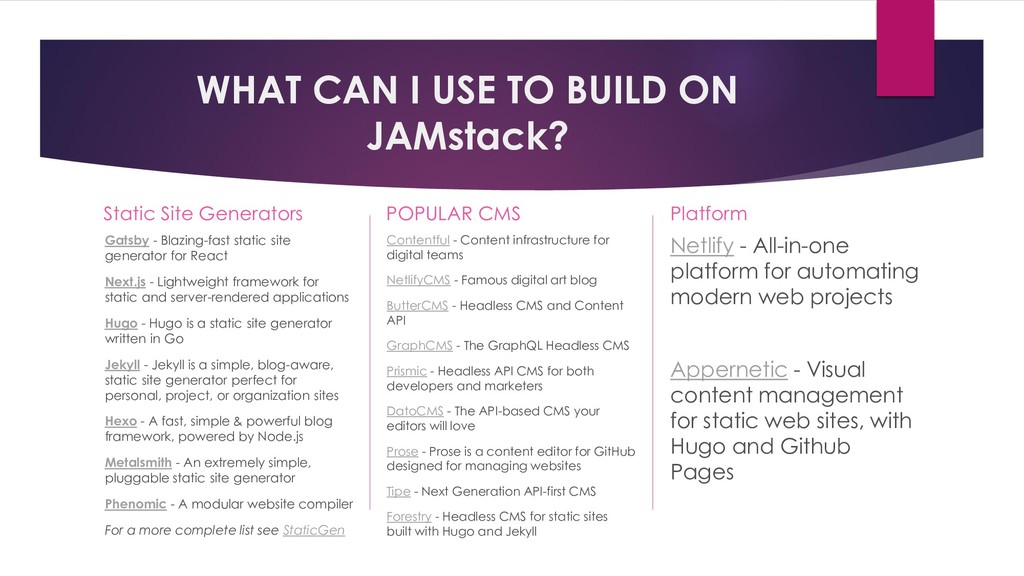
  5. WHAT CAN I USE TO BUILD ON JAMstack? Static Site

    Generators Gatsby - Blazing-fast static site generator for React Next.js - Lightweight framework for static and server-rendered applications Hugo - Hugo is a static site generator written in Go Jekyll - Jekyll is a simple, blog-aware, static site generator perfect for personal, project, or organization sites Hexo - A fast, simple & powerful blog framework, powered by Node.js Metalsmith - An extremely simple, pluggable static site generator Phenomic - A modular website compiler For a more complete list see StaticGen POPULAR CMS Contentful - Content infrastructure for digital teams NetlifyCMS - Famous digital art blog ButterCMS - Headless CMS and Content API GraphCMS - The GraphQL Headless CMS Prismic - Headless API CMS for both developers and marketers DatoCMS - The API-based CMS your editors will love Prose - Prose is a content editor for GitHub designed for managing websites Tipe - Next Generation API-first CMS Forestry - Headless CMS for static sites built with Hugo and Jekyll Platform Netlify - All-in-one platform for automating modern web projects Appernetic - Visual content management for static web sites, with Hugo and Github Pages
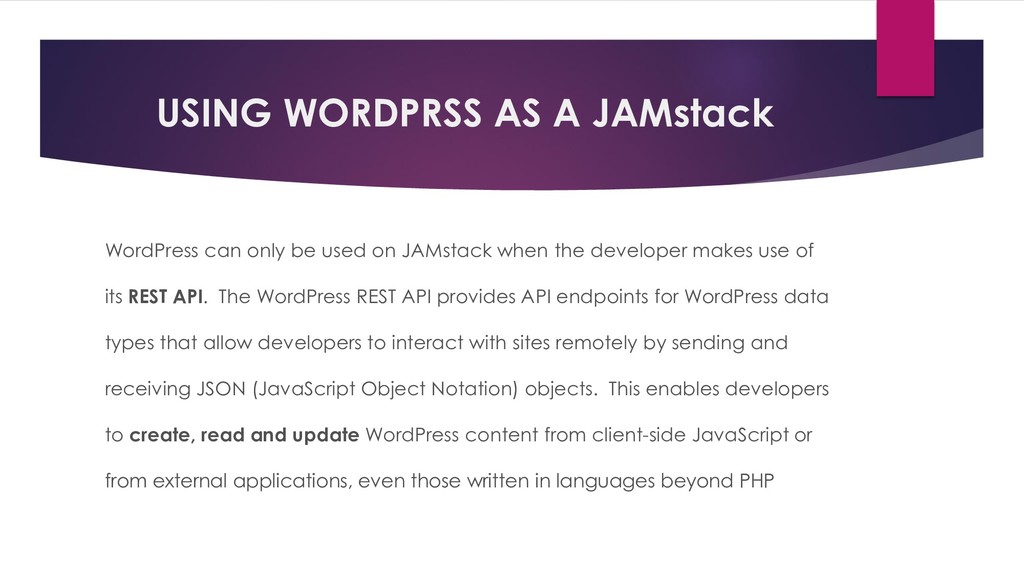
  6. USING WORDPRSS AS A JAMstack WordPress can only be used

    on JAMstack when the developer makes use of its REST API. The WordPress REST API provides API endpoints for WordPress data types that allow developers to interact with sites remotely by sending and receiving JSON (JavaScript Object Notation) objects. This enables developers to create, read and update WordPress content from client-side JavaScript or from external applications, even those written in languages beyond PHP
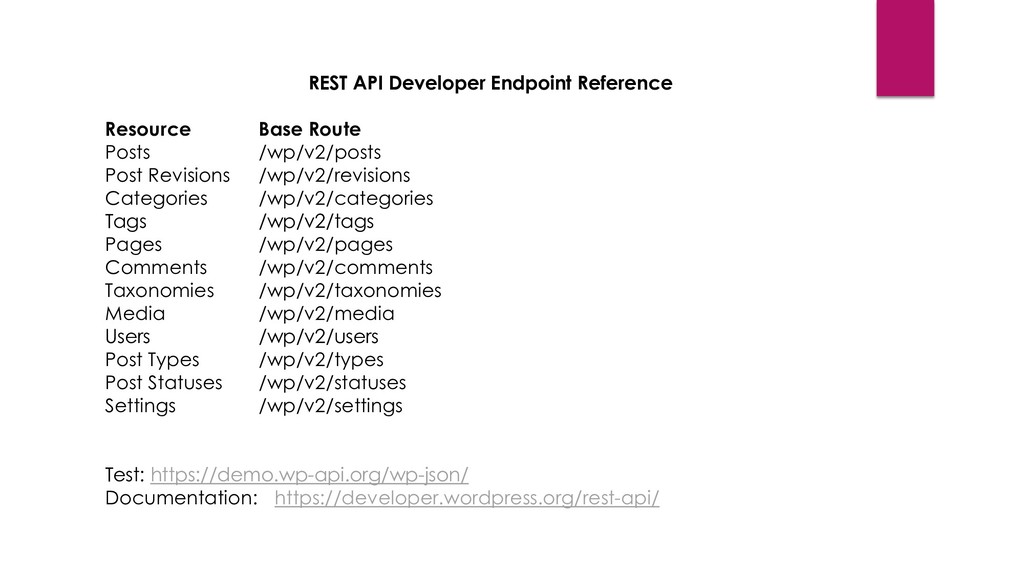
  7. REST API Developer Endpoint Reference Resource Base Route Posts /wp/v2/posts

    Post Revisions /wp/v2/revisions Categories /wp/v2/categories Tags /wp/v2/tags Pages /wp/v2/pages Comments /wp/v2/comments Taxonomies /wp/v2/taxonomies Media /wp/v2/media Users /wp/v2/users Post Types /wp/v2/types Post Statuses /wp/v2/statuses Settings /wp/v2/settings Test: https://demo.wp-api.org/wp-json/ Documentation: https://developer.wordpress.org/rest-api/
  8. What is Gatsby?  Gastby is a static site generator

    that is built on React which uses Graphql to allow you to query your data in whatever way you want and also webpack to bundle your code into fewer assets. Its setup with CSS modules which makes it dope but if you have another way to handle your styling, it is very easy to change it or might decide use other templates. All of this is built together using webpack.
  9. Why ES6, React and Graphql? GatsbyJS is built on top

    of these modern technologies which made so special among other static site generators. I realised that, succeeding with GatsbyJS to build awesome stuff for production it is require to understand basics of HTML, CSS, JavaScript (with huge focus on ES6 syntax and JS classes) React and Graphql
  10. Gatsby Features Gatbsy offers a better developer experience with the

    built-in webpack configuration. This means that you will be able to start writing ReactJS code immediately after install. • Hot Reloading • Gatsby allows you to bring your own data from any platform • Gatsby builds your site as static assets such as HTML, CSS and JS which can be deployed on any hosting service provider. • Website / Apps built with Gatsby are super-fast and are also Progressive Web App
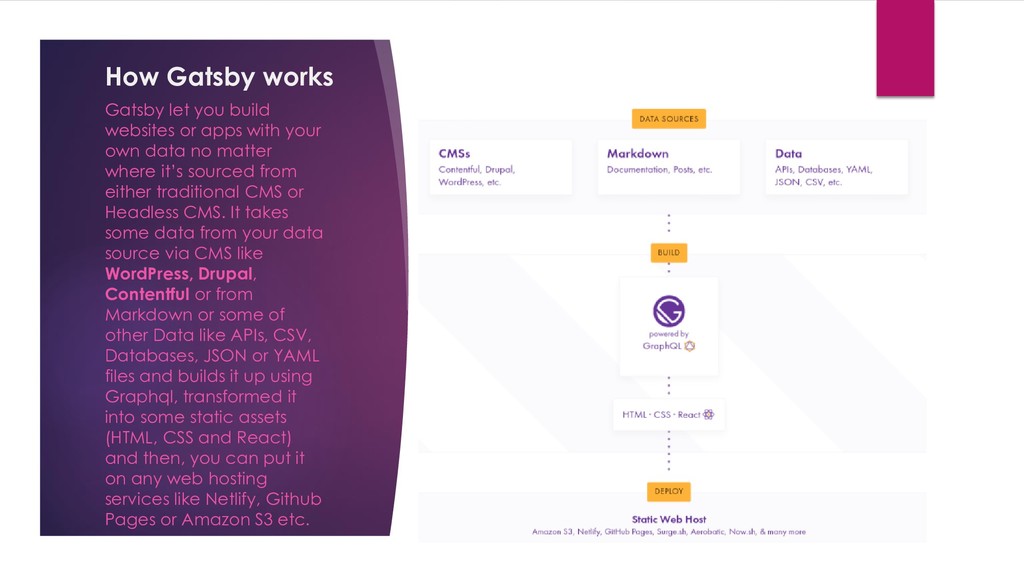
  11. How Gatsby works Gatsby let you build websites or apps

    with your own data no matter where it’s sourced from either traditional CMS or Headless CMS. It takes some data from your data source via CMS like WordPress, Drupal, Contentful or from Markdown or some of other Data like APIs, CSV, Databases, JSON or YAML files and builds it up using Graphql, transformed it into some static assets (HTML, CSS and React) and then, you can put it on any web hosting services like Netlify, Github Pages or Amazon S3 etc.
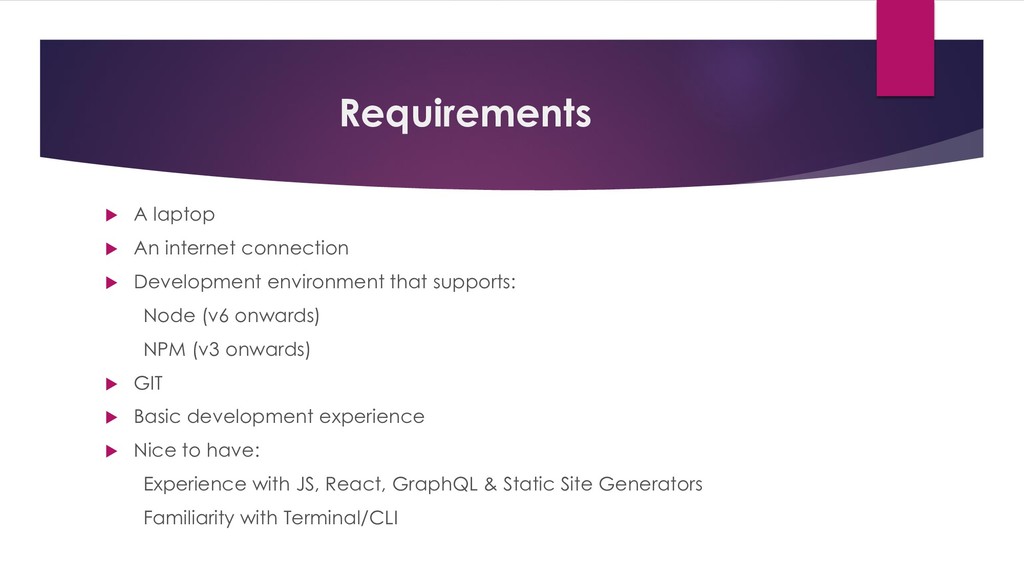
  12. Requirements  A laptop  An internet connection  Development

    environment that supports: Node (v6 onwards) NPM (v3 onwards)  GIT  Basic development experience  Nice to have: Experience with JS, React, GraphQL & Static Site Generators Familiarity with Terminal/CLI
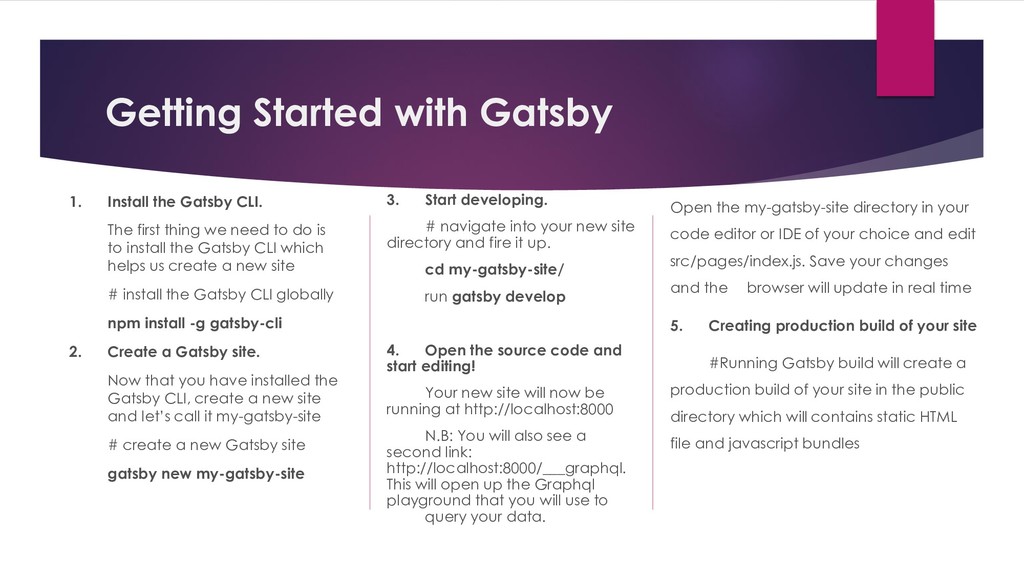
  13. Getting Started with Gatsby 1. Install the Gatsby CLI. The

    first thing we need to do is to install the Gatsby CLI which helps us create a new site # install the Gatsby CLI globally npm install -g gatsby-cli 2. Create a Gatsby site. Now that you have installed the Gatsby CLI, create a new site and let’s call it my-gatsby-site # create a new Gatsby site gatsby new my-gatsby-site 3. Start developing. # navigate into your new site directory and fire it up. cd my-gatsby-site/ run gatsby develop 4. Open the source code and start editing! Your new site will now be running at http://localhost:8000 N.B: You will also see a second link: http://localhost:8000/___graphql. This will open up the Graphql playground that you will use to query your data. Open the my-gatsby-site directory in your code editor or IDE of your choice and edit src/pages/index.js. Save your changes and the browser will update in real time 5. Creating production build of your site #Running Gatsby build will create a production build of your site in the public directory which will contains static HTML file and javascript bundles
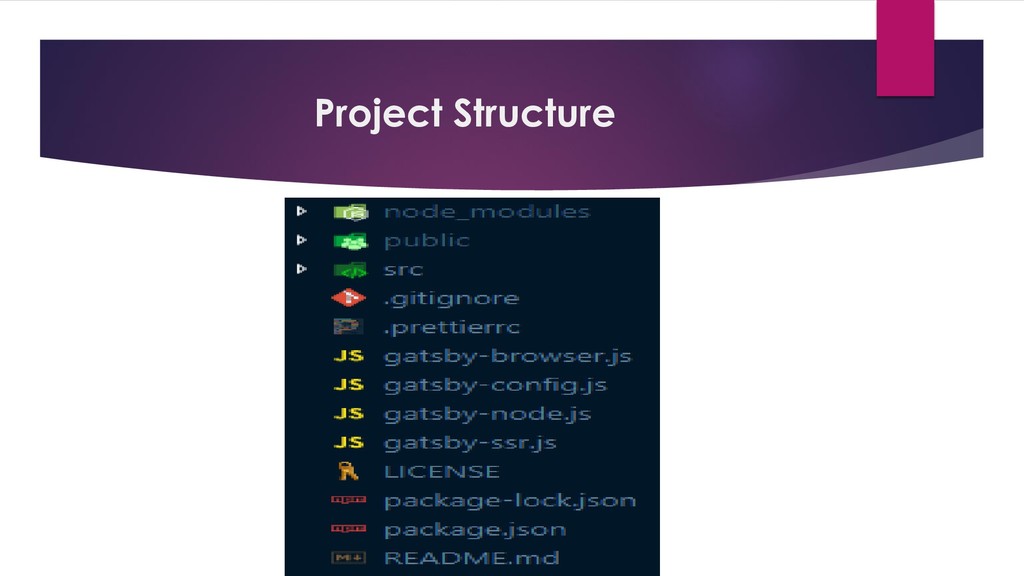
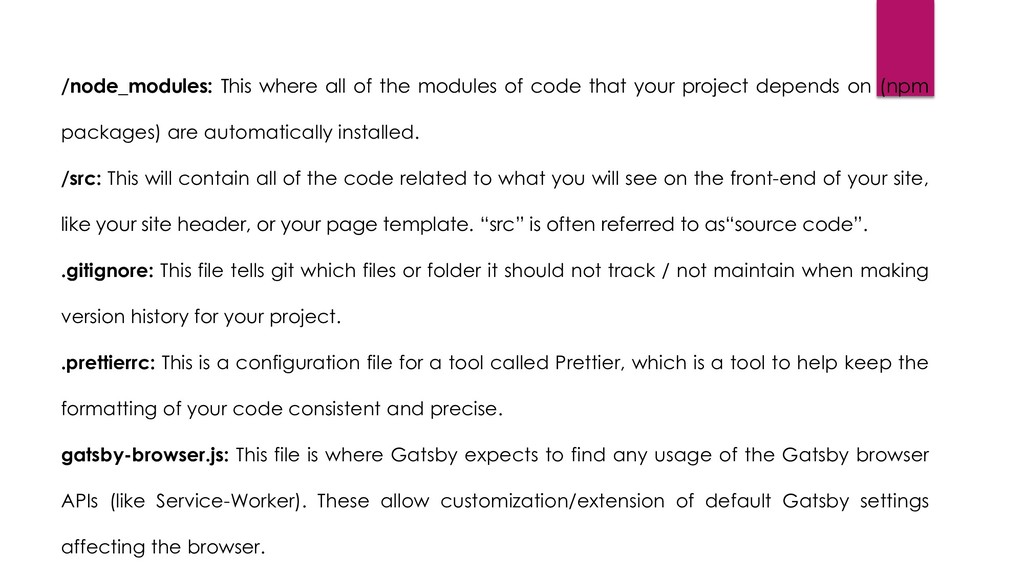
  14. /node_modules: This where all of the modules of code that

    your project depends on (npm packages) are automatically installed. /src: This will contain all of the code related to what you will see on the front-end of your site, like your site header, or your page template. “src” is often referred to as“source code”. .gitignore: This file tells git which files or folder it should not track / not maintain when making version history for your project. .prettierrc: This is a configuration file for a tool called Prettier, which is a tool to help keep the formatting of your code consistent and precise. gatsby-browser.js: This file is where Gatsby expects to find any usage of the Gatsby browser APIs (like Service-Worker). These allow customization/extension of default Gatsby settings affecting the browser.
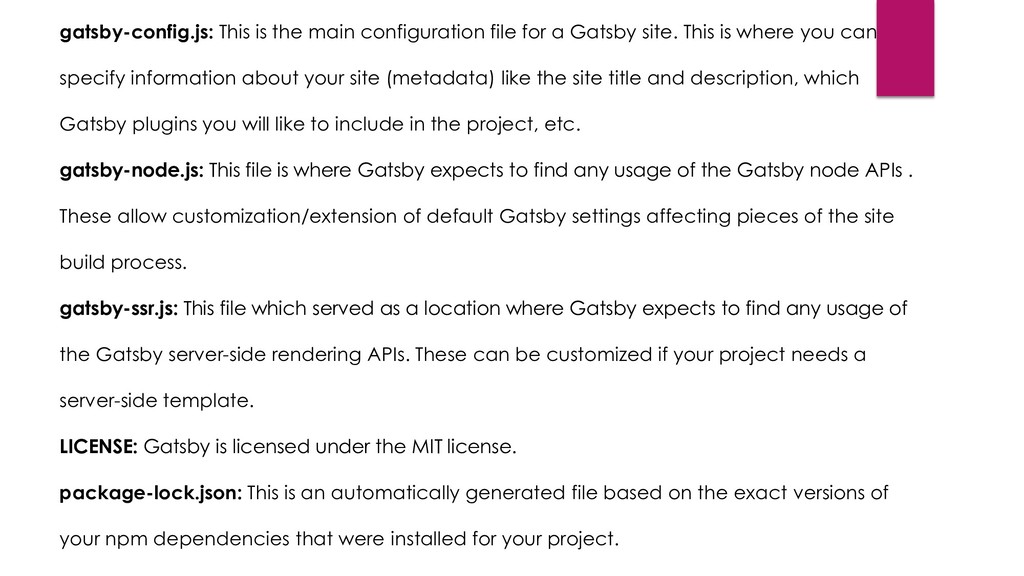
  15. gatsby-config.js: This is the main configuration file for a Gatsby

    site. This is where you can specify information about your site (metadata) like the site title and description, which Gatsby plugins you will like to include in the project, etc. gatsby-node.js: This file is where Gatsby expects to find any usage of the Gatsby node APIs . These allow customization/extension of default Gatsby settings affecting pieces of the site build process. gatsby-ssr.js: This file which served as a location where Gatsby expects to find any usage of the Gatsby server-side rendering APIs. These can be customized if your project needs a server-side template. LICENSE: Gatsby is licensed under the MIT license. package-lock.json: This is an automatically generated file based on the exact versions of your npm dependencies that were installed for your project.
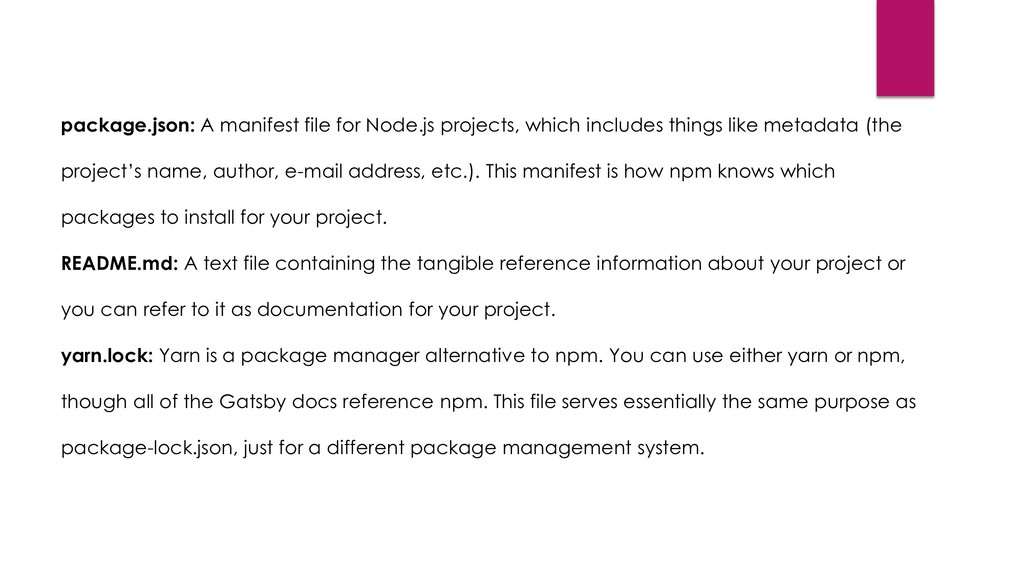
  16. package.json: A manifest file for Node.js projects, which includes things

    like metadata (the project’s name, author, e-mail address, etc.). This manifest is how npm knows which packages to install for your project. README.md: A text file containing the tangible reference information about your project or you can refer to it as documentation for your project. yarn.lock: Yarn is a package manager alternative to npm. You can use either yarn or npm, though all of the Gatsby docs reference npm. This file serves essentially the same purpose as package-lock.json, just for a different package management system.
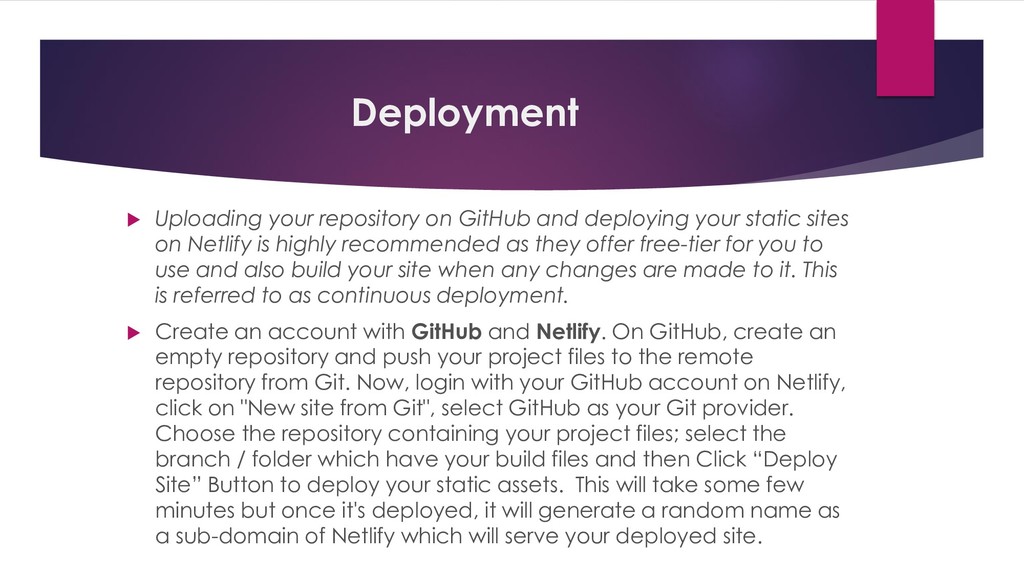
  17. Deployment  Uploading your repository on GitHub and deploying your

    static sites on Netlify is highly recommended as they offer free-tier for you to use and also build your site when any changes are made to it. This is referred to as continuous deployment.  Create an account with GitHub and Netlify. On GitHub, create an empty repository and push your project files to the remote repository from Git. Now, login with your GitHub account on Netlify, click on "New site from Git", select GitHub as your Git provider. Choose the repository containing your project files; select the branch / folder which have your build files and then Click “Deploy Site” Button to deploy your static assets. This will take some few minutes but once it's deployed, it will generate a random name as a sub-domain of Netlify which will serve your deployed site.
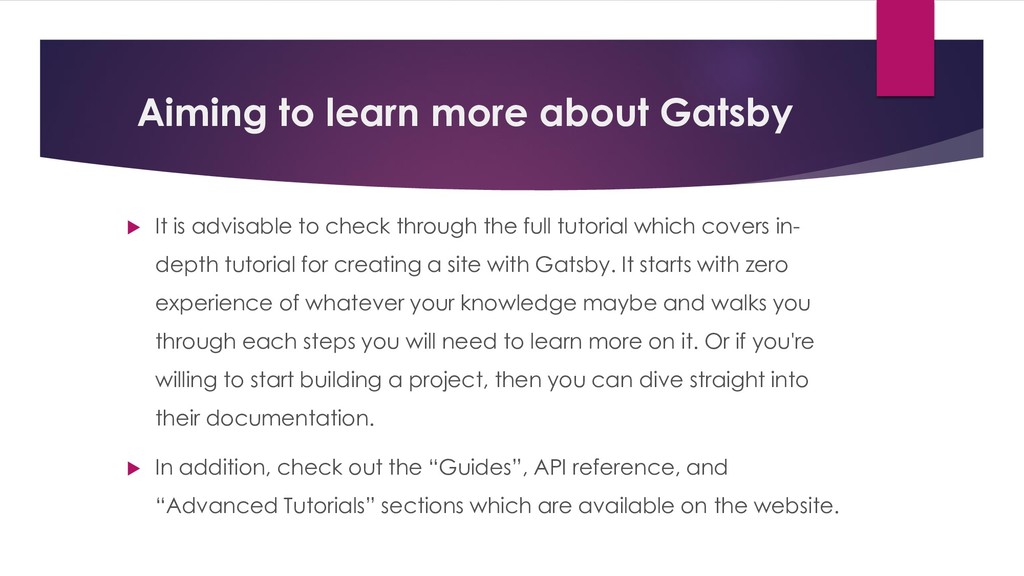
  18. Aiming to learn more about Gatsby  It is advisable

    to check through the full tutorial which covers in- depth tutorial for creating a site with Gatsby. It starts with zero experience of whatever your knowledge maybe and walks you through each steps you will need to learn more on it. Or if you're willing to start building a project, then you can dive straight into their documentation.  In addition, check out the “Guides”, API reference, and “Advanced Tutorials” sections which are available on the website.
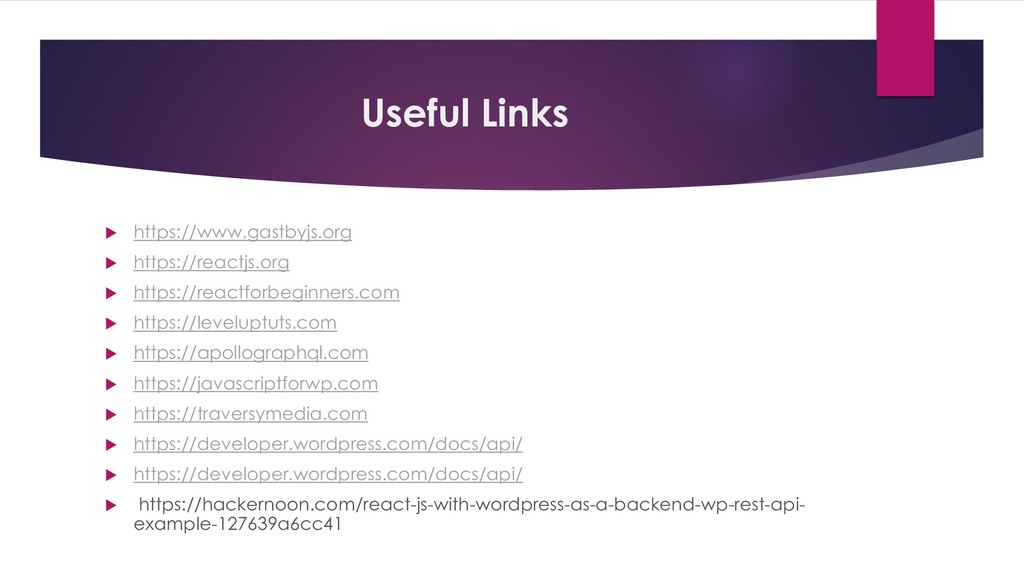
  19. Useful Links  https://www.gastbyjs.org  https://reactjs.org  https://reactforbeginners.com  https://leveluptuts.com

     https://apollographql.com  https://javascriptforwp.com  https://traversymedia.com  https://developer.wordpress.com/docs/api/  https://developer.wordpress.com/docs/api/  https://hackernoon.com/react-js-with-wordpress-as-a-backend-wp-rest-api- example-127639a6cc41