Upgrade to Pro
— share decks privately, control downloads, hide ads and more …
Speaker Deck
Sign up for free
Menu
Search
Features
All features
Private URLs
Password Protection
Custom URLS
Scheduled publishing
Remove Branding
Restrict embedding
Deck Collections
Notes
Features
All features
Private URLs
Password Protection
Custom URLS
Scheduled publishing
Remove Branding
Restrict embedding
Deck Collections
Notes
Explore
Featured decks
Featured speakers
Programming
Technology
Storyboards
Explore
Featured decks
Featured speakers
Programming
Technology
Storyboards
Pricing
Search
Sign in
Sign up for free
マッピング作業について
Search
Yukino Ohashi
June 16, 2016
84
0
Share
Embed
Copy iframe code
Copy JS code
Copy link
Start on current slide
マッピング作業について
空間情報システムⅠ 課題
Yukino Ohashi
June 16, 2016
More Decks by Yukino Ohashi
See All by Yukino Ohashi
大橋 有希乃
yukino0113
0
110
Featured
See All Featured
Making the Leap to Tech Lead
cromwellryan
135
10k
Winning Ecommerce Organic Search in an AI Era - #searchnstuff2025
aleyda
2
2.2k
Impact Scores and Hybrid Strategies: The future of link building
tamaranovitovic
0
460
A brief & incomplete history of UX Design for the World Wide Web: 1989–2019
jct
2
530
jQuery: Nuts, Bolts and Bling
dougneiner
66
8.6k
Prompt Engineering for Job Search
mfonobong
0
520
Max Prin - Stacking Signals: How International SEO Comes Together (And Falls Apart)
techseoconnect
PRO
0
490
The SEO identity crisis: Don't let AI make you average
varn
0
590
State of Search Keynote: SEO is Dead Long Live SEO
ryanjones
0
320
SEO in 2025: How to Prepare for the Future of Search
ipullrank
3
3.9k
Done Done
chrislema
187
17k
CSS Pre-Processors: Stylus, Less & Sass
bermonpainter
360
31k
Transcript
マッピング作業について 1A116050 大橋 有希乃
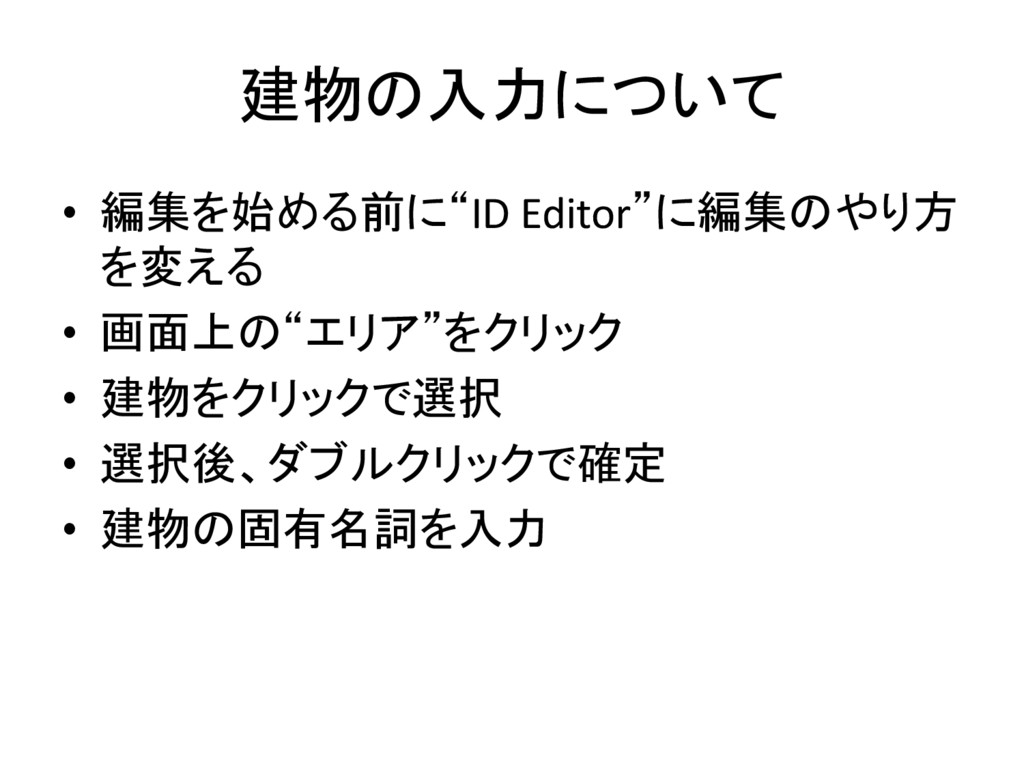
建物の入力について • 編集を始める前に“ID Editor”に編集のやり方 を変える • 画面上の“エリア”をクリック • 建物をクリックで選択 •
選択後、ダブルクリックで確定 • 建物の固有名詞を入力
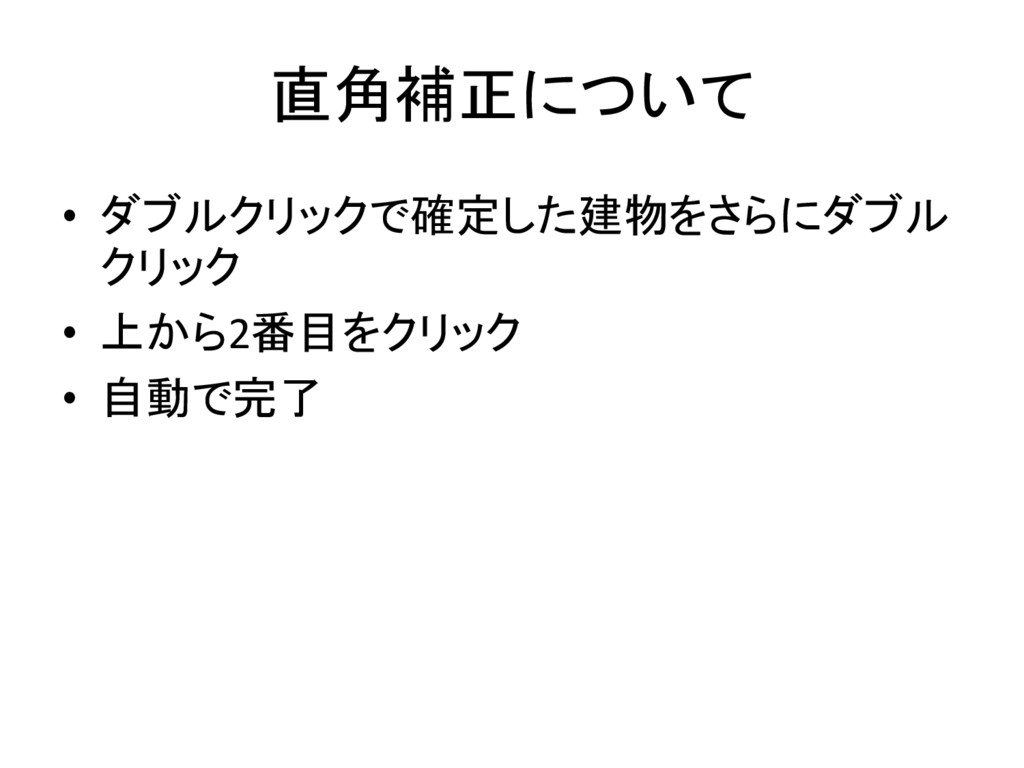
直角補正について • ダブルクリックで確定した建物をさらにダブル クリック • 上から2番目をクリック • 自動で完了
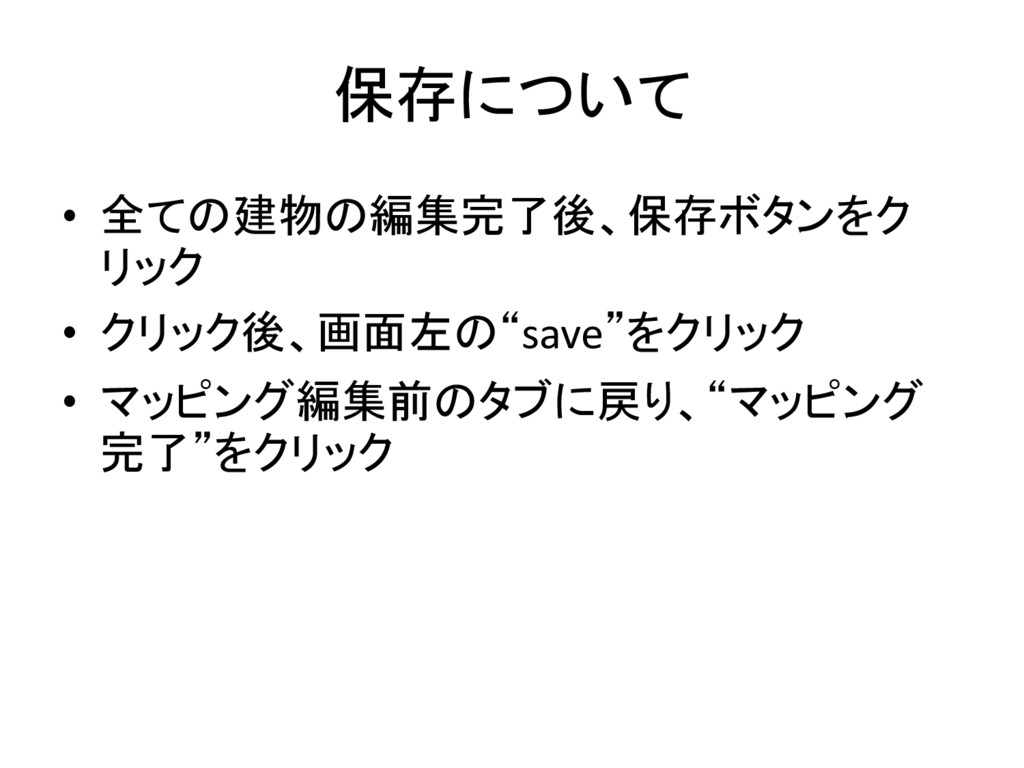
保存について • 全ての建物の編集完了後、保存ボタンをク リック • クリック後、画面左の“save”をクリック • マッピング編集前のタブに戻り、“マッピング 完了”をクリック
修正について • 編集を完了させた後、マッピング編集中の画 面上の“戻る”の意を示すボタンをクリック • または、選択済みの建物をダブルクリックし、 ごみ箱マークをクリック
交差点を作った場合の対処法 • 交差点をクリックし、ごみ箱マークをクリック • 交差点とともに削除されたエリアを、選択済 みの建物上の赤い枠の直線状にある矢印を ドラッグする • ドラッグ後、形を修正して完了
背景レイヤを地理院地図に変更 • 画面右端の上から4番目のボタンをクリック • “背景画像設定”をクリック • Japan GSI ortho Imageryレイヤを選択する
分割について • エリアが広すぎる場合、エリアを分割すること が可能 • エリアを選択後、アンロックされていれば“エ リアを分割”という選択肢がでてくる • クリック後、自動で分割完了
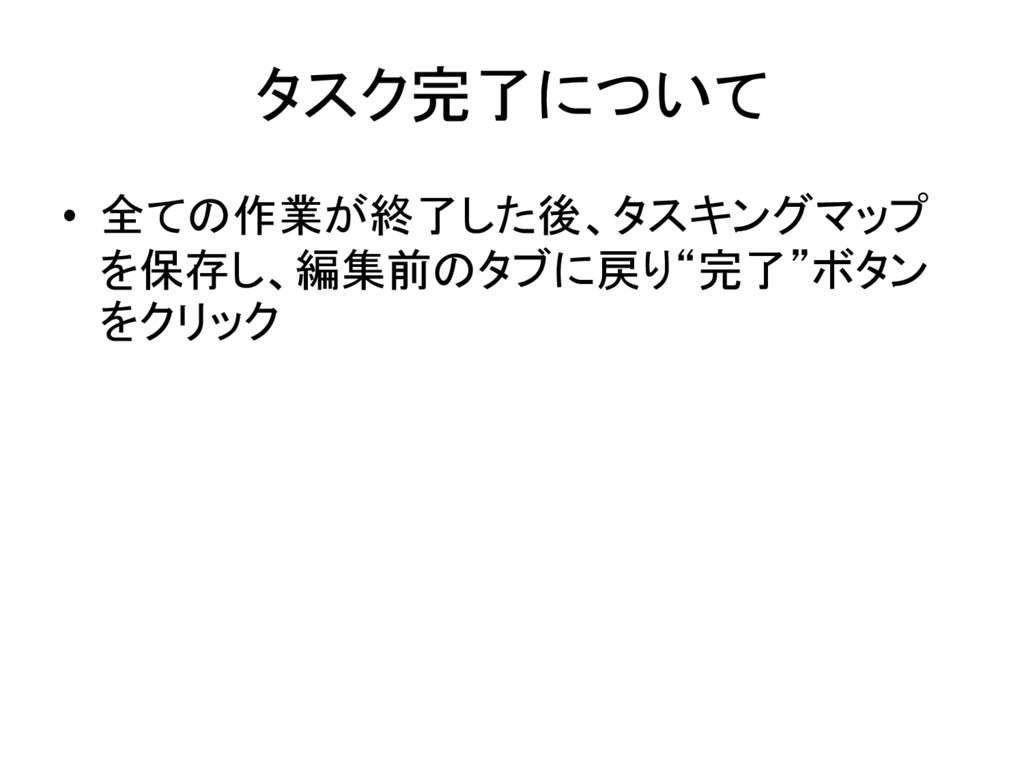
タスク完了について • 全ての作業が終了した後、タスキングマップ を保存し、編集前のタブに戻り“完了”ボタン をクリック


 yukino0113
 cromwellryan
 aleyda
 tamaranovitovic
 jct
jct
 dougneiner
 mfonobong
 techseoconnect
 varn
varn
 ryanjones
 ipullrank
 chrislema
 bermonpainter