Lock in $30 Savings on PRO—Offer Ends Soon! ⏳

Azure におけるコンテナ基盤選定について / azure-container-platfo...

Avatar for sou sou
December 18, 2025

Azure におけるコンテナ基盤選定について / azure-container-platform-selection

Azure におけるコンテナ基盤選定について、有志でメンタリングしている勉強会で使った資料を公開してみます。内容は入門レベルです。

Avatar for sou

sou

December 18, 2025
Tweet

More Decks by sou

Other Decks in Technology

Transcript

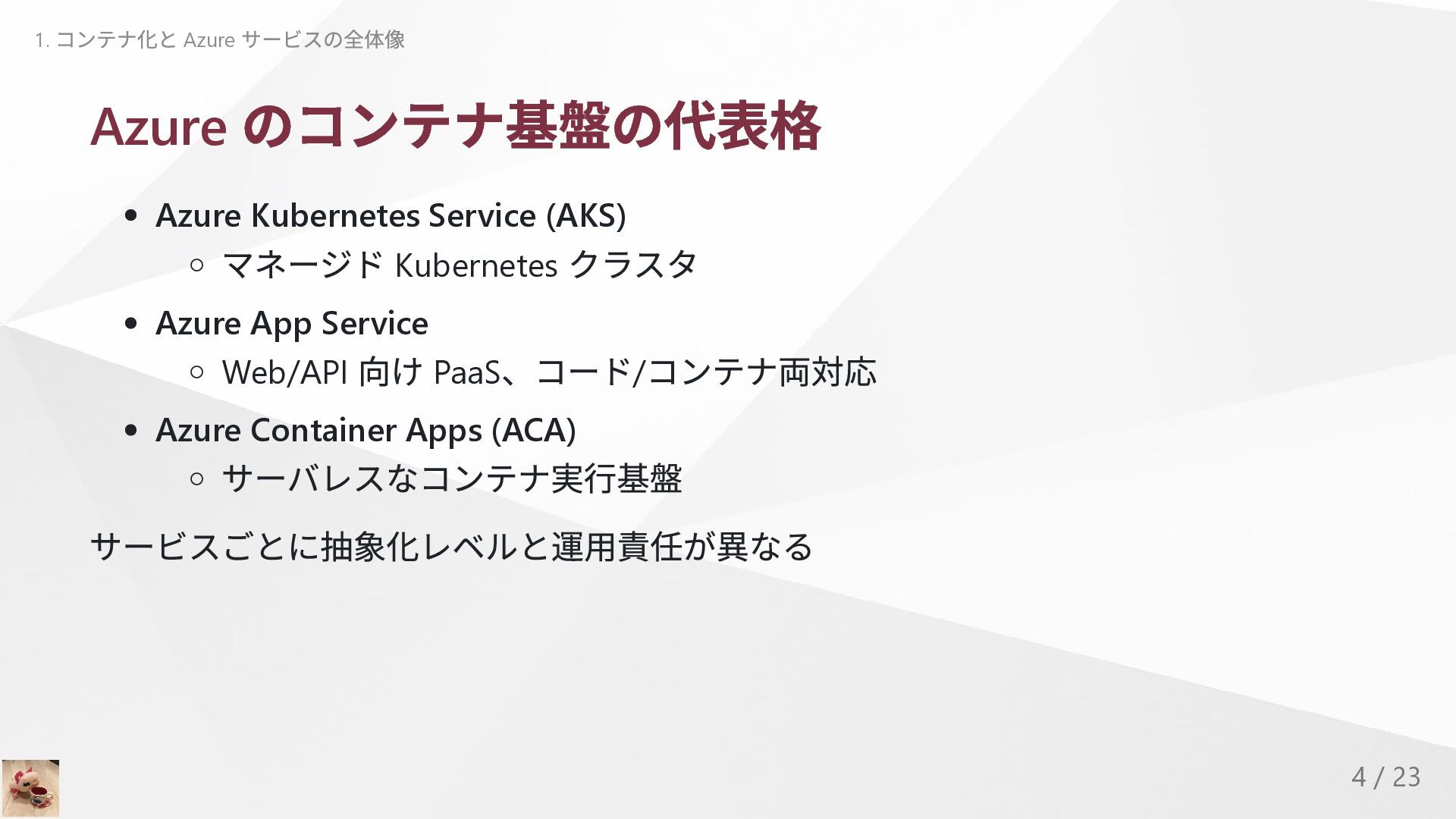
  1. Azure のコンテナ基盤の代表格 Azure Kubernetes Service (AKS) マネージド Kubernetes クラスタ Azure

    App Service Web/API 向け PaaS 、コード/ コンテナ両対応 Azure Container Apps (ACA) サーバレスなコンテナ実行基盤 サービスごとに抽象化レベルと運用責任が異なる 1. コンテナ化と Azure サービスの全体像 4 / 23
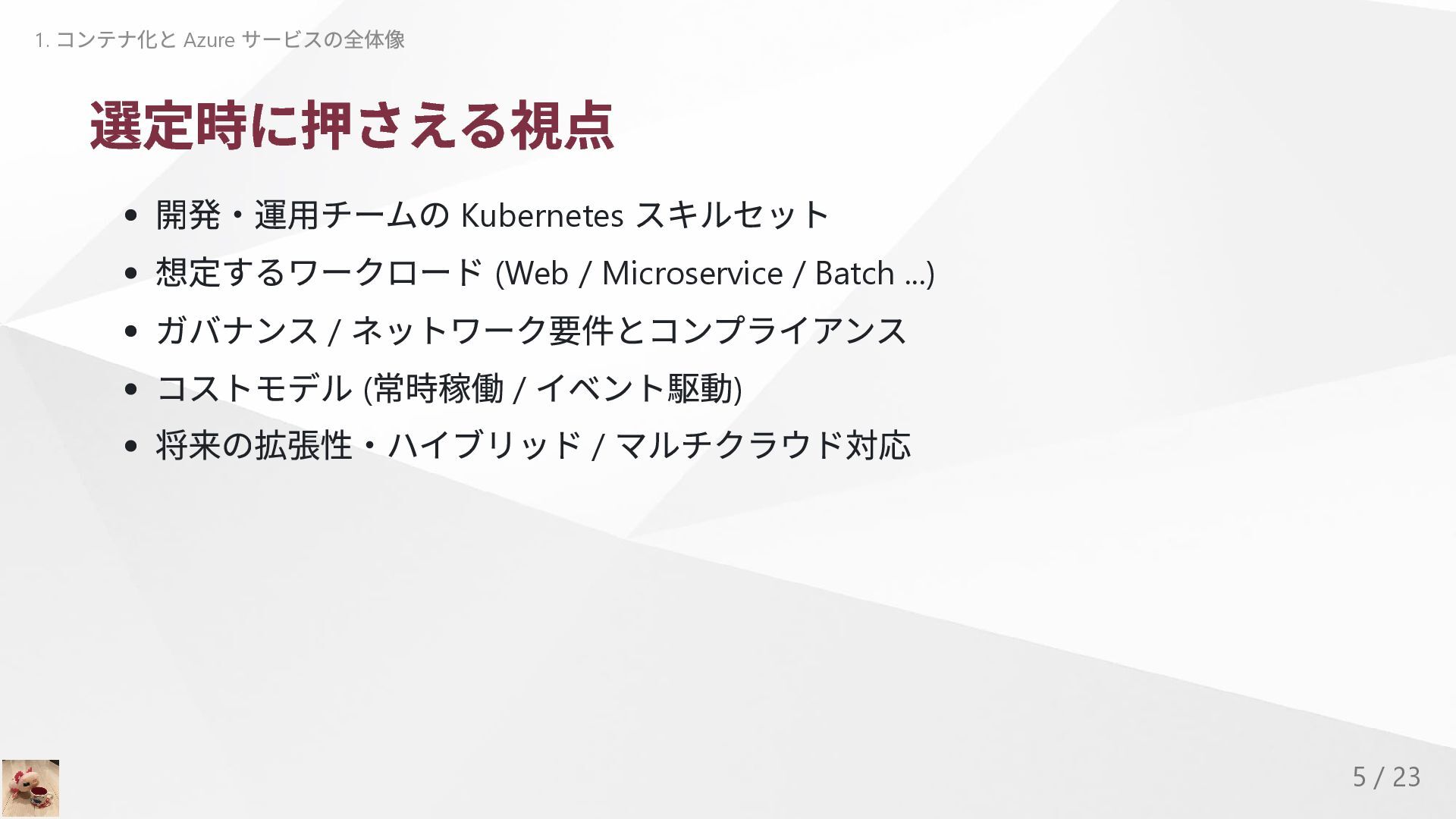
  2. 選定時に押さえる視点 開発・運用チームの Kubernetes スキルセット 想定するワークロード (Web / Microservice / Batch

    ...) ガバナンス / ネットワーク要件とコンプライアンス コストモデル ( 常時稼働 / イベント駆動) 将来の拡張性・ハイブリッド / マルチクラウド対応 1. コンテナ化と Azure サービスの全体像 5 / 23
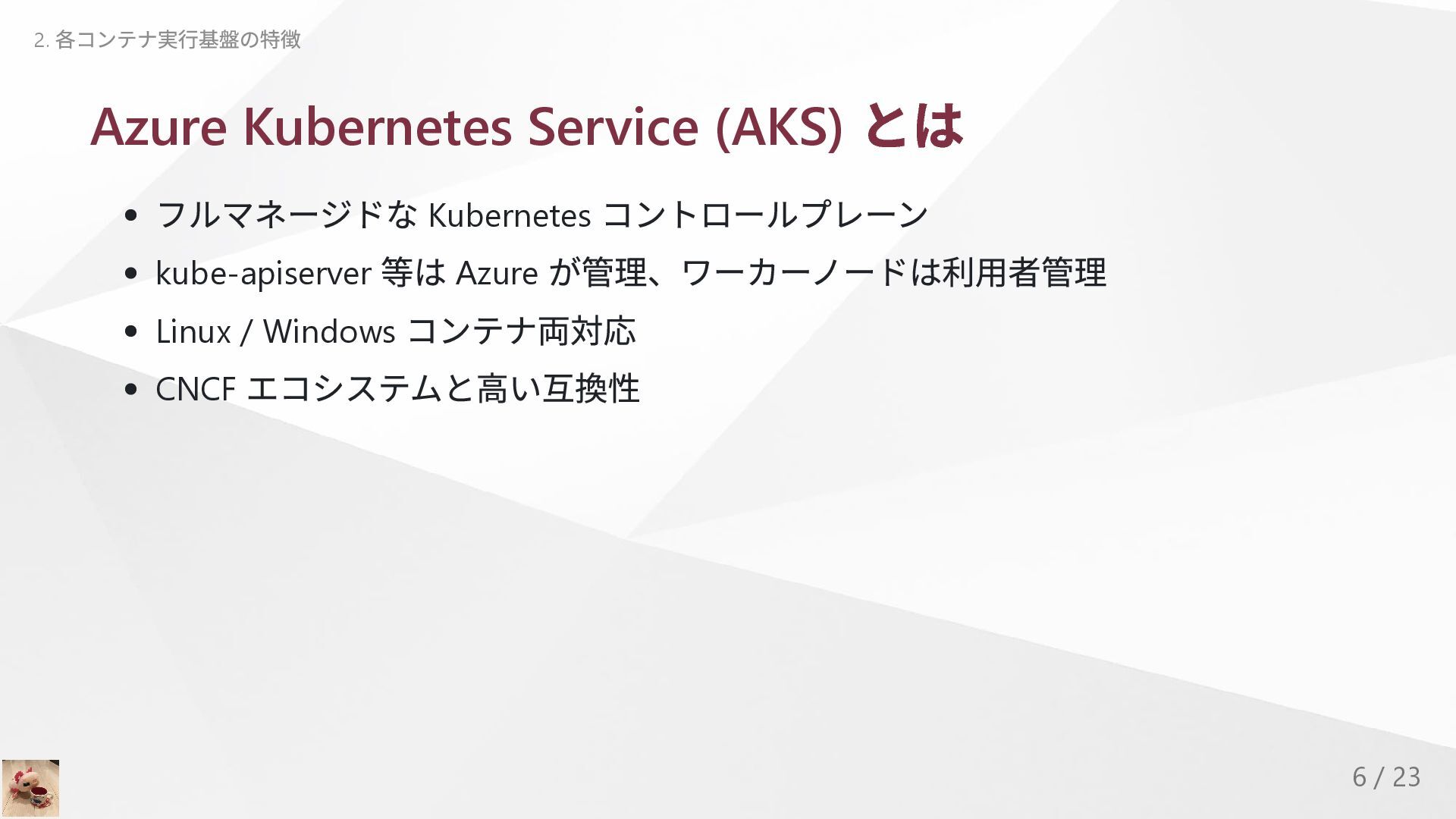
  3. Azure Kubernetes Service (AKS) とは フルマネージドな Kubernetes コントロールプレーン kube-apiserver 等は

    Azure が管理、ワーカーノードは利用者管理 Linux / Windows コンテナ両対応 CNCF エコシステムと高い互換性 2. 各コンテナ実行基盤の特徴 6 / 23
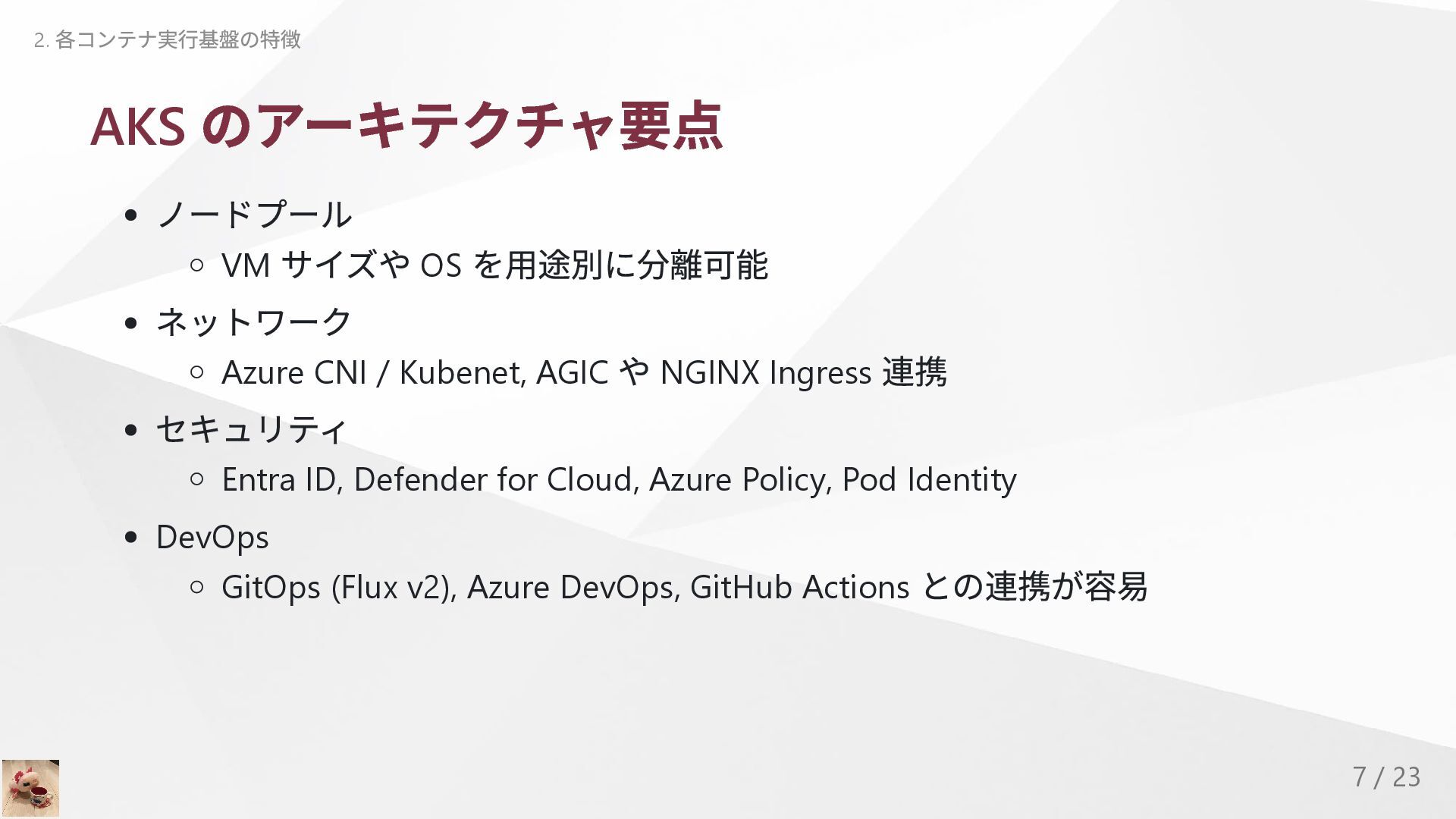
  4. AKS のアーキテクチャ要点 ノードプール VM サイズや OS を用途別に分離可能 ネットワーク Azure CNI

    / Kubenet, AGIC や NGINX Ingress 連携 セキュリティ Entra ID, Defender for Cloud, Azure Policy, Pod Identity DevOps GitOps (Flux v2), Azure DevOps, GitHub Actions との連携が容易 2. 各コンテナ実行基盤の特徴 7 / 23
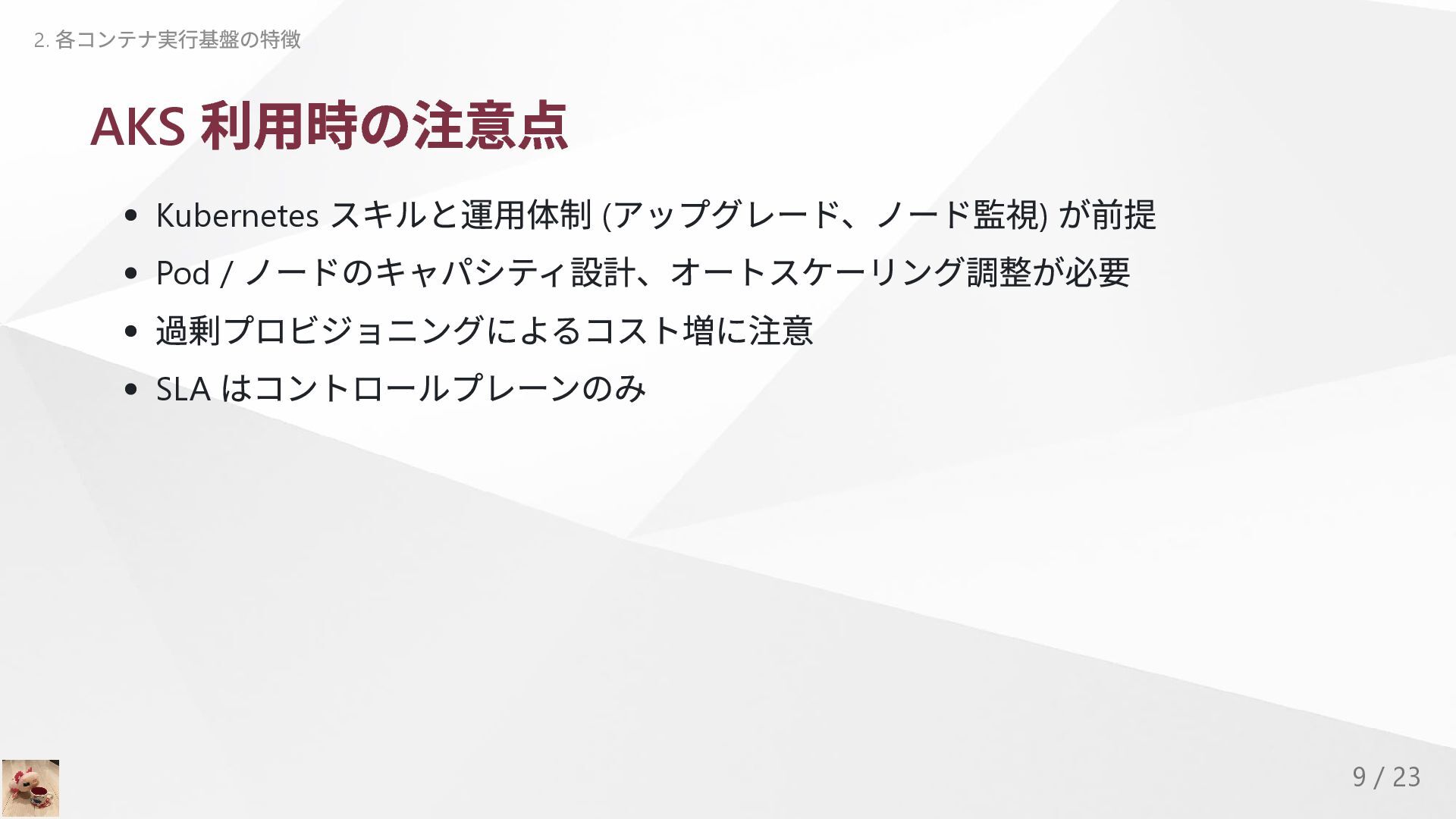
  5. AKS 利用時の注意点 Kubernetes スキルと運用体制 ( アップグレード、ノード監視) が前提 Pod / ノードのキャパシティ設計、オートスケーリング調整が必要

    過剰プロビジョニングによるコスト増に注意 SLA はコントロールプレーンのみ 2. 各コンテナ実行基盤の特徴 9 / 23
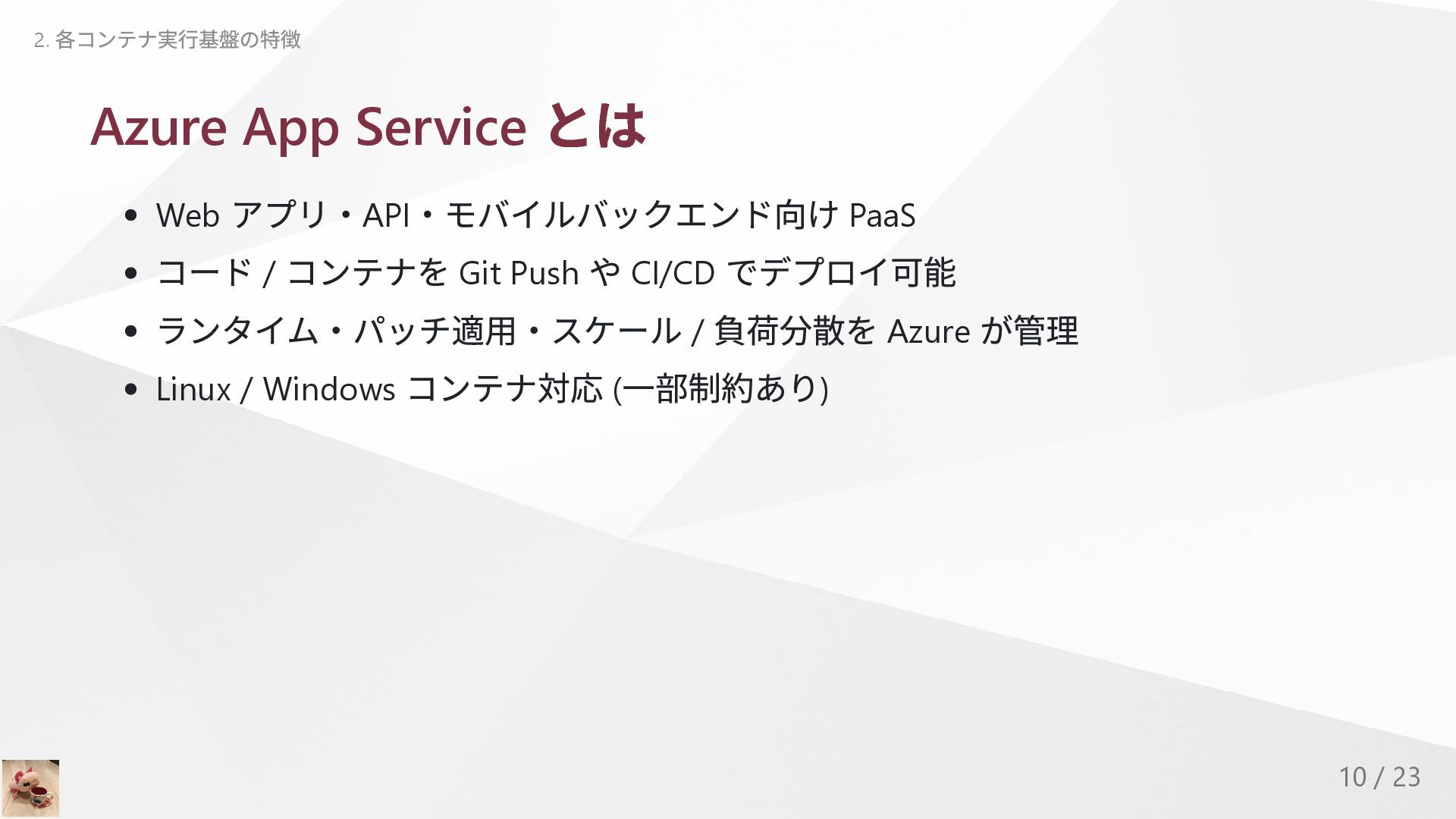
  6. Azure App Service とは Web アプリ・API ・モバイルバックエンド向け PaaS コード /

    コンテナを Git Push や CI/CD でデプロイ可能 ランタイム・パッチ適用・スケール / 負荷分散を Azure が管理 Linux / Windows コンテナ対応 ( 一部制約あり) 2. 各コンテナ実行基盤の特徴 10 / 23
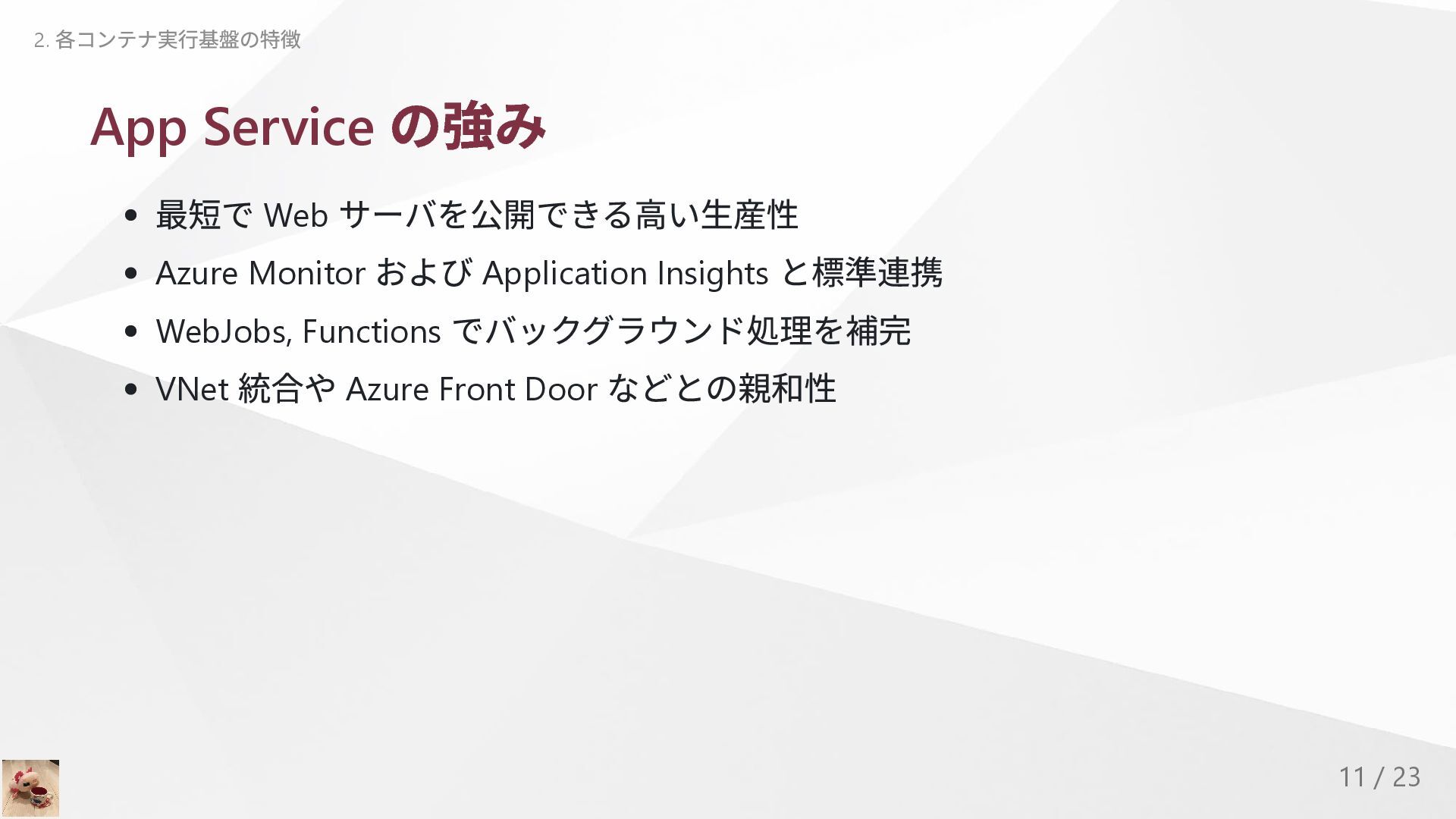
  7. App Service の強み 最短で Web サーバを公開できる高い生産性 Azure Monitor および Application

    Insights と標準連携 WebJobs, Functions でバックグラウンド処理を補完 VNet 統合や Azure Front Door などとの親和性 2. 各コンテナ実行基盤の特徴 11 / 23
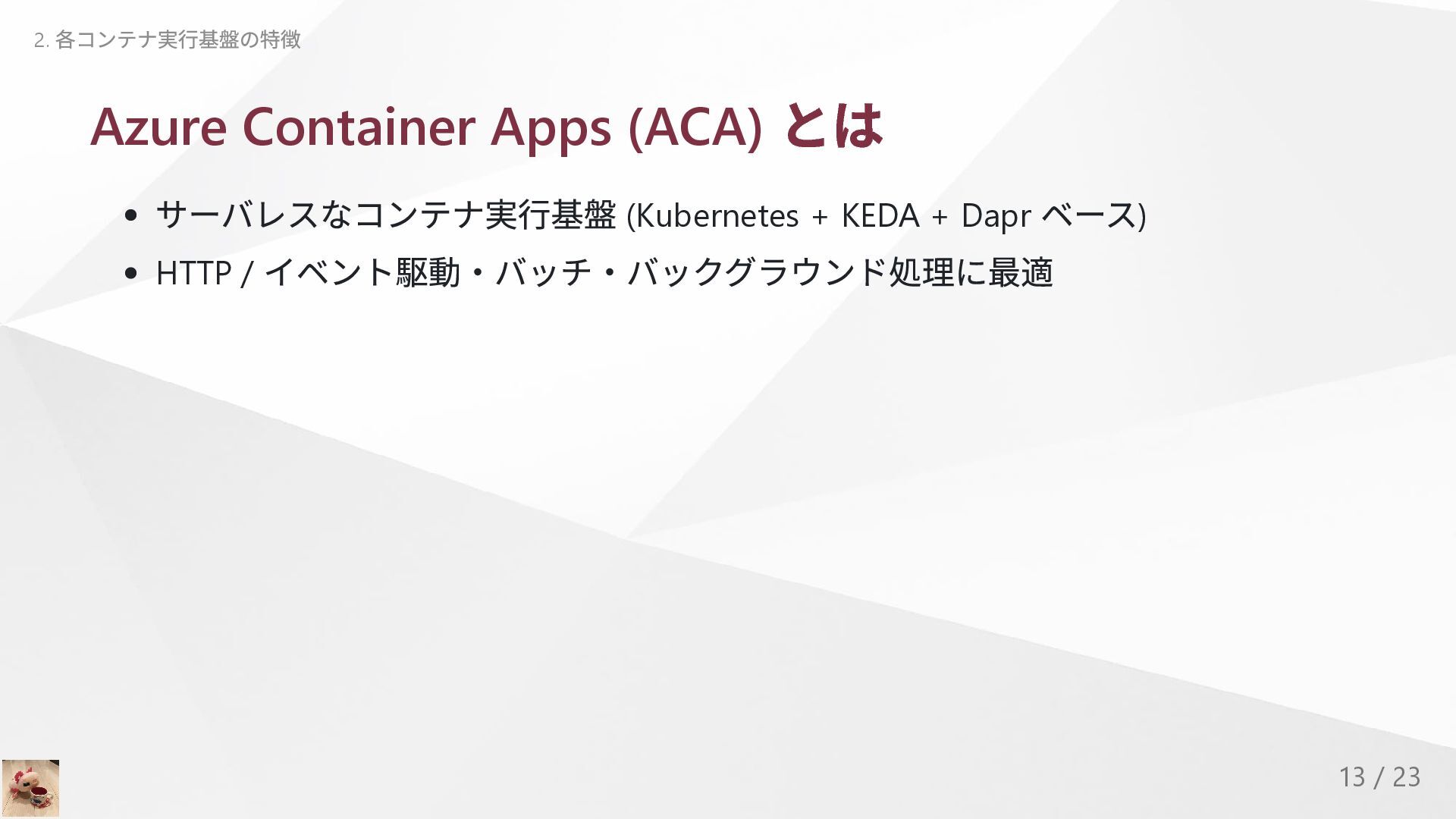
  8. Azure Container Apps (ACA) とは サーバレスなコンテナ実行基盤 (Kubernetes + KEDA +

    Dapr ベース) HTTP / イベント駆動・バッチ・バックグラウンド処理に最適 2. 各コンテナ実行基盤の特徴 13 / 23
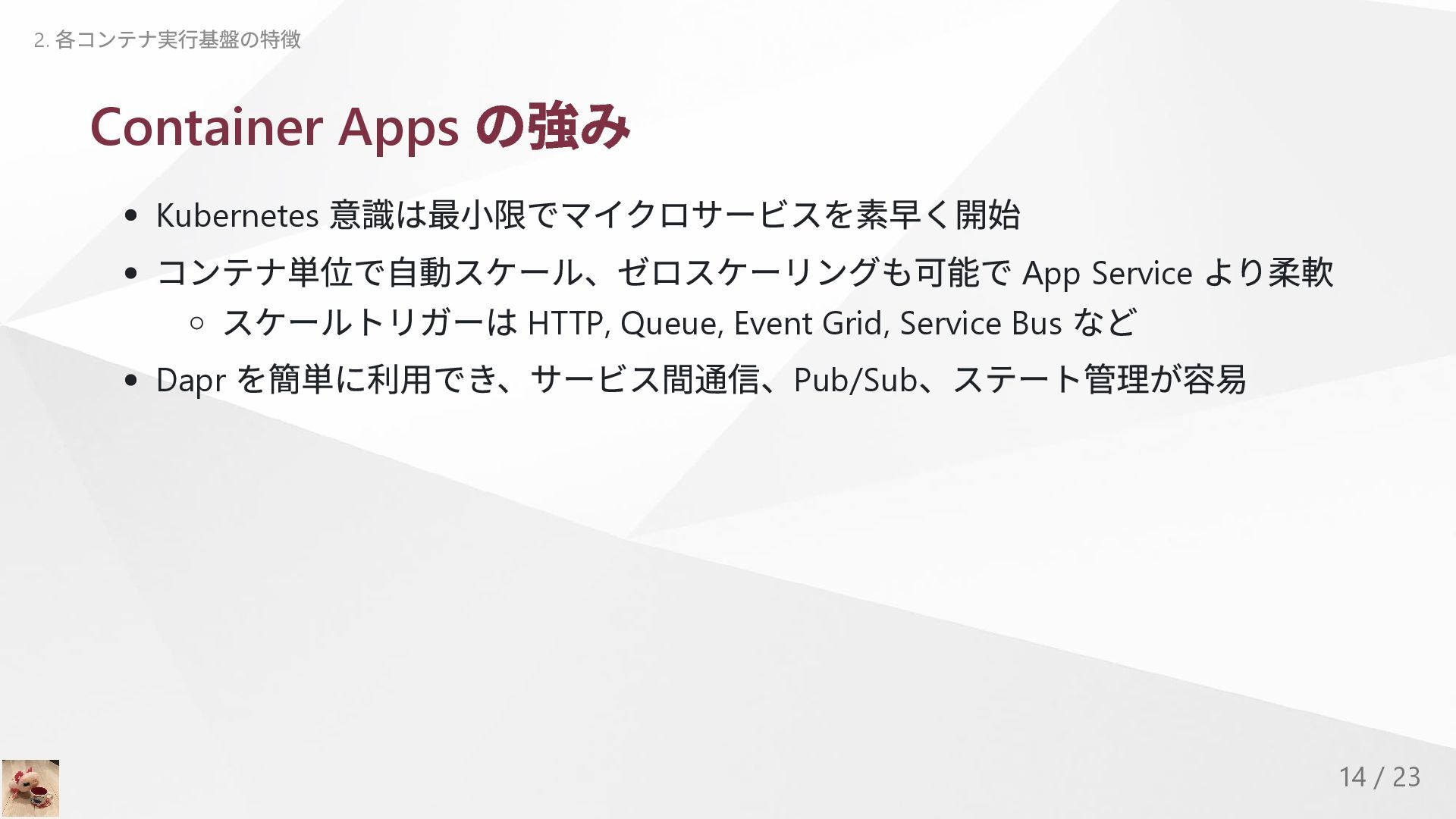
  9. Container Apps の強み Kubernetes 意識は最小限でマイクロサービスを素早く開始 コンテナ単位で自動スケール、ゼロスケーリングも可能で App Service より柔軟 スケールトリガーは

    HTTP, Queue, Event Grid, Service Bus など Dapr を簡単に利用でき、サービス間通信、Pub/Sub 、ステート管理が容易 2. 各コンテナ実行基盤の特徴 14 / 23
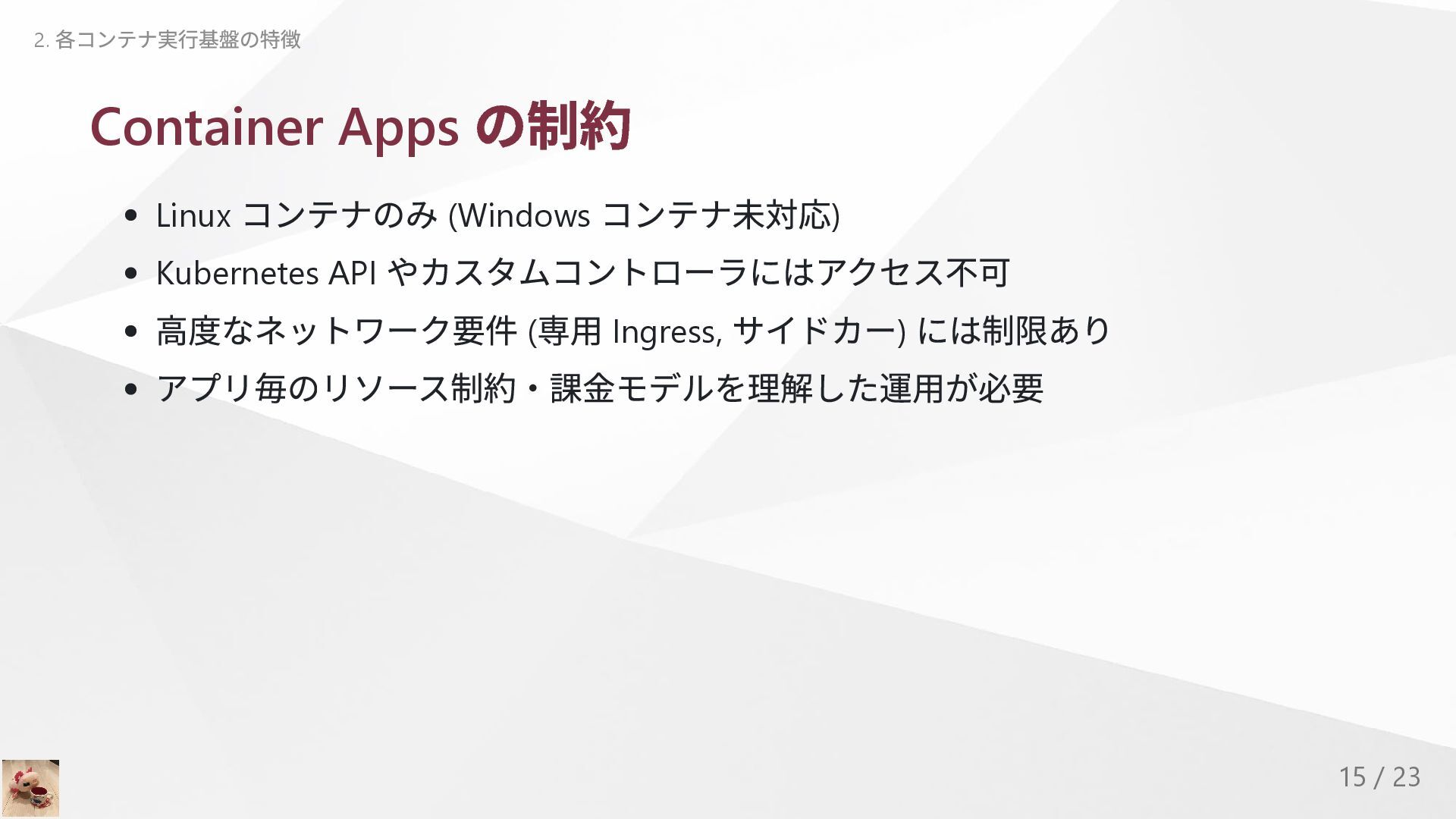
  10. Container Apps の制約 Linux コンテナのみ (Windows コンテナ未対応) Kubernetes API やカスタムコントローラにはアクセス不可

    高度なネットワーク要件 ( 専用 Ingress, サイドカー) には制限あり アプリ毎のリソース制約・課金モデルを理解した運用が必要 2. 各コンテナ実行基盤の特徴 15 / 23
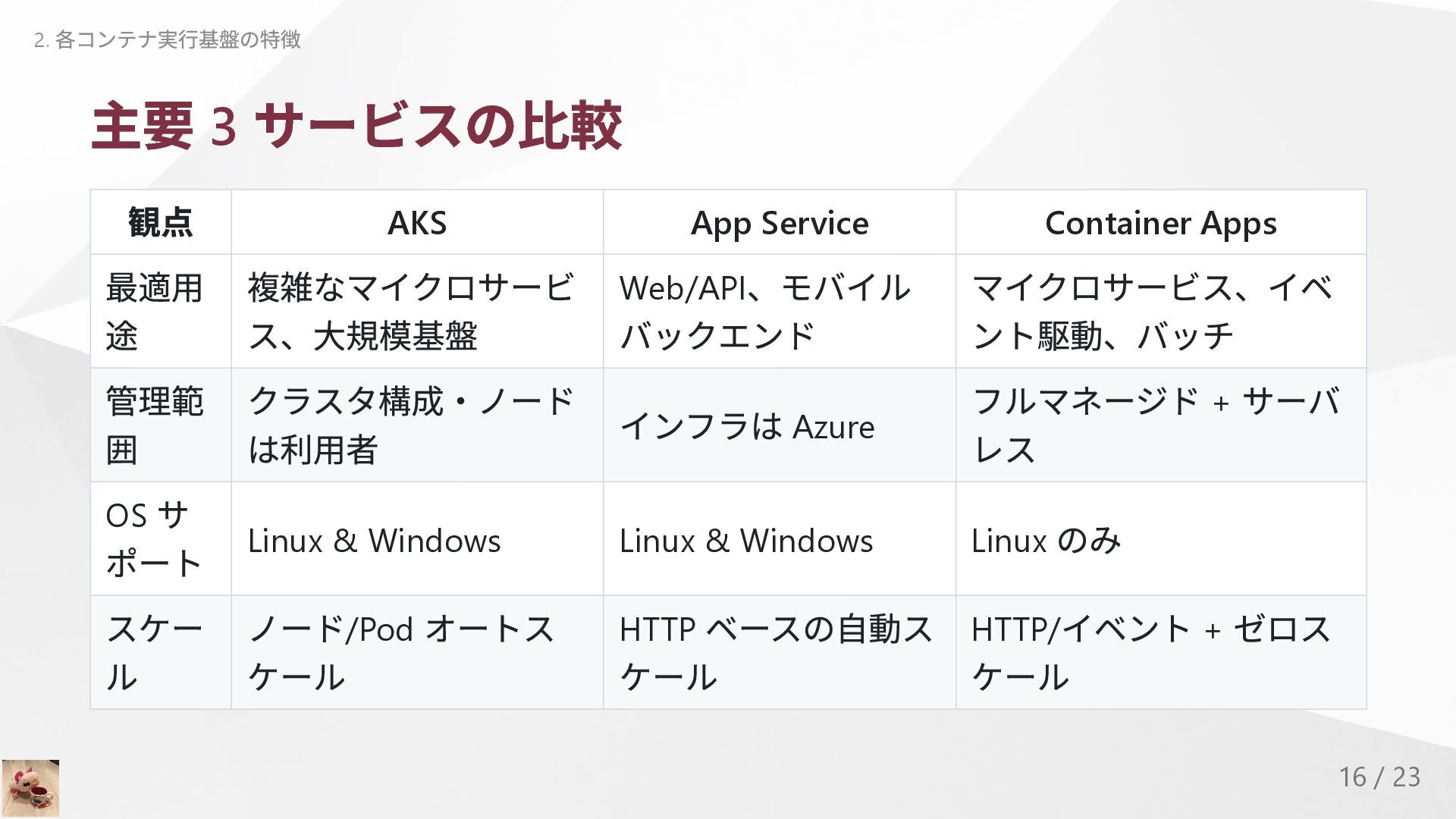
  11. 主要 3 サービスの比較 観点 AKS App Service Container Apps 最適用

    途 複雑なマイクロサービ ス、大規模基盤 Web/API 、モバイル バックエンド マイクロサービス、イベ ント駆動、バッチ 管理範 囲 クラスタ構成・ノード は利用者 インフラは Azure フルマネージド + サーバ レス OS サ ポート Linux & Windows Linux & Windows Linux のみ スケー ル ノード/Pod オートス ケール HTTP ベースの自動ス ケール HTTP/ イベント + ゼロス ケール 2. 各コンテナ実行基盤の特徴 16 / 23
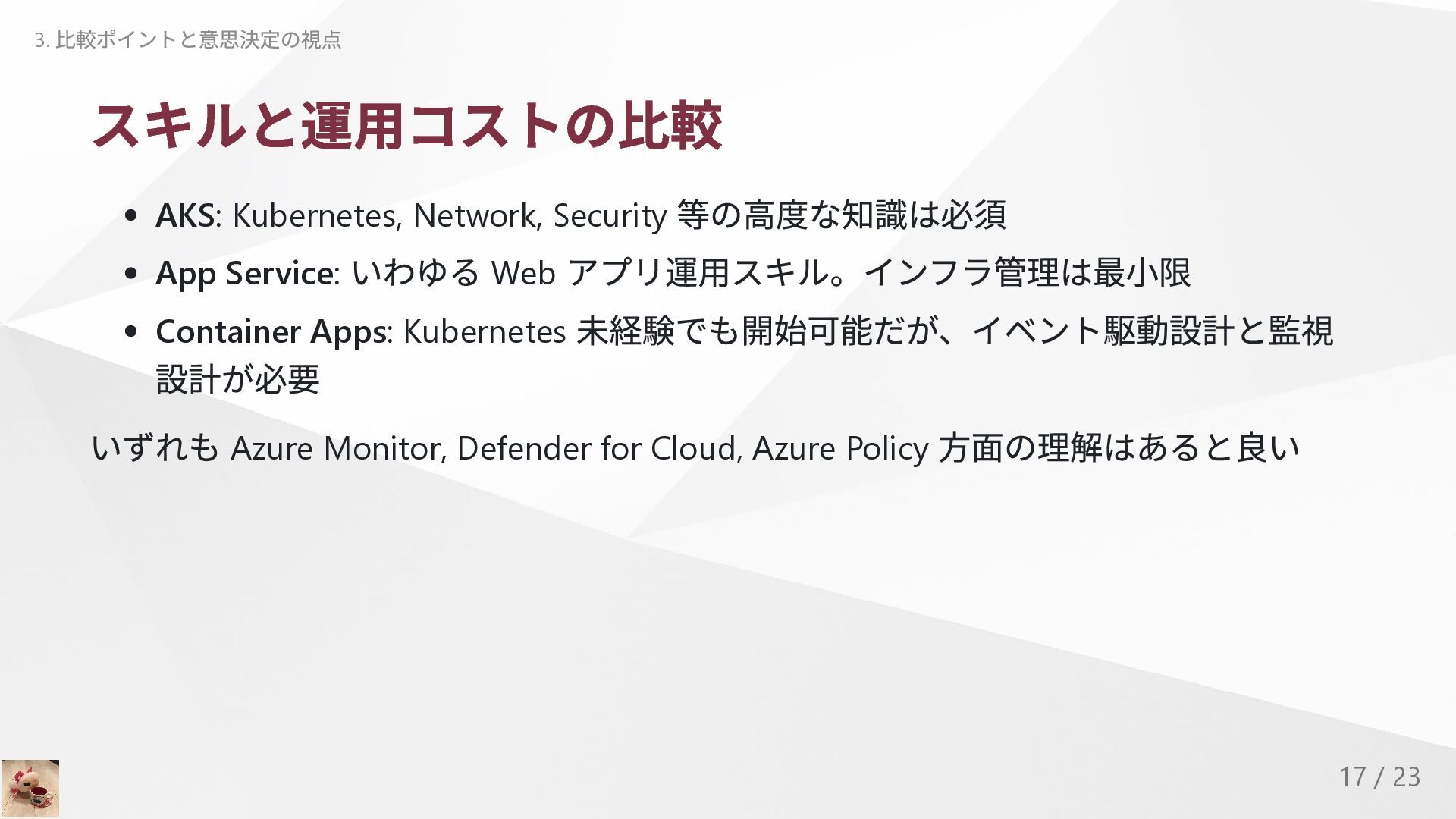
  12. スキルと運用コストの比較 AKS: Kubernetes, Network, Security 等の高度な知識は必須 App Service: いわゆる Web

    アプリ運用スキル。インフラ管理は最小限 Container Apps: Kubernetes 未経験でも開始可能だが、イベント駆動設計と監視 設計が必要 いずれも Azure Monitor, Defender for Cloud, Azure Policy 方面の理解はあると良い 3. 比較ポイントと意思決定の視点 17 / 23
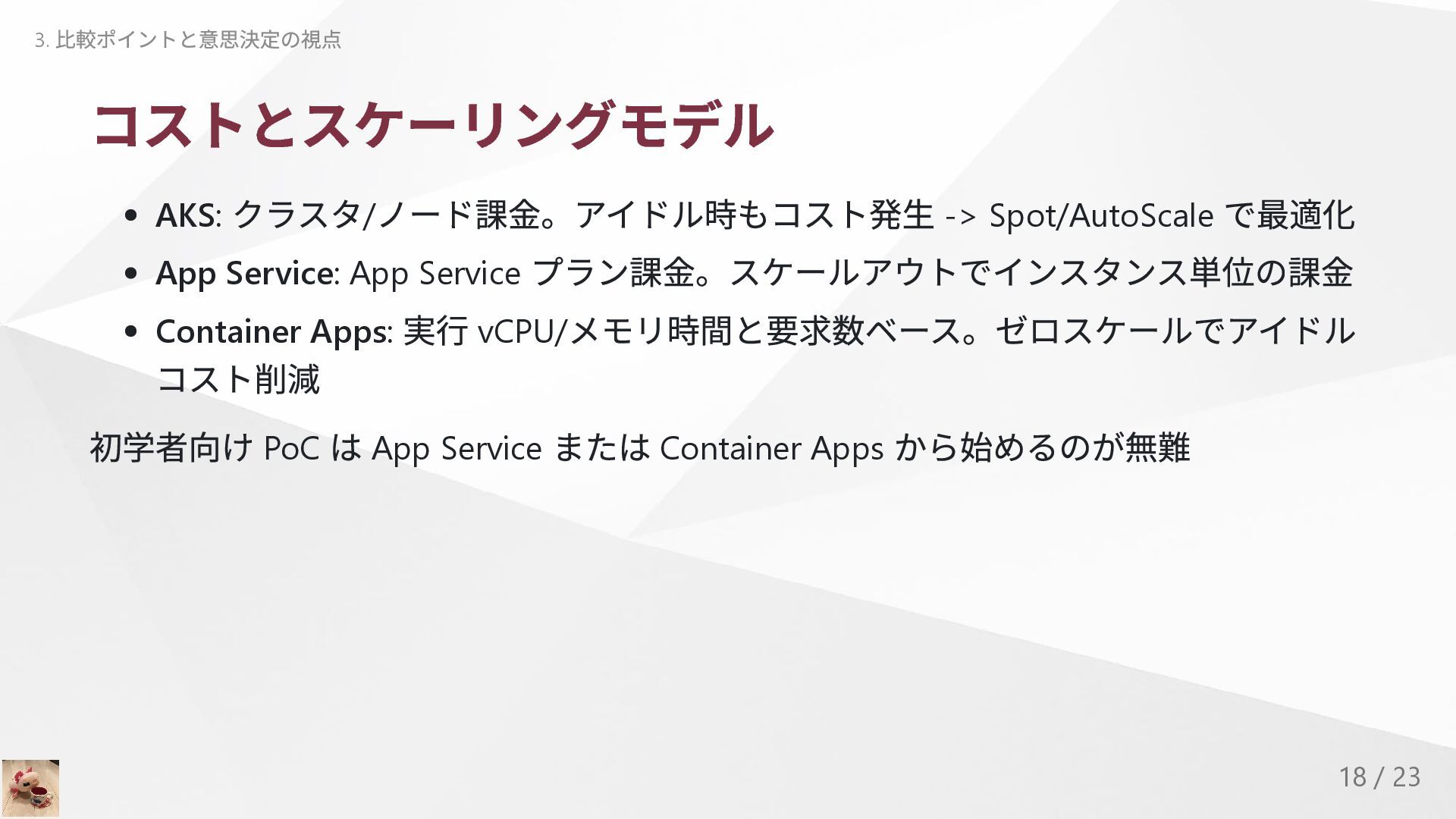
  13. コストとスケーリングモデル AKS: クラスタ/ ノード課金。アイドル時もコスト発生 -> Spot/AutoScale で最適化 App Service: App

    Service プラン課金。スケールアウトでインスタンス単位の課金 Container Apps: 実行 vCPU/ メモリ時間と要求数ベース。ゼロスケールでアイドル コスト削減 初学者向け PoC は App Service または Container Apps から始めるのが無難 3. 比較ポイントと意思決定の視点 18 / 23
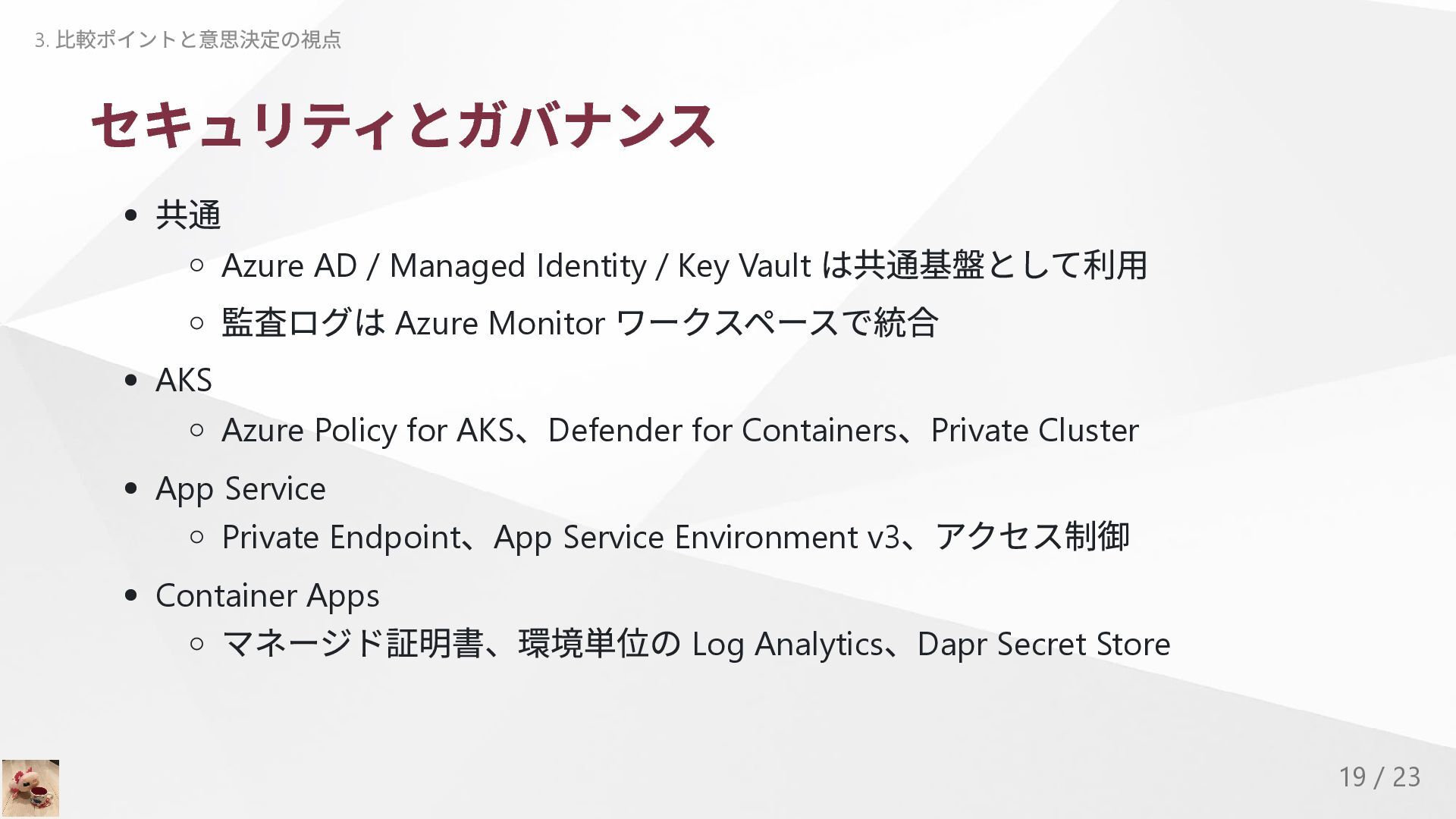
  14. セキュリティとガバナンス 共通 Azure AD / Managed Identity / Key Vault

    は共通基盤として利用 監査ログは Azure Monitor ワークスペースで統合 AKS Azure Policy for AKS 、Defender for Containers 、Private Cluster App Service Private Endpoint 、App Service Environment v3 、アクセス制御 Container Apps マネージド証明書、環境単位の Log Analytics 、Dapr Secret Store 3. 比較ポイントと意思決定の視点 19 / 23
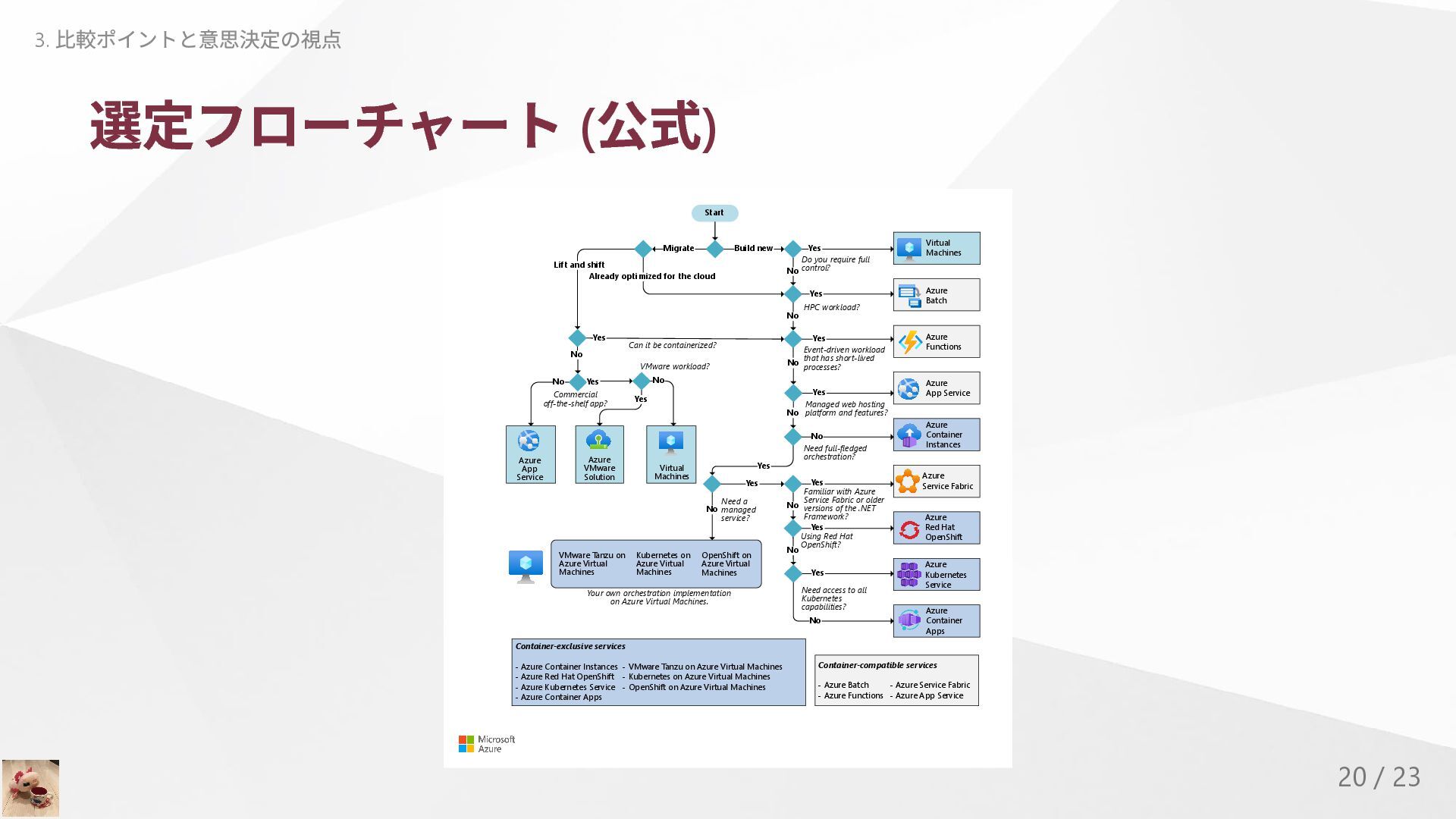
  15. 選定フローチャート ( 公式) Start Build new Migrate No No Lift

    and shift Yes Yes Yes No Do you require full control? HPC workload? Event-driven workload that has short-lived processes? Need full-fledged orchestration? No Yes Yes No Yes Yes Yes No No No No Yes Already optimized for the cloud Need a managed service? Familiar with Azure Service Fabric or older versions of the .NET Framework? Using Red Hat OpenShift? Need access to all Kubernetes capabilities? VMware Tanzu on Azure Virtual Machines Kubernetes on Azure Virtual Machines OpenShift on Azure Virtual Machines Commercial off-the-shelf app? Can it be containerized? Yes Your own orchestration implementation on Azure Virtual Machines. No Managed web hosting platform and features? Yes No Container-exclusive services - Azure Container Instances - VMware Tanzu on Azure Virtual Machines - Azure Red Hat OpenShift - Kubernetes on Azure Virtual Machines - Azure Kubernetes Service - OpenShift on Azure Virtual Machines - Azure Container Apps Container-compatible services - Azure Batch - Azure Service Fabric - Azure Functions - Azure App Service VMware workload? Yes No Azure Functions Azure App Service Azure Container Instances Azure Batch Azure Red Hat OpenShift Azure Kubernetes Service Azure Container Apps Azure Service Fabric Virtual Machines Azure VMware Solution Azure App Service Virtual Machines 3. 比較ポイントと意思決定の視点 20 / 23
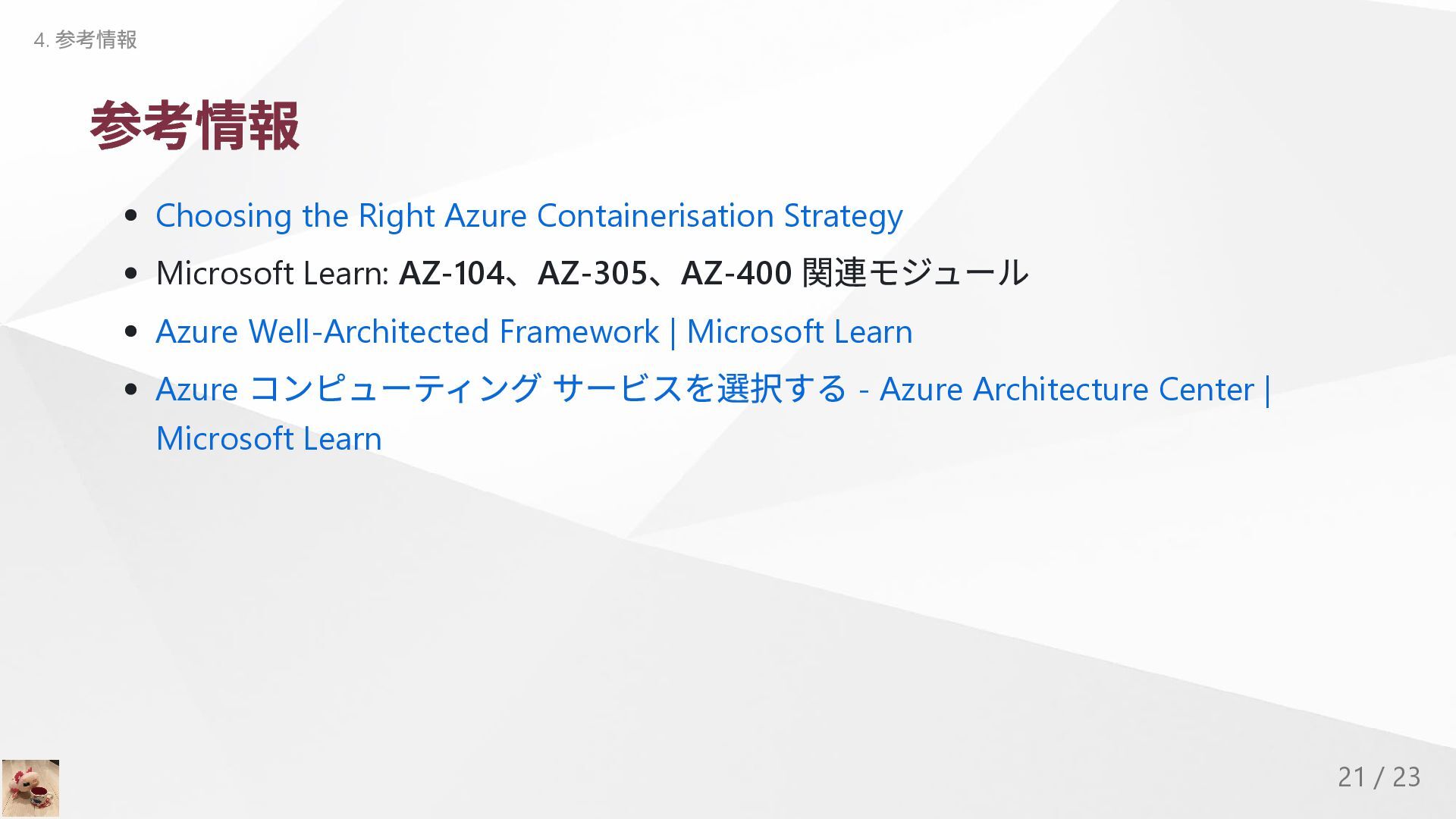
  16. 参考情報 Choosing the Right Azure Containerisation Strategy Microsoft Learn: AZ-104

    、AZ-305 、AZ-400 関連モジュール Azure Well-Architected Framework | Microsoft Learn Azure コンピューティング サービスを選択する - Azure Architecture Center | Microsoft Learn 4. 参考情報 21 / 23