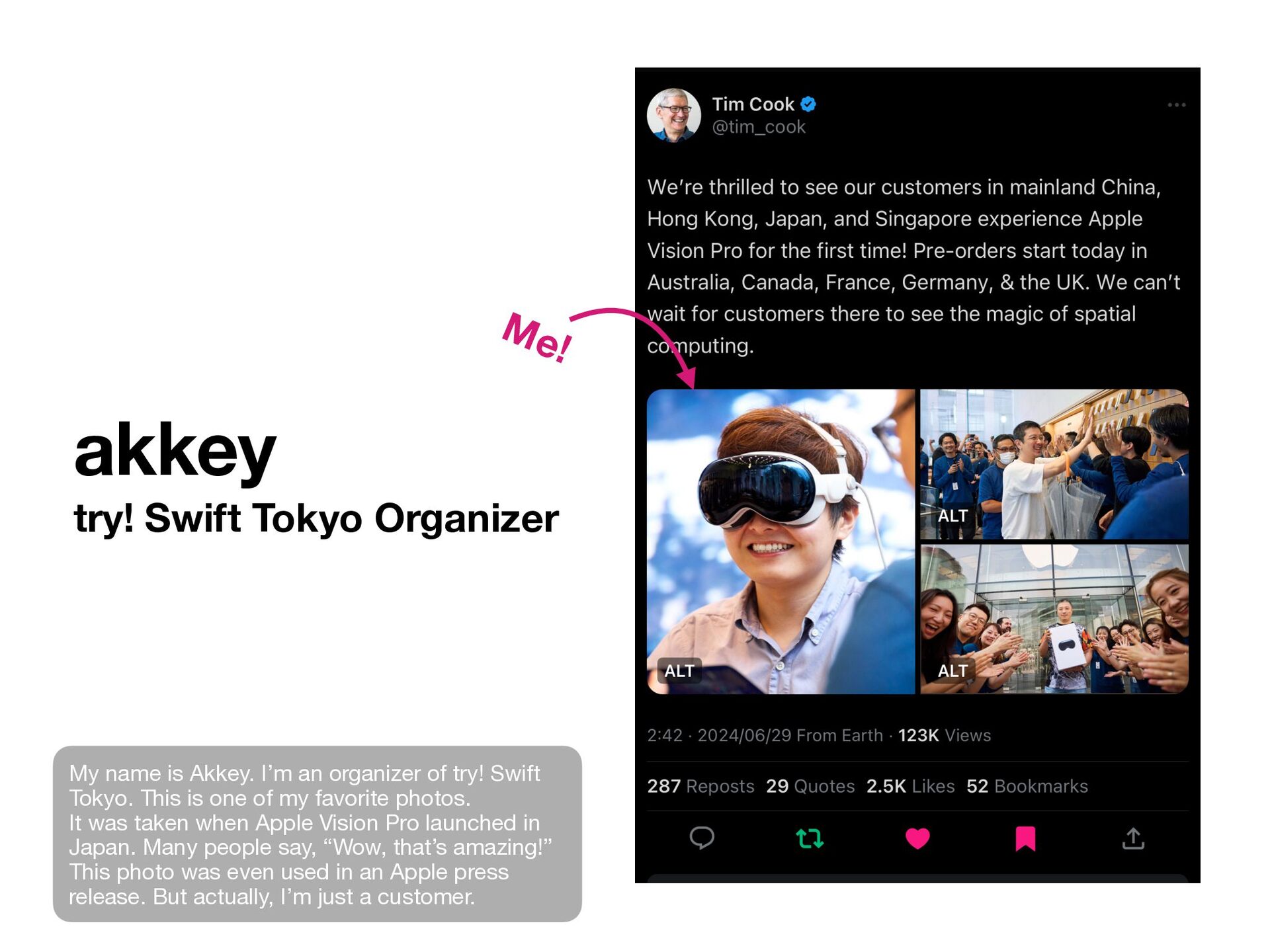
I’m an organizer of try! Swift Tokyo. This is one of my favorite photos. It was taken when Apple Vision Pro launched in Japan. Many people say, “Wow, that’s amazing!” This photo was even used in an Apple press release. But actually, I’m just a customer.
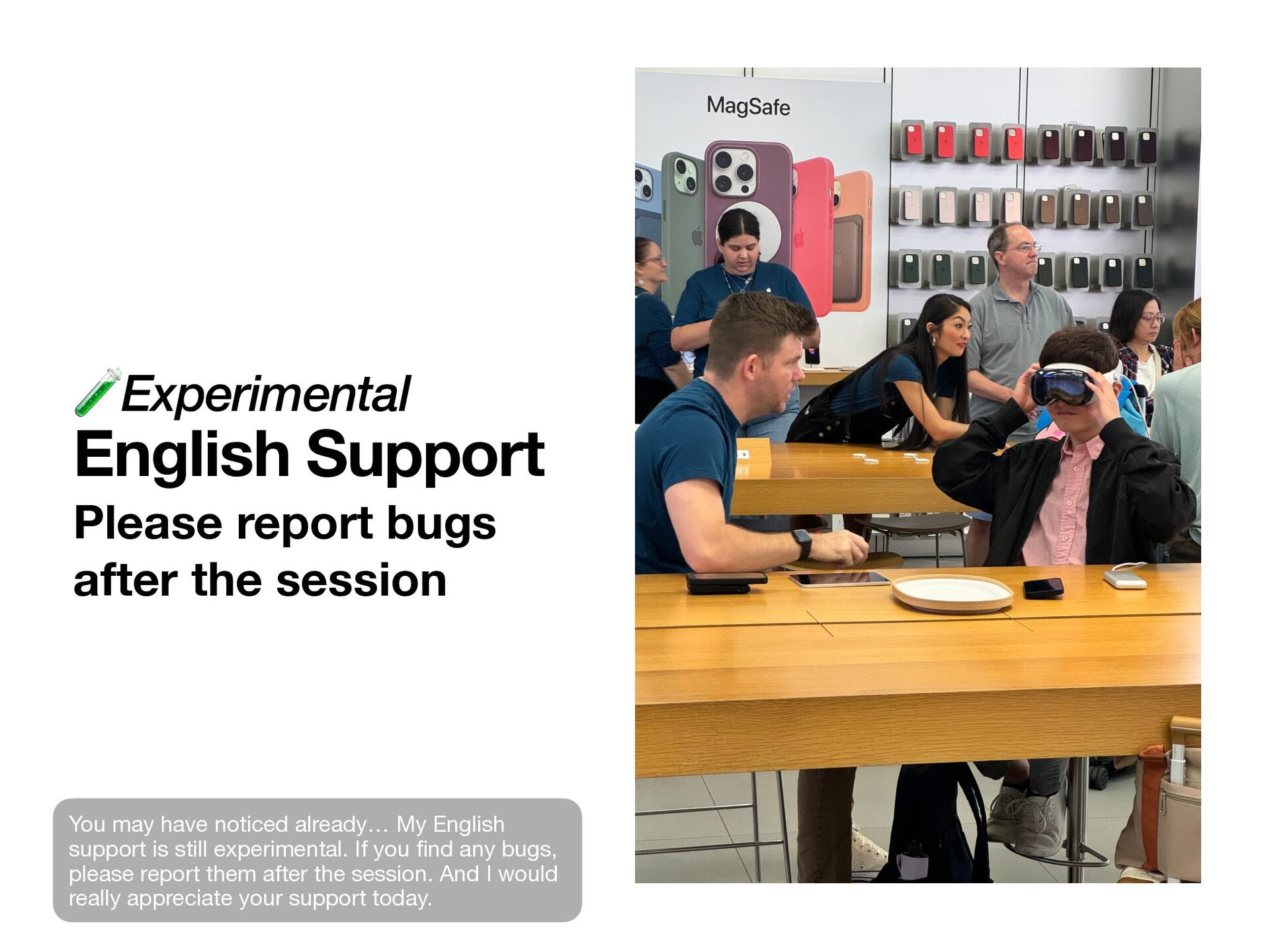
may have noticed already… My English support is still experimental. If you fi nd any bugs, please report them after the session. And I would really appreciate your support today.
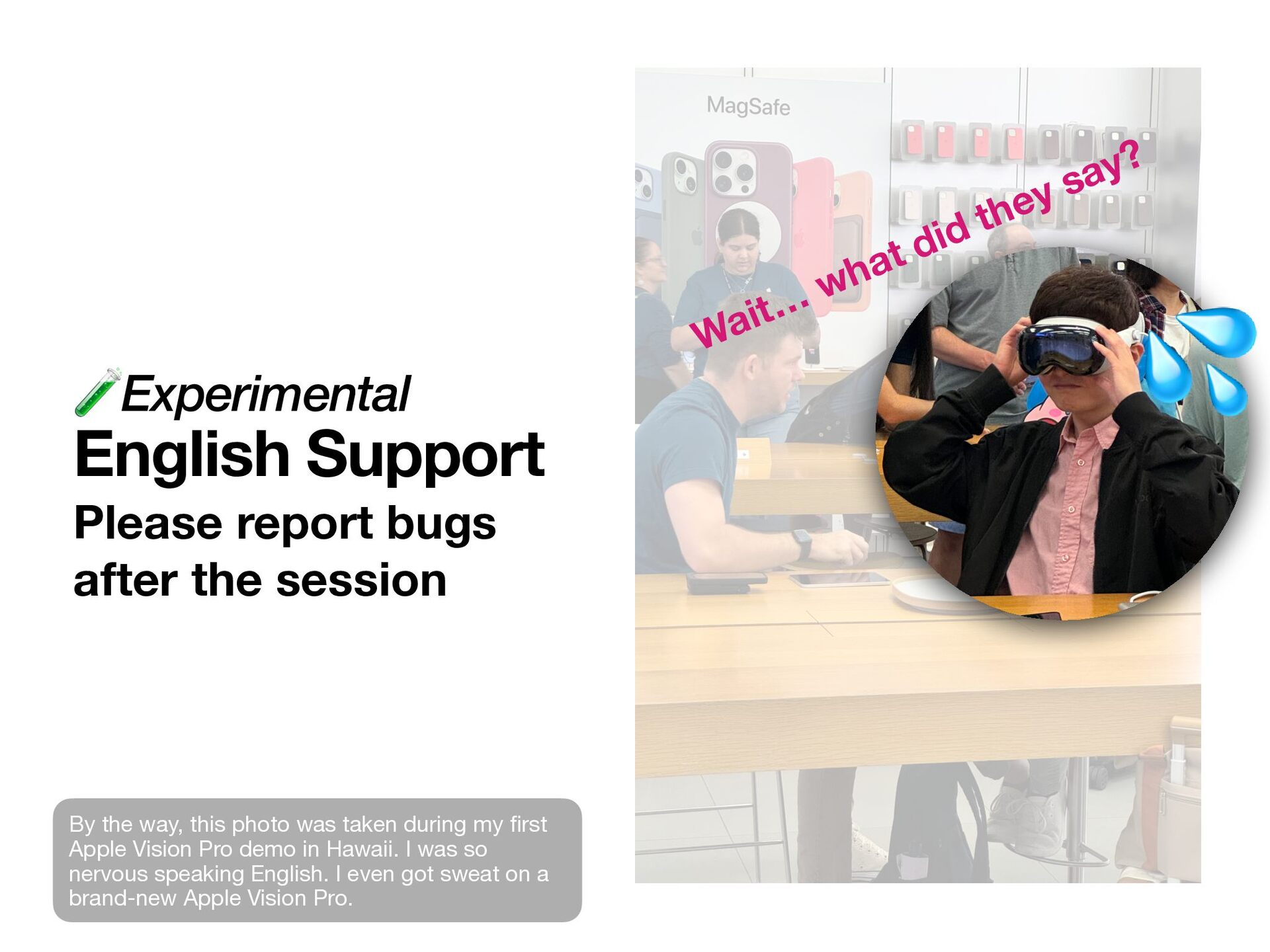
what did they say? 💦 By the way, this photo was taken during my fi rst Apple Vision Pro demo in Hawaii. I was so nervous speaking English. I even got sweat on a brand-new Apple Vision Pro.
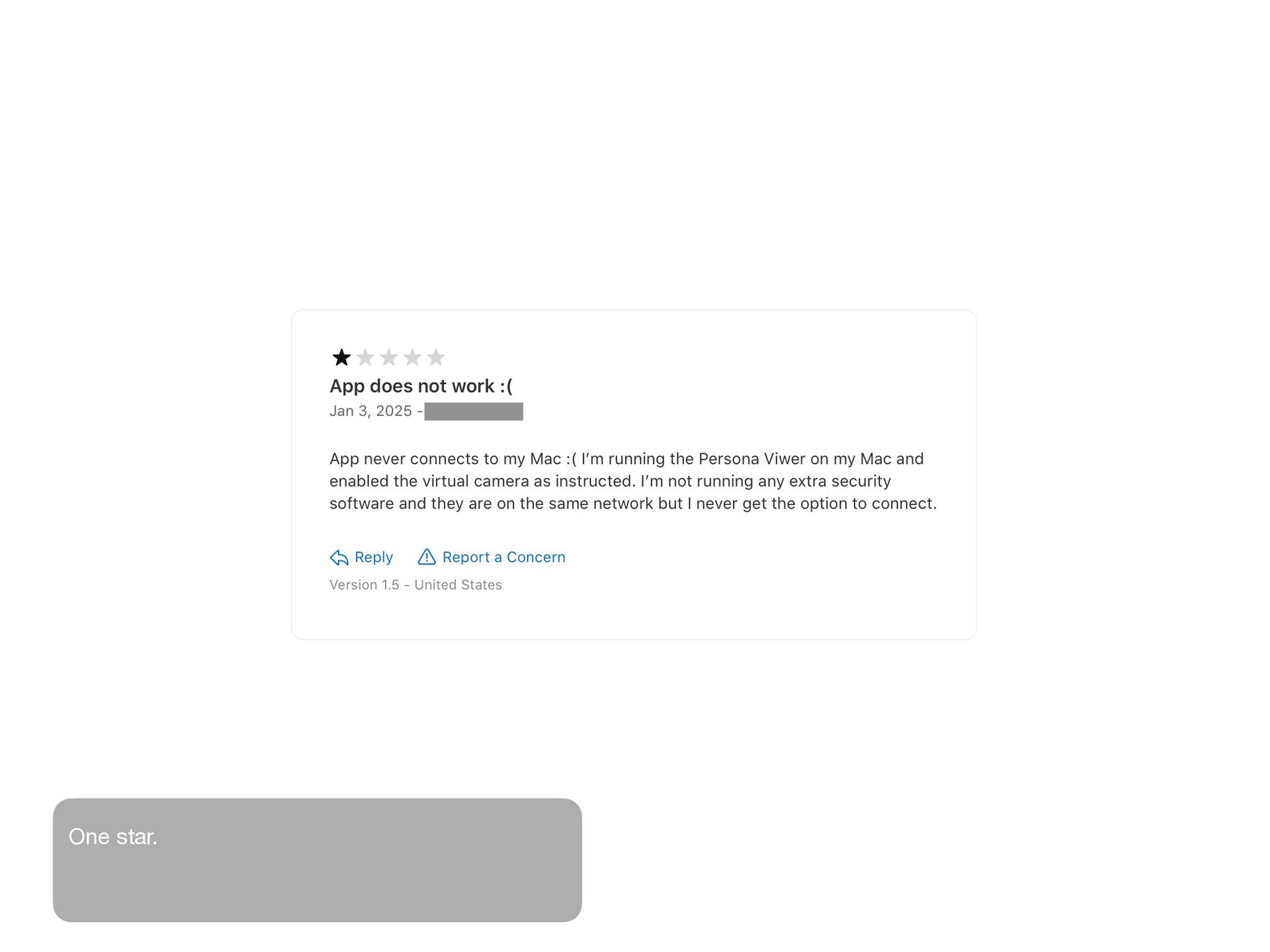
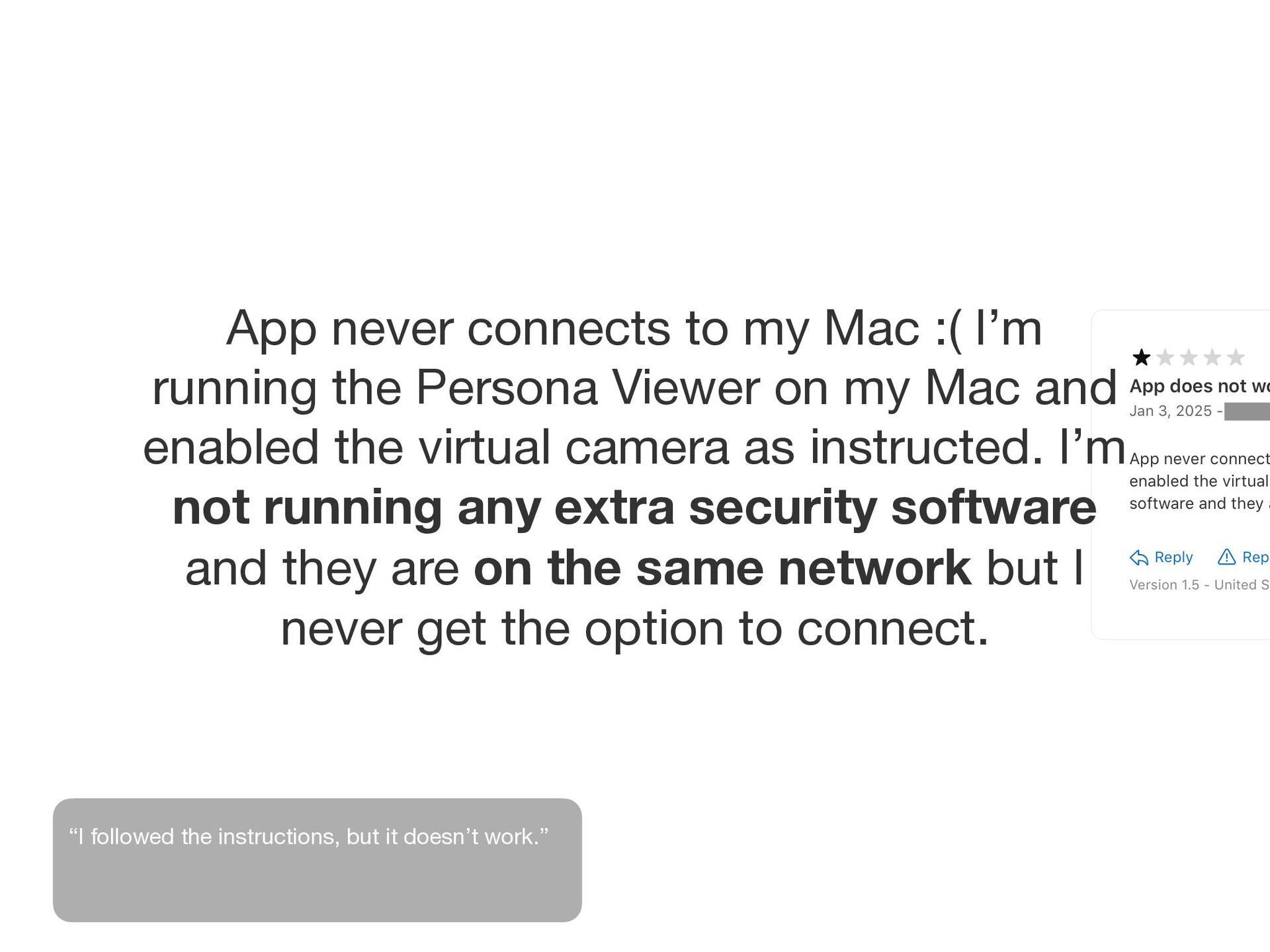
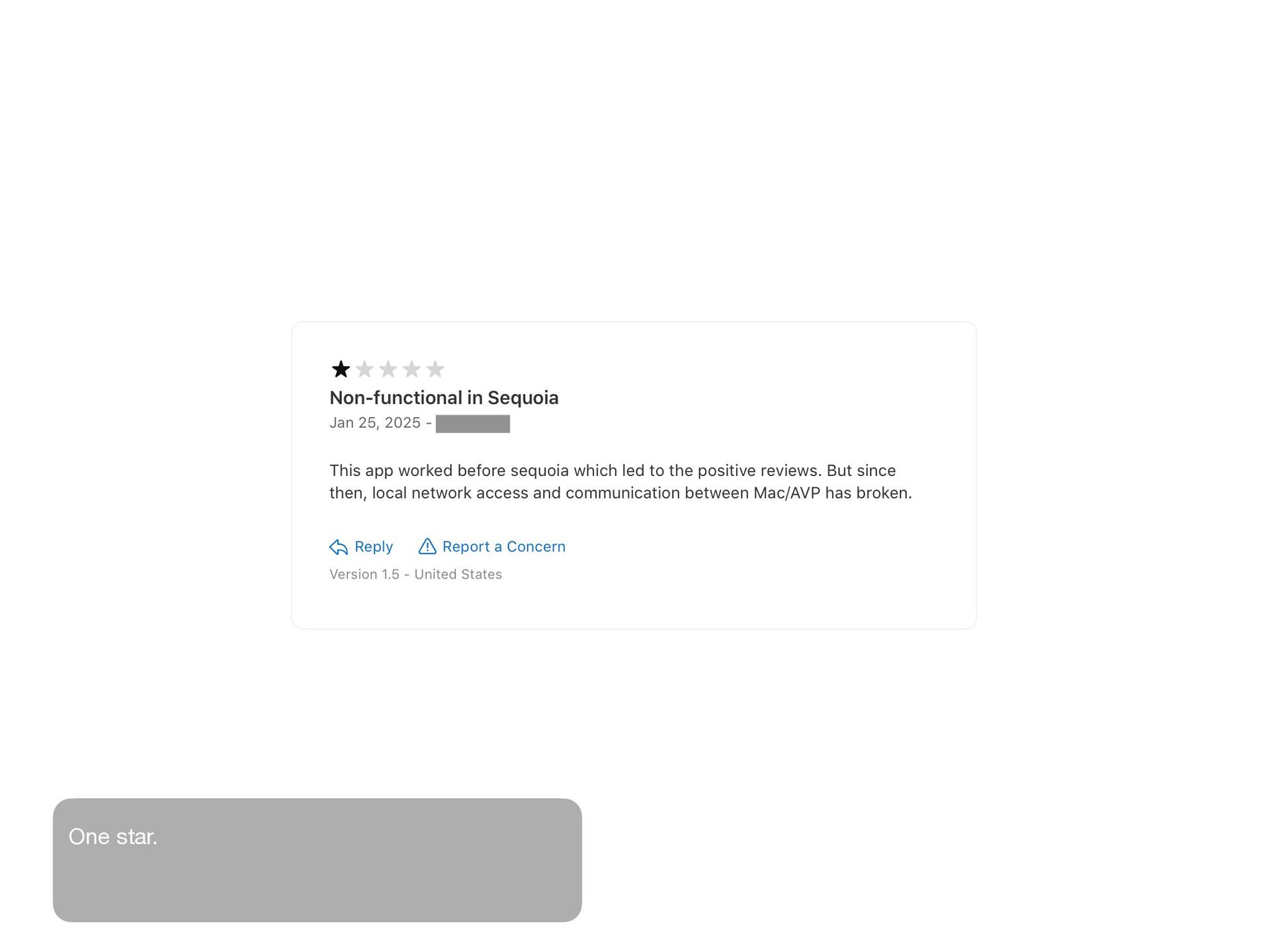
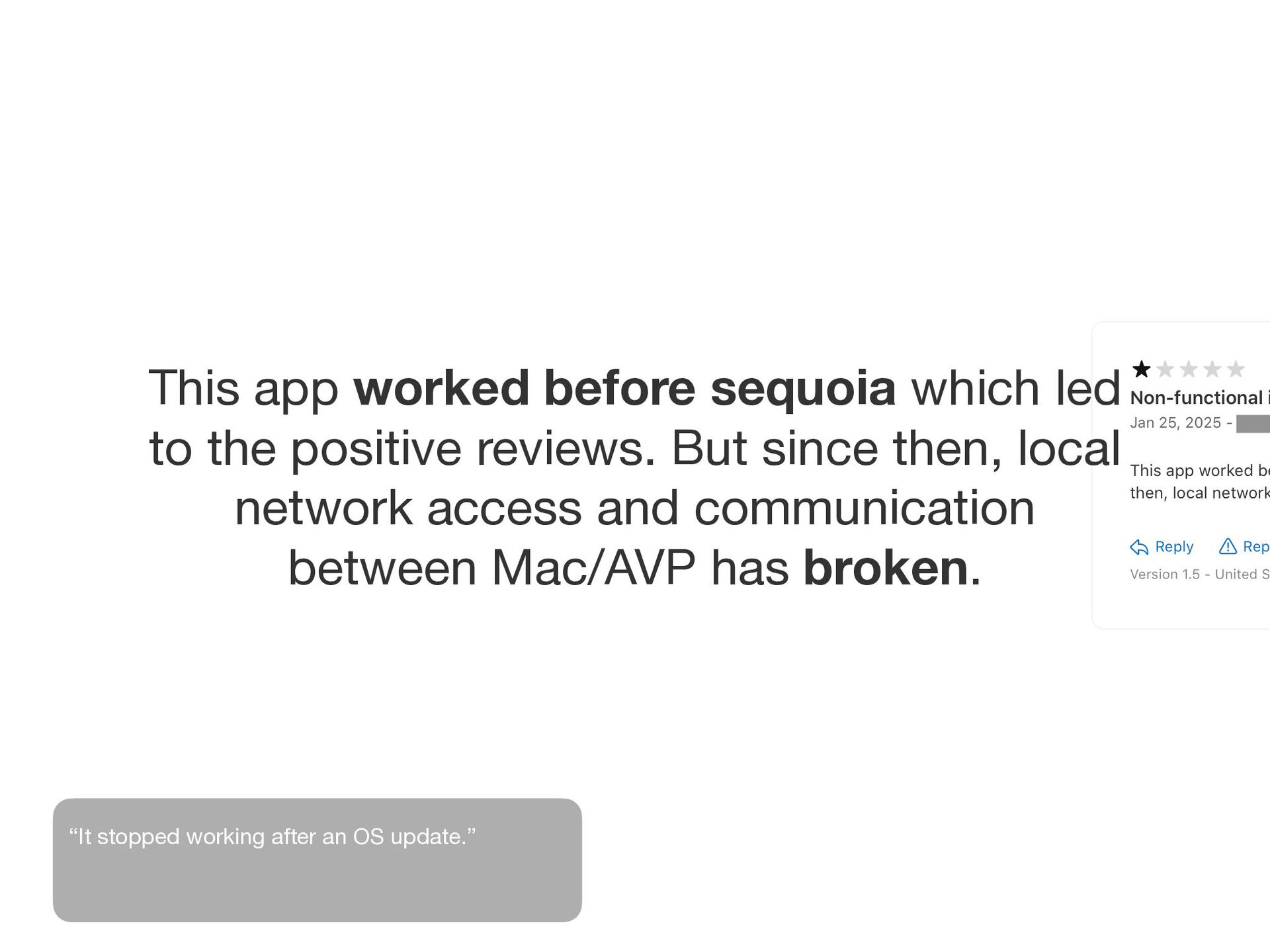
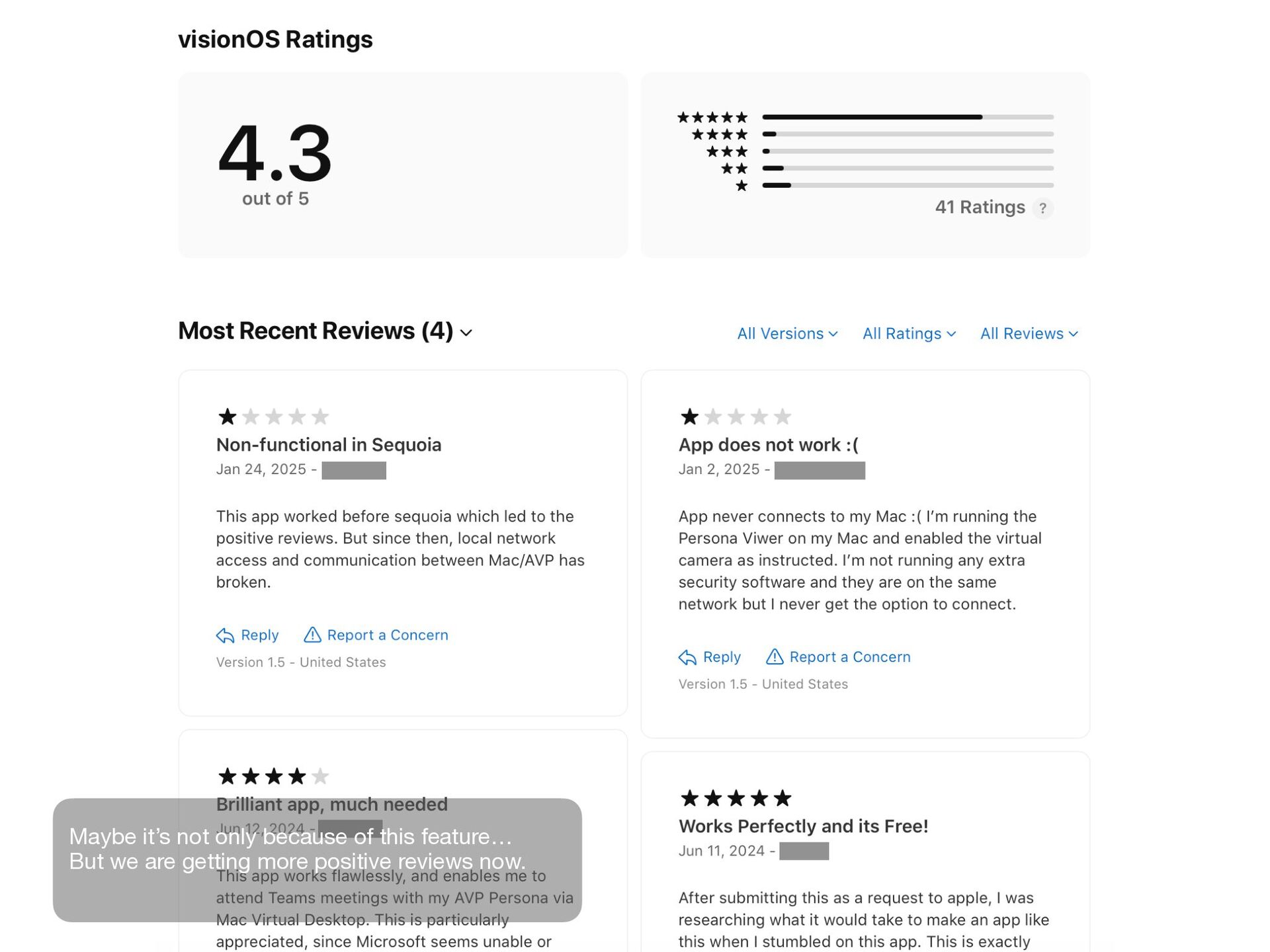
Persona Viewer on my Mac and enabled the virtual camera as instructed. I’m not running any extra security software and they are on the same network but I never get the option to connect. “I followed the instructions, but it doesn’t work.”
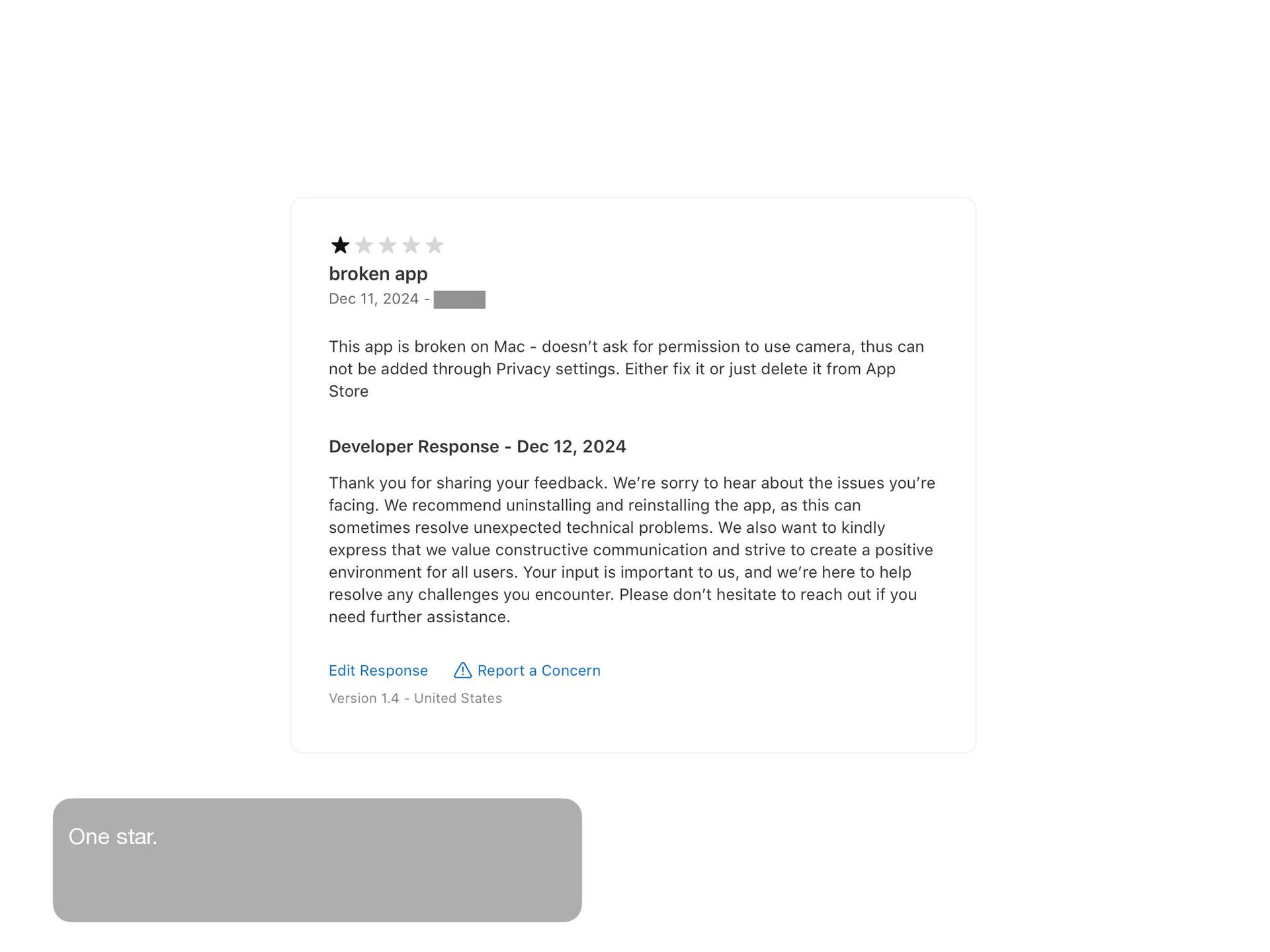
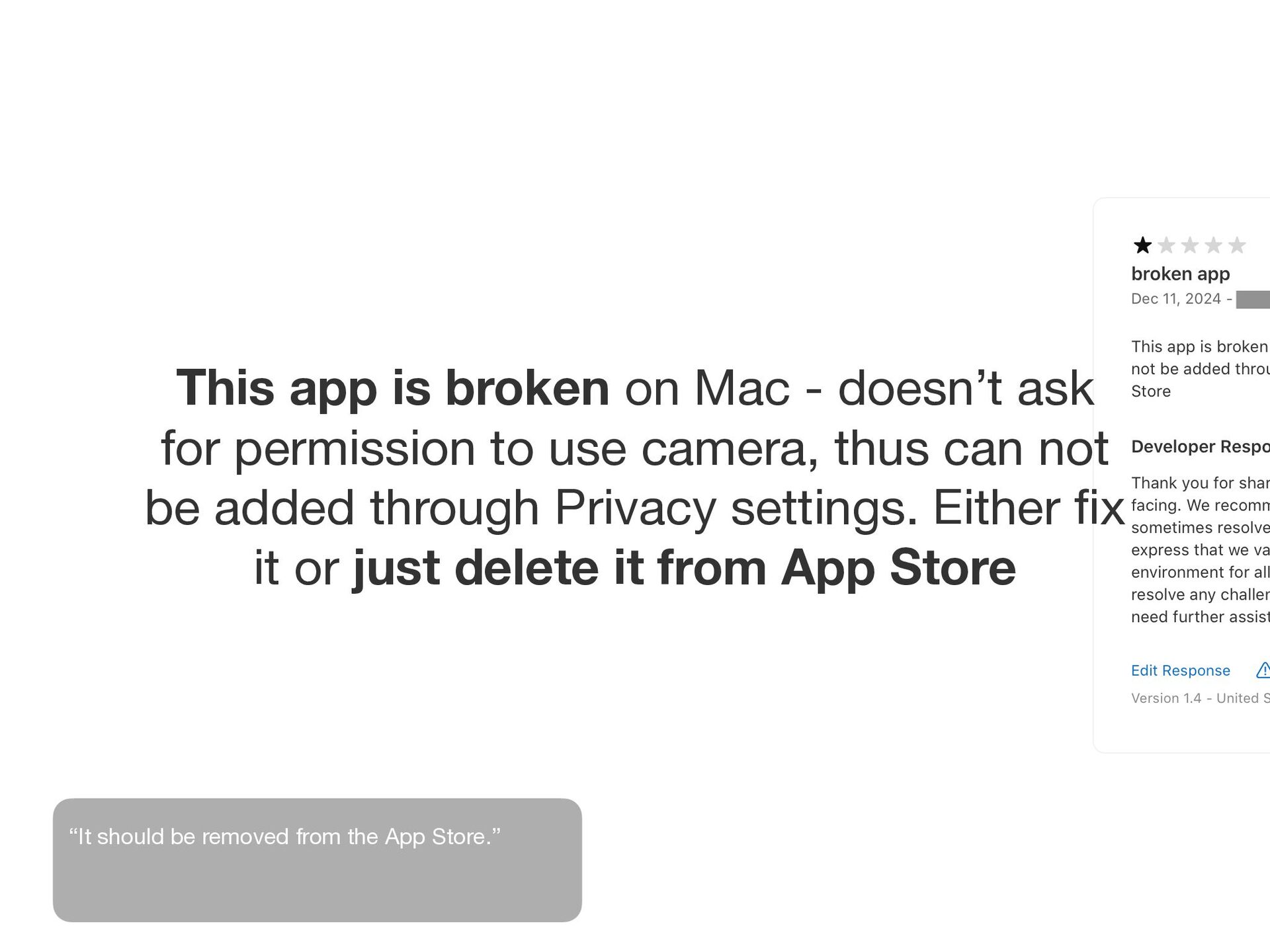
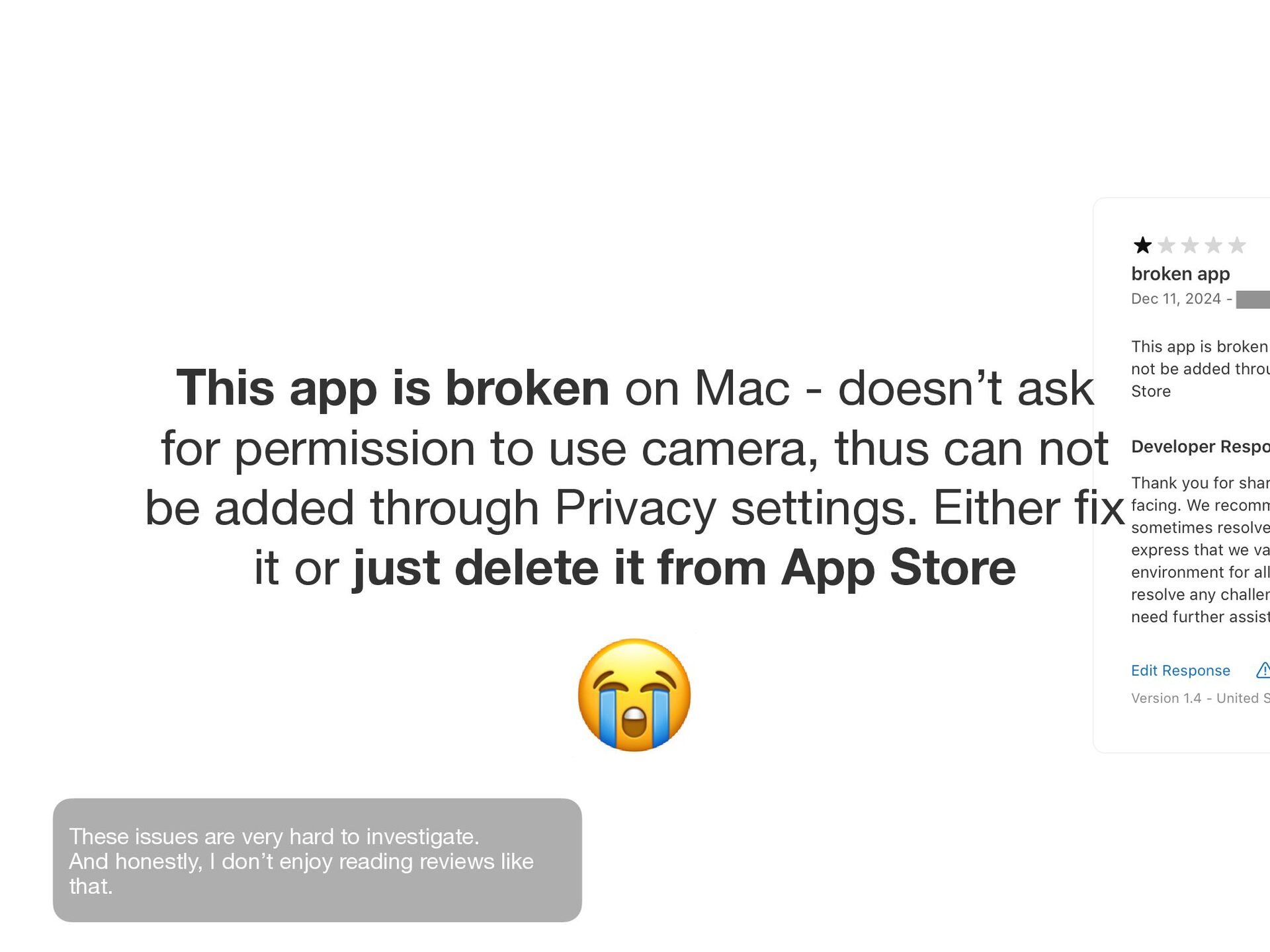
permission to use camera, thus can not be added through Privacy settings. Either fi x it or just delete it from App Store “It should be removed from the App Store.”
permission to use camera, thus can not be added through Privacy settings. Either fi x it or just delete it from App Store 😭 These issues are very hard to investigate. And honestly, I don’t enjoy reading reviews like that.
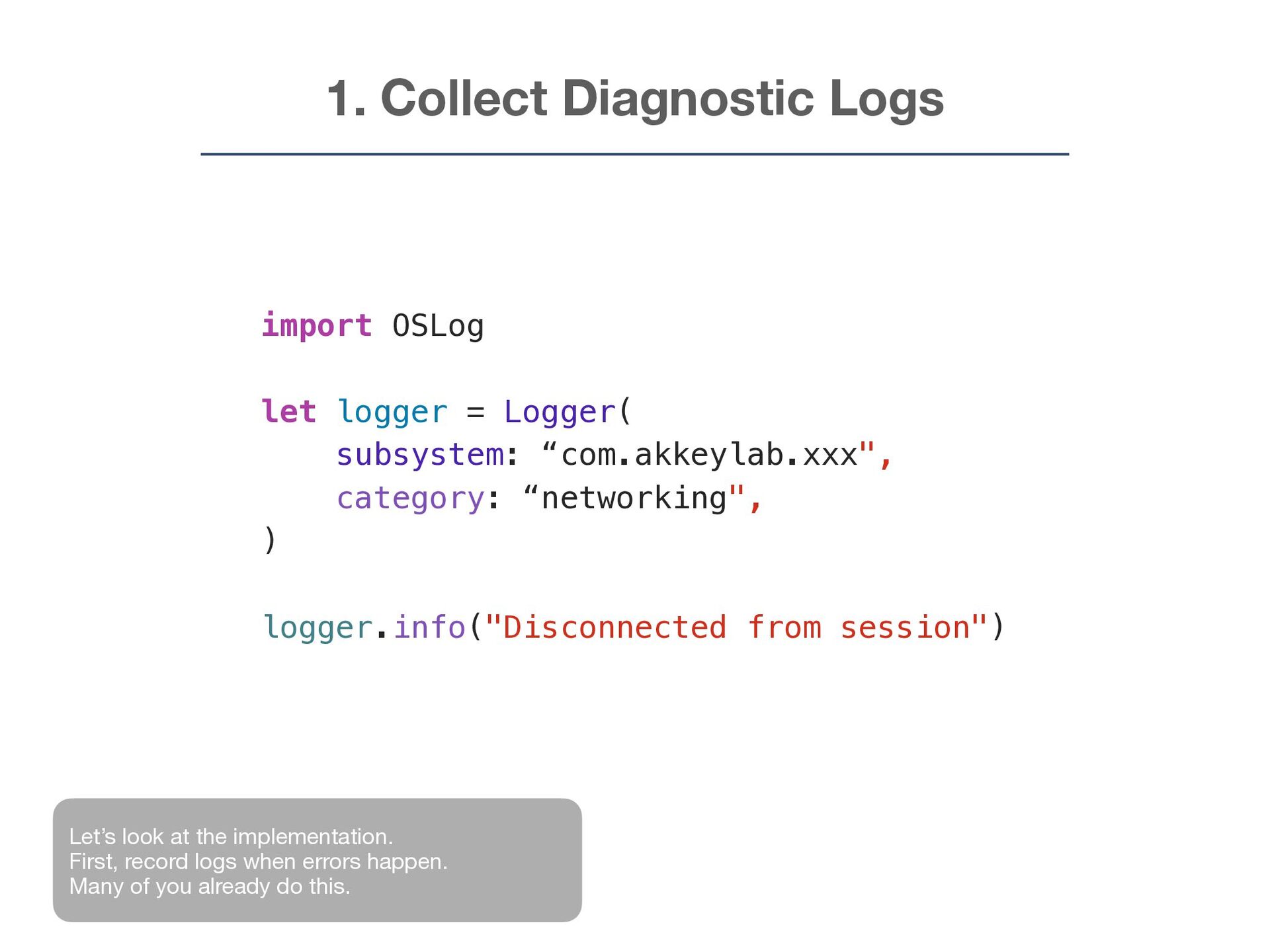
subsystem: “com.akkeylab.xxx", category: “networking", ) logger.info("Disconnected from session") Let’s look at the implementation. First, record logs when errors happen. Many of you already do this.
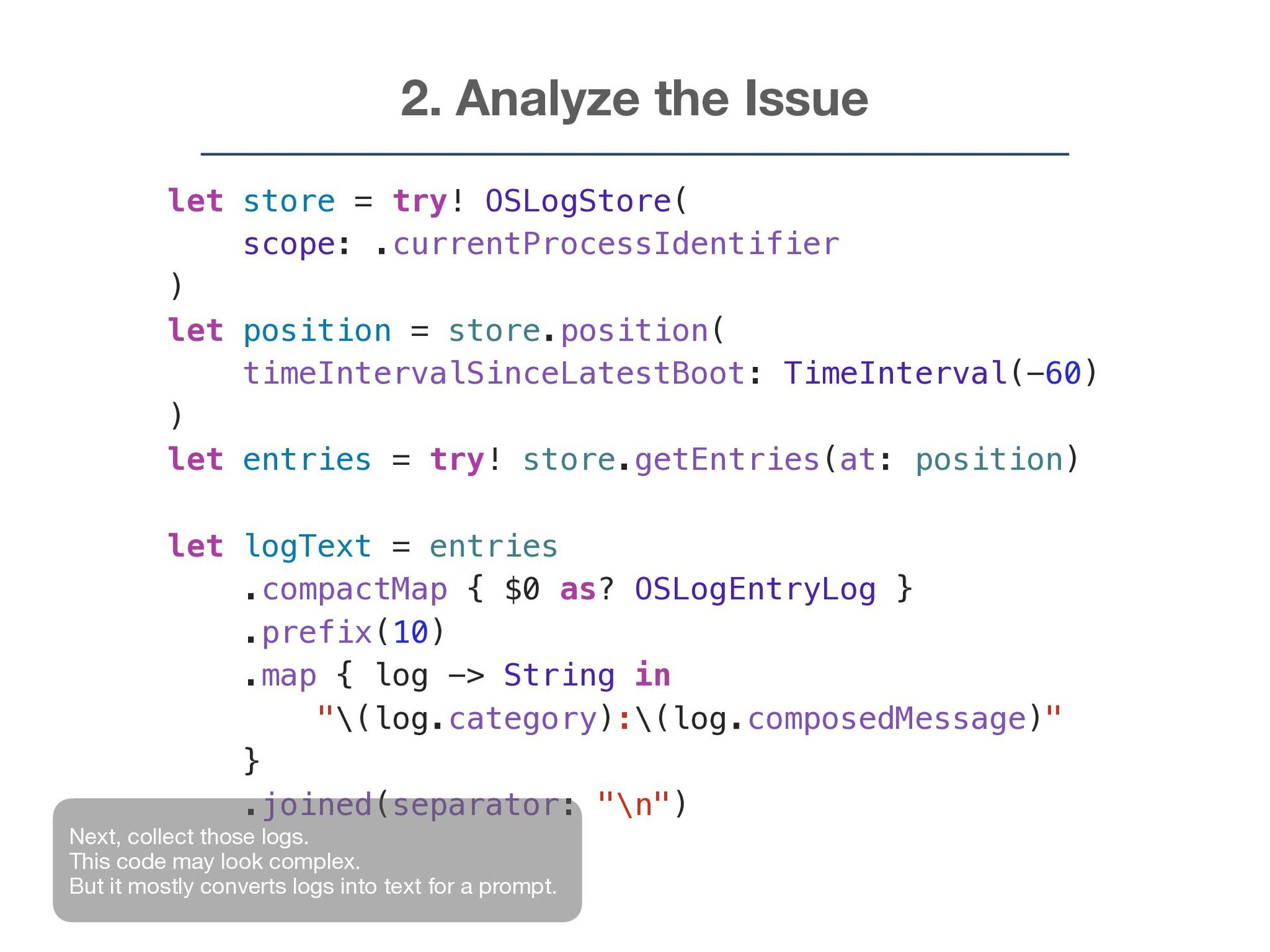
.currentProcessIdentifier ) let position = store.position( timeIntervalSinceLatestBoot: TimeInterval(-60) ) let entries = try! store.getEntries(at: position) let logText = entries .compactMap { $0 as? OSLogEntryLog } .prefix(10) .map { log -> String in "\(log.category):\(log.composedMessage)" } .joined(separator: "\n") Next, collect those logs. This code may look complex. But it mostly converts logs into text for a prompt.
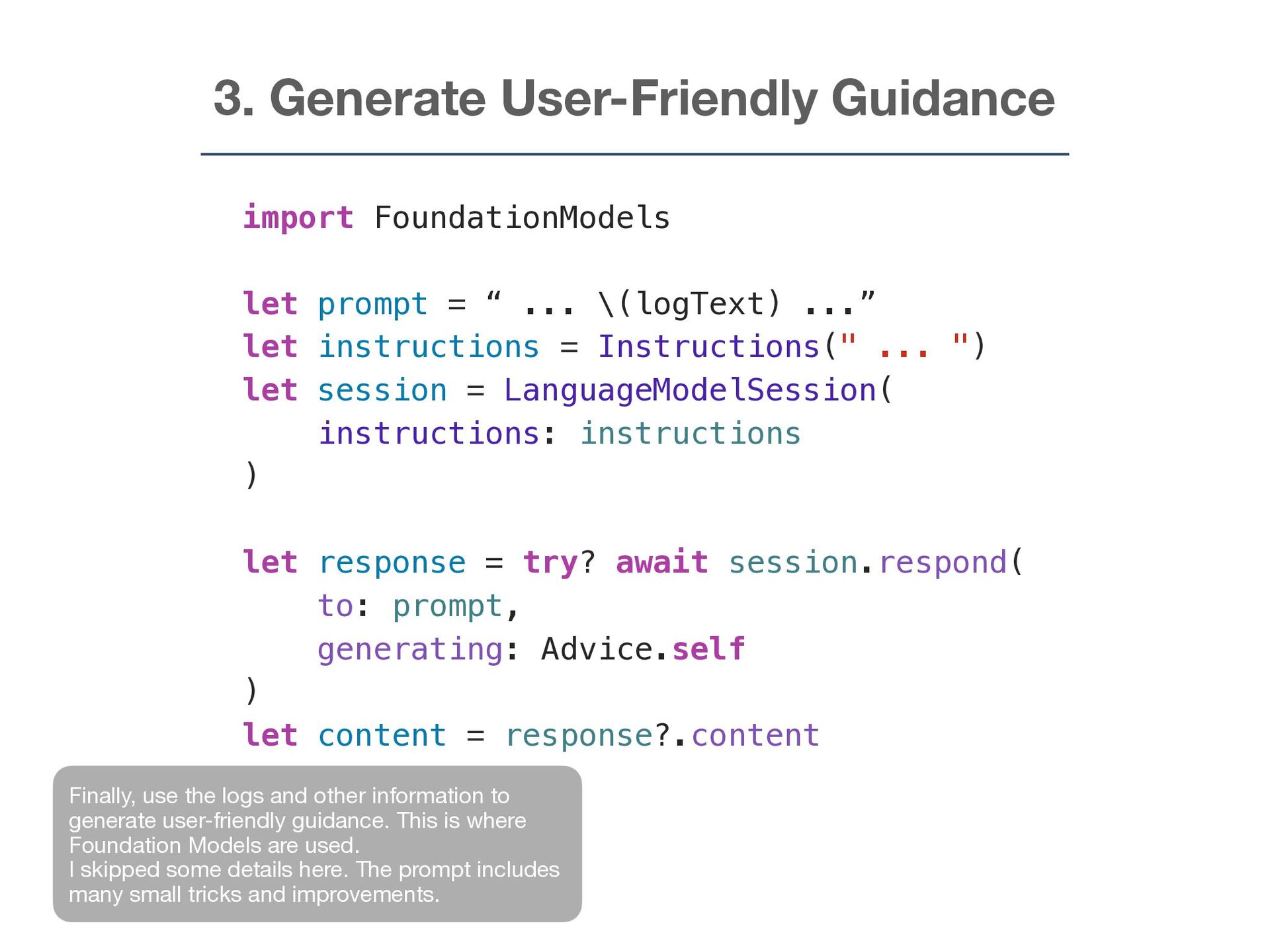
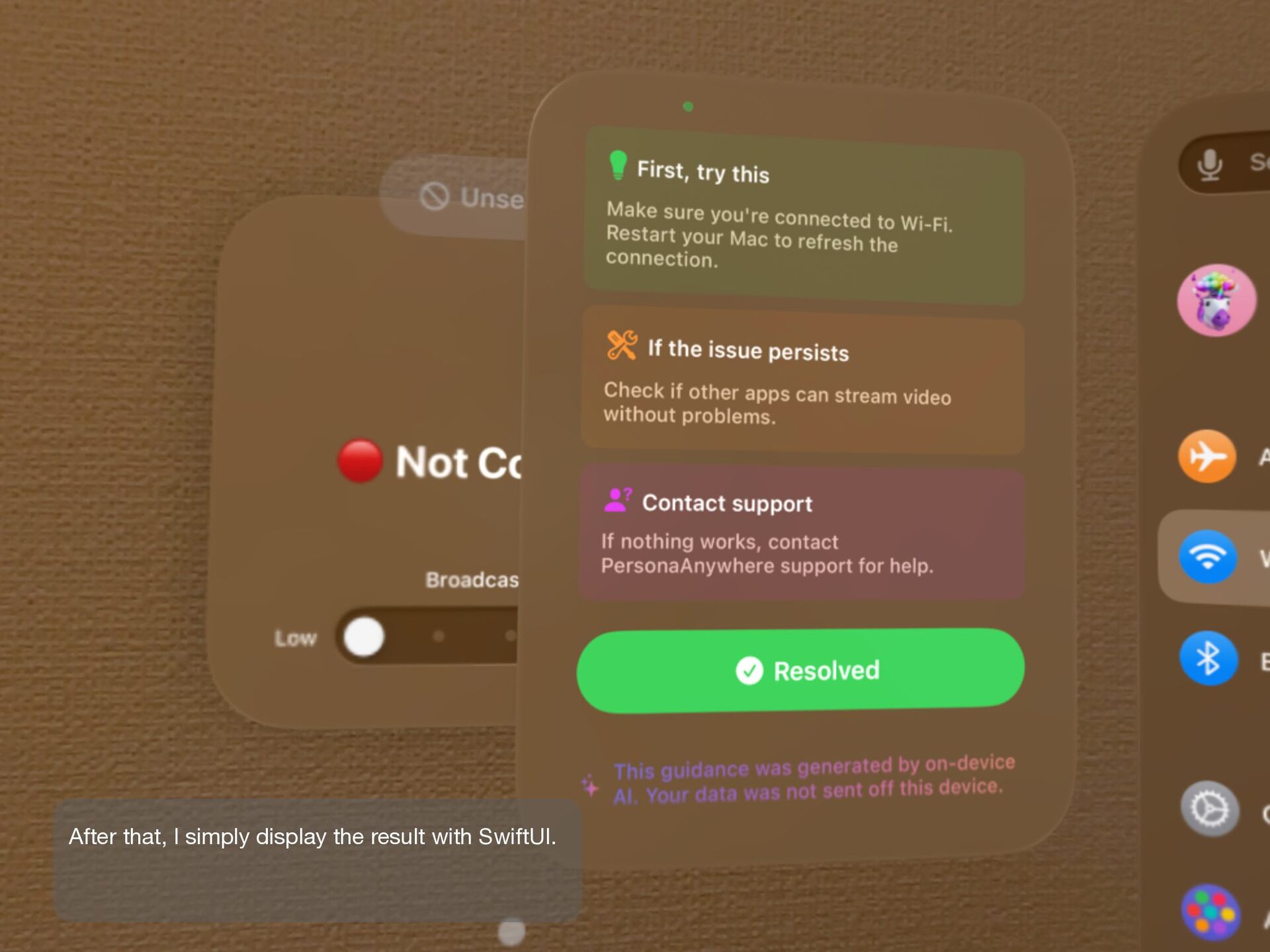
... \(logText) ...” let instructions = Instructions(" ... ") let session = LanguageModelSession( instructions: instructions ) let response = try? await session.respond( to: prompt, generating: Advice.self ) let content = response?.content Finally, use the logs and other information to generate user-friendly guidance. This is where Foundation Models are used. I skipped some details here. The prompt includes many small tricks and improvements.


 akkeylab
 findyinc
 akase244
 repunit11
 rkaga
rkaga
 reimaru
 kishida
 hschwentner
 y0hgi
y0hgi
 minodriven
 yukiny
 palkan
 naokihaba
 chikuwait
 kimpetersen
 tammielis
 baasie
 reverentgeek
 bkeepers
 maltzj
 uxyall
 katarinadahlin
 techseoconnect