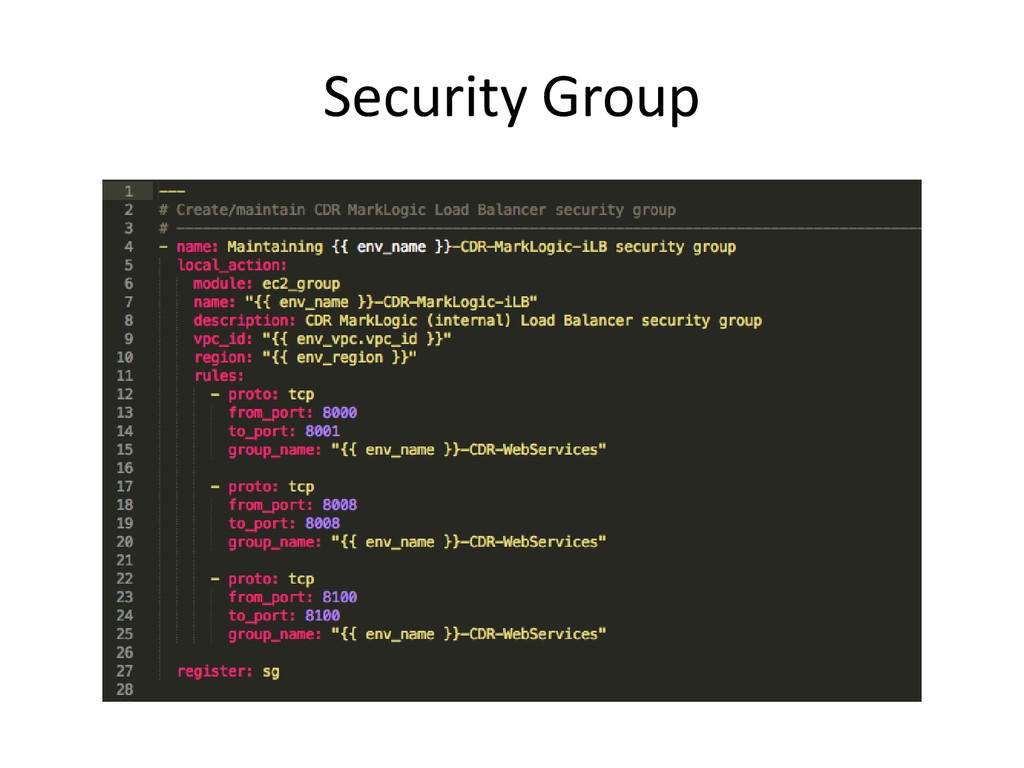
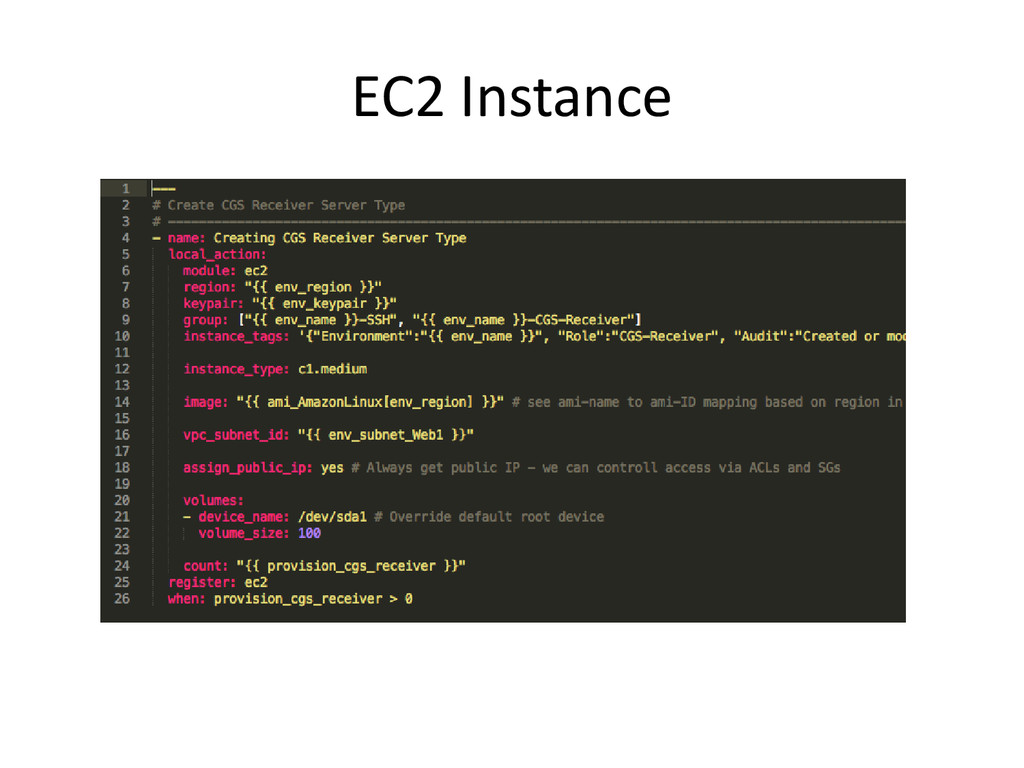
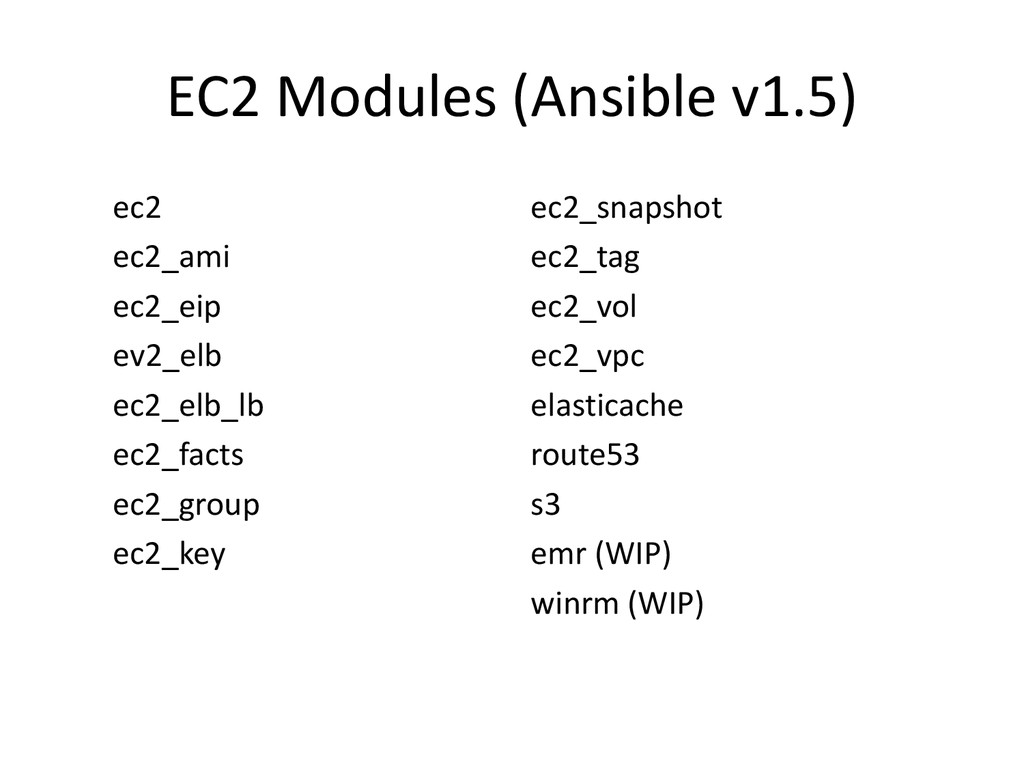
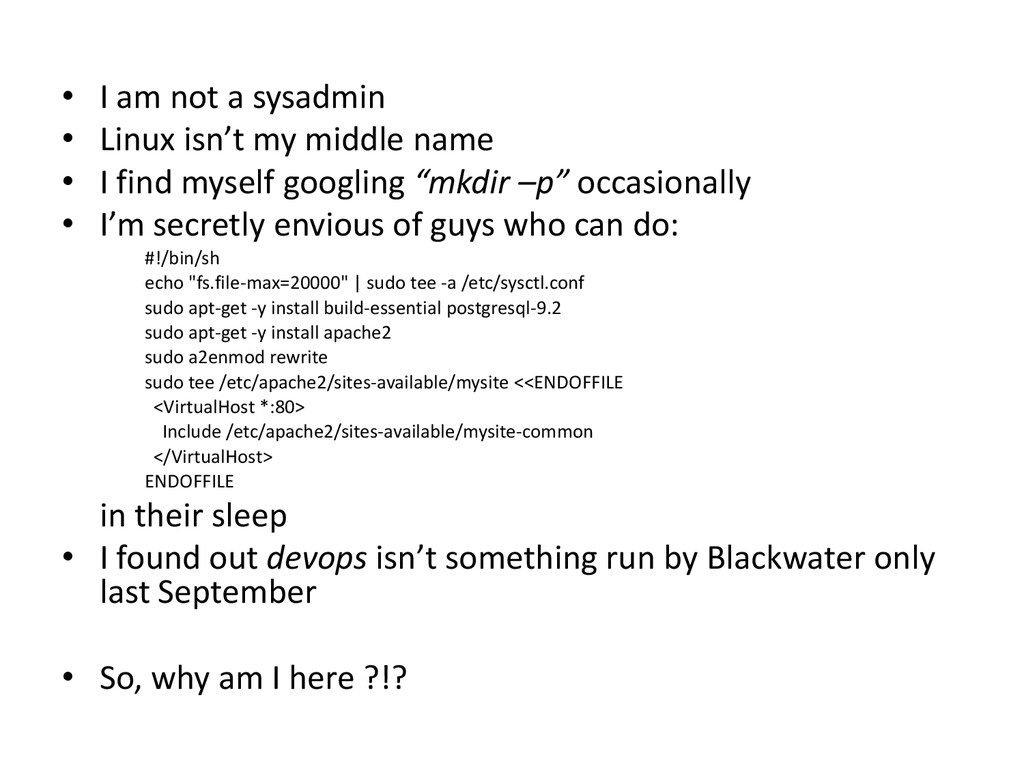
middle name • I find myself googling “mkdir –p” occasionally • I’m secretly envious of guys who can do: #!/bin/sh echo "fs.file-max=20000" | sudo tee -a /etc/sysctl.conf sudo apt-get -y install build-essential postgresql-9.2 sudo apt-get -y install apache2 sudo a2enmod rewrite sudo tee /etc/apache2/sites-available/mysite <<ENDOFFILE <VirtualHost *:80> Include /etc/apache2/sites-available/mysite-common </VirtualHost> ENDOFFILE in their sleep • I found out devops isn’t something run by Blackwater only last September • So, why am I here ?!?
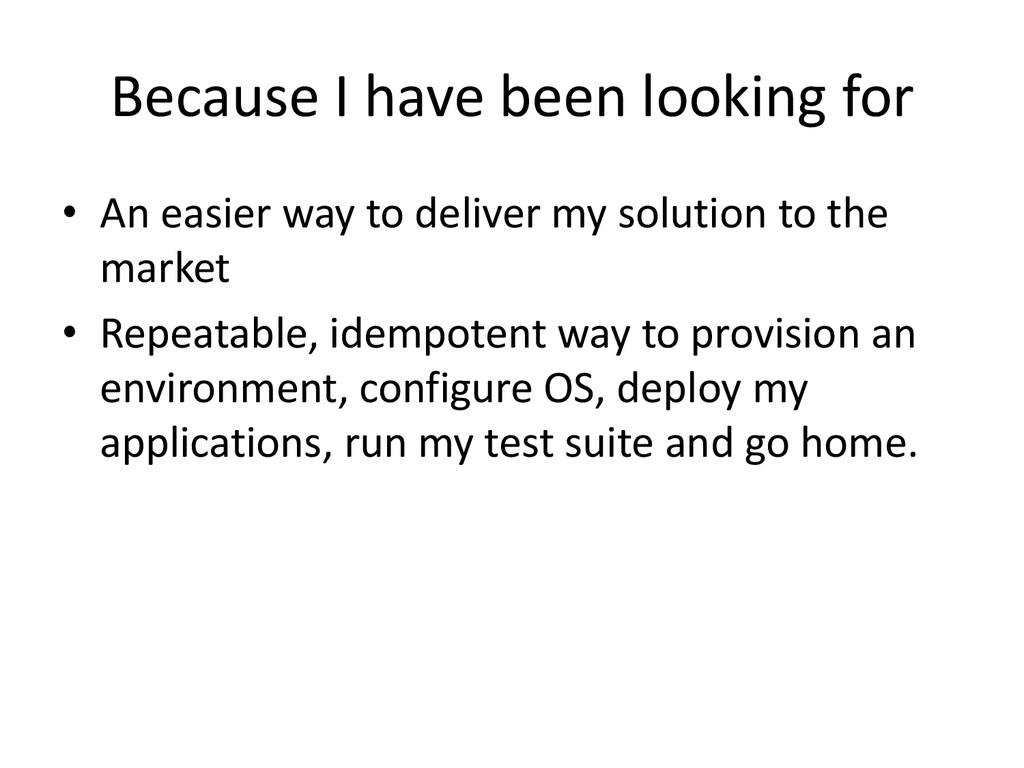
to deliver my solution to the market • Repeatable, idempotent way to provision an environment, configure OS, deploy my applications, run my test suite and go home.
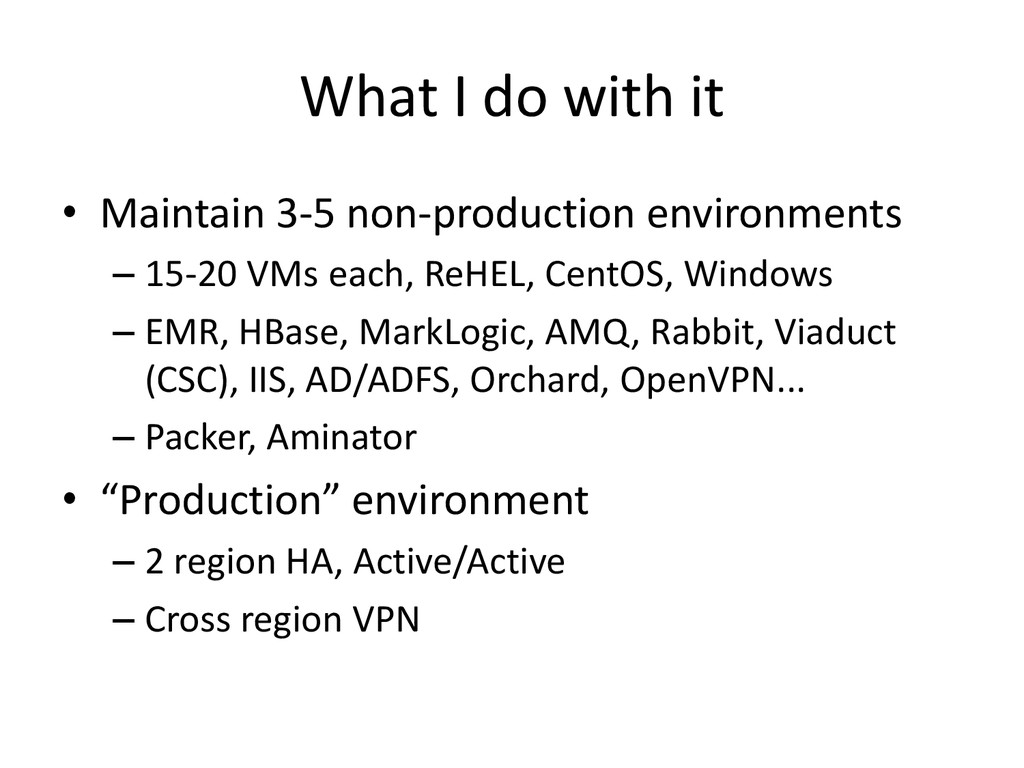
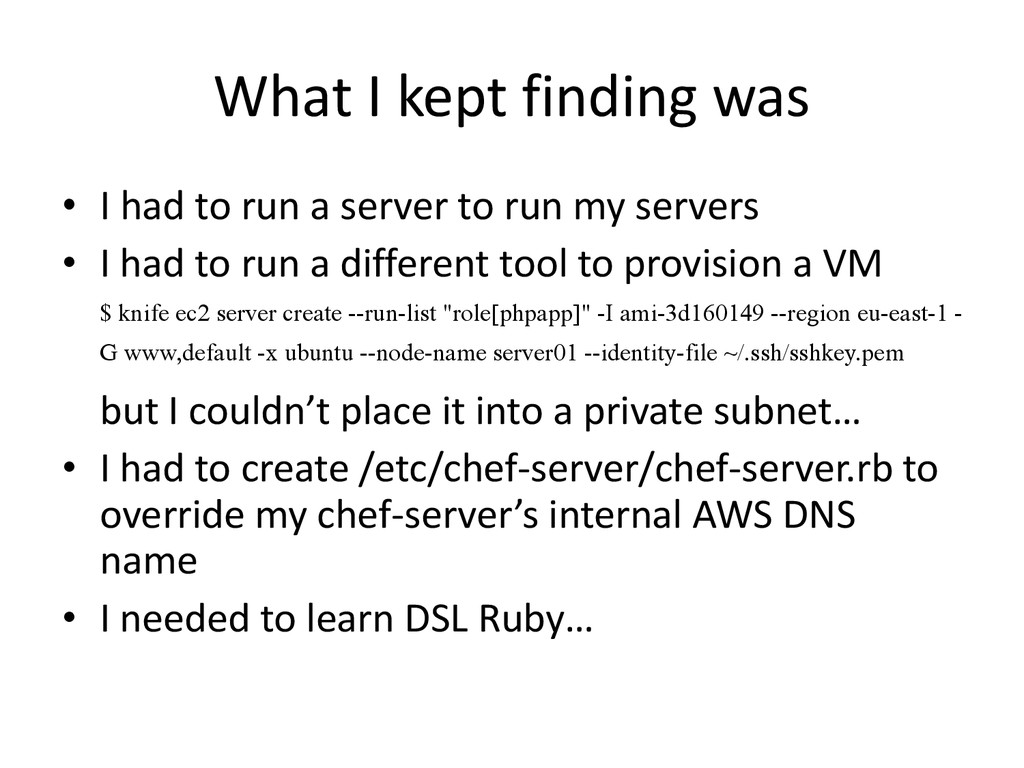
a server to run my servers • I had to run a different tool to provision a VM $ knife ec2 server create --run-list "role[phpapp]" -I ami-3d160149 --region eu-east-1 - G www,default -x ubuntu --node-name server01 --identity-file ~/.ssh/sshkey.pem but I couldn’t place it into a private subnet… • I had to create /etc/chef-server/chef-server.rb to override my chef-server’s internal AWS DNS name • I needed to learn DSL Ruby…
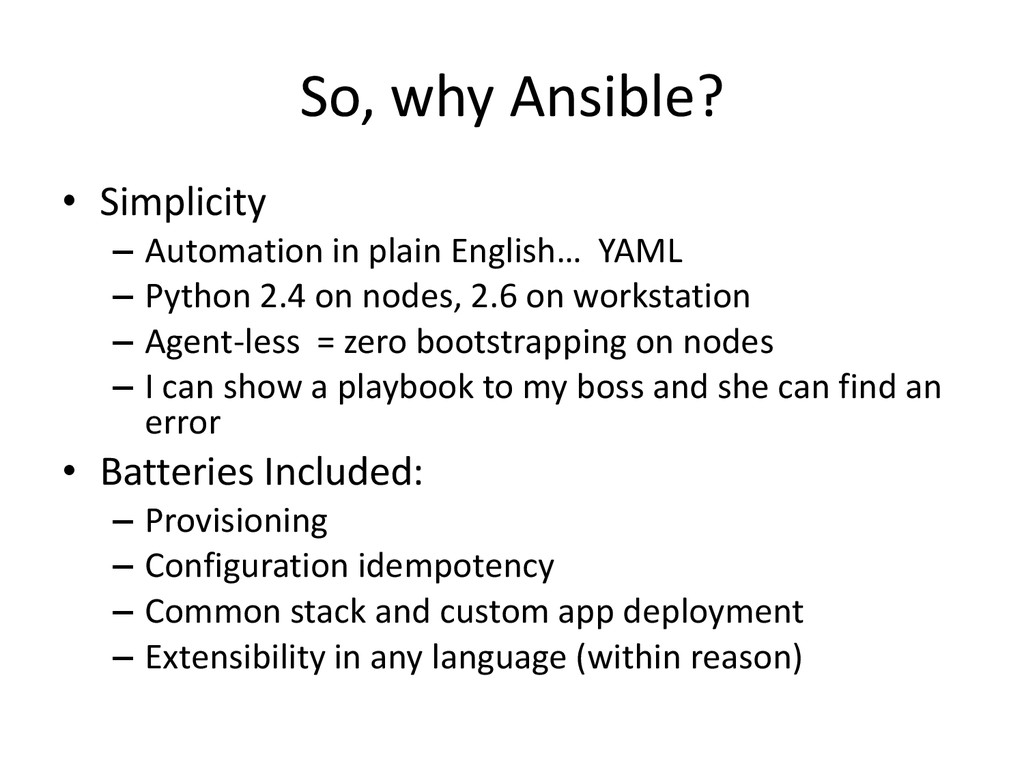
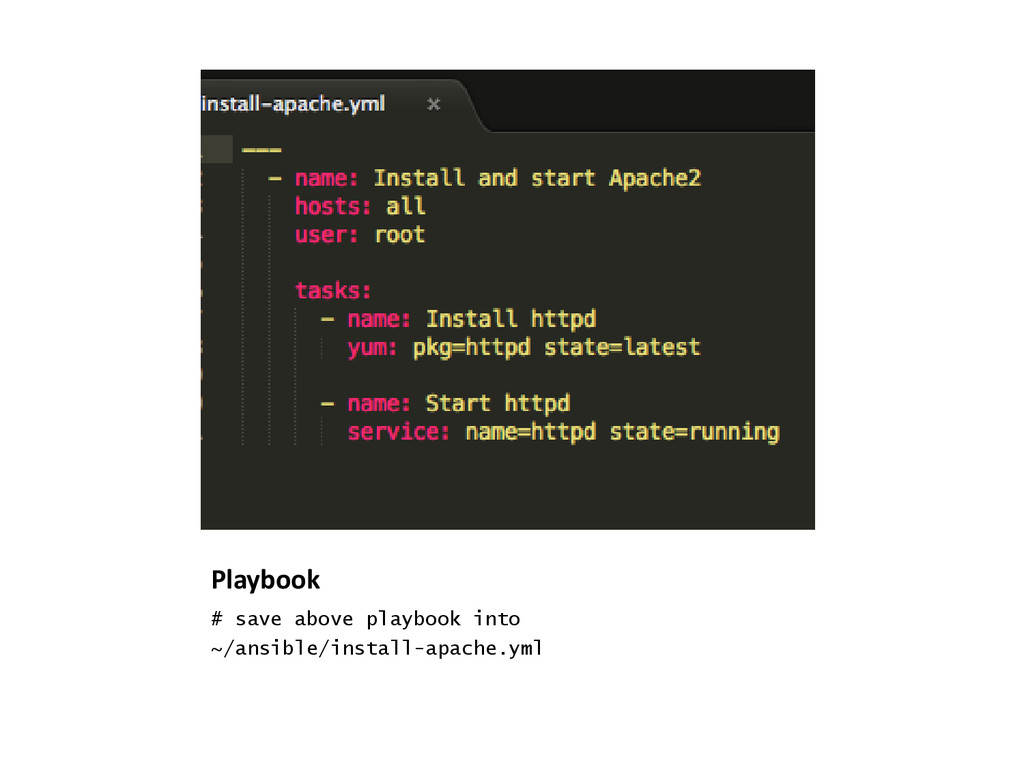
YAML – Python 2.4 on nodes, 2.6 on workstation – Agent-less = zero bootstrapping on nodes – I can show a playbook to my boss and she can find an error • Batteries Included: – Provisioning – Configuration idempotency – Common stack and custom app deployment – Extensibility in any language (within reason)
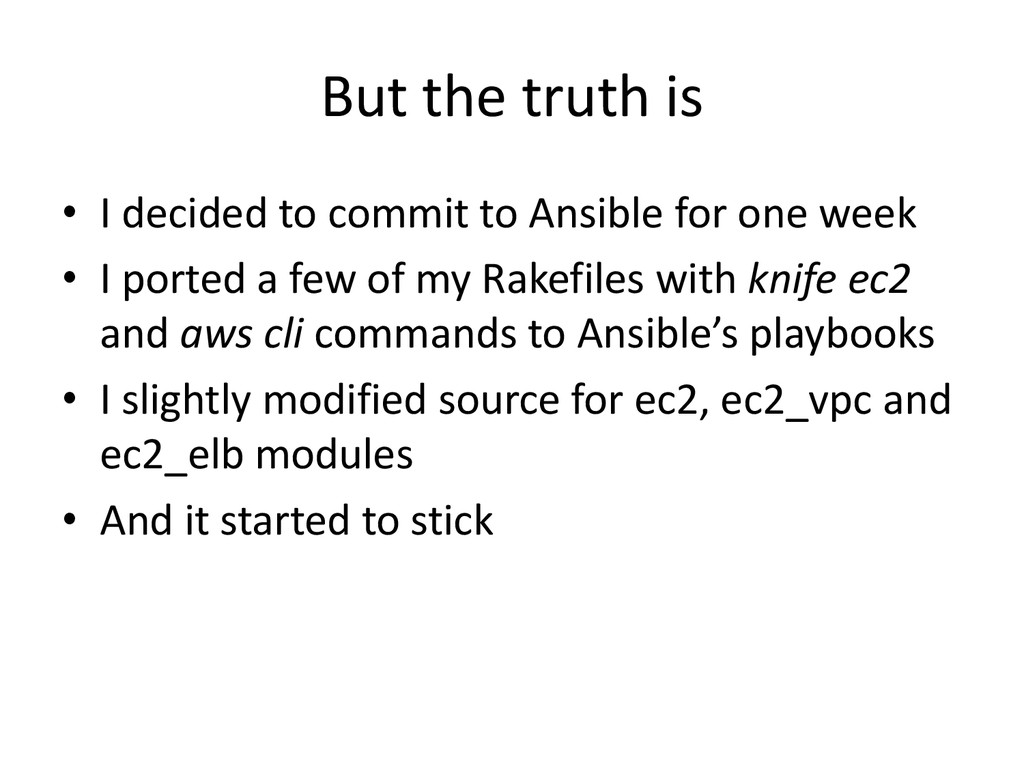
Ansible for one week • I ported a few of my Rakefiles with knife ec2 and aws cli commands to Ansible’s playbooks • I slightly modified source for ec2, ec2_vpc and ec2_elb modules • And it started to stick
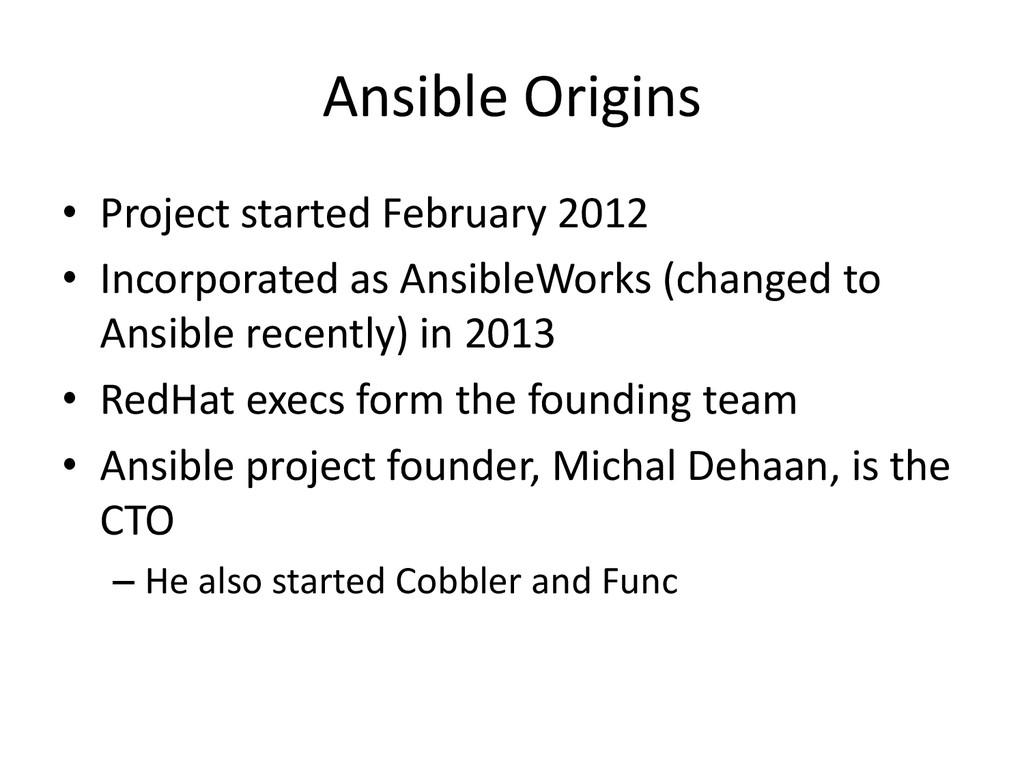
AnsibleWorks (changed to Ansible recently) in 2013 • RedHat execs form the founding team • Ansible project founder, Michal Dehaan, is the CTO – He also started Cobbler and Func
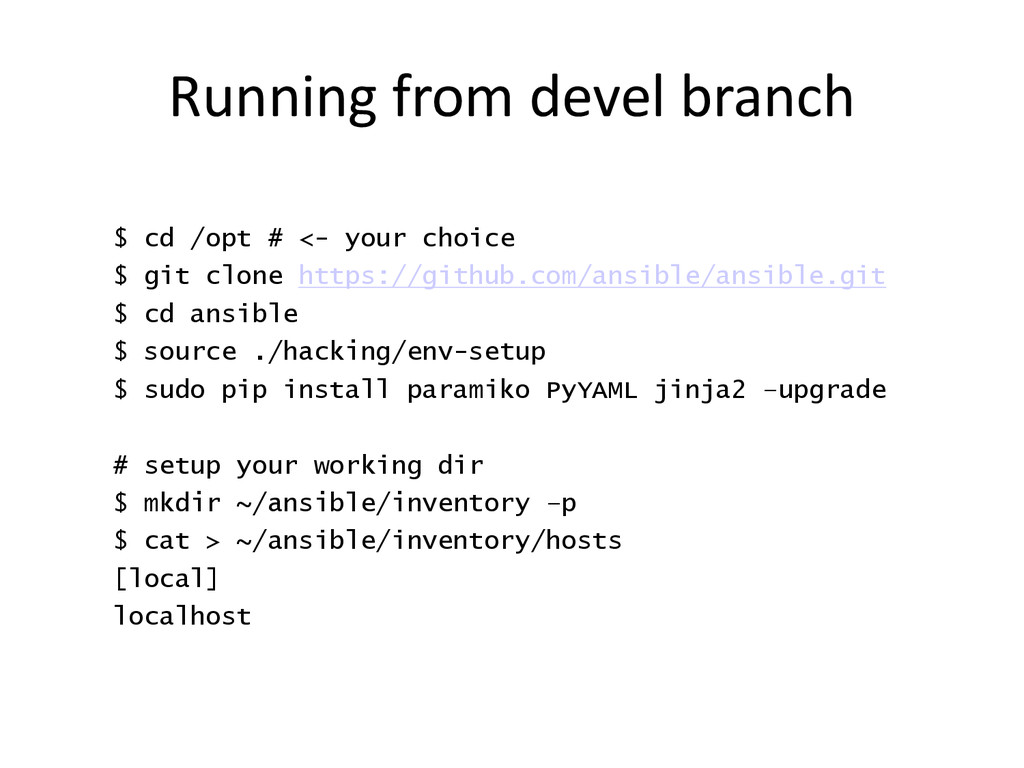
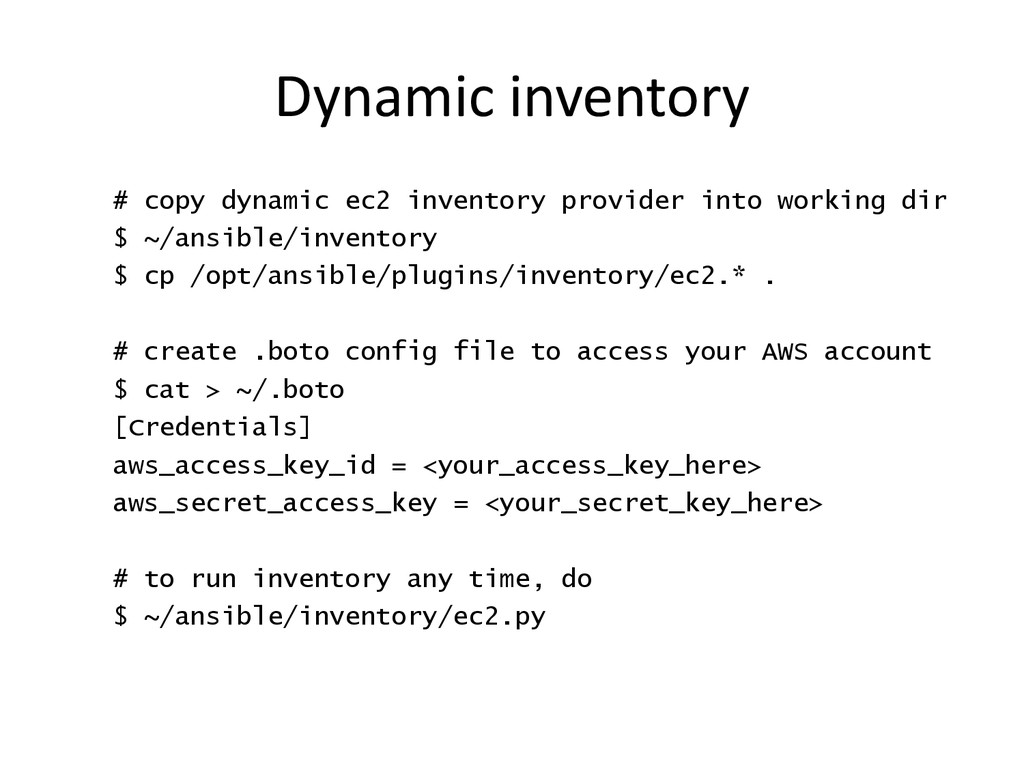
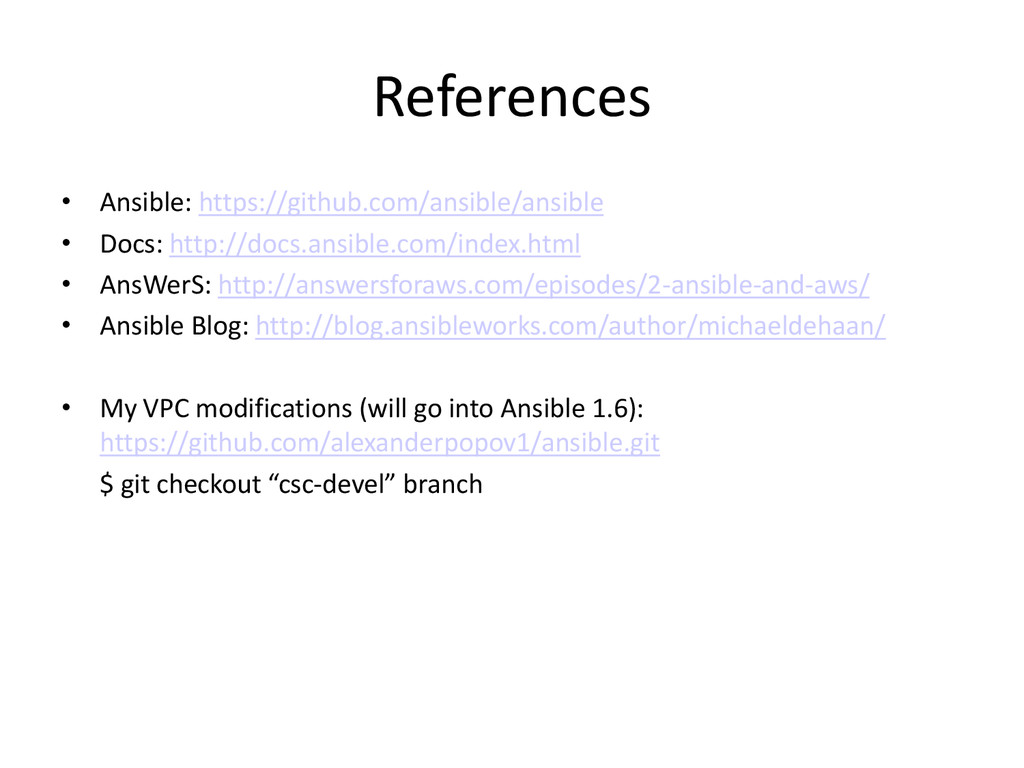
dir $ ~/ansible/inventory $ cp /opt/ansible/plugins/inventory/ec2.* . # create .boto config file to access your AWS account $ cat > ~/.boto [Credentials] aws_access_key_id = <your_access_key_here> aws_secret_access_key = <your_secret_key_here> # to run inventory any time, do $ ~/ansible/inventory/ec2.py

 SiteGround - Reliable hosting with speed, security, and support you can count on.


 alexanderpopov1
 terurou
 kizawa2020
 endonanana
 ymotongpoo
 yazm
yazm
 techtekt
 maimyyym
 grimoh
 yuuuuuuu168
 teamlab
 kenichiodo
 genda
genda
 aleyda
 seathinner
 lynnandtonic
 codingconduct
 moore
moore
 reverentgeek
 techseoconnect
 morganepeng
 afnizarnur
 bluesmoon
 addyosmani
![Ansible Beyond Configuration Management Alexander Popov Solution Architect, CSC [email protected]](https://files.speakerdeck.com/presentations/c32ee3608d4501311b7772f9dd426e7d/slide_0.jpg)



![“Benefit of Puppet DSL […] is that it encourages the](https://files.speakerdeck.com/presentations/c32ee3608d4501311b7772f9dd426e7d/slide_10.jpg)