Upgrade to Pro — share decks privately, control downloads, hide ads and more …

Introduction to Swift KeyPaths

Introduction to Swift KeyPaths

Avatar for AllenLaiShiuanFarn

AllenLaiShiuanFarn

March 29, 2019

Other Decks in Technology

Transcript

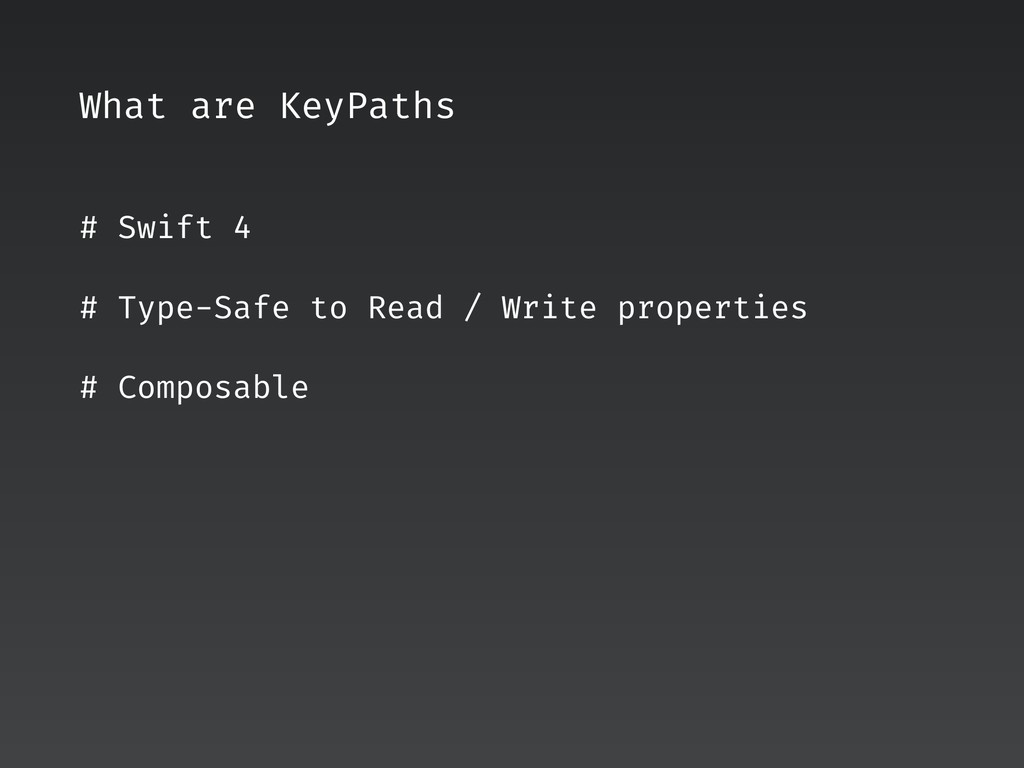
  1. What are KeyPaths # Swift 4 # Type-Safe to Read

    / Write properties # Composable
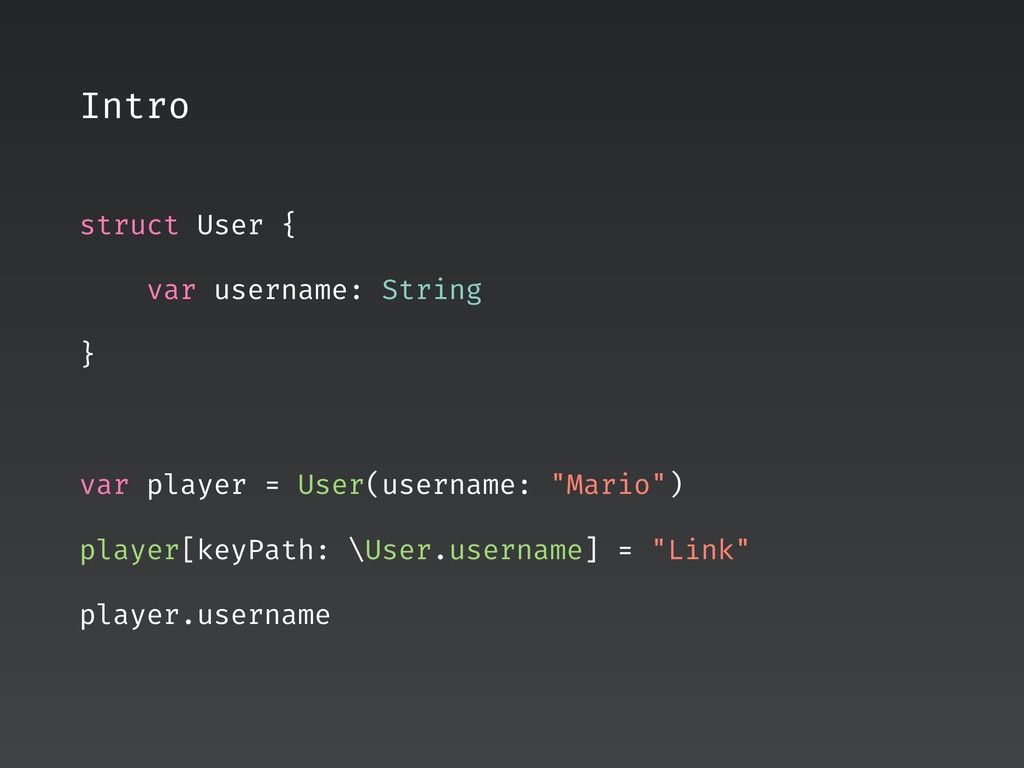
  2. Intro struct User { var username: String } var player

    = User(username: "Mario") player[keyPath: \User.username] = "Link" player.username
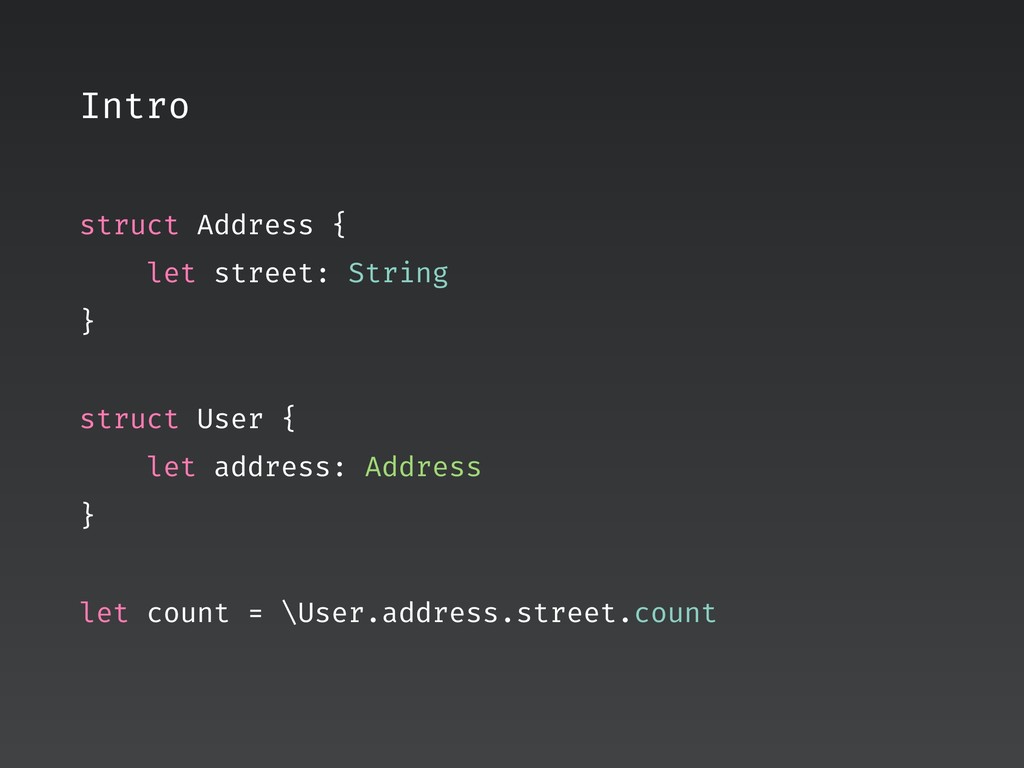
  3. Intro struct Address { let street: String } struct User

    { let address: Address } let count = \User.address.street.count
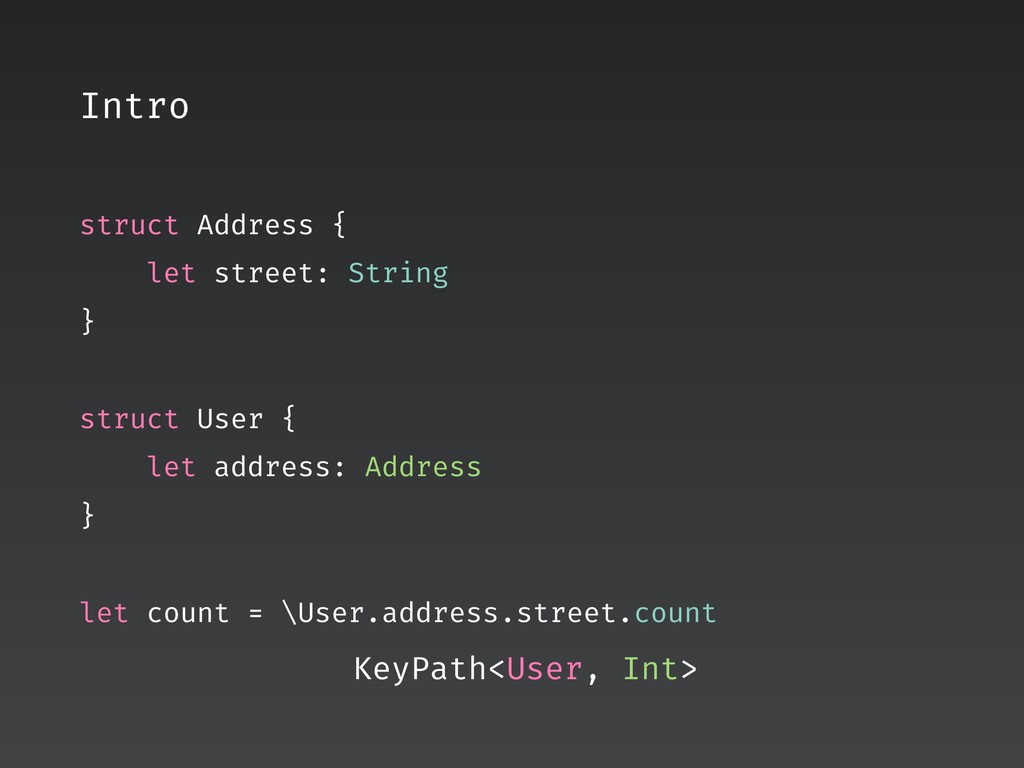
  4. Intro struct Address { let street: String } struct User

    { let address: Address } let count = \User.address.street.count KeyPath<User, Int>
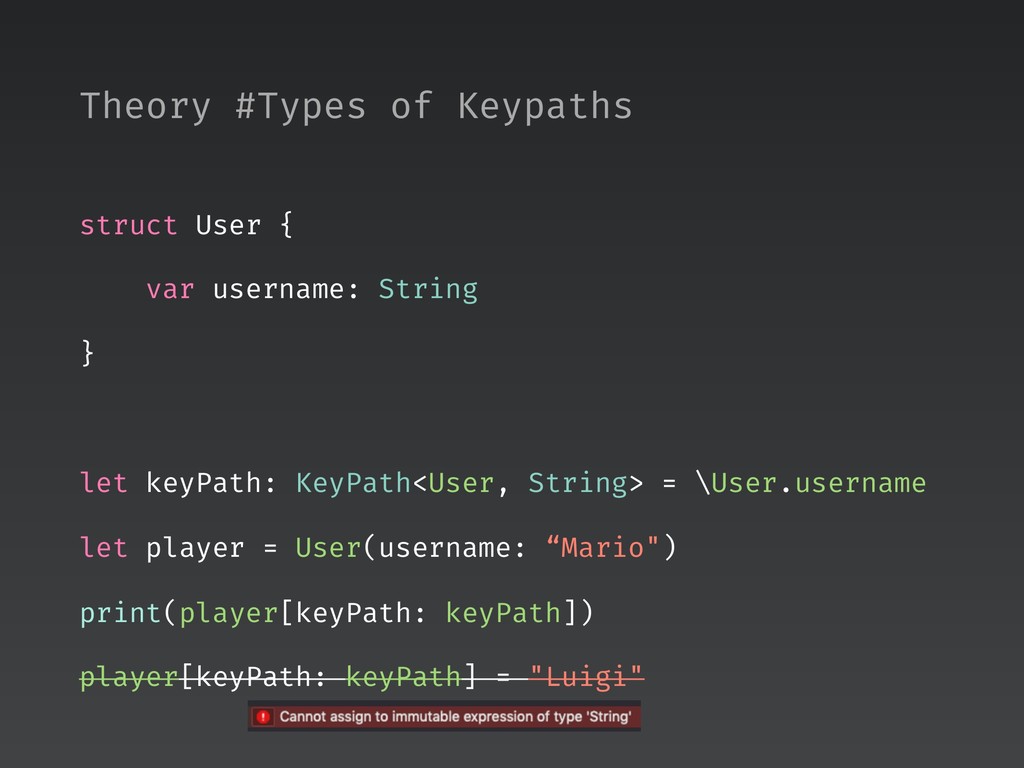
  5. struct User { var username: String } let keyPath: KeyPath<User,

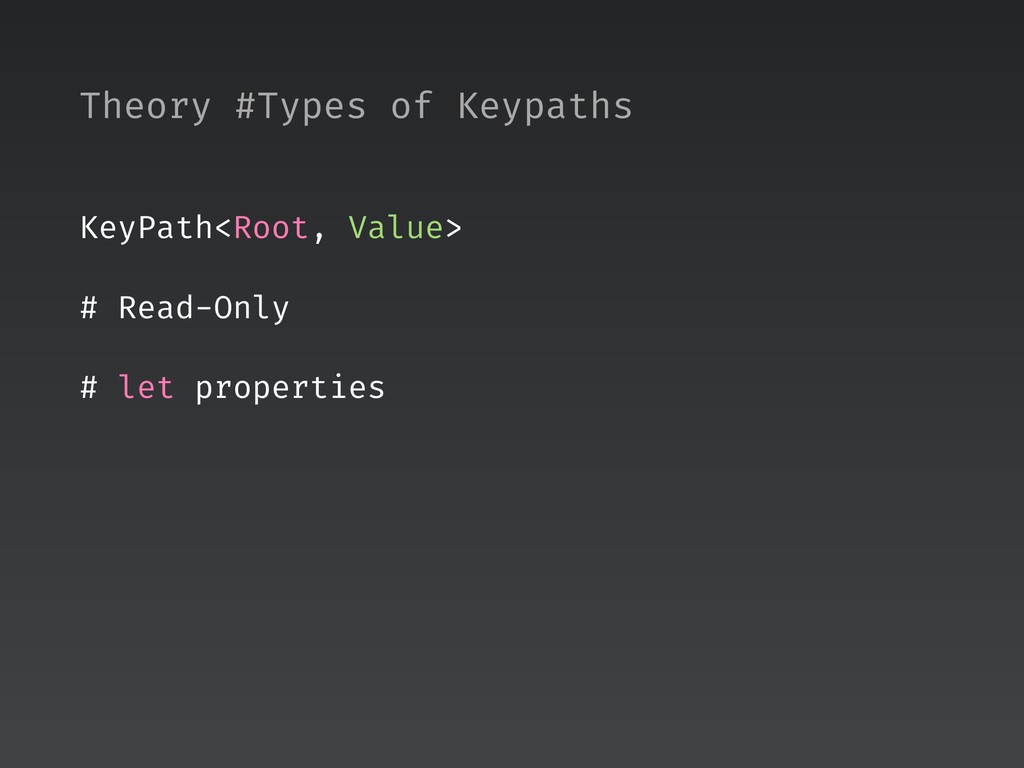
    String> = \User.username let player = User(username: “Mario") print(player[keyPath: keyPath]) player[keyPath: keyPath] = "Luigi" Theory #Types of Keypaths
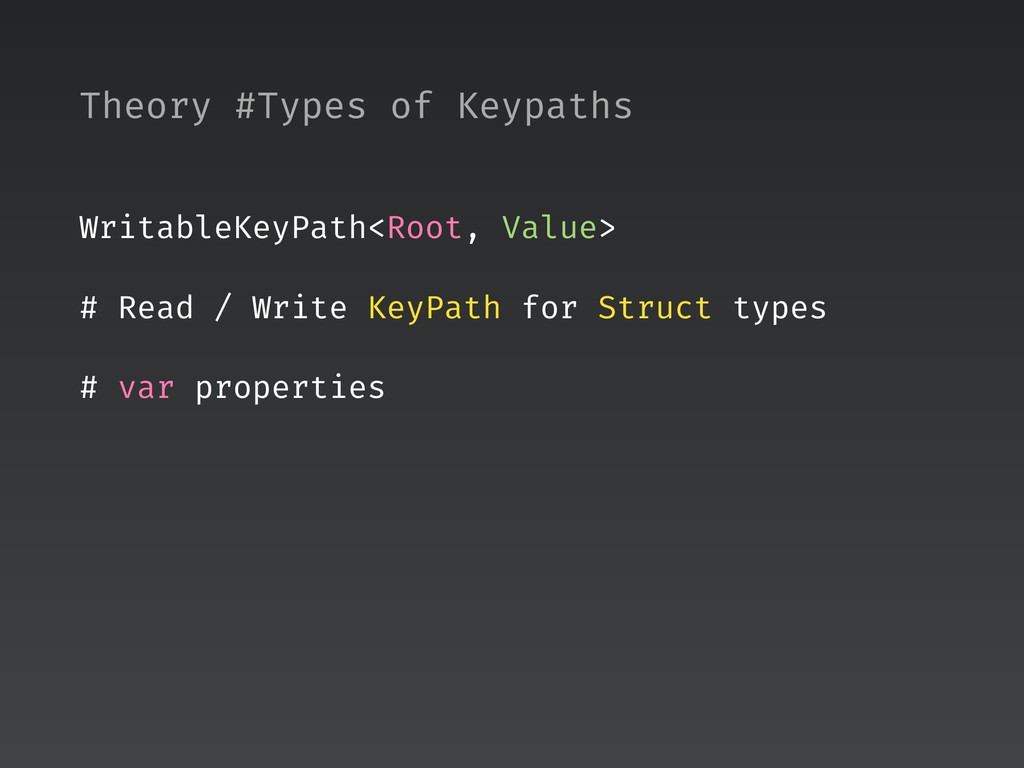
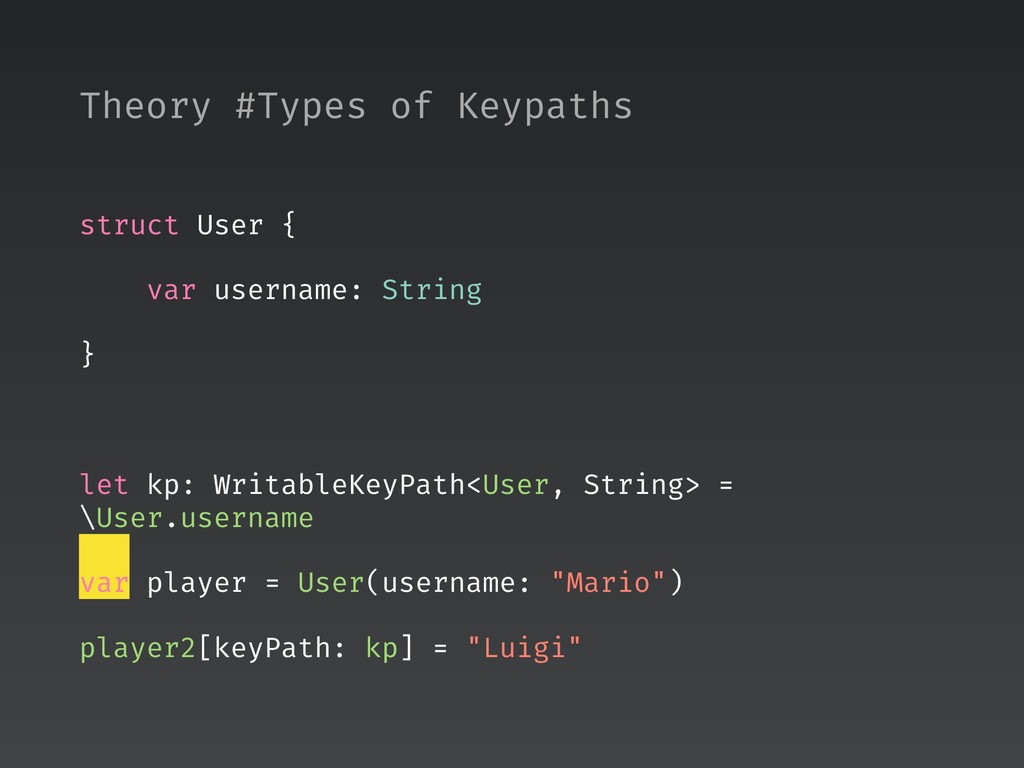
  6. struct User { var username: String } let kp: WritableKeyPath<User,

    String> = \User.username var player = User(username: "Mario") player2[keyPath: kp] = "Luigi" Theory #Types of Keypaths
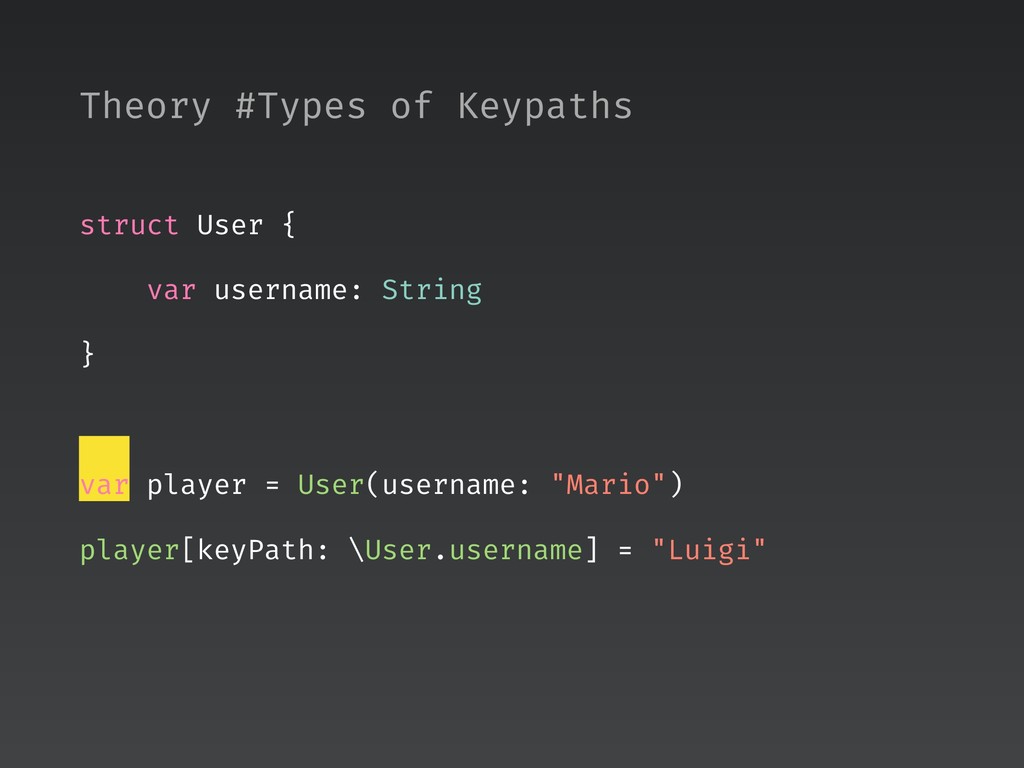
  7. struct User { var username: String } var player =

    User(username: "Mario") player[keyPath: \User.username] = "Luigi" Theory #Types of Keypaths
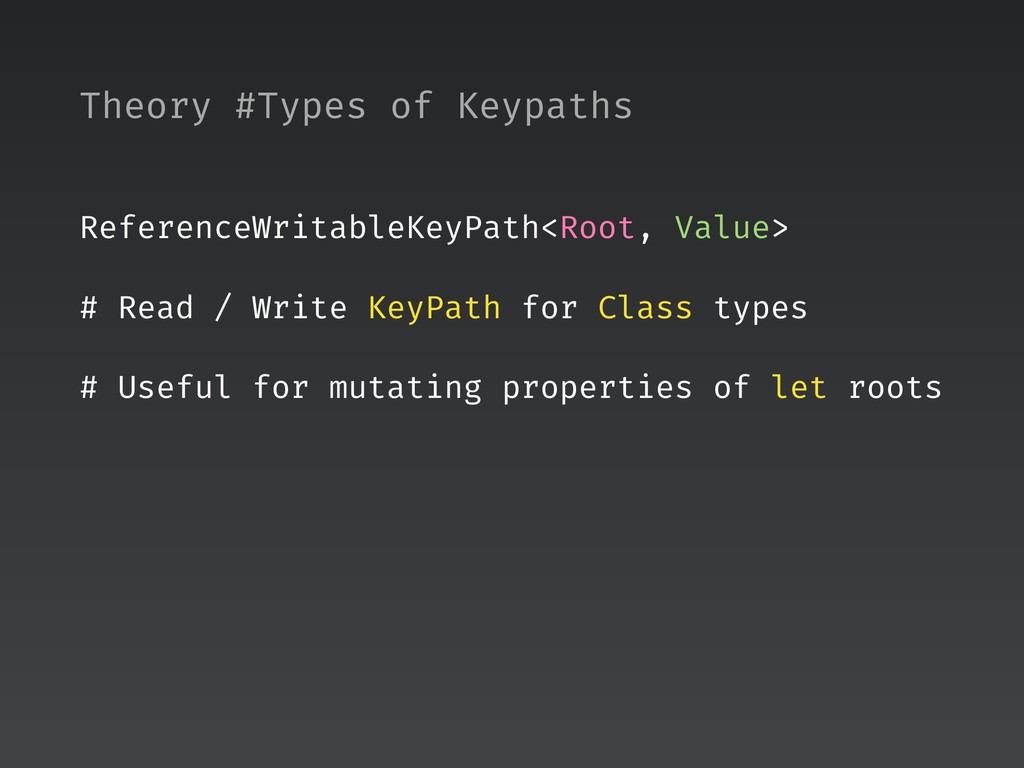
  8. Theory #Types of Keypaths ReferenceWritableKeyPath<Root, Value> # Read / Write

    KeyPath for Class types # Useful for mutating properties of let roots
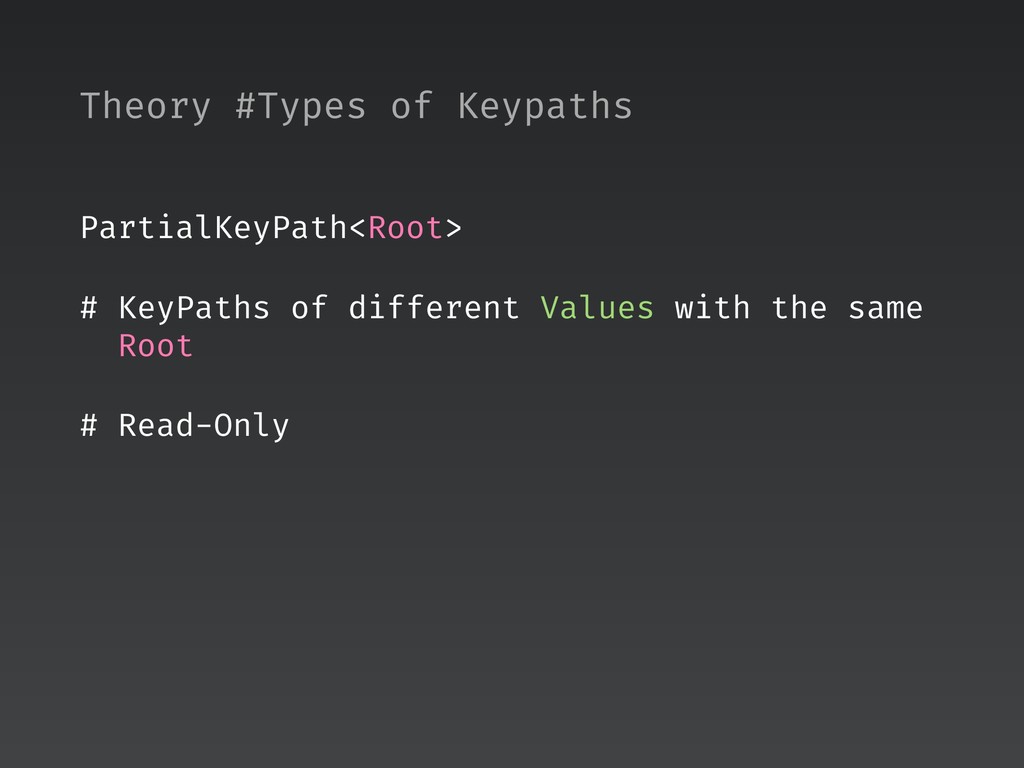
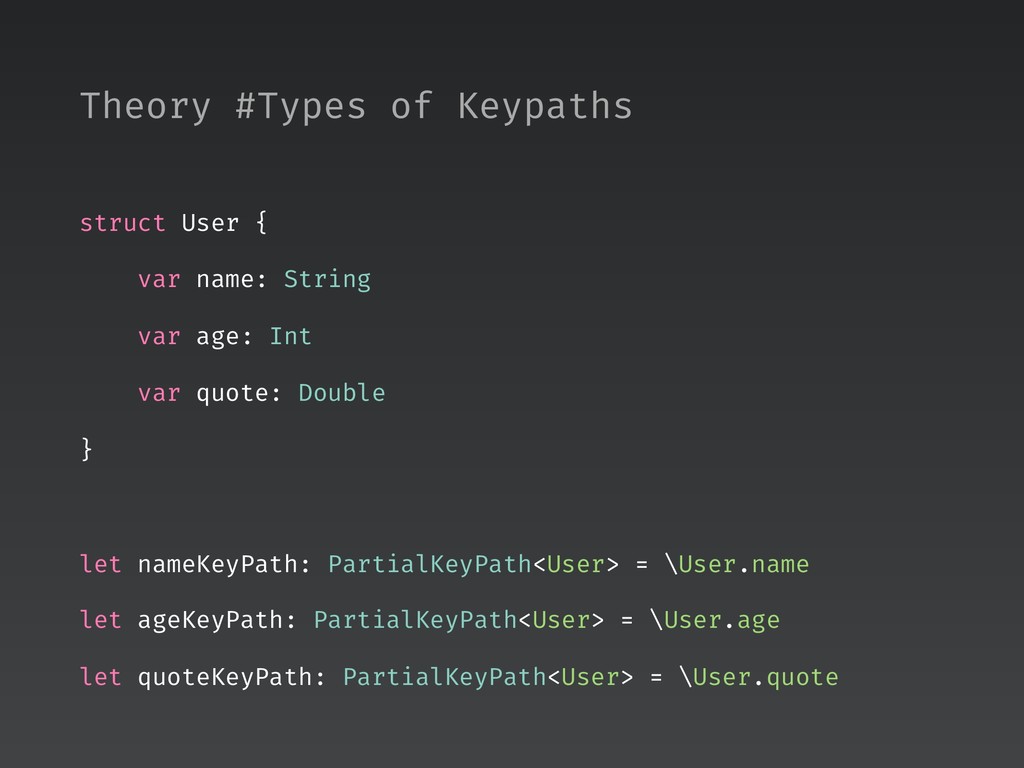
  9. struct User { var name: String var age: Int var

    quote: Double } let nameKeyPath: PartialKeyPath<User> = \User.name let ageKeyPath: PartialKeyPath<User> = \User.age let quoteKeyPath: PartialKeyPath<User> = \User.quote Theory #Types of Keypaths
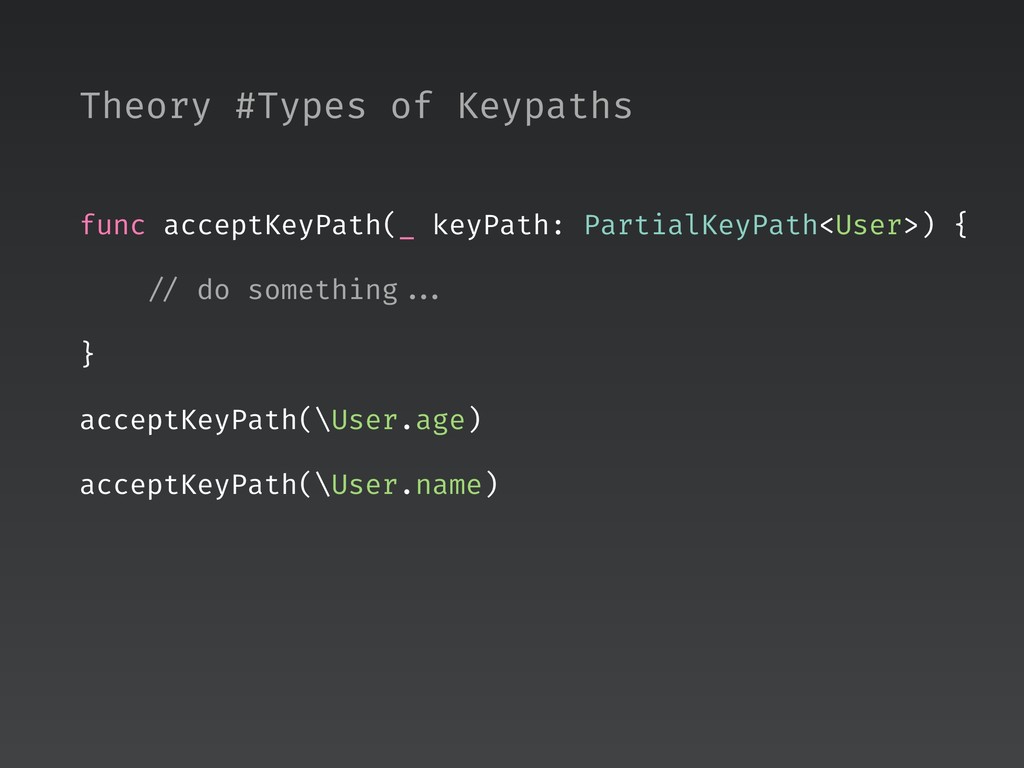
  10. func acceptKeyPath(_ keyPath: PartialKeyPath<User>) { // do something ... }

    acceptKeyPath(\User.age) acceptKeyPath(\User.name) Theory #Types of Keypaths
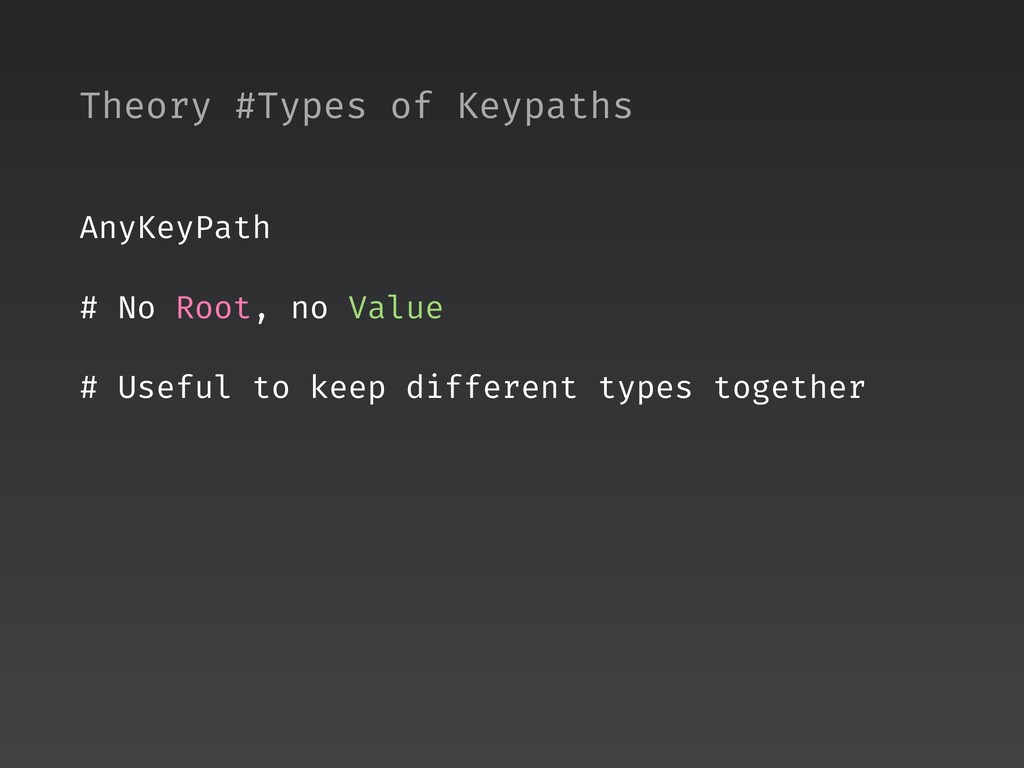
  11. Theory #Types of Keypaths AnyKeyPath # No Root, no Value

    # Useful to keep different types together
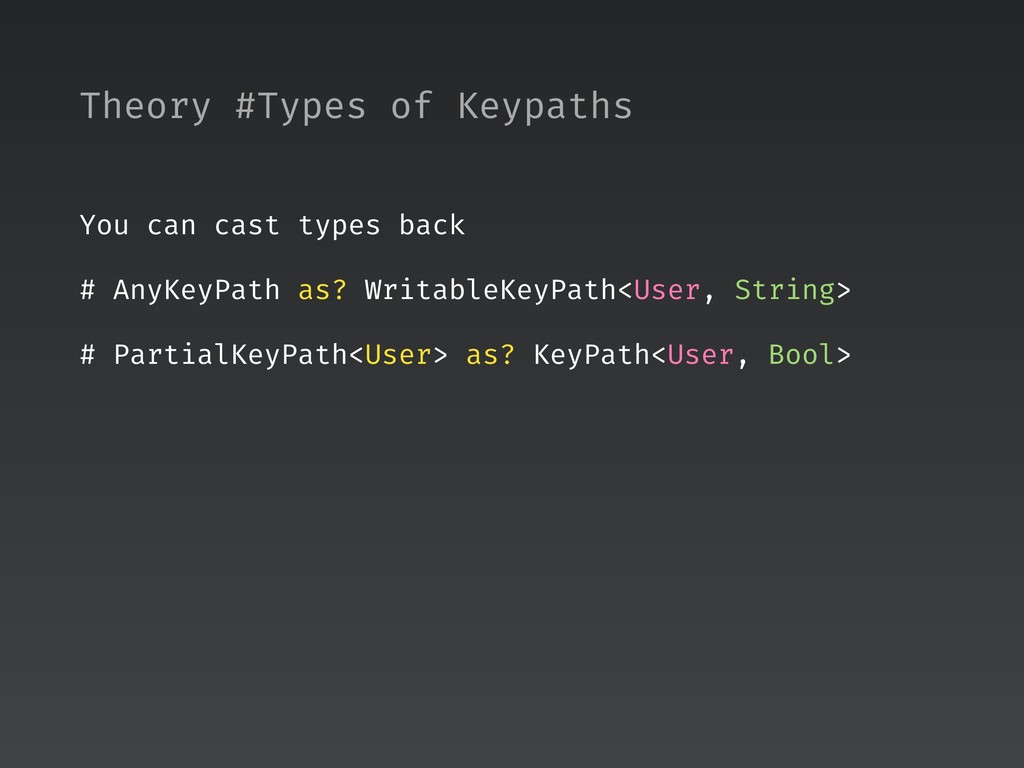
  12. Theory #Types of Keypaths You can cast types back #

    AnyKeyPath as? WritableKeyPath<User, String> # PartialKeyPath<User> as? KeyPath<User, Bool>
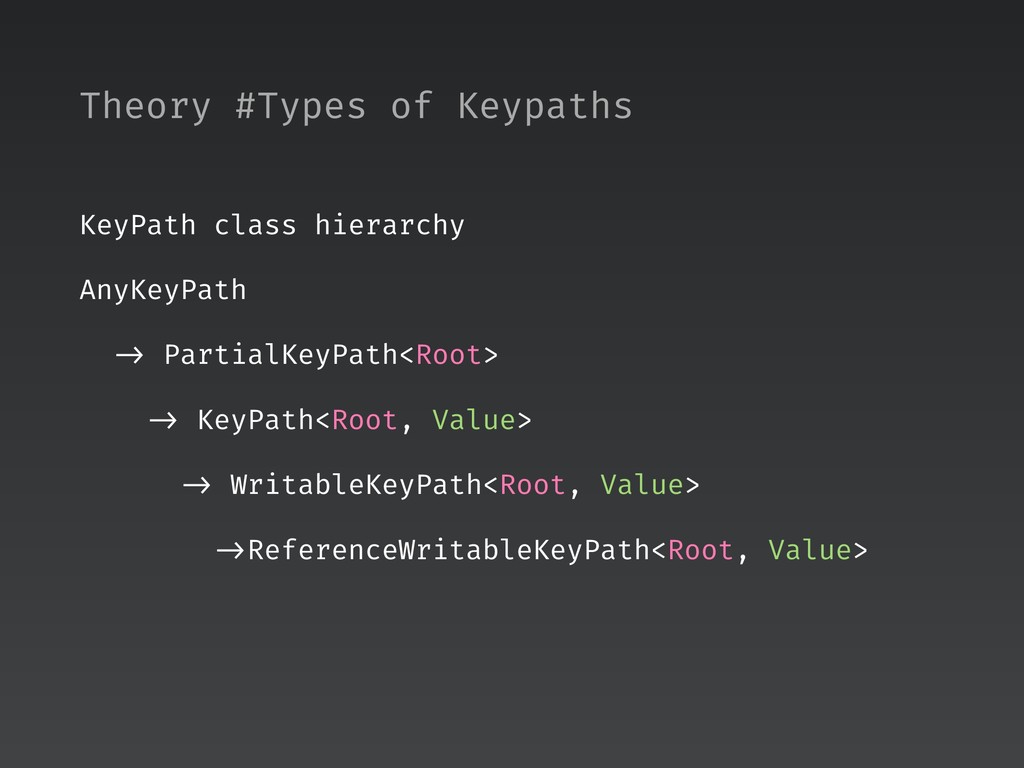
  13. Theory #Types of Keypaths KeyPath class hierarchy AnyKeyPath -> PartialKeyPath<Root>

    -> KeyPath<Root, Value> -> WritableKeyPath<Root, Value> ->ReferenceWritableKeyPath<Root, Value>
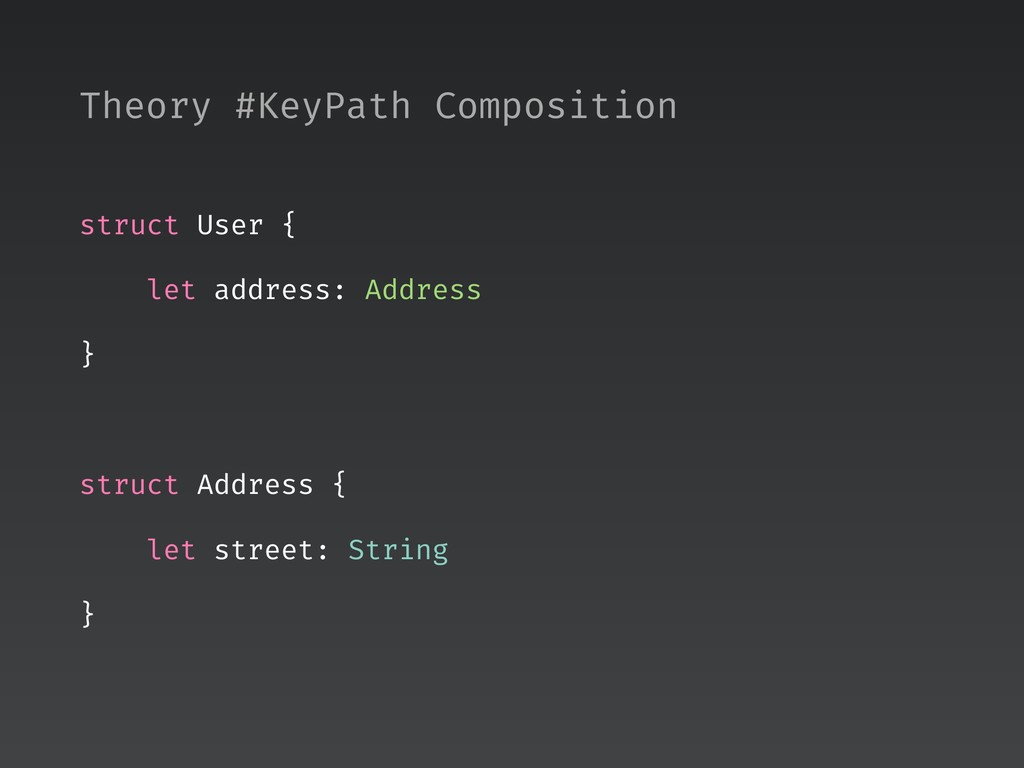
  14. struct User { let address: Address } struct Address {

    let street: String } Theory #KeyPath Composition
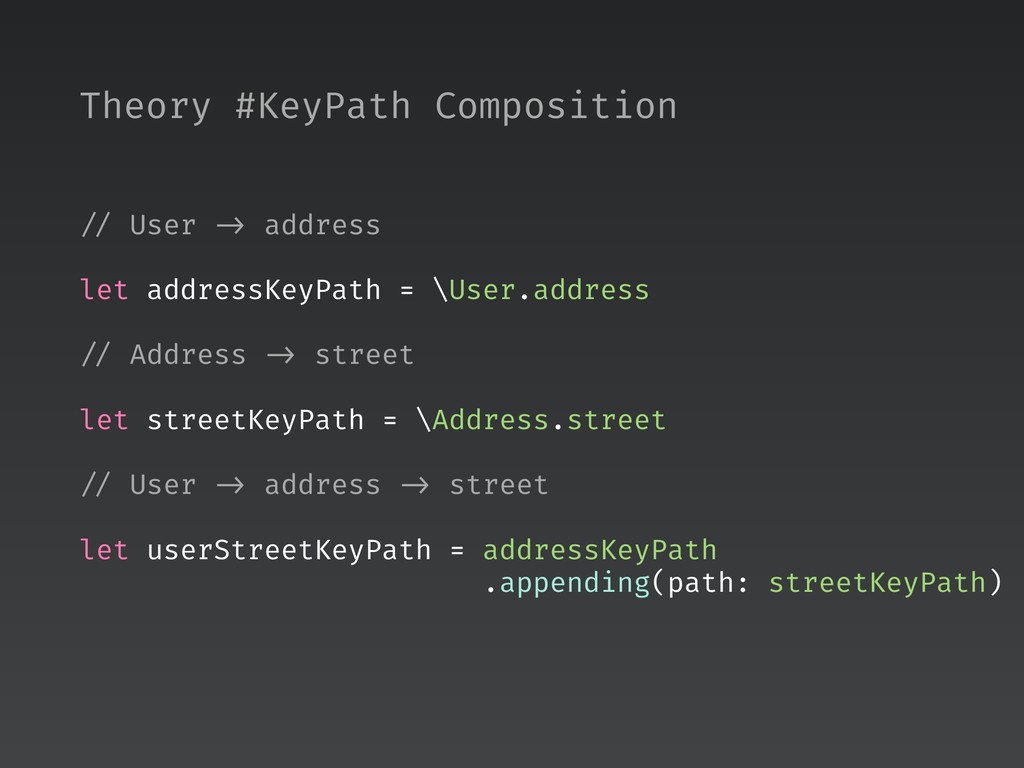
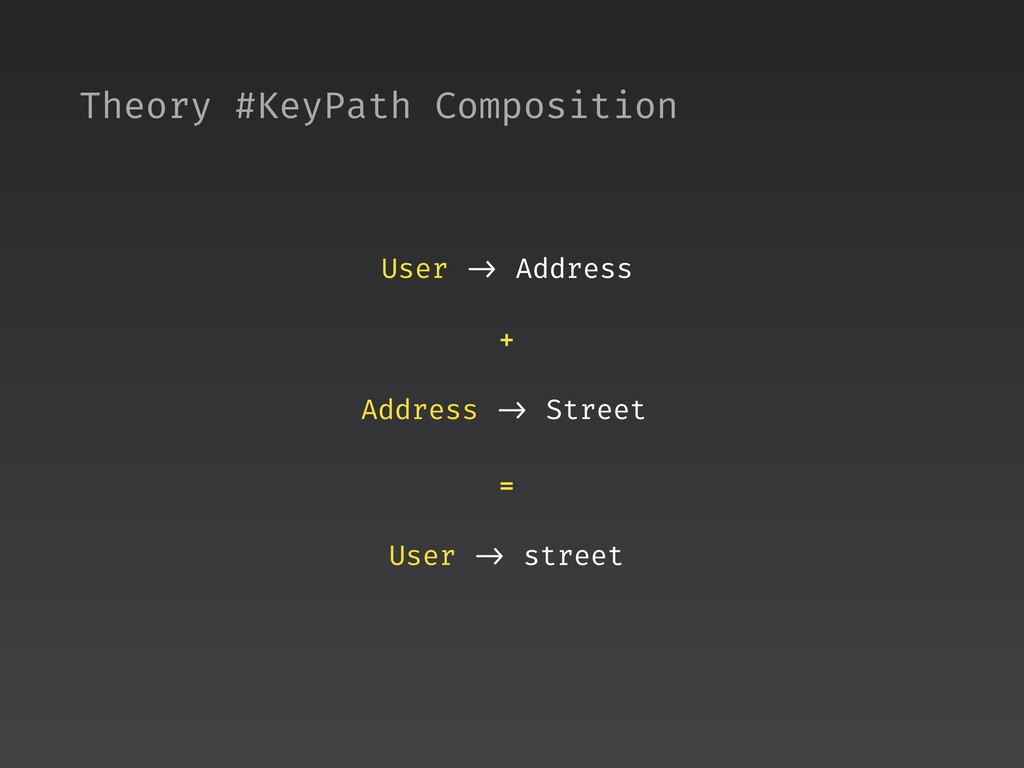
  15. // User -> address let addressKeyPath = \User.address // Address

    -> street let streetKeyPath = \Address.street // User -> address -> street let userStreetKeyPath = addressKeyPath
 .appending(path: streetKeyPath) Theory #KeyPath Composition
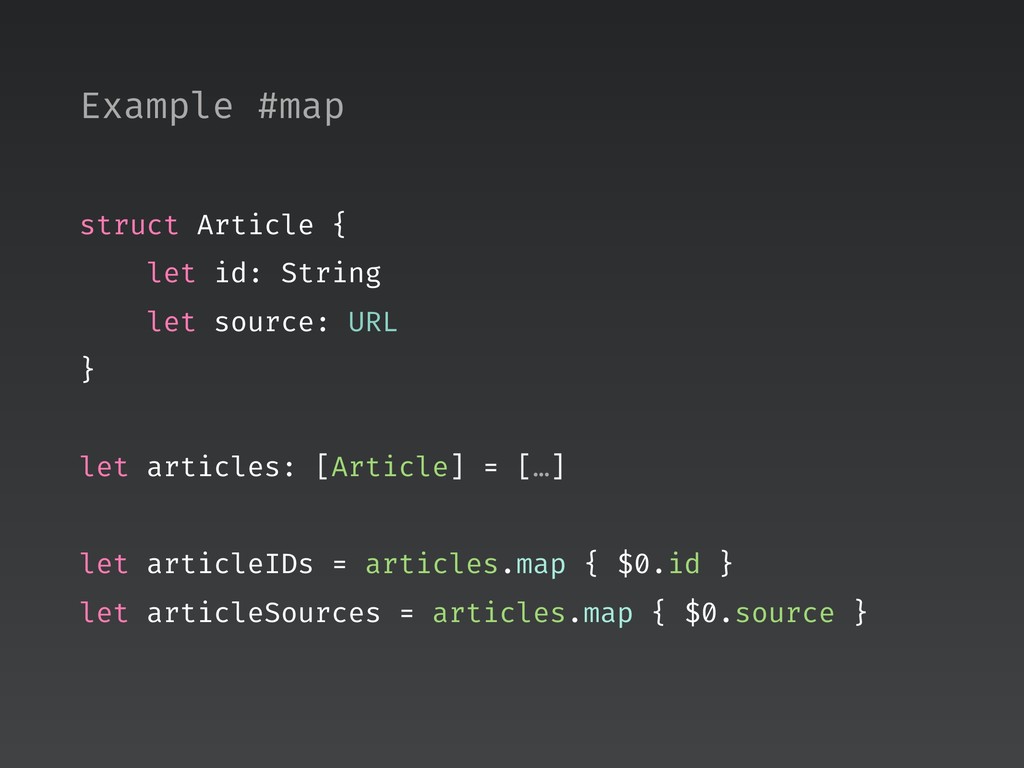
  16. struct Article { let id: String let source: URL }

    let articles: [Article] = […] let articleIDs = articles.map { $0.id } let articleSources = articles.map { $0.source } Example #map
  17. extension Sequence { func map<T>(_ keyPath: KeyPath<Element, T>) -> [T]

    { return map { $0[keyPath: keyPath] } } } let articleIDs = articles.map(\.id) let articleSources = articles.map(\.source) Example #map
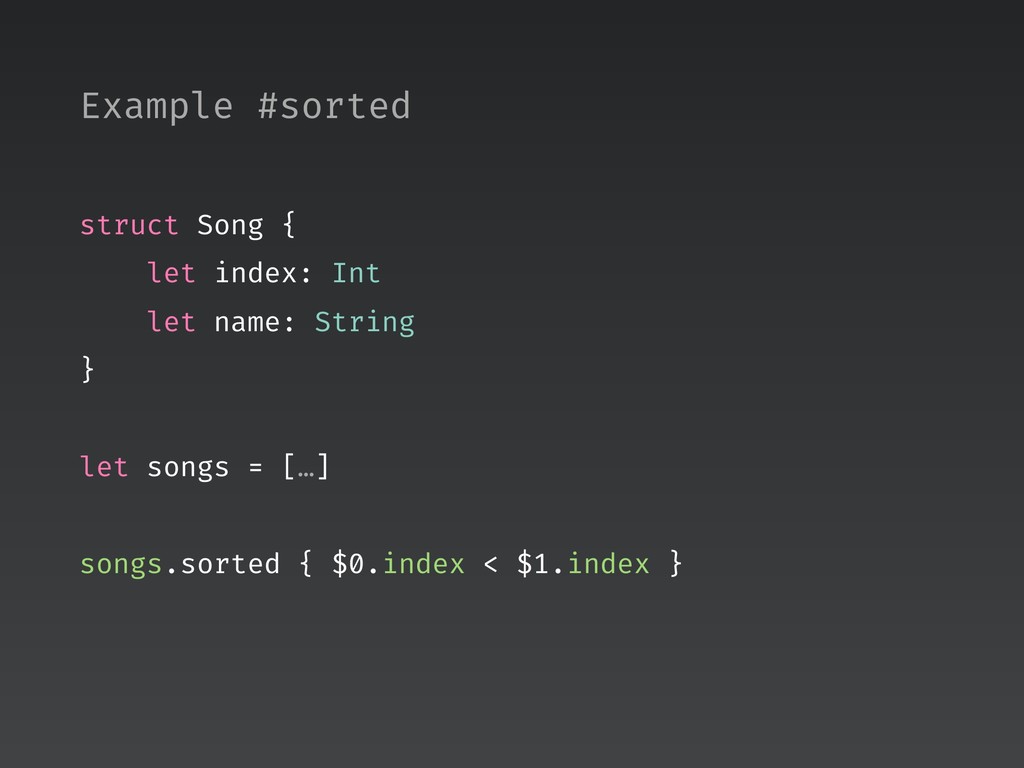
  18. struct Song { let index: Int let name: String }

    let songs = […] songs.sorted { $0.index < $1.index } Example #sorted
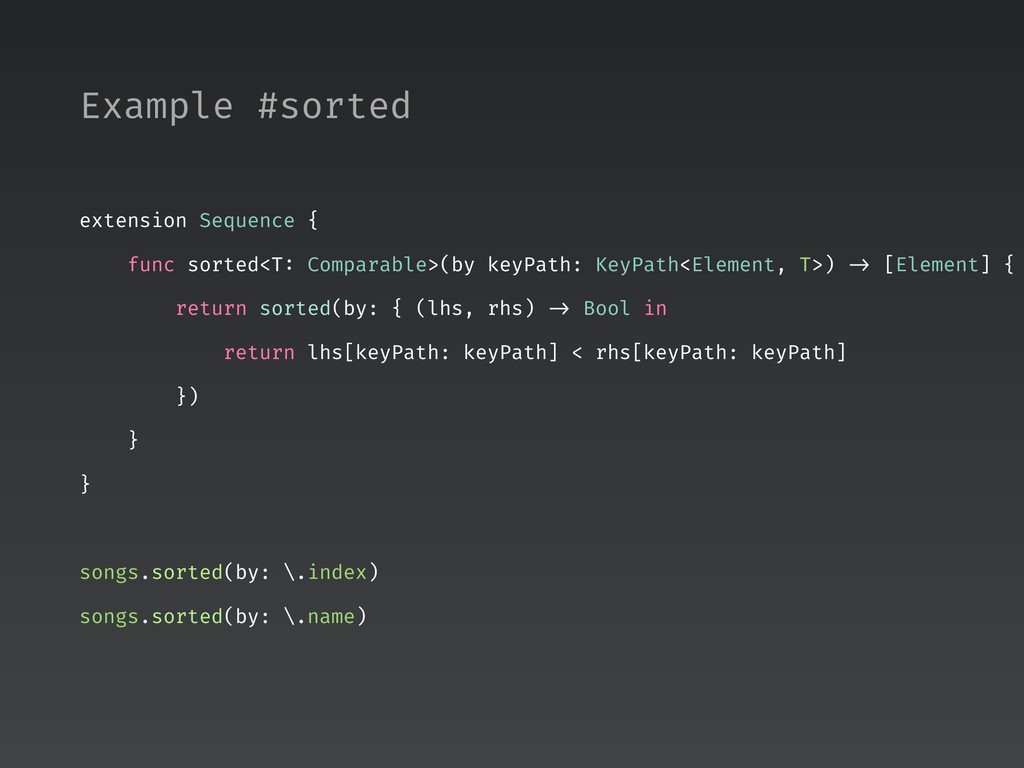
  19. extension Sequence { func sorted<T: Comparable>(by keyPath: KeyPath<Element, T>) ->

    [Element] { return sorted(by: { (lhs, rhs) -> Bool in return lhs[keyPath: keyPath] < rhs[keyPath: keyPath] }) } } songs.sorted(by: \.index) songs.sorted(by: \.name) Example #sorted
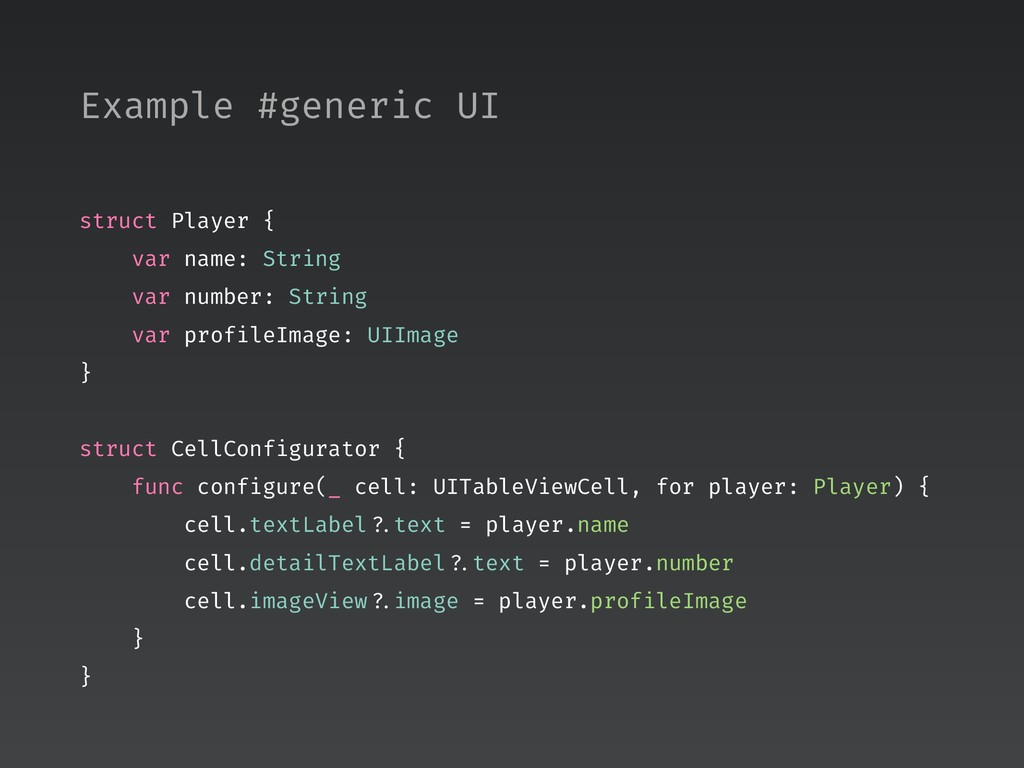
  20. struct Player { var name: String var number: String var

    profileImage: UIImage } struct CellConfigurator { func configure(_ cell: UITableViewCell, for player: Player) { cell.textLabel ?.text = player.name cell.detailTextLabel ?.text = player.number cell.imageView ?.image = player.profileImage } } Example #generic UI
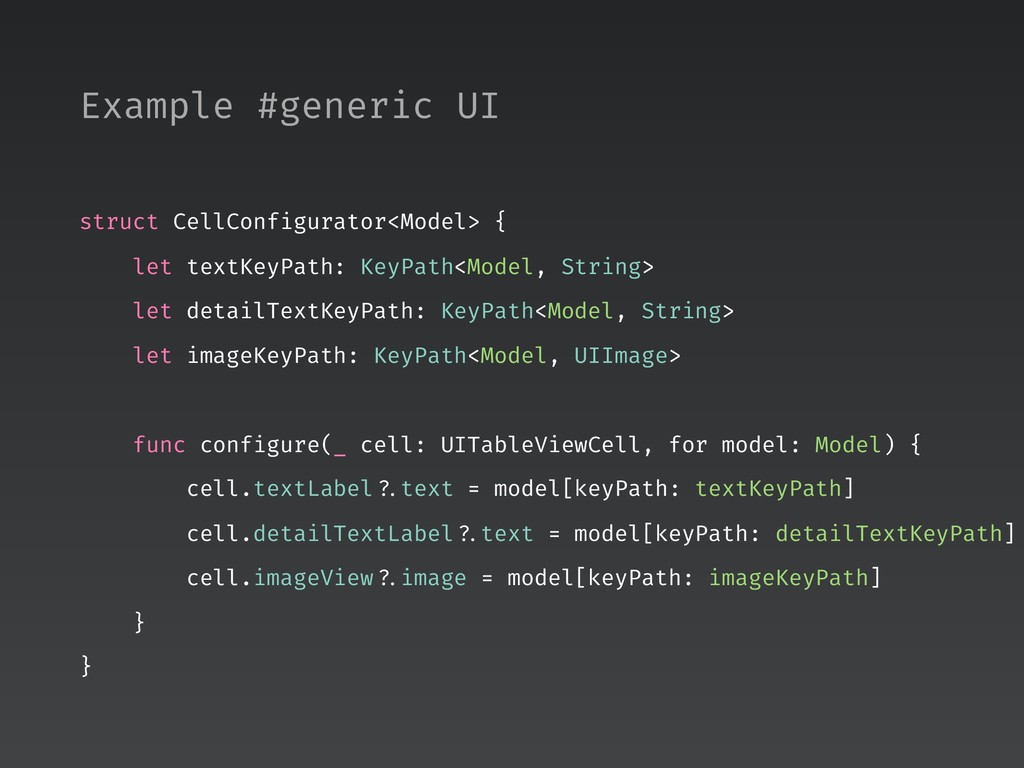
  21. struct CellConfigurator<Model> { let textKeyPath: KeyPath<Model, String> let detailTextKeyPath: KeyPath<Model,

    String> let imageKeyPath: KeyPath<Model, UIImage> func configure(_ cell: UITableViewCell, for model: Model) { cell.textLabel ?.text = model[keyPath: textKeyPath] cell.detailTextLabel ?.text = model[keyPath: detailTextKeyPath] cell.imageView ?.image = model[keyPath: imageKeyPath] } } Example #generic UI
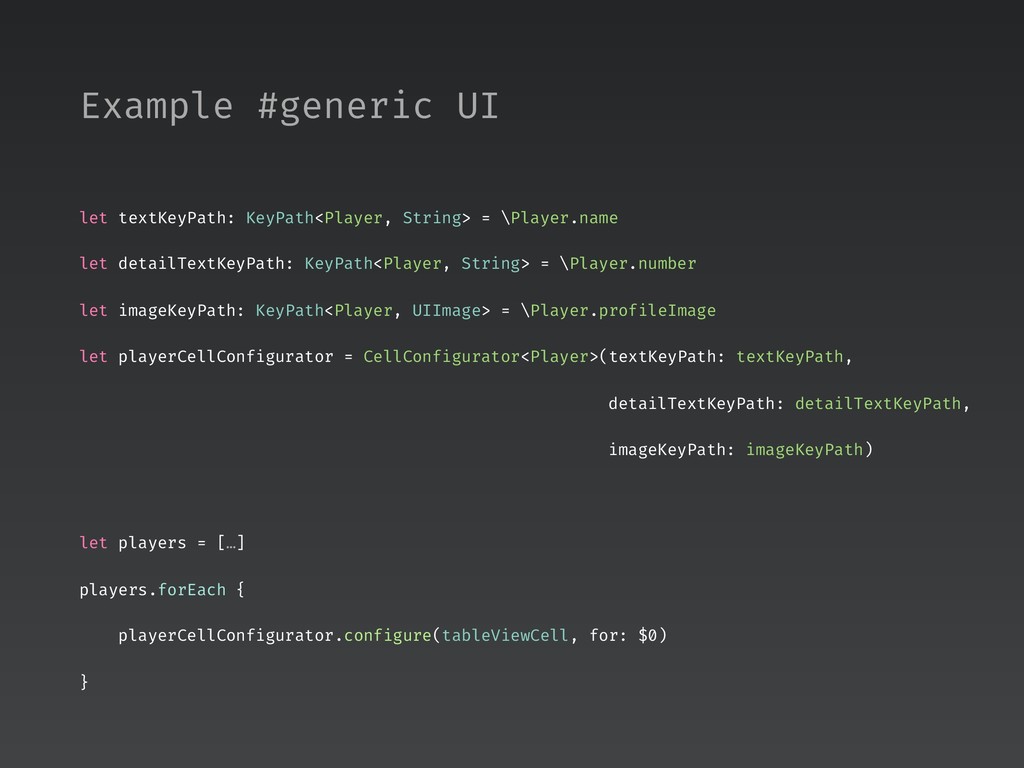
  22. let textKeyPath: KeyPath<Player, String> = \Player.name let detailTextKeyPath: KeyPath<Player, String>

    = \Player.number let imageKeyPath: KeyPath<Player, UIImage> = \Player.profileImage let playerCellConfigurator = CellConfigurator<Player>(textKeyPath: textKeyPath, detailTextKeyPath: detailTextKeyPath, imageKeyPath: imageKeyPath) let players = […] players.forEach { playerCellConfigurator.configure(tableViewCell, for: $0) } Example #generic UI
  23. class ViewController { private var items = [Item]() { didSet

    { render() } } func loadItems() { loader.load { [weak self] items in self ?.items = items } } } Example #closure
  24. class ViewController { private var items = [Item]() { didSet

    { render() } } func setter<Object: AnyObject, Value>(for object: Object, keyPath: ReferenceWritableKeyPath<Object, Value>) -> ((Value) -> Void) { return { [weak object] value in object?[keyPath: keyPath] = value } } func loadItems() { loader.load(completionHandler: setter(for: self, keyPath: \.items)) } } Example #closure
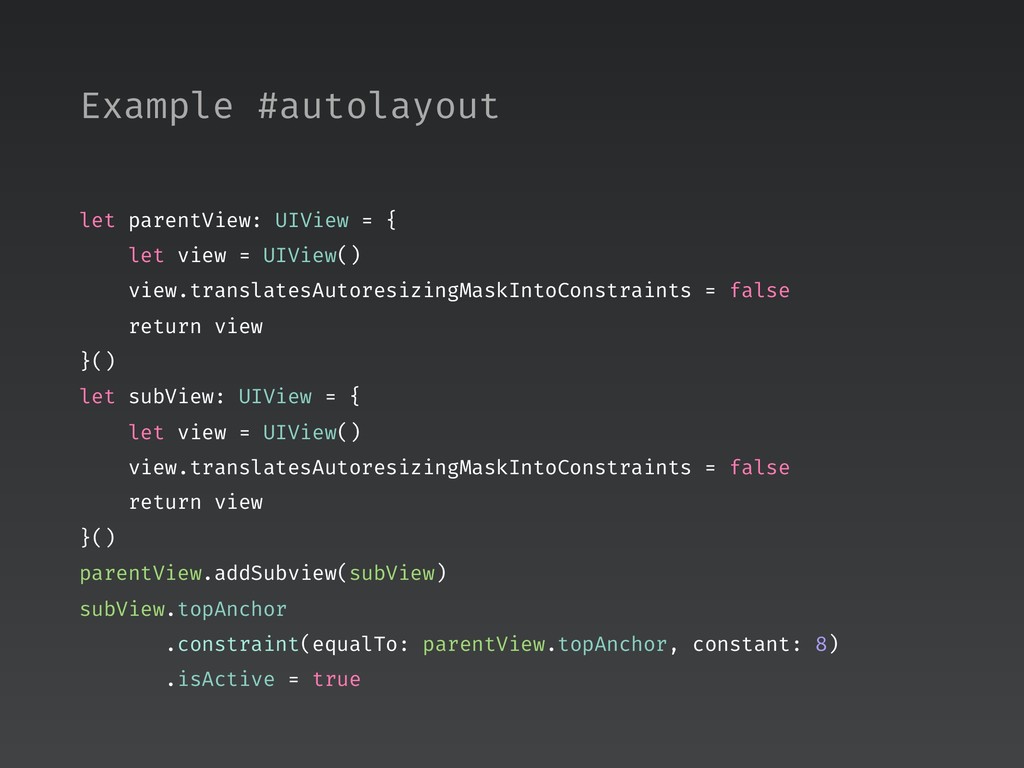
  25. let parentView: UIView = { let view = UIView() view.translatesAutoresizingMaskIntoConstraints

    = false return view }() let subView: UIView = { let view = UIView() view.translatesAutoresizingMaskIntoConstraints = false return view }() parentView.addSubview(subView) subView.topAnchor .constraint(equalTo: parentView.topAnchor, constant: 8) .isActive = true Example #autolayout
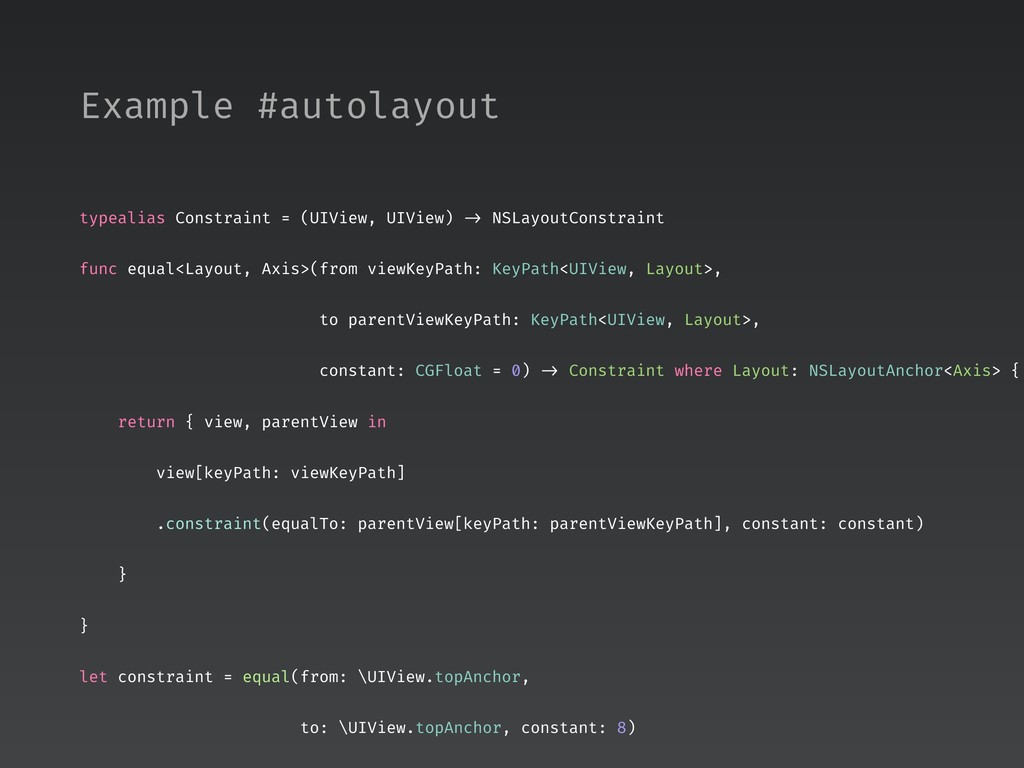
  26. typealias Constraint = (UIView, UIView) -> NSLayoutConstraint func equal<Layout, Axis>(from

    viewKeyPath: KeyPath<UIView, Layout>, to parentViewKeyPath: KeyPath<UIView, Layout>, constant: CGFloat = 0) -> Constraint where Layout: NSLayoutAnchor<Axis> { return { view, parentView in view[keyPath: viewKeyPath] .constraint(equalTo: parentView[keyPath: parentViewKeyPath], constant: constant) } } let constraint = equal(from: \UIView.topAnchor, to: \UIView.topAnchor, constant: 8) Example #autolayout
  27. extension UIView { func addSubview(_ subView: UIView, constraints: [Constraint]) {

    subView.translatesAutoresizingMaskIntoConstraints = false addSubview(subView) addConstraints(constraints.map { $0(subView, self) }) } } parentView.addSubview(subView, constraints: [constraint]) Example #autolayout