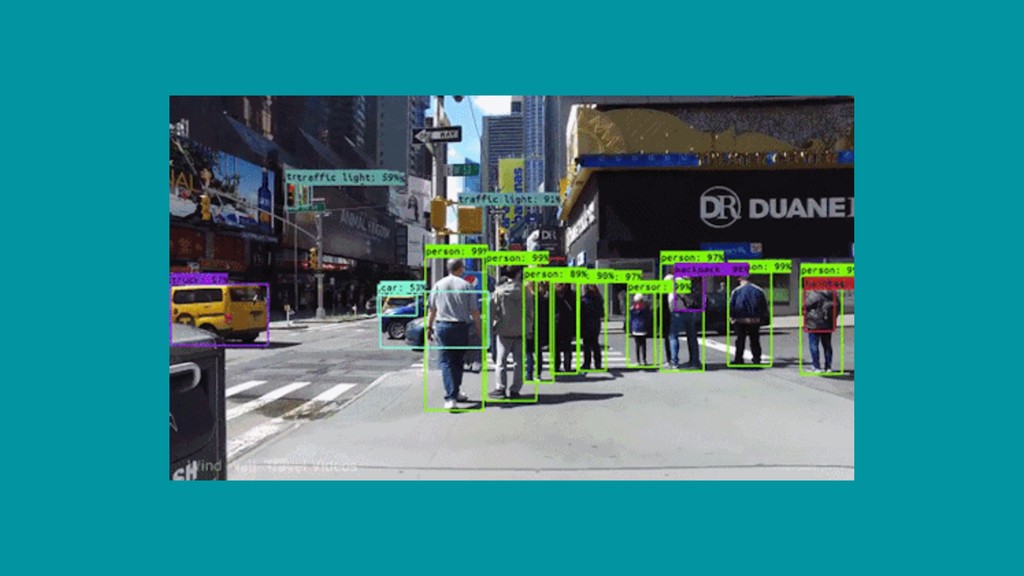
A brief introduction to Apples computer vision framework with examples of how we can use it get our devices seeing and processing the world around them.
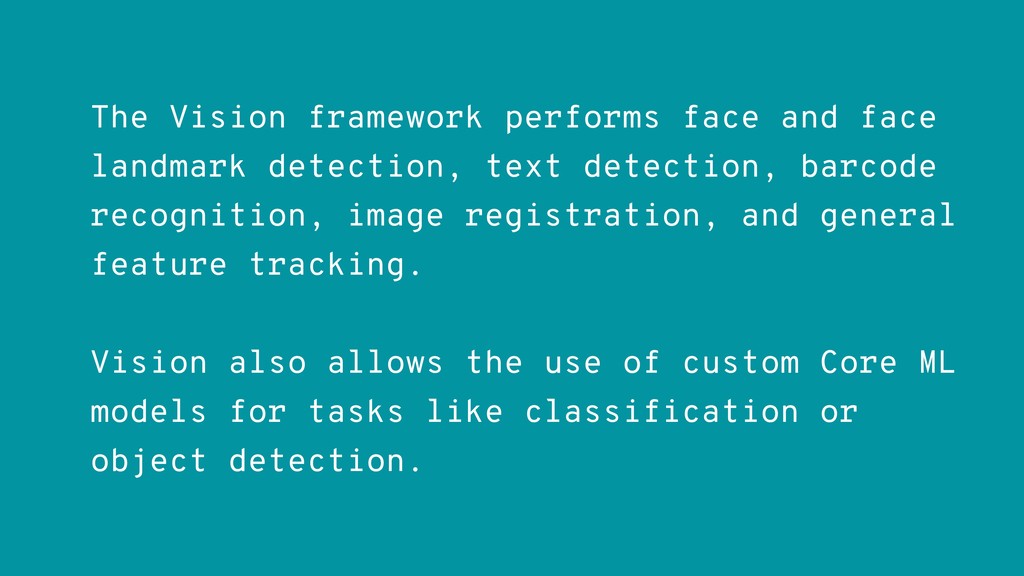
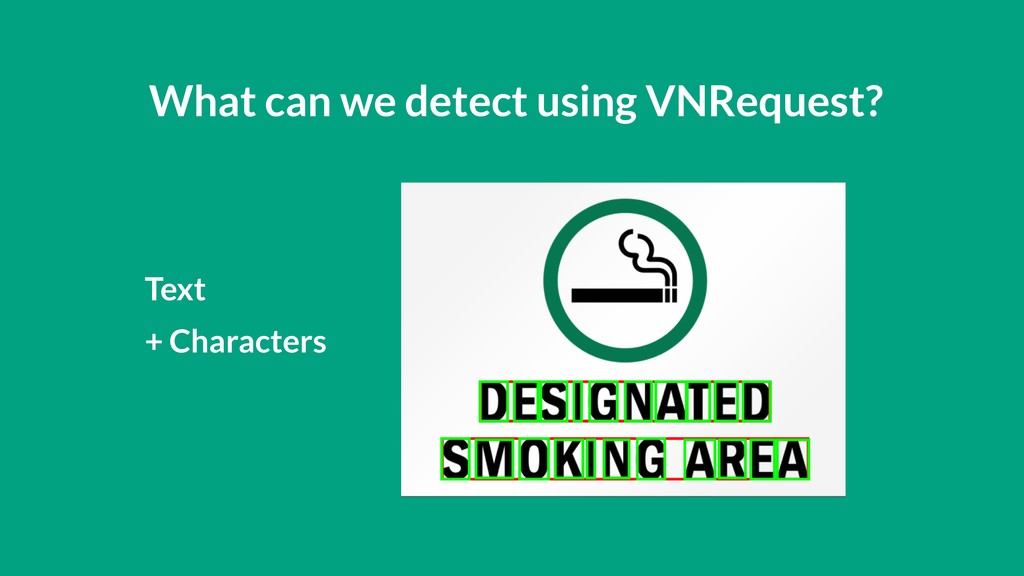
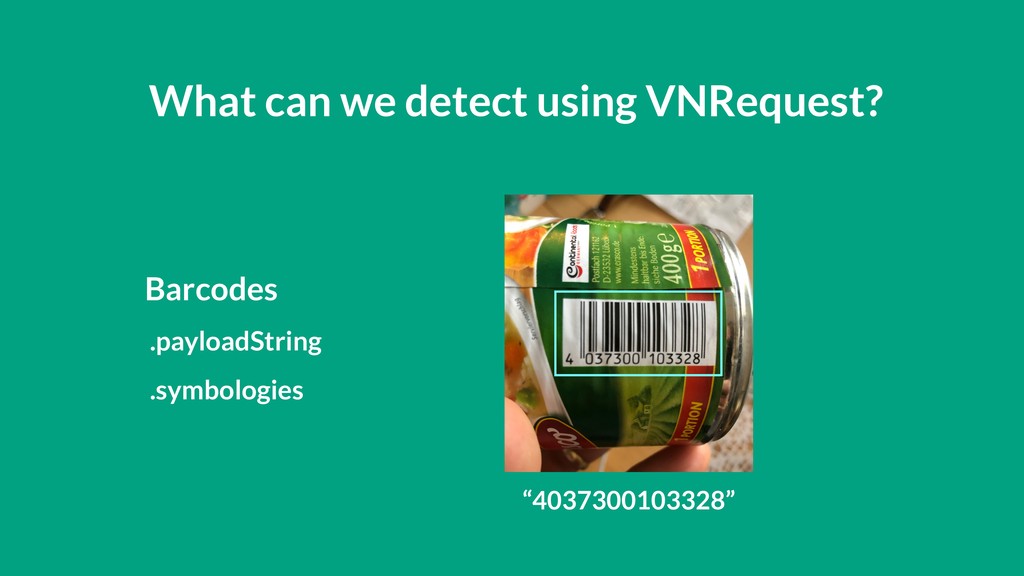
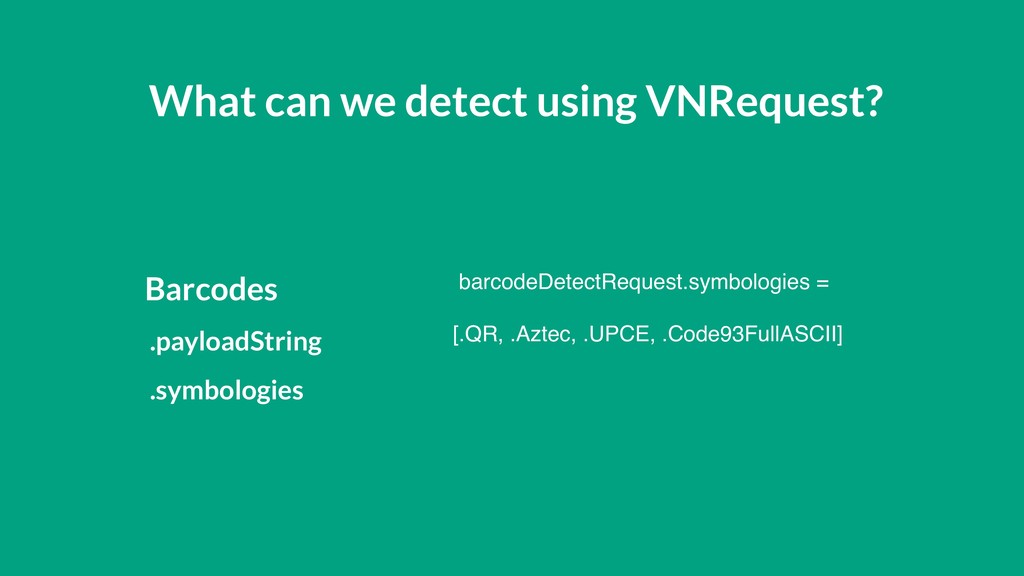
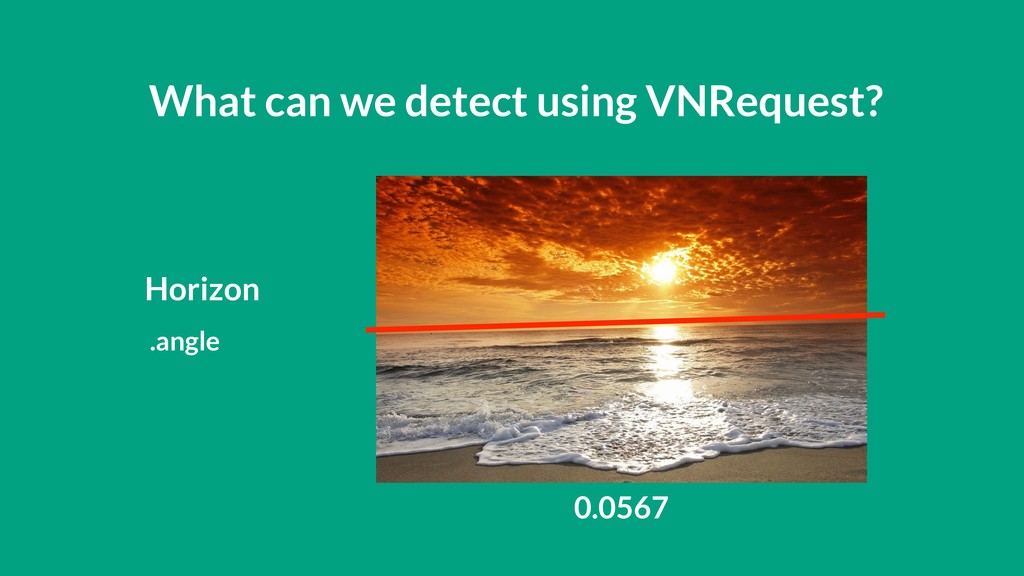
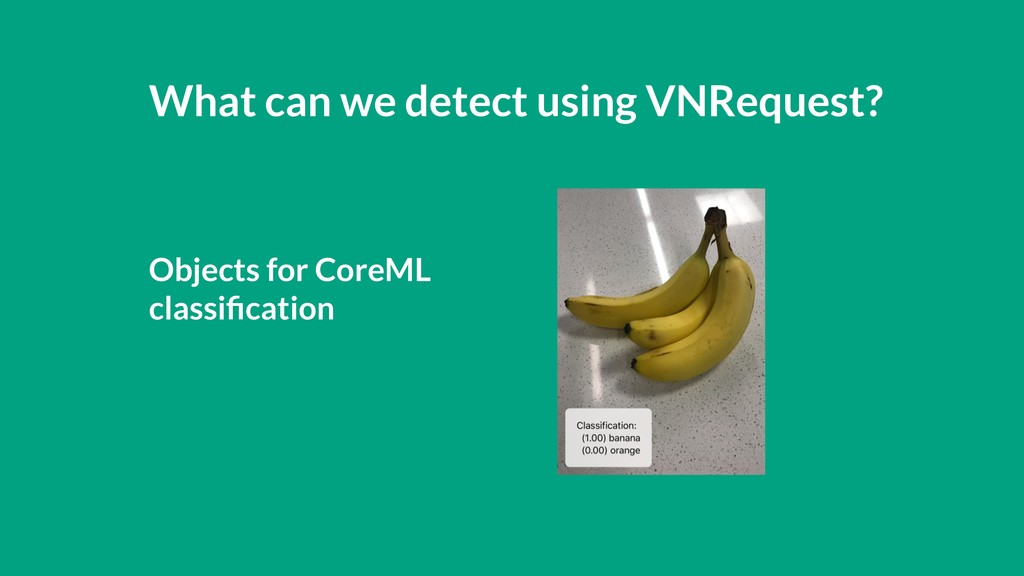
detection, barcode recognition, image registration, and general feature tracking. Vision also allows the use of custom Core ML models for tasks like classification or object detection.
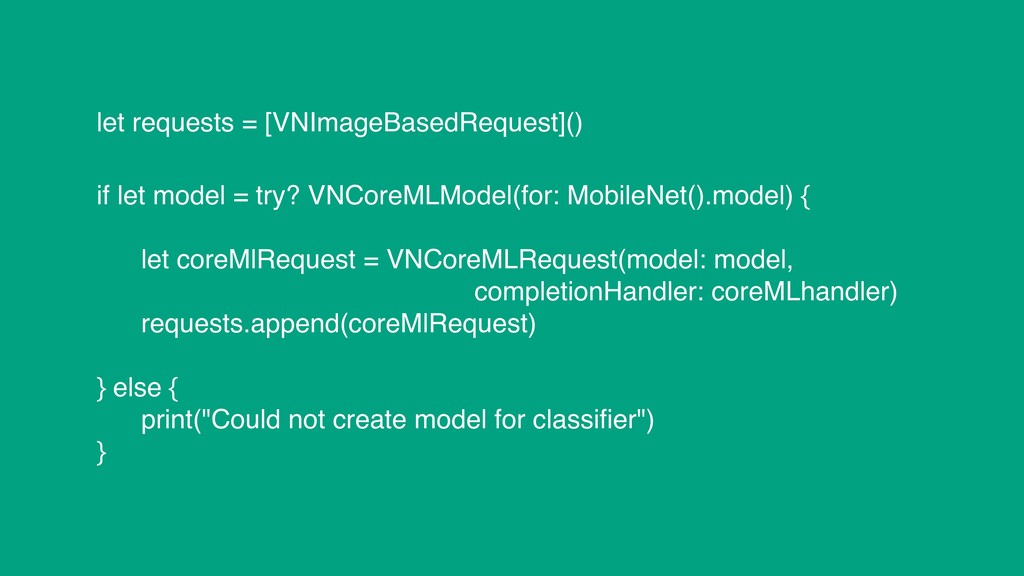
= VNCoreMLRequest(model: model, completionHandler: coreMLhandler) requests.append(coreMlRequest) } else { print("Could not create model for classifier") } let requests = [VNImageBasedRequest]()


 andybel
 econanringo
 colorful12
 marcoroth
 panda728
 uyuki234
 steliosf
 tosite
 rkaga
rkaga
 y0hgi
y0hgi
 sylph01
 florets1
 neuecc
 lynnandtonic
 cassininazir
 reverentgeek
 mkilby
 auna
auna
 geoffreycrofte
 garrettdimon
 jnunemaker
 tammyeverts
 inesmontani
 elsirapls
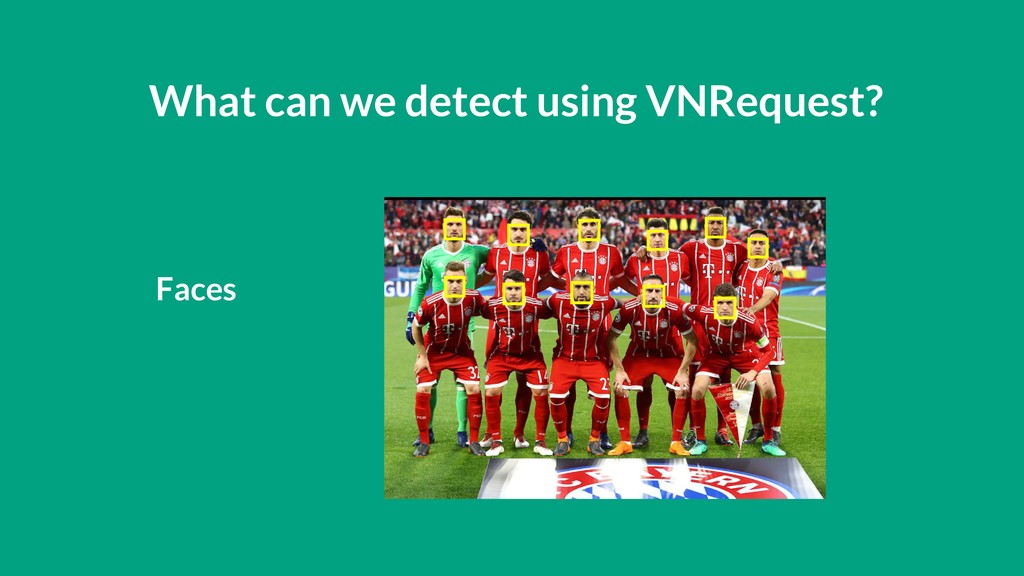
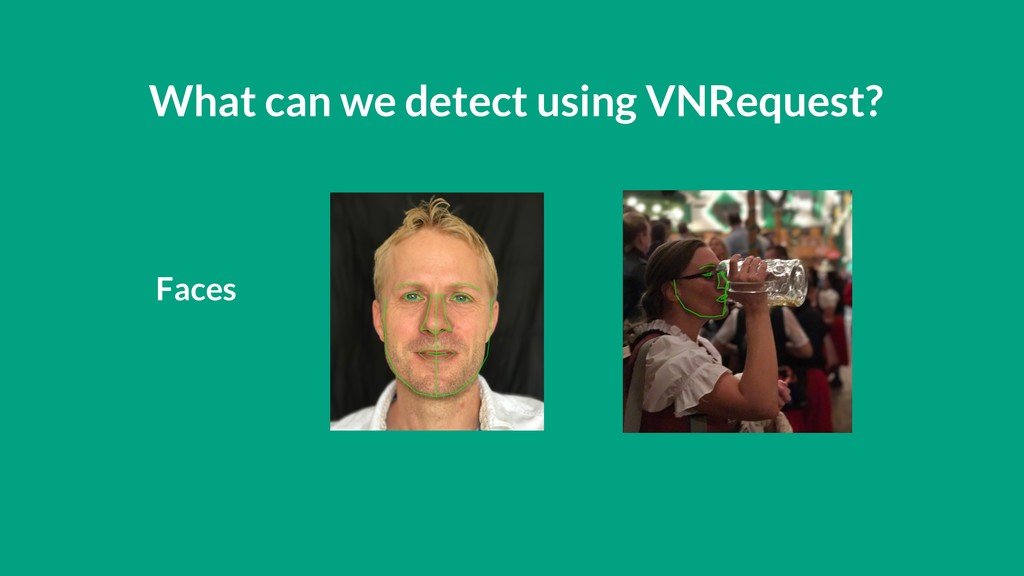
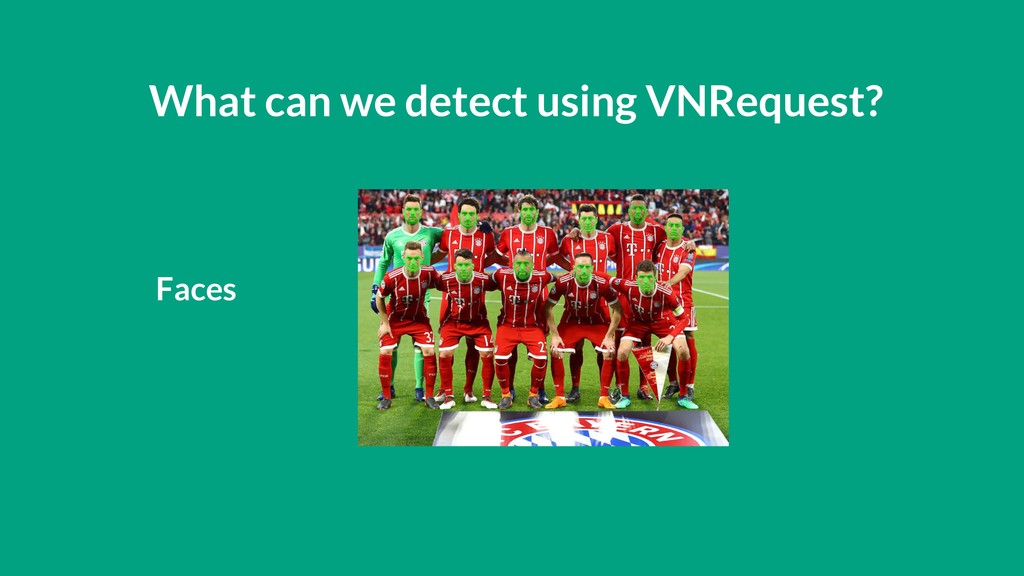
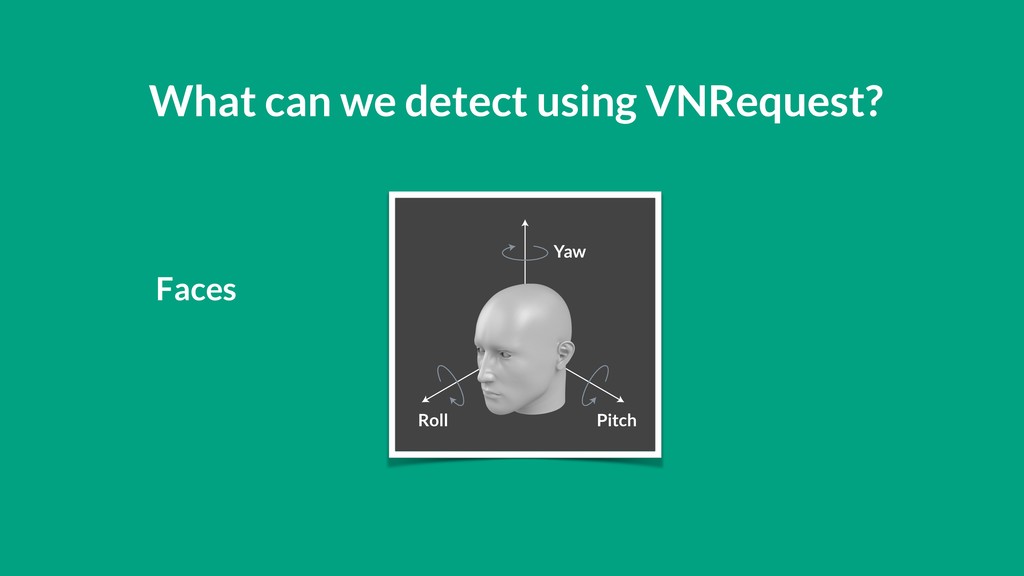
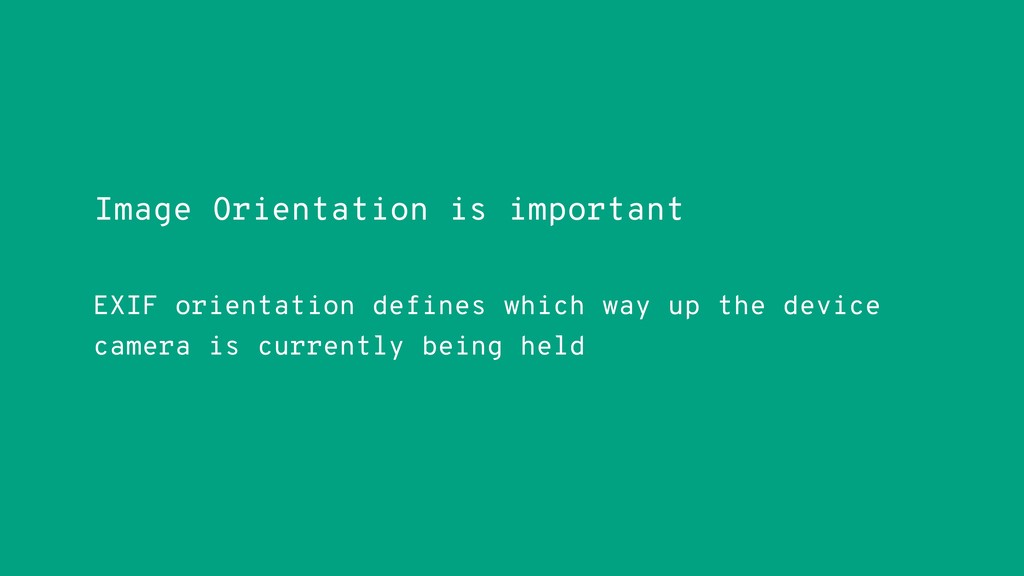
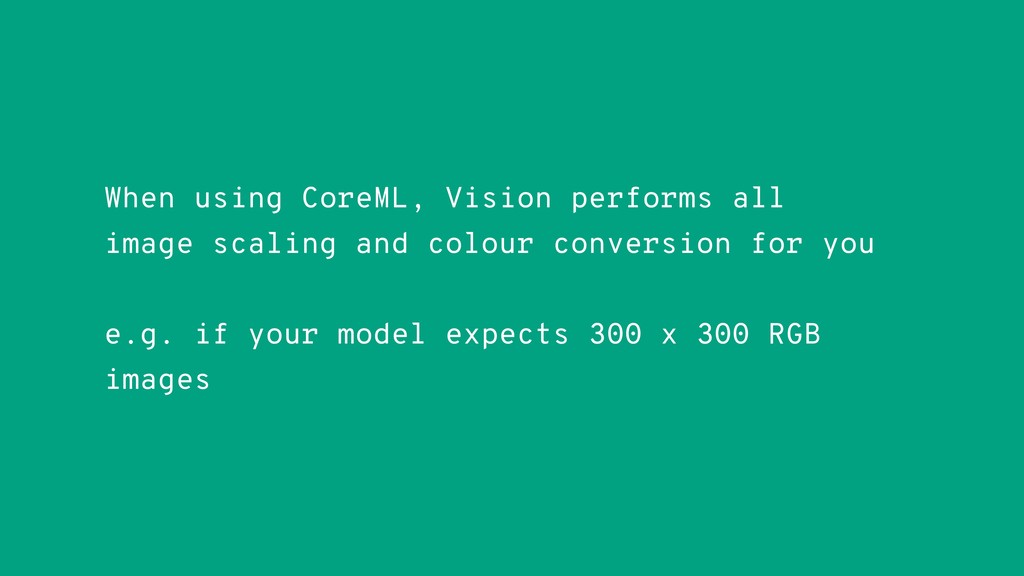
![let faceRequest = VNDetectFaceRectanglesRequest(completionHandler: handleDetectedFaces) requests.append(faceRequest) var requests = [VNImageBasedRequest]()](https://files.speakerdeck.com/presentations/da94972e65404fada1d3ba6daefbf0fb/slide_26.jpg)
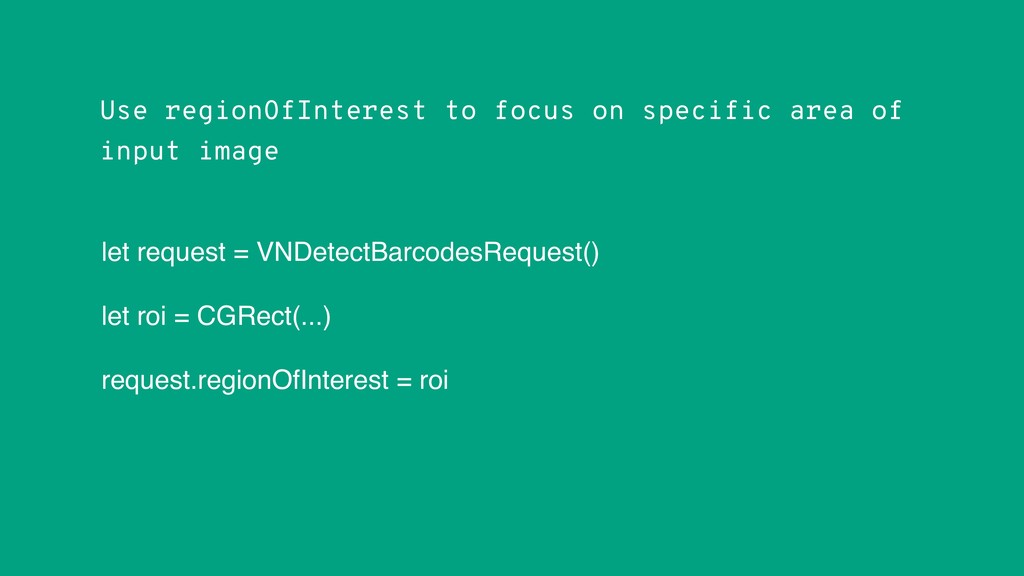
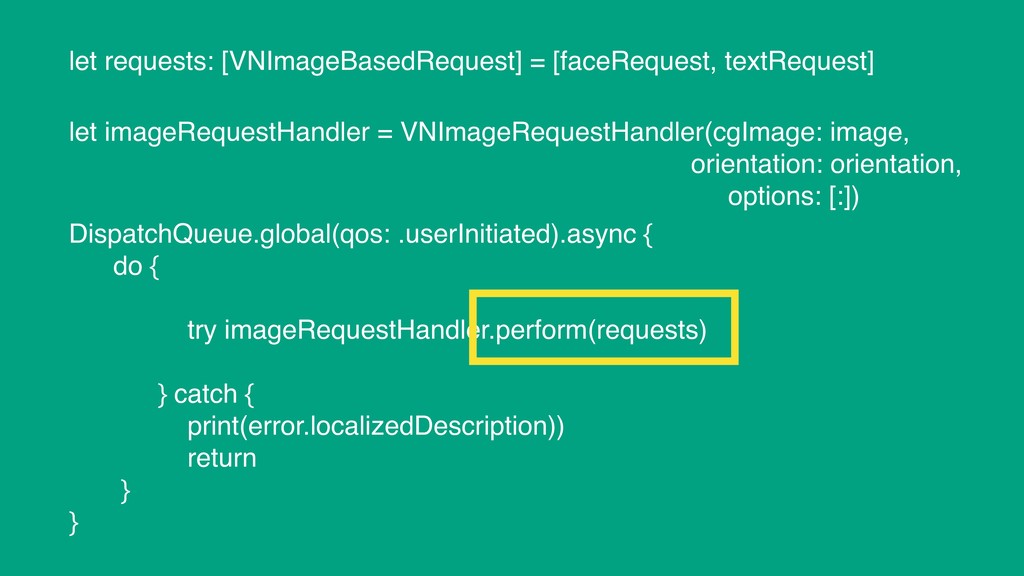


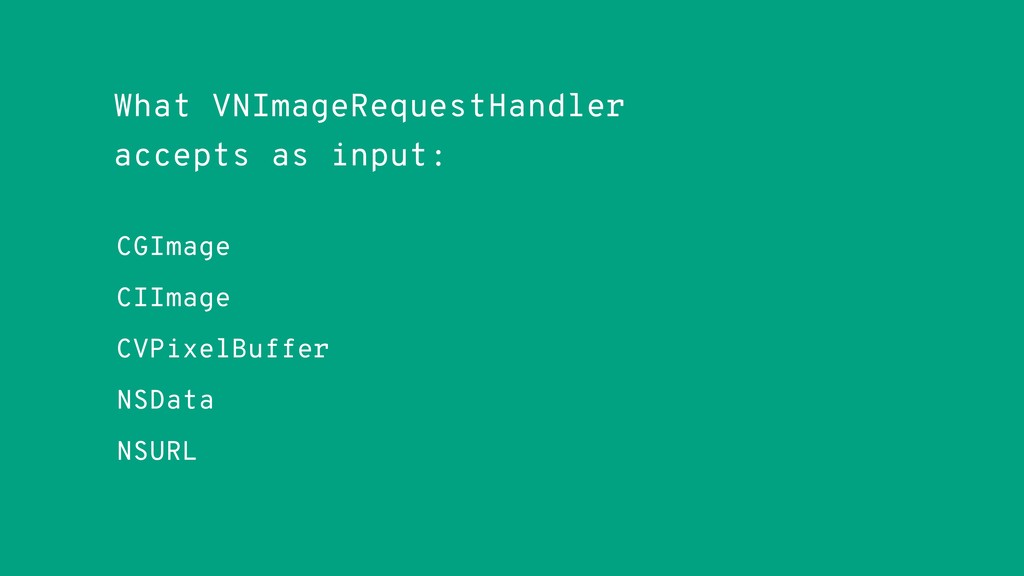
![let requestHandler = VNImageRequestHandler(cvPixelBuffer: pixelBuffer, orientation: deviceOrientation, options: [:]) do](https://files.speakerdeck.com/presentations/da94972e65404fada1d3ba6daefbf0fb/slide_33.jpg)