Upgrade to Pro — share decks privately, control downloads, hide ads and more …

Drag, Drop & Deliver

Sponsored · Ship Features Fearlessly Turn features on and off without deploys. Used by thousands of Ruby developers. →

Drag, Drop & Deliver

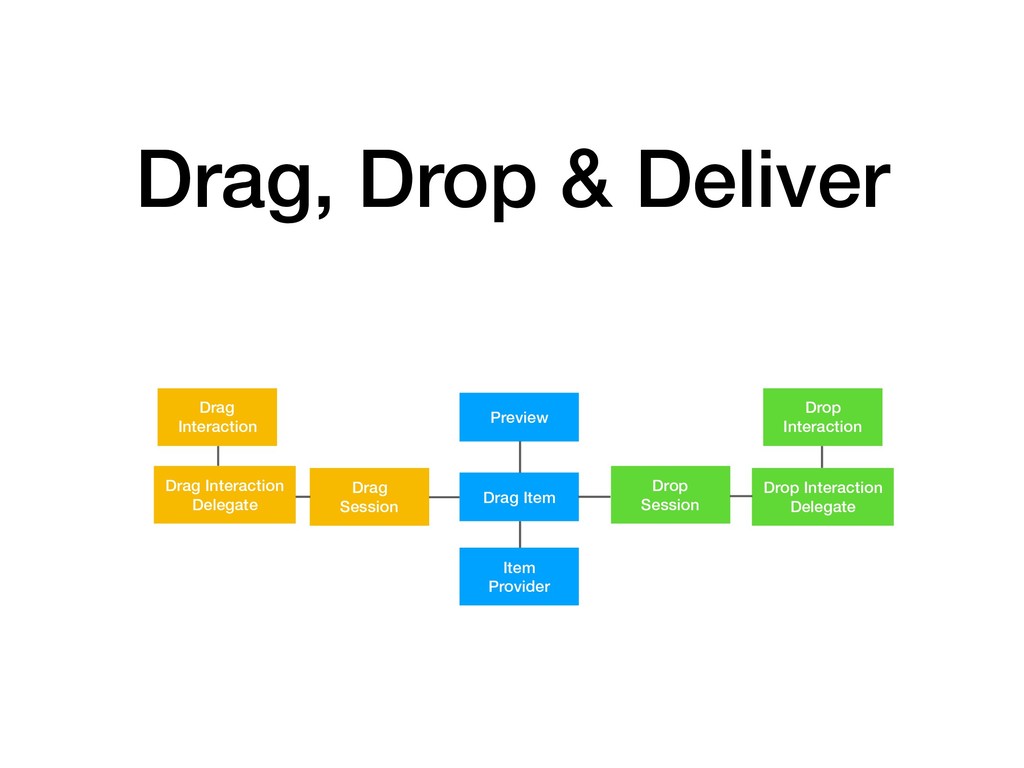
Exploration of the Drag and Drop Apis introduced in iOS11. I show an overview of the main 3 areas that make up the api then present a live code example to build a football sticker book demo. Finally, a brief mention of drag and drops UICollectionView/UITableView application and a look at another app example to demonstrate this.

Avatar for Andy Bell
Andy Bell

March 08, 2018

More Decks by Andy Bell

Other Decks in Technology

Transcript

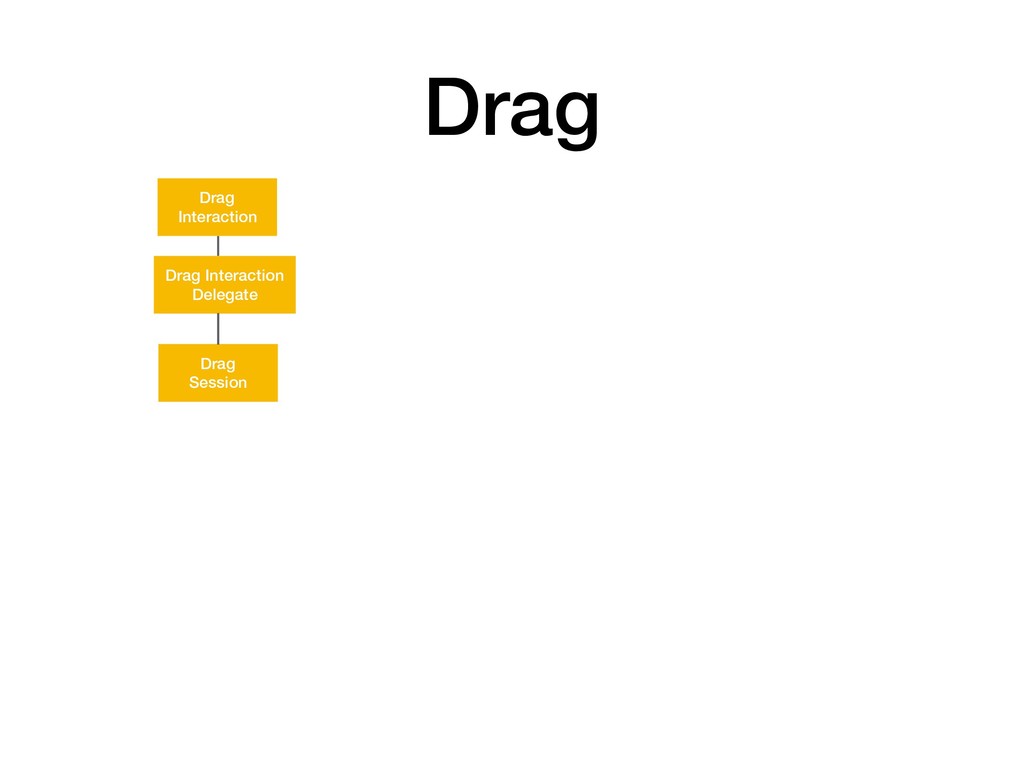
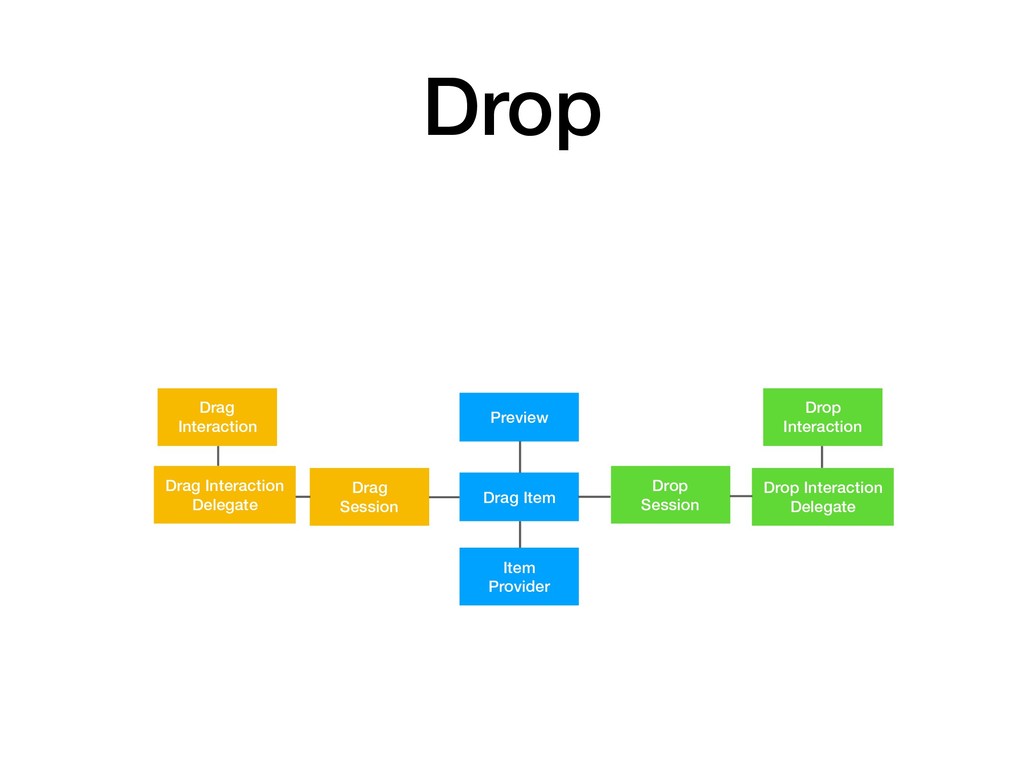
  1. Drag Item Preview Item Provider Drop Session Drop Interaction Delegate

    Drop Interaction Drag Session Drag Interaction Delegate Drag Interaction Drag, Drop & Deliver
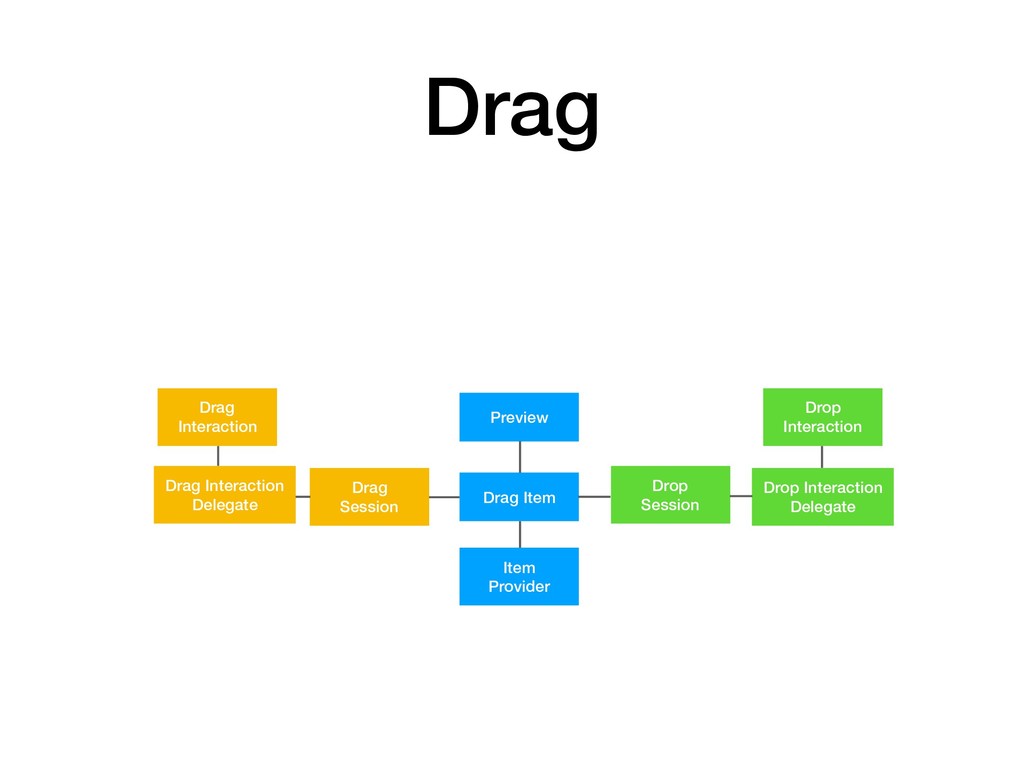
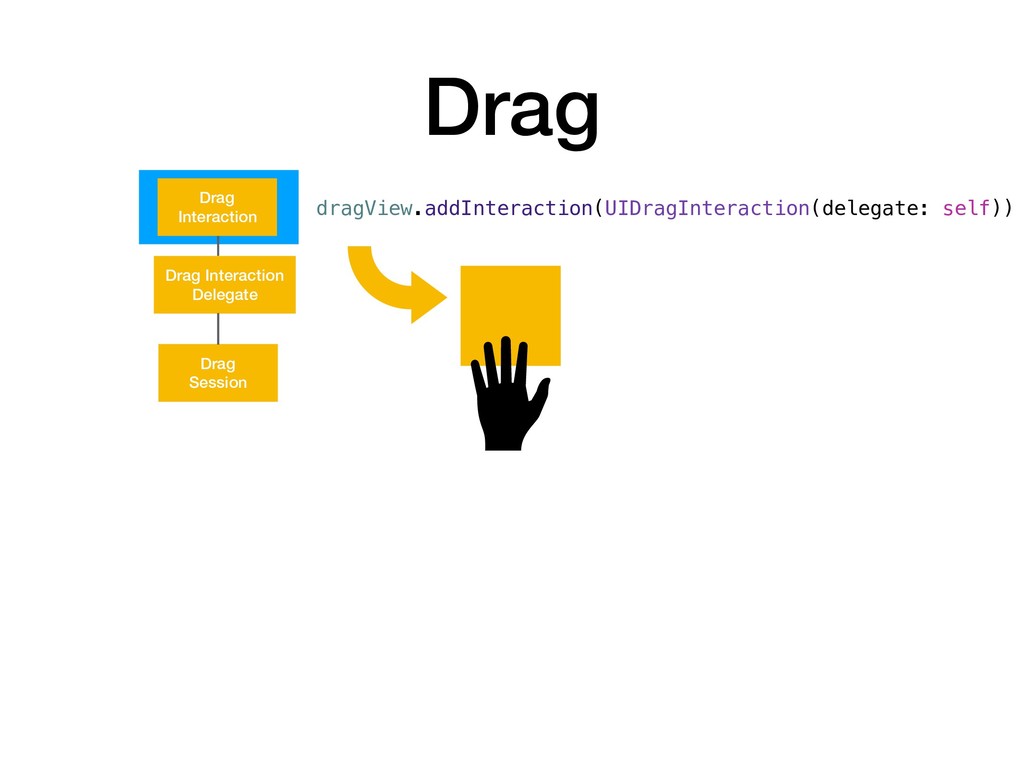
  2. Drag Item Preview Item Provider Drop Session Drop Interaction Delegate

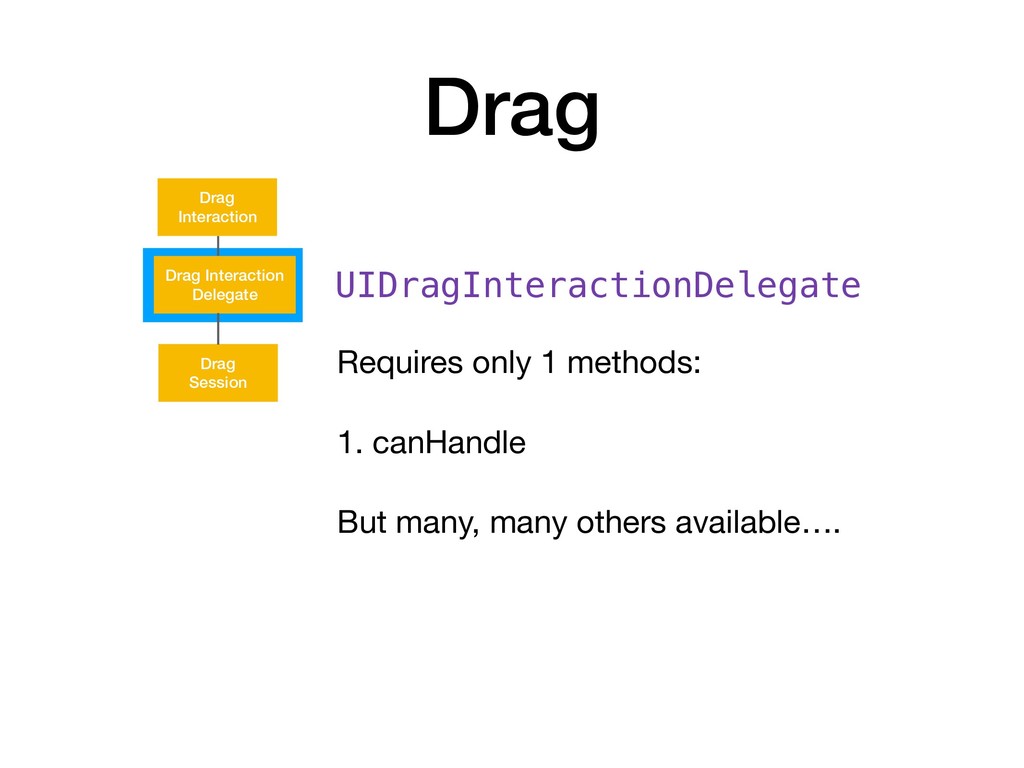
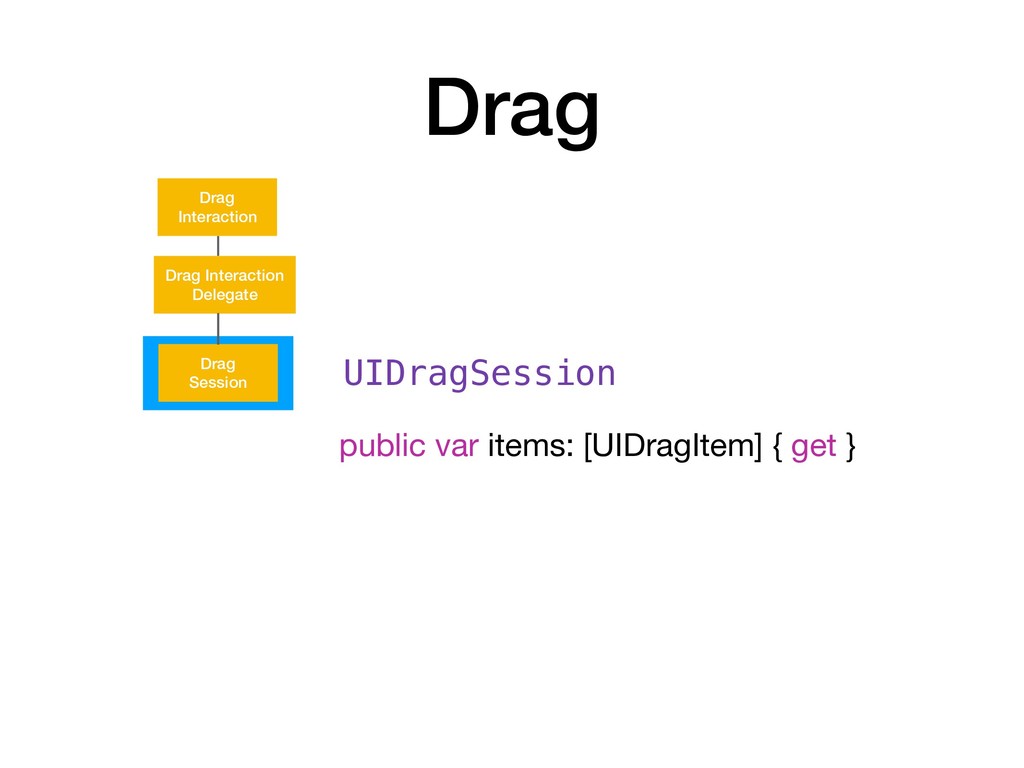
    Drop Interaction Drag Session Drag Interaction Delegate Drag Interaction Drag
  3. Drag Session Drag Interaction Delegate Drag Interaction Drag UIDragInteractionDelegate Requires

    only 1 methods: 1. canHandle But many, many others available….
  4. Drag Item Preview Item Provider Drop Session Drop Interaction Delegate

    Drop Interaction Drag Session Drag Interaction Delegate Drag Interaction Drop
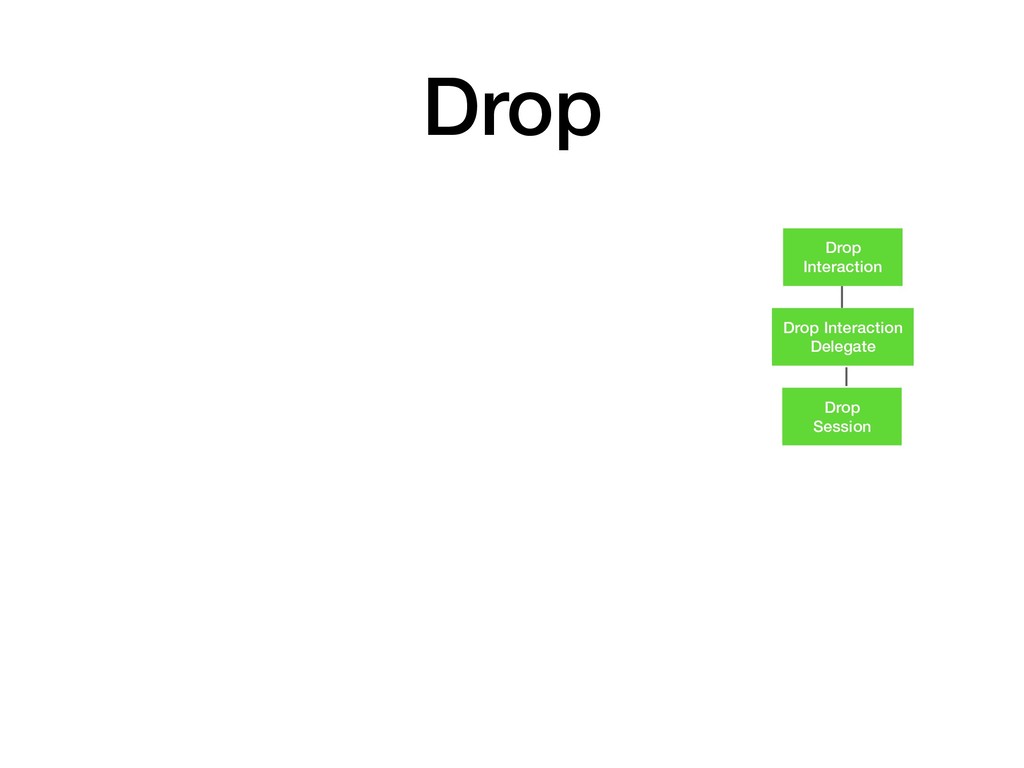
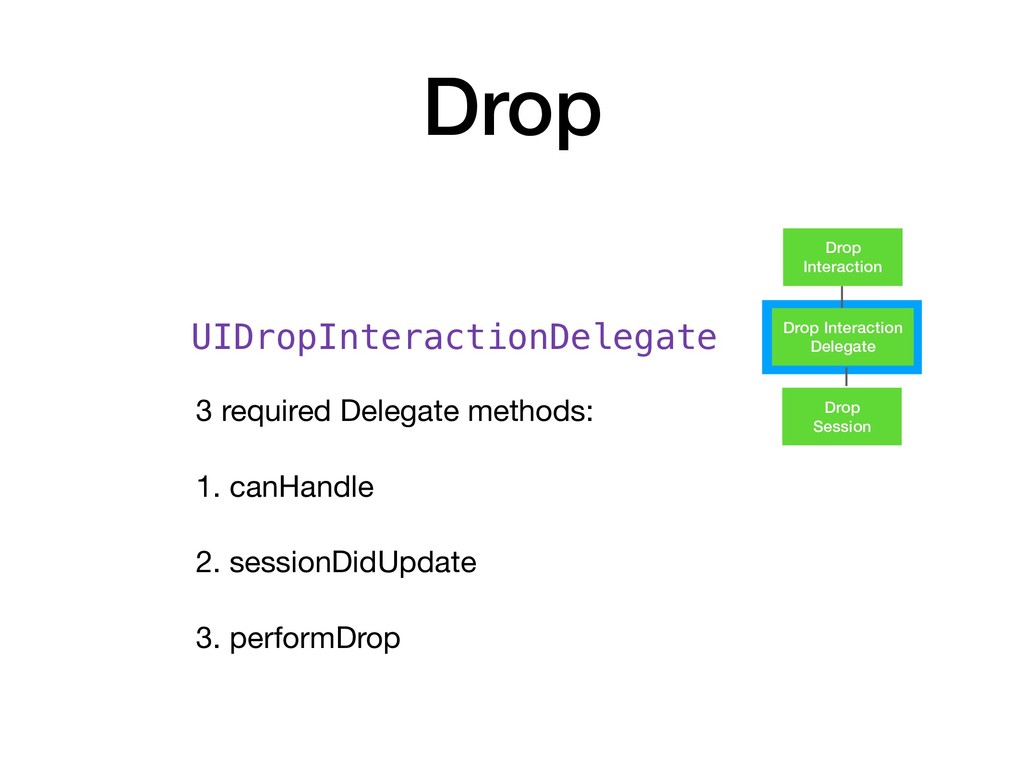
  5. Drop Session Drop Interaction Delegate Drop Interaction Drop UIDropInteractionDelegate 3

    required Delegate methods: 1. canHandle 2. sessionDidUpdate 3. performDrop
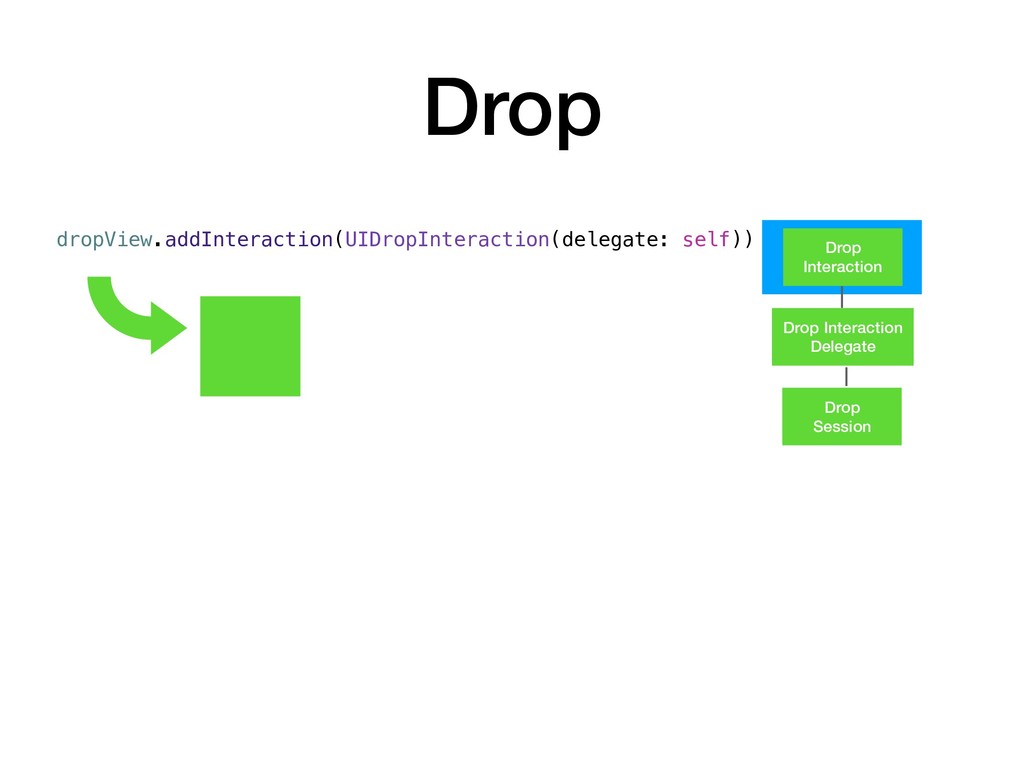
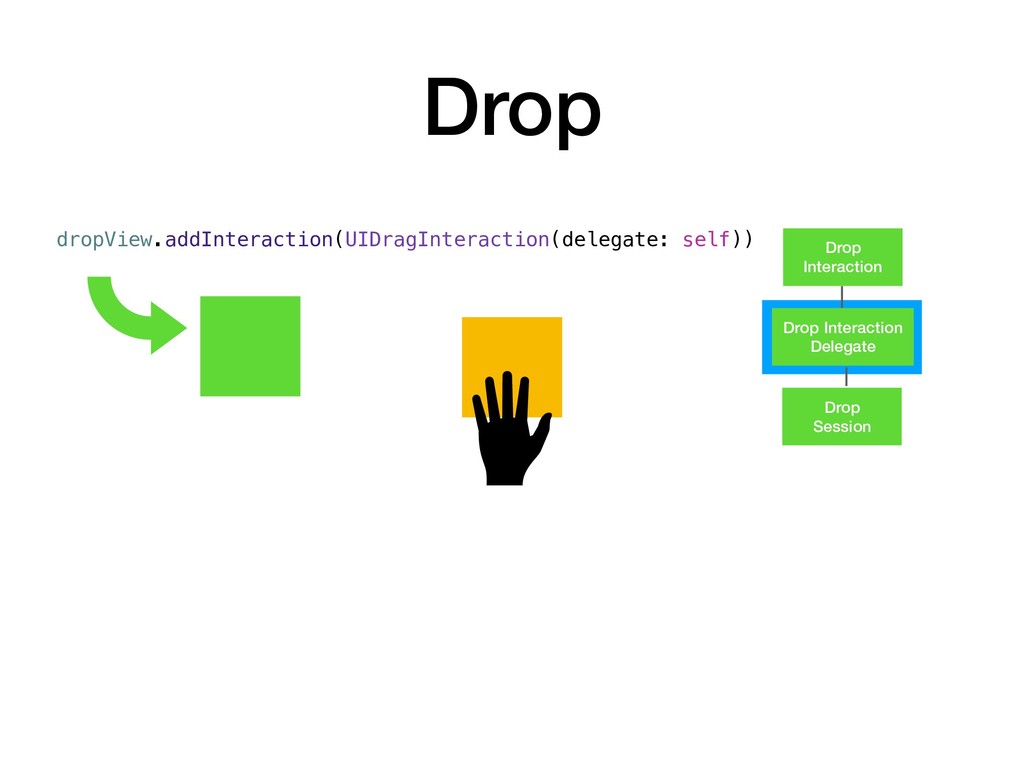
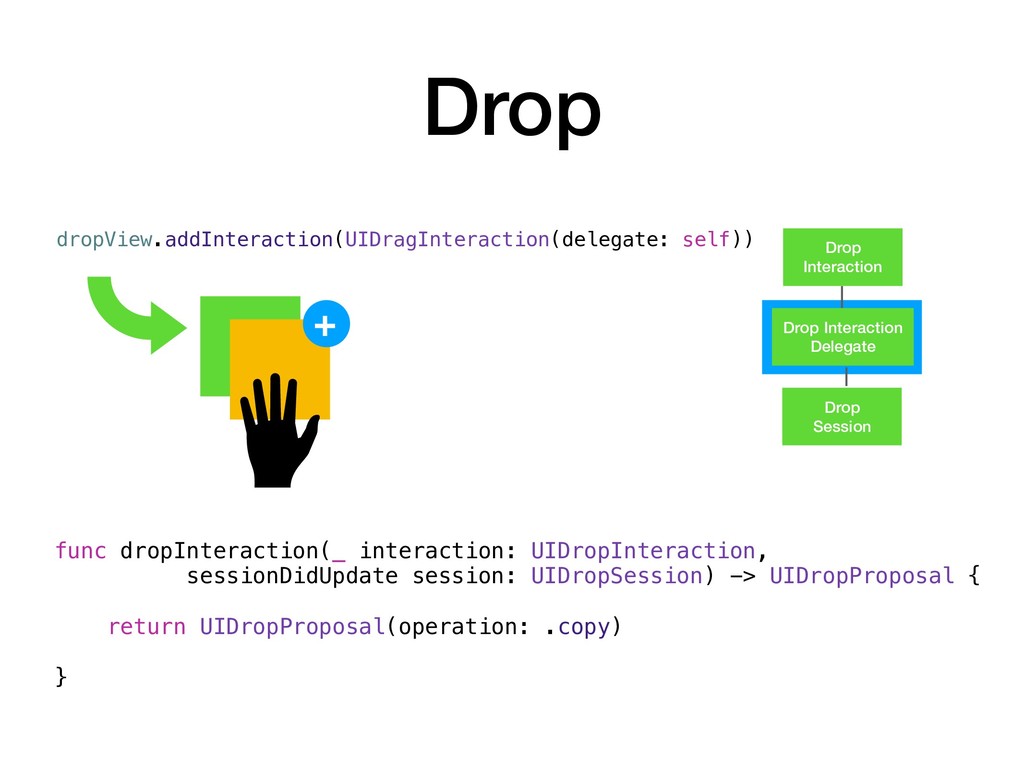
  6. Drop Session Drop Interaction Delegate Drop Interaction Drop dropView.addInteraction(UIDragInteraction(delegate: self))

    func dropInteraction(_ interaction: UIDropInteraction, sessionDidUpdate session: UIDropSession) -> UIDropProposal { return UIDropProposal(operation: .copy) } +
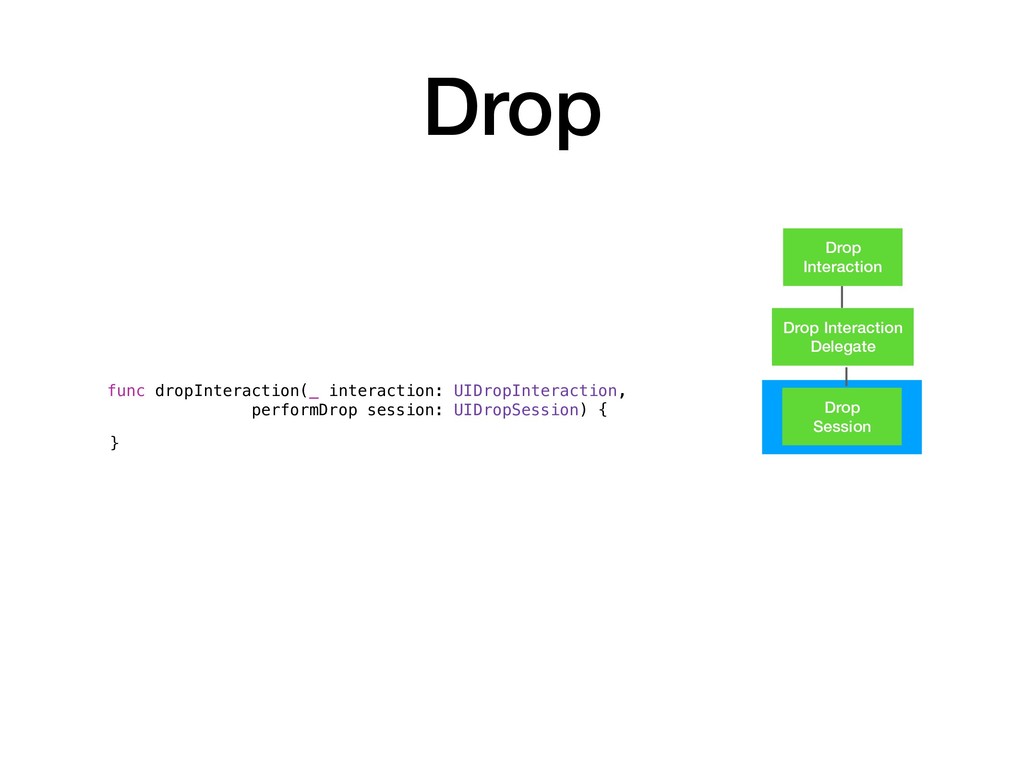
  7. Drop Session Drop Interaction Delegate Drop Interaction Drop func dropInteraction(_

    interaction: UIDropInteraction, performDrop session: UIDropSession) { }
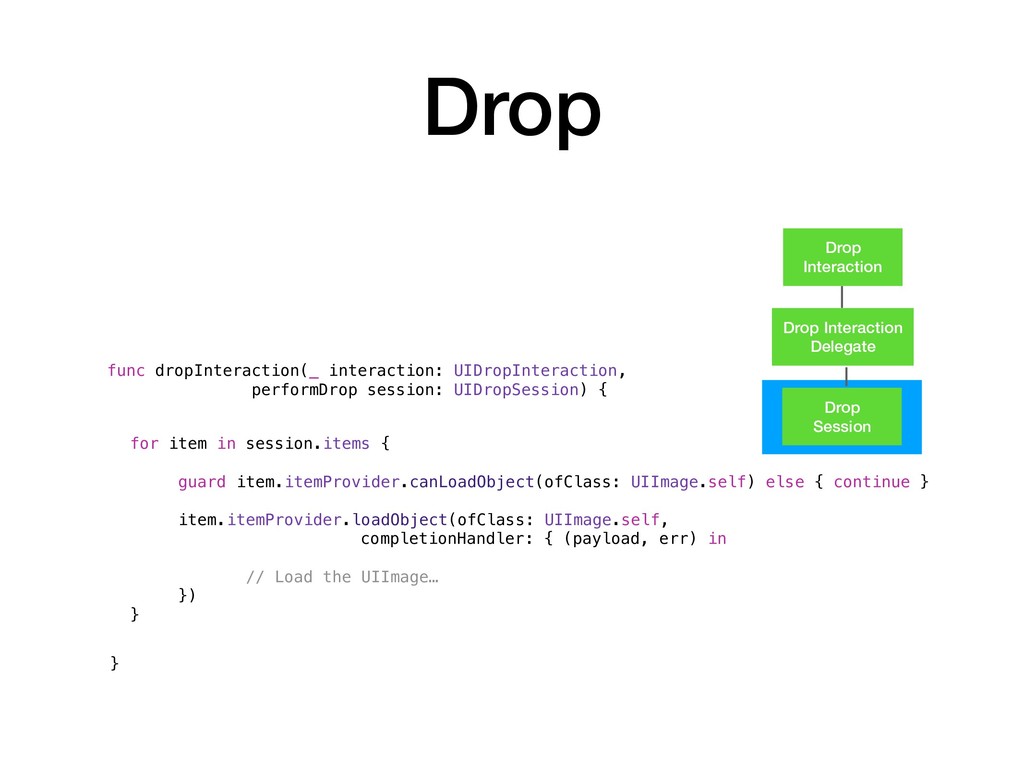
  8. Drop Session Drop Interaction Delegate Drop Interaction Drop func dropInteraction(_

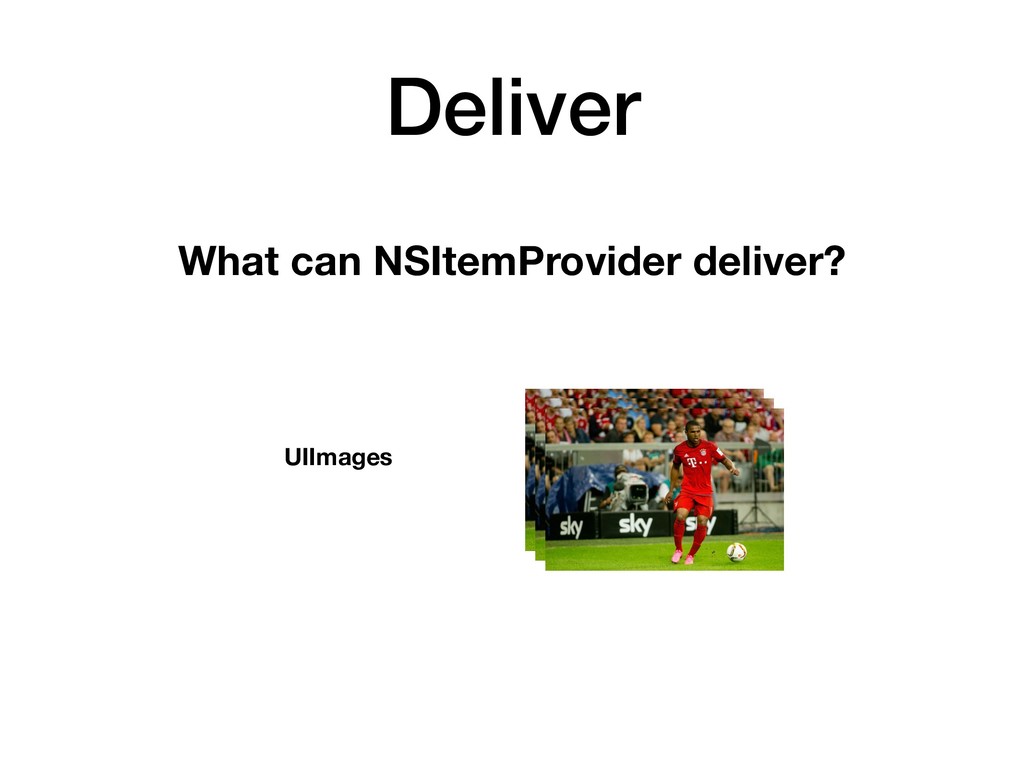
    interaction: UIDropInteraction, performDrop session: UIDropSession) { } for item in session.items { guard item.itemProvider.canLoadObject(ofClass: UIImage.self) else { continue } item.itemProvider.loadObject(ofClass: UIImage.self, completionHandler: { (payload, err) in // Load the UIImage… }) }
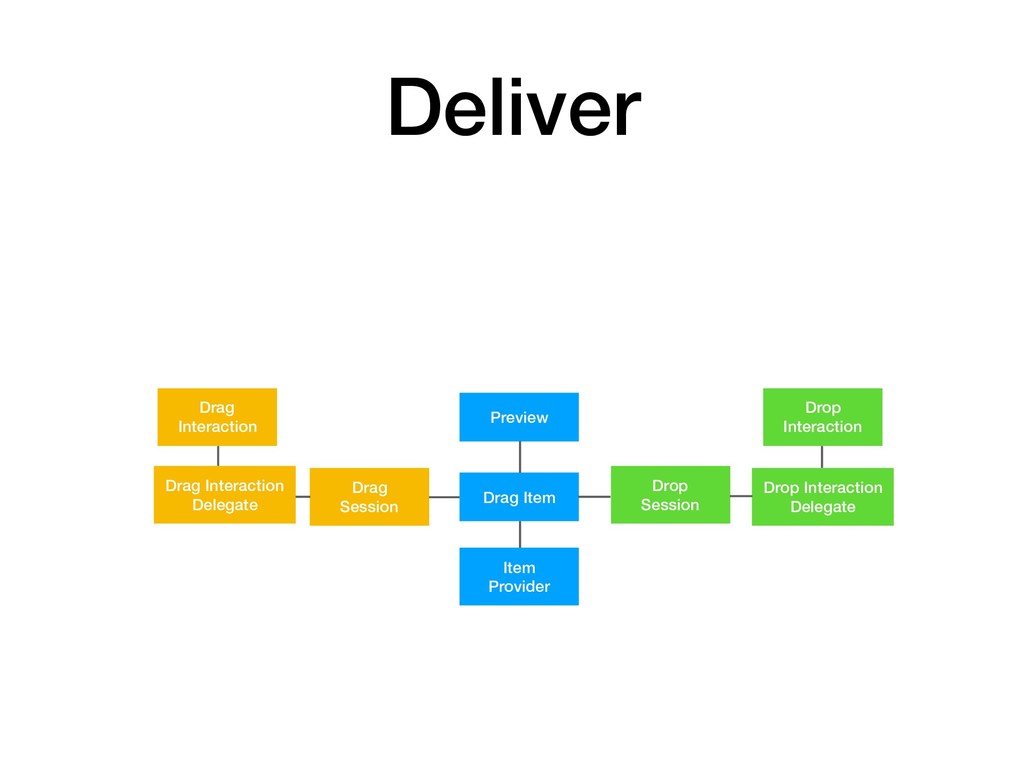
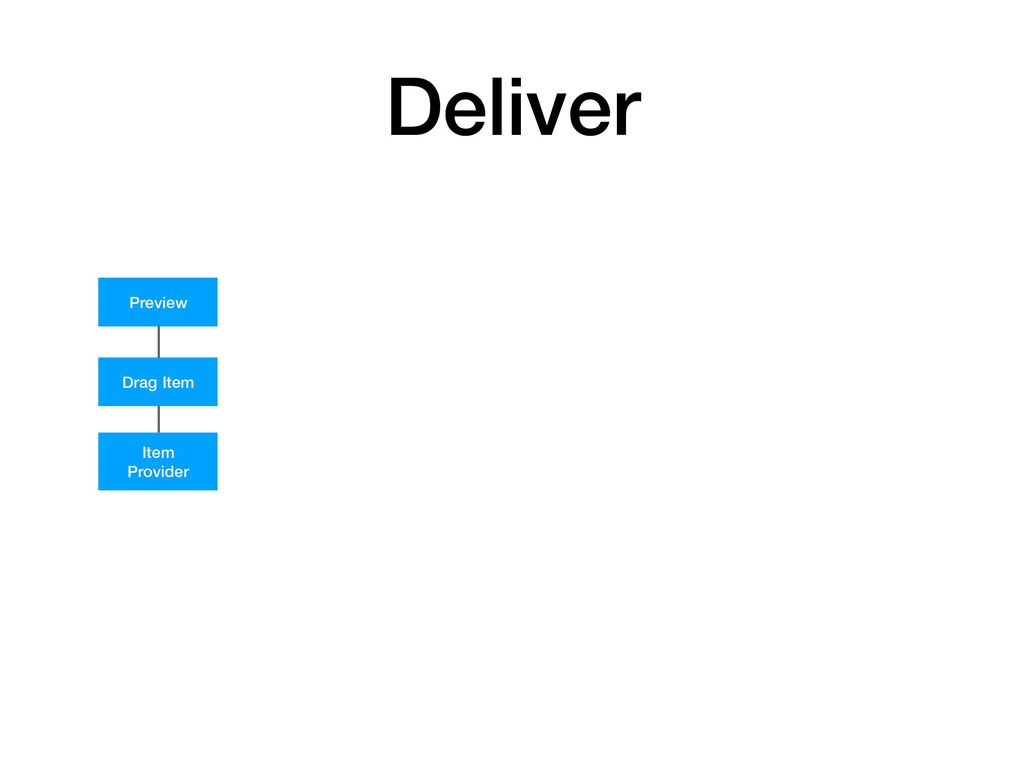
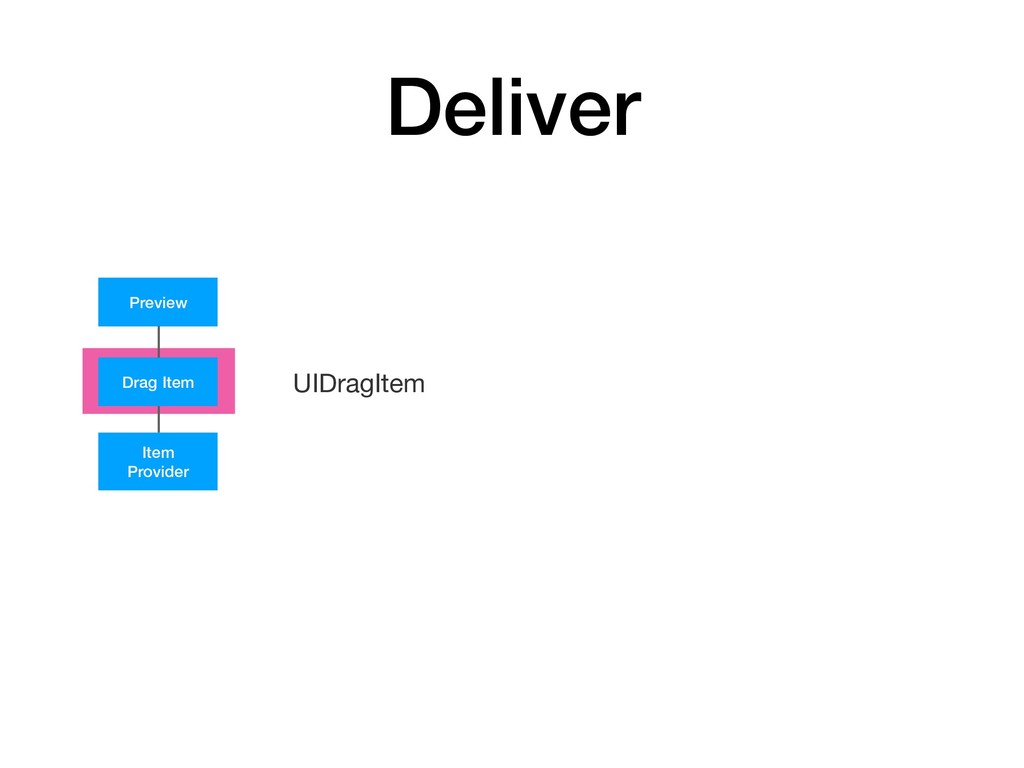
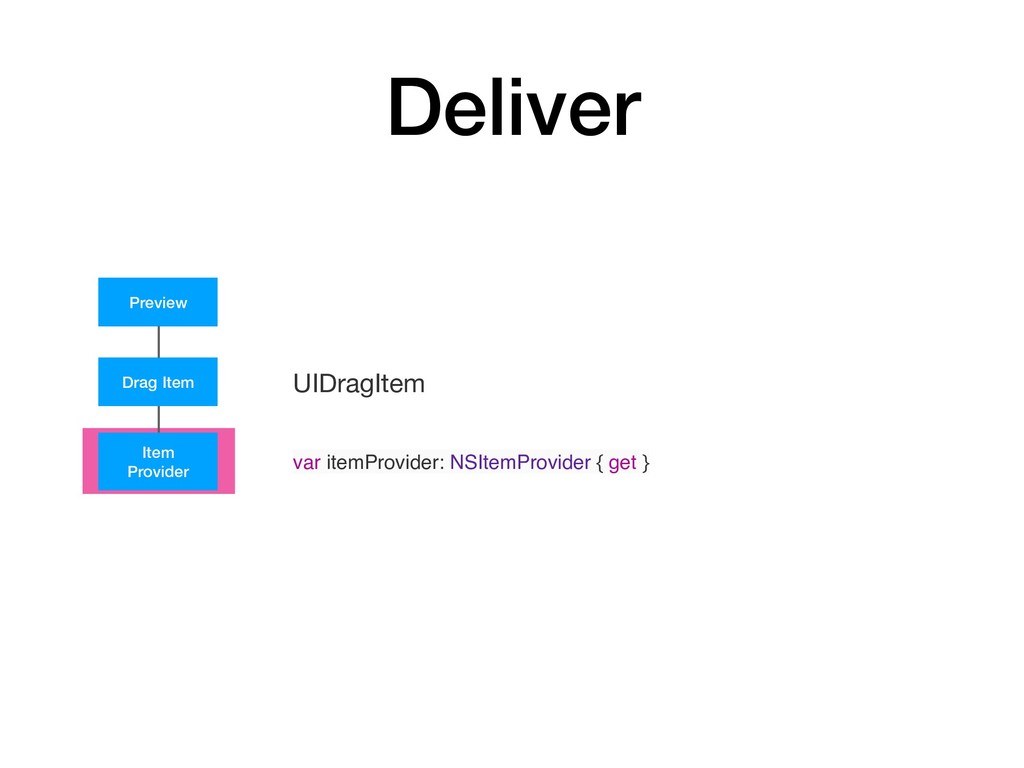
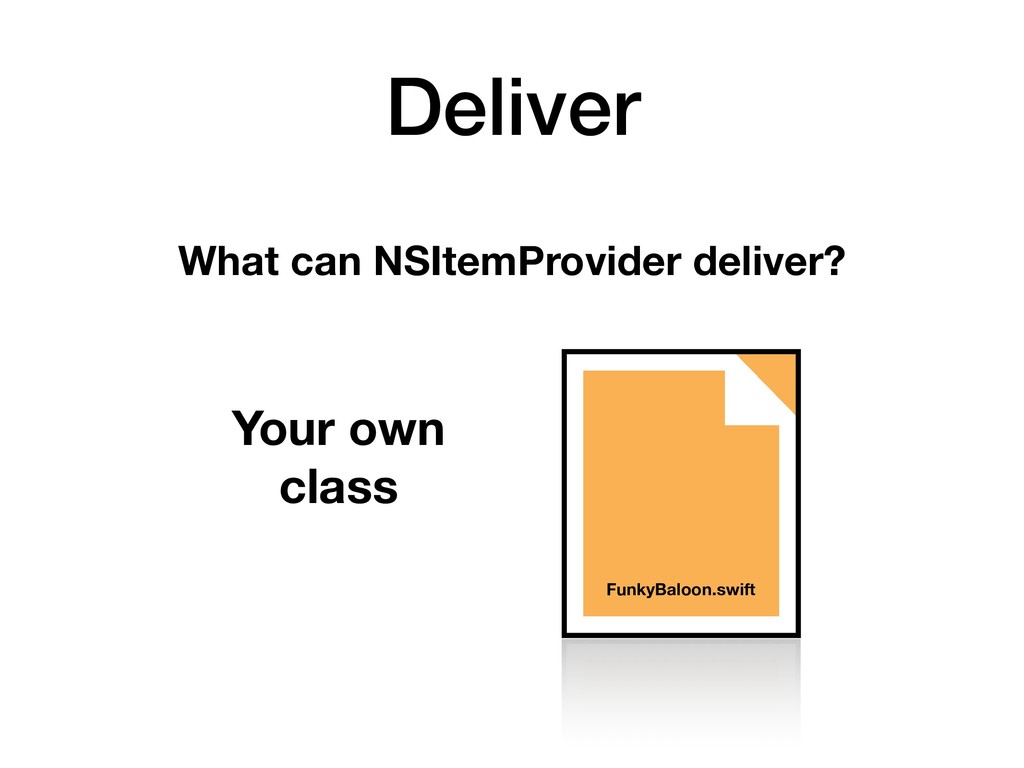
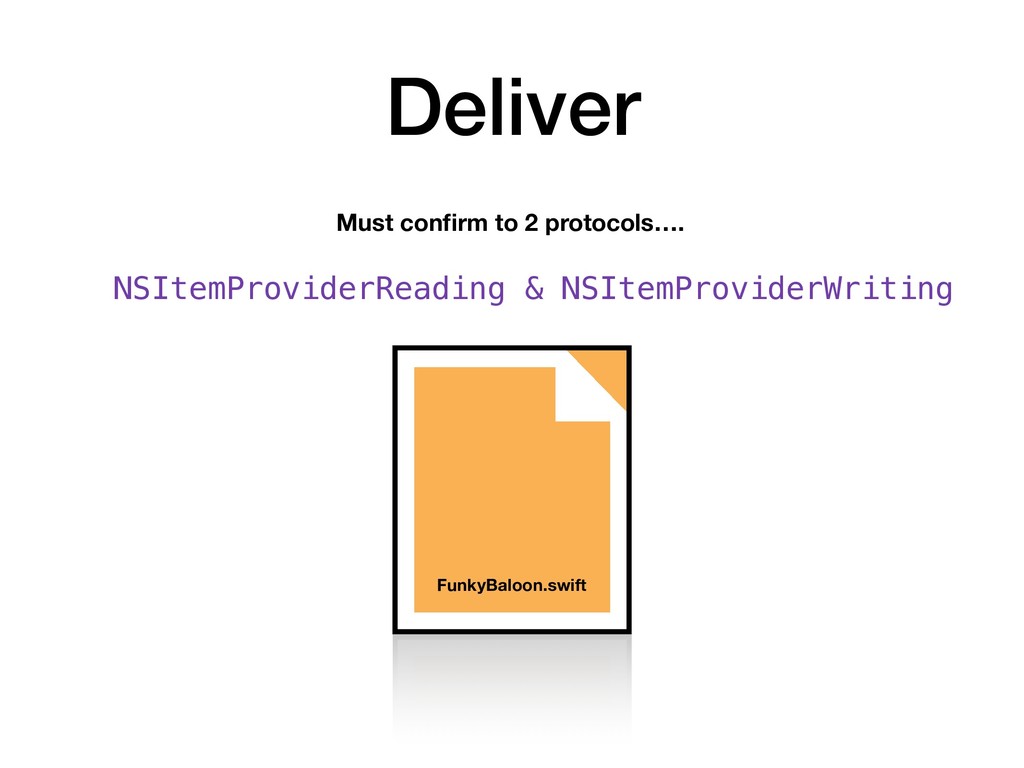
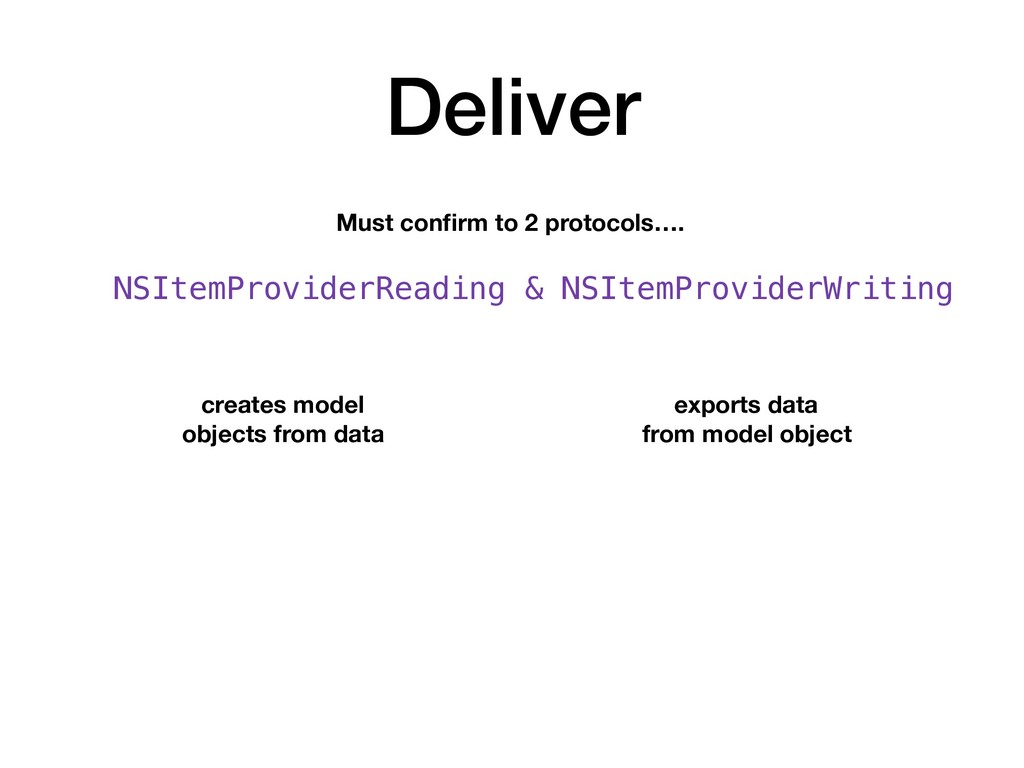
  9. Drag Item Preview Item Provider Drop Session Drop Interaction Delegate

    Drop Interaction Drag Session Drag Interaction Delegate Drag Interaction Deliver
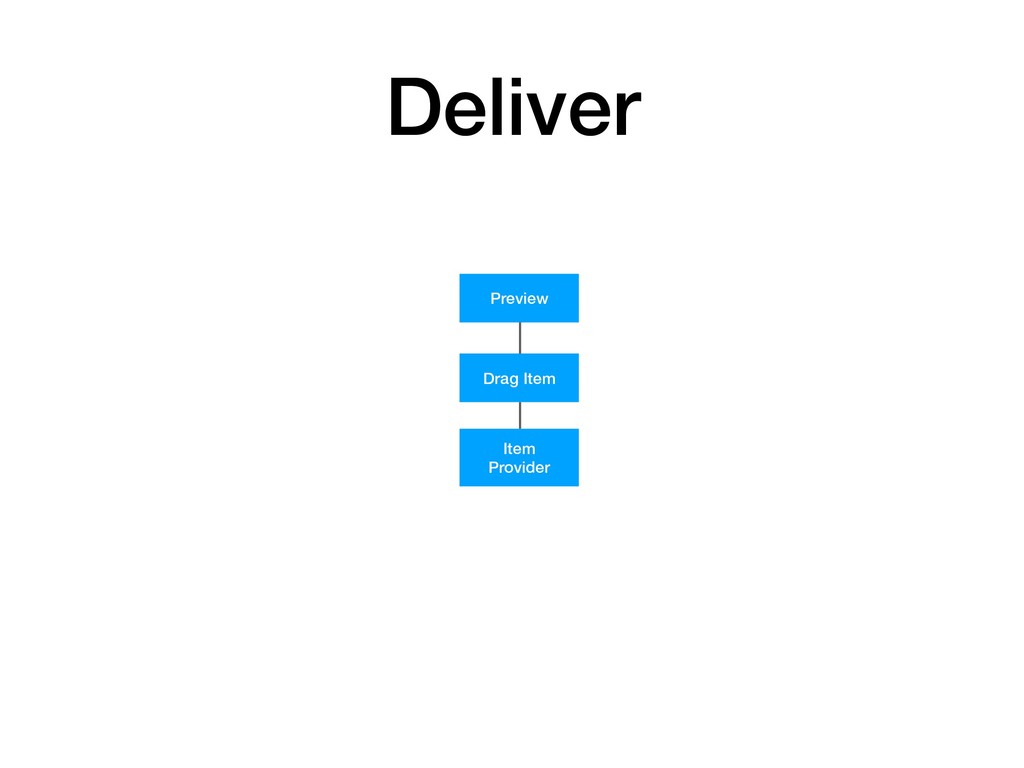
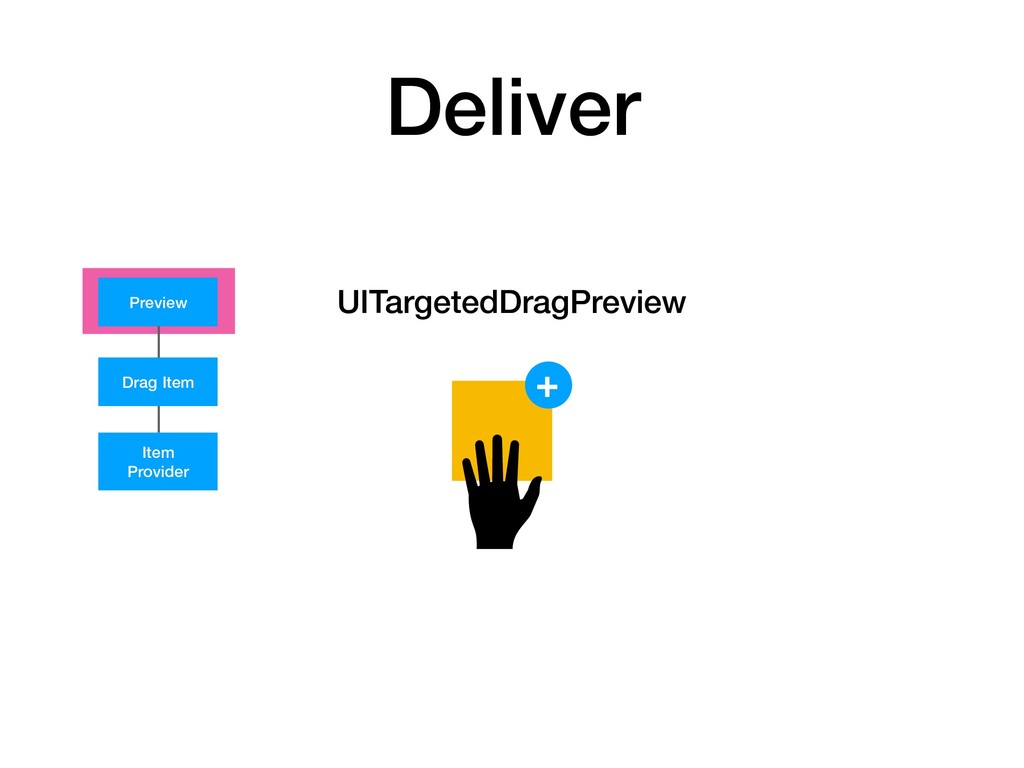
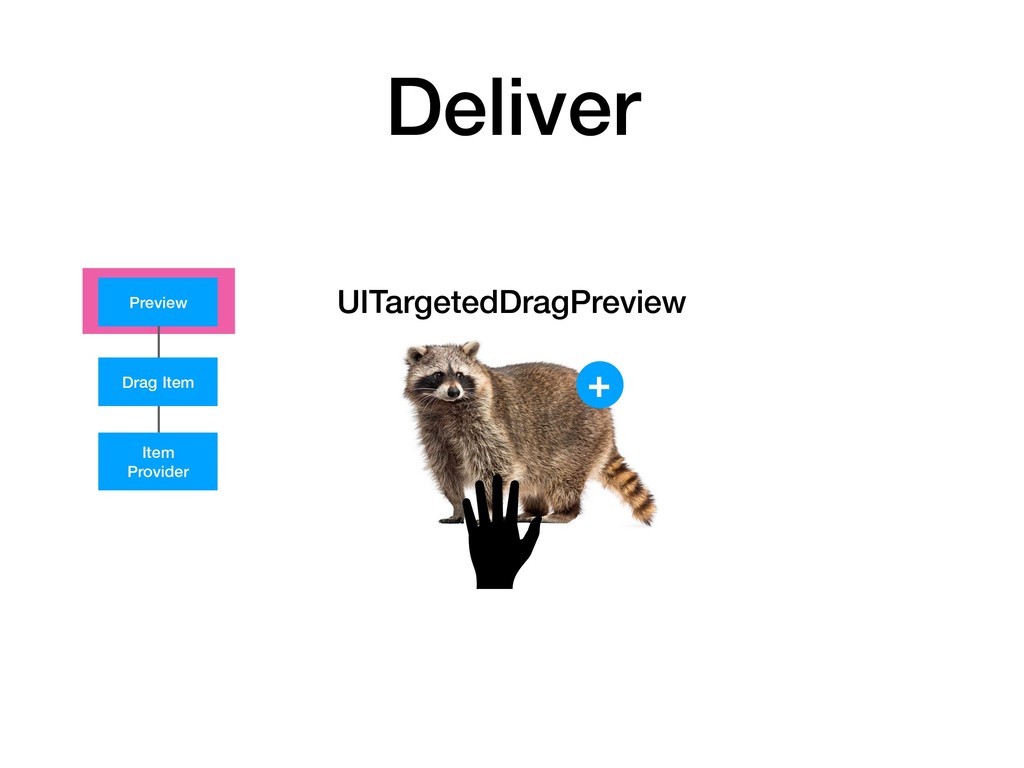
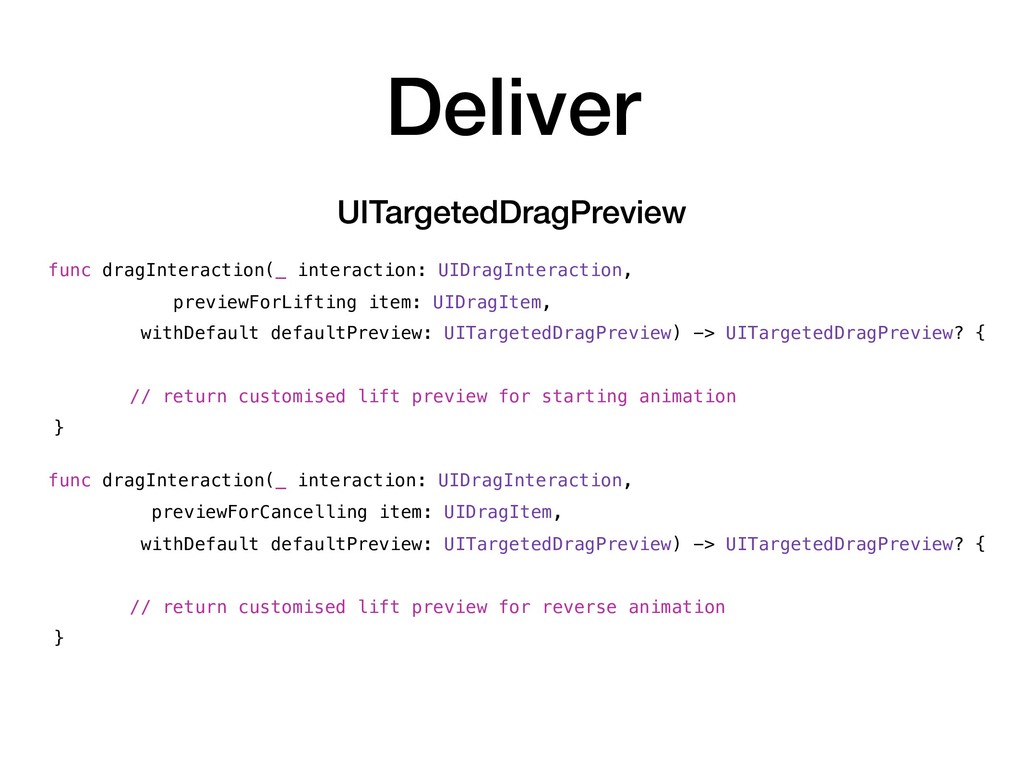
  10. Deliver func dragInteraction(_ interaction: UIDragInteraction, previewForCancelling item: UIDragItem, withDefault defaultPreview:

    UITargetedDragPreview) -> UITargetedDragPreview? { // return customised lift preview for reverse animation } UITargetedDragPreview func dragInteraction(_ interaction: UIDragInteraction, previewForLifting item: UIDragItem, withDefault defaultPreview: UITargetedDragPreview) -> UITargetedDragPreview? { // return customised lift preview for starting animation }
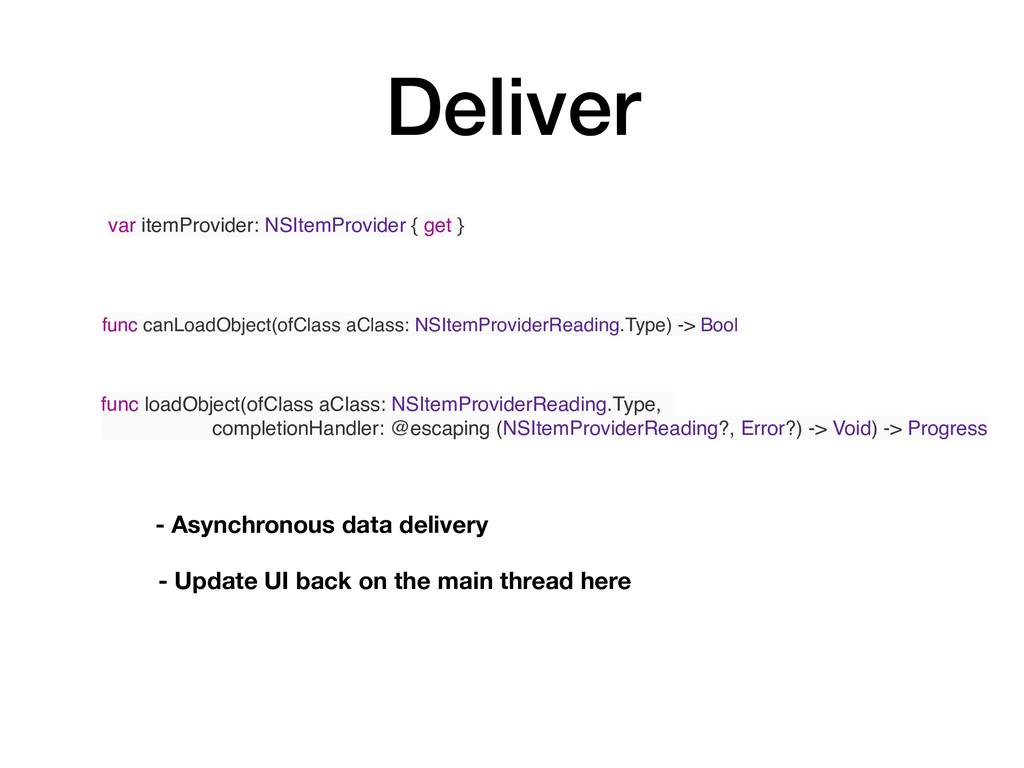
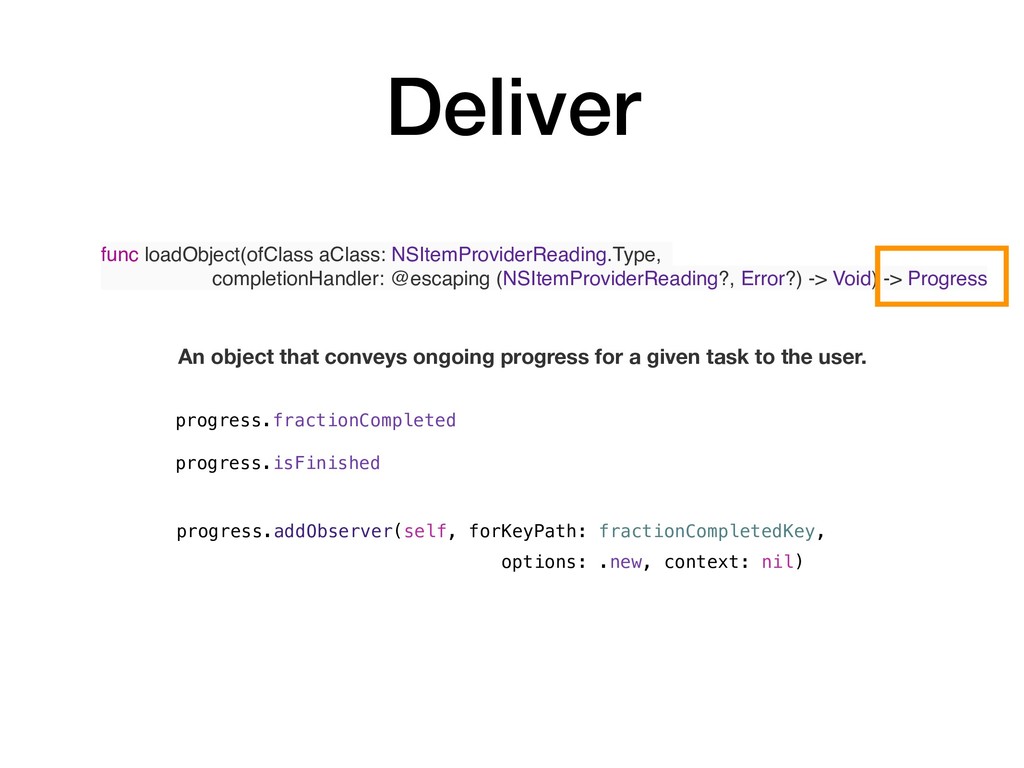
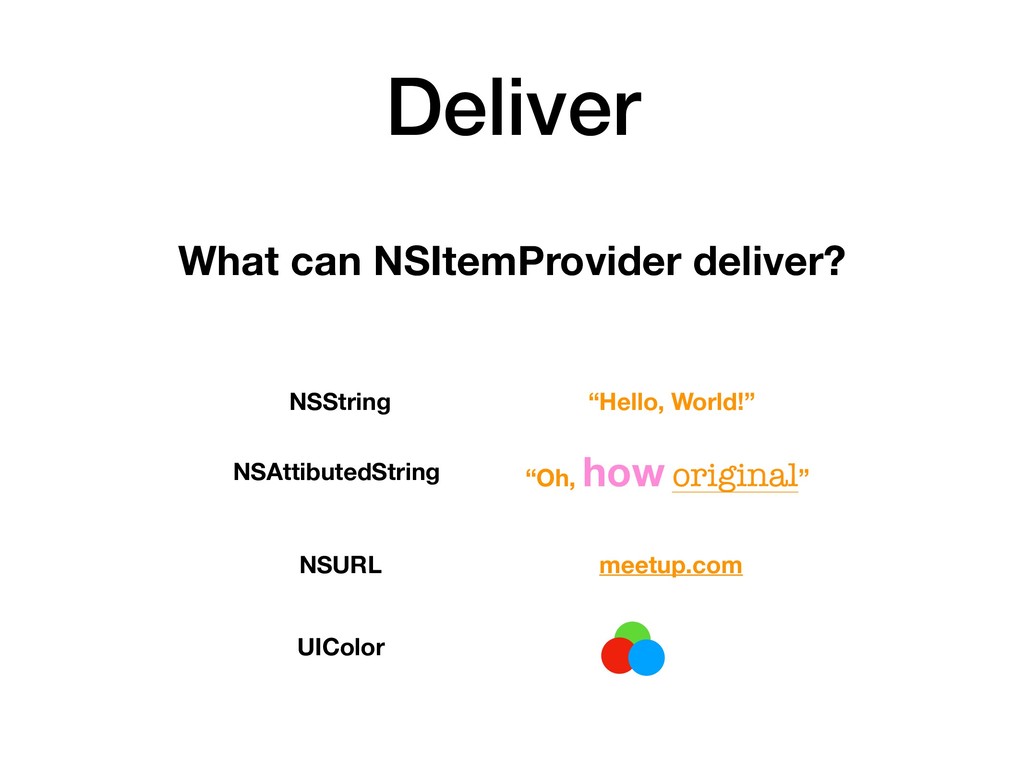
  11. Deliver var itemProvider: NSItemProvider { get } func canLoadObject(ofClass aClass:

    NSItemProviderReading.Type) -> Bool func loadObject(ofClass aClass: NSItemProviderReading.Type, completionHandler: @escaping (NSItemProviderReading?, Error?) -> Void) -> Progress - Asynchronous data delivery - Update UI back on the main thread here
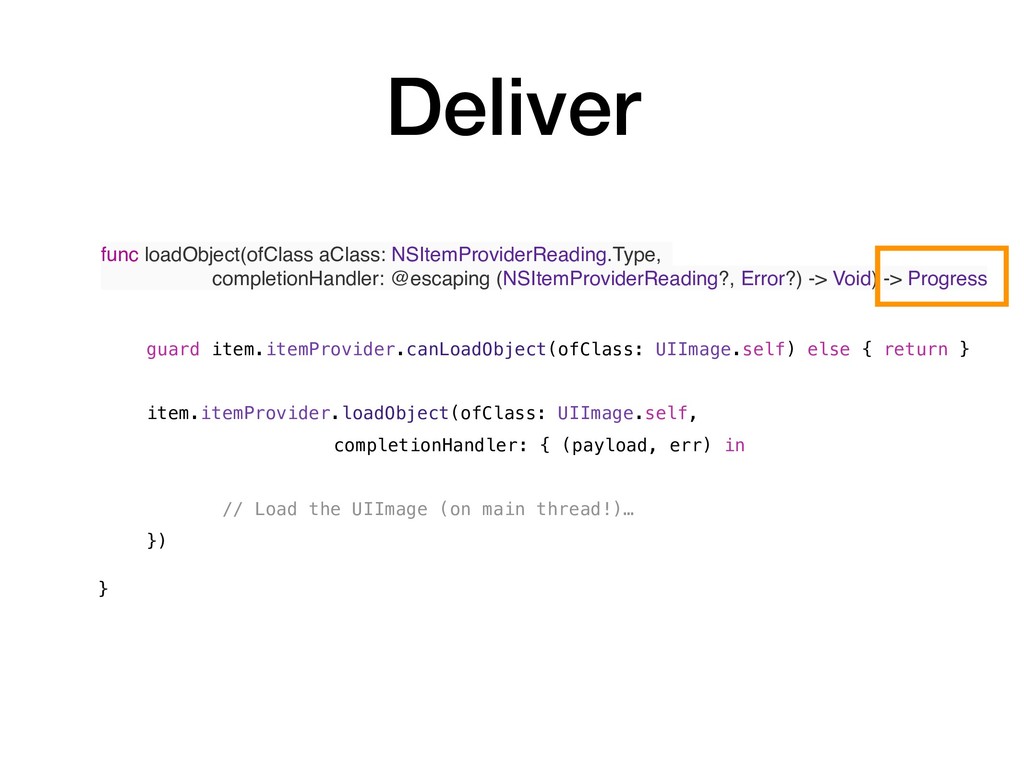
  12. Deliver func loadObject(ofClass aClass: NSItemProviderReading.Type, completionHandler: @escaping (NSItemProviderReading?, Error?) ->

    Void) -> Progress guard item.itemProvider.canLoadObject(ofClass: UIImage.self) else { return } item.itemProvider.loadObject(ofClass: UIImage.self, completionHandler: { (payload, err) in // Load the UIImage (on main thread!)… }) }
  13. Deliver func loadObject(ofClass aClass: NSItemProviderReading.Type, completionHandler: @escaping (NSItemProviderReading?, Error?) ->

    Void) -> Progress progress.addObserver(self, forKeyPath: fractionCompletedKey, options: .new, context: nil) progress.fractionCompleted progress.isFinished An object that conveys ongoing progress for a given task to the user.
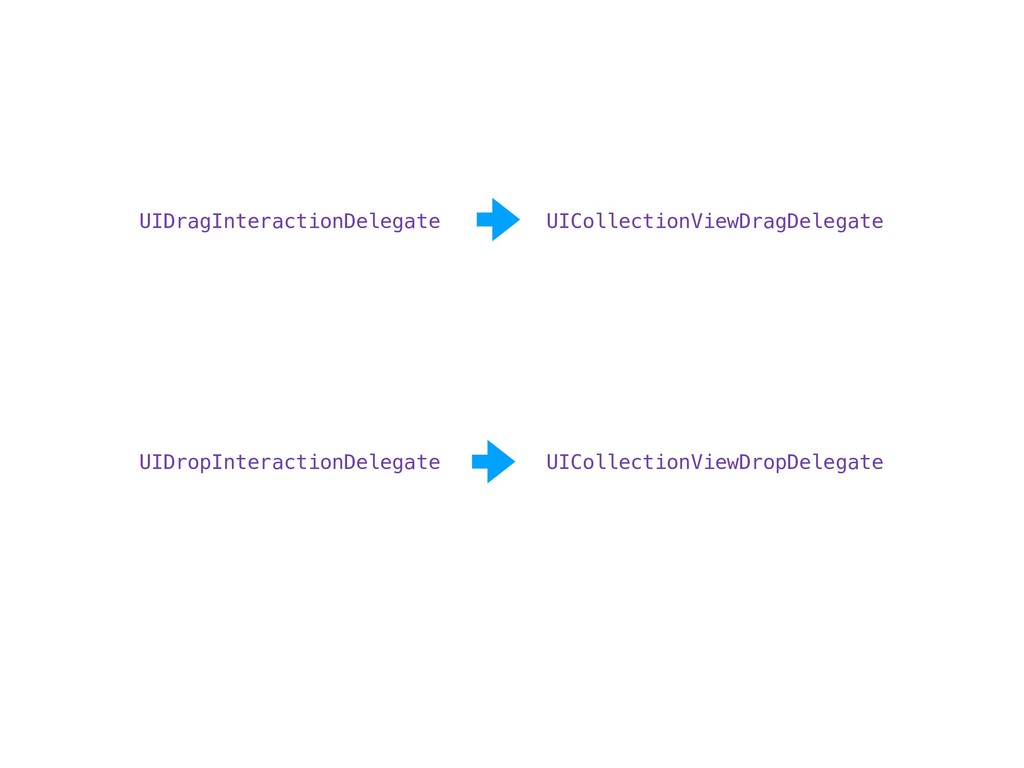
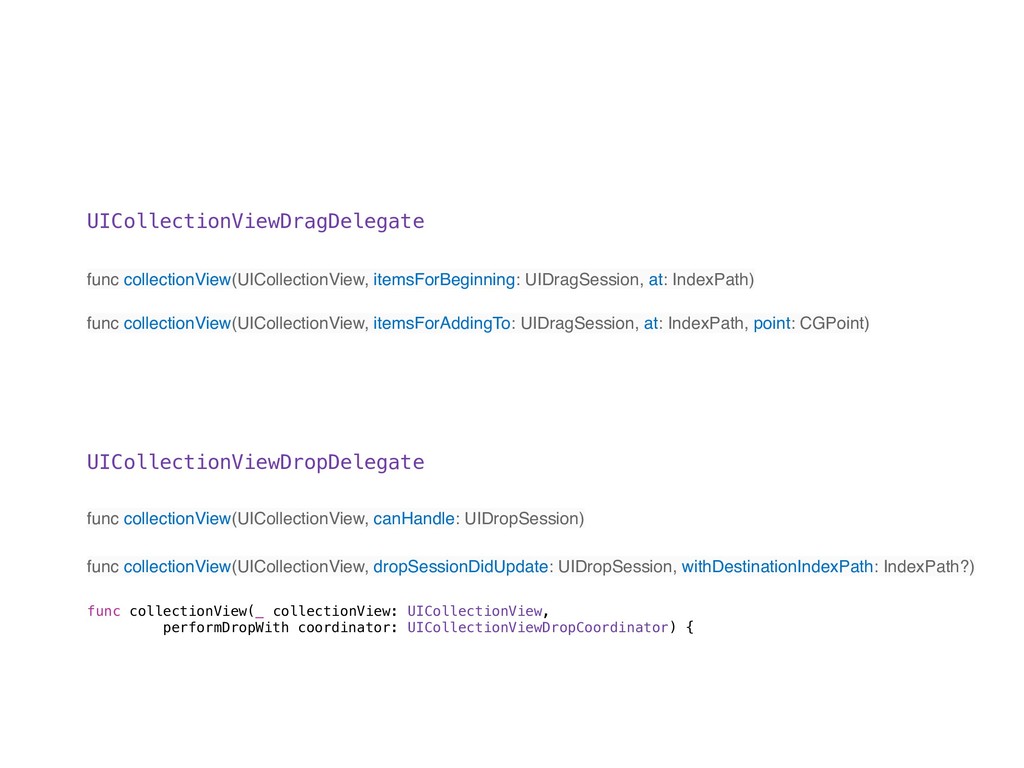
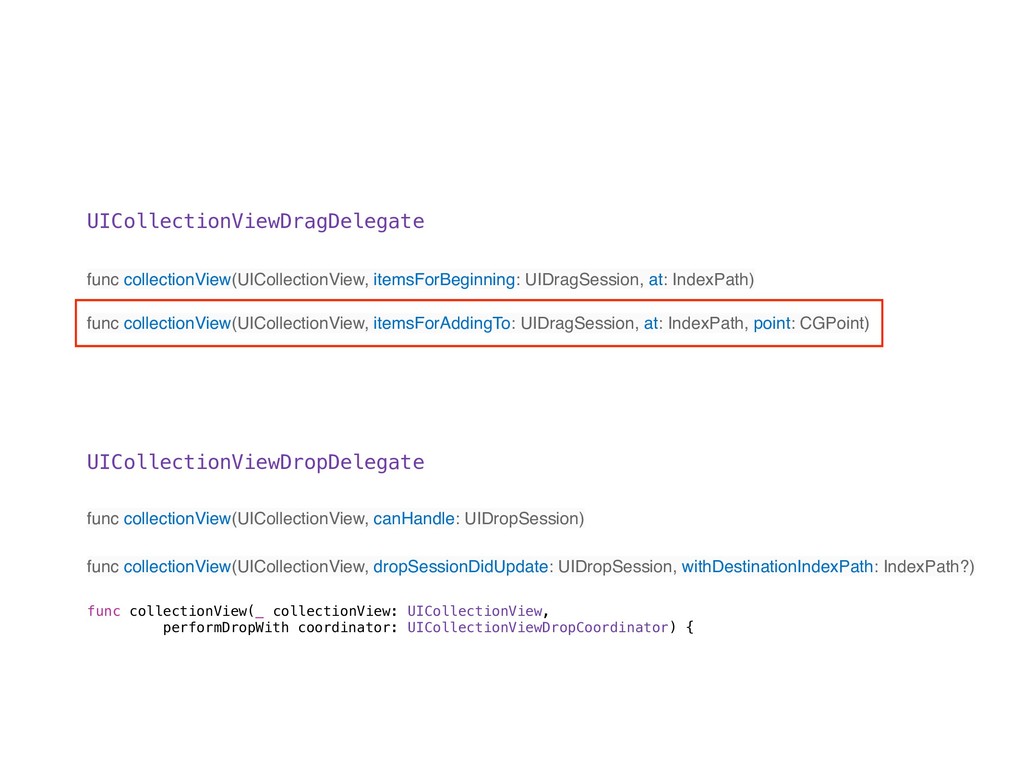
  14. UICollectionViewDragDelegate UICollectionViewDropDelegate func collectionView(UICollectionView, itemsForBeginning: UIDragSession, at: IndexPath) func collectionView(UICollectionView,

    itemsForAddingTo: UIDragSession, at: IndexPath, point: CGPoint) func collectionView(UICollectionView, canHandle: UIDropSession) func collectionView(UICollectionView, dropSessionDidUpdate: UIDropSession, withDestinationIndexPath: IndexPath?) func collectionView(_ collectionView: UICollectionView, performDropWith coordinator: UICollectionViewDropCoordinator) {
  15. UICollectionViewDragDelegate UICollectionViewDropDelegate func collectionView(UICollectionView, itemsForBeginning: UIDragSession, at: IndexPath) func collectionView(UICollectionView,

    itemsForAddingTo: UIDragSession, at: IndexPath, point: CGPoint) func collectionView(UICollectionView, canHandle: UIDropSession) func collectionView(UICollectionView, dropSessionDidUpdate: UIDropSession, withDestinationIndexPath: IndexPath?) func collectionView(_ collectionView: UICollectionView, performDropWith coordinator: UICollectionViewDropCoordinator) {
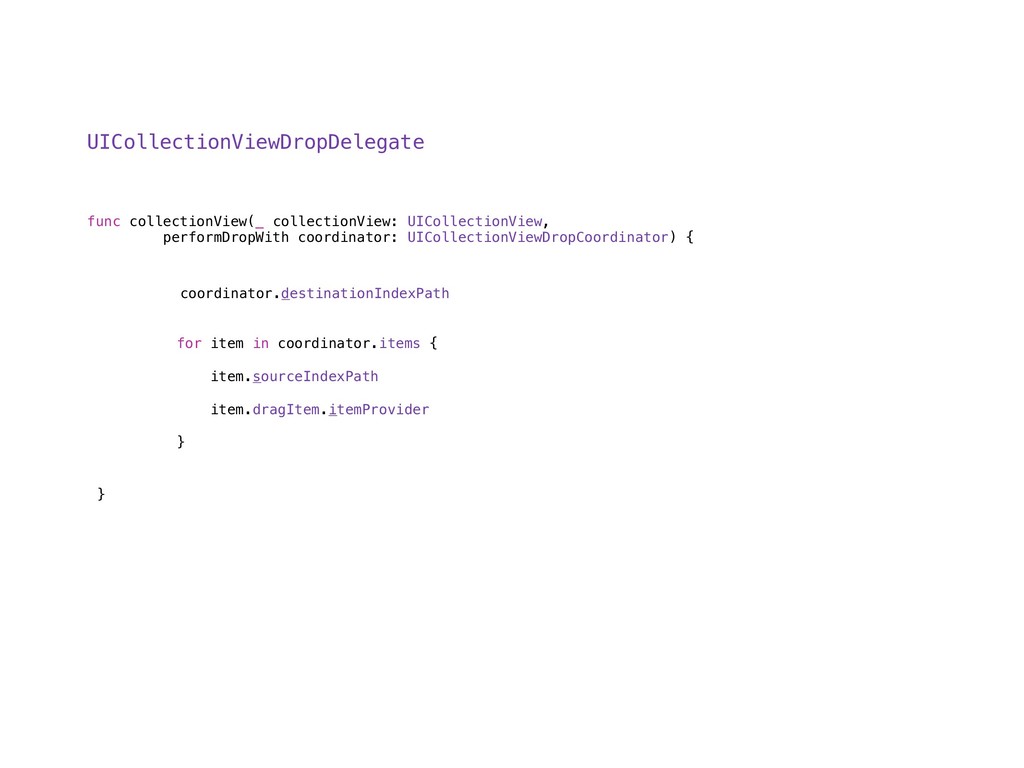
  16. UICollectionViewDropDelegate func collectionView(_ collectionView: UICollectionView, performDropWith coordinator: UICollectionViewDropCoordinator) { }

    coordinator.destinationIndexPath for item in coordinator.items { item.sourceIndexPath item.dragItem.itemProvider }
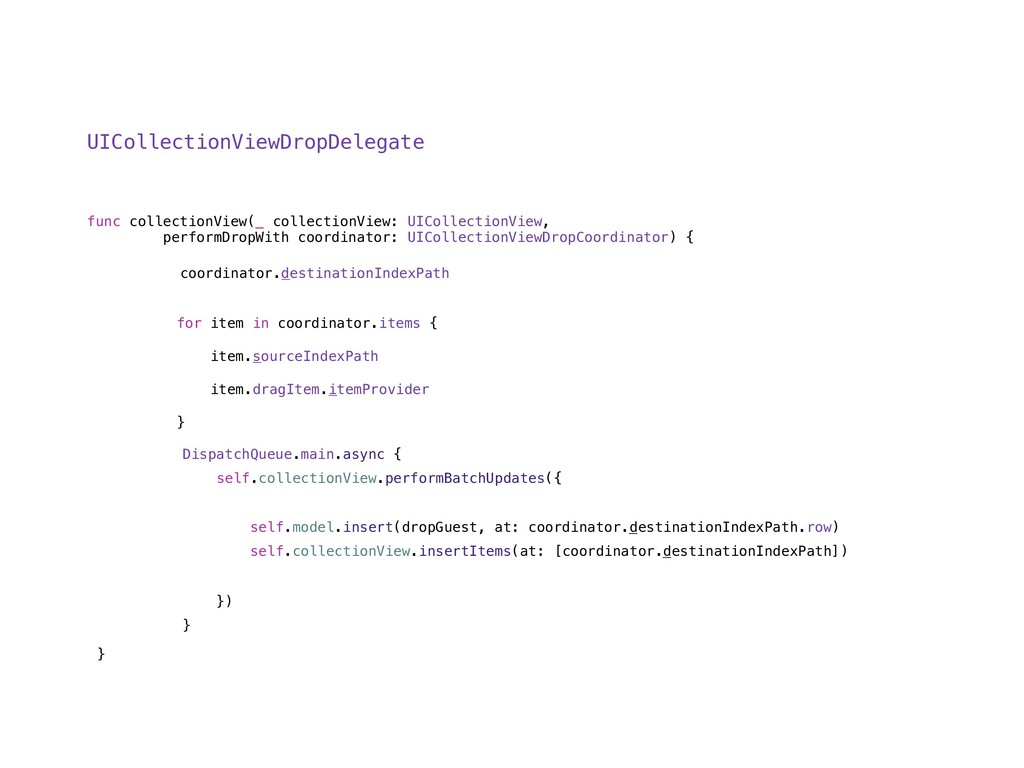
  17. UICollectionViewDropDelegate func collectionView(_ collectionView: UICollectionView, performDropWith coordinator: UICollectionViewDropCoordinator) { }

    coordinator.destinationIndexPath for item in coordinator.items { item.sourceIndexPath item.dragItem.itemProvider } DispatchQueue.main.async { self.collectionView.performBatchUpdates({ self.model.insert(dropGuest, at: coordinator.destinationIndexPath.row) self.collectionView.insertItems(at: [coordinator.destinationIndexPath]) }) }
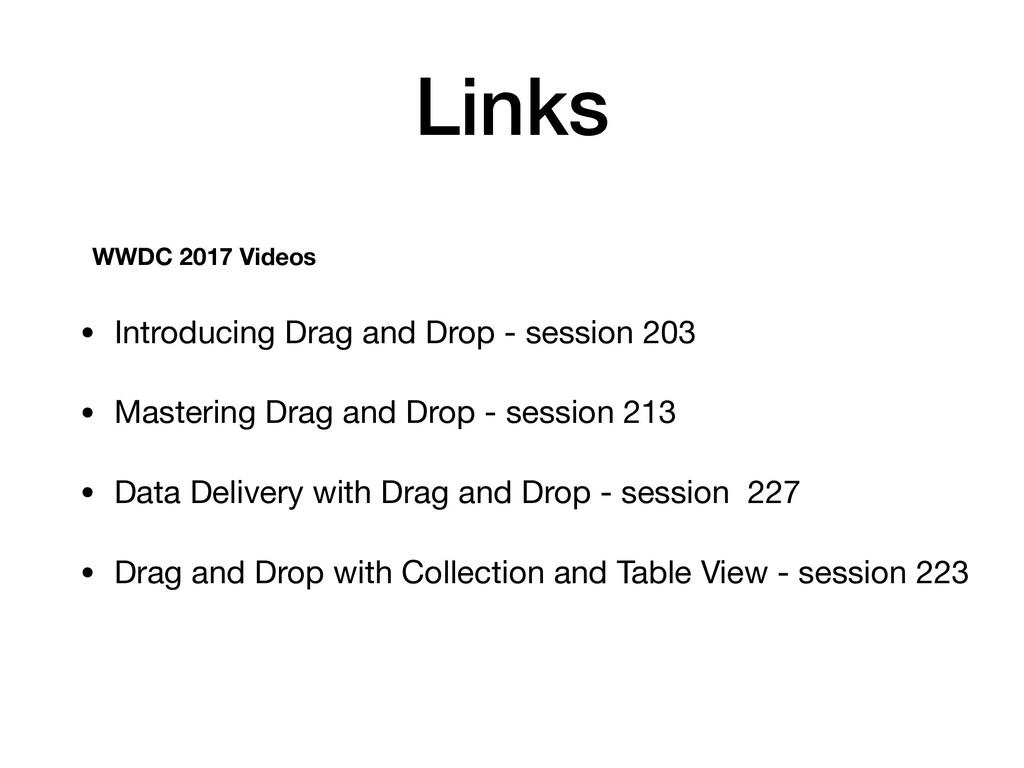
  18. Links • Introducing Drag and Drop - session 203 •

    Mastering Drag and Drop - session 213 • Data Delivery with Drag and Drop - session 227 • Drag and Drop with Collection and Table View - session 223 WWDC 2017 Videos