Upgrade to Pro — share decks privately, control downloads, hide ads and more …

從 Vibe Coding 學會的 macOS CLI 魔法指令

從 Vibe Coding 學會的 macOS CLI 魔法指令

身為 iOS App 開發者,我們熟悉 Xcode、Swift 語法和 iOS SDK 五花八門的 framework,不過 macOS 的 CLI 指令反倒像熟悉的陌生人。彼得潘在使用 AI 開發 App 的過程中,發現 AI 透過許多方便的 CLI 指令快速完成任務,本議程將分享彼得潘從 AI 身上學會的 CLI 魔法指令。

Transcript

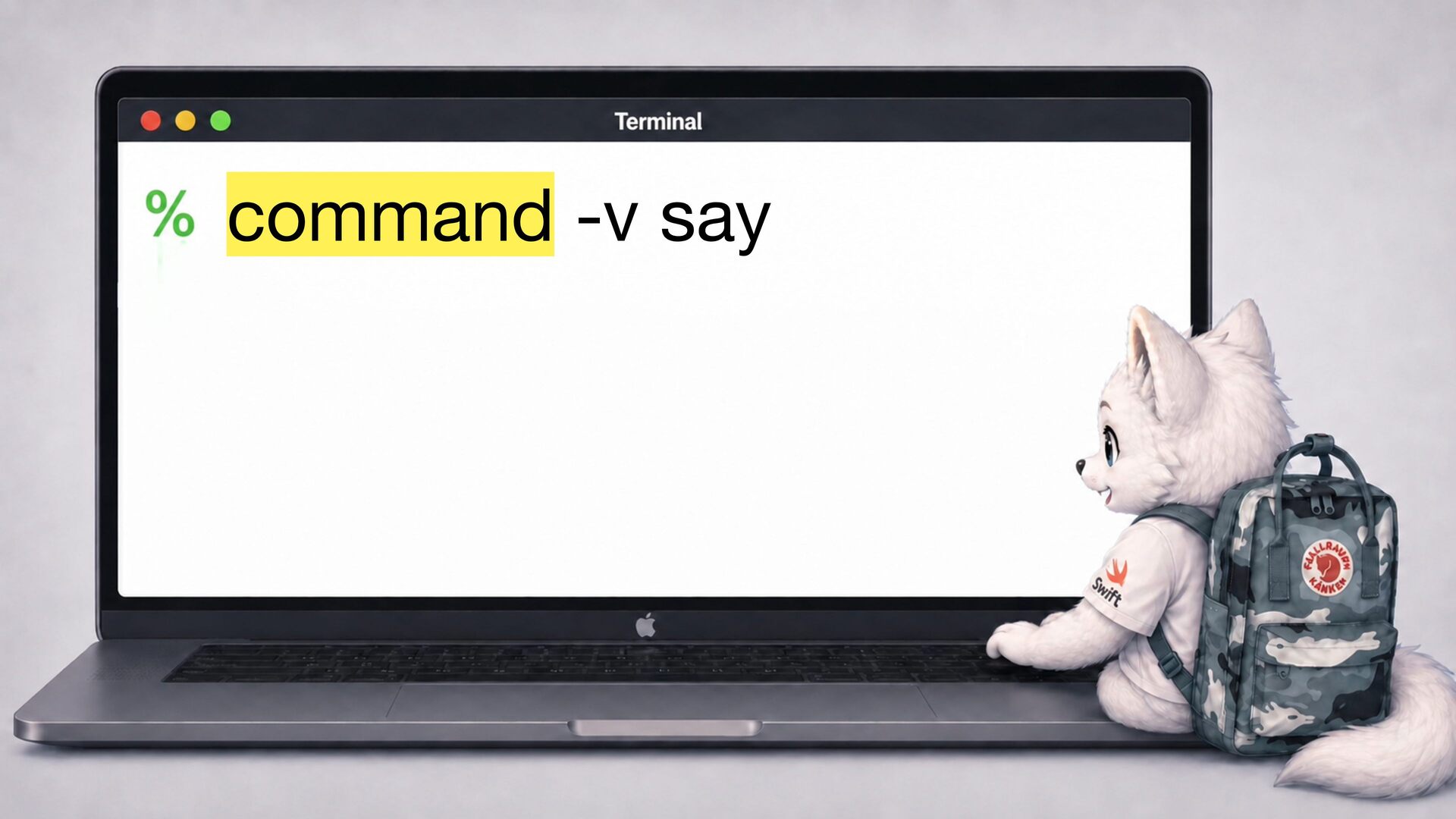
  1. say -v Meijia -r 10 "[[pbas 10]]iPlayground 級棒" 一 一

    say -v Kyoko -r 400 "[[pbas 50]]iPlayground 級棒"
  2. 講中 、講慢 點、降低 調 say -v Meijia -r 10 "[[pbas

    10]]iPlayground 級棒" 講 、講快 點、提 調 音 音 高 一 一 一 一 文 文 日 say -v Kyoko -r 400 "[[pbas 50]]iPlayground 級棒"
  3. 播放聲 ,afplay 後接 檔路徑 範例: 播放內建 效 & AI 創作主題曲

    afplay /System/Library/ Sounds/Glass.ai ff 音 音 音 afplay Neverland終端廣 場.wav
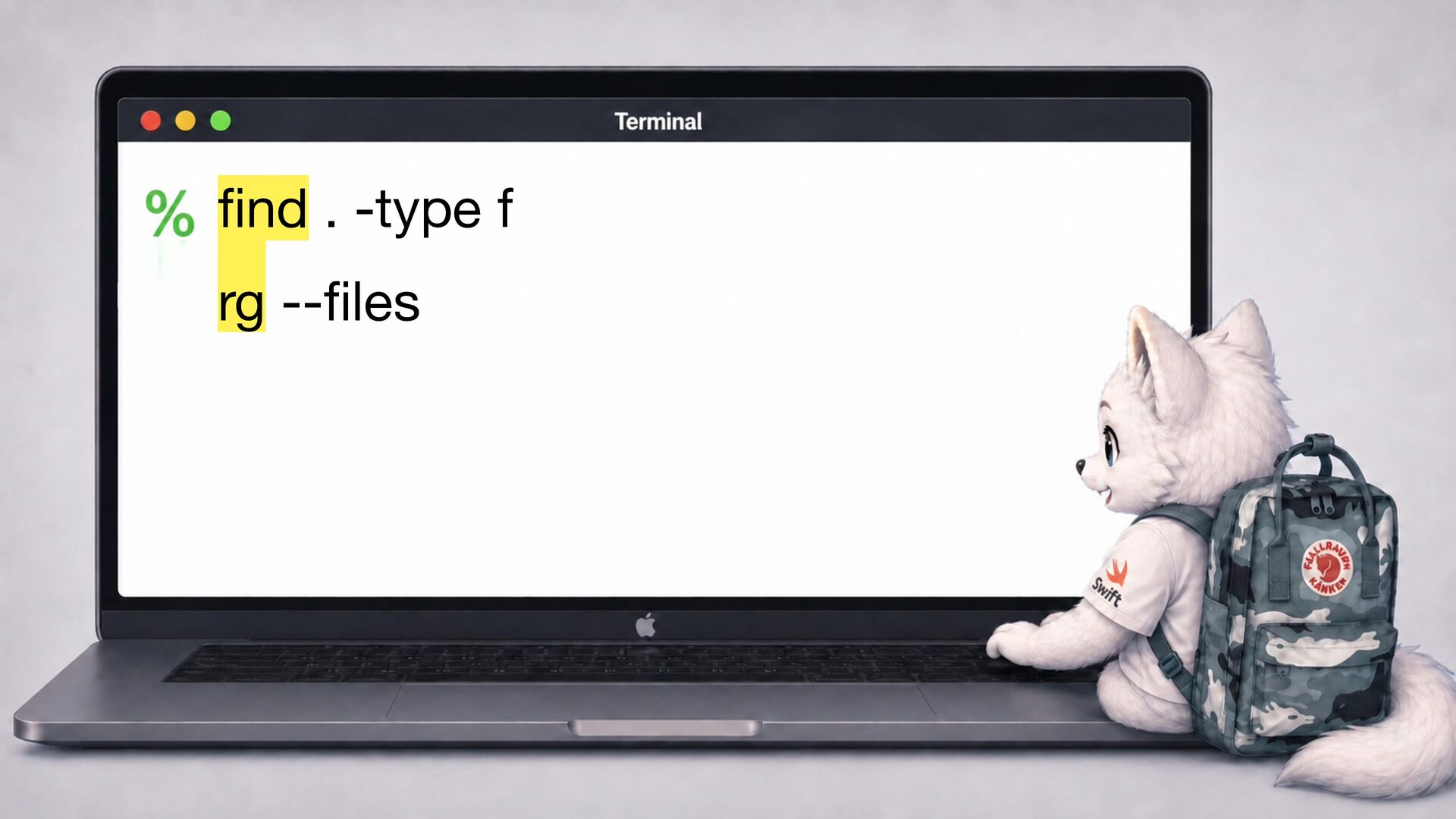
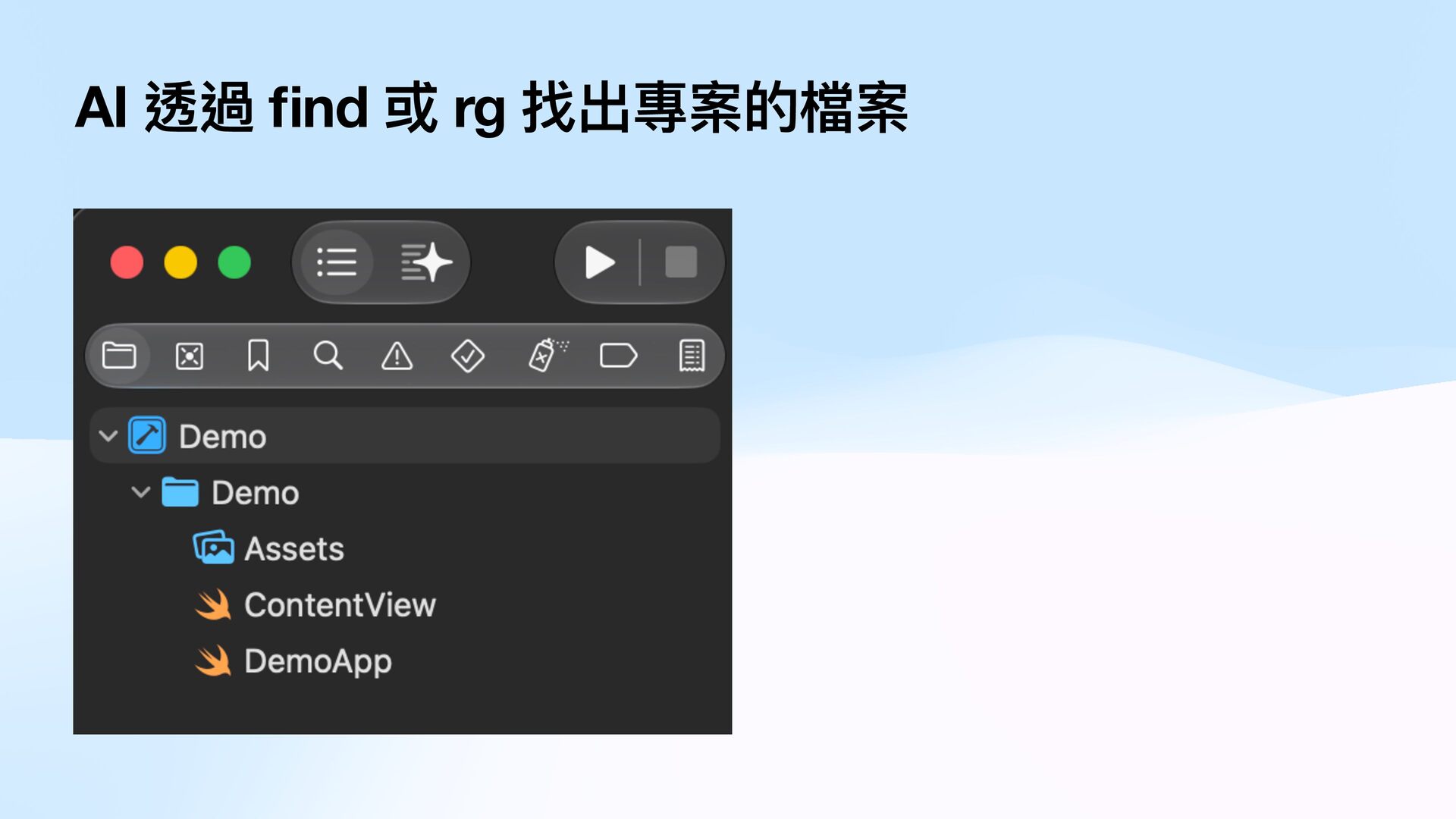
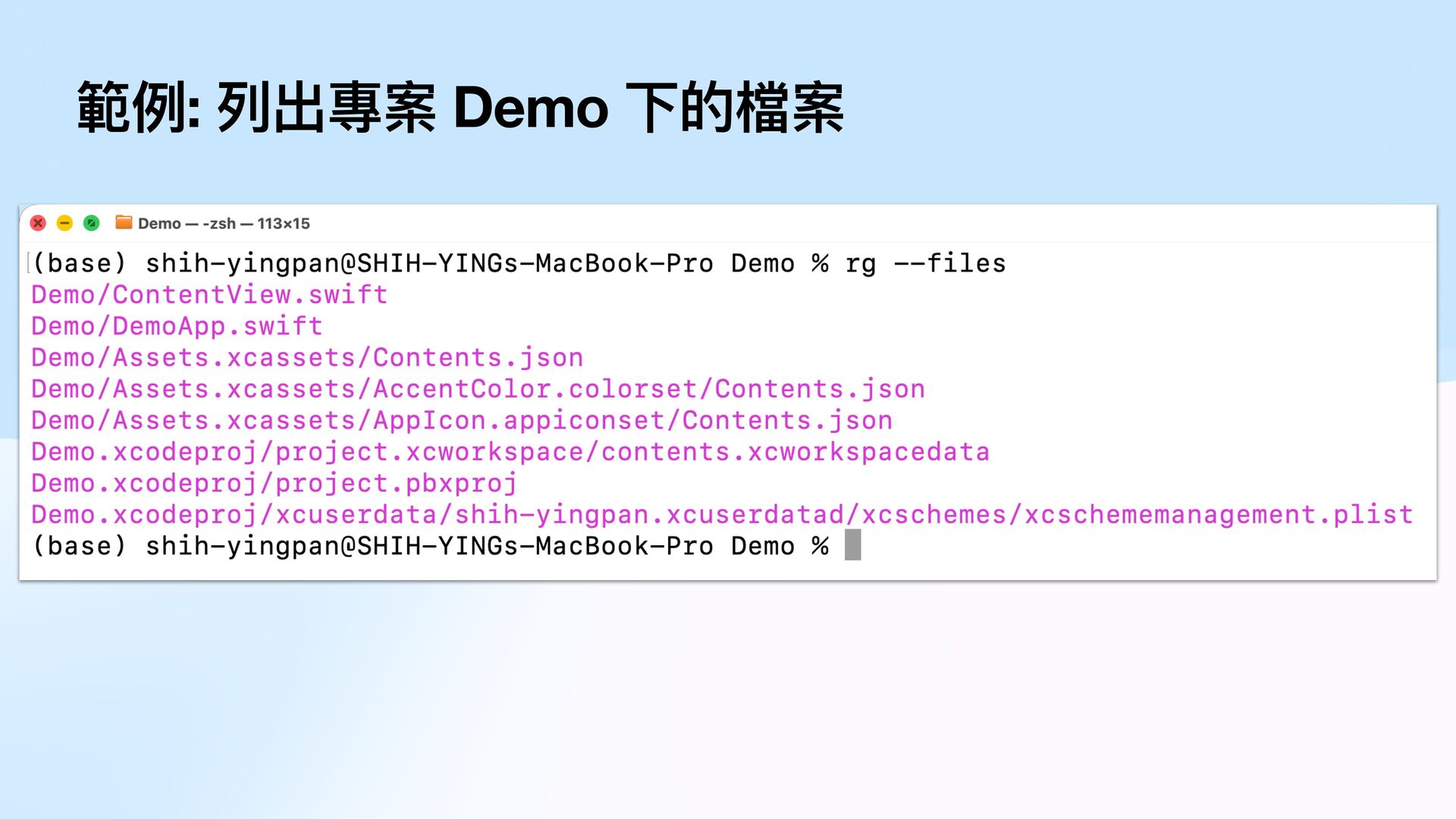
  4. 一 rg -- les fi fi nd . -type f

    案 檔 的 層 每 下 夾 檔 料 藏 資 隱 出 過 列 略 會 設 預 它 , 裝 安 外 容 另 內 的 rg 要 除 排 e r o n g i t i g . 與
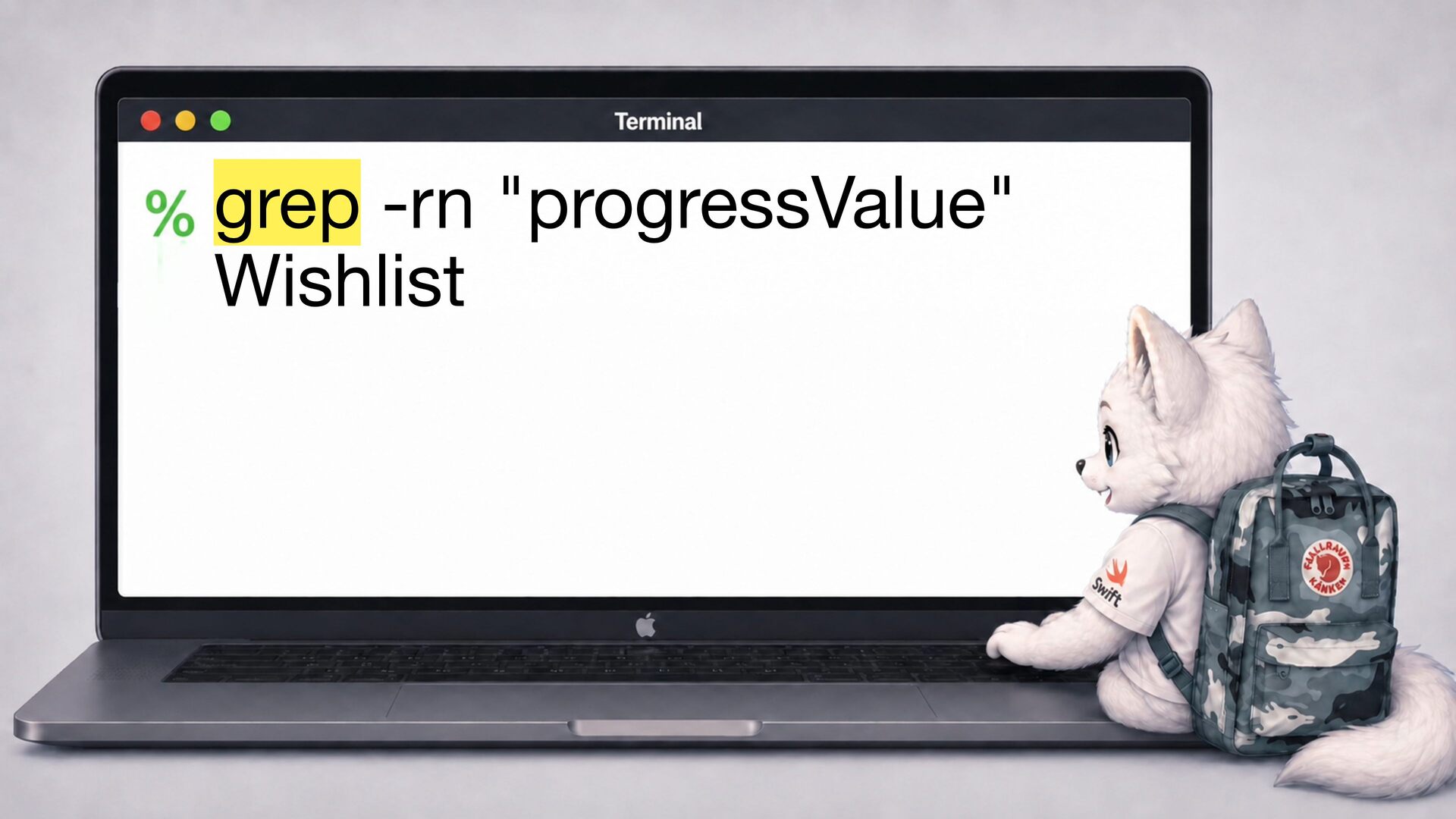
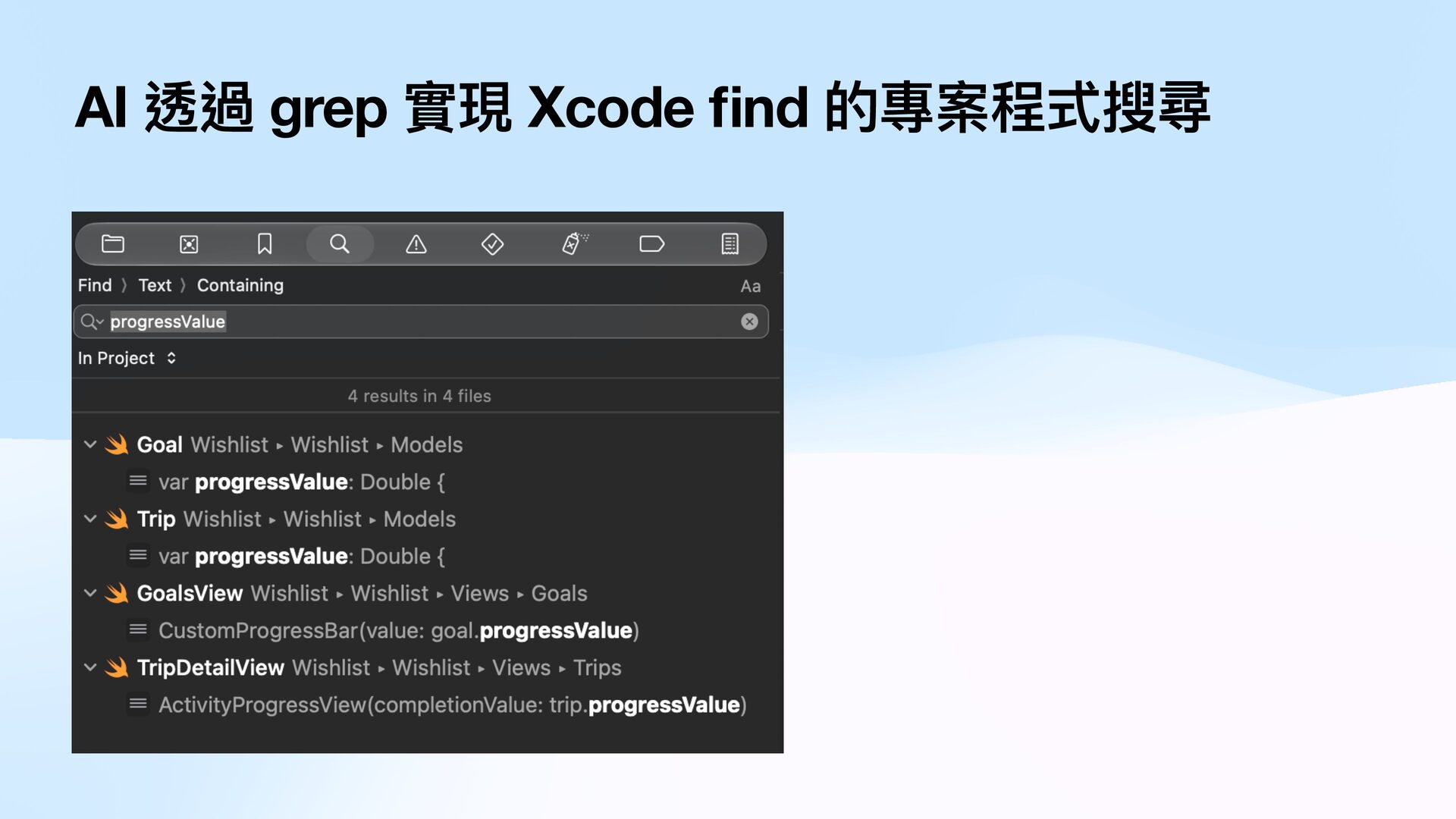
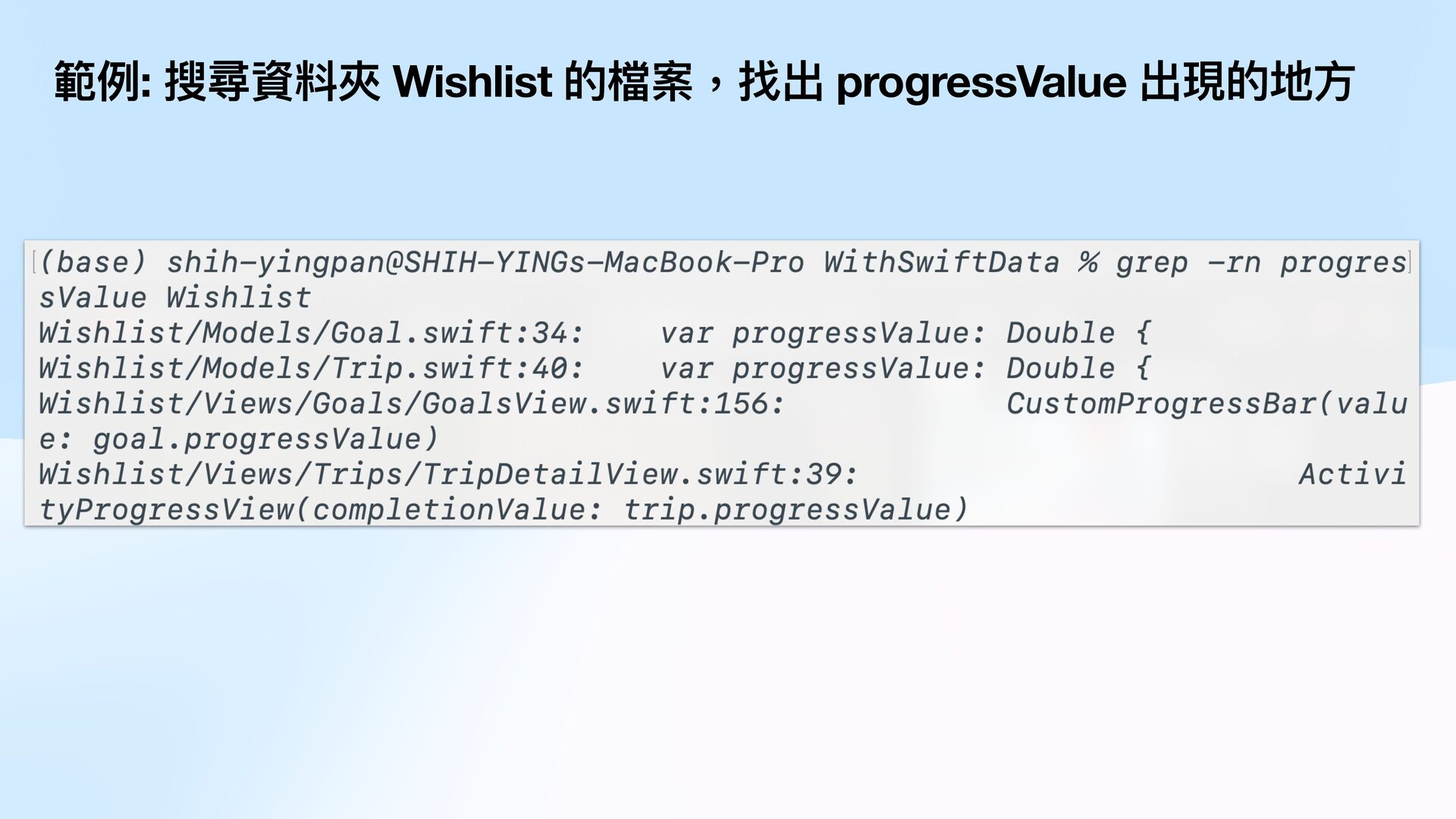
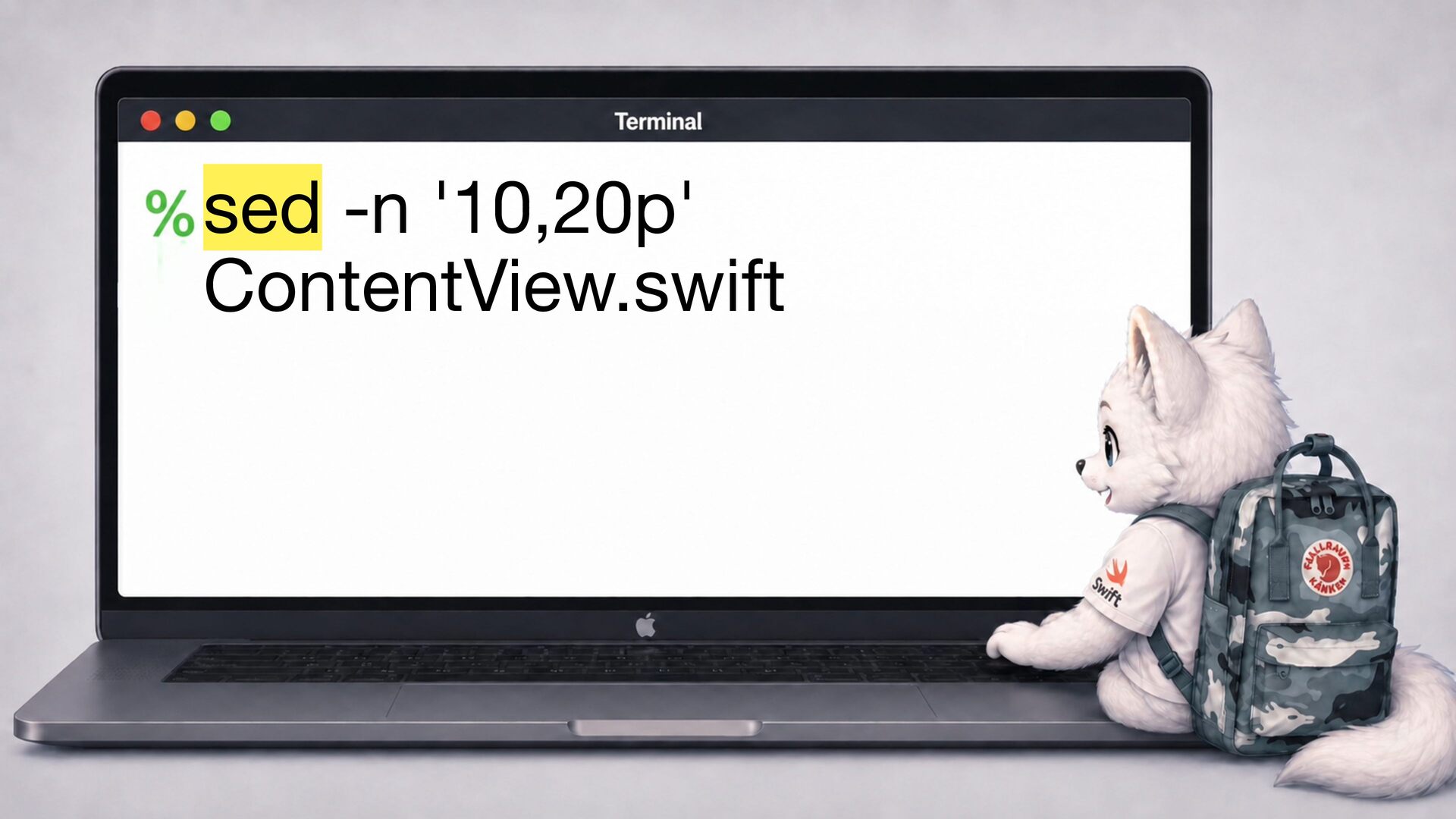
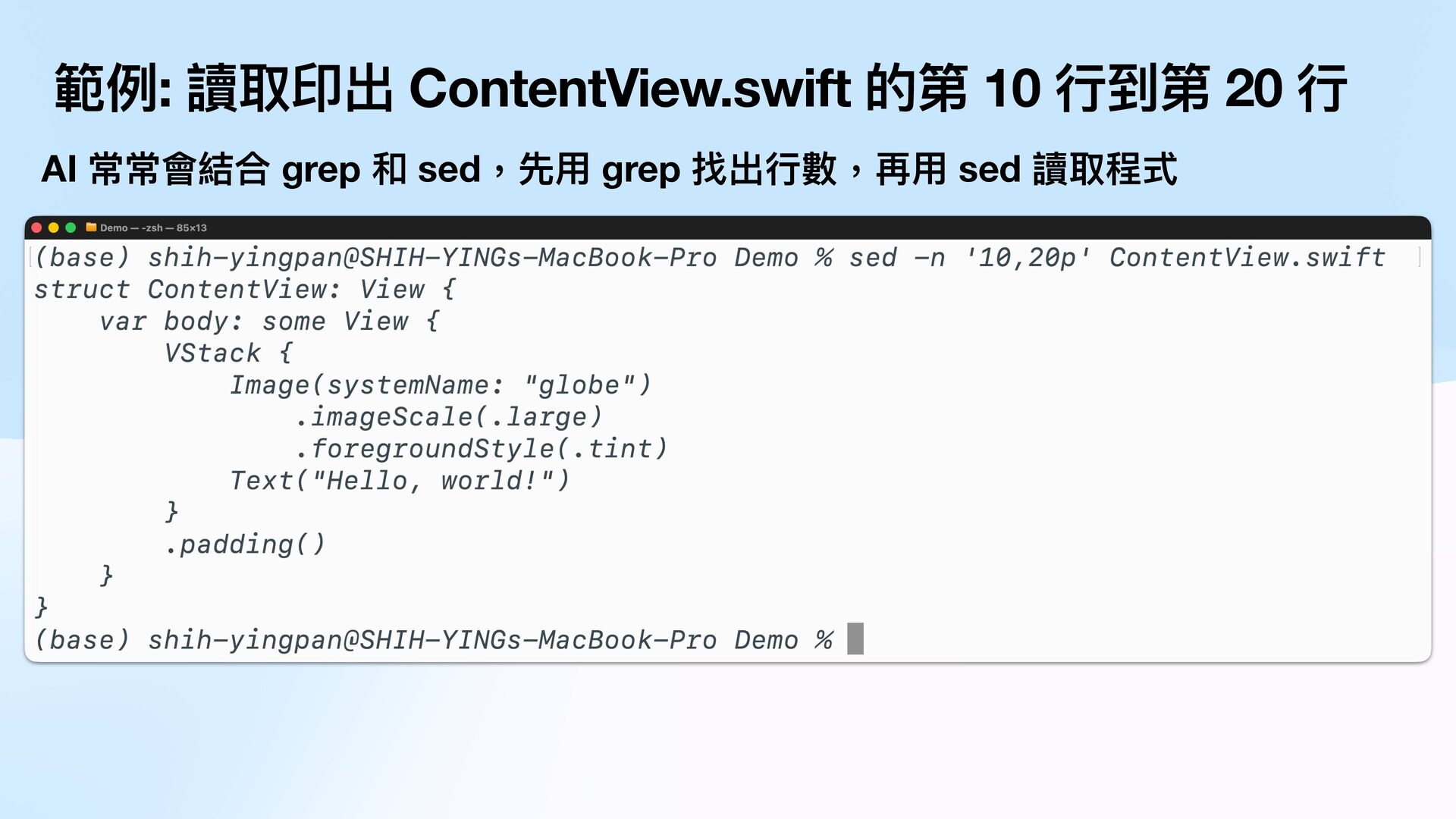
  5. 範例: 讀取印出 ContentView.swift 的第 10 行 sed 讀取程式 行 數,再

    用 grep 找出 行 用 AI 常常會結合 grep 和 sed,先 到第 20
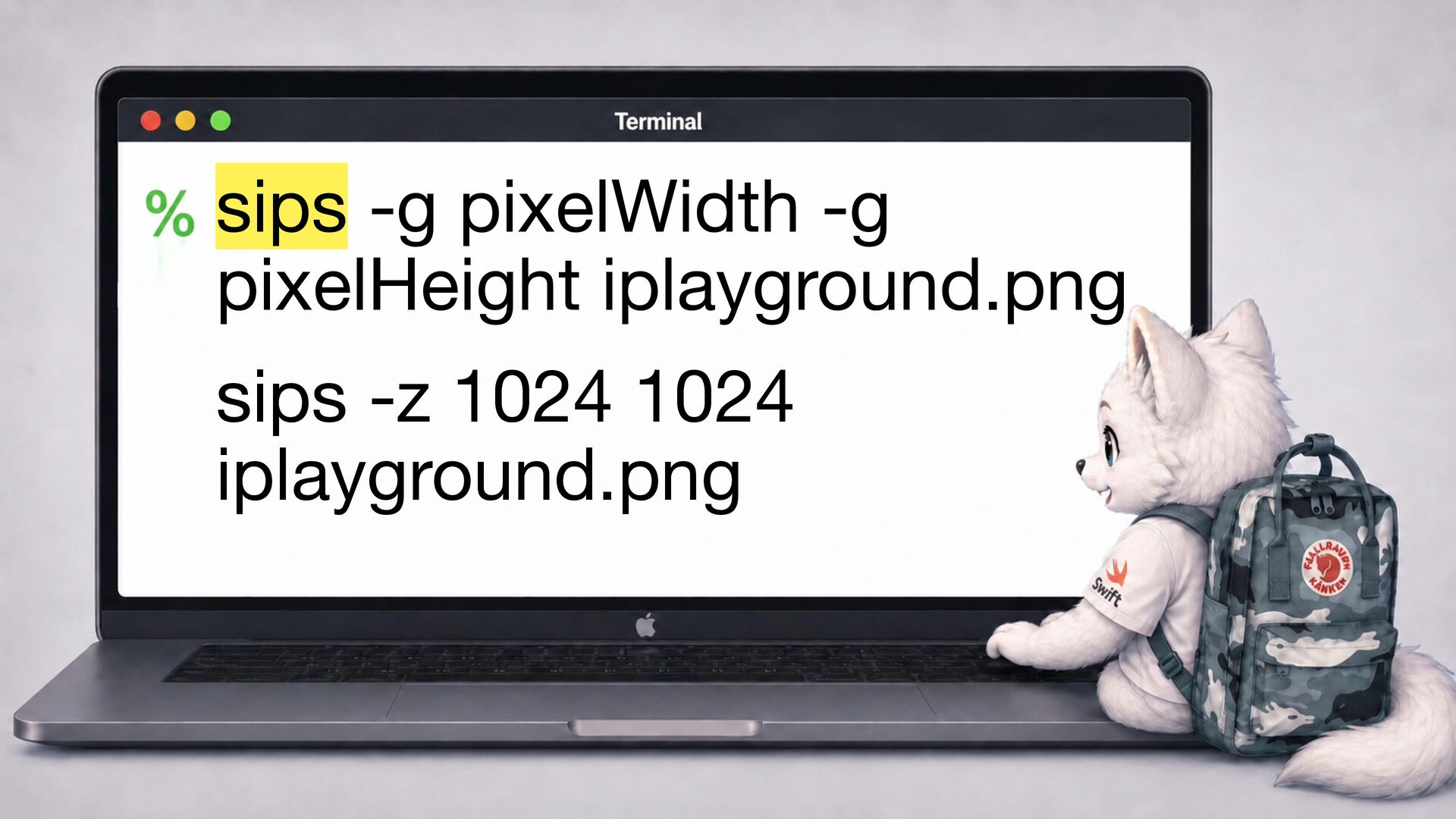
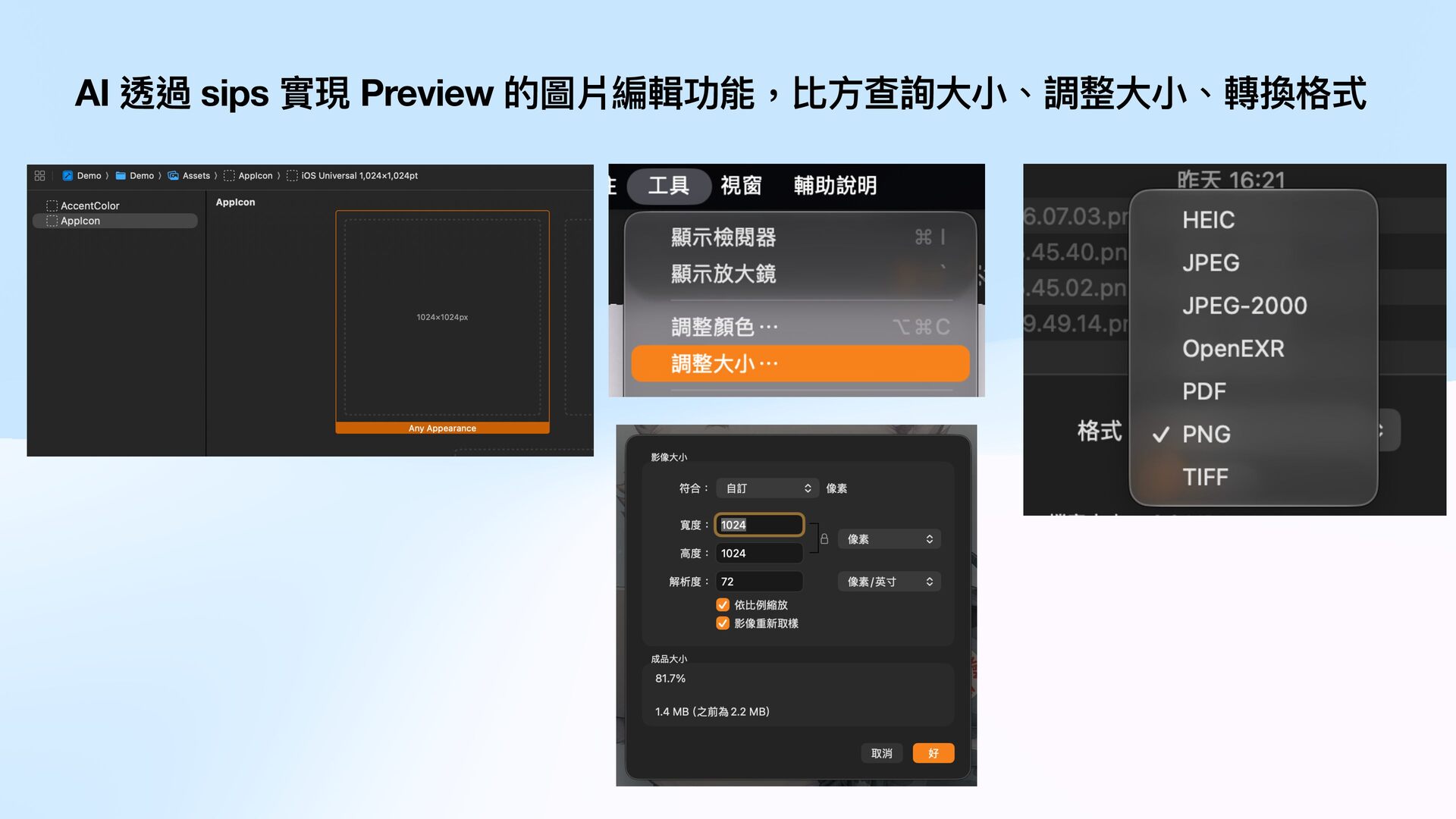
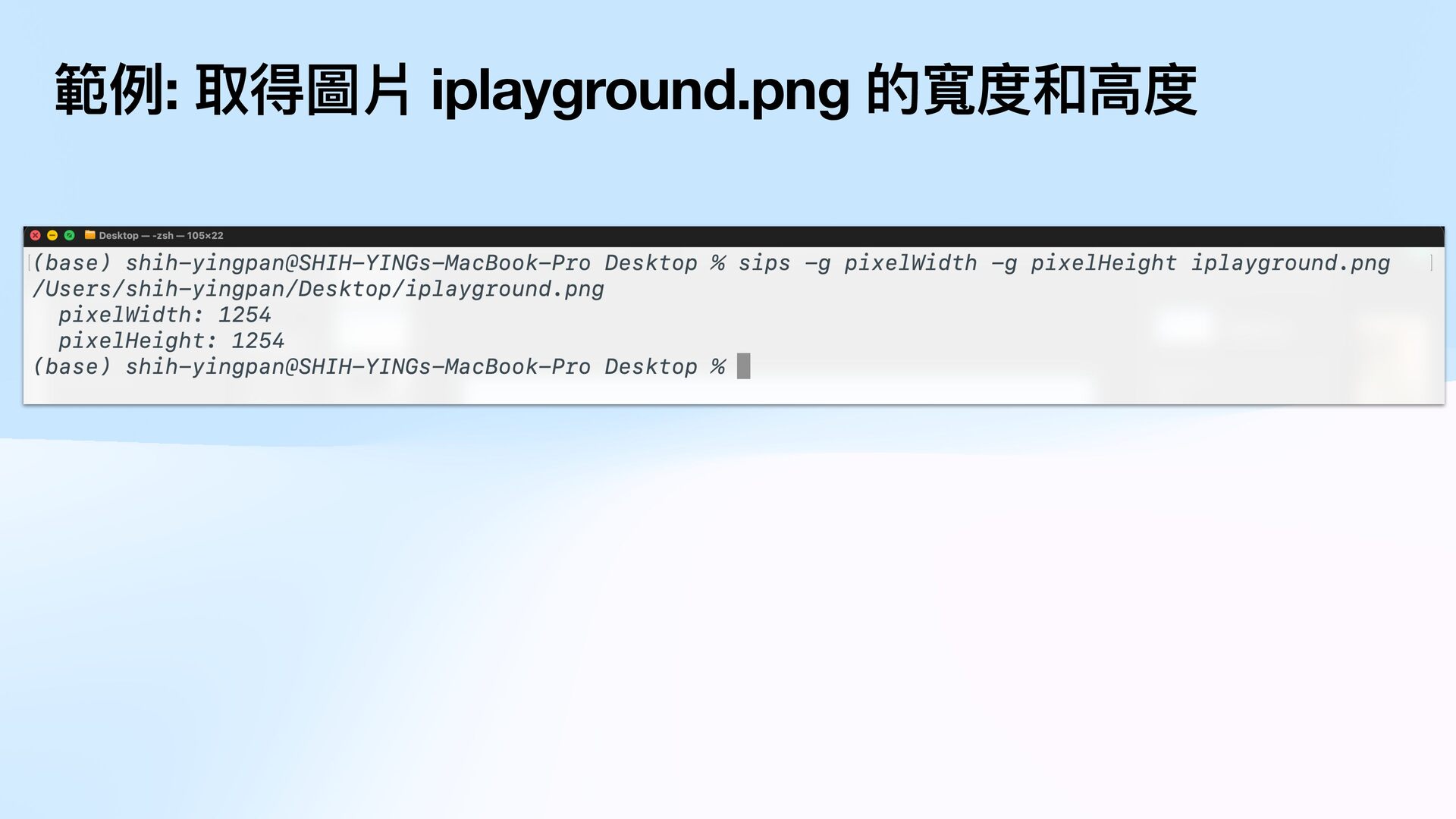
  6. 小 、調整 大 小 大 方 AI 透過 sips 實現

    Preview 的圖片編輯功能,比 查詢 、轉換格式
  7. nd pic -type f \( -iname "*.jpg" -o -iname "*.jpeg"

    -o -iname "*.png" \) -exec sips -z 200 100 {} \+ 工 行 fi 對 針 : c e -ex 高 fi 範例: 將資料夾 pic 下的圖片 都變成 度 200,寬度 100 執 案 檔 的 nd 找到 作
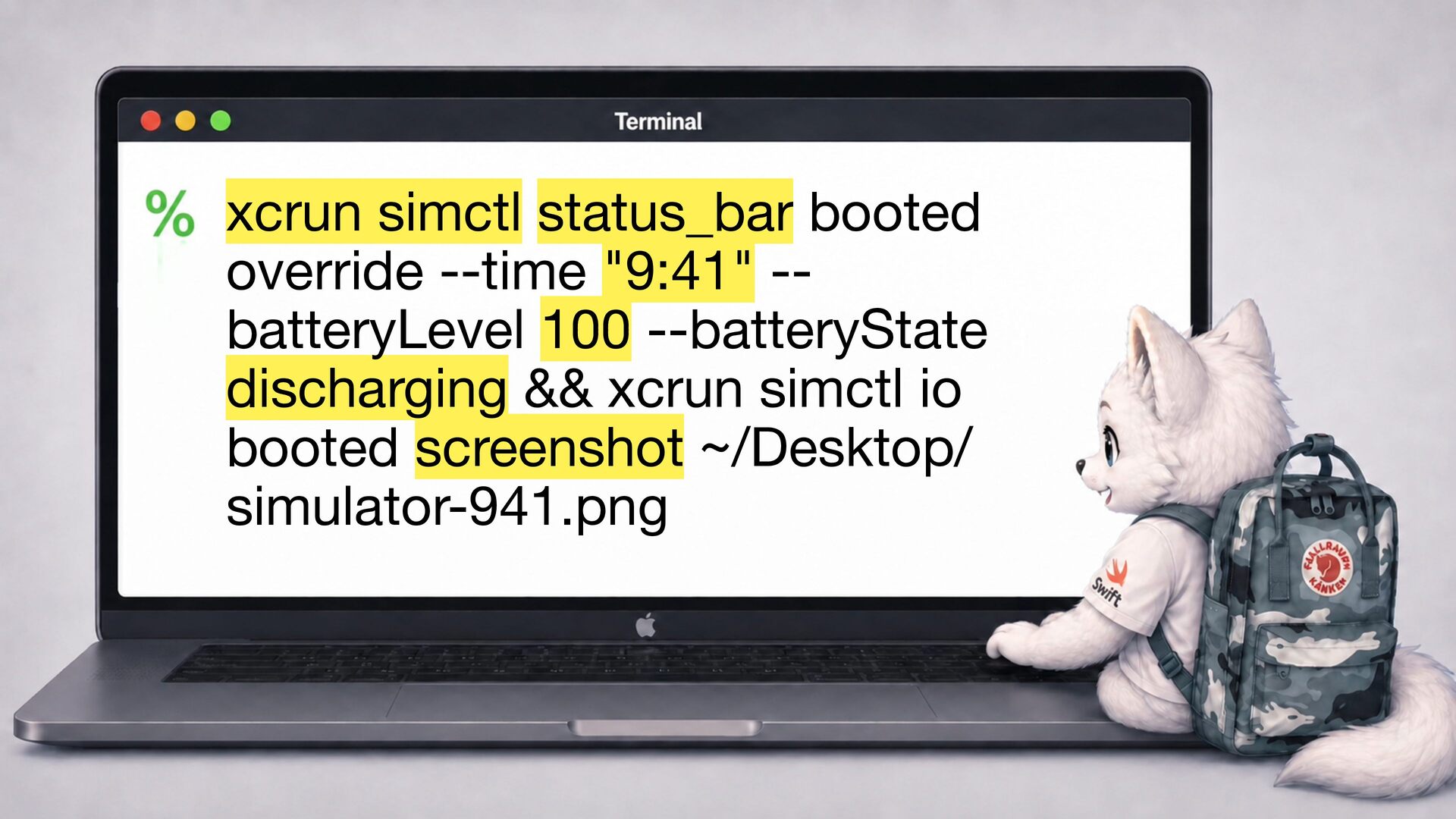
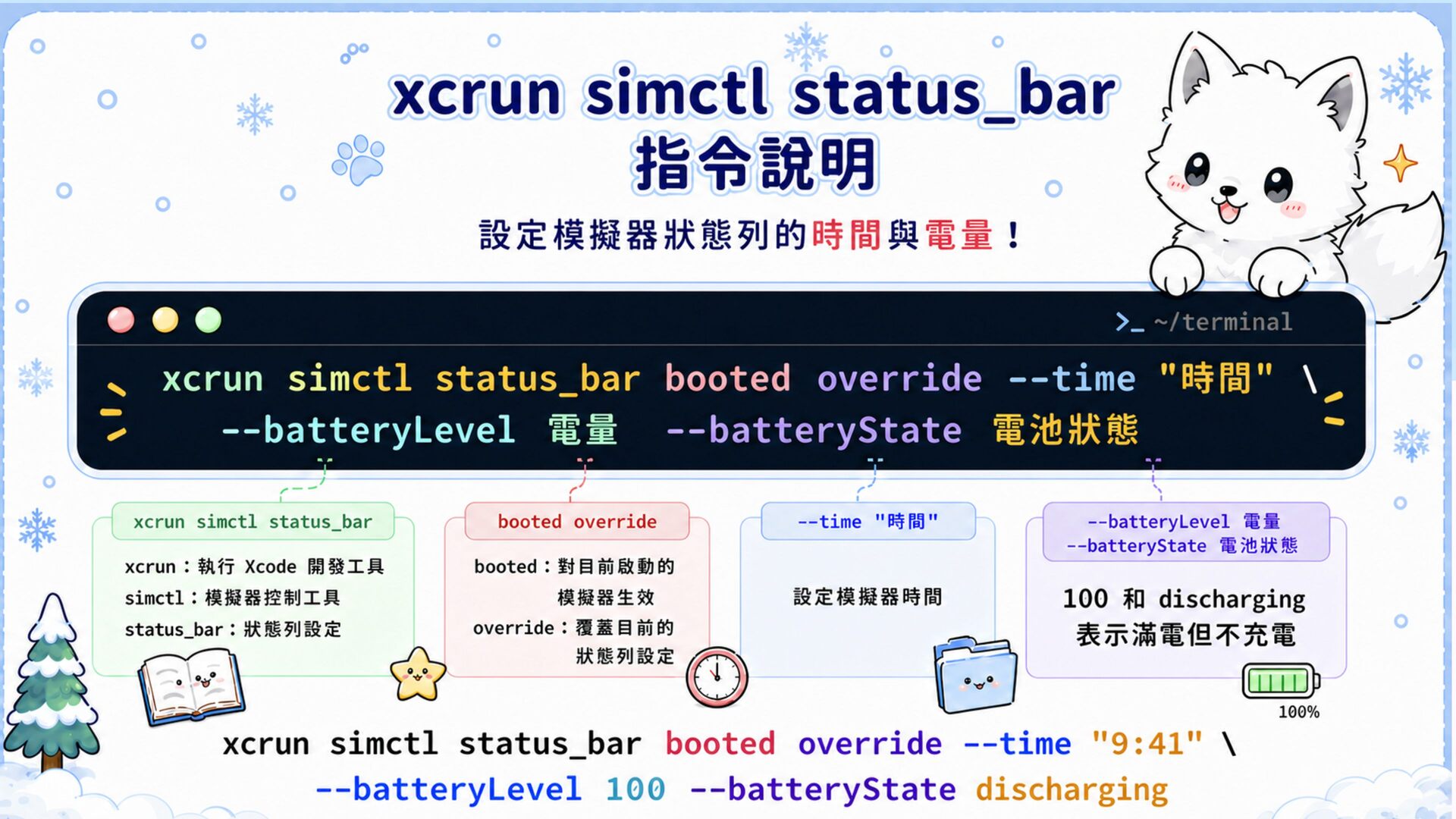
  8. xcrun simctl status_bar booted override --time "9:41" -batteryLevel 100 --batteryState

    discharging && xcrun simctl io booted screenshot ~/Desktop/ simulator-941.png
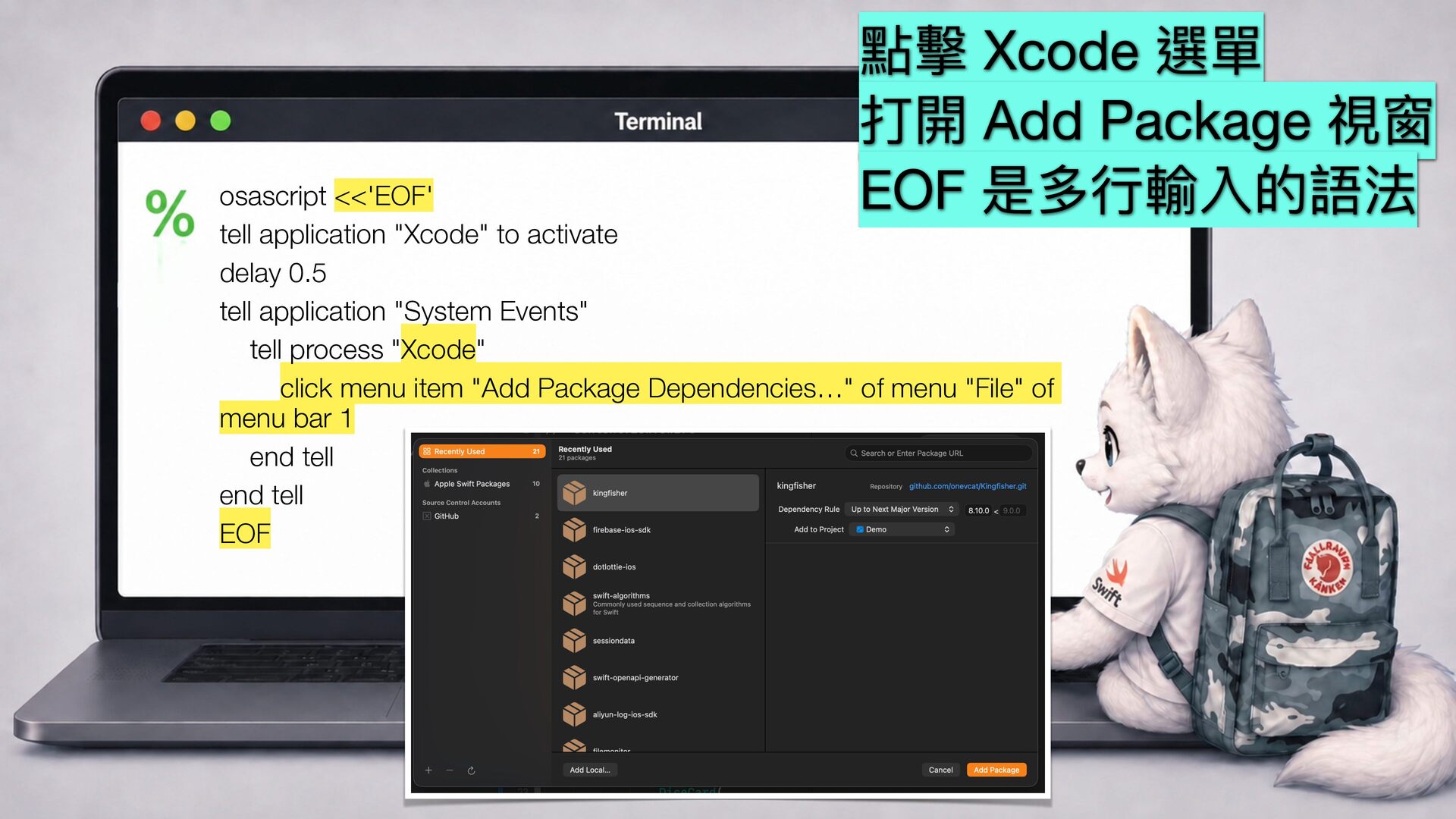
  9. 點擊 Xcode 選單 打開 Add Package 視窗 EOF 是多 輸入的語法

    行 osascript <<'EOF' tell application "Xcode" to activate delay 0.5 tell application "System Events" tell process "Xcode" click menu item "Add Package Dependencies…" of menu "File" of menu bar 1 end tell end tell EOF
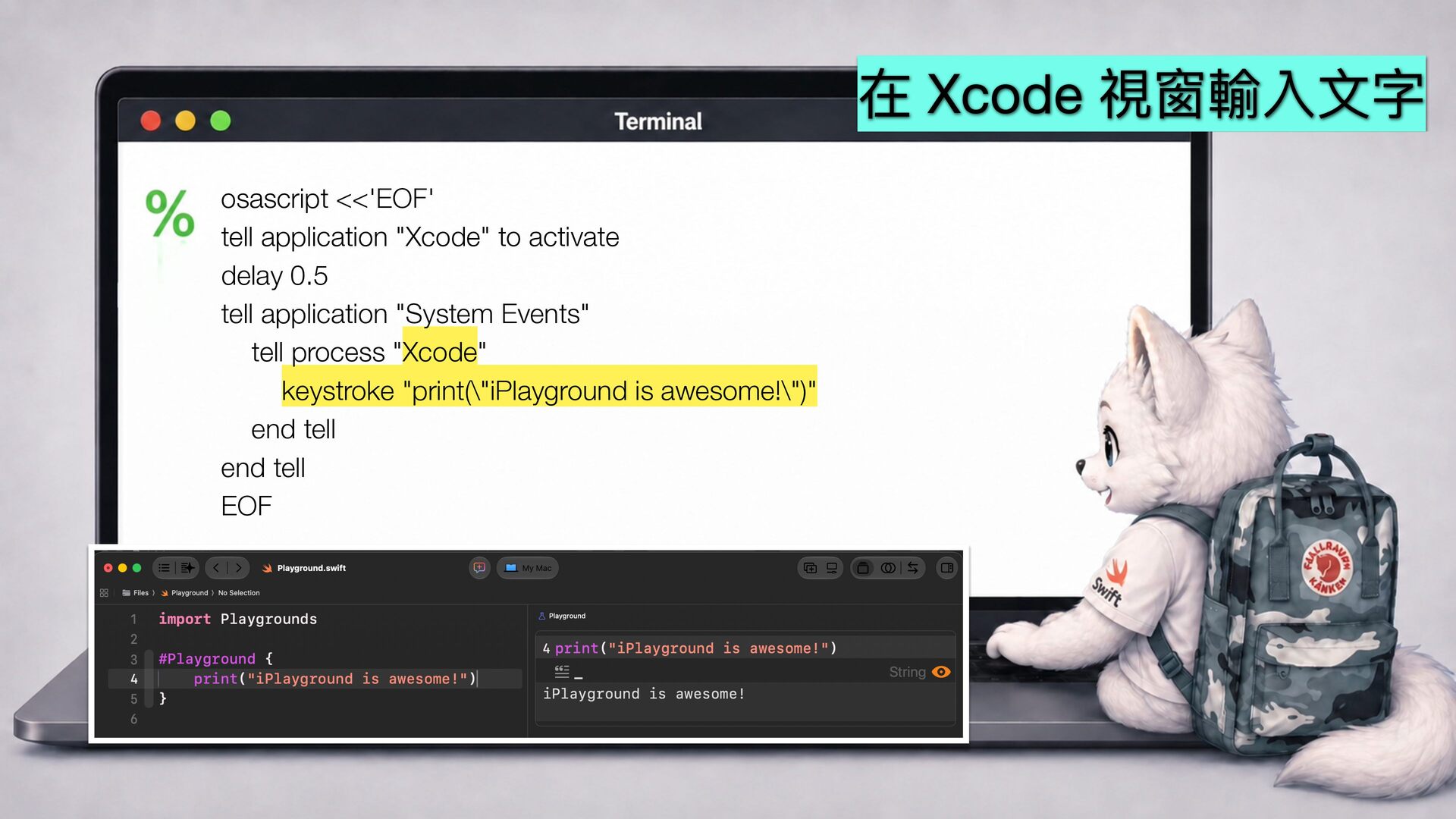
  10. 在 Xcode 視窗輸入 文 osascript <<'EOF' tell application "Xcode" to

    activate delay 0.5 tell application "System Events" tell process "Xcode" keystroke "print(\"iPlayground is awesome!\")" end tell end tell EOF 字
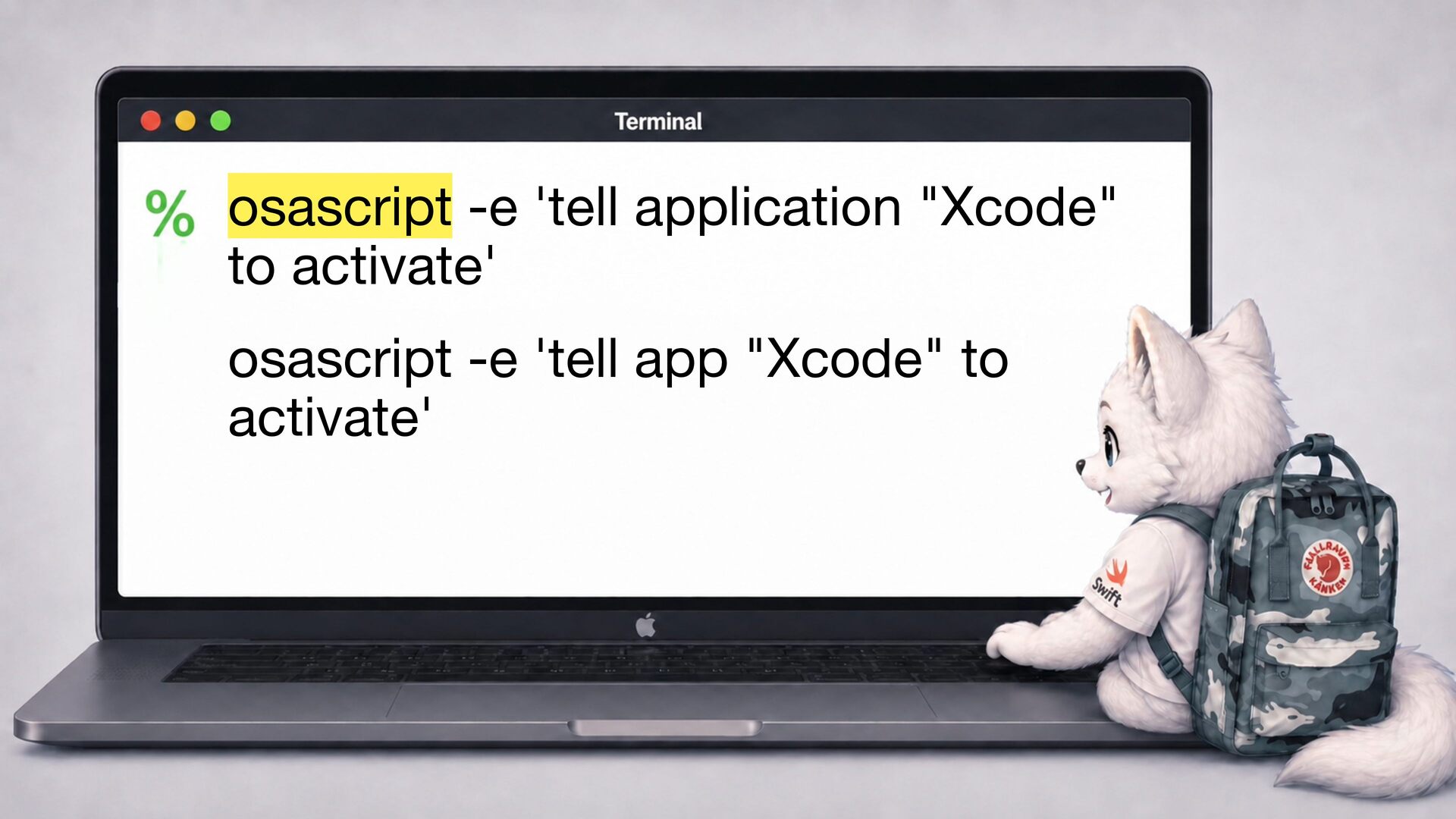
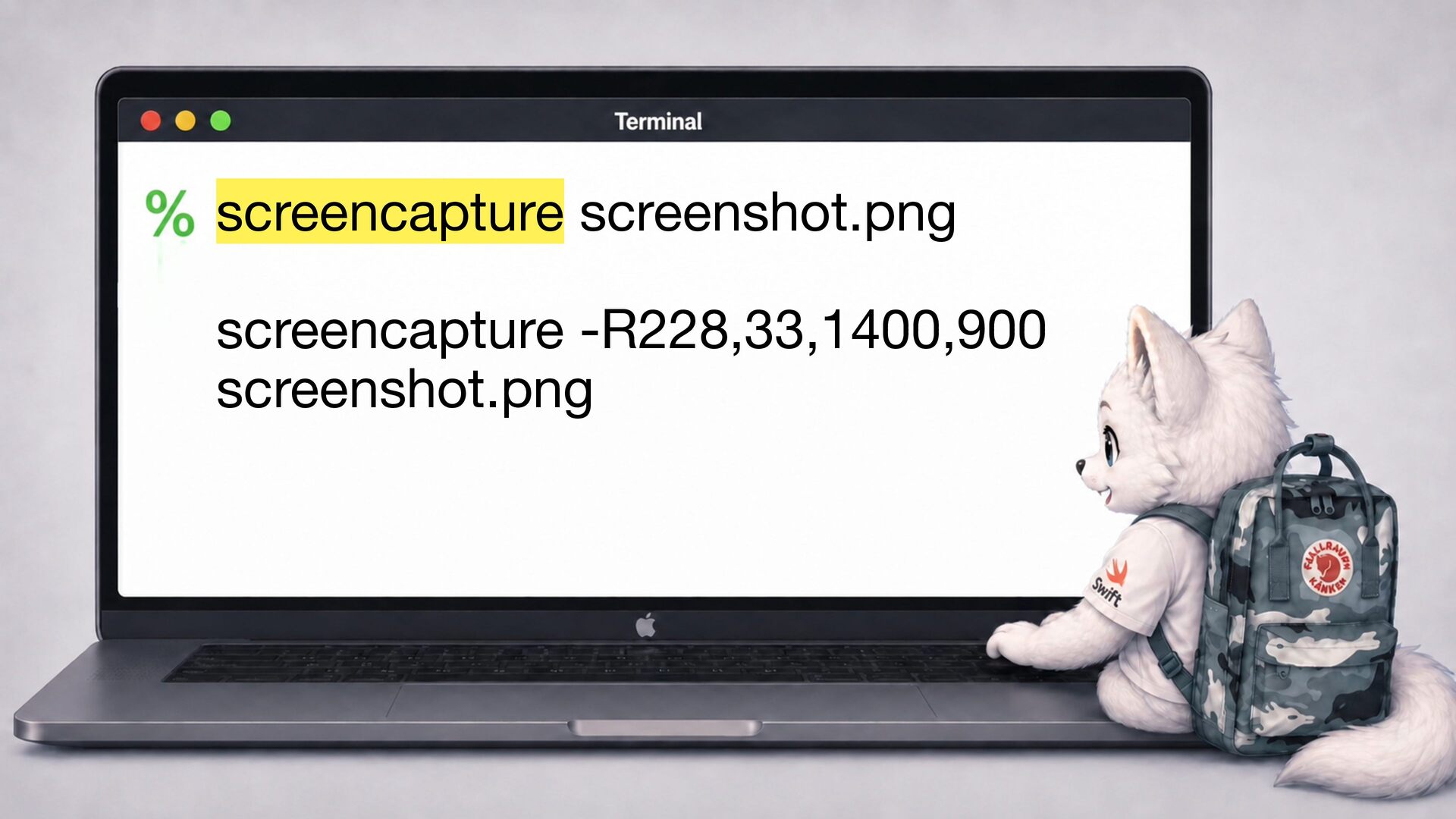
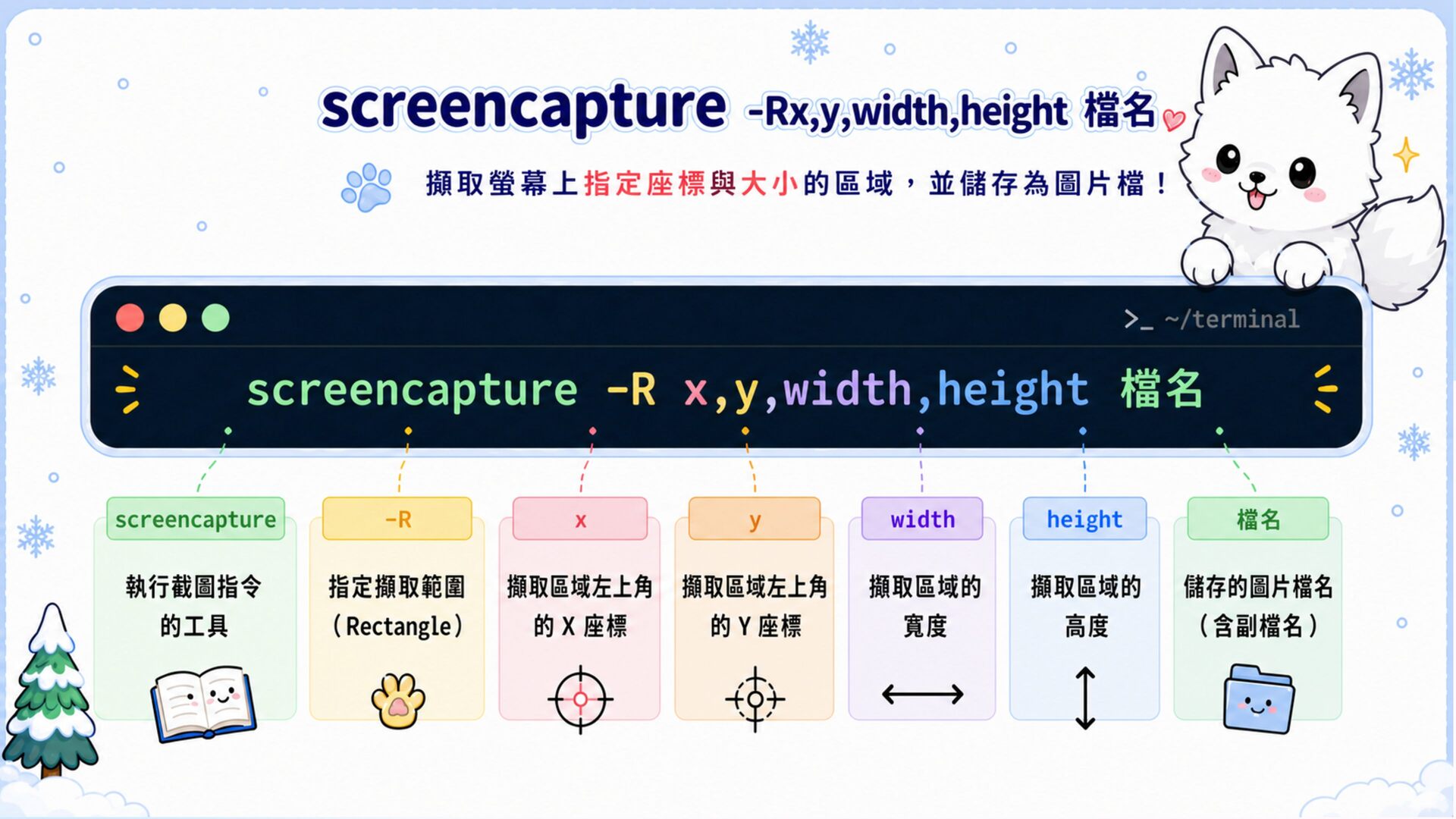
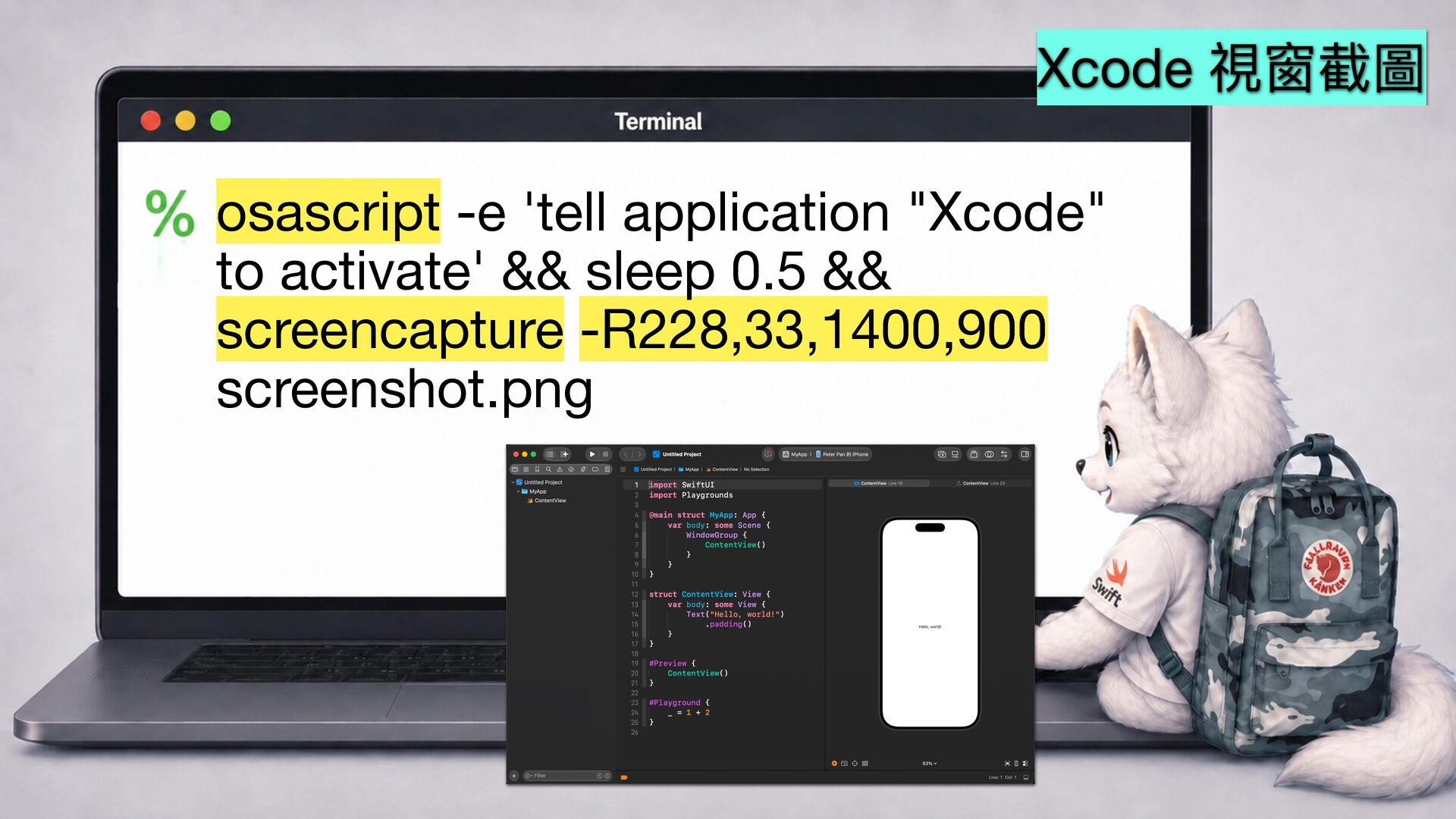
  11. Xcode 視窗截圖 osascript -e 'tell application "Xcode" to activate' &&

    sleep 0.5 && screencapture -R228,33,1400,900 screenshot.png
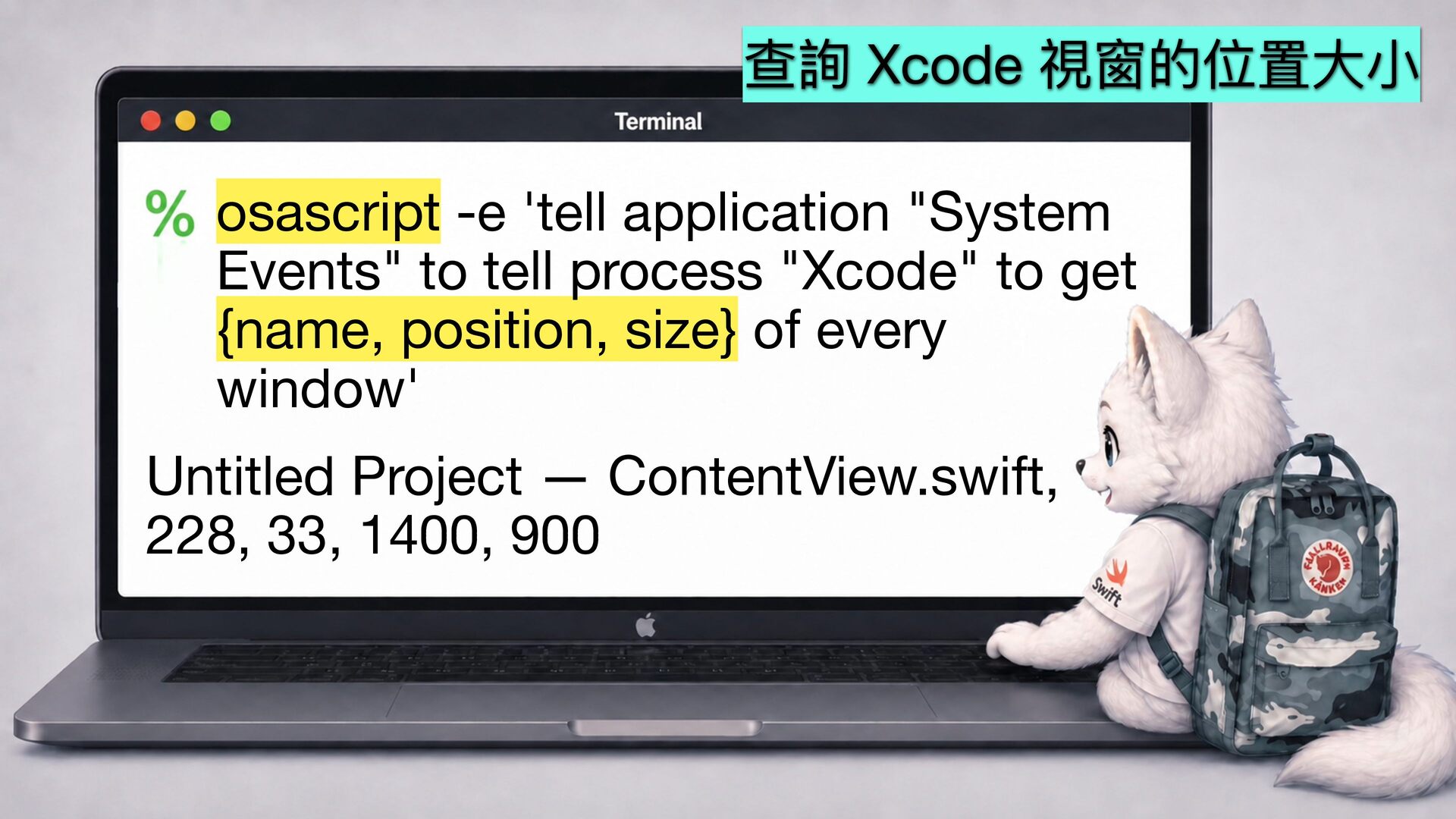
  12. 查詢 Xcode 視窗的位置 osascript -e 'tell application "System Events" to

    tell process "Xcode" to get {name, position, size} of every window' 小 大 Untitled Project — ContentView.swift, 228, 33, 1400, 900