Upgrade to Pro — share decks privately, control downloads, hide ads and more …

Node.js application (in)security

Sponsored · Your Podcast. Everywhere. Effortlessly. Share. Educate. Inspire. Entertain. You do you. We'll handle the rest. →
Avatar for AppSecCalifornia AppSecCalifornia
March 13, 2015
69

Node.js application (in)security

Avatar for AppSecCalifornia

AppSecCalifornia

March 13, 2015

Transcript

  1. Who am I • Ilja van Sprundel • Director of

    Penetration testing at IOActive • Read code, test code, break code • Break stuff for fun and profit
  2. Agenda • What’s this thing about ? • Audience ?

    • what’s node.js ? • Why node.js ? • Entry points • ‘Modern’ webapp bugs • Classic webapp bugs • Misc webapp bugs • Conclusion ? • Q&A
  3. What’s this thing about ? • Not about bugs in

    node.js itself – For the most part  • This talk is about security bugs that show up in node.js applications
  4. Audience ? • Node.js application developers – What not to

    do / how to fix bugs • Security reviewers – What to look for, where to look for it • [Node.]js/webapp/security curious people – General curiosity
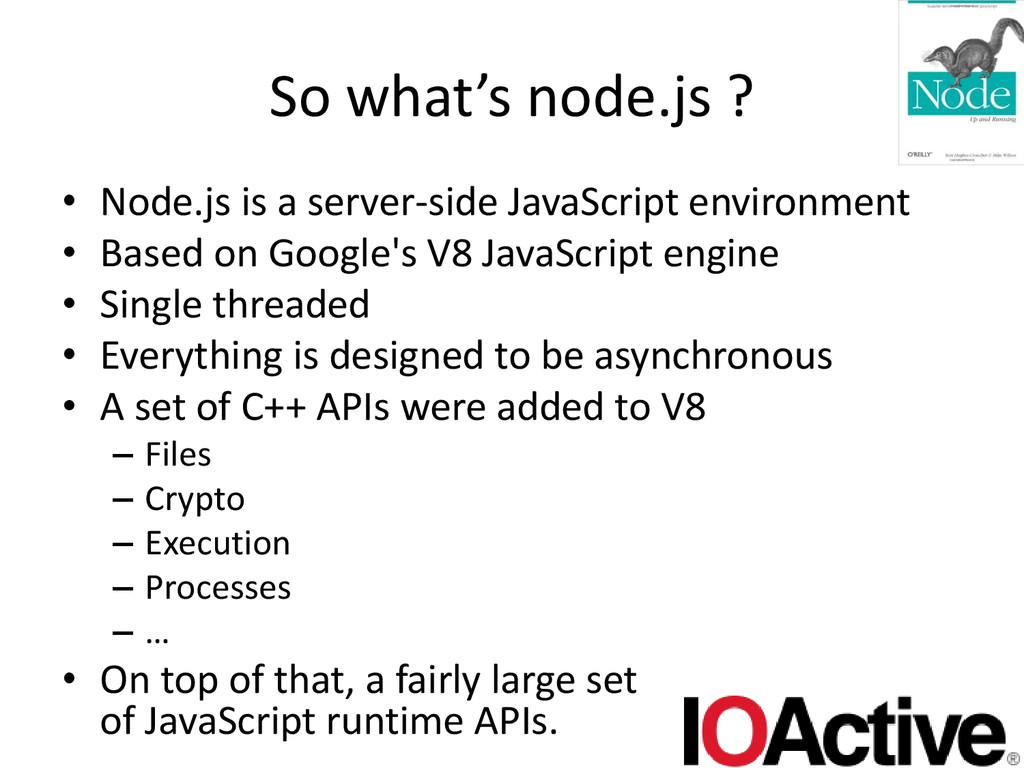
  5. So what’s node.js ? • Node.js is a server-side JavaScript

    environment • Based on Google's V8 JavaScript engine • Single threaded • Everything is designed to be asynchronous • A set of C++ APIs were added to V8 – Files – Crypto – Execution – Processes – … • On top of that, a fairly large set of JavaScript runtime APIs.
  6. Why node.js ? • It would be an understatement to

    say node.js is catching on • Tons of people are writing node.js code • With that, tons of people will make security mistakes • Hopefully, after this presentation, they’ll create fewer security bugs  (and fix the ones already there) • I tried to get some real world examples – Couldn’t find any on sf.net. Then realized I had to look on github • Sign I’m getting old? … 
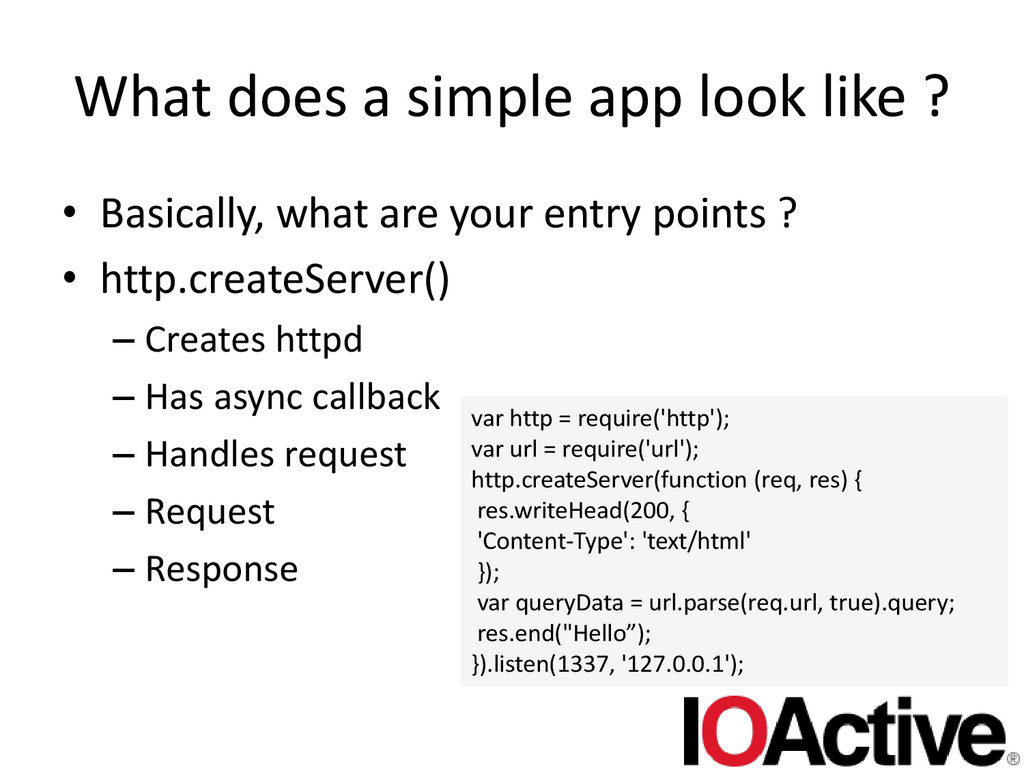
  7. What does a simple app look like ? • Basically,

    what are your entry points ? • http.createServer() – Creates httpd – Has async callback – Handles request – Request – Response var http = require('http'); var url = require('url'); http.createServer(function (req, res) { res.writeHead(200, { 'Content-Type': 'text/html' }); var queryData = url.parse(req.url, true).query; res.end("Hello”); }).listen(1337, '127.0.0.1');
  8. What does a simple app look like ? • It’s

    that easy! • There are tons of frameworks that build on top of this – Kraken – Express • Object returned from express() • get() / post() methods – ….
  9. Xss • Hopefully everyone knows what these are … •

    You can obviously write webapps in node.js • As such you’ll see xss bugs • Reflected, stored, both can occur • Node.js has no magic way to get rid of them
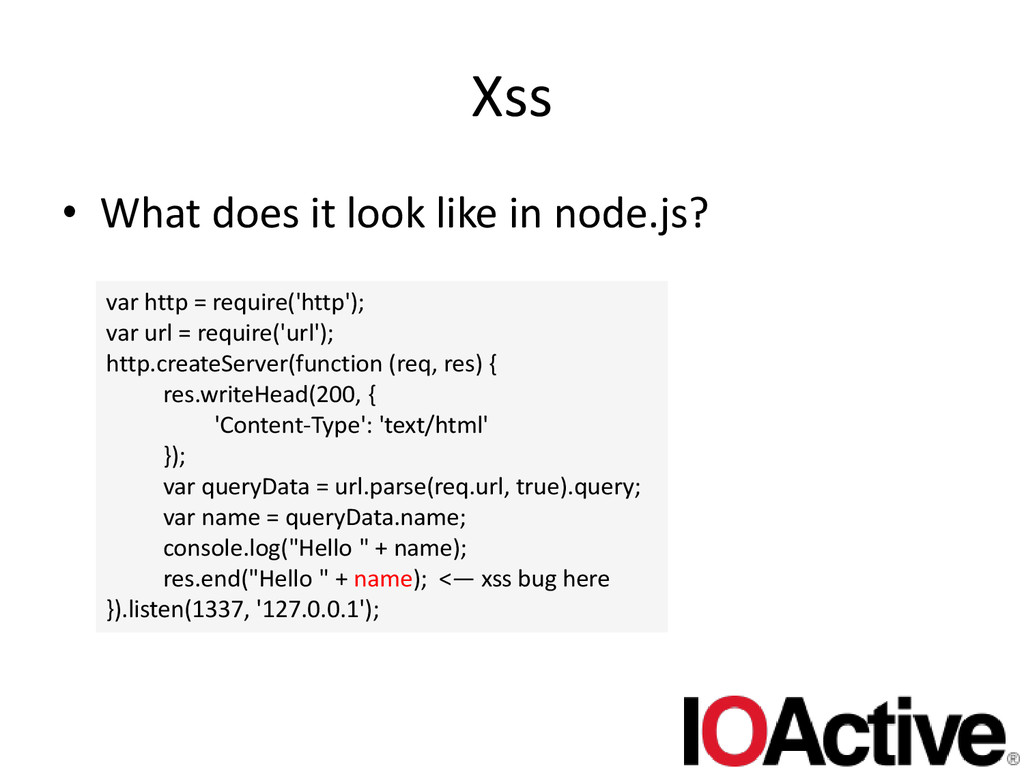
  10. Xss • What does it look like in node.js? var

    http = require('http'); var url = require('url'); http.createServer(function (req, res) { res.writeHead(200, { 'Content-Type': 'text/html' }); var queryData = url.parse(req.url, true).query; var name = queryData.name; console.log("Hello " + name); res.end("Hello " + name); <— xss bug here }).listen(1337, '127.0.0.1');
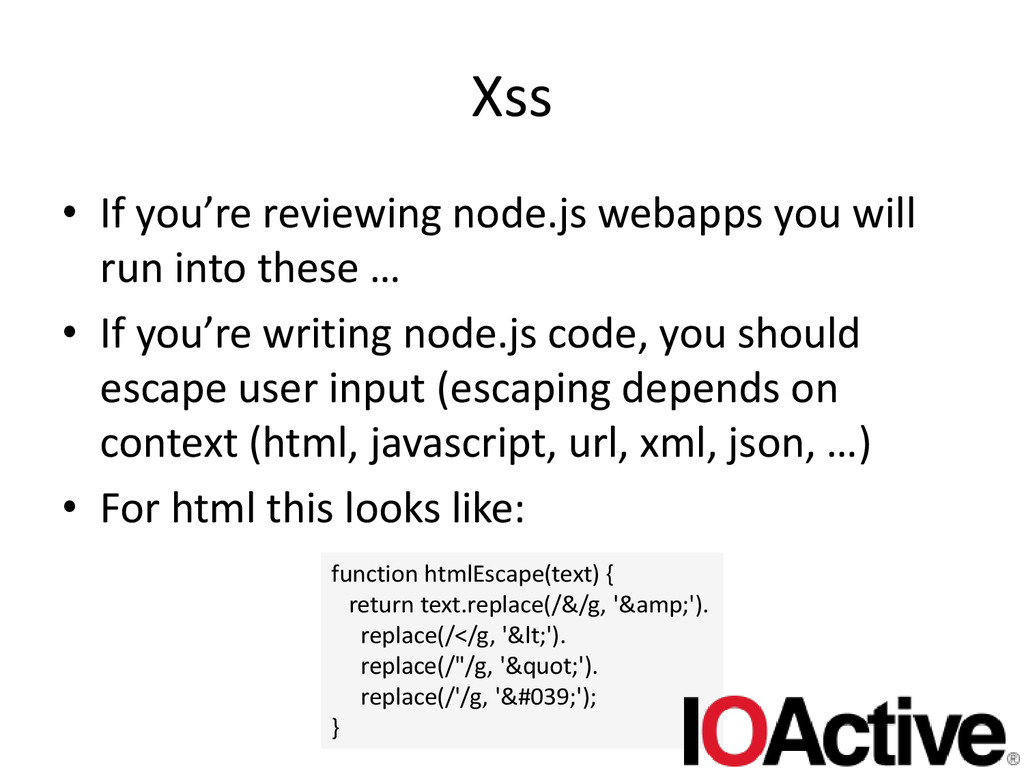
  11. Xss • If you’re reviewing node.js webapps you will run

    into these … • If you’re writing node.js code, you should escape user input (escaping depends on context (html, javascript, url, xml, json, …) • For html this looks like: function htmlEscape(text) { return text.replace(/&/g, '&amp;'). replace(/</g, '&lt;'). replace(/"/g, '&quot;'). replace(/'/g, '&#039;'); }
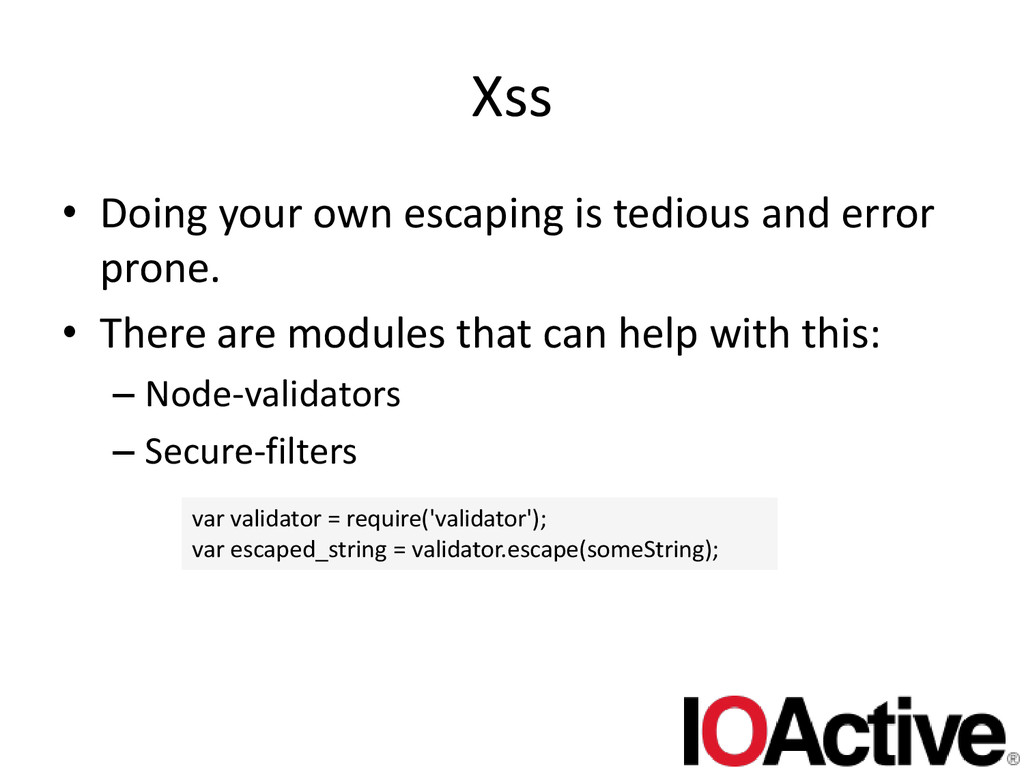
  12. Xss • Doing your own escaping is tedious and error

    prone. • There are modules that can help with this: – Node-validators – Secure-filters var validator = require('validator'); var escaped_string = validator.escape(someString);
  13. Sql injection • Hopefully people are familiar with SQL injection

    too • These too look _exactly_ as do they do elsewhere • Node.js apps seem to favor usage of no-sql like databases • Sql doesn’t seem to occur as much as with classic webapps/webservices • Node.js doesn’t have any kind of native SQL support. Everything is done through modules
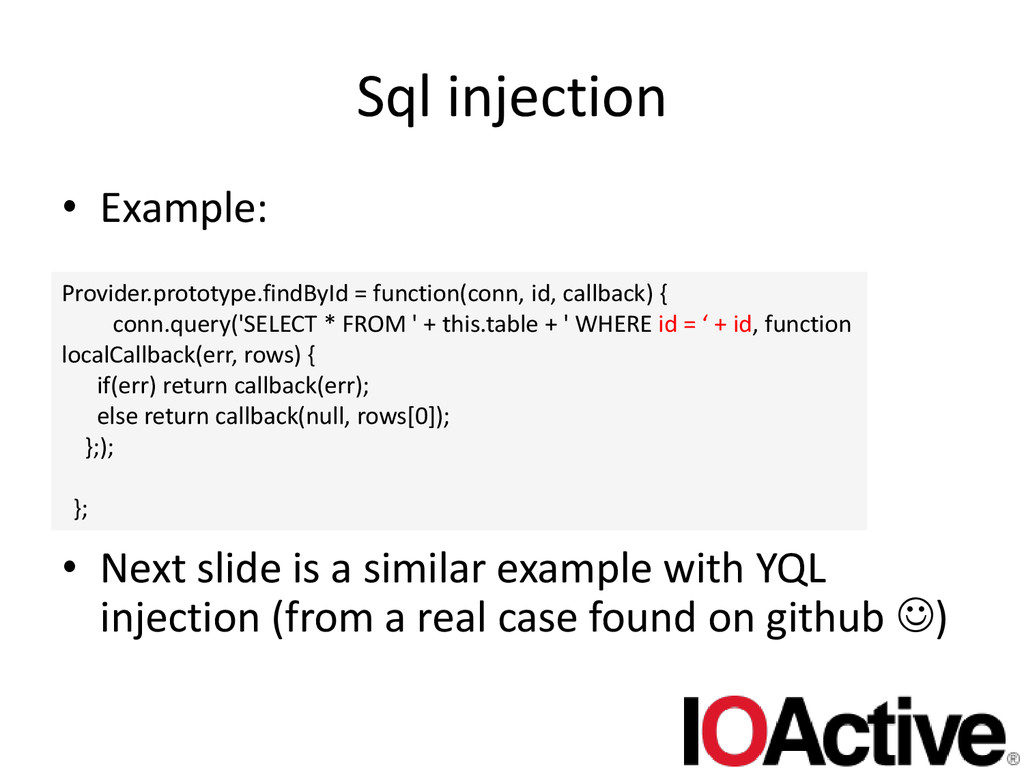
  14. Sql injection • Example: • Next slide is a similar

    example with YQL injection (from a real case found on github ) Provider.prototype.findById = function(conn, id, callback) { conn.query('SELECT * FROM ' + this.table + ' WHERE id = ‘ + id, function localCallback(err, rows) { if(err) return callback(err); else return callback(null, rows[0]); };); };
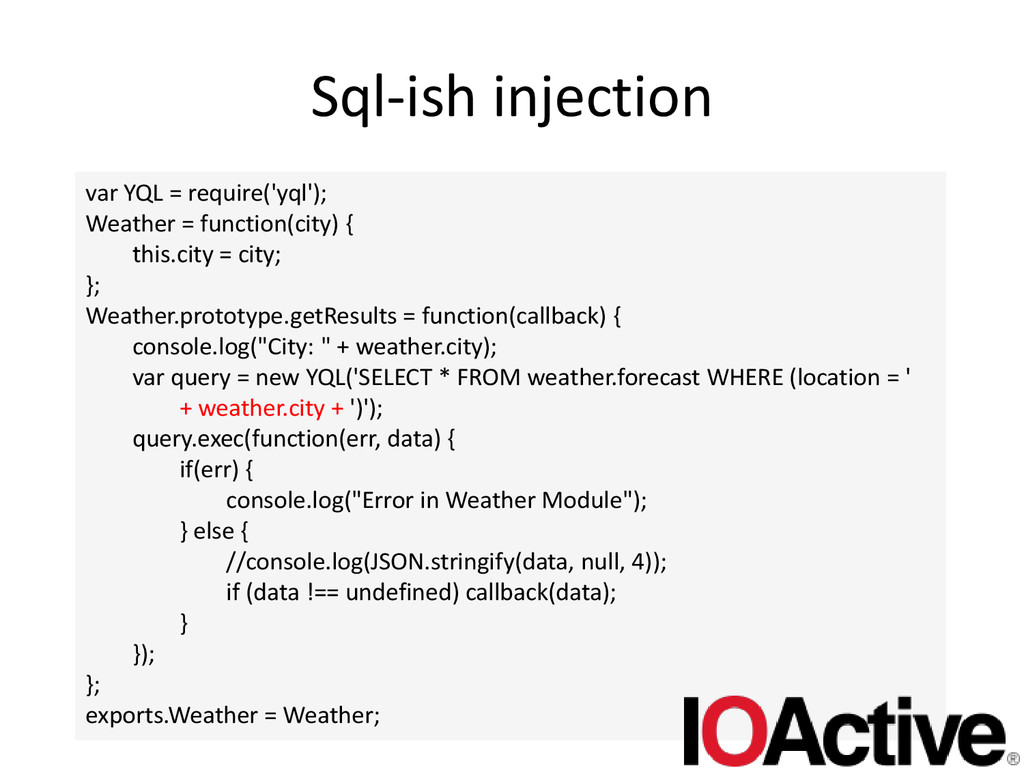
  15. Sql-ish injection var YQL = require('yql'); Weather = function(city) {

    this.city = city; }; Weather.prototype.getResults = function(callback) { console.log("City: " + weather.city); var query = new YQL('SELECT * FROM weather.forecast WHERE (location = ' + weather.city + ')'); query.exec(function(err, data) { if(err) { console.log("Error in Weather Module"); } else { //console.log(JSON.stringify(data, null, 4)); if (data !== undefined) callback(data); } }); }; exports.Weather = Weather;
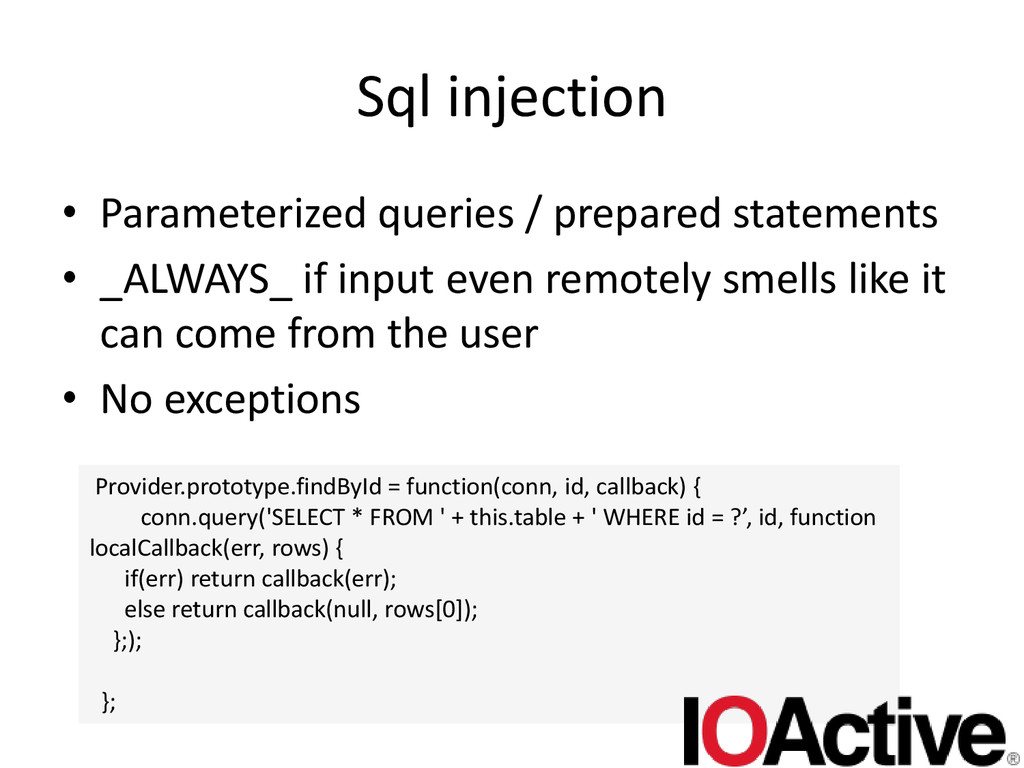
  16. Sql injection • Parameterized queries / prepared statements • _ALWAYS_

    if input even remotely smells like it can come from the user • No exceptions Provider.prototype.findById = function(conn, id, callback) { conn.query('SELECT * FROM ' + this.table + ' WHERE id = ?’, id, function localCallback(err, rows) { if(err) return callback(err); else return callback(null, rows[0]); };); };
  17. Xsrf • Cross site request forgery • Going to assume

    audience knows what this is too • Clearly not language dependent • shoddy webapp design if these occur
  18. Xsrf • Given that xsrf is mostly the absence of

    code, it’s hard to show an example. • Node.js doesn’t offer native xsrf protection – Though, I think it should! A framework like node.js is *perfect* for this • There are some frameworks that do – Kraken
  19. Xsrf • But if you must roll your own …

    • Generate a token that must be cryptographically secure • Must send it to the client when it’s building a form to submit stuff on (and keep it in the session). – Hidden field • On form submit, token will be send back. • Compare the two, if they match execute request, else someone is probably trying to attack your webapp
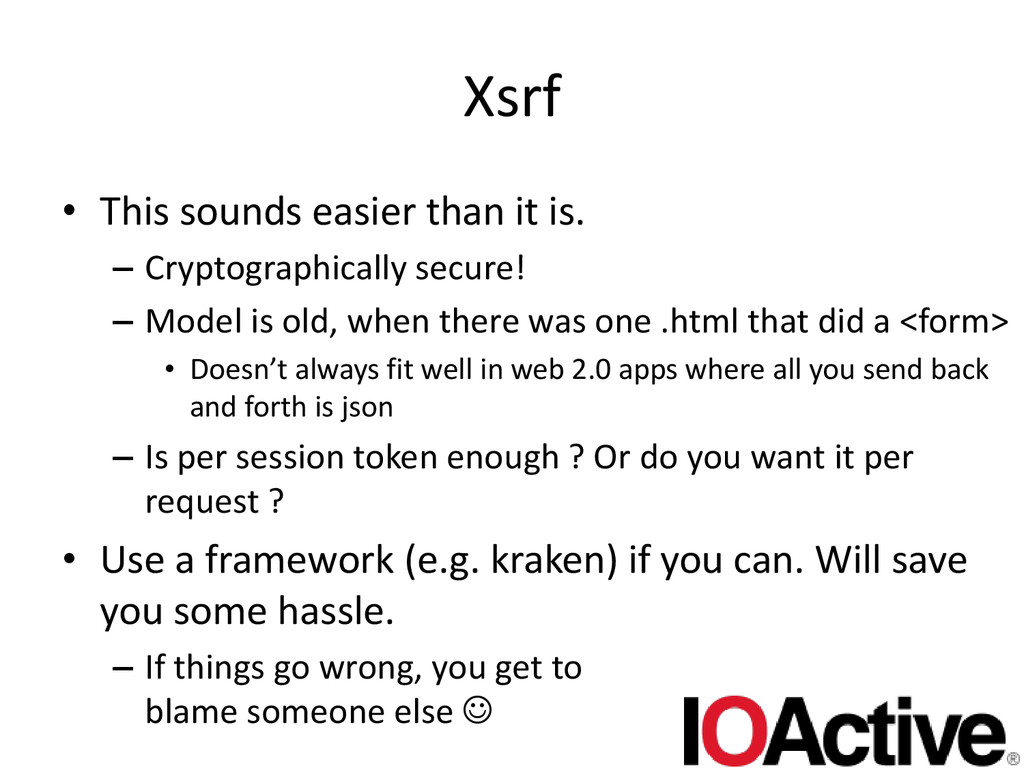
  20. Xsrf • This sounds easier than it is. – Cryptographically

    secure! – Model is old, when there was one .html that did a <form> • Doesn’t always fit well in web 2.0 apps where all you send back and forth is json – Is per session token enough ? Or do you want it per request ? • Use a framework (e.g. kraken) if you can. Will save you some hassle. – If things go wrong, you get to blame someone else 
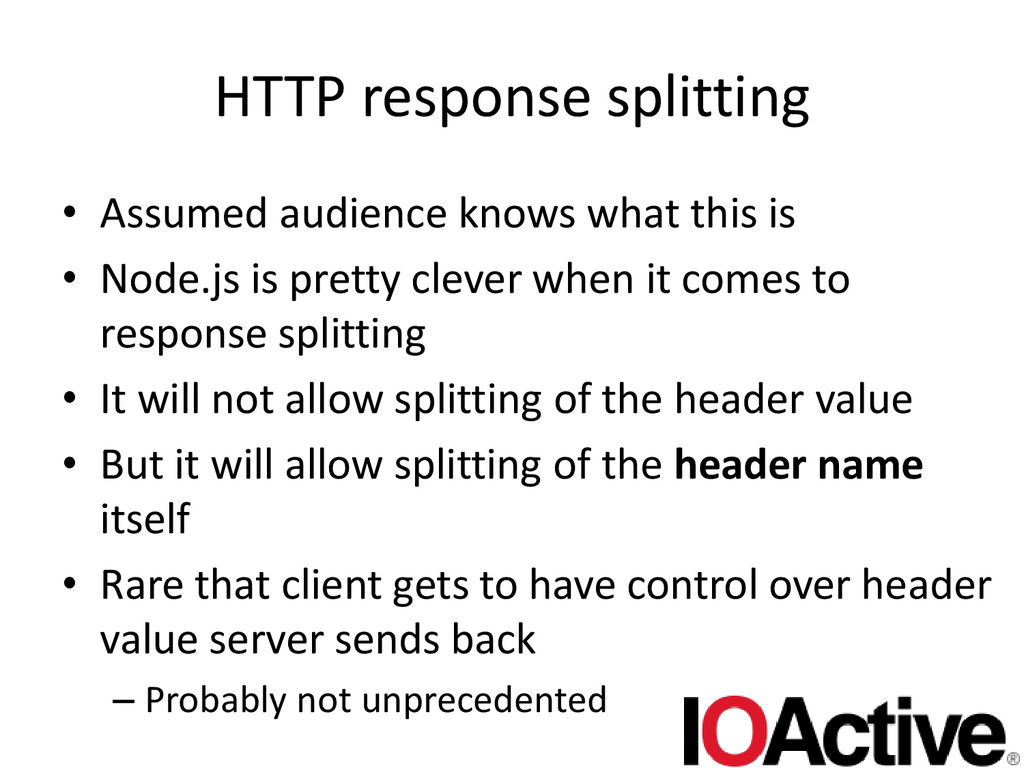
  21. HTTP response splitting • Assumed audience knows what this is

    • Node.js is pretty clever when it comes to response splitting • It will not allow splitting of the header value • But it will allow splitting of the header name itself • Rare that client gets to have control over header value server sends back – Probably not unprecedented
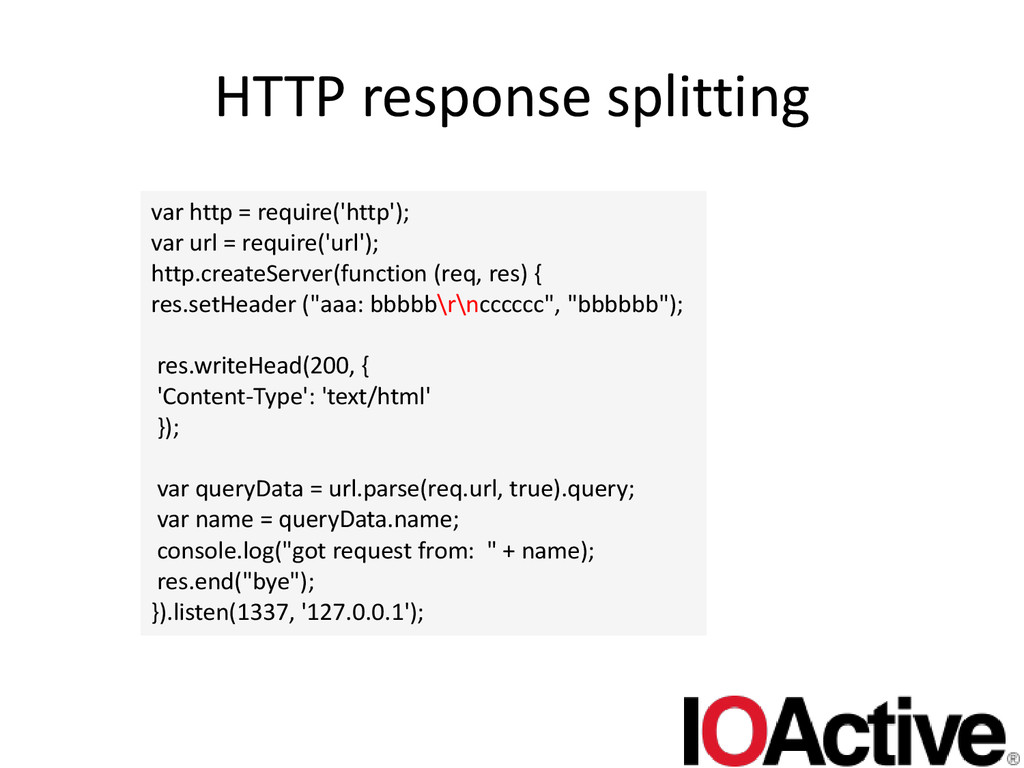
  22. HTTP response splitting var http = require('http'); var url =

    require('url'); http.createServer(function (req, res) { res.setHeader ("aaa: bbbbb\r\ncccccc", "bbbbbb"); res.writeHead(200, { 'Content-Type': 'text/html' }); var queryData = url.parse(req.url, true).query; var name = queryData.name; console.log("got request from: " + name); res.end("bye"); }).listen(1337, '127.0.0.1');
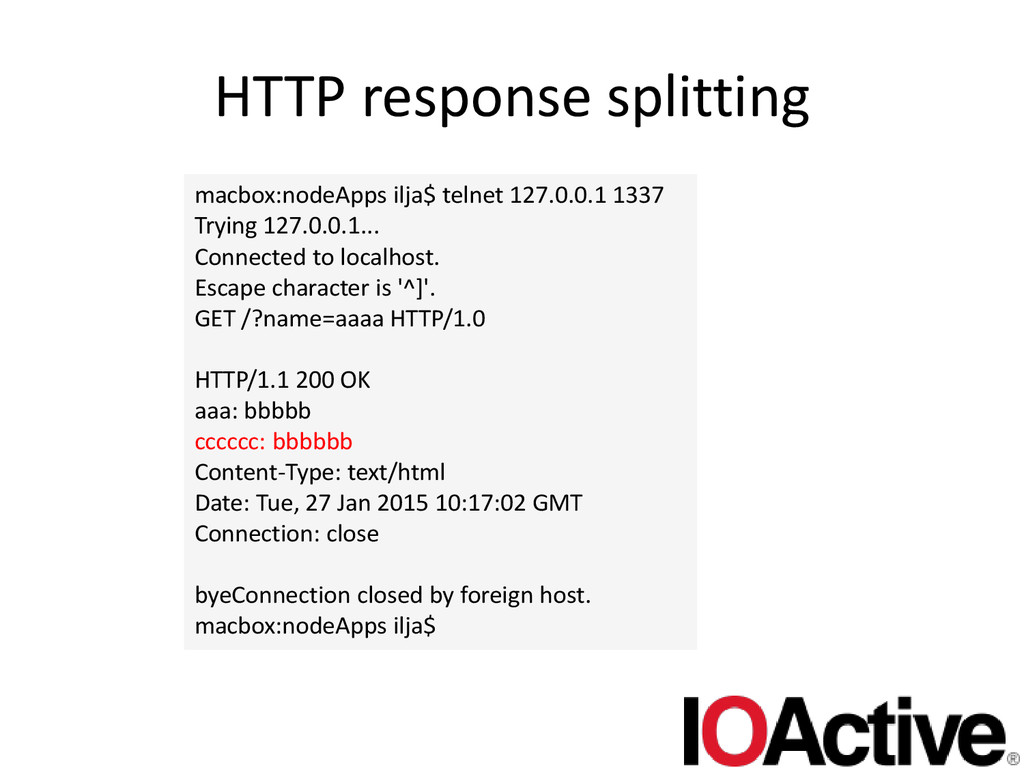
  23. HTTP response splitting macbox:nodeApps ilja$ telnet 127.0.0.1 1337 Trying 127.0.0.1...

    Connected to localhost. Escape character is '^]'. GET /?name=aaaa HTTP/1.0 HTTP/1.1 200 OK aaa: bbbbb cccccc: bbbbbb Content-Type: text/html Date: Tue, 27 Jan 2015 10:17:02 GMT Connection: close byeConnection closed by foreign host. macbox:nodeApps ilja$
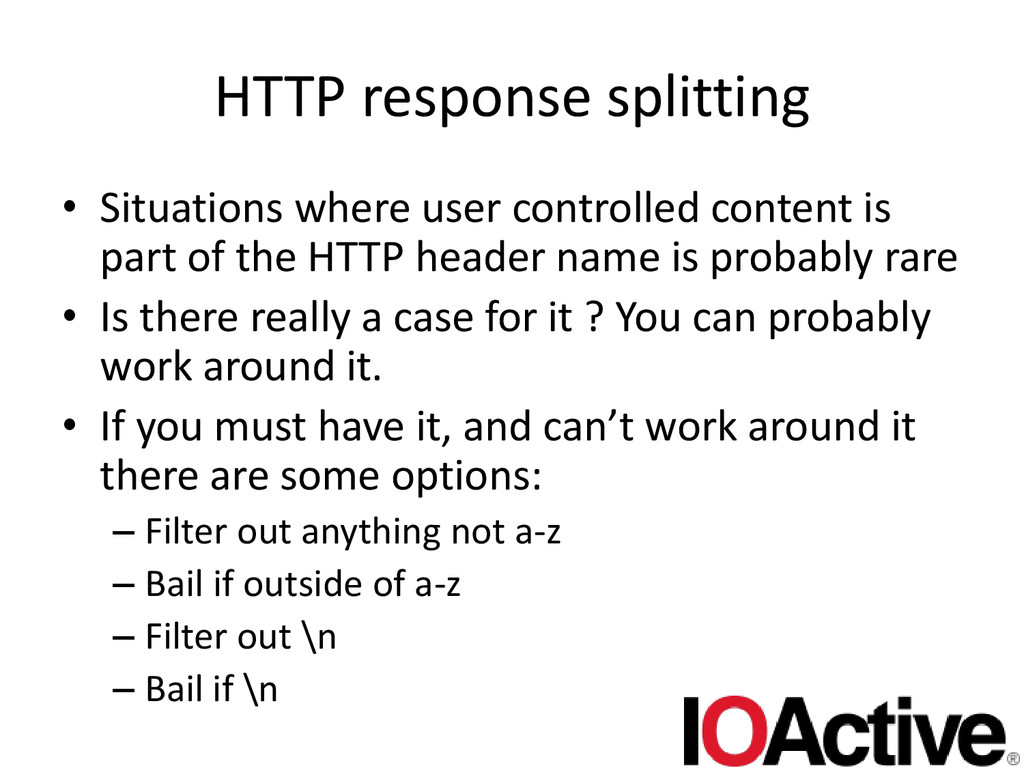
  24. HTTP response splitting • Situations where user controlled content is

    part of the HTTP header name is probably rare • Is there really a case for it ? You can probably work around it. • If you must have it, and can’t work around it there are some options: – Filter out anything not a-z – Bail if outside of a-z – Filter out \n – Bail if \n
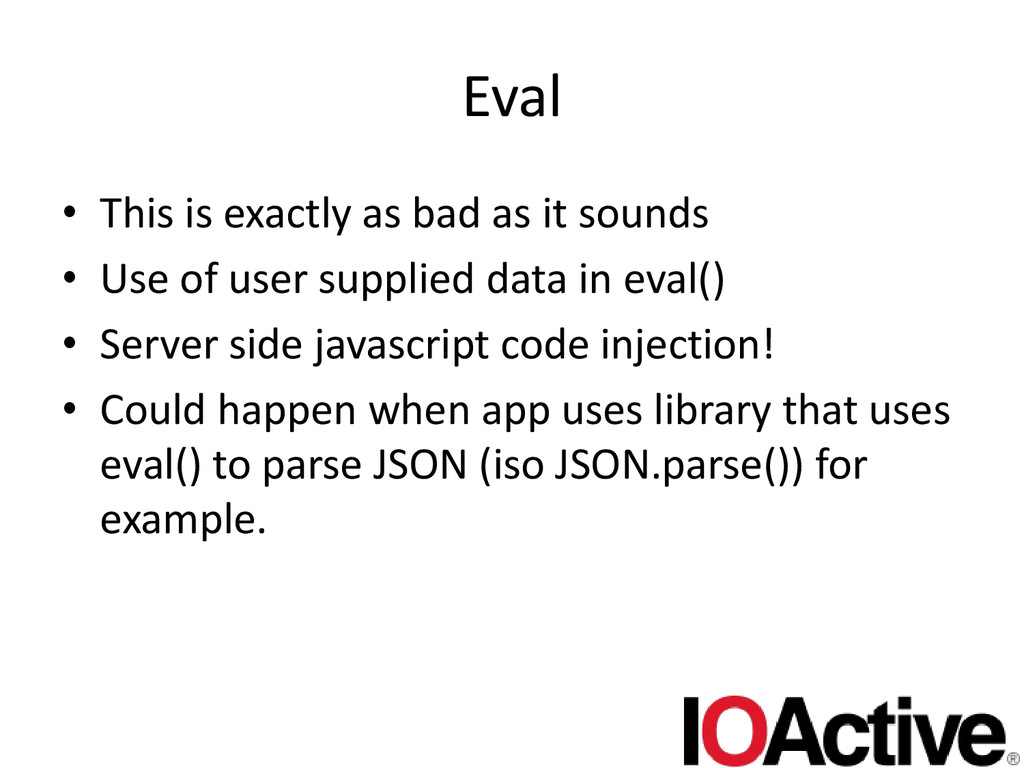
  25. Eval • This is exactly as bad as it sounds

    • Use of user supplied data in eval() • Server side javascript code injection! • Could happen when app uses library that uses eval() to parse JSON (iso JSON.parse()) for example.
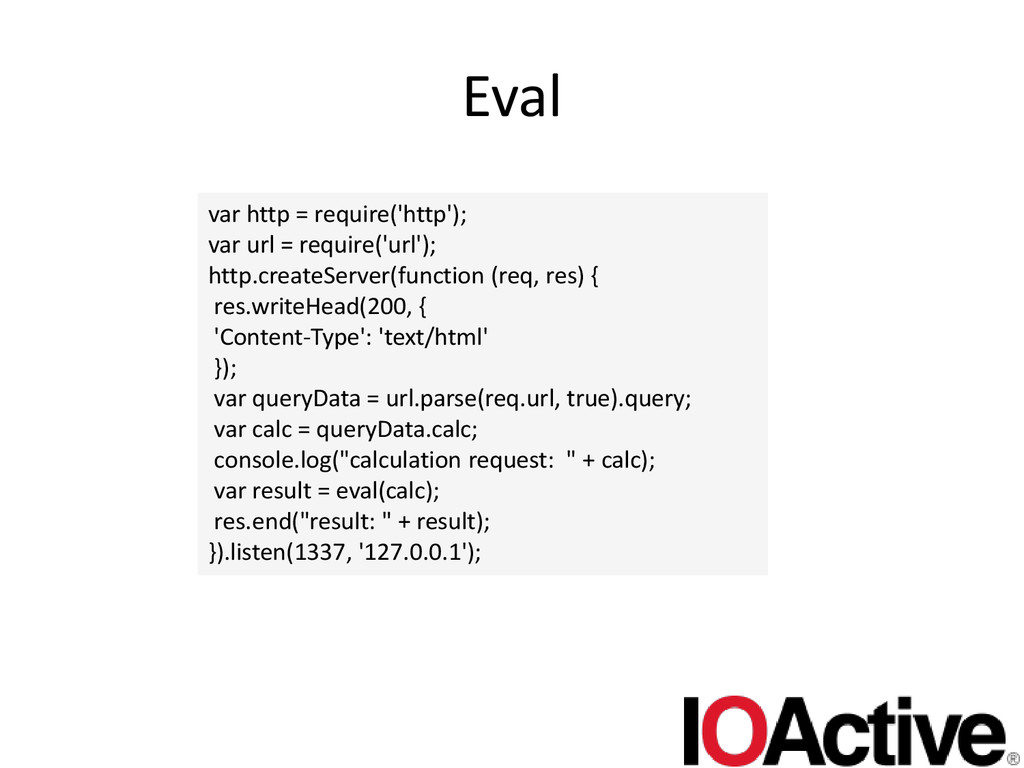
  26. Eval var http = require('http'); var url = require('url'); http.createServer(function

    (req, res) { res.writeHead(200, { 'Content-Type': 'text/html' }); var queryData = url.parse(req.url, true).query; var calc = queryData.calc; console.log("calculation request: " + calc); var result = eval(calc); res.end("result: " + result); }).listen(1337, '127.0.0.1');
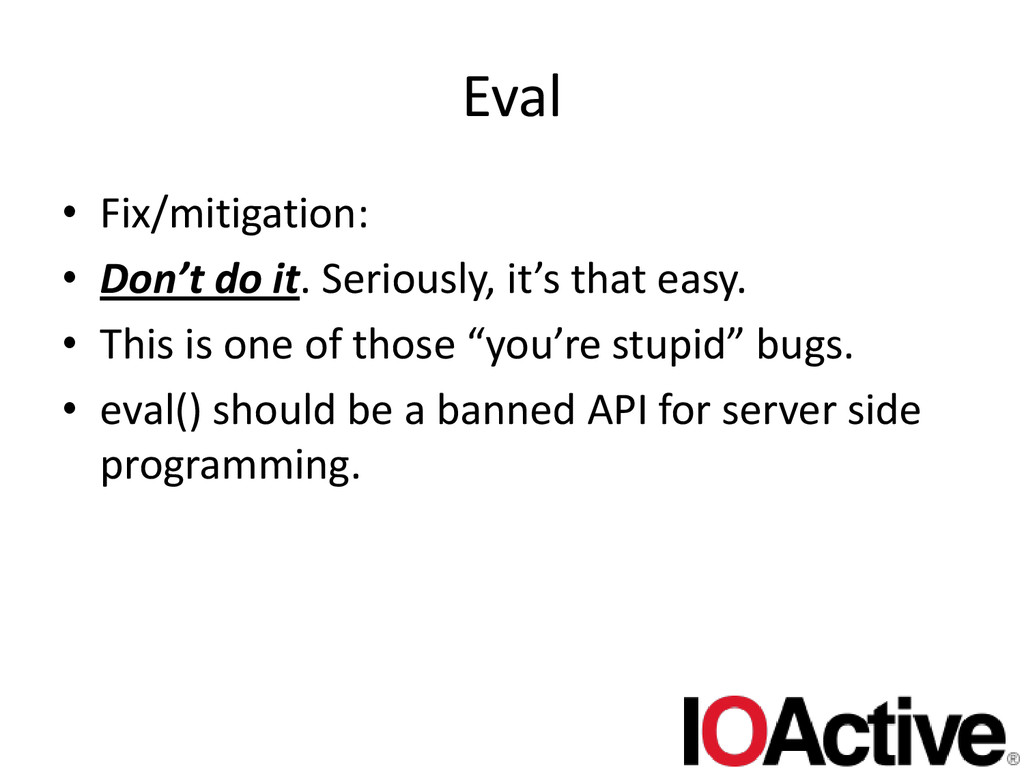
  27. Eval • Fix/mitigation: • Don’t do it. Seriously, it’s that

    easy. • This is one of those “you’re stupid” bugs. • eval() should be a banned API for server side programming.
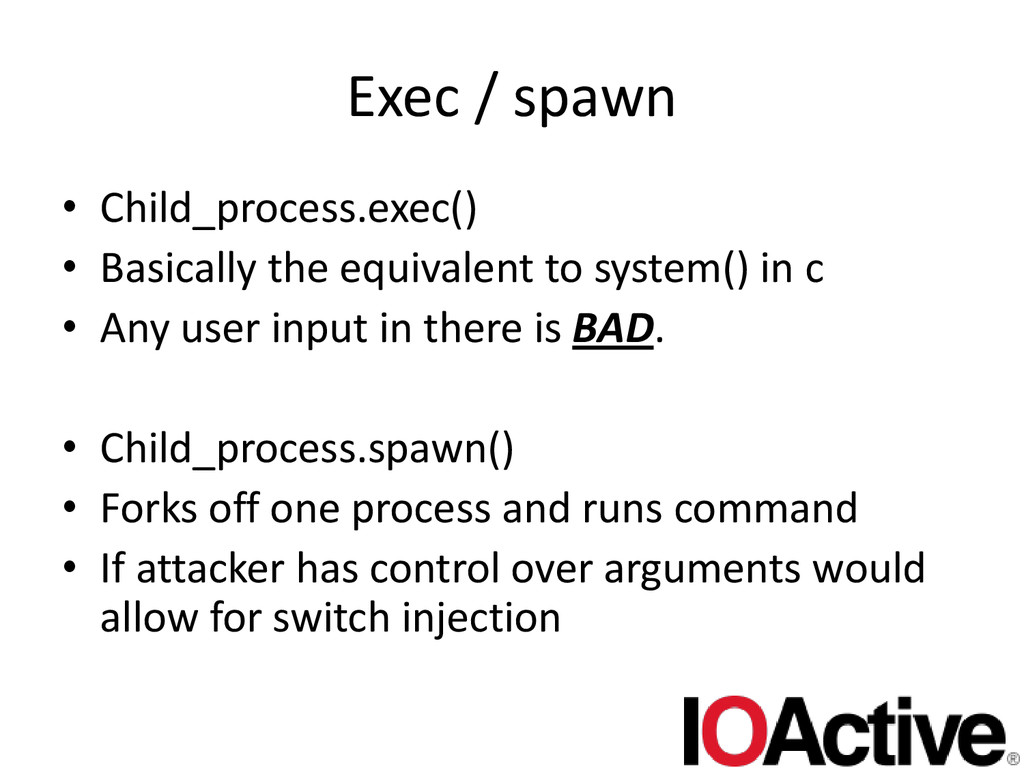
  28. Exec / spawn • Child_process.exec() • Basically the equivalent to

    system() in c • Any user input in there is BAD. • Child_process.spawn() • Forks off one process and runs command • If attacker has control over arguments would allow for switch injection
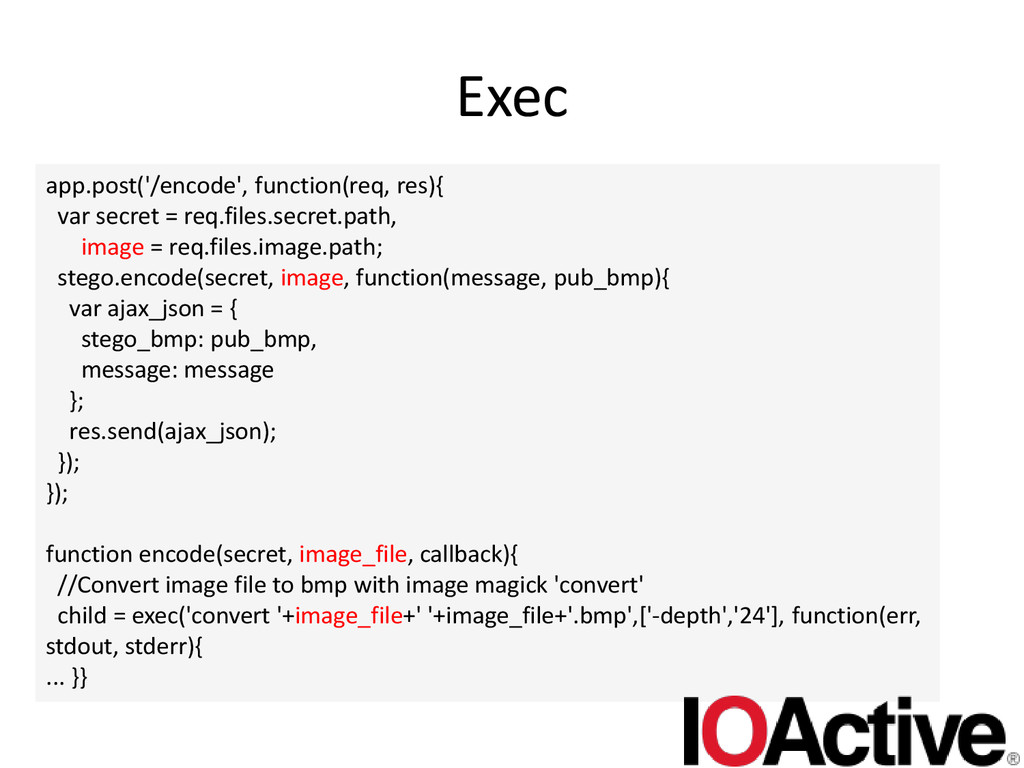
  29. Exec app.post('/encode', function(req, res){ var secret = req.files.secret.path, image =

    req.files.image.path; stego.encode(secret, image, function(message, pub_bmp){ var ajax_json = { stego_bmp: pub_bmp, message: message }; res.send(ajax_json); }); }); function encode(secret, image_file, callback){ //Convert image file to bmp with image magick 'convert' child = exec('convert '+image_file+' '+image_file+'.bmp',['-depth','24'], function(err, stdout, stderr){ ... }}
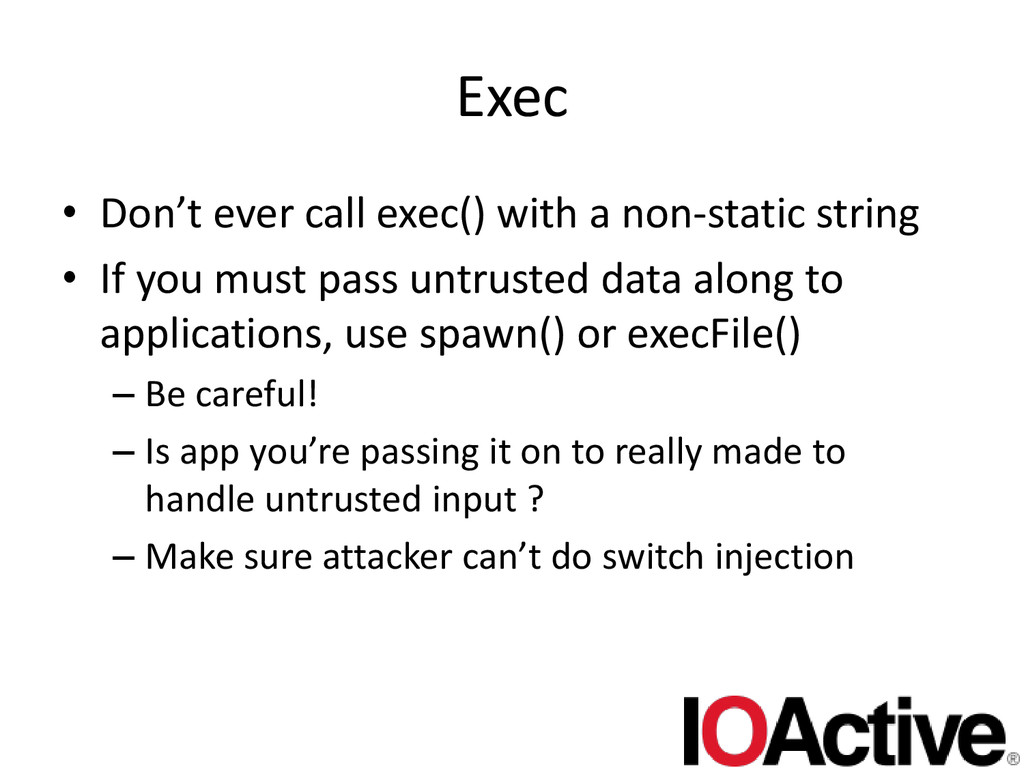
  30. Exec • Don’t ever call exec() with a non-static string

    • If you must pass untrusted data along to applications, use spawn() or execFile() – Be careful! – Is app you’re passing it on to really made to handle untrusted input ? – Make sure attacker can’t do switch injection
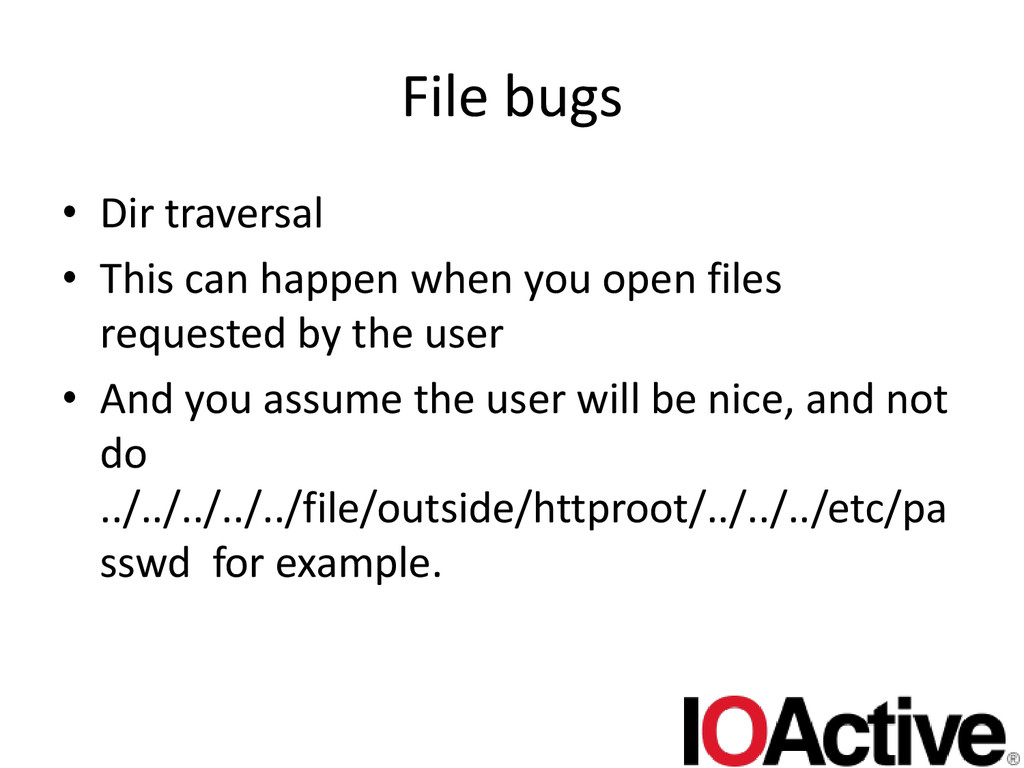
  31. File bugs • Dir traversal • This can happen when

    you open files requested by the user • And you assume the user will be nice, and not do ../../../../../file/outside/httproot/../../../etc/pa sswd for example.
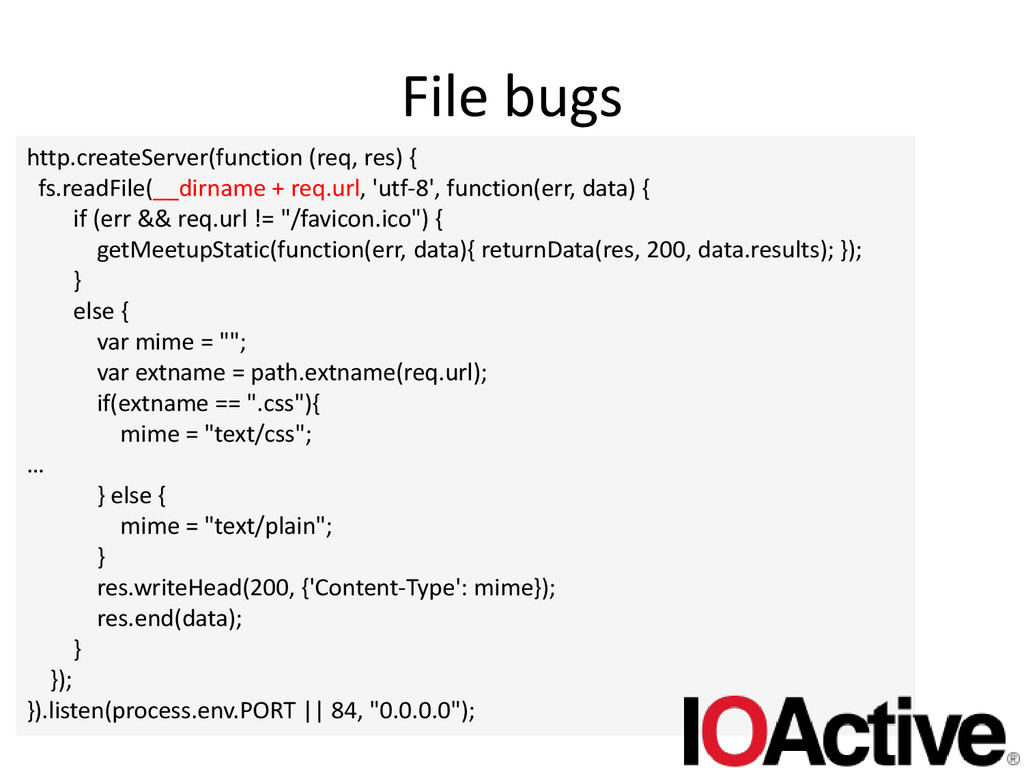
  32. File bugs http.createServer(function (req, res) { fs.readFile(__dirname + req.url, 'utf-8',

    function(err, data) { if (err && req.url != "/favicon.ico") { getMeetupStatic(function(err, data){ returnData(res, 200, data.results); }); } else { var mime = ""; var extname = path.extname(req.url); if(extname == ".css"){ mime = "text/css"; … } else { mime = "text/plain"; } res.writeHead(200, {'Content-Type': mime}); res.end(data); } }); }).listen(process.env.PORT || 84, "0.0.0.0");
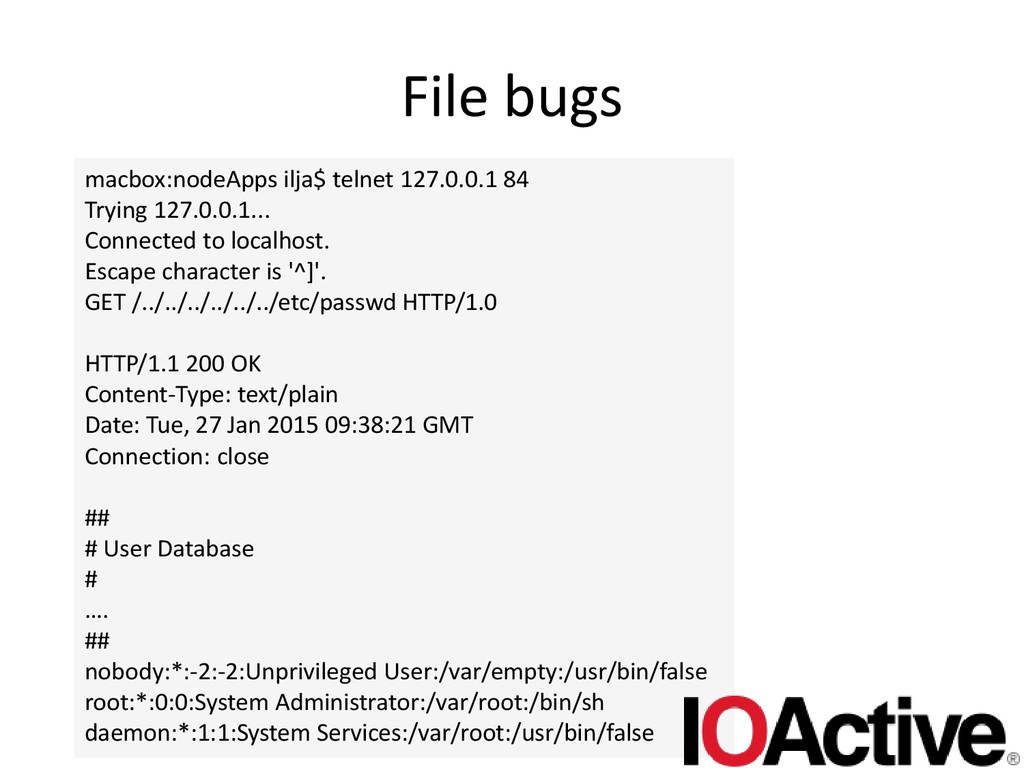
  33. File bugs macbox:nodeApps ilja$ telnet 127.0.0.1 84 Trying 127.0.0.1... Connected

    to localhost. Escape character is '^]'. GET /../../../../../../etc/passwd HTTP/1.0 HTTP/1.1 200 OK Content-Type: text/plain Date: Tue, 27 Jan 2015 09:38:21 GMT Connection: close ## # User Database # …. ## nobody:*:-2:-2:Unprivileged User:/var/empty:/usr/bin/false root:*:0:0:System Administrator:/var/root:/bin/sh daemon:*:1:1:System Services:/var/root:/usr/bin/false
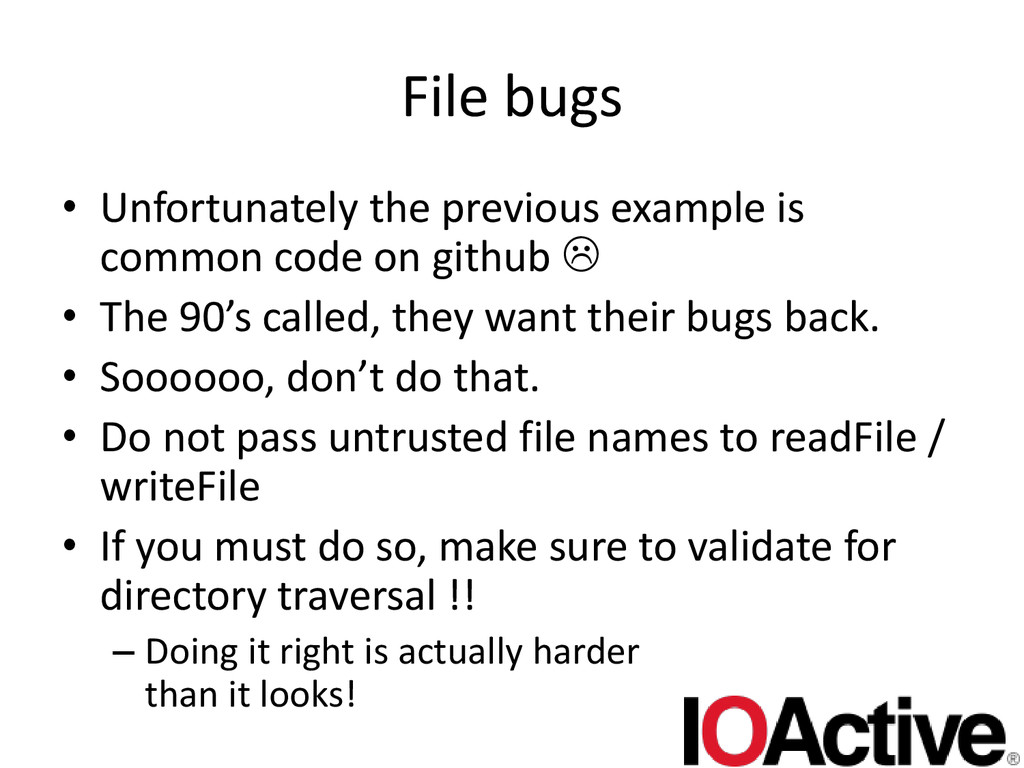
  34. File bugs • Unfortunately the previous example is common code

    on github  • The 90’s called, they want their bugs back. • Soooooo, don’t do that. • Do not pass untrusted file names to readFile / writeFile • If you must do so, make sure to validate for directory traversal !! – Doing it right is actually harder than it looks!
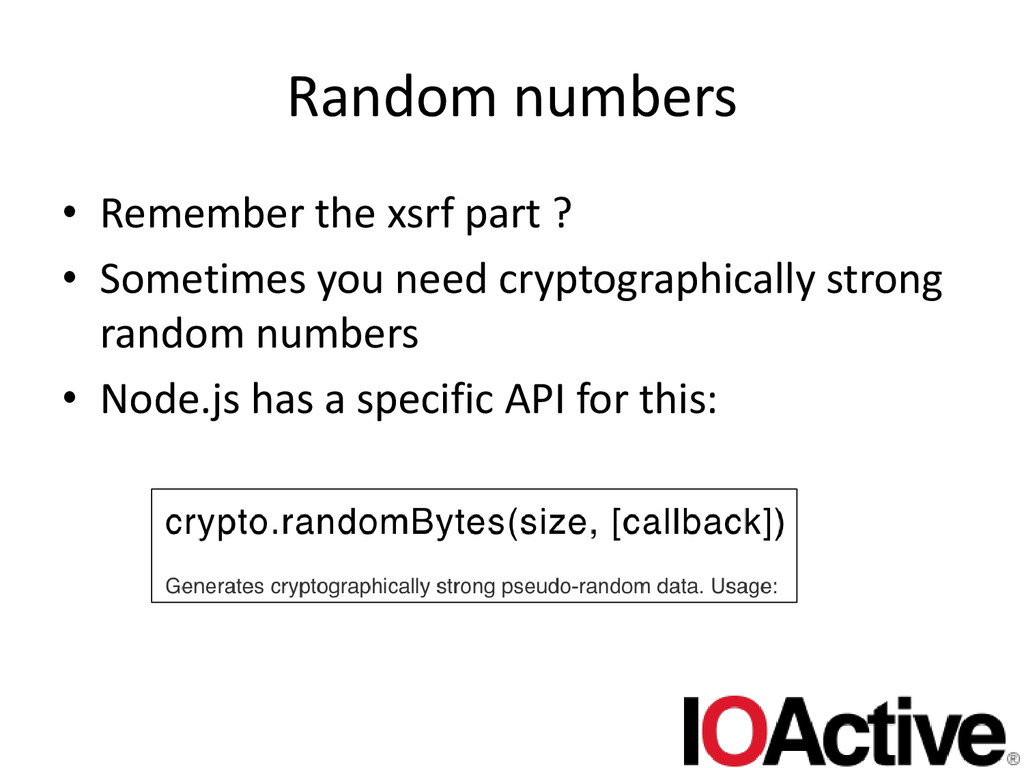
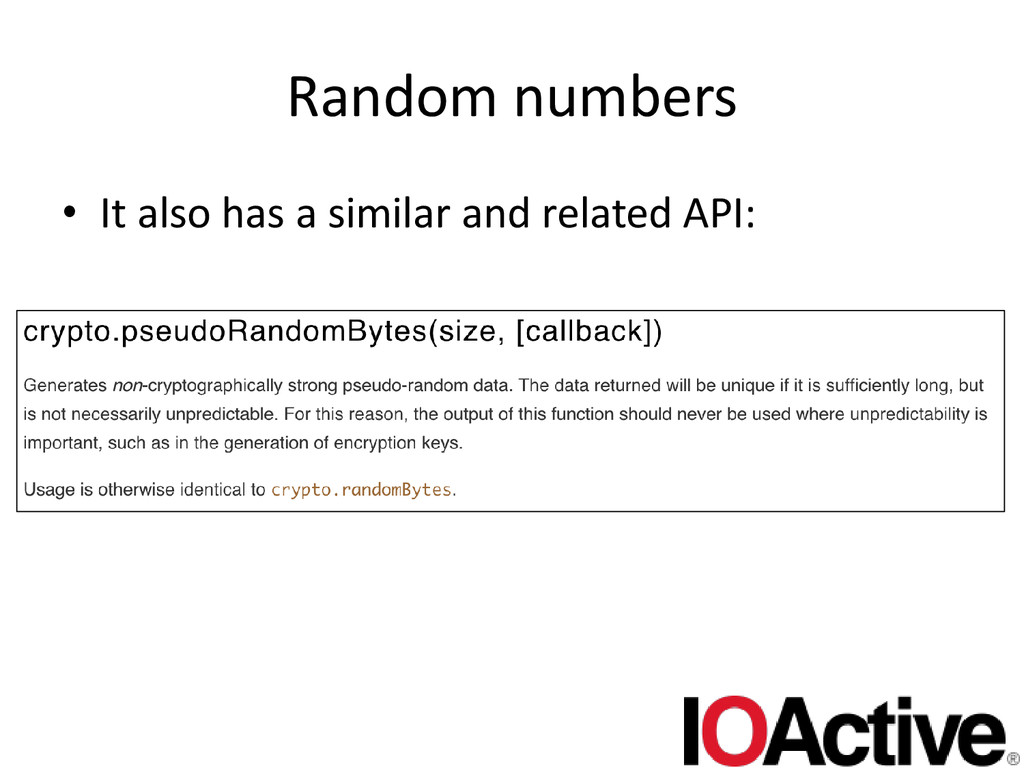
  35. Random numbers • Remember the xsrf part ? • Sometimes

    you need cryptographically strong random numbers • Node.js has a specific API for this:
  36. Random numbers • So if you need cryptographically strong random

    numbers, you MUST use crypto.randomBytes() • This would also apply to xsrf tokens!
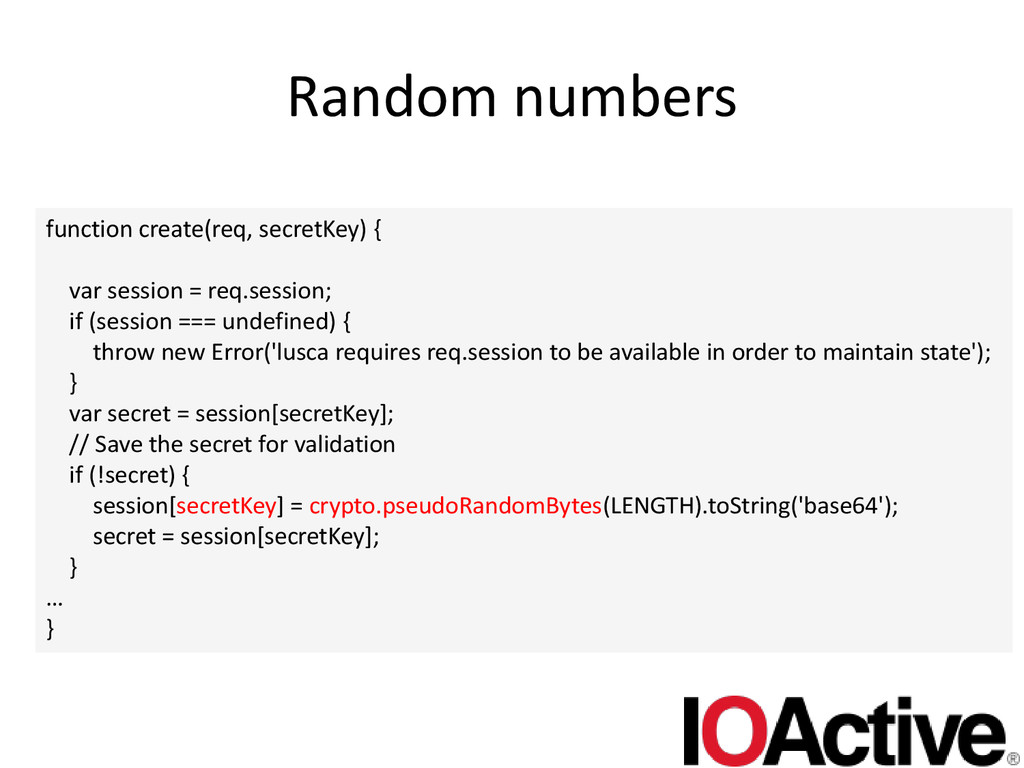
  37. Random numbers function create(req, secretKey) { var session = req.session;

    if (session === undefined) { throw new Error('lusca requires req.session to be available in order to maintain state'); } var secret = session[secretKey]; // Save the secret for validation if (!secret) { session[secretKey] = crypto.pseudoRandomBytes(LENGTH).toString('base64'); secret = session[secretKey]; } … }
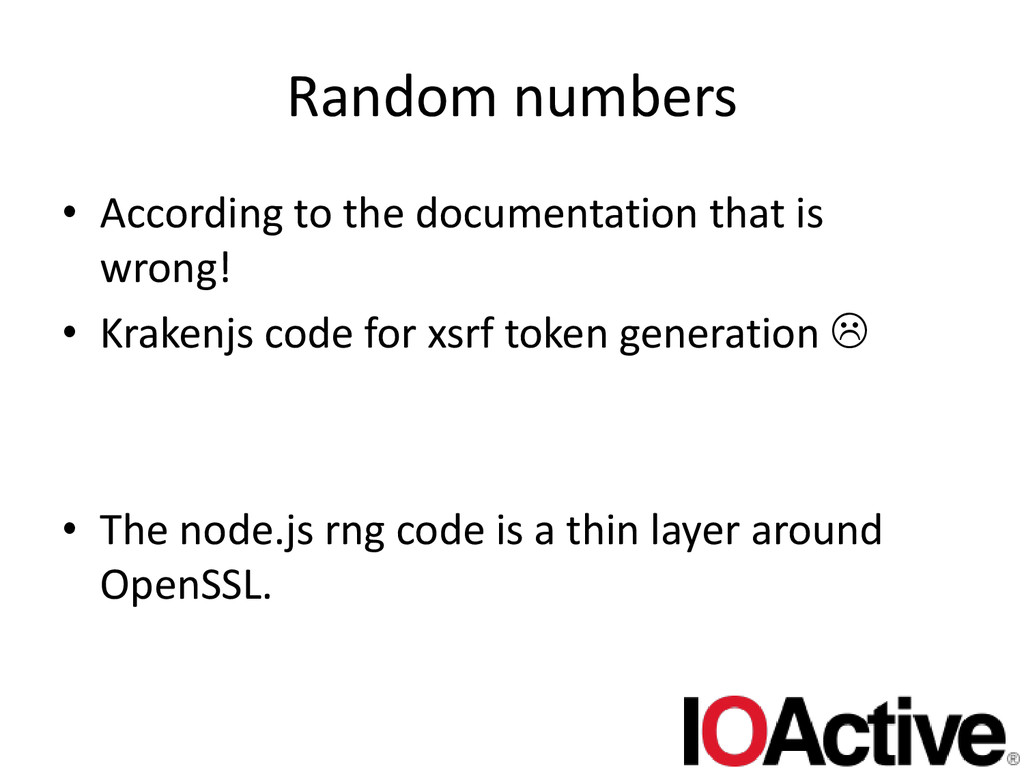
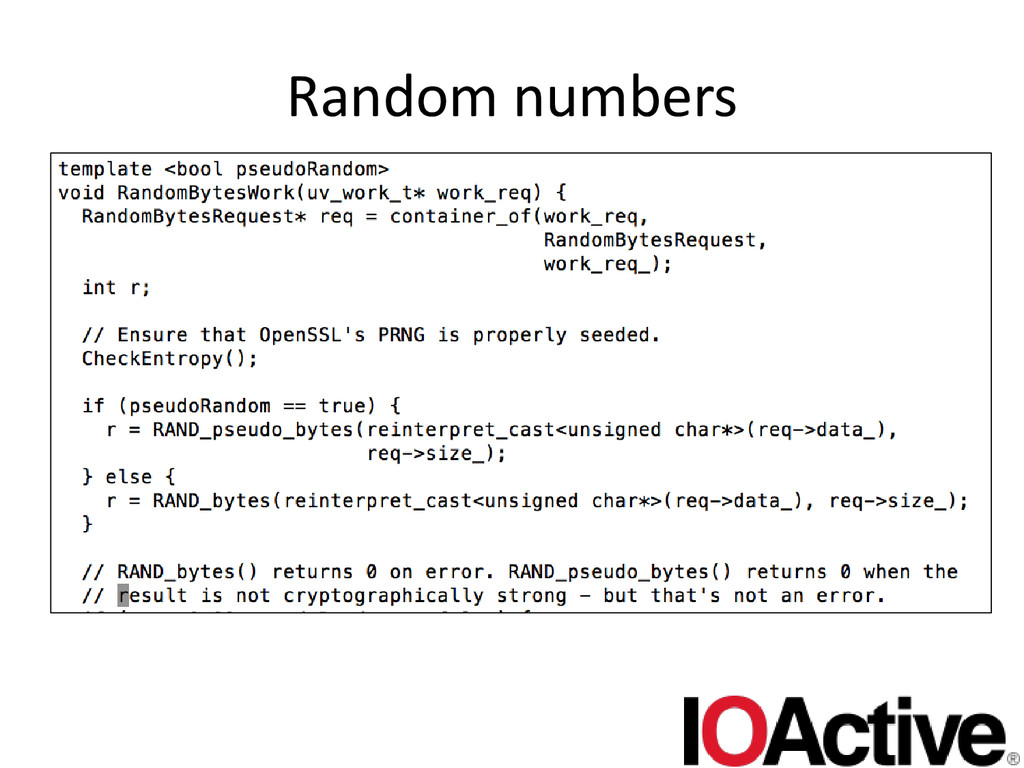
  38. Random numbers • According to the documentation that is wrong!

    • Krakenjs code for xsrf token generation  • The node.js rng code is a thin layer around OpenSSL.
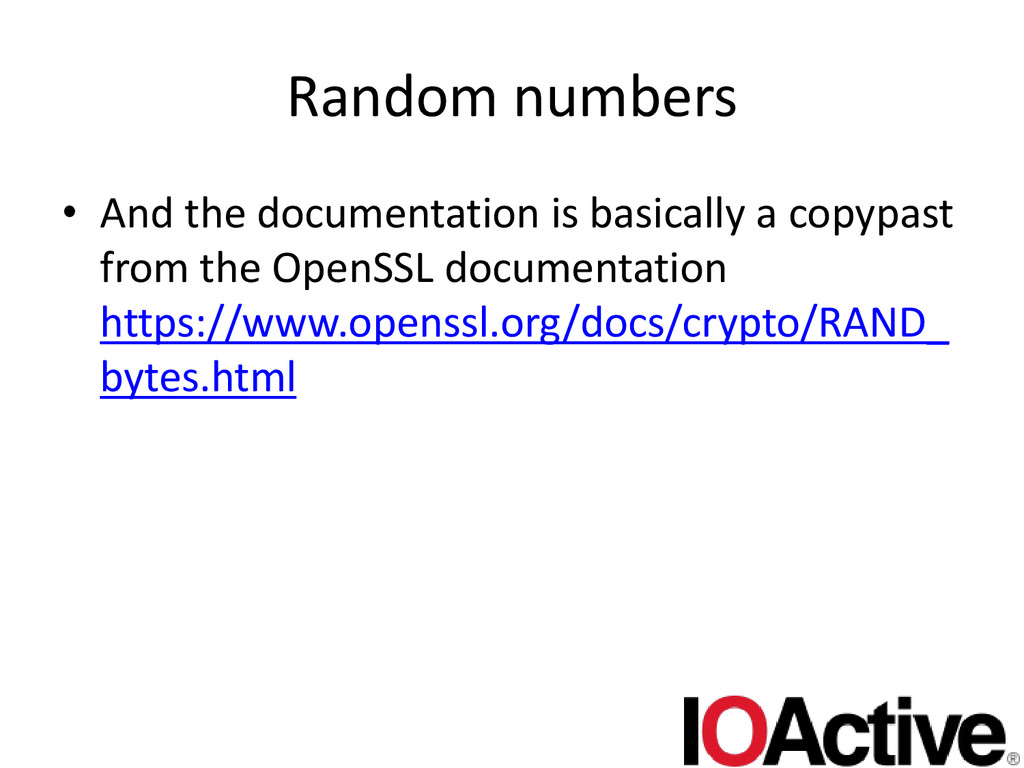
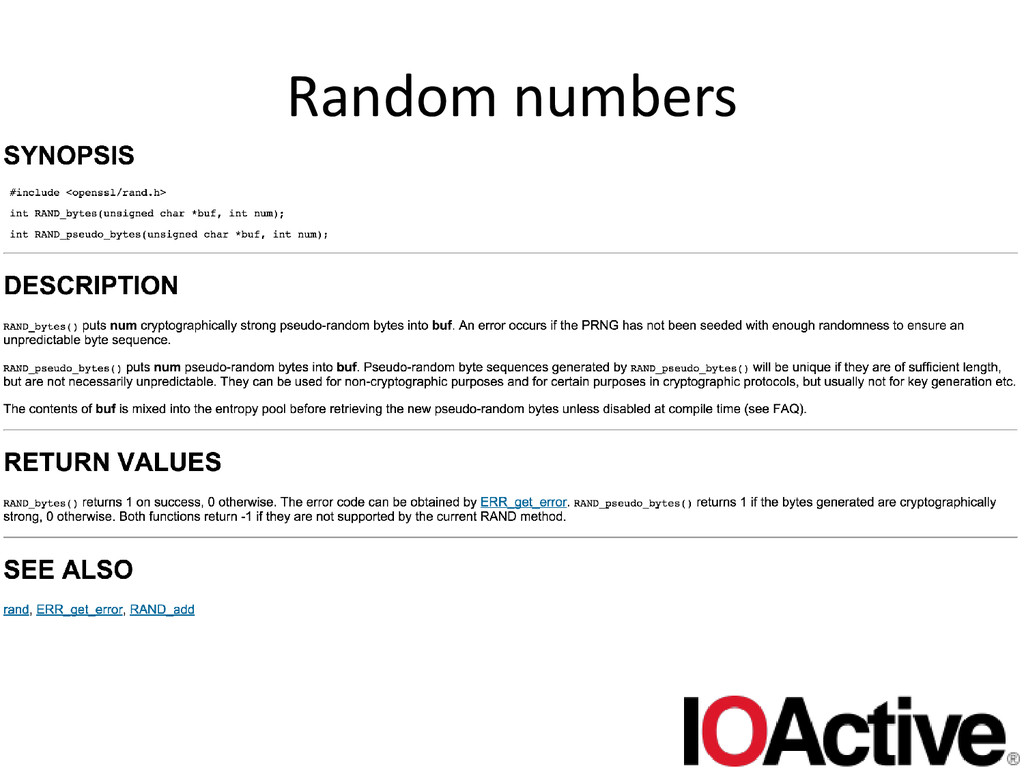
  39. Random numbers • And the documentation is basically a copypast

    from the OpenSSL documentation https://www.openssl.org/docs/crypto/RAND_ bytes.html
  40. Random numbers • The problem with an API like crypto.randomBytes()

    is that it should block, and wait for entropy (it doesn’t, and fails) • This does not fit in well with the node.js asynchronous model. • How to fix this ? Pre-allocate piles of random data ? Maybe node.js should expose when the pseudo API doesn’t return cryptographically strong data ? • DanK has some solutions iirc. – http://www.slideshare.net/dakami/yet-another-dan- kaminsky-talk-black-ops-2014
  41. Console.log raw log injection • Take untrusted user input and

    passing it on to console.log() • This isn’t really that bad per se. – Not really a bug on it’s own • Administrators tend to use tools to view logs that assume trusted content. • If not filtered, attacker could inject: – Terminal escape codes – Unprintable characters that fool the administrator (e.g. make it look like certain log entries are missing)
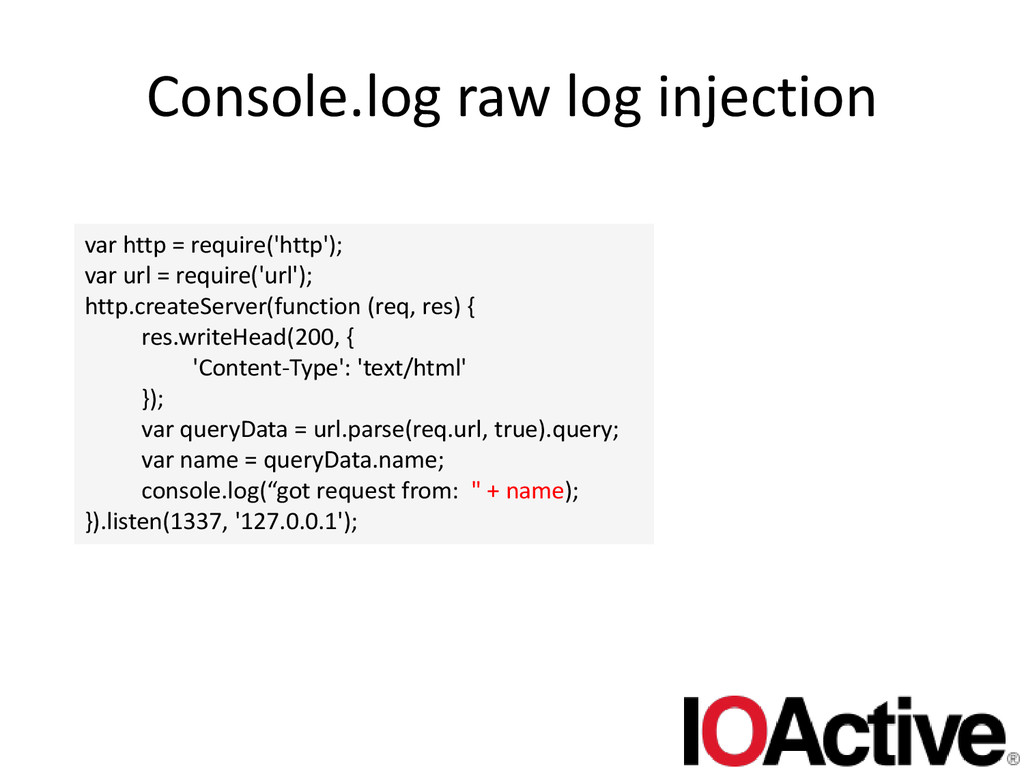
  42. Console.log raw log injection var http = require('http'); var url

    = require('url'); http.createServer(function (req, res) { res.writeHead(200, { 'Content-Type': 'text/html' }); var queryData = url.parse(req.url, true).query; var name = queryData.name; console.log(“got request from: " + name); }).listen(1337, '127.0.0.1');
  43. Console.log raw log injection • Should escape unprintable characters in

    user defined input before passing it on to console.log()
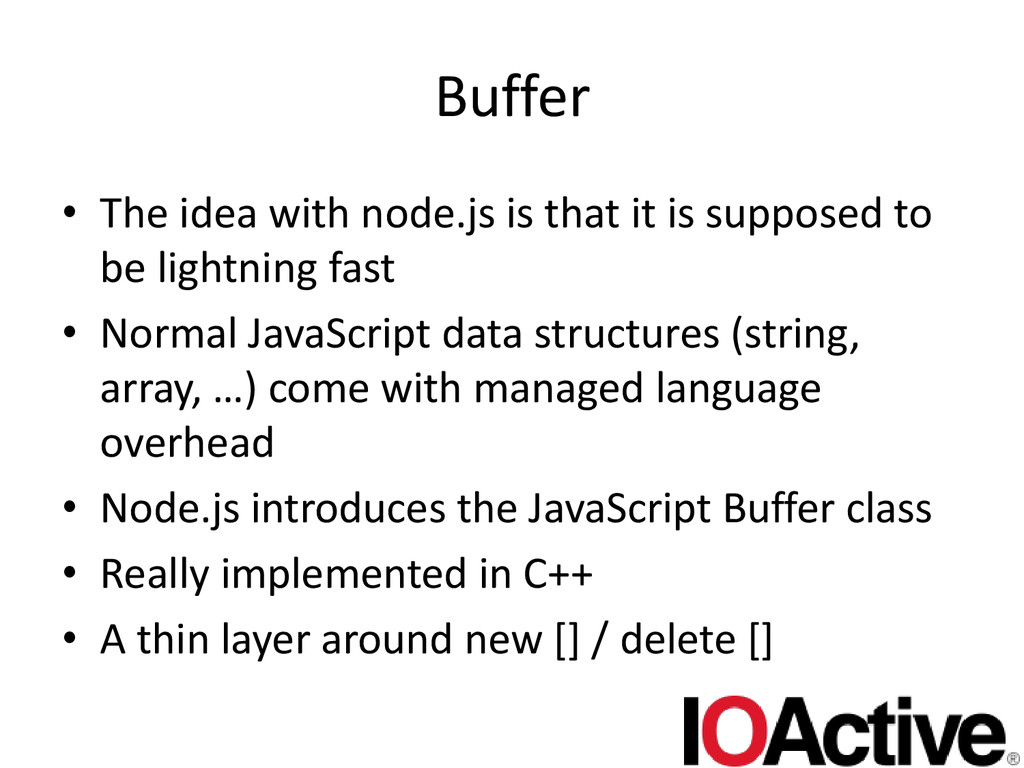
  44. Buffer • The idea with node.js is that it is

    supposed to be lightning fast • Normal JavaScript data structures (string, array, …) come with managed language overhead • Node.js introduces the JavaScript Buffer class • Really implemented in C++ • A thin layer around new [] / delete []
  45. Buffer • Gives the power of raw memory to node.js

    applications • This stuff is used _EVERYWHERE_ in node.js applications • There’s 3 ways to create a Buffer – With a length – With an array (+ optional encoding) – With a string (+ optional encoding)
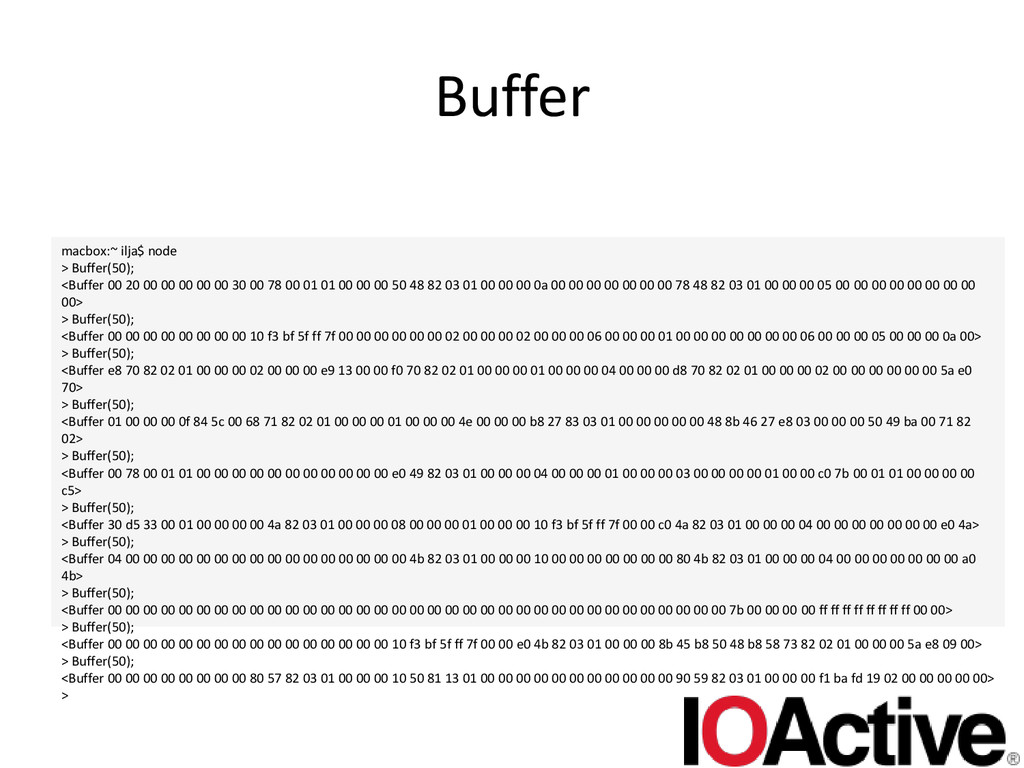
  46. Buffer • The length one basically hands back a raw

    block of memory. • Uninitialized – To developers used to managed programming languages • For perf reasons obviously • The potential for heartbleed-like bugs is ENORMOUS!
  47. Buffer macbox:~ ilja$ node > Buffer(50); <Buffer 00 20 00

    00 00 00 00 30 00 78 00 01 01 00 00 00 50 48 82 03 01 00 00 00 0a 00 00 00 00 00 00 00 78 48 82 03 01 00 00 00 05 00 00 00 00 00 00 00 00 00> > Buffer(50); <Buffer 00 00 00 00 00 00 00 00 10 f3 bf 5f ff 7f 00 00 00 00 00 00 02 00 00 00 02 00 00 00 06 00 00 00 01 00 00 00 00 00 00 00 06 00 00 00 05 00 00 00 0a 00> > Buffer(50); <Buffer e8 70 82 02 01 00 00 00 02 00 00 00 e9 13 00 00 f0 70 82 02 01 00 00 00 01 00 00 00 04 00 00 00 d8 70 82 02 01 00 00 00 02 00 00 00 00 00 00 5a e0 70> > Buffer(50); <Buffer 01 00 00 00 0f 84 5c 00 68 71 82 02 01 00 00 00 01 00 00 00 4e 00 00 00 b8 27 83 03 01 00 00 00 00 00 48 8b 46 27 e8 03 00 00 00 50 49 ba 00 71 82 02> > Buffer(50); <Buffer 00 78 00 01 01 00 00 00 00 00 00 00 00 00 00 00 e0 49 82 03 01 00 00 00 04 00 00 00 01 00 00 00 03 00 00 00 00 01 00 00 c0 7b 00 01 01 00 00 00 00 c5> > Buffer(50); <Buffer 30 d5 33 00 01 00 00 00 00 4a 82 03 01 00 00 00 08 00 00 00 01 00 00 00 10 f3 bf 5f ff 7f 00 00 c0 4a 82 03 01 00 00 00 04 00 00 00 00 00 00 00 e0 4a> > Buffer(50); <Buffer 04 00 00 00 00 00 00 00 00 00 00 00 00 00 00 00 00 4b 82 03 01 00 00 00 10 00 00 00 00 00 00 00 80 4b 82 03 01 00 00 00 04 00 00 00 00 00 00 00 a0 4b> > Buffer(50); <Buffer 00 00 00 00 00 00 00 00 00 00 00 00 00 00 00 00 00 00 00 00 00 00 00 00 00 00 00 00 00 00 00 00 00 00 00 7b 00 00 00 00 ff ff ff ff ff ff ff ff 00 00> > Buffer(50); <Buffer 00 00 00 00 00 00 00 00 00 00 00 00 00 00 00 00 10 f3 bf 5f ff 7f 00 00 e0 4b 82 03 01 00 00 00 8b 45 b8 50 48 b8 58 73 82 02 01 00 00 00 5a e8 09 00> > Buffer(50); <Buffer 00 00 00 00 00 00 00 00 80 57 82 03 01 00 00 00 10 50 81 13 01 00 00 00 00 00 00 00 00 00 00 00 90 59 82 03 01 00 00 00 f1 ba fd 19 02 00 00 00 00 00> >
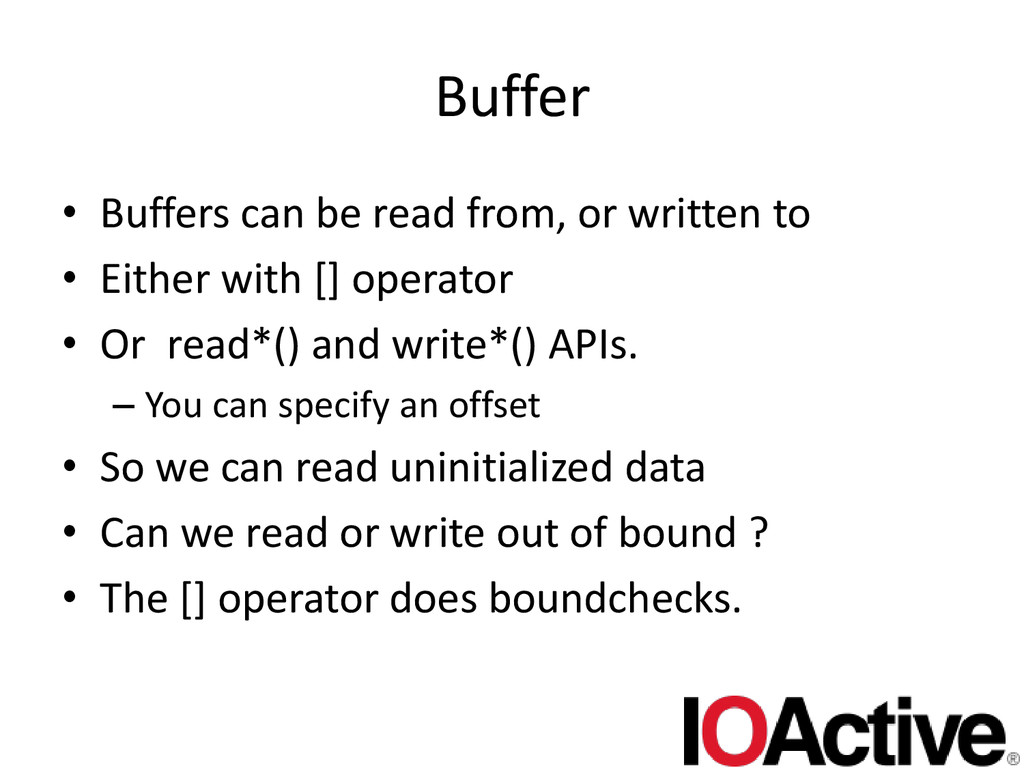
  48. Buffer • Buffers can be read from, or written to

    • Either with [] operator • Or read*() and write*() APIs. – You can specify an offset • So we can read uninitialized data • Can we read or write out of bound ? • The [] operator does boundchecks.
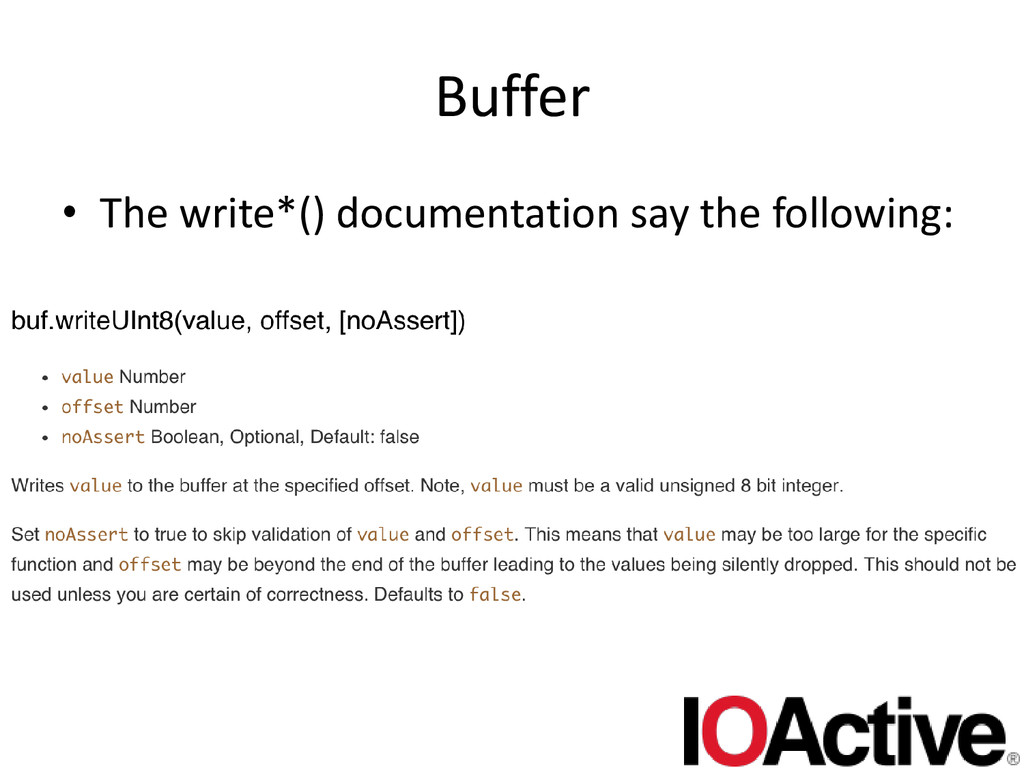
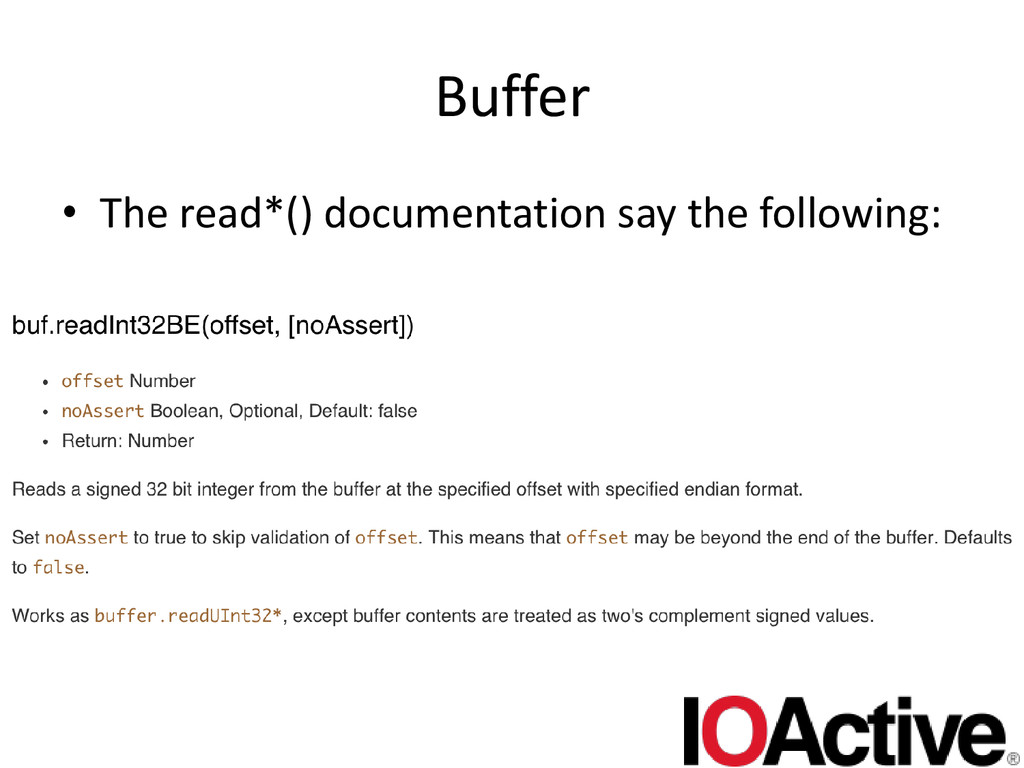
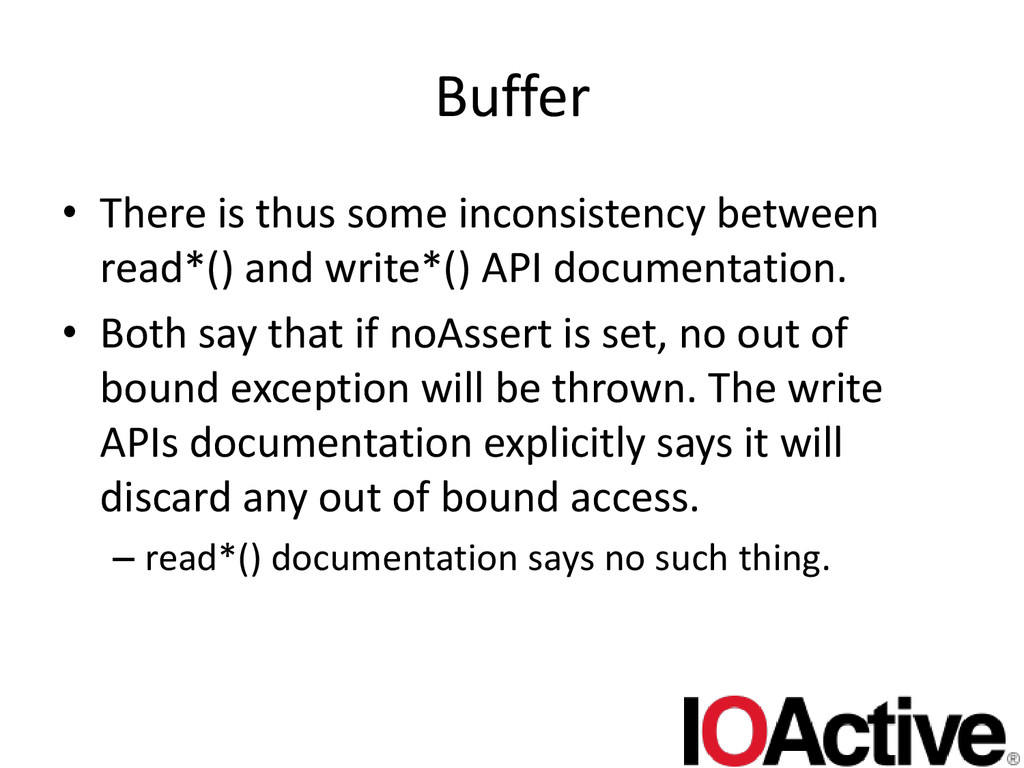
  49. Buffer • There is thus some inconsistency between read*() and

    write*() API documentation. • Both say that if noAssert is set, no out of bound exception will be thrown. The write APIs documentation explicitly says it will discard any out of bound access. – read*() documentation says no such thing.
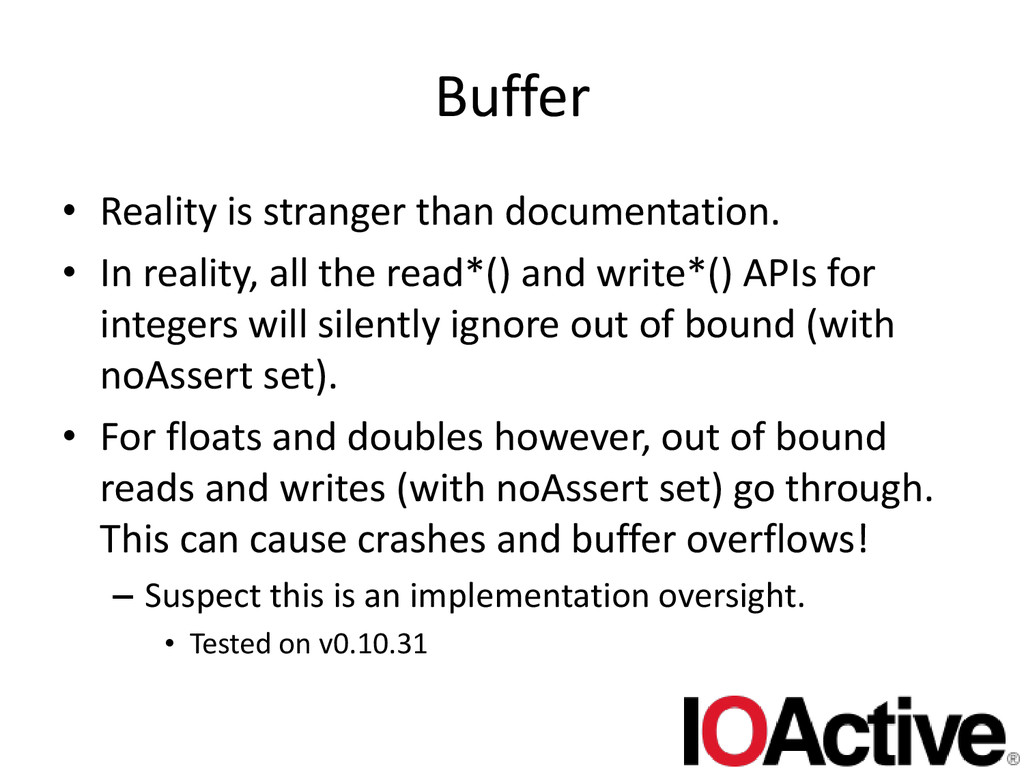
  50. Buffer • Reality is stranger than documentation. • In reality,

    all the read*() and write*() APIs for integers will silently ignore out of bound (with noAssert set). • For floats and doubles however, out of bound reads and writes (with noAssert set) go through. This can cause crashes and buffer overflows! – Suspect this is an implementation oversight. • Tested on v0.10.31
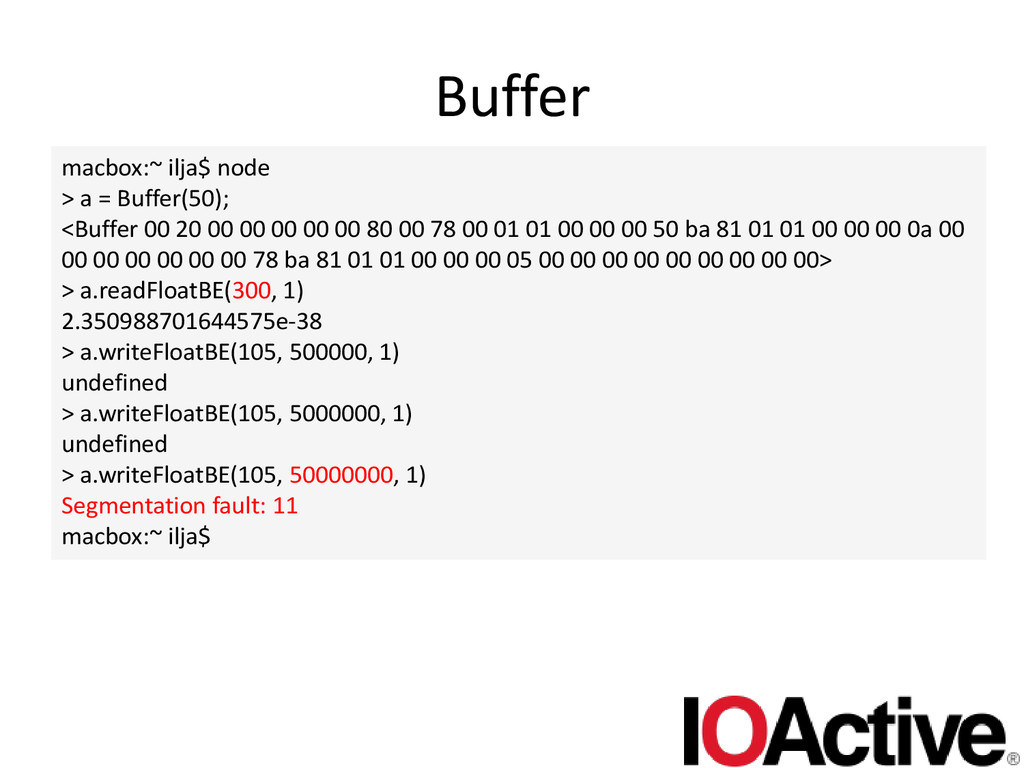
  51. Buffer macbox:~ ilja$ node > a = Buffer(50); <Buffer 00

    20 00 00 00 00 00 80 00 78 00 01 01 00 00 00 50 ba 81 01 01 00 00 00 0a 00 00 00 00 00 00 00 78 ba 81 01 01 00 00 00 05 00 00 00 00 00 00 00 00 00> > a.readFloatBE(300, 1) 2.350988701644575e-38 > a.writeFloatBE(105, 500000, 1) undefined > a.writeFloatBE(105, 5000000, 1) undefined > a.writeFloatBE(105, 50000000, 1) Segmentation fault: 11 macbox:~ ilja$
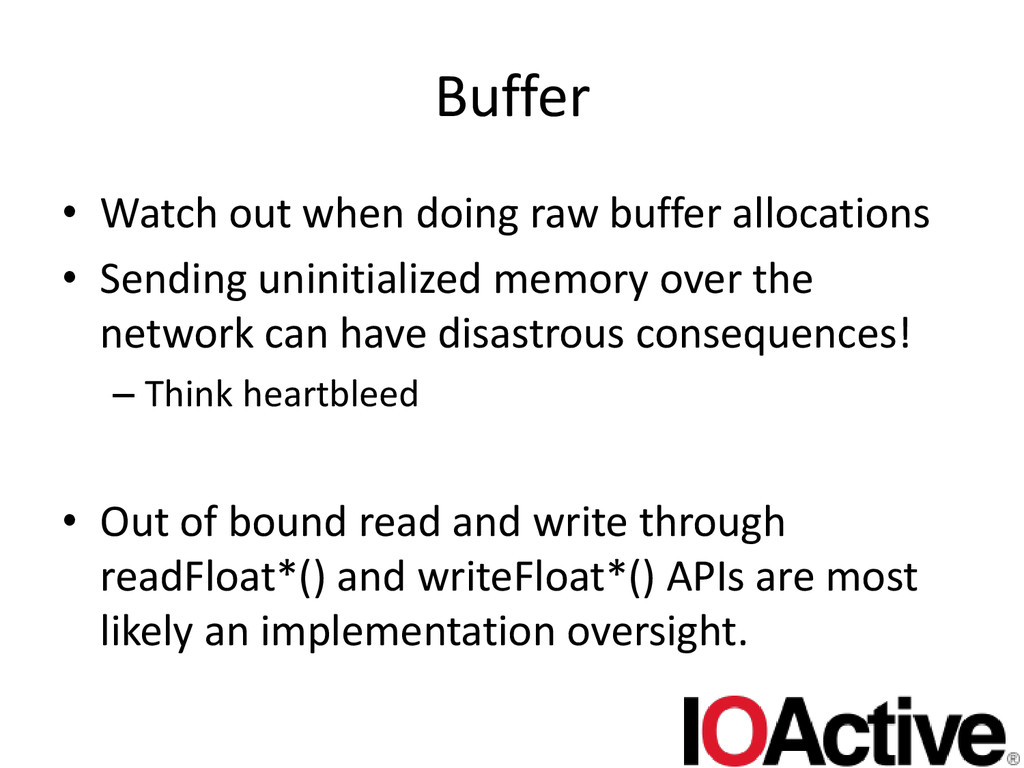
  52. Buffer • Watch out when doing raw buffer allocations •

    Sending uninitialized memory over the network can have disastrous consequences! – Think heartbleed • Out of bound read and write through readFloat*() and writeFloat*() APIs are most likely an implementation oversight.
  53. conclusion • Node.js battles with the same problems other web

    languages/frameworks have – Sometimes it feels like 90’s style perl cgi bugs  • It exposes a few new cutes ones – E.g. Buffer • Interesting area of security research