Upgrade to Pro — share decks privately, control downloads, hide ads and more …

Performant Django, Djangocon 2014 Edition

Performant Django, Djangocon 2014 Edition

Since the days of version 1.0, Django itself and the Django community has added countless features that address performance and scalability pain points; everything from cached template loaders to prefetch_related(), the staticfiles app to django-debug-toolbar. But when and how do you use these tools to make your site fast? In this talk we take a meandering survey through the Django/Python performance landscape. We will cover tips, tricks and best practices in addressing front-end and back-end performance.

Avatar for Ara Anjargolian

Ara Anjargolian

September 02, 2014

More Decks by Ara Anjargolian

Other Decks in Programming

Transcript

  1. Performance work can be divided into two distinct areas Front-end

    and back-end Handling them effectively requires very different approaches.
  2. But first, a quick note about frontend performance 80-90% of

    the end-user response time is spent on the frontend. Start there. -Steve Souders
  3. Front-End Performance Work •  Can be universally applied •  Requires

    systems/tooling changes •  Often has clear, system-independent best practices
  4. Best Practice: Cache static assets forever (as long as they

    don’t change) Why: Download assets as infrequently as possible Solution: Already done! (As long as you use CachedStaticFilesStorage or CachedFilesMixin with your own storage)
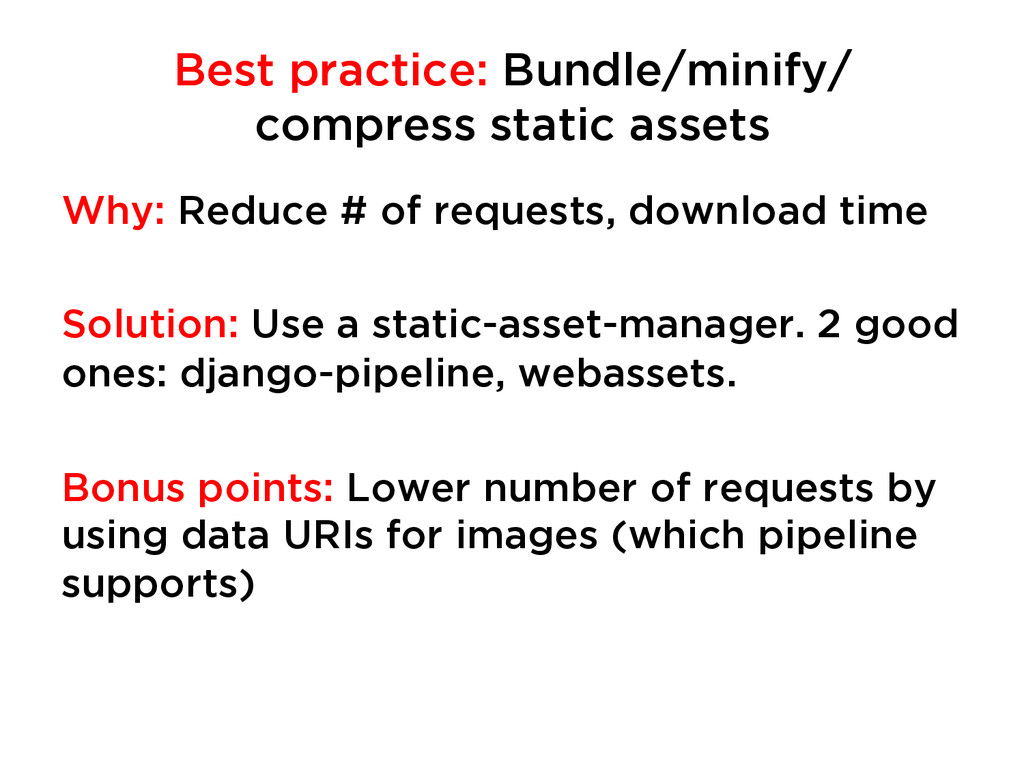
  5. Best practice: Bundle/minify/ compress static assets Why: Reduce # of

    requests, download time Solution: Use a static-asset-manager. 2 good ones: django-pipeline, webassets. Bonus points: Lower number of requests by using data URIs for images (which pipeline supports)
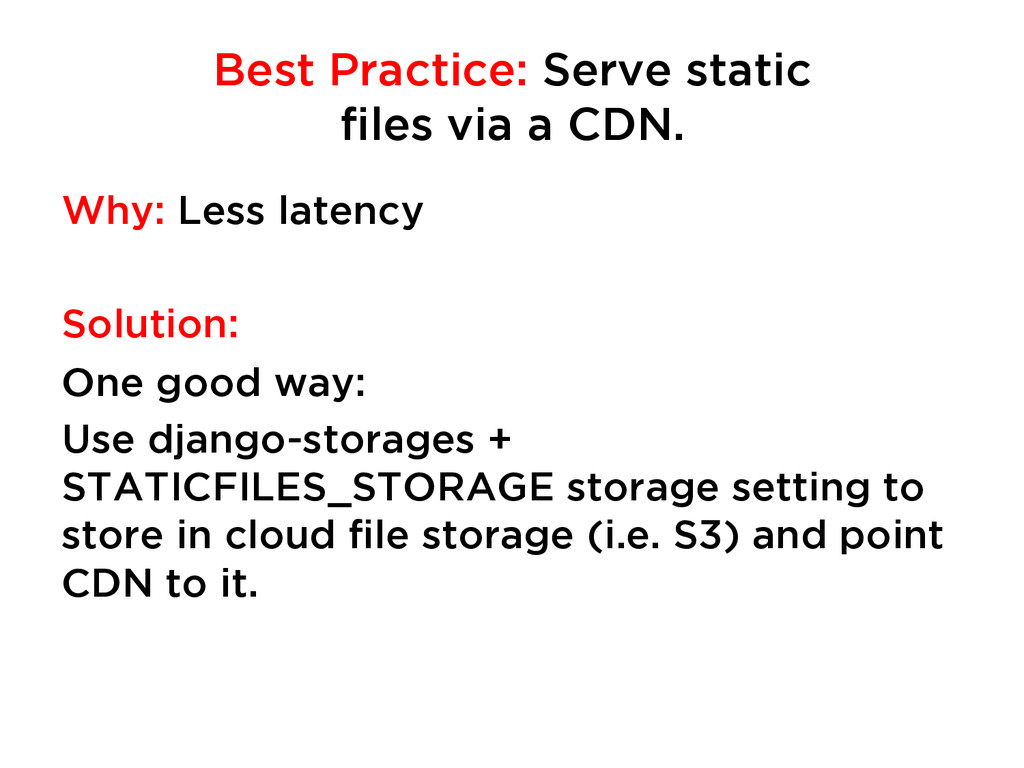
  6. Best Practice: Serve static files via a CDN. Why: Less

    latency Solution: One good way: Use django-storages + STATICFILES_STORAGE storage setting to store in cloud file storage (i.e. S3) and point CDN to it.
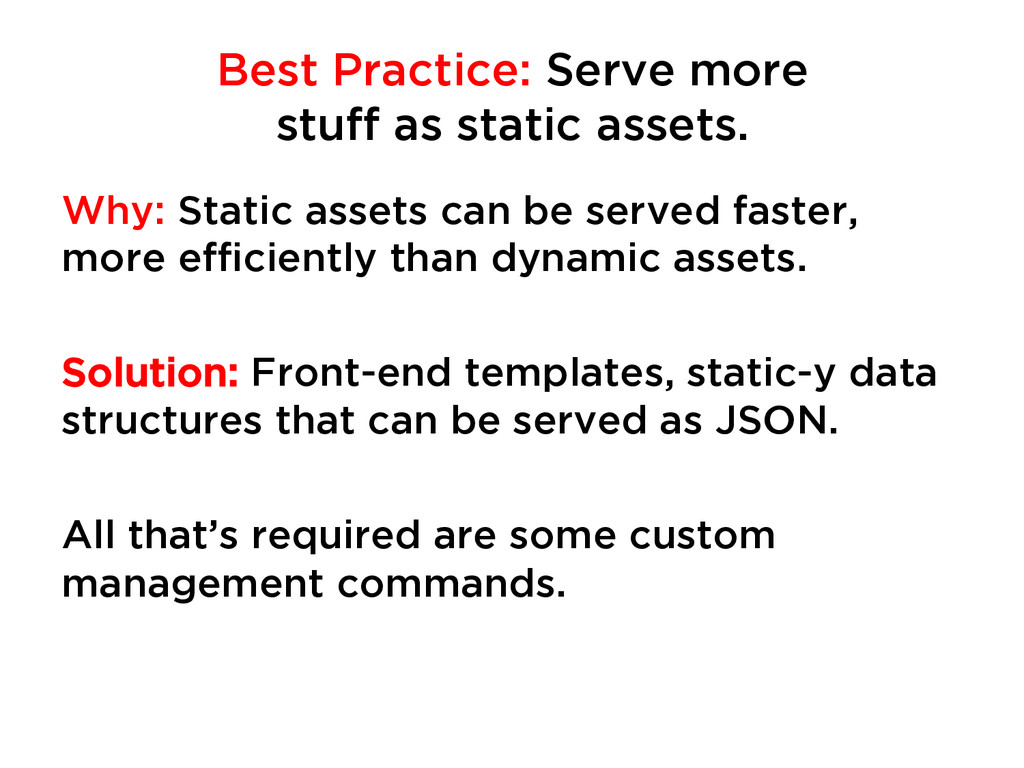
  7. Best Practice: Serve more stuff as static assets. Why: Static

    assets can be served faster, more efficiently than dynamic assets. Solution: Front-end templates, static-y data structures that can be served as JSON. All that’s required are some custom management commands.
  8. Back-End Performance Work •  Can really only be done on

    a case by case basis. •  Often only requires code changes. •  Is very site and situation specific.
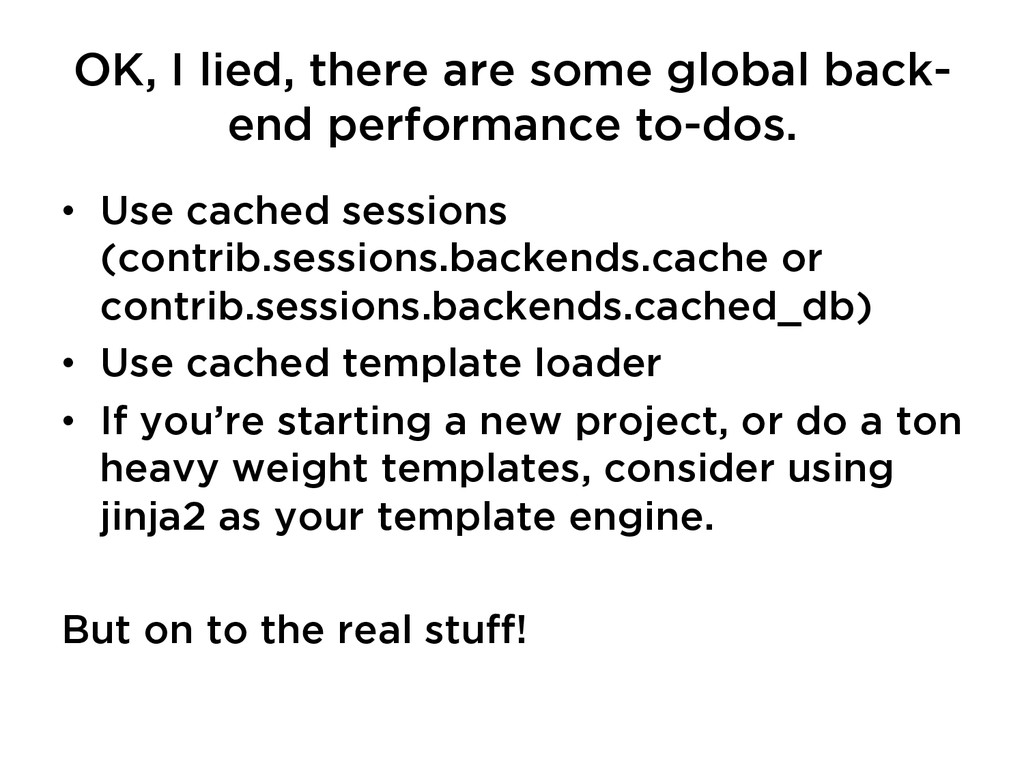
  9. OK, I lied, there are some global back- end performance

    to-dos. •  Use cached sessions (contrib.sessions.backends.cache or contrib.sessions.backends.cached_db) •  Use cached template loader •  If you’re starting a new project, or do a ton heavy weight templates, consider using jinja2 as your template engine. But on to the real stuff!
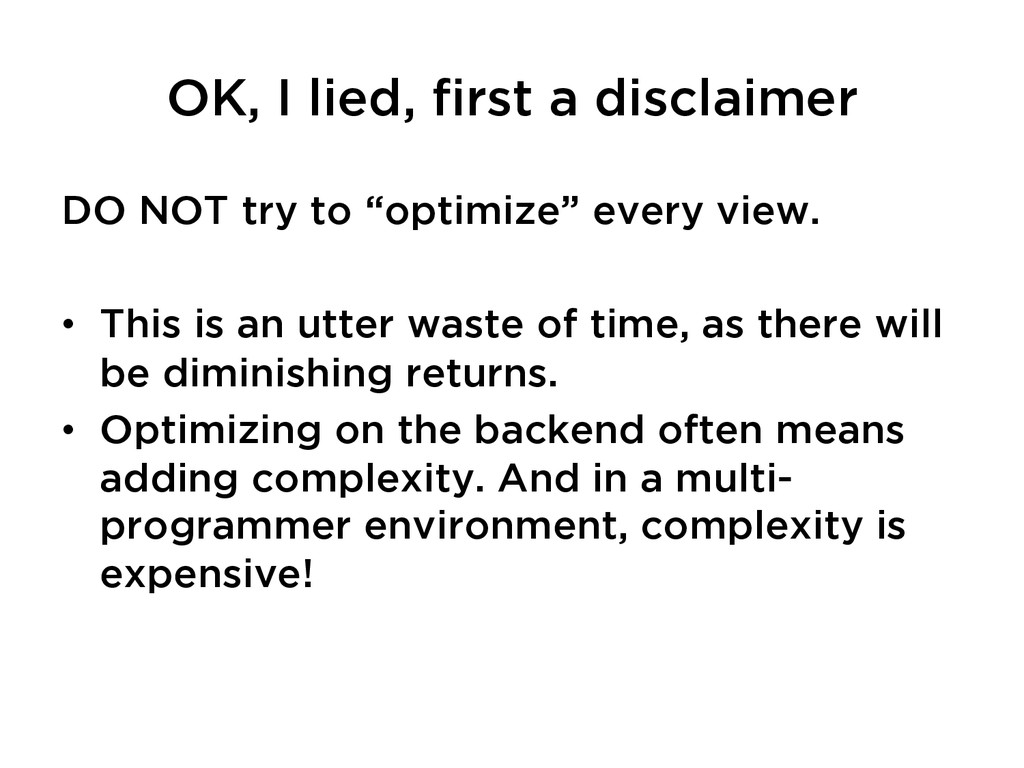
  10. OK, I lied, first a disclaimer DO NOT try to

    “optimize” every view. •  This is an utter waste of time, as there will be diminishing returns. •  Optimizing on the backend often means adding complexity. And in a multi- programmer environment, complexity is expensive!
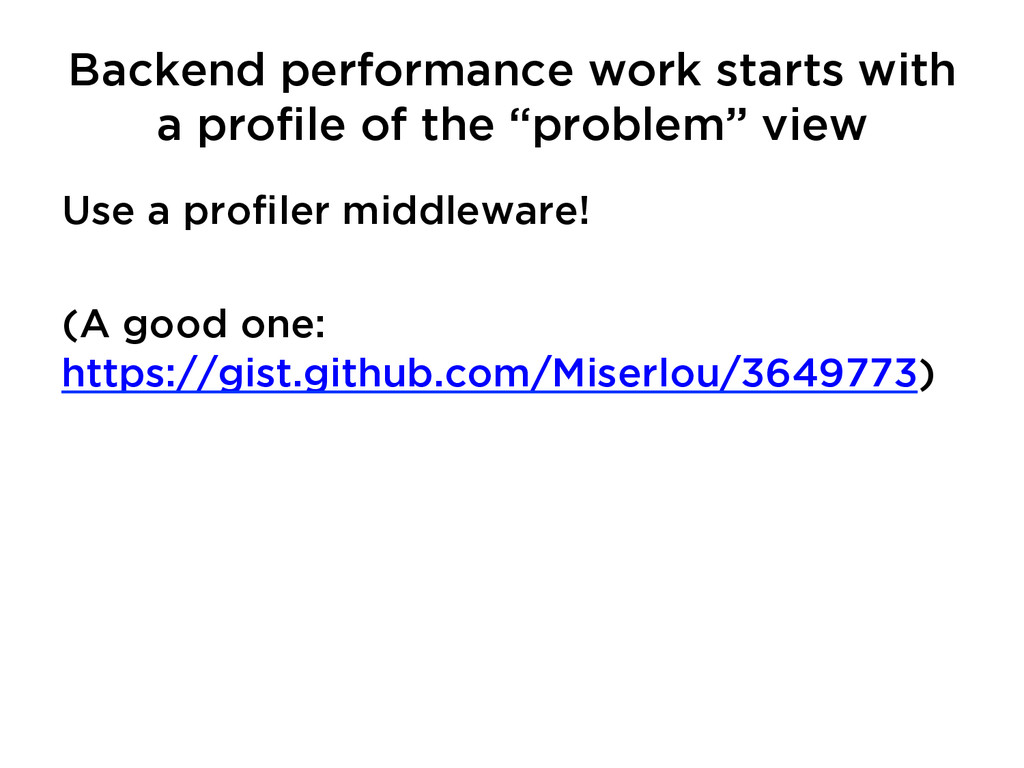
  11. Backend performance work starts with a profile of the “problem”

    view Use a profiler middleware! (A good one: https://gist.github.com/Miserlou/3649773)
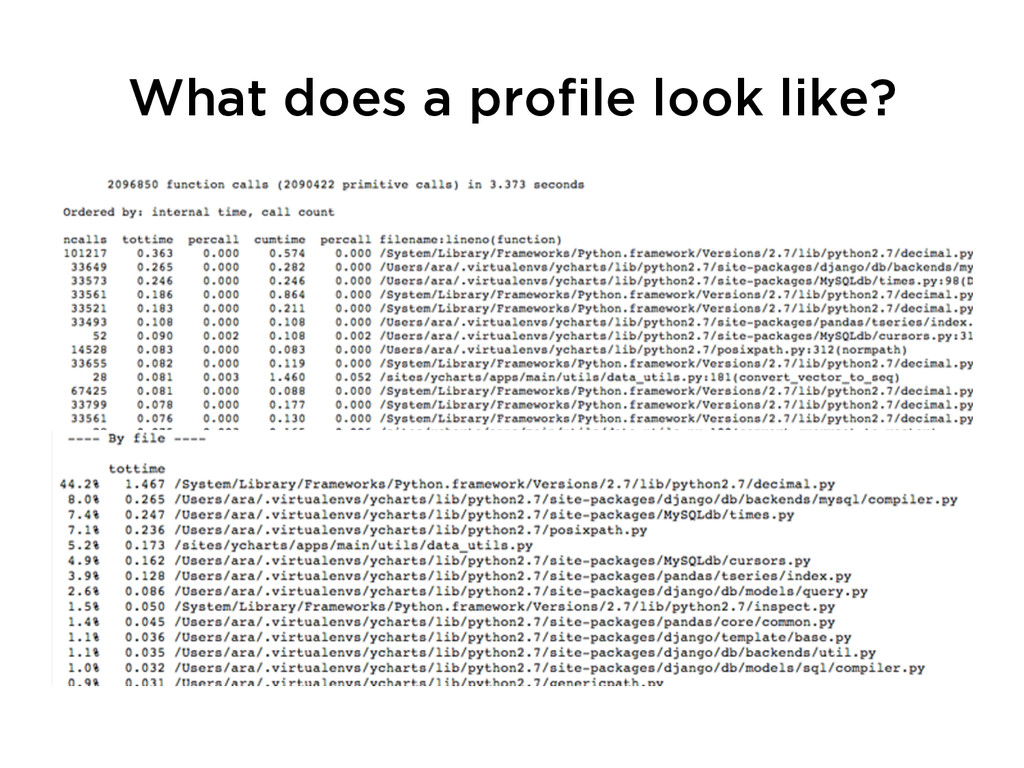
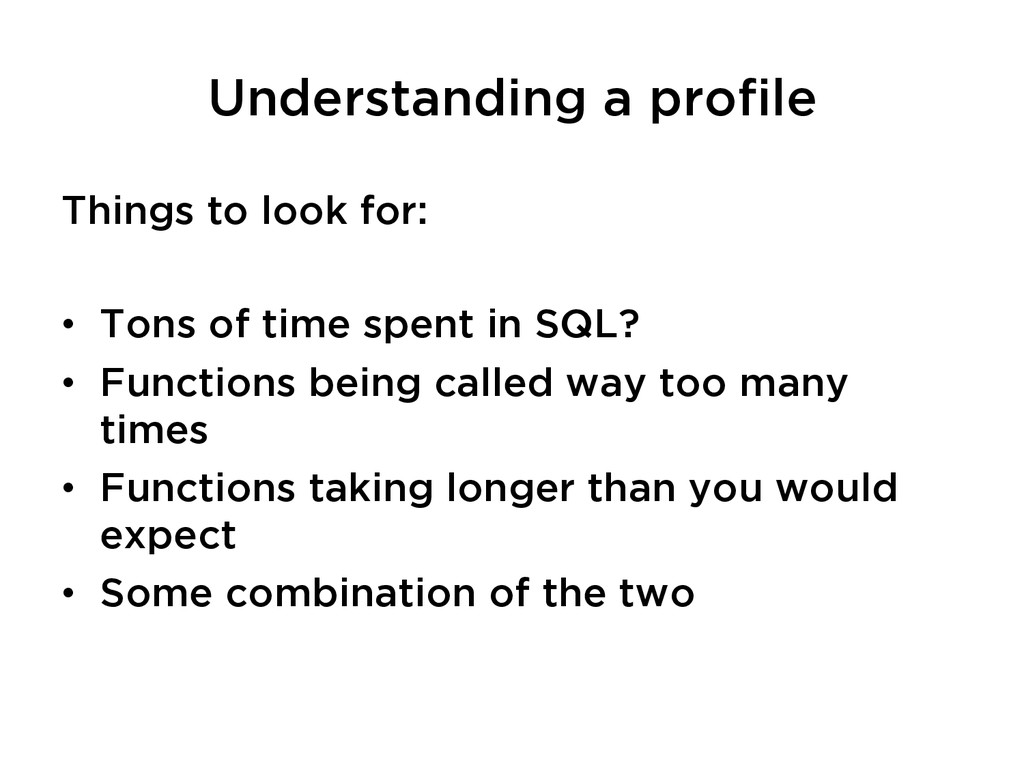
  12. Understanding a profile Things to look for: •  Tons of

    time spent in SQL? •  Functions being called way too many times •  Functions taking longer than you would expect •  Some combination of the two
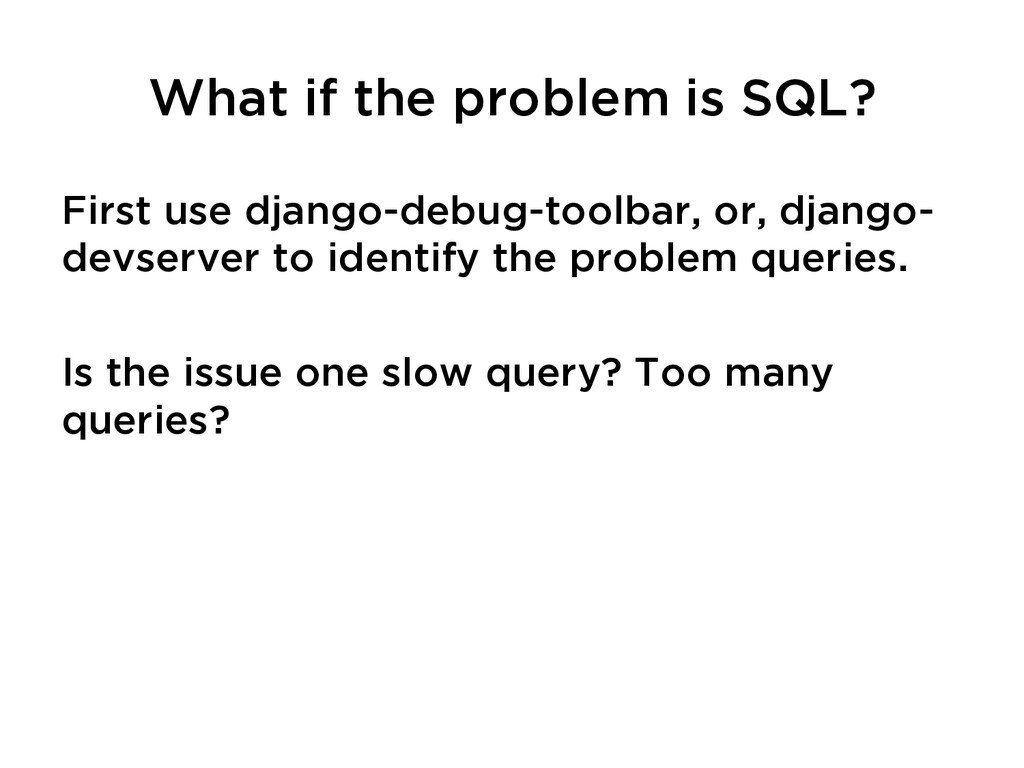
  13. What if the problem is SQL? First use django-debug-toolbar, or,

    django- devserver to identify the problem queries. Is the issue one slow query? Too many queries?
  14. SQL Tricks, Part 1 •  select_related(): Helps avoid extra queries

    to grab objects referenced by foreign keys/one to one relationships •  values/values_list(): Avoid Python object creation overhead when dicts/lists are good enough •  db_index=True: if you are referencing objects by field that’s not it’s primary/ foreign key and does not have a uniqueness constraint on it, you might need this
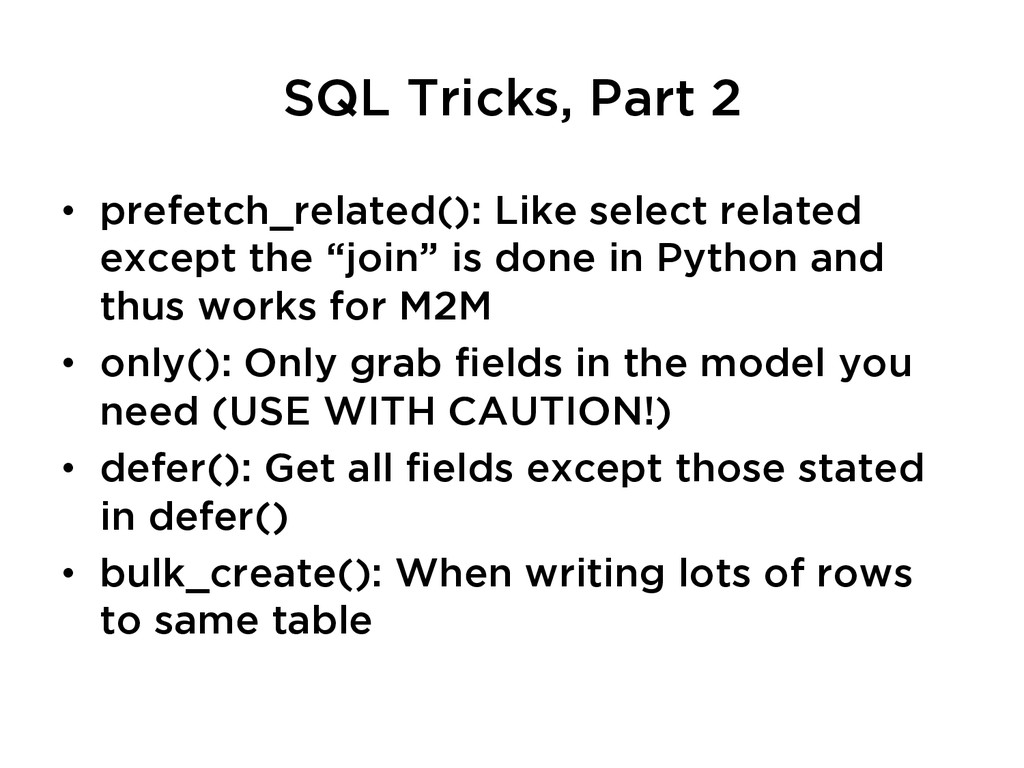
  15. SQL Tricks, Part 2 •  prefetch_related(): Like select related except

    the “join” is done in Python and thus works for M2M •  only(): Only grab fields in the model you need (USE WITH CAUTION!) •  defer(): Get all fields except those stated in defer() •  bulk_create(): When writing lots of rows to same table
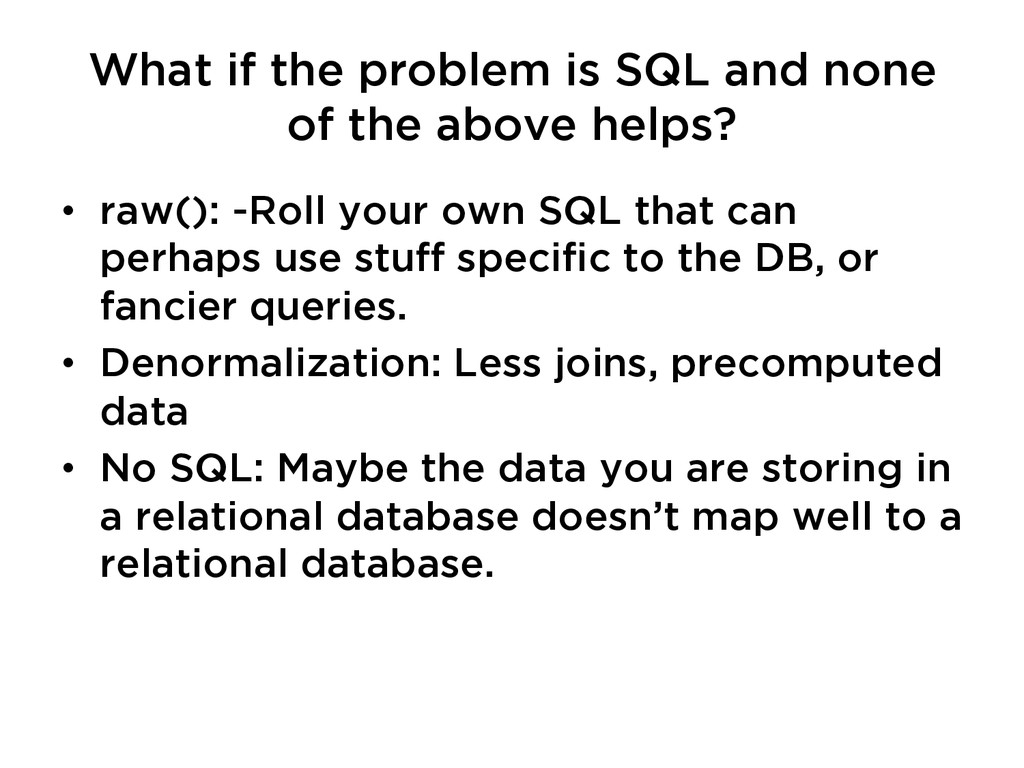
  16. What if the problem is SQL and none of the

    above helps? •  raw(): -Roll your own SQL that can perhaps use stuff specific to the DB, or fancier queries. •  Denormalization: Less joins, precomputed data •  No SQL: Maybe the data you are storing in a relational database doesn’t map well to a relational database.
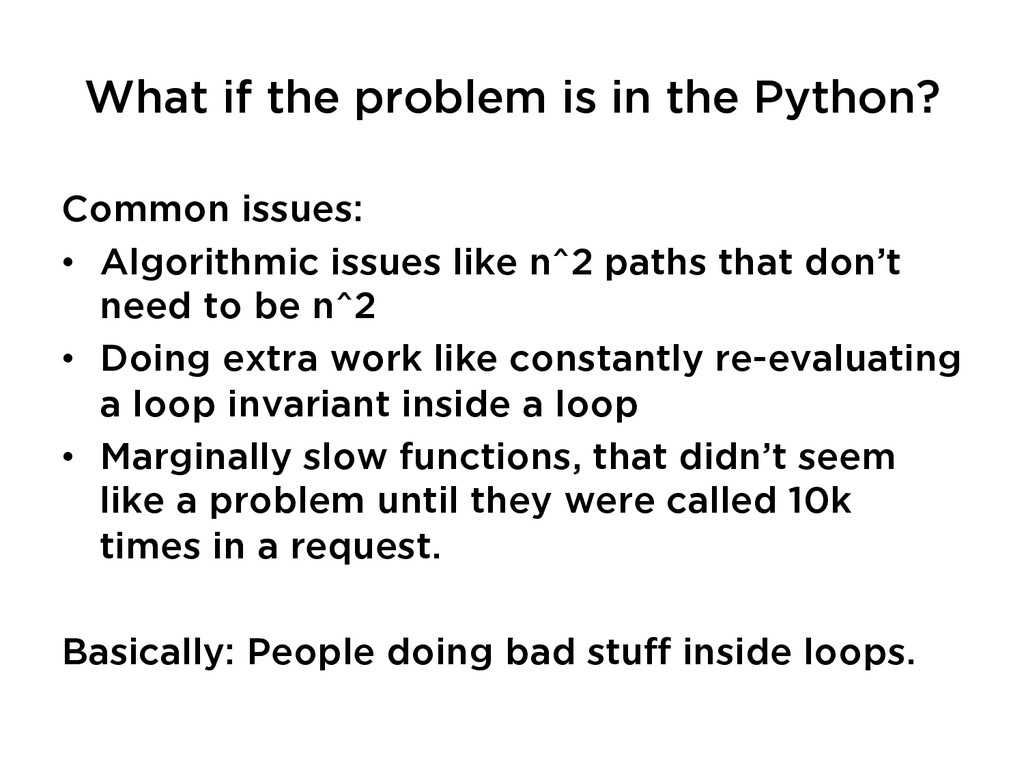
  17. What if the problem is in the Python? Common issues:

    •  Algorithmic issues like n^2 paths that don’t need to be n^2 •  Doing extra work like constantly re-evaluating a loop invariant inside a loop •  Marginally slow functions, that didn’t seem like a problem until they were called 10k times in a request. Basically: People doing bad stuff inside loops.
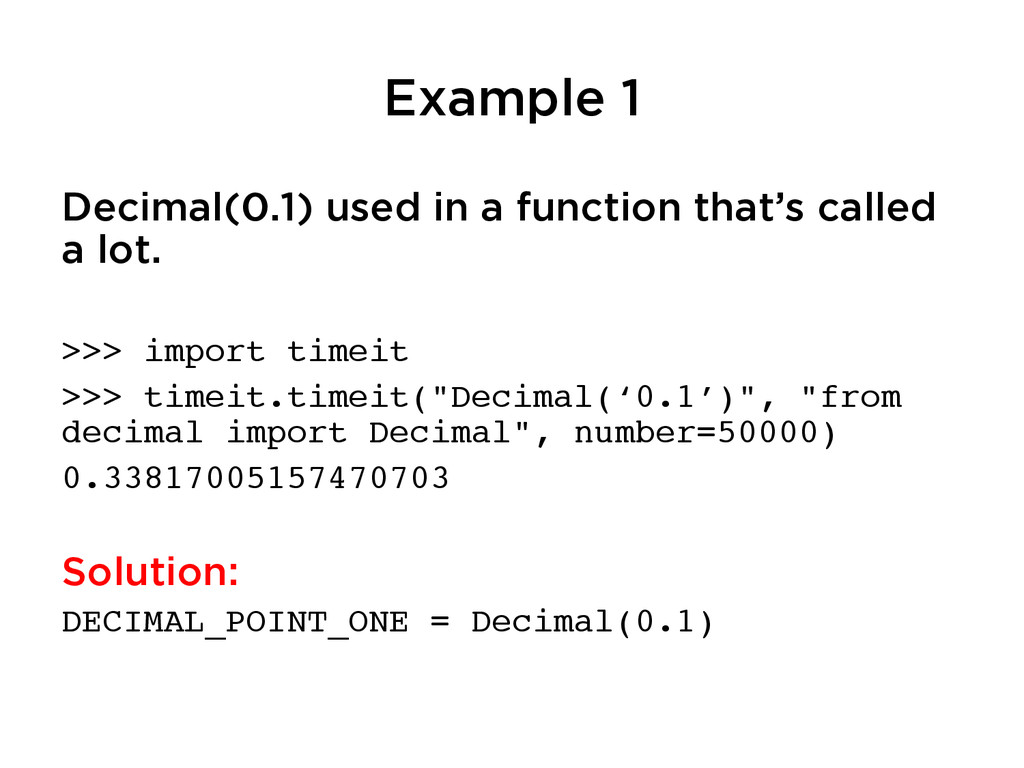
  18. Example 1 Decimal(0.1) used in a function that’s called a

    lot. >>> import timeit! >>> timeit.timeit("Decimal(‘0.1’)", "from decimal import Decimal", number=50000)! 0.33817005157470703! ! Solution: DECIMAL_POINT_ONE = Decimal(0.1)!
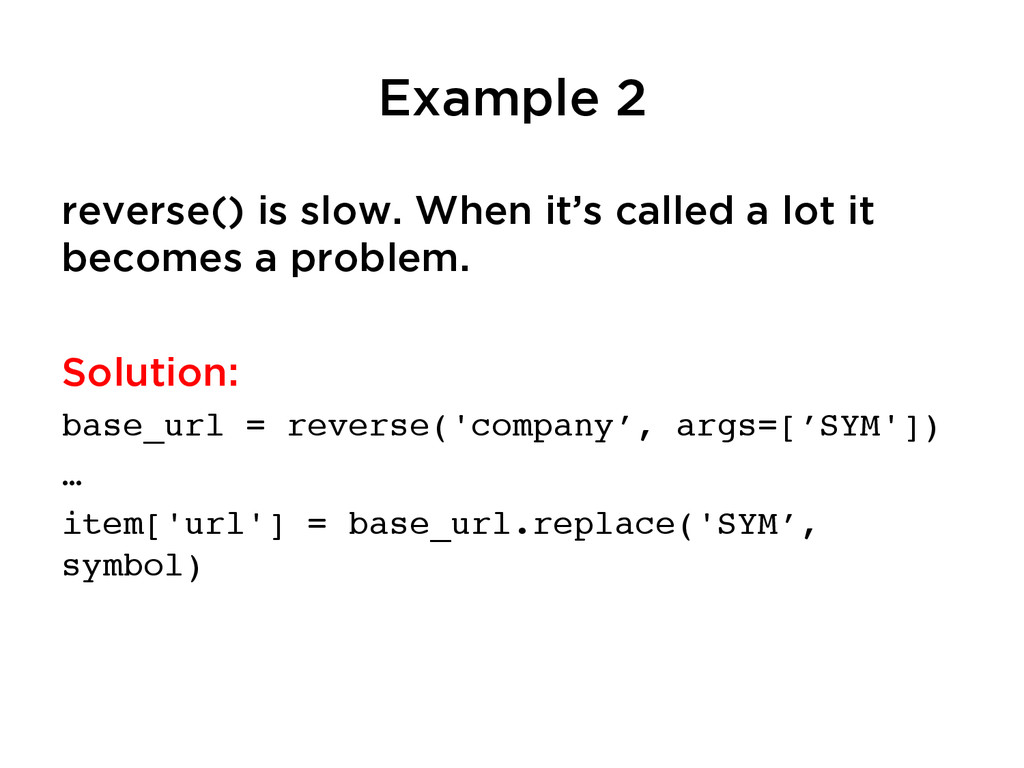
  19. Example 2 reverse() is slow. When it’s called a lot

    it becomes a problem. Solution: base_url = reverse('company’, args=[’SYM'])! …! item['url'] = base_url.replace('SYM’, symbol)! !
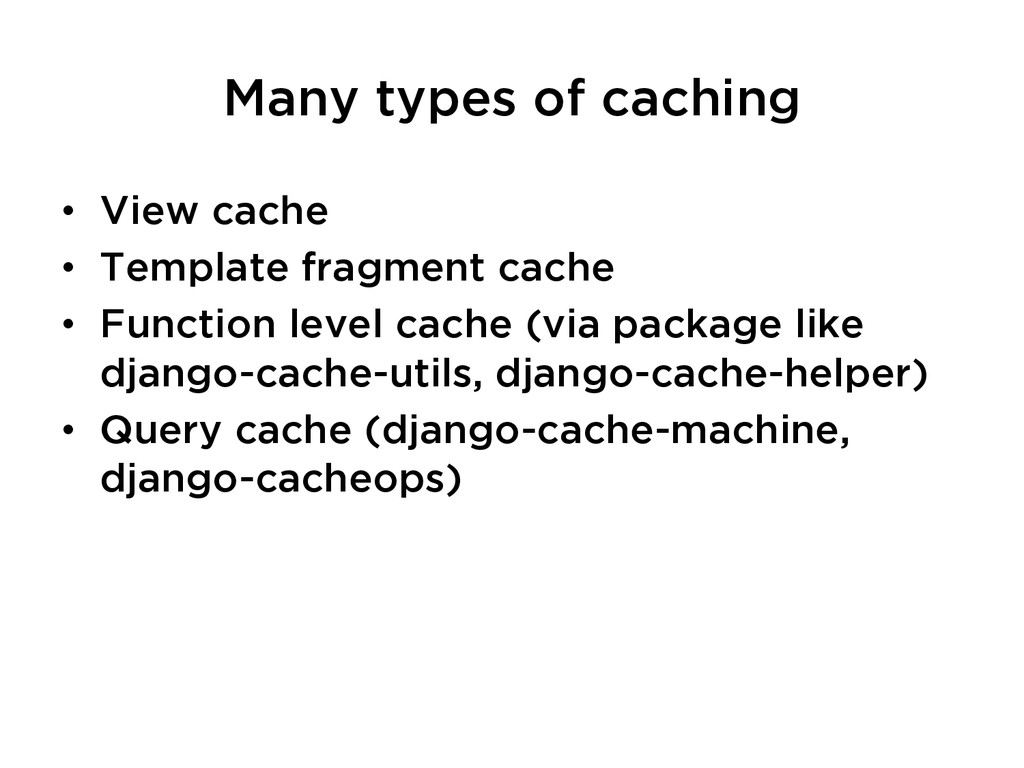
  20. •  View cache •  Template fragment cache •  Function level

    cache (via package like django-cache-utils, django-cache-helper) •  Query cache (django-cache-machine, django-cacheops) Many types of caching