Share
Embed
Transcript
38 slides
-
Arnelle Balane Tech Lead @ Newlogic Google Developers Expert for
Web Technologies @arnellebalane UncaughtException @uncaughtxcptn Please subscribe to our channel! bit.ly/uncaughtxcptn -
• Introduce different areas of Web development • Help you
pick your path This talk aims to -
• Work as a developer at a company • Start
freelancing or create your own agency • Become a consultant • Create an app to make money • Code as a hobby What do you want to do? -
• Frontend • Backend • Full Stack What do you
want to do? -
• OS : macOS, Linux, Windows • Text Editor :
VSCode, Sublime Text, PyCharm • Browser : Chrome, Firefox, Safari • Terminal : iTerm, Hyper, cmder, Git Bash • Design : Figma, Sketch, Adobe XD Tools -
HTML & CSS are almost always the first things that
you’re going to learn in Web development • HTML5 • CSS Fundamentals • CSS Grid & Flexbox The Building Blocks • CSS Custom Properties • CSS Transitions -
Most people use the Internet on their mobile devices, so
creating responsive layouts is important • Viewport • Media Queries Responsive Design • Fluid Widths • Mobile-First Design -
Makes CSS more efficient and adds more functionality to standard
CSS • SASS/SCSS • Stylus • LESS CSS Preprocessors -
Great for prototyping or when we are not great with
design • Bootstrap • Materialize • Tailwind CSS CSS Frameworks -
Make it easy to maintain CSS • Block, Element, Modifier
(BEM) • Object-Oriented CSS (OOCSS) • Scalable and Modular Architecture for CSS (SMACSS) CSS Methodologies -
It is the programming language of the browser, and important
to make pages dynamic • Fundamentals • DOM • JSON Vanilla JavaScript • Fetch API • Modern JavaScript (ES2015+) -
JavaScript Libraries • jQuery, Zepto • Module loaders : RequireJS,
SystemJS • Templating : Handlebars, EJS, Mustache.js, Pug -
• Git & GitHub, GitLab, Bitbucket • Browser Dev Tools
• Package managers: npm, yarn • Task runners : gulp, grunt • Module bundlers: webpack, parcel, rollup Tools -
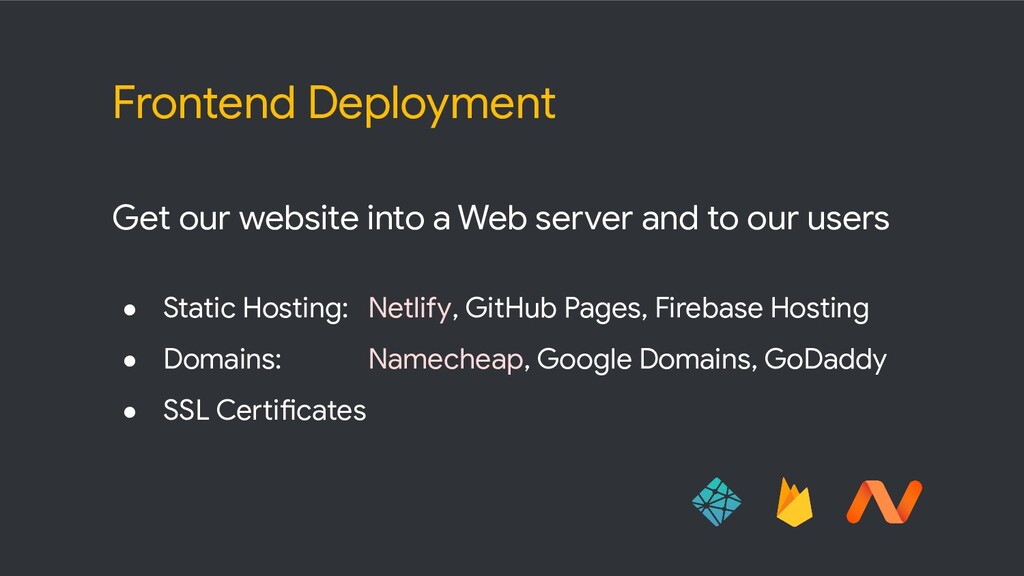
Get our website into a Web server and to our
users • Static Hosting: Netlify, GitHub Pages, Firebase Hosting • Domains: Namecheap, Google Domains, GoDaddy • SSL Certificates Frontend Deployment -
• Build websites for yourself or other people • Create
mobile friendly layouts • Create CSS animations and effects • Work with a CSS framework • Add dynamic page functionalities • Build client side apps with JavaScript and JS libraries • Use your browser’s dev tools • Utilize Git for version control • Deploy and maintain frontend projects Frontend Developer -
• Frontend JavaScript Framework (React, Vue, Angular, etc.) • Server-Side
Language (Python, Ruby, PHP, etc.) What’s next? -
Frontend Frameworks Build powerful single-page applications with organized and interactive
UIs Vue : Easiest to learn, really gaining traction React : Fairly easy to learn, still the most popular Angular : Steep learning curve, used more in enterprise -
State Management • Vue : vuex • React : Redux,
Context API with Hooks • Angular : NGRX, Services -
• Nuxt.js • Next.js • Angular Universal Server-Side Rendering •
Better SEO • File System Routing • Automatic Code Splitting • Static Exporting -
• Gatsby.js, Next.js • Nuxt.js, Gridsome, VuePress • Scully •
Eleventy, Hugo Static Site Generators • Better SEO • File System Routing • Data fetching during build time -
TypeScript • Superset of JavaScript • Static Types • Modules,
Decorators, Classes • Compiles into JavaScript code -
• Familiar with a popular frontend framework • Build advanced
frontend apps and interfaces • Smooth frontend workflow • Interact with backend APIs and data • Manage application and component-level state • Bonus: server-side rendering (SSR), static site generation (SSG) Frontend Developer -
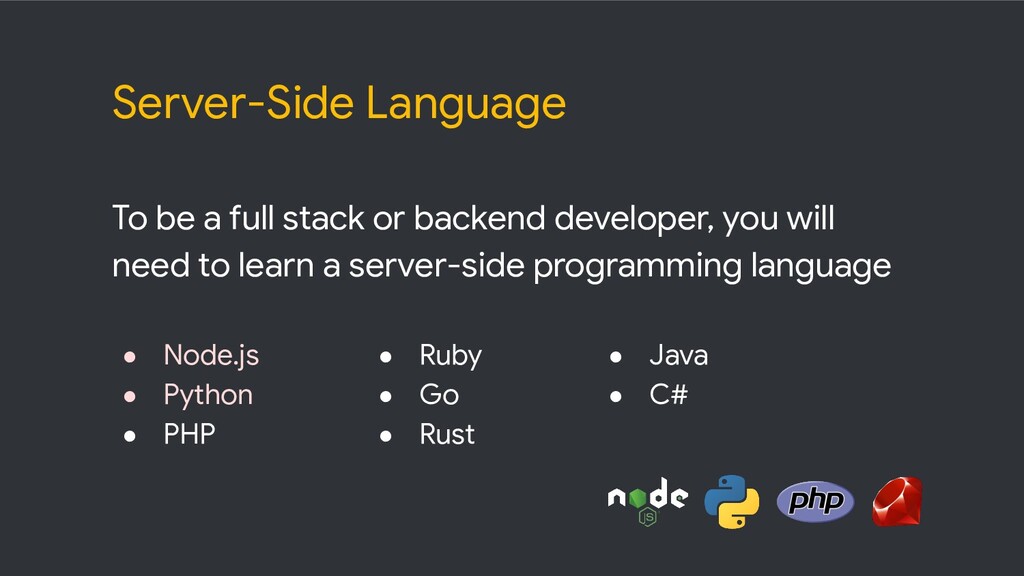
Server-Side Language To be a full stack or backend developer,
you will need to learn a server-side programming language • Node.js • Python • PHP • Ruby • Go • Rust • Java • C# -
Server-Side Frameworks • Node.js : Express, Koa, Feathers.js • Python
: Django, Flask • PHP : Laravel, Symfony • Ruby : Ruby on Rails • Java : Spring MVC • C# : ASP.NET -
Most apps need a place to store data • Relational
Databases : PostgreSQL, MySQL • NoSQL : MongoDB, CouchDB • Cloud Databases : Cloud Firestore • Lightweight & Cache : Redis, SQLite Databases -
Standard way for our frontend and backend to communicate with
each other • Verb + location • GET /users • POST /users REST API • GET /users/:id • PUT /users/:id • DELETE /users/:id -
Query language for our API, alternative to REST • Single
endpoint • We ask for what we want, and we get that exact data • Simple syntax, similar to JSON • Fairly easy to implement, has implementations in different programming languages GraphQL -
Add content to our apps, great for clients to be
able to update their own content • Traditional CMS : Wordpress, Drupal • Headless CMS : Strapi, Contentful, Sanity, Prismic.io Content Management -
Deployment & DevOps • App hosting : DigitalOcean, Linode, Heroku,
AWS, Google Cloud Platform • Web servers : Caddy, Nginx, Apache • Virtualization : Docker • SSH (Secure Shell) • Load balancing, monitoring, security, etc. -
• Create and deploy powerful, database-driven Web apps • Build
user interfaces using your choice of frontend technologies • Fluent in a server-side programming language • Setup dev environments and workflows • Build backend apps and APIs • Work with databases (relational or NoSQL) • Deploy to production Full Stack Developer -
Regular Web apps but with a native native feel in
terms of experience, layout, and functionality • Responsive • Offline content • Installable Progressive Web Apps • Splash screen • Secure (over HTTPS) • Reliable, fast, and engaging -
JAMstack • JavaScript + APIs + Markup • No restriction
on frameworks on libraries • Websites are served as static HTML files generated by static site generators • High performance, generated at deploy time • Cheaper and easy to host and scale -
• Web and mobile app development platform • Backend as
a Service • Authentication, Database, Storage, Functions, Notifications, etc. Firebase -
Phew! • Don’t get overwhelmed • Figure out what exactly
you want to do • Learn one thing at a time • The more you learn, the easier it is to learn more and fit all these technologies together