Upgrade to Pro — share decks privately, control downloads, hide ads and more …
Event Handling in iOS

Avatar for Arvind Arvind
June 13, 2019

Event Handling in iOS

Avatar for Arvind

Arvind

June 13, 2019

More Decks by Arvind

Other Decks in Programming

Transcript

  1. © The App Business 3 What is an Event? Why

    should you care about Events?
  2. © The App Business 4 What is an Event? Why

    should you care about Events? How are Events handled in iOS?
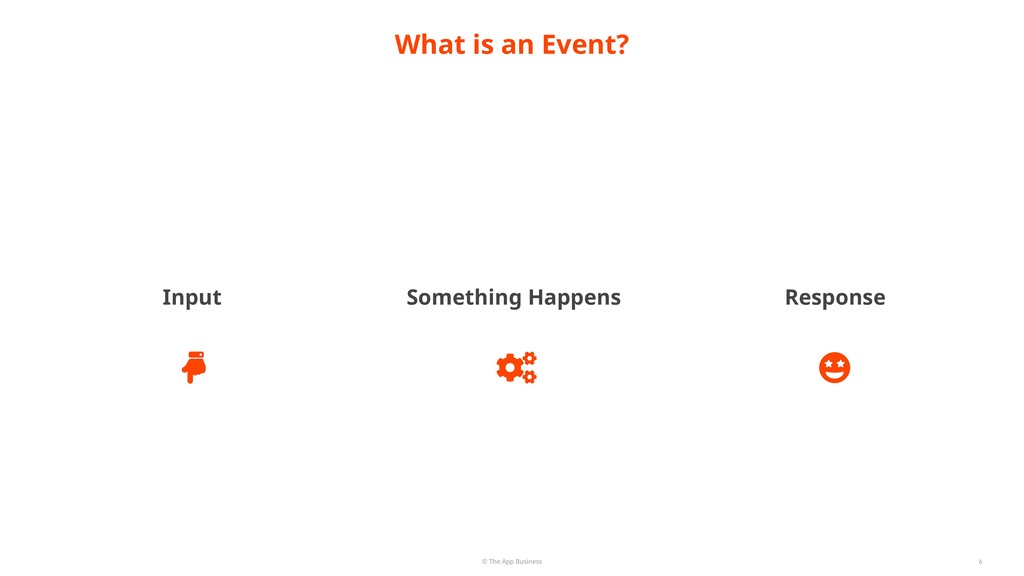
  3. © The App Business 10 An event is a low-level

    record of a user action that is usually routed to the application in which the action occurred.
  4. © The App Business 12 Events in iOS represent fingers

    touching views of an application or the user shaking the device.
  5. © The App Business 13 What is an Event? Why

    should you care about Events? How are Events handled in iOS?
  6. © The App Business Why should you care about Events?

    15 Events are what make an app an app. We, as developers have the power to trigger and manipulate events. Solve event-related problems in very easy/creative ways. The Responder Chain is too cool to ignore.
  7. © The App Business Why should you care about Events?

    16 Events are what make an app an app. We, as developers have the power to trigger and manipulate events. Solve event-related problems in very easy/creative ways. The Responder Chain is too cool to ignore.
  8. © The App Business Why should you care about Events?

    17 Events are what make an app an app. We, as developers have the power to trigger and manipulate events. Solve event-related problems in very easy/creative ways. The Responder Chain is too cool to ignore.
  9. © The App Business Why should you care about Events?

    18 Events are what make an app an app. We, as developers have the power to trigger and manipulate events. Solve event-related problems in very easy/creative ways. The Responder Chain is too cool to ignore.
  10. © The App Business Why should you care about Events?

    19 Events are what make an app an app. We, as developers have the power to trigger and manipulate events. Solve event-related problems in very easy/creative ways. The Responder Chain is too cool to ignore.
  11. © The App Business 20 What is an Event? Why

    should you care about Events? How are Events handled in iOS?
  12. iOS Architecture: A Quick Zoom-Out Event Handling in iOS ©

    The App Business How are Events handled in iOS? 22
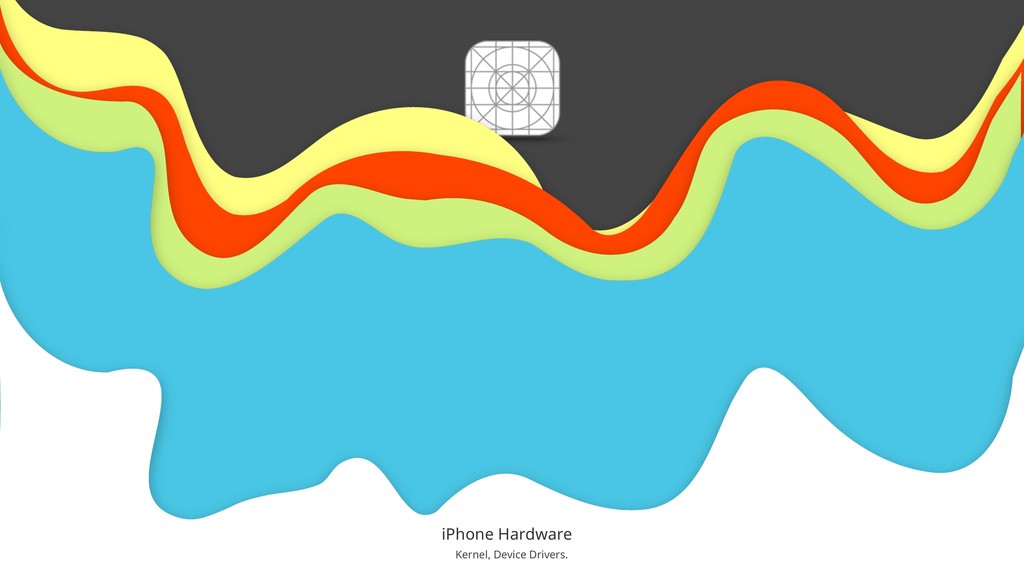
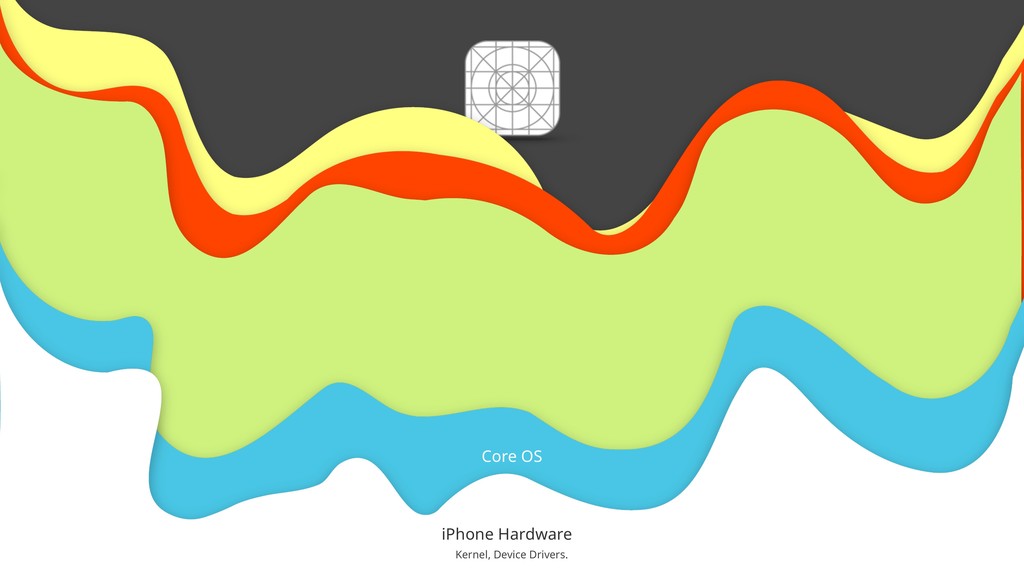
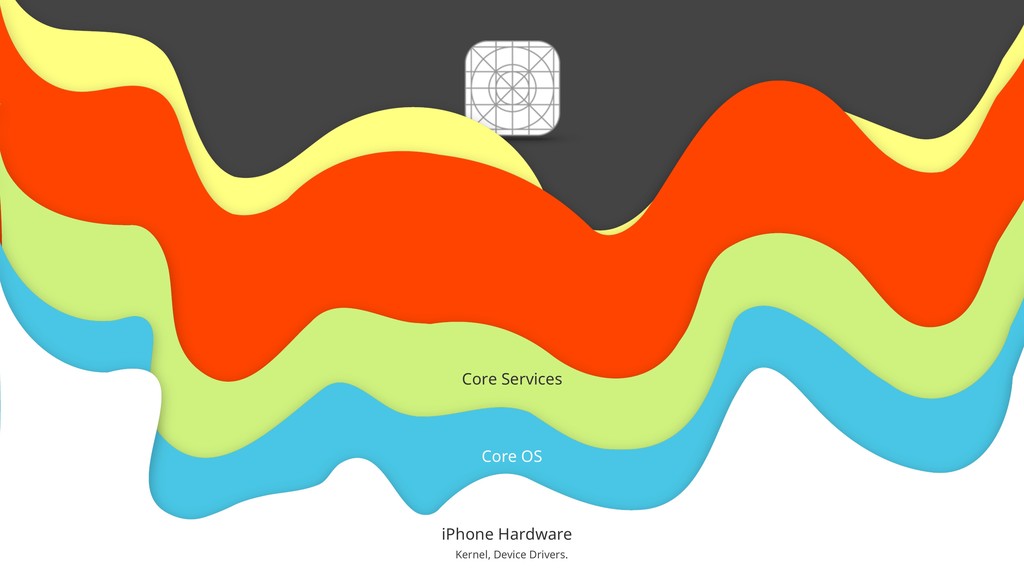
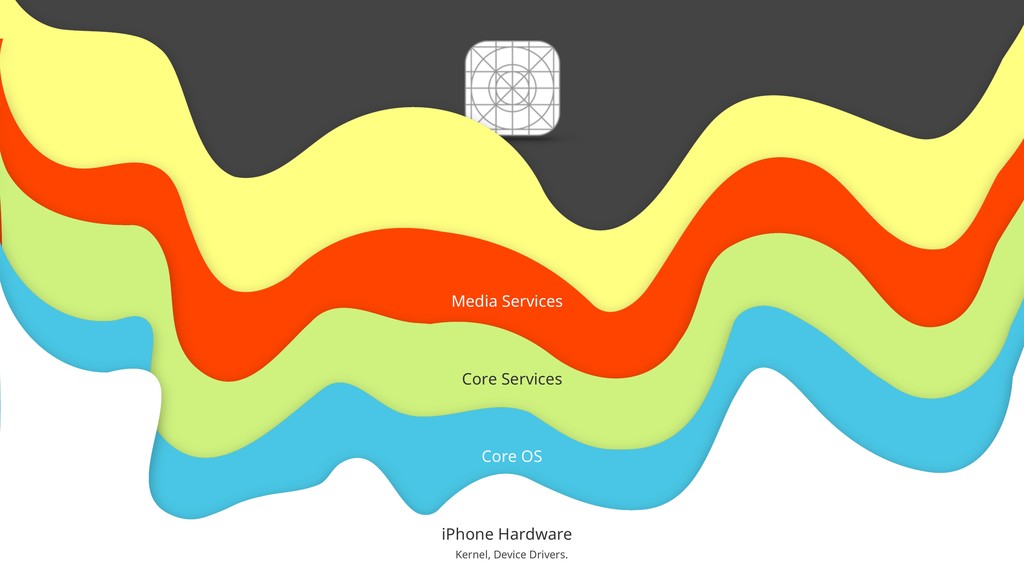
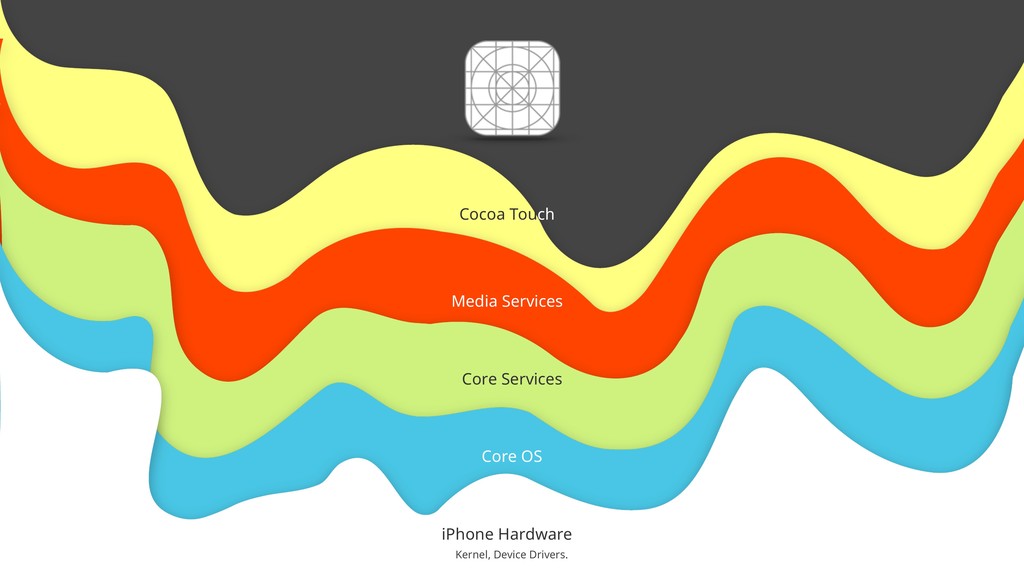
  13. © The App Business 29 iPhone Hardware Kernel, Device Drivers.

    Core OS Core Services Media Services Cocoa Touch
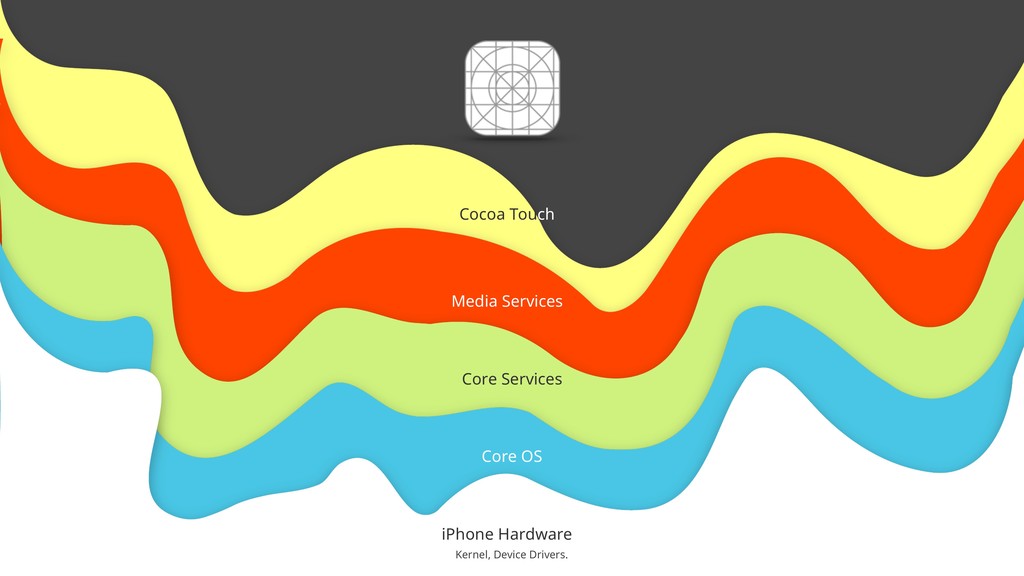
  14. © The App Business 30 iPhone Hardware Kernel, Device Drivers.

    Core OS Core Services Media Services Cocoa Touch
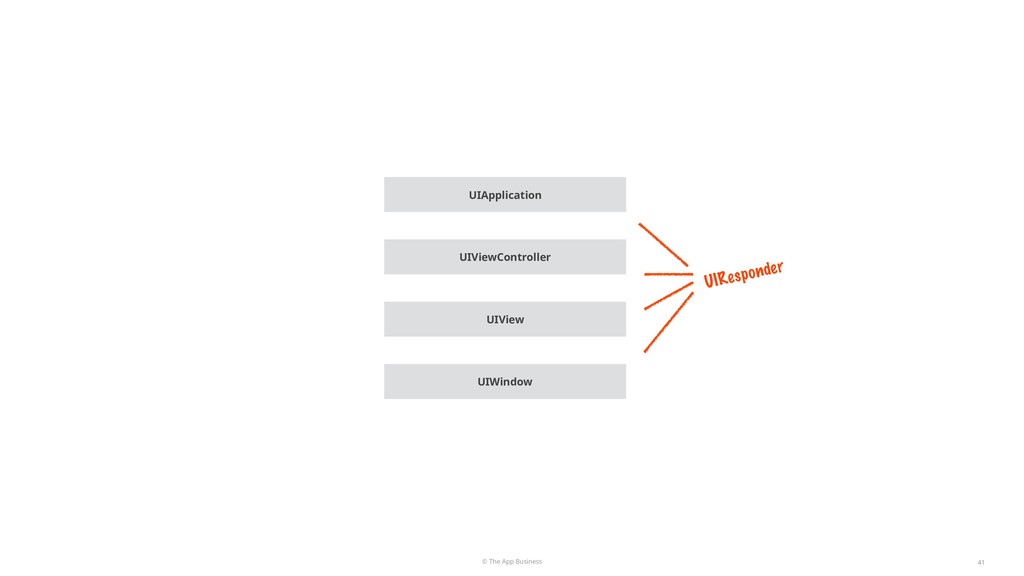
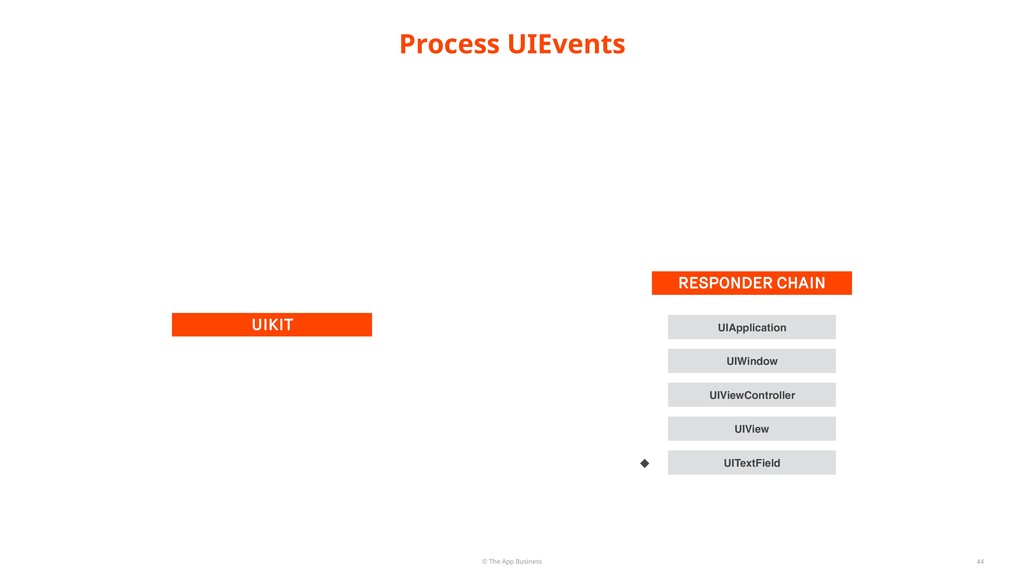
  15. © The App Business Process UIEvents 44 UIKIT RESPONDER CHAIN

    UIView UIViewController UIWindow UIApplication UITextField
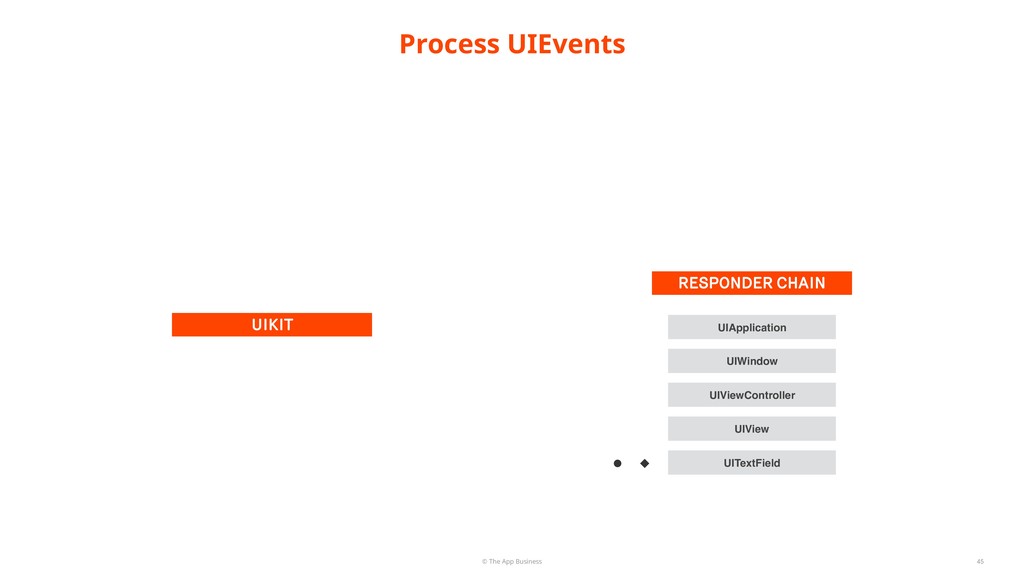
  16. © The App Business Process UIEvents 45 UIKIT RESPONDER CHAIN

    UIView UIViewController UIWindow UIApplication UITextField
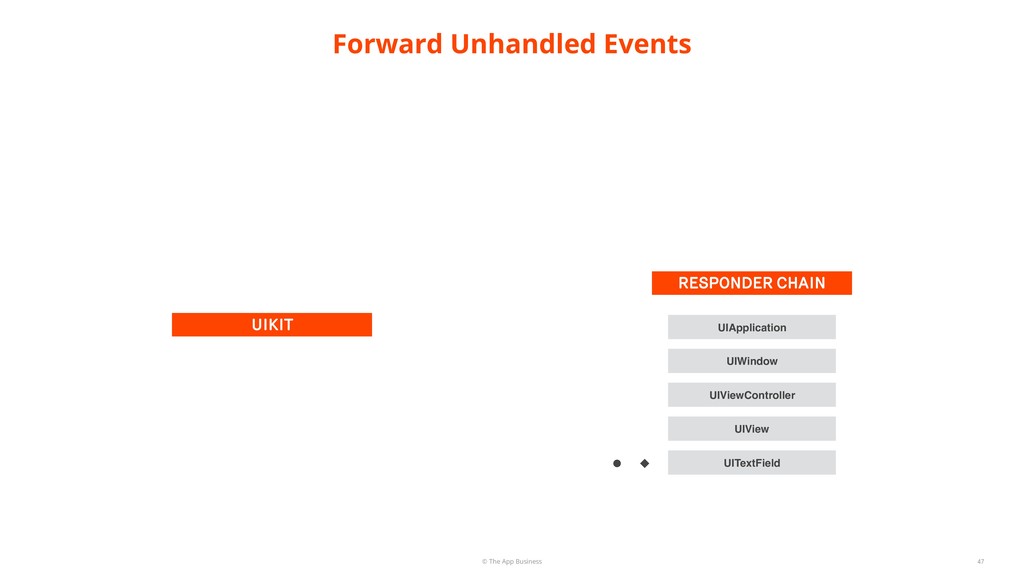
  17. © The App Business Forward Unhandled Events 47 UIKIT RESPONDER

    CHAIN UIView UIViewController UIWindow UIApplication UITextField
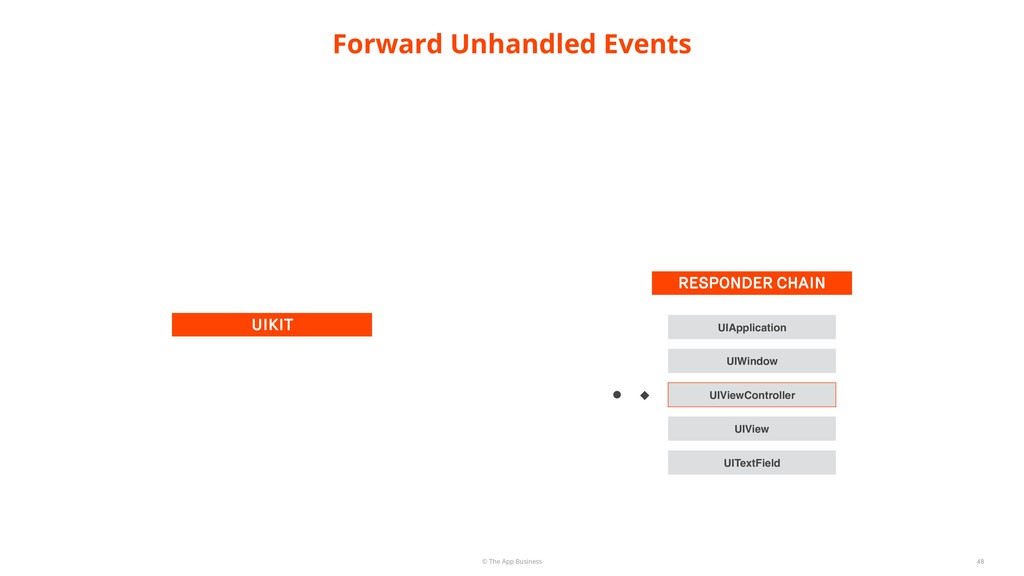
  18. © The App Business Forward Unhandled Events 48 UIKIT RESPONDER

    CHAIN UIView UIViewController UIWindow UIApplication UITextField
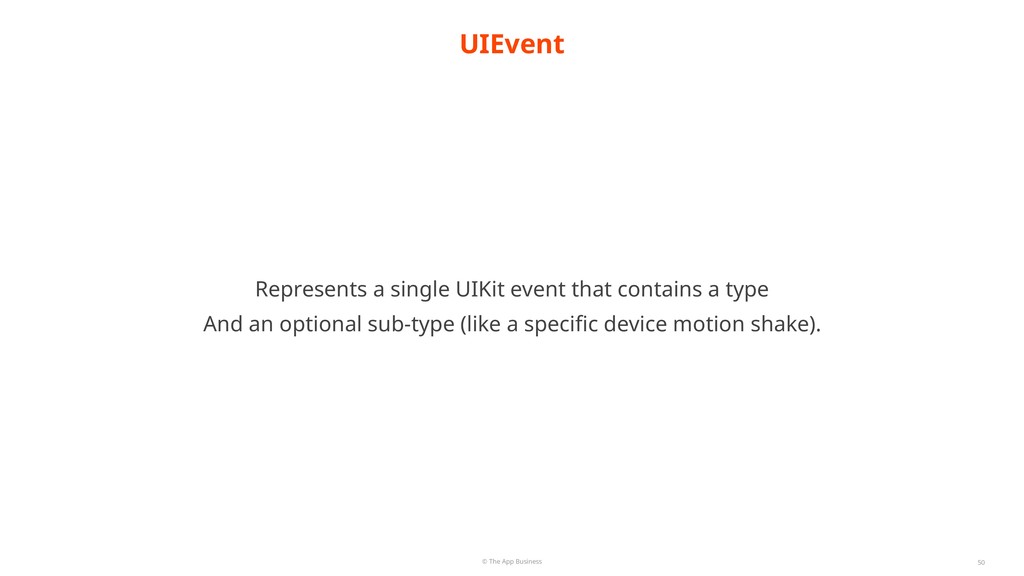
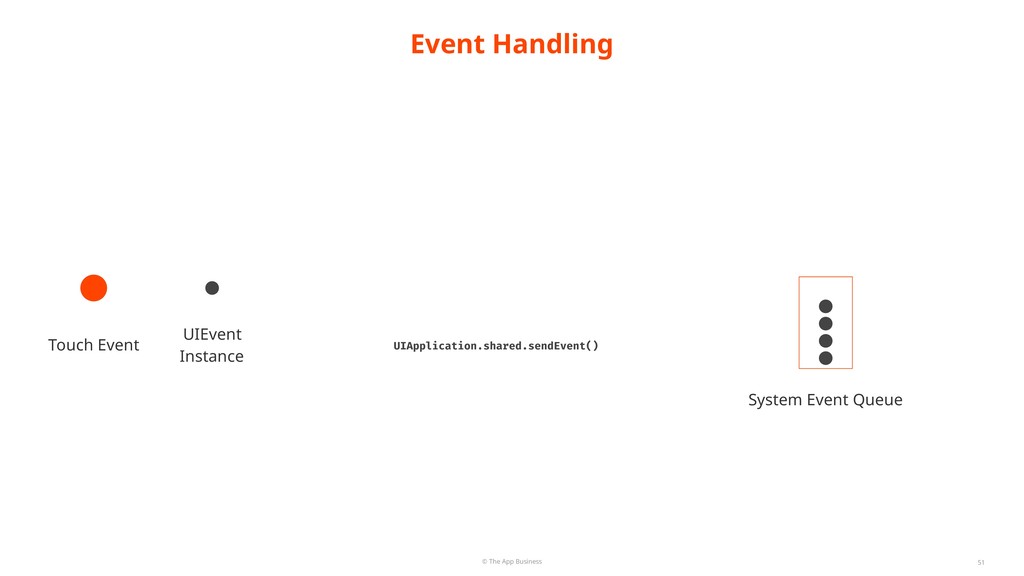
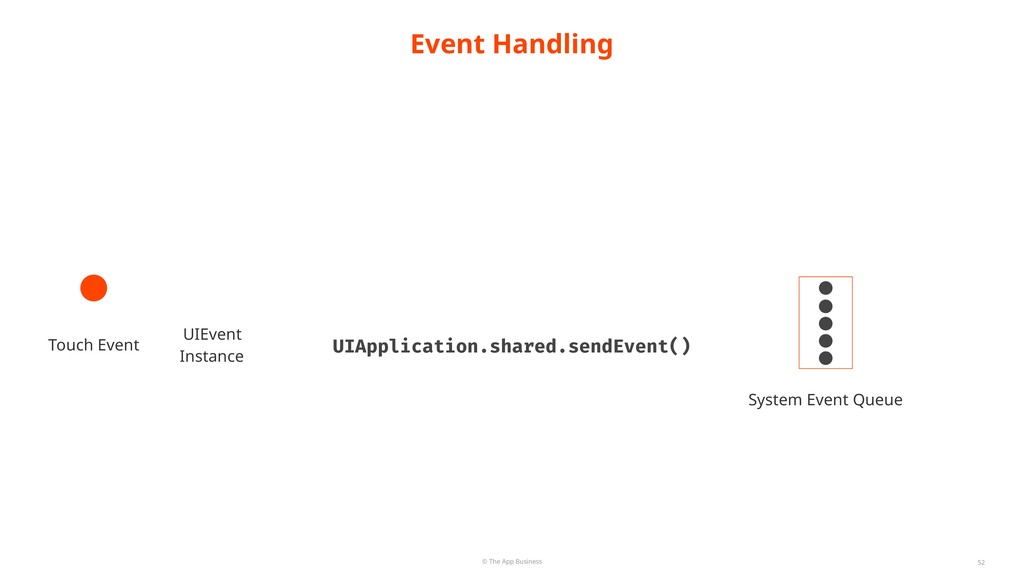
  19. © The App Business 50 Represents a single UIKit event

    that contains a type UIEvent And an optional sub-type (like a specific device motion shake).
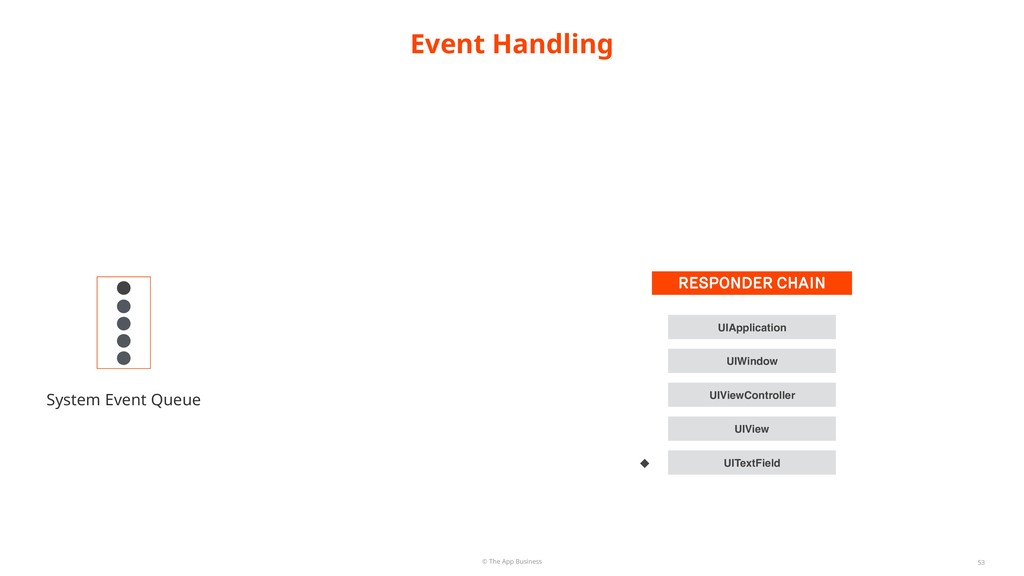
  20. © The App Business 53 System Event Queue RESPONDER CHAIN

    UIView UIViewController UIWindow UIApplication UITextField Event Handling
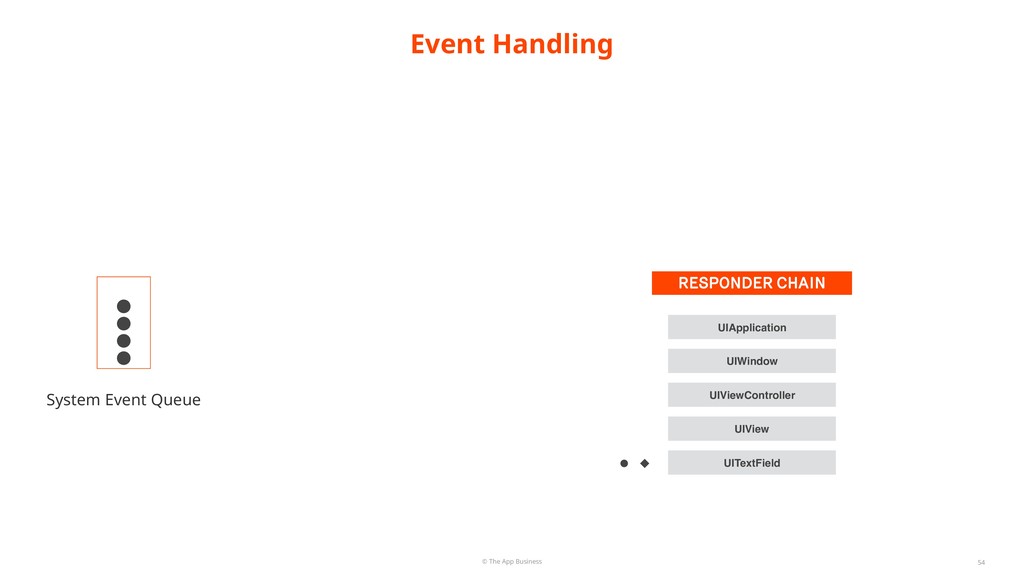
  21. © The App Business 54 System Event Queue RESPONDER CHAIN

    UIView UIViewController UIWindow UIApplication UITextField Event Handling
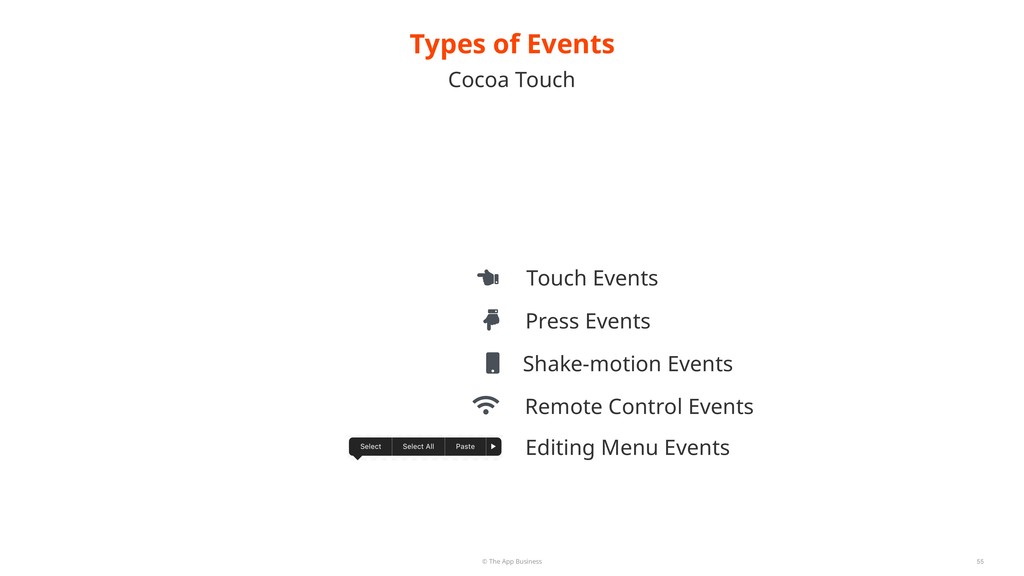
  22. © The App Business Cocoa Touch Types of Events 55

    Touch Events Press Events Shake-motion Events Remote Control Events Editing Menu Events
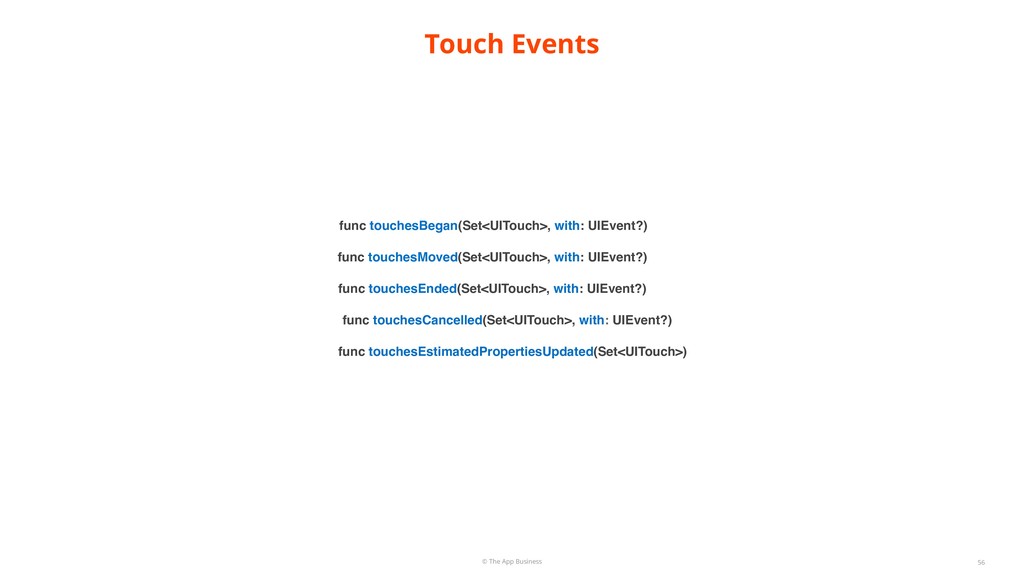
  23. © The App Business 56 func touchesBegan(Set<UITouch>, with: UIEvent?) func

    touchesMoved(Set<UITouch>, with: UIEvent?) func touchesEnded(Set<UITouch>, with: UIEvent?) func touchesCancelled(Set<UITouch>, with: UIEvent?) func touchesEstimatedPropertiesUpdated(Set<UITouch>) Touch Events
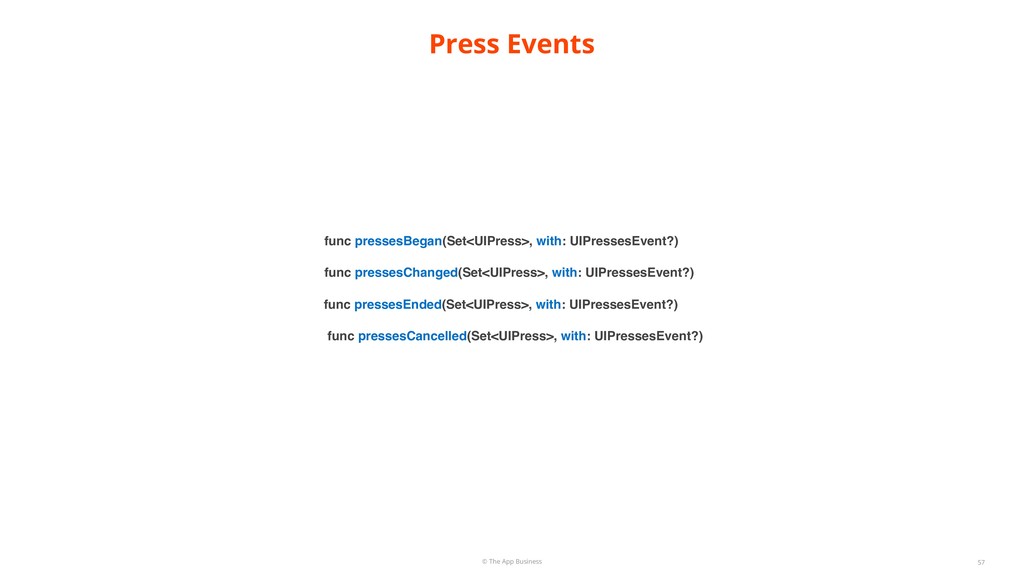
  24. © The App Business 57 Press Events func pressesBegan(Set<UIPress>, with:

    UIPressesEvent?) func pressesChanged(Set<UIPress>, with: UIPressesEvent?) func pressesEnded(Set<UIPress>, with: UIPressesEvent?) func pressesCancelled(Set<UIPress>, with: UIPressesEvent?)
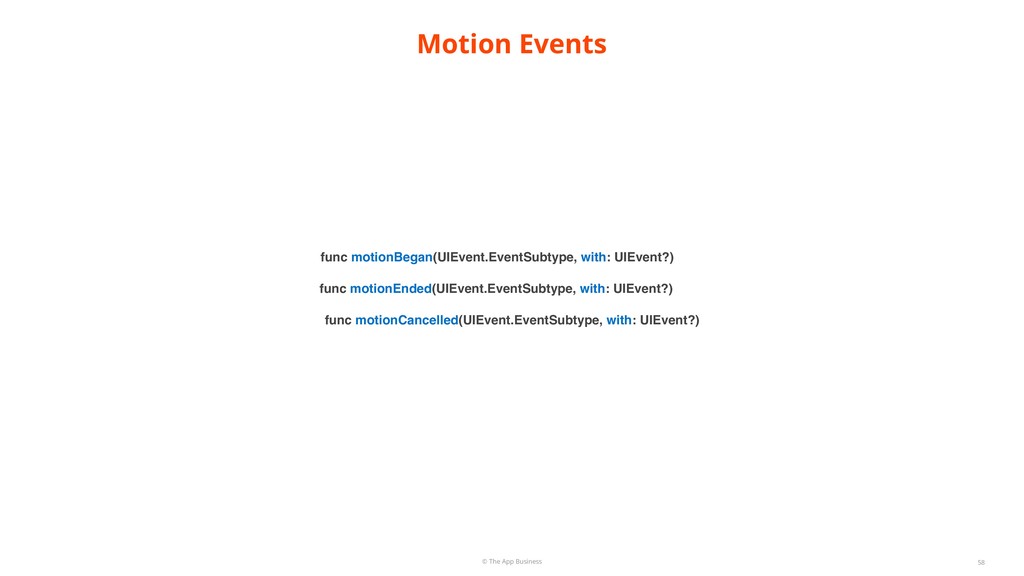
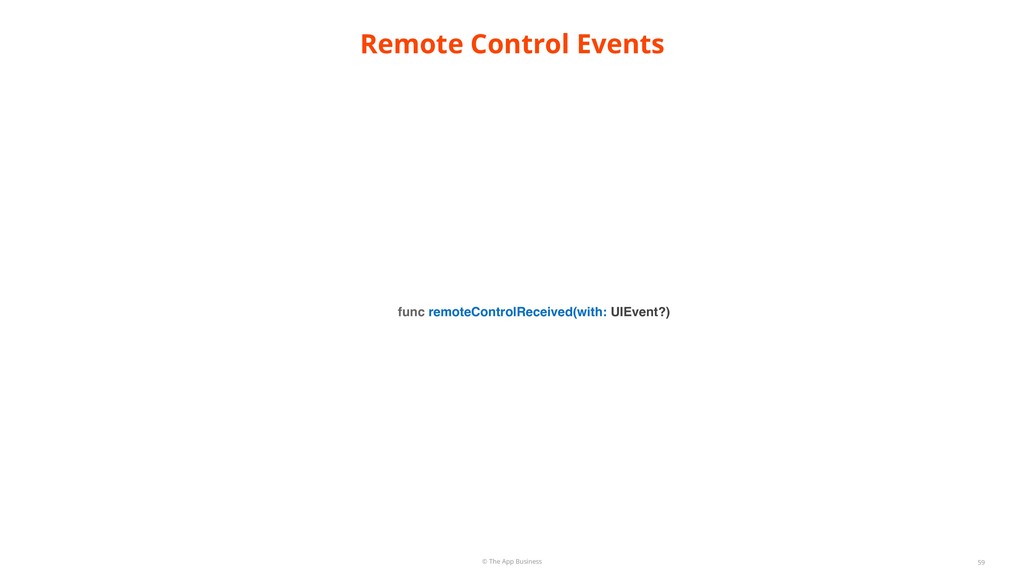
  25. © The App Business 58 Motion Events func motionBegan(UIEvent.EventSubtype, with:

    UIEvent?) func motionEnded(UIEvent.EventSubtype, with: UIEvent?) func motionCancelled(UIEvent.EventSubtype, with: UIEvent?)
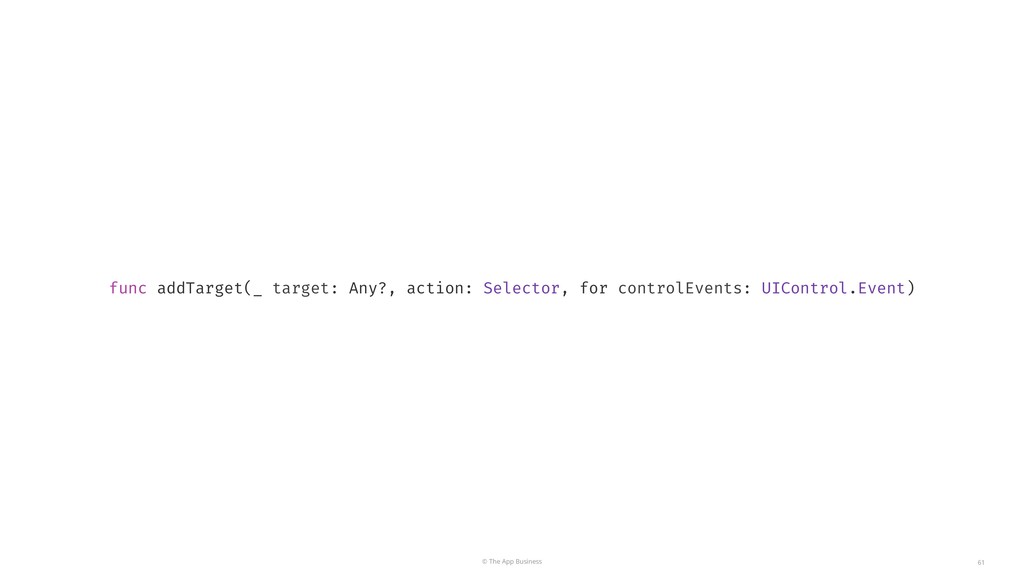
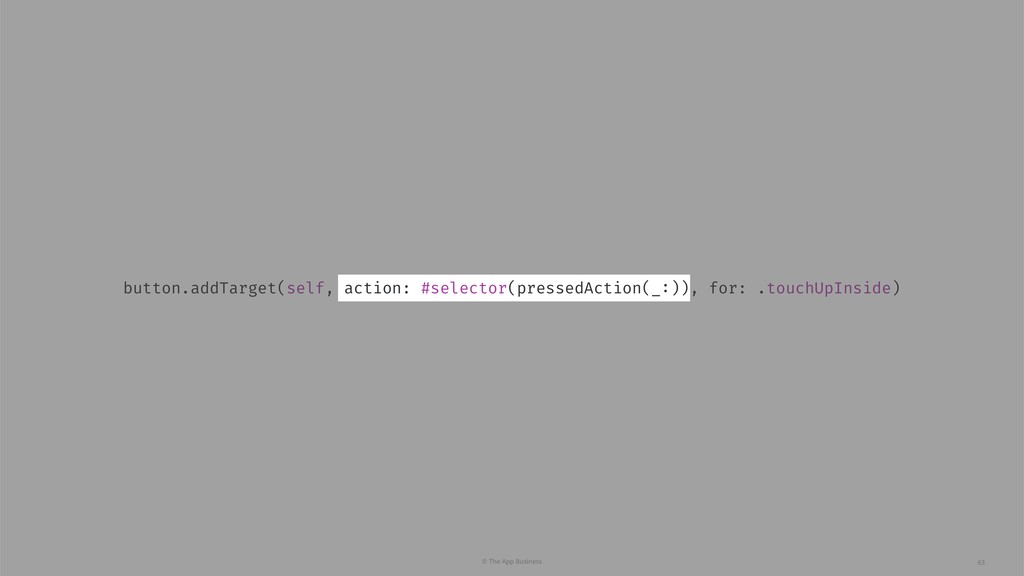
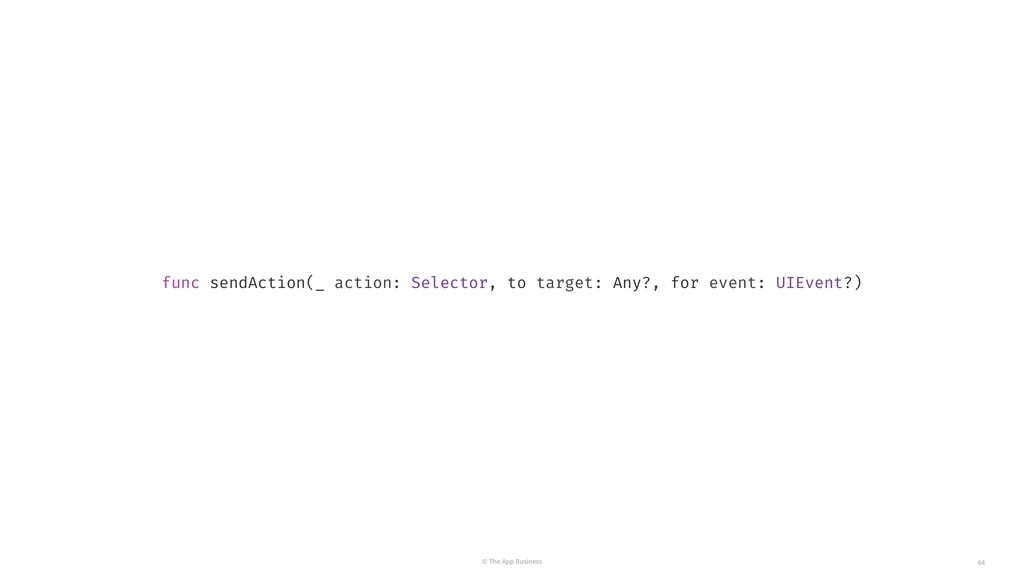
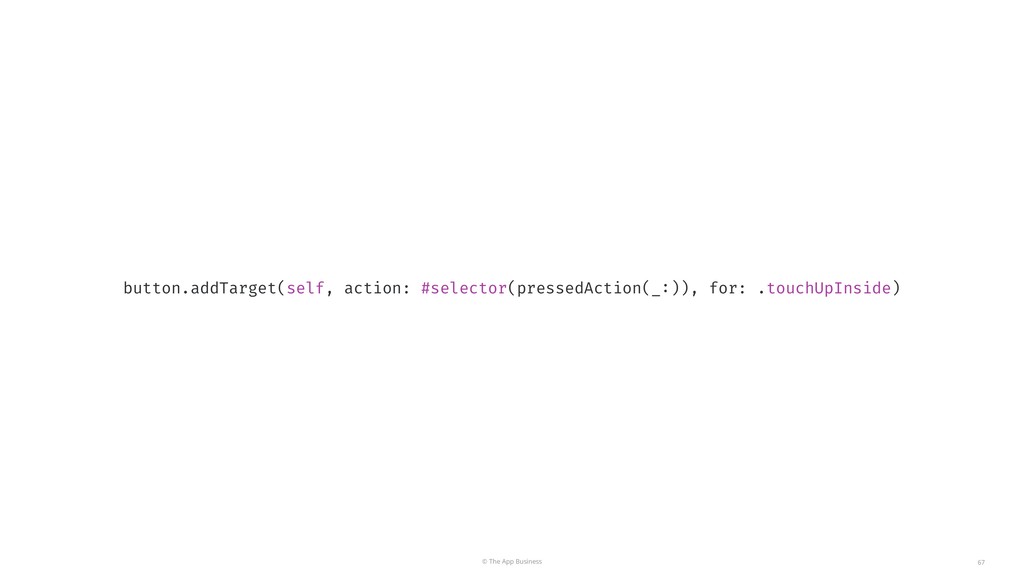
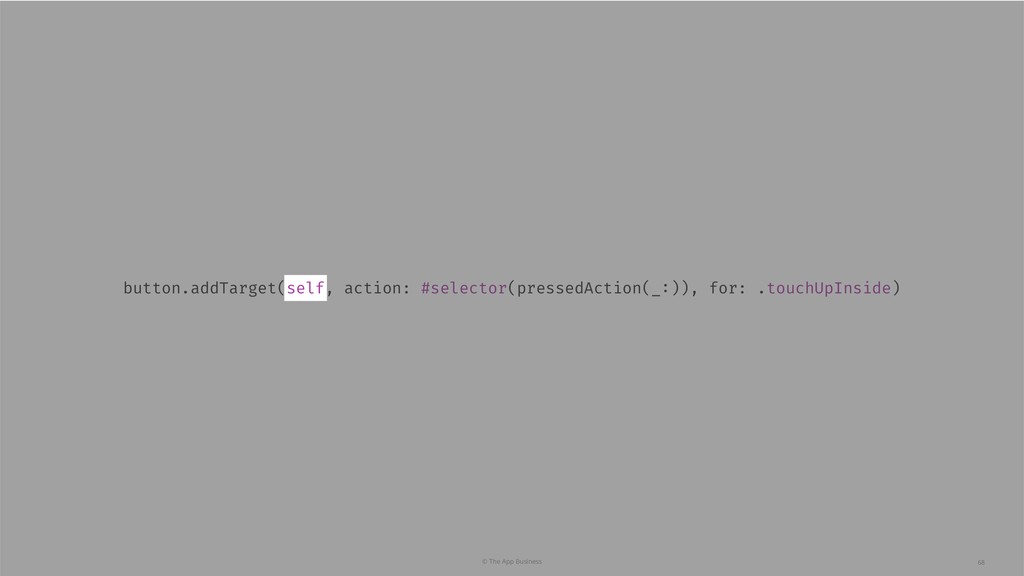
  26. © The App Business 61 func addTarget(_ target: Any?, action:

    Selector, for controlEvents: UIControl.Event)
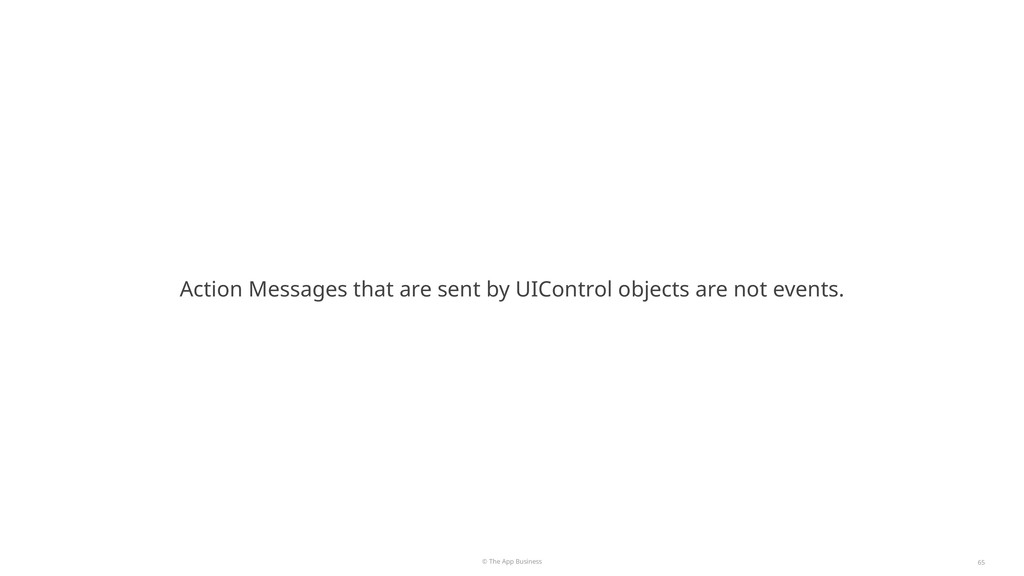
  27. © The App Business 65 Action Messages that are sent

    by UIControl objects are not events.
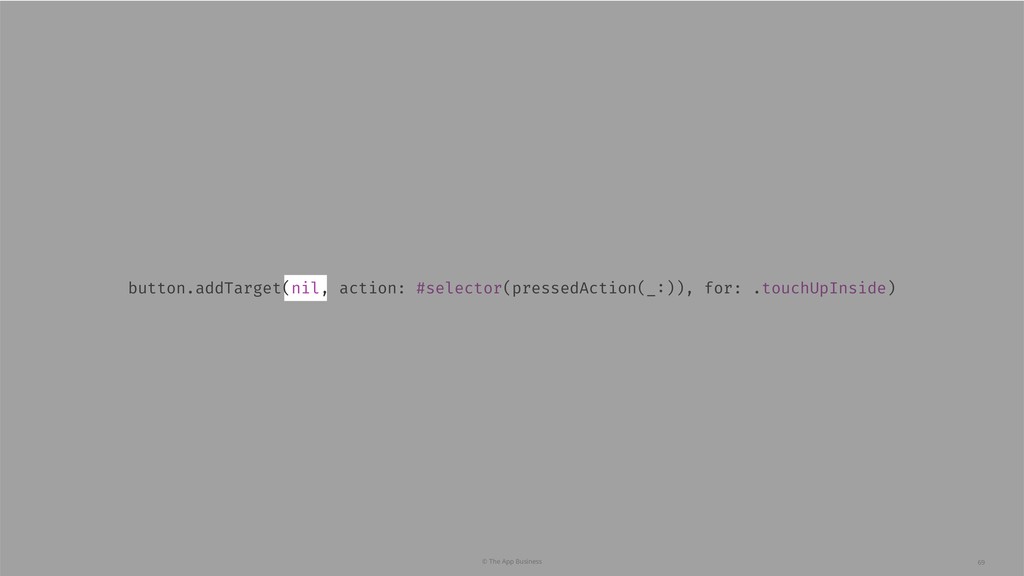
  28. © The App Business 70 Taking Advantage of the Responder

    Chain UIControl by setting target to nil, can send actions up the responder chain.
  29. © The App Business 71 Taking Advantage of the Responder

    Chain Although they’re not events.
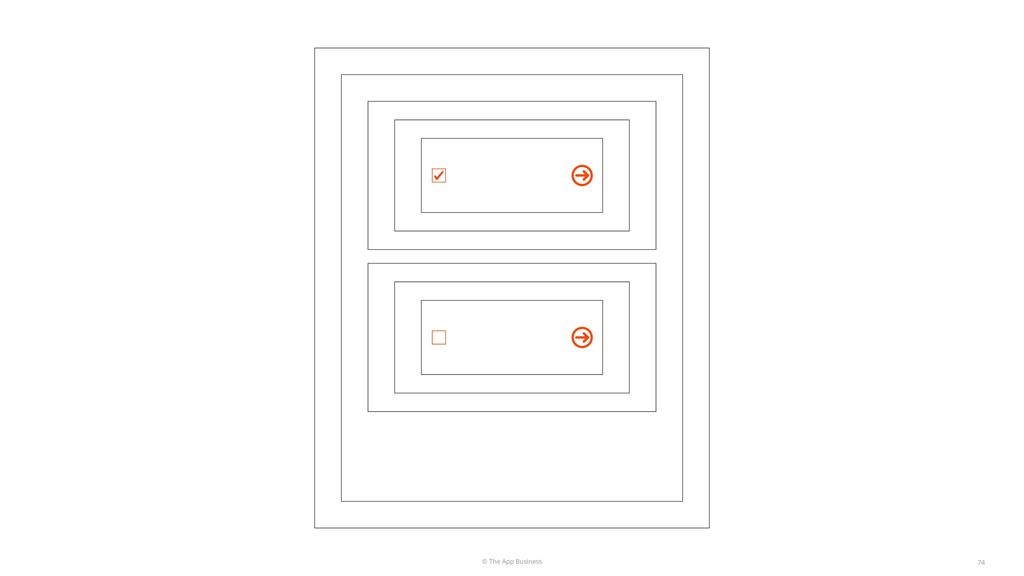
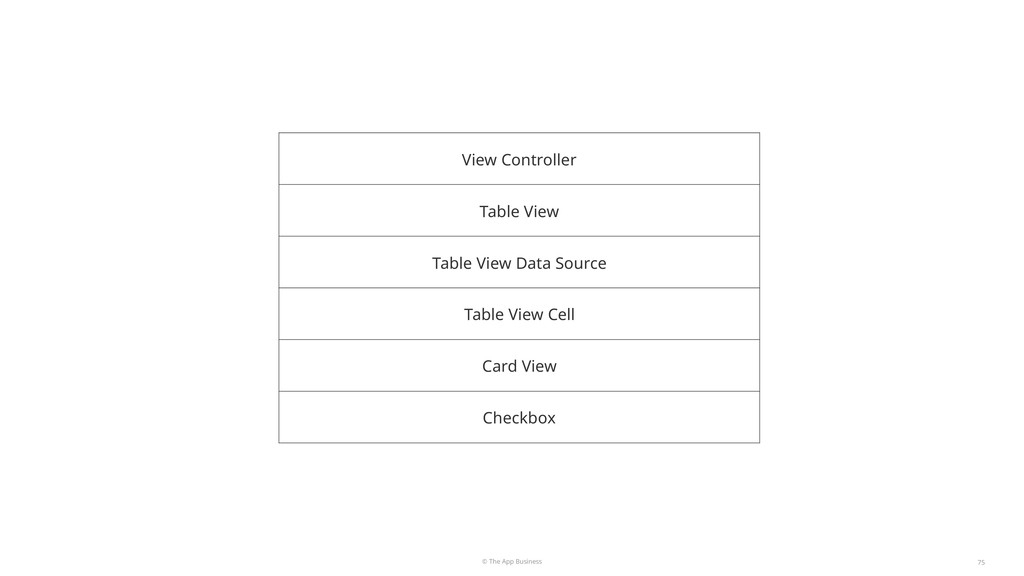
  30. © The App Business 75 View Controller Table View Table

    View Data Source Table View Cell Card View Checkbox
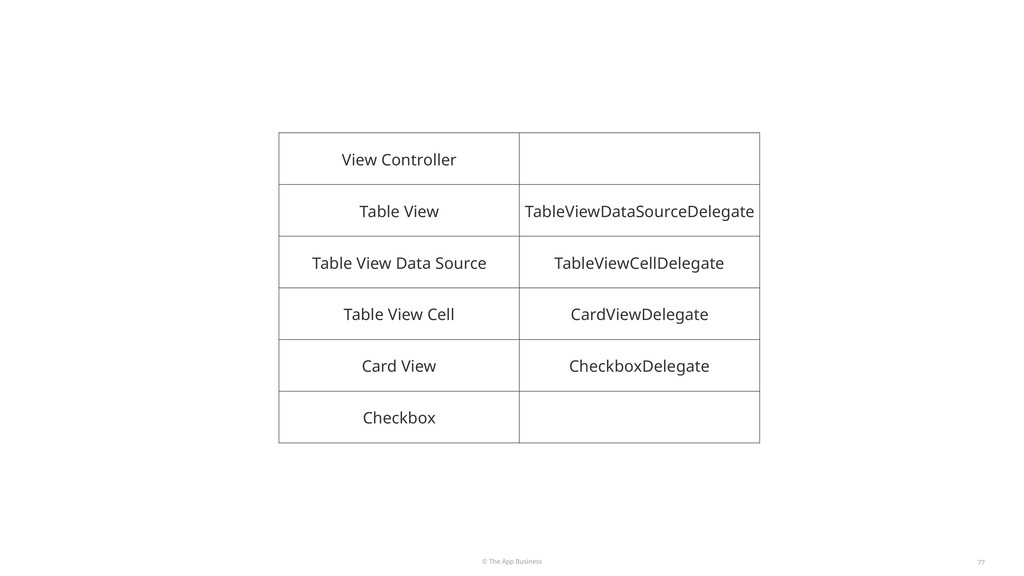
  31. © The App Business 77 View Controller Table View TableViewDataSourceDelegate

    Table View Data Source TableViewCellDelegate Table View Cell CardViewDelegate Card View CheckboxDelegate Checkbox
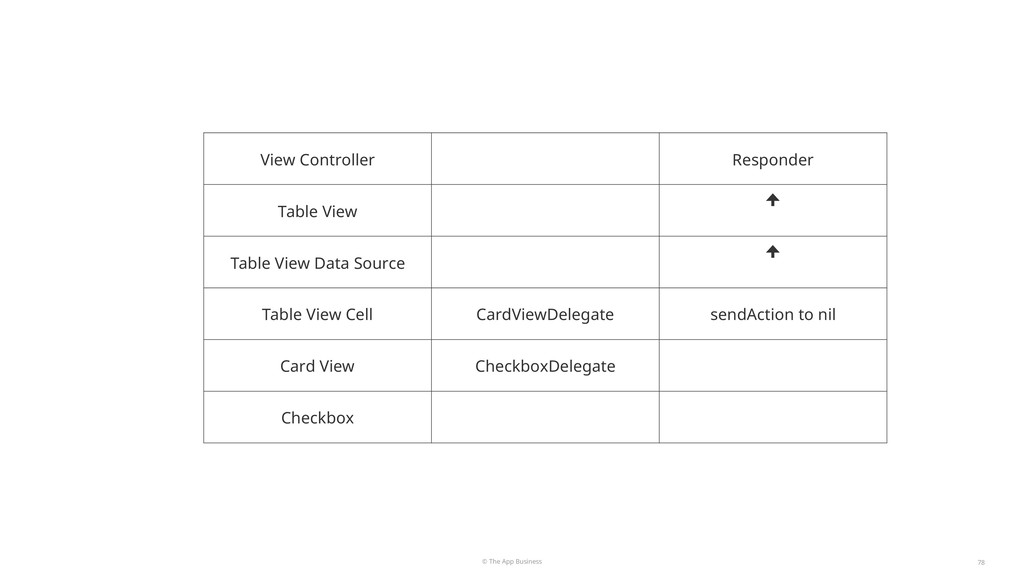
  32. © The App Business 78 View Controller Responder Table View

    ꜛ Table View Data Source ꜛ Table View Cell CardViewDelegate sendAction to nil Card View CheckboxDelegate Checkbox
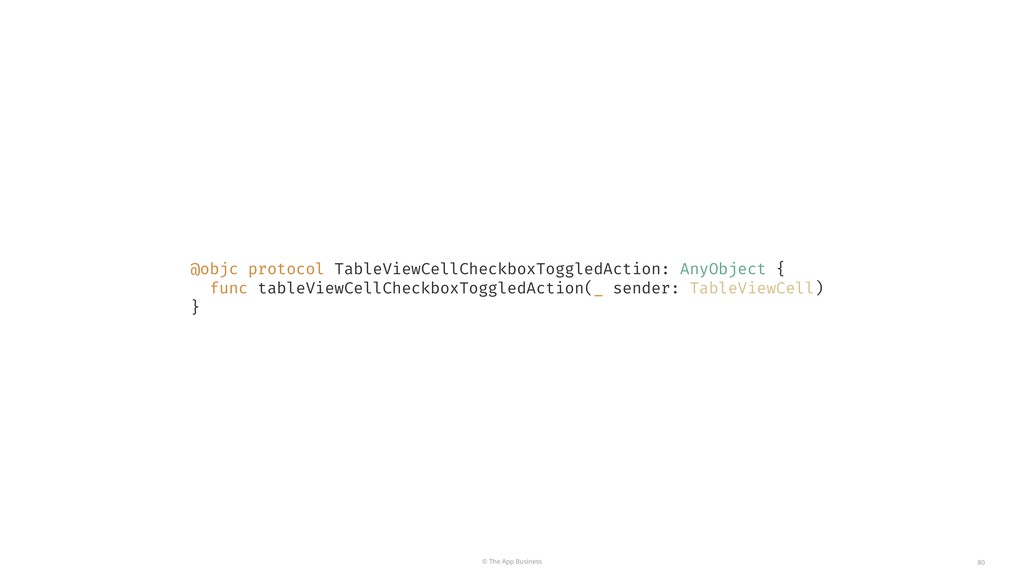
  33. © The App Business 80 @objc protocol TableViewCellCheckboxToggledAction: AnyObject {

    func tableViewCellCheckboxToggledAction(_ sender: TableViewCell) }
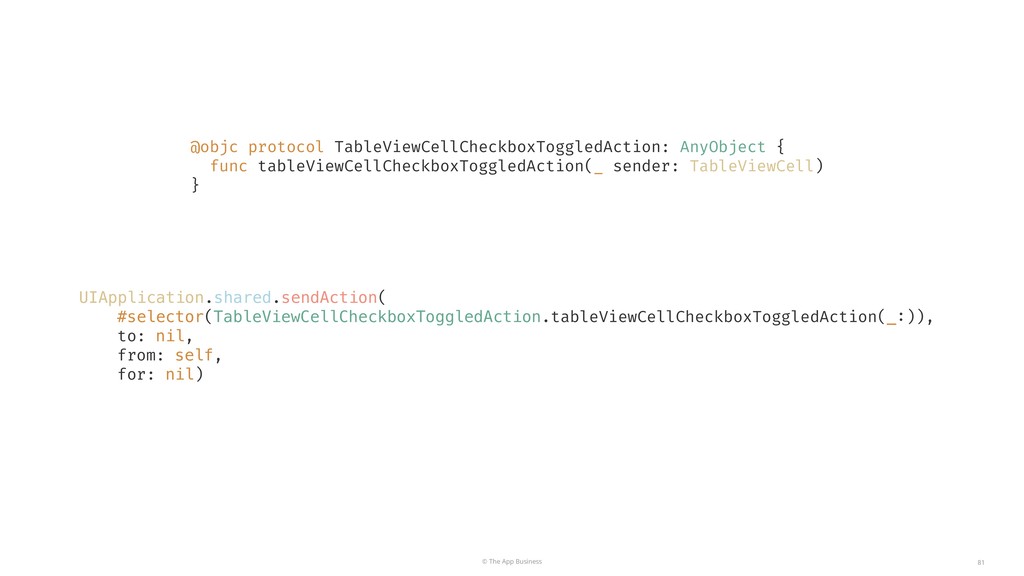
  34. © The App Business 81 @objc protocol TableViewCellCheckboxToggledAction: AnyObject {

    func tableViewCellCheckboxToggledAction(_ sender: TableViewCell) } UIApplication.shared.sendAction( #selector(TableViewCellCheckboxToggledAction.tableViewCellCheckboxToggledAction(_:)), to: nil, from: self, for: nil)
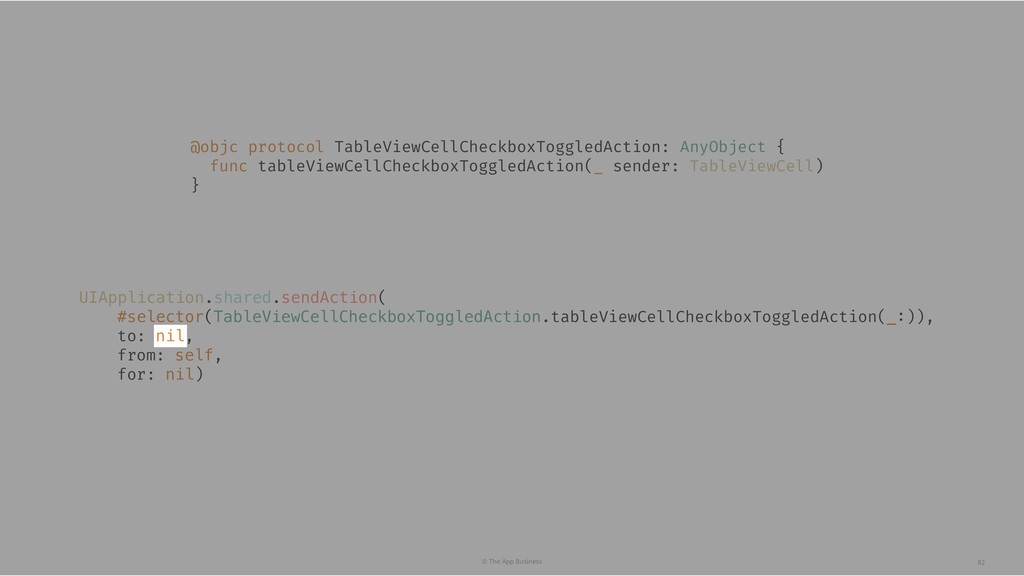
  35. © The App Business 82 @objc protocol TableViewCellCheckboxToggledAction: AnyObject {

    func tableViewCellCheckboxToggledAction(_ sender: TableViewCell) } UIApplication.shared.sendAction( #selector(TableViewCellCheckboxToggledAction.tableViewCellCheckboxToggledAction(_:)), to: nil, from: self, for: nil)
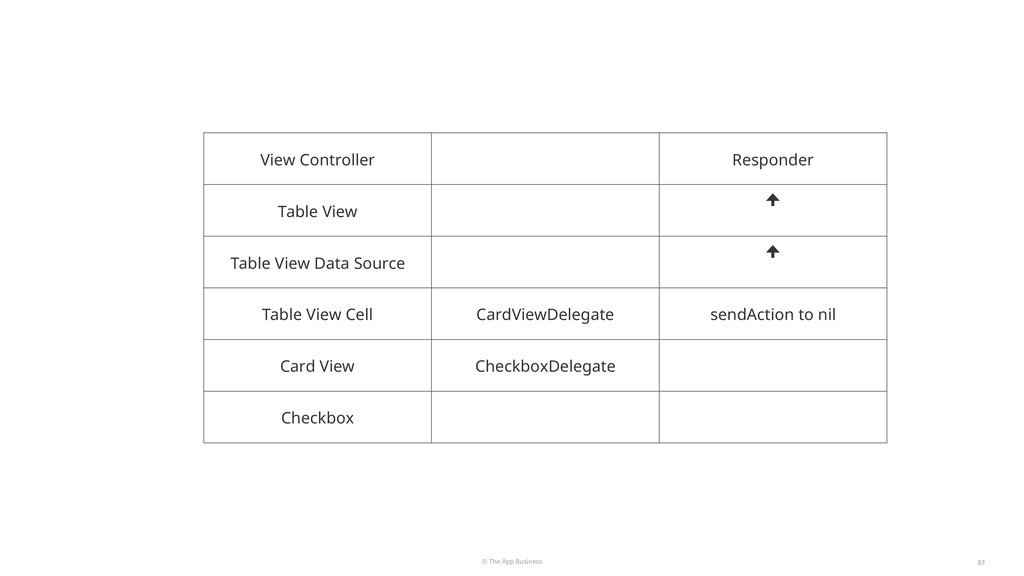
  36. © The App Business 83 View Controller Responder Table View

    ꜛ Table View Data Source ꜛ Table View Cell CardViewDelegate sendAction to nil Card View CheckboxDelegate Checkbox
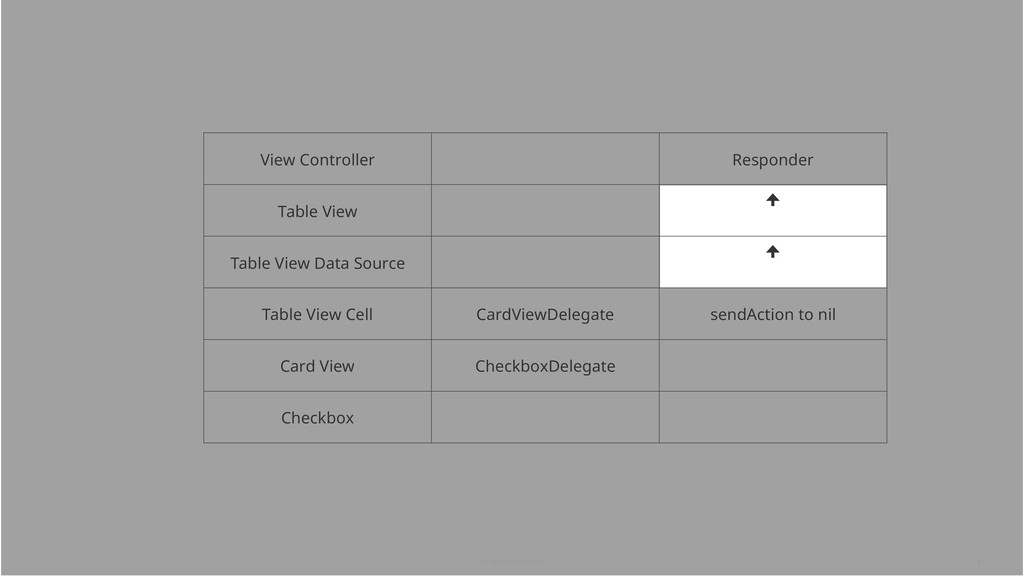
  37. © The App Business 84 View Controller Responder Table View

    ꜛ Table View Data Source ꜛ Table View Cell CardViewDelegate sendAction to nil Card View CheckboxDelegate Checkbox
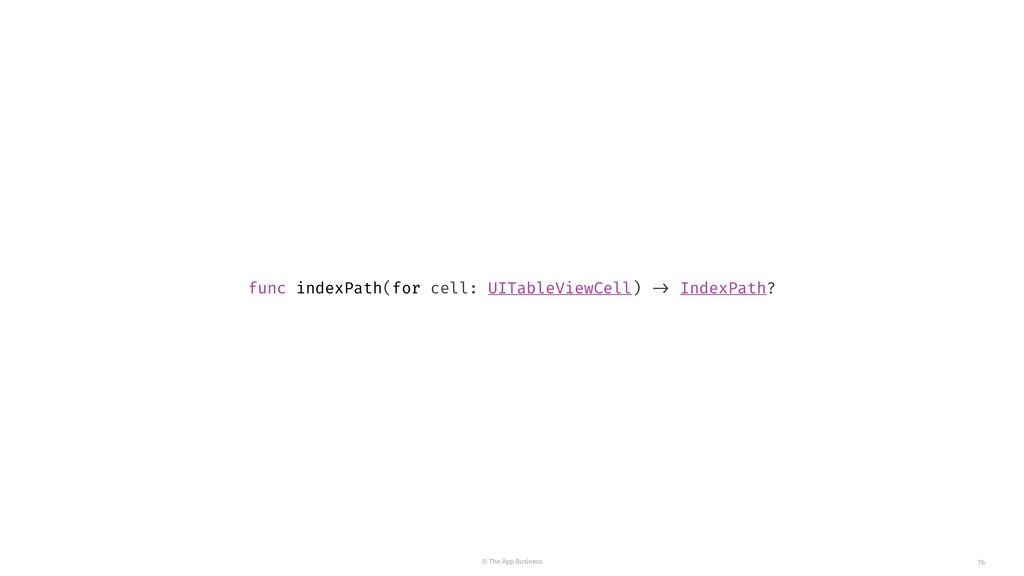
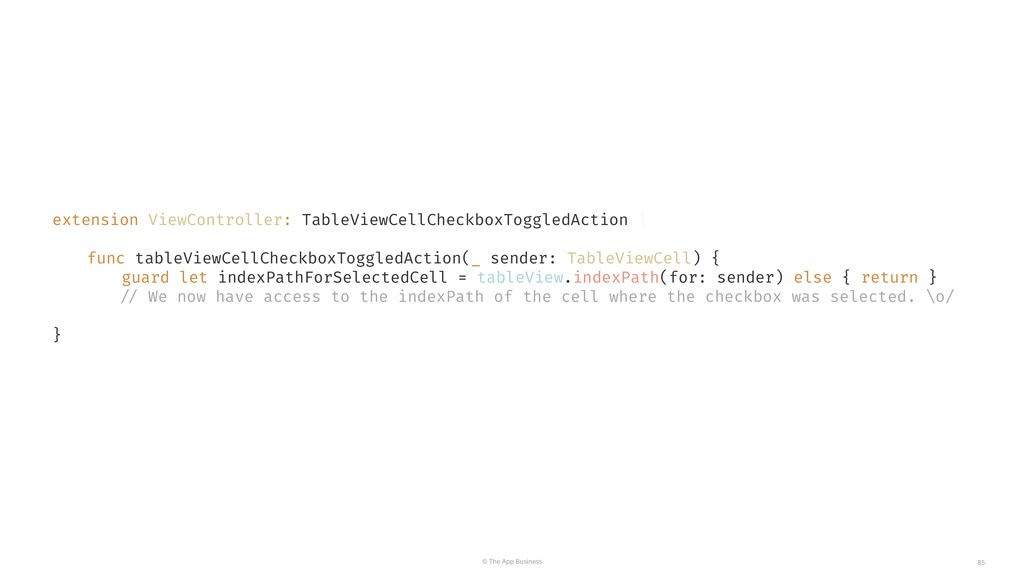
  38. © The App Business 85 extension ViewController: TableViewCellCheckboxToggledAction { func

    tableViewCellCheckboxToggledAction(_ sender: TableViewCell) { guard let indexPathForSelectedCell = tableView.indexPath(for: sender) else { return } // We now have access to the indexPath of the cell where the checkbox was selected. \o/ }