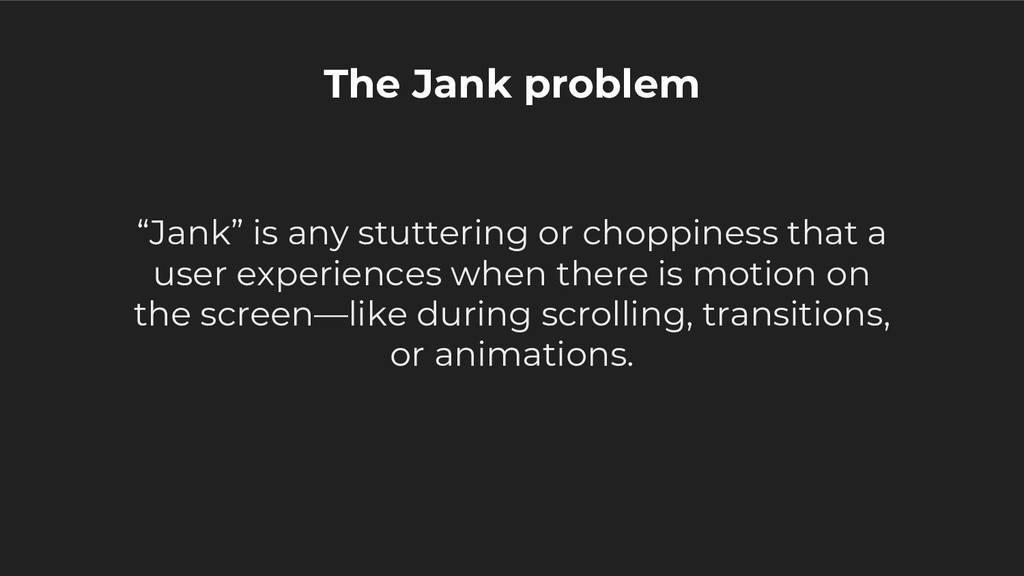
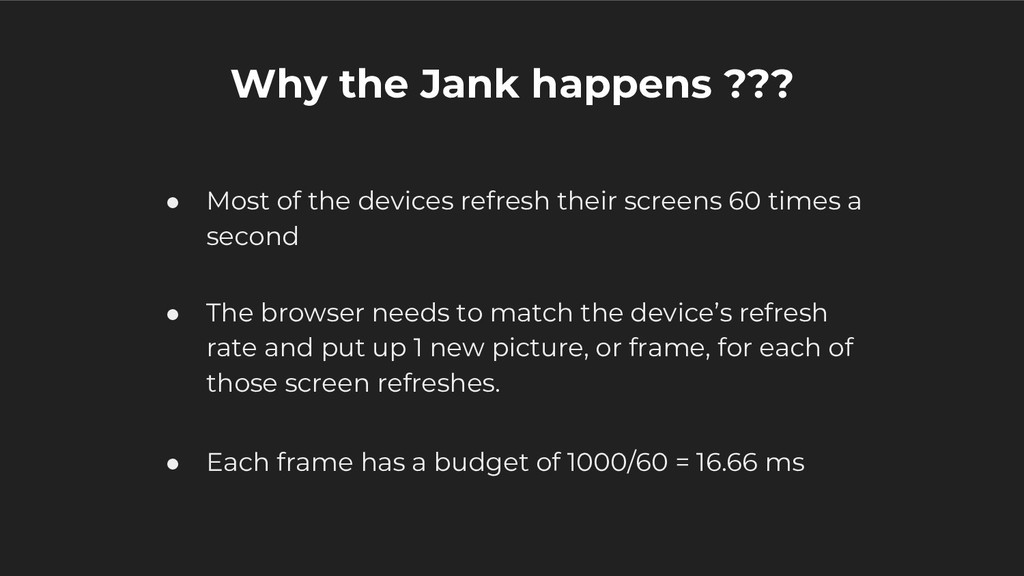
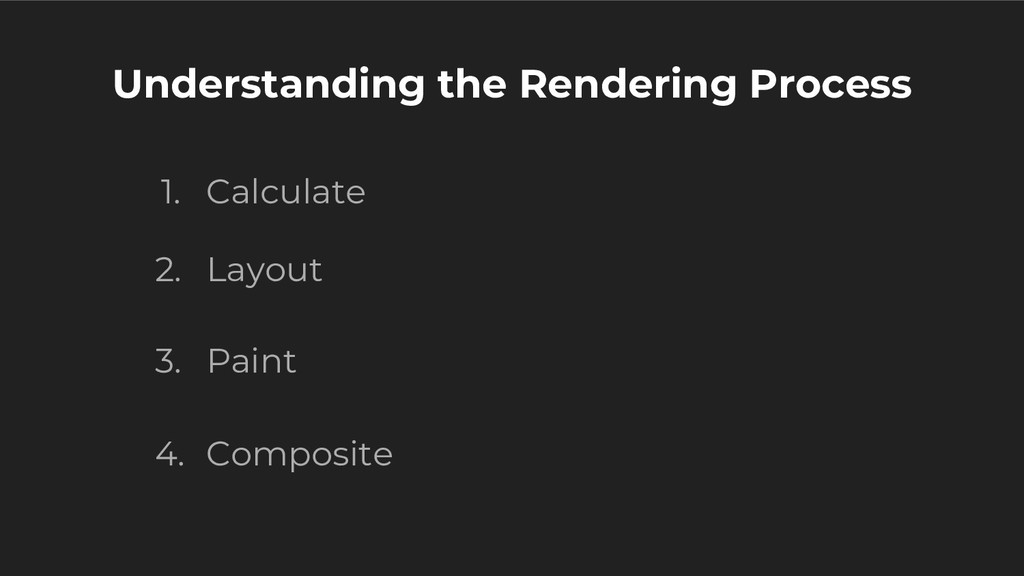
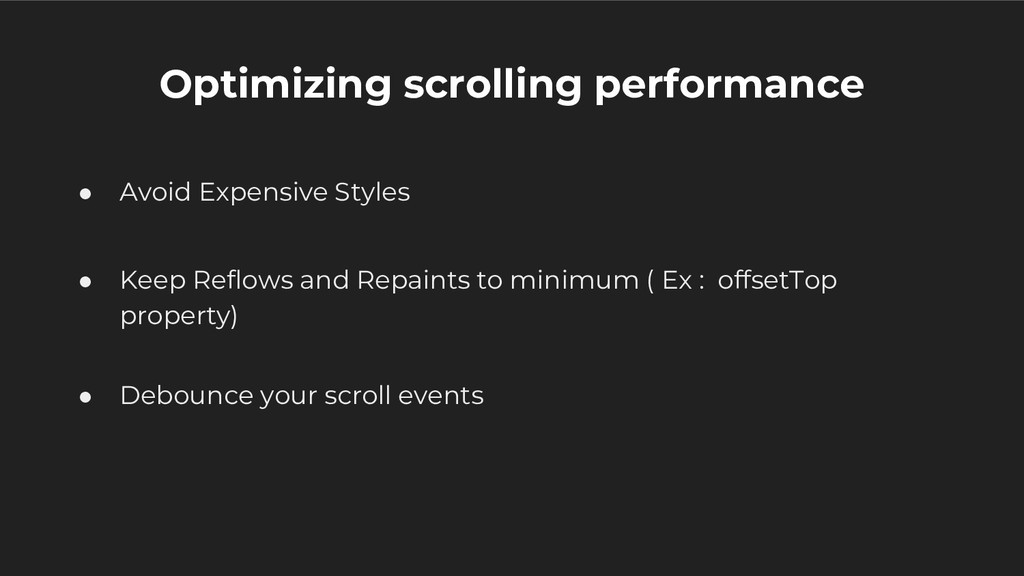
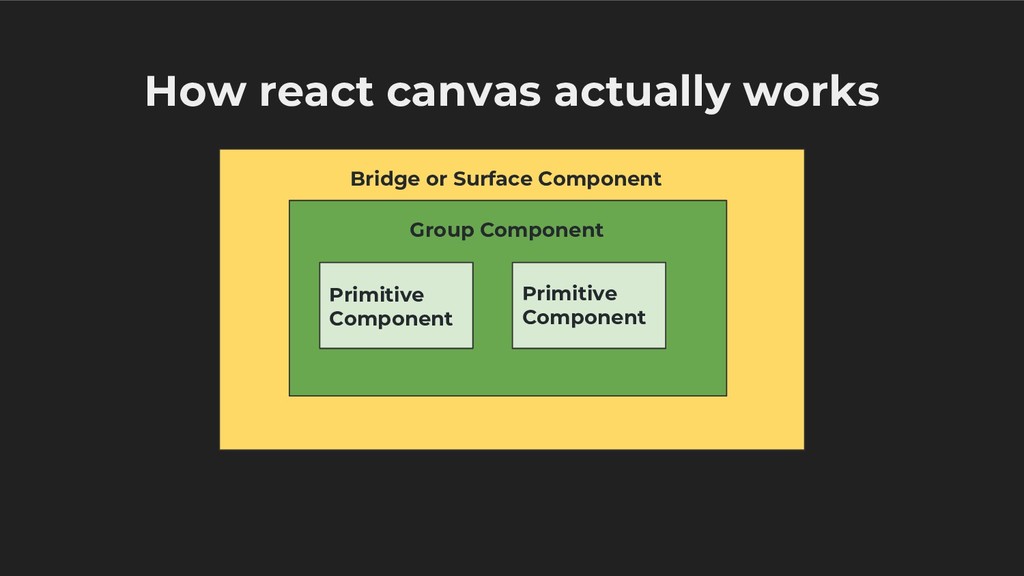
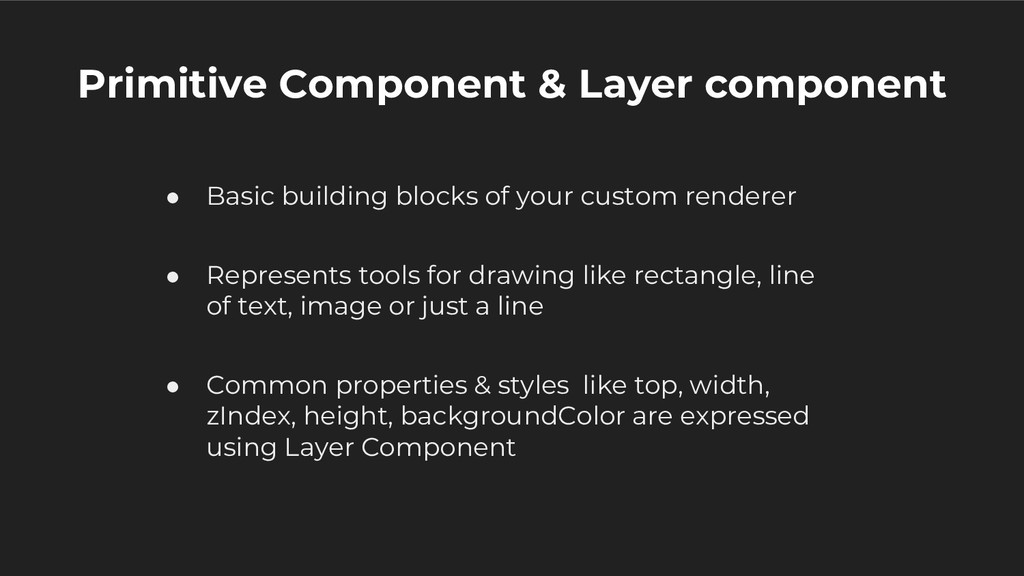
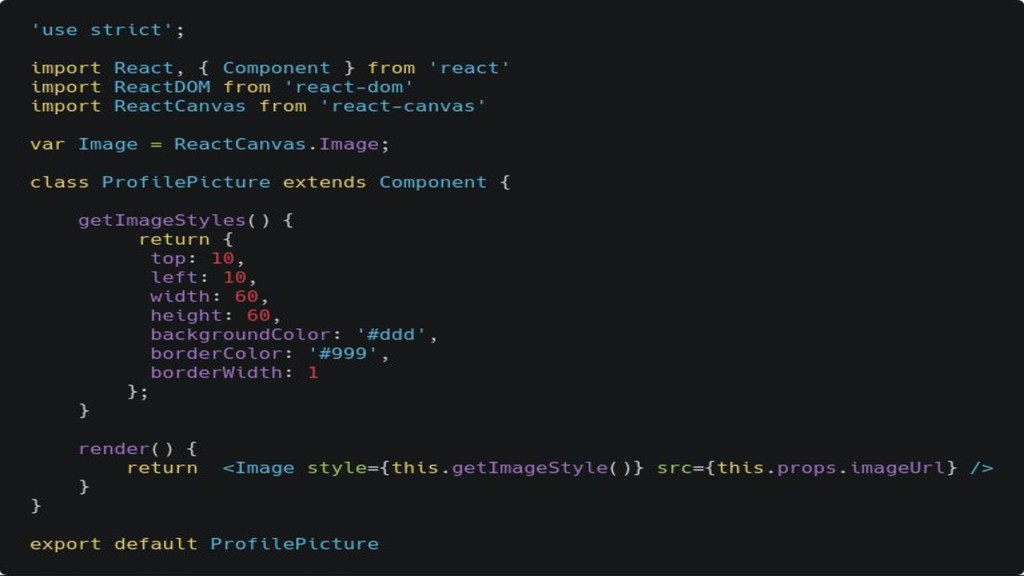
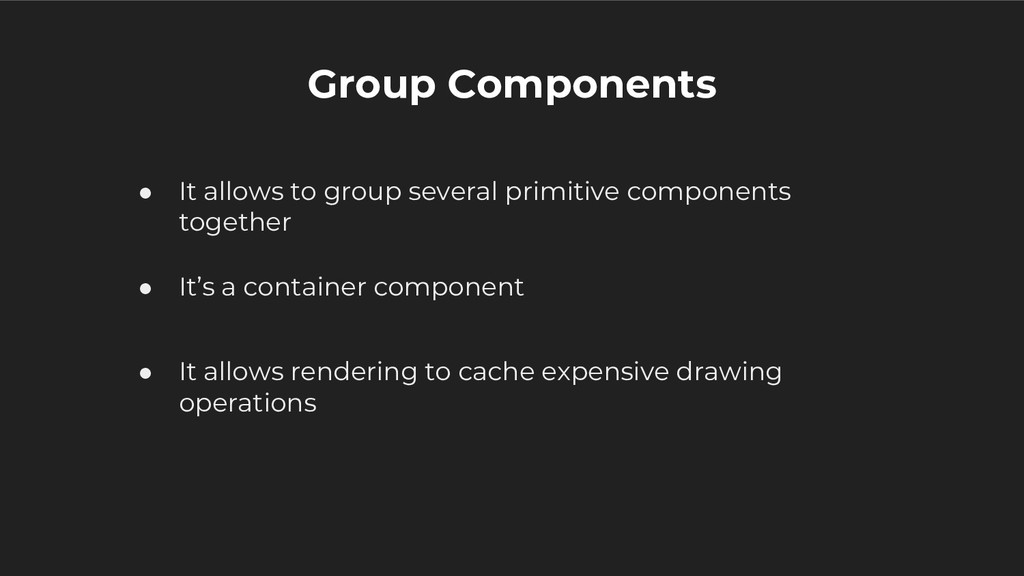
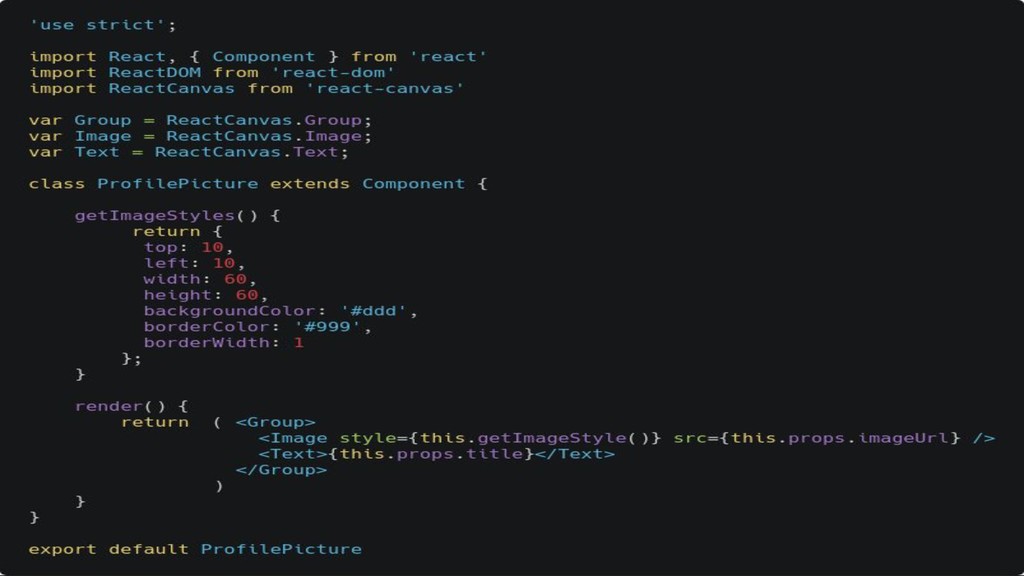
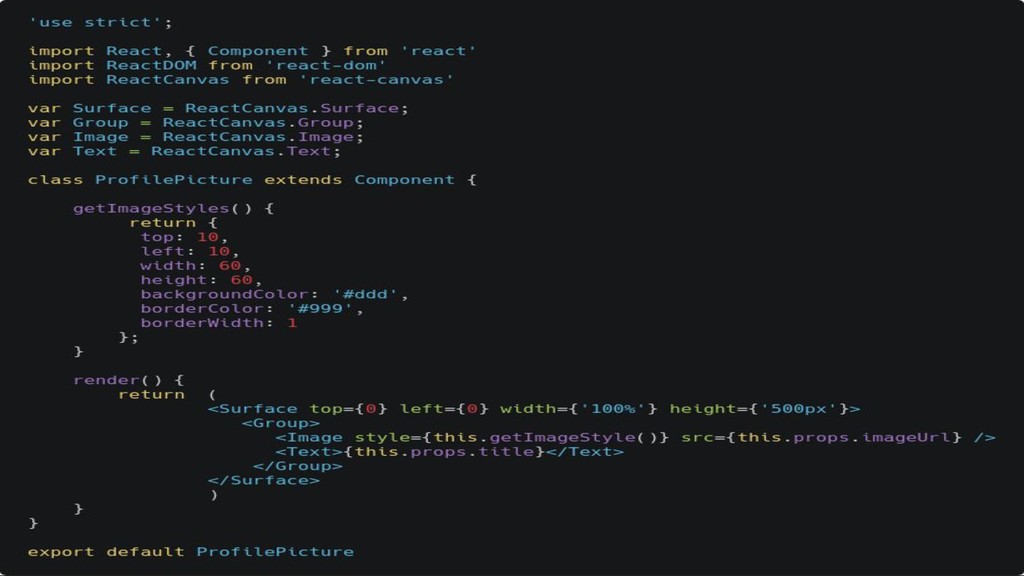
My main focus is to show how react canvas can be used to optimize scrolling performance and avoid the jank which we experience while showing complex animations on mobile web. I would go through the problems we face while currently doing complex animations, and how we can use react canvas together with our other components to optimize rendering performance and get a seamless native like experience on moile web.
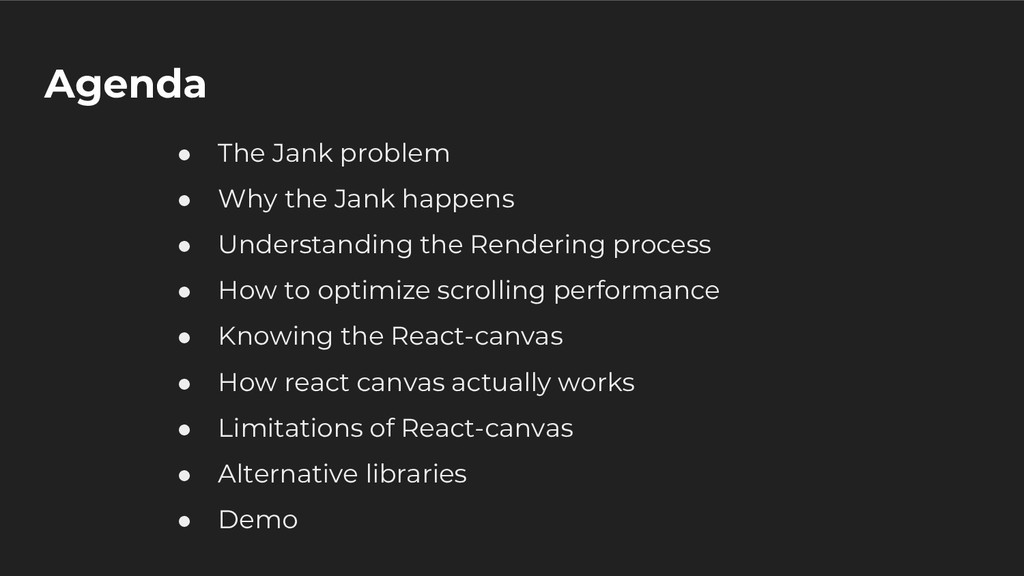
I would address on the following things:
1) The jank problem on the web while doing animations.
2) How we can optimize the scrolling performance.
3) How React Canvas does it.
4) Benefits of React Canvas.
5) When to use it?
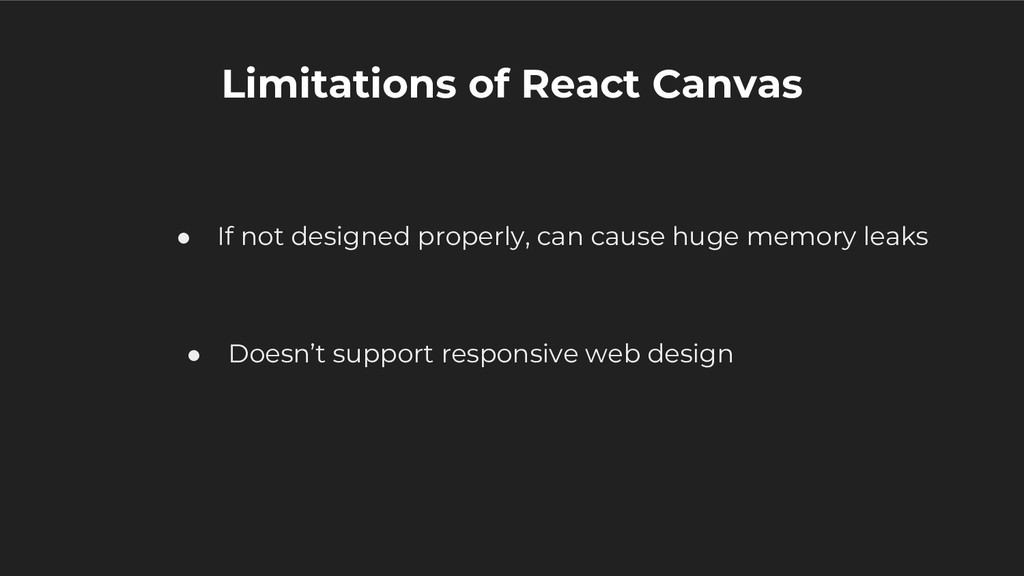
6) Limitations
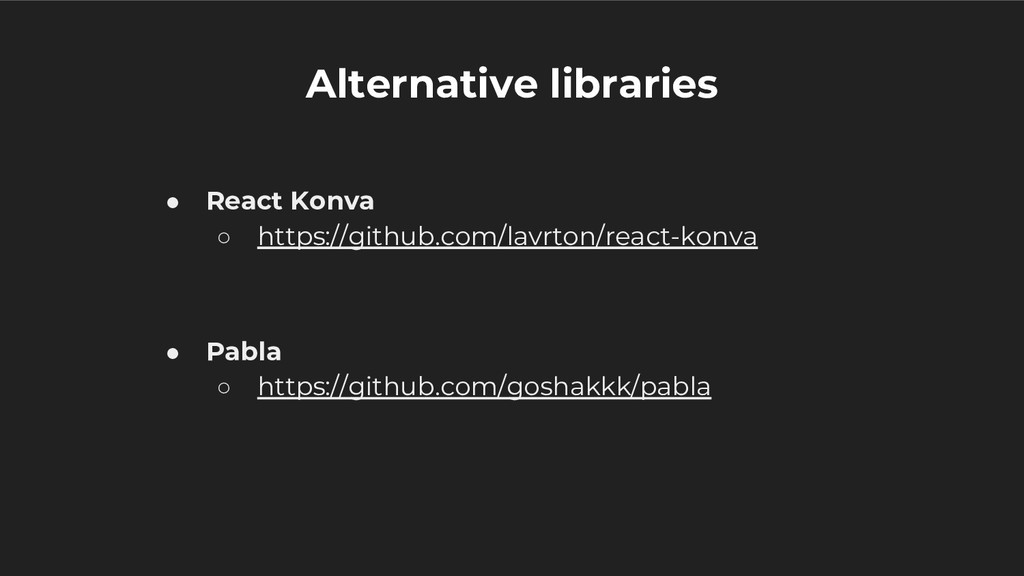
7) Alternative libraries which lets you play with the canvas.
7) Demo - The scenario at Bookmyshow where we would be using react canvas to solve our problem of user experiencing a jank when he/she tries to scroll through very big seat layout for boooking.


 occhi
occhi
 maimyyym
 camiha
 koukihosaka
 yamanoku
 shugo
shugo
 makocchi
 gionn
gionn
 kenichiodo
 ezaki
ezaki
 kakehashi
 teamlab
 matthewcrist
 pedronauck
 gr2m
gr2m
 aleyda
 mfonobong
 bkeepers
.png) helenjbeal
helenjbeal
 frankvandijk
 panda_program
 destraynor
 addyosmani
 hannesfritz